
7 Solution Architect - Azure, .NET CV Templates with Example
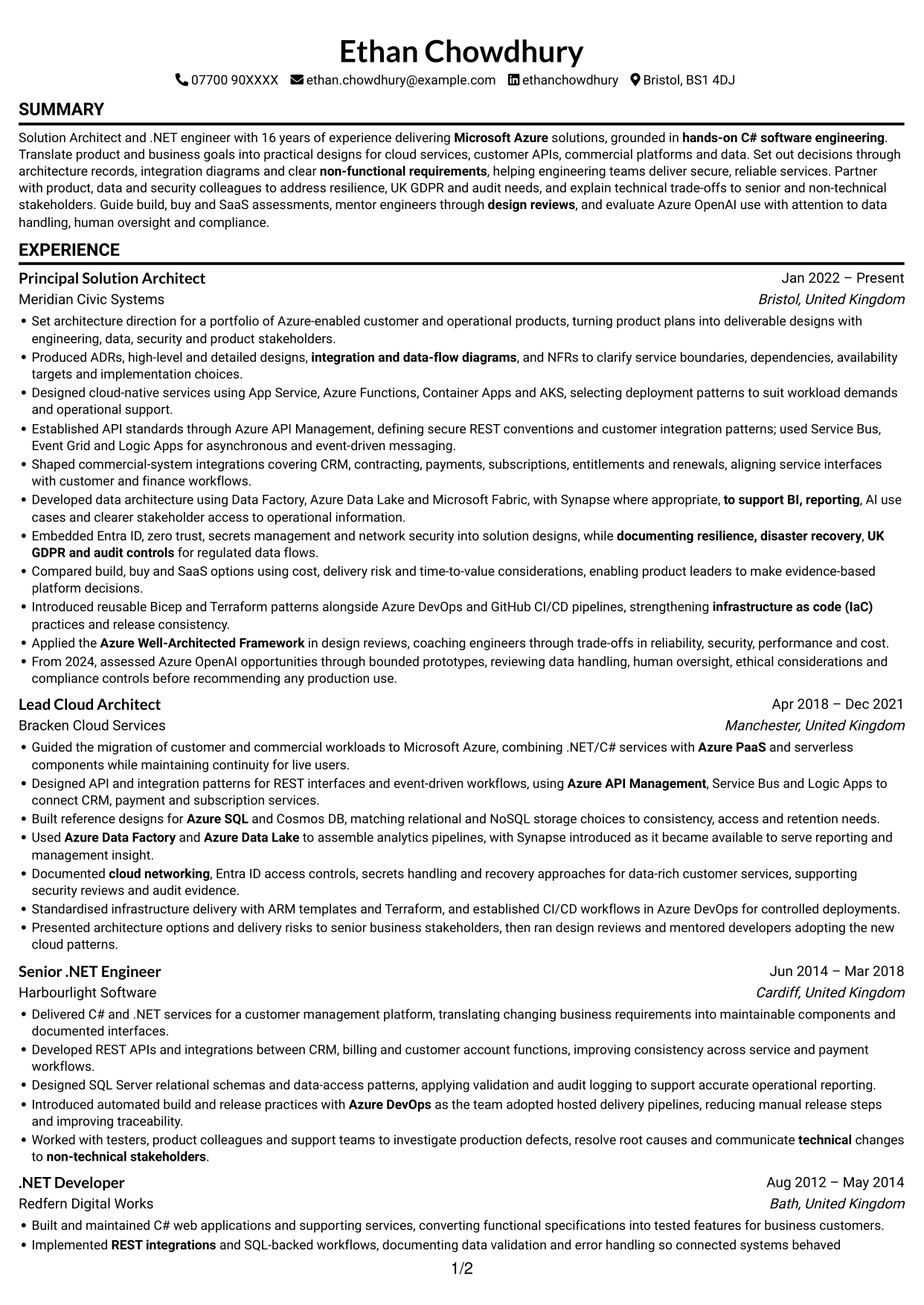
This guide shows you how to create a Solution Architect - Azure, .NET CV that presents your design work clearly. It helps you organise your evidence and choose a format that makes your strengths easy to review.
For this role, an effective CV links architecture decisions to services that teams can deliver and support. Clear examples can show cloud design, API and data integration, security, resilience, and the reasoning behind key technical choices.
Compare the example in 7 layouts using the PNG image previews, then open a preferred example in the editor to customise it. You will also find guidance on ATS readability, section order, and relevant terms such as Azure PaaS, ADRs, NFRs, IaC and the Well-Architected Framework.
What Makes a Great Solution Architect - Azure, .NET CV in 2026
A strong CV makes architecture decisions, delivery work and technical leadership easy to scan. Focus each bullet on your contribution and the value it brought to a service or team.
Use relevant terms such as Azure API Management, Entra ID, Azure SQL, Cosmos DB and CI/CD where they match your experience. Add clear evidence for security, resilience, data design and measurable results.
Note: CV examples are for educational purposes only. Use only information that accurately reflects your experience and qualifications. References to real organisations do not imply affiliation or endorsement.
#1 Simple One Column Format CV Example
A single-column layout gives this CV a direct top-to-bottom reading order, making a detailed career history easy to follow.
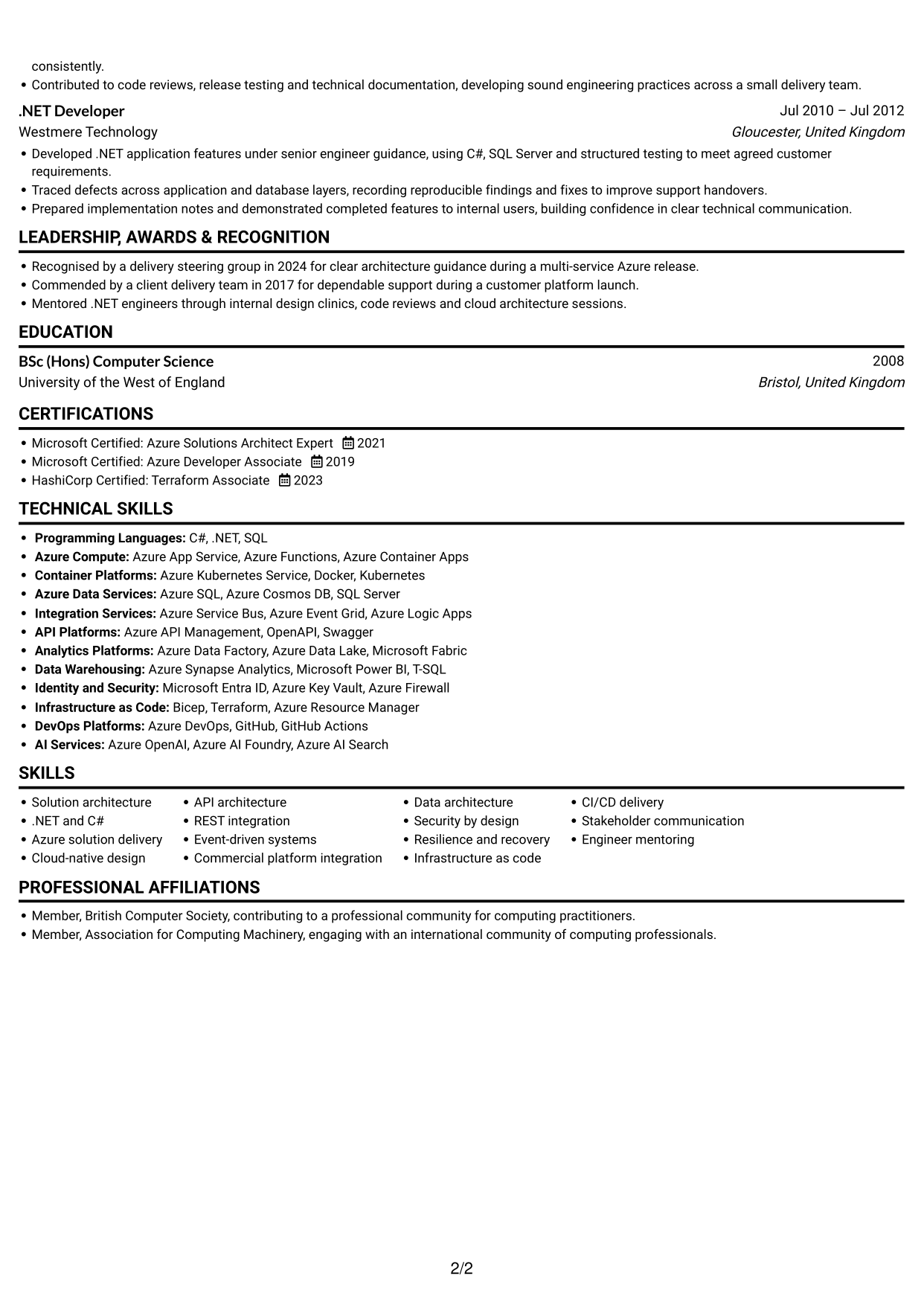
Why This Format Works
- A steady reading order helps reviewers follow career progression across several roles.
- Clear section organisation makes education and professional credentials easier to locate.
- Consistent bullet points help readers compare achievements and responsibilities.
Best For
- Linear reading order
- Detailed career histories
- Chronological experience sections
- ATS-focused document structure
- Straightforward section navigation
CV Keywords
- Solution architecture
- 16 years of experience delivering Microsoft Azure solutions
- hands-on C# software engineering
- Azure PaaS
- Designed cloud-native services using App Service, Azure Functions, Container Apps and AKS
- Azure App Service
- Azure Functions
- AKS
- Azure API Management
- API architecture
- REST integrations
- used Service Bus, Event Grid and Logic Apps for asynchronous and event-driven messaging
- Azure SQL
- Cosmos DB
- Azure Data Factory
#2 Simple Two Column Format CV Example
The two-column layout places information in parallel areas, offering a compact way to organise a CV with several sections.
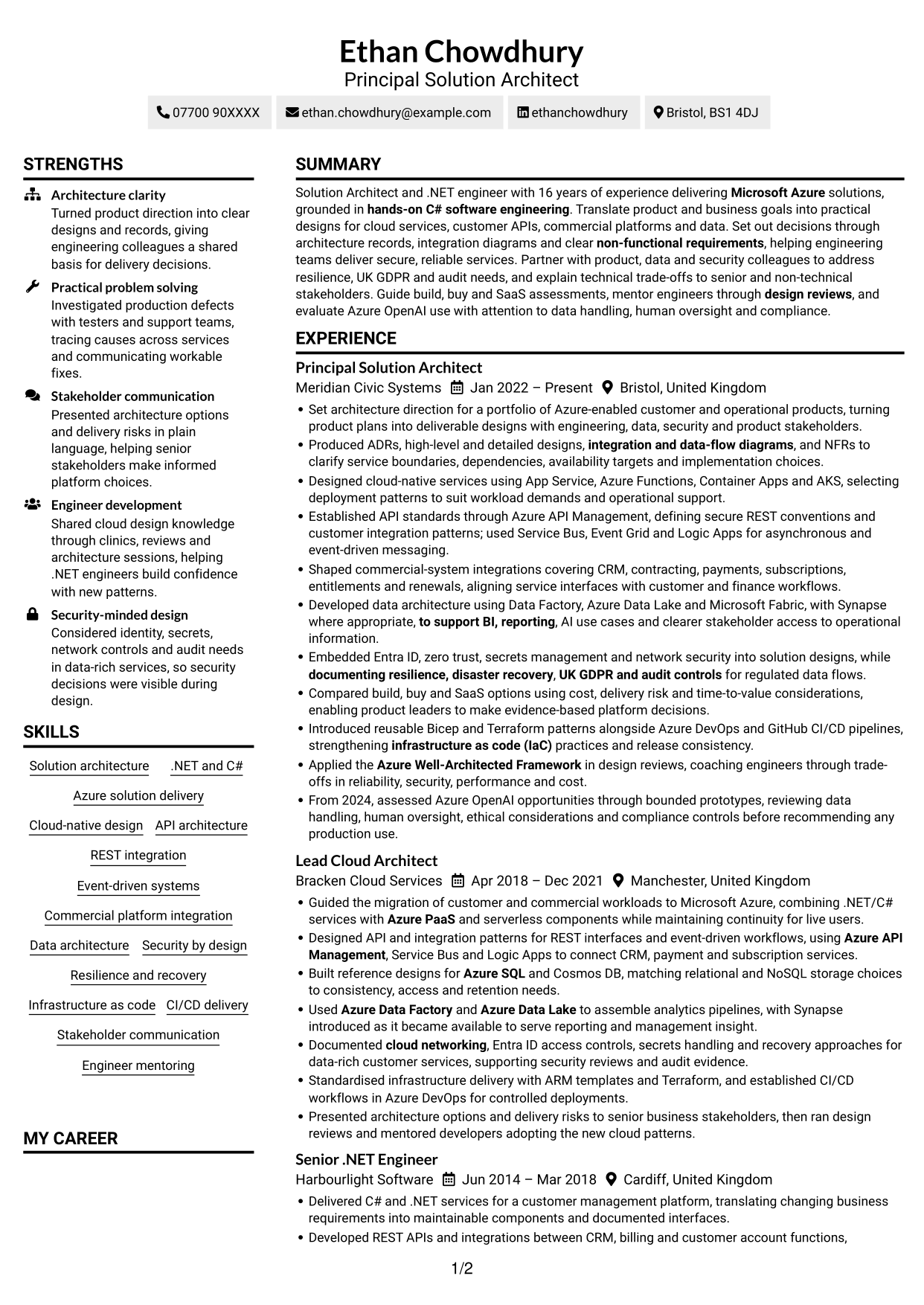
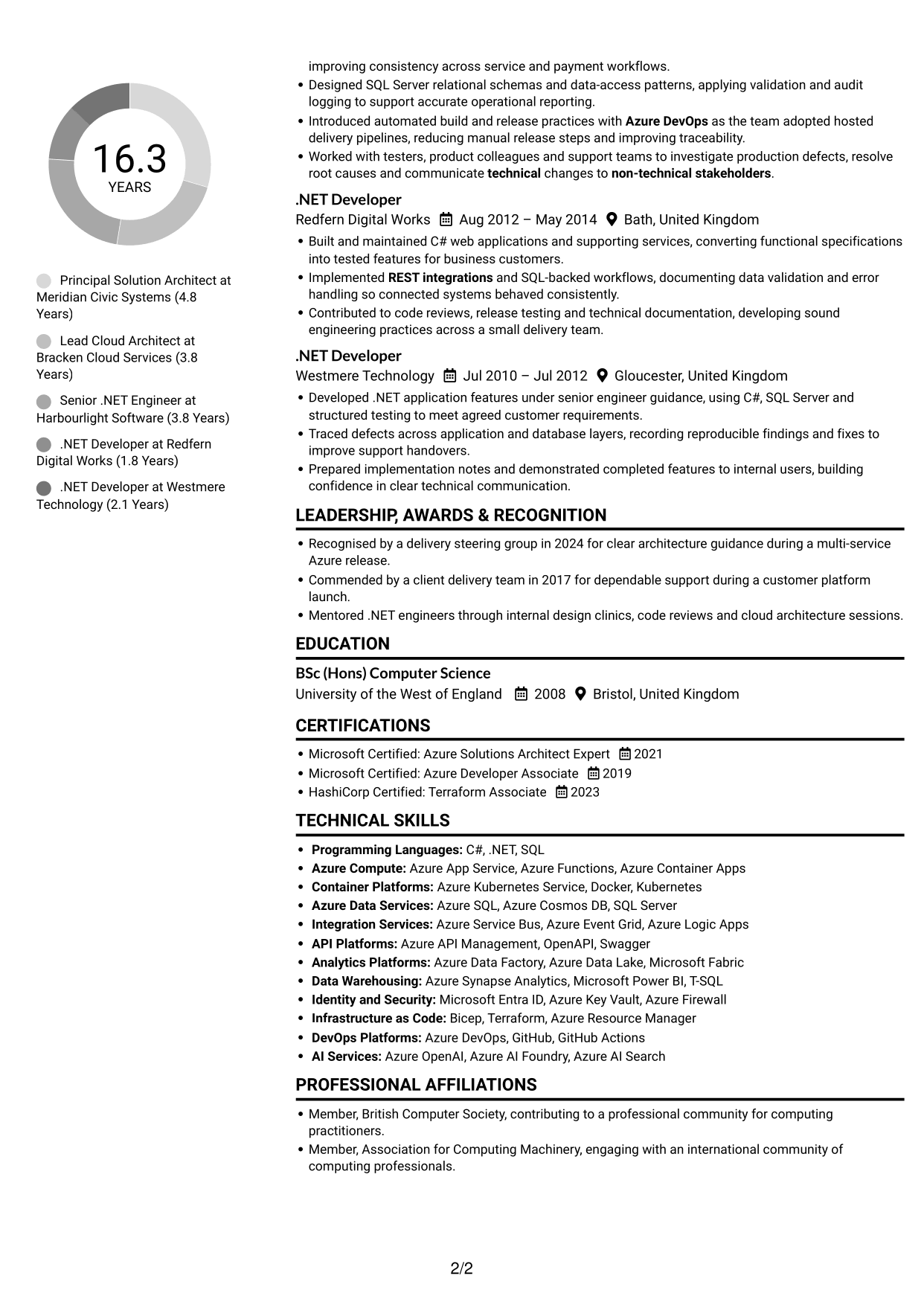
Why This Format Works
- Parallel content areas give reviewers another route through the CV’s sections.
- The layout can keep skills and career details distinct without breaking reading order.
- Separate areas help readers find education and credentials alongside career information.
Best For
- Compact information grouping
- Several distinct CV sections
- Side-by-side content review
- Skills and experience together
- Readers who prefer parallel organisation
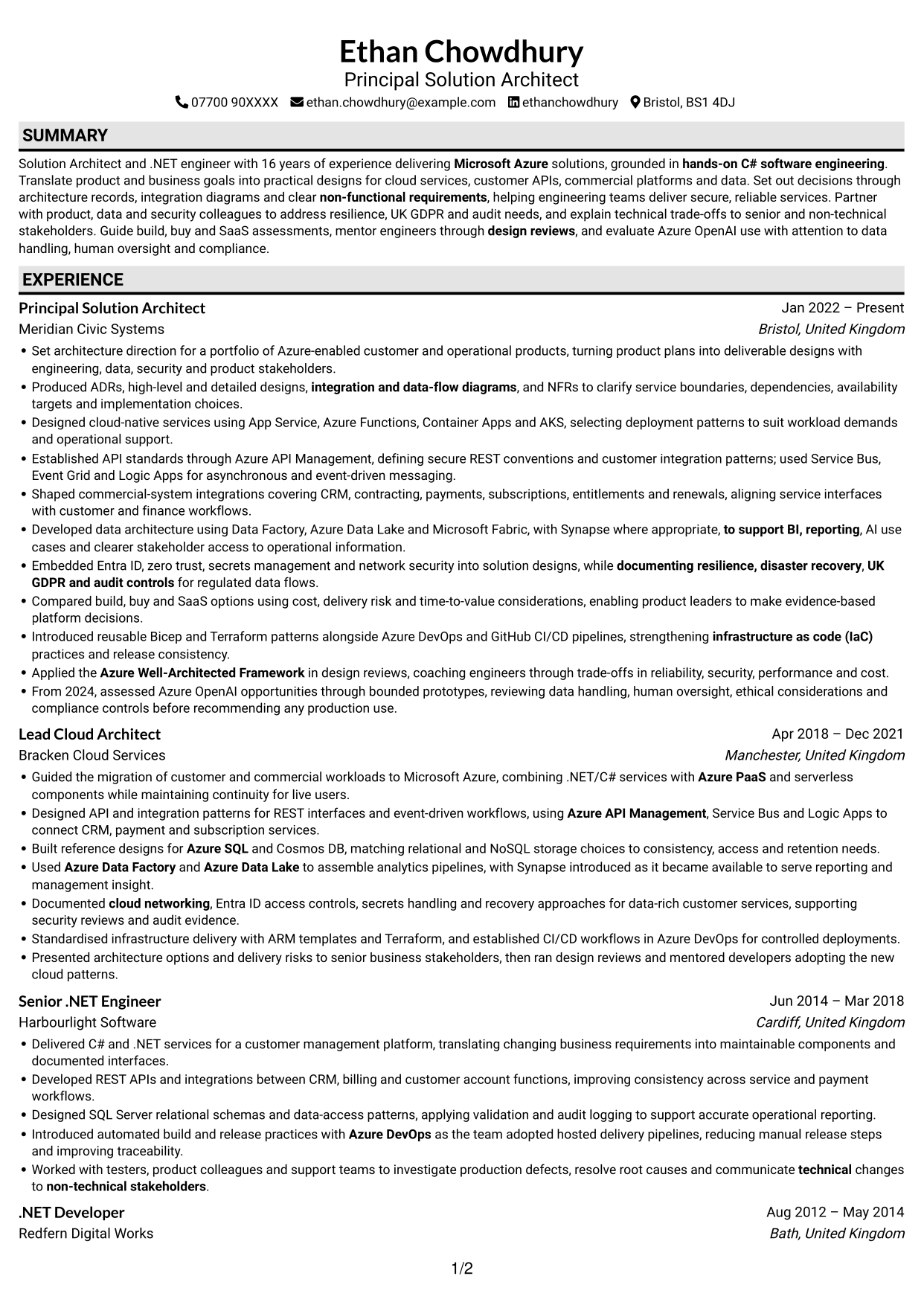
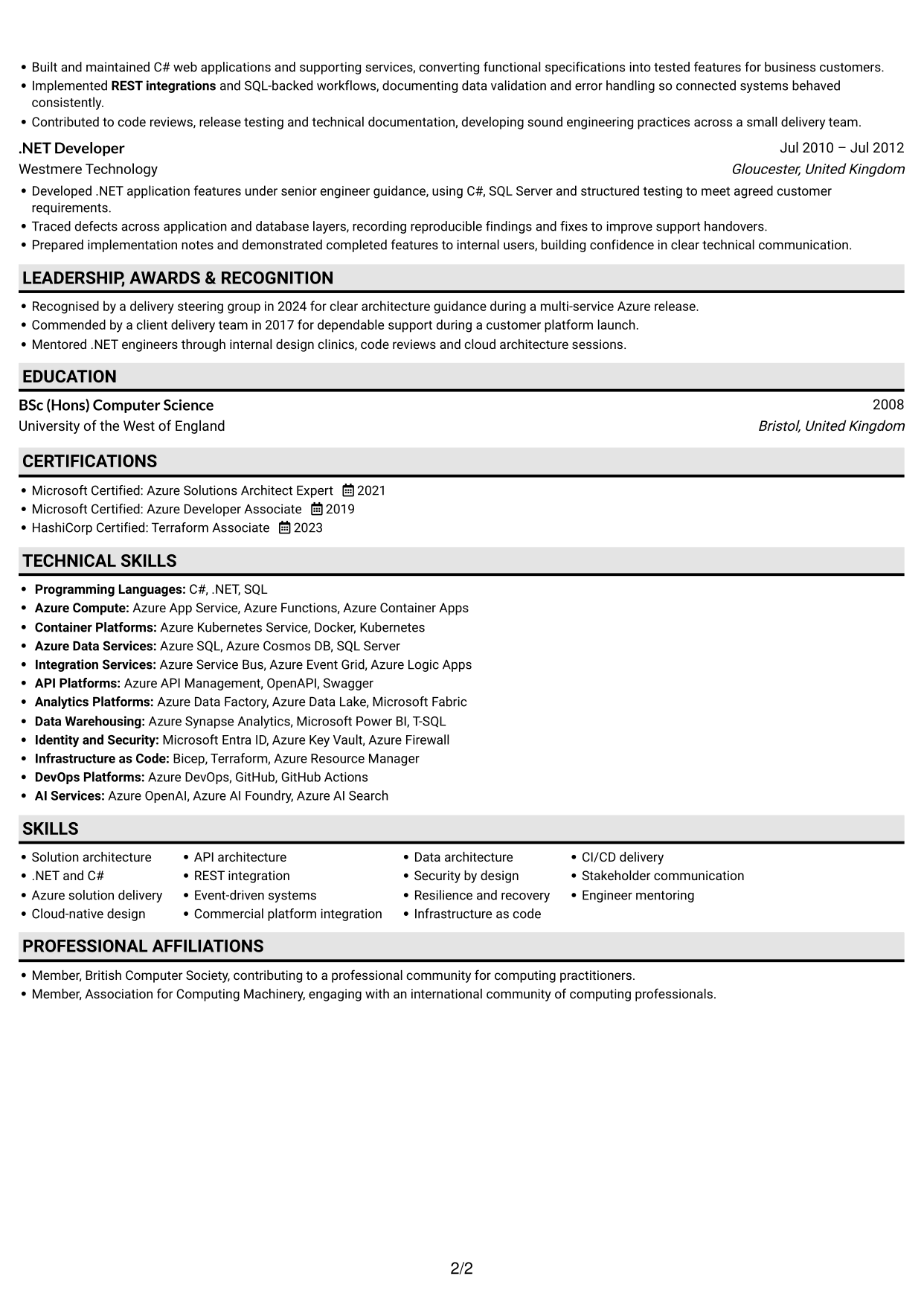
#3 Plain One Column with Shaded Labels CV Example
Shaded section labels add clear visual markers to this one-column CV, helping readers move between its main content areas.
Why This Format Works
- Shaded labels make section boundaries easier to spot during a quick review.
- A single-column sequence keeps career history straightforward to follow.
- Distinct markers help readers return to education and credentials with less searching.
Best For
- Clearly marked section changes
- One-column reading preference
- Fast section navigation
- Career history in sequence
- Visible education and credentials
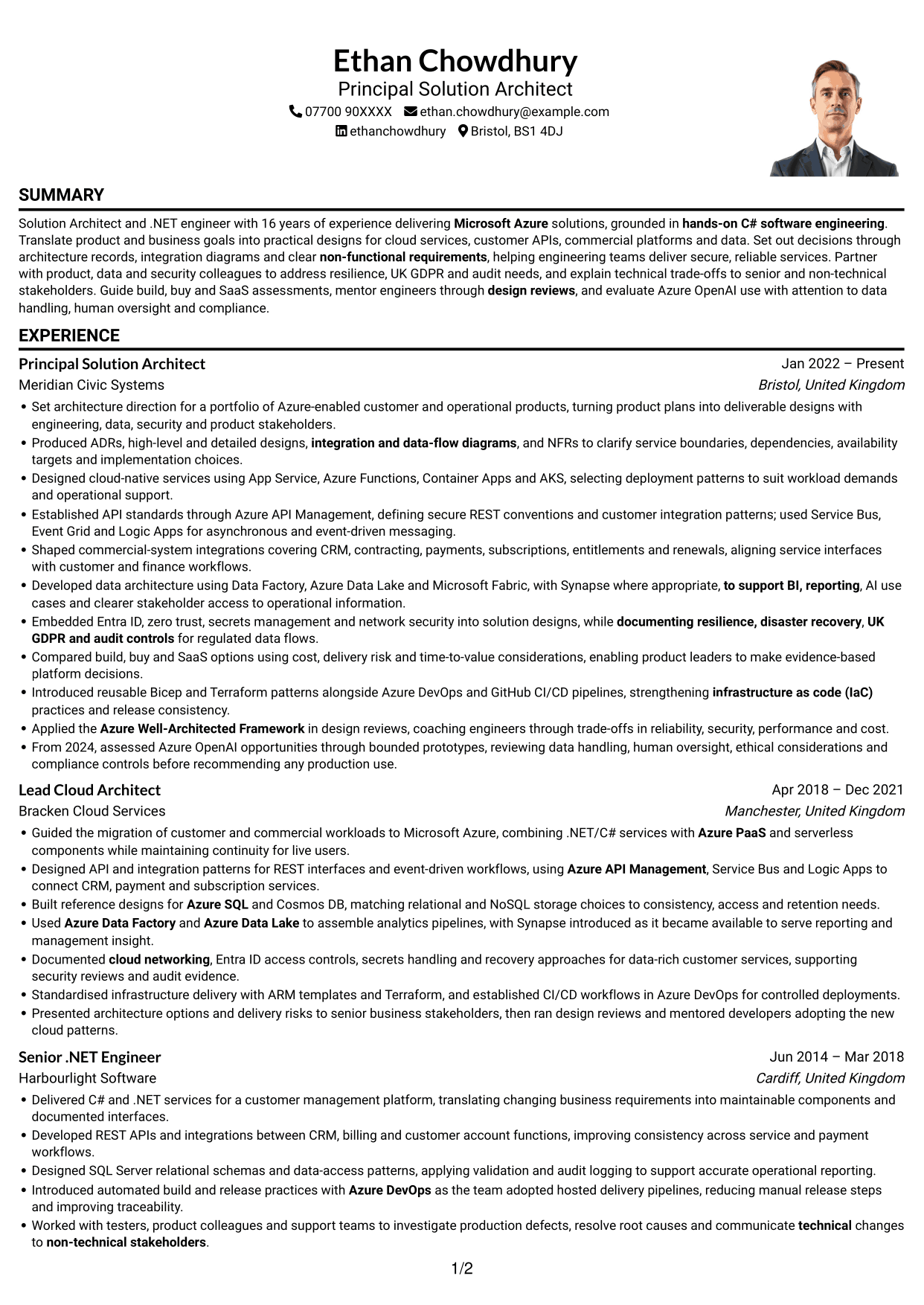
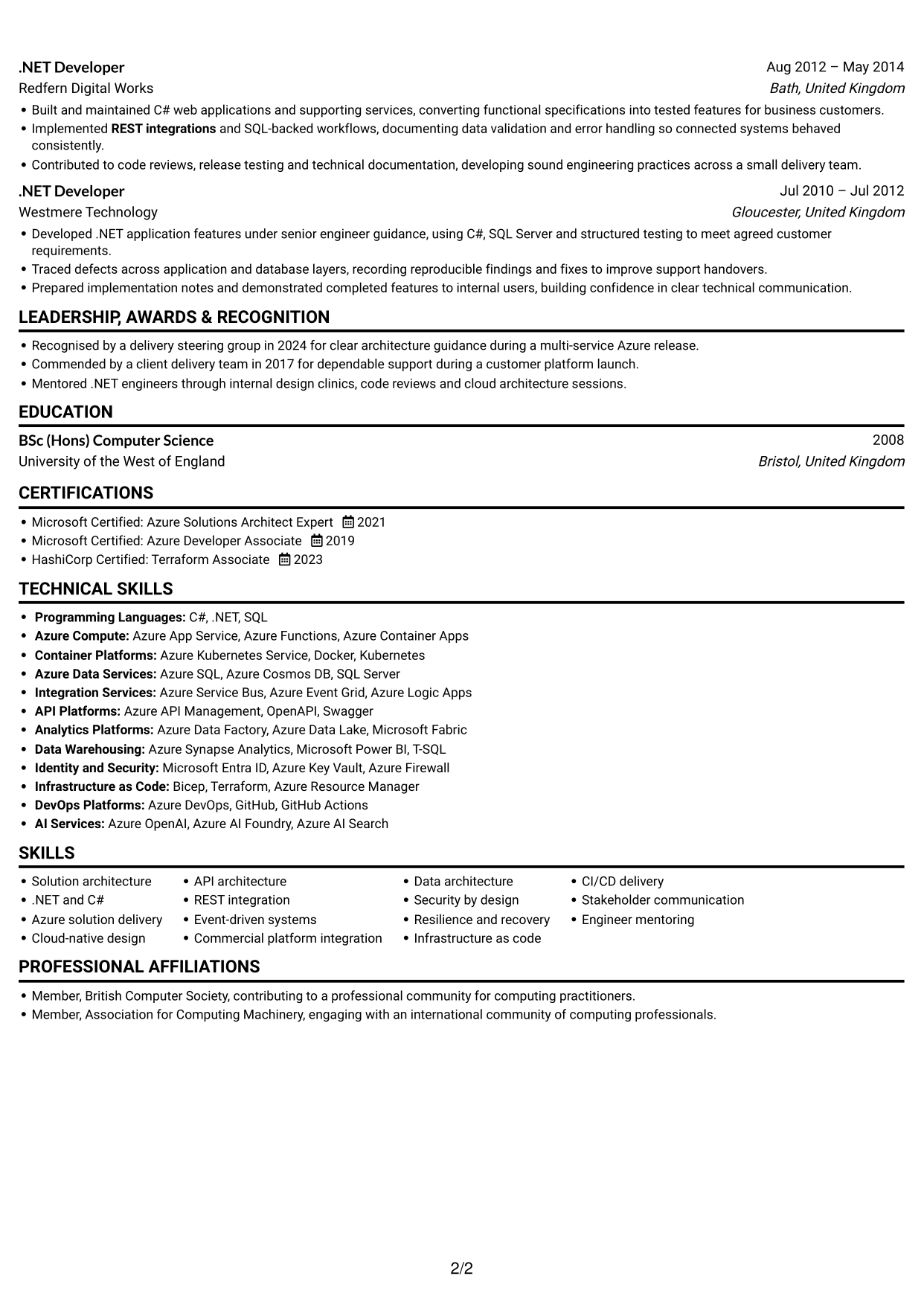
#4 One Column Format with Photo Right CV Example
A portrait on the right gives this one-column CV a clear visual feature while keeping its content in a direct reading sequence.
Why This Format Works
- The single-column body keeps career progression in a familiar top-to-bottom order.
- A right-side portrait leaves the CV’s written content in one continuous column.
- The orderly sequence helps readers move from experience to education and credentials.
Best For
- Right-side portrait preference
- Single-column content flow
- Sequential career histories
- CVs with several sections
- A visible personal image
#5 Clean Two Column Sidebar Format CV Example
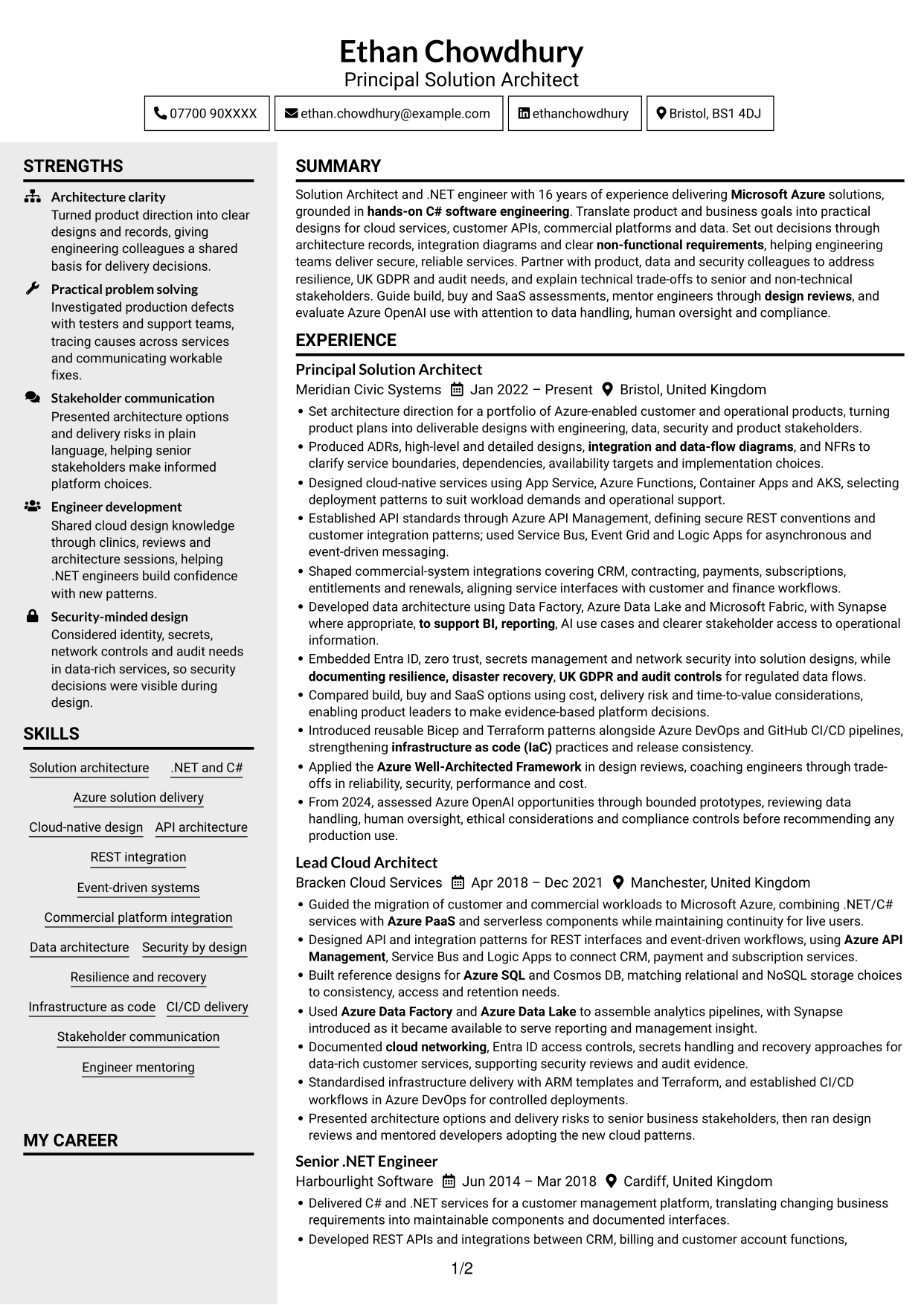
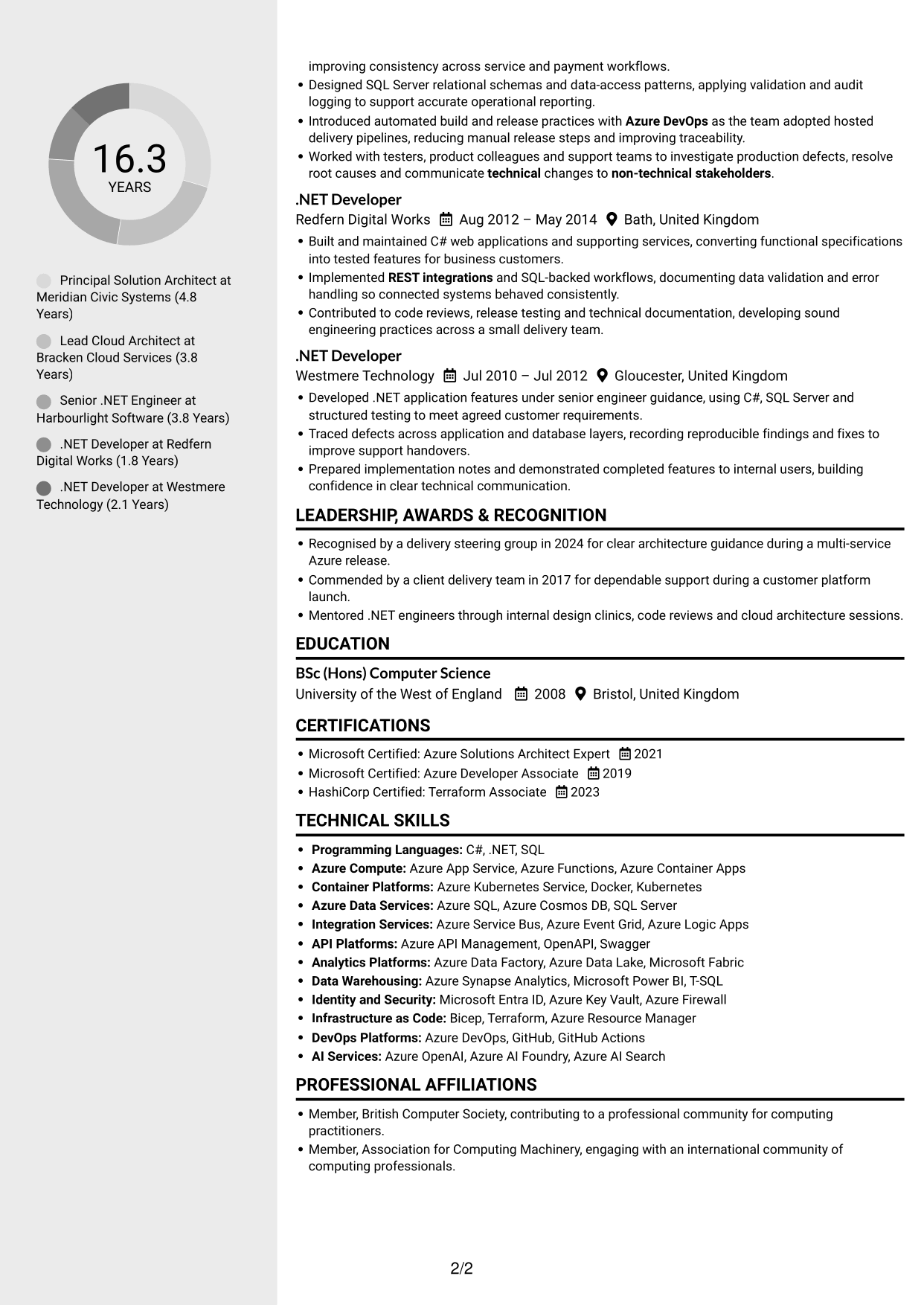
A sidebar beside the main content creates two distinct areas, giving this CV a clear way to group information.
Why This Format Works
- The sidebar separates supporting details from the main career narrative.
- Two content areas let reviewers move between sections without losing the overall structure.
- The main area can carry career history while the sidebar keeps other details distinct.
Best For
- Sidebar-based organisation
- Career history with supporting details
- Distinct content groups
- Readers who scan across sections
- Compact presentation of varied information
#6 Two Column Format CV Example
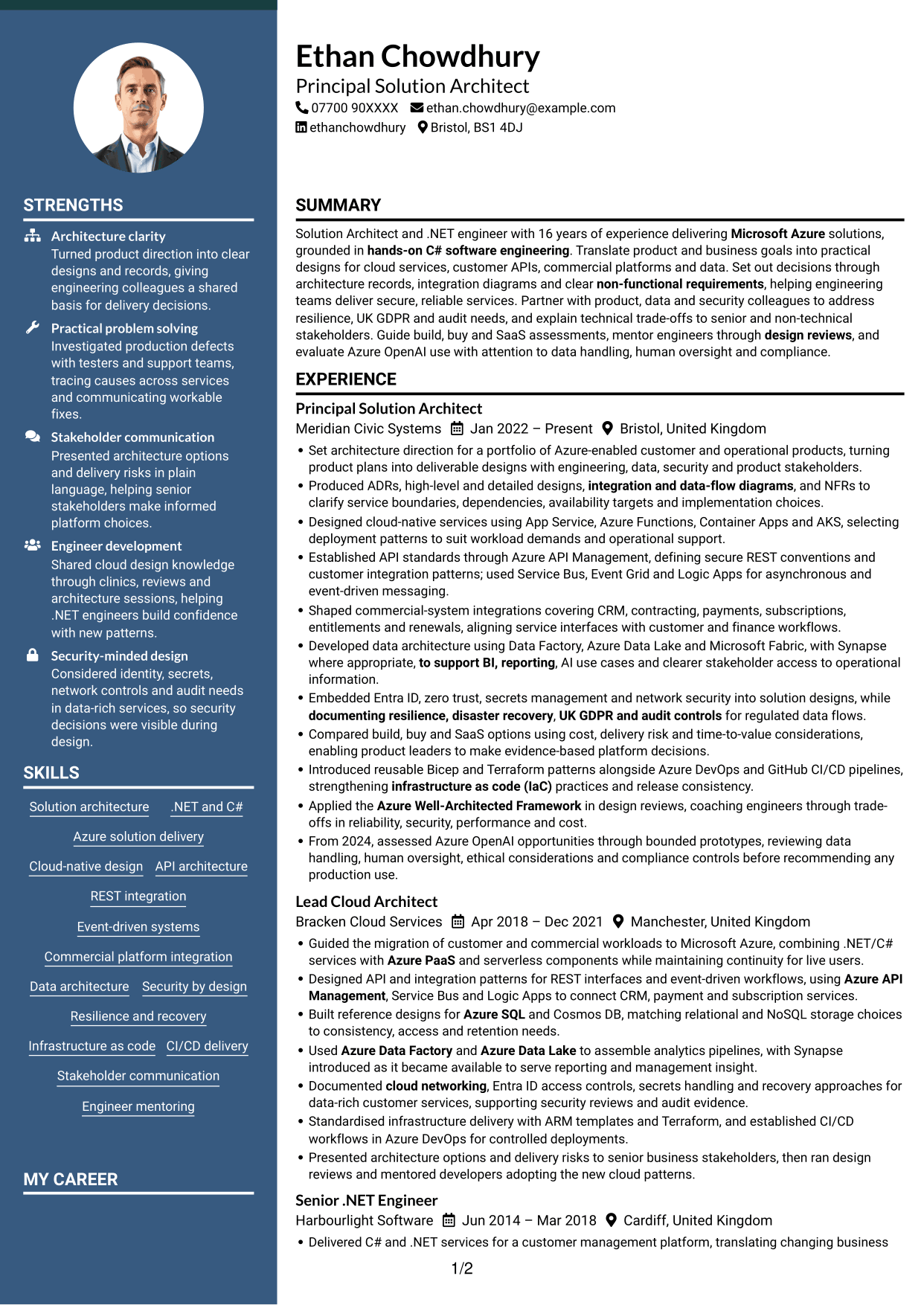
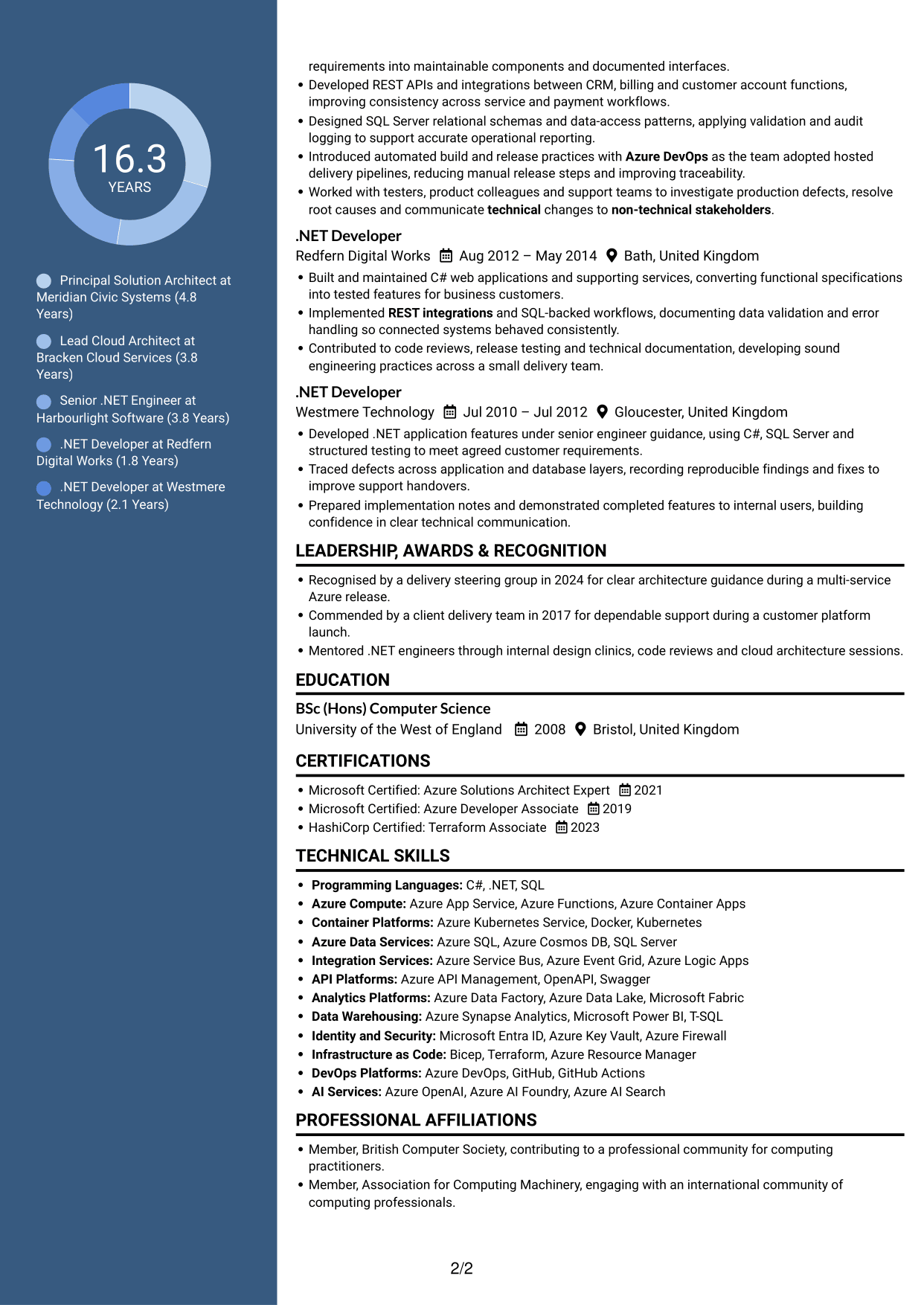
Two columns give this CV a balanced layout for presenting its career history and other sections side by side.
Why This Format Works
- The paired columns help reviewers compare separate parts of the CV at a glance.
- A clear reading path keeps career progression understandable across the layout.
- Related sections can remain distinct while the document uses space efficiently.
Best For
- Side-by-side section organisation
- Compact use of document space
- CVs with varied content
- Readers comparing information areas
- A balanced two-column layout
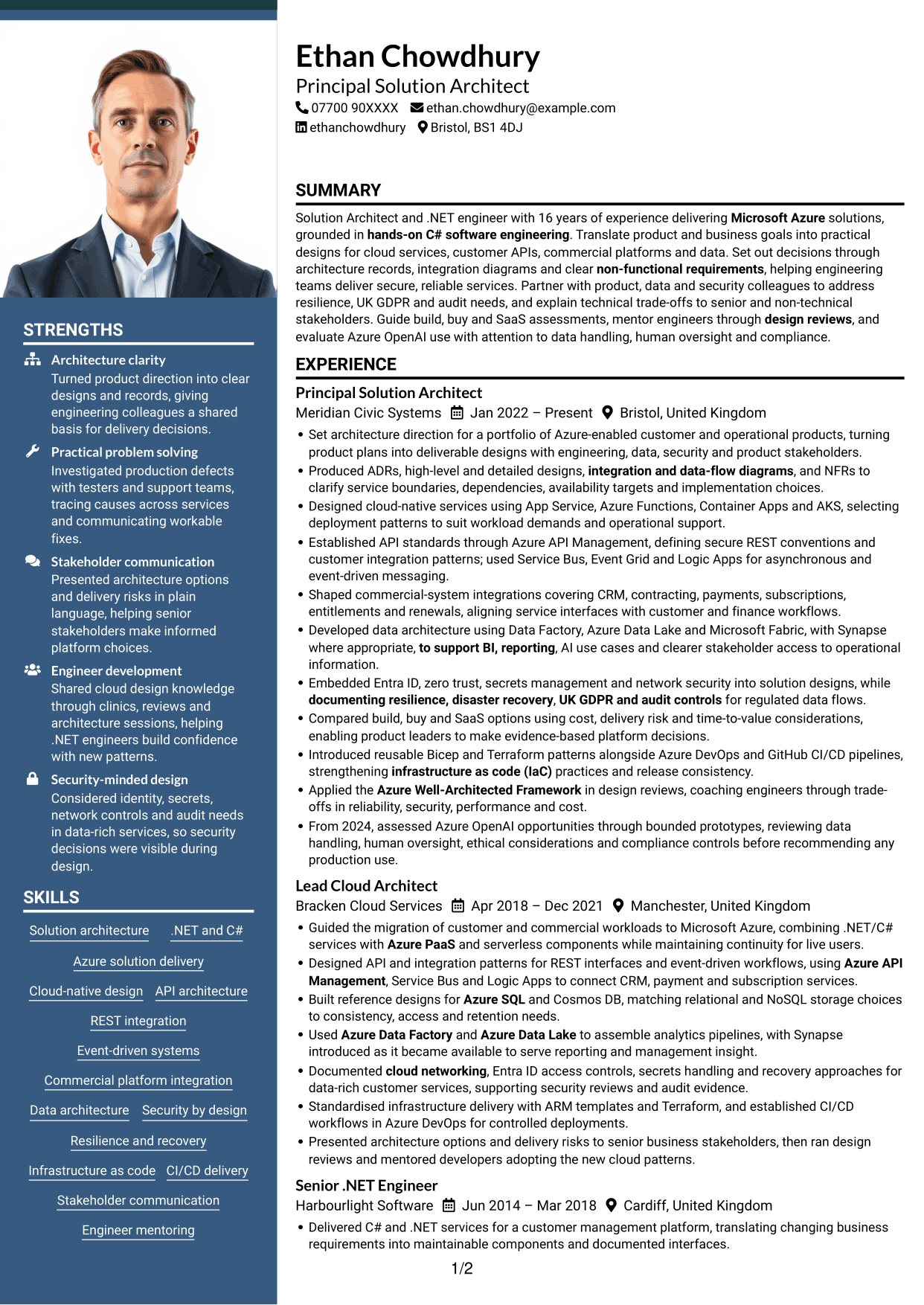
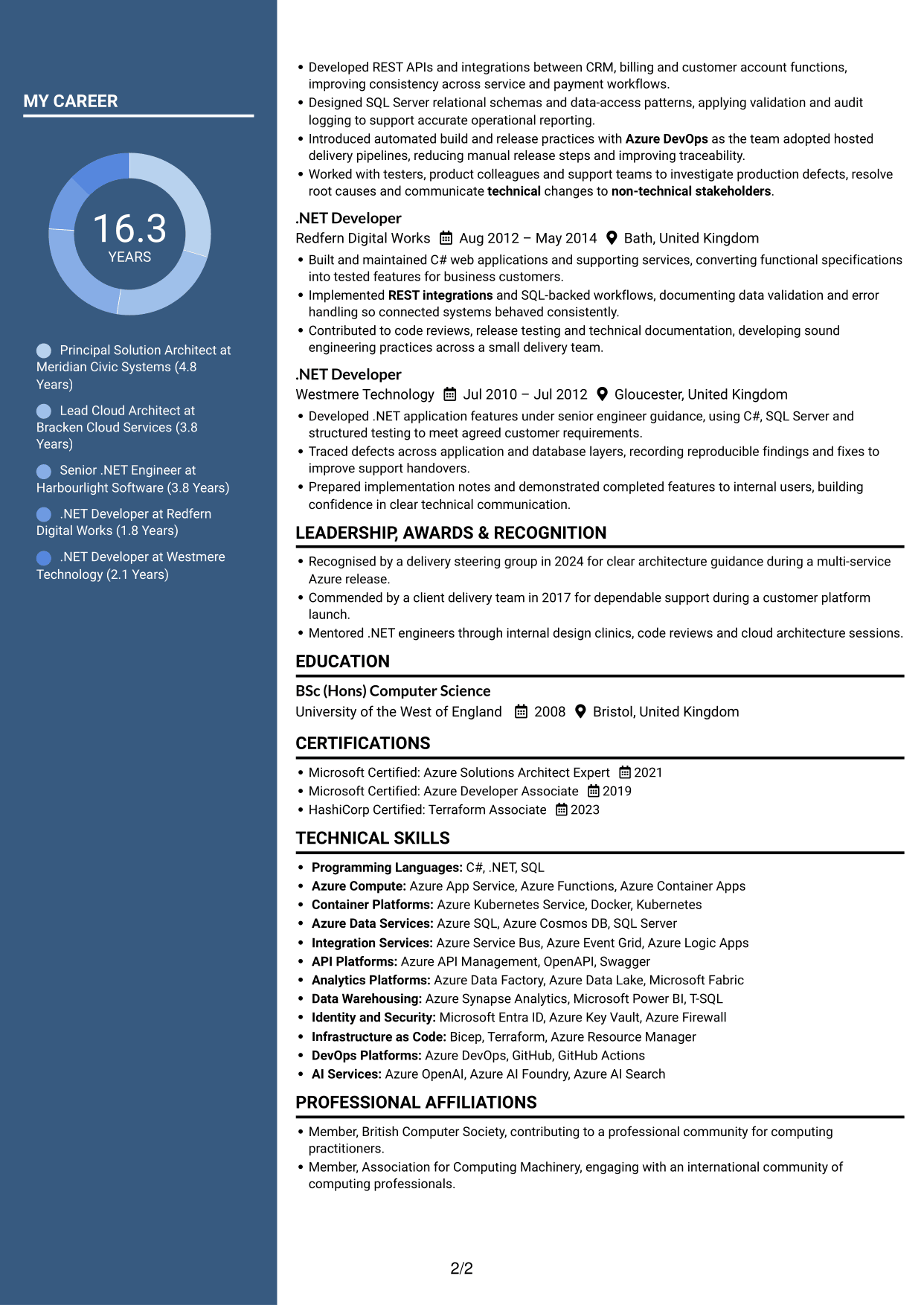
#7 Photo Header Two Column Format CV Example
A photo in the header gives this two-column CV a distinct opening area, while the body keeps its content in two columns.
Why This Format Works
- The header portrait is visually separate from the two-column body content.
- Two columns offer a compact structure for career history and supporting sections.
- The distinct header and body areas help readers recognise the document’s main regions.
Best For
- Portrait in the header
- Two-column body layout
- Clear header and content areas
- Compact section organisation
- Readers who value a photo-led header
Why Build Your Solution Architect - Azure, .NET CV with ResumeInMinutes
ResumeInMinutes helps you arrange architecture experience, technical skills and education in a clear CV. Compare PNG image previews, then open an example in the editor to customise its content and layout.
- Professional CV layouts
- Clear, readable section structure
- Space for role-specific keywords
- Well-organised skills and experience
- PNG image previews
- CV customisation in the editor
Choose the format that makes your design decisions and delivery evidence easiest to follow. Keep the focus on Azure solutions, .NET and C# foundations, secure integrations, data architecture and clear stakeholder communication.
See Also
- 7 Solution Architect - Mobile App, Azure, IAM, Transformation CV Templates with Example
- 7 AI Solution Architect - Agentic AI CV Templates with Example
- 7 Commercial SAP Solution Architect CV Templates with Example
- 7 Data & Analytics Solution Architect - Cloud Data Platforms CV Templates with Example
- 7 Data Protection Solution Architect CV Templates with Example
- 7 Data & Solution Architect - Defence CV Templates with Example
- 7 Data Solution Architect - Reinsurance CV Templates with Example
- 7 Digital Solution Architect - Financial Services CV Templates with Example
- 7 Solution Architect - Azure, .NET Cover Letter Templates with Example
- 7 Solution Architect - Mobile App, Azure, IAM, Transformation Cover Letter Templates with Example
Frequently Asked Questions
Are these Solution Architect - Azure, .NET CV templates ATS-friendly?
The examples use clear headings and sections that are easy to scan. Include relevant terms naturally, such as Azure PaaS, REST APIs, event-driven messaging, Entra ID, IaC and disaster recovery, when they reflect your experience.
Are these separate CV examples or different layouts of one example?
This page shows one role-focused CV example in different layouts. Compare the PNG image previews, then open an example in the editor to customise it.
What should a Solution Architect - Azure, .NET CV include?
Include a focused summary, relevant experience, technical skills, education and certifications. Use concise bullets to explain architecture decisions, Azure services, integration patterns, security controls and delivery outcomes.
Which CV layout works well for this role?
Choose a layout with clear headings and an easy-to-follow order for experience, skills, education and certifications. A simple structure helps readers find key details quickly.
How can I show architecture achievements on my CV?
Write brief bullets that explain the design challenge, your contribution and the result. Where you have reliable evidence, include figures for service availability, delivery time, cost or other relevant outcomes.
Should I include a photo on my CV?
For UK applications, a photo is usually not needed. Use the space for relevant experience, skills and evidence of your work instead.




