
7 Team Assistant - Executive and Office Support Cover Letter Templates with Example
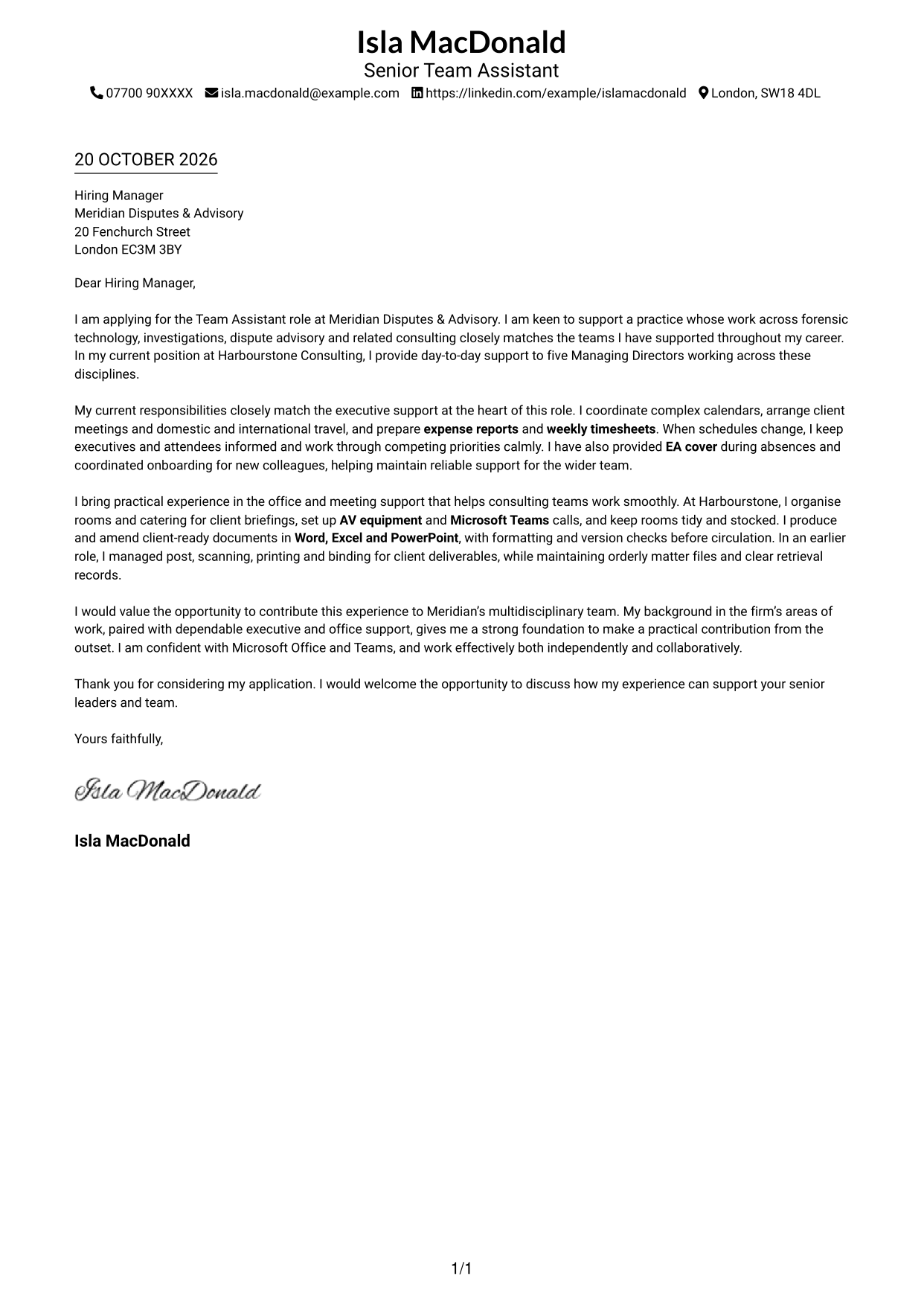
This practical guide to a Team Assistant - Executive and Office Support cover letter shows how to present your fit and interest across seven layouts.
What Makes a Great Team Assistant - Executive and Office Support Cover Letter in 2026
A strong letter connects your interest in the role with clear examples of executive and office support. Its opening should make your purpose clear, while the body and close show how you can support senior leaders and their team.
Use relevant evidence, such as coordinating calendars and travel, preparing expense reports and timesheets, or setting up meetings and documents. Link these examples to the employer’s needs and explain your interest in its work across disputes and investigations.
The featured example moves from role interest to evidence of executive and office support, then ends with a clear next step; adapt this focused progression while choosing a presentation suited to the employer and communication context.
#1 Simple One Column Format Cover Letter Example
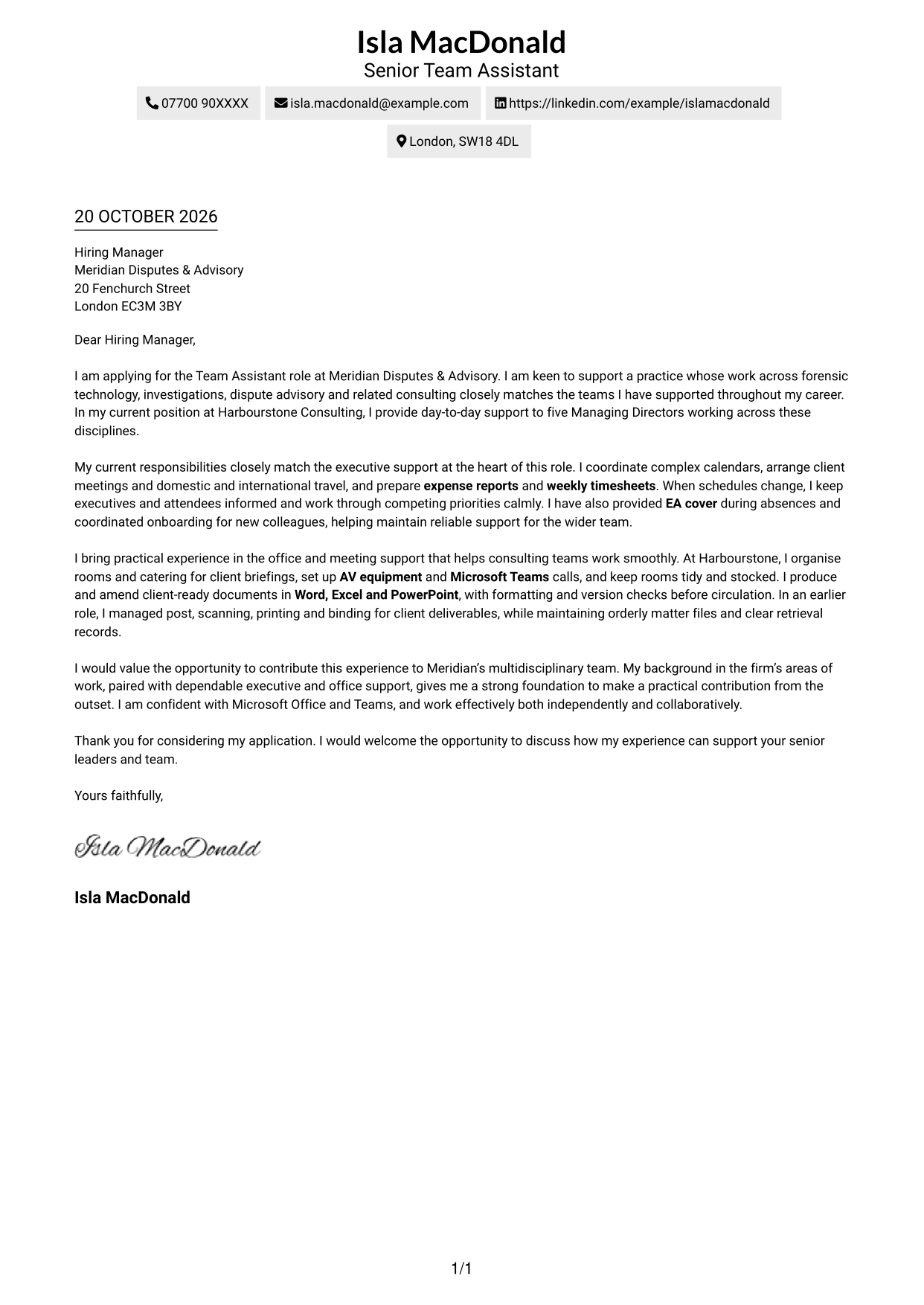
The Simple One Column Format keeps sender details in the header and the letter body in one column, making it a straightforward choice for a clear reading path.
Why This Format Works
- Sender details remain in the header, leaving the letter body in one clear column.
- One continuous body lets readers follow motivation and supporting evidence in order.
- Without body headings, the letter keeps attention on its direct personal message.
Best For
- Single-column letter reading
- Header-based contact details
- Continuous cover-letter prose
- Photo-free correspondence
- Straightforward application presentation
#2 Two Column Format Cover Letter Example
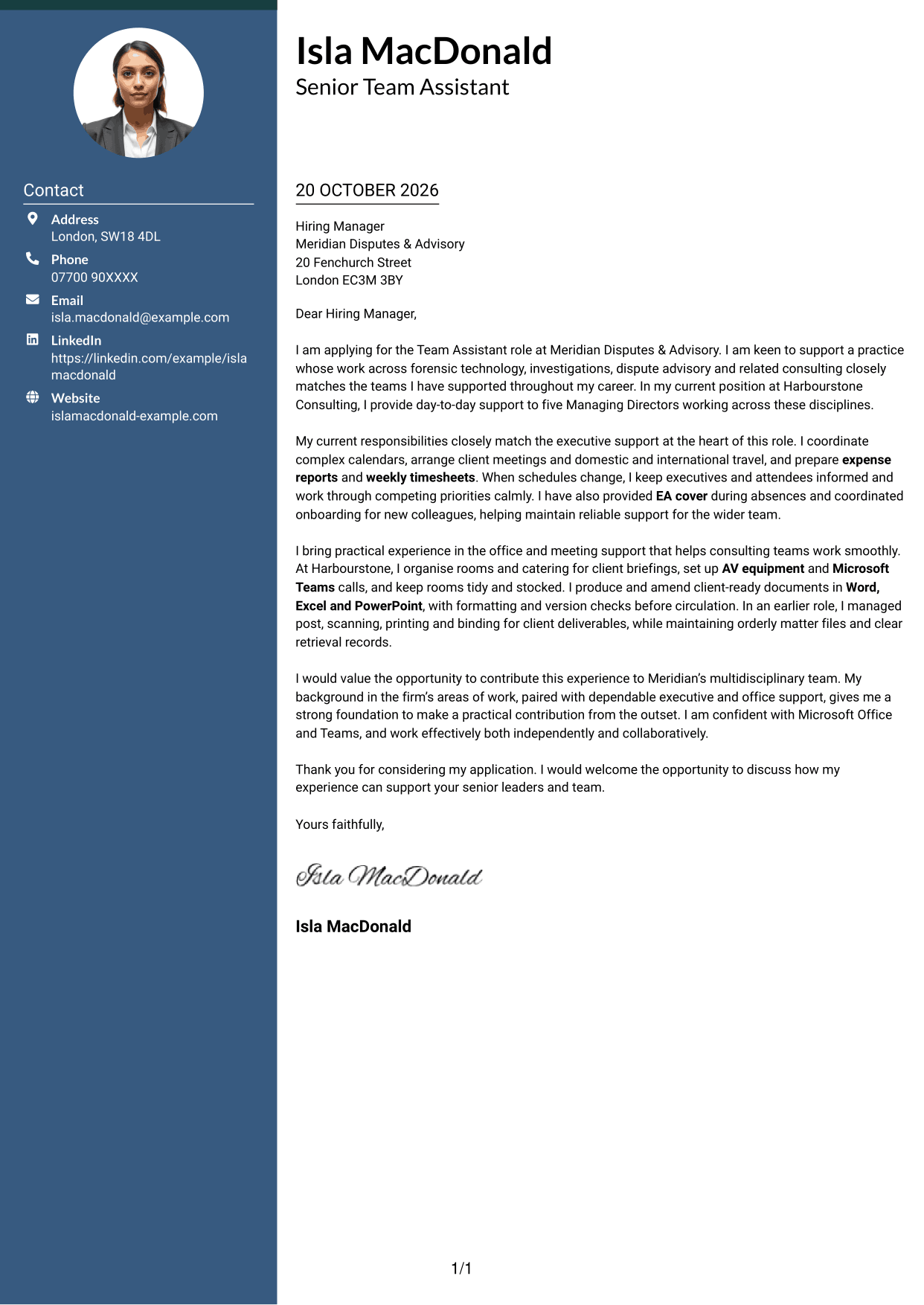
The Two Column Format places contact details beside one continuous letter body, suiting applications that benefit from a distinct contact area and an uninterrupted message.
Why This Format Works
- Contact details sit apart from the letter, so readers can locate them quickly.
- One continuous body keeps the application’s opening, evidence and close together.
- No headings divide the argument, preserving a familiar letter-reading sequence.
Best For
- Side-by-side contact and message
- Continuous letter-body reading
- No-photo correspondence
- Applications needing visible contact details
- Letters without body headings
#3 Photo Header Two Column Format Cover Letter Example
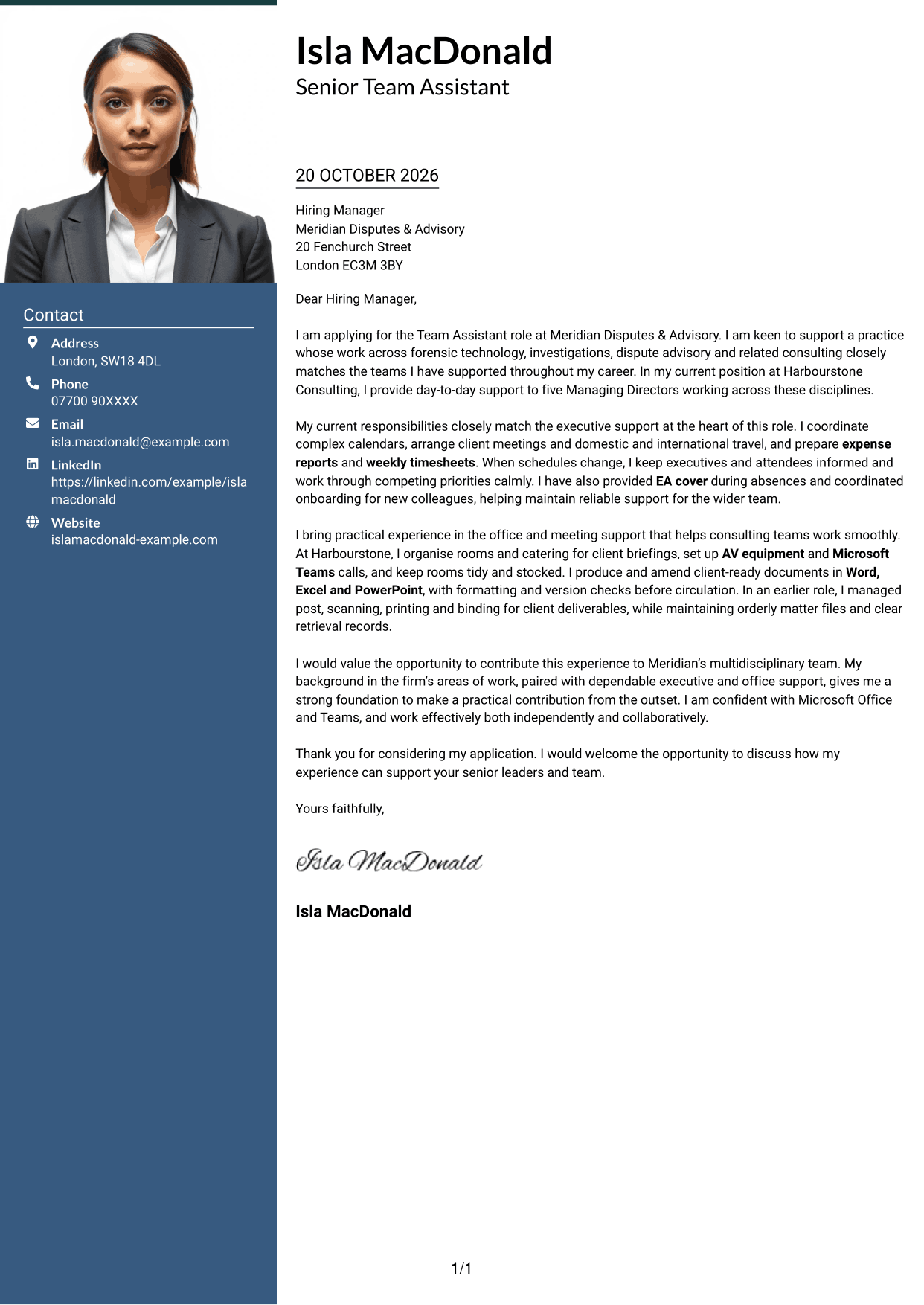
The Photo Header Two Column Format pairs a photo in the header with a contact sidebar beside the letter, for readers who prefer a portrait in their application presentation.
Why This Format Works
- The header photo adds a visible personal element without dividing the letter body.
- Contact details remain separate from the continuous message for quick reference.
- The body has no section headings, keeping the letter in a familiar form.
Best For
- Portrait-led contact headers
- Side-by-side contact and message
- Continuous letter-body reading
- Applications with a visible portrait
- Letters without body headings
#4 One Column Format with Photo Cover Letter Example
The One Column Format with Photo places a portrait in the sender header above one continuous letter column, combining a visible personal element with a direct reading path.
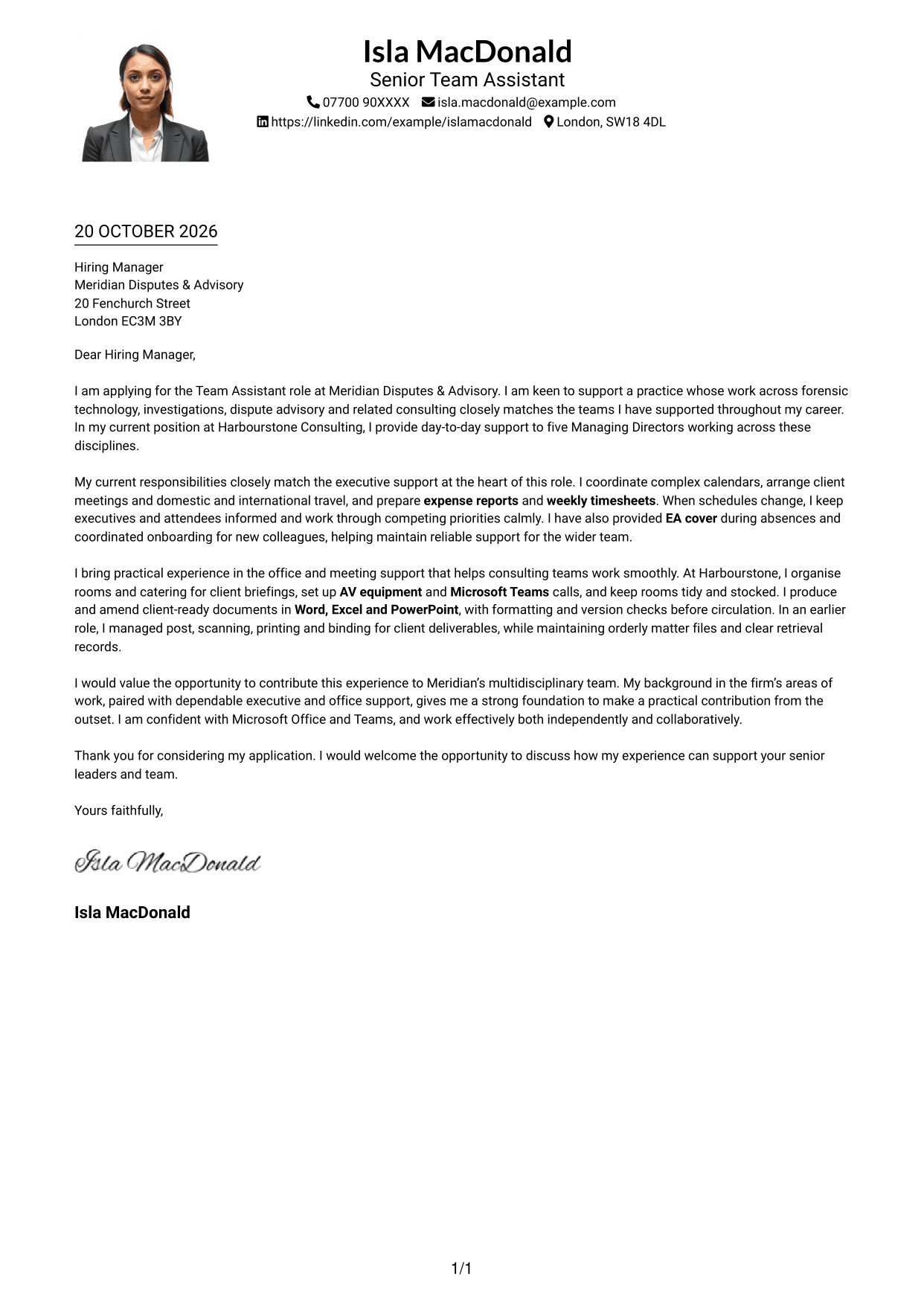
Why This Format Works
- A photo in the header gives the sender area a visible personal element.
- The single-column body keeps the full message in one reading path.
- Without body headings, the letter retains a familiar written form.
Best For
- Portrait in the sender header
- Single-column letter reading
- Continuous cover-letter prose
- Personalised application presentation
- Letters without body headings
#5 Simple Two Column Format Cover Letter Example
The Simple Two Column Format sets contact details in a sidebar alongside one continuous letter body, a practical choice for separating contact information from the application message.
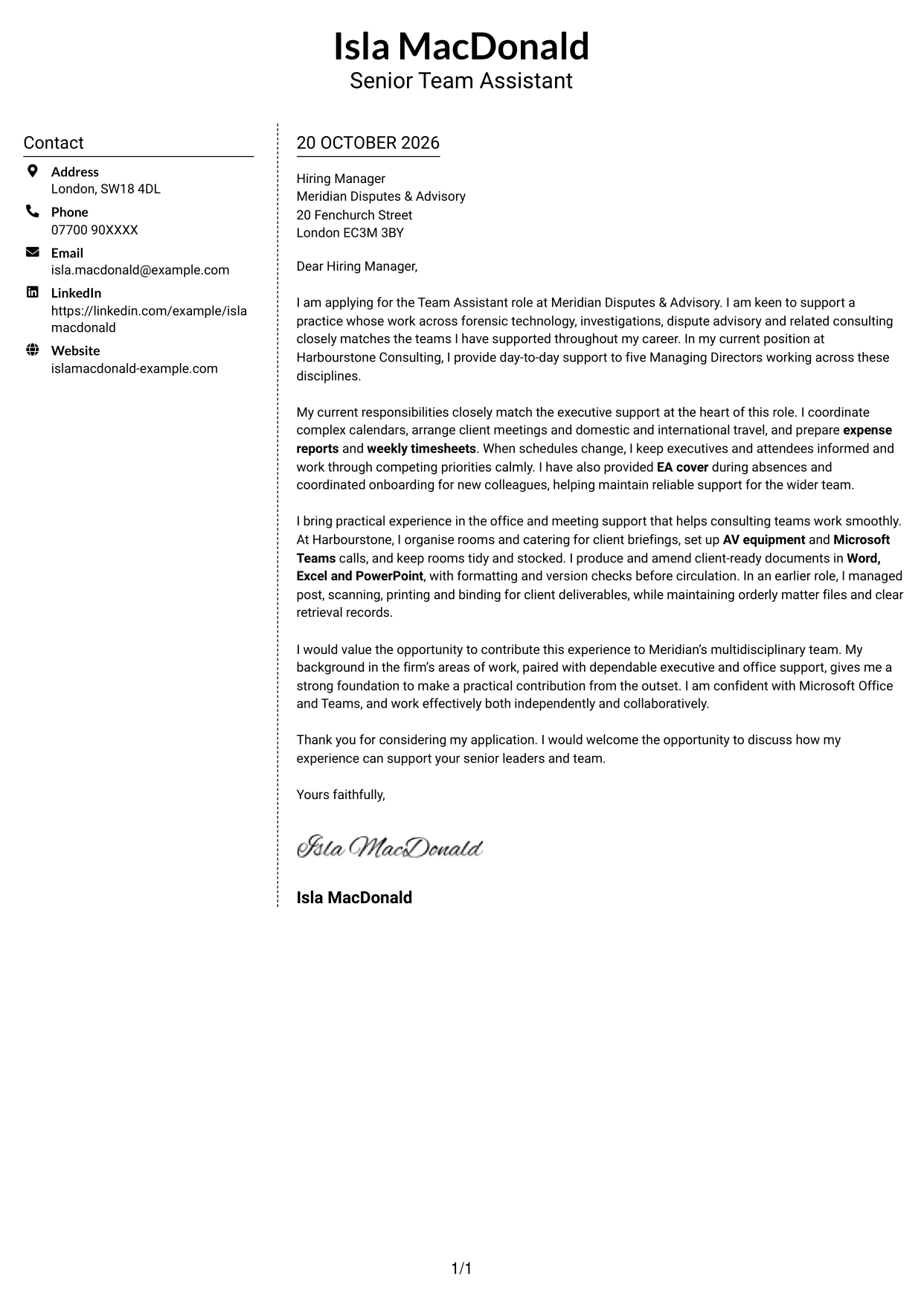
Why This Format Works
- The contact sidebar gives sender details a distinct place beside the letter.
- The application’s opening, evidence and closing stay together in one body.
- A body without headings maintains a familiar flow for written correspondence.
Best For
- Distinct contact sidebar
- One continuous letter body
- Photo-free application documents
- Letters with several supporting paragraphs
- Familiar written correspondence
#6 Modern Icon Format Cover Letter Example
The Modern Icon Format uses a contact sidebar beside one continuous letter body, with icons serving as cues for contact details rather than parts of the message.
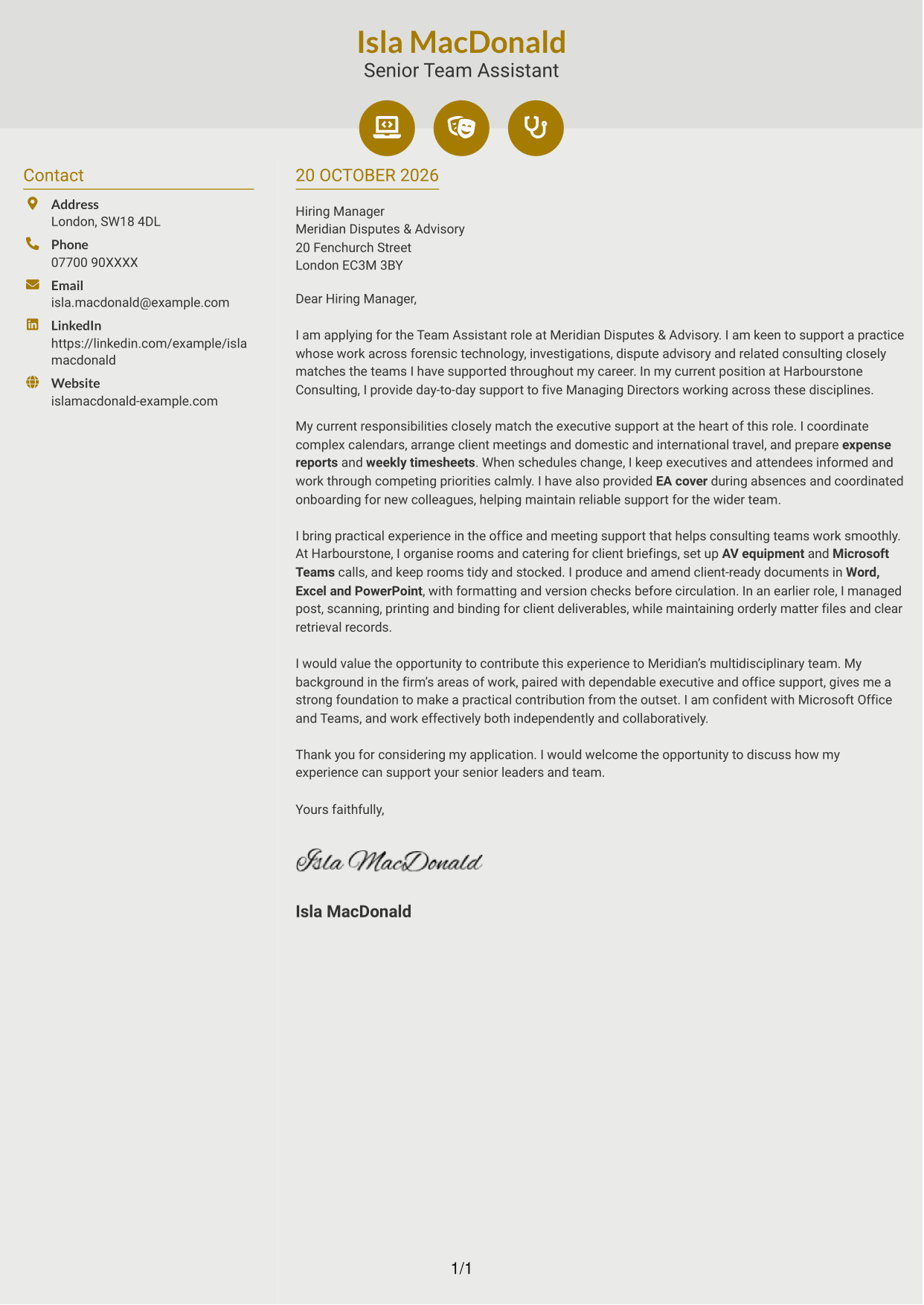
Why This Format Works
- Contact icons help distinguish sender details without labelling the letter’s argument.
- The message stays in one continuous body from its opening to its close.
- A separate contact area keeps personal details apart from the application text.
Best For
- Icon-cued contact details
- Side-by-side contact and message
- Continuous letter-body reading
- Photo-free correspondence
- Applications with a clear contact area
#7 Creative Two Tone Format Cover Letter Example
The Creative Two Tone Format places contact details in a sidebar beside one continuous letter body, giving the contact information its own area while keeping the message together.
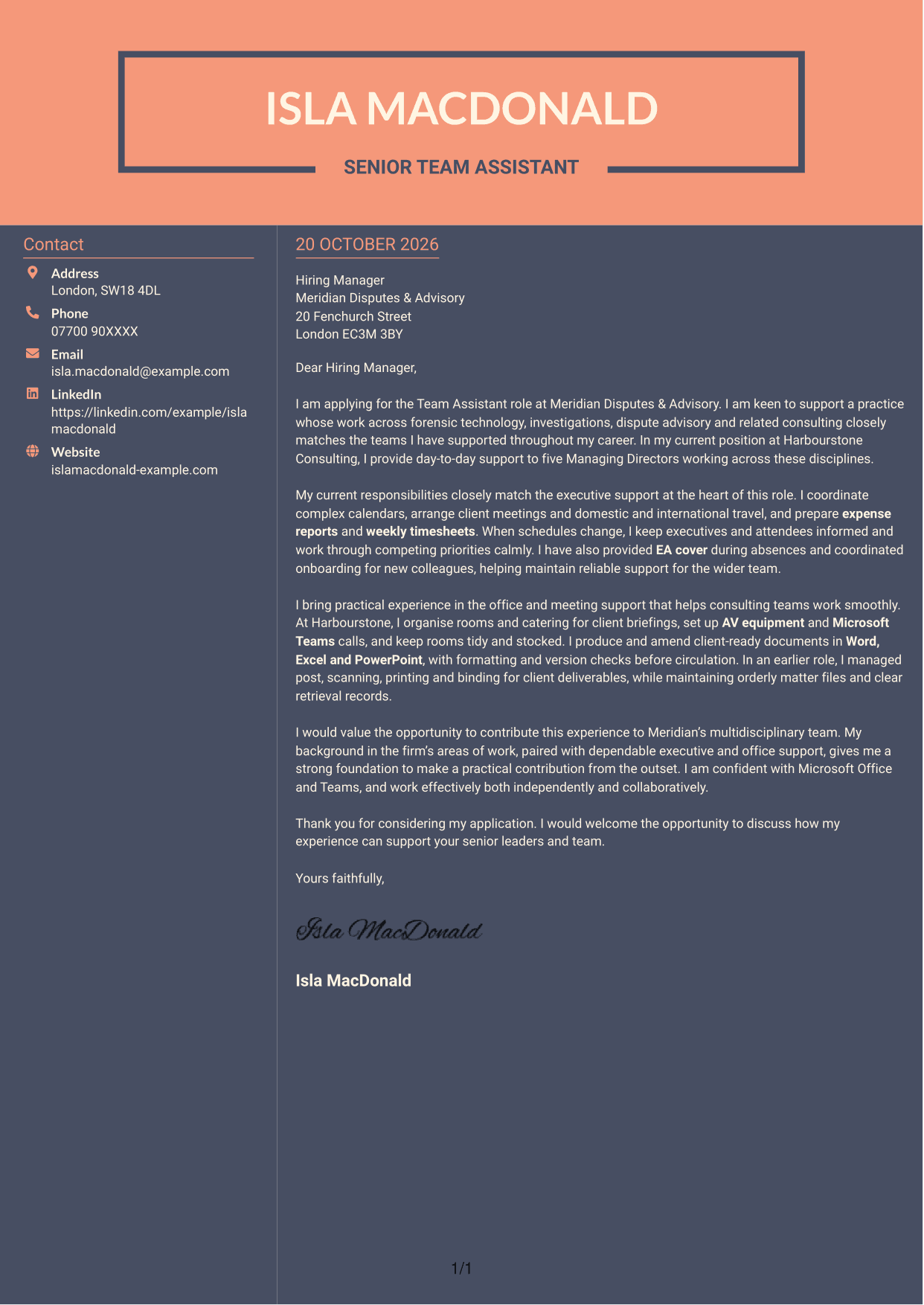
Why This Format Works
- The sidebar separates contact information from the letter’s central message.
- One continuous body keeps motivation, evidence and closing in a single sequence.
- With no body headings, the letter remains easy to follow as correspondence.
Best For
- Separate contact information
- Single-sequence letter reading
- Photo-free application documents
- Letters without body headings
- Applications with continuous prose
See Also
- 7 Team Assistant - Executive and Office Support CV Templates with Example
- 7 Accounts Assistant - Accounts Payable and Accounts Receivable CV Templates with Example
- 7 Accounts Assistant - Accounts Payable and Receivable CV Templates with Example
- 7 Accounts Assistant Apprentice CV Templates with Example
- 7 Accounts Assistant - Purchase Ledger CV Templates with Example
- 7 Admin Assistant - School Administration CV Templates with Example
- 7 Administrative Assistant - School Administration CV Templates with Example
- 7 Apprentice Bookkeeper & Accounts Assistant - Client Accounts CV Templates with Example
- 7 Accounts Assistant - Accounts Payable and Receivable Cover Letter Templates with Example
- 7 Accounts Assistant Apprentice Cover Letter Templates with Example
Frequently Asked Questions
What should a Team Assistant - Executive and Office Support cover letter highlight?
Show how you can support senior leaders and a consulting team. Relevant examples may include calendar and travel coordination, expense reports, weekly timesheets, meeting arrangements, document preparation and office support.
How can I show that my experience fits this role?
Choose a few specific examples and explain how you handled the work. You could describe coordinating a busy calendar, setting up a Microsoft Teams meeting or preparing client documents, then link that work to dependable support for the team.
How should I explain my interest in the employer?
Make a clear link between the employer’s work and the kind of team support you want to provide. For this role, you could refer to its work across disputes and investigations, then explain why supporting a multidisciplinary consulting team interests you.
What is a clear way to structure this cover letter?
Open by naming the role and giving your reason for applying. Use the body to share evidence of executive and office support, then close by restating your interest and inviting a discussion.
Should I include every part of my work history?
No. Focus on the experience that best supports your application. A small number of relevant examples can show your approach more clearly than a full list of past duties.




