
7 VAT Accounting Manager Cover Letter Templates with Example
This guide helps you shape a focused VAT Accounting Manager cover letter, with seven layouts to compare and a clear approach to presenting role-specific evidence.
What Makes a Great VAT Accounting Manager Cover Letter in 2026
A strong letter explains your interest in VAT accounting control and shows how your experience fits the role. Keep the opening direct, then make each paragraph clear and focused.
Use specific evidence, such as improving reconciliation reviews, managing partial exemption balances or supporting compliance changes. Link those examples to the employer’s need for reliable controls and consistent processes.
The featured example moves from role-specific motivation to evidence of account controls, wider VAT work and a clear close. Adapt this focused progression, choosing a presentation that suits the employer and the communication context.
#1 Simple One Column Format Cover Letter Example
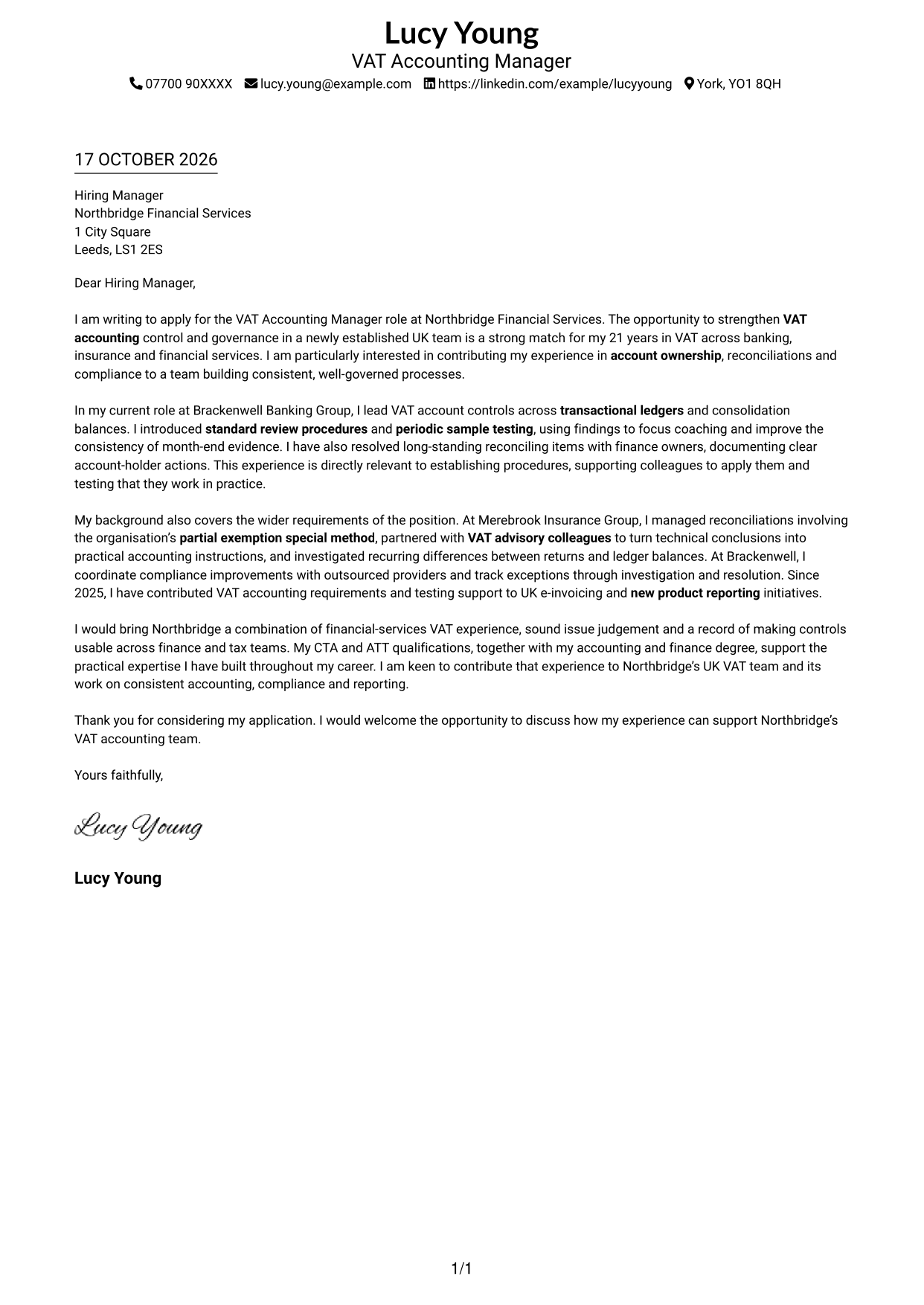
Simple One Column Format keeps sender details in the header and the letter in one continuous column for a direct reading path.
Why This Format Works
- Single-column body lets readers follow the letter from its opening through the closing.
- Sender details stay in the header, apart from the letter's main message.
- The photo-free presentation suits applications where a portrait is not wanted.
Best For
- Single-column reading preference
- Text-led applications
- Photo-free document requirements
- Header-based contact details
- Continuous letter body
#2 Two Column Format Cover Letter Example
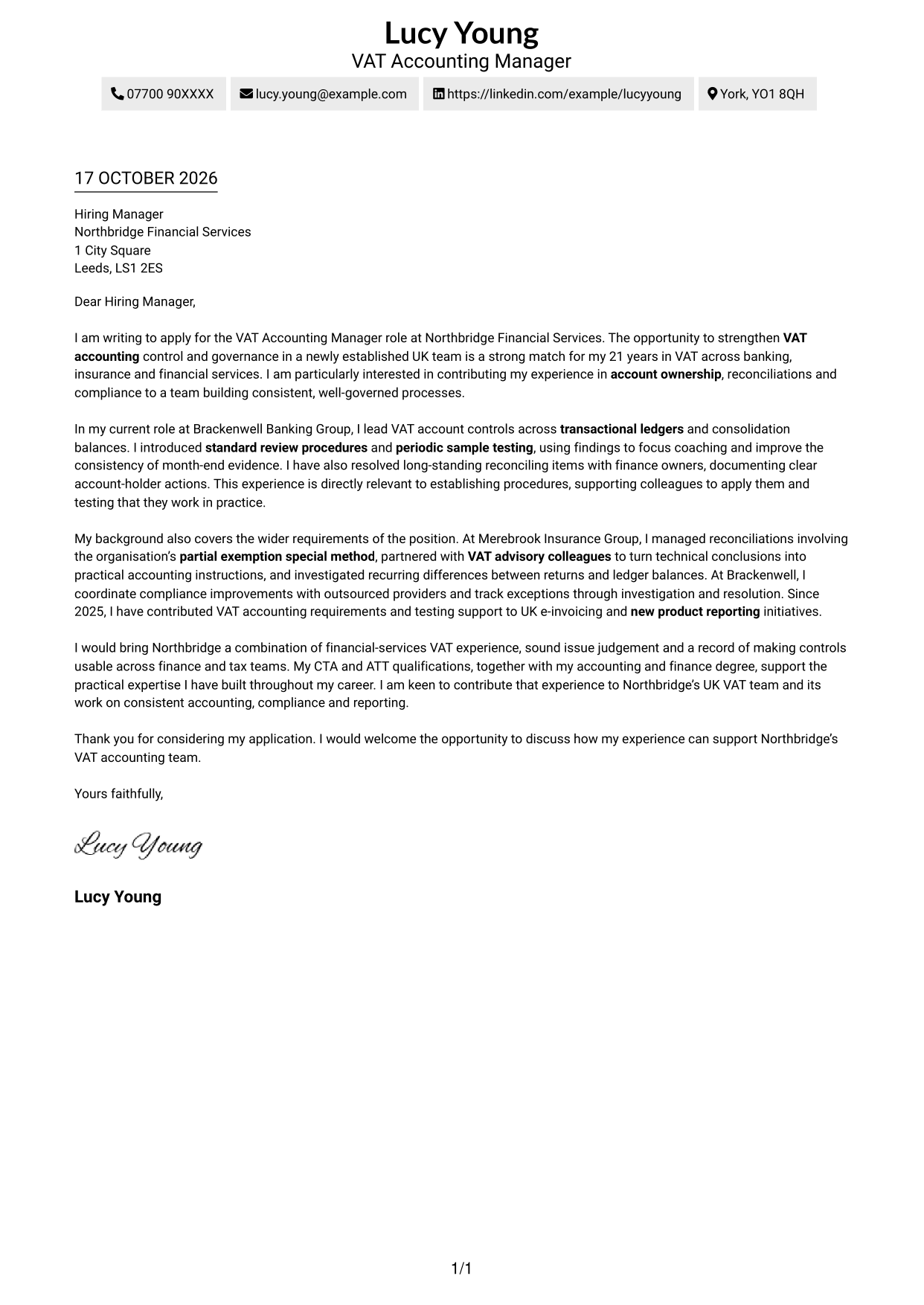
Two Column Format places a contact sidebar beside one continuous letter body, so practical details and the written message have separate spaces.
Why This Format Works
- A contact sidebar keeps sender details apart from the continuous letter body.
- The main text carries the opening, evidence and closing in one reading sequence.
- A photo-free layout suits applications that call for a text-led presentation.
Best For
- Contact details beside letter text
- Two-column layout preference
- Continuous paragraph structure
- Photo-free applications
- Contact-rich sender information
#3 Photo Header Two Column Format Cover Letter Example
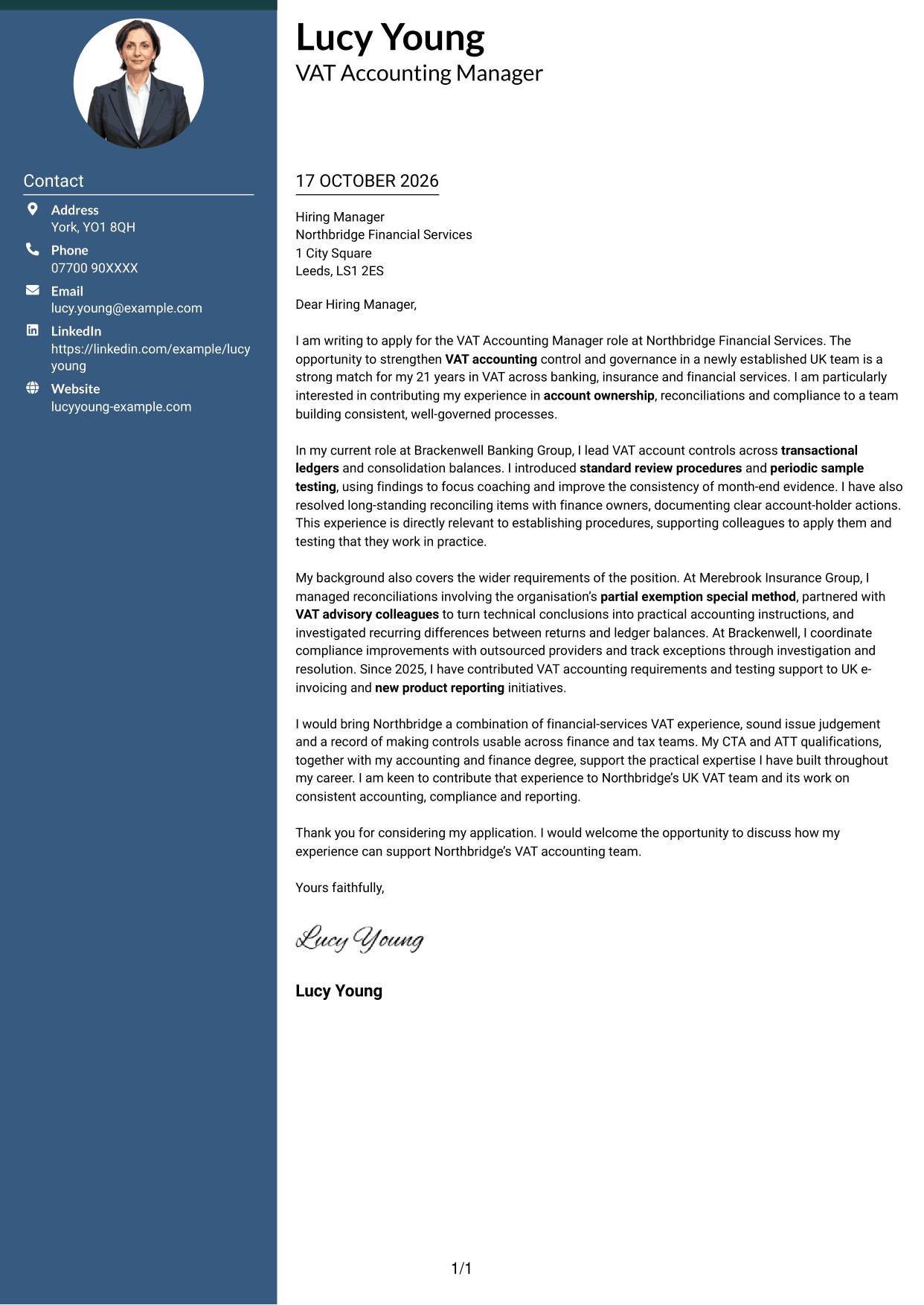
Photo Header Two Column Format pairs a photo header with a contact sidebar beside one continuous letter body.
Why This Format Works
- A photo in the header adds a visible personal element to the page.
- The contact sidebar separates practical details from the letter's continuous argument.
- One body column preserves the intended order of the application paragraphs.
Best For
- Photo-led header preference
- Portrait-requested applications
- Contact details beside letter text
- Continuous letter paragraphs
- Two-column reading layout
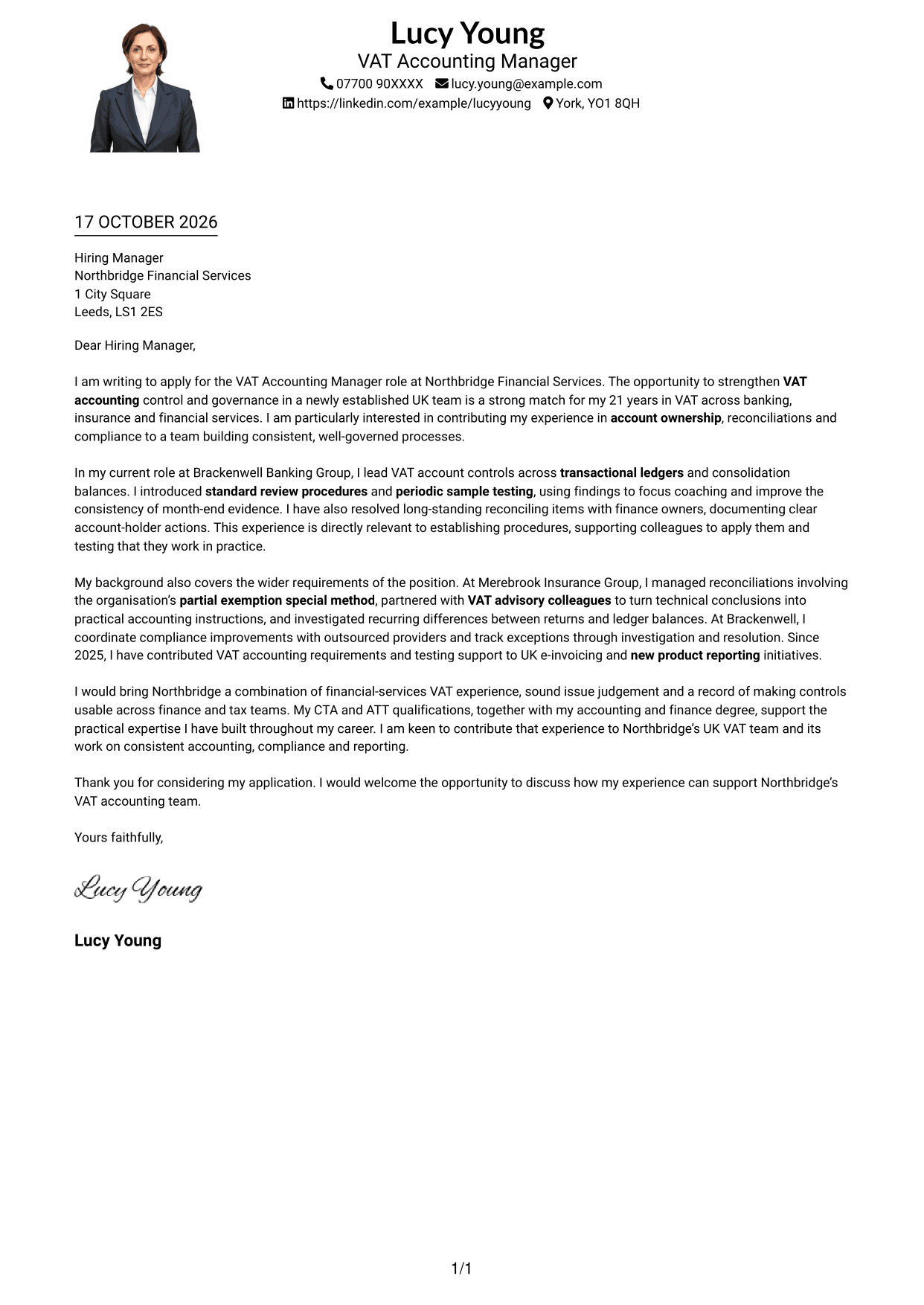
#4 One Column Format with Photo Cover Letter Example
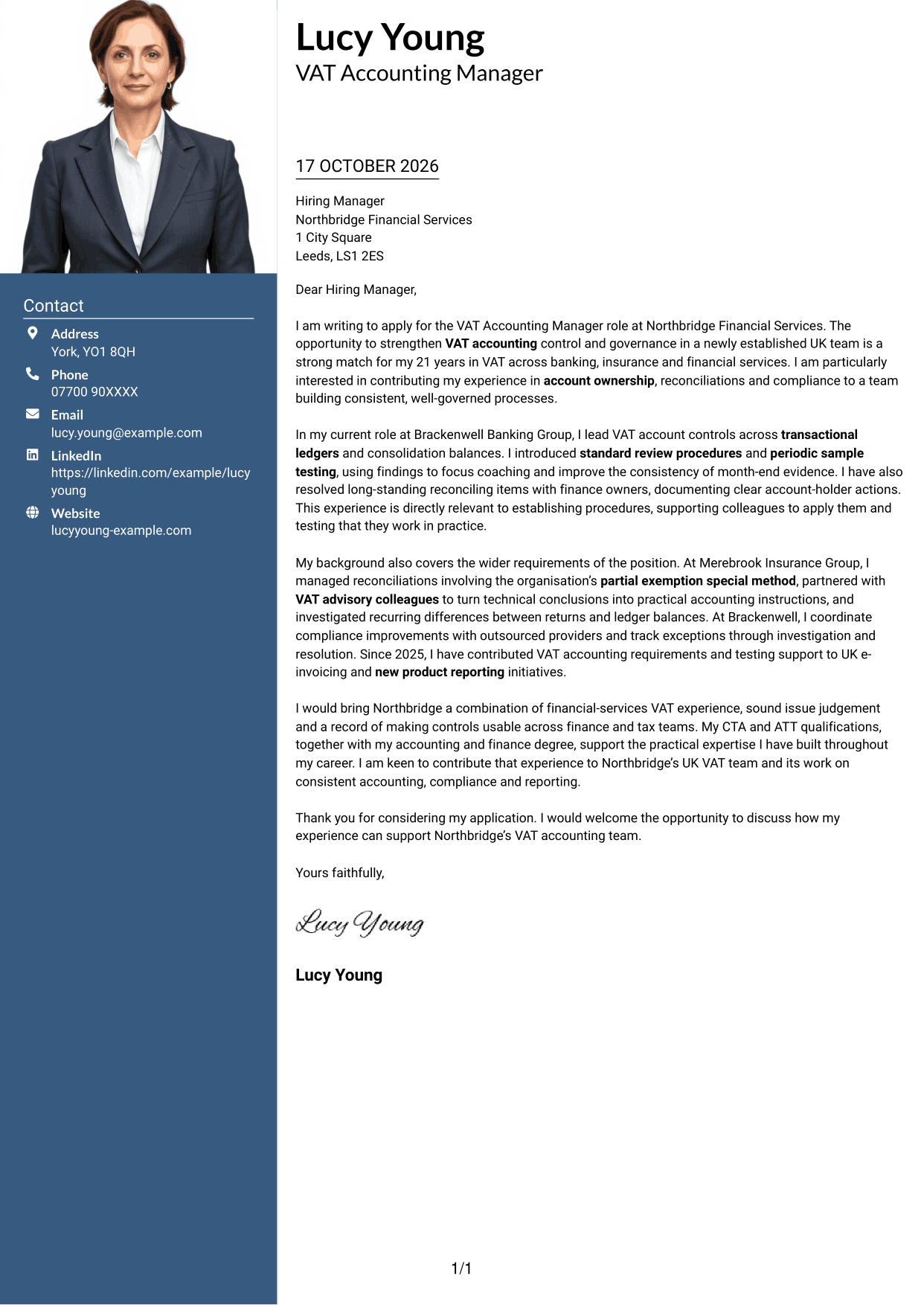
One Column Format with Photo places a portrait with a single continuous letter column, keeping the written message in one direct reading sequence.
Why This Format Works
- The single column keeps opening, evidence and closing in one reading sequence.
- A photo adds a visible personal element without dividing the letter body.
- Sender details remain in the header, separate from the continuous letter text.
Best For
- One-column reading preference
- Portrait-inclusive applications
- Continuous paragraph structure
- Header-based contact details
- Applications requesting a photo
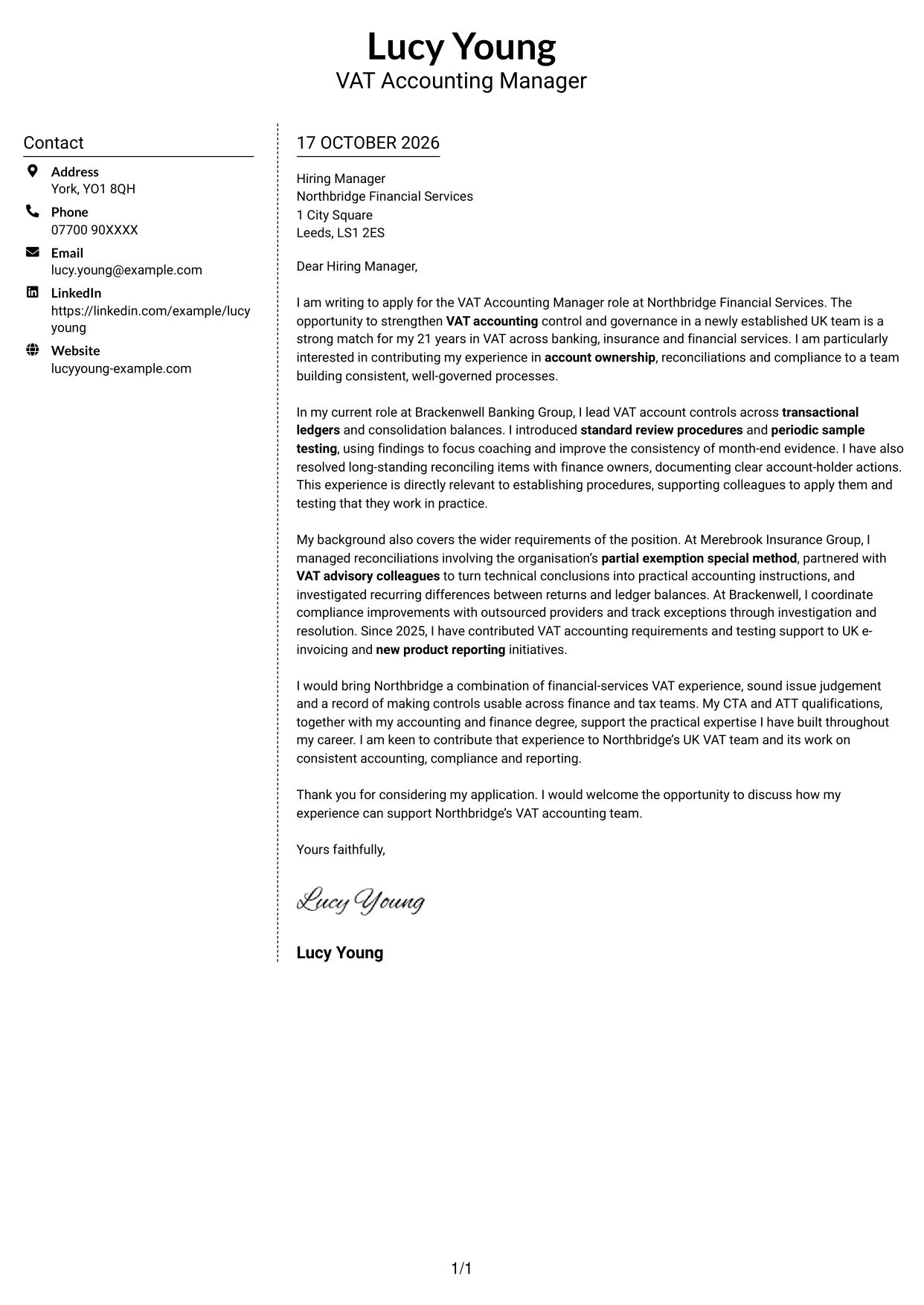
#5 Simple Two Column Format Cover Letter Example
Simple Two Column Format puts contact information in a sidebar beside one continuous letter body, keeping the written case together.
Why This Format Works
- The sidebar gives sender details a place beside, rather than within, the letter.
- One uninterrupted body lets readers follow the application in its written order.
- The photo-free layout suits readers who prefer a document centred on its message.
Best For
- Sidebar contact details
- Two-column page preference
- Uninterrupted letter paragraphs
- Photo-free applications
- Message-led presentation
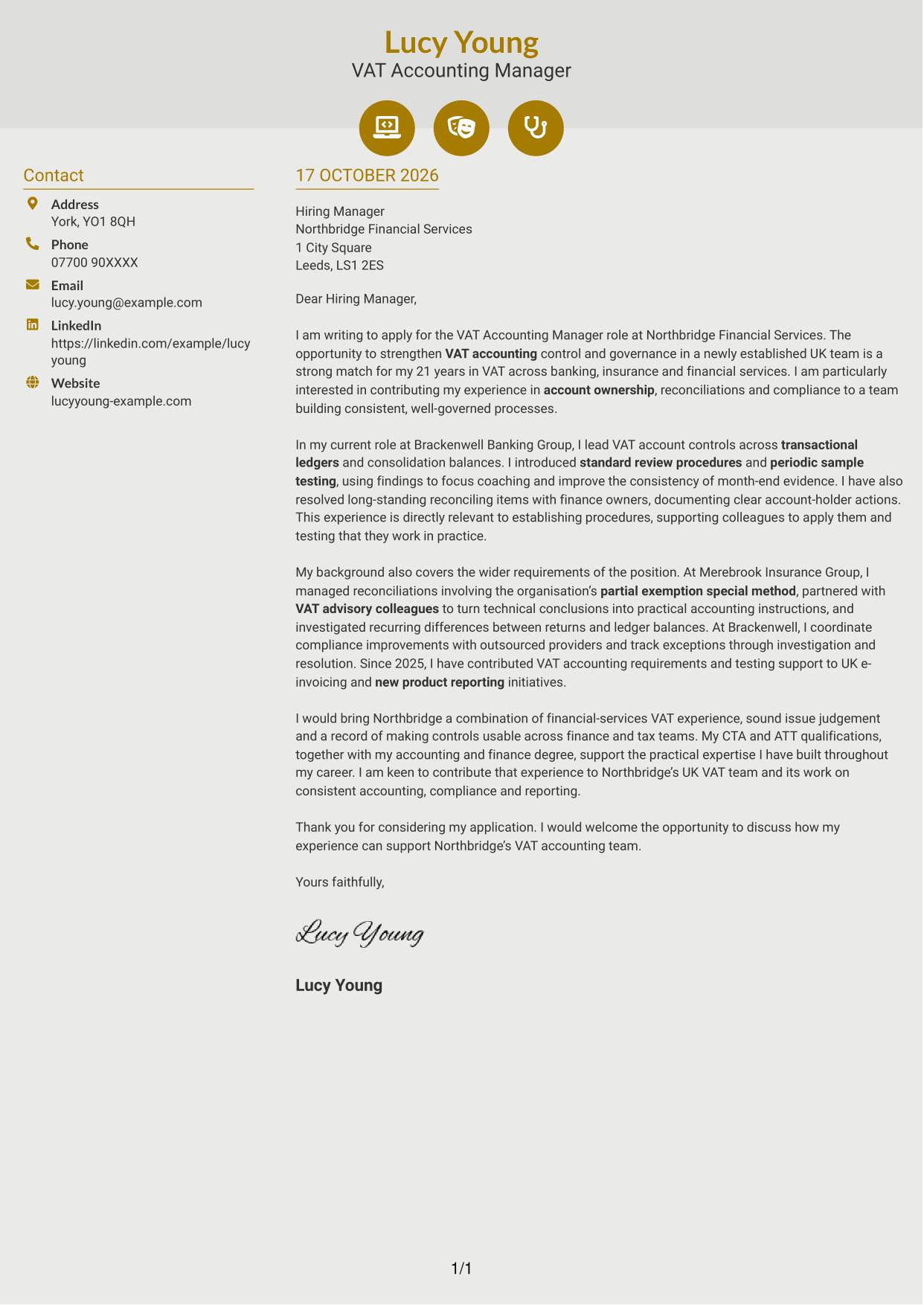
#6 Modern Icon Format Cover Letter Example
Modern Icon Format uses contact cues in a sidebar beside one continuous letter body, keeping icons with practical details rather than the letter's argument.
Why This Format Works
- Contact icons cue sender details, not stages of the letter argument.
- A sidebar separates contact information from the continuous letter text.
- The body keeps motivation, evidence and closing in one connected sequence.
Best For
- Icon-marked contact details
- Sidebar and letter layout
- Continuous letter paragraphs
- Two-column reading preference
- Applications without a photo
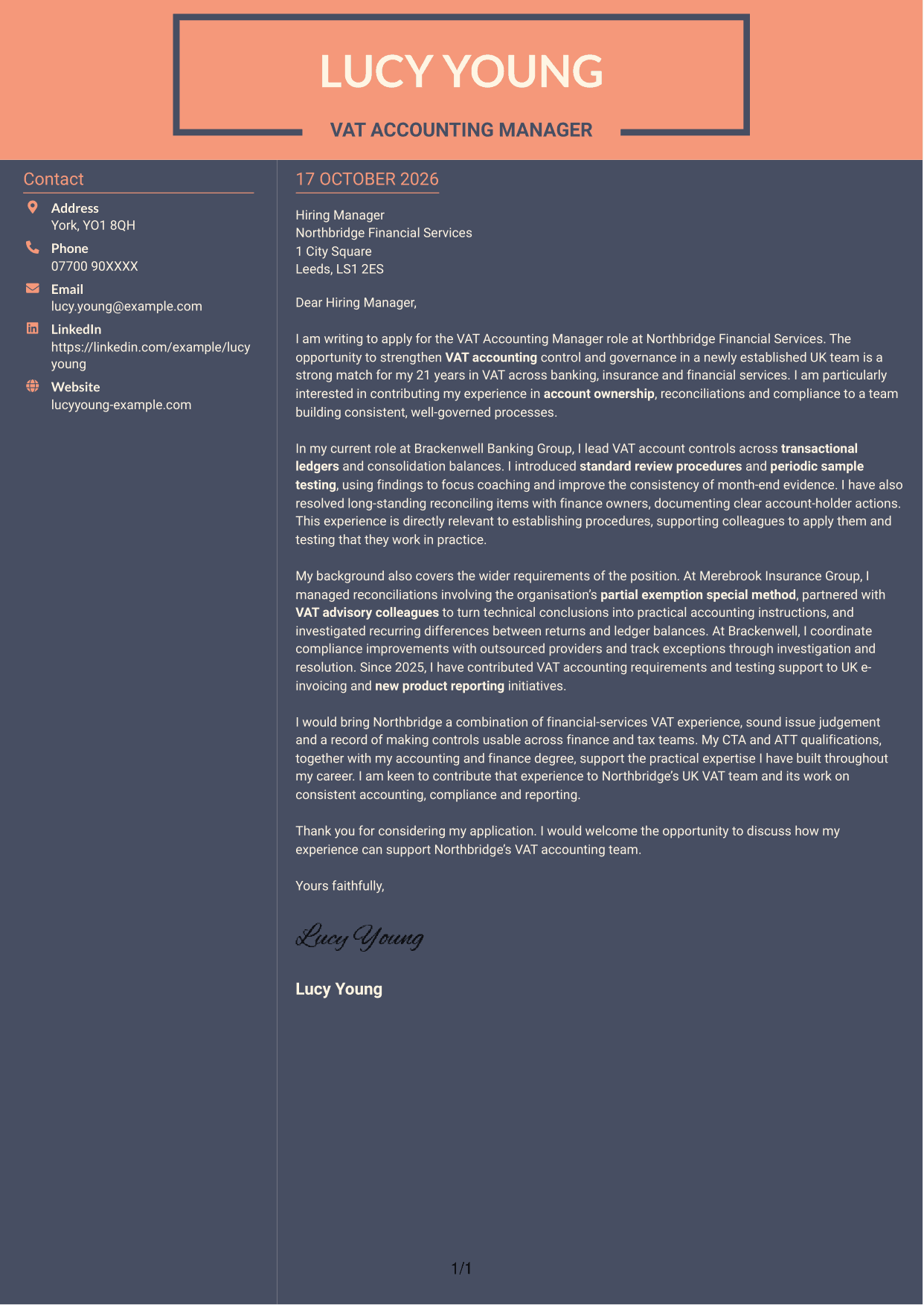
#7 Creative Two Tone Format Cover Letter Example
Creative Two Tone Format places a contact sidebar beside one continuous letter body, keeping practical details apart from the application message.
Why This Format Works
- Sender details have their own sidebar, separate from the letter's argument.
- The continuous body keeps the application paragraphs in their intended order.
- Photo-free pages suit applications that favour a text-only presentation.
Best For
- Sidebar contact information
- Two-column layout preference
- Continuous application letter
- Photo-free applications
- Text-only document requirements
See Also
- 7 VAT Accounting Manager CV Templates with Example
- 7 Operations Planning Manager - Rail Maintenance CV Templates with Example
- 7 Postgraduate Administrator - Admissions and Student Support CV Templates with Example
- 7 Cash Reconciliation Assistant - Retail and Wholesale Accounts CV Templates with Example
- 7 Associate, US Funds Tax CV Templates with Example
- 7 Associate - Export, Trade and Commodity Finance CV Templates with Example
- 7 Clinical Trainer - Robotic-Assisted Knee Surgery CV Templates with Example
- 7 Retail Assistant - Fashion Retail CV Templates with Example
- 7 Programme Coordinator - Adult English and Maths Projects CV Templates with Example
- 7 Audit Assistant Manager - Real Estate CV Templates with Example
Frequently Asked Questions
What should a VAT Accounting Manager cover letter highlight?
Show how your experience supports accurate VAT accounting and effective controls. Relevant examples may include transactional and consolidation reconciliations, account reviews, issue resolution and compliance process improvements.
How can I show that I can improve VAT account controls?
Describe a specific procedure or review you introduced, how you worked with account holders and what you did to check that the process was followed. Explain how this improved the quality or consistency of the evidence.
How should I discuss partial exemption experience?
If you have worked with a partial exemption special method, explain your role in reviewing related balances, keeping supporting evidence or helping colleagues apply the method. Keep the example accurate and relevant to the position.
How can I connect my experience to the employer’s needs?
Refer to the role’s focus on VAT governance, outsourced compliance or reporting changes. Then give a relevant example, such as working with service providers or supporting UK e-invoicing and new product reporting.
What is a clear structure for this cover letter?
Open with the position and your reason for applying. Use the body to present focused evidence of your VAT accounting work and how it fits the role, then close by restating your interest and welcoming a discussion.




