
7 Virtual Finance Apprentice - Bookkeeping, VAT and Management Accounts Cover Letter Templates with Example
This practical guide to a Virtual Finance Apprentice - Bookkeeping, VAT and Management Accounts cover letter shows how to present clear role fit across seven layouts.
What Makes a Great Virtual Finance Apprentice - Bookkeeping, VAT and Management Accounts Cover Letter in 2026
A strong letter explains your interest in the role and connects your AAT studies with bookkeeping, VAT and management accounts work. A clear opening helps the reader understand why this programme fits your goals.
Use specific examples, such as checking records in Xero, preparing draft VAT returns or explaining month-end figures. Show how careful work and clear communication can support accurate reporting and reliable client service.
The featured example moves from interest in the programme to relevant accounting practice, then closes with a clear statement of fit; adapt this focused progression and choose a presentation suited to the employer and communication context.
#1 Simple One Column Format Cover Letter Example
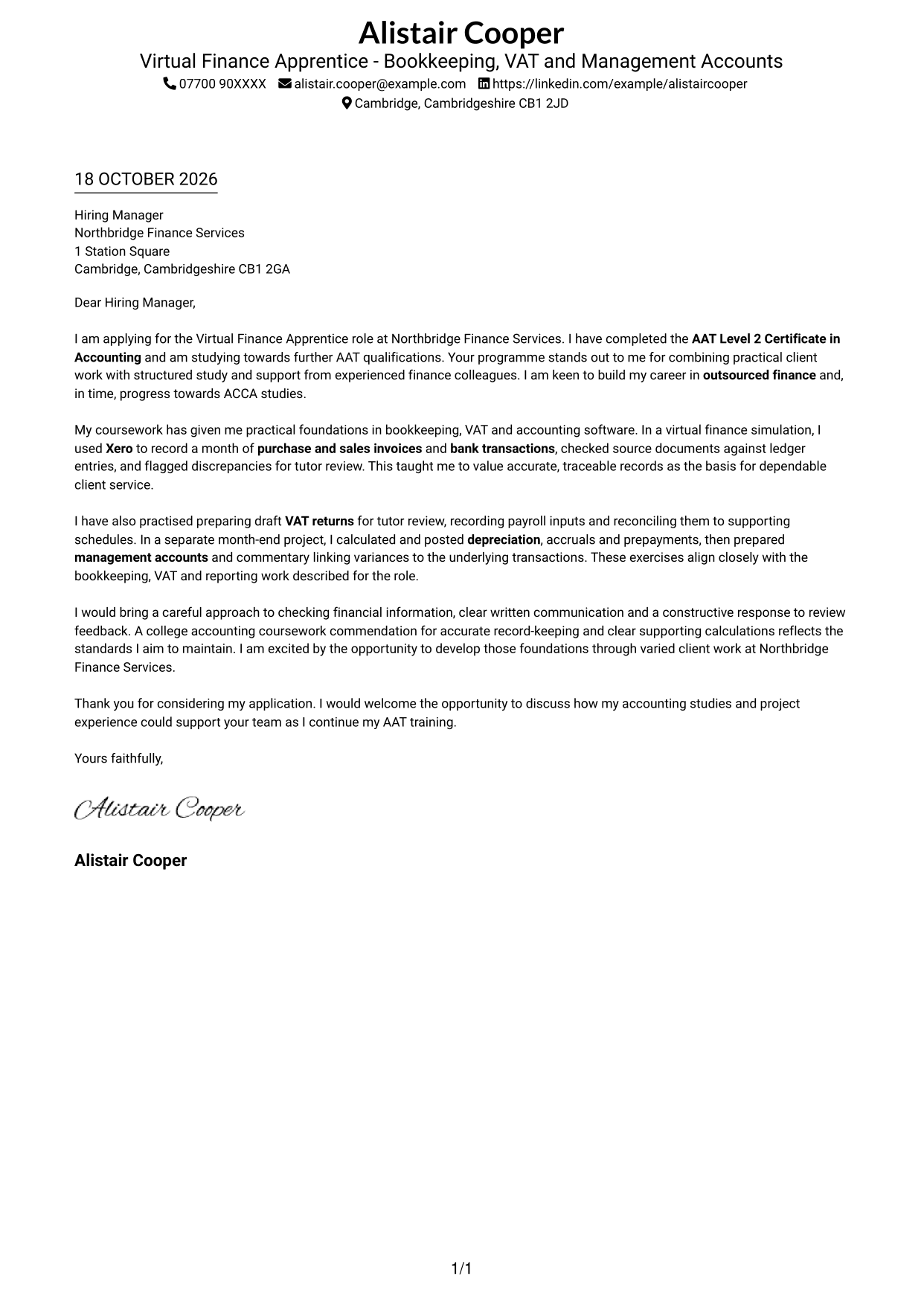
Simple One Column Format keeps sender details in the header and the letter in one continuous column, making the message easy to follow.
Why This Format Works
- Sender details stay in the header, apart from the continuous letter paragraphs.
- The reader can follow motivation, evidence and closing in one column.
- The layout omits a portrait, suiting readers who prefer a text-led letter.
Best For
- Single-column correspondence
- Header-based contact details
- Letters with a clear argument sequence
- Text-led applications
- Portrait-free presentation
#2 Two Column Format Cover Letter Example
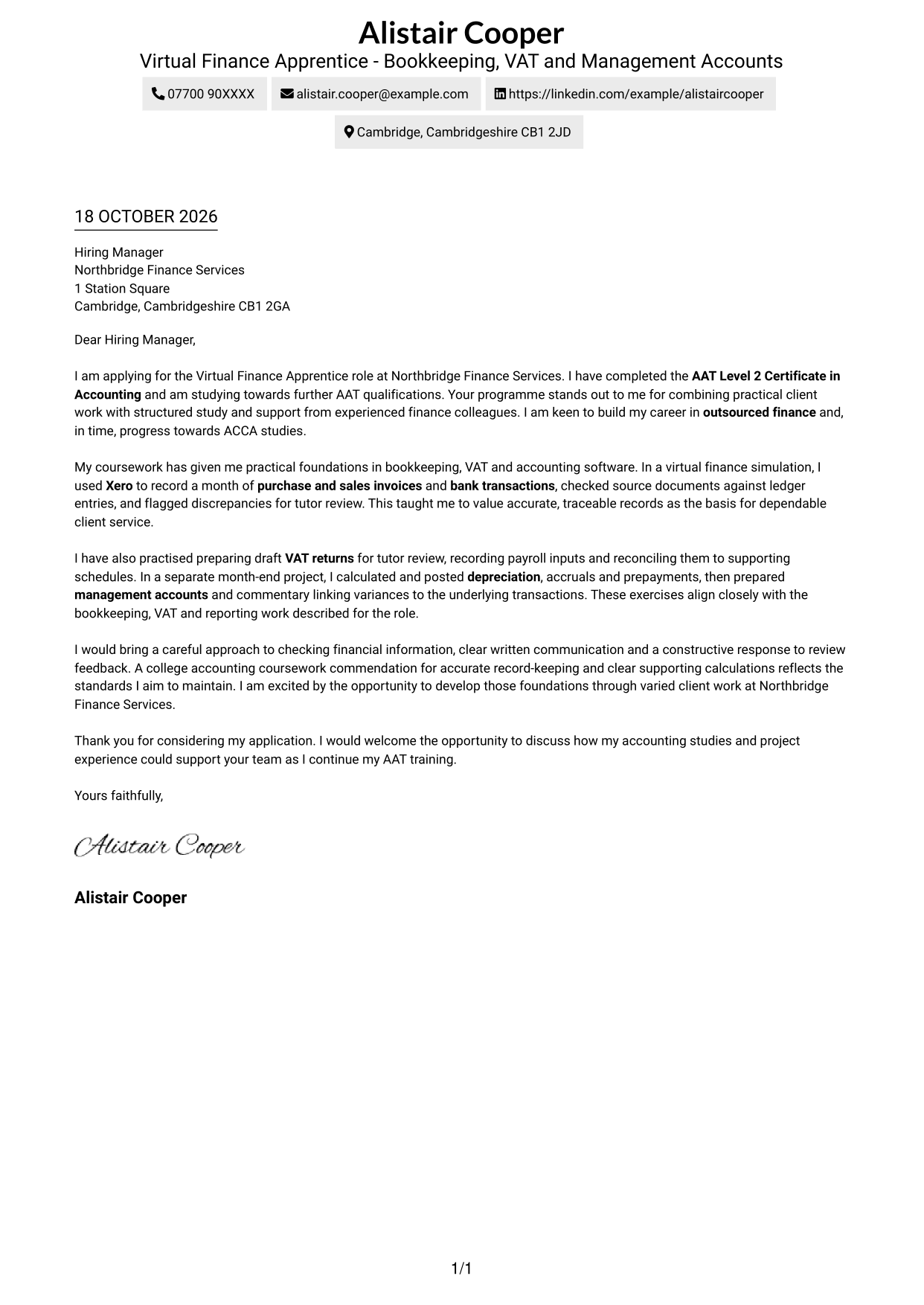
Two Column Format places a contact sidebar beside the continuous letter body, keeping correspondence details distinct from the message.
Why This Format Works
- Contact details sit apart from the continuous letter body in the sidebar.
- The single body column keeps motivation, evidence and closing in sequence.
- The photo-free choice suits applications where a portrait is not wanted.
Best For
- Contact details outside the letter body
- Continuous, single-column letter text
- Portrait-free applications
- Applications favouring a clear reading order
- Letters with several persuasive paragraphs
#3 Photo Header Two Column Format Cover Letter Example
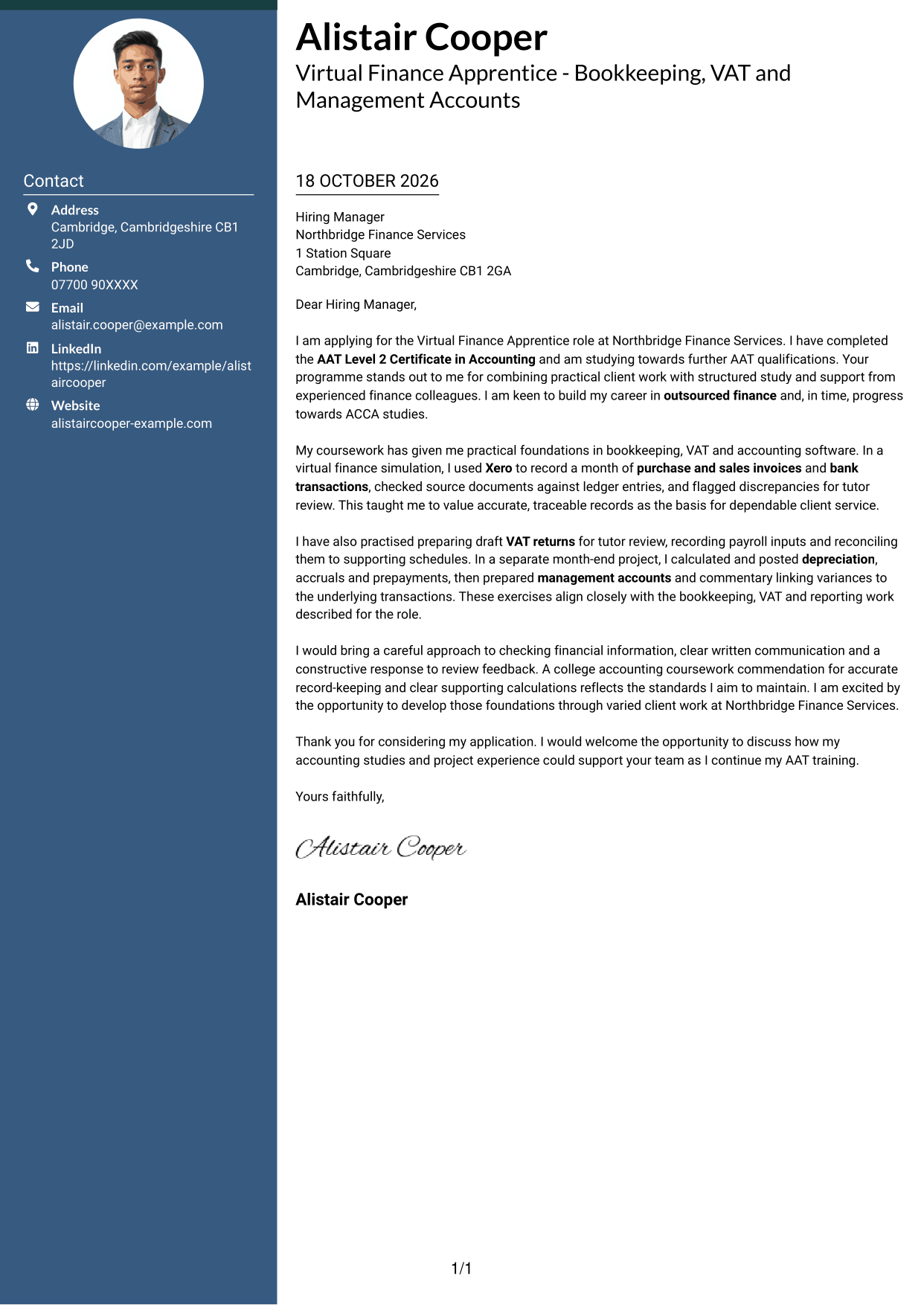
Photo Header Two Column Format includes a portrait and a contact sidebar beside one continuous letter body, offering a visual personal touch while keeping the message together.
Why This Format Works
- The sidebar separates correspondence details from the letter's persuasive paragraphs.
- One body column preserves the order of motivation, evidence and closing.
- The portrait offers a visual choice without changing how the letter is read.
Best For
- Portrait-inclusive applications
- Contact details kept apart
- One-column letter bodies
- Multi-paragraph correspondence
- A personal visual element
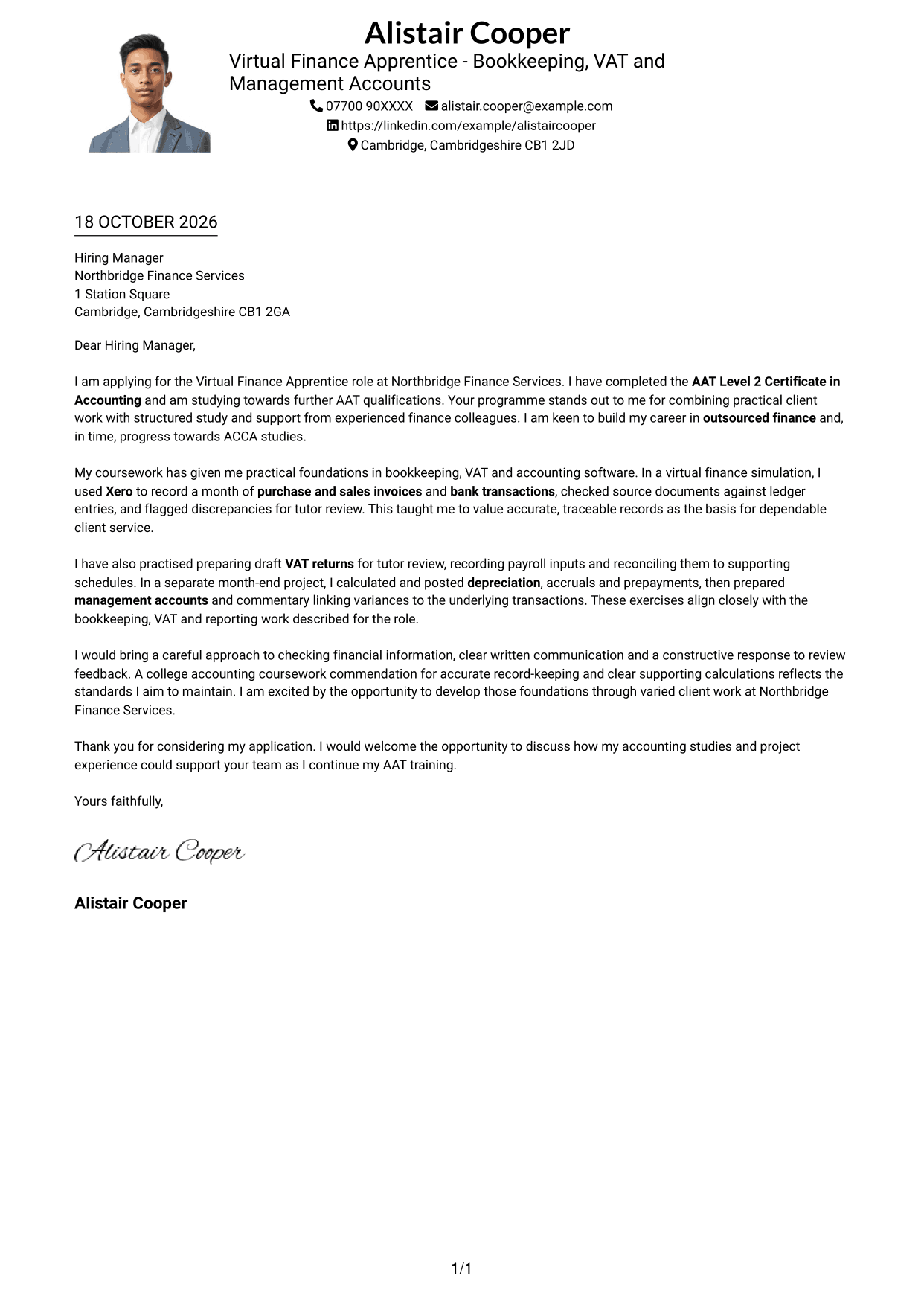
#4 One Column Format with Photo Cover Letter Example
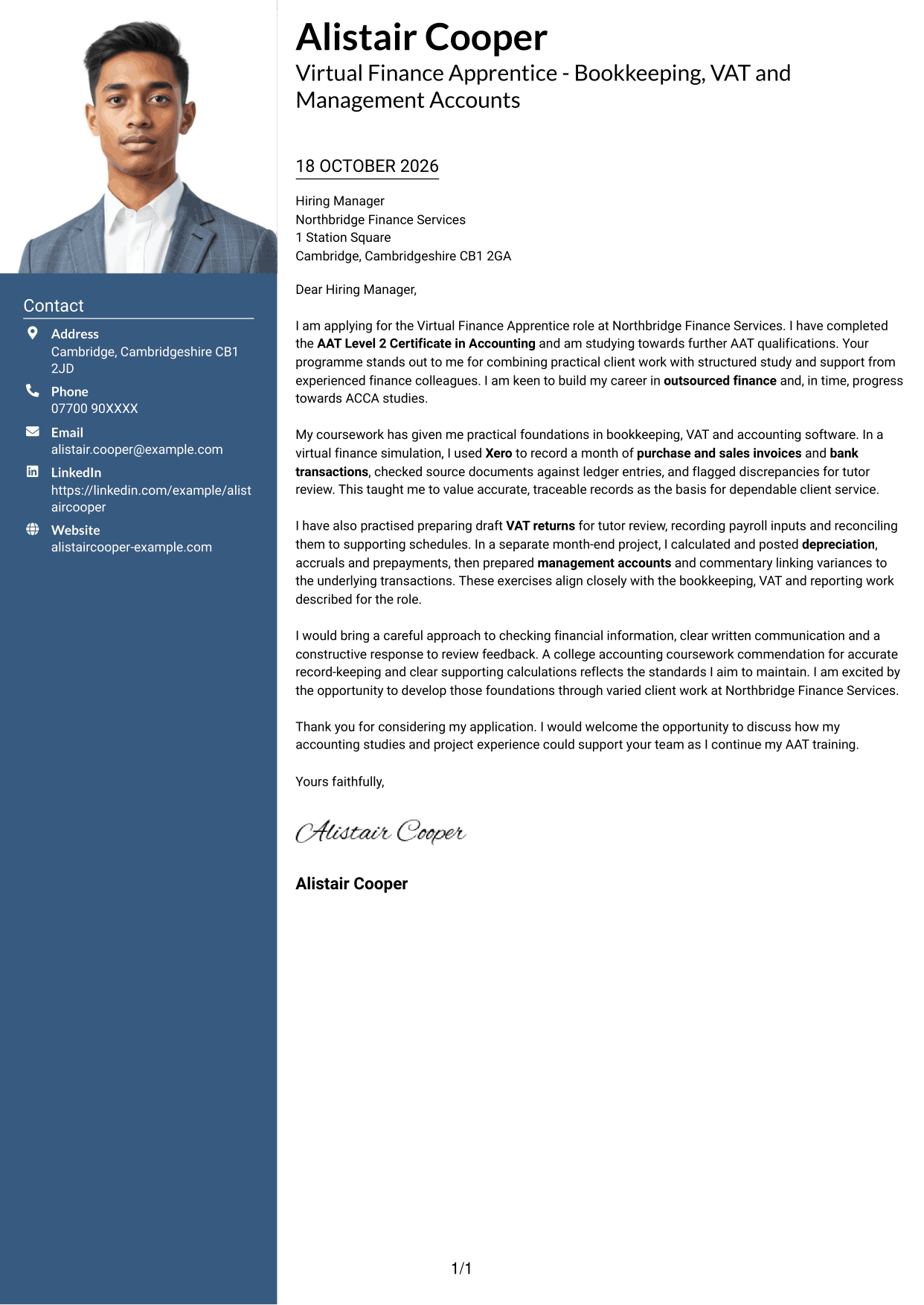
One Column Format with Photo includes a portrait within a single-column letter layout, giving readers a personal visual option while keeping the message in one reading path.
Why This Format Works
- The portrait adds a personal visual element while the letter remains in one column.
- Motivation, evidence and closing stay together in a continuous body.
- Sender details in the header give correspondence information a clear starting point.
Best For
- Portrait-inclusive correspondence
- Single-column letter layouts
- Header-based sender details
- Letters with several paragraphs
- Applications requesting a portrait
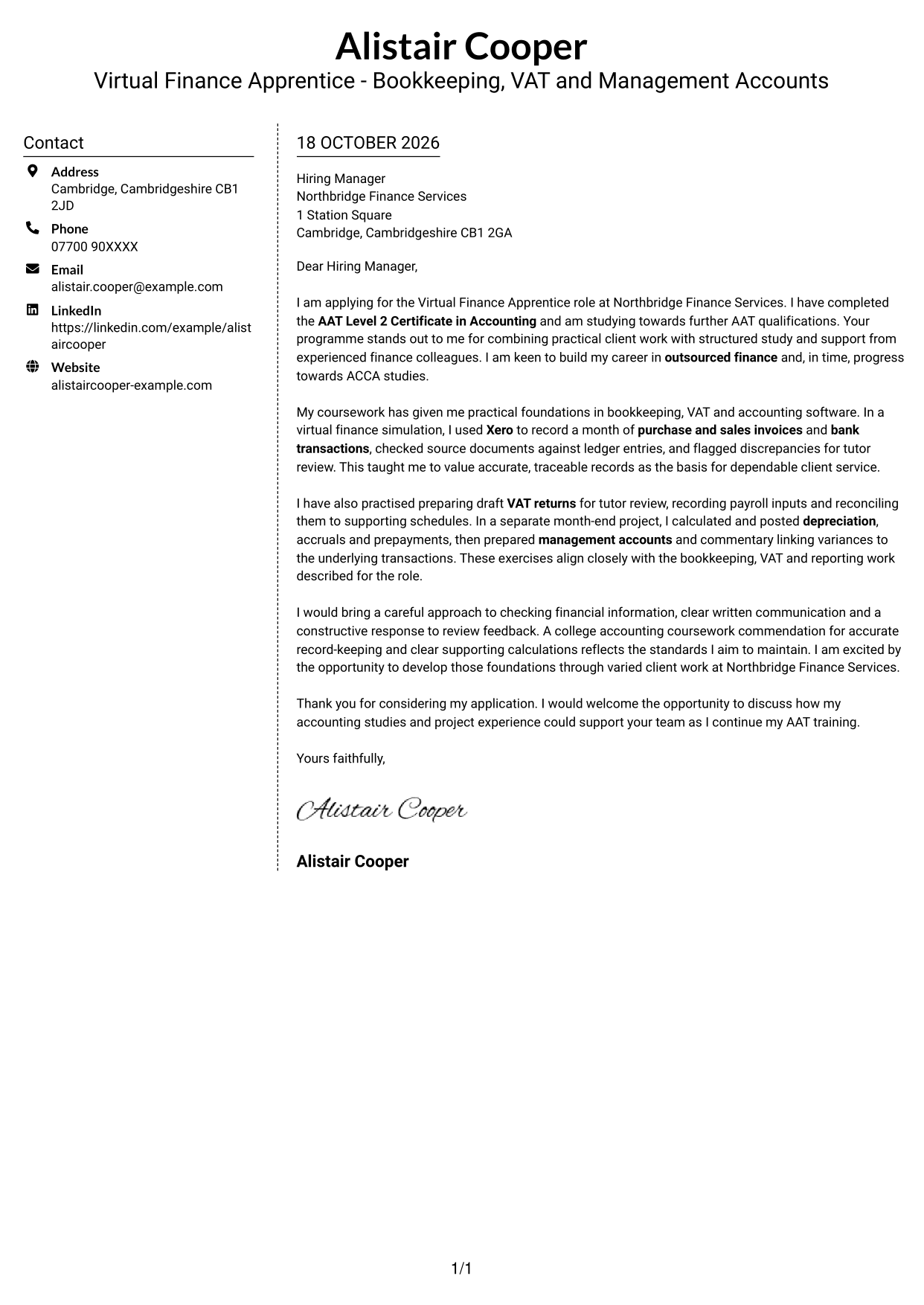
#5 Simple Two Column Format Cover Letter Example
Simple Two Column Format sets a contact sidebar beside the continuous letter body, making sender details easy to distinguish from the message.
Why This Format Works
- The sidebar keeps contact details beside, but separate from, the letter.
- One continuous body lets readers follow the case from opening to closing.
- The photo-free design keeps the presentation focused on written correspondence.
Best For
- Side-by-side contact and message
- Unbroken letter paragraphs
- Applications without portrait imagery
- Clear contact and correspondence separation
- Letters with a defined opening and close
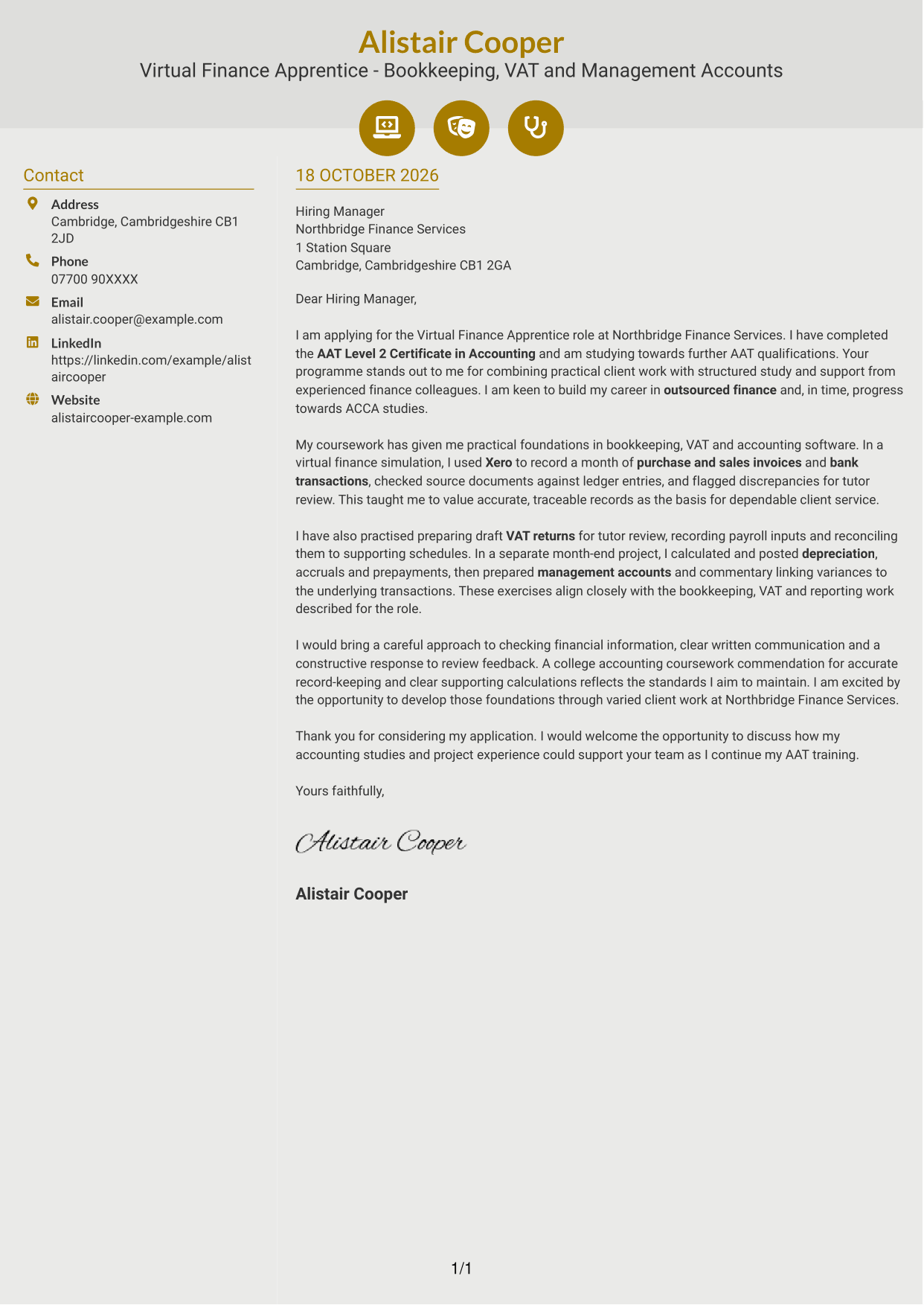
#6 Modern Icon Format Cover Letter Example
Modern Icon Format uses a contact sidebar beside one continuous letter body, with icons serving as cues for contact details rather than argument sections.
Why This Format Works
- Contact icons cue sender details, not stages in the letter's argument.
- The sidebar keeps correspondence information distinct from the continuous paragraphs.
- The single body column preserves a clear opening-to-closing reading order.
Best For
- Icon-cued contact details
- Two-column correspondence
- A continuous letter body
- Quick access to sender information
- Letters without portrait imagery
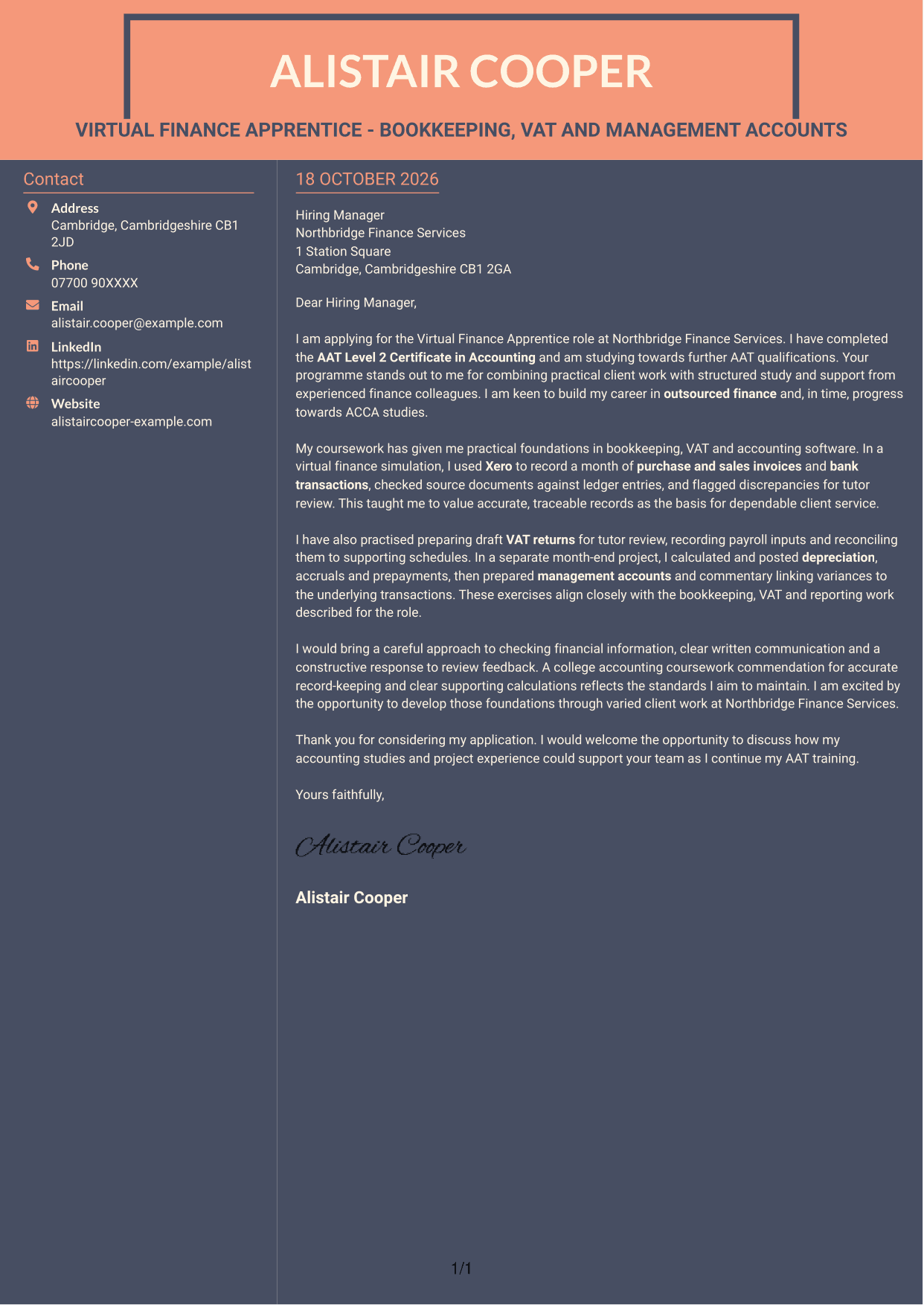
#7 Creative Two Tone Format Cover Letter Example
Creative Two Tone Format places a contact sidebar beside one continuous letter body, keeping the correspondence details separate from the message.
Why This Format Works
- The contact sidebar gives sender details a separate place beside the letter.
- Paragraphs remain in one column, so the argument is read in order.
- The photo-free layout suits readers who prefer a text-first presentation.
Best For
- Contact information beside the letter
- Single-column letter paragraphs
- Photo-free correspondence
- Applications needing a clear reading order
- Multi-paragraph messages
See Also
- 7 Virtual Finance Apprentice - Bookkeeping, VAT and Management Accounts CV Templates with Example
- 7 Finance Assistant Apprentice - Multi-Company Bookkeeping CV Templates with Example
- 7 Finance Apprentice - Housing Finance CV Templates with Example
- 7 Accounts Assistant Apprentice CV Templates with Example
- 7 Apprentice Bookkeeper & Accounts Assistant - Client Accounts CV Templates with Example
- 7 Bookkeeper Apprentice - Client Accounts CV Templates with Example
- 7 Accounts Administrator - Payroll and Finance CV Templates with Example
- 7 Credit Control Administrator Apprentice CV Templates with Example
- 7 Finance Assistant Apprentice - Multi-Company Bookkeeping Cover Letter Templates with Example
- 7 Finance Apprentice - Housing Finance Cover Letter Templates with Example
Frequently Asked Questions
What should a Virtual Finance Apprentice - Bookkeeping, VAT and Management Accounts cover letter highlight?
Show your interest in outsourced finance and connect your accounting studies or relevant practice to the role. Useful areas to discuss include bookkeeping, VAT preparation, month-end journals and clear client reporting.
How can I show relevant bookkeeping and VAT experience?
Give a brief, truthful example of work you have completed. For coursework or simulations, say so clearly, then explain your part in recording transactions, checking source documents or preparing draft VAT figures.
How can I explain my interest in Northbridge Finance Services?
Refer to genuine details of the programme, such as its client work, AAT study support and guidance from experienced colleagues. Explain how these features connect to your interest in developing in outsourced finance.
What is a clear way to structure this cover letter?
Use the opening to name the role and explain your motivation. In the body, give focused examples of relevant accounting practice and how you work. Close by restating your interest and welcoming a discussion.
Should I include every accounting task I have practised?
No. Choose a few examples that match the role, such as checking financial records, preparing draft VAT returns or explaining management account figures. Keep each example brief and clear about whether it came from study or practical work.




