US English


7 Virtual Finance Apprentice - Bookkeeping, VAT and Management Accounts CV Templates with Example
By Ria · Last Updated On 17 October 2026
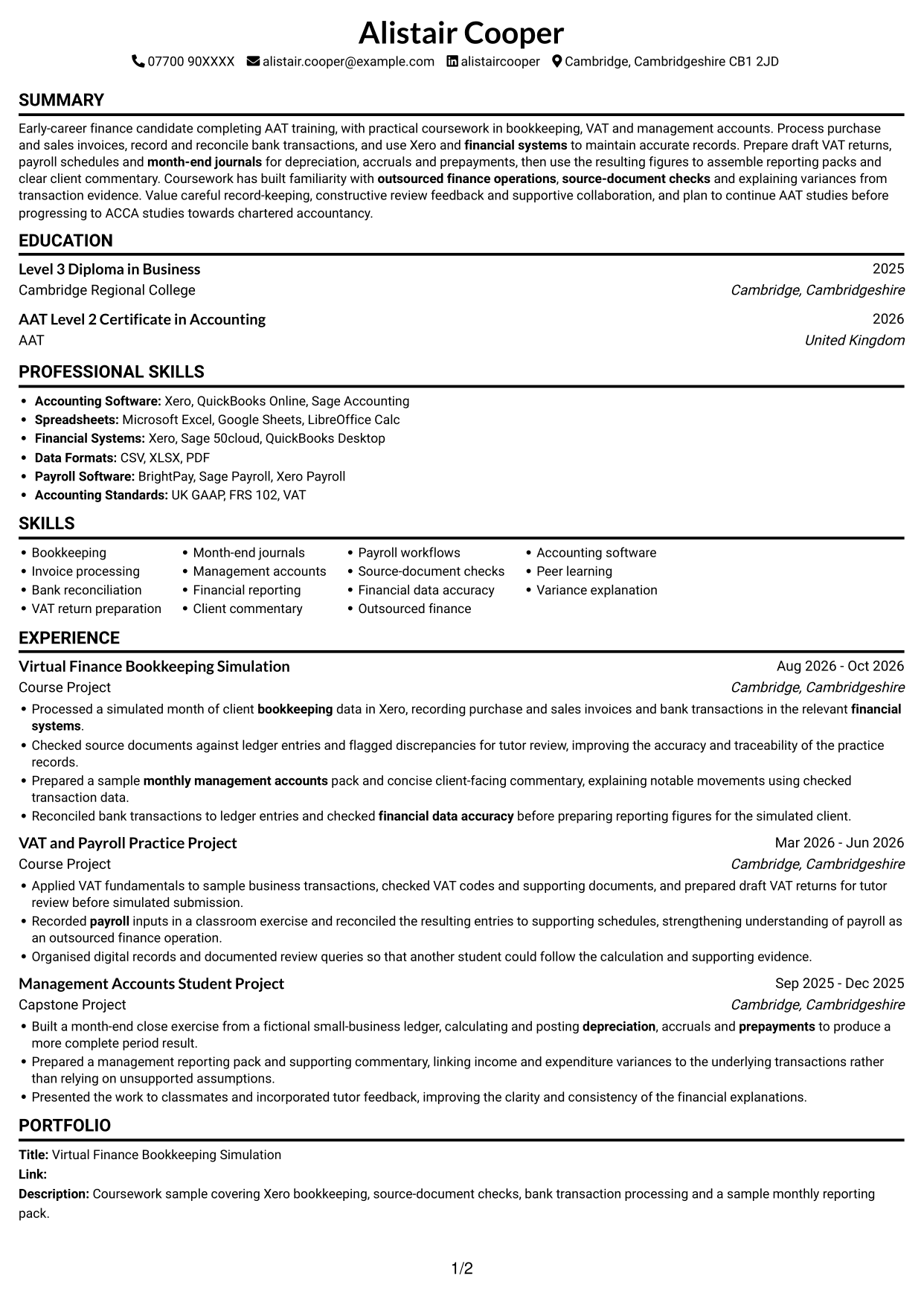
CV example — page 1

This guide shows you how to create a CV for a Virtual Finance Apprentice - Bookkeeping, VAT and Management Accounts role. It explains how to organise your evidence and present it clearly, so readers can find the most relevant details quickly.

Show practical evidence of bookkeeping, invoice processing, bank reconciliation and VAT return preparation. Include month-end journals, management accounts, reporting packs and client commentary where they match your experience, and name tools such as Xero when you have used them.

Compare the example in 7 layouts using the PNG image previews, then open an example in the editor to customise it. The guide also covers ATS readability, useful CV sections and role-specific keywords.

What Makes a Great Virtual Finance Apprentice - Bookkeeping, VAT and Management Accounts CV in 2026

A strong CV makes bookkeeping, VAT and management accounts evidence easy to scan. Use clear sections and focused bullets to show what you did and what the work produced.

Include relevant terms such as Xero, bank reconciliation, VAT return preparation, depreciation, accruals and prepayments. Use figures only when you can support them, and label practice work accurately.

Note: CV examples are for educational purposes only. Use only information that accurately reflects your experience and qualifications. References to real organisations do not imply affiliation or endorsement.

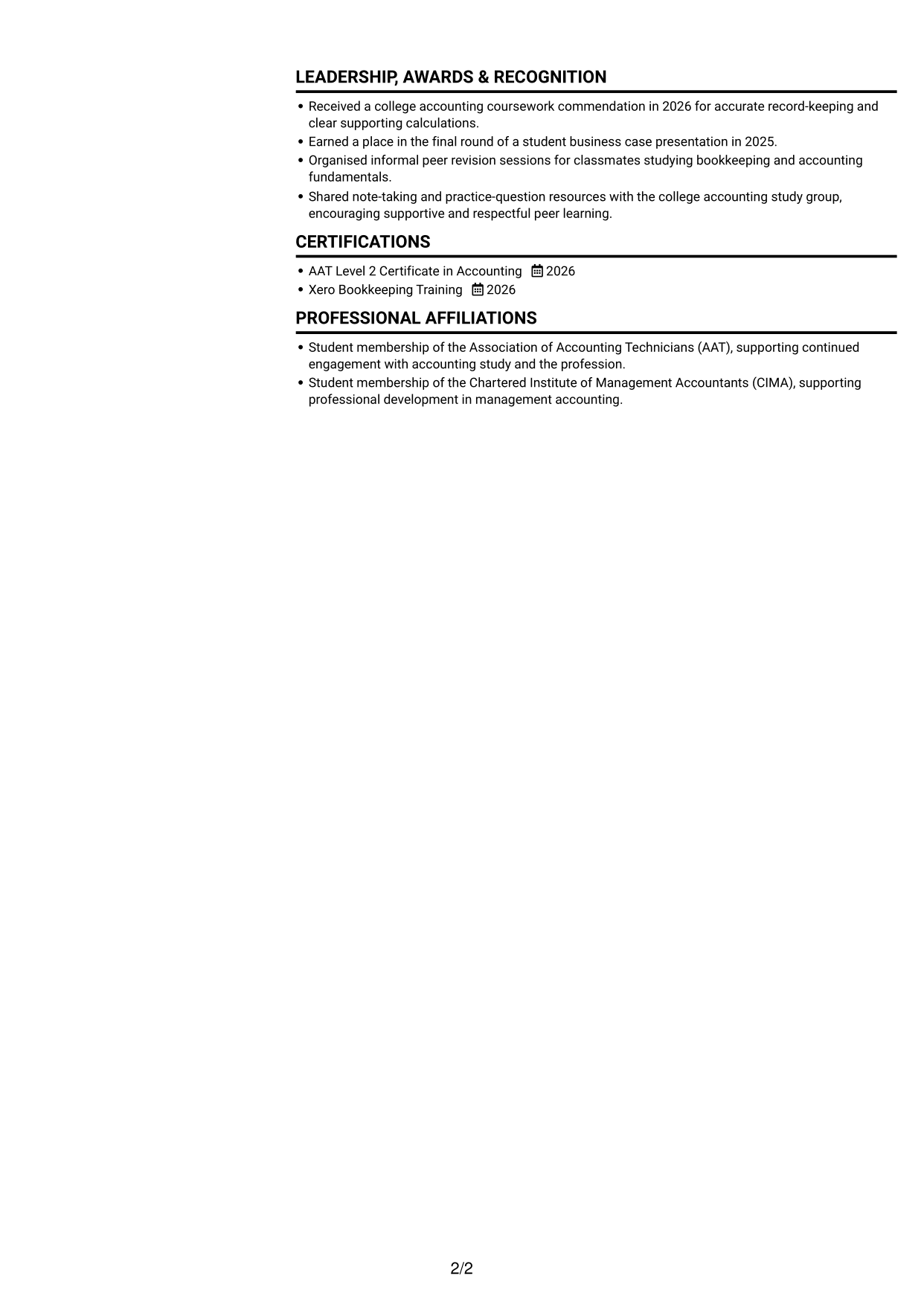
#1 Simple One Column Format CV Example

A simple one-column layout keeps the CV’s sections in a steady top-to-bottom order, making it easy to follow.

 
CV example — page 1   CV example — page 2

Why This Format Works

  • Project entries read in sequence, helping reviewers follow dates and outcomes.
  • Education and AAT training remain easy to find in the vertical order.
  • One text path gives ATS software a clear order for CV sections.

Best For

  • Single-column reading preference
  • ATS-friendly text order
  • Sequential project histories
  • Education and coursework together
  • Straightforward section navigation

CV Keywords

  • bookkeeping
  • bank transaction processing
  • month-end journals
  • monthly management accounts
  • financial systems
  • Accounting Software
  • depreciation
  • accruals
  • prepayments
  • payroll
  • outsourced finance operations
  • Bank reconciliation
  • Financial data accuracy
  • source-document checks
  • ACCA studies
 

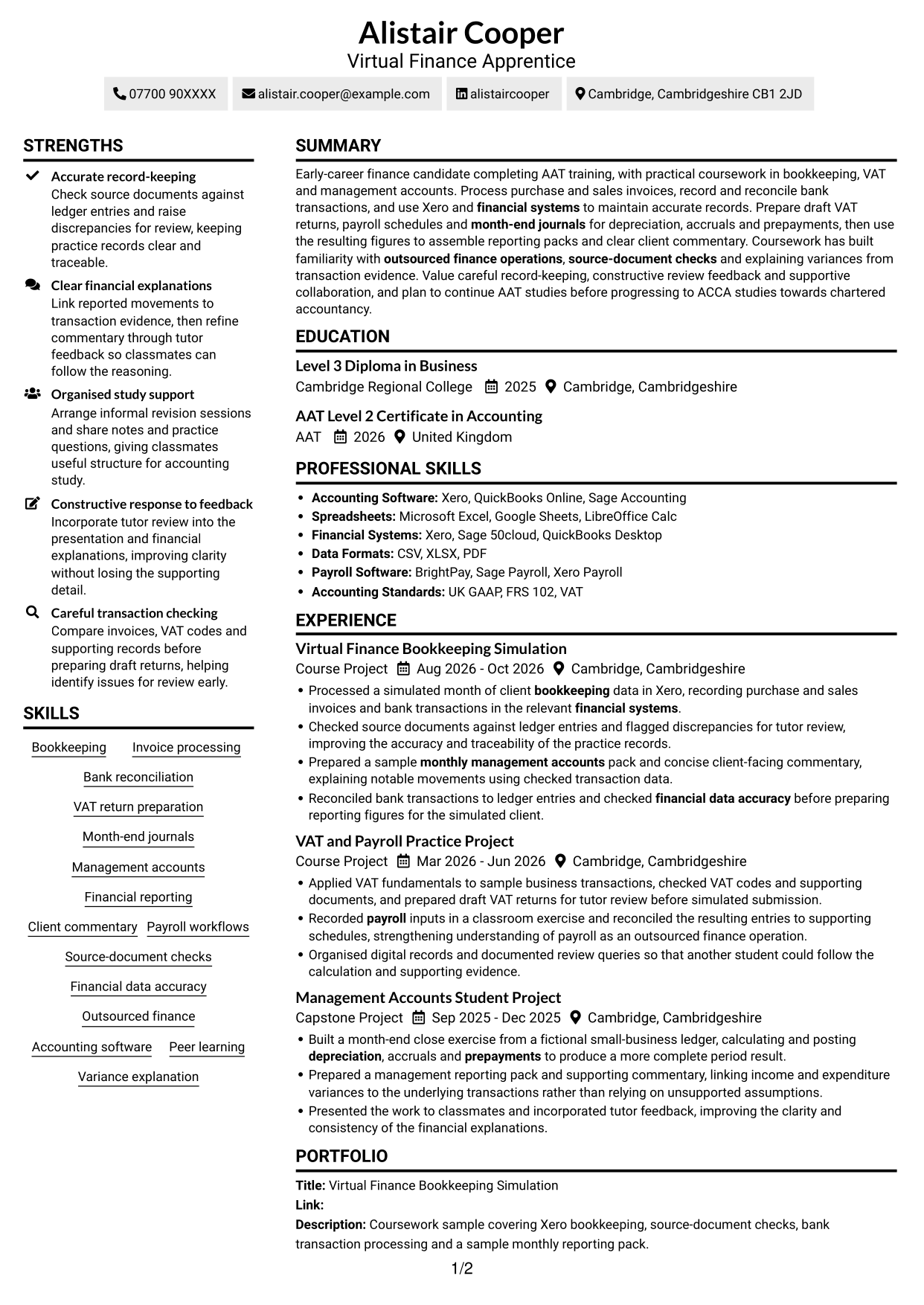
#2 Simple Two Column Format CV Example

A two-column body groups CV information across parallel areas, giving reviewers a compact way to compare sections.
 
CV example — page 1   CV example — page 2

Why This Format Works

  • Parallel columns help reviewers compare section groups without losing the experience timeline.
  • Skills and education can be found without scanning every project description.
  • Two-column reading suits CVs with several distinct content sections.

Best For

  • Parallel section groups
  • Quick access to skills and education
  • CVs with varied content sections
  • Screen-based document review
  • Side-by-side information scanning

#3 Plain One Column with Shaded Labels CV Example

The one-column format gives this CV a single vertical reading path, suited to readers who prefer sections in sequence.
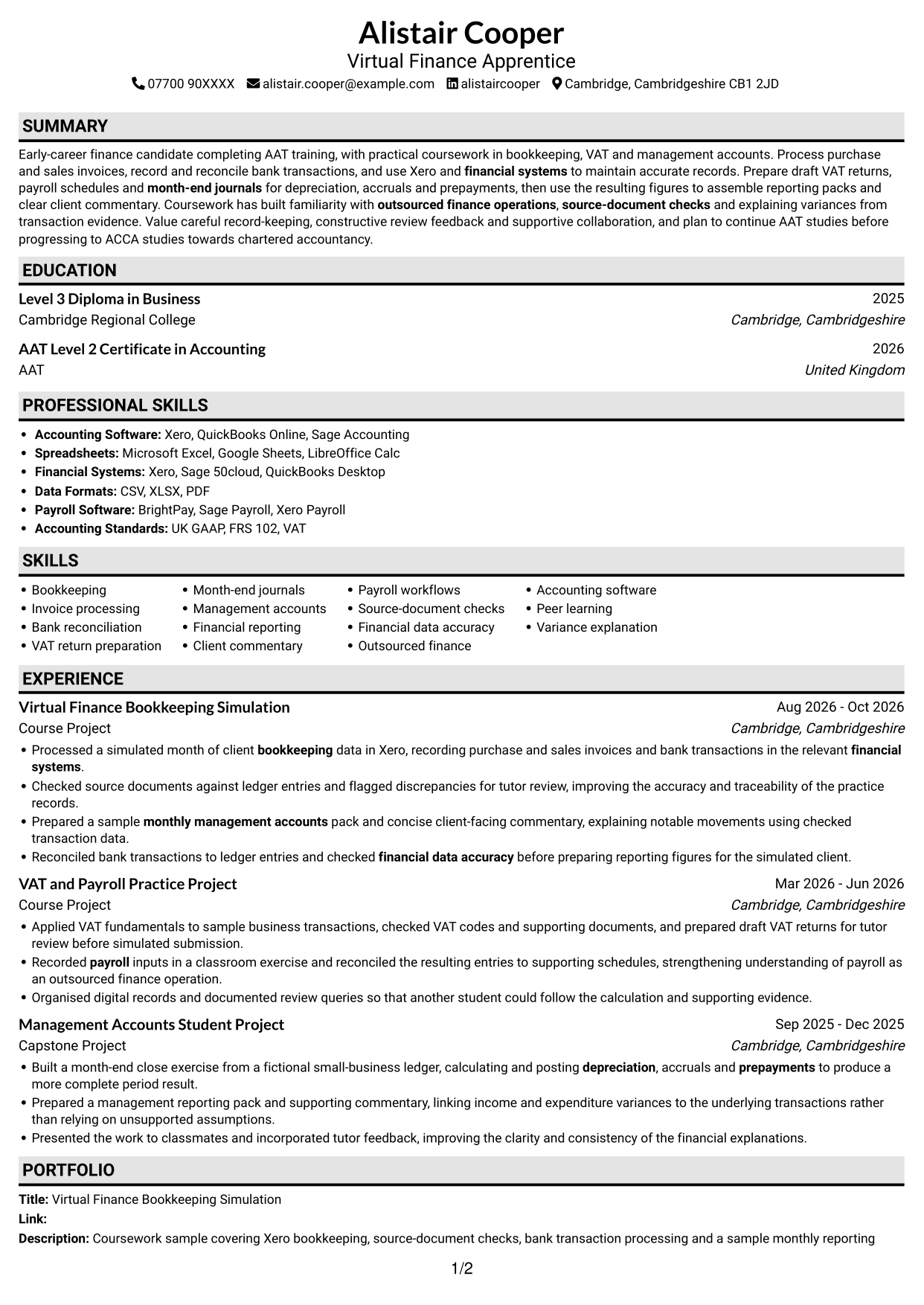

 
CV example — page 1   CV example — page 2

Why This Format Works

  • Experience entries remain in one vertical sequence, so project dates are easy to follow.
  • Education and qualifications fit into the same straightforward reading order.
  • A single text column gives ATS software a clear route through sections.

Best For

  • One-column section order
  • ATS-readable text flow
  • Sequential project details
  • Education and qualification sections
  • Readers who prefer a plain layout
 

#4 One Column Format with Photo Right CV Example

With the photo at right, the one-column text keeps a clear reading order for reviewers.
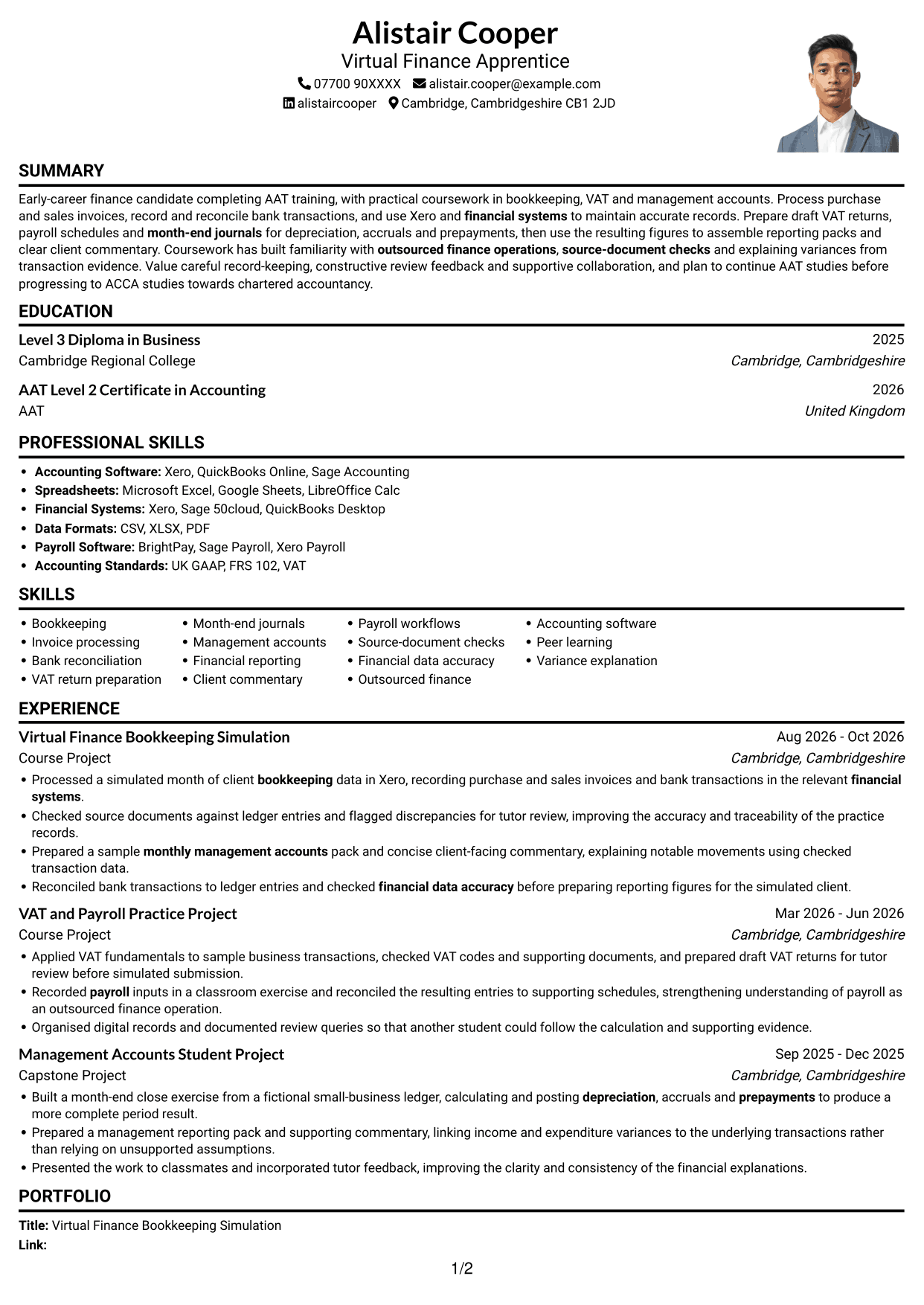
 
CV example — page 1   CV example — page 2

Why This Format Works

  • Project dates and outcomes can be followed down the page without column changes.
  • Education and experience remain in one continuous text sequence for review.
  • The portrait adds a visible personal touch without changing how experience is read.

Best For

  • Portrait-led header preference
  • One-column text flow
  • Sequential project reviews
  • Education with training details
  • CVs for screen review
 

#5 Clean Two Column Sidebar Format CV Example

The two-column body gives reviewers a way to move between experience and supporting sections.
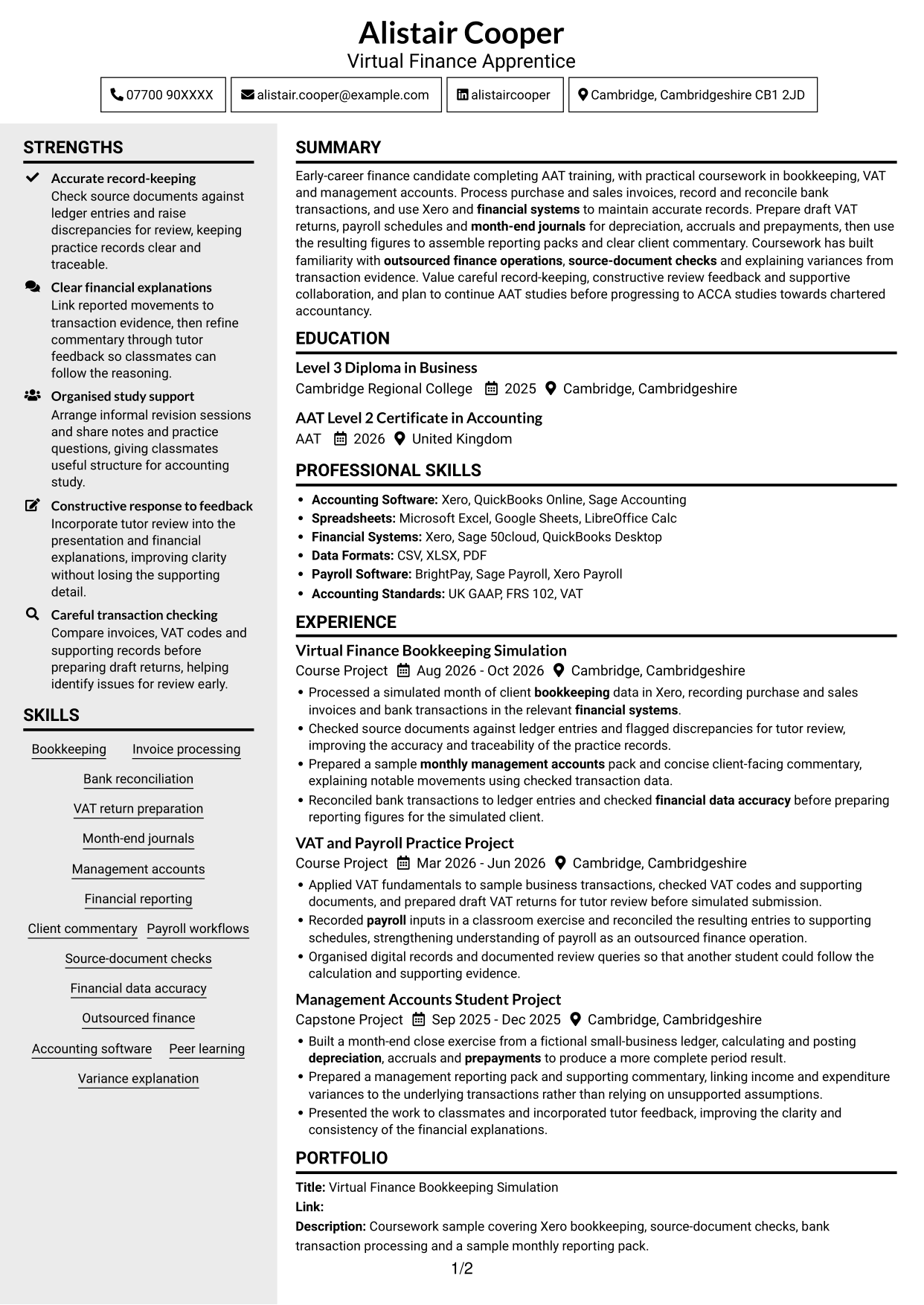
 
CV example — page 1   CV example — page 2

Why This Format Works

  • Skills and education can be located without reading each project account first.
  • Separate column areas make a mix of CV sections easier to navigate.
  • The two-column reading order helps reviewers move between experience and qualifications.

Best For

  • Two-column section grouping
  • Quick access to supporting details
  • CVs with several content areas
  • Parallel information review
  • Skills and education checks


#6 Two Column Format CV Example

Two columns give the CV body a structured reading order for reviewers moving between sections.
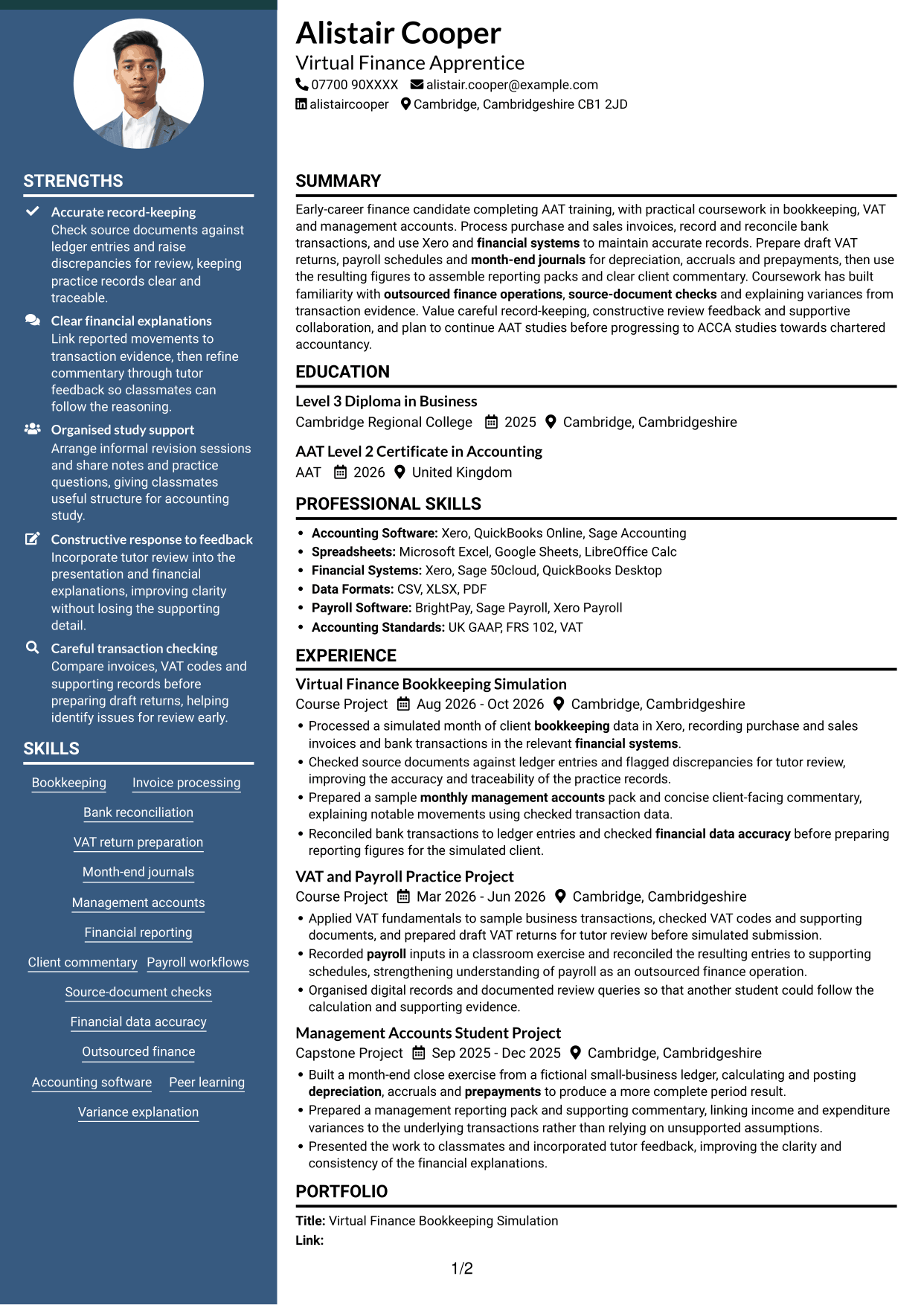
 
CV example — page 1   CV example — page 2

Why This Format Works

  • Reviewers can scan the two columns in a clear order across CV sections.
  • Experience and project information remain distinct from other sections.
  • Grouped skills and education support quick checks alongside career details.

Best For

  • Two-column reading preference
  • Grouped content sections
  • Screen-based CV review
  • Project-rich CVs
  • Parallel information scanning
 

#7 Photo Header Two Column Format CV Example

A photo header gives the CV a visible portrait, while two columns organise the text into parallel areas.
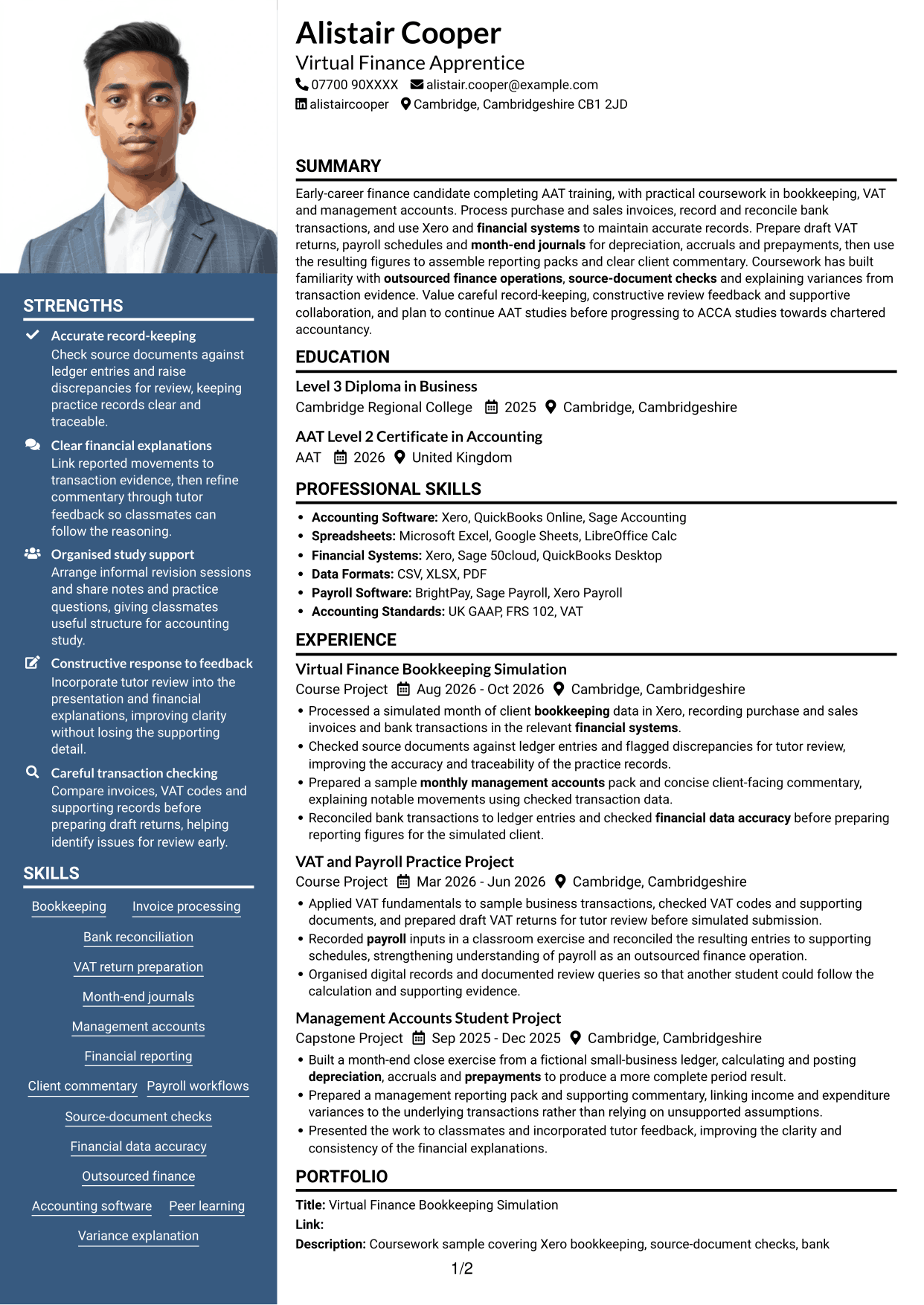
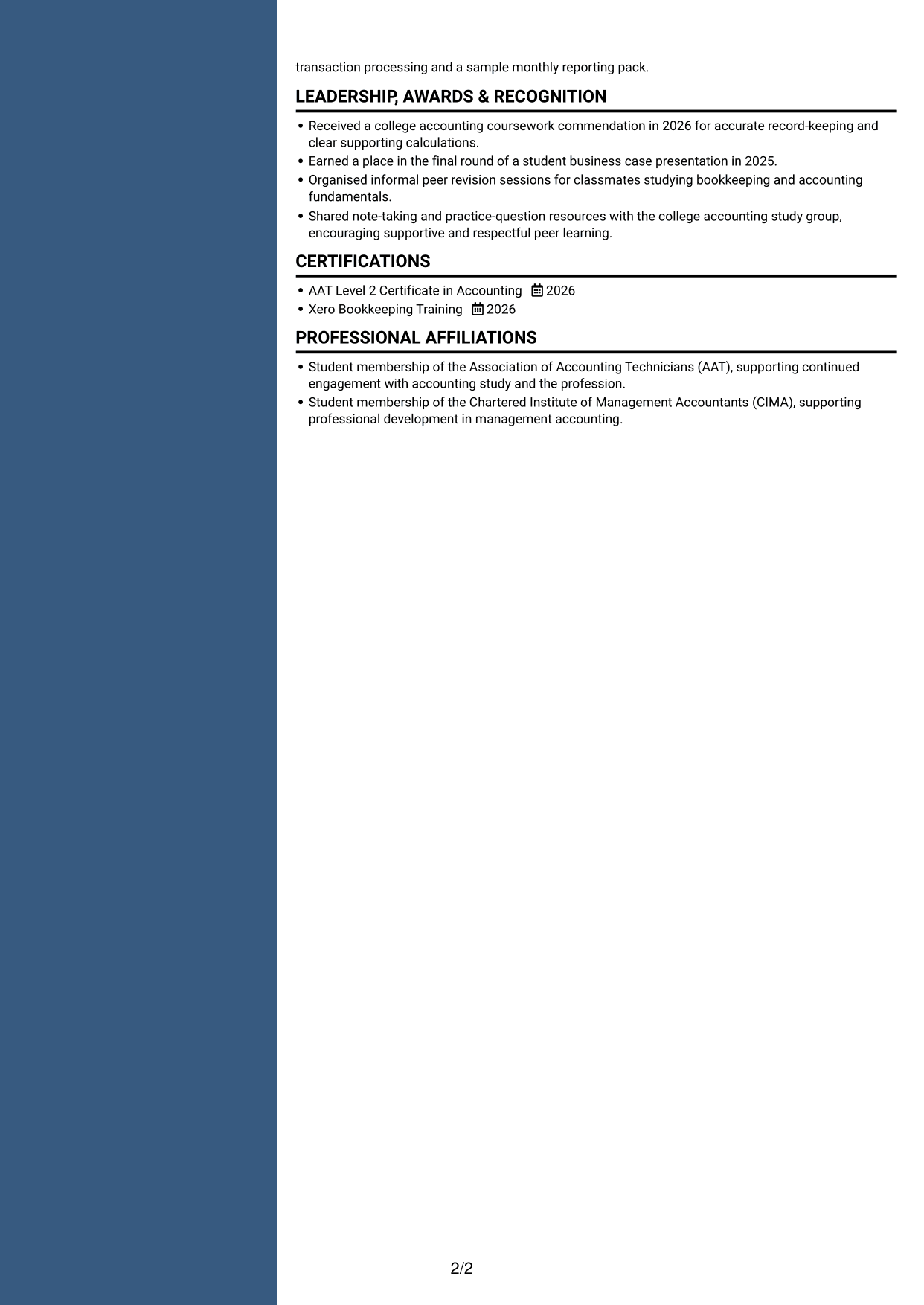
 
CV example — page 1   CV example — page 2

Why This Format Works

  • The two-column body gives CV sections a clear structure beneath the photo header.
  • Project entries remain distinct from other sections, helping readers follow their dates.
  • Grouped skills and education are easier to locate during a focused review.

Best For

  • Applications where a portrait is wanted
  • Two-column body structure
  • Grouped section review
  • Project and education sections
  • Photo-led CV headers


Why Build Your Virtual Finance Apprentice CV with ResumeInMinutes

ResumeInMinutes helps you organise your finance skills, coursework, education and experience in a clear CV. Compare PNG image previews, then open an example in the editor to customise its content and layout.

  • CV layout options
  • Clear, readable section structure
  • Space for role-specific keywords
  • Organised skills and experience
  • PNG image previews
  • CV customisation in the editor

Choose a format that makes your evidence easy to follow. Keep the focus on accurate records, careful checks and clear financial reporting.


See Also


Frequently Asked Questions

Are these Virtual Finance Apprentice CV templates ATS-friendly?

The examples use clear headings and sections to support scanning by people and applicant tracking systems (ATS). Add relevant terms naturally, such as bookkeeping, bank reconciliation, VAT return preparation and month-end journals.

Are these separate CV examples or different layouts of one example?

This page shows one role-focused CV example in different layouts. Compare the PNG image previews, then open an example in the editor to customise it.

What should a Virtual Finance Apprentice CV include?

Include a focused summary, relevant skills, education and experience or coursework. Where accurate, show invoice processing, bank reconciliation, draft VAT returns, payroll workflows, month-end journals and management reporting.

Which CV layout works well for this role?

Choose a layout with clear headings and an easy-to-follow order for skills, experience and education. A simple structure helps readers find key details quickly.

How can I show bookkeeping and accounts work on my CV?

Use concise bullet points to explain the task, the checks you made and the result. Label coursework and simulations clearly, and include supported details such as reconciliations, draft returns or reporting packs.

Should I include a photo on my CV?

For UK applications, a photo is usually not needed. Use the space for relevant skills, education and evidence of your work instead.


ATS Score 90%

How we calculate this score

  • Keywords: 60% of the total. AI extracts keywords from your job description. If you do not provide one, a standard job description for the title matching your CV is used. This is not a match to a specific vacancy.
  • Text-based CV: 20%. The text CV assessed here receives 100 for this part.
  • CV quality: 20%. We start at 100 and subtract points for issues found by our CV checks, down to a minimum of zero.
  • Keyword coverage = 100 × (confirmed matches + 0.8 × possible matches) ÷ total keywords, rounded and capped at 100. Possible matches still need checking. Saved generation audits use their saved keyword percentage.
  • Final score = 60% of keyword coverage + 20% of the text score + 20% of the quality score, rounded to a whole number. Without keywords, no overall ATS score is available.

What this score means

Our scores are estimates, not employer ratings. They may contain errors and do not guarantee accurate parsing, a ranking, an interview, or a job. Check your document against the employer’s requirements. You are responsible for relying on this score.

Terms and Conditions

Score weights: Keywords 60% · Text based CV 20% · CV quality 20%

Keywords: 15 matched + 4 possible of 21 (87%) · CV quality: 90%

CV quality 90% · Weight 20% · Issues (1)

Details
  • ✓Name present: Alistair Cooper
  • ✓Email format: alistair.cooper@example.com
  • ✗Phone format: 07700 90XXXX
  • ✓Experience 1: Job title: Virtual Finance Bookkeeping Simulation
  • ✓Experience 1: Company name: Course Project
  • ✓Experience 1: Work location: Cambridge, Cambridgeshire
  • ✓Experience 1: Employment dates: Aug 2026 - Oct 2026
  • ✓Experience 1: Description or achievements: Present
  • ✓Experience 2: Job title: VAT and Payroll Practice Project
  • ✓Experience 2: Company name: Course Project
  • ✓Experience 2: Work location: Cambridge, Cambridgeshire
  • ✓Experience 2: Employment dates: Mar 2026 - Jun 2026
  • ✓Experience 2: Description or achievements: Present
  • ✓Experience 3: Job title: Management Accounts Student Project
  • ✓Experience 3: Company name: Capstone Project
  • ✓Experience 3: Work location: Cambridge, Cambridgeshire
  • ✓Experience 3: Employment dates: Sep 2025 - Dec 2025
  • ✓Experience 3: Description or achievements: Present
  • ✓No placeholder fields
  • ✓No repeated achievement bullets
  • ✓No empty bullets

Header: Check the phone number: “07700 90XXXX”. Use 7–15 digits, with an optional country code.

Expand details to review the checks.

Text Based CV 100% · Weight 20%

Parsed text
Alistair Cooper
07700 90XXXX
alistair.cooper@example.com
alistaircooper
Cambridge, Cambridgeshire CB1 2JD
SUMMARY
Early-career finance candidate completing AAT training, with practical coursework in bookkeeping, VAT and management accounts. Process purchase and sales invoices, record and reconcile bank transactions, and use Xero and financial systems to maintain accurate records. Prepare draft VAT returns, payroll schedules and month-end journals for depreciation, accruals and prepayments, then use the resulting figures to assemble reporting packs and clear client commentary. Coursework has built familiarity with outsourced finance operations, source-document checks and explaining variances from transaction evidence. Value careful record-keeping, constructive review feedback and supportive collaboration, and plan to continue AAT studies before progressing to ACCA studies towards chartered accountancy.
EDUCATION
Level 3 Diploma in Business
2025
Cambridge Regional College
Cambridge, Cambridgeshire
AAT Level 2 Certificate in Accounting
2026
AAT
United Kingdom
PROFESSIONAL SKILLS
Accounting Software: Xero, QuickBooks Online, Sage Accounting
Spreadsheets: Microsoft Excel, Google Sheets, LibreOffice Calc
Financial Systems: Xero, Sage 50cloud, QuickBooks Desktop
Data Formats: CSV, XLSX, PDF
Payroll Software: BrightPay, Sage Payroll, Xero Payroll
Accounting Standards: UK GAAP, FRS 102, VAT
SKILLS
Bookkeeping
Invoice processing
Bank reconciliation
VAT return preparation
Month-end journals
Management accounts
Financial reporting
Client commentary
Payroll workflows
Source-document checks
Financial data accuracy
Outsourced finance
Accounting software
Peer learning
Variance explanation
EXPERIENCE
Virtual Finance Bookkeeping Simulation
Aug 2026 - Oct 2026
Course Project
Cambridge, Cambridgeshire
Processed a simulated month of client bookkeeping data in Xero, recording purchase and sales invoices and bank transactions in the relevant financial systems.
Checked source documents against ledger entries and flagged discrepancies for tutor review, improving the accuracy and traceability of the practice records.
Prepared a sample monthly management accounts pack and concise client-facing commentary, explaining notable movements using checked transaction data.
Reconciled bank transactions to ledger entries and checked financial data accuracy before preparing reporting figures for the simulated client.
VAT and Payroll Practice Project
Mar 2026 - Jun 2026
Course Project
Cambridge, Cambridgeshire
Applied VAT fundamentals to sample business transactions, checked VAT codes and supporting documents, and prepared draft VAT returns for tutor review before simulated submission.
Recorded payroll inputs in a classroom exercise and reconciled the resulting entries to supporting schedules, strengthening understanding of payroll as an outsourced finance operation.
Organised digital records and documented review queries so that another student could follow the calculation and supporting evidence.
Management Accounts Student Project
Sep 2025 - Dec 2025
Capstone Project
Cambridge, Cambridgeshire
Built a month-end close exercise from a fictional small-business ledger, calculating and posting depreciation, accruals and prepayments to produce a more complete period result.
Prepared a management reporting pack and supporting commentary, linking income and expenditure variances to the underlying transactions rather than relying on unsupported assumptions.
Presented the work to classmates and incorporated tutor feedback, improving the clarity and consistency of the financial explanations.
PORTFOLIO
Title: Virtual Finance Bookkeeping Simulation
Link:
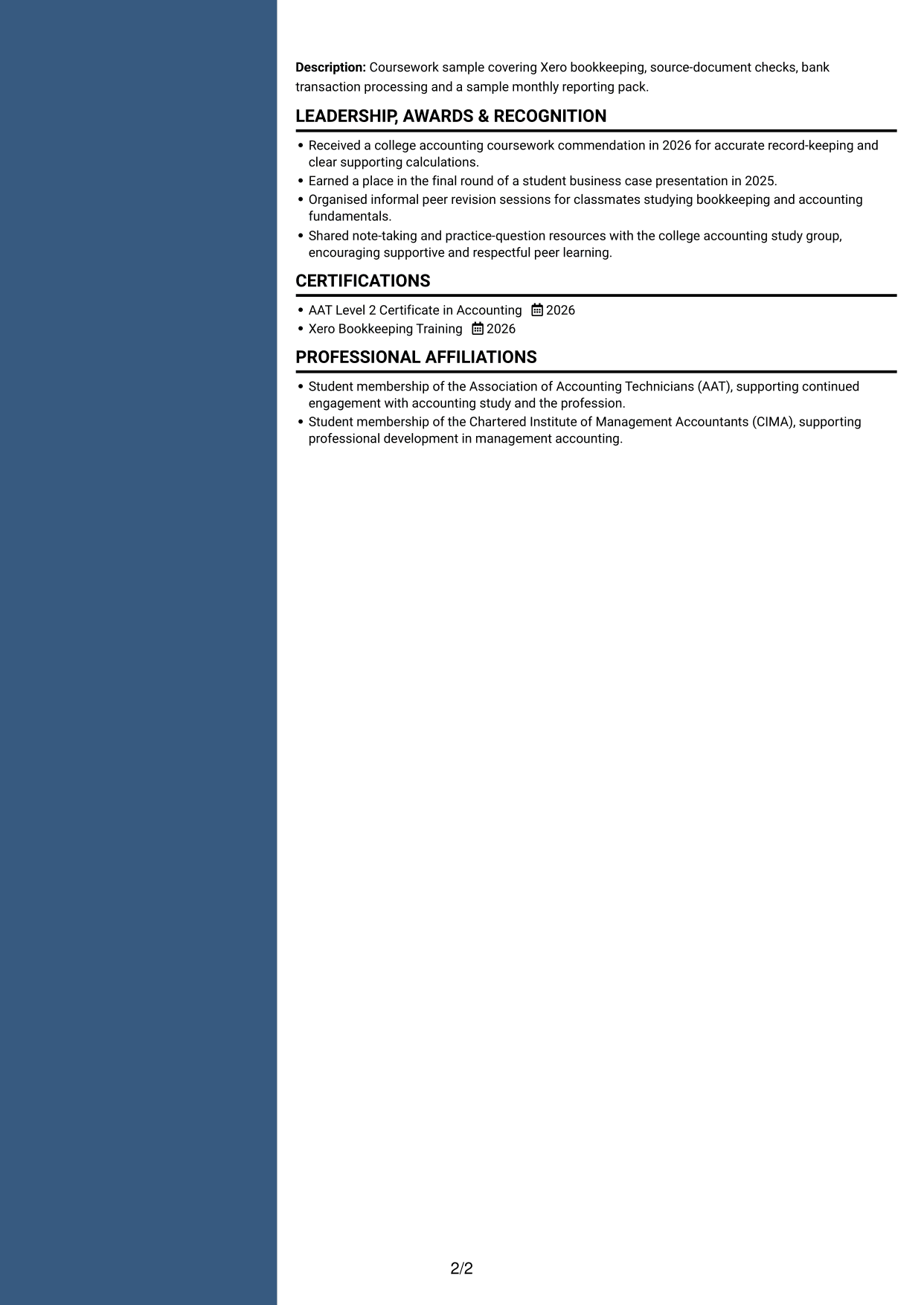
Description: Coursework sample covering Xero bookkeeping, source-document checks, bank transaction processing and a sample monthly reporting pack.
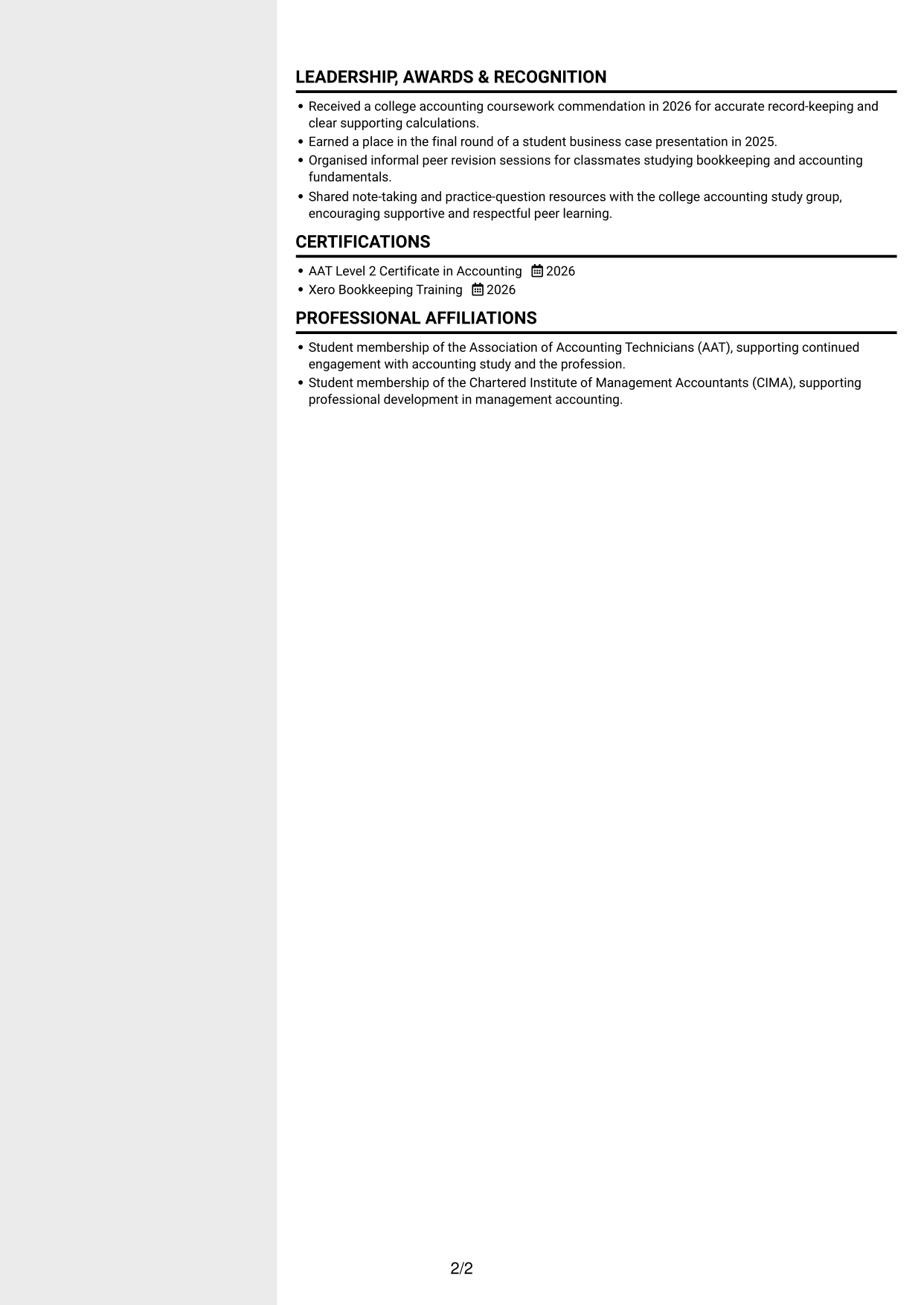
LEADERSHIP, AWARDS & RECOGNITION
Received a college accounting coursework commendation in 2026 for accurate record-keeping and clear supporting calculations.
Earned a place in the final round of a student business case presentation in 2025.
Organised informal peer revision sessions for classmates studying bookkeeping and accounting fundamentals.
Shared note-taking and practice-question resources with the college accounting study group, encouraging supportive and respectful peer learning.
CERTIFICATIONS
AAT Level 2 Certificate in Accounting
2026
Xero Bookkeeping Training
2026
PROFESSIONAL AFFILIATIONS
Student membership of the Association of Accounting Technicians (AAT), supporting continued engagement with accounting study and the profession.
Student membership of the Chartered Institute of Management Accountants (CIMA), supporting professional development in management accounting.

Matched keywords (15)

  • bookkeeping
  • bank transaction processing
  • month-end journals
  • monthly management accounts
  • financial systems
  • Accounting Software
  • depreciation
  • accruals
  • prepayments
  • payroll
  • outsourced finance operations
  • Bank reconciliation
  • Financial data accuracy
  • source-document checks
  • ACCA studies

Missing keywords (2)

  • AAT qualification
  • Client service

Possible matches (4)

  • Purchase and sales invoice processing80% credit: 3.81 percentage points of 4.76 possible.
  • VAT return preparation and submission80% credit: 3.81 percentage points of 4.76 possible.
  • Financial reporting packs80% credit: 3.81 percentage points of 4.76 possible.
  • Client-facing financial commentary80% credit: 3.81 percentage points of 4.76 possible.
Disclaimer: All names, images, contact information, employment histories, achievements, security clearances, military credentials, and other qualifications shown in this content are fictional and used for illustrative purposes only. Any resemblance to actual persons, living or deceased, is purely coincidental.

CV and cover letter examples and recommendations in this article reflect general best practices and professional experience and are provided for guidance only. Results may vary based on role, industry, region, and hiring organisation.

Content Accuracy and Verification: To the fullest extent permitted by applicable law, we do not represent or warrant that CV or cover letter guidance, examples, recommendations, or related information are accurate, complete, current, error-free, or suitable for any particular purpose. You are responsible for independently reviewing and verifying the information before relying on it.

ATS and Cover Letter Scores: ATS scores are estimates calculated using our own formula, informed by publicly available guidance on CV formatting and keyword matching. They are not scores issued or endorsed by an ATS provider or employer. Cover letter scores are also our own assessments. Parsing, weighting, screening criteria, and results vary between systems, employers, job descriptions, and document formats. No score guarantees successful parsing, a particular ranking, an interview, or employment. Use scores as general guidance and independently check your documents against the employer’s requirements. To the fullest extent permitted by applicable law, we accept no liability for errors in scores or parsing, or losses arising from reliance on these assessments. Nothing in this notice excludes liability or limits consumer rights that cannot lawfully be excluded or limited.

Terms and Conditions
 
> JP 1 1
PDF Footer and Margins Setup
The margins are applied to the document, and the footer appears in both the preview and the PDF

Footer Font Settings

Are you applying for a specific job
so we can tailor your CV to it?
Are you applying for a specific job
so we can tailor your cover letter to it?

Your data stays private and is never used for training.Privacy Policy

Type your details as text to generate a personalised CV Type your details as text to generate a personalised cover letter
Website link found! Ready to create CV from:

Your data stays private and is never used for training.Privacy Policy

Drag the into the box to verify you're human.
Drop here

My CVs

Showing {number_of_files} files (out of {total_of_all_files} total)
Name File Type Last Modified: Description:

Rename File

Filename already exists!

Delete Files

Warning: This action is irreversible. Once you click submit, the files will be permanently deleted.

Heading text
Upload From Computer Upload
Select From Existing
LinkedIn
Drag & Drop files anywhere in this tab, or

Uploaded Files

Delete Name Last Updated Use This File
Select this to use the file for generating your CV and cover letter. Only one source—uploaded file, selected file, or LinkedIn text—can be used.

My Files

CVs or cover letters you create will appear here. No files available yet.
Delete Name Last Updated Use This File
Select this to use the file for generating your CV and cover letter. Only one source—uploaded file, selected file, or LinkedIn text—can be used.

Add LinkedIn Profile PDF

You can download your LinkedIn profile as a PDF by opening linkedin.com in a web browser, clicking your profile photo, selecting the “More” or “Resources” button, and choosing “Save to PDF.” You can then attach the PDF using the Upload From Computer tab.

Paste Your LinkedIn Profile Text

If you have copied the LinkedIn profile text, paste it below. See how to copy your profile from LinkedIn

Select this to use the LinkedIn profile text for generating your CV and covering letter. Only one source—uploaded file, selected file, or LinkedIn text—can be used.

Try these controls

<
>