
7 Accountant II - Billing Operations Cover Letter Templates with Example
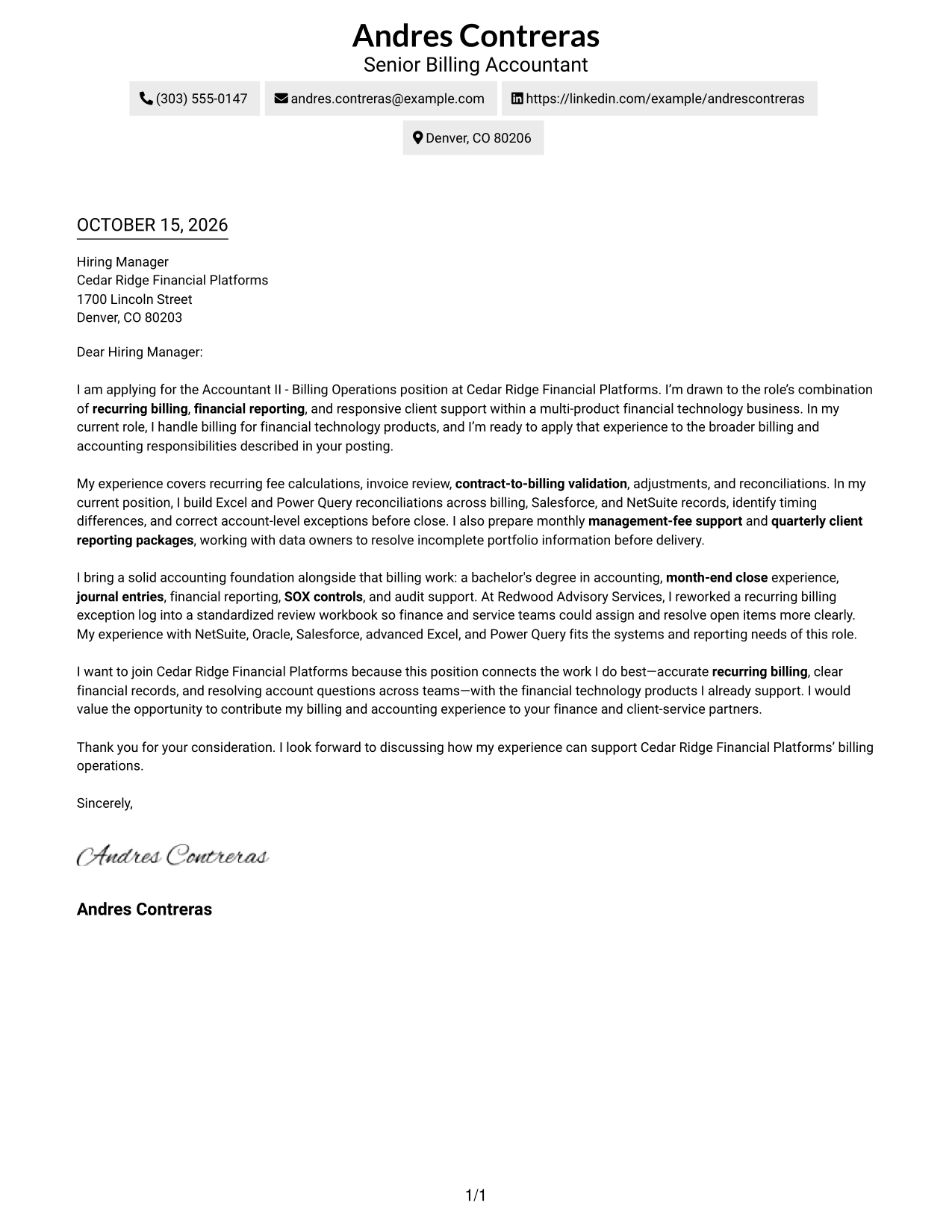
This practical guide shows you how to shape an Accountant II - Billing Operations cover letter through seven layouts, with clear guidance for presenting role fit.
What Makes a Great Accountant II - Billing Operations Cover Letter in 2026
A strong letter connects recurring billing and accounting experience to the role’s focus on accurate invoices, reconciliations, reporting, and client support. A clear opening should state your interest and show why this work fits your strengths.
Use specific evidence, such as fee validation, month-end close, or resolving billing differences across systems. Then connect that experience to the employer’s need for reliable financial records and clear communication across teams.
The featured Accountant II - Billing Operations letter moves from role interest to billing evidence, accounting strengths, and a focused close. Adapt that progression while choosing a presentation that suits the employer and the communication context.
#1 Simple One Column Format Cover Letter Example
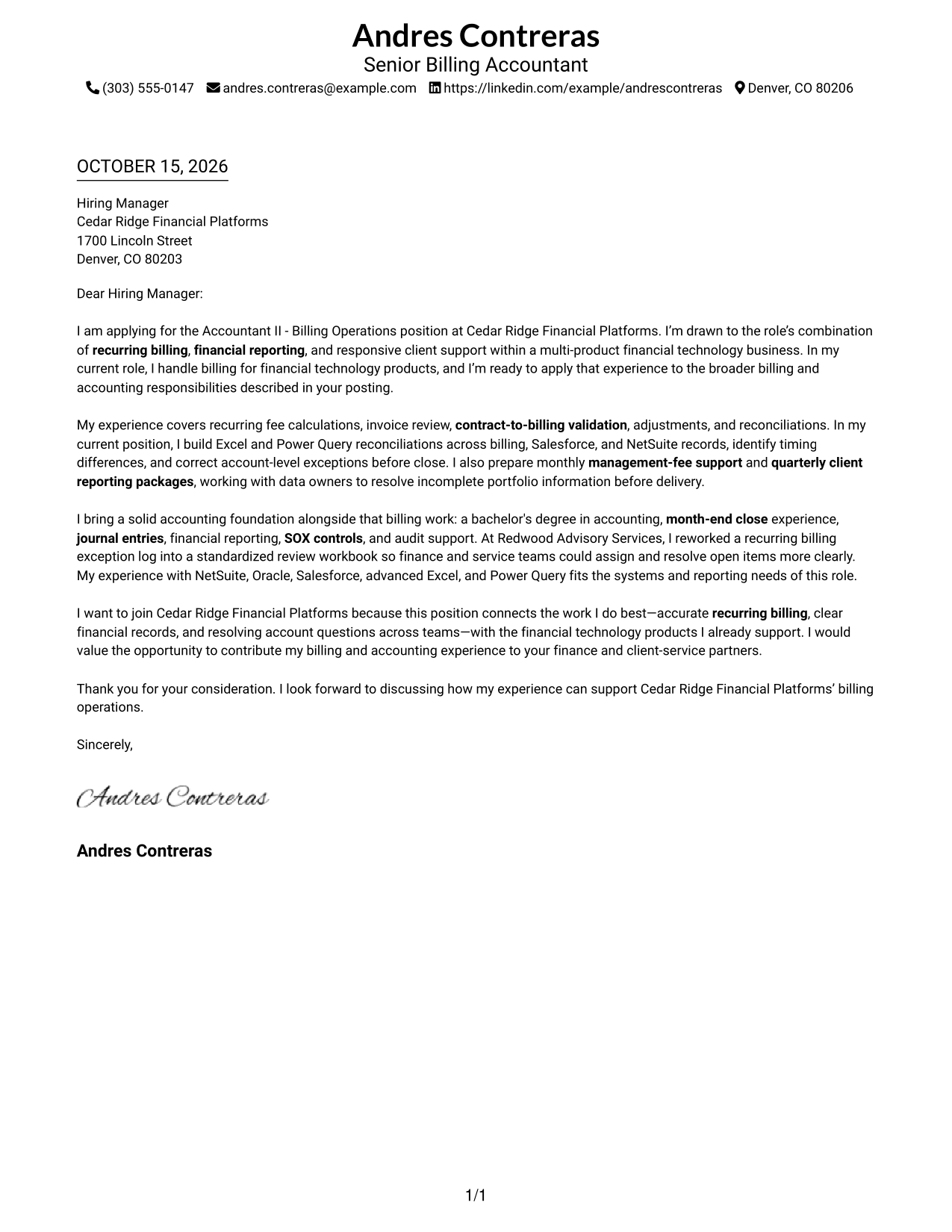
A one-column page places sender details in the header above one continuous letter body, giving the message a direct reading path.
Why This Format Works
- Sender details remain in the header, apart from the letter’s main message.
- One-column reading order lets reviewers follow the argument from opening through closing.
- The absence of a photo suits applications that keep attention on written content.
Best For
- Single-column reading preference
- Header-based contact information
- Photo-free application materials
- Written role introductions
- Accountant II applications
#2 Two Column Format Cover Letter Example
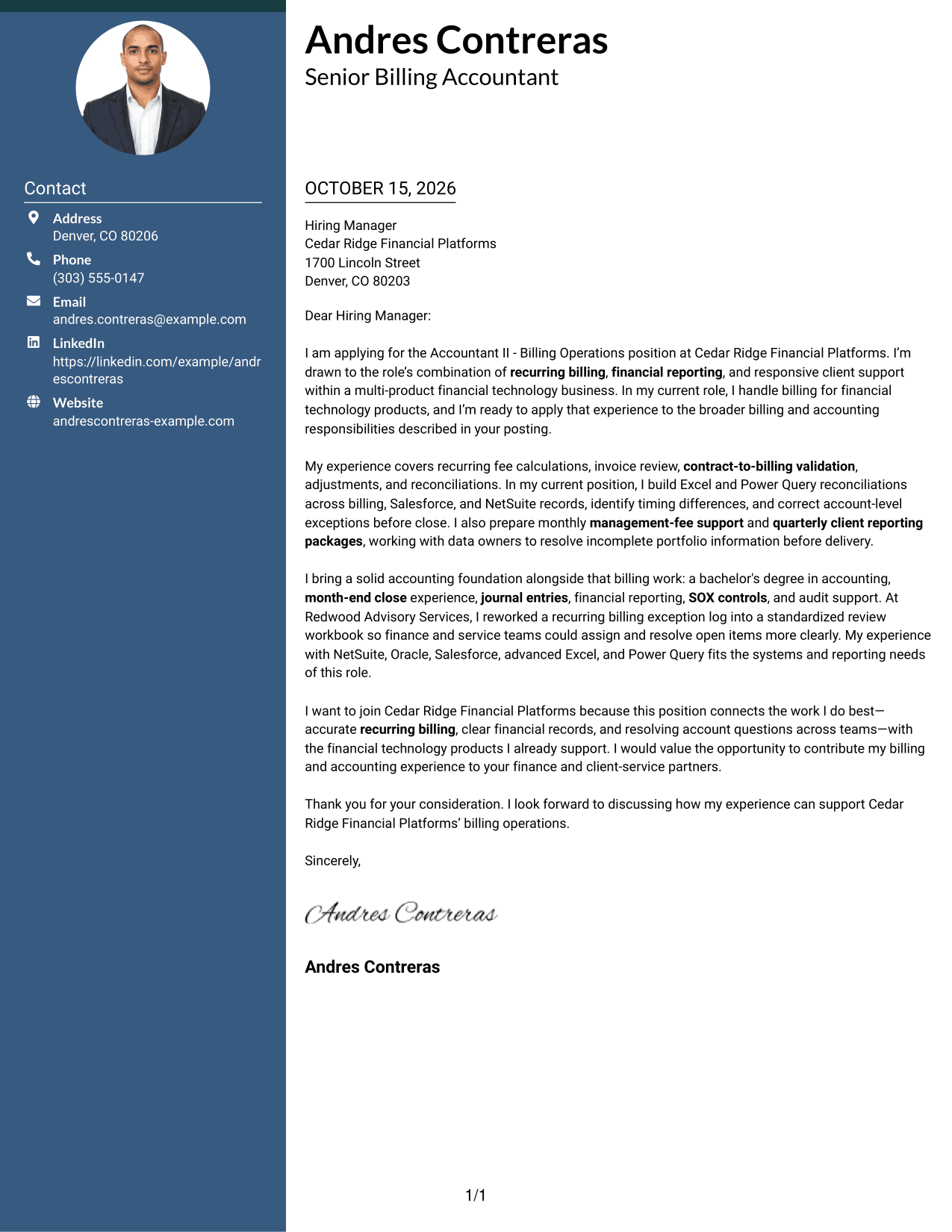
A contact sidebar sits beside one uninterrupted letter body, keeping sender information separate while the message reads in sequence.
Why This Format Works
- The sidebar keeps contact details apart from the letter’s main message.
- One continuous body carries the opening, evidence, and closing in a single sequence.
- Side-by-side areas suit readers who prefer contact information outside the main text.
Best For
- Contact details beside letter text
- Multi-paragraph cover letters
- Photo-free application packets
- Side-by-side page organization
- Billing operations applications
#3 Photo Header Two Column Format Cover Letter Example
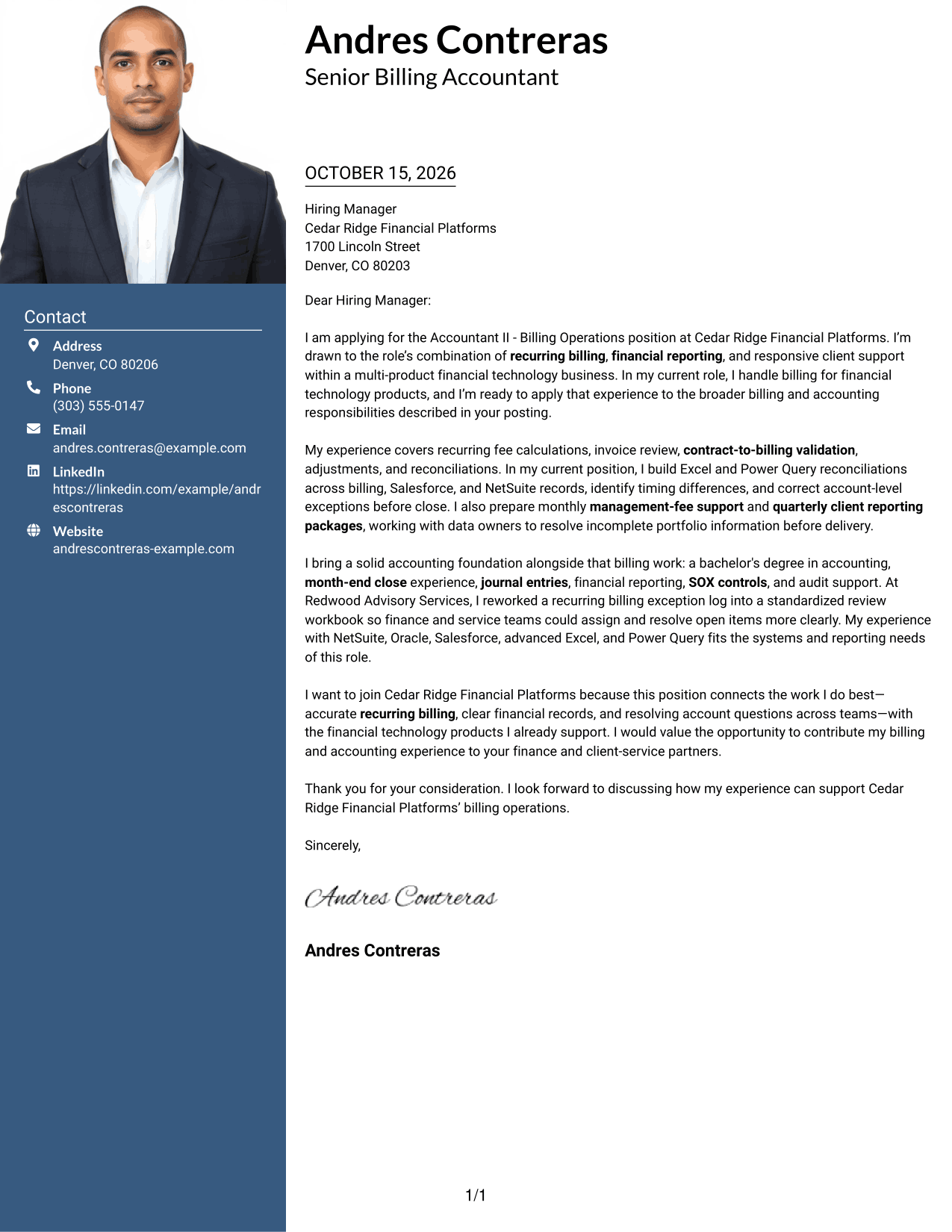
This two-column format includes a photo, while a separate contact area sits beside the continuous letter body.
Why This Format Works
- The photo offers a visual option for applications that include a portrait.
- Separate contact details leave the letter body to carry the full message.
- A continuous body keeps the reader on one path from opening to closing.
Best For
- Applications that include a portrait
- Contact details beside letter text
- Continuous cover letter body
- Two-column page preference
- Photo-inclusive application materials
#4 One Column Format with Photo Cover Letter Example
A one-column letter body appears with a photo, combining a direct reading path with a visual portrait.
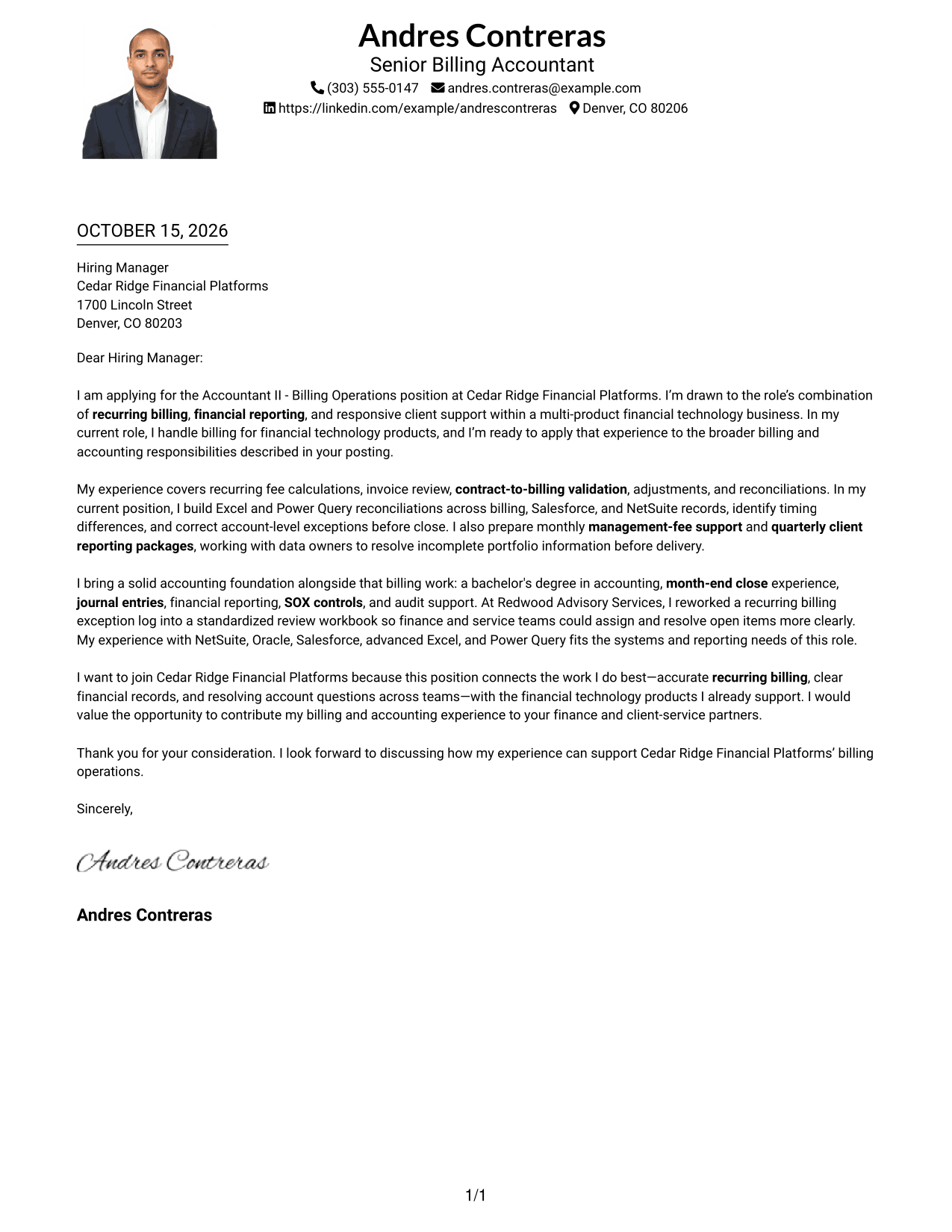
Why This Format Works
- The portrait provides a visual choice without changing the letter’s body structure.
- One-column reading order keeps the message in a direct sequence.
- Sender details in the header stay with the letter rather than in a sidebar.
Best For
- One-column letter reading
- Applications that include a portrait
- Header-based sender details
- Letters without a contact sidebar
- Photo-inclusive written applications
#5 Simple Two Column Format Cover Letter Example
A contact sidebar and a continuous letter body form two clear areas, without adding a photo to the page.
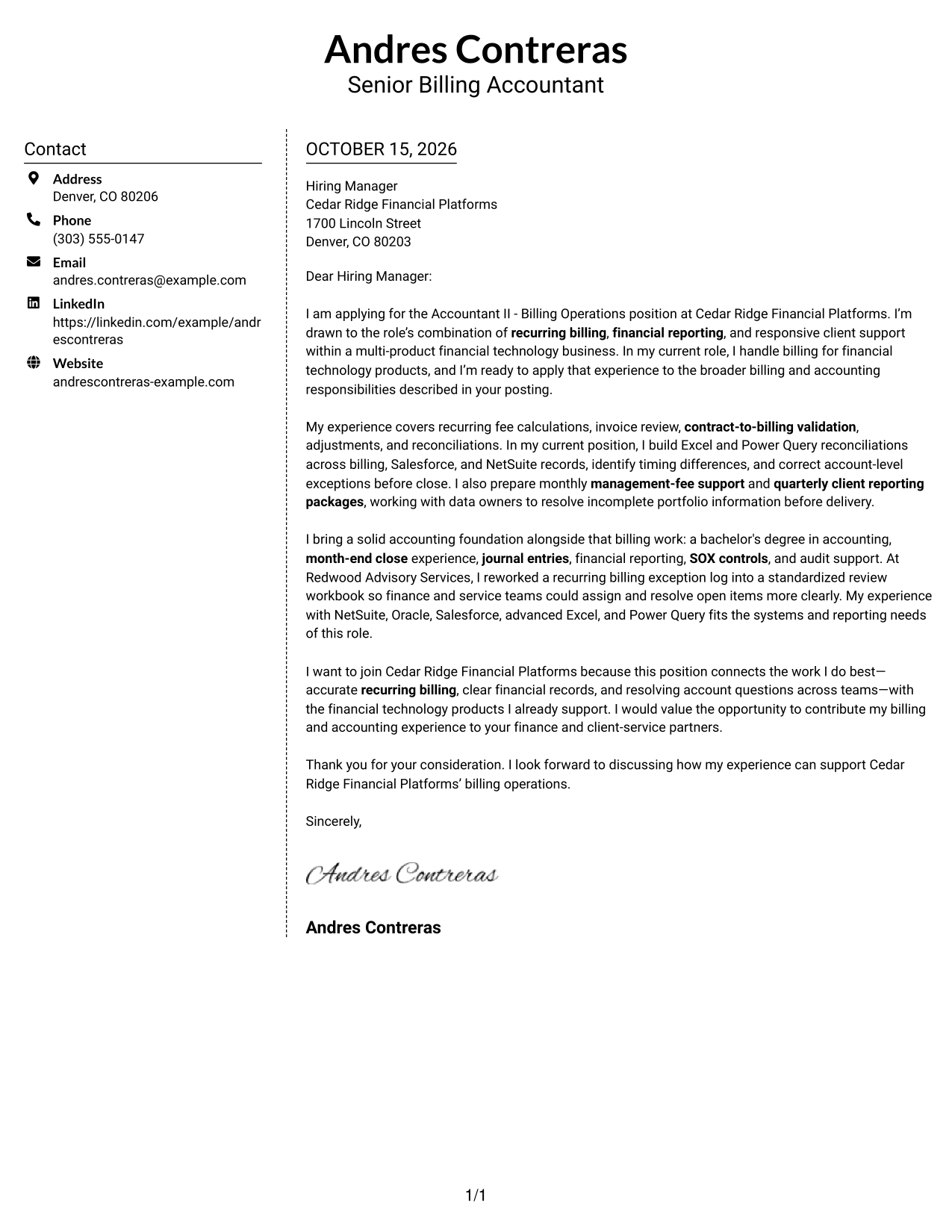
Why This Format Works
- Contact details stay in their own area beside the letter message.
- The body remains continuous, so its opening and closing read together.
- The photo-free presentation keeps the page focused on written content.
Best For
- Separate contact information
- Multi-paragraph cover letters
- Photo-free application materials
- Side-by-side page layout
- Written applications for accounting roles
#6 Modern Icon Format Cover Letter Example
This two-column format uses icons as contact cues and header accents, while the letter itself remains one continuous body.
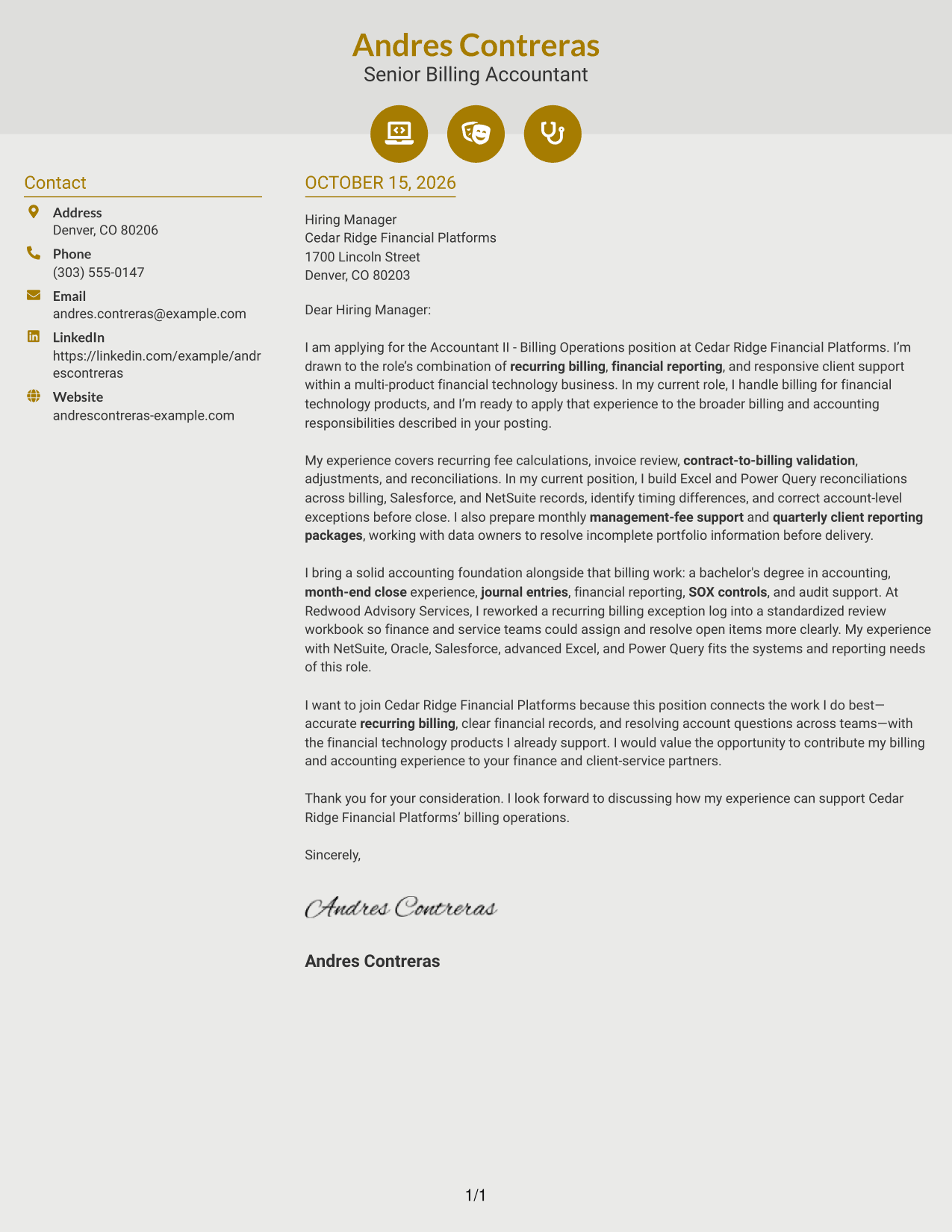
Why This Format Works
- Contact icons help distinguish sender details from the letter text.
- Header accents add a visual cue without dividing the letter’s argument.
- The separate body column keeps opening, evidence, and closing in sequence.
Best For
- Icon-based contact cues
- Continuous letter-body reading
- Photo-free applications
- Two-column page organization
- Readers who prefer visual contact markers
#7 Creative Two Tone Format Cover Letter Example
A contact sidebar sits beside the letter body in this two-column format, giving sender details a separate place from the message.
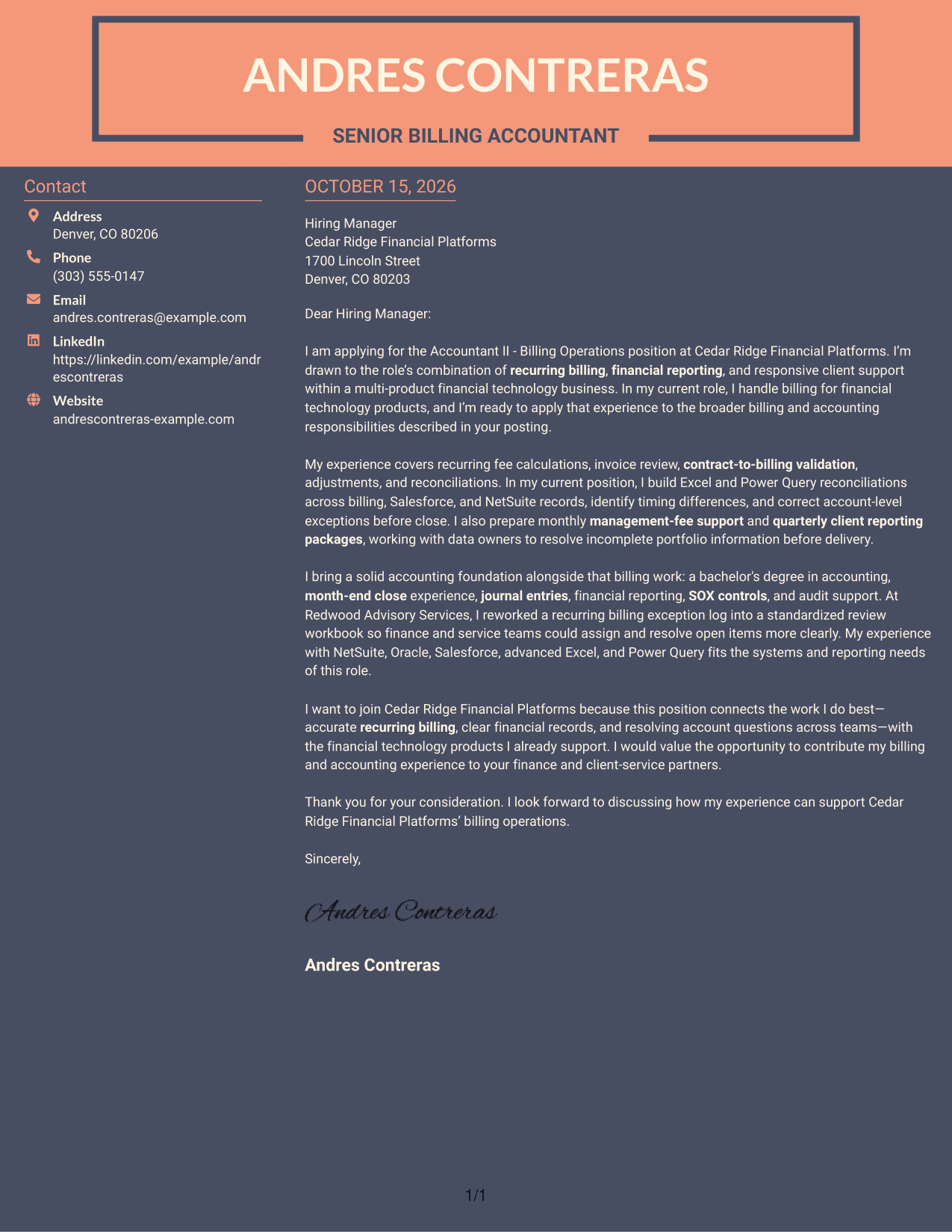
Why This Format Works
- The sidebar gives sender information a place outside the letter body.
- The body’s continuous paragraphs let the message move from opening to closing.
- Separate page areas make contact details and letter text easy to distinguish.
Best For
- Contact information beside the message
- Continuous persuasive letters
- Photo-free application packets
- Two-column reading preference
- Applications with complete sender details
Why Use ResumeInMinutes for an Accountant II - Billing Operations Cover Letter
ResumeInMinutes offers cover letter examples you can review and open in the editor as you shape a clear, role-focused application.
- Different writing styles
- Clear, readable layouts
- Role-focused example content
- Preview images for comparison
- Examples you can open in the editor
- Cover letter template options
Choose a presentation that supports your message, then focus your letter on billing accuracy, accounting work, and the way you can contribute to the role.
See Also
- 7 Accountant II - Billing Operations Resume Templates with Example
- 7 Accountant - Billing Operations Resume Templates with Example
- 7 Senior Accountant - Public Utility Financial Operations Resume Templates with Example
- 7 Accountant - Fixed Assets Accounting Resume Templates with Example
- 33 Accounts Receivable Junior Accountant Resume Templates with Example 2026 (ATS-Optimized)
- 33 Bookkeeper/Office Accountant Resume Templates with Example 2026 (ATS-Optimized)
- 33 Certified Public Accountant (CPA) Resume Templates with Example 2026 (ATS-Optimized)
- 33 Certified Public Accountant - Tax & Wealth Management Resume Templates with Example 2026
- 30+ Accounts Receivable Junior Accountant Cover Letter Templates with Example 2026
- 30+ Bookkeeper/Office Accountant Cover Letter Templates with Example 2026
Frequently Asked Questions
What should an Accountant II - Billing Operations cover letter emphasize?
Focus on role-related experience such as recurring billing, fee calculations, invoice review, contract-to-billing checks, reconciliations, and client reporting. Use clear examples to show how you support accurate records and resolve issues.
Does this page show one letter or several different letters?
It features one Accountant II - Billing Operations cover letter example presented in different visual styles. Compare the image previews and open an example in the editor to explore its presentation.
Which cover letter style suits an Accountant II - Billing Operations application?
A clean, easy-to-read layout is a practical choice for explaining your billing and accounting experience. Choose a style that fits the employer’s communication context and keeps your main points clear.
How can I show relevant billing experience in my letter?
Describe a specific responsibility or example, such as validating fees against client terms, reconciling account data, or resolving an invoice issue. Explain your actions and how they helped support accurate billing or reporting.
Should I use a photo on my cover letter?
Use a photo only when it is common or expected in your country, region, or industry. For U.S. applications, a cover letter without a photo is usually the safer choice.




