
7 Administrative Assistant - Research Administration Cover Letter Templates with Example
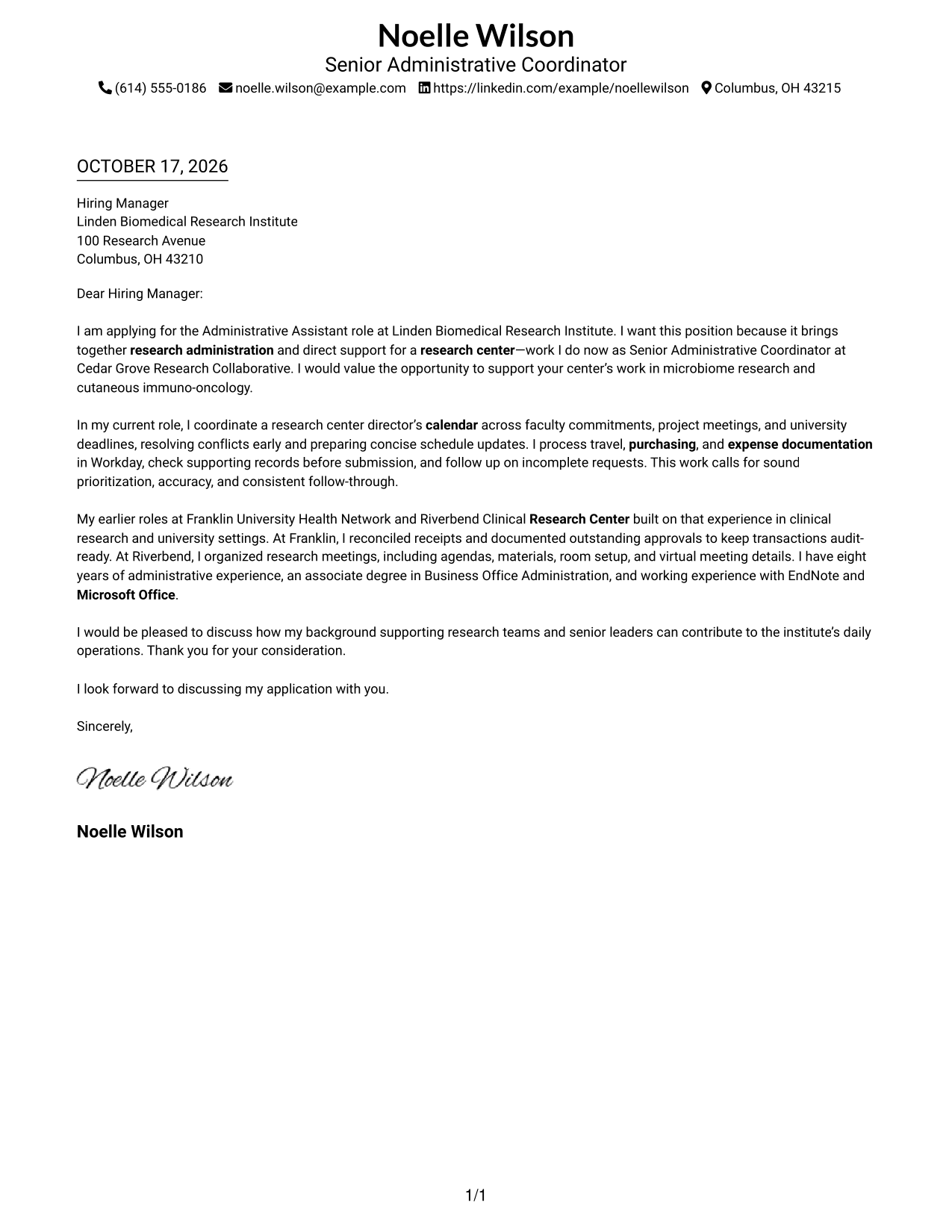
This practical guide to the Administrative Assistant - Research Administration cover letter shows how seven layouts can present role-specific motivation and evidence clearly.
What Makes a Great Administrative Assistant - Research Administration Cover Letter in 2026
A strong letter connects interest in research administration with the daily needs of a research center. Its opening should name the role and give a clear reason for applying.
Use specific examples of calendar coordination, travel, purchasing, expense records, or meeting logistics to show sound judgment and follow-through. Connect that evidence to the employer’s procedures and needs without claiming skills or experience you cannot support.
The featured example moves from role-specific motivation to current responsibilities, relevant earlier experience, and a clear close. Adapt that focused progression while choosing a presentation that suits the employer and the communication context.
#1 Simple One Column Format Cover Letter Example
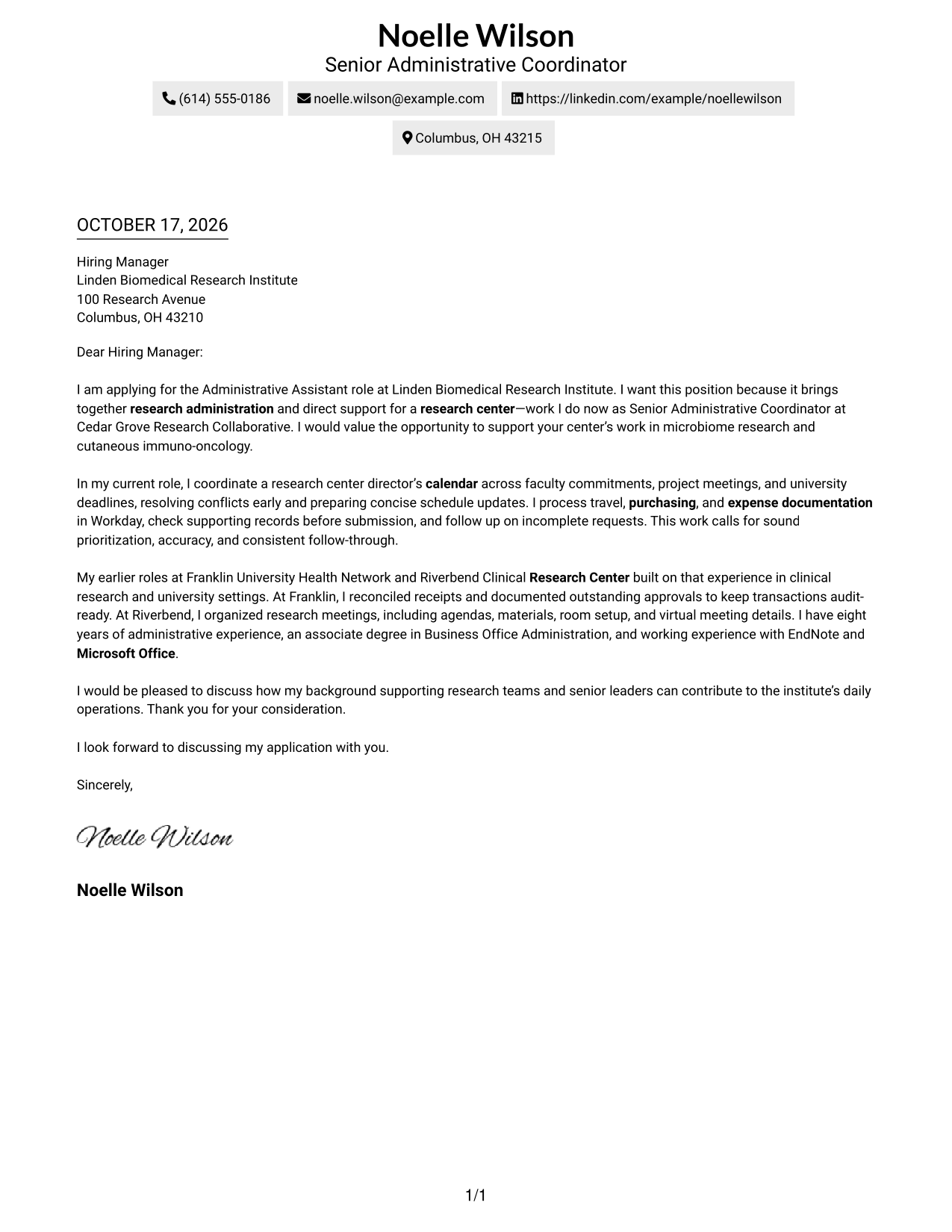
Sender details sit in the header above one letter column, giving the message a familiar reading order.
Why This Format Works
- One-column reading order gives the greeting, paragraphs, and closing a familiar sequence.
- Sender details stay in the header, apart from the letter's persuasive content.
- Paragraphs carry motivation and evidence without added argument headings.
Best For
- Single-column letter reading
- Header-based sender details
- Paragraph-led application messages
- Formal greeting and sign-off
- Research administration applications
#2 Two Column Format Cover Letter Example
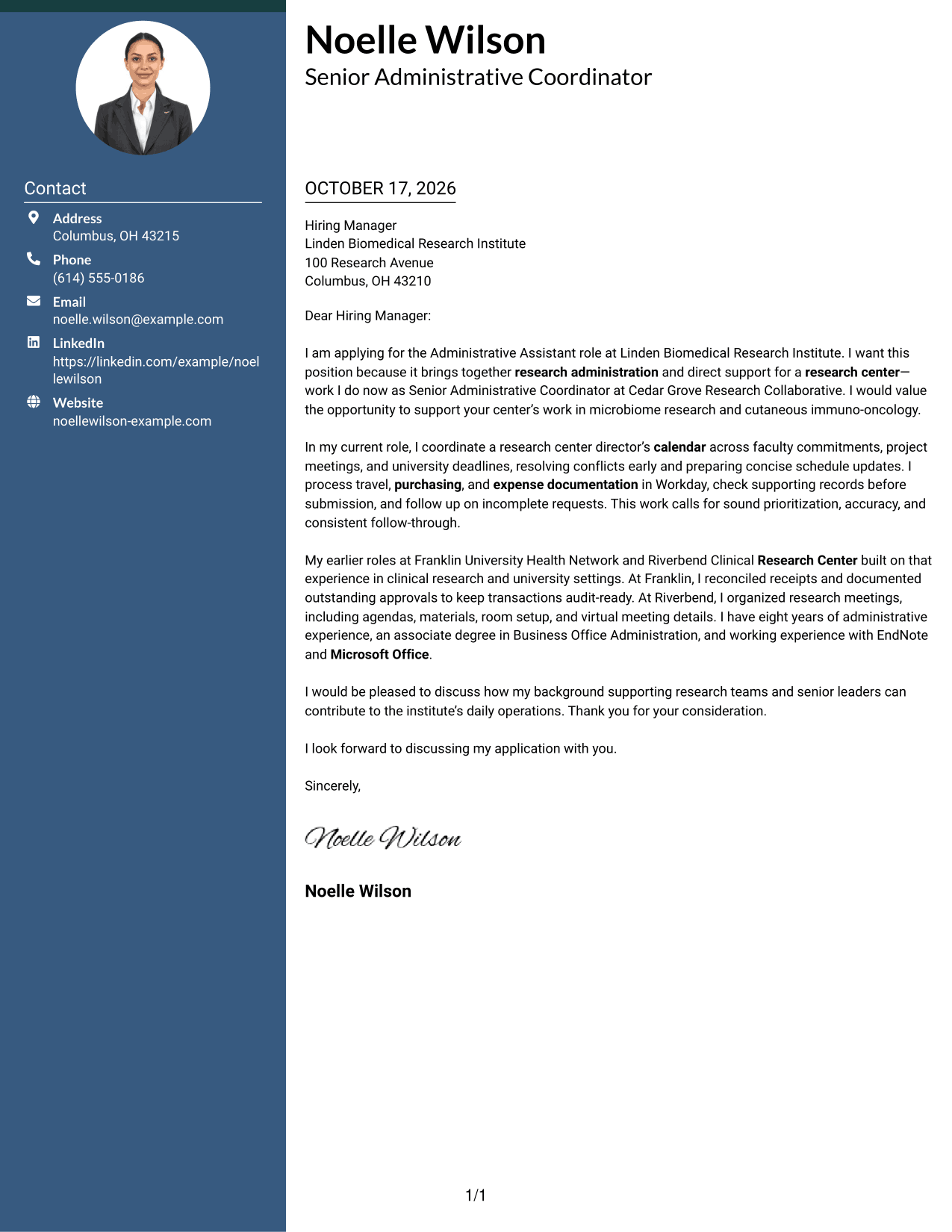
A contact sidebar sits beside one continuous letter column, keeping sender details separate from the message.
Why This Format Works
- Contact details have a separate sidebar, apart from the letter's main message.
- The body keeps its greeting, supporting case, and closing in one column.
- Readers can follow the argument without switching between parallel text areas.
Best For
- Sidebar contact preference
- Continuous letter-body flow
- Full sender contact details
- Paragraph-based employer case
- Research-center correspondence
#3 Photo Header Two Column Format Cover Letter Example
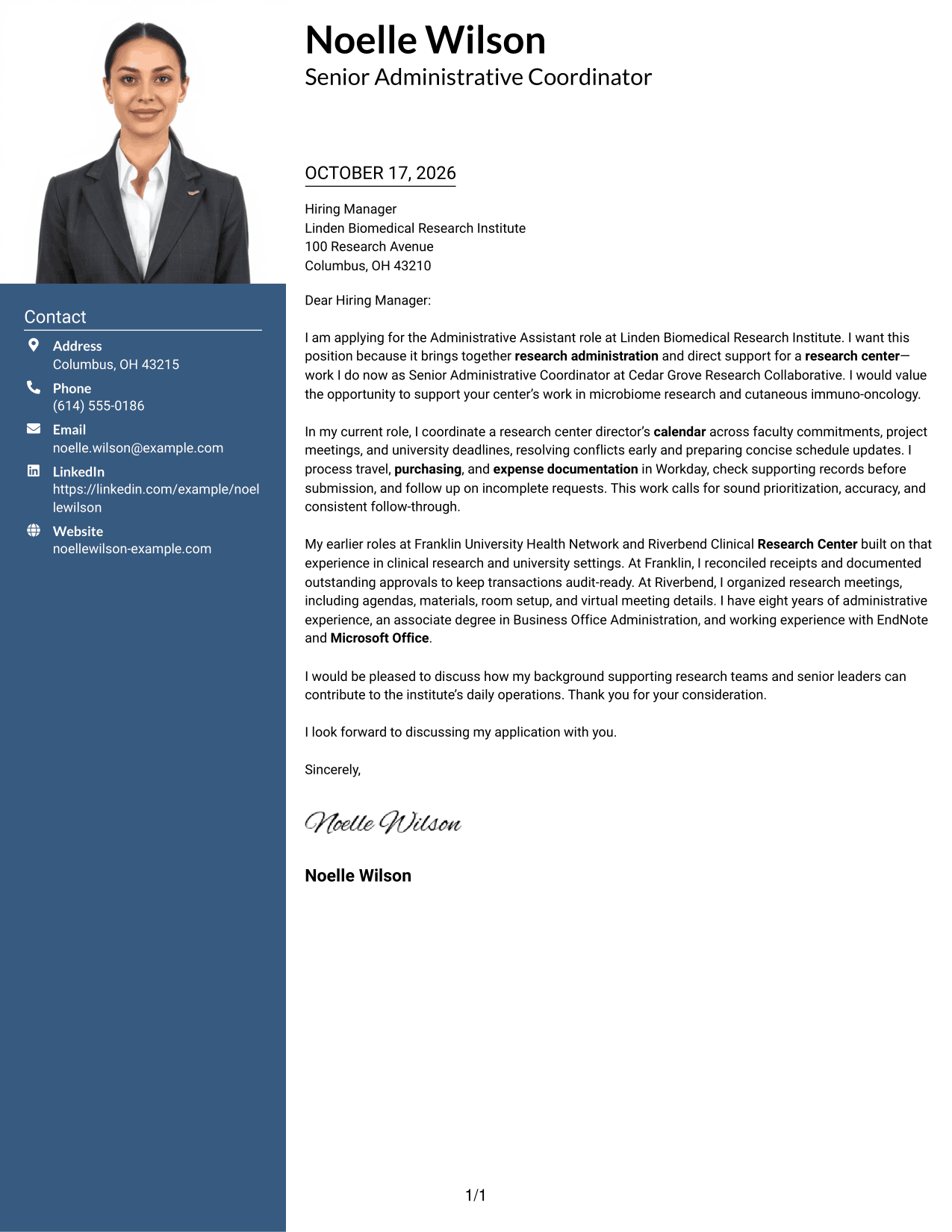
A photo in the header adds a personal visual option, while the contact sidebar sits beside the single-column letter.
Why This Format Works
- The sidebar keeps sender information separate from the letter's continuous body.
- One body column presents the greeting, case, and closing in a familiar sequence.
- Paragraph breaks separate points without adding labels to the argument.
Best For
- Photo-led letter presentation
- Contact sidebar preference
- One-column message flow
- Paragraph-based employer case
- Research administration applications
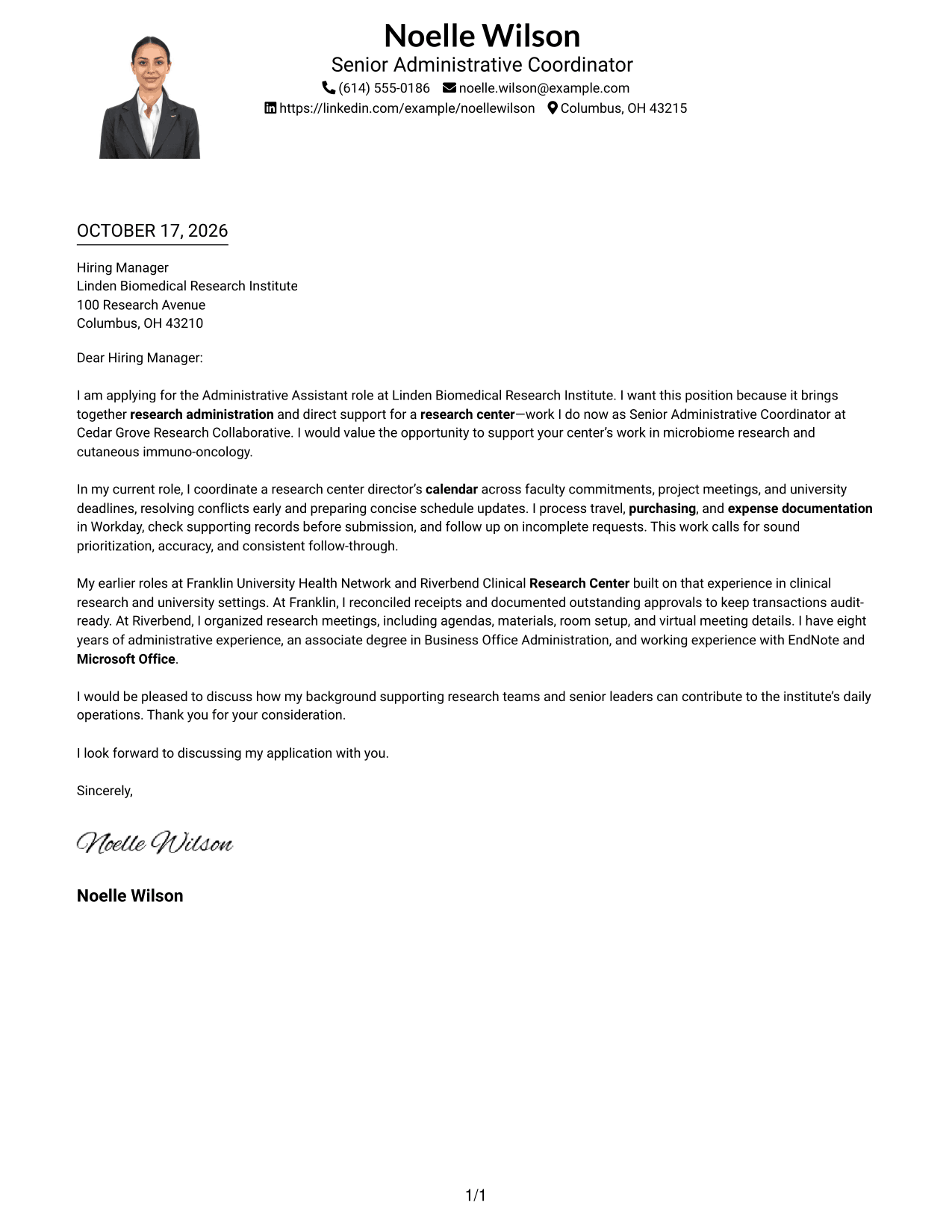
#4 One Column Format with Photo Cover Letter Example
A photo accompanies the single-column letter, offering a personal visual choice while keeping the message in one reading path.
Why This Format Works
- Single-column text keeps the greeting, case, and closing in familiar order.
- Sender details remain in the header rather than breaking up the body.
- Paragraph breaks help readers pause between motivation and supporting evidence.
Best For
- Photo-inclusive correspondence
- Single-column reading order
- Header contact details
- Paragraph-based application letters
- Research-center applications
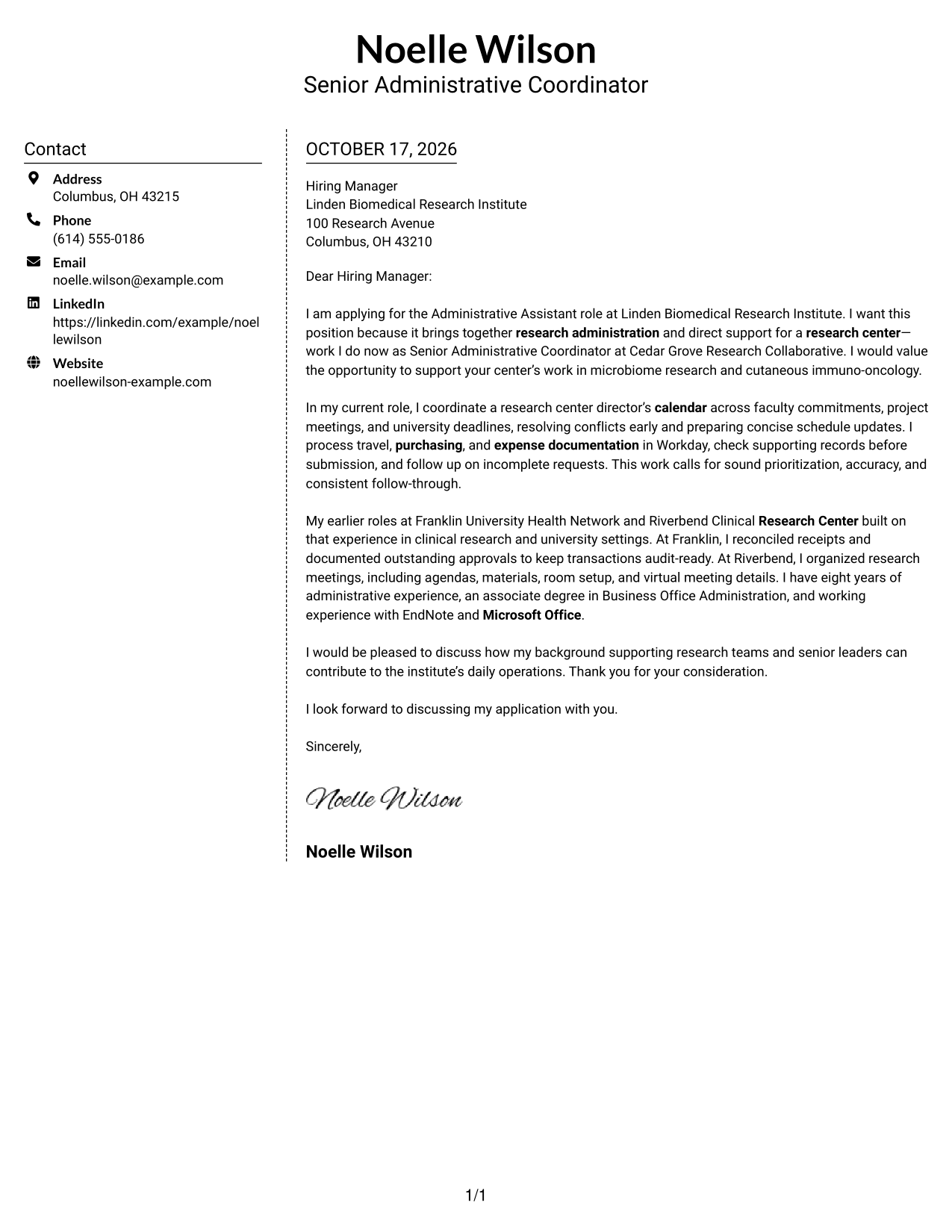
#5 Simple Two Column Format Cover Letter Example
A contact sidebar gives sender details a separate place beside the letter's continuous body.
Why This Format Works
- The greeting and closing frame one continuous written case.
- No argument headings interrupt the natural progression of the paragraphs.
- A single body column gives each paragraph a consistent reading path.
Best For
- Two-area page organization
- Contact sidebar preference
- Continuous letter argument
- Paragraph-led applications
- Formal employer correspondence
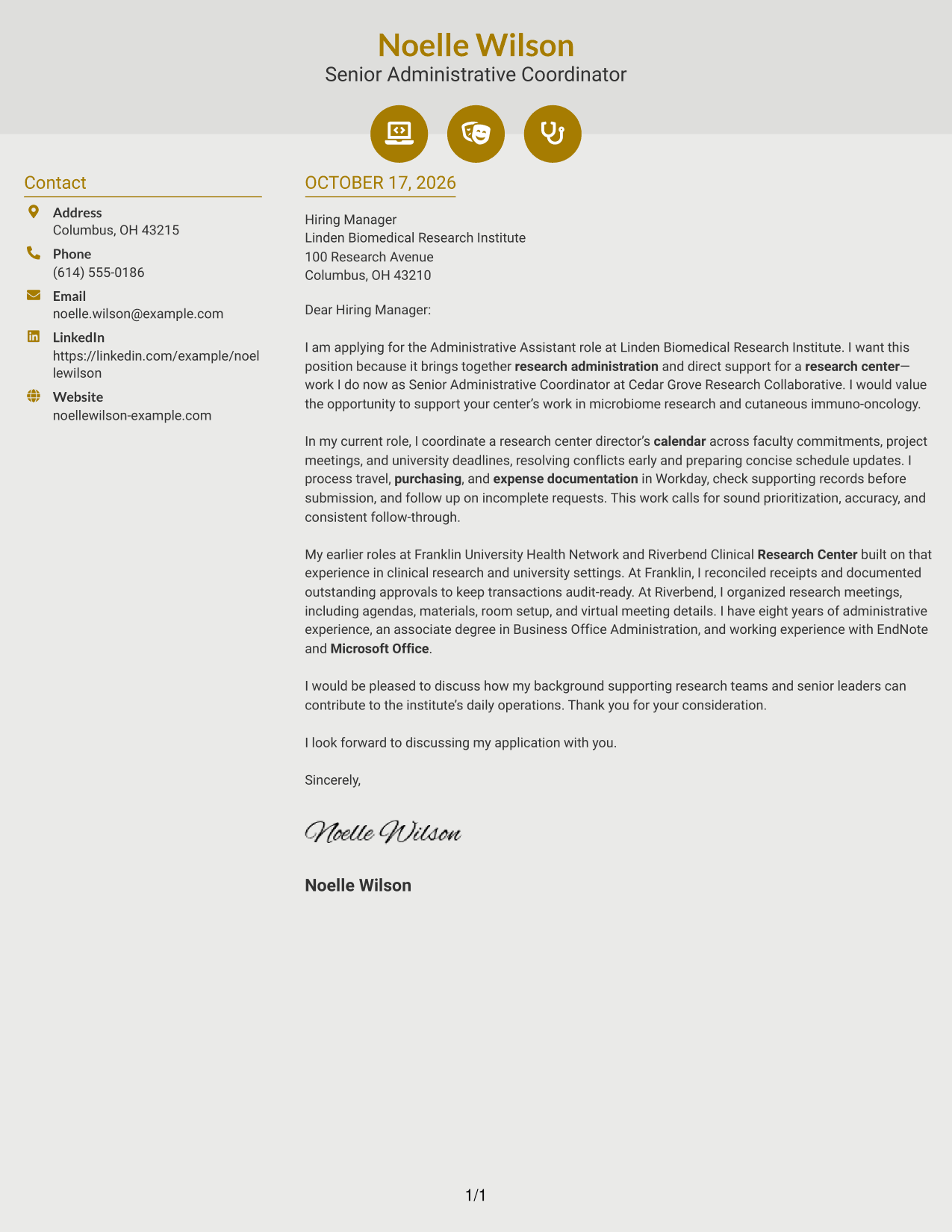
#6 Modern Icon Format Cover Letter Example
Icons cue contact details in the sidebar, while the letter itself remains in one continuous column.
Why This Format Works
- Contact icons help distinguish sender details from the paragraphs addressed to the employer.
- The sidebar keeps contact information apart from the letter's main message.
- One body column keeps motivation and supporting points in a familiar sequence.
Best For
- Icon-cued contact details
- Two-column page arrangement
- Single-column letter text
- Contact-rich correspondence
- Research administration applications
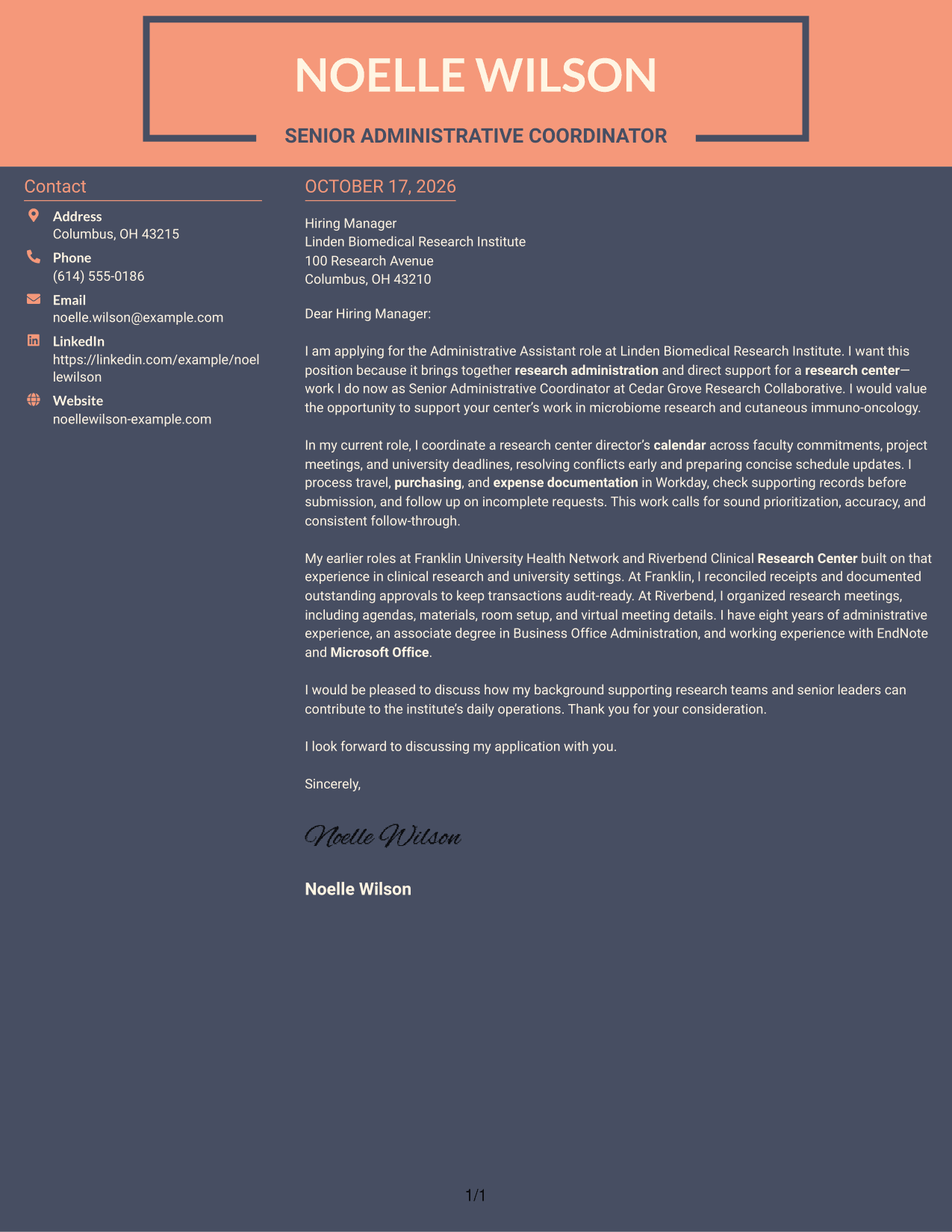
#7 Creative Two Tone Format Cover Letter Example
A contact sidebar beside one continuous letter column keeps sender details distinct from the message.
Why This Format Works
- A separate contact area keeps the sender's details out of the letter paragraphs.
- The body carries the greeting, supporting case, and close in one column.
- Paragraphs let readers follow the request without argument-section labels.
Best For
- Sidebar contact presentation
- One-column argument flow
- Paragraph-based employer cases
- Research-center correspondence
- Complete sender details
Why Use ResumeInMinutes for an Administrative Assistant - Research Administration Cover Letter
Compare image previews to see how each presentation supports a clear, professional letter. Open an example in the editor to customize your message around research center support, administrative accuracy, and the employer’s needs.
- Several presentation styles
- Clear, readable layouts
- Role-specific writing guidance
- Examples to customize in the editor
- Professional cover letter templates
- Support for focused application writing
Build a focused letter that explains your interest in research administration and gives relevant examples of calendar coordination, Workday transactions, expense records, and meeting support.
See Also
- 7 Administrative Assistant - Research Administration Resume Templates with Example
- 7 Senior Administrative Assistant - Research Administration Resume Templates with Example
- 7 Administrative Assistant - Public Safety Administration Resume Templates with Example
- 7 Administrative Assistant 5 - Executive Operations Resume Templates with Example
- 33 Administrative Assistant Bookkeeper Resume Templates with Example 2026 (ATS-Optimized)
- 7 Administrative Assistant - Disability & Elder Law Resume Templates with Example
- 7 Administrative Assistant - Executive and Office Support Resume Templates with Example
- 7 Administrative Assistant - Facilities Resume Templates with Example
- 7 Senior Administrative Assistant - Research Administration Cover Letter Templates with Example
- 30+ Administrative Assistant Bookkeeper Cover Letter Templates with Example 2026
Frequently Asked Questions
Are these Administrative Assistant - Research Administration cover letter templates ATS-friendly?
The examples use readable layouts and clear language. Keep your letter focused on the role, use accurate terms such as calendar coordination and expense reporting, and support each claim with your own experience.
What does this cover letter guide include?
It presents one Administrative Assistant - Research Administration cover letter example in different layouts. Compare the image previews, then open an example in the editor to customize it.
Which cover letter style suits a research administration role?
A clean, easy-to-read style helps hiring managers follow your interest, evidence, and closing request. Choose a presentation that fits the employer and the way you will communicate with its team.
What examples can I use to show my fit for this role?
Describe relevant work such as coordinating calendars, arranging travel or meetings, processing purchasing and expense records, or handling confidential information. Explain what you did and how it supported accurate, timely administration.
Should I use a photo on my cover letter?
Use a photo only if it is common or expected in your country, region, or industry. For U.S. applications, a no-photo presentation is usually the safer choice.




