
7 AI/ML Engineer Intern - Architectural Modeling Cover Letter Templates with Example
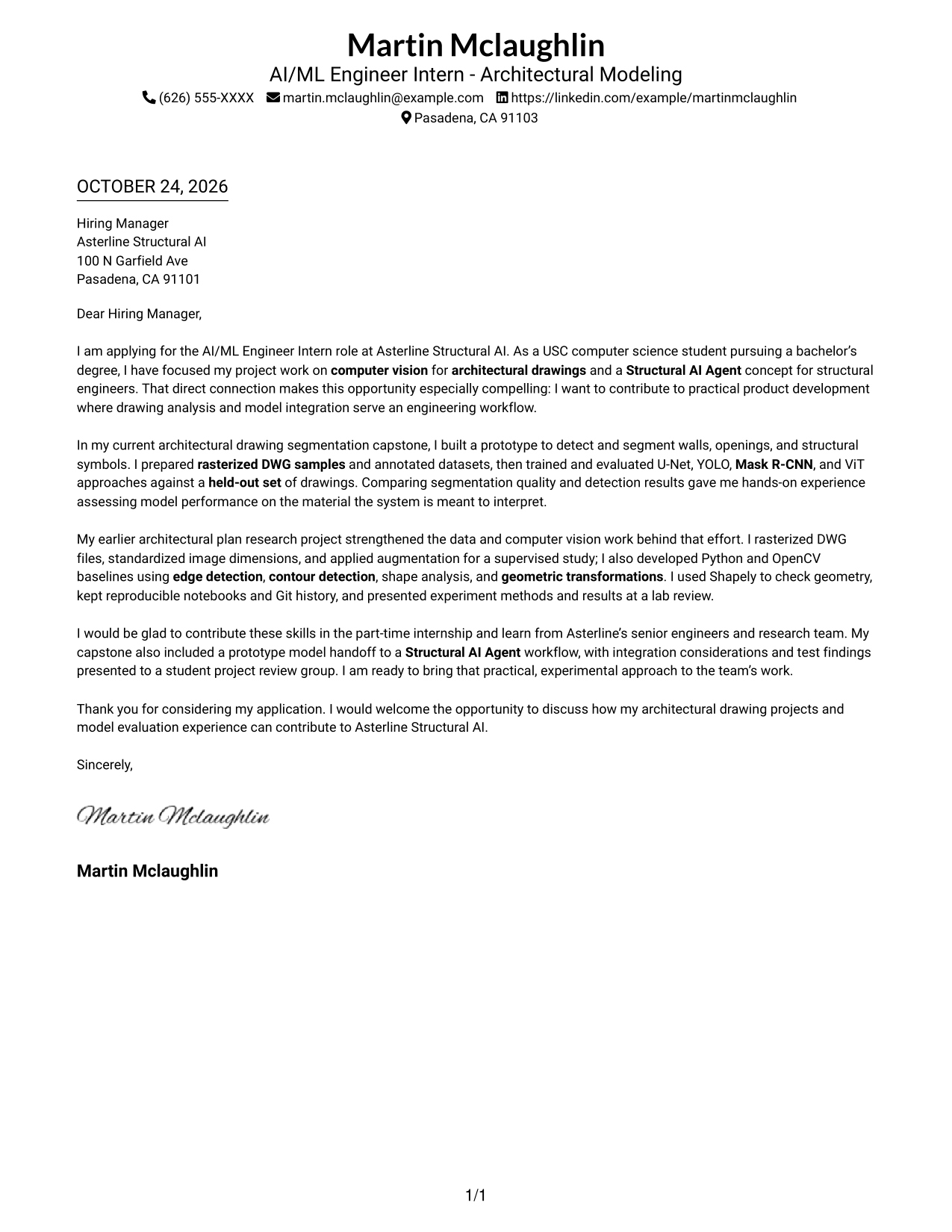
This practical guide to an AI/ML Engineer Intern - Architectural Modeling cover letter presents the letter in 7 layouts to help you shape a focused application.
What Makes a Great AI/ML Engineer Intern - Architectural Modeling Cover Letter in 2026
A strong cover letter links your interest in architectural drawing analysis to clear evidence of computer vision model development and evaluation.
Use examples such as preparing drawing data, testing detection and segmentation methods, and sharing findings. Connect that evidence to the employer’s Structural AI Agent work and engineering needs.
The featured AI/ML Engineer Intern - Architectural Modeling example moves from role motivation to relevant technical evidence and a focused close, giving you a progression to adapt while choosing a presentation that suits the employer and communication context.
#1 Simple One Column Format Cover Letter Example
Simple One Column Format places sender details in the header above one continuous letter body, creating a familiar top-to-bottom reading path.
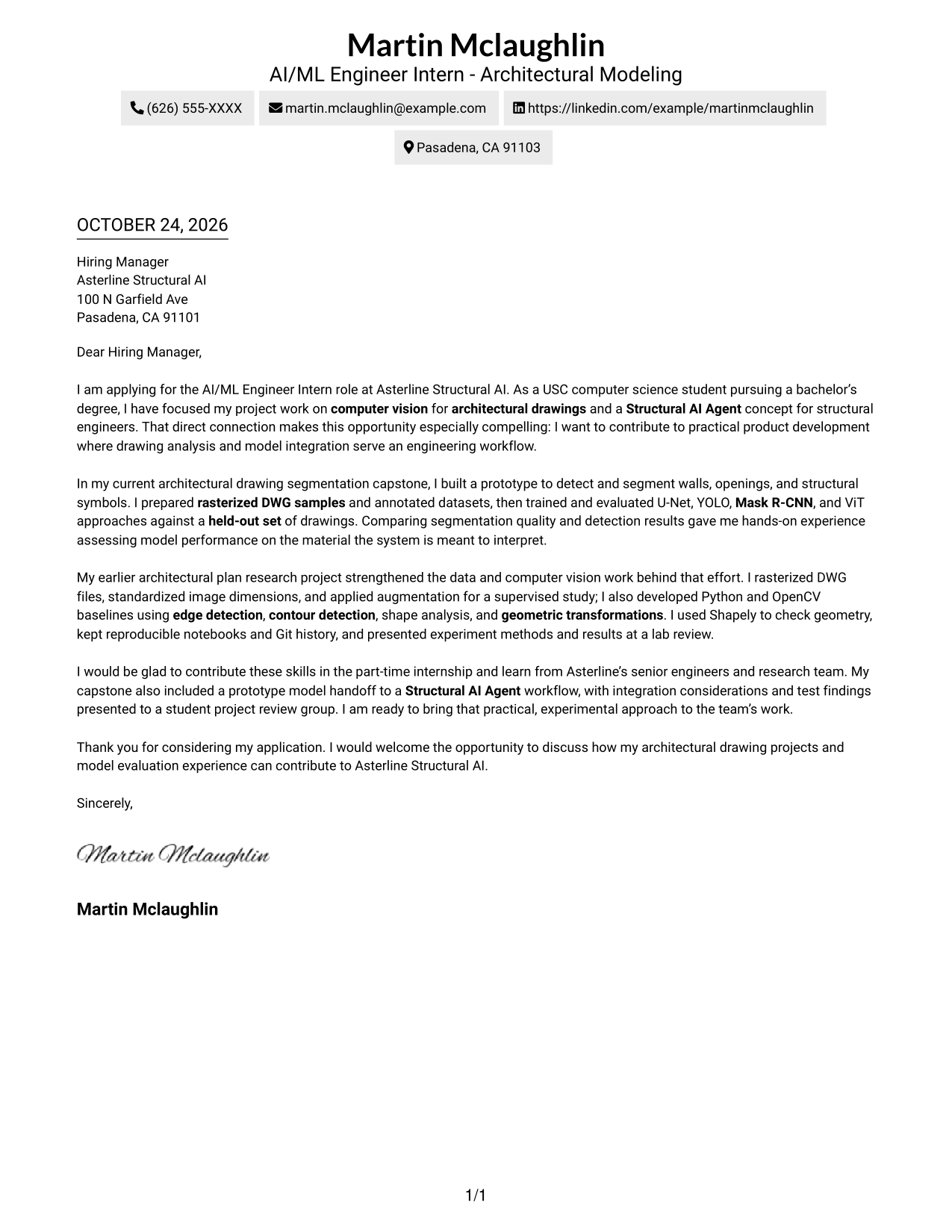
Why This Format Works
- Reviewers can find sender details before reading the letter’s persuasive message.
- Motivation, project evidence, and the closing stay together in one continuous body.
- The photo-free presentation suits applications where the written message should lead.
Best For
- Formal application correspondence
- Letters with several evidence paragraphs
- Motivation-led applications
- Direct written introductions
- Familiar letter conventions
#2 Two Column Format Cover Letter Example
Two Column Format sets a contact sidebar beside one continuous letter body, keeping correspondence details separate while the message remains intact.
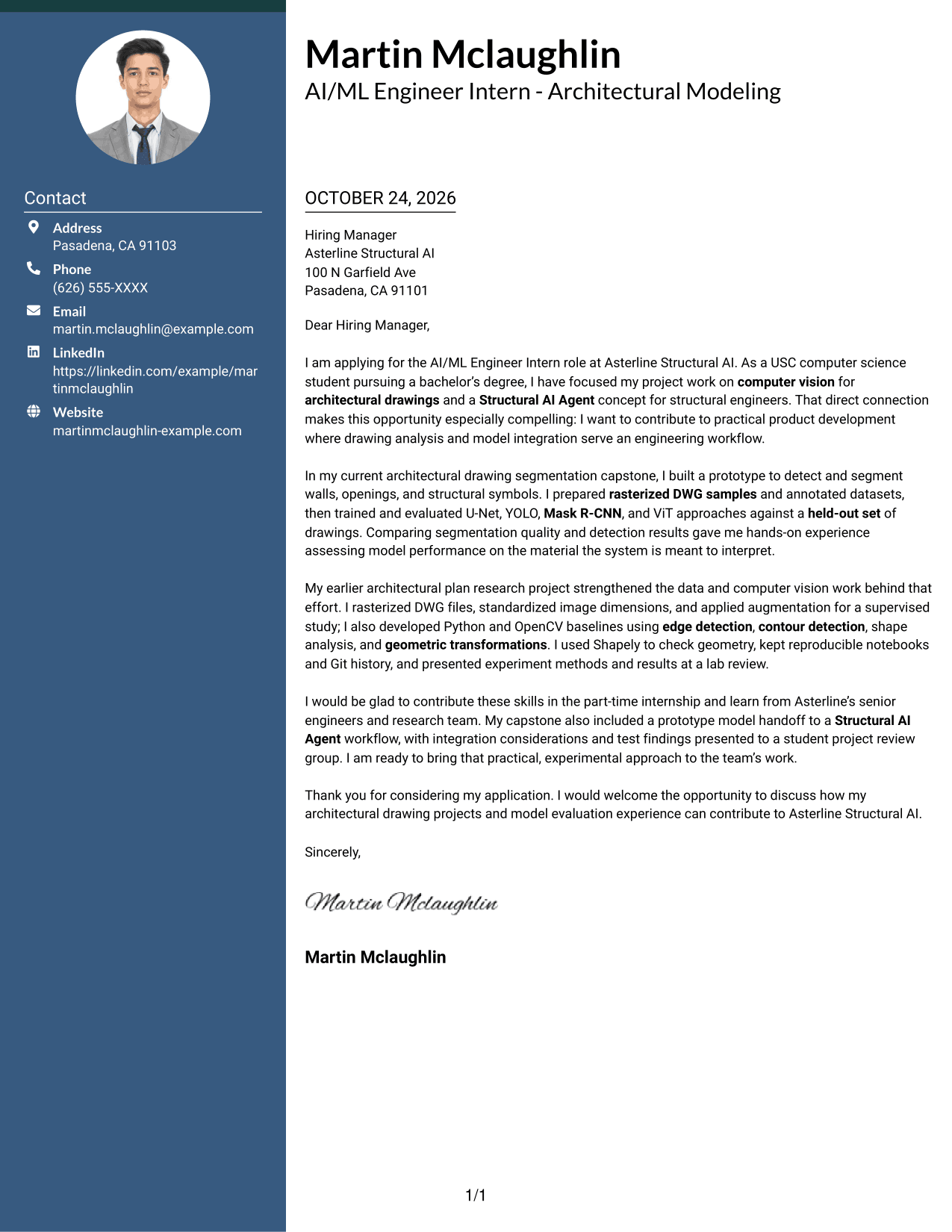
Why This Format Works
- The sidebar gives contact information a distinct place beside the letter.
- The main text carries motivation, supporting evidence, and the closing in sequence.
- A photo-free layout keeps the visual focus on the written message.
Best For
- Side-by-side contact and message
- Letters with detailed project evidence
- Paragraph-led persuasion
- Clearly separated contact information
- Photo-free application materials
#3 Photo Header Two Column Format Cover Letter Example
Photo Header Two Column Format pairs a portrait with a contact sidebar and a continuous letter body for readers who want a personal image alongside their message.
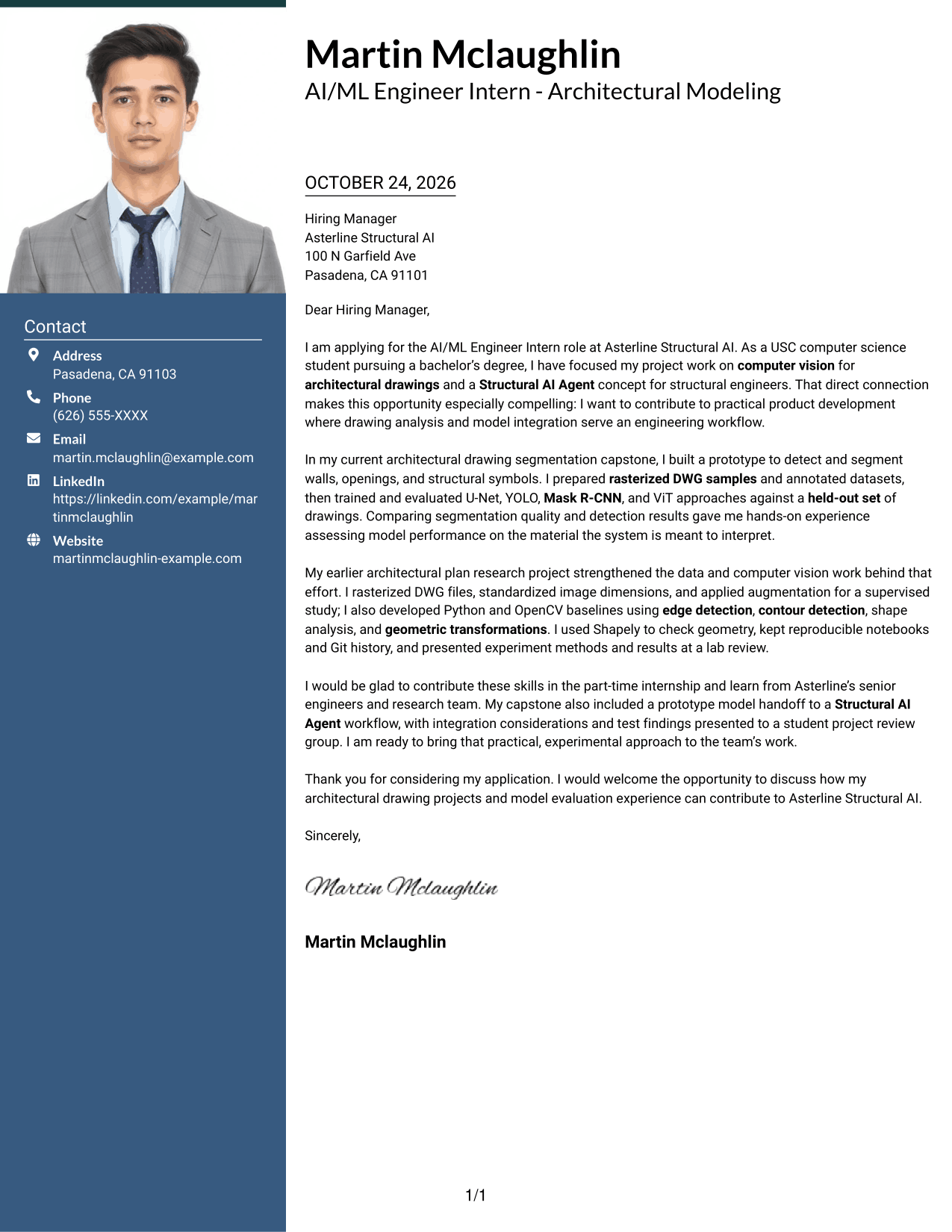
Why This Format Works
- The portrait adds a personal visual element without interrupting the letter’s argument.
- A separate contact area keeps sender information apart from persuasive paragraphs.
- The single body preserves a connected path from opening through closing.
Best For
- Applications that include a portrait
- Personal visual introductions
- Contact details beside the message
- Continuous letter arguments
- Two-column correspondence
#4 One Column Format with Photo Cover Letter Example
One Column Format with Photo adds a portrait to a single-column letter, pairing a personal visual element with a straightforward reading path.
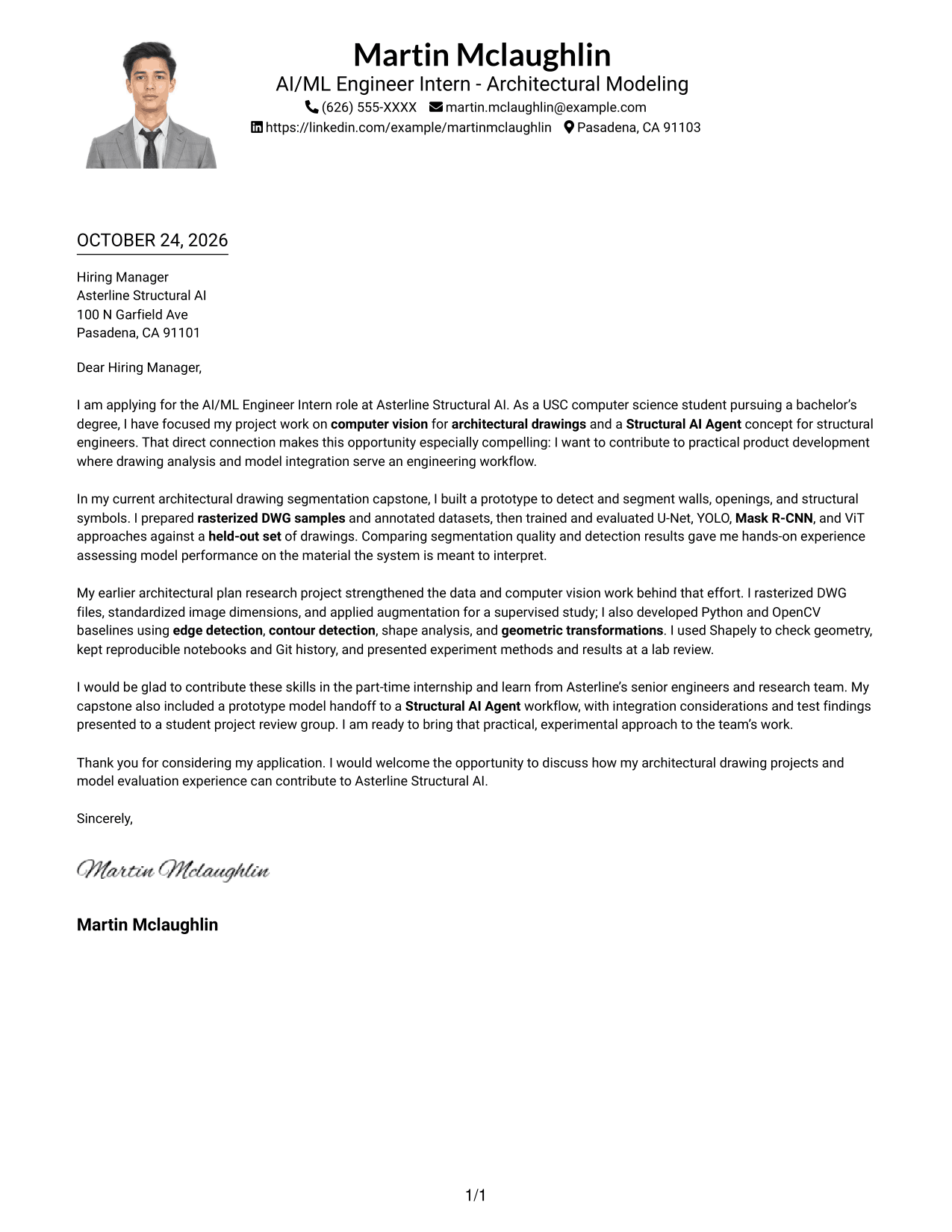
Why This Format Works
- The portrait provides a visual point of identification without proving qualifications.
- A single column keeps every paragraph in one reading path.
- Sender details in the header remain distinct from the letter’s message.
Best For
- Portrait-inclusive applications
- Single-column correspondence
- Letters with a clear paragraph sequence
- Personal introductions in writing
- Header-based sender information
#5 Simple Two Column Format Cover Letter Example
Simple Two Column Format places contact details in a sidebar beside the continuous letter body, a useful arrangement for separating practical information from the message.
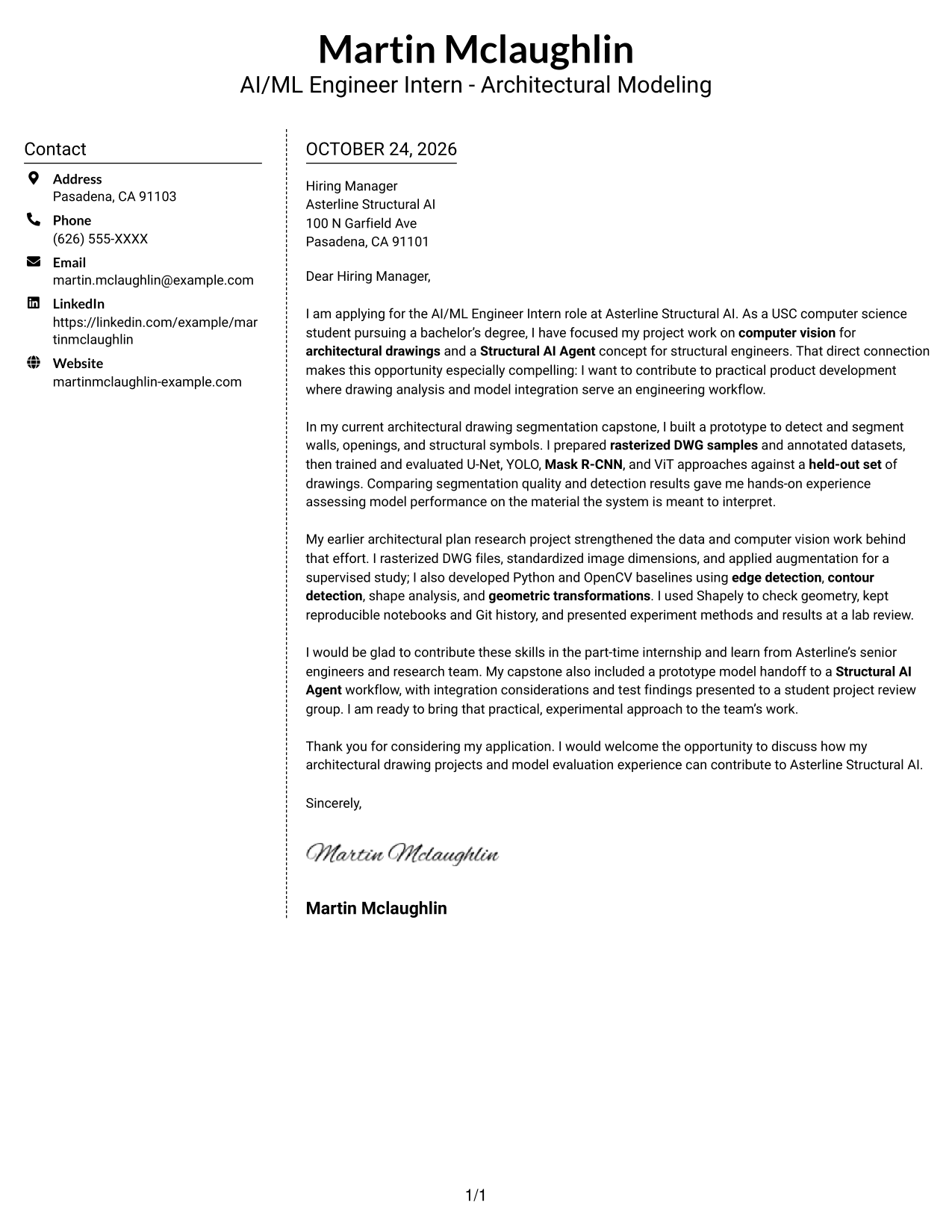
Why This Format Works
- Contact details have their own area, separate from the letter’s argument.
- The opening, supporting paragraphs, and closing remain in one continuous body.
- The photo-free presentation keeps attention on the written correspondence.
Best For
- Contact information beside the letter
- Letters with multiple supporting paragraphs
- Continuous written arguments
- Practical details kept separate
- Applications without a portrait
#6 Modern Icon Format Cover Letter Example
Modern Icon Format uses two columns for contact details and the continuous letter body, with icons serving as contact cues or decorative header accents.
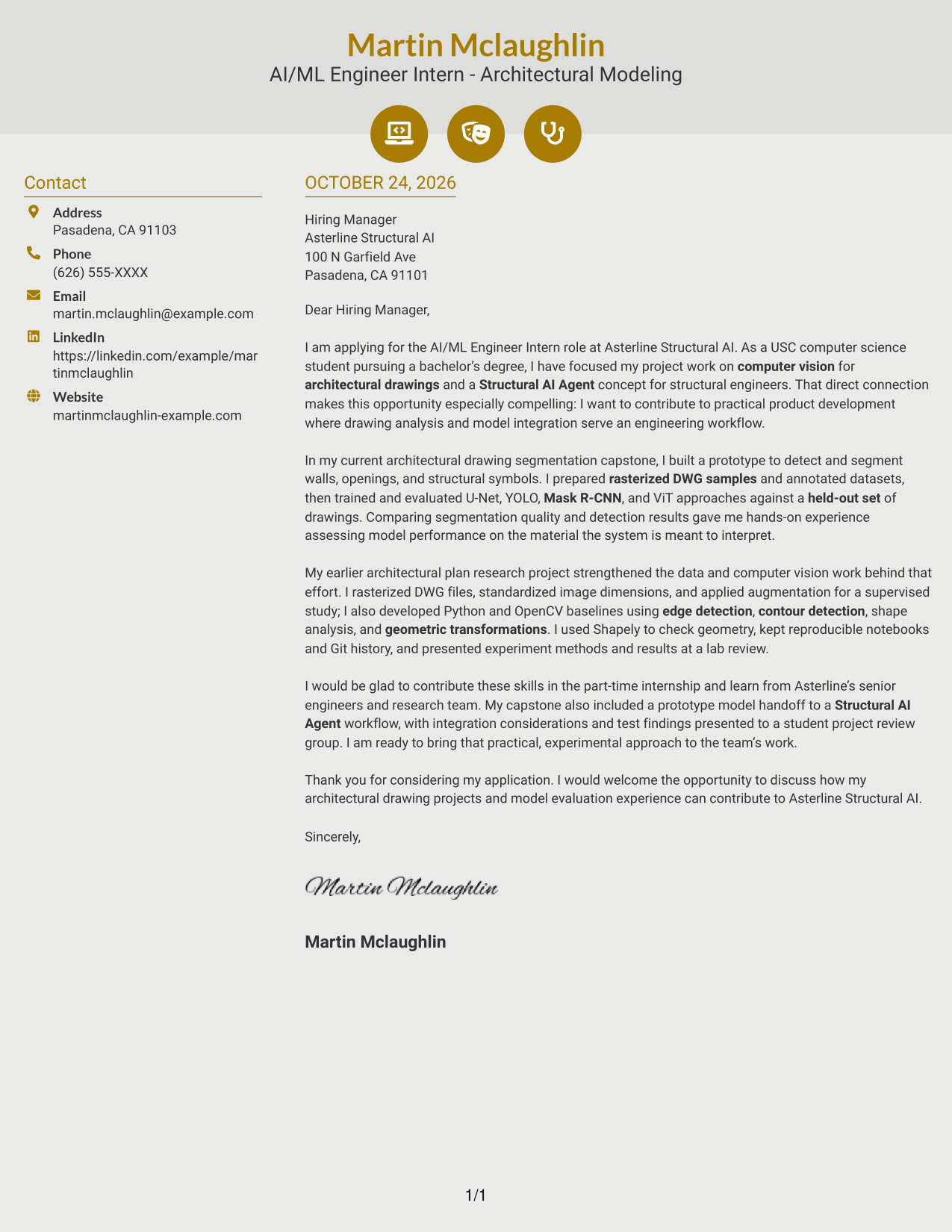
Why This Format Works
- Contact icons can make sender information easier to identify at a glance.
- The letter’s argument remains in one continuous body beside the contact area.
- Decorative header accents add visual interest without labeling argument stages.
Best For
- Icon-based contact cues
- Two-column correspondence
- Letters with a continuous argument
- Visual accents around contact details
- Photo-free application materials
#7 Creative Two Tone Format Cover Letter Example
Creative Two Tone Format places a contact sidebar beside one continuous letter body, separating sender information from the message without dividing its argument.
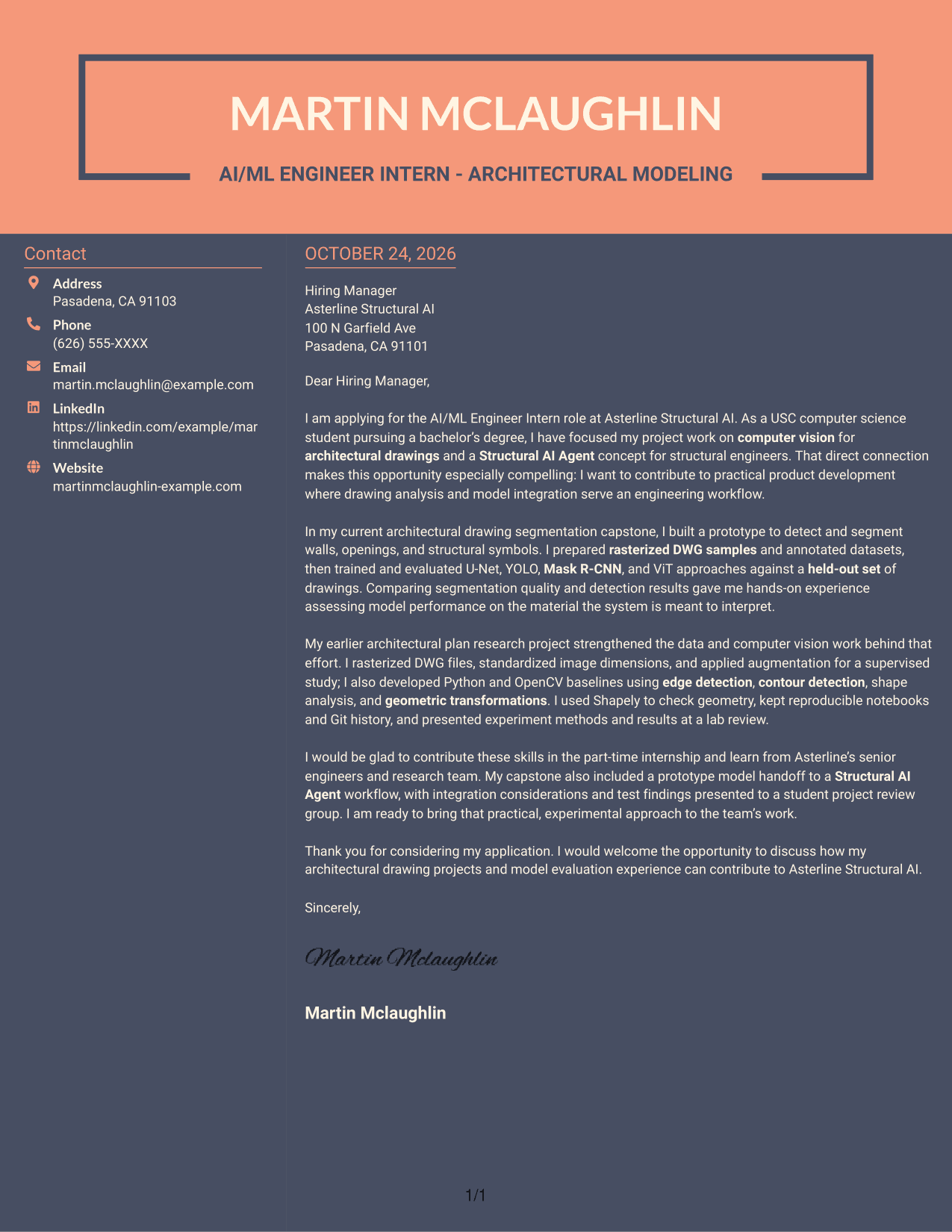
Why This Format Works
- A distinct contact area keeps sender details apart from persuasive paragraphs.
- One uninterrupted body connects the opening, supporting points, and closing.
- The photo-free layout suits readers who prefer correspondence without a portrait.
Best For
- Separate sender information
- Letters with connected supporting points
- One-body persuasive messages
- Contact details outside the main text
- Applications without a portrait
See Also
- 7 AI/ML Engineer Intern - Architectural Modeling Resume Templates with Example
- 33 AI/ML Engineer - Enterprise Generative AI Resume Templates with Example 2026 (ATS-Optimized)
- 33 AI/ML Engineer - Higher Education Resume Templates with Example 2026 (ATS-Optimized)
- 33 AI/ML Engineer Intern, Cloud & Developer Infra Resume Templates with Example 2026 (ATS-Optimized)
- 33 AI/ML Engineer - Machine Learning Systems Resume Templates with Example 2026 (ATS-Optimized)
- 33 AI/ML Engineer Resume Templates with Example 2026 (ATS-Optimized)
- 33 Applied AI/ML Engineer Resume Templates with Example 2026 (ATS-Optimized)
- 33 Applied AI/ML Software Engineer Resume Templates with Example 2026 (ATS-Optimized)
- 30+ AI/ML Engineer Cover Letter Templates with Example 2026
- 30+ AI/ML Engineer - Higher Education Cover Letter Templates with Example 2026
Frequently Asked Questions
What should the opening paragraph say for this role?
State your interest in the AI/ML Engineer Intern - Architectural Modeling role, then connect it to architectural drawing analysis and practical engineering work. Keep the opening direct and specific.
What technical evidence can strengthen the body of the letter?
Describe relevant work with architectural drawings, such as preparing rasterized DWG samples, creating annotated data, or evaluating detection and segmentation models. Explain what you did and what you learned.
How can I show interest in Asterline Structural AI?
Connect your interest to the company’s stated focus on a Structural AI Agent for structural engineers. Explain how drawing analysis or model integration relates to the engineering workflow.
Which cover letter presentation works well for an AI/ML engineering application?
Choose a clear, readable format that makes your motivation and evidence easy to follow. A focused opening, body, and closing can work across different visual styles.
How can a computer science student show fit for this role?
Use relevant academic or research work to show how you approach technical problems, test methods, and communicate results. Be clear about your own contribution and connect it to the role.




