
7 Architect - Buildings Government Services Cover Letter Templates with Example
This practical guide to the Architect - Buildings Government Services cover letter presents seven layouts to help you make a clear case for your fit.
What Makes a Great Architect - Buildings Government Services Cover Letter in 2026
A strong Architect - Buildings Government Services cover letter links a clear reason for pursuing government building work with evidence of sound design judgment and dependable delivery.
Choose examples that show how you translate owner needs into coordinated plans, interpret codes, work with consultants, and manage construction-phase questions. Connect those examples to the employer’s focus on responsible costs, design quality, and reliable schedules.
The featured Architect - Buildings Government Services example moves from role motivation to current project work, broader technical and construction experience, and a focused close. Adapt that progression while choosing a presentation suited to the employer and the communication context.
#1 Simple One Column Format Cover Letter Example
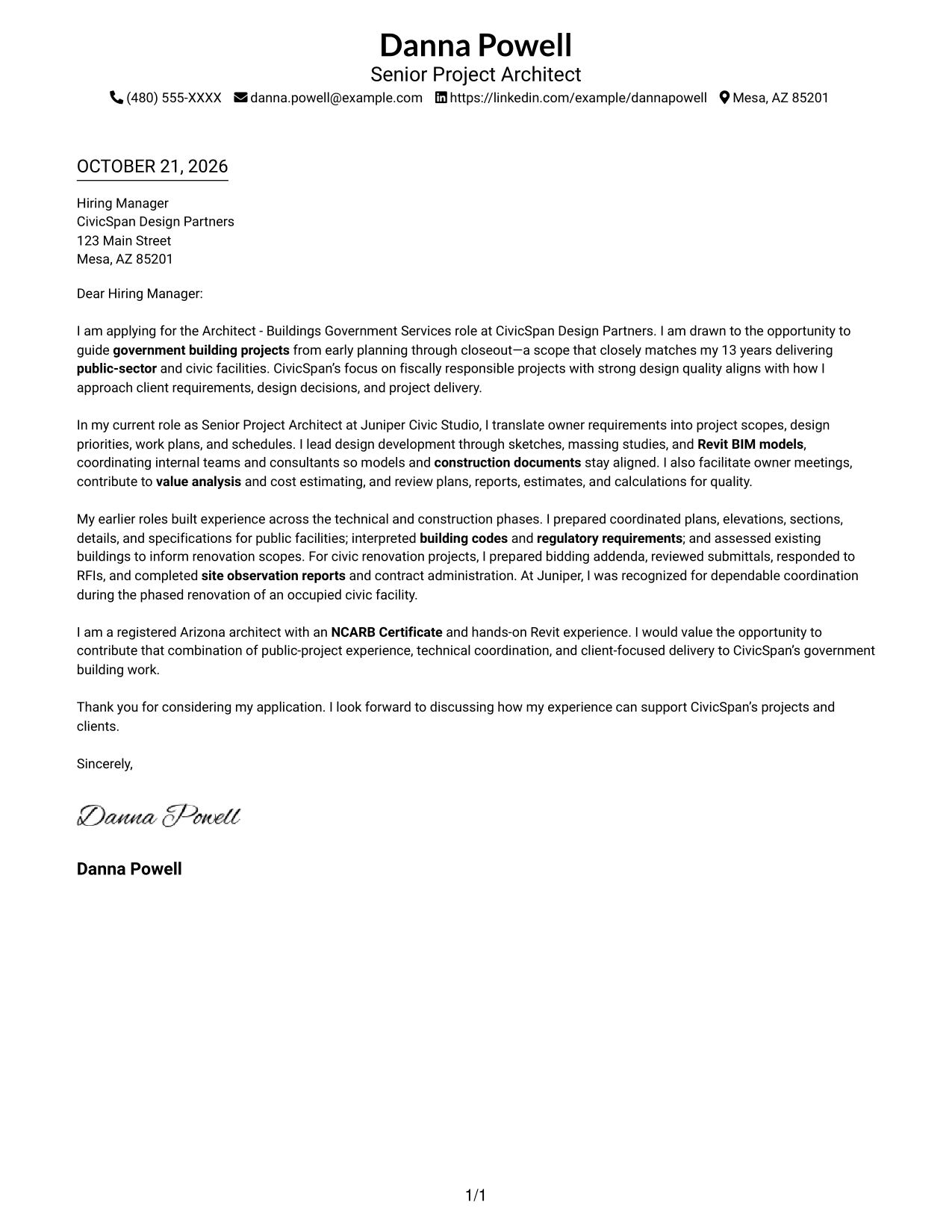
A single column keeps sender details in the header and gives the letter body one direct reading path.
Why This Format Works
- Sender details stay in the header, apart from the letter's main message.
- One reading path keeps motivation, supporting evidence, and the closing in sequence.
- Full-width paragraphs give the complete argument a consistent direction.
Best For
- Paragraph-based arguments
- Straightforward reading order
- Header-led contact details
- Text-focused correspondence
- Photo-free letter design
#2 Two Column Format Cover Letter Example
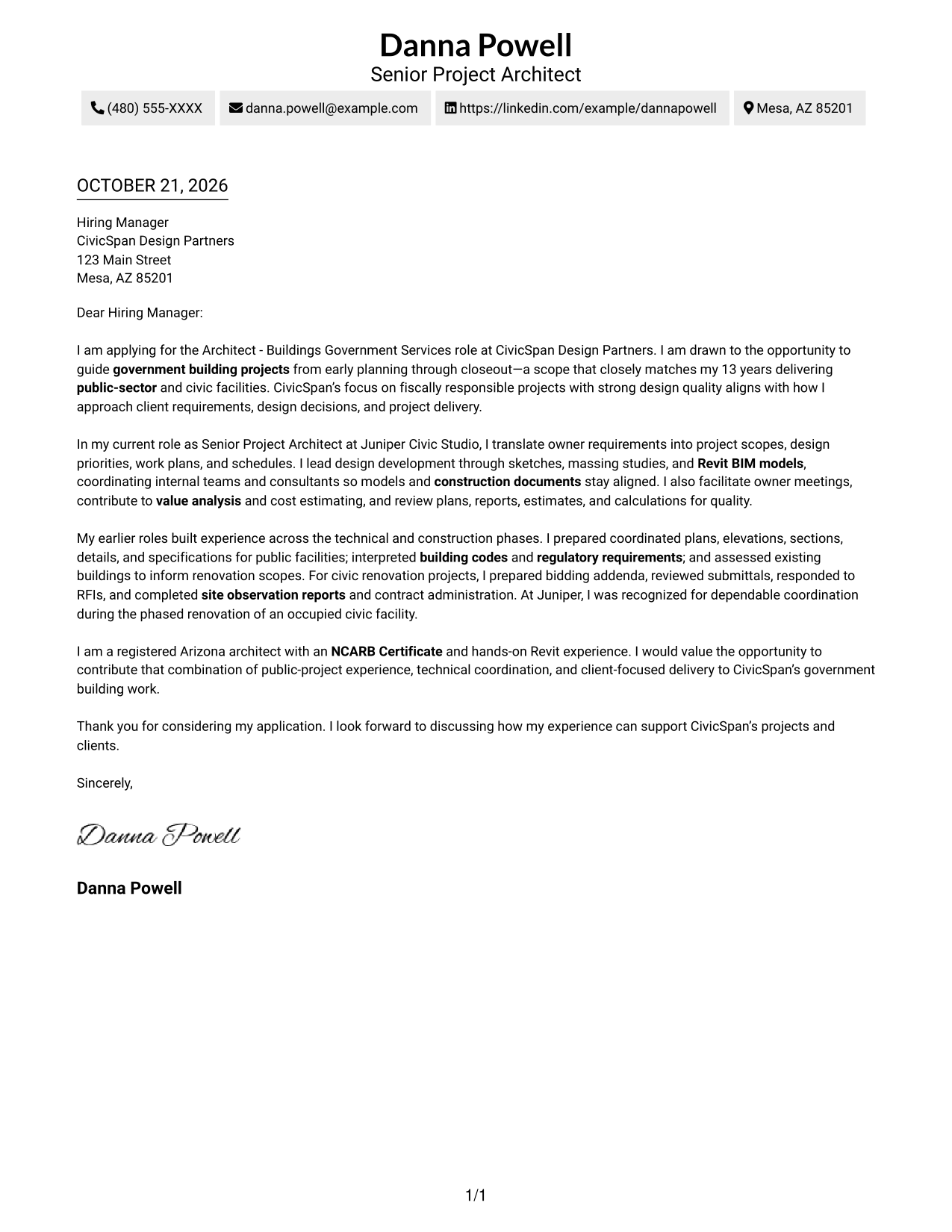
Contact details sit in a sidebar beside the continuous letter body, giving readers a separate place to find sender information.
Why This Format Works
- Sender details have a separate sidebar, keeping them distinct from the letter's message.
- The single body column keeps motivation, evidence, and closing paragraphs in order.
- Two visible areas suit readers who want reference details beside uninterrupted letter text.
Best For
- Sidebar contact reference
- Two-part page organization
- Continuous letter arguments
- Compact contact-and-message pages
- Portrait-free correspondence
#3 Photo Header Two Column Format Cover Letter Example
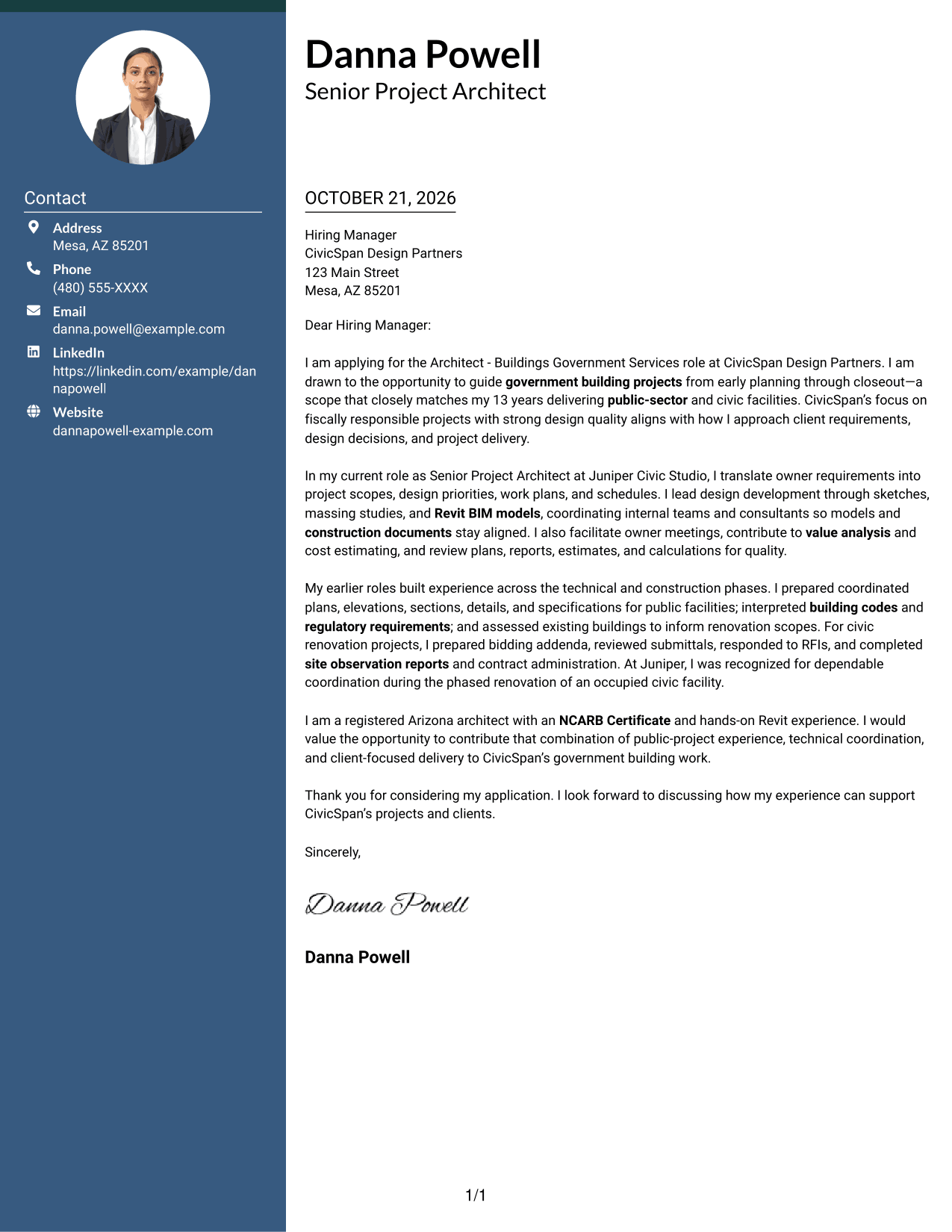
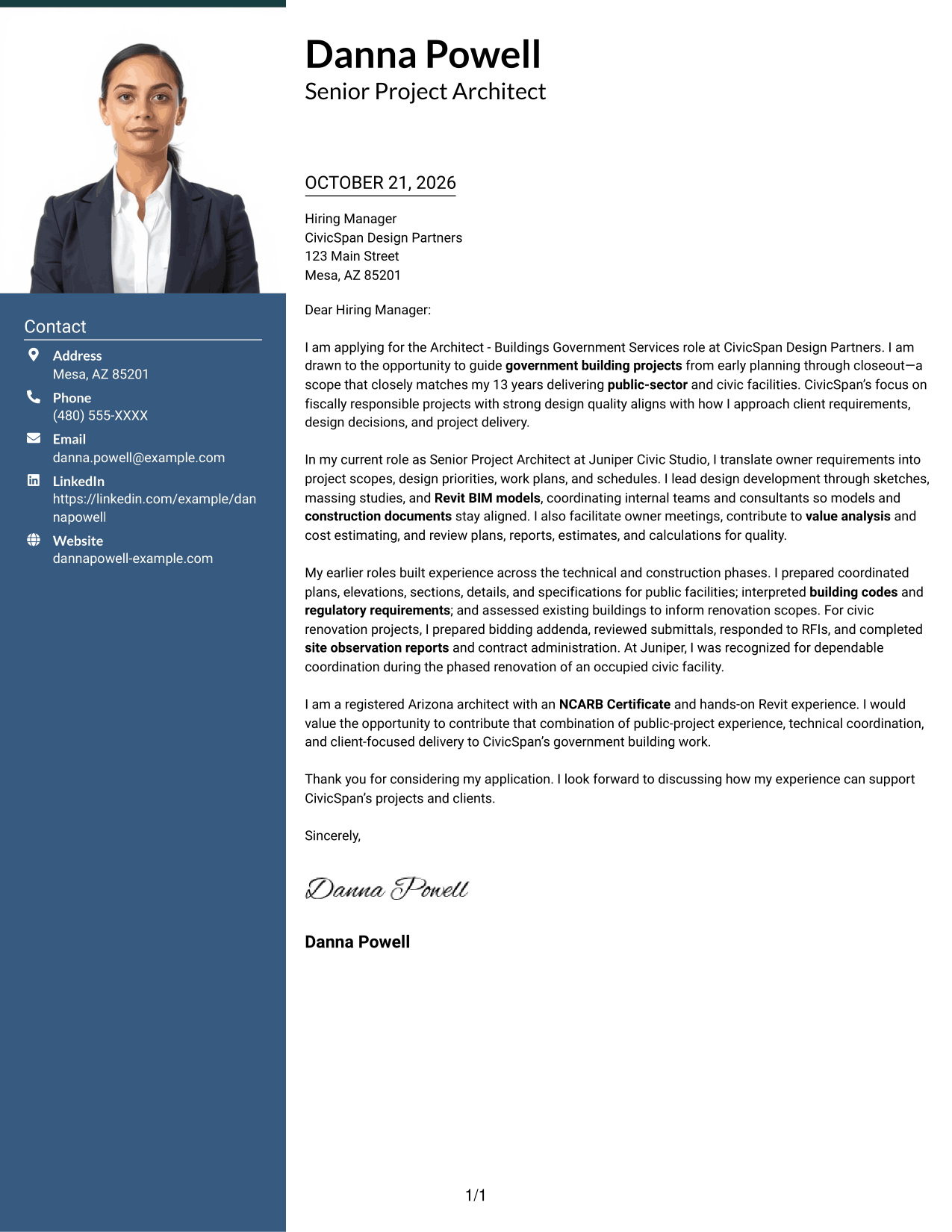
A photo in the header distinguishes this two-column layout, while the contact sidebar and continuous letter body keep their separate roles.
Why This Format Works
- The contact sidebar separates sender details from the message for quick reference.
- One continuous body keeps the persuasive paragraphs in their intended order.
- The photo offers a visual choice without changing how the letter argument reads.
Best For
- Photo-inclusive correspondence
- Portrait-led header preference
- Sequential paragraph reading
- Contact details beside prose
- Two-area page organization
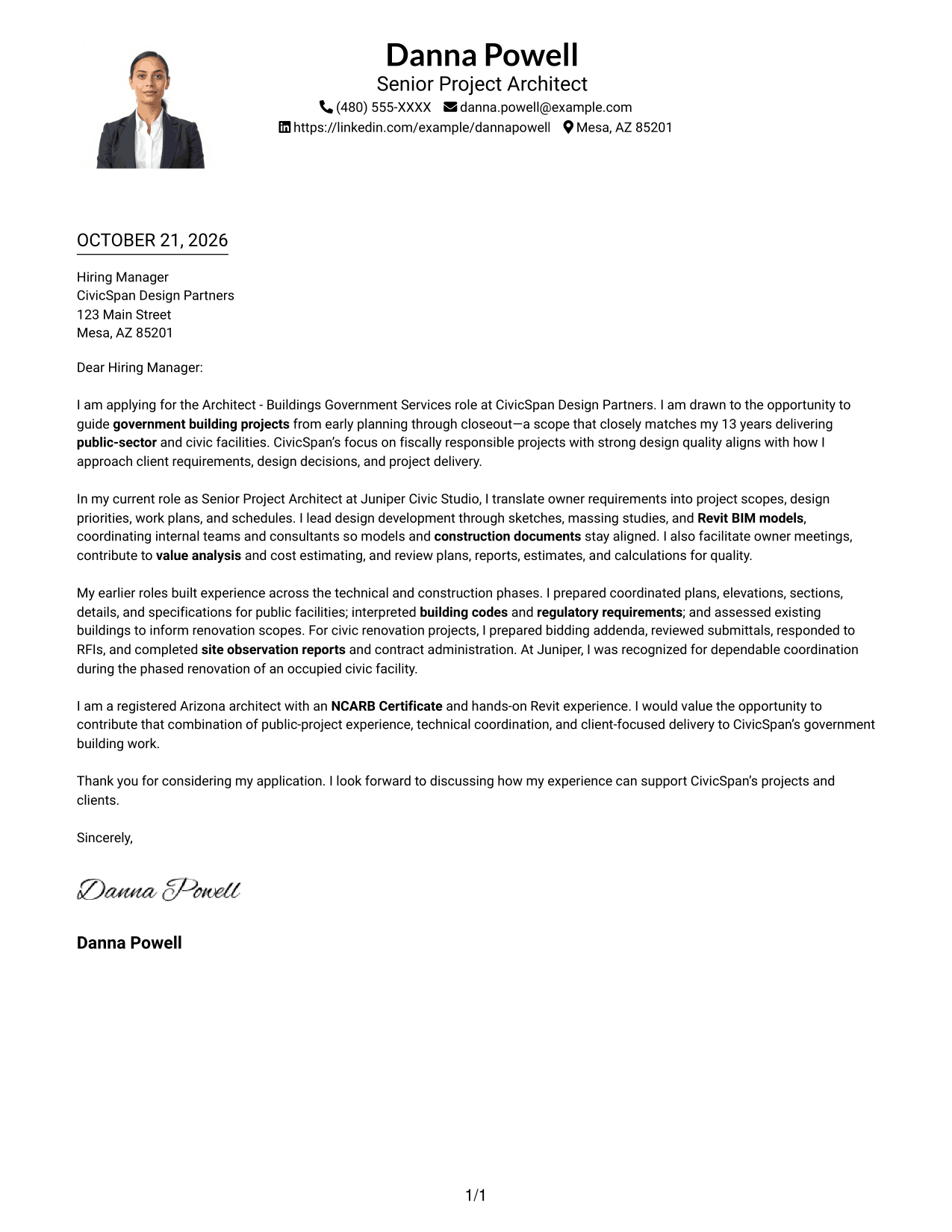
#4 One Column Format with Photo Cover Letter Example
This one-column format includes a photo while keeping the letter body on a single reading path for readers who want a portrait without a sidebar.
Why This Format Works
- One column gives the letter a single reading direction from opening to closing.
- Photo inclusion is a visual preference, not a substitute for the written case.
- Header contact details remain distinct from the message in the same column.
Best For
- Portrait-inclusive one-column layouts
- Header-based sender information
- Single-direction letter reading
- Applications with a personal visual element
- Continuous paragraph correspondence
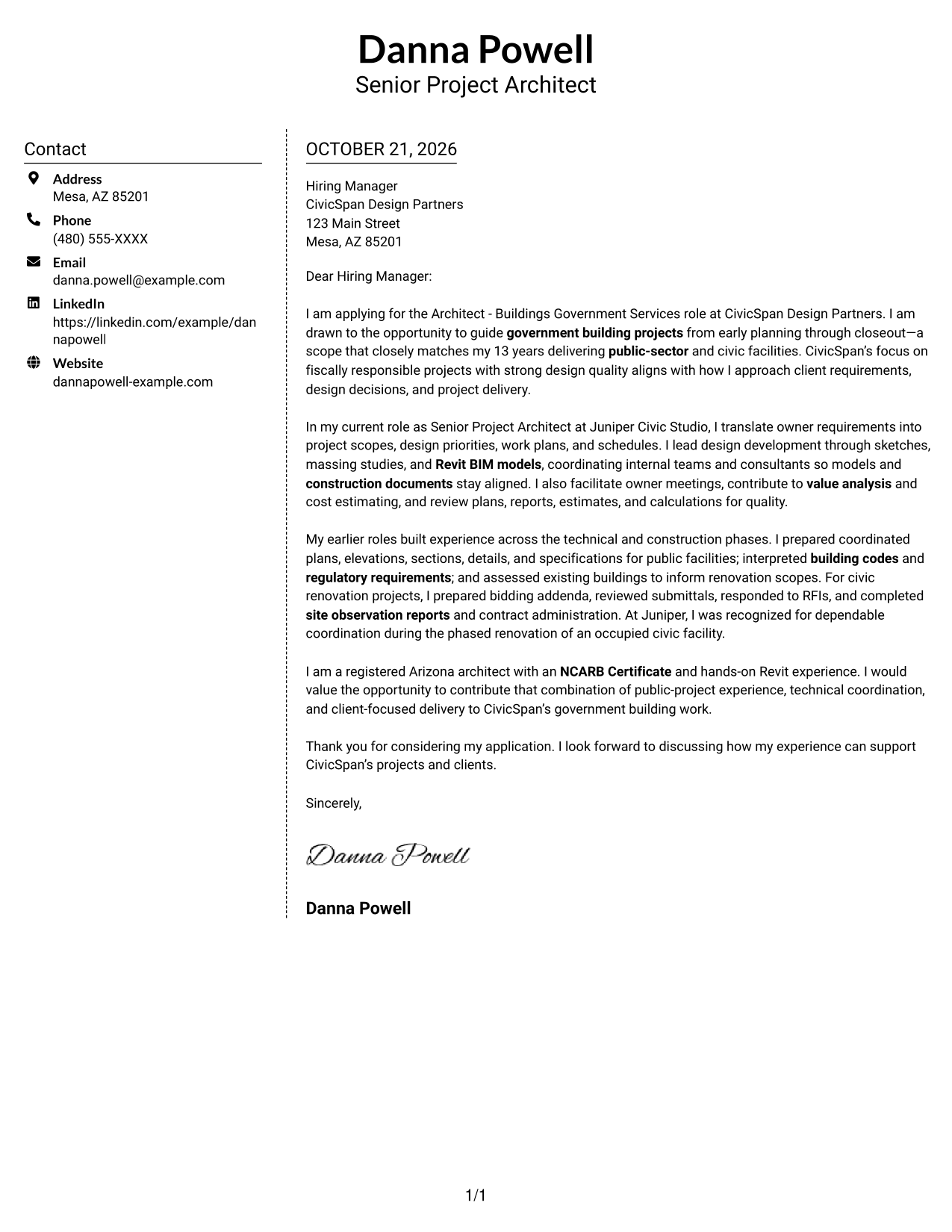
#5 Simple Two Column Format Cover Letter Example
The simple two-column structure places contact details beside, rather than within, the uninterrupted letter body.
Why This Format Works
- Sidebar placement keeps contact information apart from the letter's continuous body.
- Readers can follow motivation and supporting evidence without switching between text columns.
- The photo-free page keeps visual attention on the written message.
Best For
- Contact information in a sidebar
- Uninterrupted letter paragraphs
- Simple two-column correspondence
- Text-led application materials
- Photo-free page design
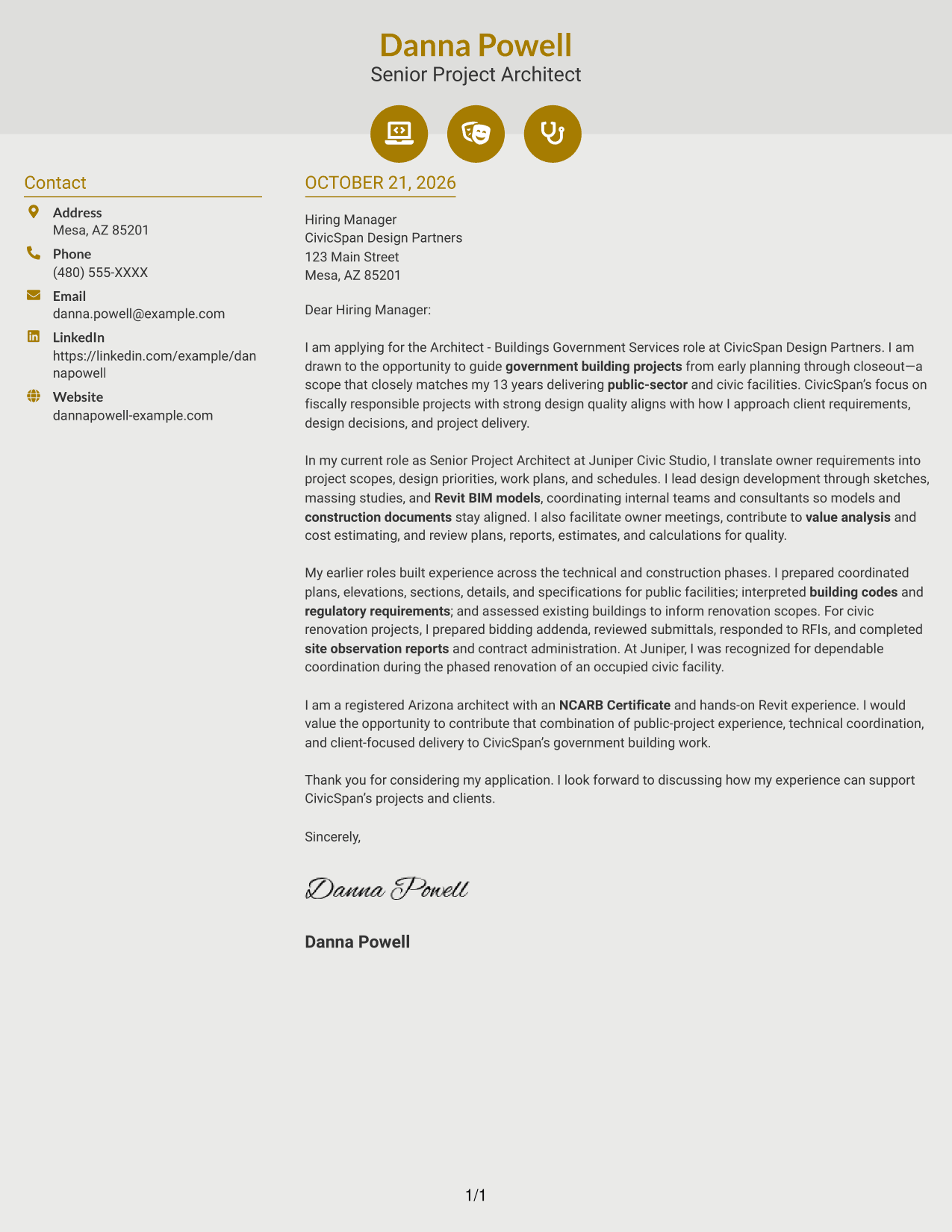
#6 Modern Icon Format Cover Letter Example
Contact icons distinguish this two-column layout, while the sidebar holds sender details apart from the continuous letter body.
Why This Format Works
- Contact icons help readers recognize sender details at a glance.
- The sidebar keeps reference information apart from the letter's argument.
- Motivation, evidence, and closing remain in one continuous text column.
Best For
- Icon-cued contact details
- Decorative header accents
- Continuous letter arguments
- Sidebar reference information
- Two-column correspondence
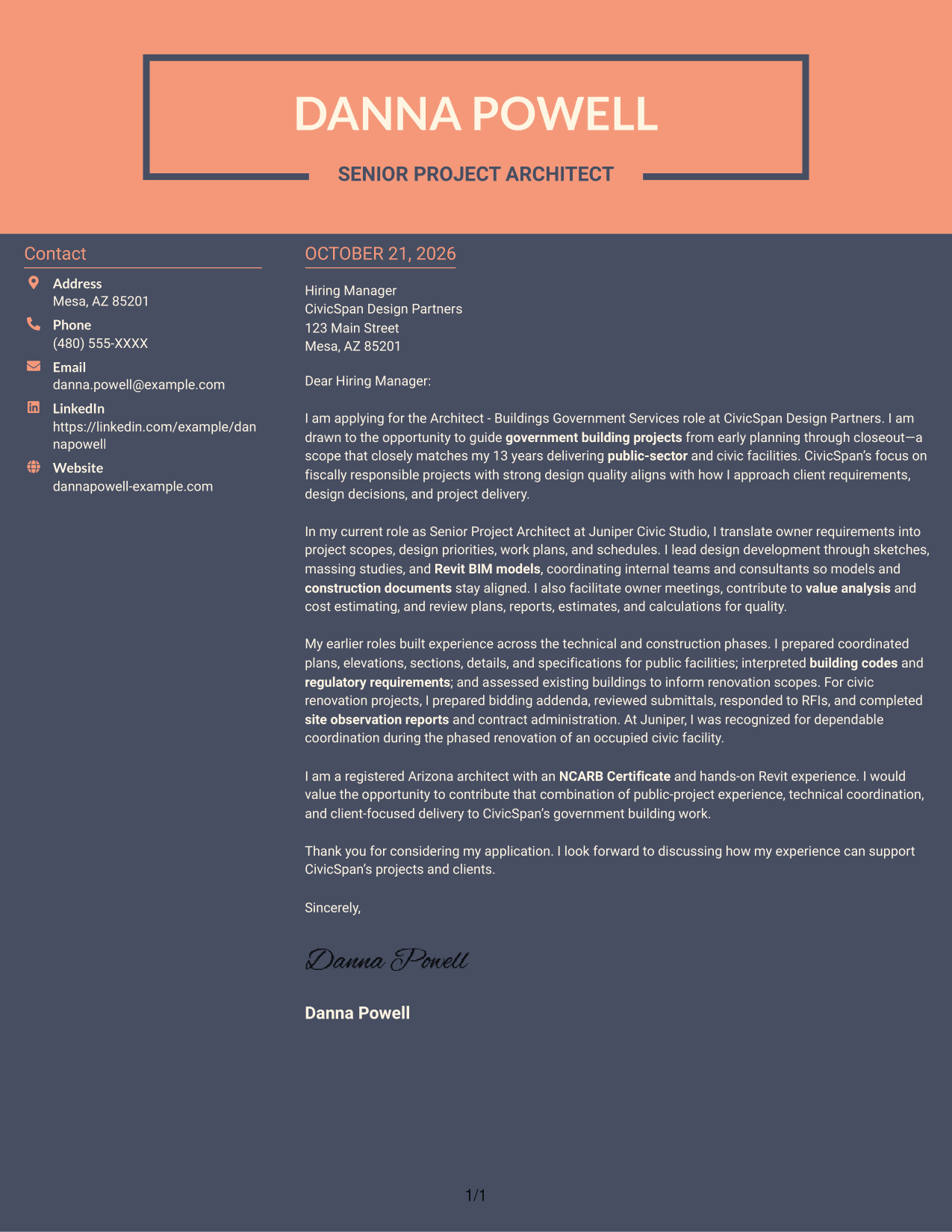
#7 Creative Two Tone Format Cover Letter Example
Two-tone color adds visible contrast to this two-column layout for readers who prefer a more expressive page.
Why This Format Works
- Two-tone color adds visual contrast for readers who prefer a more expressive page.
- Contact details stay in the sidebar rather than interrupting the letter body.
- One continuous text column keeps the argument in its natural sequence.
Best For
- Color-contrast preference
- Expressive page styling
- Sidebar contact details
- Uninterrupted letter text
- Two-column letter layouts
Why Use ResumeInMinutes for an Architect - Buildings Government Services Cover Letter
ResumeInMinutes lets you review cover letter examples and shape a message for government building work without starting from a blank page.
- Different letter presentations
- Clear, readable layouts
- Role-focused message guidance
- Image previews for comparison
- Examples available in the editor
- Tools to customize your letter
Compare the image previews, then open an example in the editor to review its presentation and tailor the message to the Architect - Buildings Government Services role.
See Also
- 7 Architect - Buildings Government Services Resume Templates with Example
- 7 Junior Architect - Sustainable Building Design Resume Templates with Example
- 33 Advisory Data Architect-Senior Manager Resume Templates with Example 2026 (ATS-Optimized)
- 7 Agentic Solution Architect Resume Templates with Example
- 7 AI Application Solutions Architect - Generative AI Resume Templates with Example
- 7 AI Engineering Solutions Architect Resume Templates with Example
- 33 AI/ML Solutions Architect Resume Templates with Example 2026 (ATS-Optimized)
- 33 AI Solutions Architect Resume Templates with Example 2026 (ATS-Optimized)
- 7 Junior Architect - Sustainable Building Design Cover Letter Templates with Example
- 30+ Advisory Data Architect-Senior Manager Cover Letter Templates with Example 2026
Frequently Asked Questions
What does this Architect - Buildings Government Services cover letter guide include?
It pairs a role-focused letter example with image previews and editor links, so you can compare the presentation and adapt the message.
How should I show my fit for government building work?
Connect your motivation to the work, then use specific examples to show how you handle owner requirements, design coordination, codes, budgets, or construction-phase communication. Choose only evidence that reflects your own experience.
What should the opening paragraph cover?
Name the Architect - Buildings Government Services role, explain why the work interests you, and make a direct link between the position’s priorities and your relevant background.
Which cover letter presentation should I choose?
Choose a clear format that suits the employer and the way you need to communicate. Use the image previews to compare options, then open an example in the editor to review its layout.
Should I mention technical and construction-phase work?
Yes, when it supports your case for this role. For example, you might discuss coordinated construction documents, building-code interpretation, consultant meetings, bidding, submittals, RFIs, or contract administration if those details are accurate for you.




