
7 Architect - Campus and Mission-Critical Facilities Cover Letter Templates with Example
This practical guide presents seven layouts for an Architect - Campus and Mission-Critical Facilities cover letter, helping you show your fit with clear, focused writing.
What Makes a Great Architect - Campus and Mission-Critical Facilities Cover Letter in 2026
A strong letter connects your architectural judgment to campus planning, mission-critical facilities, and work that continues in active buildings. A clear opening, focused body, and direct closing help show why the role interests you.
Use specific evidence, such as coordinating engineers on a central utility plant project or supporting construction-phase work. Link that experience to the employer’s needs and explain why its campus and infrastructure work matters to you.
The featured Architect - Campus and Mission-Critical Facilities example follows a focused progression from role fit to project evidence and closing interest, which you can adapt while choosing a presentation suited to the employer and communication context.
#1 Simple One Column Format Cover Letter Example
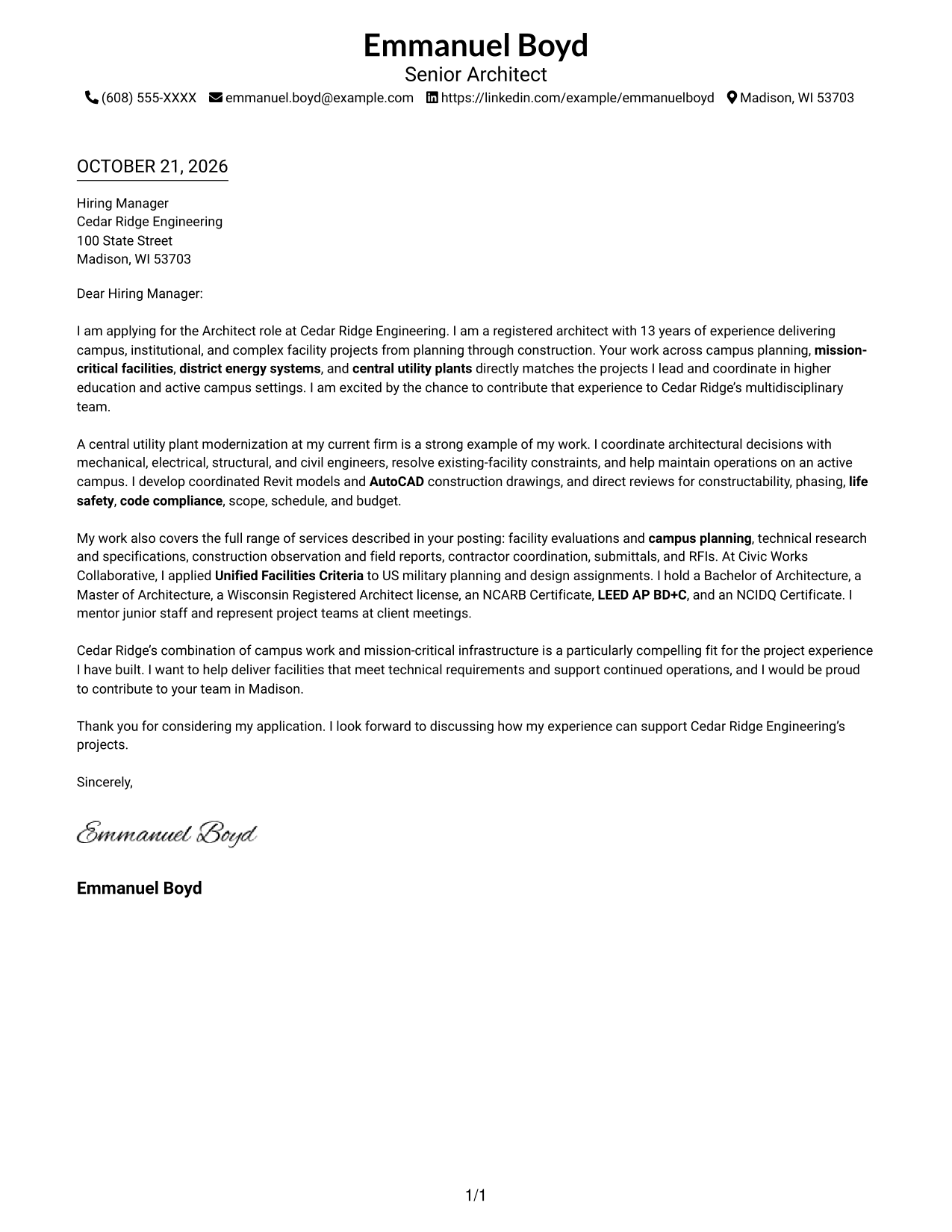
A single-column page places sender details in the header and keeps the letter body on one direct reading path.
Why This Format Works
- Header contact details stay easy to find before the message begins.
- The opening, supporting points, and closing remain in one reading sequence.
- Text-first presentation suits readers who prefer a letter without a portrait.
Best For
- Single-path letter reading
- Header-based contact details
- Text-first applications
- Continuous persuasive narratives
- Minimal layout preferences
#2 Two Column Format Cover Letter Example
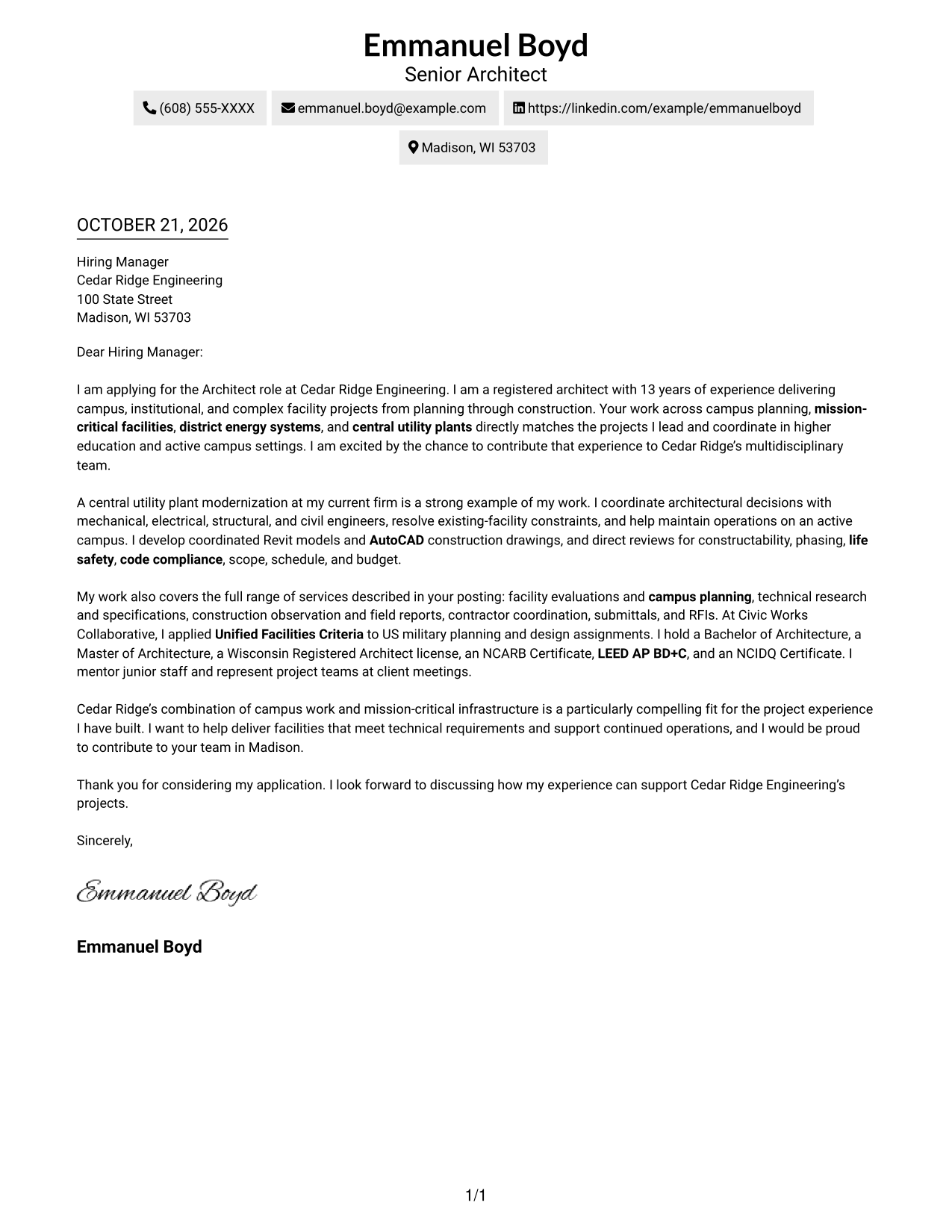
A contact sidebar sits beside the continuous letter body, keeping contact information separate from the written case.
Why This Format Works
- Contact details stay in a sidebar, separate from the persuasive letter body.
- The message keeps its order from opening through evidence and closing.
- A layout without a portrait suits text-first communication preferences.
Best For
- Separate contact lookup
- Continuous argument paragraphs
- Sidebar-based contact details
- Text-led application materials
- Two-area page organization
#3 Photo Header Two Column Format Cover Letter Example
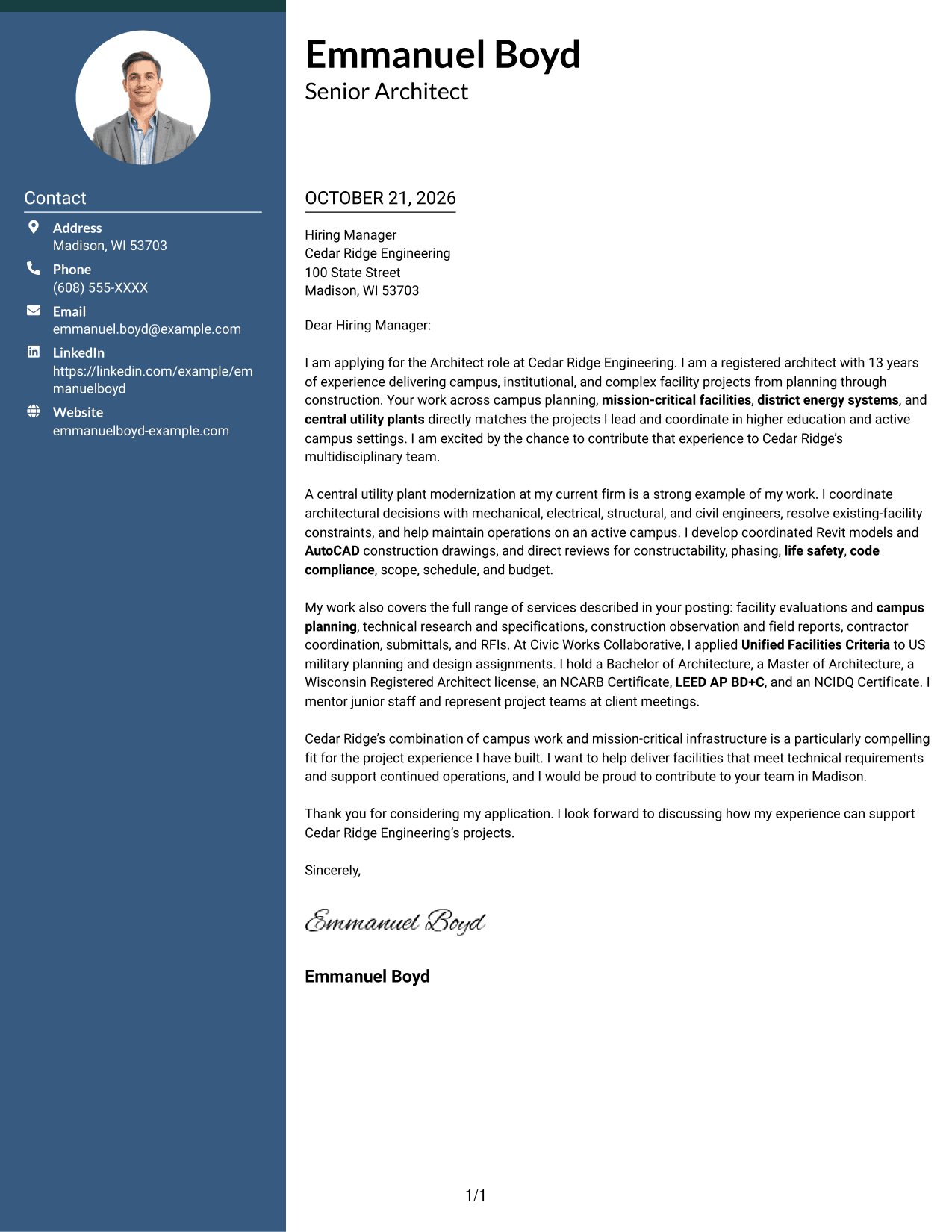
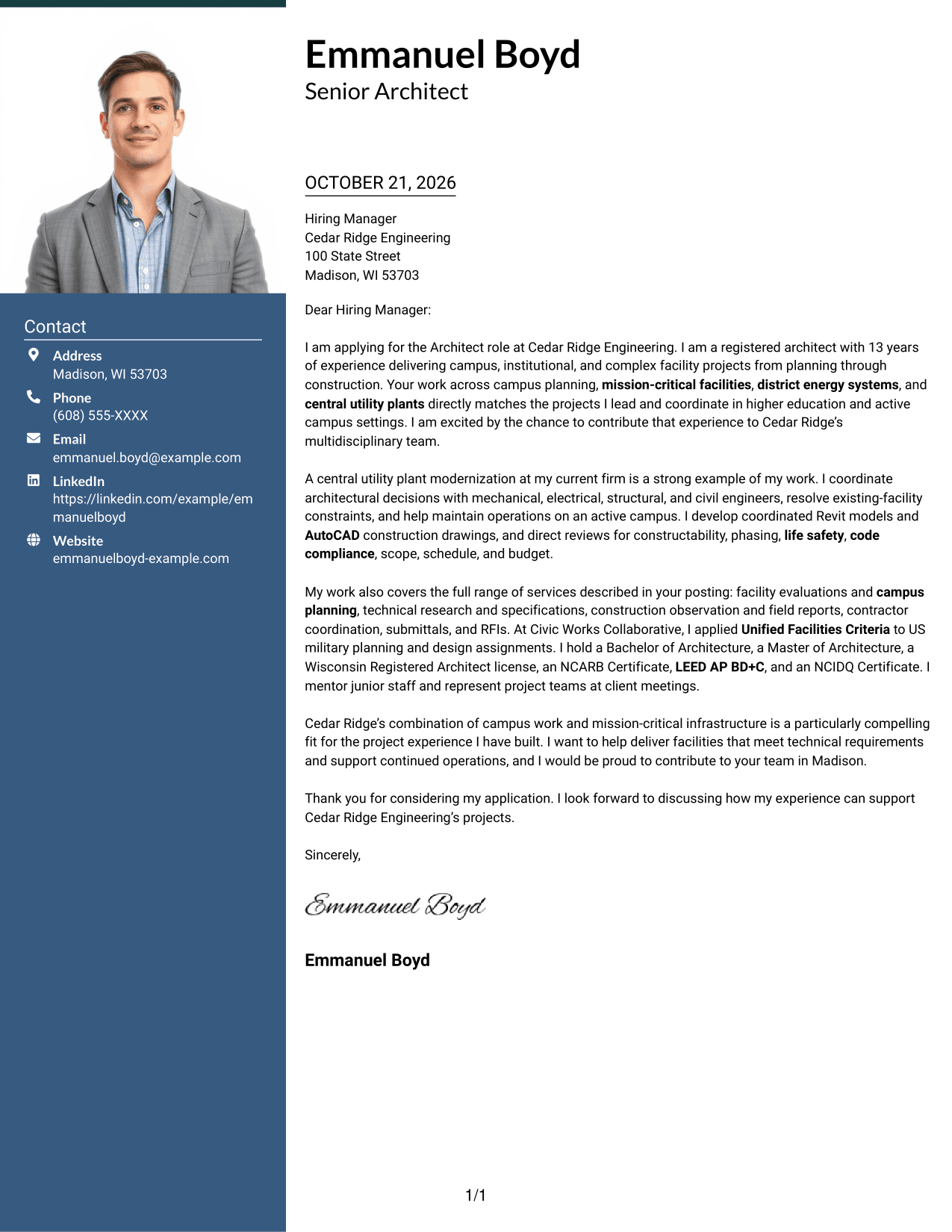
A photo header adds a portrait to the contact presentation, while a sidebar and one continuous letter body keep the page organized.
Why This Format Works
- A sidebar keeps contact information distinct from the letter's central message.
- The uninterrupted body lets readers follow motivation, evidence, and closing in sequence.
- The portrait adds a visual element without dividing the written argument.
Best For
- Portrait-led contact presentation
- Separate contact information
- Continuous letter reading
- Photo-inclusive applications
- Visible sender identification
#4 One Column Format with Photo Cover Letter Example
The one-column page includes a photo and keeps the letter body continuous, giving the design a visual focal point without dividing the message.
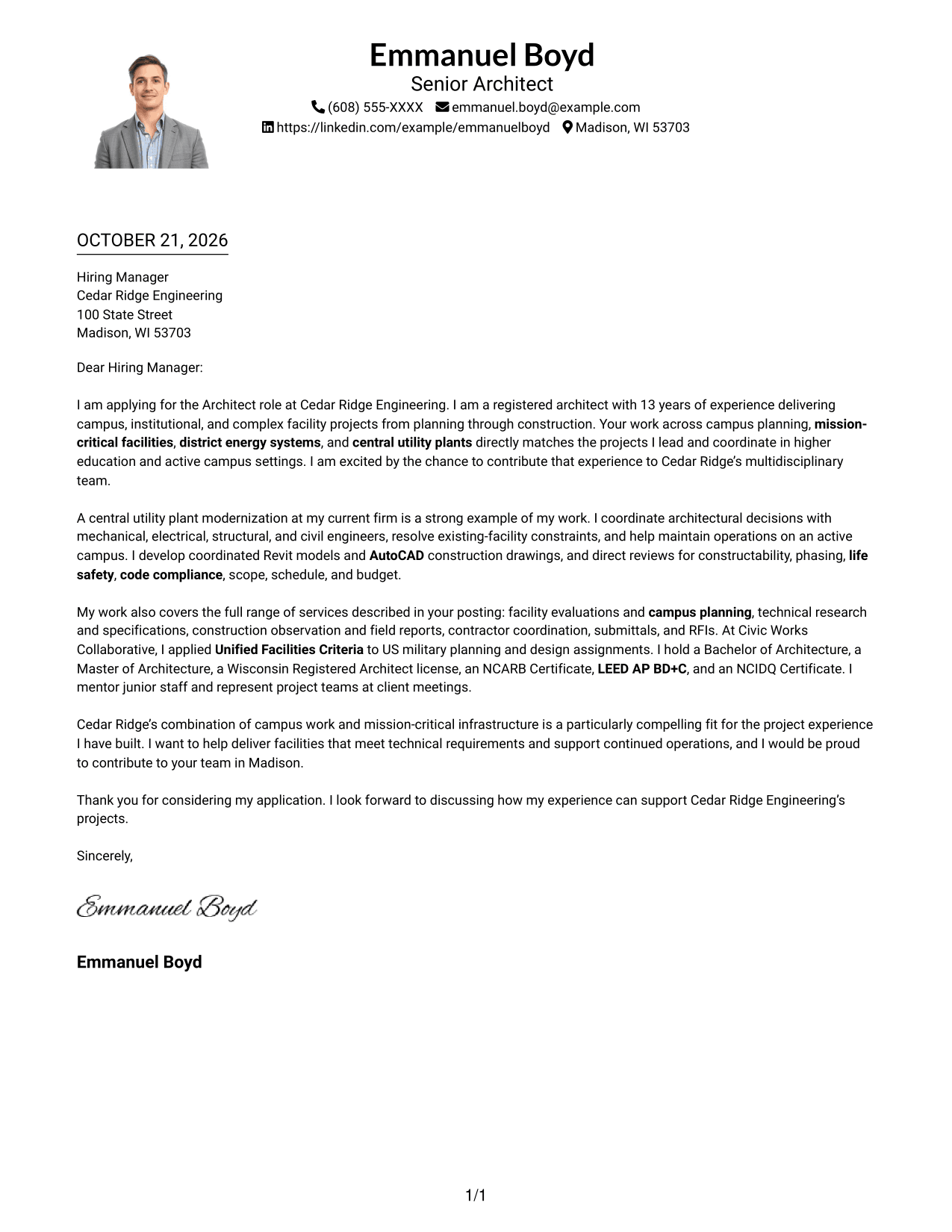
Why This Format Works
- Sender details remain easy to locate in the header above the message.
- The paragraphs retain one clear path from the opening point to the closing.
- A portrait offers a visual focal point while the message stays text-led.
Best For
- One-path letter reading
- Portrait in the header
- Header-based contact details
- Photo-inclusive applications
- Continuous written arguments
#5 Simple Two Column Format Cover Letter Example
A contact sidebar sits alongside one continuous letter body, offering a simple way to distinguish sender information from the message.
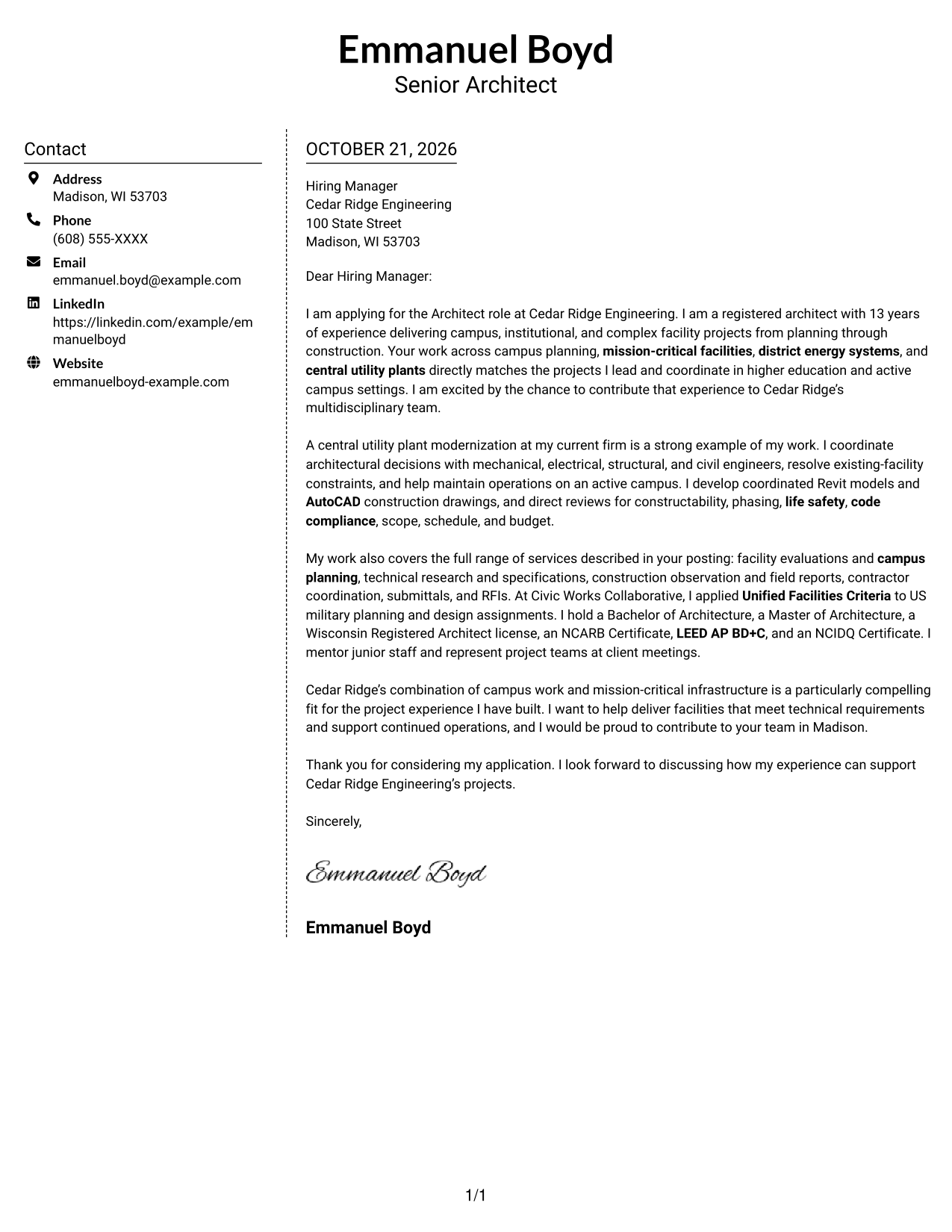
Why This Format Works
- A dedicated sidebar separates sender contact details from the letter.
- The body stays continuous, so the argument reads in its intended order.
- Its photo-free presentation suits applications centered on written communication.
Best For
- Contact details beside correspondence
- Continuous message flow
- Simple sidebar organization
- Text-centered applications
- Separate sender information
#6 Modern Icon Format Cover Letter Example
Contact icons and decorative header accents distinguish this two-column design, while the letter remains one continuous body.
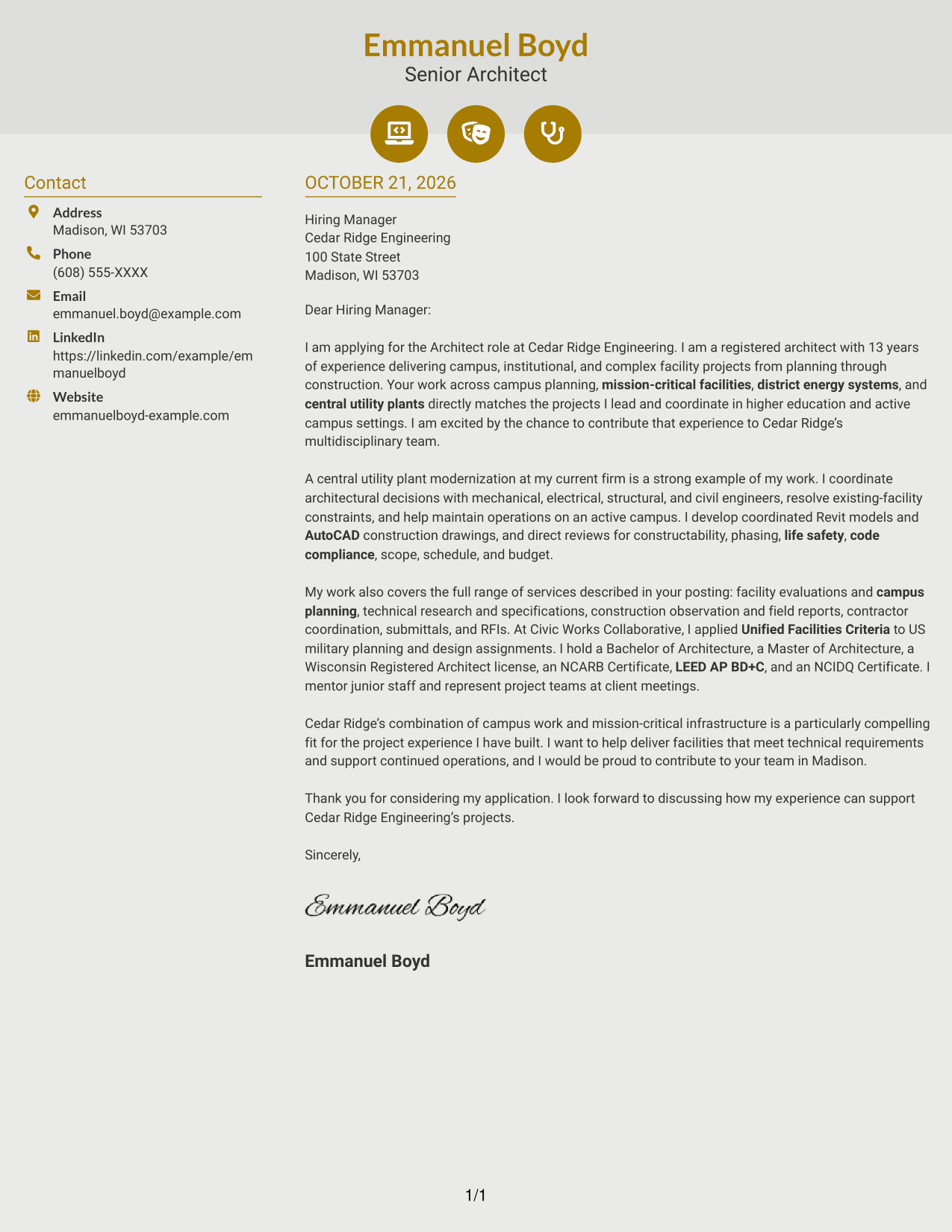
Why This Format Works
- Contact icons help readers distinguish sender details at a glance.
- The letter stays continuous, with no icons assigned to argument stages.
- Decorative header accents add visual interest without interrupting the message.
Best For
- Icon-guided contact details
- Continuous letter paragraphs
- Distinct sender information
- Decorative header accents
- Two-column correspondence
#7 Creative Two Tone Format Cover Letter Example
The contact sidebar and continuous letter body form two distinct areas, giving this two-column cover letter a clear visual structure.
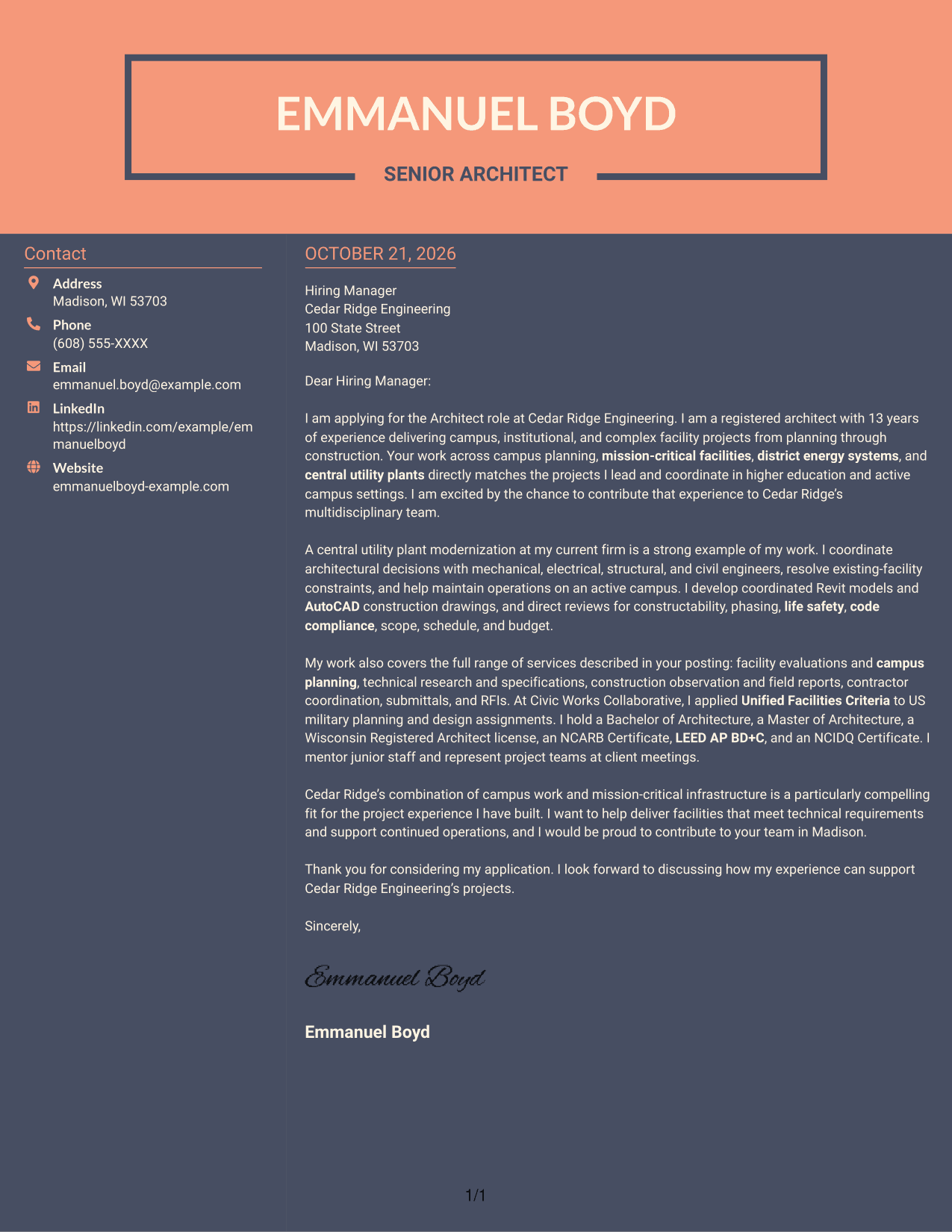
Why This Format Works
- Contact information remains separate from the letter's persuasive paragraphs.
- The body preserves the sequence from motivation through supporting evidence and closing.
- The two areas make contact details available without splitting the written case.
Best For
- Side-by-side contact and letter
- Uninterrupted persuasive writing
- Separate sender information
- Clear contact access
- Two-column page organization
See Also
- 7 Architect - Campus and Mission-Critical Facilities Resume Templates with Example
- 7 Design Architect - Advanced Facilities Resume Templates with Example
- 33 Advisory Data Architect-Senior Manager Resume Templates with Example 2026 (ATS-Optimized)
- 7 Agentic Solution Architect Resume Templates with Example
- 7 AI Application Solutions Architect - Generative AI Resume Templates with Example
- 7 AI Engineering Solutions Architect Resume Templates with Example
- 33 AI/ML Solutions Architect Resume Templates with Example 2026 (ATS-Optimized)
- 33 AI Solutions Architect Resume Templates with Example 2026 (ATS-Optimized)
- 7 Design Architect - Advanced Facilities Cover Letter Templates with Example
- 30+ Advisory Data Architect-Senior Manager Cover Letter Templates with Example 2026
Frequently Asked Questions
What should an architect cover letter emphasize for campus and mission-critical work?
Show how your design decisions support facility needs, building operations, and project goals. A specific example of coordinating with engineering disciplines can make your fit clear.
How can I describe central utility plant experience?
Explain your role, the teams you coordinated with, and how you addressed existing-facility constraints while supporting ongoing operations. Keep the example focused on your contribution.
How should I connect construction-phase work to this role?
Briefly describe relevant duties, such as construction observation, field reports, contractor coordination, submittal reviews, or responses to RFIs. Choose details that show clear communication and sound follow-through.
How can I show interest in the employer?
Refer to a genuine aspect of the employer’s work, such as campus planning or mission-critical infrastructure, and connect it to the kind of architectural contribution you want to make.
Which cover letter layout should I choose?
Choose a clear layout that suits the employer and the way you will communicate. Review the image previews to compare the presentations, then open an example in the editor to view or customize it.




