
7 Architect - Campus and Mission-Critical Facilities Resume Templates with Example
This guide shows you how to create an Architect - Campus and Mission-Critical Facilities resume that presents your project work clearly. You will learn how to organize relevant evidence and compare professional resume formats.
Strong resumes for this role make campus planning, facility evaluations, and work in active facilities easy to find. Clear bullets can show how you coordinate design, address code and life safety needs, and support projects through construction.
The example is presented in 7 layouts, so you can compare how different designs organize project experience, credentials, and technical skills. Each image preview offers a way to review the page, and you can open the example in the editor to explore its layout.
What Makes a Great Architect - Campus and Mission-Critical Facilities Resume in 2026
A strong resume makes project scope, design work, and construction support easy to scan. Include clear evidence of interdisciplinary coordination and relevant credentials.
Use keywords that match your work, such as AutoCAD, Revit, campus planning, central utility plants, code compliance, and construction phase services. Support them with concise bullets about decisions and results.
Note: Resume examples are for educational purposes only. Use only information that accurately reflects your experience and qualifications. References to real organizations do not imply affiliation or endorsement.
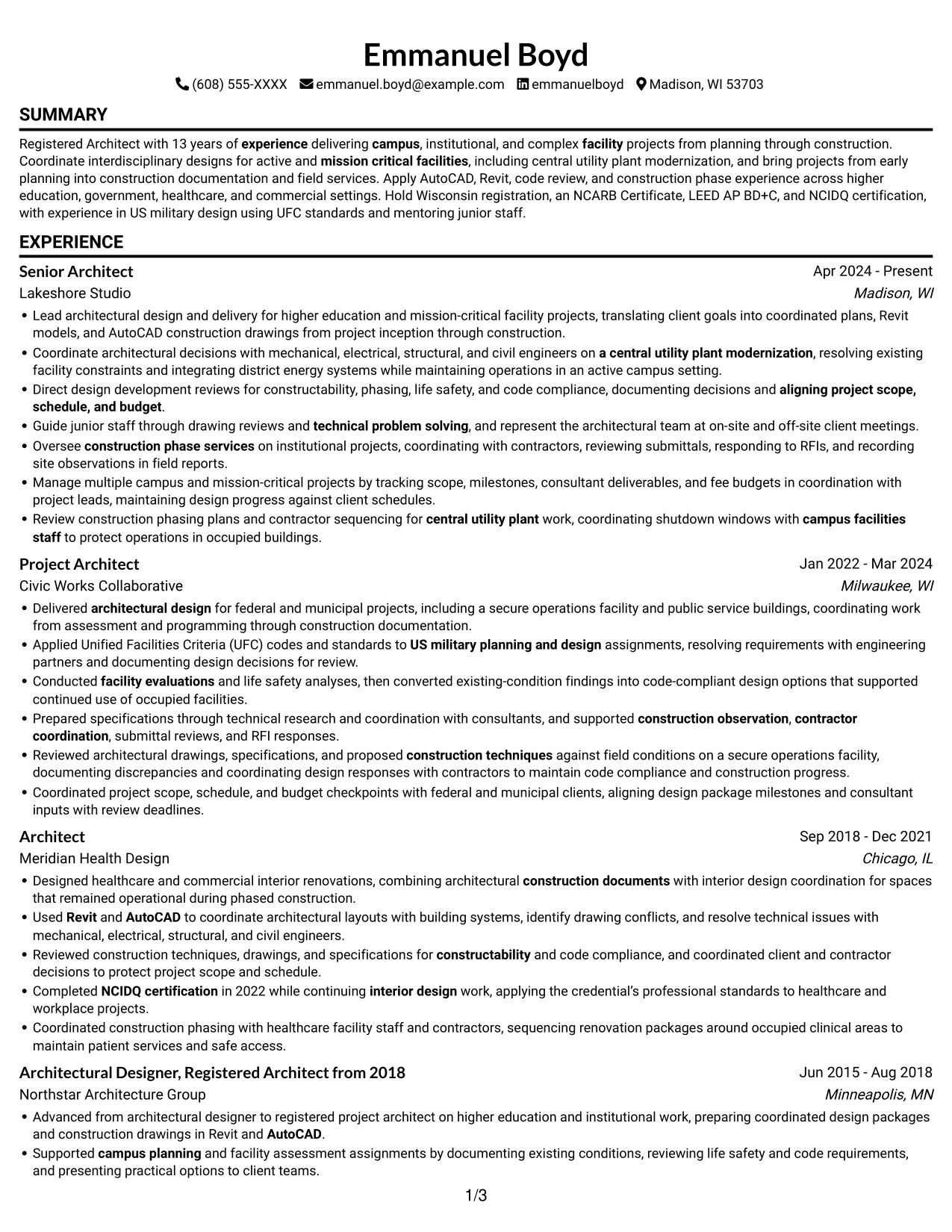
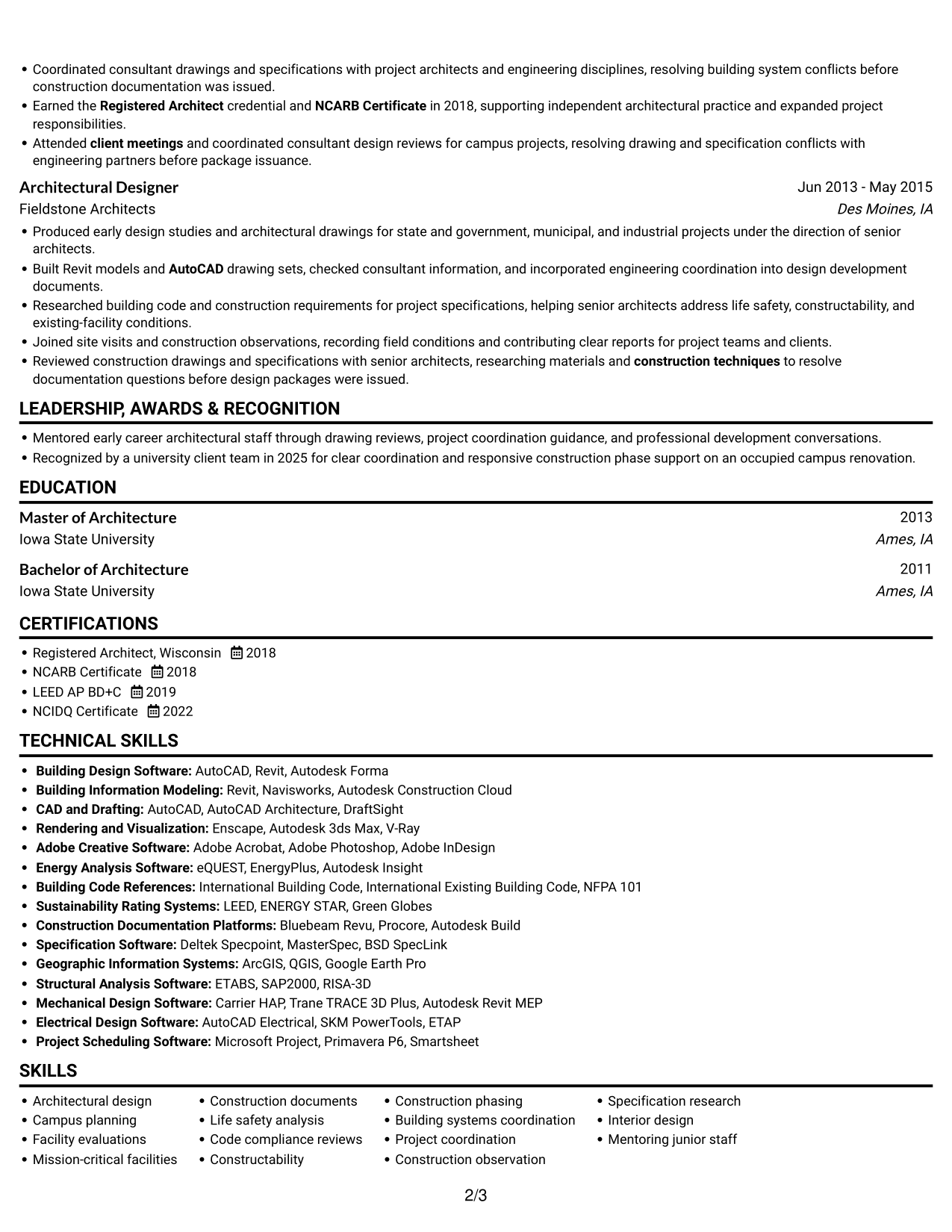
#1 Simple One Column Format Resume Example
With one continuous column and no photo, this format gives reviewers a clear path through each resume section.
Why This Format Works
- One reading path lets reviewers follow career progression from earlier roles to current work.
- Full-width entries give project experience room for detailed coordination and construction-phase evidence.
- Clear section order helps reviewers find education and credentials without searching across columns.
Best For
- Chronological role histories
- Detailed project descriptions
- Several education and credentials
- ATS-friendly section order
- Photo-free resume preferences
Resume Keywords
- Master of Architecture
- Registered Architect with 13 years of experience delivering campus, institutional, and complex facility projects
- Registered Architect
- NCARB Certificate
- AutoCAD
- Revit
- Coordinate architectural decisions with mechanical, electrical, structural, and civil engineers
- architectural design
- construction documents
- campus planning
- facility evaluations
- mission critical facilities
- construction phase services
- construction techniques
- Reviewed architectural drawings, specifications, and proposed construction techniques against field conditions on a secure operations facility
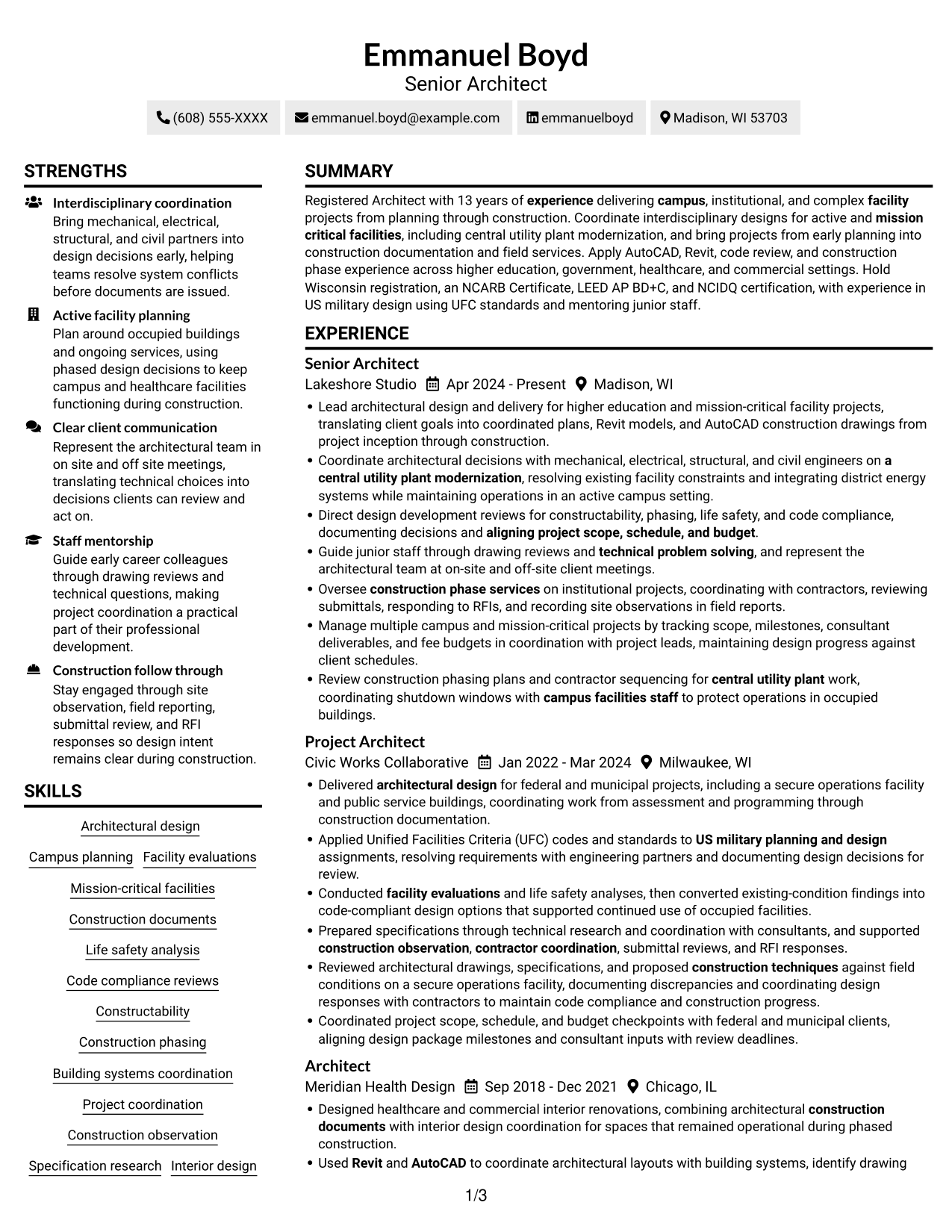
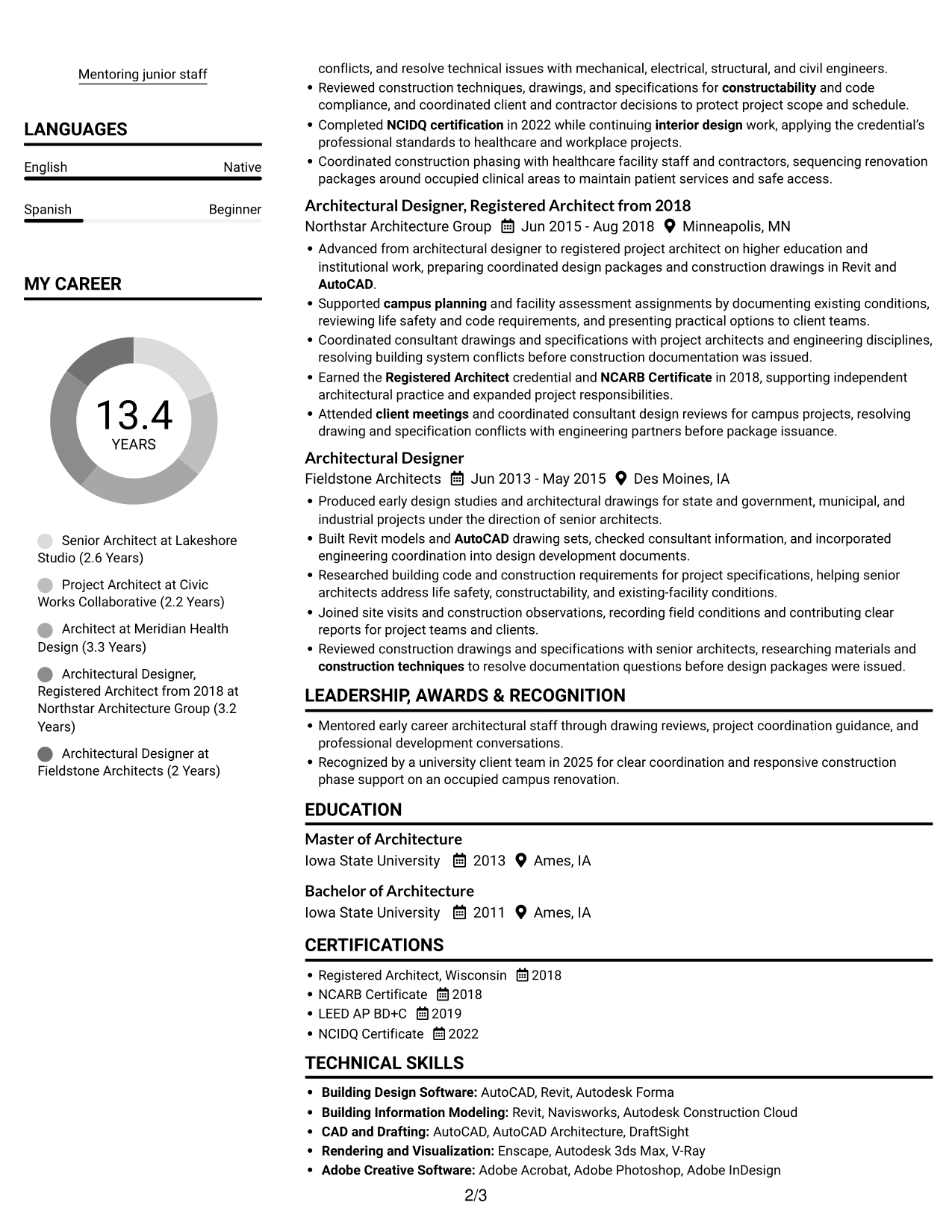
#2 Simple Two Column Format Resume Example
Two columns and no photo create separate reading areas for a resume with varied sections.
Why This Format Works
- Distinct columns help reviewers compare experience details with supporting qualifications at a glance.
- Grouped skills and credentials are easier to locate between reviews of project history.
- A clear reading order keeps the progression across roles easy to follow.
Best For
- Several resume section types
- Experience alongside supporting details
- Quick access to qualifications
- Compact recruiter review
- Photo-free applications
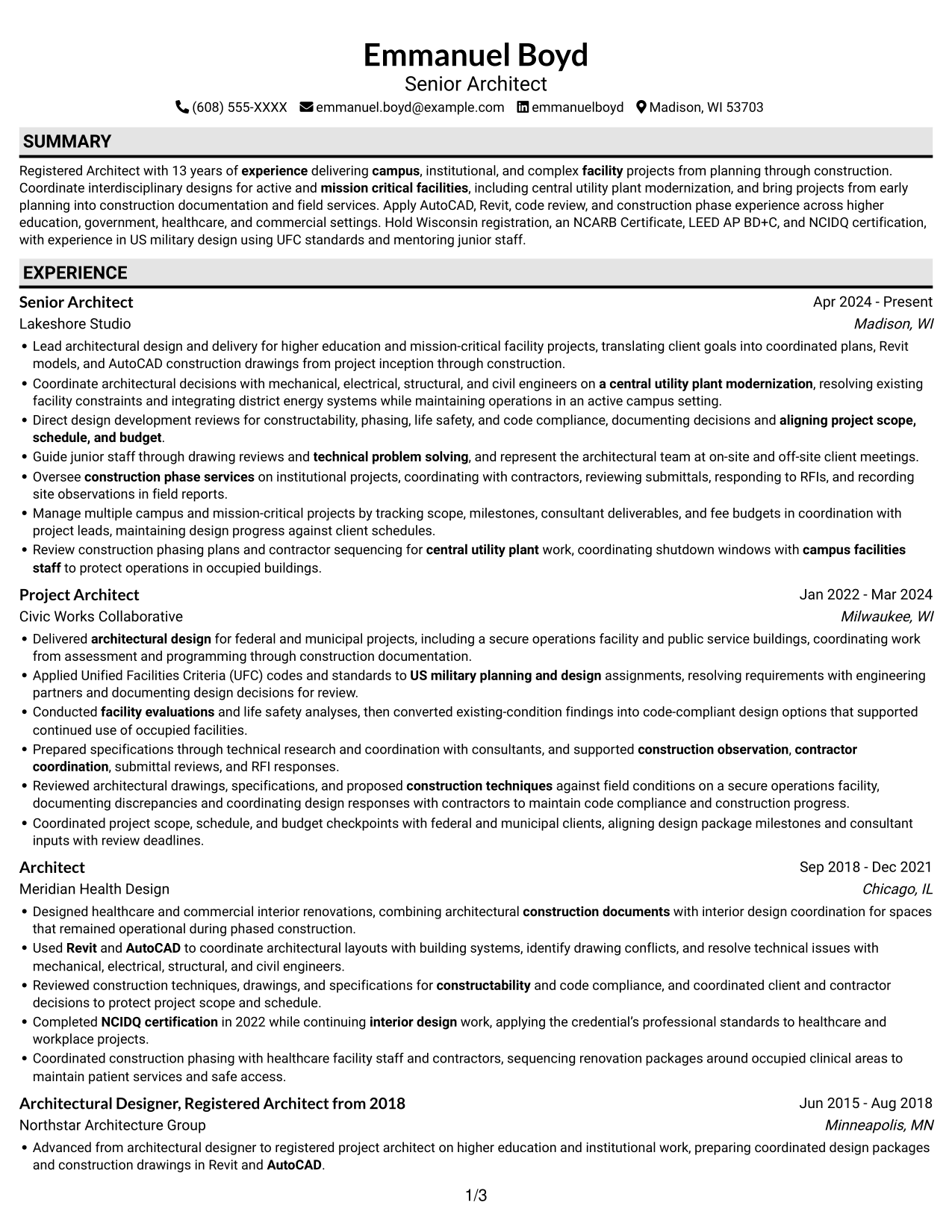
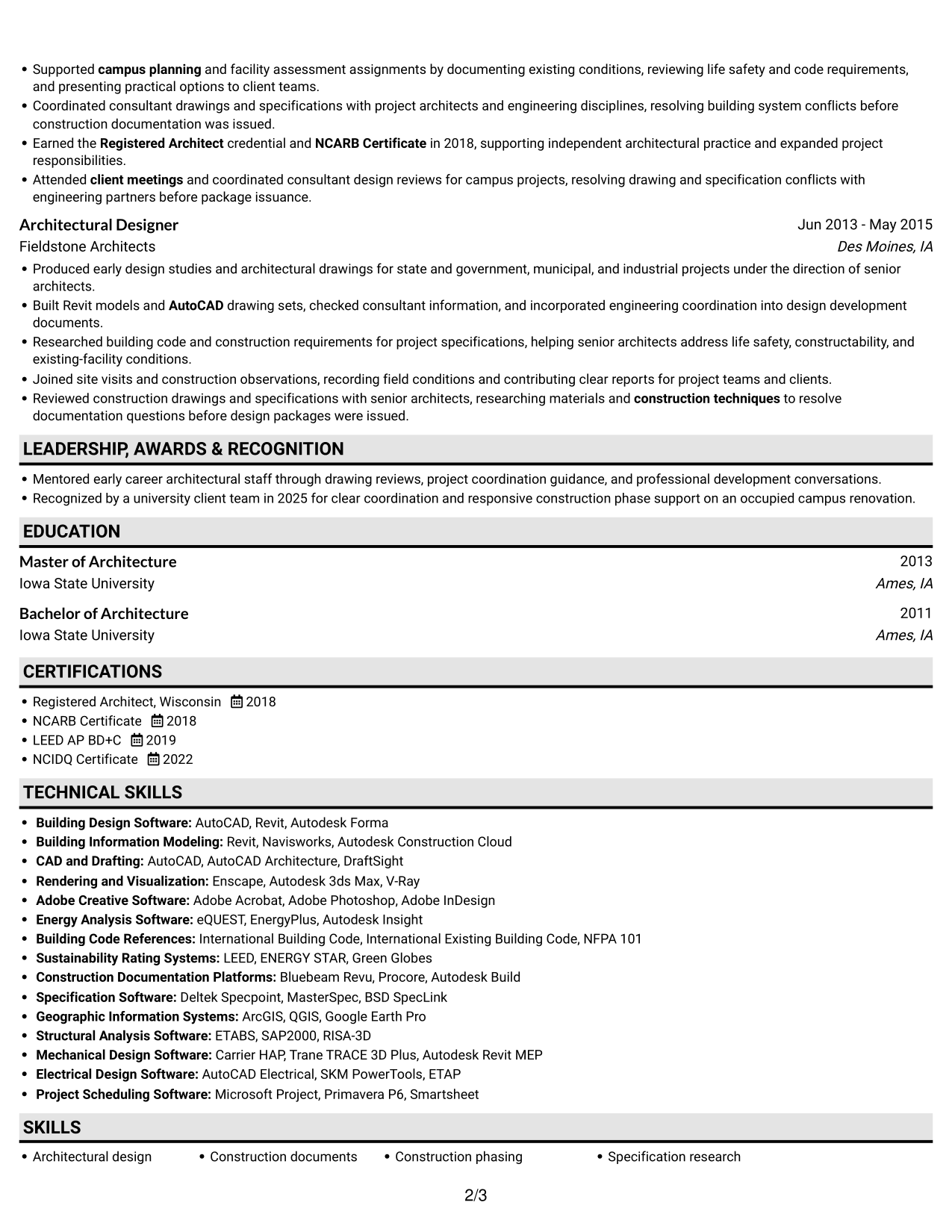
#3 Plain One Column with Shaded Labels Resume Example
A single column without a photo keeps the full resume in one familiar reading sequence.
Why This Format Works
- Reviewers can trace career progression without switching between separate content columns.
- The continuous page width accommodates detailed experience entries and project context.
- Education, skills, and credentials remain part of the same straightforward section sequence.
Best For
- Continuous role-by-role reading
- Detailed experience entries
- Longer career timelines
- Several supporting qualifications
- Straightforward resume navigation
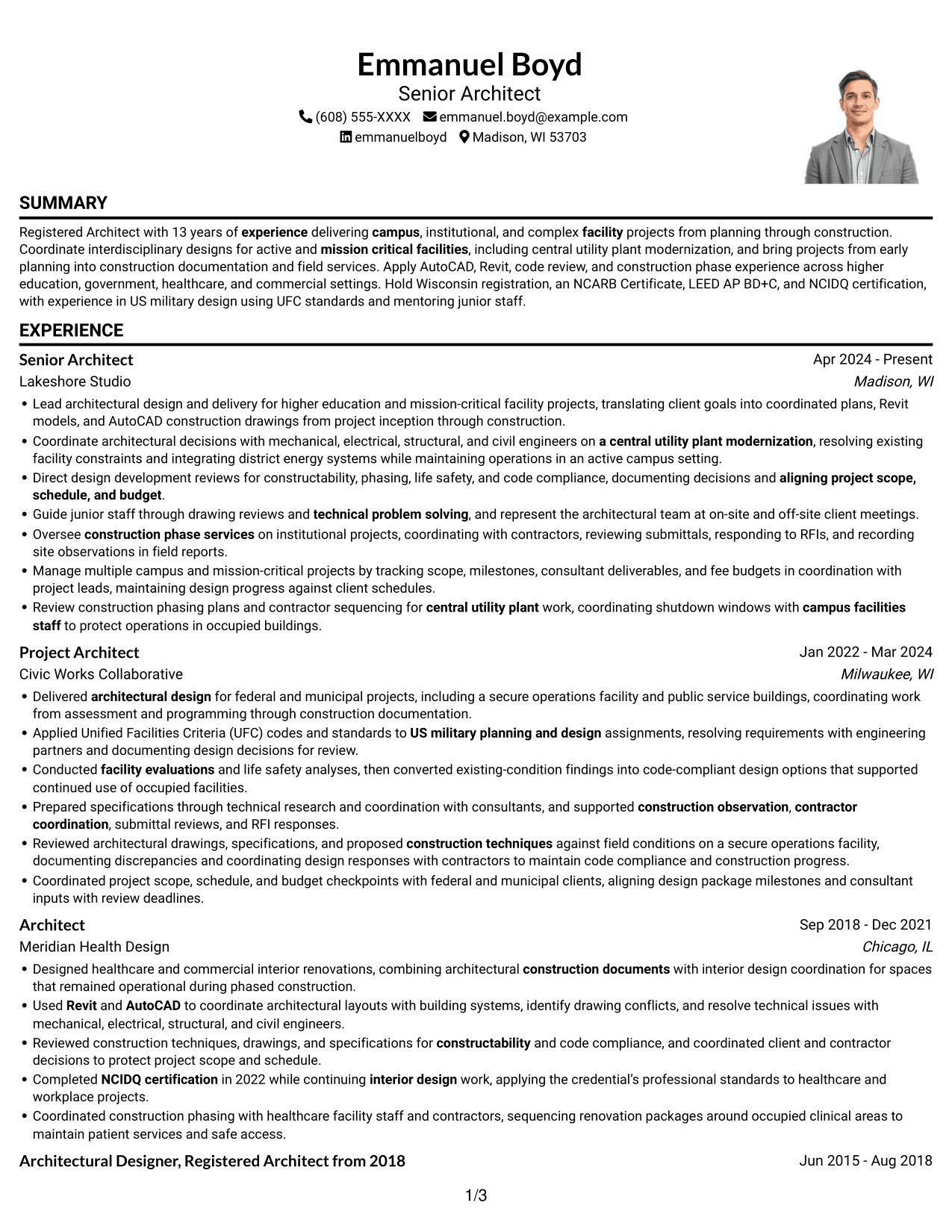
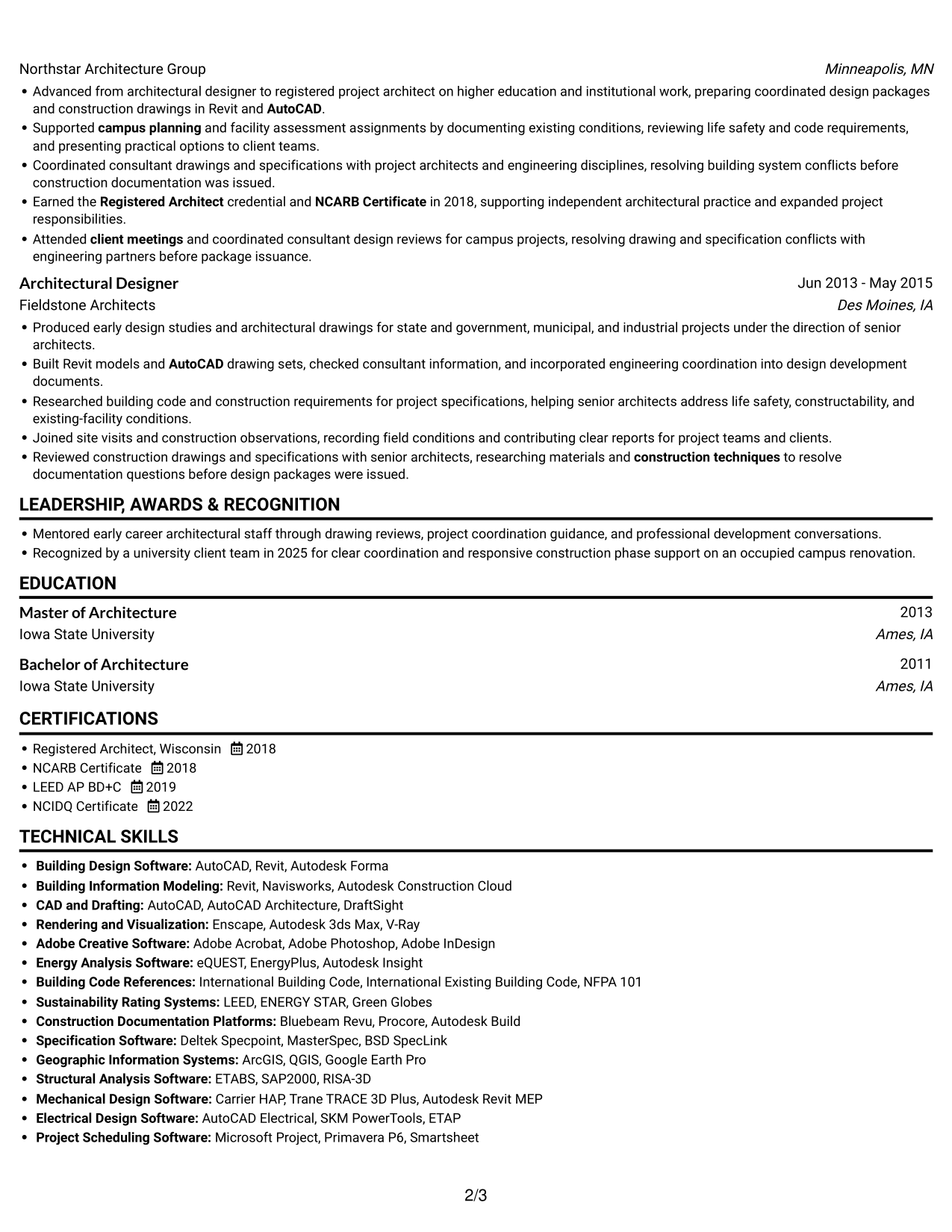
#4 One Column Format with Photo Right Resume Example
One column paired with a photo offers a personal visual element while keeping resume content in a single reading sequence.
Why This Format Works
- The single-column body gives reviewers a direct route through experience and career progression.
- Full-width role entries leave room for project context and construction-phase details.
- Education and credentials stay easy to find within the main section sequence.
Best For
- Photo-inclusive resume preferences
- A single reading sequence
- Detailed role descriptions
- Visible career progression
- Education and license details
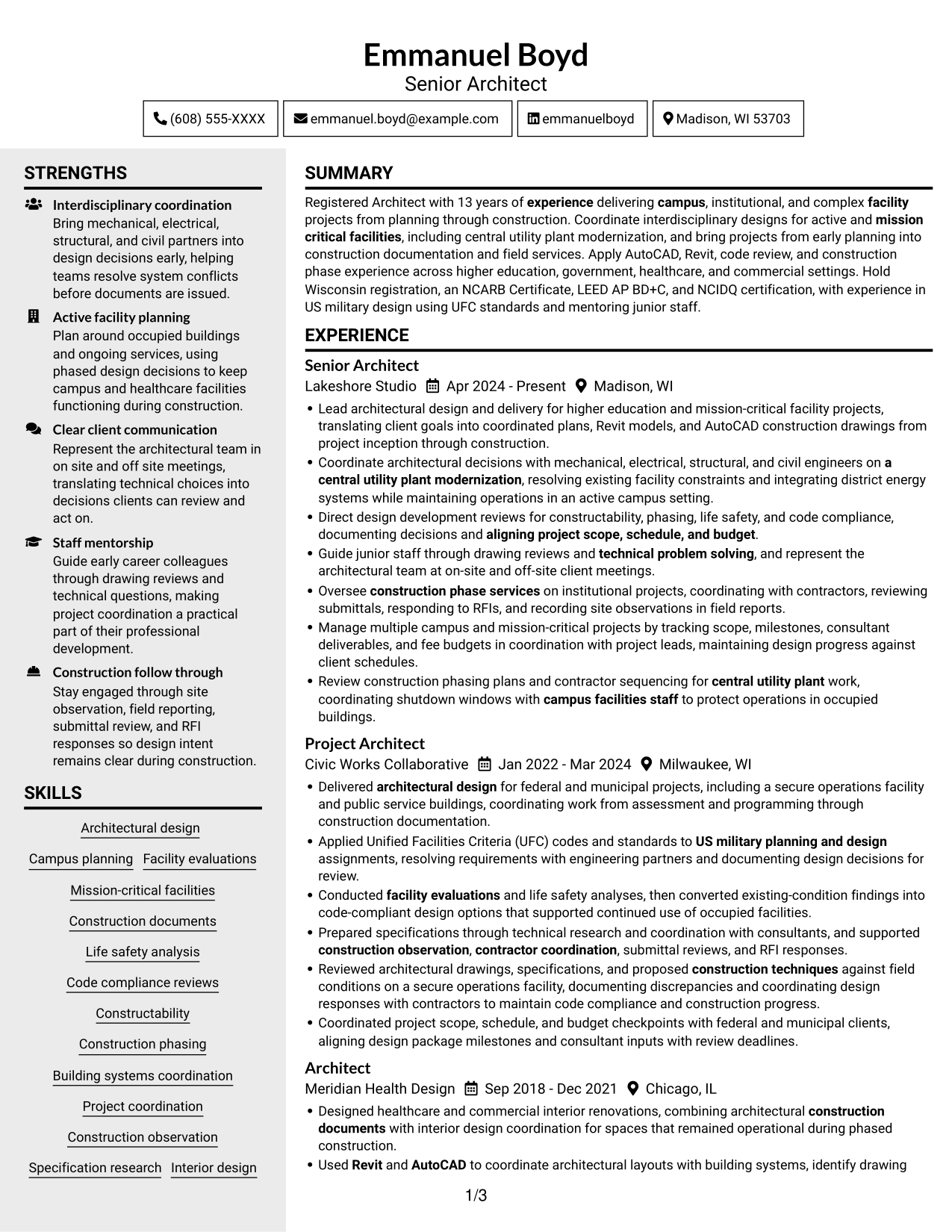
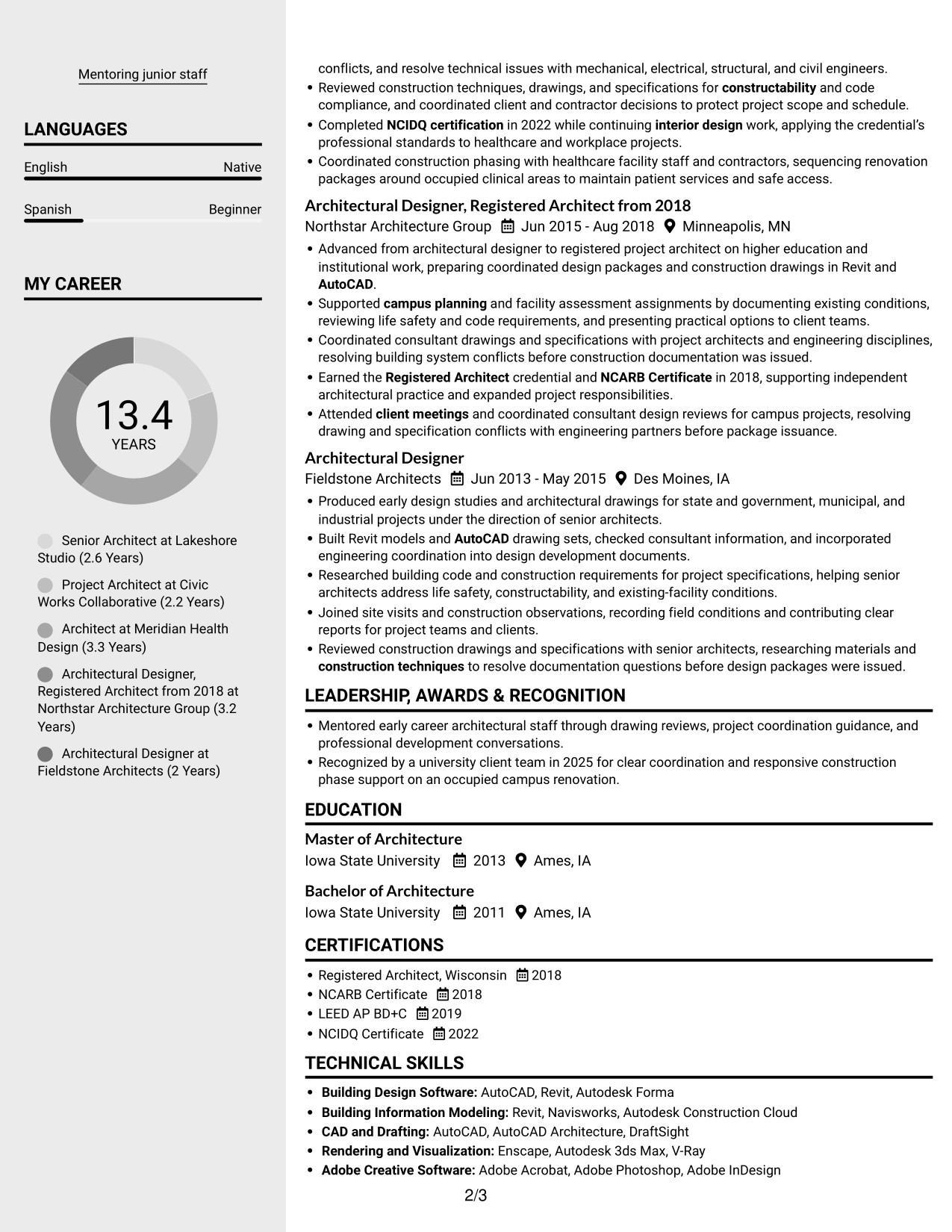
#5 Clean Two Column Sidebar Format Resume Example
Two columns without a photo give the resume distinct content areas for experience and supporting sections.
Why This Format Works
- Separate content areas help reviewers locate skills and credentials apart from role descriptions.
- The main reading sequence keeps career history clear across multiple positions.
- Distinct sections make education easier to find during a focused review.
Best For
- Experience with supporting sections
- Several skills and credentials
- Multi-role career histories
- Section-based resume review
- No-photo document preferences
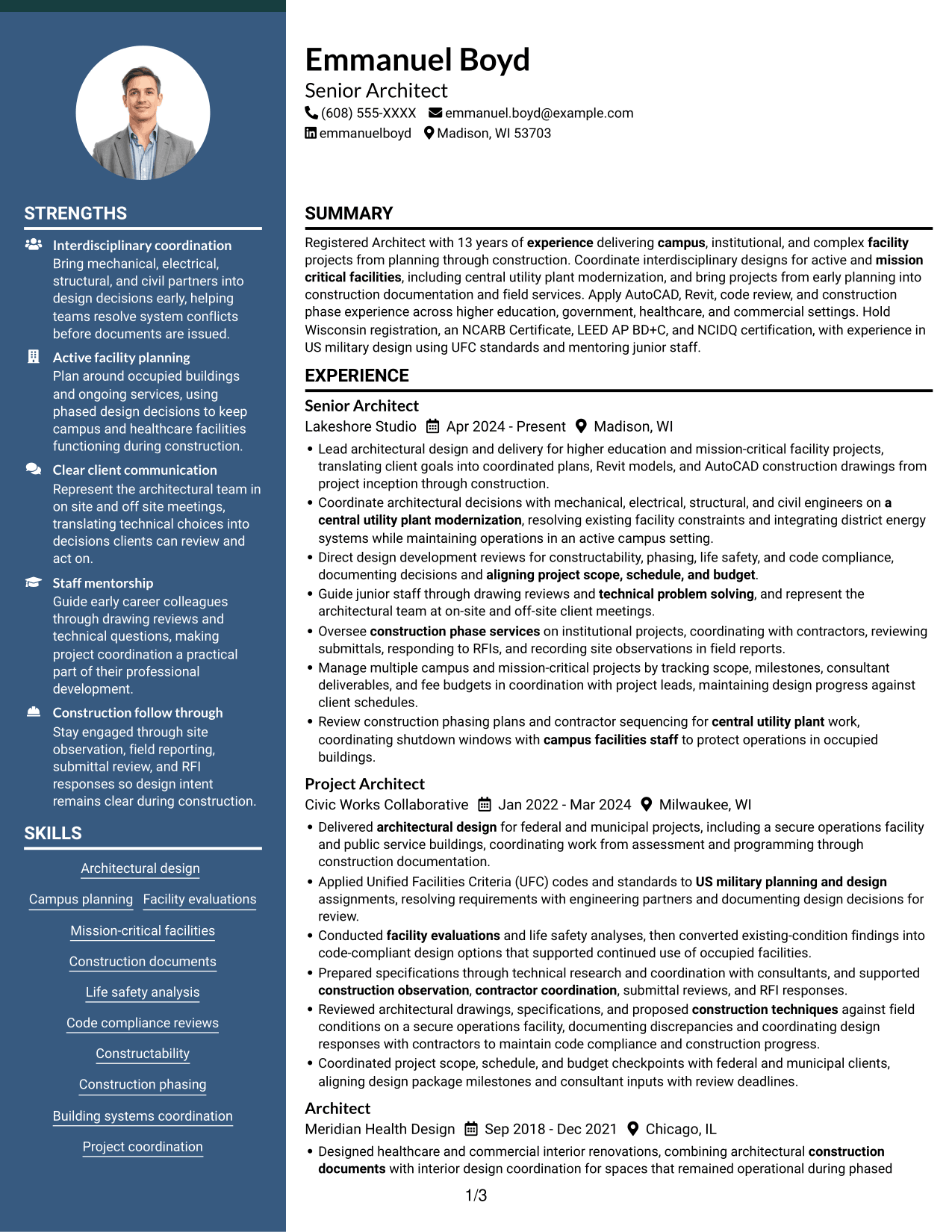
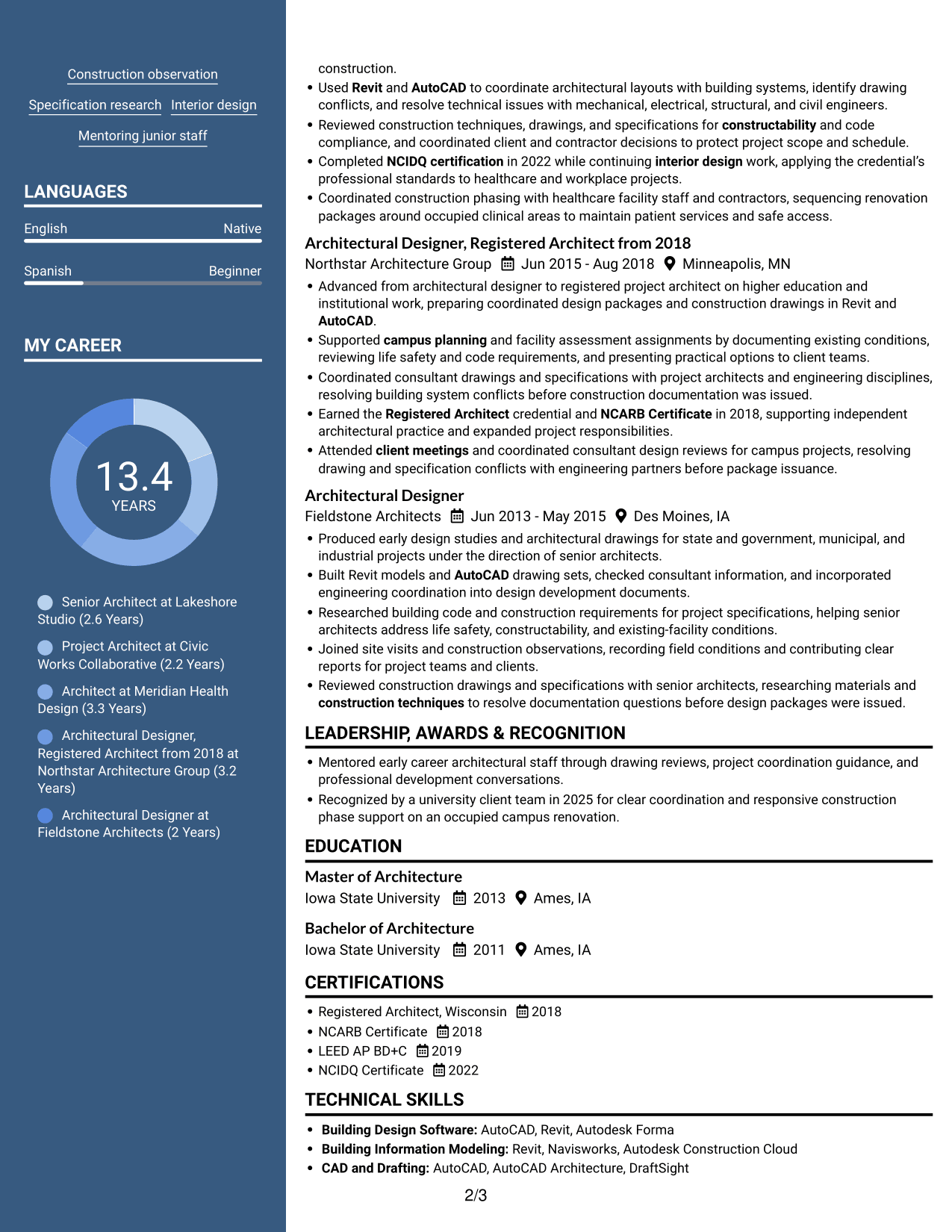
#6 Two Column Format Resume Example
A two-column body without a photo provides an organized view of a resume with several content categories.
Why This Format Works
- Column separation helps reviewers move between career history and supporting resume sections.
- Grouped education and credentials remain easy to locate alongside experience details.
- The organized reading order helps reviewers scan multiple role entries efficiently.
Best For
- Multiple content categories
- Career history with added qualifications
- Quick section-to-section scanning
- Detailed experience and education
- Photo-free resume layouts
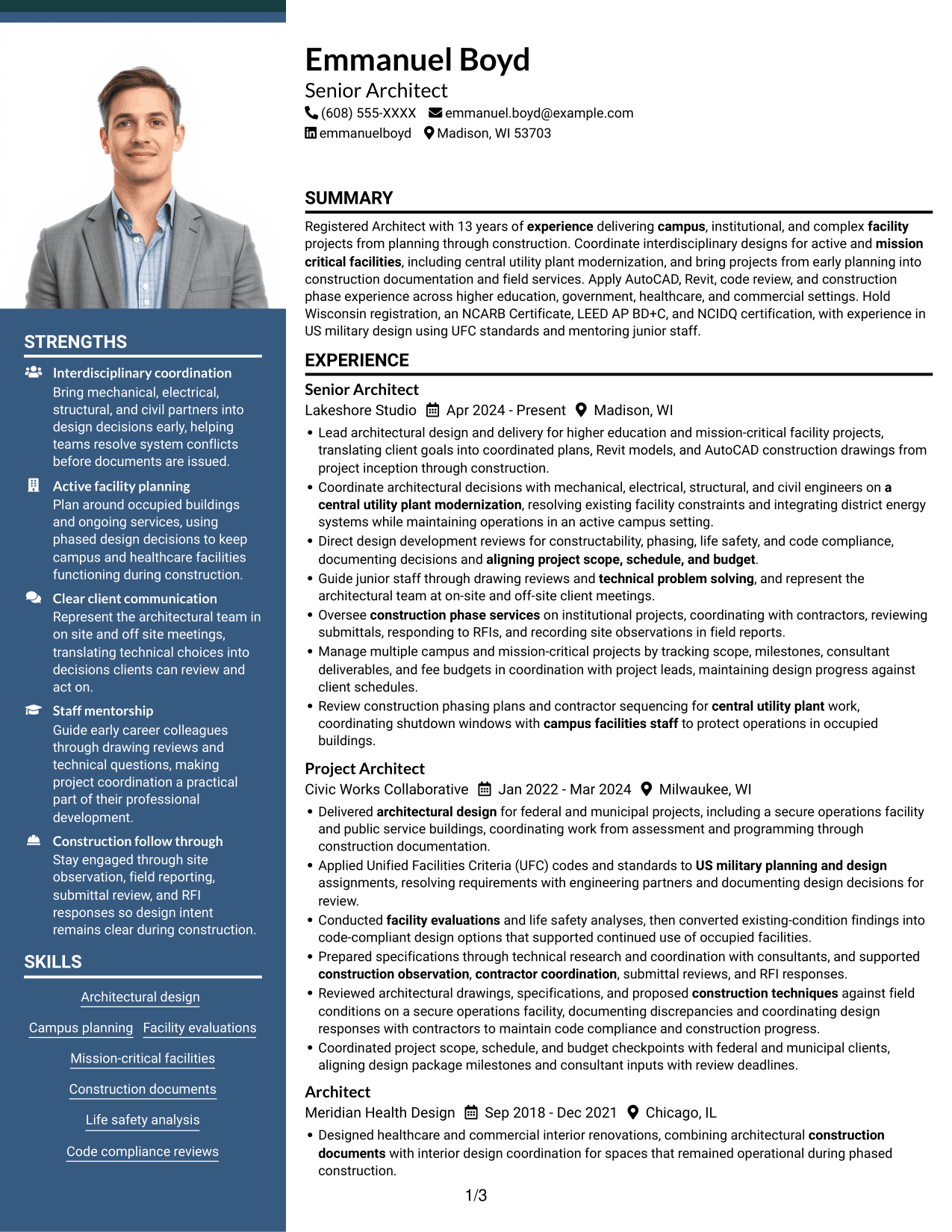
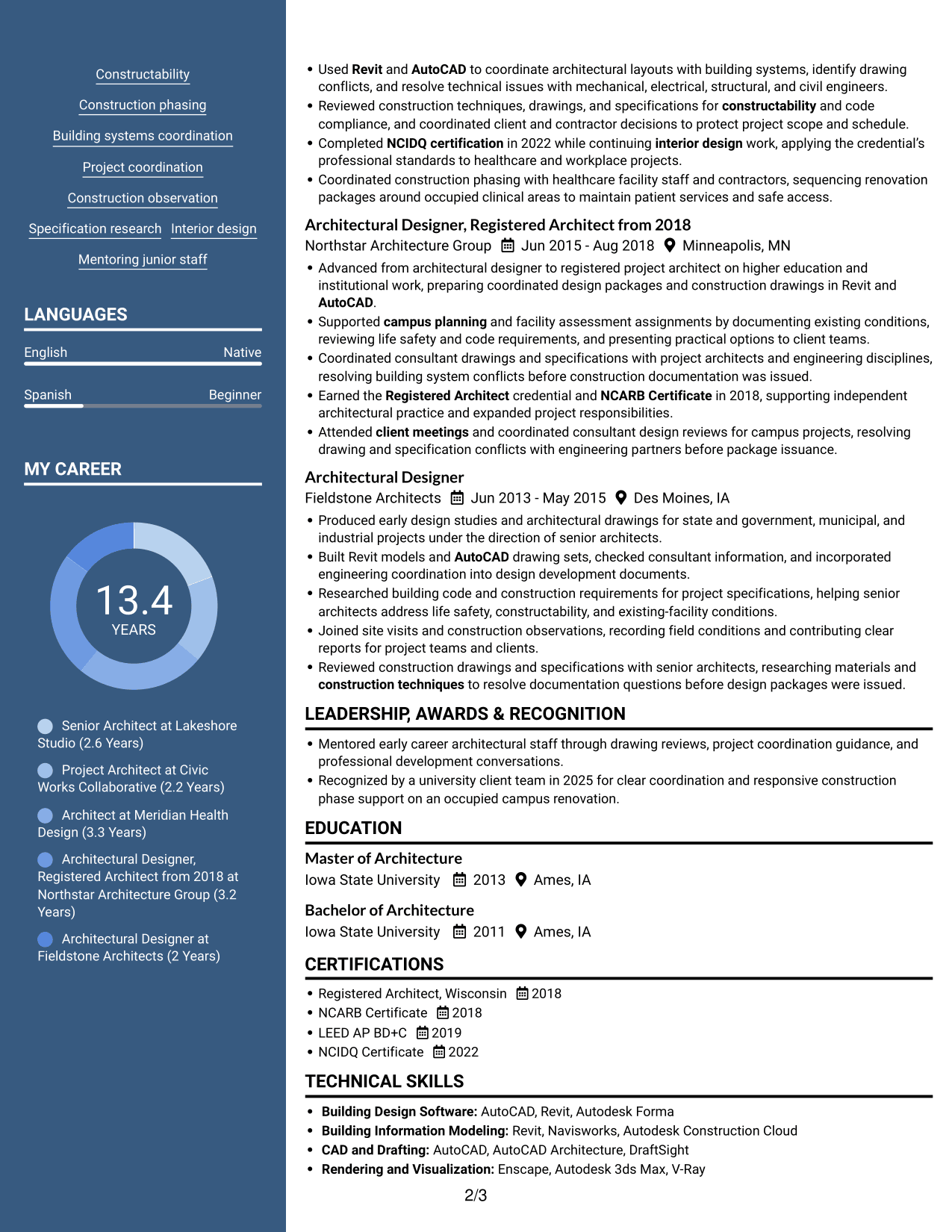
#7 Photo Header Two Column Format Resume Example
Two columns and a photo combine a personal visual element with separate areas for resume content.
Why This Format Works
- Separate columns help reviewers locate experience and supporting qualifications without losing the section order.
- Grouped role entries make career progression easier to follow across positions.
- Education and credentials remain visible as distinct resume content.
Best For
- Photo-inclusive resume preferences
- Career history with supporting qualifications
- Distinct content areas
- Several education and credential details
- Section-based recruiter review
Explore Architect - Campus and Mission-Critical Facilities Resume Examples with ResumeInMinutes
ResumeInMinutes offers image previews and editor links to help you review resume layouts. Compare how each preview places experience, skills, education, and certifications, then open an example in the editor to explore its structure.
- Clear resume section structure
- ATS-readable headings
- Relevant keyword guidance
- Project and skill organization
- PNG image previews
- Resume examples in the editor
Keep the focus on campus and mission-critical facility work. Choose a format that makes your coordination, documentation, and construction experience easy to review.
See Also
- 7 Design Architect - Advanced Facilities Resume Templates with Example
- 33 Advisory Data Architect-Senior Manager Resume Templates with Example 2026 (ATS-Optimized)
- 7 Agentic Solution Architect Resume Templates with Example
- 7 AI Application Solutions Architect - Generative AI Resume Templates with Example
- 7 AI Engineering Solutions Architect Resume Templates with Example
- 33 AI/ML Solutions Architect Resume Templates with Example 2026 (ATS-Optimized)
- 33 AI Solutions Architect Resume Templates with Example 2026 (ATS-Optimized)
- 7 Architect - Architectural Project Delivery Resume Templates with Example
- 7 Architect - Campus and Mission-Critical Facilities Cover Letter Templates with Example
- 7 Design Architect - Advanced Facilities Cover Letter Templates with Example
Frequently Asked Questions
Are these Architect - Campus and Mission-Critical Facilities resume templates ATS-friendly?
Use clear section headings, a readable layout, and role-specific terms in context. Keywords such as AutoCAD, Revit, campus planning, code compliance, and construction phase services can help make relevant experience easier to find.
Does this guide show one resume in different layouts?
Yes. It presents one resume example through different visual layouts, so you can compare how each design organizes the same type of information.
What should an Architect - Campus and Mission-Critical Facilities resume include?
Include a focused summary, architectural experience, education, skills, and relevant licenses or certifications. Use concise bullets to describe campus planning, facility evaluations, design coordination, code reviews, and construction phase work where applicable.
Which resume style works well for this architecture role?
A clean, easy-to-scan layout is a practical choice. Make sure key experience and technical skills are easy to locate, and use a simple section order that supports ATS parsing.
How can I show experience with active campus facilities?
Describe how you planned construction phasing, coordinated with facility teams, or helped maintain operations in occupied spaces. Name your role and the project task clearly, and include a measurable result when you have one.
Should I include a photo on my resume?
Include a photo only if it is customary or expected in your country, region, or industry. For U.S. applications, a resume without a photo is generally the safer choice.




