
7 Architect - Data Center Design Cover Letter Templates with Example
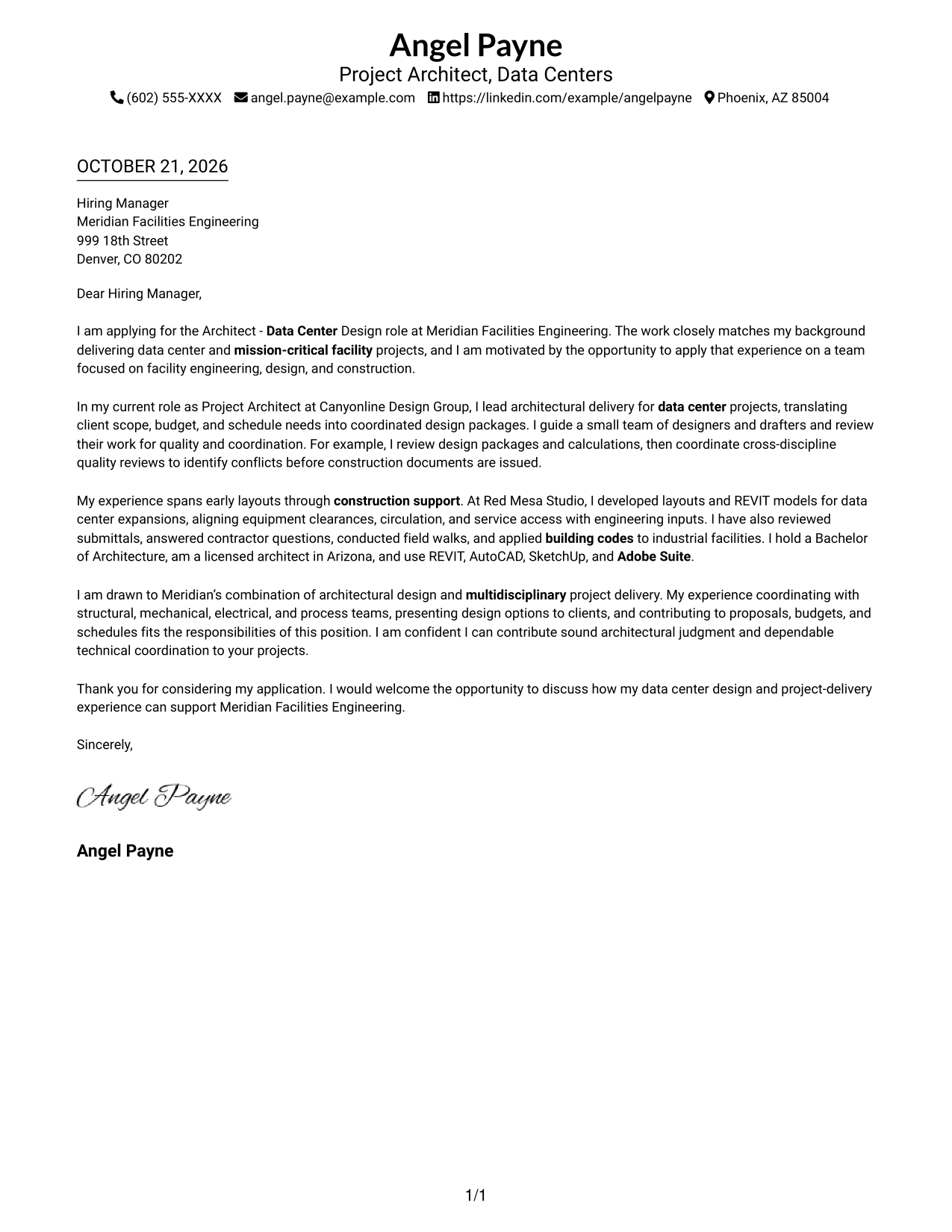
This practical guide to an Architect - Data Center Design cover letter presents seven layouts and shows how to make your role fit clear.
What Makes a Great Architect - Data Center Design Cover Letter in 2026
A strong cover letter for an Architect - Data Center Design role links sound architectural judgment to data center and mission-critical facility work. It also explains why the work matters to you.
Use clear examples of design coordination, quality reviews, code knowledge, or construction support. Connect that evidence to the employer’s work and the value you can bring.
The featured example moves from role motivation to evidence of design leadership, technical coordination, and construction support, then closes with a clear statement of interest. Adapt this focused progression to your experience and choose a presentation that suits the employer and communication context.
#1 Simple One Column Format Cover Letter Example
A one-column page keeps sender details in the header and the letter in a single, continuous body, giving the message a direct reading path.
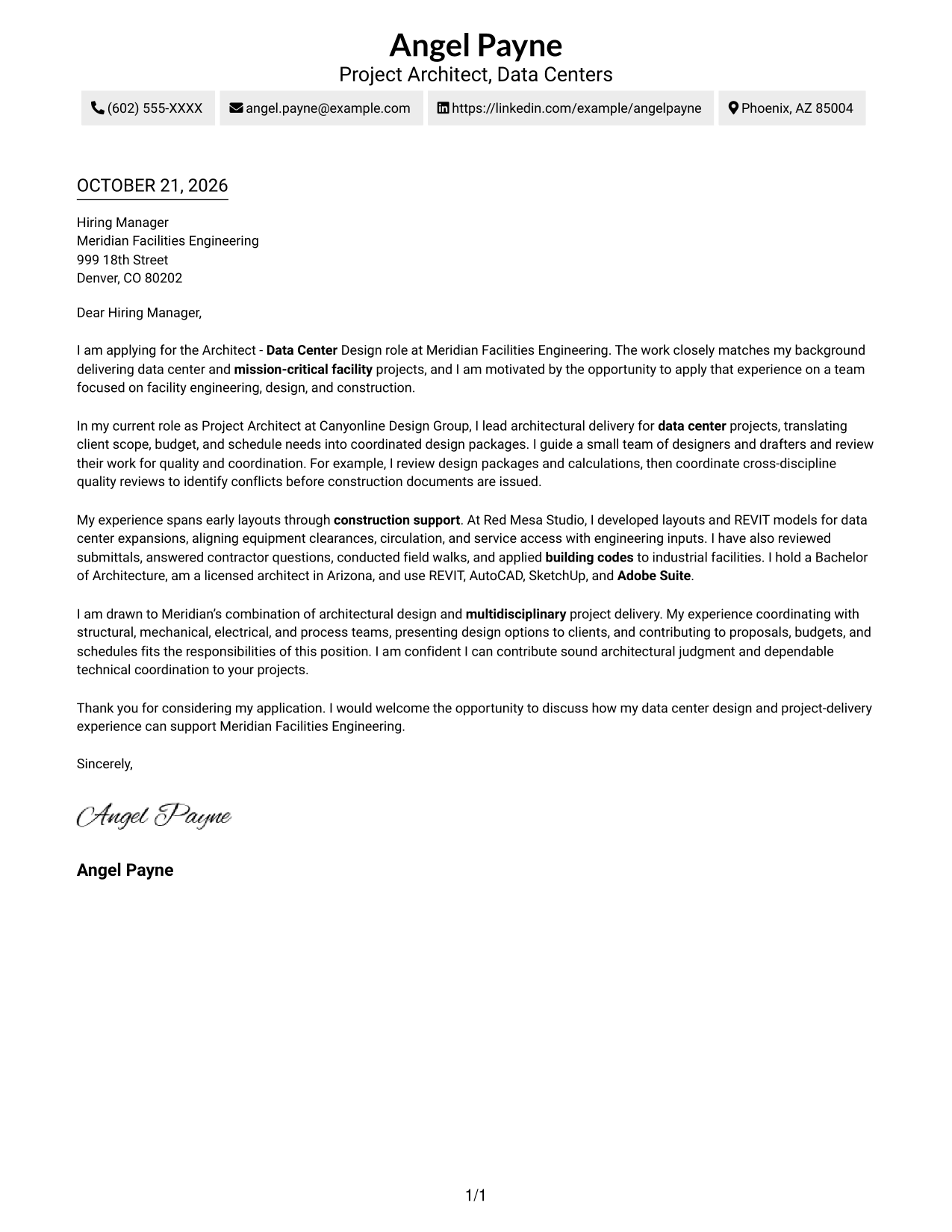
Why This Format Works
- Sender details stay in the header, leaving the main page area for the letter.
- One reading path keeps motivation, evidence, and closing in a clear order.
- The letter's full width supports comfortable reading across uninterrupted paragraphs.
Best For
- One-column correspondence
- Header-based contact details
- A continuous persuasive case
- Direct opening-to-closing reading
- Minimal visual structure
#2 Two Column Format Cover Letter Example
A two-column layout places contact details beside one continuous letter body, separating practical information from the message.
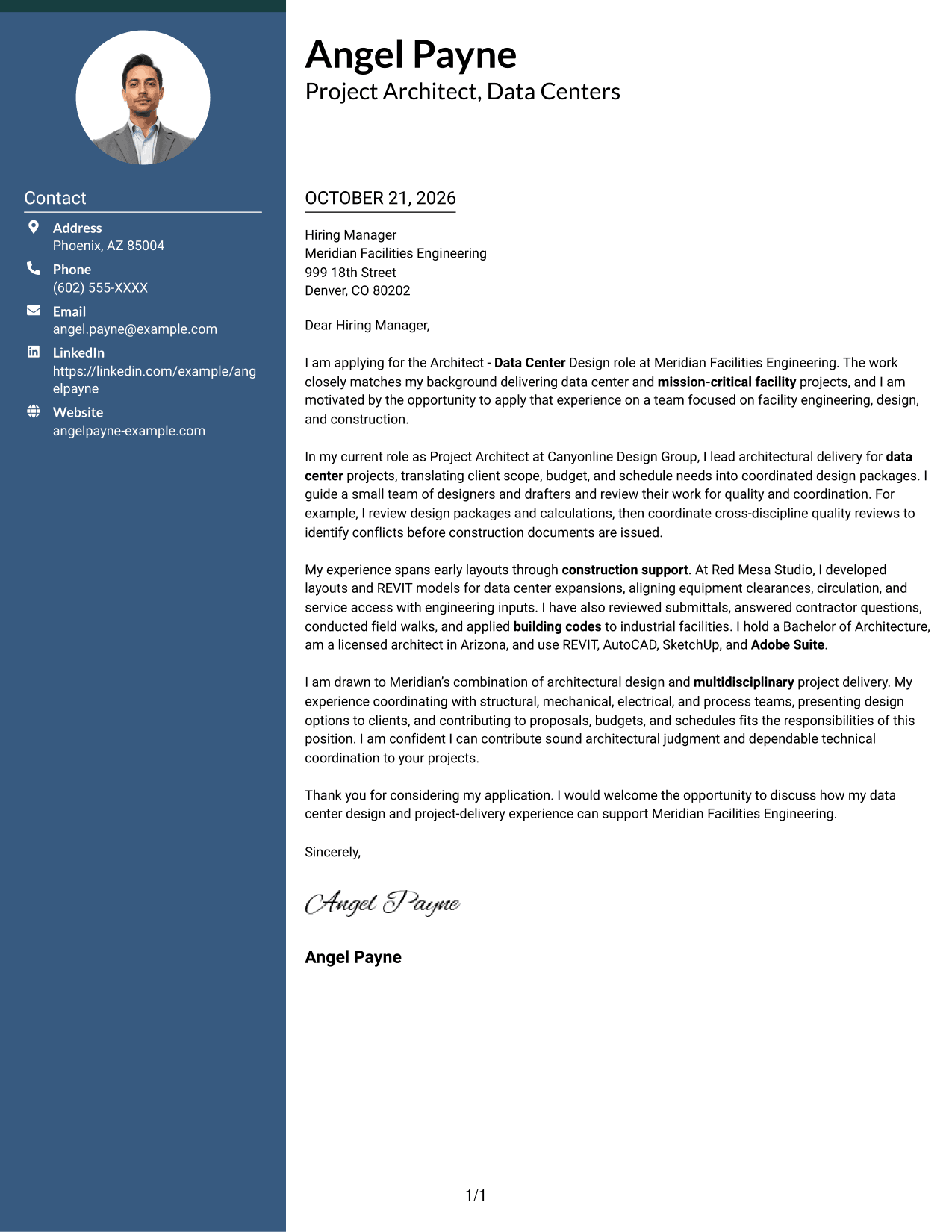
Why This Format Works
- Contact details sit apart from the letter, so readers can find them independently.
- One continuous body keeps the opening, case, and closing in sequence.
- A single body column avoids splitting the letter's argument across parallel areas.
Best For
- Contact sidebar preference
- Contact details easy to locate
- A connected letter argument
- Separate sender and message areas
- Clear reading order
#3 Photo Header Two Column Format Cover Letter Example
A contact sidebar and photo sit alongside one continuous letter body, combining a personal header with a separate message area.
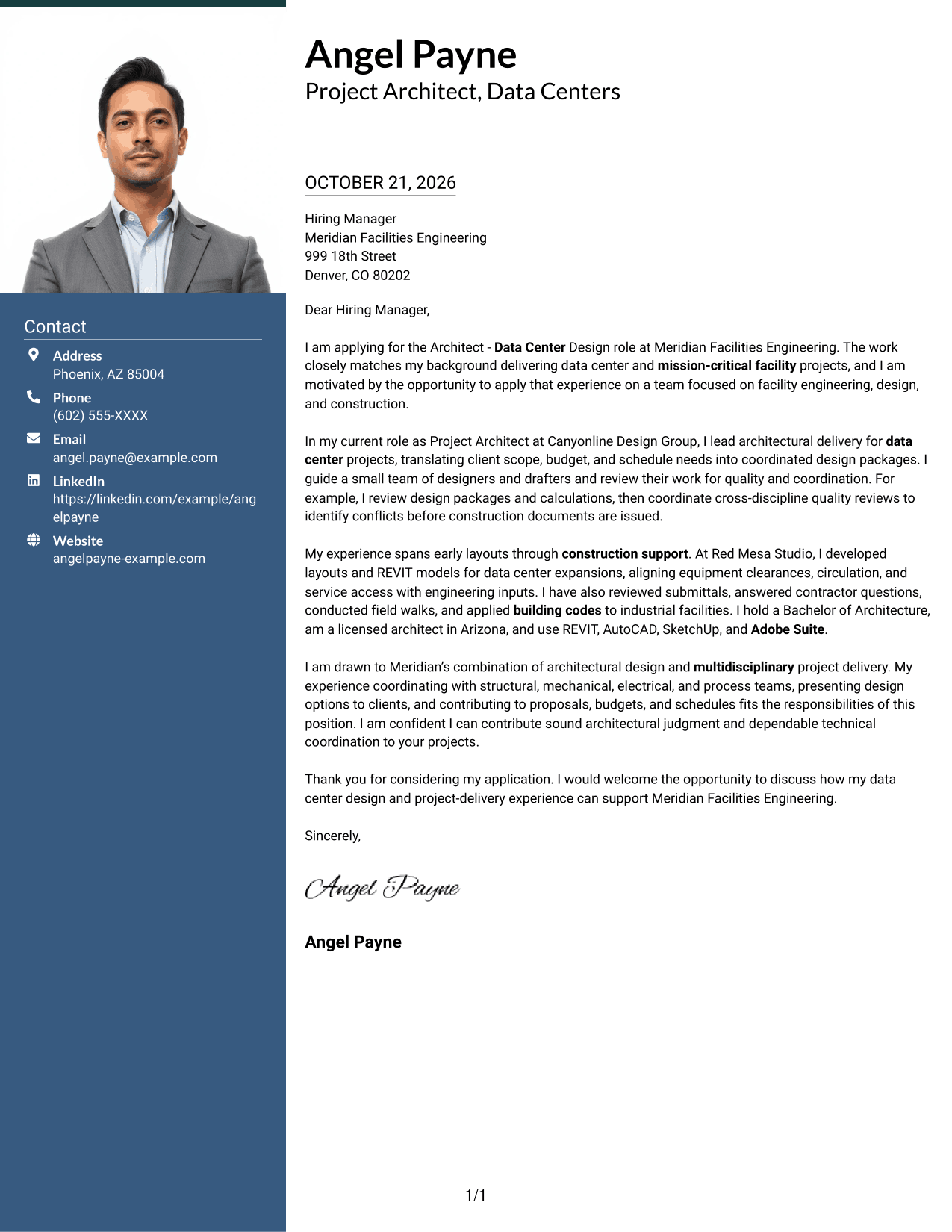
Why This Format Works
- The sidebar keeps sender details available beside the letter.
- The body remains a single sequence for motivation, evidence, and the request.
- A photo adds a personal visual element without dividing the written message.
Best For
- Photo-forward header preference
- Contact information beside the message
- A continuous persuasive case
- One-column letter reading
- Personal visual presentation
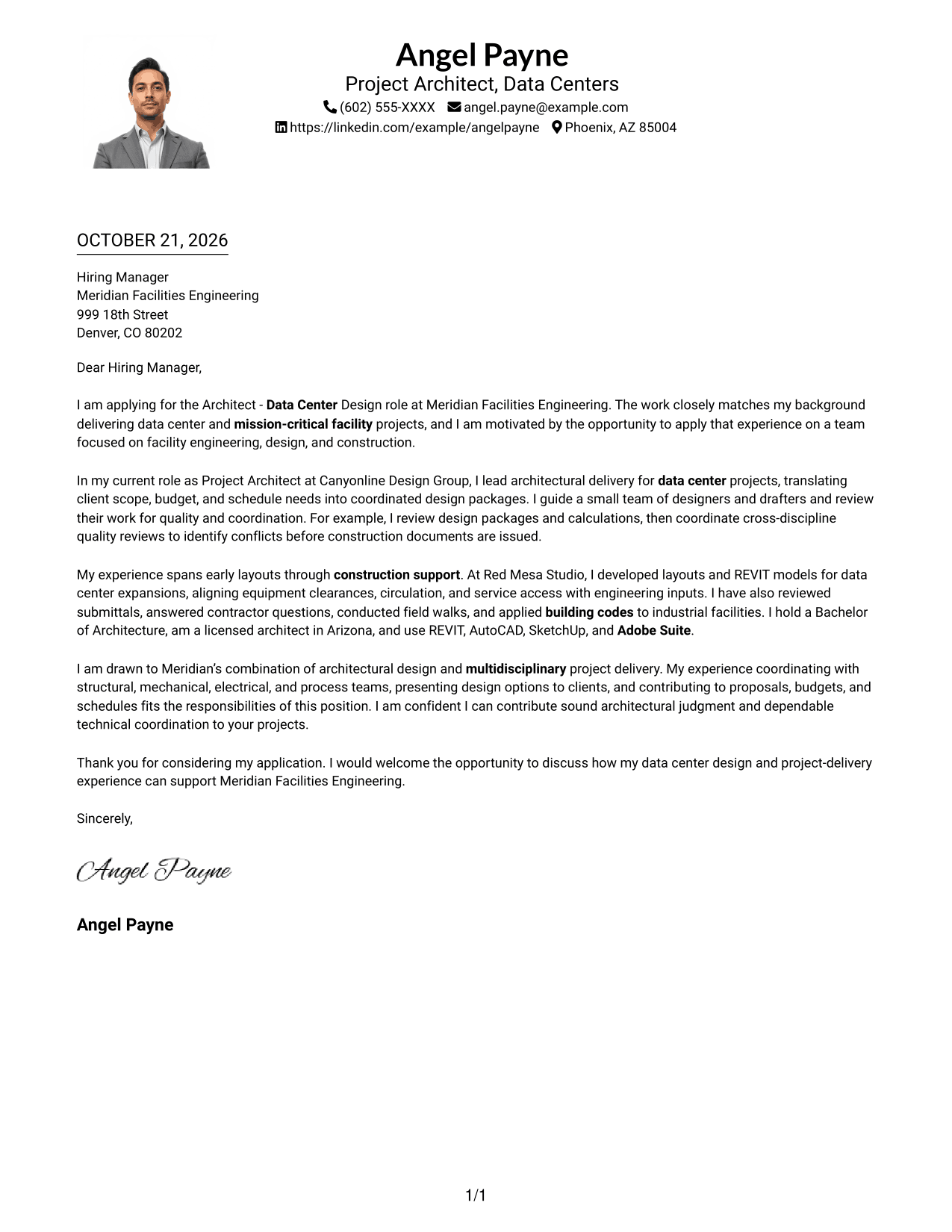
#4 One Column Format with Photo Cover Letter Example
This one-column layout places a photo with the sender details in the header, while the letter continues below as one body.
Why This Format Works
- The photo adds a visible personal element within the header.
- A single body column keeps every paragraph on one reading path.
- Header placement distinguishes sender details from the written message.
Best For
- Photo in the letter header
- Single-column correspondence
- One uninterrupted message
- Header-centered contact details
- Personal visual presentation
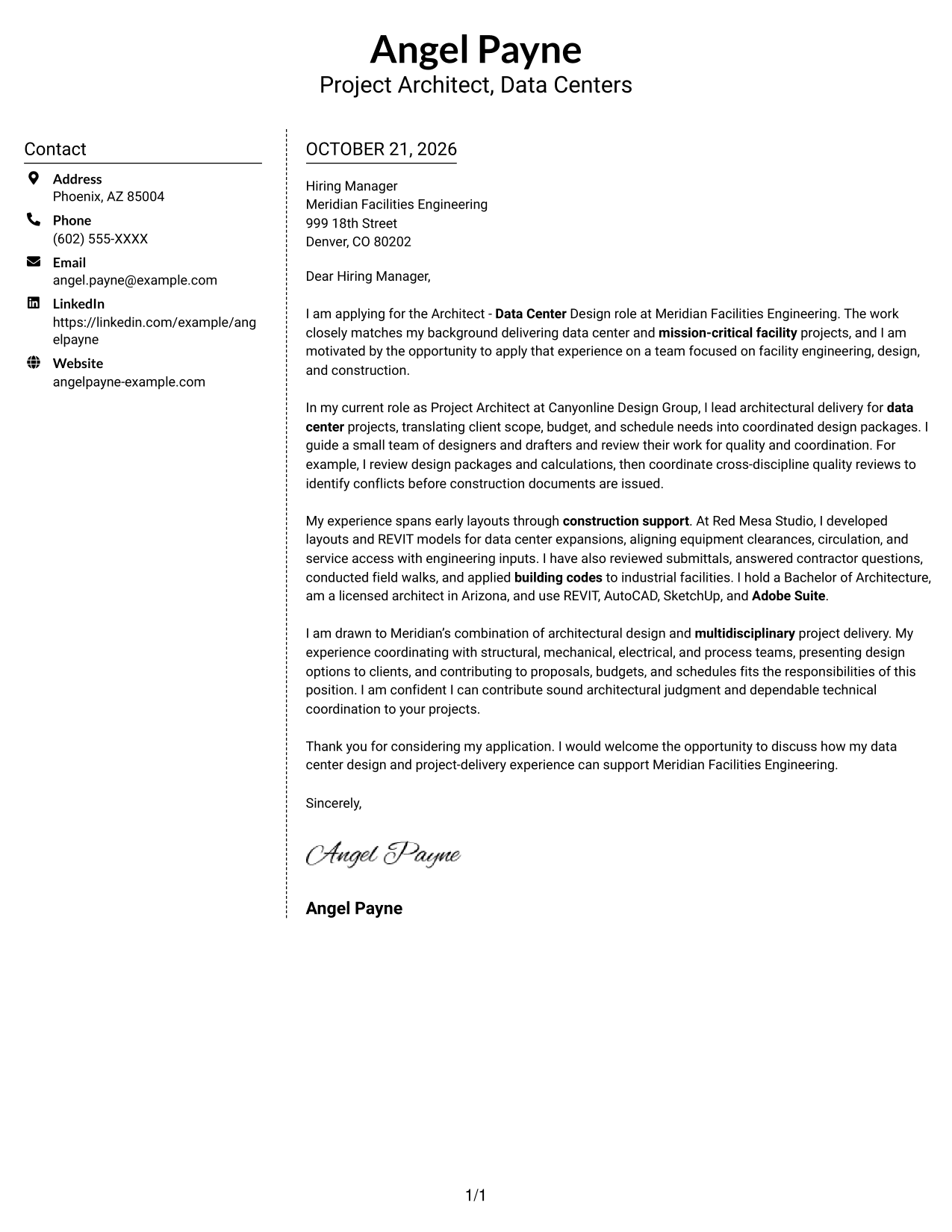
#5 Simple Two Column Format Cover Letter Example
The simple two-column layout keeps contact details in a sidebar and gives the letter its own continuous body.
Why This Format Works
- The sidebar makes contact information distinct from the letter's message.
- A single body column lets the argument unfold in paragraph order.
- Separate areas clarify where practical sender details end and correspondence begins.
Best For
- A straightforward contact sidebar
- Contact details apart from the message
- Paragraph-based persuasion
- A clear opening and closing
- Simple two-column organization
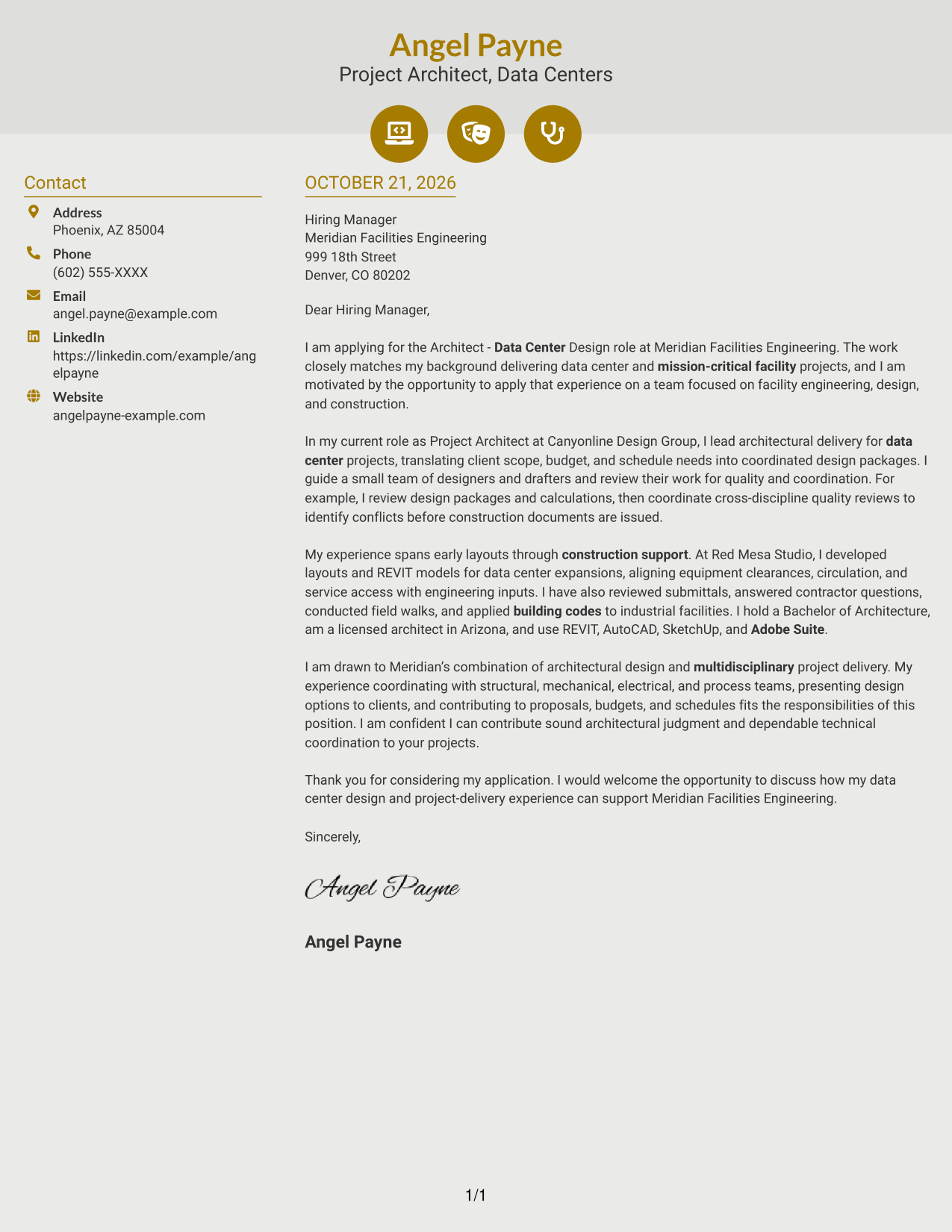
#6 Modern Icon Format Cover Letter Example
The two-column layout uses contact cues in the sidebar and keeps the letter in one continuous body; icons support contact reading, not letter arguments.
Why This Format Works
- Small contact icons act as cues for sender details, not letter arguments.
- The sidebar groups practical information away from the message itself.
- One uninterrupted body carries the reader from opening through closing.
Best For
- Icon-cued contact details
- A distinct contact sidebar
- Continuous letter paragraphs
- Direct opening-to-closing flow
- A clear split between sender details and message
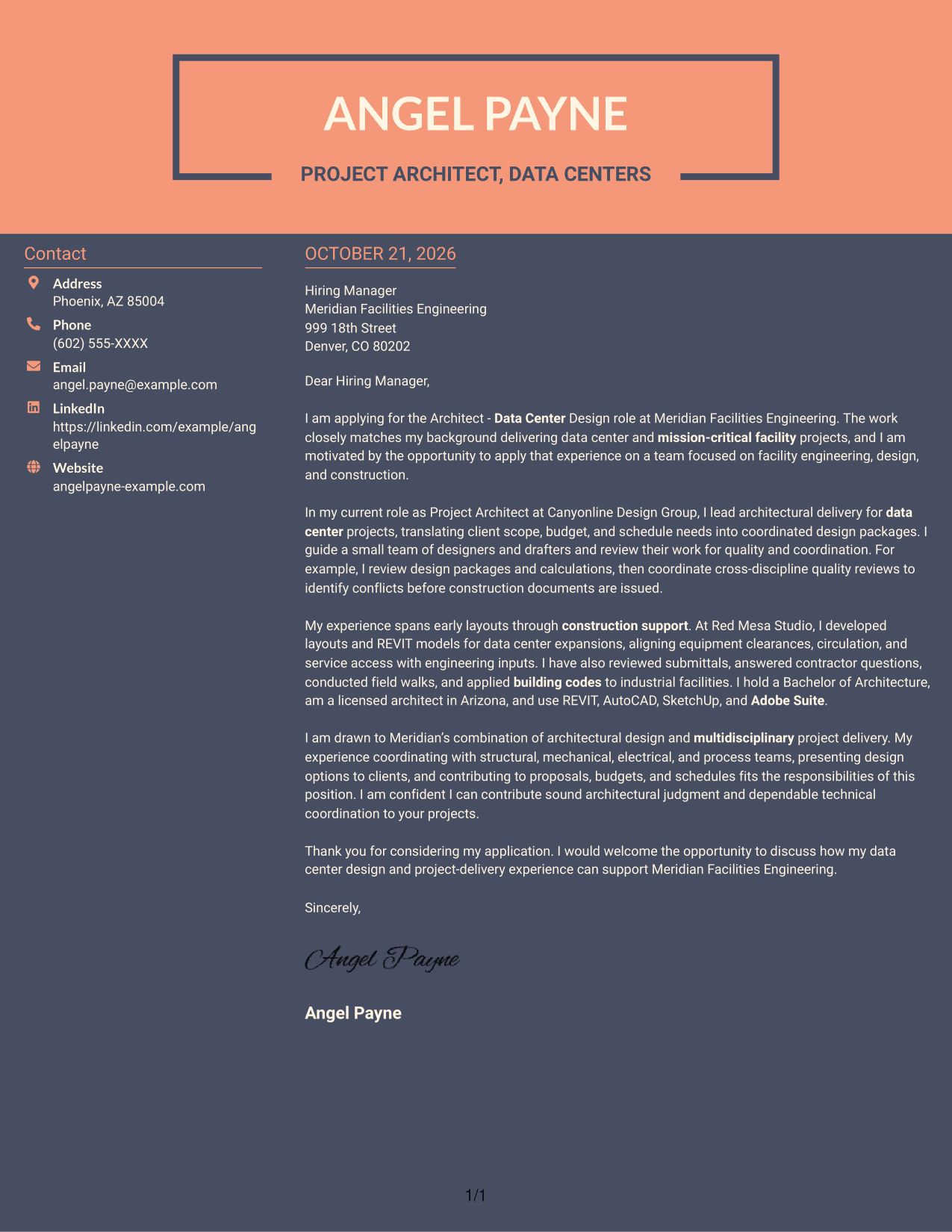
#7 Creative Two Tone Format Cover Letter Example
The two-column structure sets sender details to one side while keeping the persuasive letter together in its own body.
Why This Format Works
- Contact information has a separate place beside the letter body.
- The connected text keeps the motivation and supporting case together.
- A single body column preserves a clear sequence through the closing.
Best For
- Side-by-side contact information
- A unified persuasive message
- Clear paragraph sequence
- Practical details kept separate
- Two-column reading preference
See Also
- 7 Architect - Data Center Design Resume Templates with Example
- 7 Senior Architect - Data Center Design Resume Templates with Example
- 7 Entry Level Architect - Data Centers Resume Templates with Example
- 7 Senior Project Architect - Data Centers Resume Templates with Example
- 7 Design Architect - Advanced Facilities Resume Templates with Example
- 7 Junior Architect - Sustainable Building Design Resume Templates with Example
- 33 Mechanical Design Architect, CAD/ AutoCAD Resume Templates with Example 2026 (ATS-Optimized)
- 33 Advisory Data Architect-Senior Manager Resume Templates with Example 2026 (ATS-Optimized)
- 7 Senior Architect - Data Center Design Cover Letter Templates with Example
- 7 Entry Level Architect - Data Centers Cover Letter Templates with Example
Frequently Asked Questions
What should an Architect - Data Center Design cover letter emphasize?
Show how your architectural work supports data center or mission-critical facilities. Explain your approach to coordinating design with other disciplines, checking quality, and supporting construction, using examples that match your experience.
Is this one cover letter or several?
This guide presents one Architect - Data Center Design cover letter example in different layouts. Compare the PNG image previews, then open an example in the editor to view or customize it.
Which cover letter style suits this role?
A clear, professional layout can help readers follow your motivation, role-specific evidence, and closing. Choose a style that fits the employer and the way you plan to communicate.
What evidence can make the letter more persuasive?
Choose a specific example, such as coordinating architectural layouts with engineering input, reviewing design packages, or resolving questions during construction. Explain what you did and how it connects to the role.
Should I include a photo on my cover letter?
Use a photo only when it is common or expected in your country, region, or industry. For U.S. applications, a no-photo layout is usually a safe choice.




