
7 Architect - Data Center Design Resume Templates with Example
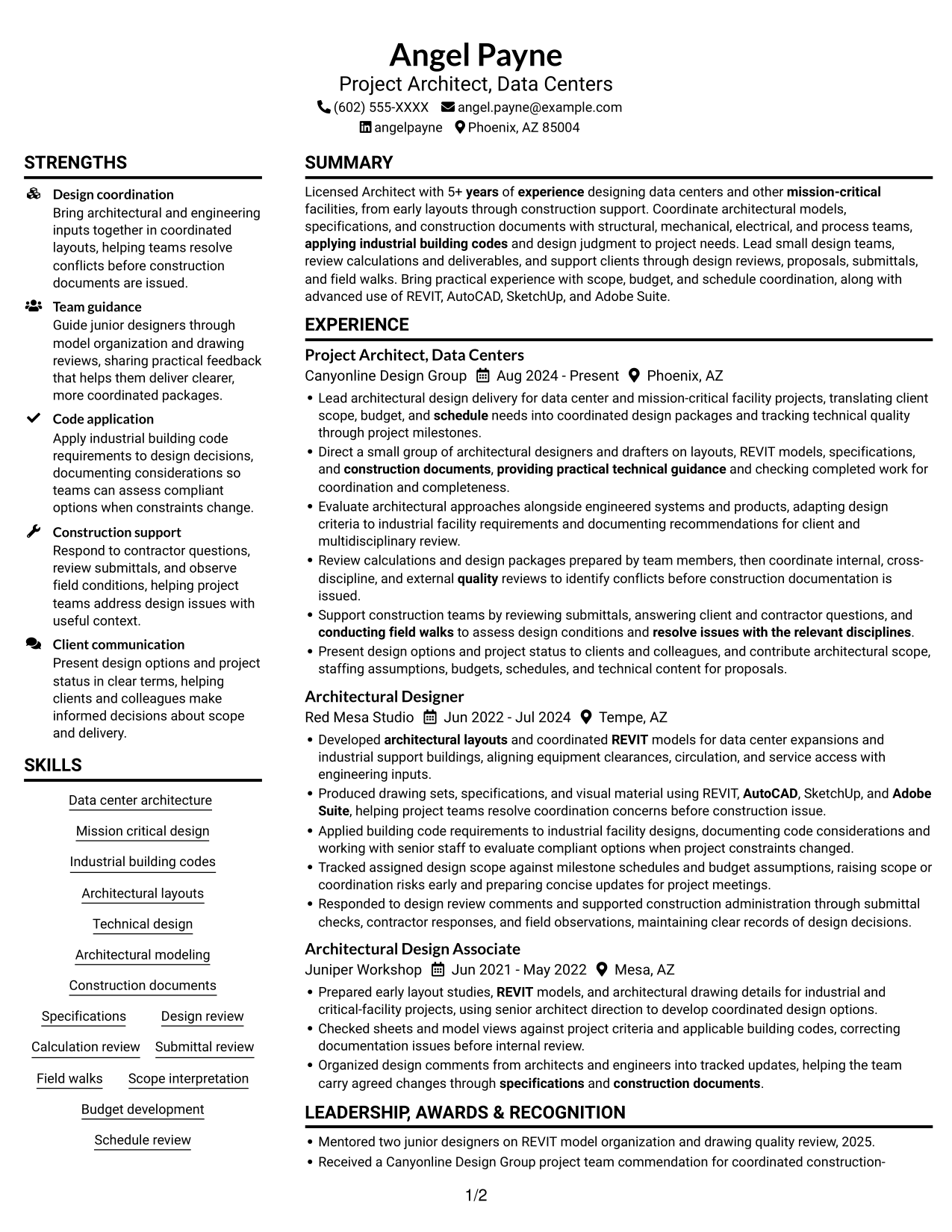
This guide shows you how to create an Architect - Data Center Design resume that is clear, focused, and easy to review. You will learn how to present relevant design work and organize your experience for this specific role.
Strong resumes connect architectural design to the needs of data center and mission-critical projects. Show how you coordinate models, specifications, and construction documents with other disciplines, and make your work easy to scan with clear sections and concise achievement bullets.
The example is presented in 7 layouts. Compare the image previews to see how each organizes experience, skills, education, and credentials, then open an example in the editor to review its structure.
What Makes a Great Architect - Data Center Design Resume in 2026
A strong resume puts data center and mission-critical design work first, with clear details about coordination, design reviews, and construction support. Keep experience bullets direct and show your role in each project.
Include relevant terms such as REVIT, AutoCAD, industrial building codes, multidisciplinary coordination, construction documents, submittal review, and field walks. Add scope, budget, or schedule details when they are supported by your work.
Note: Resume examples are for educational purposes only. Use only information that accurately reflects your experience and qualifications. References to real organizations do not imply affiliation or endorsement.
#1 Plain Two Column Format Resume Example
The Plain Two Column Format places resume content in two columns, giving reviewers distinct areas to scan.
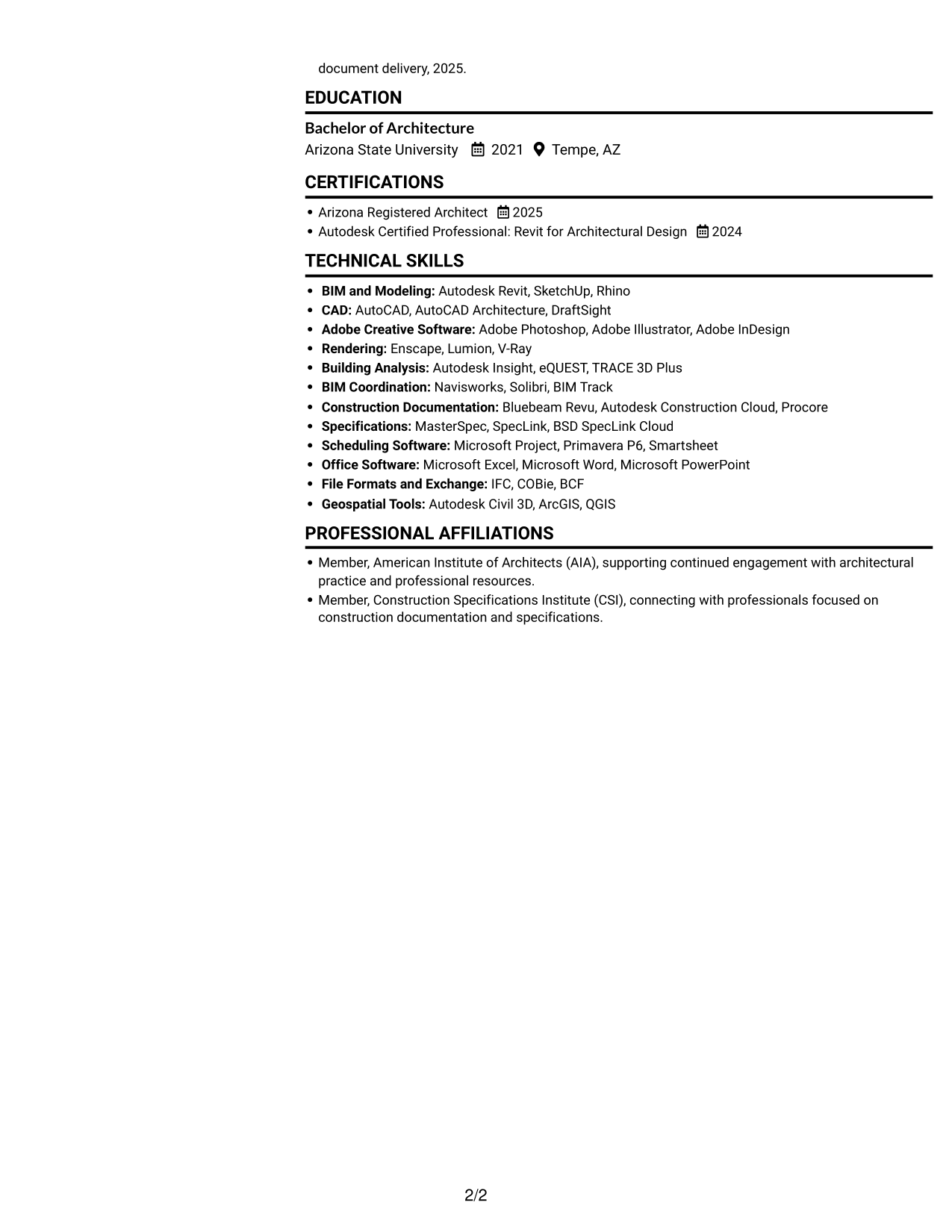
Resume Snapshot
- 5+ years designing data centers and mission-critical facilities
- Arizona Registered Architect, 2025
- Bachelor of Architecture, Arizona State University, 2021
- REVIT, AutoCAD, SketchUp, and Adobe Suite
Why This Format Works
- Two content areas help reviewers compare career history with supporting credentials.
- Technical skills and education remain easy to locate during a focused review.
- Distinct column structure keeps experience details organized without one long text block.
Best For
- Resumes with several supporting sections
- Career history paired with credentials
- Quick access to skills and education
- Two-column reading preference
- Experience details needing clear separation
Resume Keywords
- Licensed Architect with 5+ years of experience designing data centers and other mission-critical facilities
- REVIT
- AutoCAD
- SketchUp
- Adobe Suite
- Data center architecture
- designing data centers and other mission-critical facilities
- applying industrial building codes
- Architectural layouts
- Technical design
- Architectural modeling
- Specifications
- construction documents
- Coordinate architectural models, specifications, and construction documents with structural, mechanical, electrical, and process teams
- Lead small design teams
#2 Simple One Column Format Resume Example
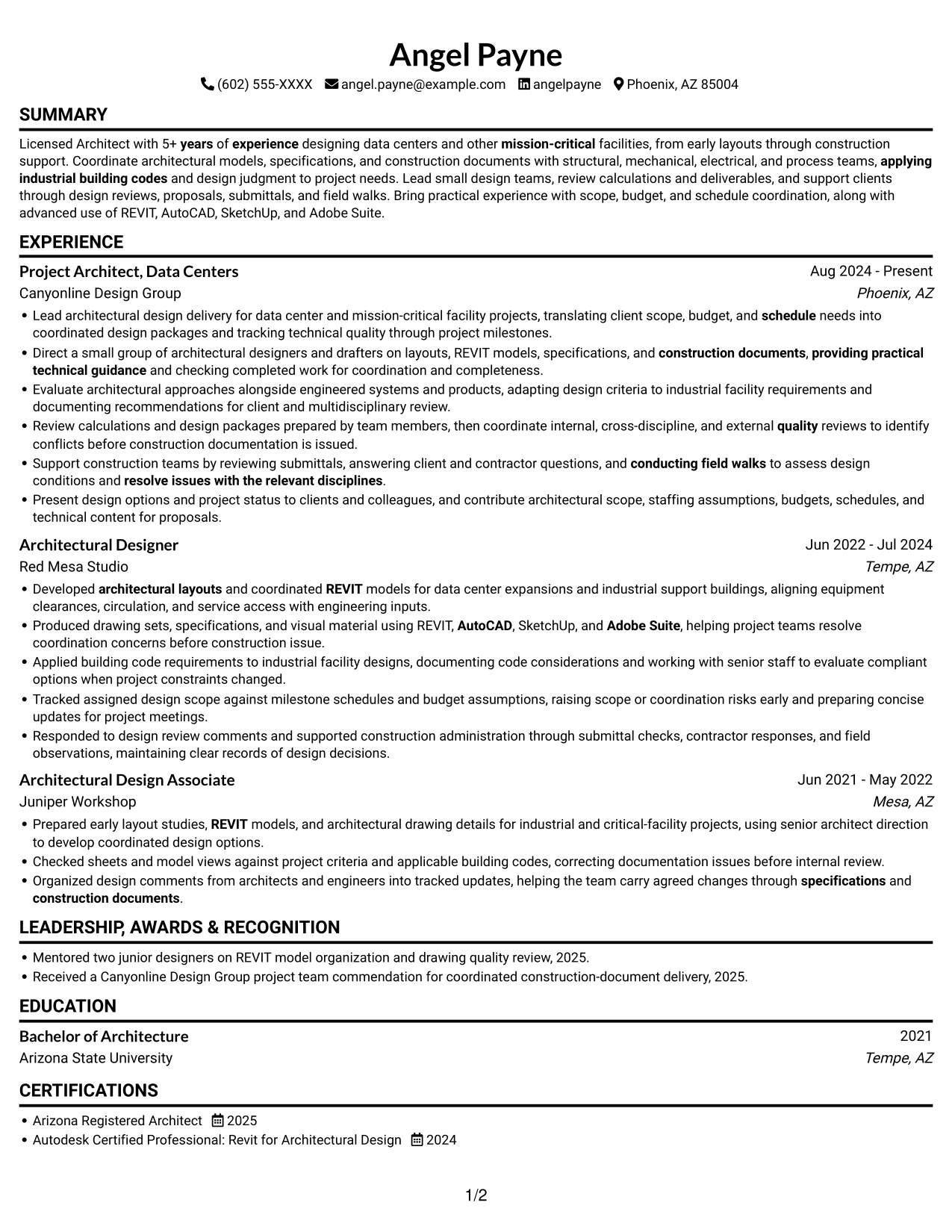
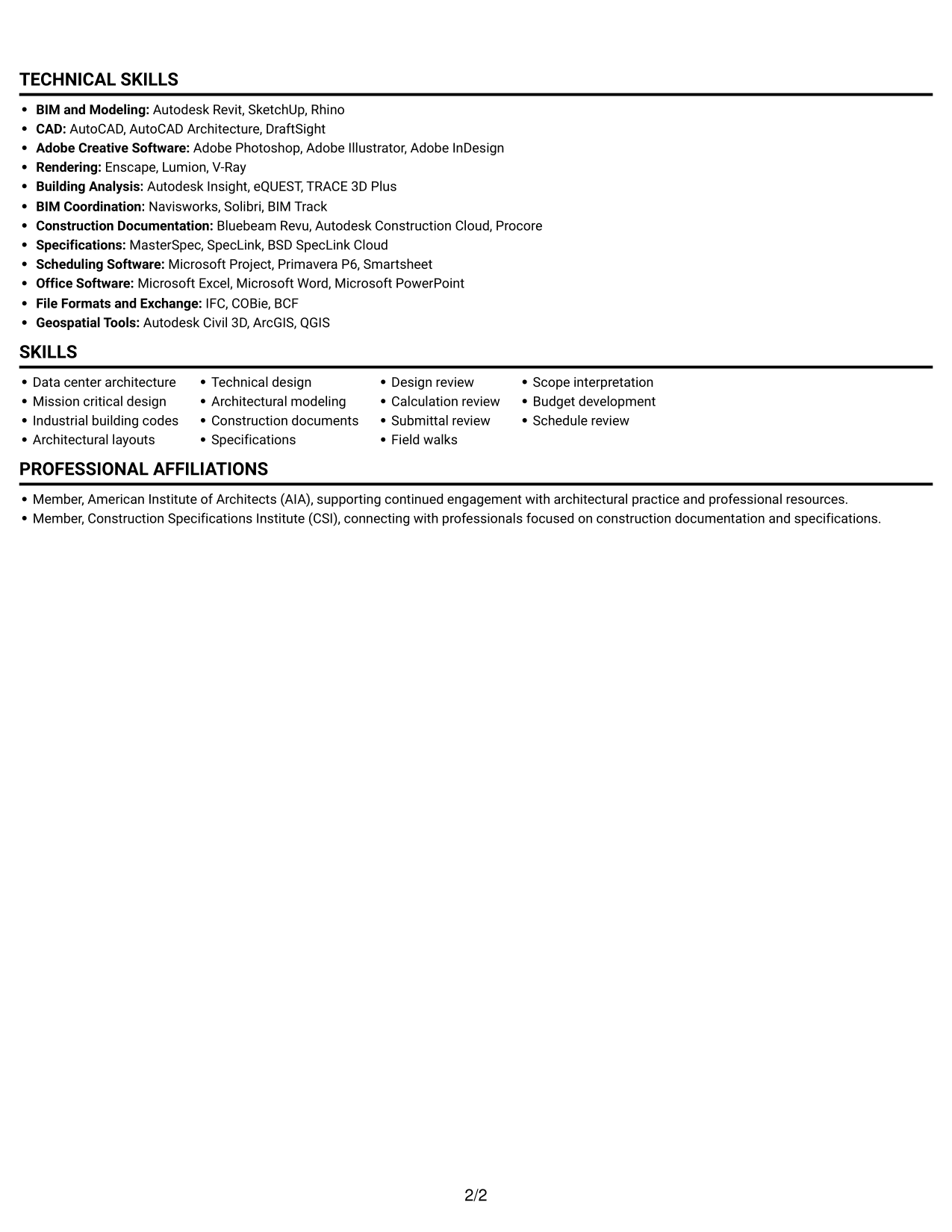
The Simple One Column Format keeps all resume sections in one reading path, helping reviewers follow career history in sequence.
Why This Format Works
- A single-column sequence helps reviewers follow work history from one entry to the next.
- Consistent vertical reading keeps skills, education, and credentials in a familiar order.
- A straightforward page structure keeps education and certifications easy to scan.
Best For
- Linear reading preference
- Chronological experience records
- Resumes with clearly ordered sections
- Supporting qualifications after work history
- ATS-oriented document structure
#3 Clean Two Column Sidebar Format Resume Example
The Clean Two Column Sidebar Format uses a sidebar beside the main resume content, giving supporting details a distinct place.
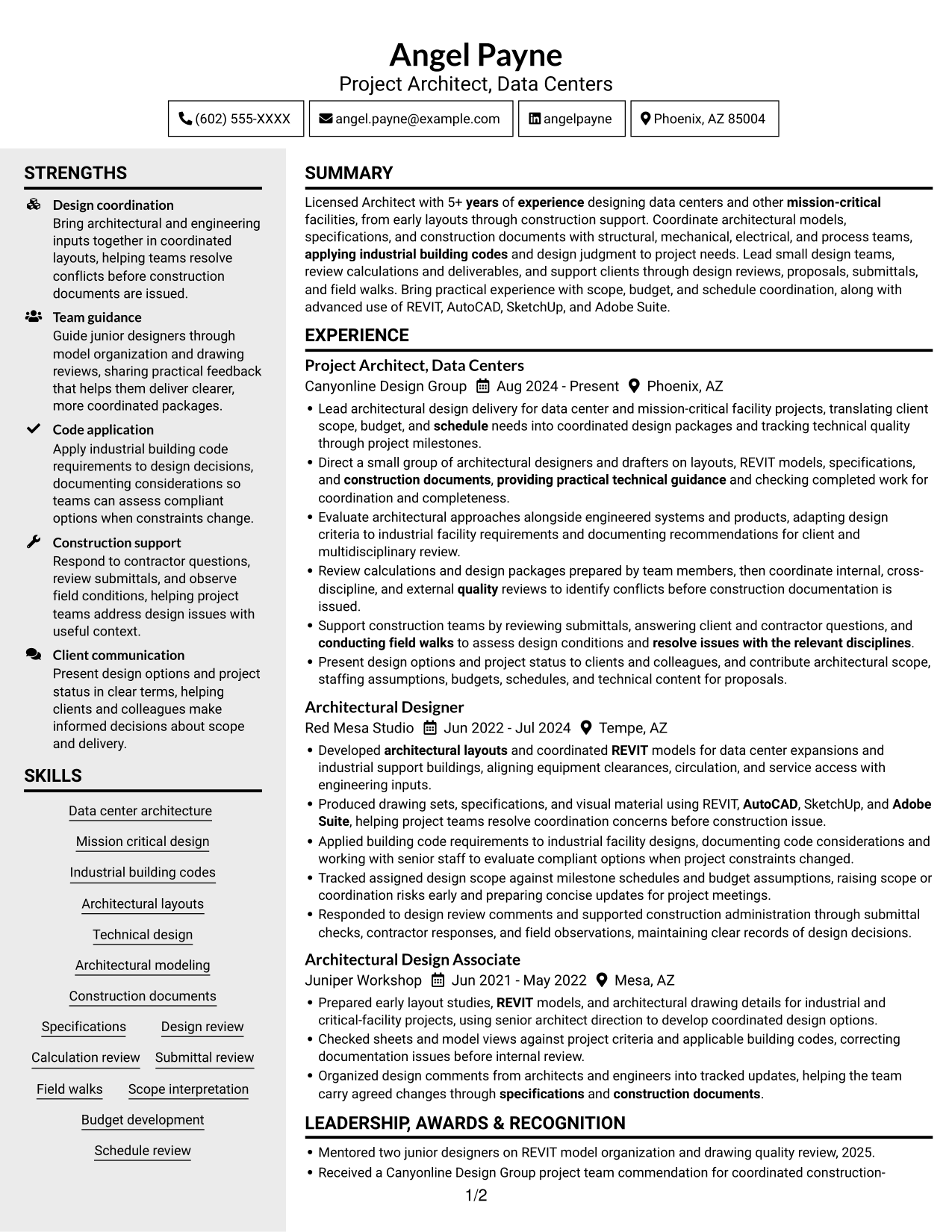
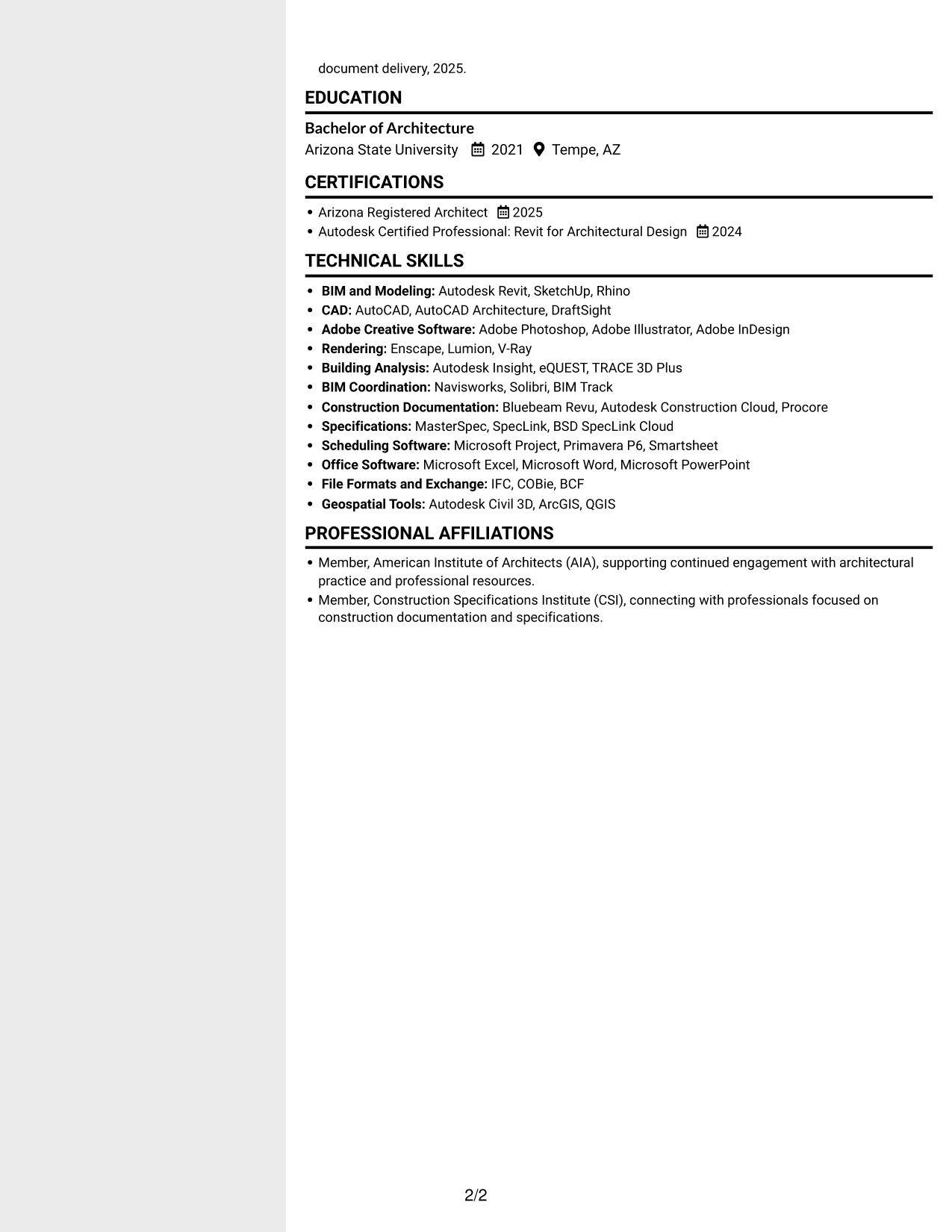
Why This Format Works
- Sidebar organization gives technical skills and credentials a distinct reference point.
- Career entries remain grouped for review without blending into supporting sections.
- Separate areas let education details appear alongside, rather than inside, experience descriptions.
Best For
- Quick reference to skills and credentials
- Detailed career history with supporting sections
- Education shown beside work experience
- Clear separation of resume content
- Two-column reading with a sidebar
#4 Two Column Format Resume Example
The Two Column Format arranges resume content across two columns, helping readers distinguish major sections at a glance.
Why This Format Works
- Paired columns make experience and professional credentials easier to review as separate content groups.
- Skills and education can be found without interrupting the career-history sequence.
- Distinct areas help keep detailed experience from crowding supporting qualifications.
Best For
- Experience alongside supporting credentials
- Resumes with detailed work entries
- Separate access to skills and education
- Two-column section organization
- Quick comparison of career details
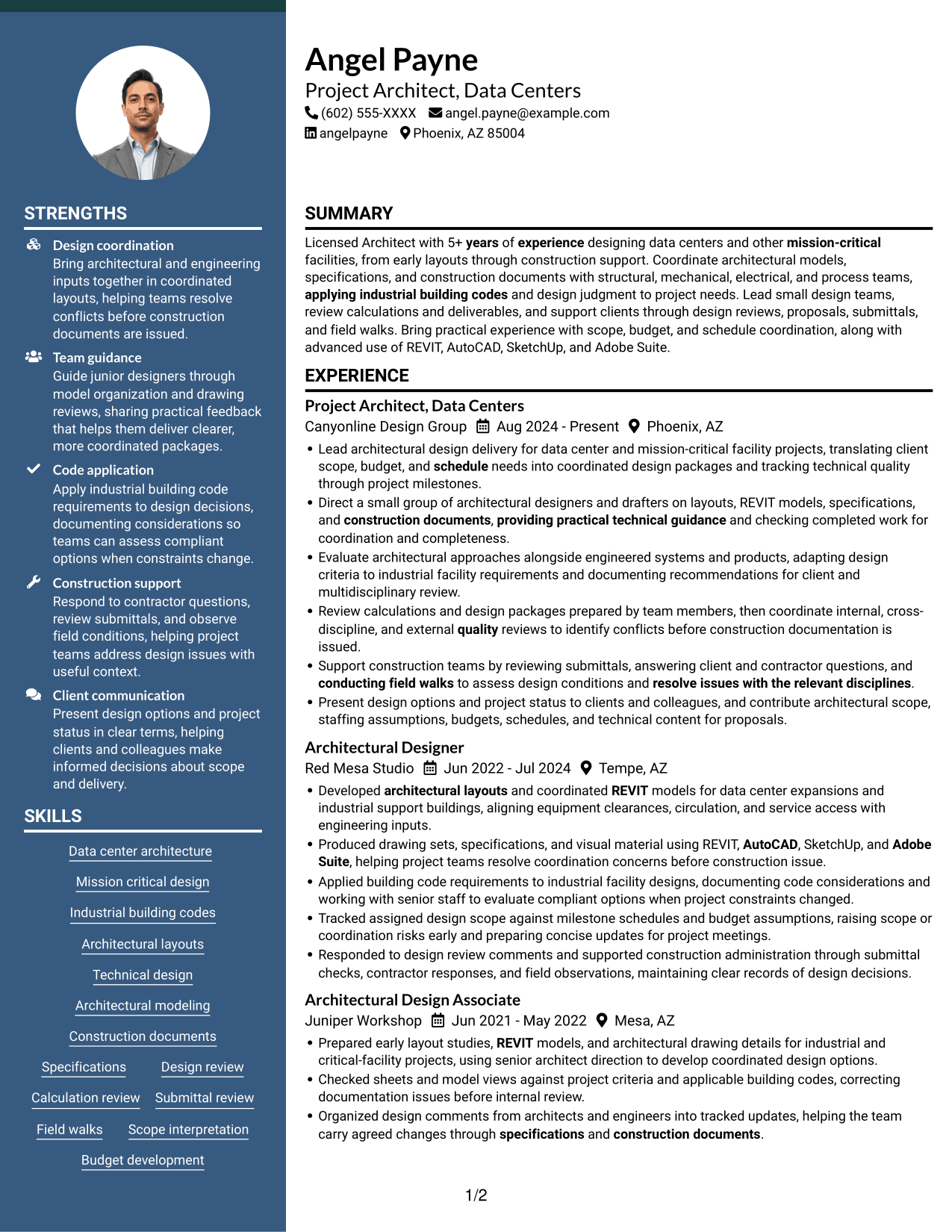
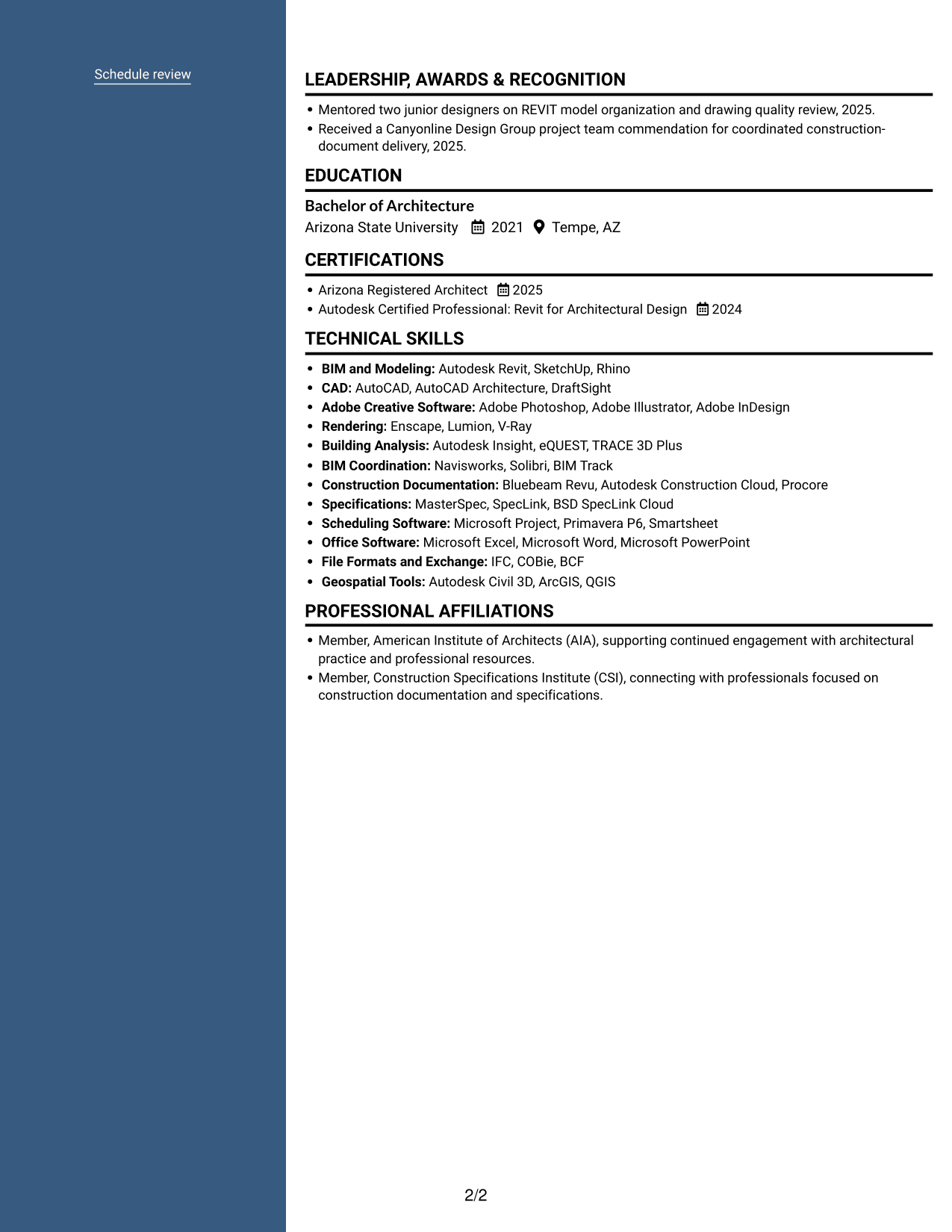
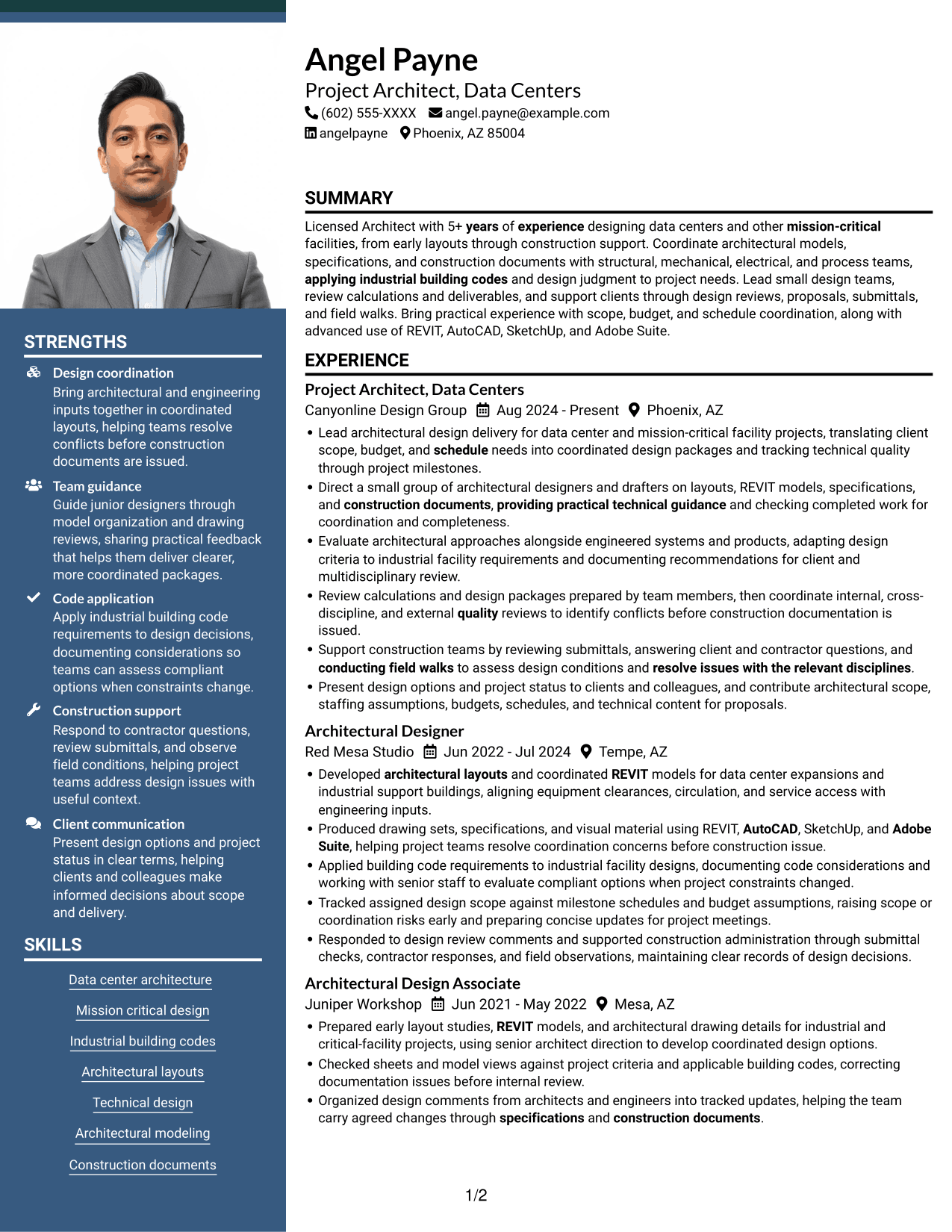
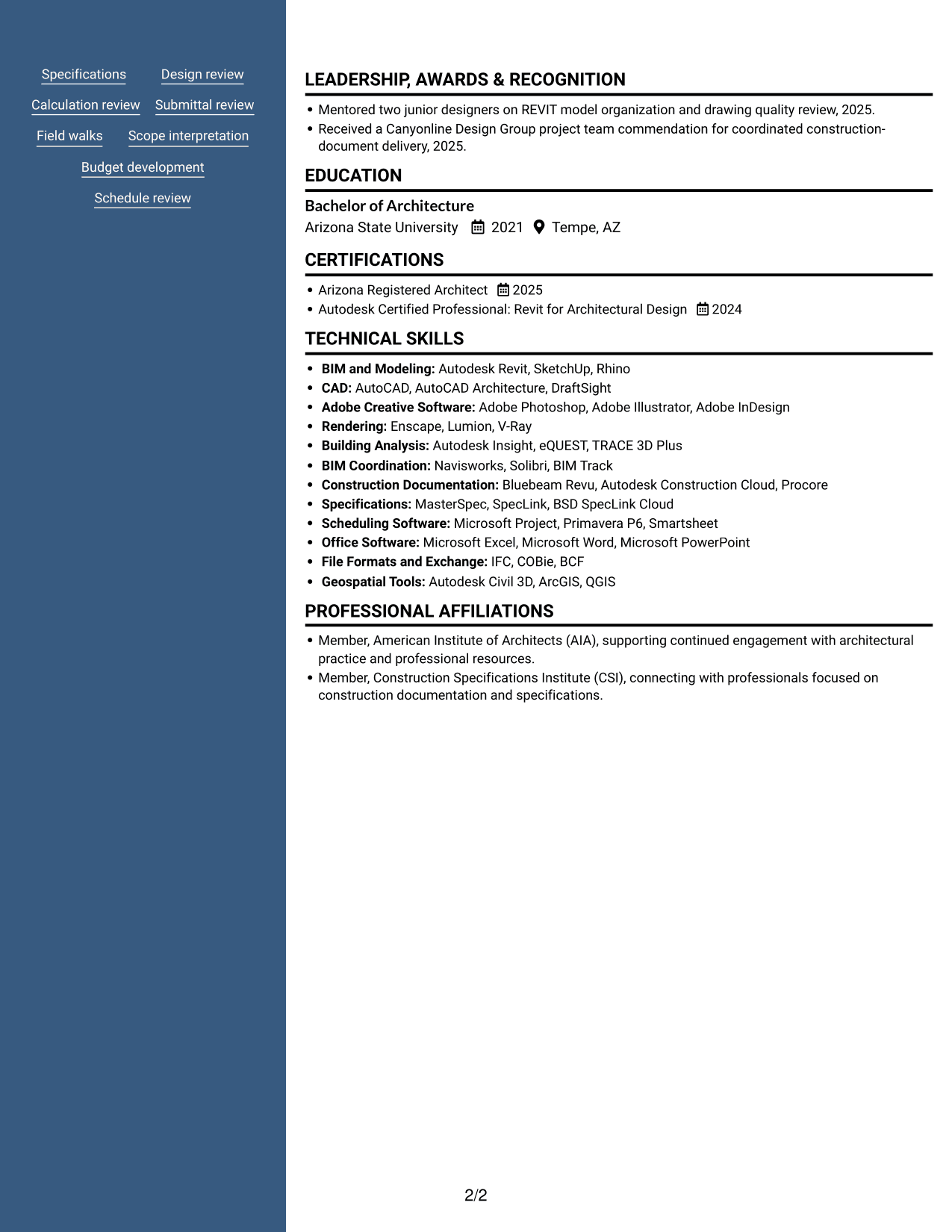
#5 Photo Header Two Column Format Resume Example
The Photo Header Two Column Format places a portrait in the header and uses two body columns, pairing a visible photo with organized resume content.
Why This Format Works
- Two body columns separate career details from supporting sections for review.
- Skills and credentials have a clear place outside the experience sequence.
- Education remains easy to locate while reviewers scan professional history.
Best For
- Resumes calling for a visible portrait
- Career details with supporting sections
- Quick access to skills and credentials
- Two-column content organization
- Education alongside professional history
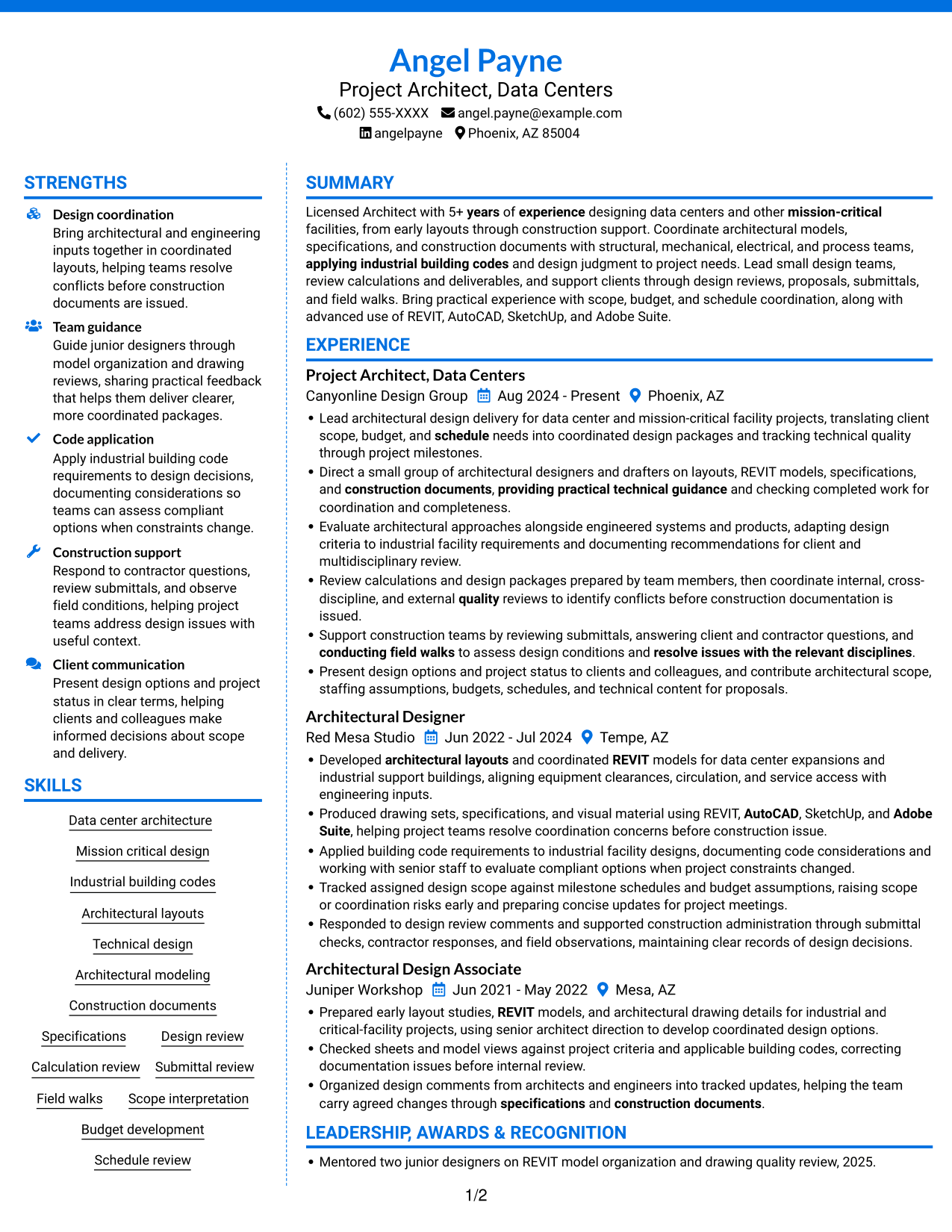
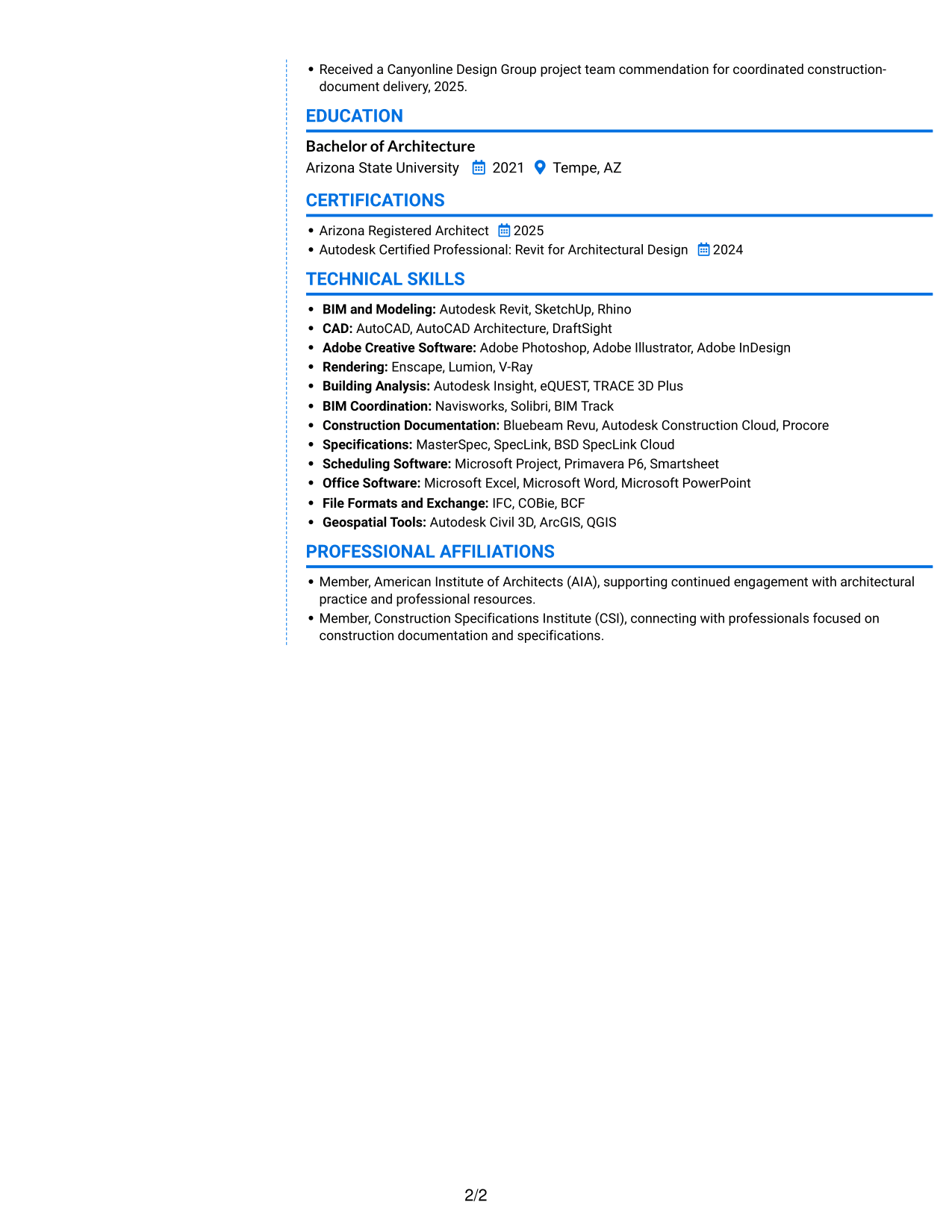
#6 Colored Two Column Format Resume Example
The Colored Two Column Format uses a colored sidebar beside the resume content, giving readers a clear visual division between related sections.
Why This Format Works
- Sidebar separation gives technical skills and credentials a focused reference area.
- Career history stays distinct from education and other supporting details.
- Color contrast helps reviewers identify section boundaries while scanning experience.
Best For
- Color contrast between content areas
- Quick reference to skills and credentials
- Career history with separate supporting details
- Education distinct from experience
- Two-column sidebar organization
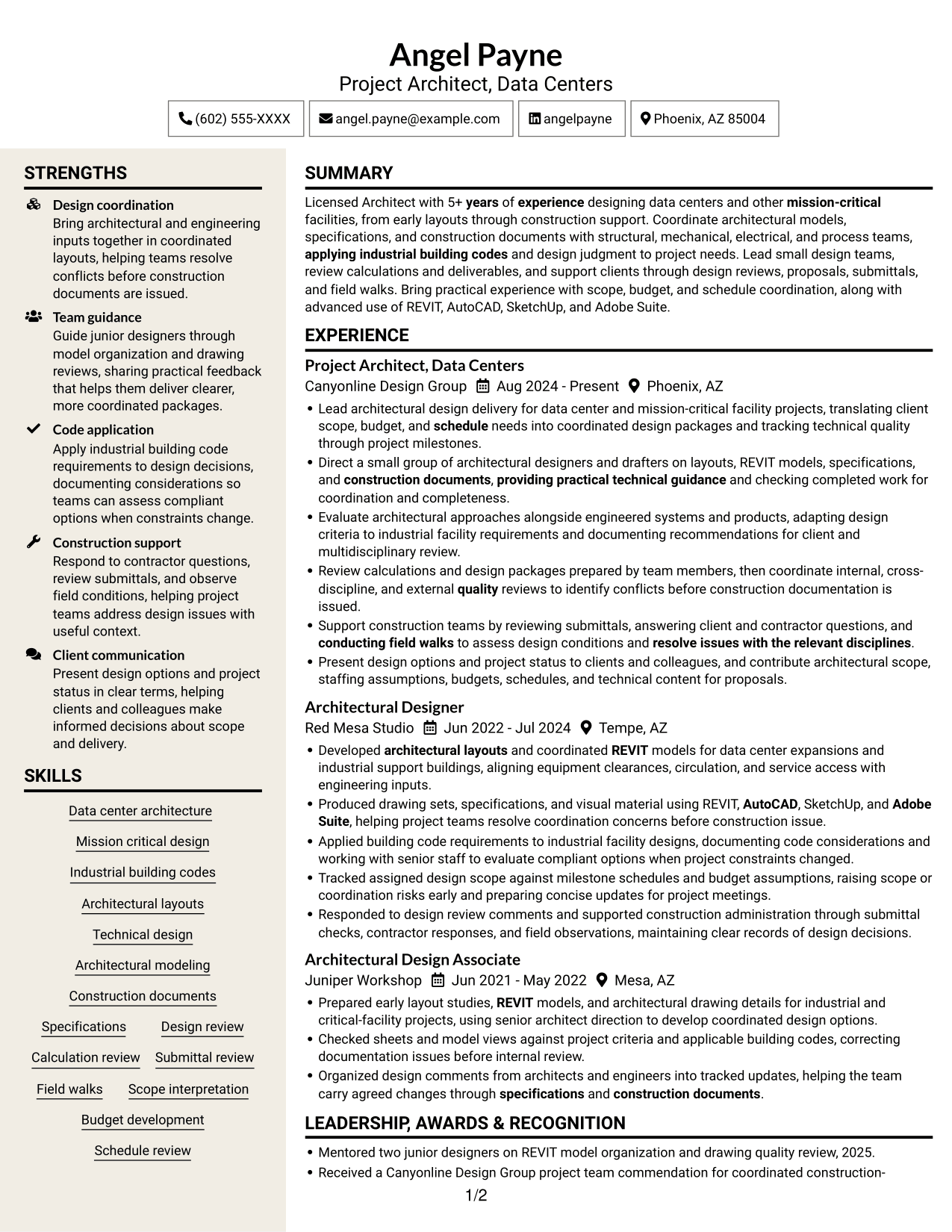
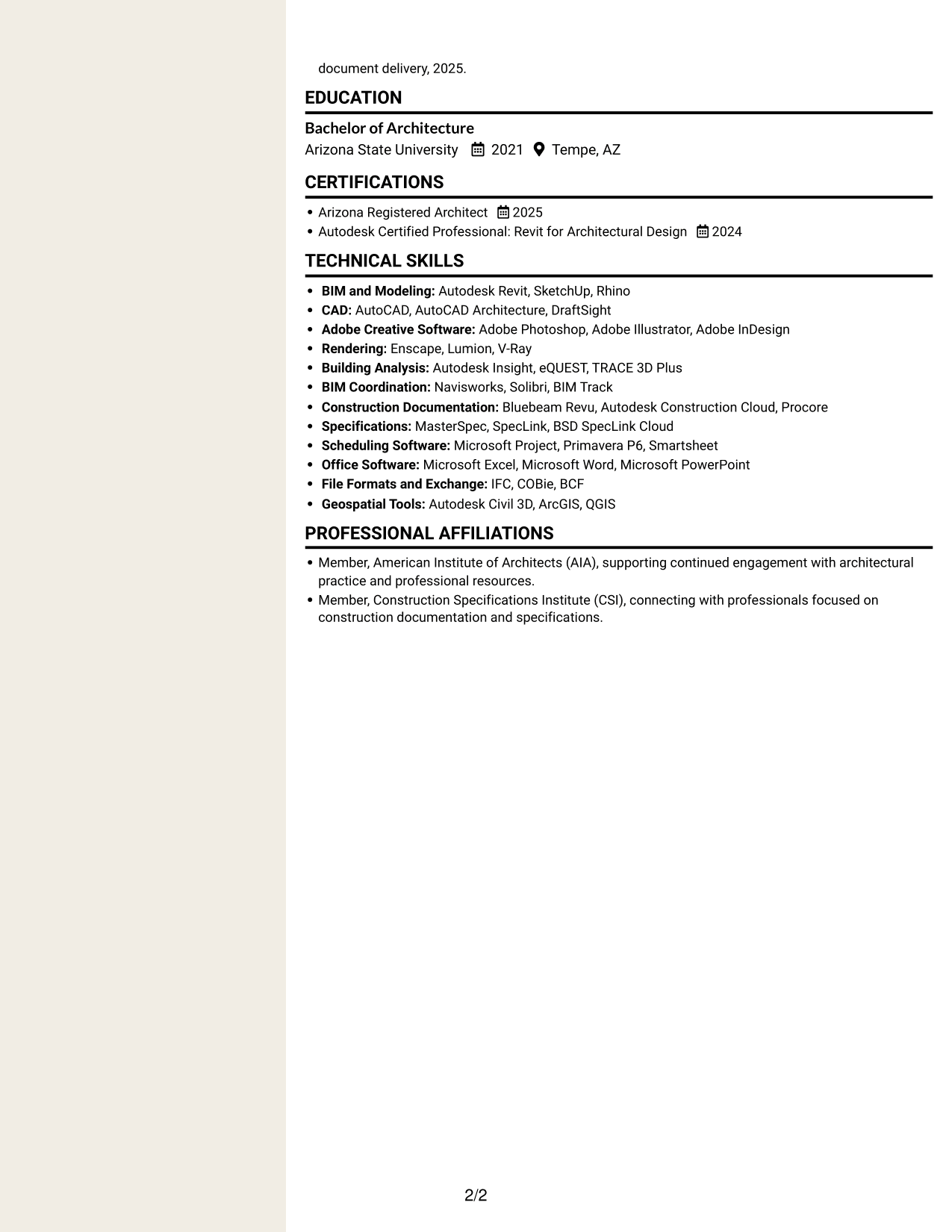
#7 Stylish Two Column Designer Format Resume Example
The Stylish Two Column Designer Format places resume information in two columns, offering a structured alternative to one uninterrupted text column.
Why This Format Works
- Separate content areas let reviewers locate skills without losing the experience sequence.
- Education and credentials remain distinct from detailed career entries.
- Two-column reading supports a quick view of related resume sections.
Best For
- A structured two-column resume
- Experience with related supporting details
- Quick review of skills and education
- Career entries beside credentials
- An alternative to one-column reading
Why Build Your Architect - Data Center Design Resume with ResumeInMinutes
ResumeInMinutes helps you arrange your experience, skills, and credentials in a resume format that is easy to scan. Review the image previews and open an example in the editor to examine its layout.
- Resume layout examples
- Clear section structure
- Role-relevant keyword guidance
- Organized experience and skills
- Credentials and education sections
- Editor access to review an example
Use the format that makes your data center design experience, technical skills, and project contributions clear to a reader.
See Also
- 7 Senior Architect - Data Center Design Resume Templates with Example
- 7 Entry Level Architect - Data Centers Resume Templates with Example
- 7 Senior Project Architect - Data Centers Resume Templates with Example
- 7 Design Architect - Advanced Facilities Resume Templates with Example
- 7 Junior Architect - Sustainable Building Design Resume Templates with Example
- 33 Mechanical Design Architect, CAD/ AutoCAD Resume Templates with Example 2026 (ATS-Optimized)
- 33 Advisory Data Architect-Senior Manager Resume Templates with Example 2026 (ATS-Optimized)
- 33 Architect, Data Science Resume Templates with Example 2026 (ATS-Optimized)
- 7 Architect - Data Center Design Cover Letter Templates with Example
- 7 Senior Architect - Data Center Design Cover Letter Templates with Example
Frequently Asked Questions
Are these Architect - Data Center Design resume templates ATS-friendly?
The examples use clear sections and readable headings. For stronger keyword alignment, include relevant terms such as data center architecture, REVIT, industrial building codes, multidisciplinary coordination, and construction documents when they match your experience.
Do the previews show different resume layouts?
Yes. They show one resume example in different layouts. Compare how each presents experience, skills, education, and credentials, then open an example in the editor to review its structure.
What should an Architect - Data Center Design resume include?
Include a focused summary, architectural experience, technical skills, education, and relevant licenses or certifications. Describe design coordination, quality reviews, construction support, and project scope where these apply to your work.
How should I choose a resume layout for this role?
Choose a layout with clear headings and enough space for concise experience bullets. Make sure readers can quickly find your data center design work, software skills, building code knowledge, and project responsibilities.
How can I show results without adding unsupported numbers?
Describe the work you completed and its purpose. You can explain how you coordinated design packages, found conflicts during reviews, supported construction, or helped track scope and schedules without adding figures you cannot verify.
Should I include a photo on my resume?
For U.S. applications, a resume without a photo is usually the safer choice. Focus the available space on your architecture experience, skills, education, and credentials.




