
7 Architectural Associate II - Waterfront Facilities Cover Letter Templates with Example
This practical guide to an Architectural Associate II - Waterfront Facilities cover letter presents seven layouts to help you explain your fit for public waterfront facility work.
What Makes a Great Architectural Associate II - Waterfront Facilities Cover Letter in 2026
A strong letter connects public waterfront facility work to the role’s design, coordination, and construction responsibilities. It should state your interest clearly and make your fit easy to understand.
Use direct examples of contract documents, consultant coordination, field observation, or construction administration. Connect that evidence to the employer’s work and explain why the role interests you.
The featured example moves from interest and relevant experience to specific project evidence, employer alignment, and a clear closing, giving you a focused progression to adapt while choosing a presentation that suits the employer and communication context.
#1 Simple One Column Format Cover Letter Example
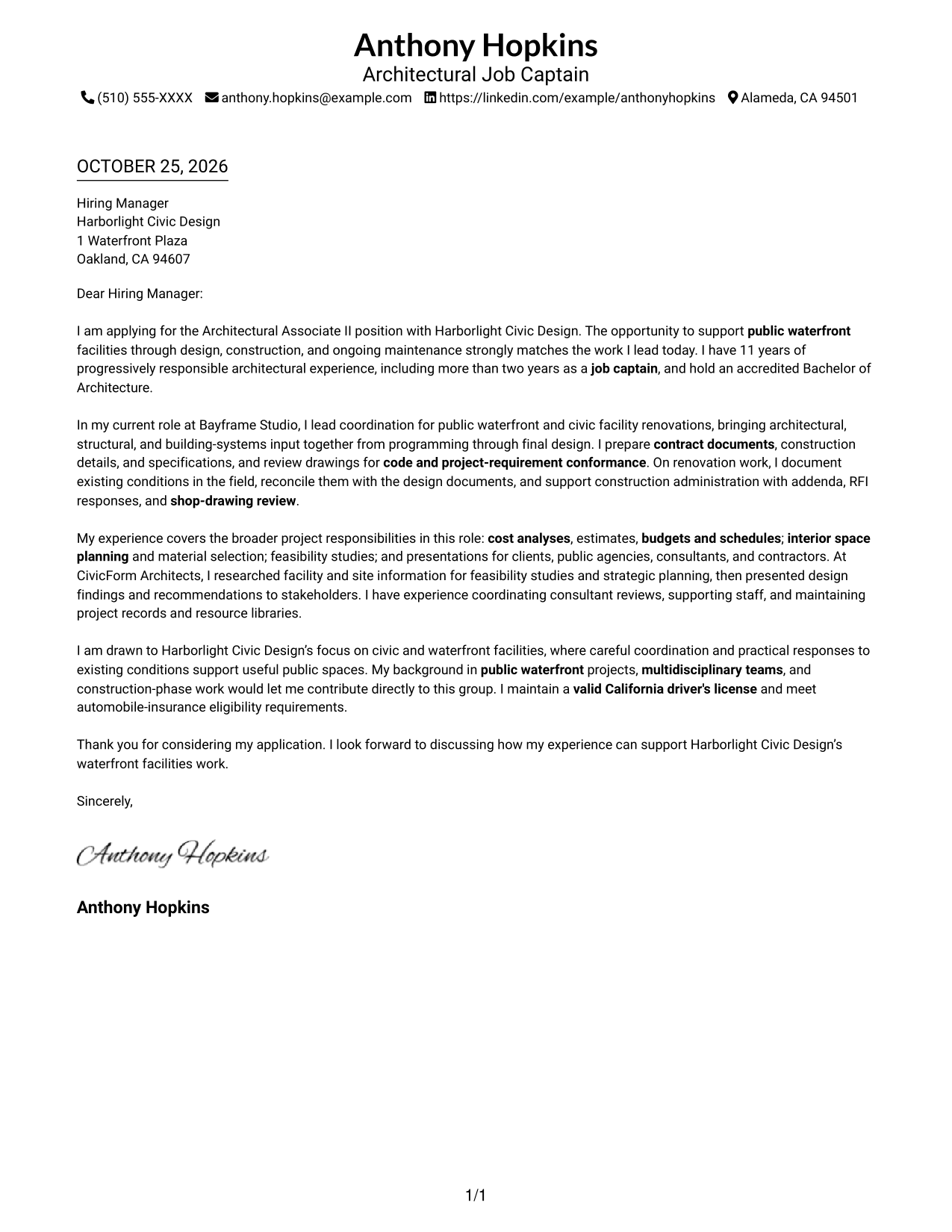
The Simple One Column Format keeps the letter body in one reading lane, a practical choice for readers who prefer a straightforward path through the message.
Why This Format Works
- Sender details in the header make contact information easy to locate.
- The single column keeps the opening, supporting points, and close in sequence.
- Without argument headings, the text retains a familiar letter form.
Best For
- One-column reading preference
- Header-based sender contact details
- Letters with connected paragraphs
- Pages without a contact sidebar
- Photo-free correspondence
#2 Two Column Format Cover Letter Example
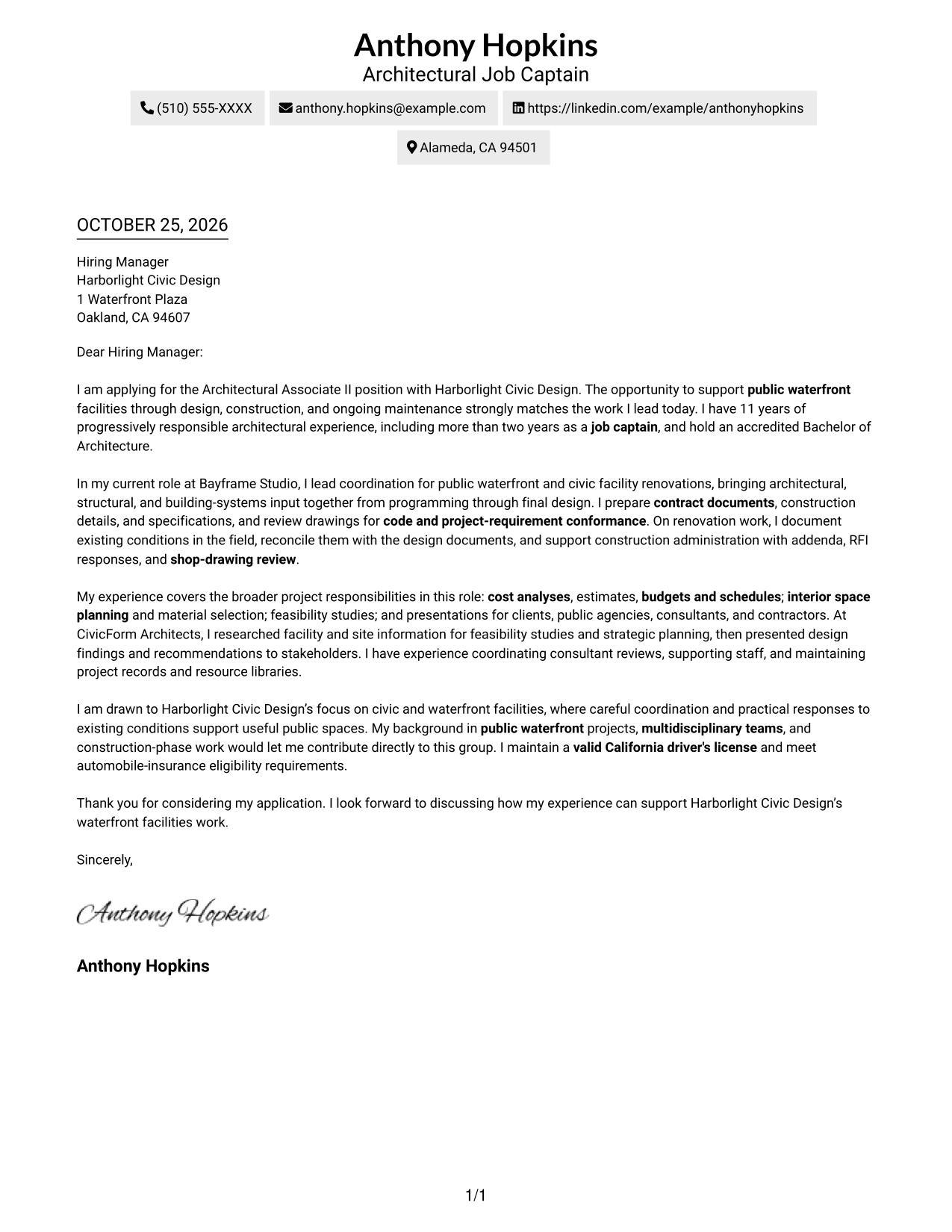
The Two Column Format places a contact sidebar beside the letter body, useful when readers should be able to refer to sender details while reading.
Why This Format Works
- Contact details occupy a sidebar, apart from the main message.
- One continuous letter body keeps the opening, evidence, and close in sequence.
- No argument headings preserve the letter's paragraph-based form.
Best For
- Sidebar-based contact information
- Multi-paragraph persuasive letters
- A single connected letter argument
- Side-by-side contact and message layout
- Photo-free submissions
#3 Photo Header Two Column Format Cover Letter Example
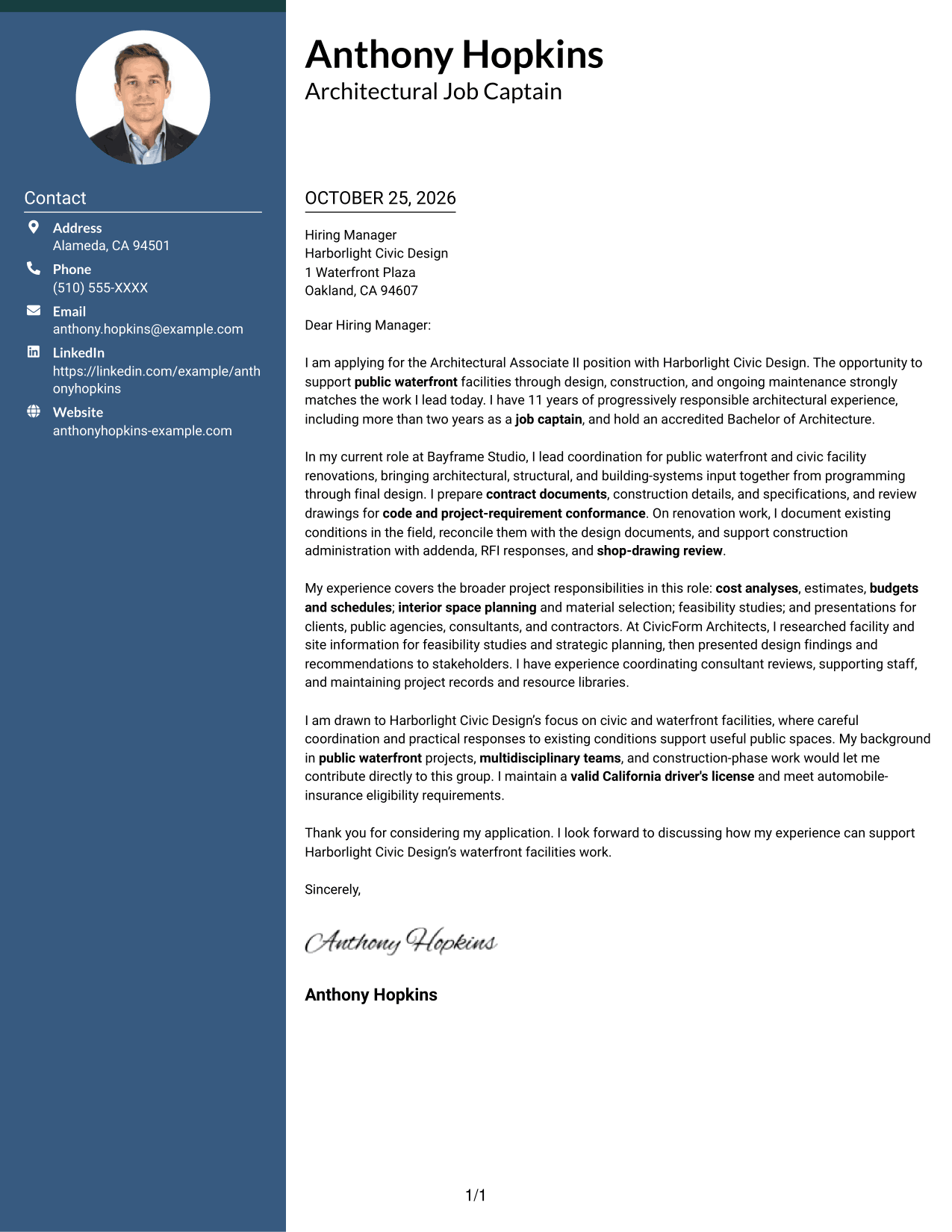
The Photo Header Two Column Format pairs a photo with a contact sidebar and continuous letter body, a suitable choice for applicants who want a portrait in the header.
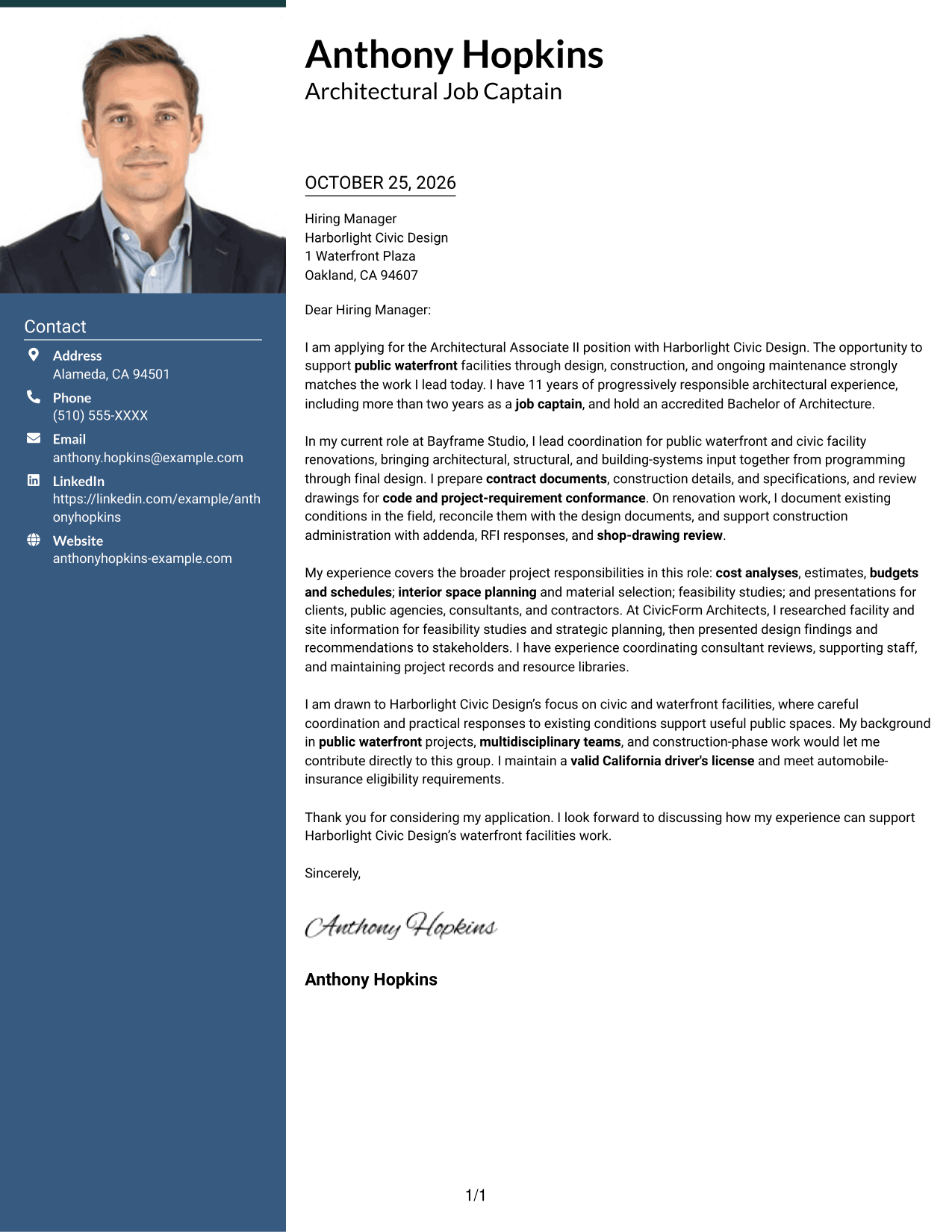
Why This Format Works
- The contact sidebar keeps sender details apart from the letter's argument.
- A single body column lets the message progress through connected paragraphs.
- The header photo offers a clear visual choice without changing the letter's content.
Best For
- Portrait-led header presentation
- Contact details beside the letter
- One continuous persuasive message
- Multi-paragraph application letters
- Applications where a photo is preferred
#4 One Column Format with Photo Cover Letter Example
The One Column Format with Photo places a portrait above a single-column letter, a useful option for readers who prefer the photo and message in one vertical reading order.
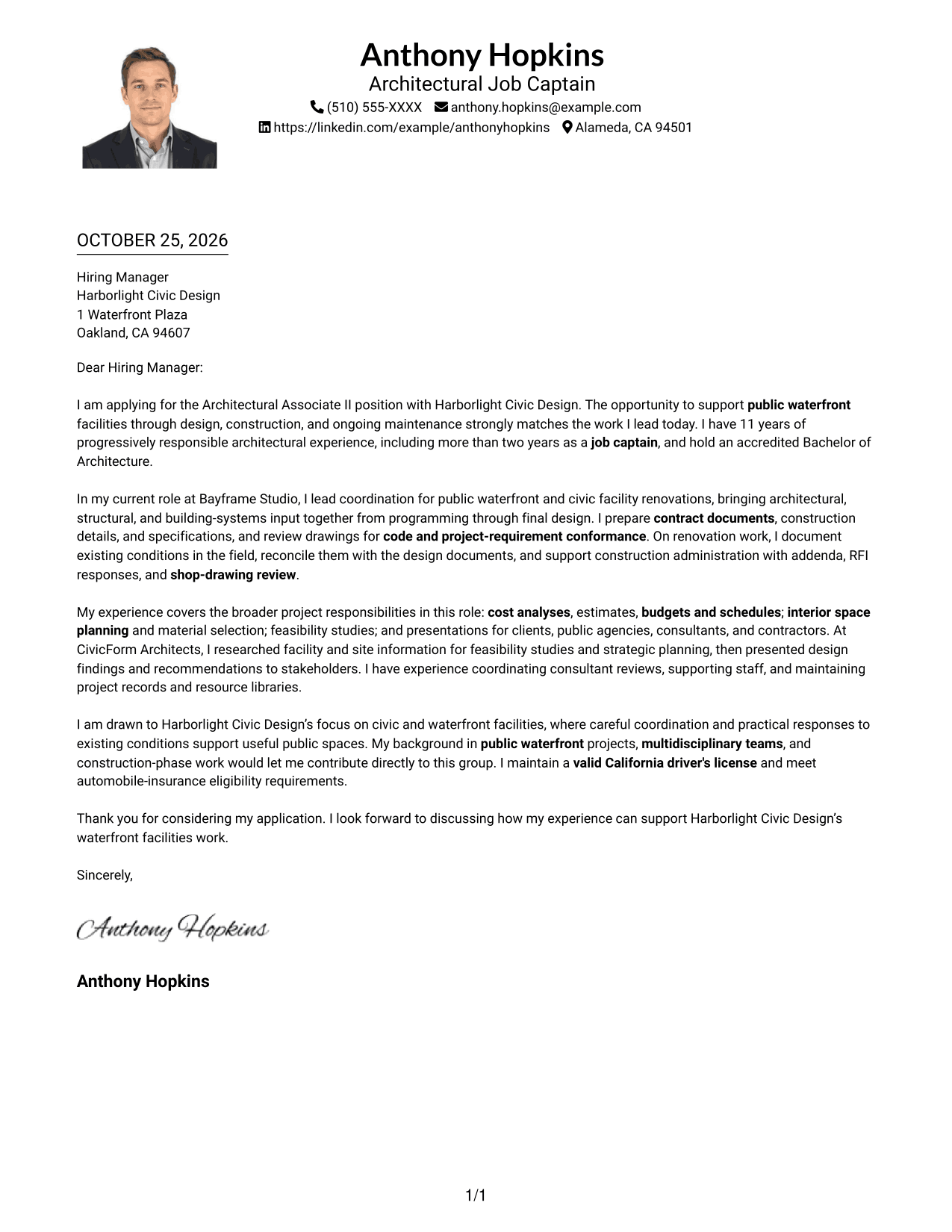
Why This Format Works
- Sender contact details stay with the header above the letter body.
- One reading column carries the message from its opening to its close.
- The portrait provides a visual element while the letter remains in paragraph form.
Best For
- Portrait above the letter
- One-column reading order
- Header-based contact details
- Connected letter paragraphs
- Photo-forward correspondence
#5 Simple Two Column Format Cover Letter Example
The Simple Two Column Format sets contact details beside a continuous letter body, a practical choice when the sender information should remain distinct from the message.
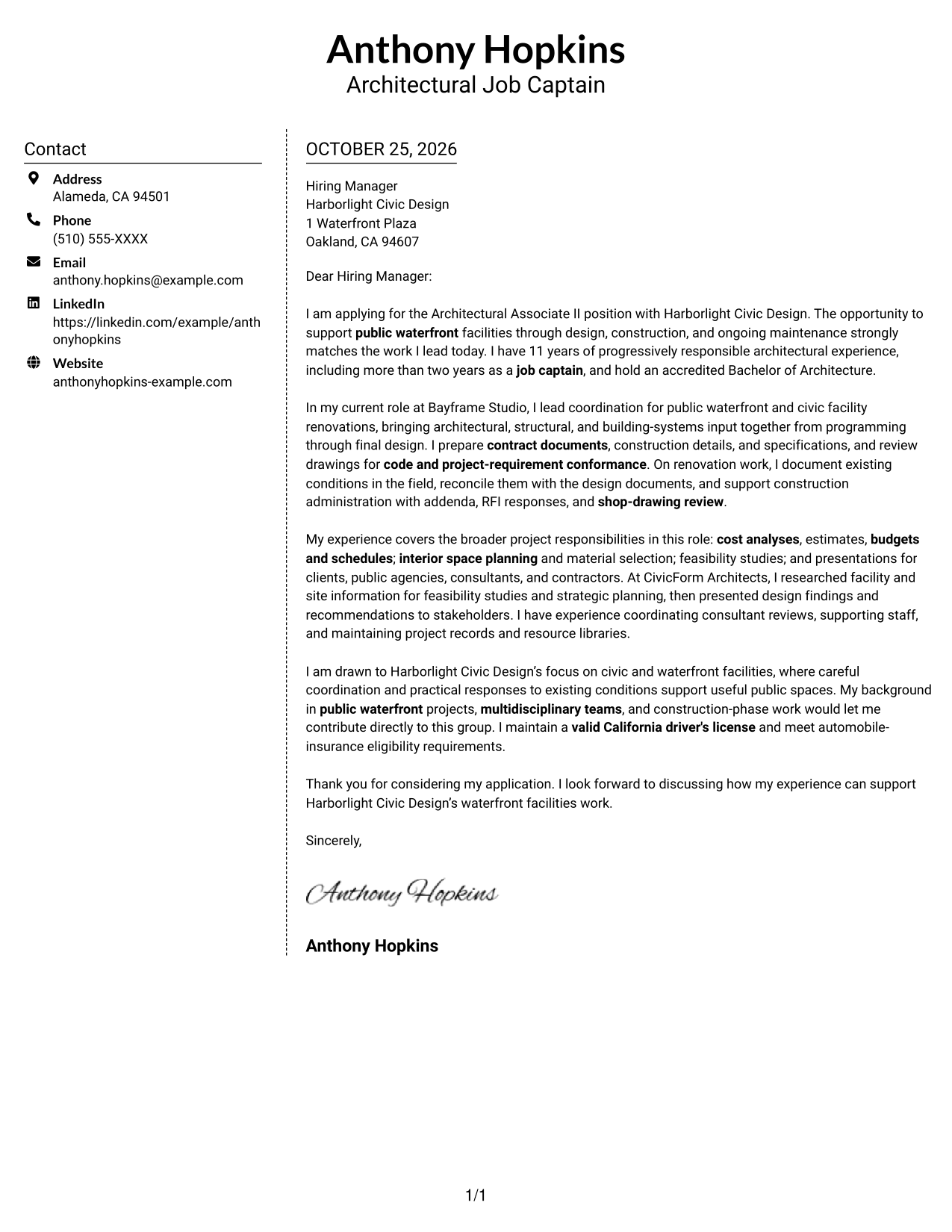
Why This Format Works
- The sidebar separates contact information from the letter's paragraphs.
- The continuous body keeps motivation, supporting points, and closing together.
- The two-area arrangement gives the page a clear reading order.
Best For
- Distinct contact and message areas
- A connected letter argument
- Multi-paragraph supporting details
- Side-by-side page organization
- Photo-free application letters
#6 Modern Icon Format Cover Letter Example
The Modern Icon Format uses two columns, with contact cues and decorative accents in the header, a helpful choice when readers want visual markers for contact details.
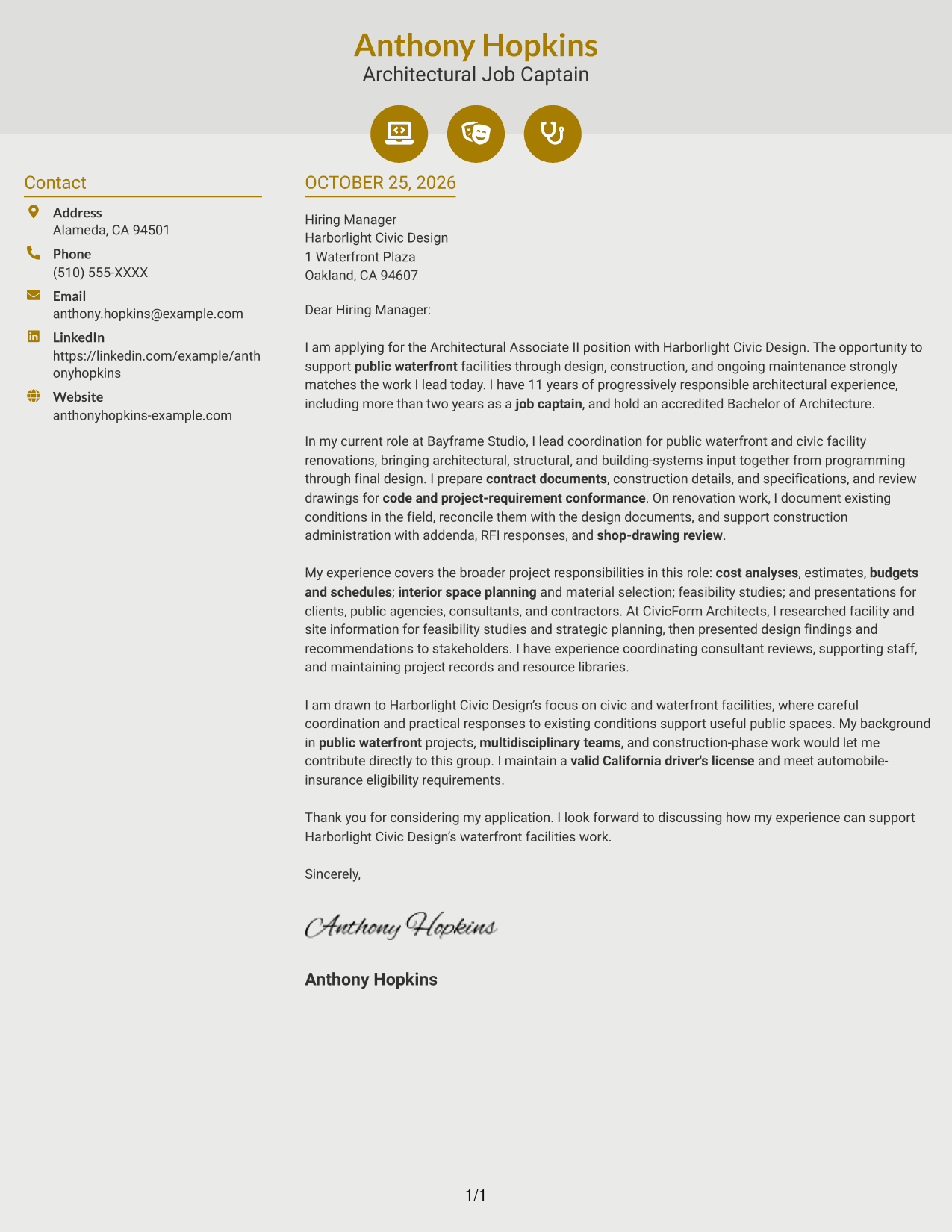
Why This Format Works
- Contact icons help readers identify sender details in the sidebar.
- The letter remains one continuous body, keeping its argument together.
- Header accents add visual cues without labeling the letter's ideas.
Best For
- Icon-cued contact information
- A separate contact sidebar
- One continuous message
- Quick access to sender details
- Letters with several supporting paragraphs
#7 Creative Two Tone Format Cover Letter Example
The Creative Two Tone Format uses a contact sidebar alongside one continuous letter body, a useful choice for readers who want distinct contact and message areas.
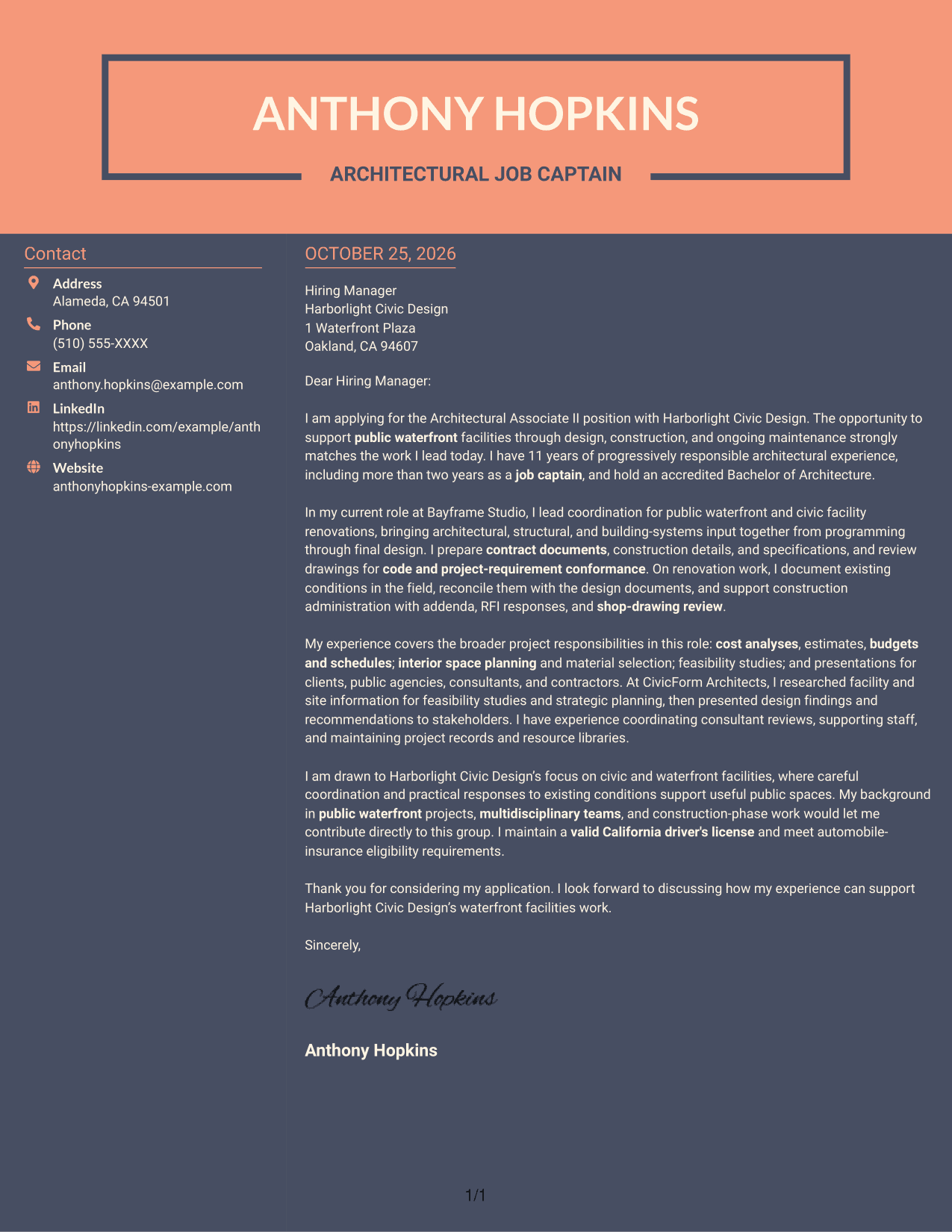
Why This Format Works
- Sender details stay in the sidebar, separate from the letter text.
- The body presents the opening, supporting points, and close as connected paragraphs.
- The two-column arrangement distinguishes contact information from the message.
Best For
- Contact details beside the letter
- A continuous paragraph-based message
- Clear separation of sender details
- Side-by-side page organization
- Letters without a portrait
Why Use ResumeInMinutes for an Architectural Associate II - Waterfront Facilities Cover Letter
ResumeInMinutes provides a starting point for shaping a cover letter around the role. Compare the image previews, then open an example in the editor to review or customize its presentation.
- Clear cover letter layouts
- Role-focused wording
- Job-description-based customization
- Cover letter examples
- Professional presentation
- Support for application documents
For this role, focus your letter on public waterfront projects, coordinated design documents, field observations, and construction-phase work. Choose a clear tone that helps the reader follow your interest and evidence.
See Also
- 7 Architectural Associate II - Waterfront Facilities Resume Templates with Example
- 33 Data Center Facilities Technician II Resume Templates with Example 2026 (ATS-Optimized)
- 7 AI/ML Engineer Intern - Architectural Modeling Resume Templates with Example
- 7 Architect - Architectural Project Delivery Resume Templates with Example
- 7 Architectural Designer - Construction Documentation Resume Templates with Example
- 7 Architectural Designer / Project Architect - Commercial and Institutional Resume Templates with Example
- 7 BIM Architectural Designer Resume Templates with Example
- 7 Custom Residential Architectural Designer Resume Templates with Example
- 30+ Data Center Facilities Technician II Cover Letter Templates with Example 2026
- 7 AI/ML Engineer Intern - Architectural Modeling Cover Letter Templates with Example
Frequently Asked Questions
What should an Architectural Associate II - Waterfront Facilities cover letter include?
Show why the public waterfront facilities role interests you, then connect relevant experience to design coordination, contract documents, field observation, and construction administration. Close with a brief statement of fit and thanks.
How can I show my fit for this architectural role?
Use specific examples that reflect your own work, such as coordinating consultant input, reviewing drawings, preparing specifications, or resolving differences between field conditions and design documents.
How should I explain interest in waterfront facilities work?
Connect your interest to the public purpose of the facilities and the work involved in design, construction, alteration, or maintenance. Keep the reason specific and sincere.
What tone works well for this cover letter?
Use a professional, direct tone. Keep each paragraph focused, explain your evidence in plain language, and show how you work with clients, public agencies, consultants, and contractors when relevant.
Can I view the cover letter examples before customizing one?
Yes. Review the PNG image previews to compare the presentation, then use the editor link to view or customize an example.




