
7 Architectural Associate II - Waterfront Facilities Resume Templates with Example
This guide shows you how to create an Architectural Associate II - Waterfront Facilities resume that presents your project work clearly and makes key qualifications easy to find. You will learn how to organize your experience for this role and choose a layout that supports quick review.
Strong resumes for this work connect architectural design and detailing with contract documents, consultant coordination, cost planning, and construction administration. Show how field observations, code review, and clear project records helped move public waterfront facility work forward.
The example is presented in 7 layouts. Compare the image previews to see how each one arranges experience, education, and skills, then open an example in the editor to customize it.
What Makes a Great Architectural Associate II - Waterfront Facilities Resume in 2026
A strong resume makes design coordination, technical documentation, and construction support easy to scan. Clear role details and focused experience bullets help readers understand your contribution to waterfront facility projects.
Use relevant terms such as architectural contract documents, construction details, specifications, field observation, cost analysis, and RFI responses. Add specific results or scope details when they are supported by your experience.
Note: Resume examples are for educational purposes only. Use only information that accurately reflects your experience and qualifications. References to real organizations do not imply affiliation or endorsement.
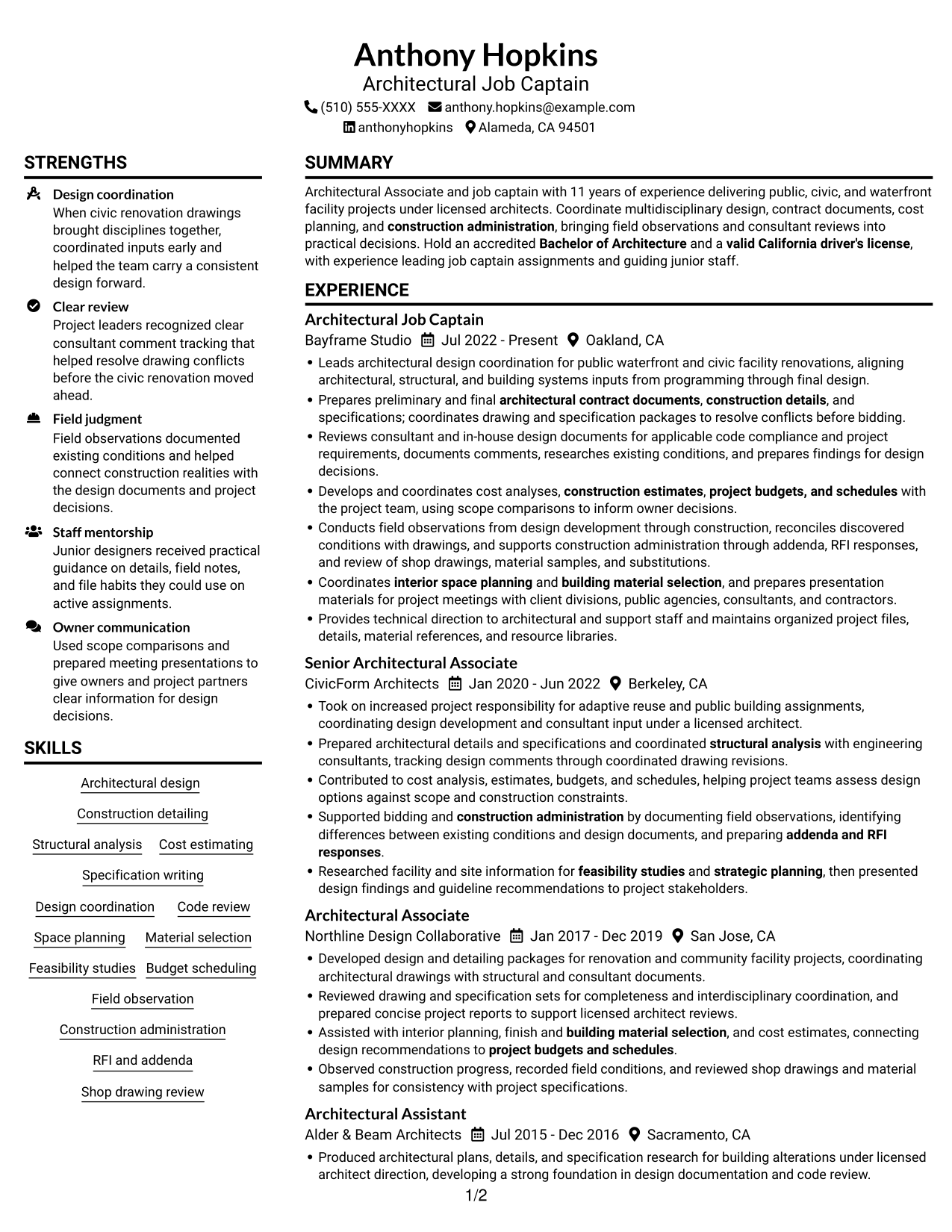
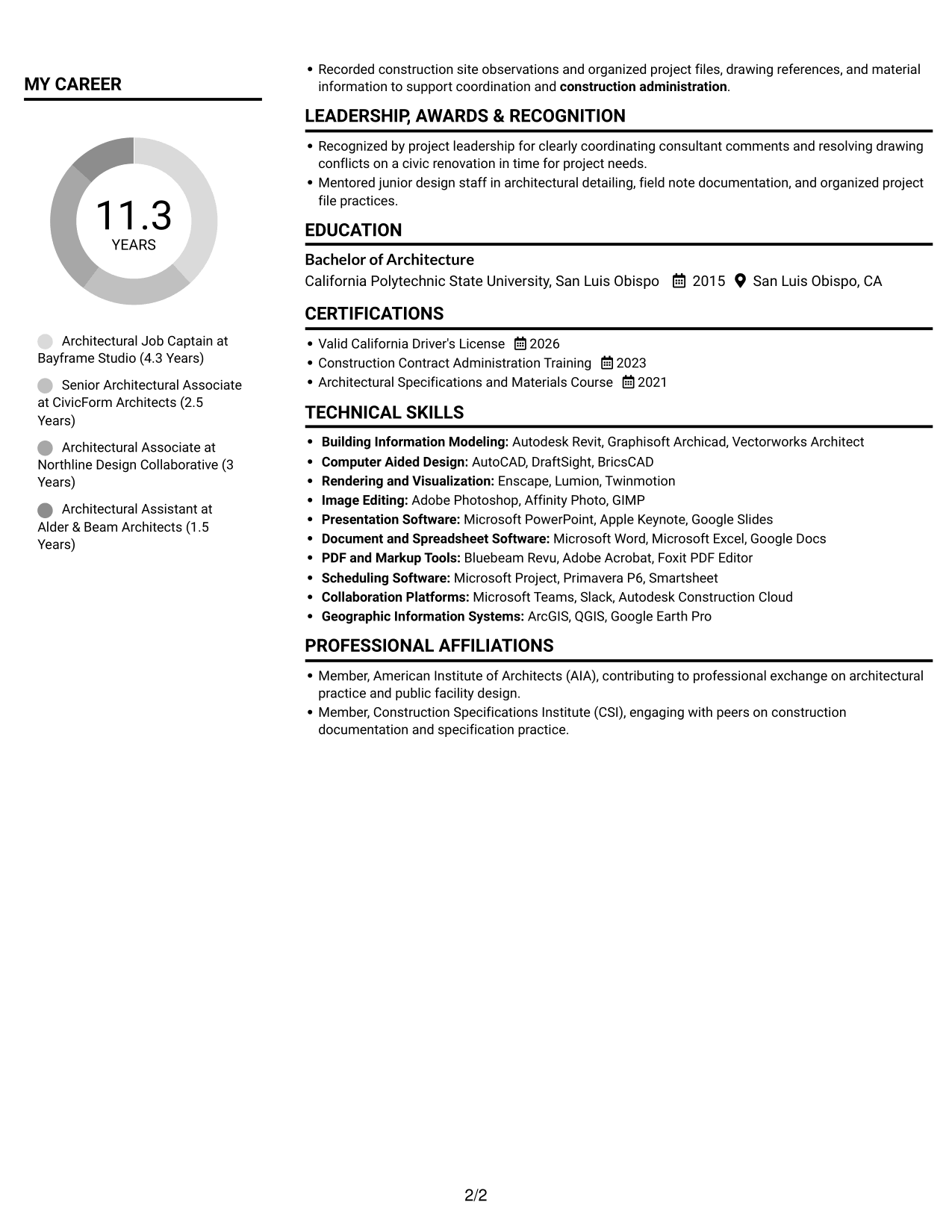
#1 Plain Two Column Format Resume Example
The Plain Two Column Format uses two reading areas, helping reviewers scan experience and supporting sections separately.
Resume Snapshot
- 11 years of architectural experience
- Bachelor of Architecture, California Polytechnic State University, San Luis Obispo
- Job captain assignments for public, civic, and waterfront facilities
- Valid California driver's license
Why This Format Works
- Two-column reading areas keep experience and supporting resume sections easy to distinguish.
- Separate content areas help reviewers find education and credentials without losing the career timeline.
- Distinct reading zones make skills easier to compare with the experience record.
Best For
- Two-column document preference
- Detailed project history
- Skills and education in one resume
- Clear separation between experience and supporting sections
- Section-by-section resume review
Resume Keywords
- Bachelor of Architecture
- Architectural Job Captain
- valid California driver's license
- Developed design and detailing packages
- Structural analysis
- Develops and coordinates cost analyses, construction estimates
- architectural contract documents
- construction details
- aligning architectural, structural, and building systems inputs
- coordinates drawing and specification packages to resolve conflicts before bidding
- code compliance
- Construction administration
- Conducts field observations from design development through construction
- project budgets, and schedules
- interior space planning
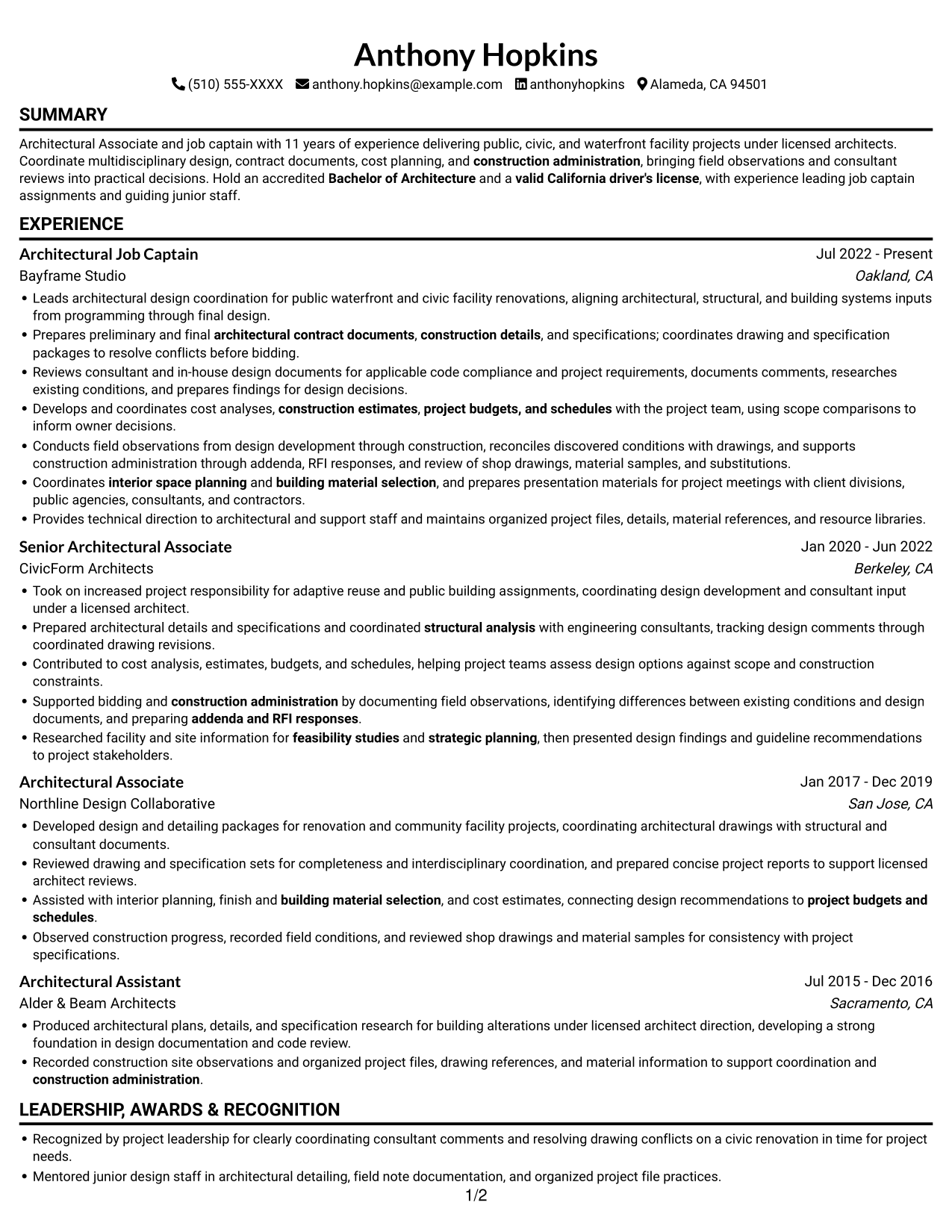
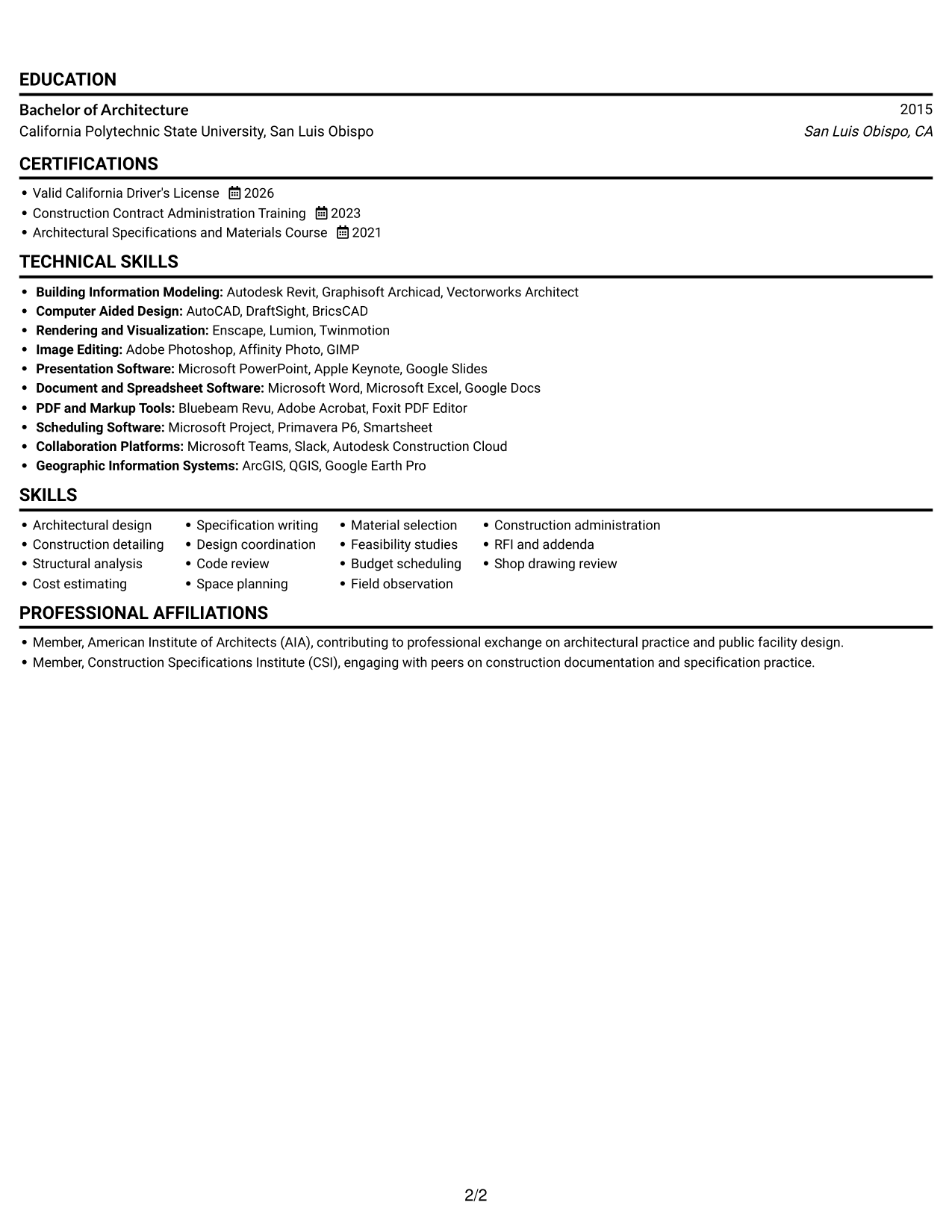
#2 Simple One Column Format Resume Example
The Simple One Column Format keeps resume content in one vertical reading path, suiting readers who prefer a top-to-bottom review.
Why This Format Works
- One vertical reading path helps reviewers follow career progression from role to role.
- Skills and credentials fit within the same top-to-bottom review as project history.
- Education remains part of the continuous scan through experience and supporting details.
Best For
- One-column reading preference
- Continuous career-history review
- Detailed experience entries
- Skills and credentials in one reading path
- Simple section-by-section navigation
#3 Clean Two Column Sidebar Format Resume Example
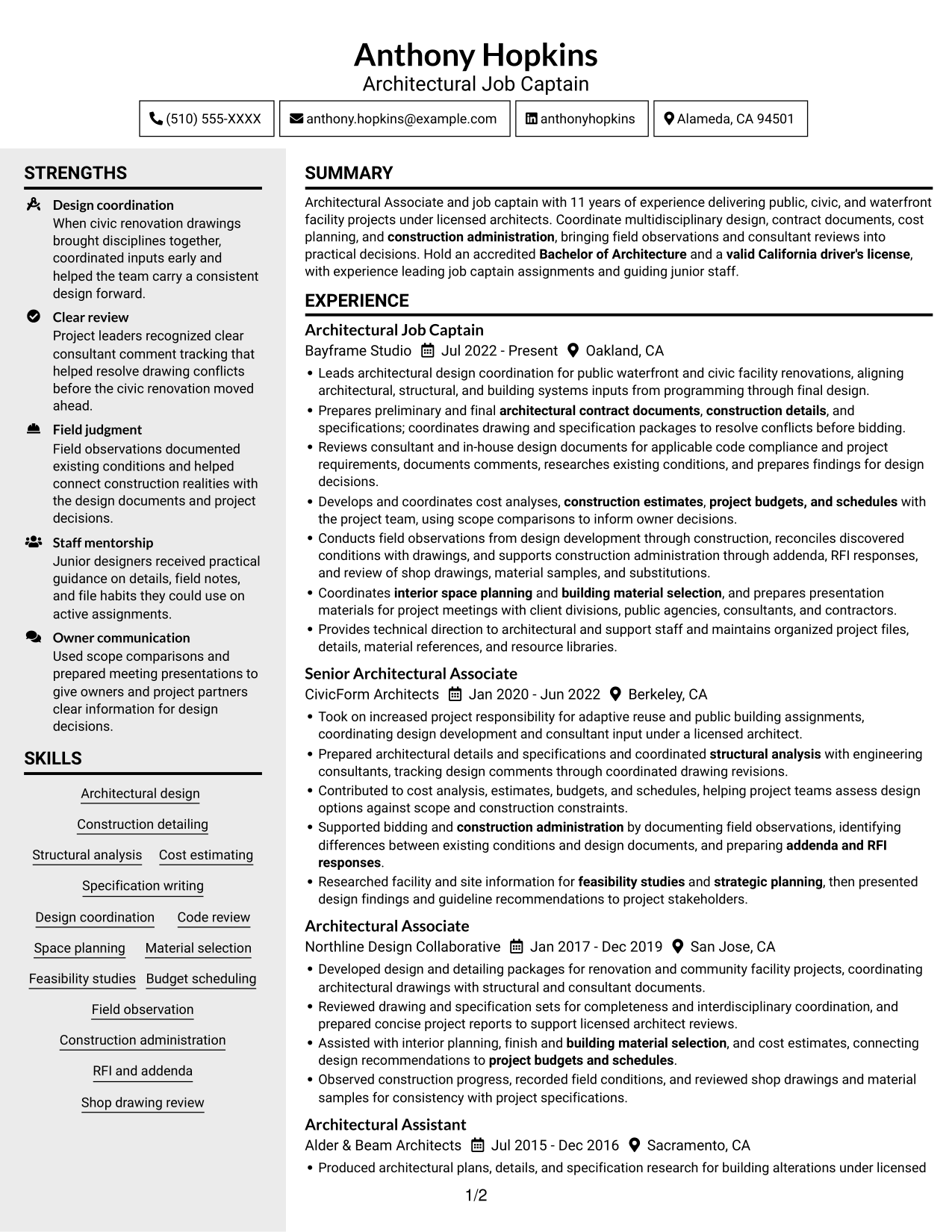
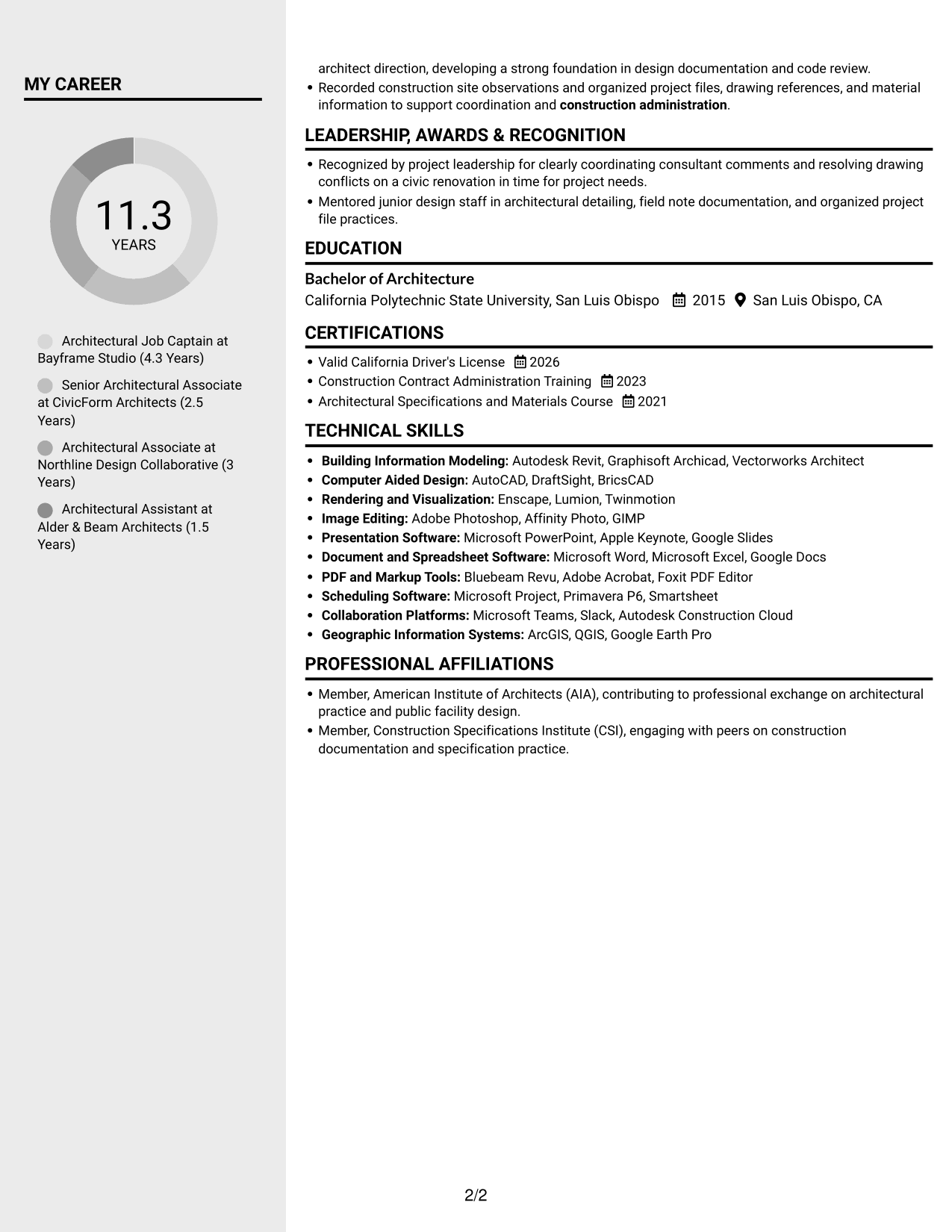
The Clean Two Column Sidebar Format uses two reading areas, giving reviewers a clear way to move between experience and other resume sections.
Why This Format Works
- Two-column organization gives experience and supporting sections separate places in the resume.
- Reviewers can move between project history and skills without searching one long block.
- Education and credentials remain distinct parts of the overall document.
Best For
- Two-column reading preference
- Switching between experience and supporting details
- Project histories with several roles
- Skills and credentials in the same resume
- Clear separation of resume sections
#4 Two Column Format Resume Example
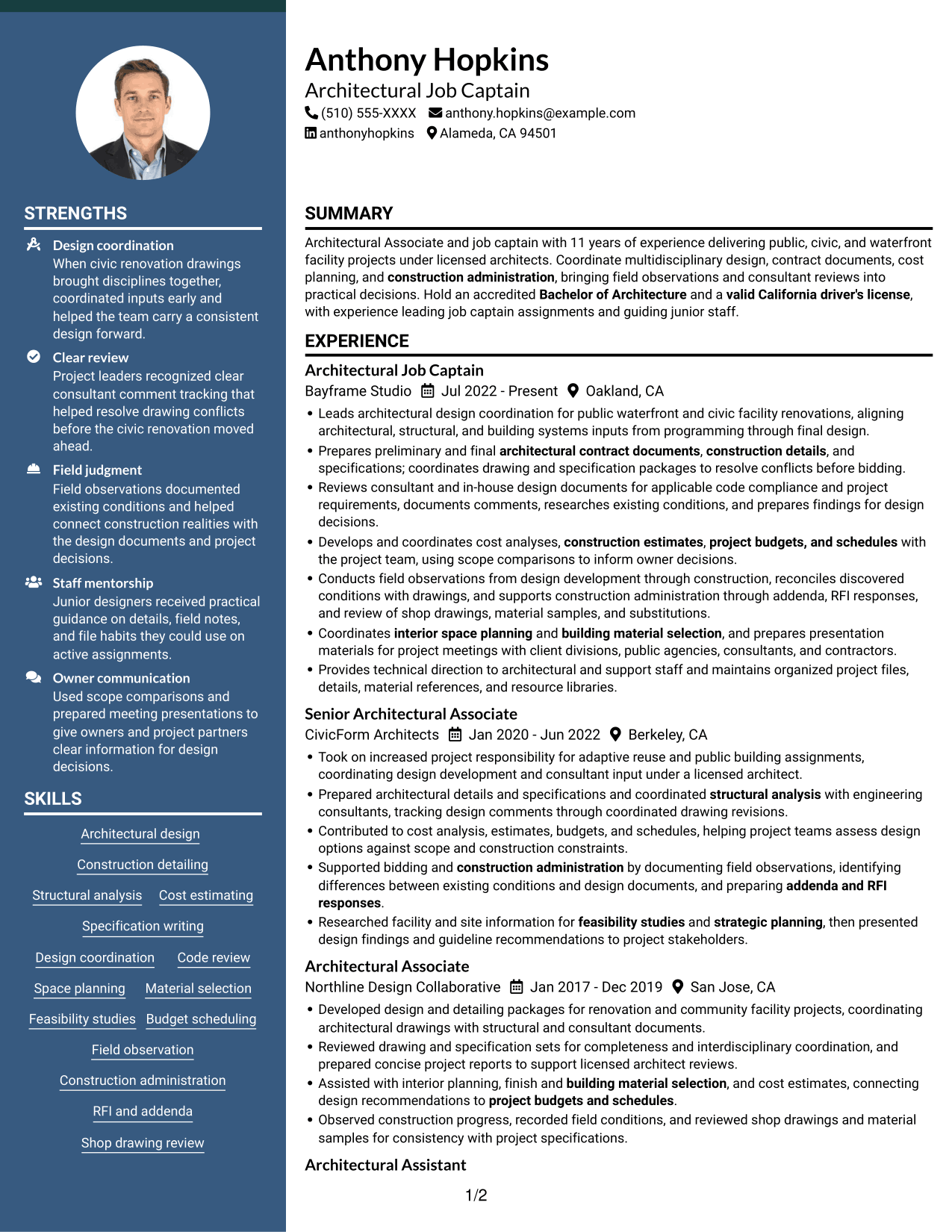
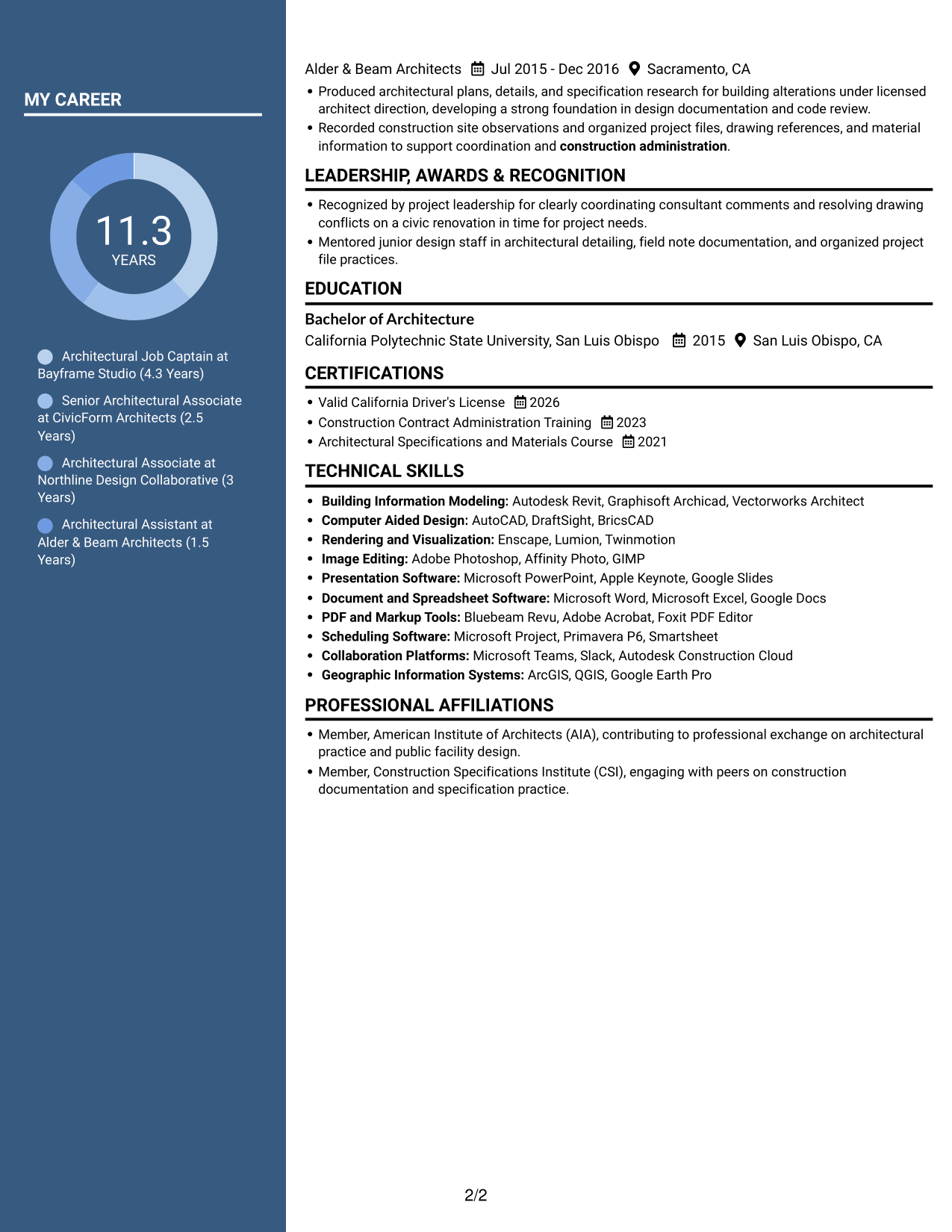
The Two Column Format presents resume content in two reading areas, a useful choice for reviewers who prefer a side-by-side scan.
Why This Format Works
- Two-column reading areas distinguish career history from supporting details during review.
- Skills, education, and credentials can be found without scanning every experience bullet.
- Separate content zones help keep project achievements distinct from supporting sections.
Best For
- Side-by-side reading preference
- Resume reviews across several content areas
- Project achievements with supporting details
- Skills, education, and credentials together
- Organized career-history scanning
#5 Photo Header Two Column Format Resume Example
The Photo Header Two Column Format pairs a portrait with a two-column body for readers who want a photo included in the resume.
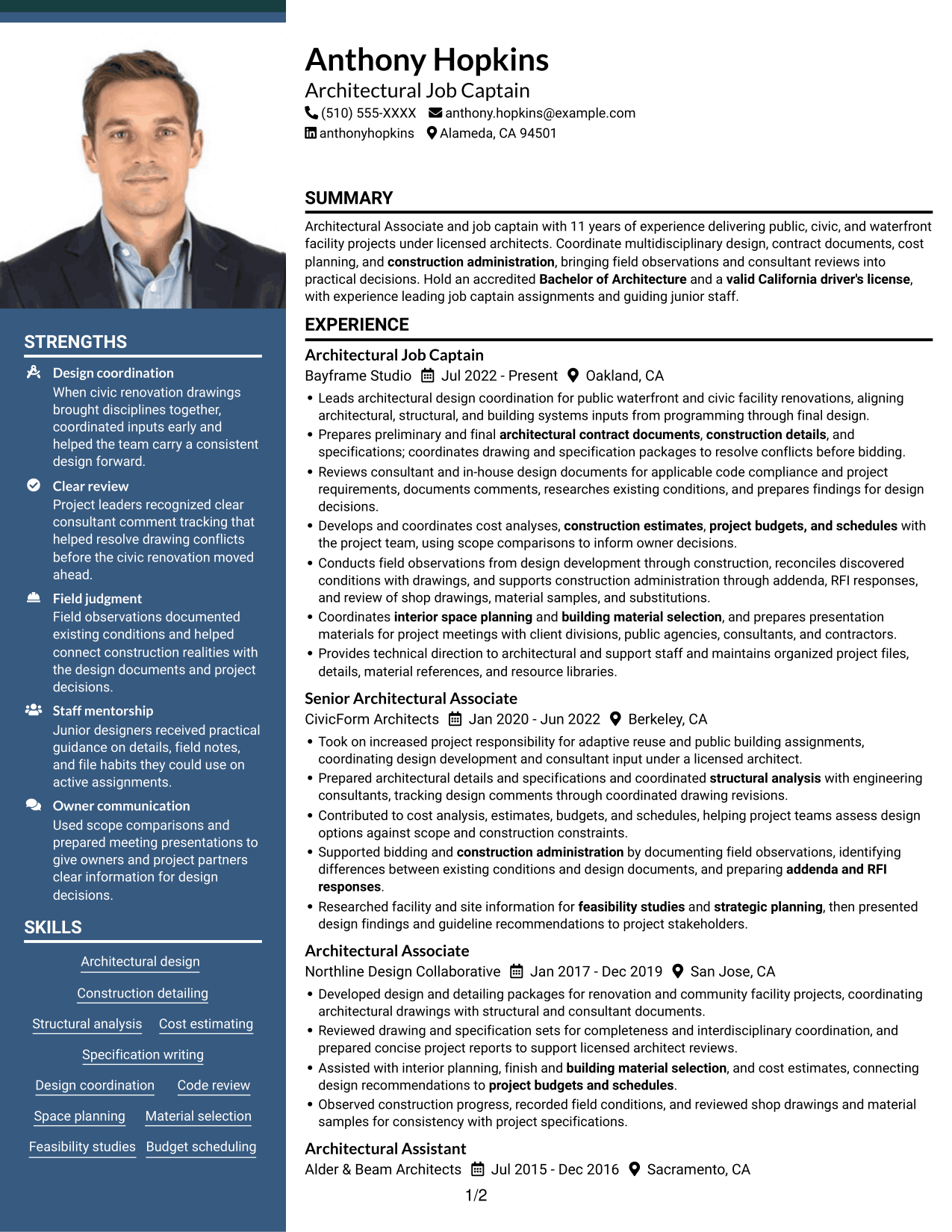
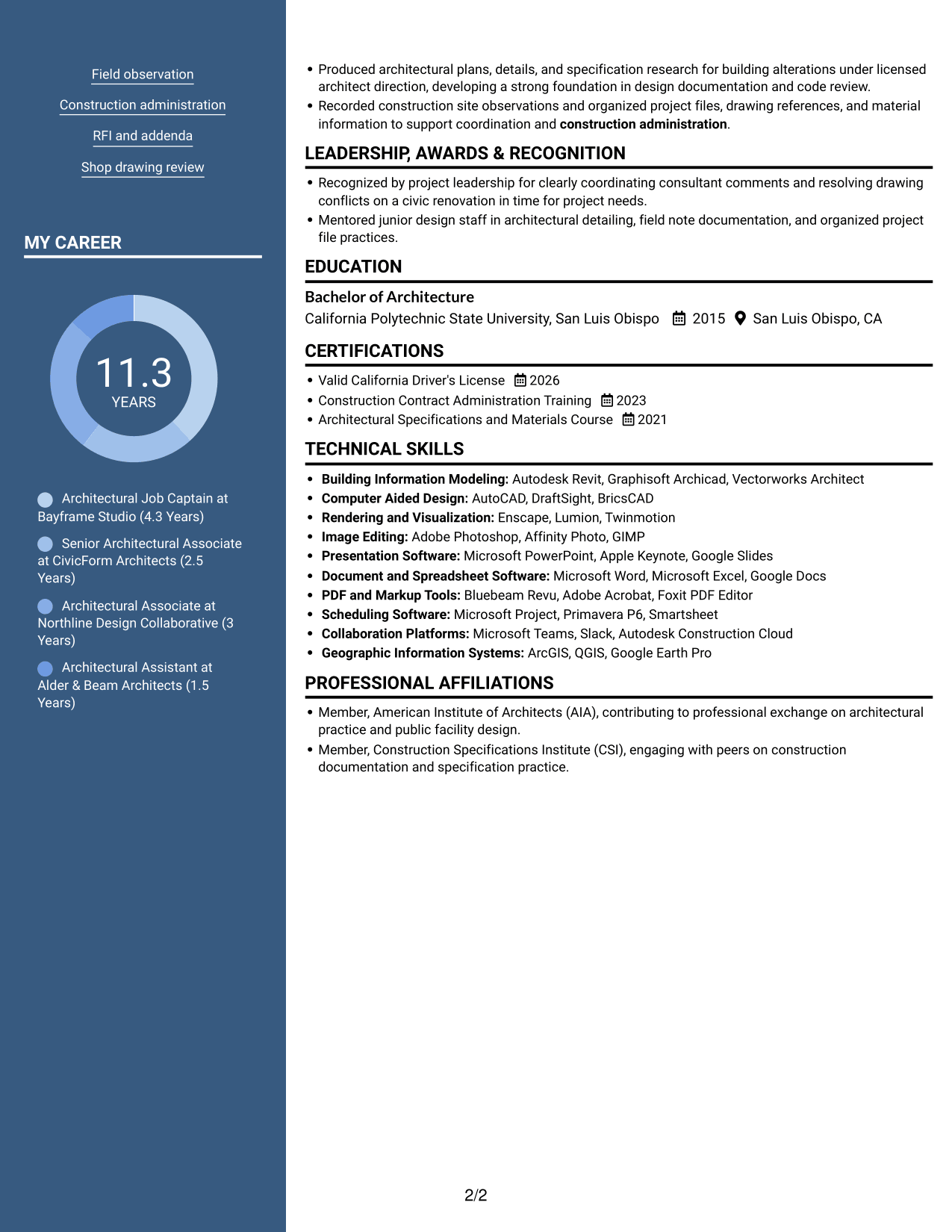
Why This Format Works
- Two-column reading areas keep career history and supporting sections visually distinct.
- Reviewers can locate education and credentials without interrupting the experience sequence.
- Separate content areas help skills remain easy to find during a resume review.
Best For
- Resume with a portrait
- Two-column reading preference
- Distinct experience and supporting sections
- Education and credentials alongside work history
- Quick review of skills and career details
#6 Colored Two Column Format Resume Example
The Colored Two Column Format uses two reading areas, suiting readers who prefer resume content grouped for a side-by-side scan.
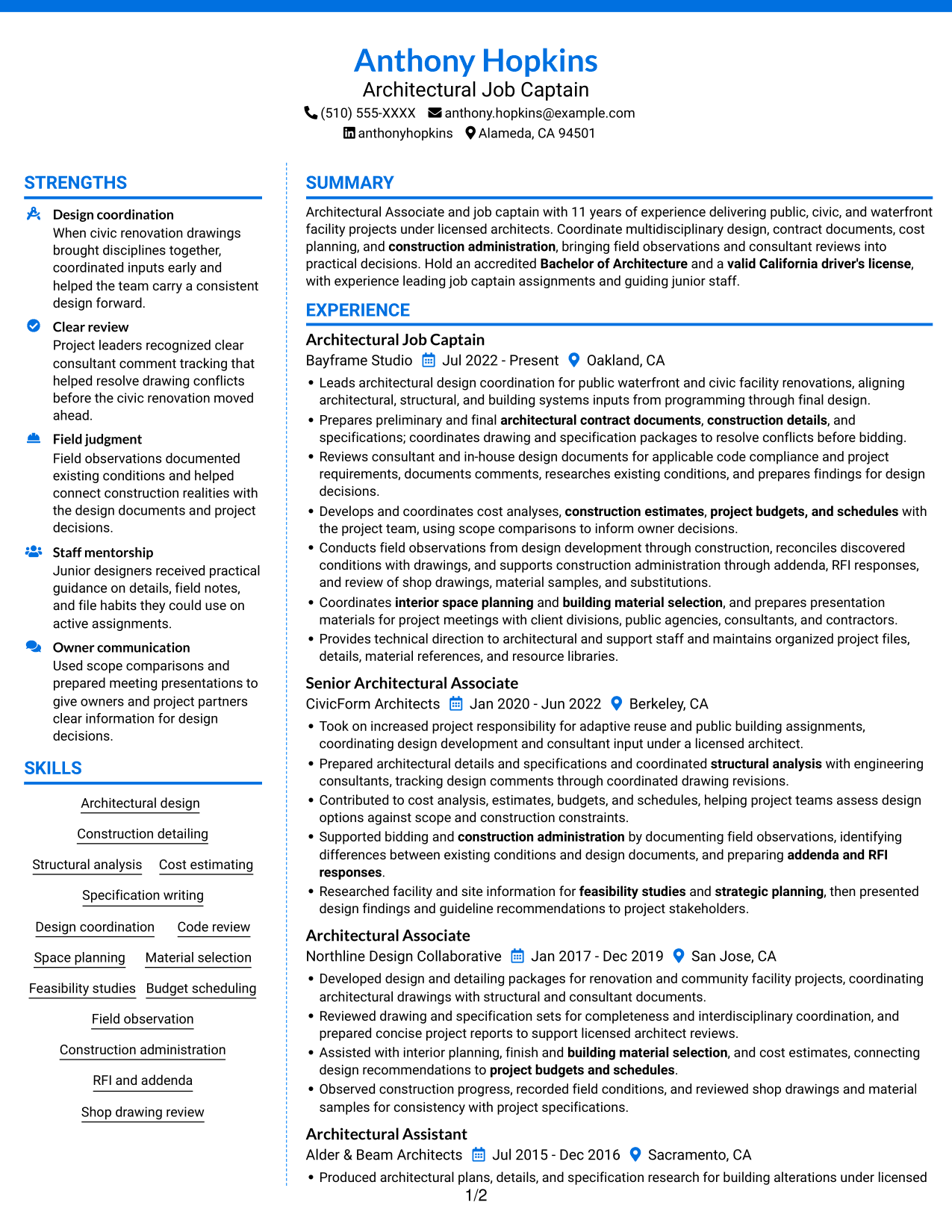
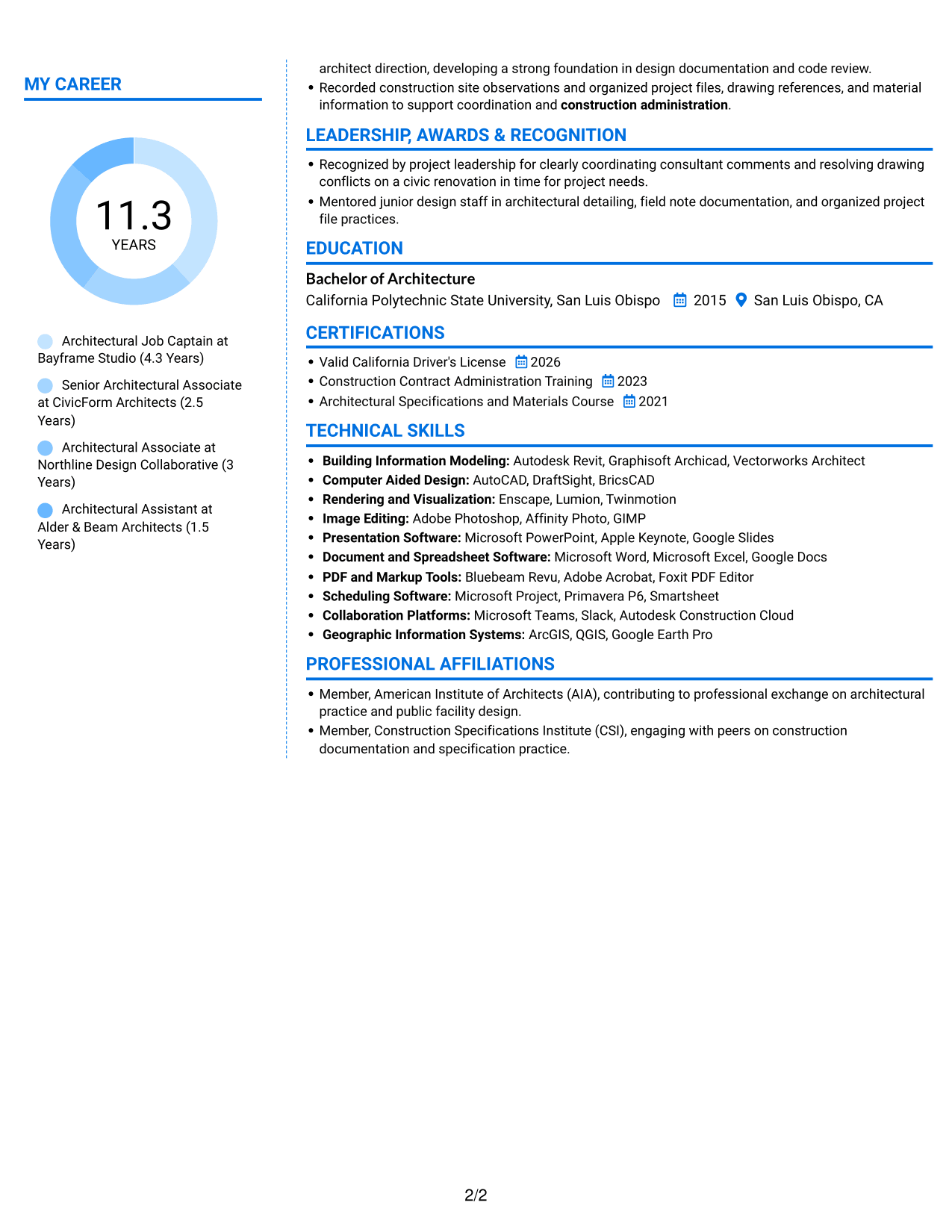
Why This Format Works
- Two reading areas let reviewers distinguish career history from supporting resume content.
- The separate zones make education and credentials easier to locate during review.
- Skills can be checked alongside the work record without a single long text run.
Best For
- Side-by-side resume review
- Separate career and supporting sections
- Work histories with detailed project records
- Education and credentials easy to locate
- Skills reviewed with career history
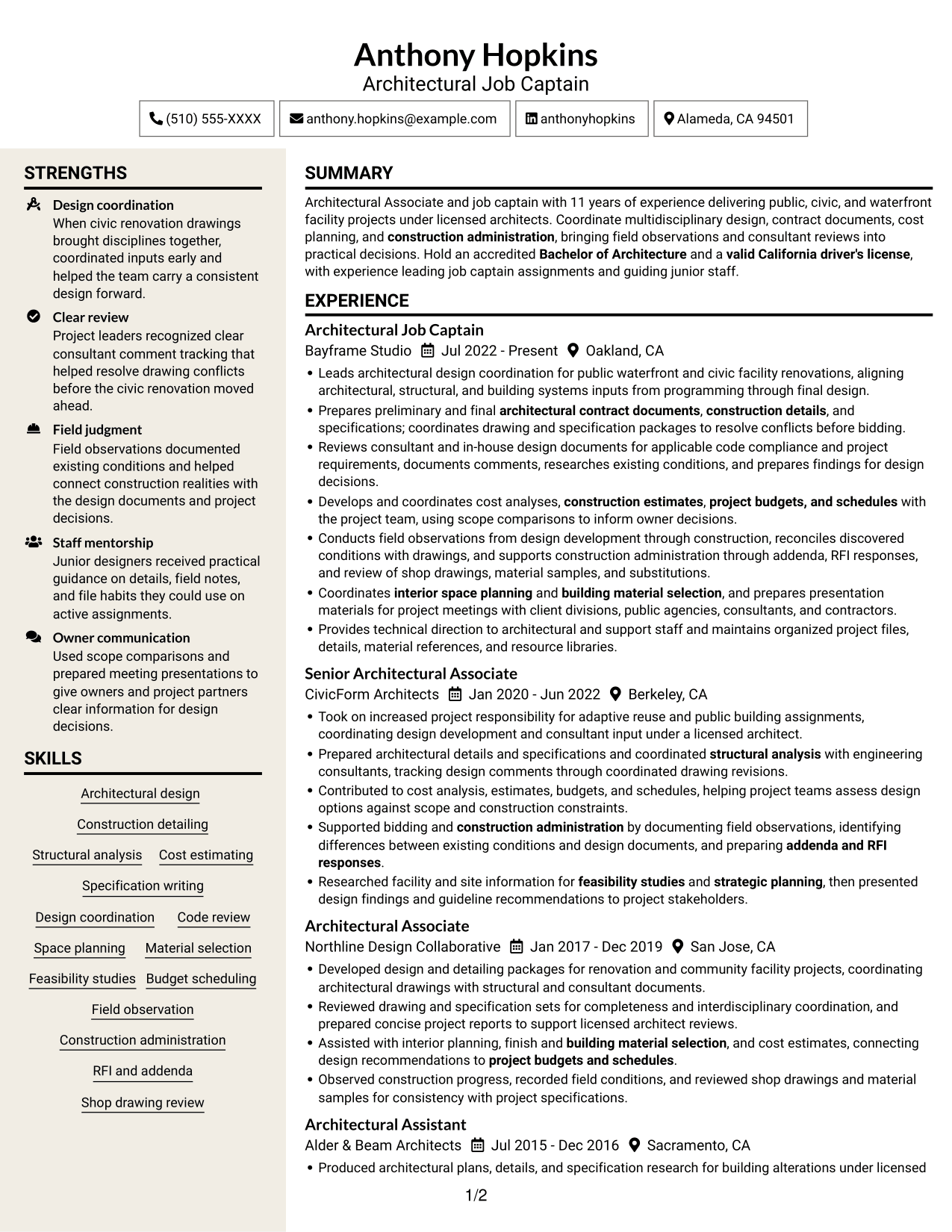
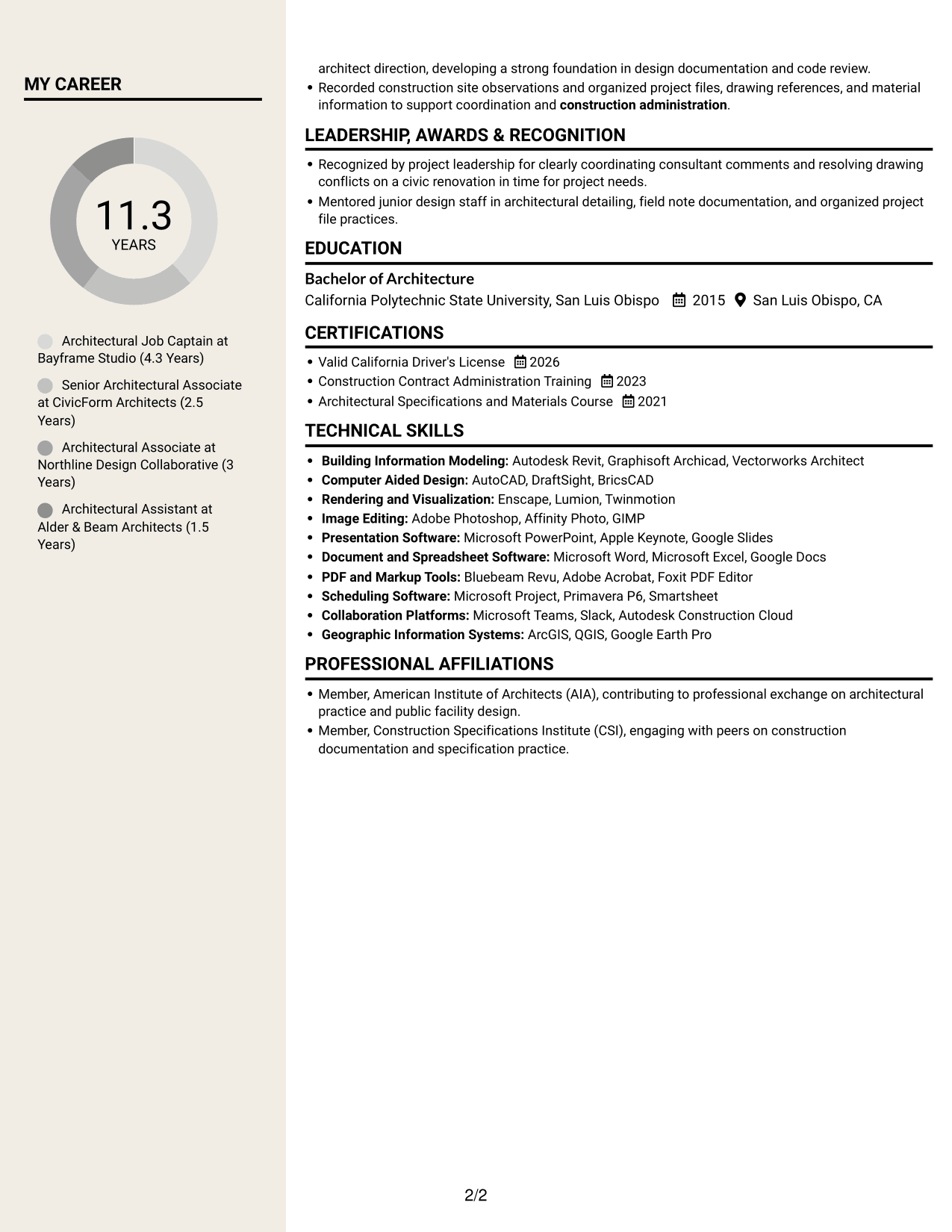
#7 Stylish Two Column Designer Format Resume Example
The Stylish Two Column Designer Format arranges resume content in two reading areas, for readers who favor a side-by-side view.
Why This Format Works
- The two-column body separates experience from supporting information for easier navigation.
- Reviewers can compare skills with career history across distinct reading areas.
- Education and credentials have clear places within the resume's overall structure.
Best For
- Two-column layout preference
- Navigation across separate resume sections
- Detailed career history with related skills
- Education and credentials in a structured resume
- Side-by-side review of work and supporting details
Why Build Your Architectural Associate II - Waterfront Facilities Resume with ResumeInMinutes
ResumeInMinutes helps you organize architectural experience, skills, education, and project responsibilities into a resume that is clear and easy to tailor. A well-structured page can help readers find relevant work in design coordination, documentation, and construction support.
- Different resume layouts
- Clear section structure
- Role-focused keyword guidance
- Organized experience and skills
- Image previews for comparison
- Resume editing support
Use the layout that makes your project responsibilities easiest to follow. Keep your qualifications accurate, and connect each skill to relevant work such as drawing review, field observation, or construction administration.
See Also
- 33 Data Center Facilities Technician II Resume Templates with Example 2026 (ATS-Optimized)
- 7 AI/ML Engineer Intern - Architectural Modeling Resume Templates with Example
- 7 Architect - Architectural Project Delivery Resume Templates with Example
- 7 Architectural Designer - Construction Documentation Resume Templates with Example
- 7 Architectural Designer / Project Architect - Commercial and Institutional Resume Templates with Example
- 7 BIM Architectural Designer Resume Templates with Example
- 7 Custom Residential Architectural Designer Resume Templates with Example
- 7 Entry-Level Architectural Designer - Construction Documentation Resume Templates with Example
- 7 Architectural Associate II - Waterfront Facilities Cover Letter Templates with Example
- 30+ Data Center Facilities Technician II Cover Letter Templates with Example 2026
Frequently Asked Questions
Are these Architectural Associate II - Waterfront Facilities resume templates ATS-friendly?
They use clear sections and readable headings to support scanning. Include accurate terms from your experience, such as contract documents, consultant coordination, code review, field observation, and construction administration.
Are these different resumes or layouts of one example?
This guide shows one resume example in several visual layouts. Compare the image previews to see how each design presents the same type of resume information.
What should an Architectural Associate II - Waterfront Facilities resume include?
Include a concise summary, relevant experience, education, skills, and any applicable licenses or training. Experience bullets can cover design and detailing, specifications, cost planning, consultant review, field observations, and construction administration.
Which resume style works well for this role?
Choose a clean layout with clear headings and enough room for detailed project responsibilities. A simple structure helps readers follow your experience and can make key skills easier to find.
How can I show increased project responsibility?
Describe the work you coordinated, the decisions or reviews you supported, and how you worked with architects, consultants, contractors, or project staff. Use accurate details and explain your contribution without overstating your role.
Should I include a photo on my resume?
For U.S. applications, a resume without a photo is usually the safer choice unless the employer or application instructions ask for one.




