
7 Architectural Designer / Project Architect - Commercial and Institutional Cover Letter Templates with Example
This practical guide helps you write an Architectural Designer / Project Architect - Commercial and Institutional cover letter, with seven layouts to compare and advice on showing clear role fit.
What Makes a Great Architectural Designer / Project Architect - Commercial and Institutional Cover Letter in 2026
A strong letter shows how your design decisions meet client needs and move work from early concepts through Design Development and Construction Documents. Make your contribution to coordination and project delivery clear.
Use a specific example, such as aligning drawings with consultants or weighing function and constructability in a design decision. Connect that evidence to the employer’s project needs and explain your interest in its collaborative work.
The featured example moves from role interest to relevant work, a specific design example, and a clear close. Use that focused progression as a guide, then choose a presentation that suits the employer and the communication context.
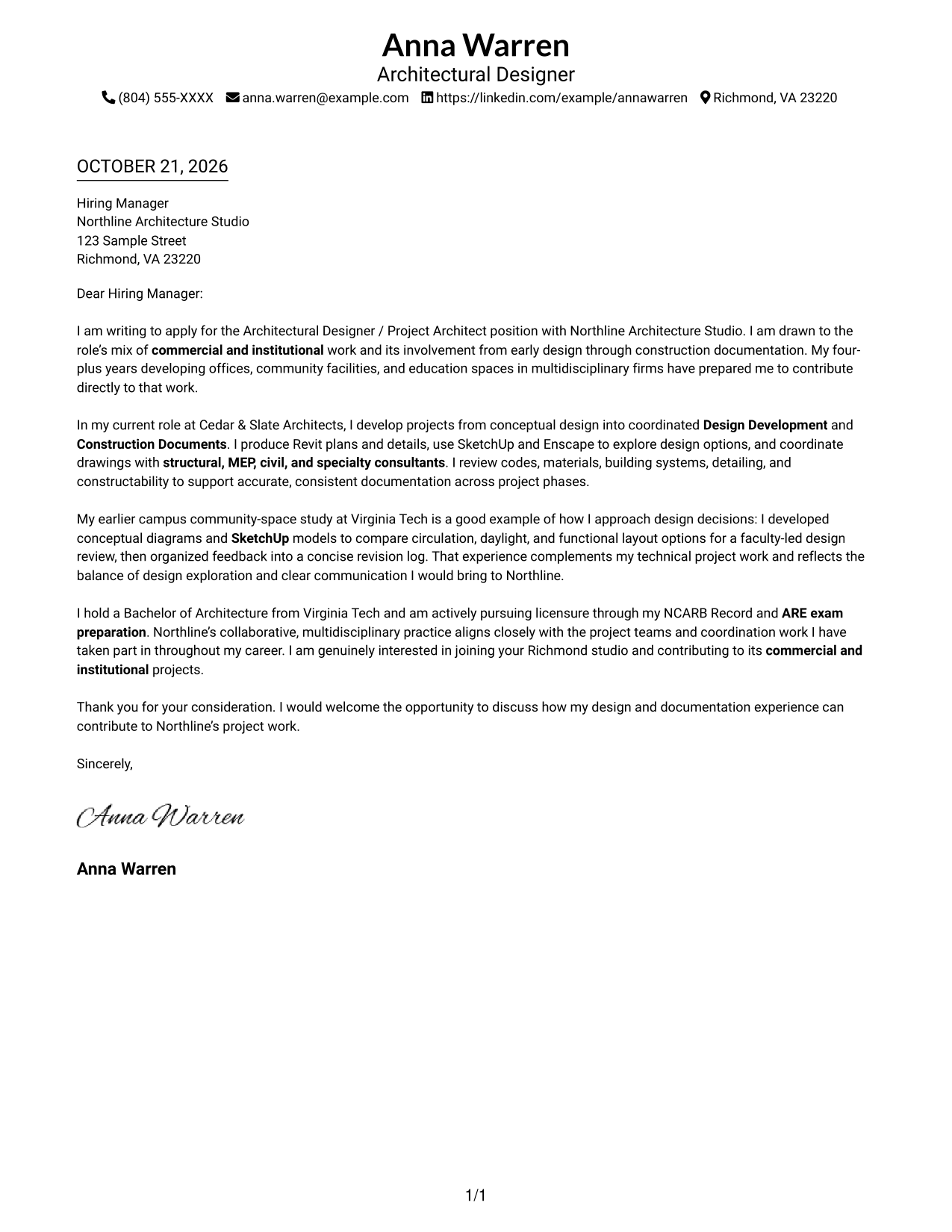
#1 Simple One Column Format Cover Letter Example
A single-column layout keeps sender details in the header and the continuous letter body on one direct reading path.
Why This Format Works
- Sender details in the header help reviewers locate contact information before reading.
- The single-column body keeps the opening, evidence, and closing in sequence.
- Without a sidebar, the argument uses the full available text column.
Best For
- One-column reading preference
- Header-based contact details
- Continuous paragraph-based arguments
- Text-focused application materials
- Letters without portrait emphasis
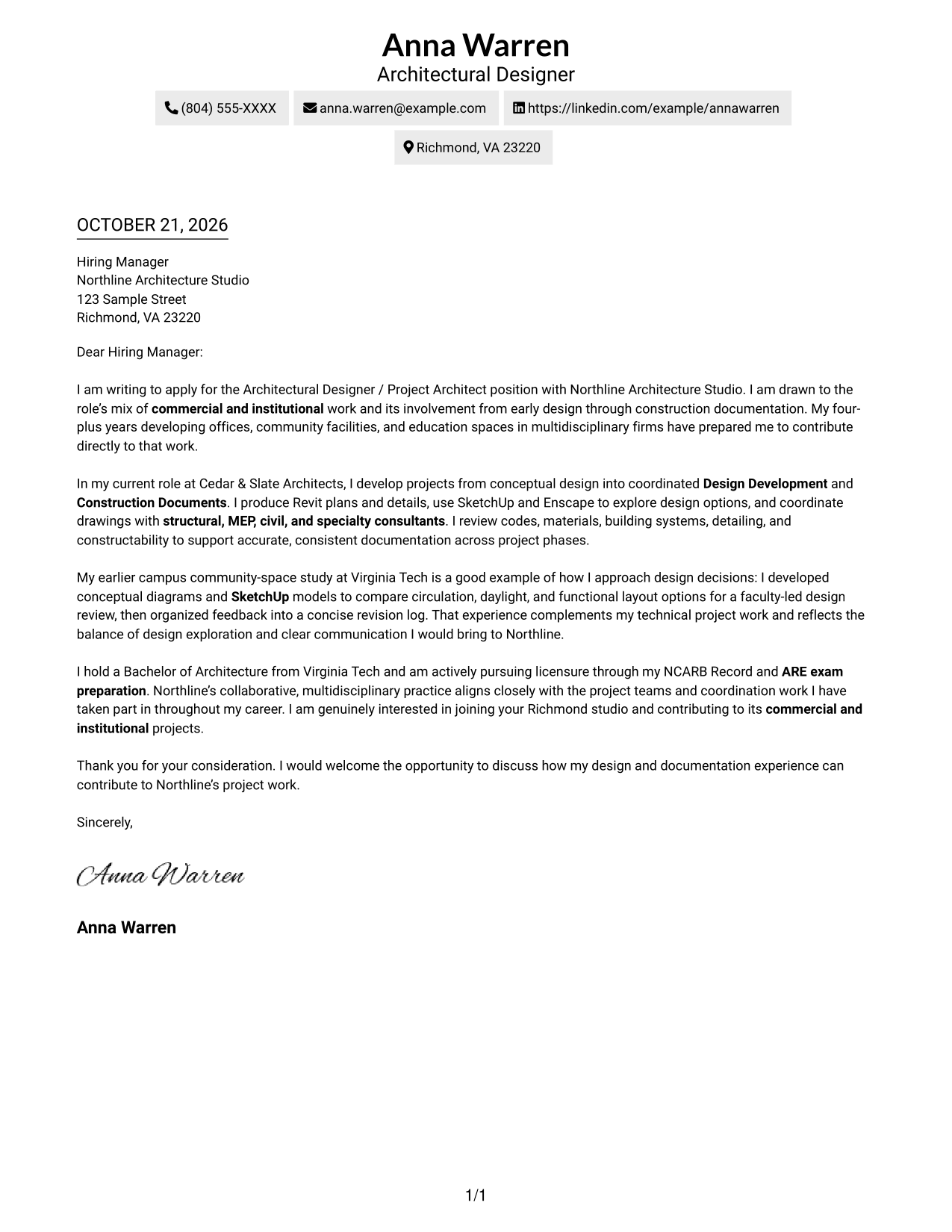
#2 Two Column Format Cover Letter Example
A contact sidebar sits beside the continuous letter body, separating correspondence details while keeping the argument in one column.
Why This Format Works
- The contact sidebar keeps sender details distinct from the letter's persuasive paragraphs.
- The letter itself stays in one column, so paragraphs are not split side by side.
- The separate sidebar leaves the adjacent column for the full letter argument.
Best For
- At-a-glance sender details
- Multi-paragraph persuasive letters
- Separate contact and message areas
- One-column argument reading
- Formal letter presentation
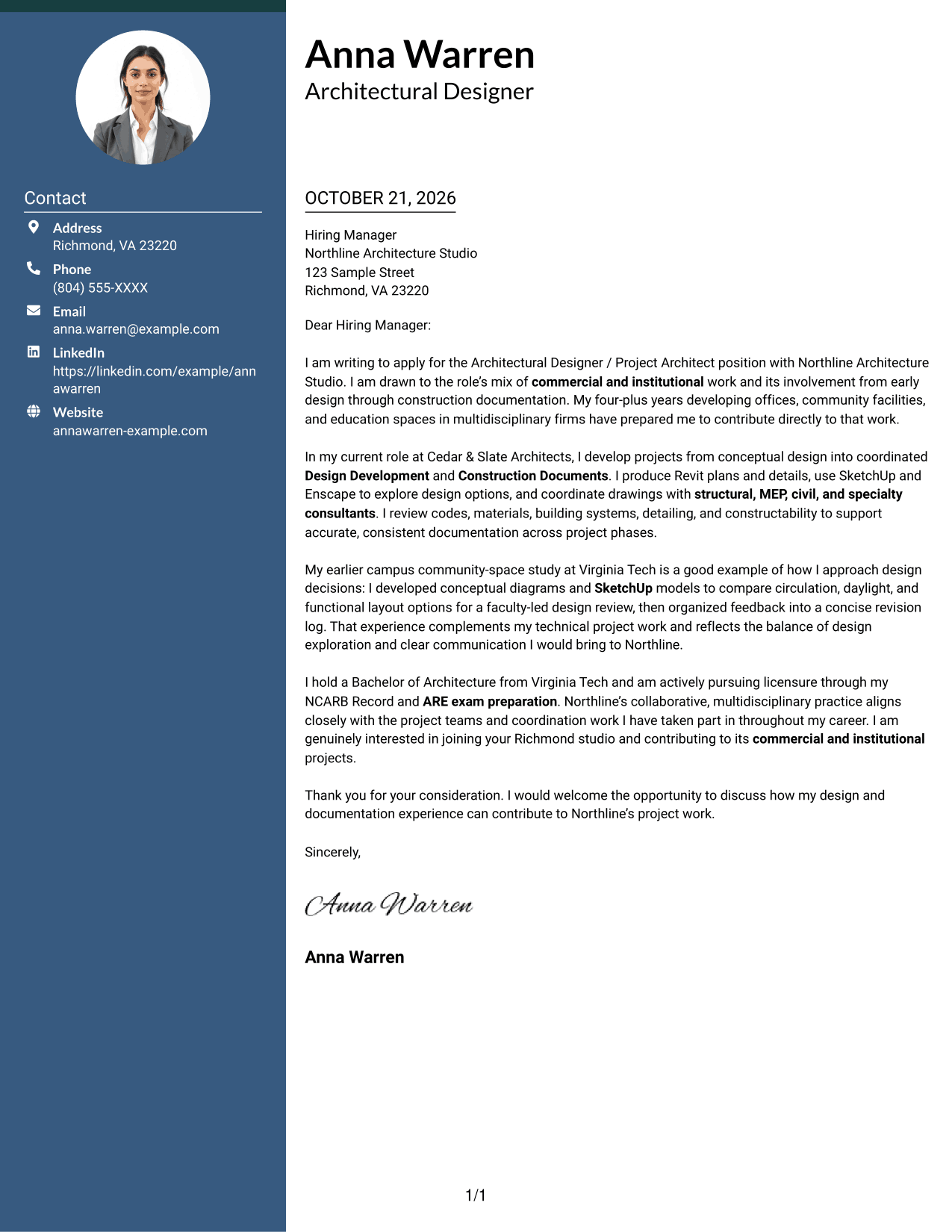
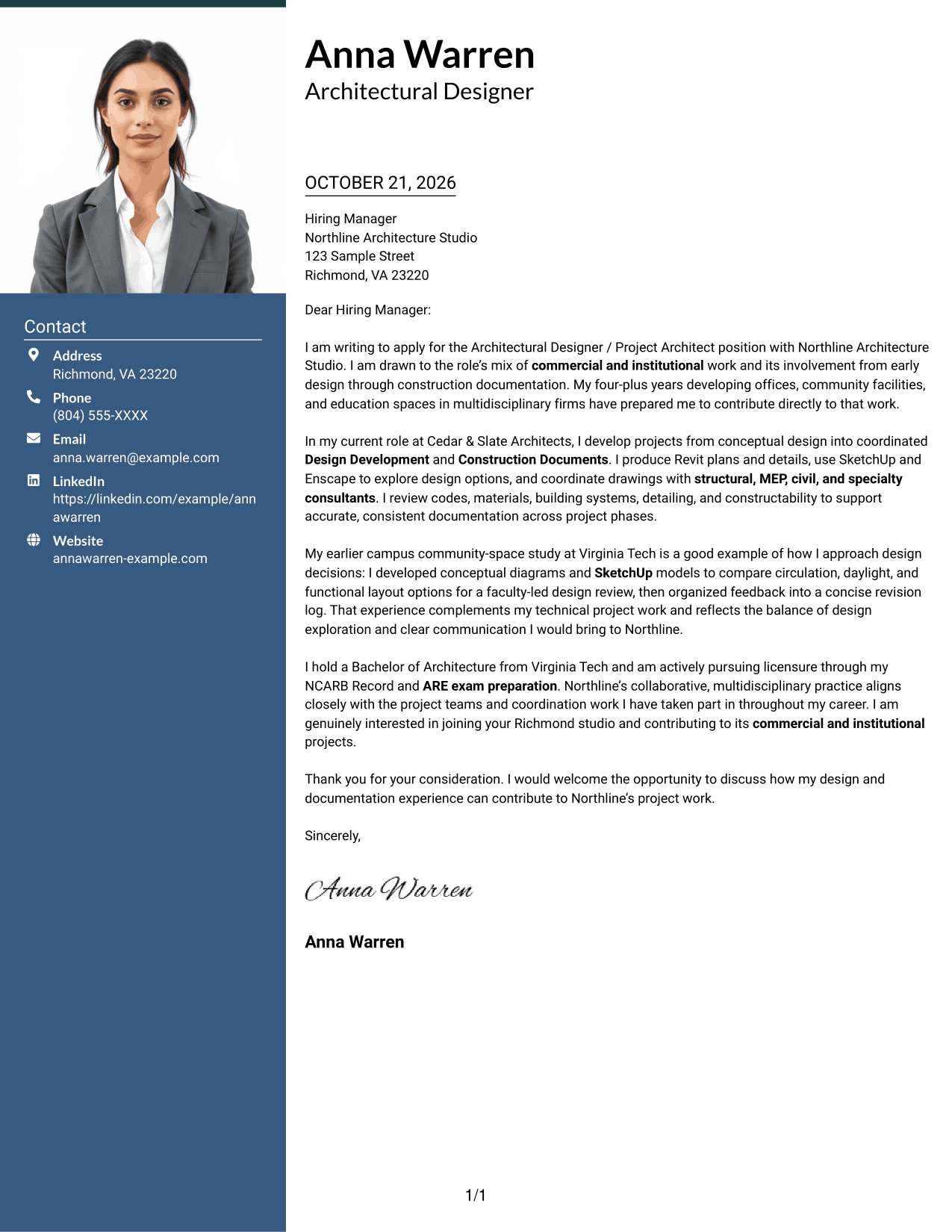
#3 Photo Header Two Column Format Cover Letter Example
A portrait accompanies the two-column contact presentation, while the letter remains a continuous body in its own column.
Why This Format Works
- The portrait adds a personal visual element without dividing the letter's argument.
- Contact details have a separate sidebar, apart from the continuous body.
- Reviewers can follow the opening, supporting points, and close in one column.
Best For
- Portrait-inclusive applications
- Contact details beside the letter
- Continuous persuasive paragraphs
- A personal visual touch
- Clear separation of contact and message
#4 One Column Format with Photo Cover Letter Example
A portrait accompanies the one-column letter, adding a personal visual element while keeping the text in one reading path.
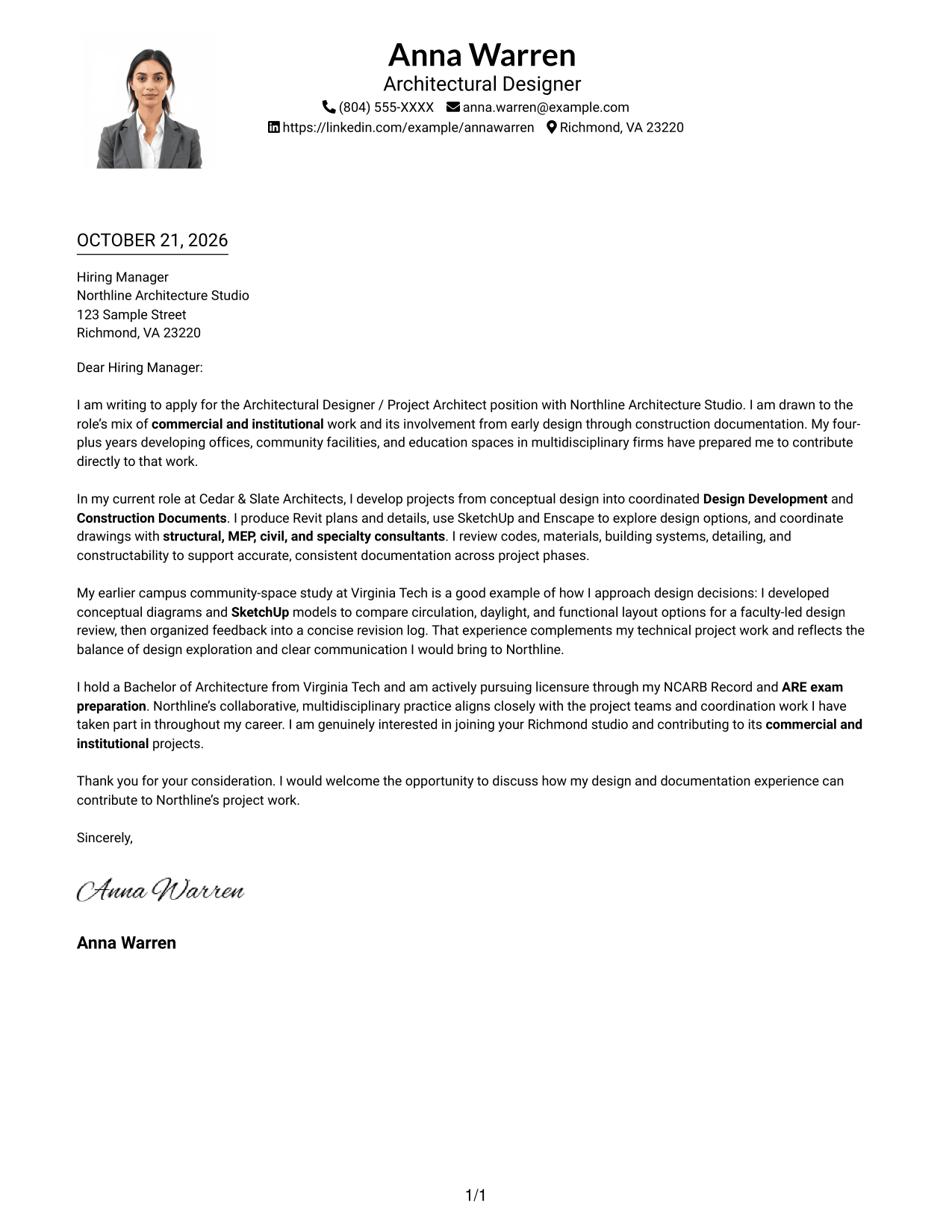
Why This Format Works
- The portrait offers a visual point of reference without adding a contact sidebar.
- Sender details and the letter body share a single-column reading order.
- The opening, supporting paragraphs, and closing remain together in the text flow.
Best For
- Portrait-inclusive letters
- One-column correspondence
- Header-based sender details
- Paragraph-led persuasion
- Applications with a personal visual element
#5 Simple Two Column Format Cover Letter Example
A contact sidebar beside one uninterrupted letter body keeps correspondence details separate from the message.
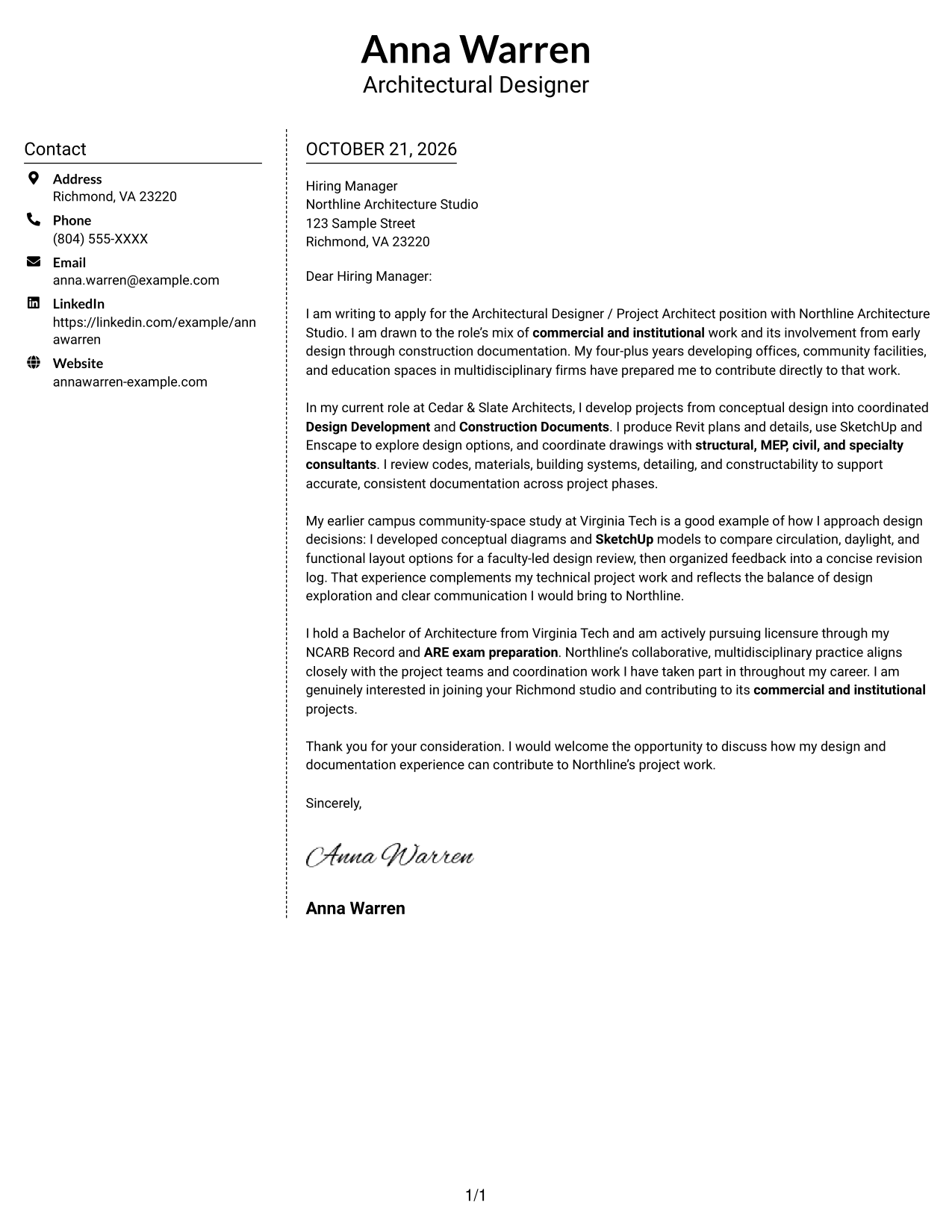
Why This Format Works
- The sidebar gives sender details a distinct place beside the letter.
- One continuous body keeps motivation, evidence, and closing in their intended order.
- The letter occupies its own column rather than sharing space with contact details.
Best For
- Separate contact and message areas
- Letters with several supporting paragraphs
- Easy-to-find sender information
- Single-column argument flow
- Text without portrait emphasis
#6 Modern Icon Format Cover Letter Example
Contact icons cue sender details in the sidebar, while the letter's opening, evidence, and closing stay in one continuous column.
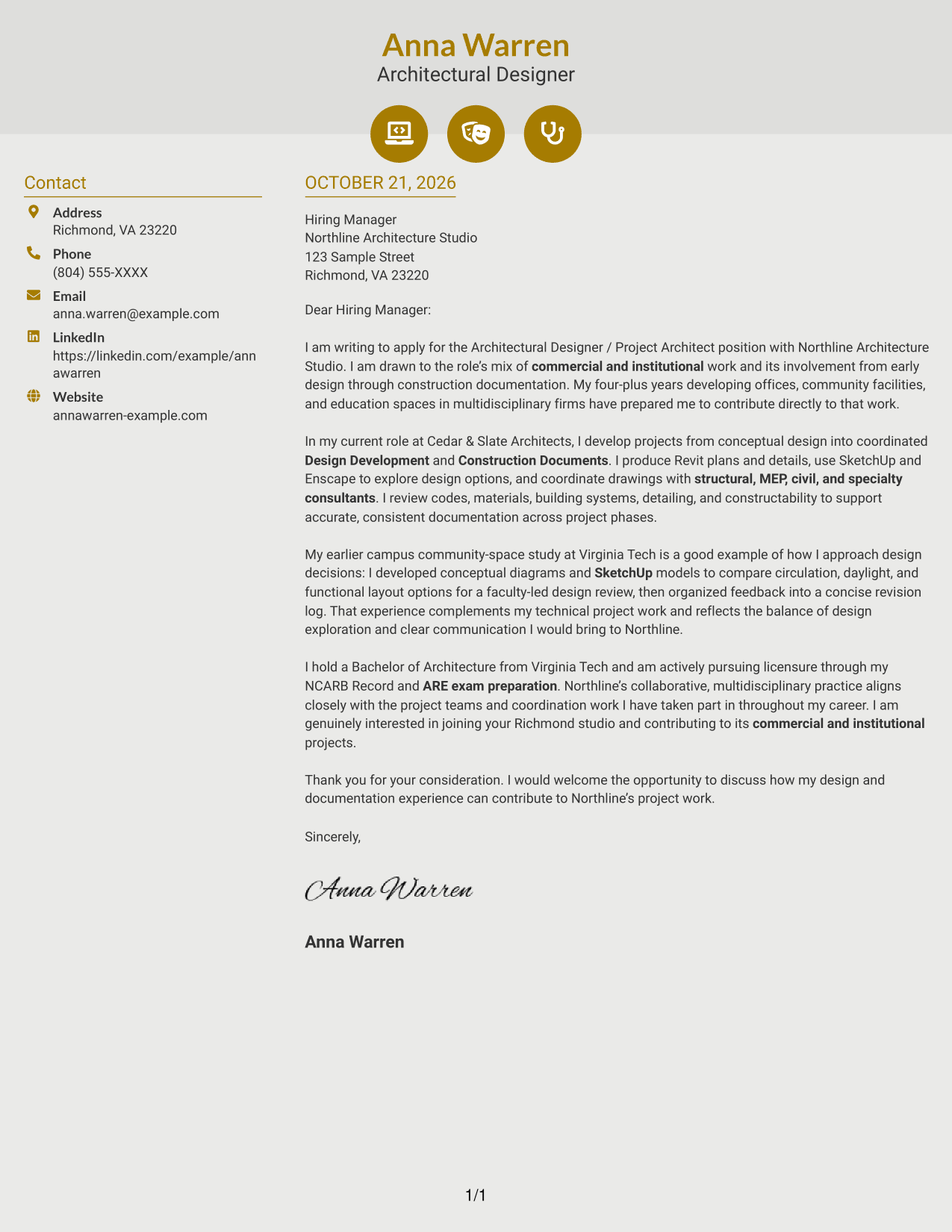
Why This Format Works
- Contact icons cue sender details without labeling any part of the argument.
- The sidebar separates correspondence information from the letter's continuous paragraphs.
- A single body column preserves the order of motivation, evidence, and closing.
Best For
- Icon-cued contact details
- Separate contact and letter areas
- Continuous paragraph-based arguments
- A clear message reading order
- Letters without portrait emphasis
#7 Creative Two Tone Format Cover Letter Example
The two-column arrangement places contact details apart from the continuous letter body, helping reviewers distinguish correspondence information from the message.
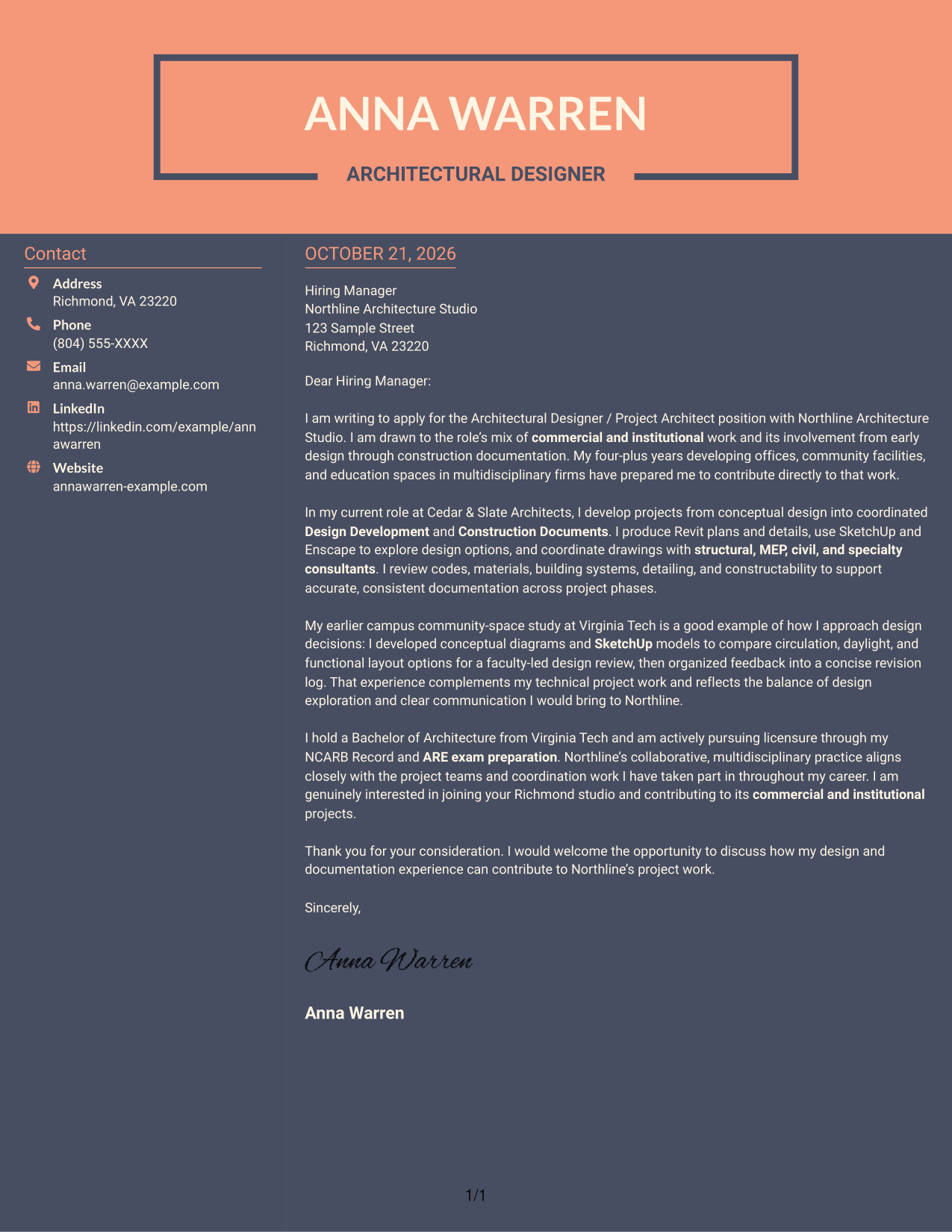
Why This Format Works
- The contact sidebar keeps correspondence details outside the letter's persuasive text.
- A continuous body lets reviewers follow the message from opening through closing.
- The adjacent columns distinguish sender information from the argument without splitting it.
Best For
- Distinct contact and message areas
- Letters with a clear persuasive arc
- At-a-glance correspondence details
- One-column letter text
- Applications without portrait emphasis
See Also
- 7 Architectural Designer / Project Architect - Commercial and Institutional Resume Templates with Example
- 7 Architect - Architectural Project Delivery Resume Templates with Example
- 7 Early Career Architect or Designer - Sustainable Architecture Resume Templates with Example
- 7 Entry-Level Landscape Architect / Ecological Restoration Designer Resume Templates with Example
- 7 Industrial Project Architect Resume Templates with Example
- 7 Project Architect - Cultural Architecture & Historic Preservation Resume Templates with Example
- 7 Project Architect - Technical Project Delivery Resume Templates with Example
- 7 Senior Project Architect - Data Centers Resume Templates with Example
- 7 Architect - Architectural Project Delivery Cover Letter Templates with Example
- 7 Early Career Architect or Designer - Sustainable Architecture Cover Letter Templates with Example
Frequently Asked Questions
What should this cover letter show about my design work?
Explain the purpose of a design choice and how it served client, program, or project needs. A clear example can show both design judgment and attention to technical delivery.
How can I describe work across project phases?
State what you contributed from conceptual design through Design Development and Construction Documents. Be precise about your own work, such as preparing Revit plans or details and coordinating drawing updates.
How do I make consultant coordination persuasive?
Give a brief example of how you worked with structural, MEP, civil, or specialty consultants. Explain the coordination need, your action, and how it helped support accurate, consistent documents.
How can I connect my letter to Northline Architecture Studio?
Refer to the studio’s commercial and institutional work and its multidisciplinary project teams. Link that interest to relevant experience, and add a specific firm detail only when it is accurate.
How should I mention licensure if I am still pursuing it?
Describe your status directly and accurately. For example, you can say that you are pursuing licensure through an active NCARB Record and ARE exam preparation, without suggesting that you are already licensed.
How can I compare the cover letter presentations?
Use the PNG previews to compare the page designs, then open an example in the editor to view or customize it. Choose a clear presentation that fits the employer and the way you want to communicate.




