
7 Architectural Designer / Project Architect - Commercial and Institutional Resume Templates with Example
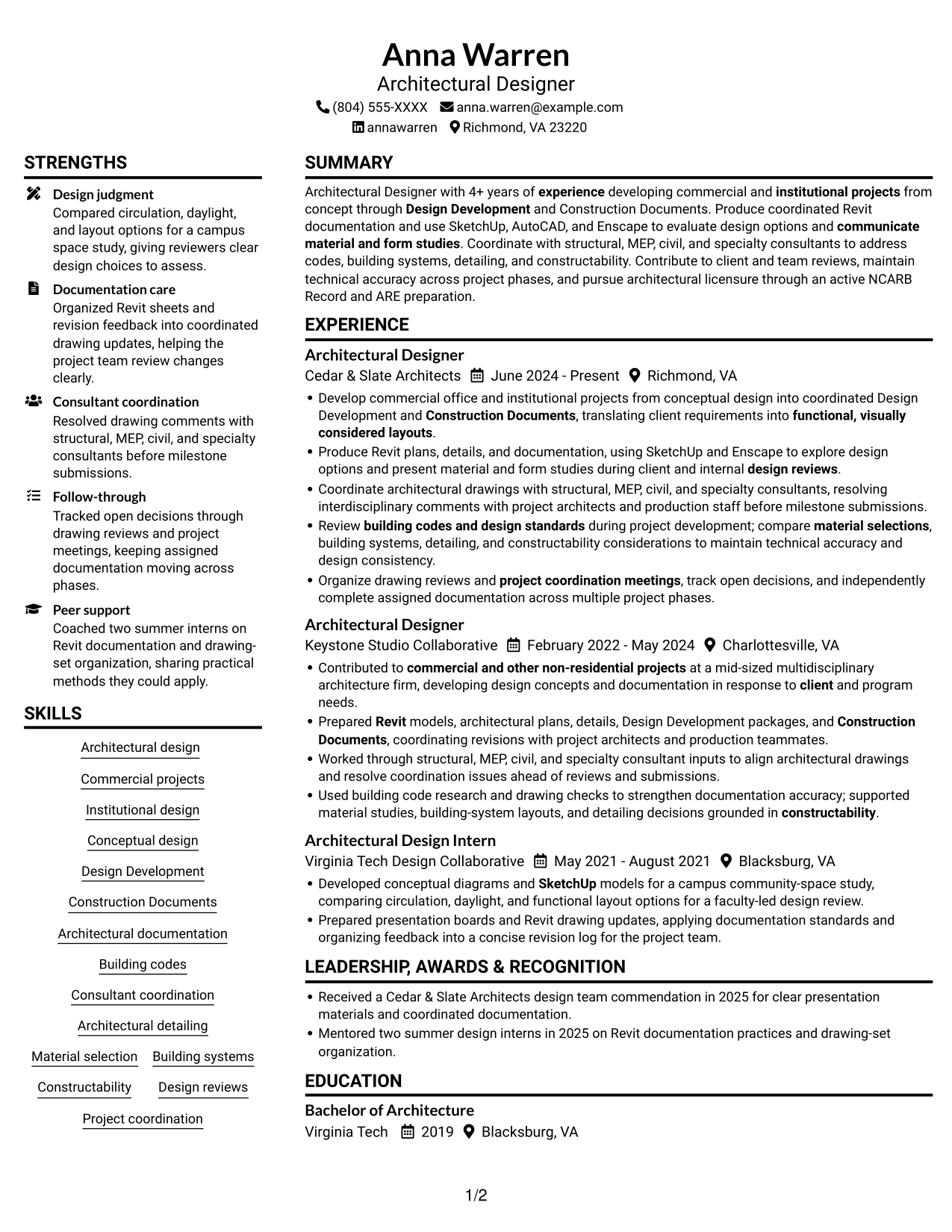
This guide shows you how to build an Architectural Designer / Project Architect - Commercial and Institutional resume that clearly presents your design work and technical documentation. You will learn how to organize relevant evidence so reviewers can quickly understand your role in project development.
A strong resume connects design concepts with project delivery. Show work across Design Development and Construction Documents, and make your Revit and SketchUp use, consultant coordination, code research, and attention to constructability easy to find.
The example is presented in 7 layouts, with image previews that let you compare different page designs. Open an example in the editor to view or customize it.
What Makes a Great Architectural Designer / Project Architect - Commercial and Institutional Resume in 2026
A strong resume for this role makes project phases, design decisions, and technical contributions easy to scan. Use clear sections and concise bullets to show how you support coordinated commercial and institutional work.
Include role-relevant terms such as Revit, SketchUp, Design Development, Construction Documents, building codes, and consultant coordination. Support them with accurate examples of your work, tools, and project contributions.
Note: Resume examples are for educational purposes only. Use only information that accurately reflects your experience and qualifications. References to real organizations do not imply affiliation or endorsement.
#1 Plain Two Column Format Resume Example
Plain Two Column Format places resume sections side by side, giving reviewers a direct way to compare experience and supporting details.
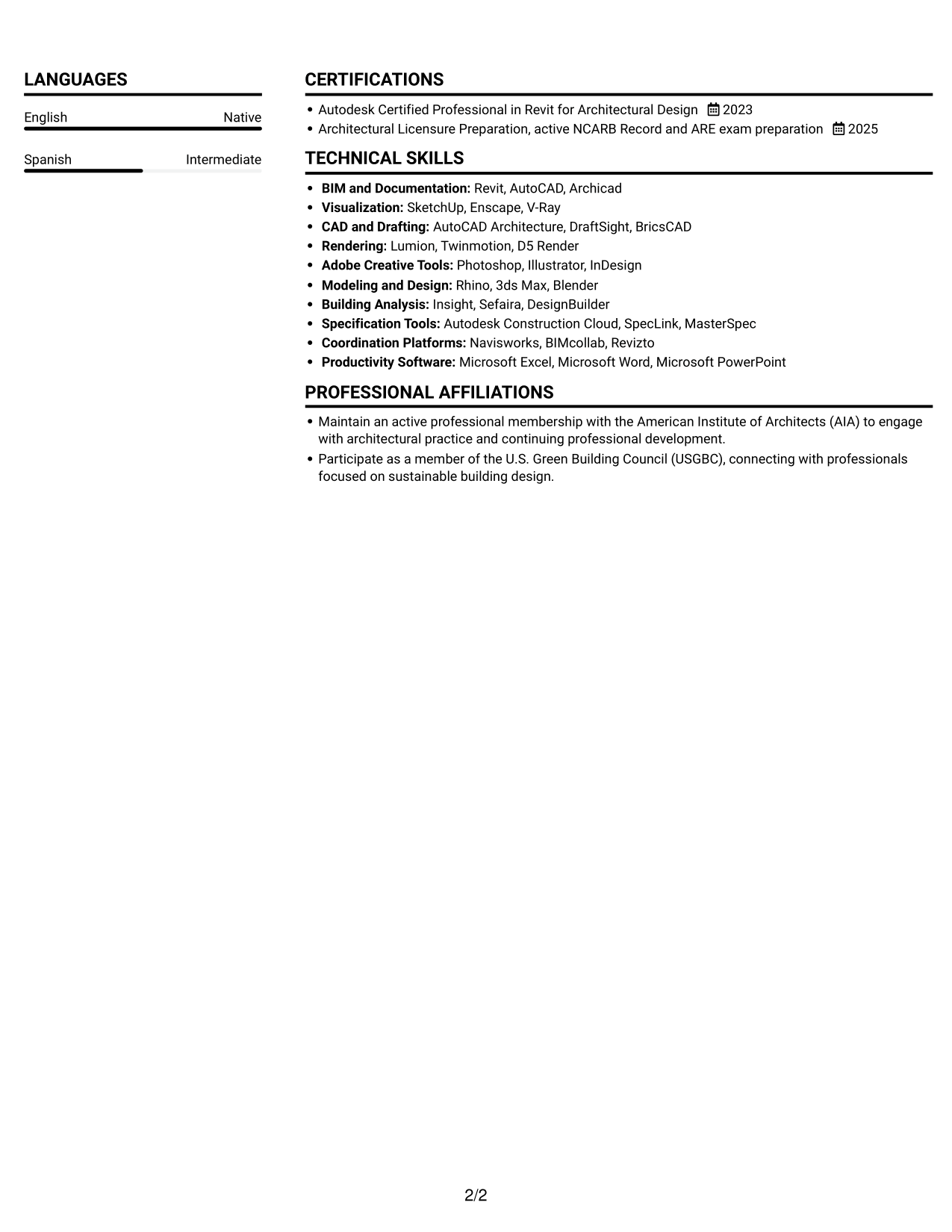
Resume Snapshot
- 4+ years developing commercial and institutional projects
- Bachelor of Architecture, Virginia Tech
- Revit documentation with SketchUp, AutoCAD, and Enscape
- Active NCARB Record and ARE exam preparation
Why This Format Works
- Two columns let reviewers compare experience with education and credentials while keeping sections distinct.
- Skills and supporting details stay apart from the career timeline for direct review.
- Education and credentials remain easy to locate beside the main experience record.
Best For
- Resumes with several content sections
- Readers comparing career history and credentials
- Skills and education shown alongside work history
- Commercial and institutional design applications
- Applications with technical and design evidence
Resume Keywords
- 4+ years of experience developing commercial and institutional projects
- commercial and other non-residential projects
- pursue architectural licensure through an active NCARB Record and ARE preparation
- Revit
- SketchUp
- Design Development
- Construction Documents
- Architectural documentation
- Architectural design
- Conceptual design
- commercial and institutional projects
- building codes and design standards
- Coordinate with structural, MEP, civil, and specialty consultants
- Produce Revit plans, details, and documentation
- Design reviews
#2 Simple One Column Format Resume Example
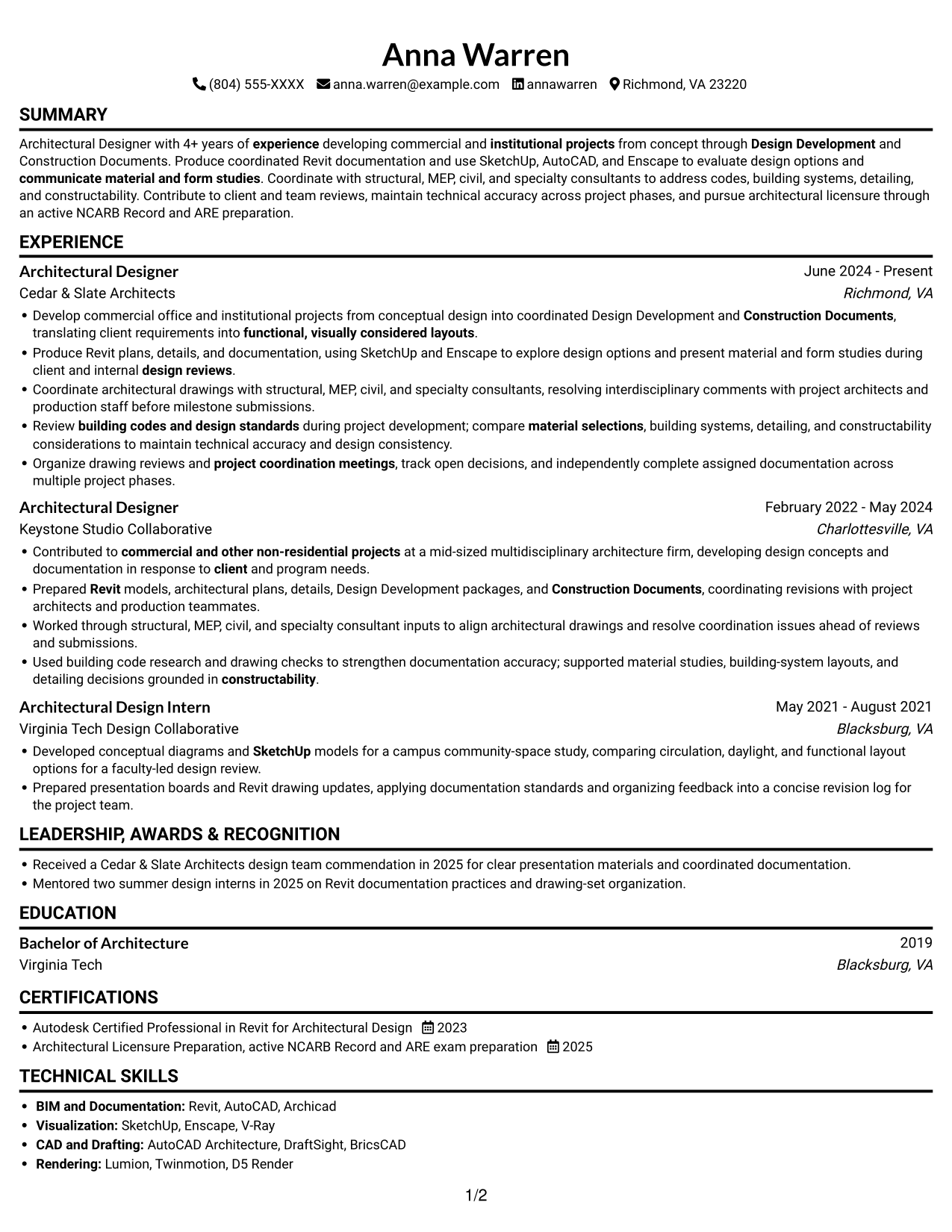
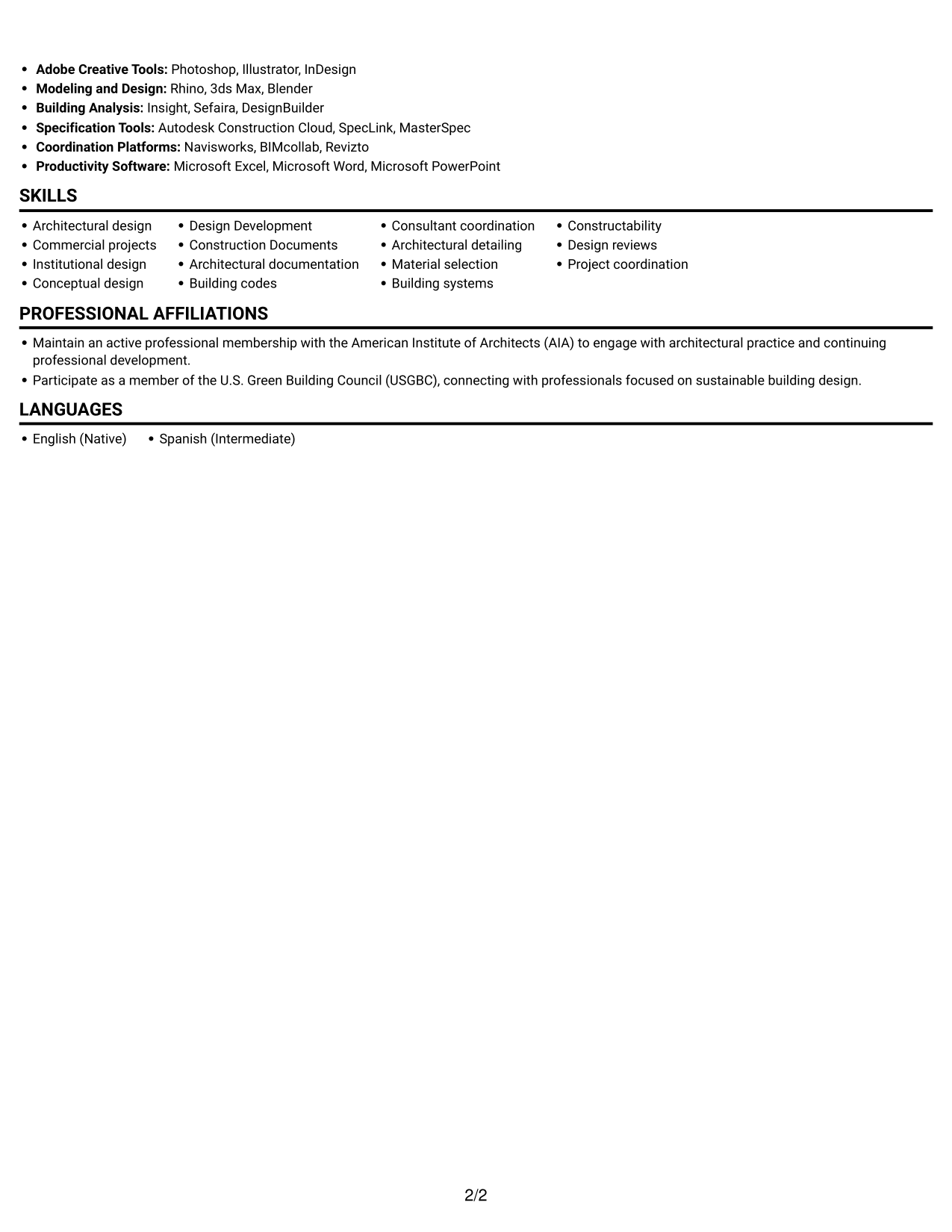
Simple One Column Format keeps every section in one column, so reviewers can follow the resume from top to bottom without shifting between areas.
Why This Format Works
- Work history reads from one entry to the next without column changes.
- Skills and education stay in the same top-to-bottom review path.
- Consistent section order can make ATS text extraction more predictable.
Best For
- Linear resume reading
- Chronological work-history review
- Straightforward ATS text parsing
- Compact skills and education lists
- Documents with clear section order
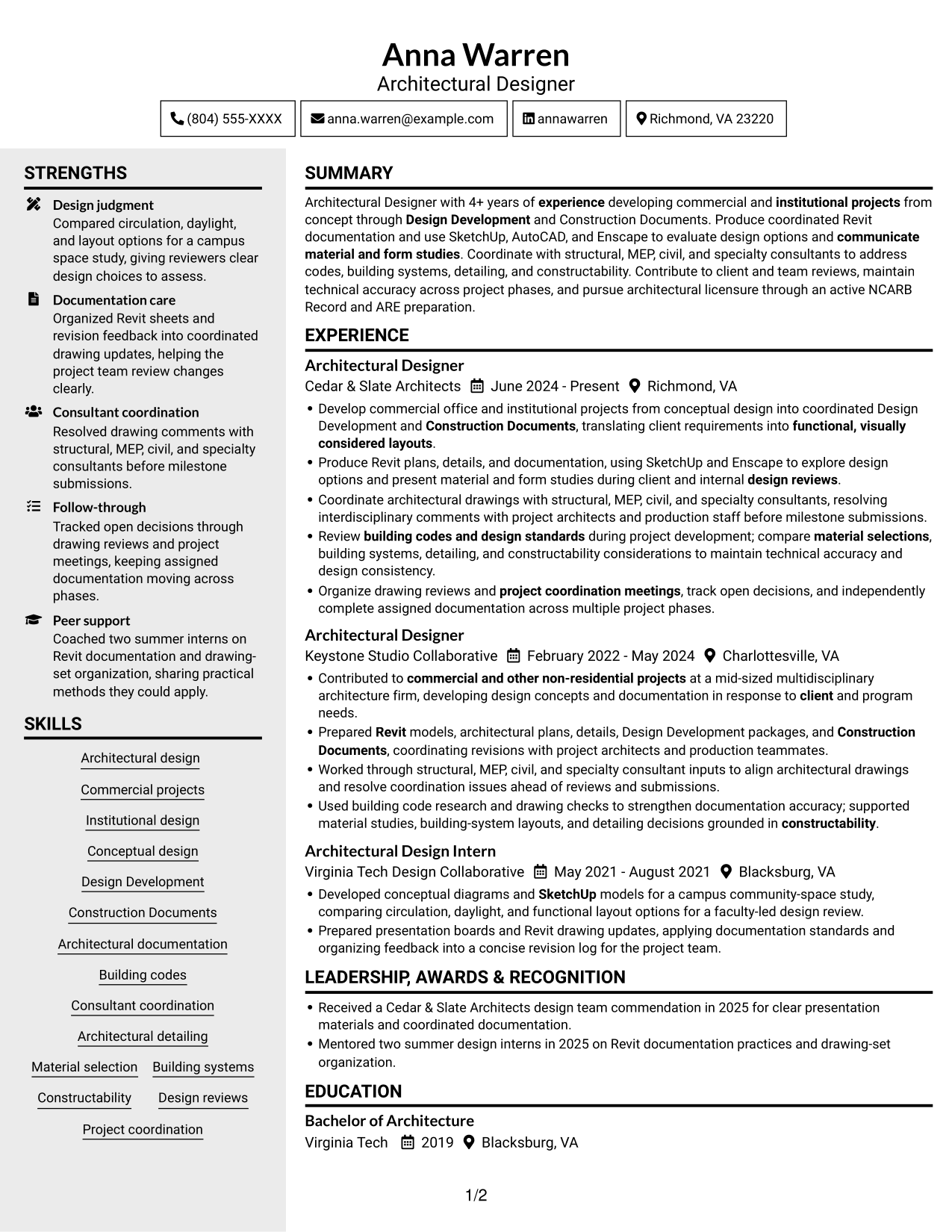
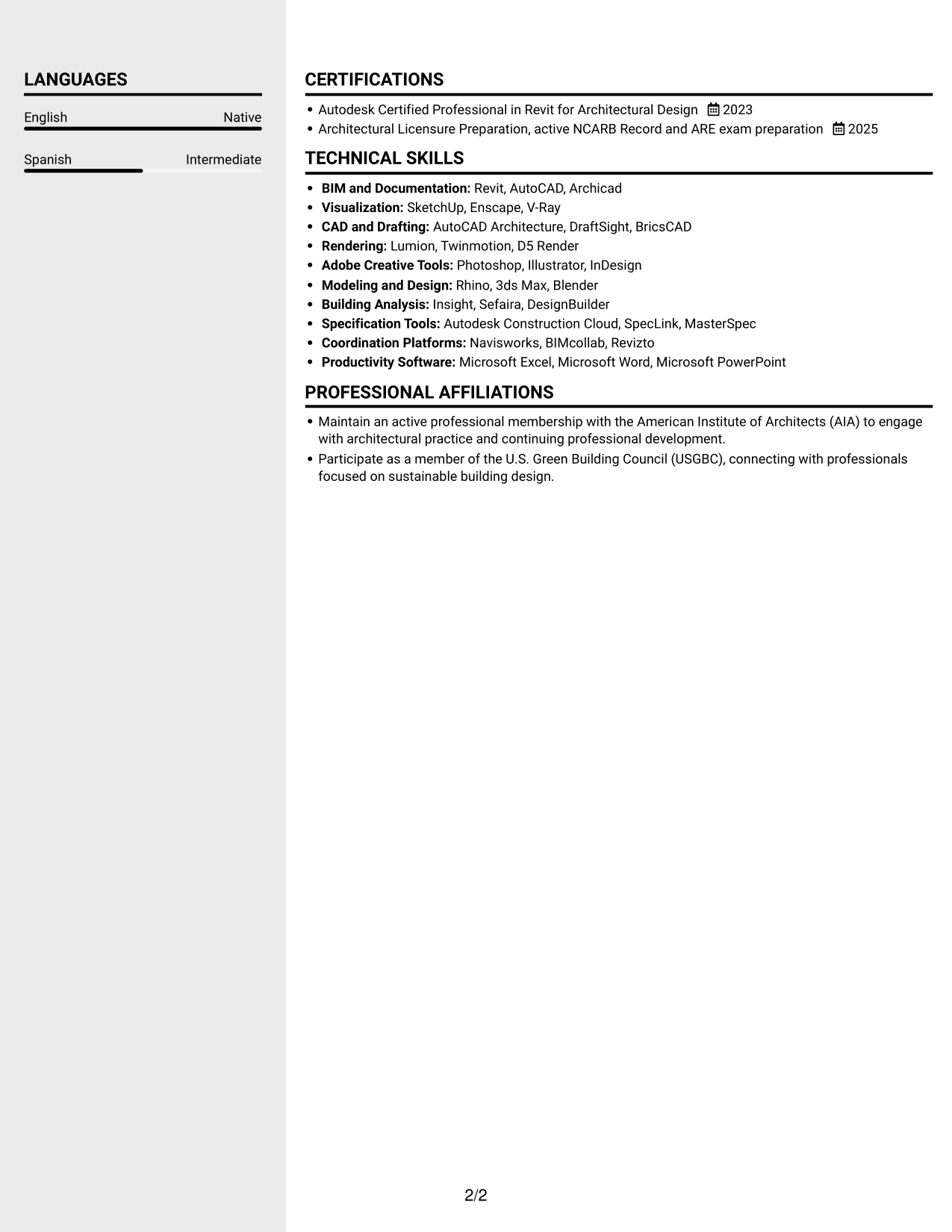
#3 Clean Two Column Sidebar Format Resume Example
Clean Two Column Sidebar Format places a sidebar beside the main column, helping reviewers distinguish supporting sections from the career record.
Why This Format Works
- Career progression stays easy to follow while supporting sections remain separate.
- Education and credentials can be found without reading every experience entry.
- Skills stay distinct from experience details during a focused review.
Best For
- Clear separation of career and supporting details
- Resumes with a substantial work history
- Quick access to education and credentials
- Skills listed apart from experience
- Review across multiple project phases
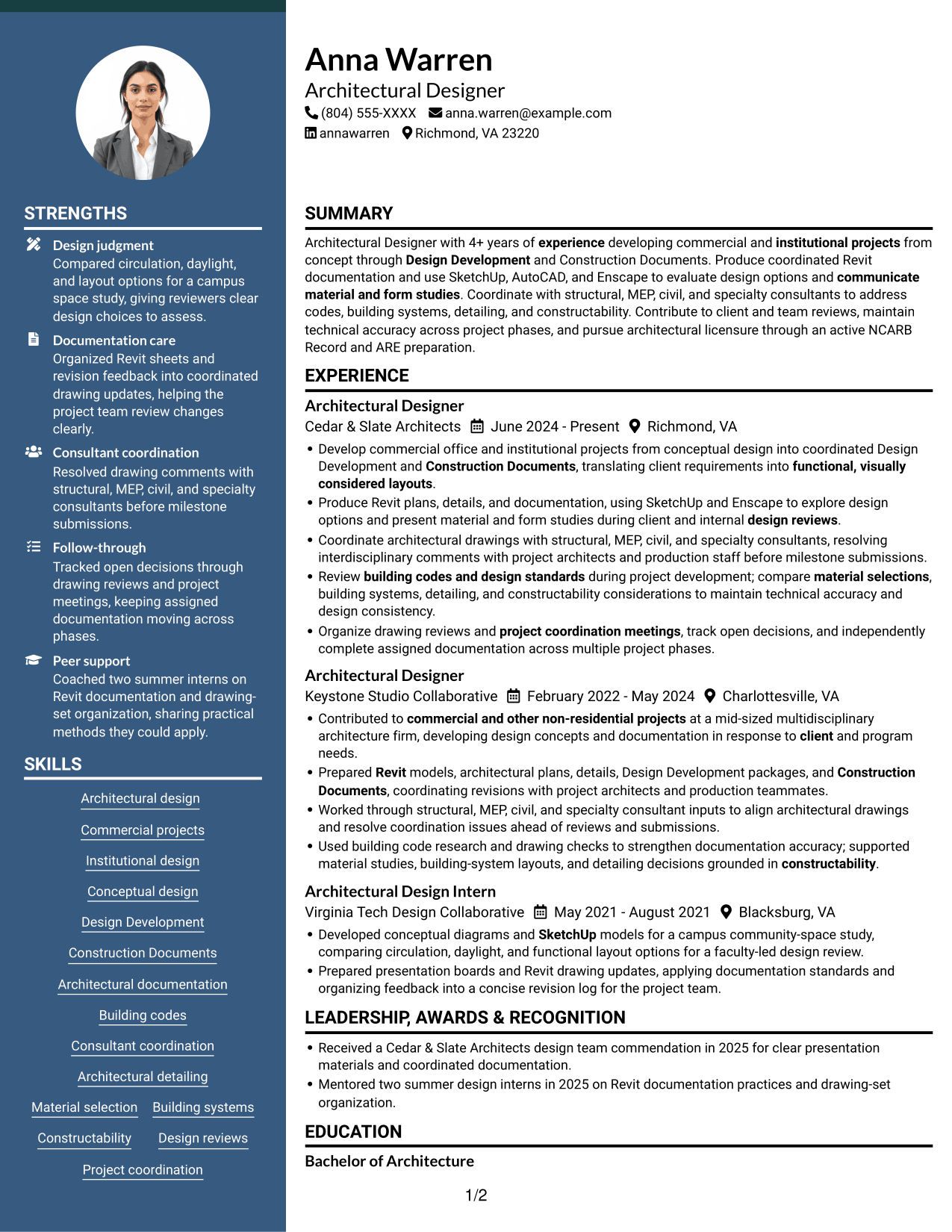
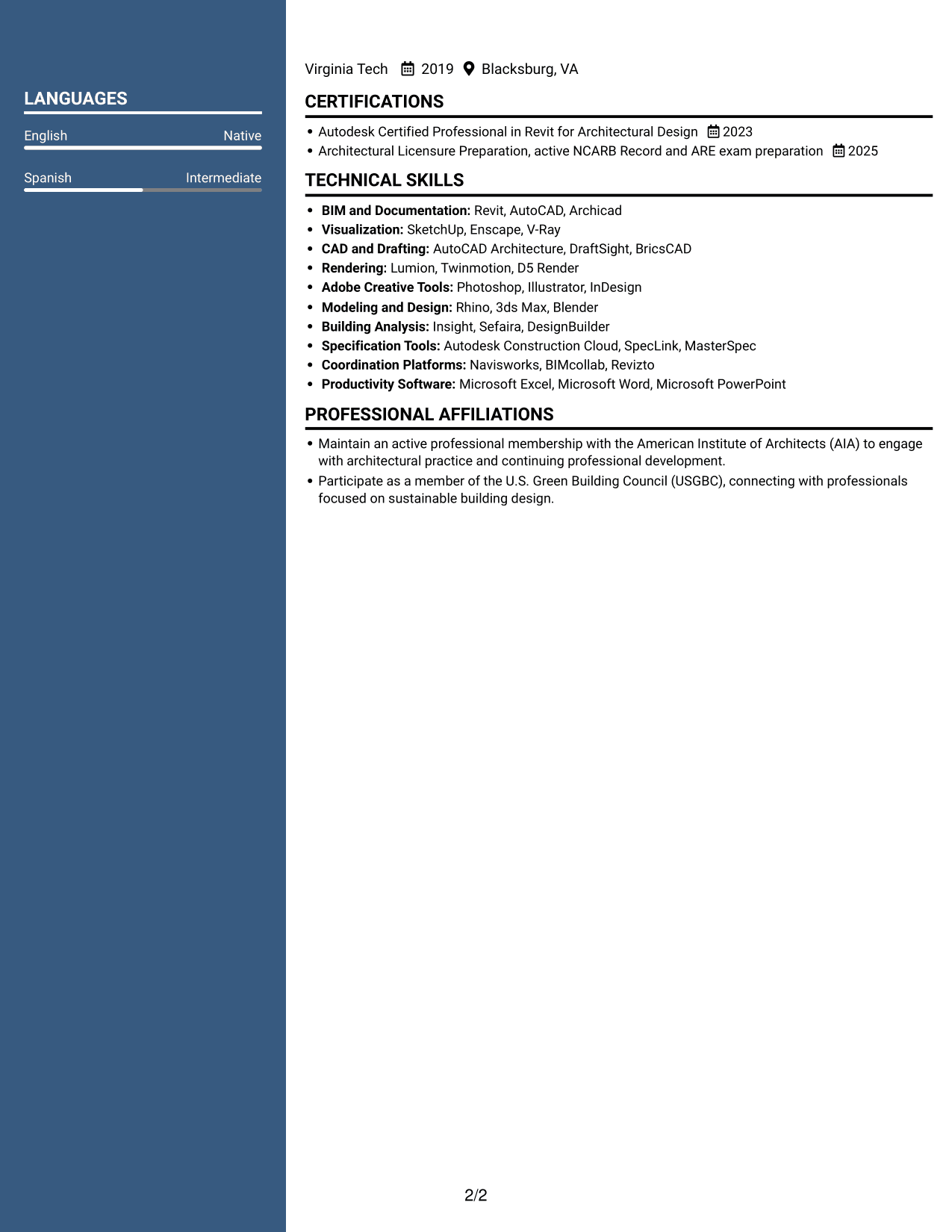
#4 Two Column Format Resume Example
Two Column Format arranges resume content across two columns, a practical choice when reviewers need to view related sections alongside each other.
Why This Format Works
- Experience and education can be compared without moving through a long section sequence.
- Separate content areas help skills remain visible during career-history review.
- Credentials are easier to spot when their section is distinct from experience.
Best For
- Parallel review of experience and education
- Resume content with several sections
- Skills visible beside work history
- Readers comparing credentials and career history
- Commercial and institutional applications
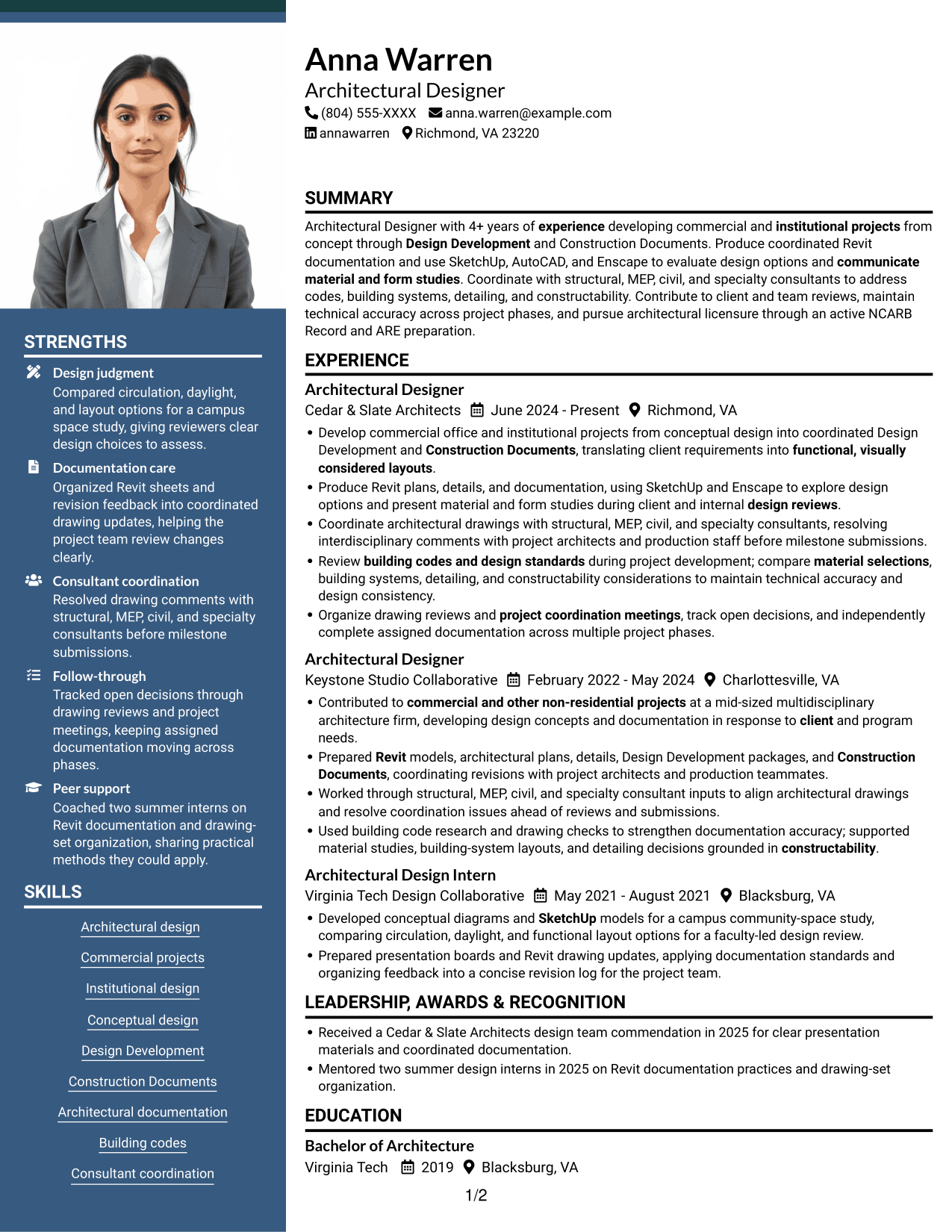
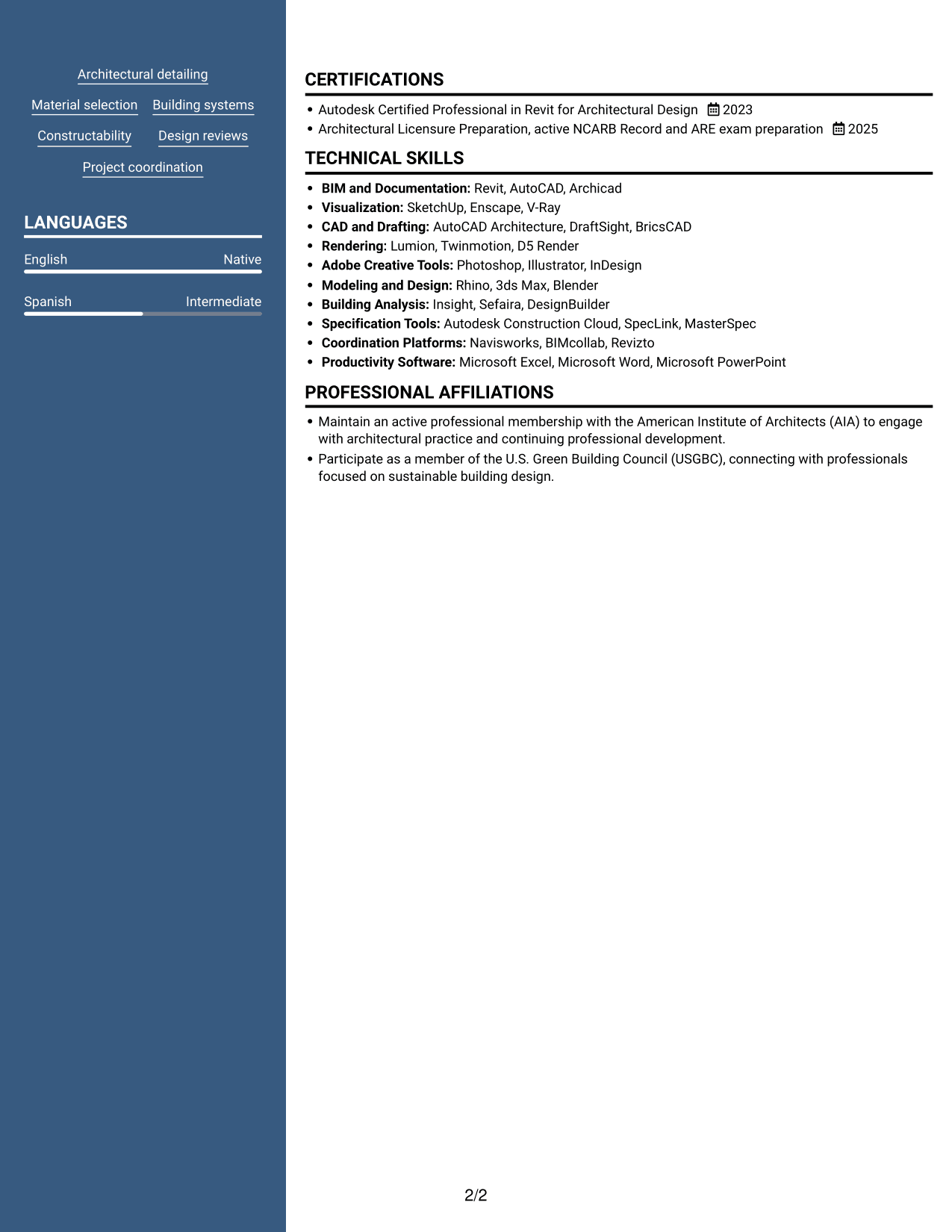
#5 Photo Header Two Column Format Resume Example
Photo Header Two Column Format pairs a photo header with two-column content, giving the page a clear identity while keeping resume sections organized below.
Why This Format Works
- Two body columns keep experience distinct from supporting sections during review.
- Career history stays easy to trace while skills and education remain accessible.
- Section separation helps reviewers locate credentials without losing the experience sequence.
Best For
- Resume layouts requiring a photo header
- Two-column section organization
- Professional portrait presentation
- Career history with supporting details
- Applications with design and technical evidence
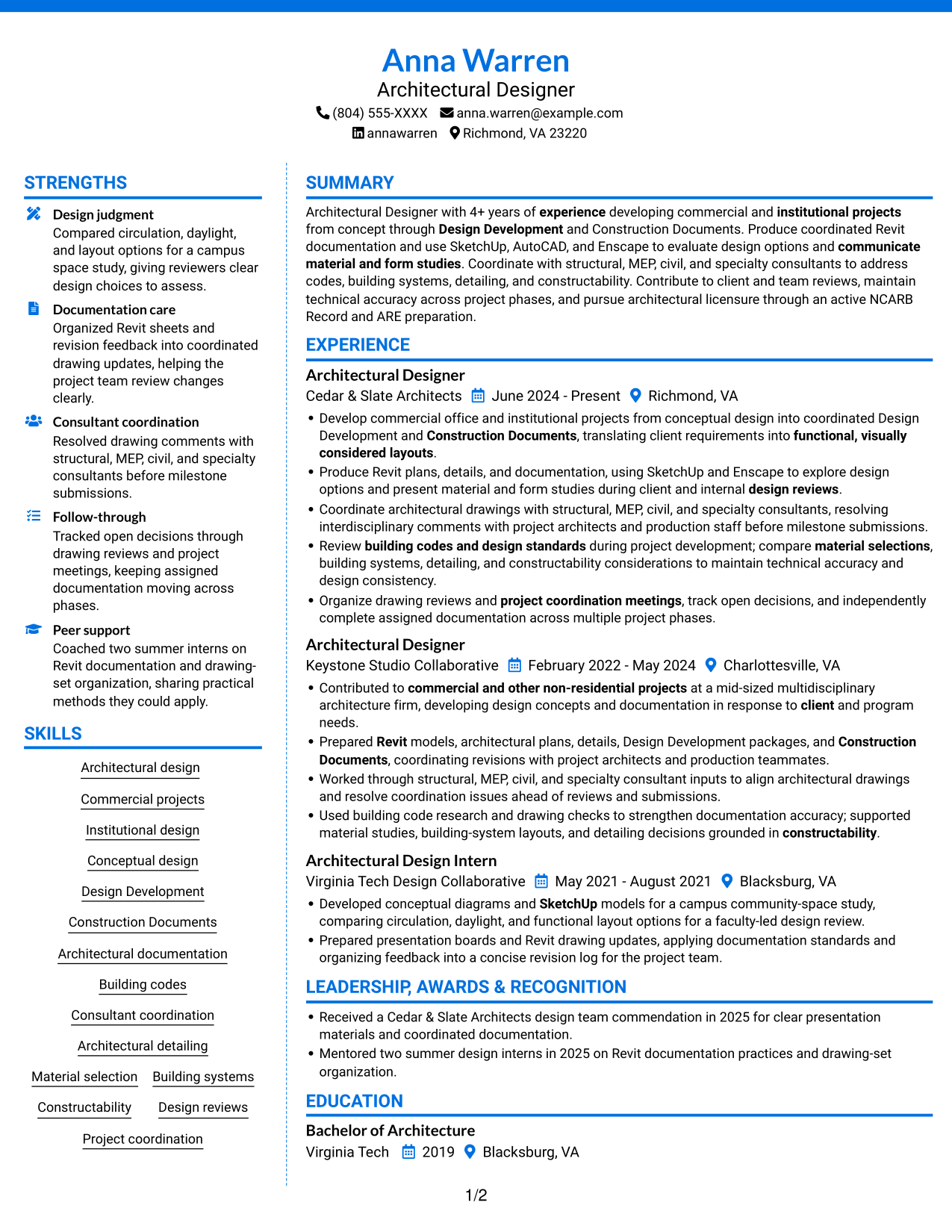
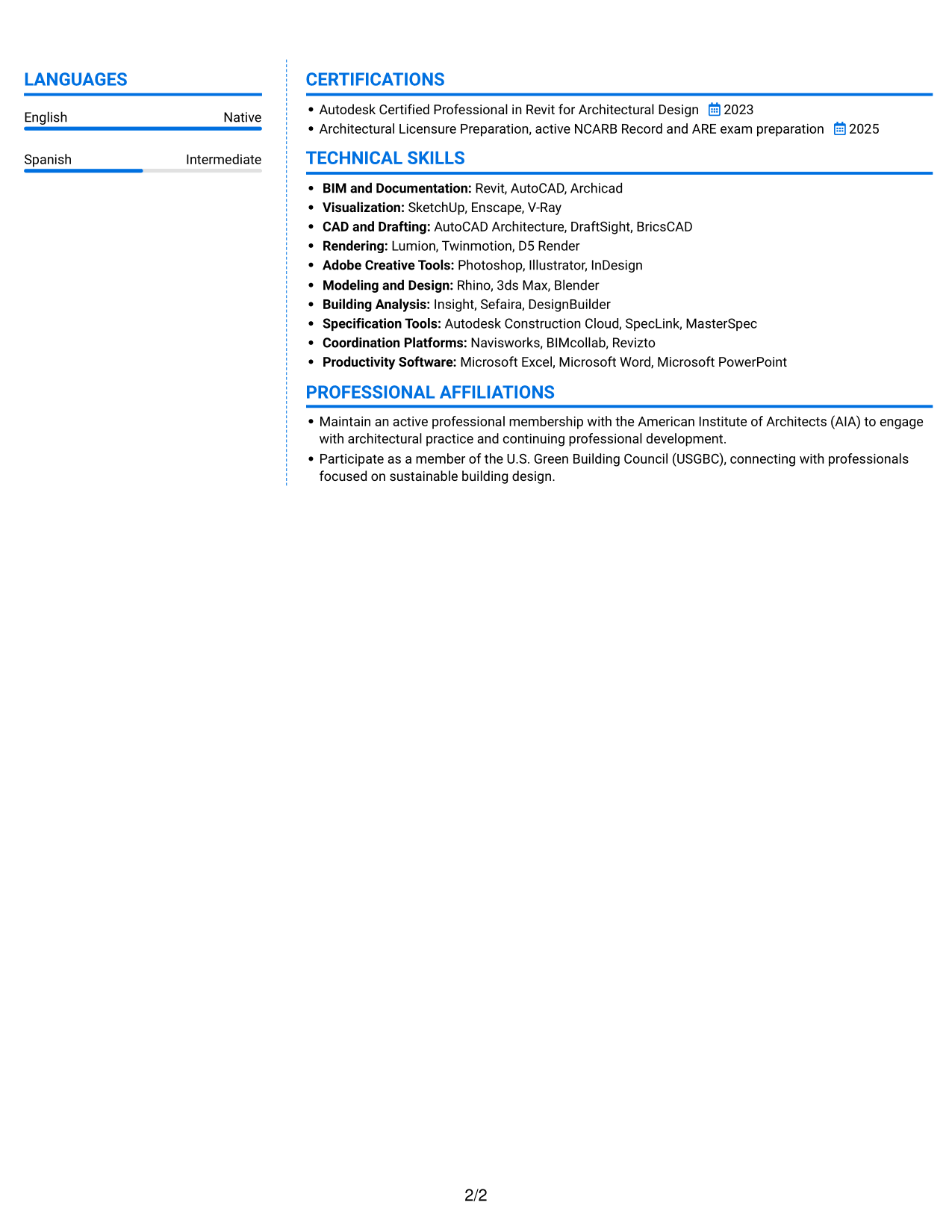
#6 Colored Two Column Format Resume Example
Colored Two Column Format uses two columns to organize resume details, giving reviewers a way to move between career history and supporting sections.
Why This Format Works
- Two columns let readers scan skills and credentials beside a structured work history.
- Distinct sections help reviewers move between education and experience efficiently.
- Grouped career details make role progression easier to trace across entries.
Best For
- Side-by-side career and supporting details
- Resumes with grouped experience entries
- Education and credentials near work history
- Readers scanning skills and experience together
- Commercial and institutional design applications
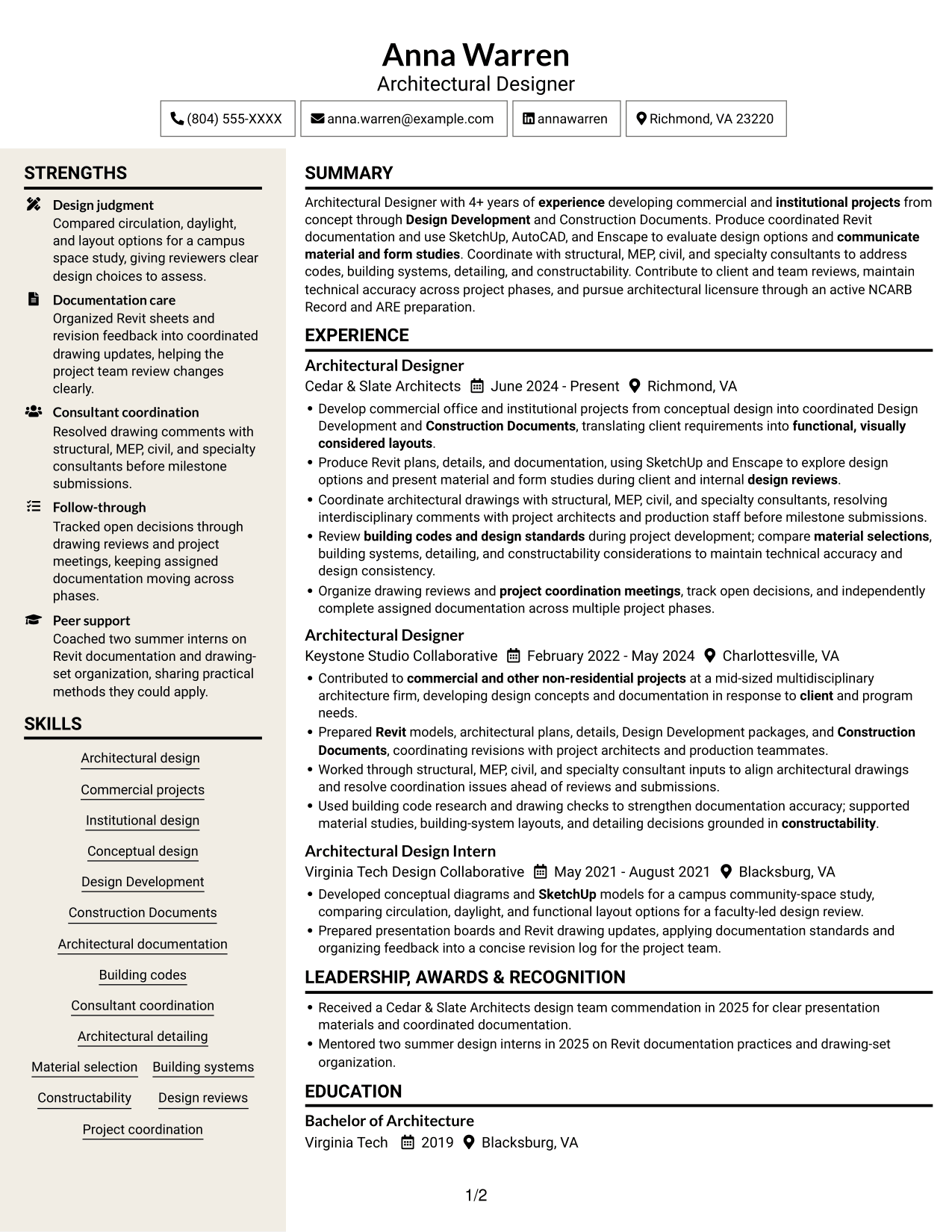
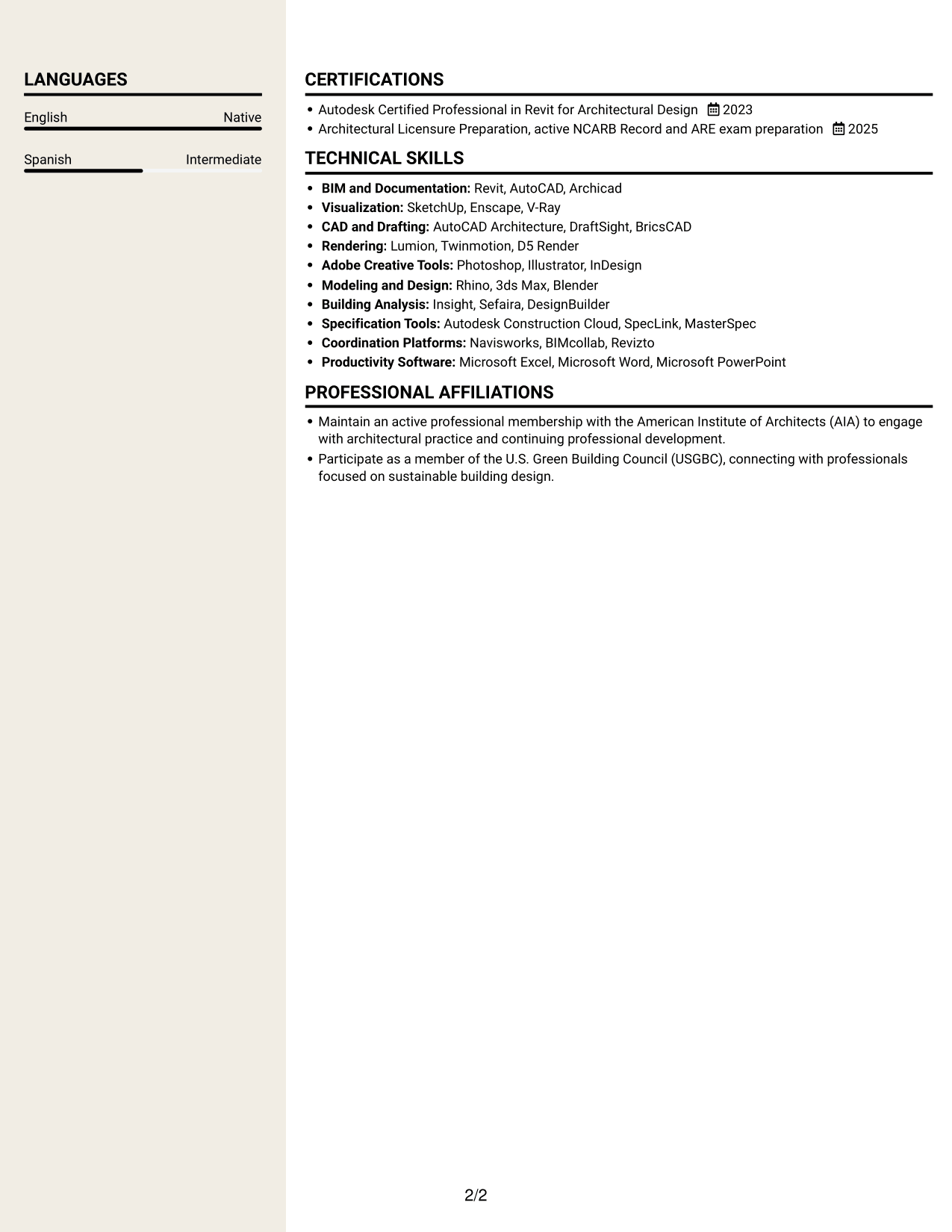
#7 Stylish Two Column Designer Format Resume Example
Stylish Two Column Designer Format uses two columns, a useful arrangement when reviewers need to check career history and supporting information side by side.
Why This Format Works
- Side-by-side sections let reviewers check career history and supporting information in parallel.
- Separated areas keep education and licensure details easy to locate.
- Grouped experience entries help readers follow changes across roles.
Best For
- Parallel review of career and supporting details
- Experience grouped across several roles
- Easy-to-find education and licensure information
- Technical and design evidence in one resume
- Readers who prefer two-column organization
Why Use ResumeInMinutes for Your Architectural Designer / Project Architect Resume
ResumeInMinutes lets you compare resume image previews and open an example in the editor. Use a clear structure to present project phases, software, coordination work, and technical documentation in a way that is easy to review.
- Different resume layouts
- Clear section structure
- Role-focused keyword guidance
- Organized skills and project details
- Image previews for comparison
- Resume customization in the editor
Keep the final resume focused on the work most relevant to commercial and institutional projects. Use direct bullet points to explain your design, documentation, and coordination contributions.
See Also
- 7 Architect - Architectural Project Delivery Resume Templates with Example
- 7 Early Career Architect or Designer - Sustainable Architecture Resume Templates with Example
- 7 Entry-Level Landscape Architect / Ecological Restoration Designer Resume Templates with Example
- 7 Industrial Project Architect Resume Templates with Example
- 7 Project Architect - Cultural Architecture & Historic Preservation Resume Templates with Example
- 7 Project Architect - Technical Project Delivery Resume Templates with Example
- 7 Senior Project Architect - Data Centers Resume Templates with Example
- 33 Advisory Data Architect-Senior Manager Resume Templates with Example 2026 (ATS-Optimized)
- 7 Architectural Designer / Project Architect - Commercial and Institutional Cover Letter Templates with Example
- 7 Architect - Architectural Project Delivery Cover Letter Templates with Example
Frequently Asked Questions
How can I make an Architectural Designer / Project Architect resume easier for ATS software to read?
Use standard section headings, readable text, and a simple layout. Include accurate role terms such as Revit, SketchUp, Design Development, Construction Documents, and consultant coordination in the sections that describe your work.
Does this page show several different resumes?
It shows one resume example in multiple visual layouts. Each image preview offers a different way to arrange resume content.
What should an Architectural Designer / Project Architect resume include?
Include a focused summary, experience, education, relevant certifications, and skills. Describe project phases, design and documentation work, software, consultant coordination, and measurable results when you have them.
Which resume layout works well for commercial and institutional architecture roles?
Choose a layout with clear headings and enough room for project experience, technical skills, and education. A simple structure helps recruiters scan details and can be easier for ATS software to read.
How should I describe Revit and other design tools?
Name tools such as Revit, SketchUp, AutoCAD, or Enscape only when you have used them. Explain how they supported modeling, drawing production, visualization, or design review.
Should I include a photo on my resume?
Include a photo only if it is expected in your region or field. For U.S. applications, a resume without a photo is usually a practical choice.




