
7 Assistant or Associate Professor - Engineering Education Cover Letter Templates with Example
This practical guide helps you create an Assistant or Associate Professor - Engineering Education cover letter by comparing seven layouts.
What Makes a Great Assistant or Associate Professor - Engineering Education Cover Letter in 2026
A strong letter connects your research direction with your approach to undergraduate and graduate teaching, doctoral supervision, and student mentoring. It also shows why the faculty role fits your professional goals.
Use specific evidence, such as externally supported research, peer-reviewed work, or a teaching change you led. Link that evidence to the institution’s priorities and explain how you would contribute to engineering education.
The featured example moves from interest in the faculty role to research evidence, teaching and mentoring, broader alignment, and a clear close. Adapt this focused progression while choosing a presentation that fits the employer and communication context.
#1 Simple One Column Format Cover Letter Example
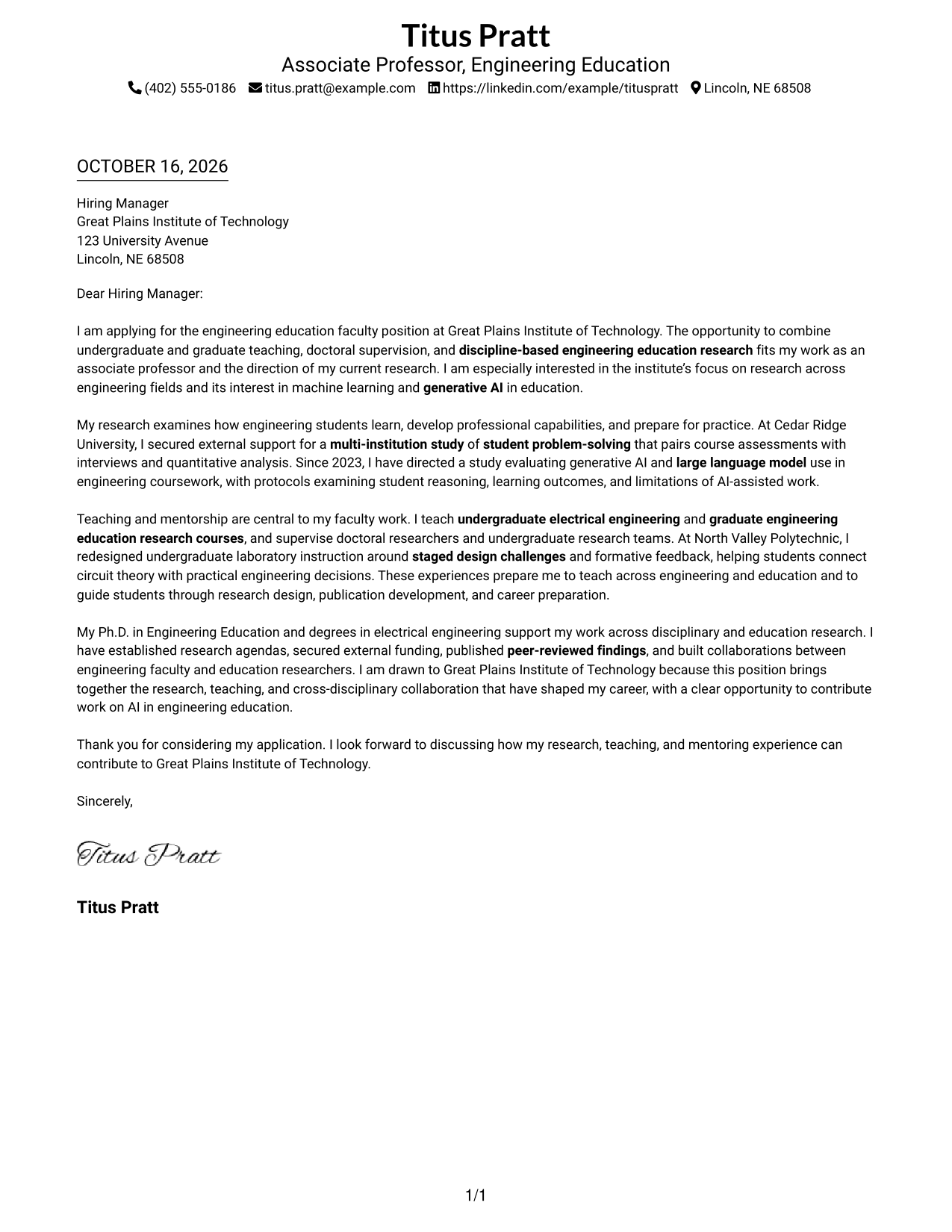
Simple One Column Format places sender details in the header and keeps the full letter in one clear reading path.
Why This Format Works
- Sender details stay in the header, separate from the letter's central message.
- One continuous body lets readers follow motivation, evidence, and closing in sequence.
- The photo-free presentation suits readers who prefer a letter without a portrait.
Best For
- Single-column letter reading
- Sender details in the header
- Paragraph-led role alignment
- Several evidence points in one message
- Photo-free correspondence
#2 Two Column Format Cover Letter Example
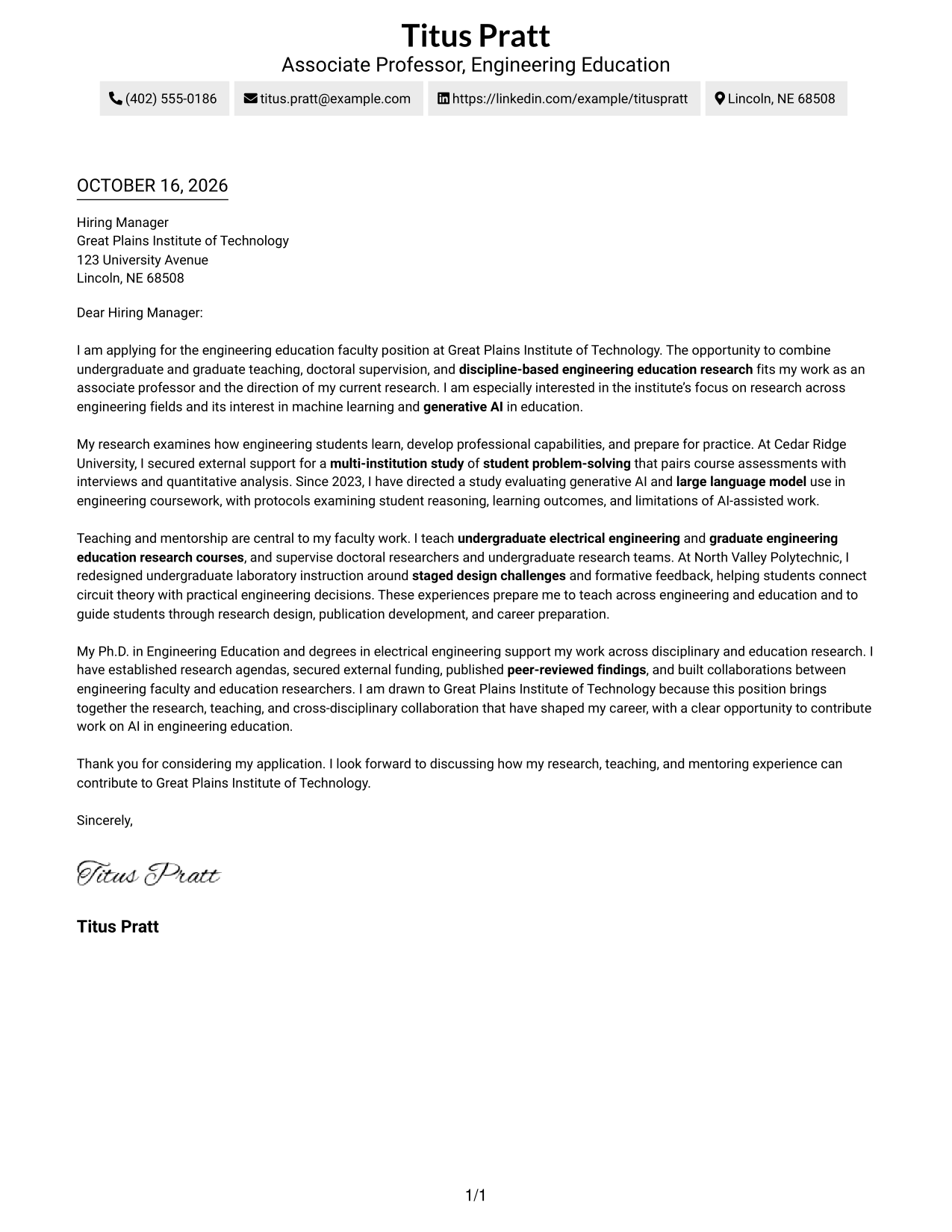
Two Column Format places a contact sidebar beside a single-column letter body, making contact details easy to find without breaking the message.
Why This Format Works
- The contact sidebar keeps sender details apart from the letter's persuasive message.
- One continuous body carries the opening, evidence, and closing in a familiar sequence.
- A photo-free version suits readers who prefer correspondence without a portrait.
Best For
- Contact details beside the message
- Continuous persuasive paragraphs
- Top-to-bottom letter reading
- Correspondence without a portrait
- Applications with several fit points
#3 Photo Header Two Column Format Cover Letter Example
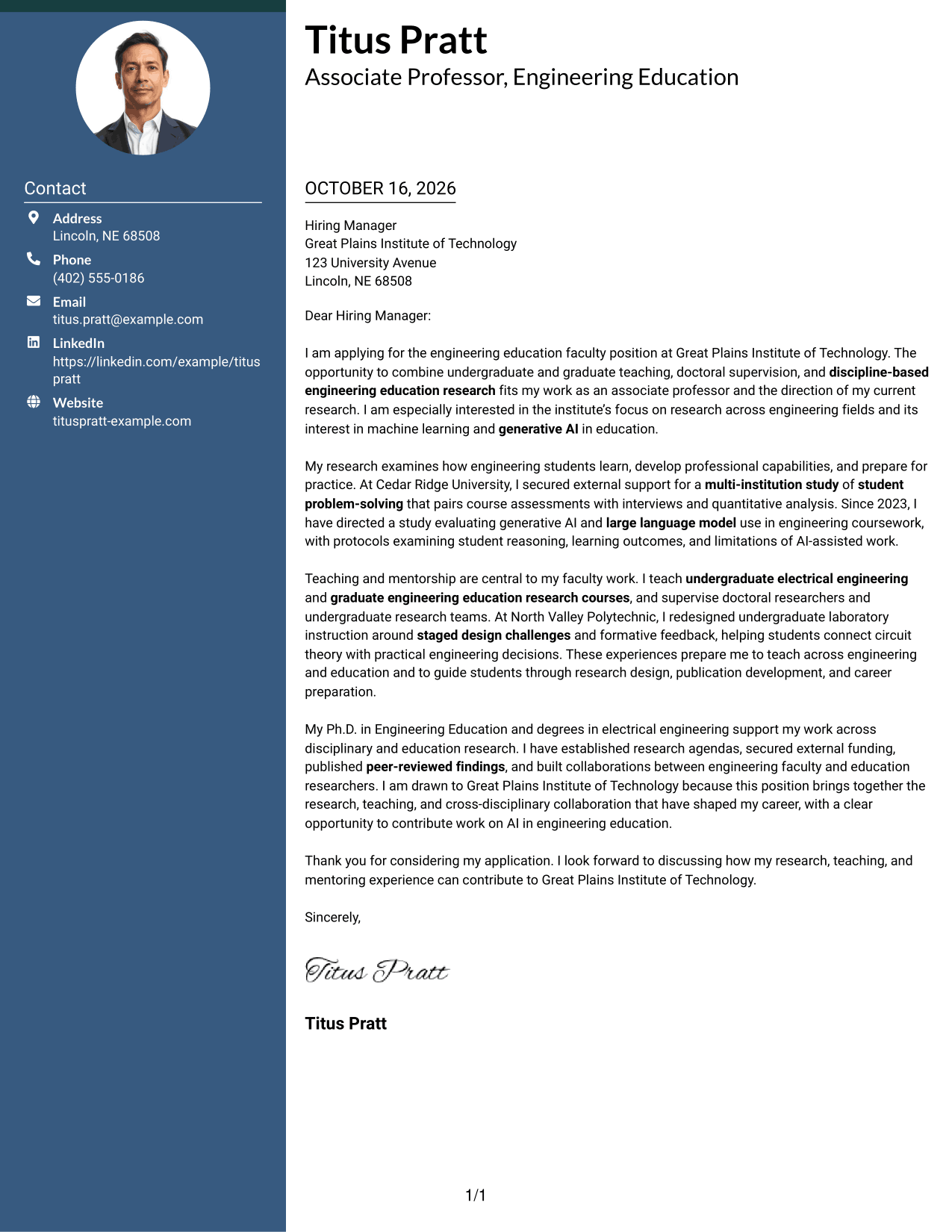
Photo Header Two Column Format pairs a photo and contact sidebar with one continuous letter body, adding a personal visual element while keeping the message in one reading path.
Why This Format Works
- The contact sidebar separates sender details from the application message.
- One letter column lets readers follow motivation and evidence without switching between body columns.
- The included photo supports a portrait-led personal presentation without changing the letter's reading order.
Best For
- Portrait-led sender presentation
- Separate contact lookup
- Long-form paragraph letters
- Research and teaching evidence
- Direct statement of institute interest
#4 One Column Format with Photo Cover Letter Example
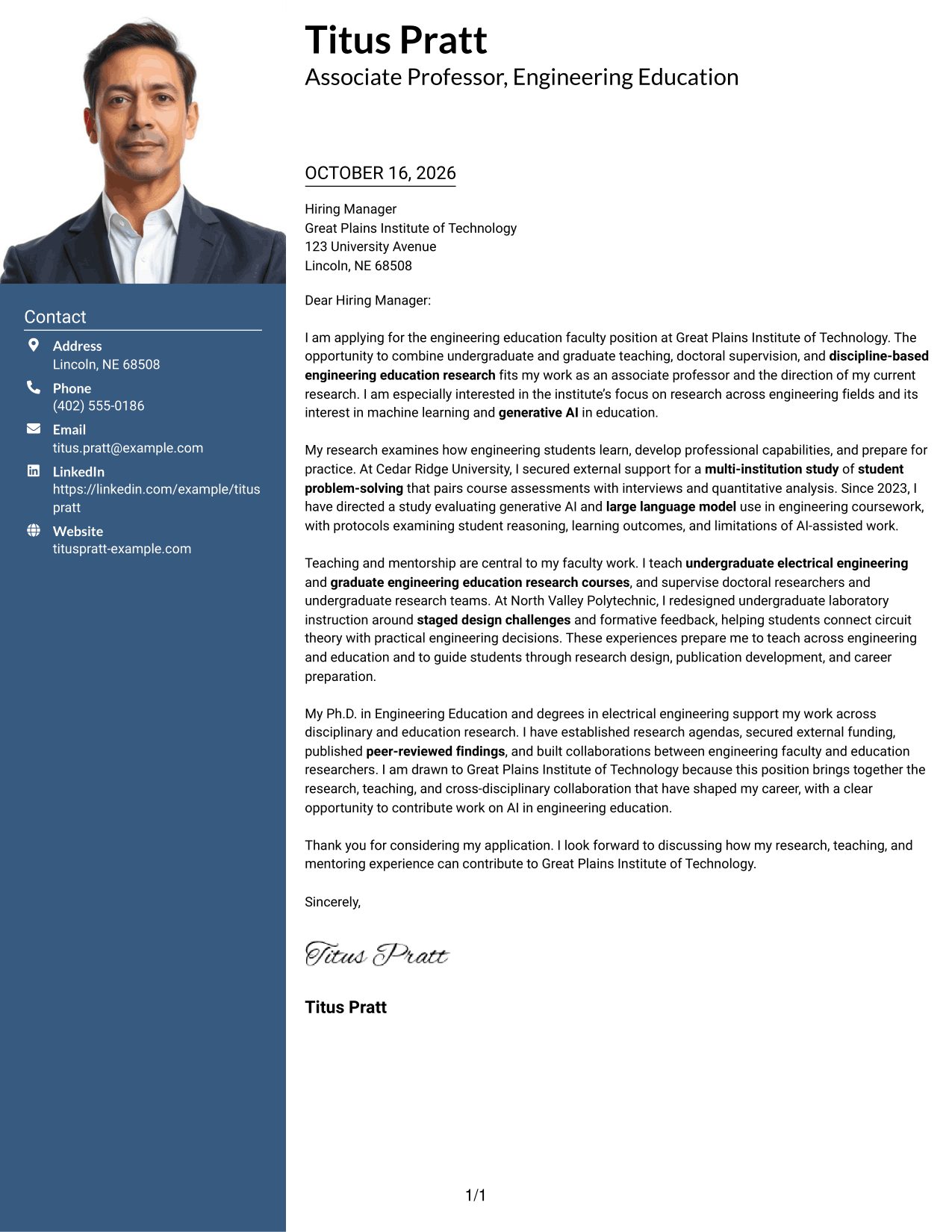
One Column Format with Photo adds a personal visual element to a single-column layout while keeping the letter in one continuous body.
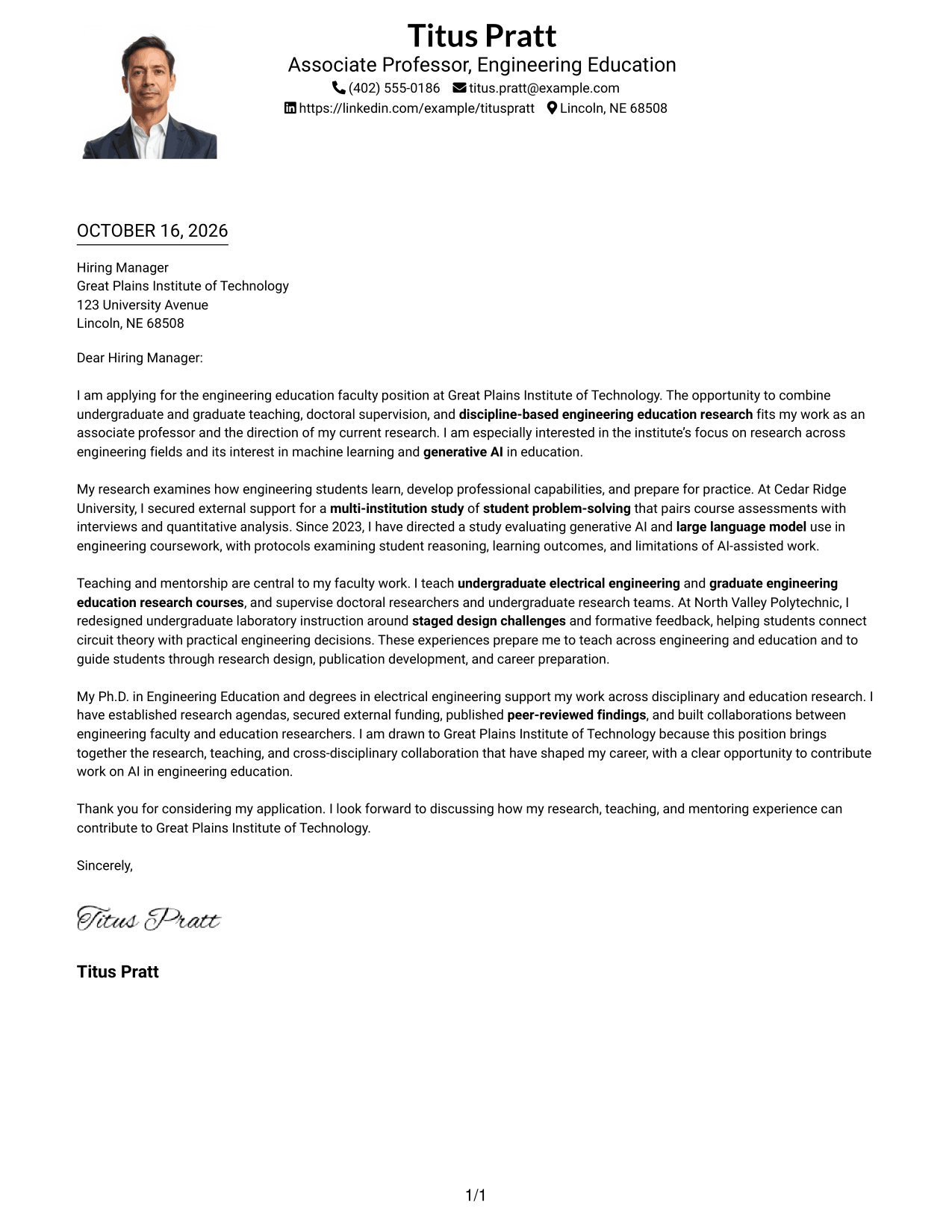
Why This Format Works
- The single-column body presents the letter in a direct top-to-bottom sequence.
- Sender details remain in the header, apart from the message's persuasive paragraphs.
- The photo adds a personal visual element while the body stays in one column.
Best For
- Single-column letter body
- Portrait-inclusive correspondence
- Paragraph-based case for fit
- Research and teaching evidence
- Direct sender-to-recipient format
#5 Simple Two Column Format Cover Letter Example
Simple Two Column Format gives sender details a contact sidebar beside the continuous letter body, so correspondence information stays distinct from the message.
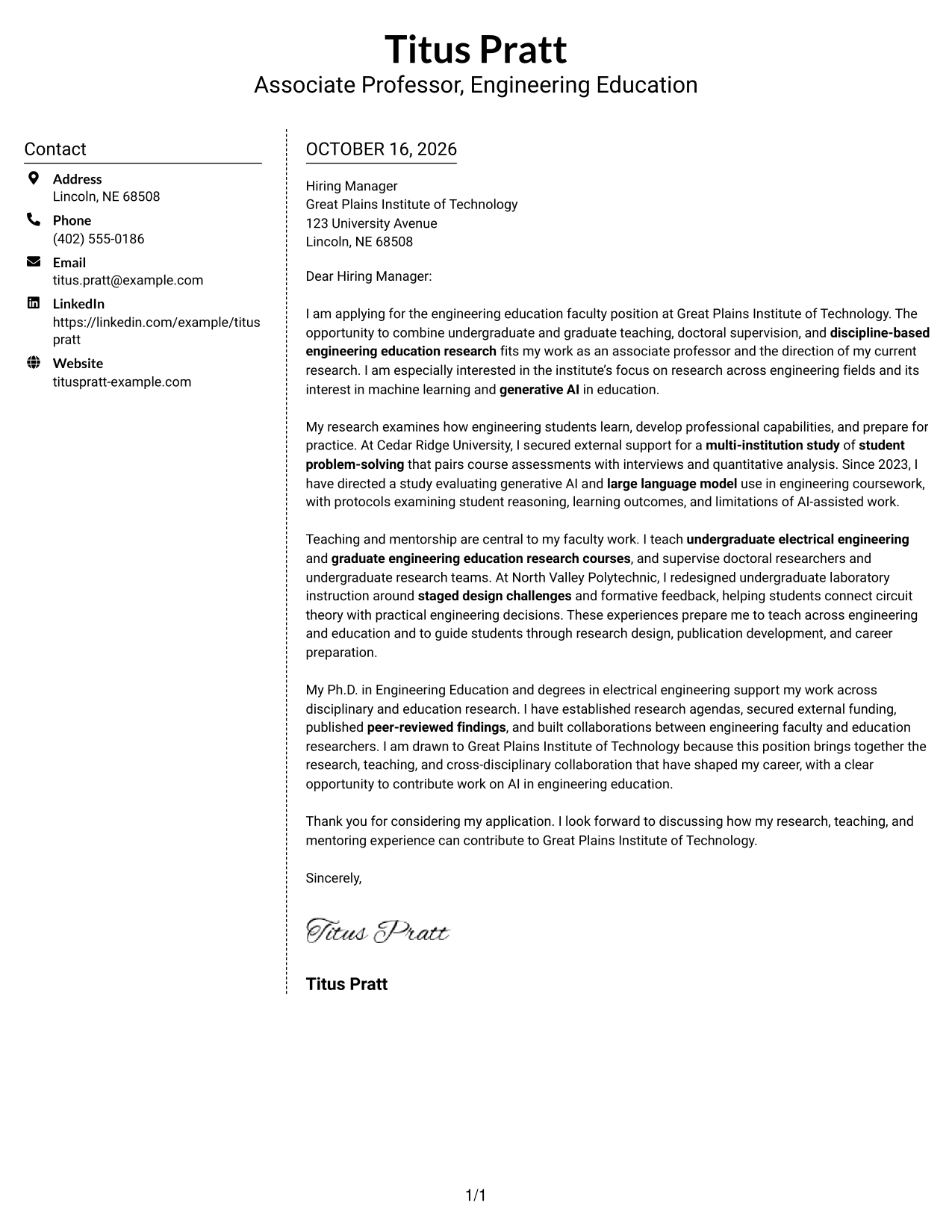
Why This Format Works
- The contact sidebar keeps correspondence details apart from the letter's central message.
- A single-column body carries the opening, evidence, and closing without internal breaks.
- The photo-free presentation suits a preference for written correspondence without a portrait.
Best For
- Separate correspondence details
- One-column message reading
- Photo-free application letters
- Paragraph-based persuasion
- Research and teaching evidence
#6 Modern Icon Format Cover Letter Example
Modern Icon Format uses contact icons in a sidebar beside one continuous letter body, adding visual cues to contact details without dividing the message.
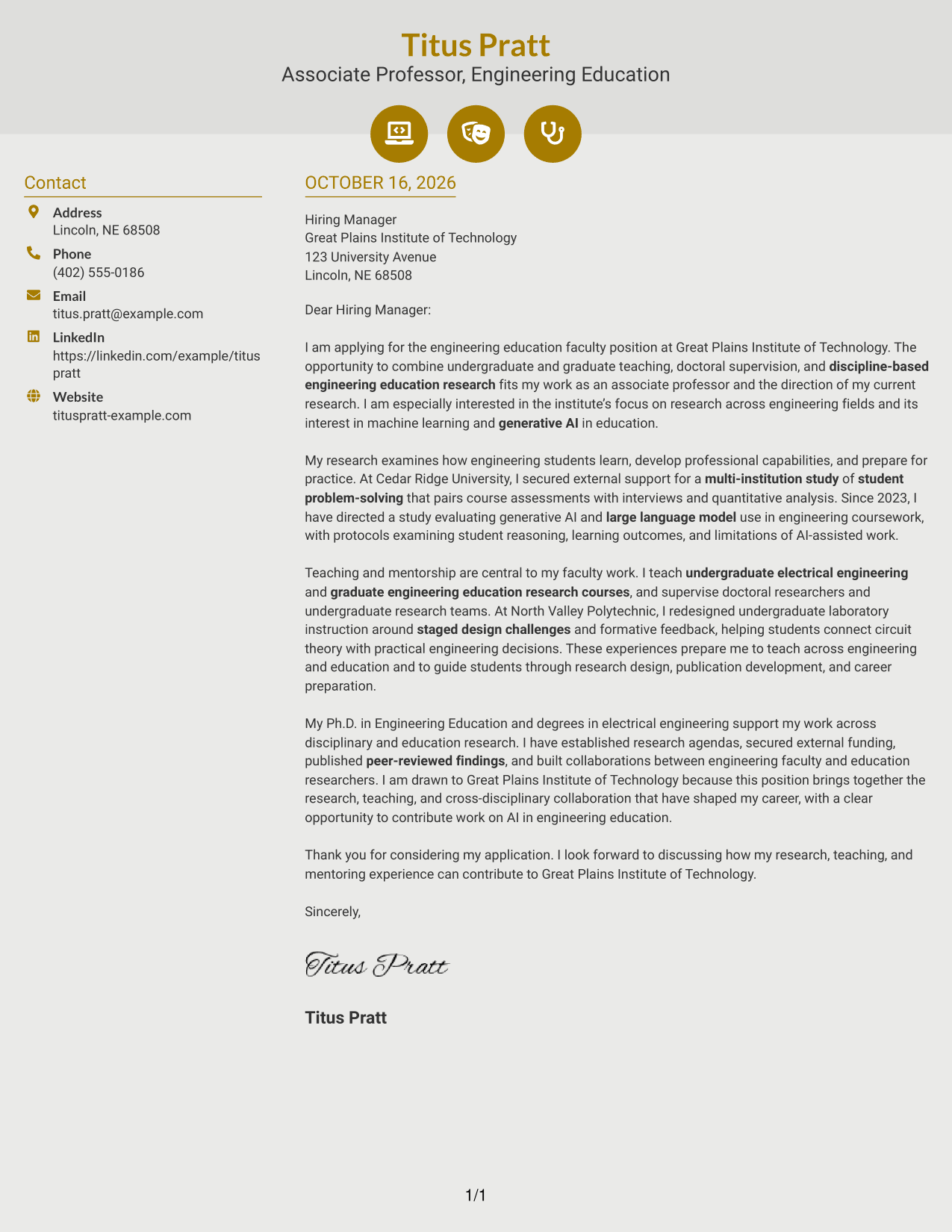
Why This Format Works
- Contact icons distinguish sender details without labeling any letter paragraphs.
- The sidebar separates correspondence information from the letter's continuous persuasive message.
- A single body column keeps motivation, evidence, and closing in sequence.
Best For
- Contact icons in the header
- Contact details in a sidebar
- Continuous one-column argument
- Paragraph-based institute fit
- Letters with research and teaching evidence
#7 Creative Two Tone Format Cover Letter Example
Creative Two Tone Format places a contact sidebar beside one continuous letter body, giving sender details a separate place while the message remains in one reading path.
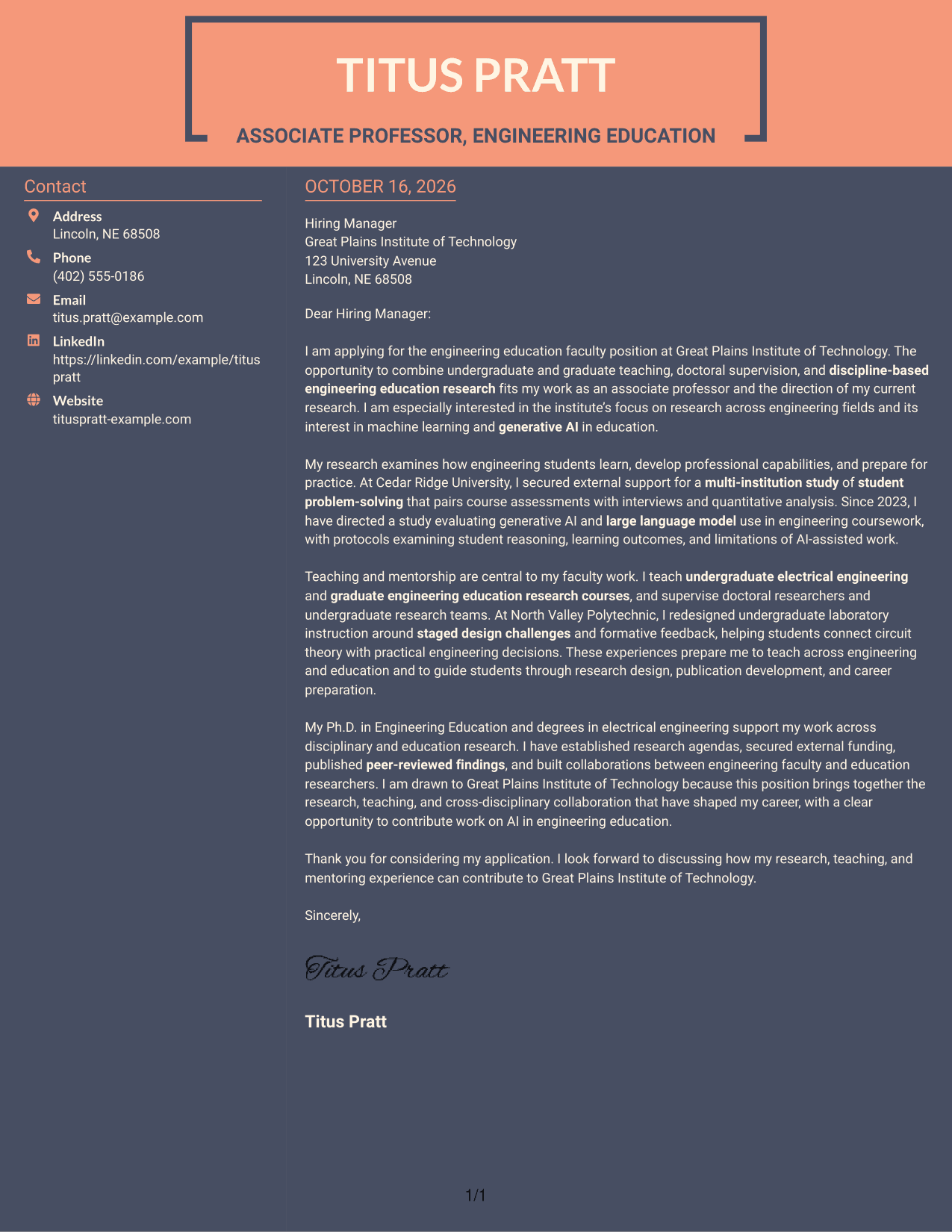
Why This Format Works
- The contact sidebar separates correspondence details from the letter's central message.
- A single-column body keeps opening, evidence, and closing in one reading sequence.
- The photo-free layout suits readers who prefer written correspondence without a portrait.
Best For
- Contact sidebar beside the letter
- Single-column letter reading
- Photo-free correspondence
- Several connected fit points
- Paragraph-led institute motivation
Why Use ResumeInMinutes for an Engineering Education Faculty Cover Letter
ResumeInMinutes lets you review an image preview and open an example in the editor to customize your letter. Use the example as a starting point, then make your research, teaching, and mentoring case specific to the faculty role.
- Clear cover letter formats
- Role-focused writing guidance
- Editable example in the editor
- Support for research evidence
- Guidance on teaching and mentorship
- Professional letter presentation
Build a focused case for your engineering education research, effective instruction, student supervision, and interest in the institution’s academic priorities.
See Also
- 7 Assistant or Associate Professor - Engineering Education Resume Templates with Example
- 7 Assistant Professor of Instruction in Music Education (Music Education and Student Teaching Coordinator) Resume Templates with Example
- 7 Assistant Professor, Computer Engineering Resume Templates with Example
- 7 Assistant Professor - Electrical & Computer Engineering - Remote Sensing Systems Resume Templates with Example
- 7 Assistant Professor of Engineering Technologies and Applied Design Resume Templates with Example
- 7 Assistant Adjunct Professor Resume Templates with Example
- 7 Assistant Clinical Professor - Food and Nutrition Resume Templates with Example
- 7 Assistant Professor - Construction Management / Advanced Building Technology Resume Templates with Example
- 30+ Assistant Professor of Nursing - Medical Surgical Cover Letter Templates with Example 2026
- 30+ Assistant Professor or Associate Professor, Medical Physics Cover Letter Templates with Example 2026
Frequently Asked Questions
What should an Assistant or Associate Professor in Engineering Education cover letter include?
Explain your research focus, external funding or support, teaching approach, and experience mentoring students. Connect these points to the institution’s research and teaching needs.
How can I show fit for an engineering education faculty role?
Use examples that show how your research examines engineering learning or preparation for practice. Then explain how your teaching and collaboration can support the unit’s goals.
How can I discuss teaching and mentorship in my letter?
Name the courses or student groups you have taught or supported, when accurate. Add a concise example of how you guided learning, research, or professional development.
How should I present research involving generative AI or machine learning?
Describe the research question and methods in clear terms, and explain how the work relates to engineering learning. Only include methods and findings that reflect your actual experience.




