
7 Assistant Planner - GIS Resume Templates with Example
This guide shows you how to create an Assistant Planner - GIS resume that presents your planning skills and work clearly. You will learn how to organize your experience, education, and technical strengths for quick review.
Strong resumes for this role connect GIS data work with municipal planning tasks. Highlight ArcGIS parcel and zoning data, site-plan and subdivision review, land-use research, field observations, and clear maps or written case materials when they match your experience.
The example is presented in 7 resume layouts, with guidance to help you compare formats and choose a clear structure for your GIS planning experience.
What Makes a Great Assistant Planner - GIS Resume in 2026
A strong resume makes your GIS work and planning judgment easy to understand. Use clear sections and focused bullets to show how you support zoning review, redevelopment planning, and public-facing planning work.
Include relevant terms such as ArcGIS, parcel data, zoning analysis, site-plan review, subdivision regulations, and the New Jersey Municipal Land Use Law. Add specific results where you can, such as the four concept-planning assignments supported with redevelopment maps.
The examples shown below are intentionally detailed to demonstrate a range of experiences, skills, accomplishments and relevant keywords. We prefer detailed resumes as they provide more context to the hiring managers and also help the ATS systems identify relevant qualifications and score your resume better for a match. But the length of a resume is an individual choice. If you want a one page resume, just keep the most relevant experience and information for the job. Note: Resume examples are for educational purposes only. Use only information that accurately reflects your experience and qualifications. References to real organizations do not imply affiliation or endorsement.
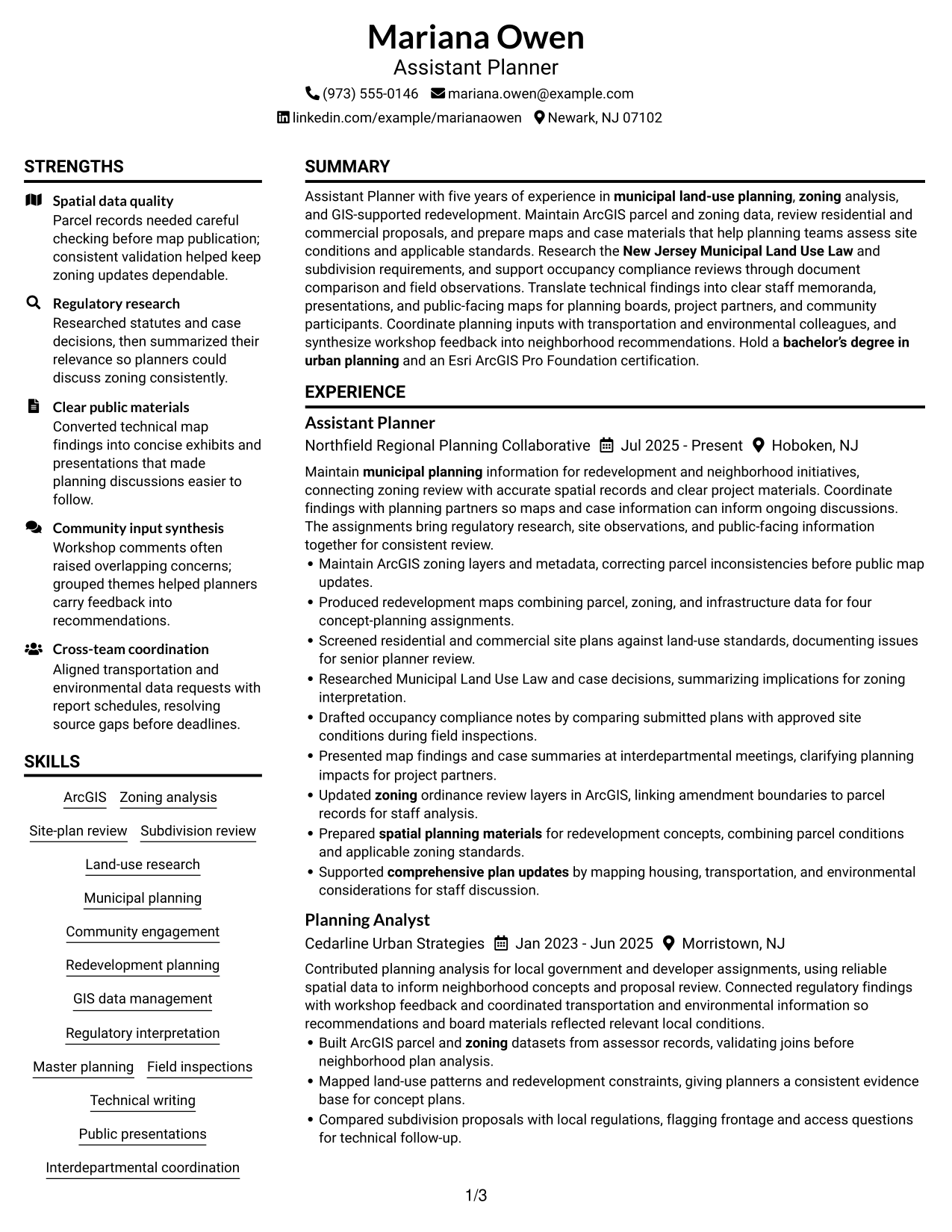
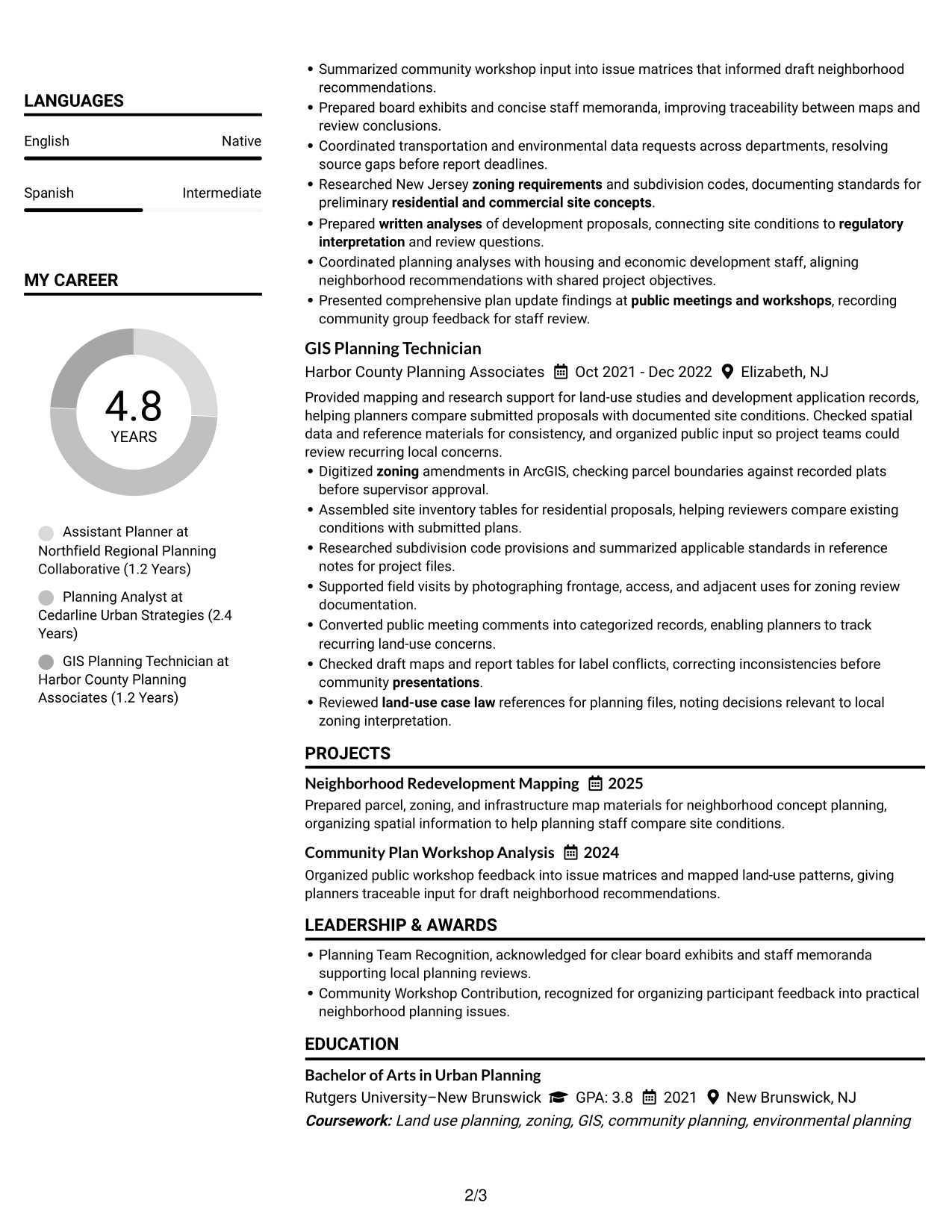
#1 Plain Two Column Format Resume Example
The Plain Two Column Format places resume content in two parallel areas, giving reviewers a clear view of career history and supporting qualifications.
Resume Snapshot
- Five years of experience in municipal land-use planning
- Bachelor's degree in urban planning
- Esri ArcGIS Pro Foundation certification
- ArcGIS, zoning analysis, and site-plan review
Why This Format Works
- Two-column reading order links career history with supporting education for a quick overview.
- Separate areas help skills and credentials stand apart from detailed experience bullets.
- Parallel content reduces long vertical scanning when reviewing projects and qualifications.
Best For
- Career history with supporting qualifications
- Quick review of experience and education
- Skills and credentials beside work details
- Project information alongside career history
- Resumes with several distinct sections
Resume Keywords
- Municipal planning
- zoning
- Subdivision review
- Site-plan review
- New Jersey Municipal Land Use Law
- zoning requirements
- subdivision codes
- land-use case law
- Regulatory interpretation
- Master planning
- Community engagement
- Redevelopment planning
- spatial planning materials
- comprehensive plan updates
- residential and commercial site concepts
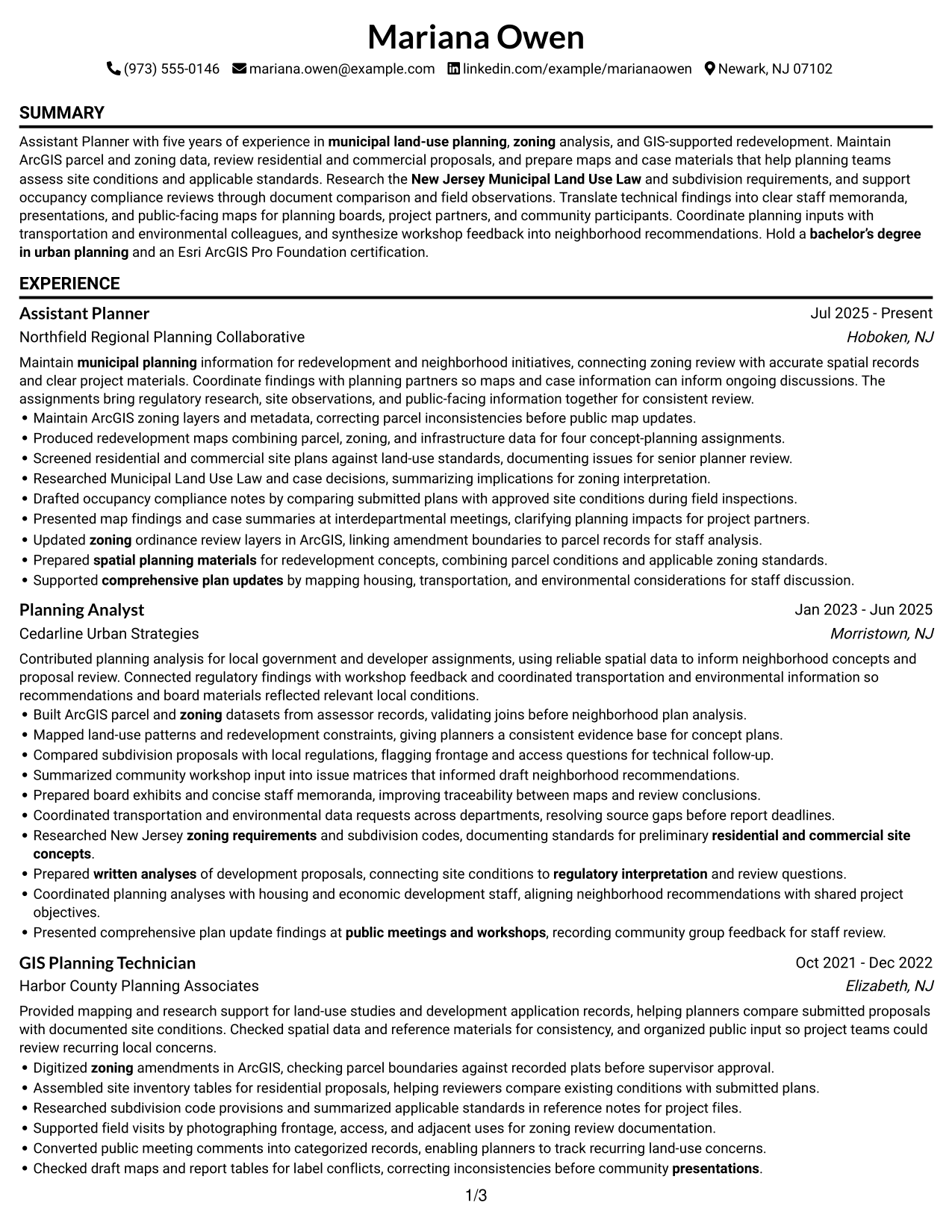
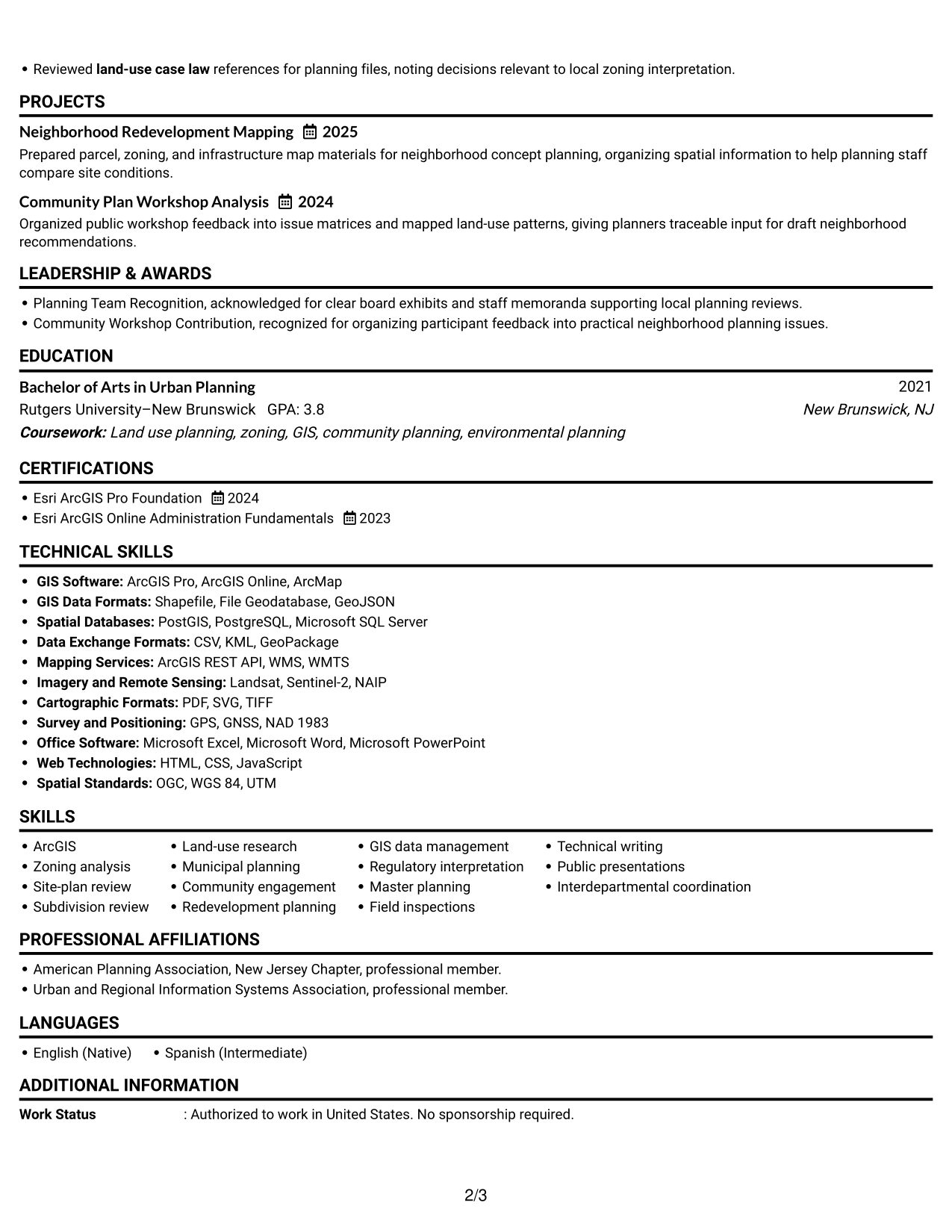
#2 Simple One Column Format Resume Example
The Simple One Column Format presents each resume section in one top-to-bottom sequence, keeping dates and details easy to follow.
Why This Format Works
- A single-column sequence keeps role dates aligned with experience details from newest to oldest.
- Section breaks make education, skills, and certifications easy to locate during a full review.
- One continuous reading path helps reviewers follow career progression without switching between areas.
Best For
- Straightforward top-to-bottom review
- Detailed career timelines
- Experience bullets in date order
- Simple screen and print reading
- Resumes with clearly separated sections
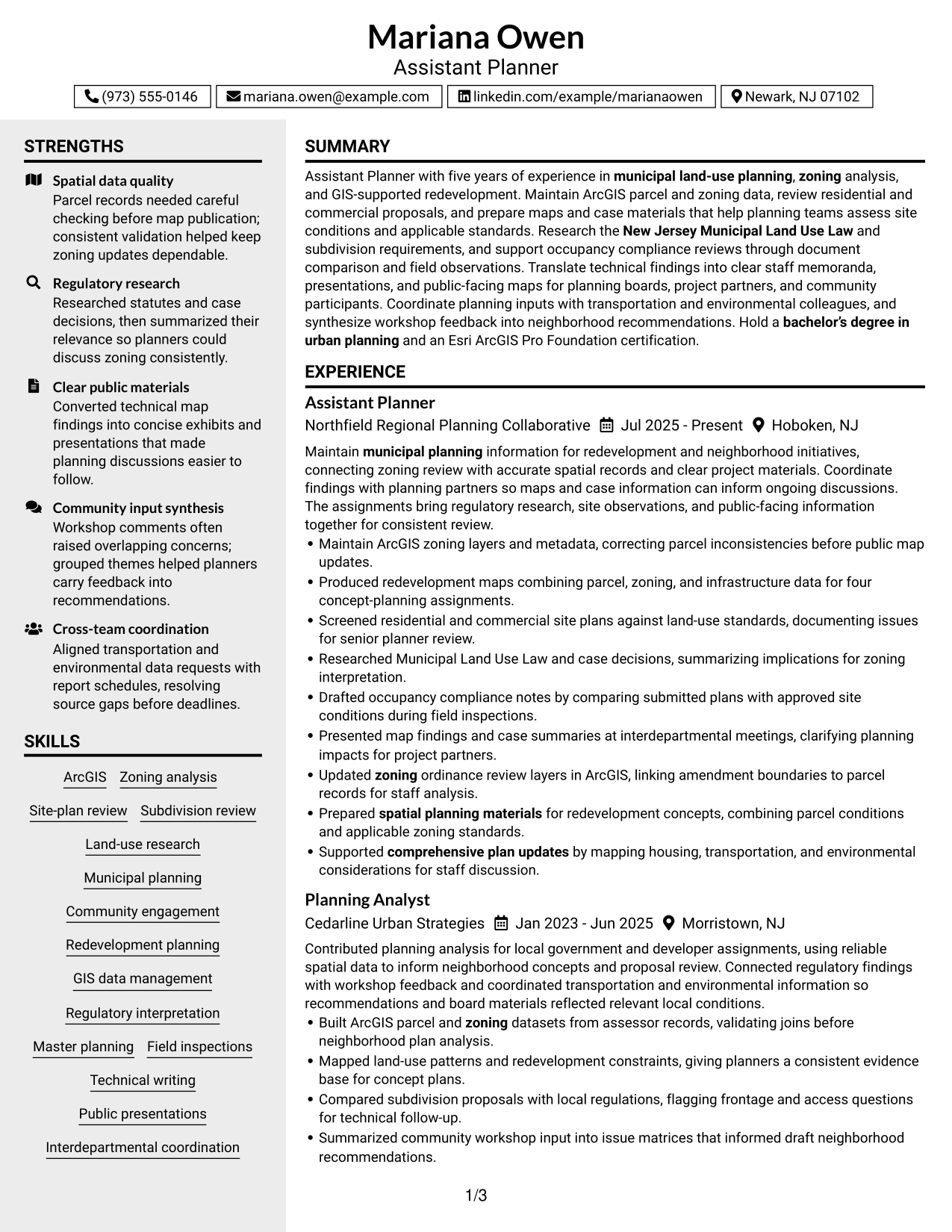
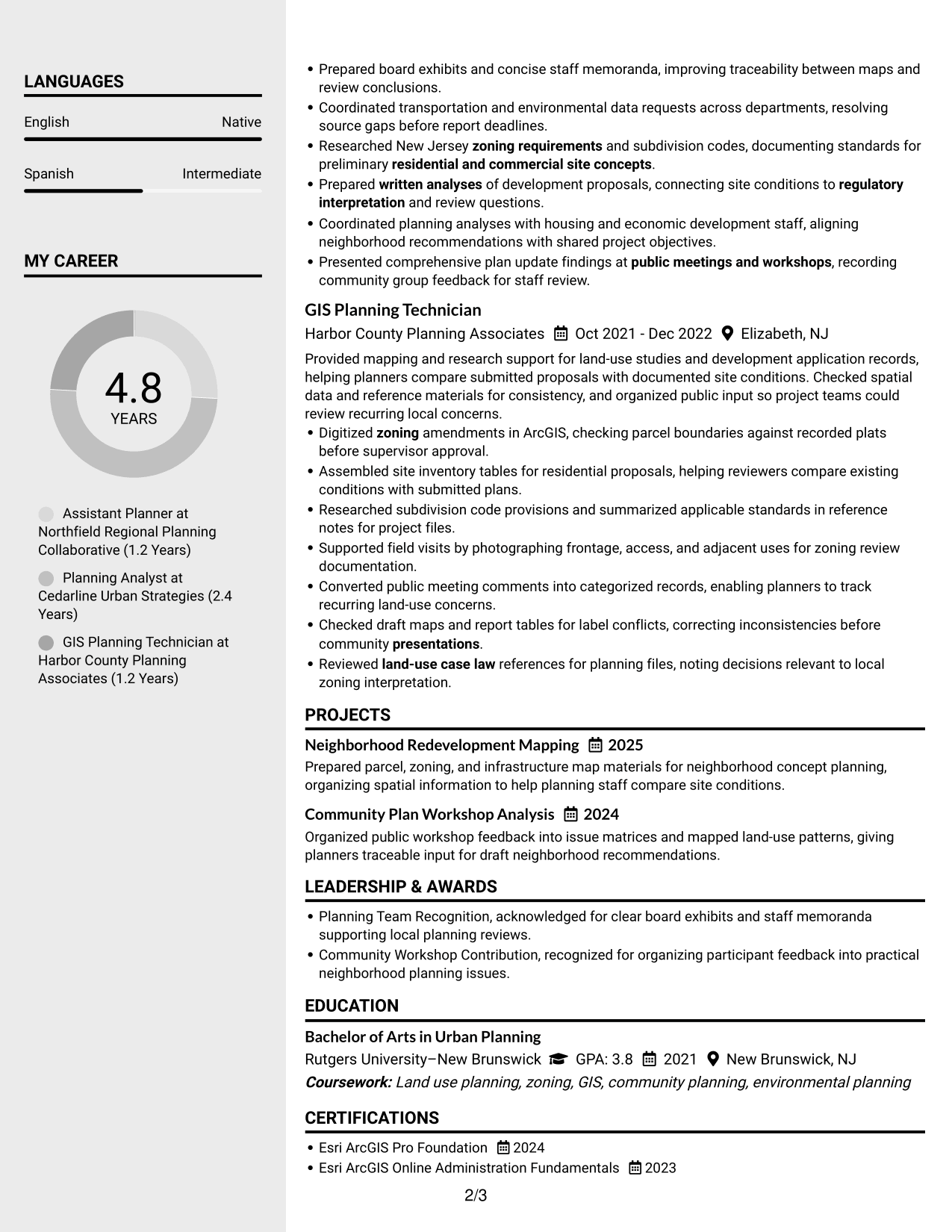
#3 Clean Two Column Sidebar Format Resume Example
The Clean Two Column Sidebar Format gives supporting sections a distinct place beside the main resume content, helping reviewers scan the information with ease.
Why This Format Works
- A distinct sidebar gives skills and credentials a separate place beside experience details.
- Main content can carry career history in sequence while the sidebar supports quick reference.
- Clear separation helps reviewers return to key qualifications without interrupting experience review.
Best For
- Skills beside detailed work history
- Quick access to key qualifications
- Career records with supporting sections
- Readers moving between experience and credentials
- Resumes with several qualification categories
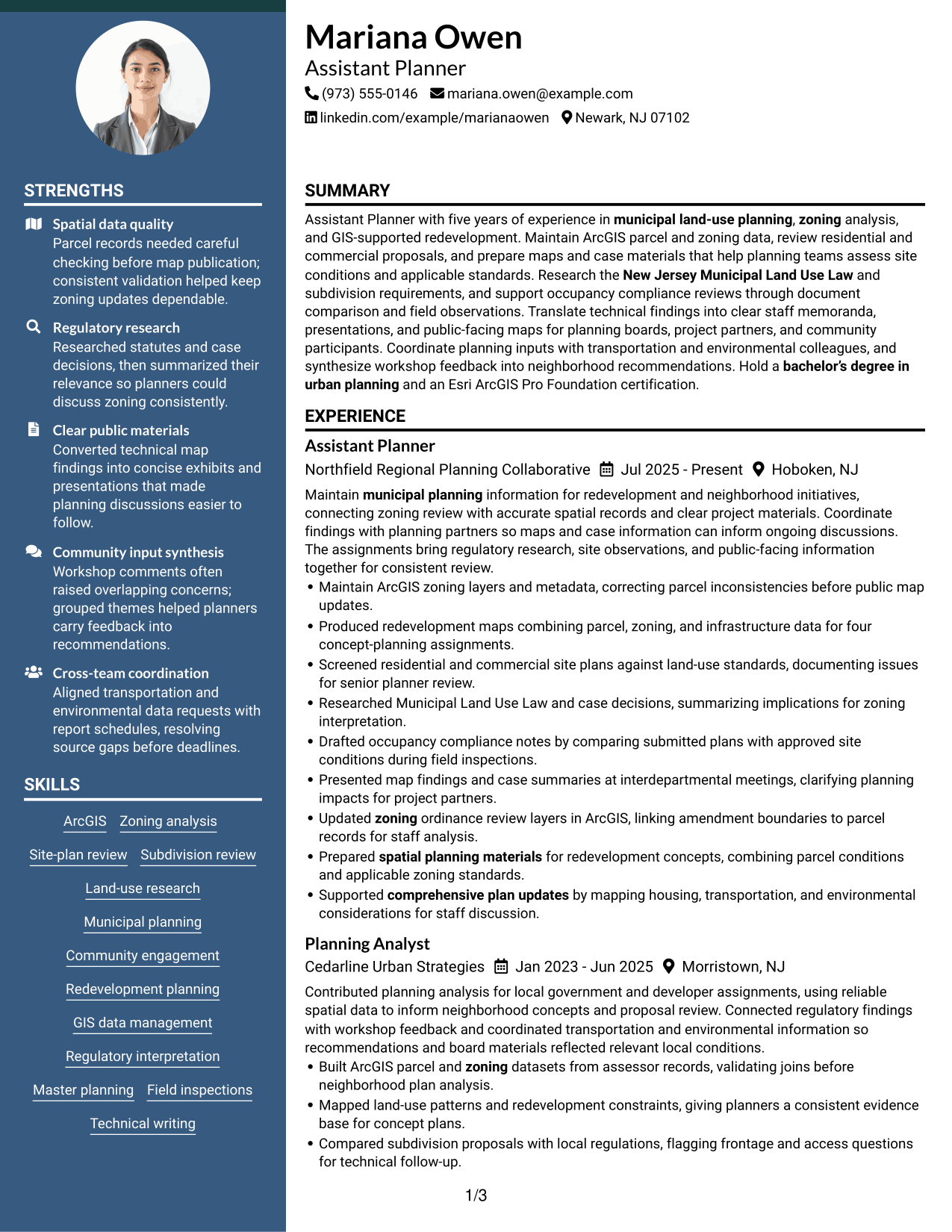
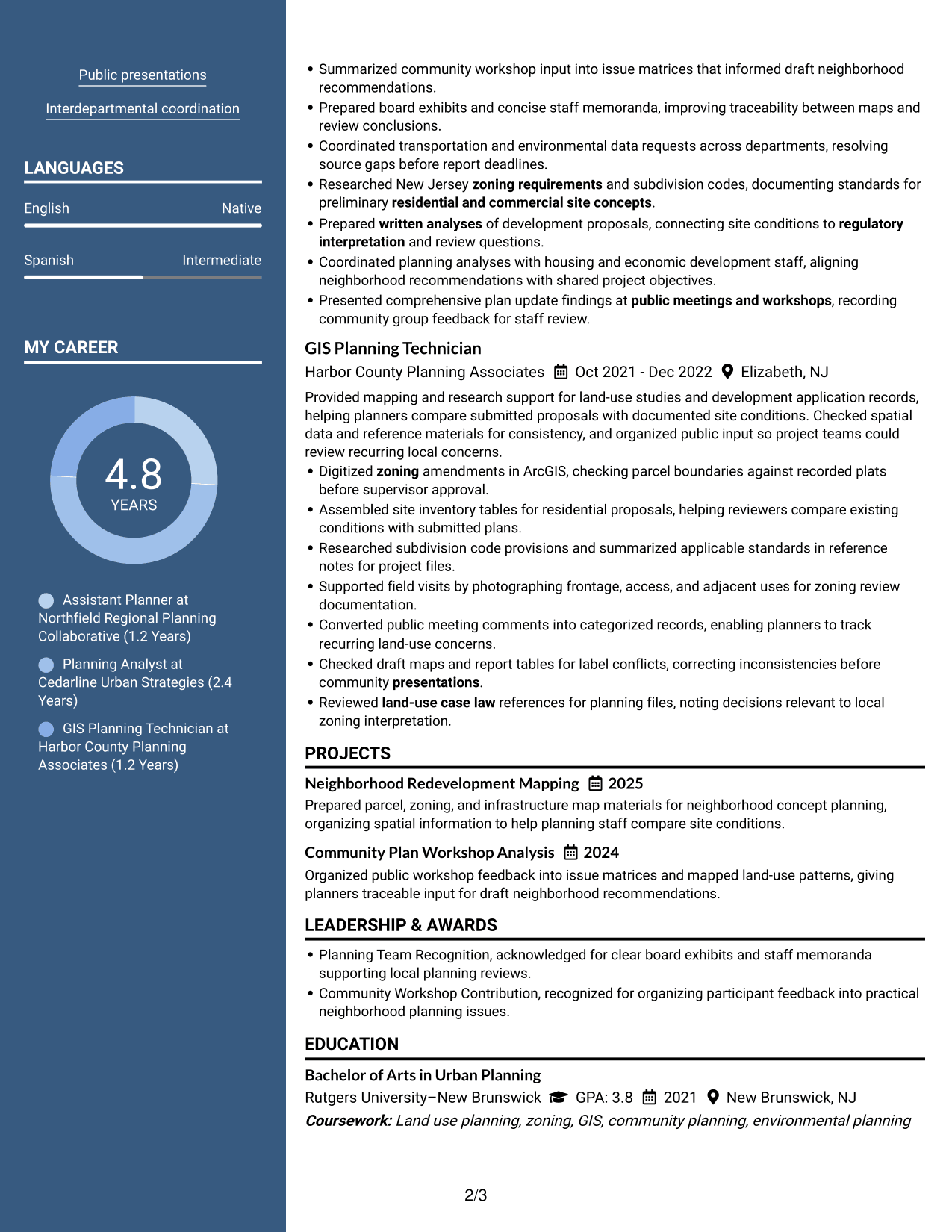
#4 Two Column Format Resume Example
The Two Column Format arranges resume material in two reading areas, helping reviewers move between work history and qualifications.
Why This Format Works
- Two columns let reviewers compare experience and education without a long section stack.
- Parallel reading areas keep project details visible beside the career record.
- Separated content helps skills and credentials remain findable during experience review.
Best For
- Experience and education reviewed together
- Project details alongside career history
- Resume content split into clear groups
- Readers comparing qualifications across sections
- Resumes with both work and project records
#5 Photo Header Two Column Format Resume Example
The Photo Header Two Column Format pairs a portrait in the header with two body columns, giving the resume a distinct visual identity and organized reading areas.
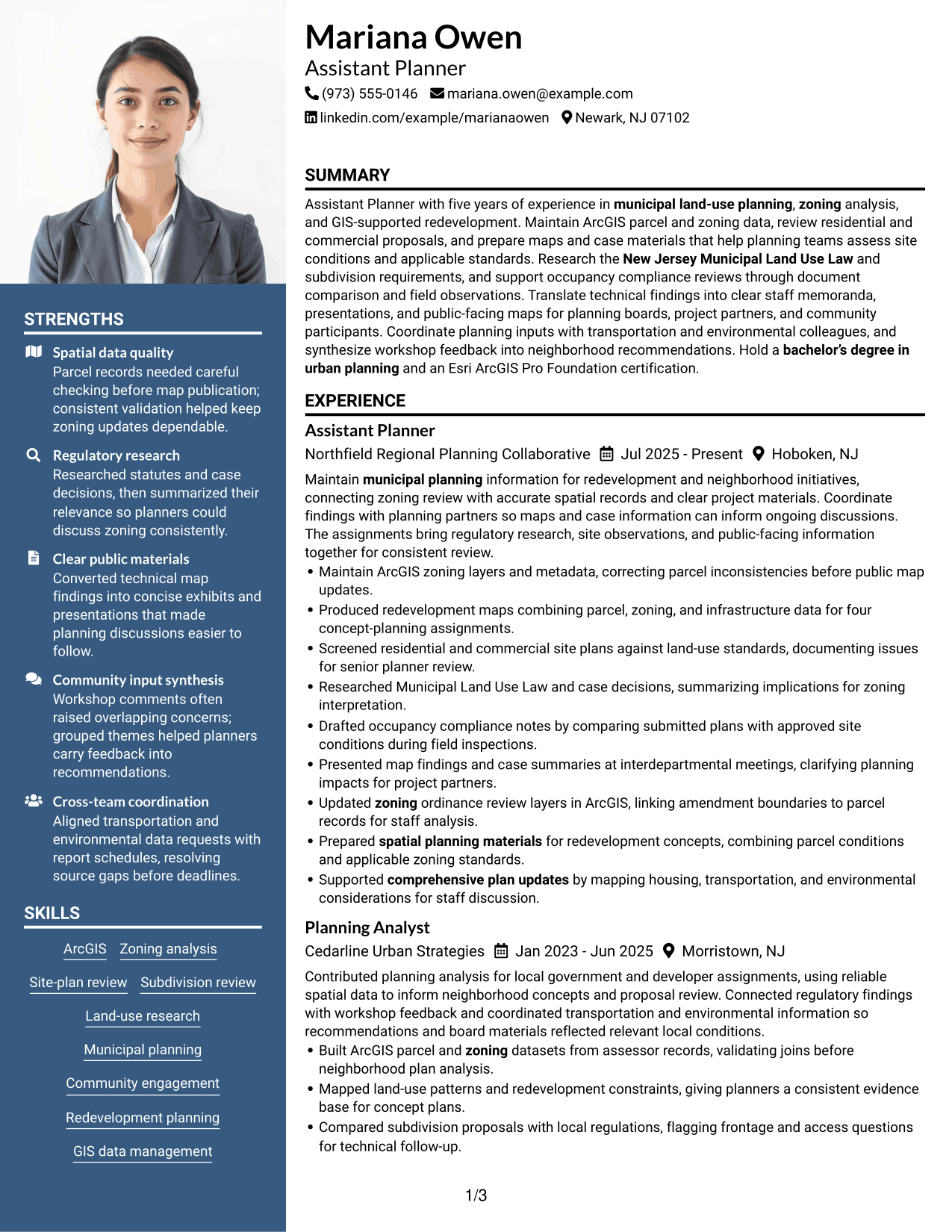
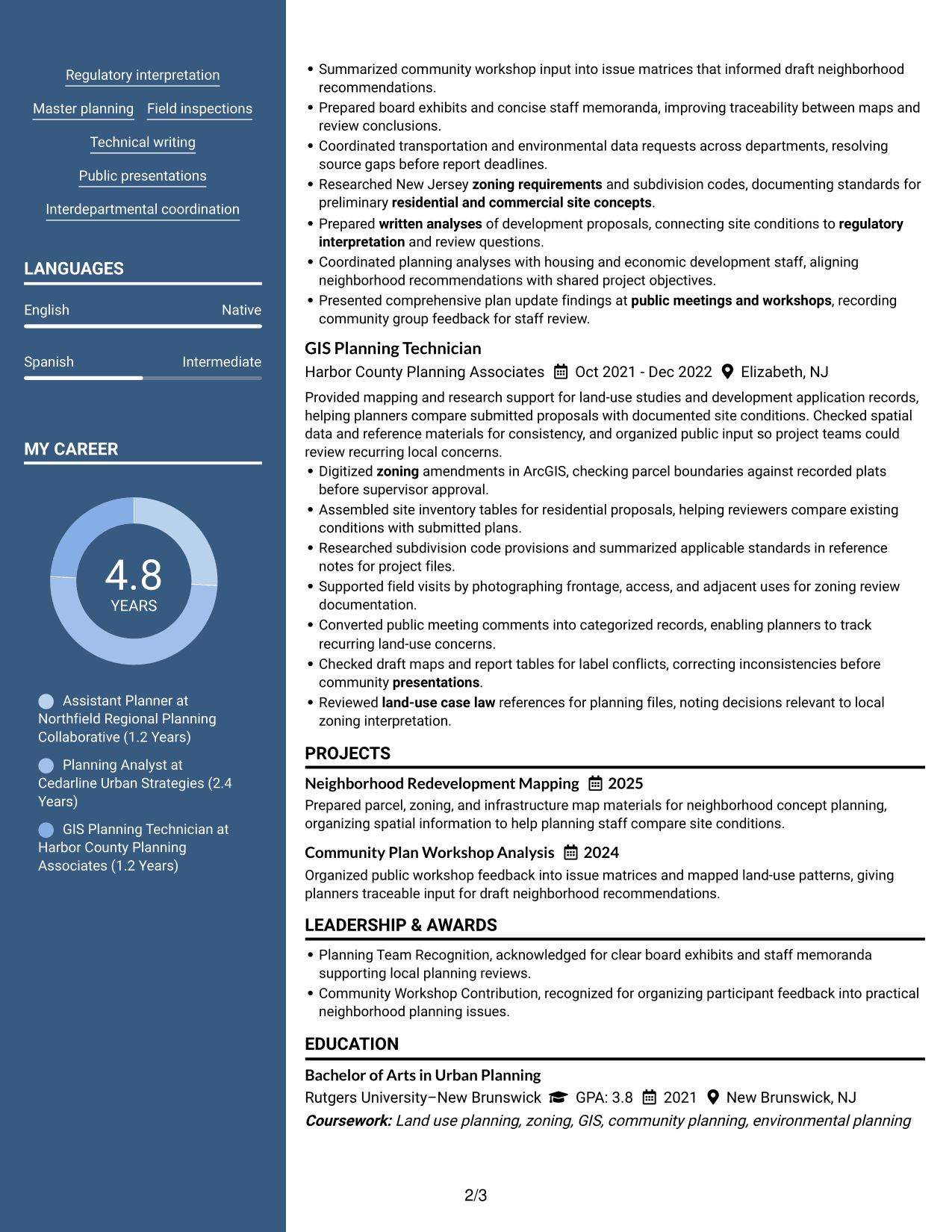
Why This Format Works
- Two-column reading keeps experience and education visible together for a balanced resume review.
- A distinct header separates contact details from the experience and education record.
- Body columns help reviewers move between career history and supporting qualifications.
Best For
- Applications where a professional portrait is appropriate
- Two-column reading with a photo header
- Contact details set apart from resume content
- Career history beside supporting qualifications
- Resumes needing a clear visual identity
#6 Colored Two Column Format Resume Example
The Colored Two Column Format uses color to distinguish resume areas, while its two-column layout keeps key sections easy to find.
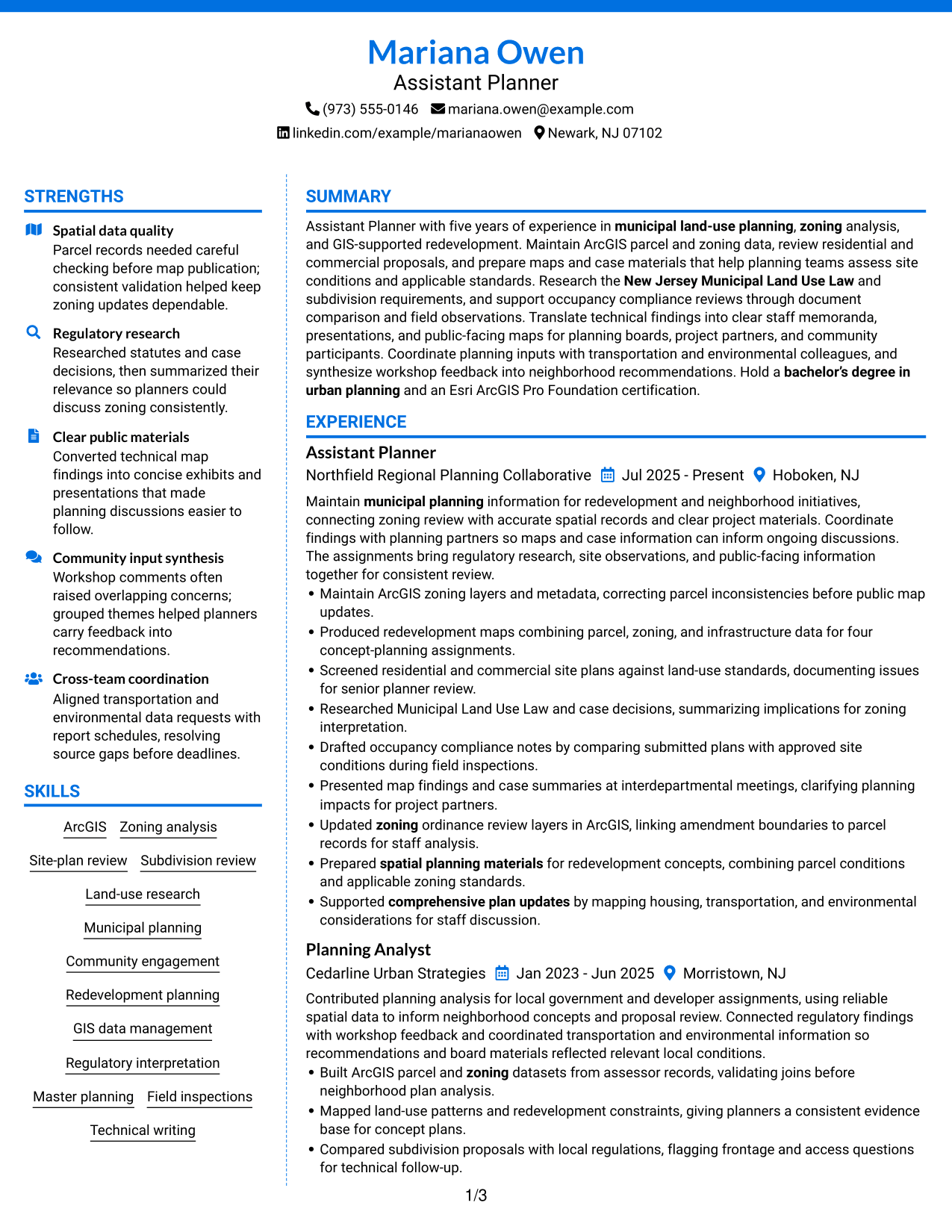
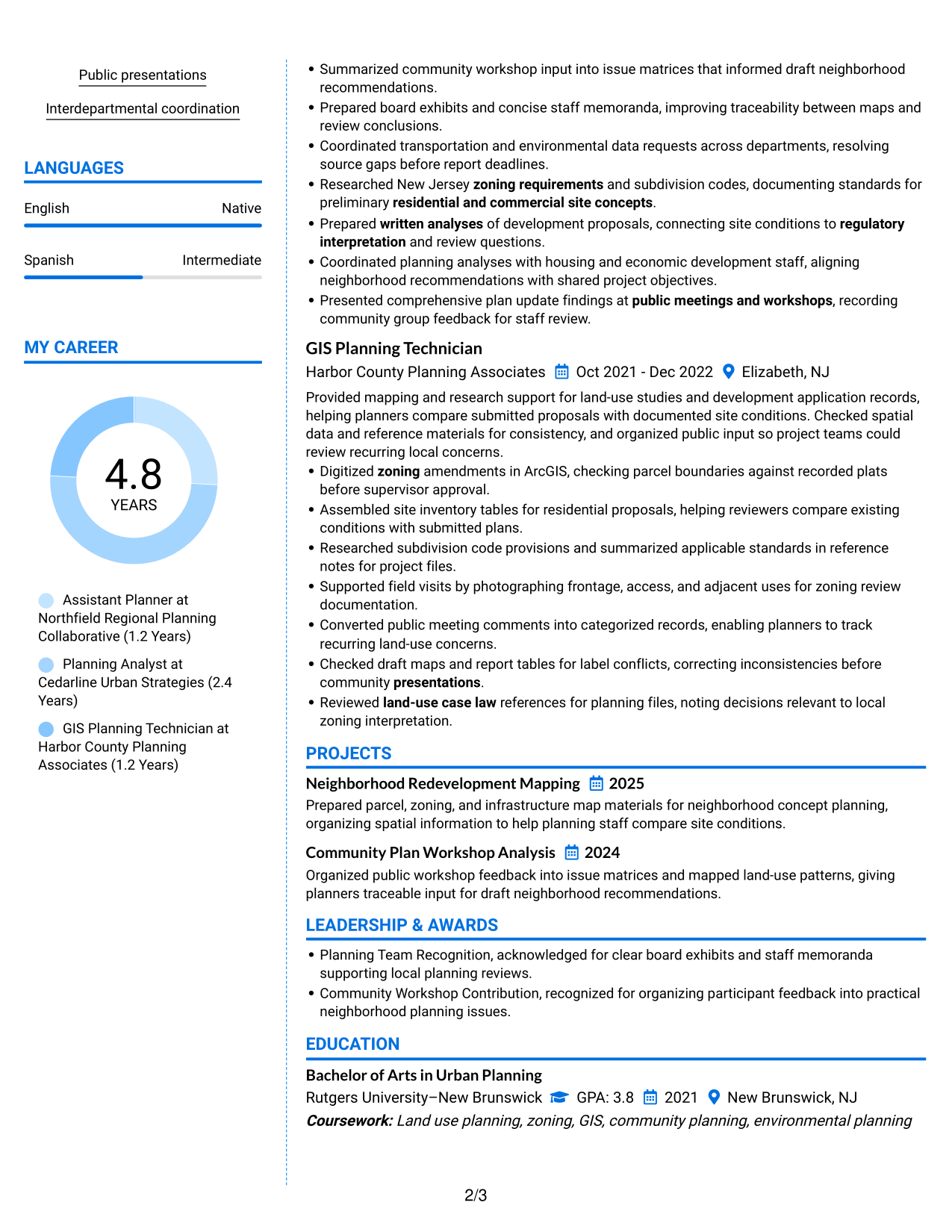
Why This Format Works
- A colored sidebar keeps skills and credentials distinct from the detailed experience record.
- Section contrast helps reviewers locate education without interrupting chronological work history.
- Two-column spacing gives project work room beside the career record.
Best For
- Color cues between resume sections
- Skills and credentials set apart from experience
- Chronological work history with supporting details
- Project work beside career information
- Readers who benefit from clear section contrast
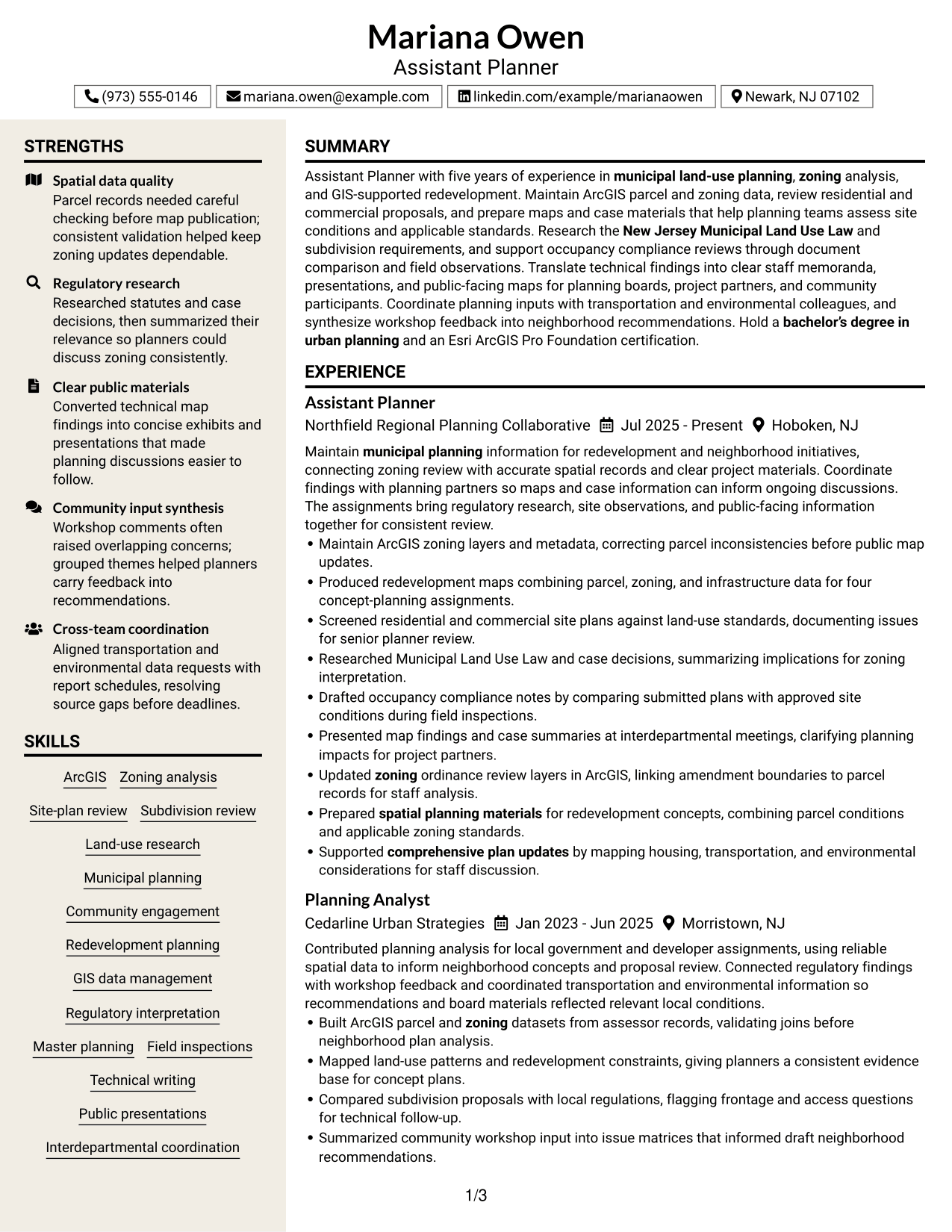
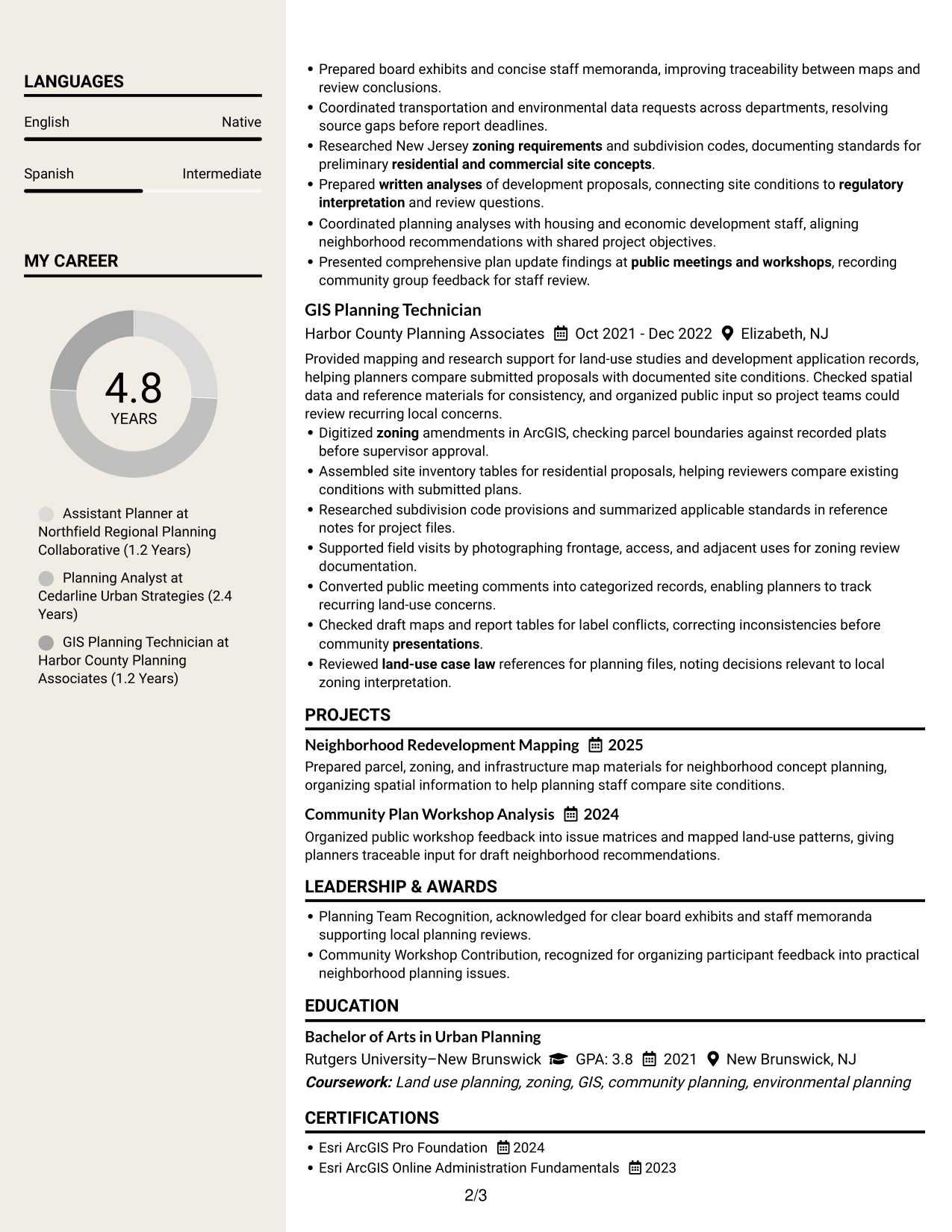
#7 Stylish Two Column Designer Format Resume Example
The Stylish Two Column Designer Format combines a sidebar and square bullet points to give resume sections a clear visual hierarchy.
Why This Format Works
- Square bullets give individual experience points clear visual starts within the two-column layout.
- Sidebar grouping keeps skills and credentials easy to spot while experience remains in view.
- Distinct section styling helps reviewers tell career history from project and education details.
Best For
- Bulleted experience details with clear starts
- A sidebar for skills and credentials
- Project and education sections with their own visual place
- Readers scanning distinct resume sections
- Two-column resumes with strong section hierarchy
Why Build Your Assistant Planner - GIS Resume with ResumeInMinutes
ResumeInMinutes helps you arrange planning experience, GIS skills, education, and certifications in a clear resume. You can adapt the content to show how your work supports land-use review and municipal planning.
- Resume layouts to compare
- Clear section structure for ATS review
- Space for GIS tools and planning keywords
- Organized experience and project details
- Free PDF resume previews
- Resume editing and customization
Use the editor to bring forward your relevant ArcGIS, zoning, site-plan review, research, and community planning experience while keeping the resume easy to scan.
See Also
- 7 Academic Records Assistant - Student Records Resume Templates with Example
- 33 Accounting Assistant Resume Templates with Example 2026 (ATS-Optimized)
- 33 Accounts Payable Assistant Resume Templates with Example 2026 (ATS-Optimized)
- 7 Administrative Assistant 5 - Executive Operations Resume Templates with Example
- 33 Administrative Assistant Bookkeeper Resume Templates with Example 2026 (ATS-Optimized)
- 7 Administrative Assistant - Disability & Elder Law Resume Templates with Example
- 7 Administrative Assistant - Executive and Office Support Resume Templates with Example
- 7 Administrative Assistant - Facilities Resume Templates with Example
- 7 Assistant Planner - GIS Cover Letter Templates with Example
- 30+ Accounting Assistant Cover Letter Templates with Example 2026
Frequently Asked Questions
Are these Assistant Planner - GIS resume templates ATS-friendly?
The layouts use readable sections and headings to support ATS review. Include relevant terms such as ArcGIS, zoning analysis, site-plan review, subdivision review, and municipal planning where they accurately describe your experience.
Does this guide show one resume in different layouts?
Yes. It presents one Assistant Planner - GIS resume example in different visual layouts, so you can compare how the same type of information can be arranged.
What should an Assistant Planner - GIS resume include?
Include a focused summary, work experience, education, GIS and planning skills, and relevant certifications or projects. Add concise bullets about ArcGIS data, zoning and subdivision review, redevelopment mapping, research, and public materials when supported by your background.
Which keywords are useful for an Assistant Planner - GIS resume?
Use accurate terms that match your work, such as ArcGIS, GIS data management, zoning requirements, site-plan review, subdivision codes, land-use research, and the New Jersey Municipal Land Use Law. Do not add skills or qualifications you do not have.
How can I show GIS planning achievements?
Describe the task, the data or planning issue, and the result. For example, note when you corrected parcel records before a public map update or prepared redevelopment maps for concept planning.
Can I download the resume templates as PDFs?
Yes. The resume designs include free PDF previews so you can review the layout before choosing one.
Should I include a photo on my resume?
For most U.S. planning roles, a resume without a photo is a practical choice. Focus space on relevant planning work, GIS skills, education, and certifications.
Can I customize these resume templates?
Yes. You can edit the resume content and layout to present your Assistant Planner - GIS experience accurately and clearly.




