
7 Associate Manager - Workday Data Operations Cover Letter Templates with Example
This practical guide to an Associate Manager - Workday Data Operations cover letter presents seven layouts to help you show operational impact and role fit.
What Makes a Great Associate Manager - Workday Data Operations Cover Letter in 2026
A strong letter links Workday data operations leadership to dependable service, sound data practices, and better HR processes. Show how your approach can support compensation, payroll, benefits, and Corporate HR.
Use clear evidence, such as improving EIB validation or reconciliation, strengthening change controls, or coaching systems staff. Connect that evidence to the employer’s needs and explain your interest in building reliable, sustainable operations.
The featured example moves from role interest to leadership, a practical EIB improvement, broader role fit, and a clear next step. Adapt that progression while choosing a presentation that suits the employer and the communication context.
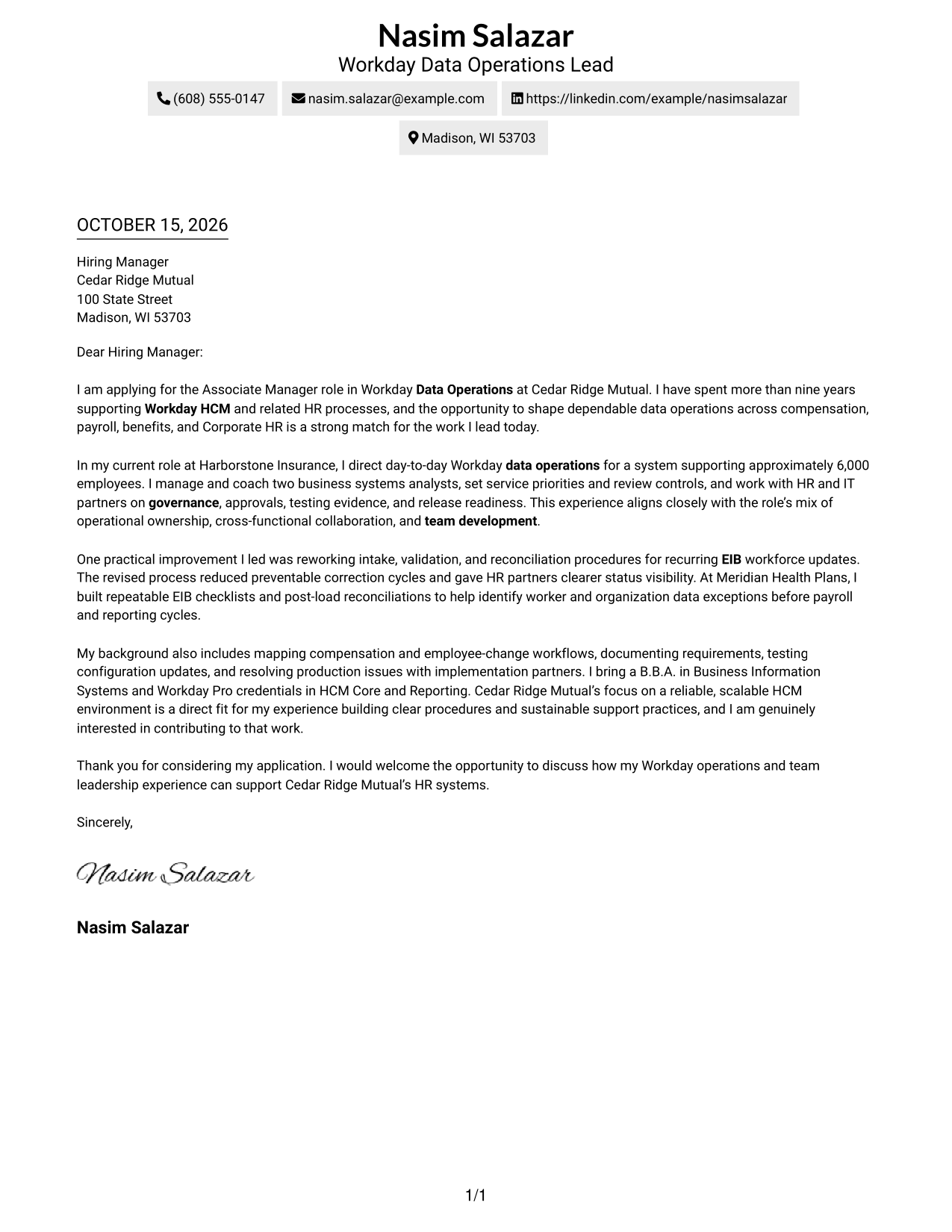
#1 Simple One Column Format Cover Letter Example
A single-column body pairs with sender details in the header, keeping the letter on a direct reading path.
Why This Format Works
- One reading path carries the greeting, supporting points, and close in order.
- Header contact details stay apart from the letter's message.
- Unheaded paragraphs let the case develop in a natural sequence.
Best For
- Single-column letter layouts
- Header-based contact details
- Letters with several supporting points
- Formal employer correspondence
- Photo-free applications
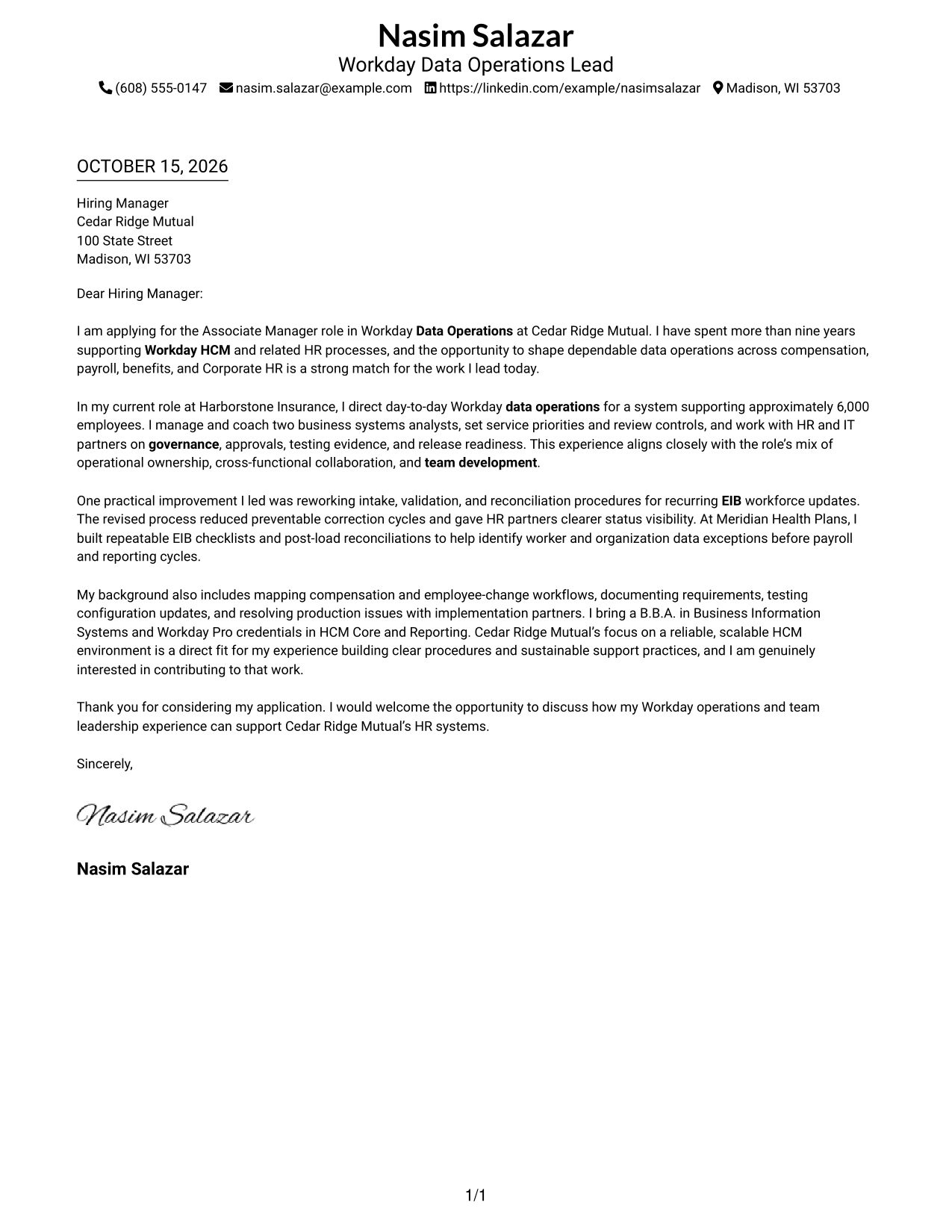
#2 Two Column Format Cover Letter Example
A contact sidebar sits beside one continuous letter body, keeping contact details distinct from the written message.
Why This Format Works
- The sidebar keeps contact information available without interrupting the letter.
- One continuous body carries the greeting, evidence, and closing in sequence.
- Side-by-side areas give contact details and the message a clear visual division.
Best For
- Contact lookup during review
- Continuous written arguments
- Letters with multiple fit examples
- Formal application letters
- Photo-free correspondence
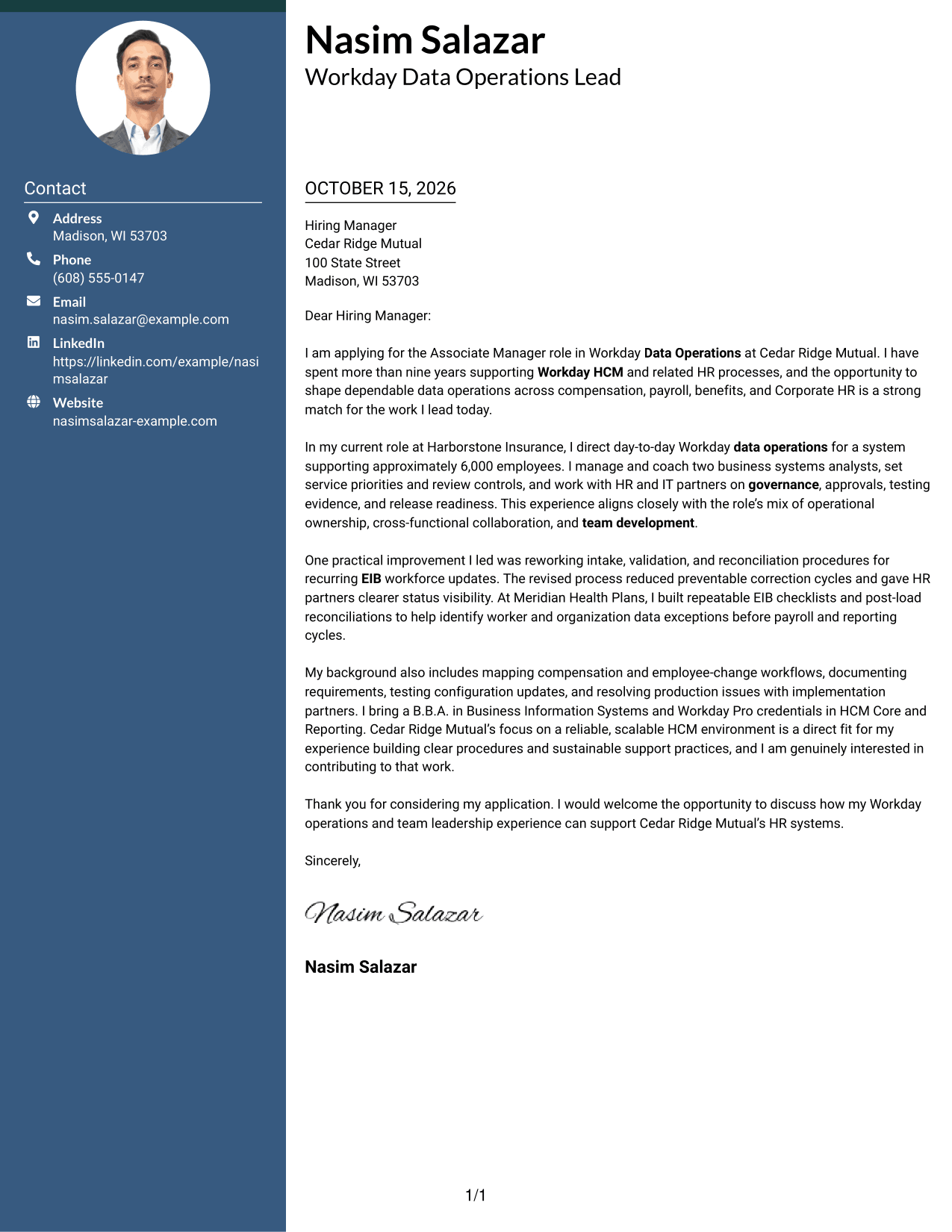
#3 Photo Header Two Column Format Cover Letter Example
A photo accompanies a contact sidebar beside one continuous letter body, offering a personal visual alongside a clear message path.
Why This Format Works
- The contact sidebar keeps sender details separate from the letter's paragraphs.
- A single letter body preserves the order of the opening, evidence, and close.
- The photo adds a visual element without acting as a label for the argument.
Best For
- Photo-inclusive correspondence
- Contact details beside the message
- Continuous letter bodies
- Letters with multiple fit examples
- Formal employer applications
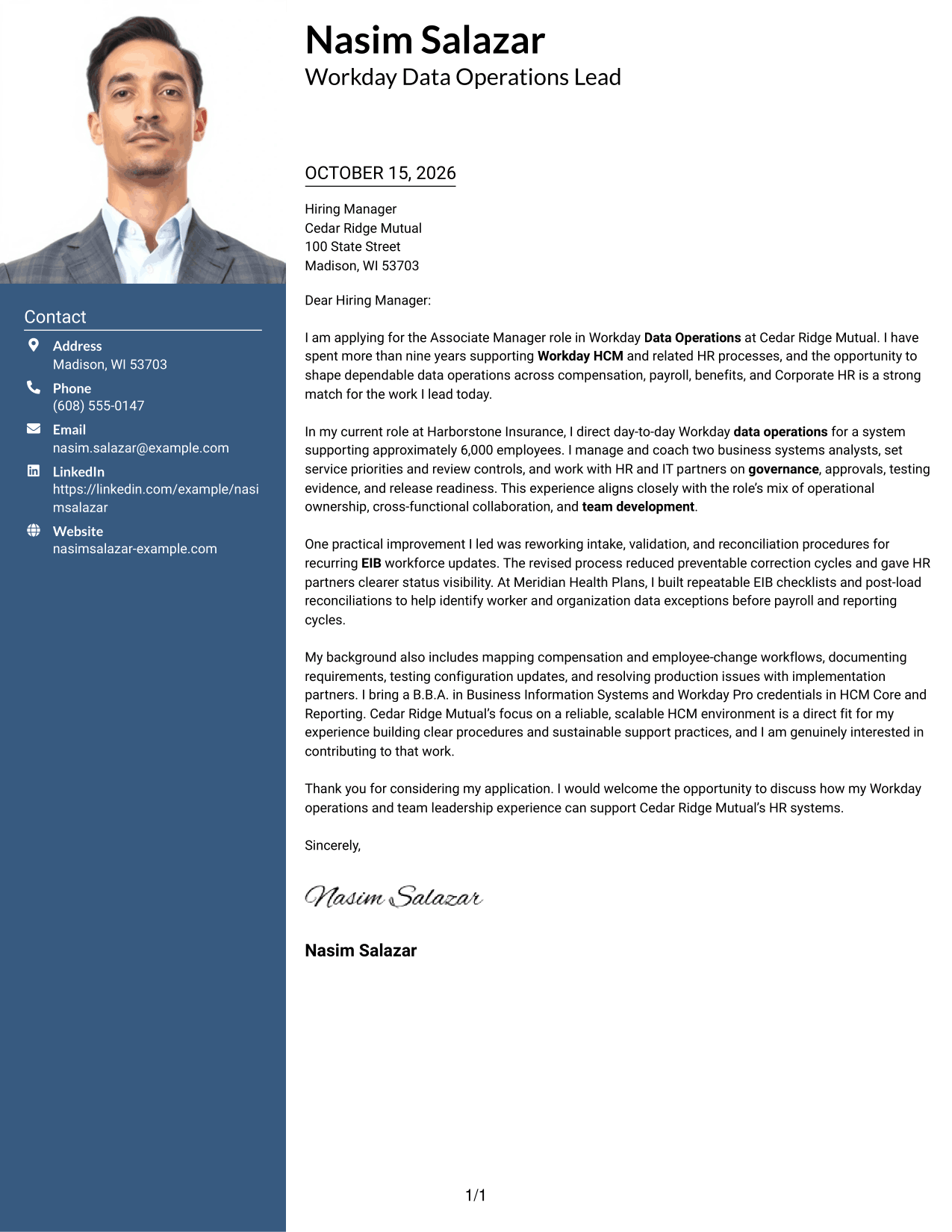
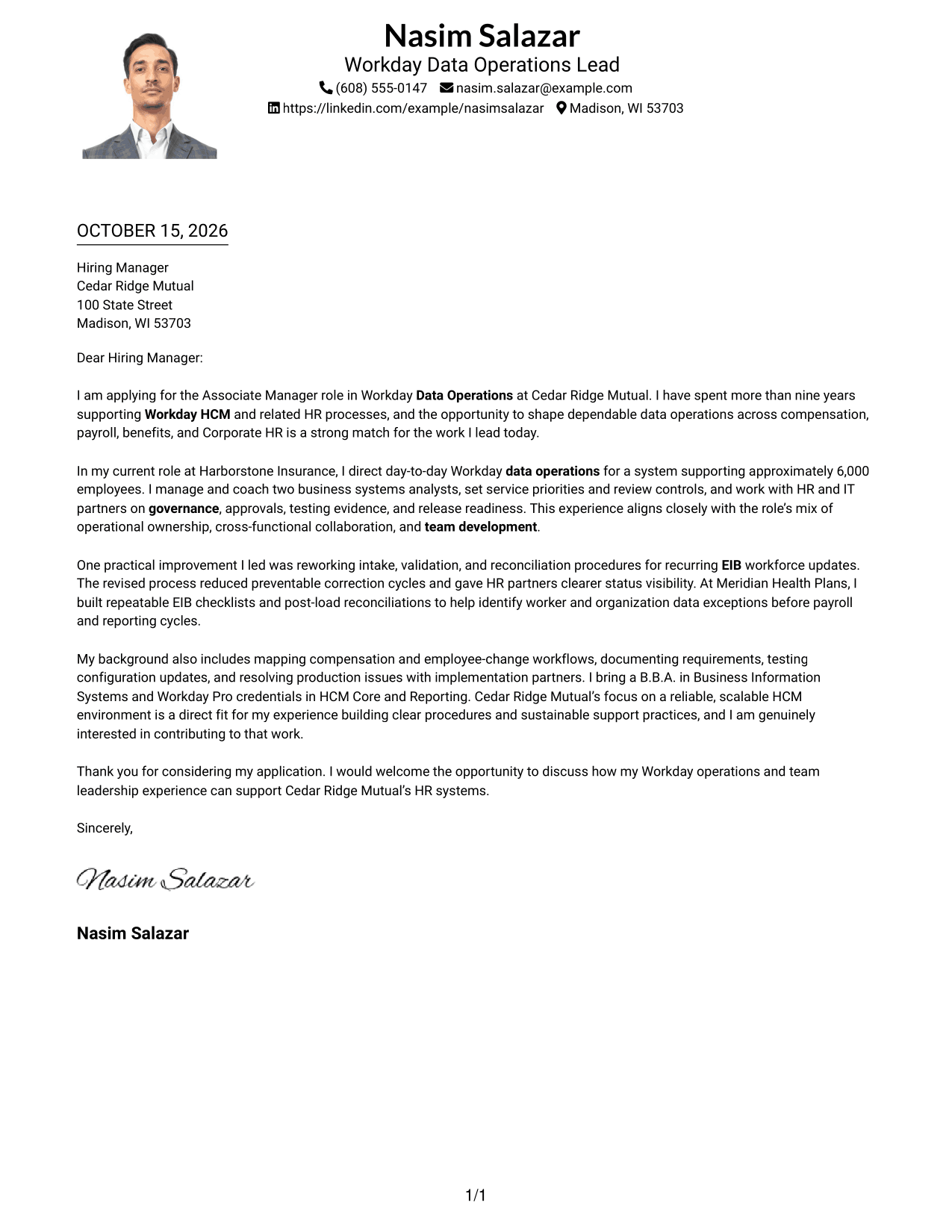
#4 One Column Format with Photo Cover Letter Example
This one-column letter includes a photo, while header-based sender details and a continuous body keep the message on one reading path.
Why This Format Works
- The continuous body lets readers follow the letter from greeting through closing.
- Header-based contact details remain distinct from the message paragraphs.
- The photo offers a visual choice without changing the letter's reading order.
Best For
- Single-column correspondence
- Photo-inclusive letters
- Header contact details
- Letters with several supporting paragraphs
- Direct employer applications
#5 Simple Two Column Format Cover Letter Example
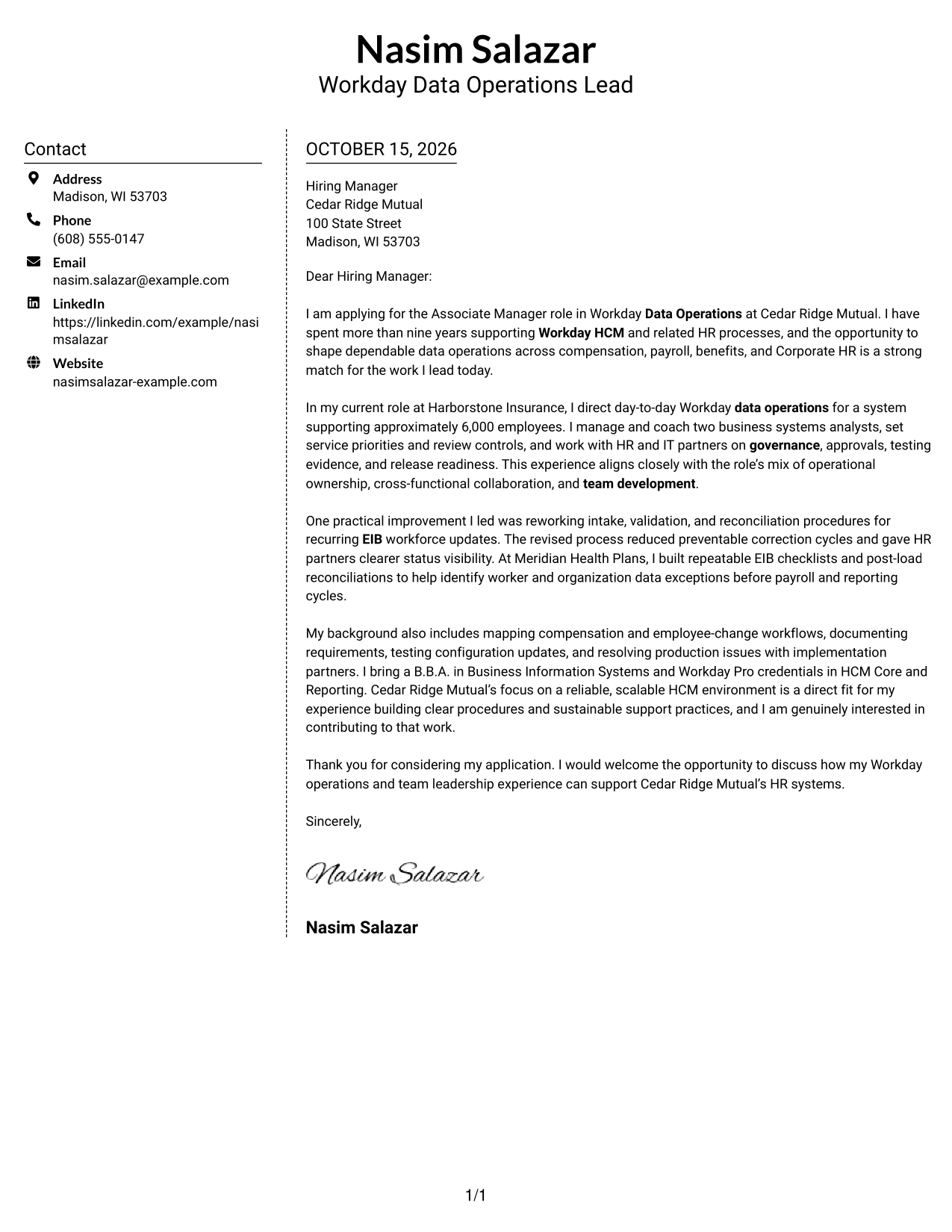
Simple Two Column Format places a contact sidebar beside one continuous letter body, separating contact reference from the written case.
Why This Format Works
- The sidebar gives contact details a separate place beside the letter.
- The argument stays in one body, rather than splitting across parallel panels.
- Two visible areas distinguish sender information from the continuous correspondence.
Best For
- Sidebar contact layouts
- Unbroken letter-body flow
- Photo-free correspondence
- Applications with several supporting points
- Formal business letters
#6 Modern Icon Format Cover Letter Example
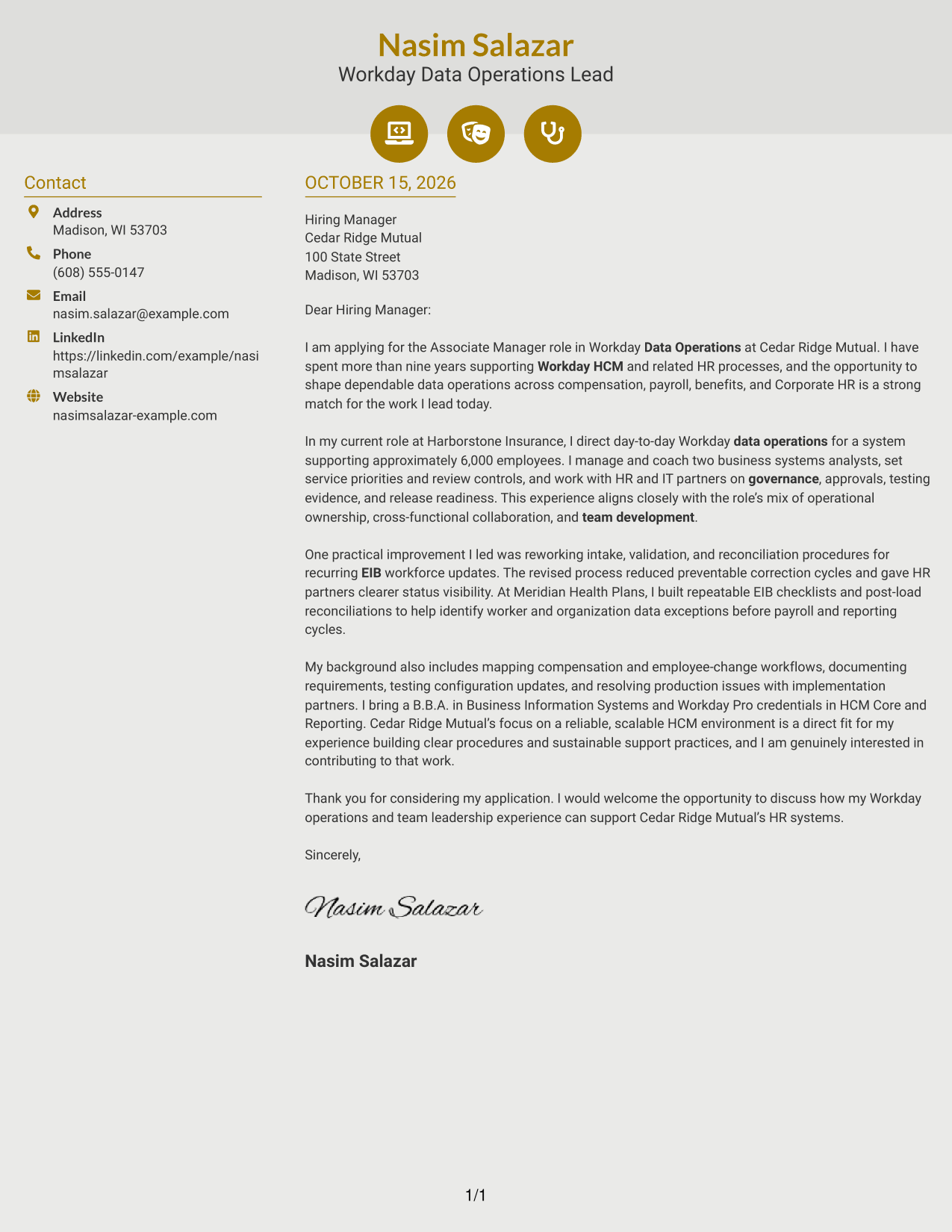
Modern Icon Format pairs a contact sidebar with one continuous letter body, using icons for contact cues and decorative header accents.
Why This Format Works
- Contact icons help readers spot sender details in the sidebar.
- The letter's paragraphs remain in one sequence from greeting to close.
- Decorative header accents add visual detail without labeling parts of the argument.
Best For
- Icon-marked contact information
- Continuous letter bodies
- Decorative header accents
- Photo-free applications
- Letters with several fit points
#7 Creative Two Tone Format Cover Letter Example
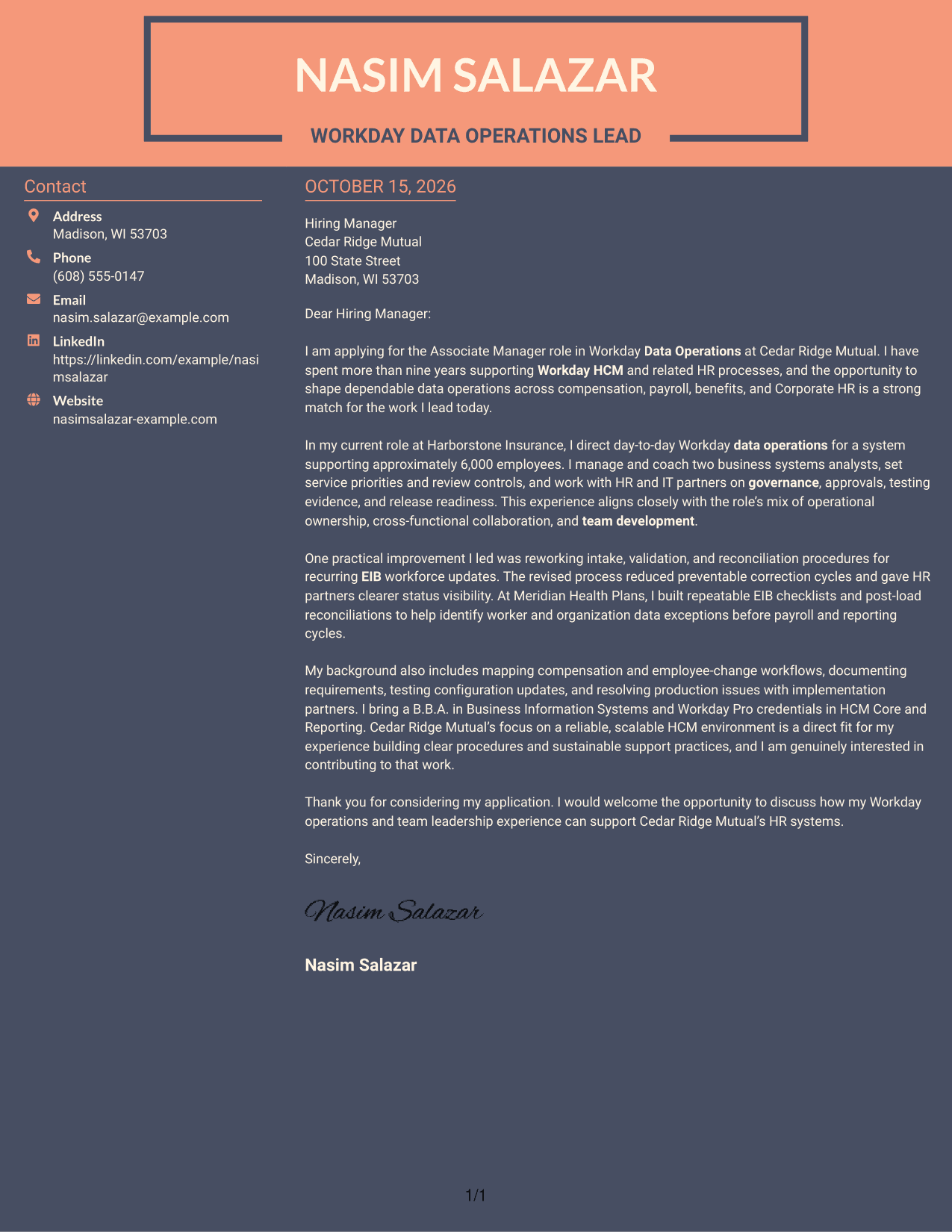
Creative Two Tone Format keeps contact details in a sidebar beside one continuous letter body, giving the message a clear, uninterrupted path.
Why This Format Works
- The sidebar keeps sender details separate from the letter's main text.
- A single body lets the opening, supporting points, and close follow in order.
- The two-area arrangement distinguishes contact information from the continuous message.
Best For
- Separate contact reference
- Linear paragraph reading
- Photo-free applications
- Letters with several supporting points
- Direct employer correspondence
Why Use ResumeInMinutes for an Associate Manager - Workday Data Operations Cover Letter
ResumeInMinutes lets you view cover letter image previews and open an example in the editor to customize its wording and presentation for the role.
- Several presentation styles
- Clear, readable letter layouts
- Role-focused wording
- Support for opening, body, and closing paragraphs
- Professional cover letter examples
- Easy access to image previews
Focus your message on Workday HCM operations, EIB data practices, governance, cross-functional delivery, and the value you can bring to the employer.
See Also
- 7 Associate Manager - Workday Data Operations Resume Templates with Example
- 7 Workday Product Operations Manager Resume Templates with Example
- 7 Capacity Deployment Lead - Data Center Operations Resume Templates with Example
- 33 Data Analyst, Operations Resume Templates with Example 2026 (ATS-Optimized)
- 33 Data Center Operations and Disaster Recovery Intern Resume Templates with Example 2026 (ATS-Optimized)
- 33 Data Center Operations Intern Resume Templates with Example 2026 (ATS-Optimized)
- 33 Data Center Operations Technician Resume Templates with Example 2026 (ATS-Optimized)
- 33 Electric Operations Data Science Intern Resume Templates with Example 2026 (ATS-Optimized)
- 30+ Data Analyst, Operations Cover Letter Templates with Example 2026
- 30+ Data Center Operations and Disaster Recovery Intern Cover Letter Templates with Example 2026
Frequently Asked Questions
What should an Associate Manager - Workday Data Operations cover letter emphasize?
Explain how your Workday HCM work supports accurate data, reliable processes, and responsive service. Include relevant evidence of EIB data management, governance, process improvement, and team development when it reflects your experience.
How can I show my impact in the letter?
Describe a specific operating change, the action you took, and its result. For example, a clear account of improving EIB validation or reconciliation can show how your work reduced corrections or helped partners see the status of data updates.
How should I connect my experience to the employer?
Use the job description to identify the employer’s needs, then connect them to work you have actually done. Explain why dependable Workday operations, strong HR partnerships, or team development matter to you.
What is a good structure for this cover letter?
Open by naming the role and your reason for applying. Use the body to show relevant leadership and one concrete example, then close by restating your interest and inviting a conversation.
Can I view and customize the cover letter examples?
Yes. Compare the image previews, then open an example in the editor to customize the letter’s wording and presentation.




