
7 Associate Manager - Workday Data Operations Resume Templates with Example
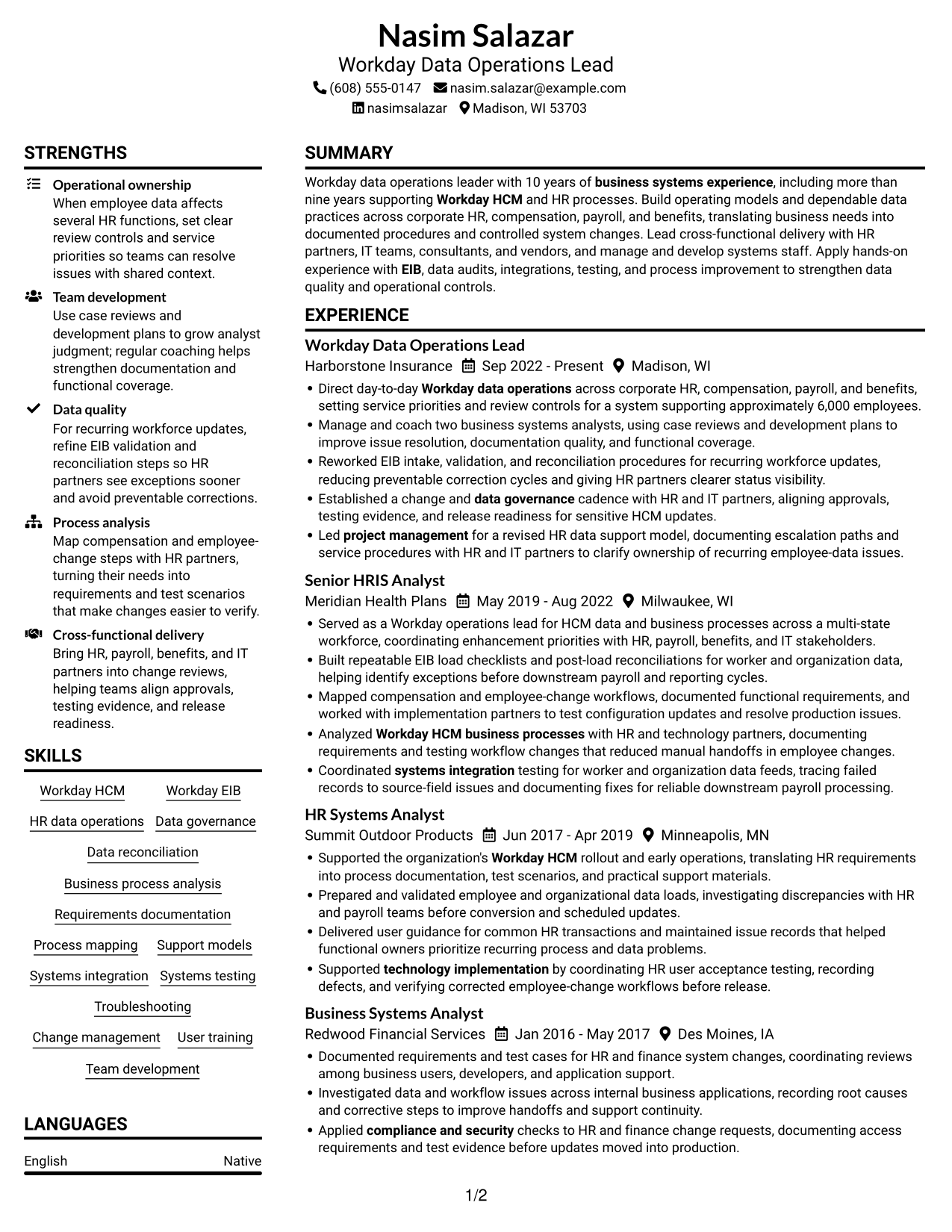
This guide shows you how to build an Associate Manager - Workday Data Operations resume that clearly connects your work to reliable HR data operations. You will learn how to organize your evidence and compare professional resume layouts.
Strong resumes for this role show how you support Workday HCM processes, improve data quality, and set clear operating procedures. Use focused experience bullets to explain your work with EIB loads, governance, testing, and cross-functional teams, then show the result for service delivery or data accuracy.
The example is presented in 7 layouts, with image previews to help you compare section order and visual style. The guidance explains how to choose a format and present relevant skills, achievements, and keywords for the role.
What Makes a Great Associate Manager - Workday Data Operations Resume in 2026
A strong resume makes ownership, team development, and improvements to Workday data operations easy to find. Clear sections and focused achievement bullets help readers see the value of your work.
Use role-relevant terms such as Workday HCM, EIB, data governance, reconciliation, process analysis, and systems testing. Add results, scope, or measures where you can support them with evidence.
The examples shown below are intentionally detailed to demonstrate a range of experiences, skills, accomplishments and relevant keywords. We prefer detailed resumes as they provide more context to the hiring managers and also help the ATS systems identify relevant qualifications and score your resume better for a match. But the length of a resume is an individual choice. If you want a one page resume, just keep the most relevant experience and information for the job. Note: Resume examples are for educational purposes only. Use only information that accurately reflects your experience and qualifications. References to real organizations do not imply affiliation or endorsement.
#1 Plain Two Column Format Resume Example
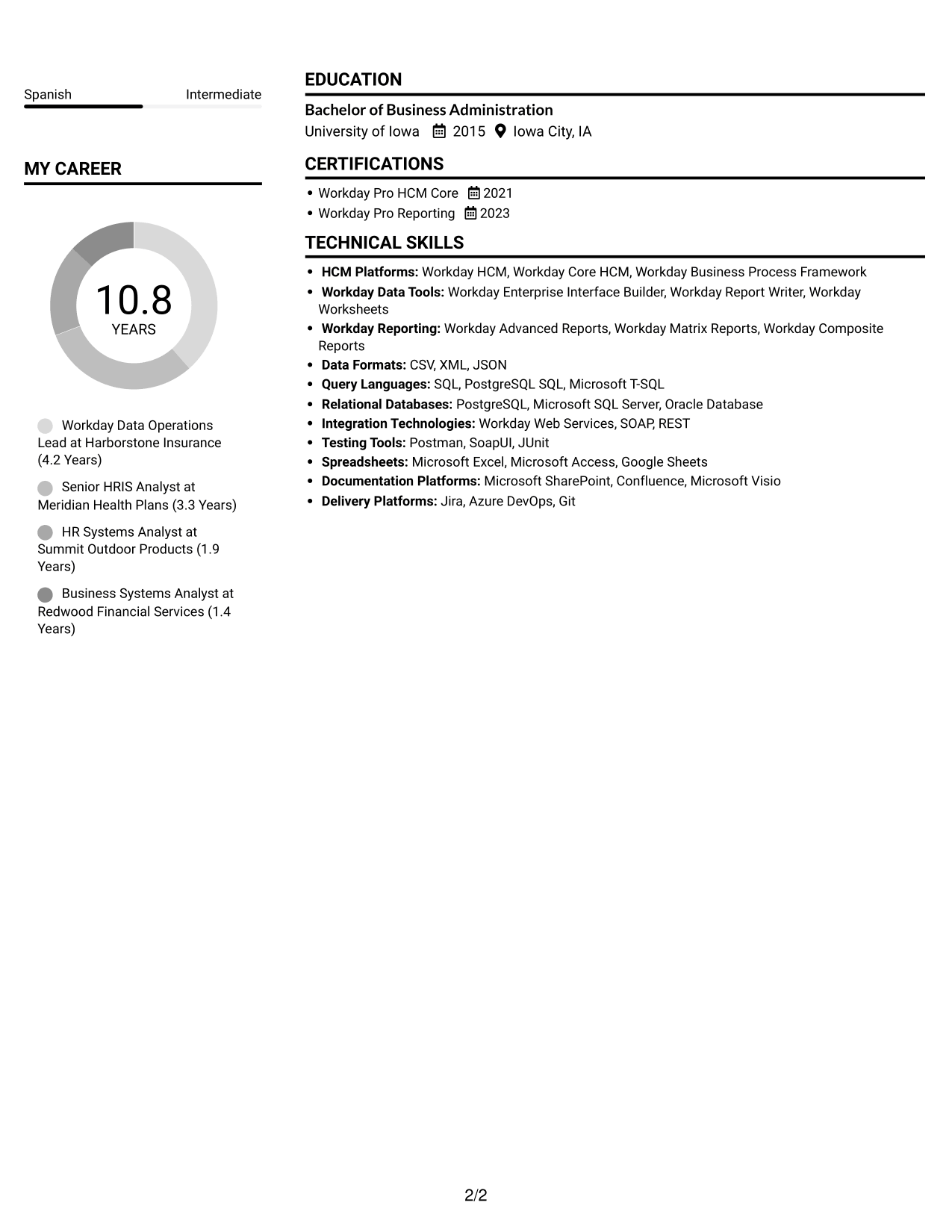
The Plain Two Column Format separates resume content into two areas, helping reviewers find career history and supporting details.
Resume Snapshot
- 10 years of business systems experience
- More than nine years supporting Workday HCM
- Bachelor of Business Administration in Business Information Systems
- Workday Pro HCM Core and Workday Pro Reporting
Why This Format Works
- Two-column organization lets reviewers find supporting skills and credentials beside career history.
- Distinct content areas make education and certifications easier to locate during a scan.
- Clear section boundaries help reviewers follow progression across four business systems roles.
Best For
- Career histories spanning several roles
- Experience and skills needing distinct areas
- Education and certifications easy to locate
- Detailed operating model experience
- Resumes balancing leadership and hands-on work
Resume Keywords
- Workday HCM
- EIB
- Workday Data Operations
- Data governance
- business systems experience
- Workday HCM business processes
- Business process analysis
- refine EIB validation and reconciliation steps
- Systems integration
- technology implementation
- Systems testing
- project management
- compliance and security
- Team development
- Change management
#2 Simple One Column Format Resume Example
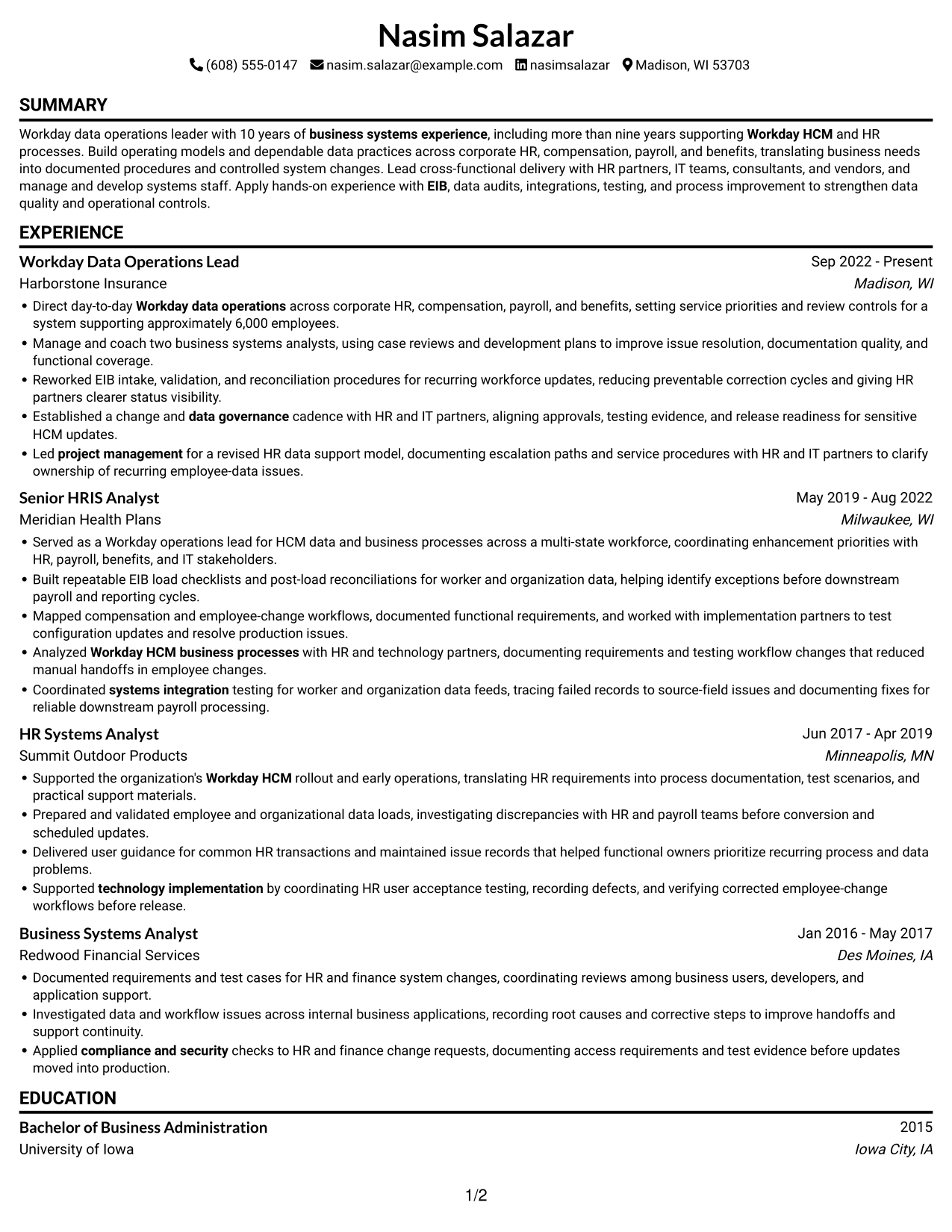
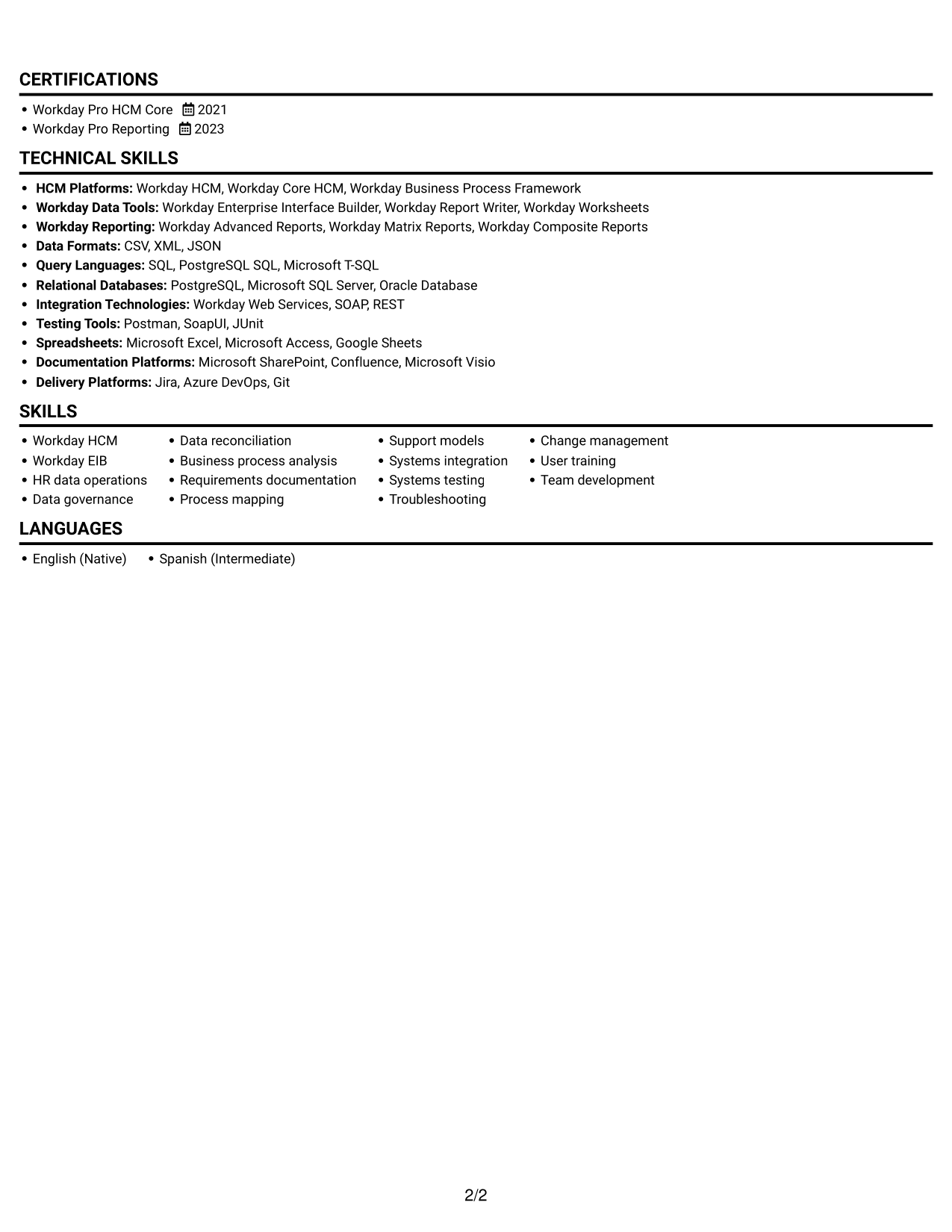
The Simple One Column Format keeps resume sections in one reading path, a practical choice for straightforward review of work history and qualifications.
Why This Format Works
- A single reading path helps reviewers follow career history from one role to the next.
- Section order keeps skills, education, and credentials within one clear sequence.
- One-column text can support consistent parsing by applicant tracking systems.
Best For
- Single-path resume reading
- Chronological career histories
- Detailed role descriptions
- Straightforward ATS parsing
- Education and credentials in sequence
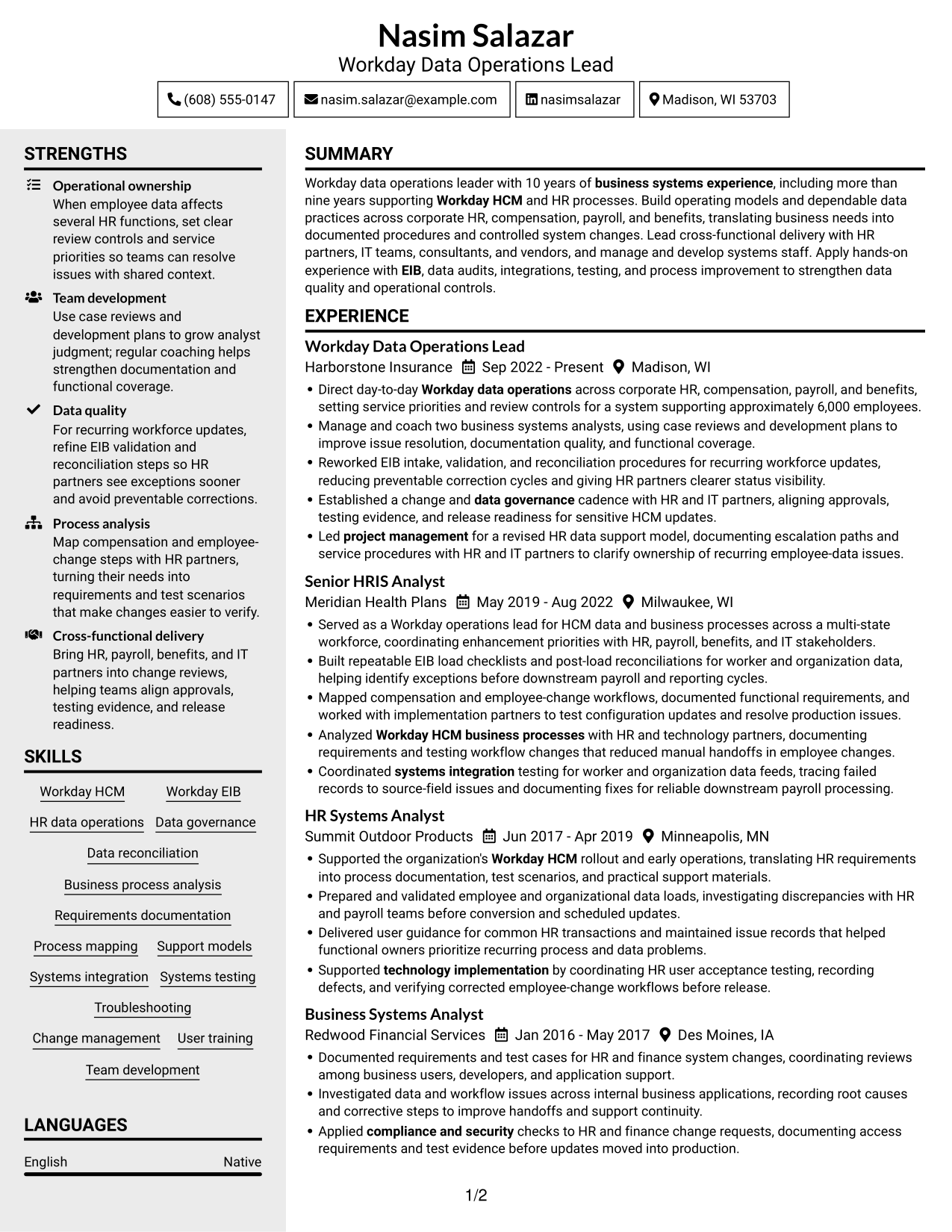
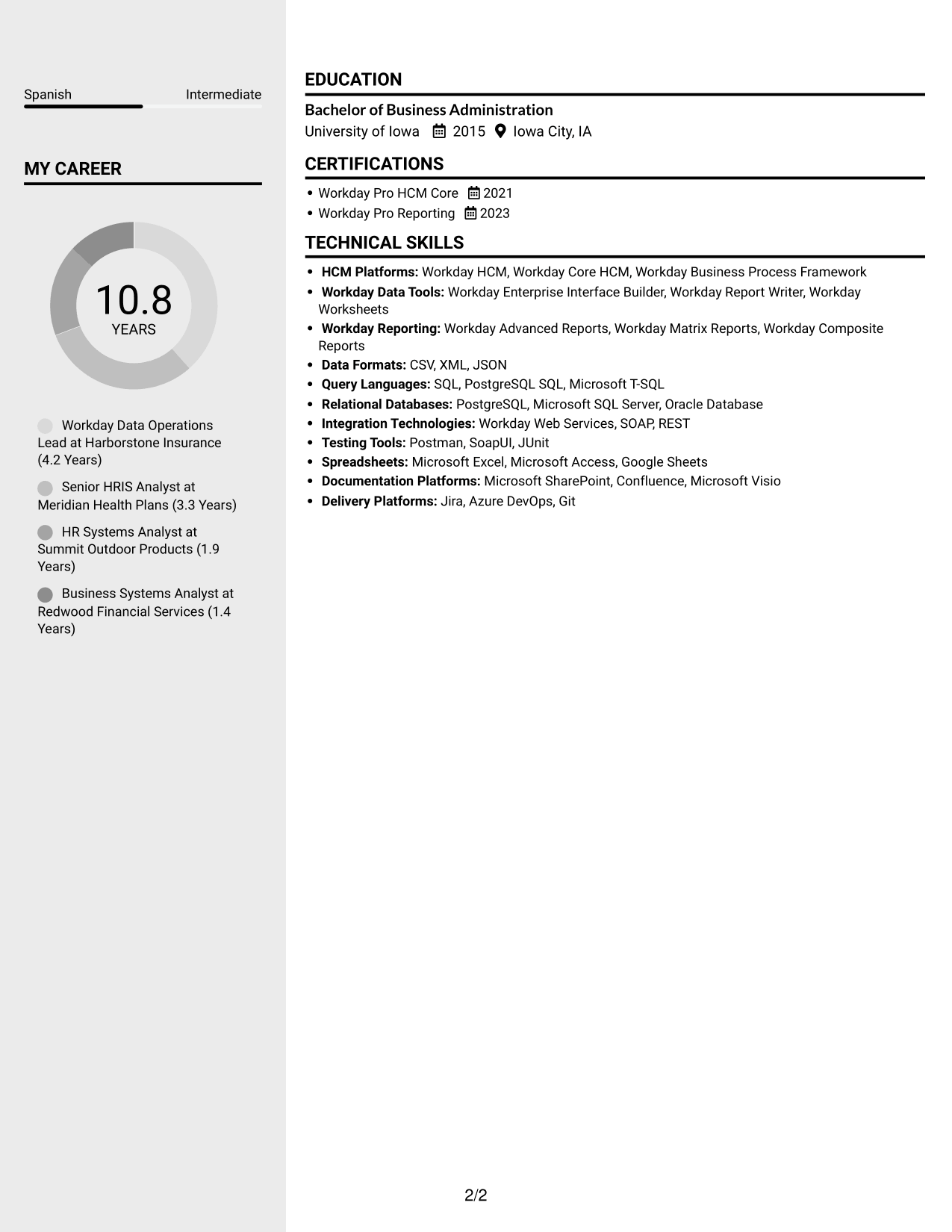
#3 Clean Two Column Sidebar Format Resume Example
The Clean Two Column Sidebar Format places resume content in two areas, making it useful when reviewers need to move between work history and supporting details.
Why This Format Works
- The sidebar gives supporting skills and credentials a distinct place beside career entries.
- Separate areas help reviewers return to key qualifications while following work history.
- Clear section organization keeps education visible without interrupting career progression.
Best For
- Skills paired with career history
- Quick reference to supporting details
- Resumes with varied section types
- Career records needing clear hierarchy
- Experience-heavy documents with concise skill lists
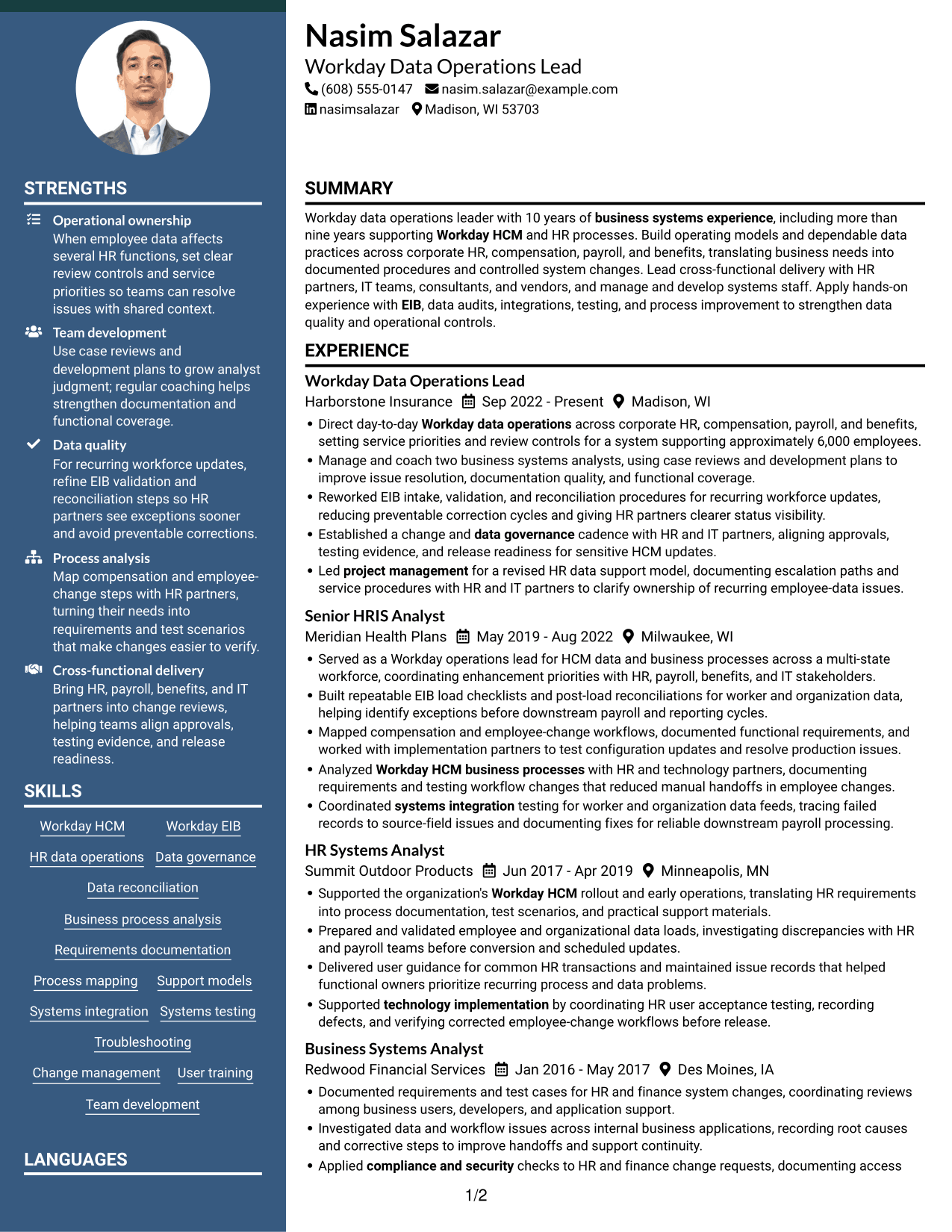
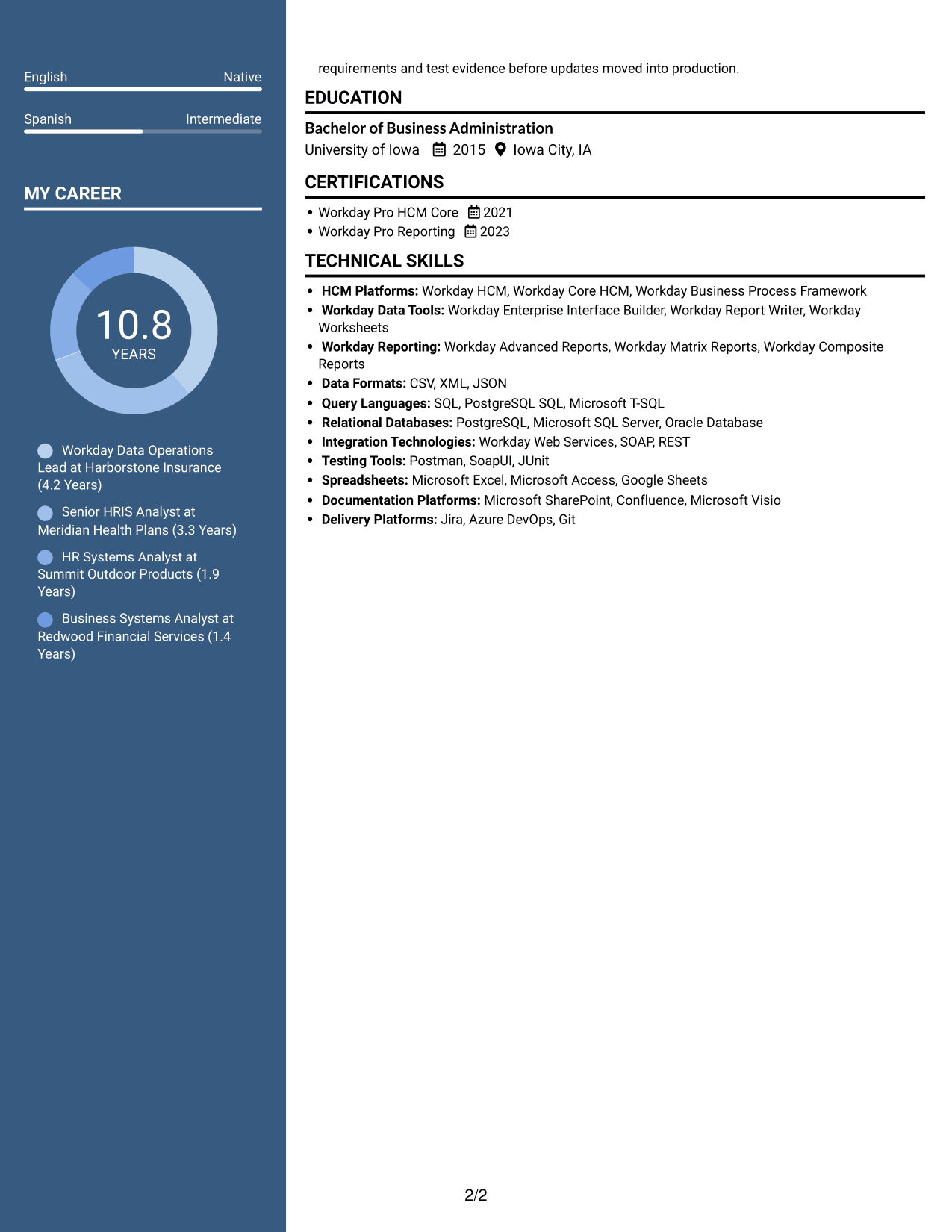
#4 Two Column Format Resume Example
The Two Column Format divides resume information across two areas, a useful option for presenting career details alongside other sections.
Why This Format Works
- Separate areas let reviewers locate education and certifications without losing the work history.
- Two-column organization accommodates career entries alongside skills and other supporting details.
- Distinct sections help reviewers compare experience across several roles.
Best For
- Balanced experience and supporting sections
- Resumes with several career entries
- Skills and credentials needing separate areas
- Structured work history review
- Leadership experience with supporting qualifications
#5 Photo Header Two Column Format Resume Example
The Photo Header Two Column Format combines a profile photo with two-column organization, a suitable choice when a resume photo is requested.
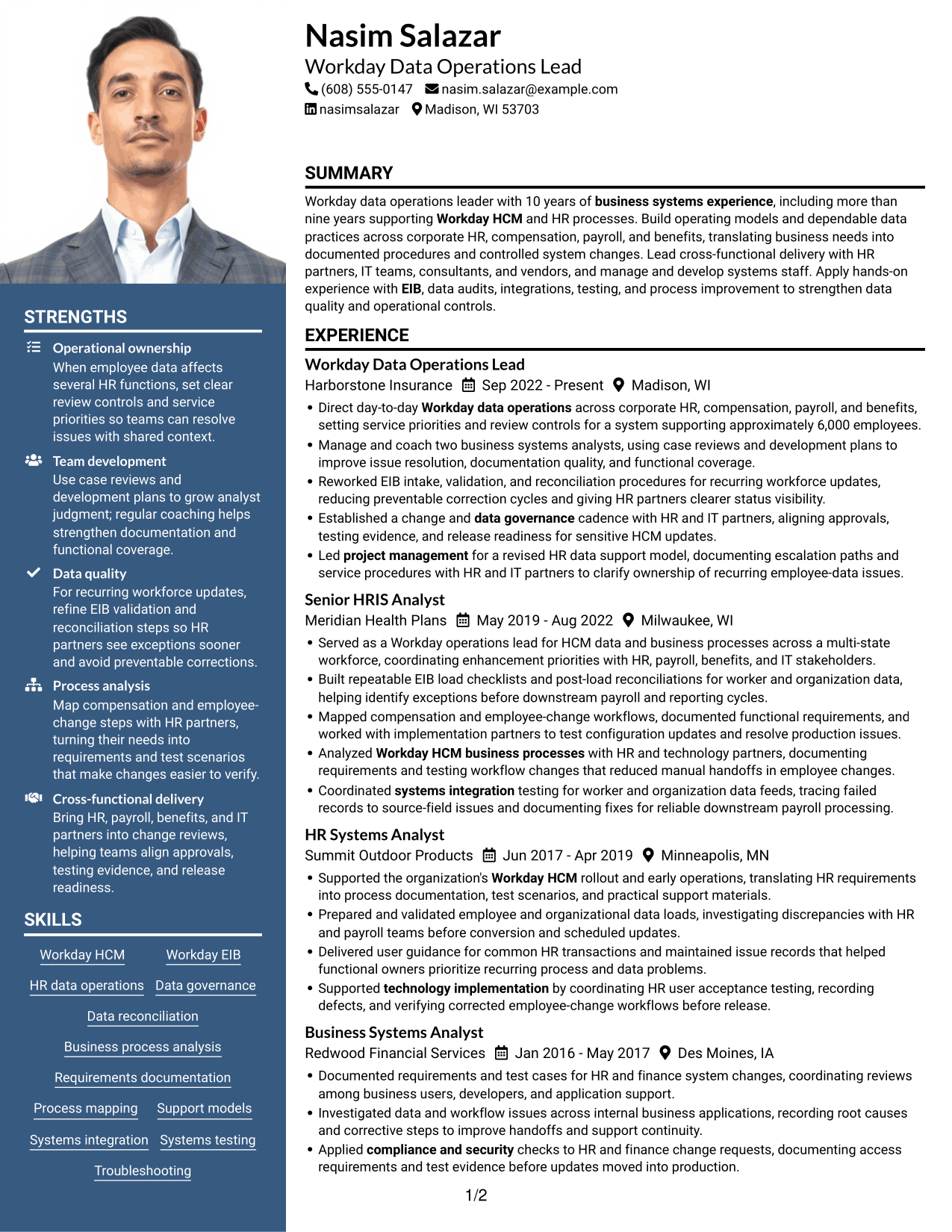
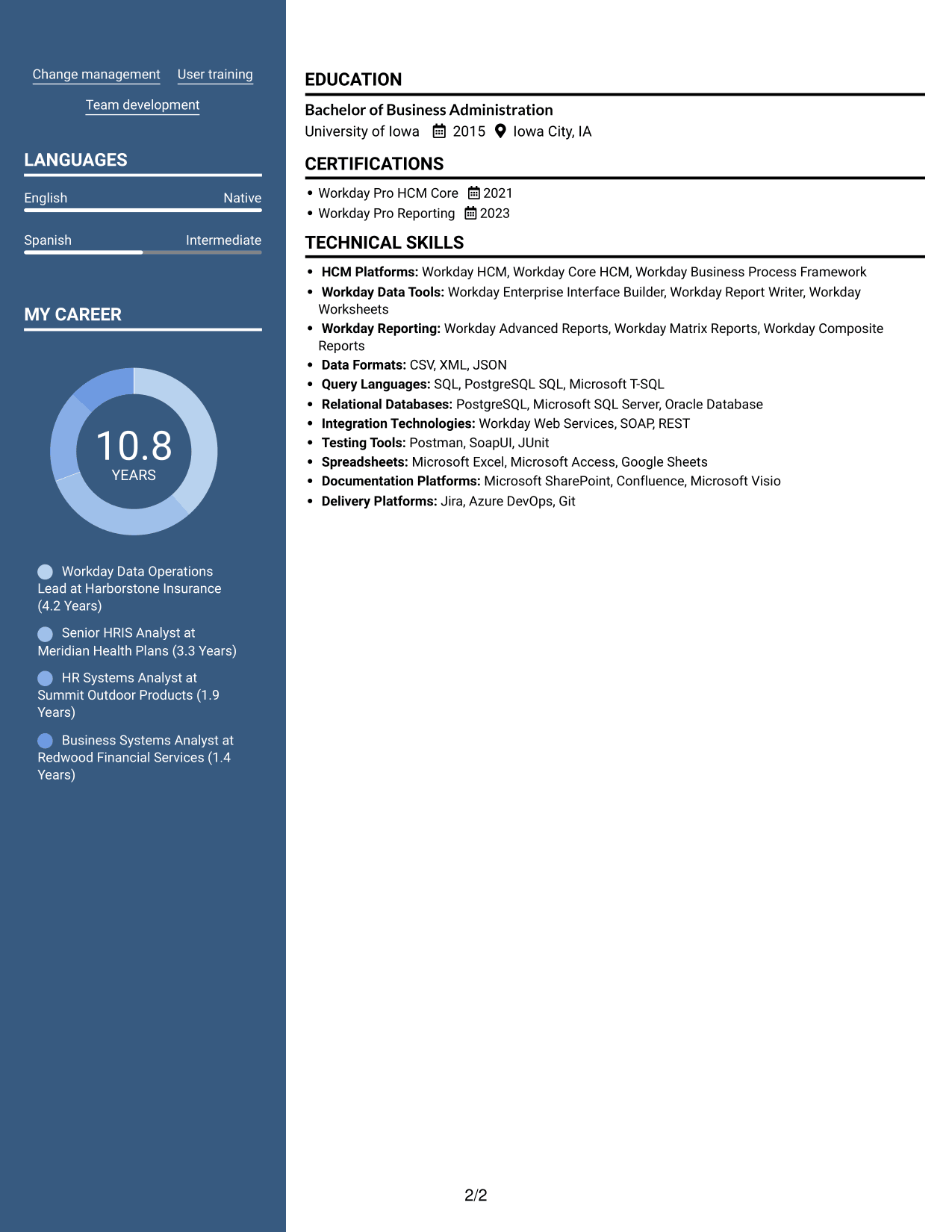
Why This Format Works
- The two-column body separates career history from supporting sections for easier review.
- A profile photo gives the header a visible personal identifier.
- Distinct content areas help reviewers locate education and credentials alongside experience.
Best For
- Applications requesting a resume photo
- Two-column career summaries
- Work histories with supporting skills
- Education and credentials beside experience
- Photo-inclusive professional profiles
#6 Colored Two Column Format Resume Example
The Colored Two Column Format uses a colored sidebar within a two-column layout, helping reviewers distinguish supporting resume details from career content.
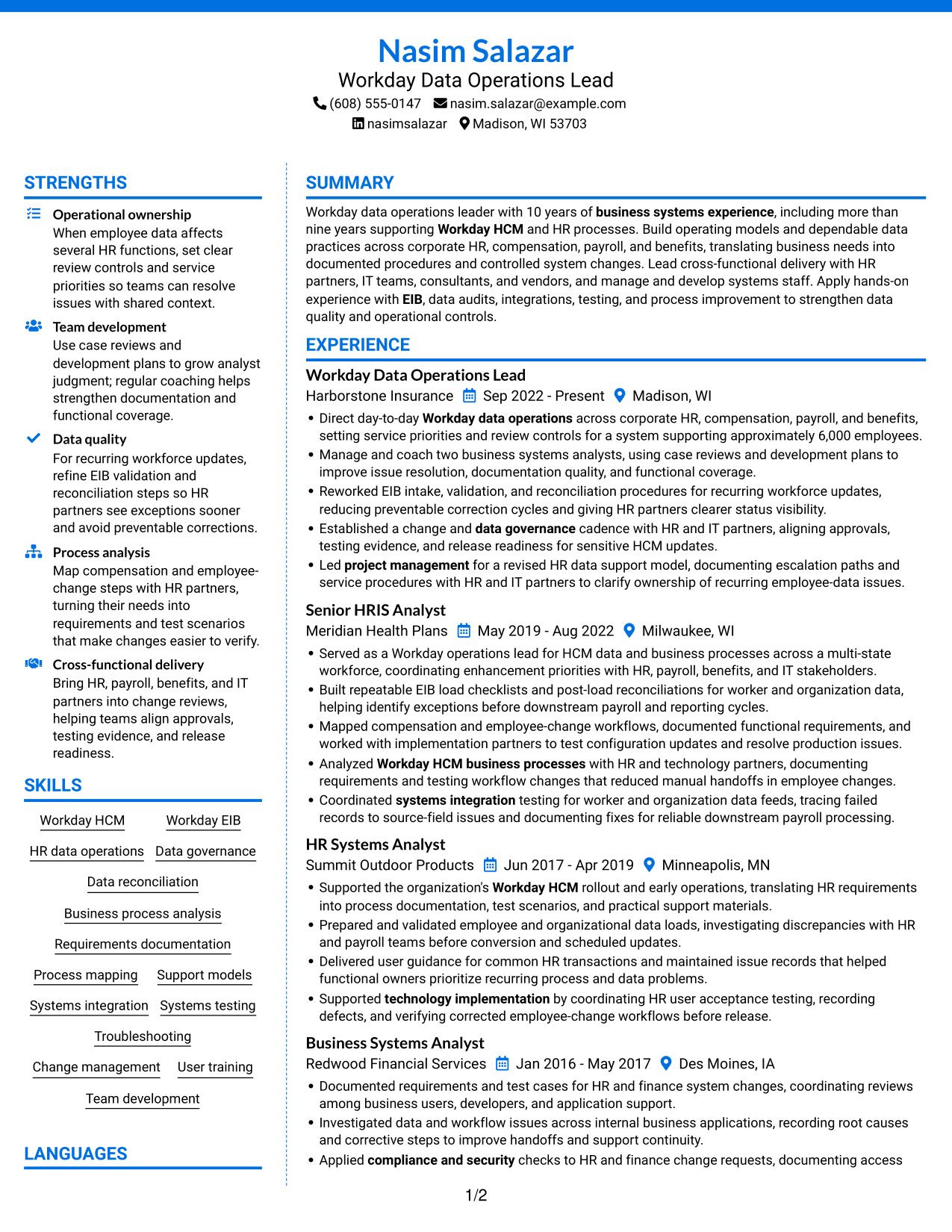
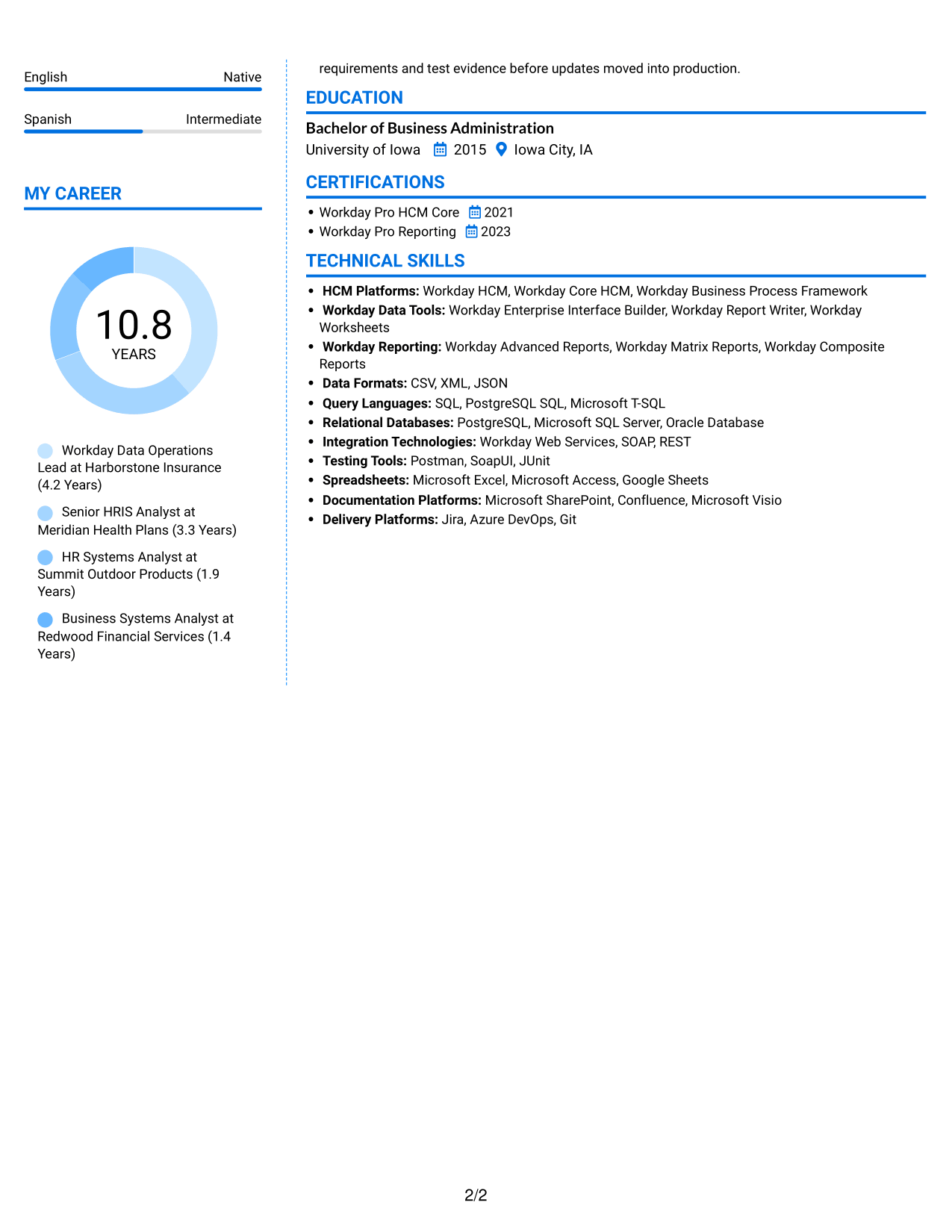
Why This Format Works
- The sidebar separates supporting skills and credentials from the main career record.
- Color contrast helps reviewers distinguish resume sections during a quick scan.
- Two-column organization keeps education and experience within separate content areas.
Best For
- Colored sidebar preference
- Career histories with skill summaries
- Sections needing visible separation
- Experience and education in distinct areas
- Resumes with varied supporting details
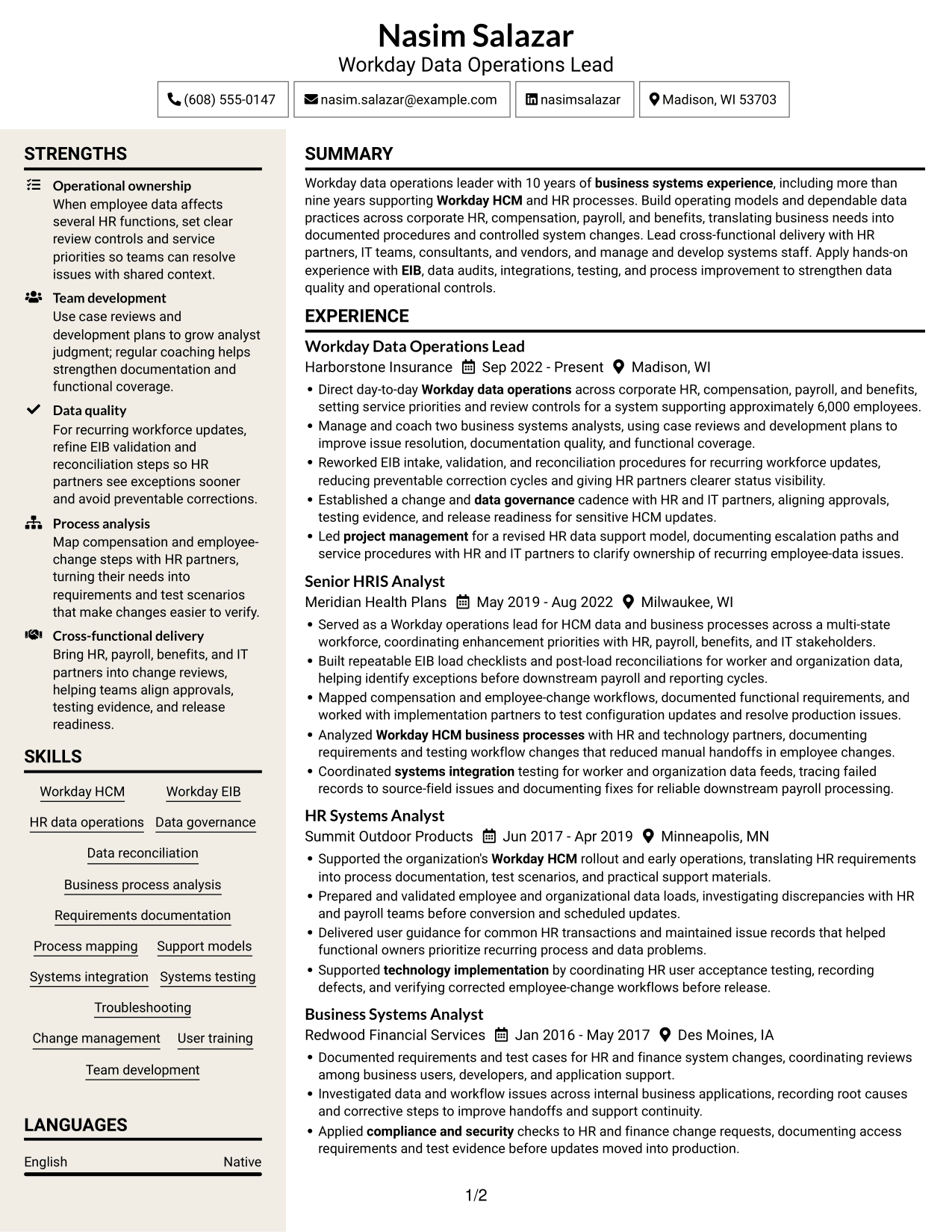
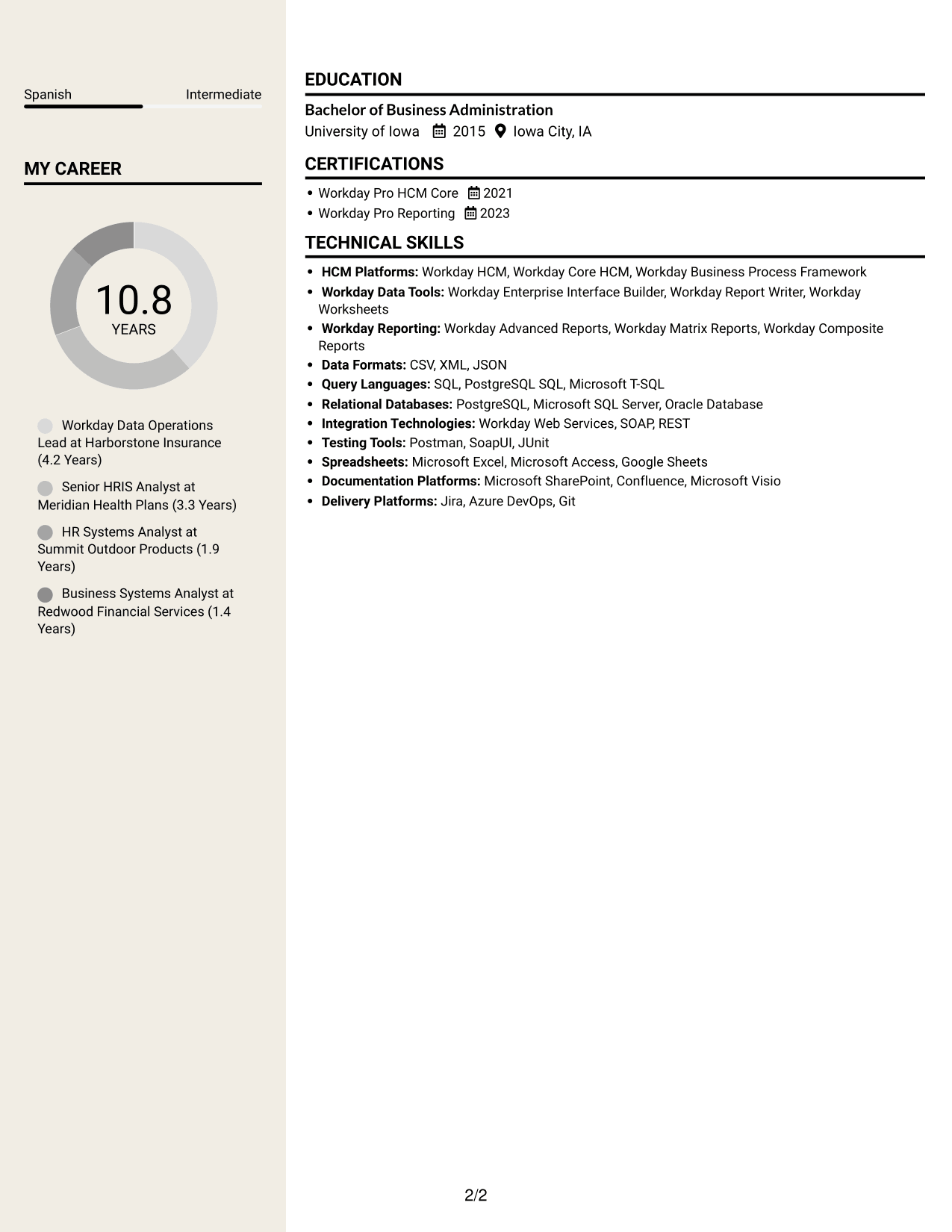
#7 Stylish Two Column Designer Format Resume Example
The Stylish Two Column Designer Format arranges resume content in two areas, a useful choice for balancing detailed work history with supporting sections.
Why This Format Works
- Two content areas let reviewers move between career history and supporting qualifications.
- Separate sections make skills, education, and credentials easier to find.
- The layout keeps detailed work history from being the only visible content area.
Best For
- Detailed career histories with supporting sections
- Experience alongside skills and credentials
- Resumes with multiple content categories
- Career progression needing clear organization
- Work history and education in parallel areas
Build Your Associate Manager - Workday Data Operations Resume with ResumeInMinutes
ResumeInMinutes helps you organize experience, skills, and results into a resume that is easy to review. Compare image previews, then open an example in the editor to customize it.
- Professional resume layouts
- Clear, readable section structure
- Role-focused keyword guidance
- Organized skills and tools
- Experience bullets focused on outcomes
- Resume customization in the editor
Show how your Workday data operations work supports reliable HR processes. Use specific examples of data controls, process improvements, collaboration, and team development.
See Also
- 7 Workday Product Operations Manager Resume Templates with Example
- 7 Capacity Deployment Lead - Data Center Operations Resume Templates with Example
- 33 Data Analyst, Operations Resume Templates with Example 2026 (ATS-Optimized)
- 33 Data Center Operations and Disaster Recovery Intern Resume Templates with Example 2026 (ATS-Optimized)
- 33 Data Center Operations Intern Resume Templates with Example 2026 (ATS-Optimized)
- 33 Data Center Operations Technician Resume Templates with Example 2026 (ATS-Optimized)
- 33 Electric Operations Data Science Intern Resume Templates with Example 2026 (ATS-Optimized)
- 7 Facilities Operations Analyst - Data Center Operations Resume Templates with Example
- 7 Associate Manager - Workday Data Operations Cover Letter Templates with Example
- 30+ Data Analyst, Operations Cover Letter Templates with Example 2026
Frequently Asked Questions
Are these Associate Manager - Workday Data Operations resume templates ATS-friendly?
The layouts use clear headings and readable sections to support scanning and parsing. Include relevant terms such as Workday HCM, EIB, data governance, and reconciliation when they accurately describe your experience.
Do the previews show different candidates?
No. They show the same resume example in different layouts, so you can compare how the content and section order appear.
What should an Associate Manager - Workday Data Operations resume include?
Include a focused summary, relevant experience, skills, education, and certifications. Use experience bullets to show how you handled Workday data, improved processes, supported controls, and worked with HR and technology partners.
Which resume format works well for this role?
Choose a format with clear section headings and enough room for concise experience bullets. A simple layout helps readers find your Workday, data governance, and team leadership evidence quickly.
How can I show the impact of Workday data operations work?
Describe the process or issue, the steps you took, and the result. Where you have reliable evidence, include measures such as workforce size, fewer correction cycles, faster issue resolution, or reduced manual handoffs.
Should I include a photo on my resume?
For most U.S. applications, a resume without a photo is a practical choice. Use the space for relevant skills, experience, and results instead.




