
7 Associate Patient Access Services Representative - Registration and Enrollment Resume Templates with Example
This guide shows you how to create an Associate Patient Access Services Representative - Registration and Enrollment resume that is clear, focused, and easy to review. You will learn how to organize relevant evidence and choose a format that supports quick scanning.
A strong resume for this role makes patient access work easy to understand. Use clear examples of registration, appointment scheduling, insurance verification, authorization follow-up, and accurate handling of patient forms.
The guide presents one resume example in 7 layouts. Compare the PNG image previews to see how each design arranges the same information, then open an example in the editor to view or customize it.
What Makes a Great Associate Patient Access Services Representative - Registration and Enrollment Resume in 2026
A strong resume uses clear section headings, direct bullet points, and accurate details about patient access tasks. It should make registration, coverage checks, patient education, and follow-through easy to find.
Use relevant terms such as pre-registration, insurance verification, authorization tracking, point-of-service collections, billing, accounts receivable, EHR, and CRM. Describe supervised or simulated work honestly, and include specific outcomes only when you can support them.
Note: Resume examples are for educational purposes only. Use only information that accurately reflects your experience and qualifications. References to real organizations do not imply affiliation or endorsement.
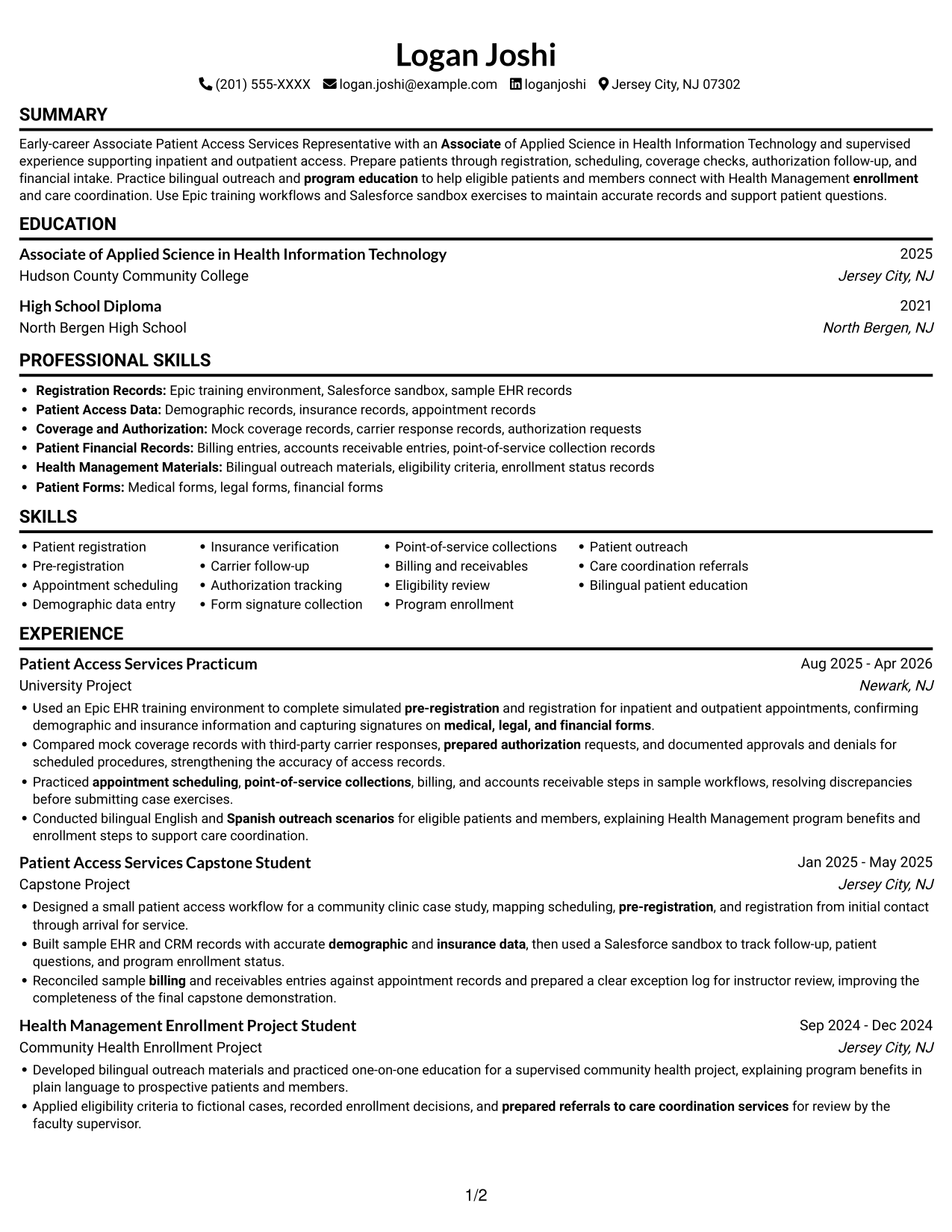
#1 Simple One Column Format Resume Example
A single-column body gives this format one clear reading path, a practical choice for reviewers who prefer to follow resume sections in order.
Why This Format Works
- Experience bullets stay in one reading path, helping reviewers follow career progression.
- Education and credentials appear within the same flow as work history.
- Skills can be found without switching between parallel content areas.
Best For
- One-path resume review
- Sequential career-history reading
- Readers who prefer vertical scanning
- Resume sections in a clear order
- Work history with supporting details
Resume Keywords
- High School Diploma
- Pre-registration
- Patient registration
- Built sample EHR and CRM records with accurate demographic and insurance data
- Insurance verification
- Compared mock coverage records with third-party carrier responses, prepared authorization requests
- documented approvals and denials for scheduled procedures
- Appointment scheduling
- medical, legal, and financial forms
- Point-of-service collections
- Billing
- accounts receivable
- Conducted bilingual English and Spanish outreach scenarios for eligible patients and members
- program education
- help eligible patients and members connect with Health Management enrollment
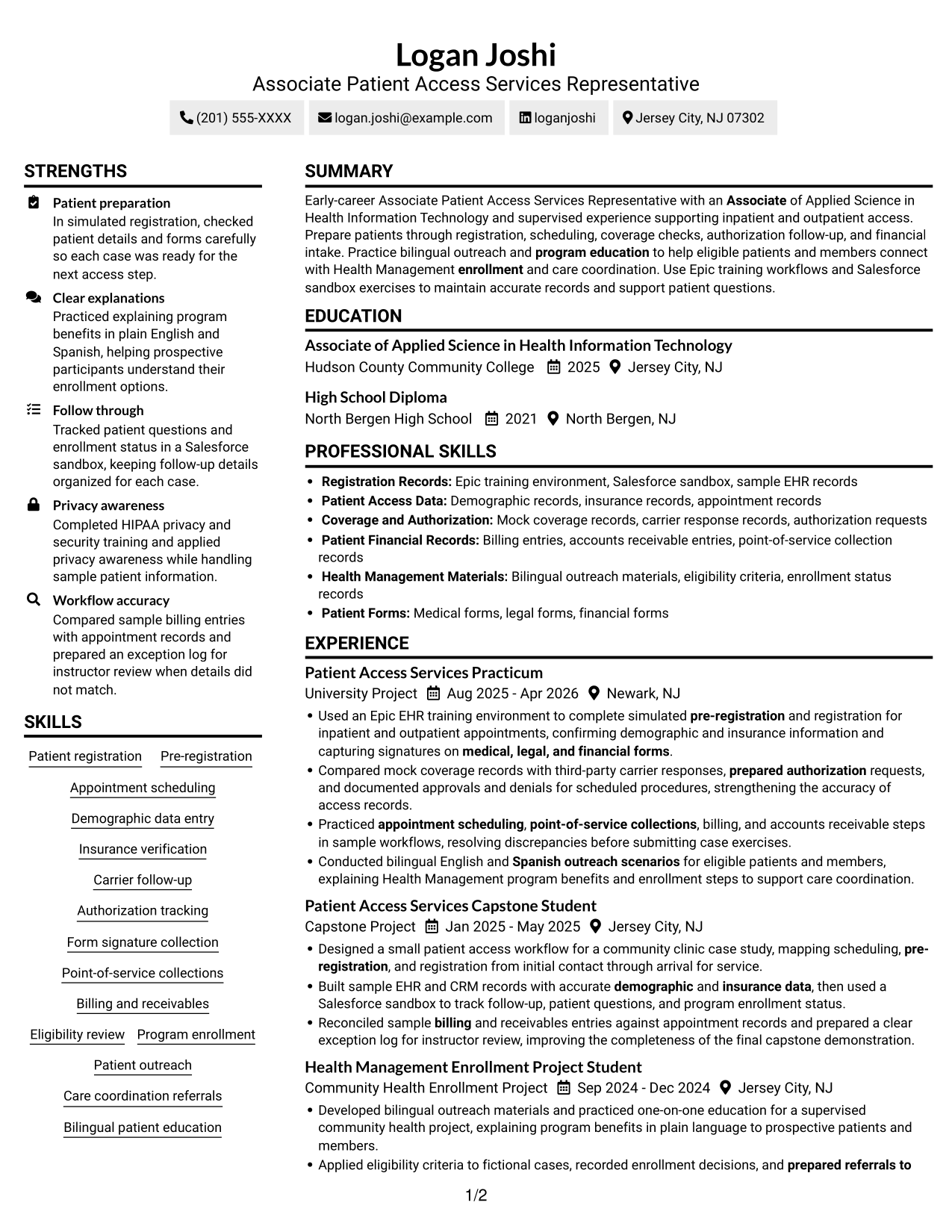
#2 Simple Two Column Format Resume Example
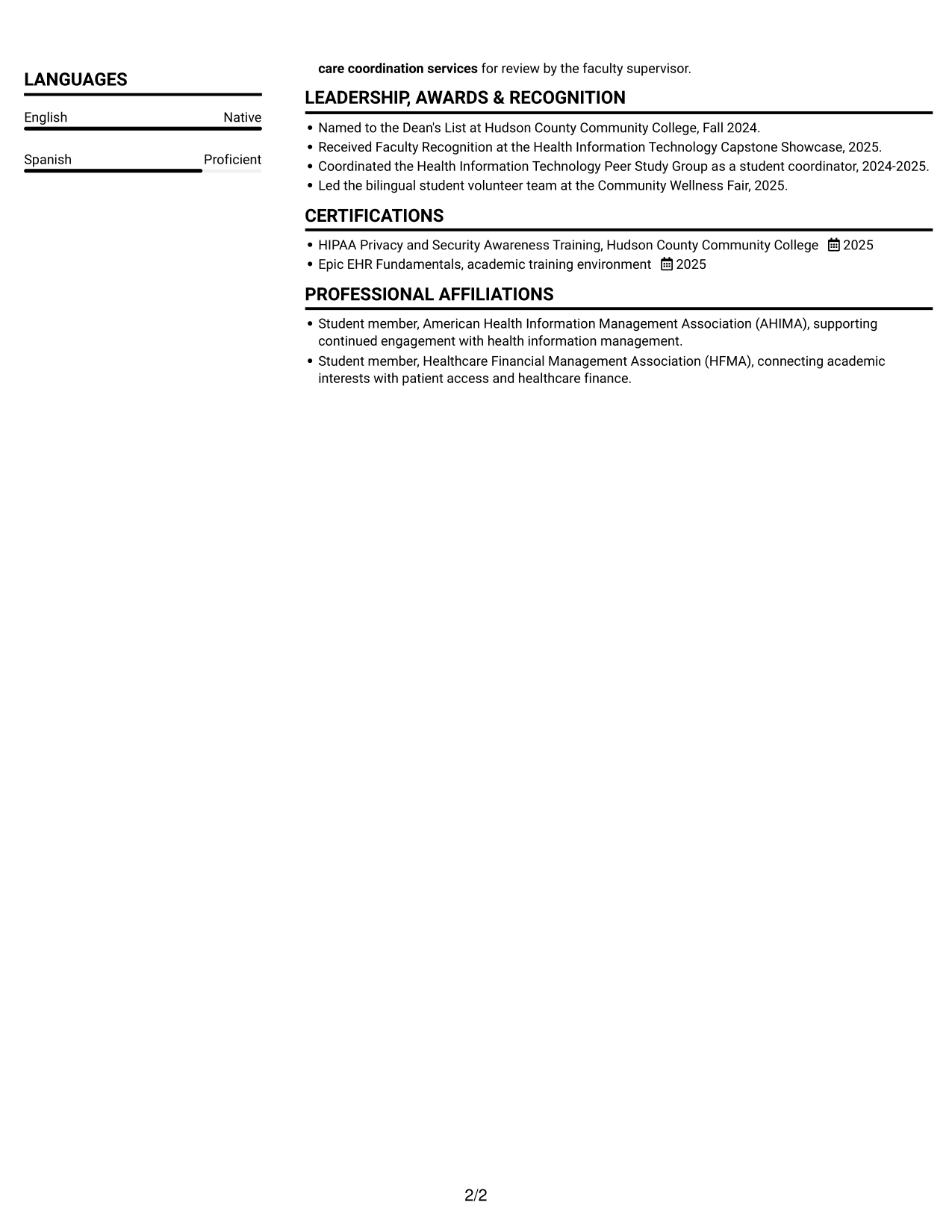
The two-column body separates content areas, giving reviewers a practical way to scan experience alongside supporting sections.
Why This Format Works
- Separate content areas let reviewers locate experience alongside supporting qualifications.
- Career history and education remain distinct parts of the resume for review.
- Skills and credentials can stand apart from detailed experience bullets.
Best For
- Parallel section review
- Experience with supporting details
- Quick movement between resume areas
- Resumes with varied section groups
- Readers comparing content by category
#3 Plain One Column with Shaded Labels Resume Example
With one column carrying the full resume, this format suits readers who want to move through each section from top to bottom.
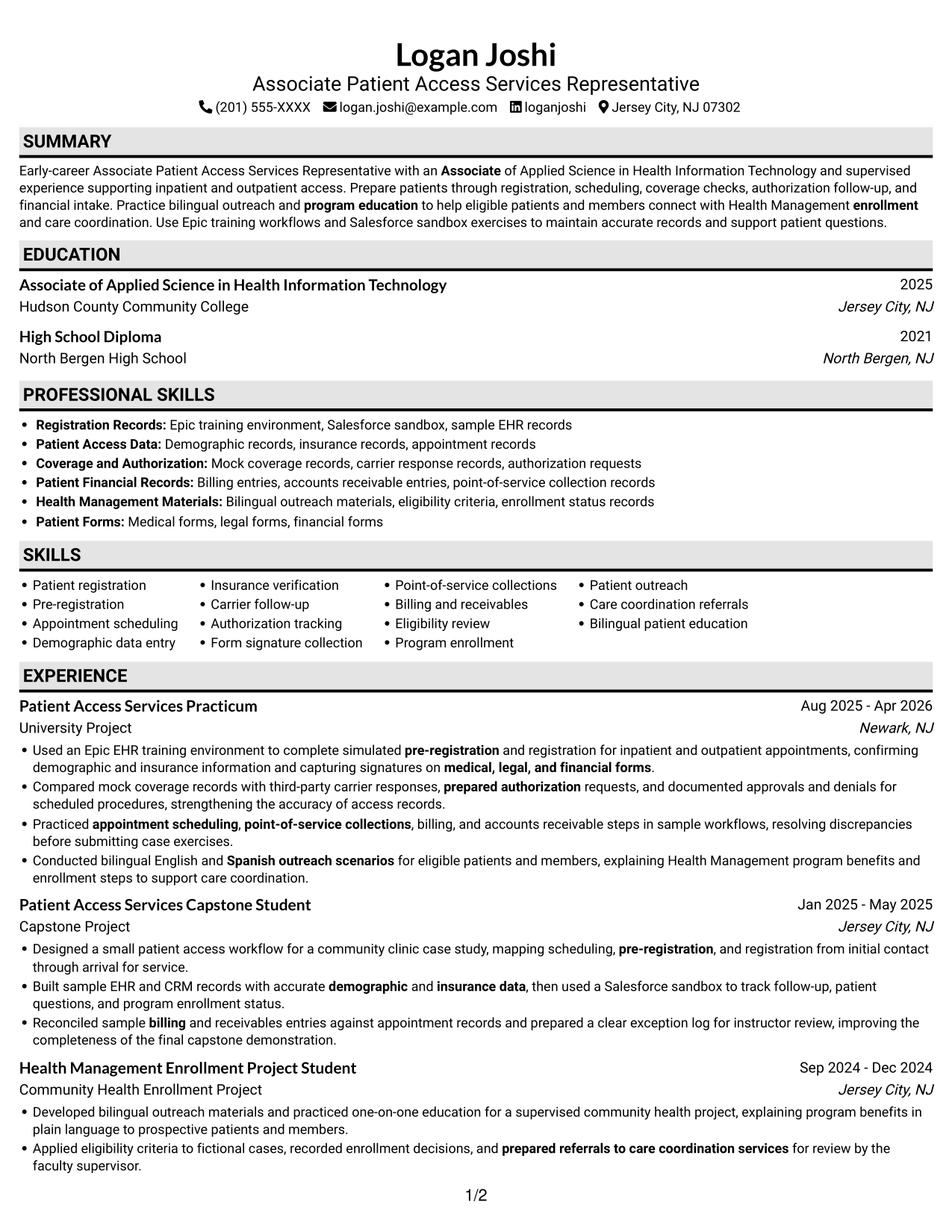
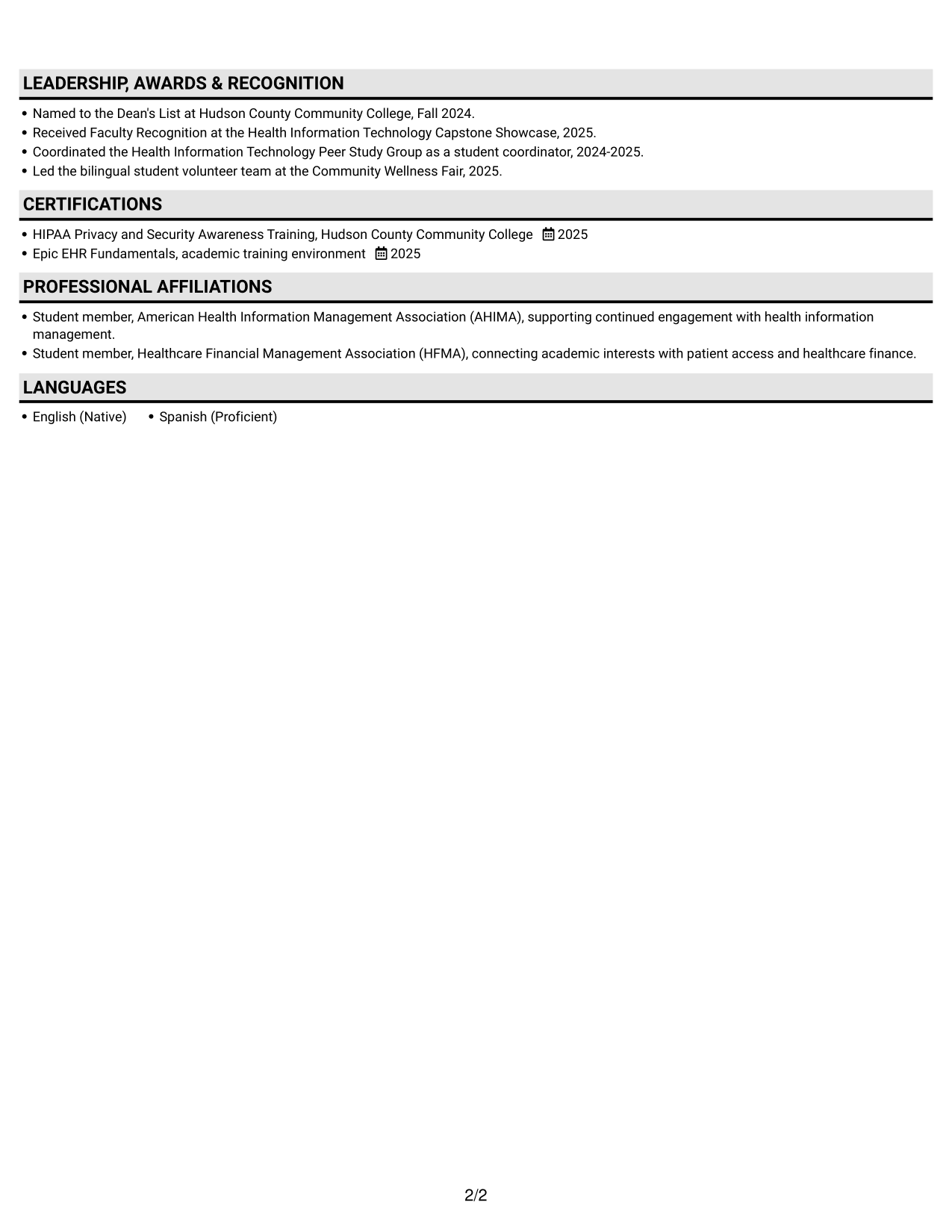
Why This Format Works
- A continuous column keeps experience entries in sequence for easy career-history review.
- Education and certifications fit into the same top-to-bottom section order.
- Skills and work details follow a shared path, reducing jumps across the page.
Best For
- Straight-through section order
- Sequential work-history review
- Resumes with several content categories
- Readers who prefer one reading lane
- Continuous review of education and experience
#4 One Column Format with Photo Right Resume Example
A photo on the right adds a visible portrait to this one-column format, while the resume body keeps its sections in a single reading path.
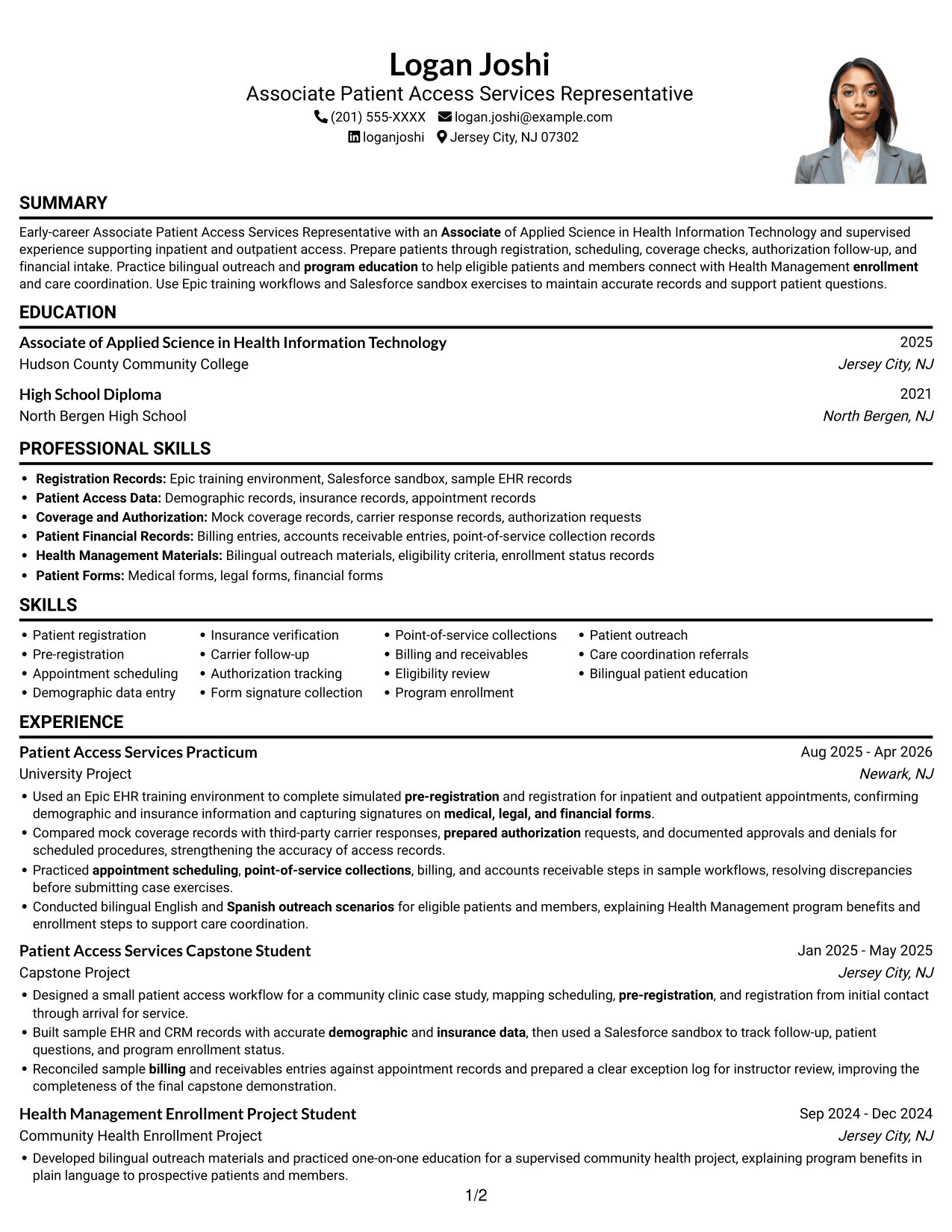
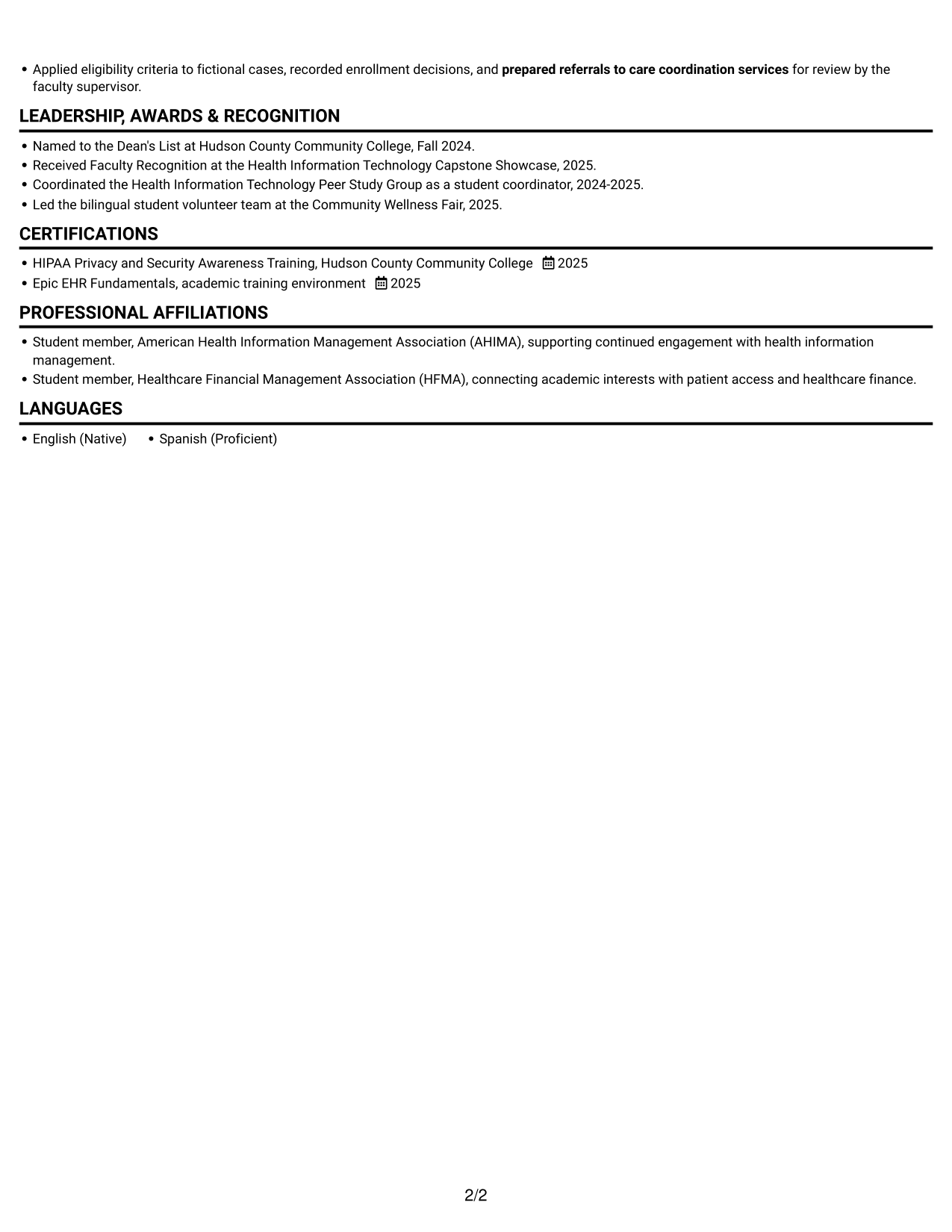
Why This Format Works
- Experience remains in a single vertical sequence, making career history straightforward to follow.
- Education and certifications sit within the same reading route as employment details.
- Skills sections are easier to locate when the reviewer follows one consistent column.
Best For
- Right-side portrait preference
- Single-column section review
- Sequential experience entries
- Mixed education and credential details
- Linear skills-to-experience navigation
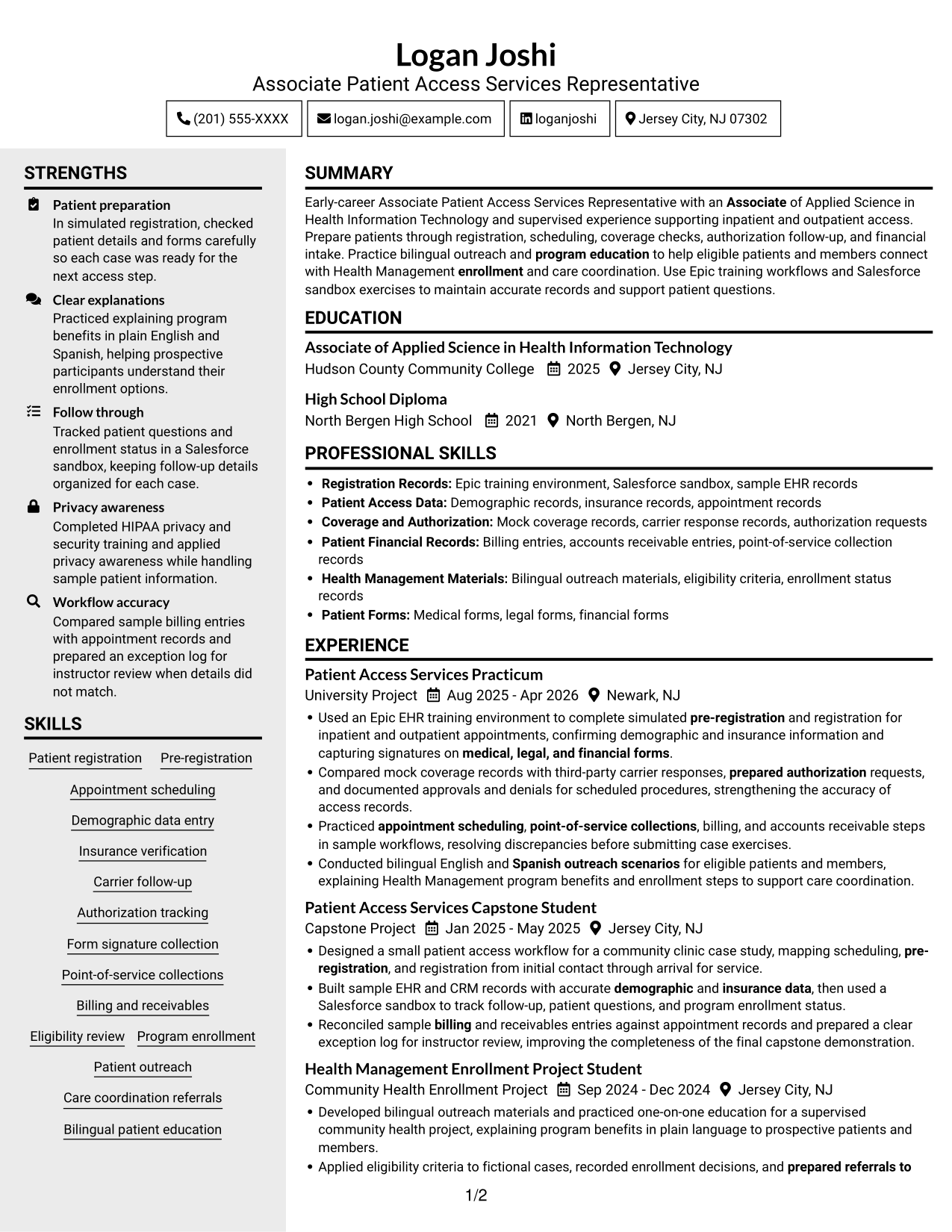
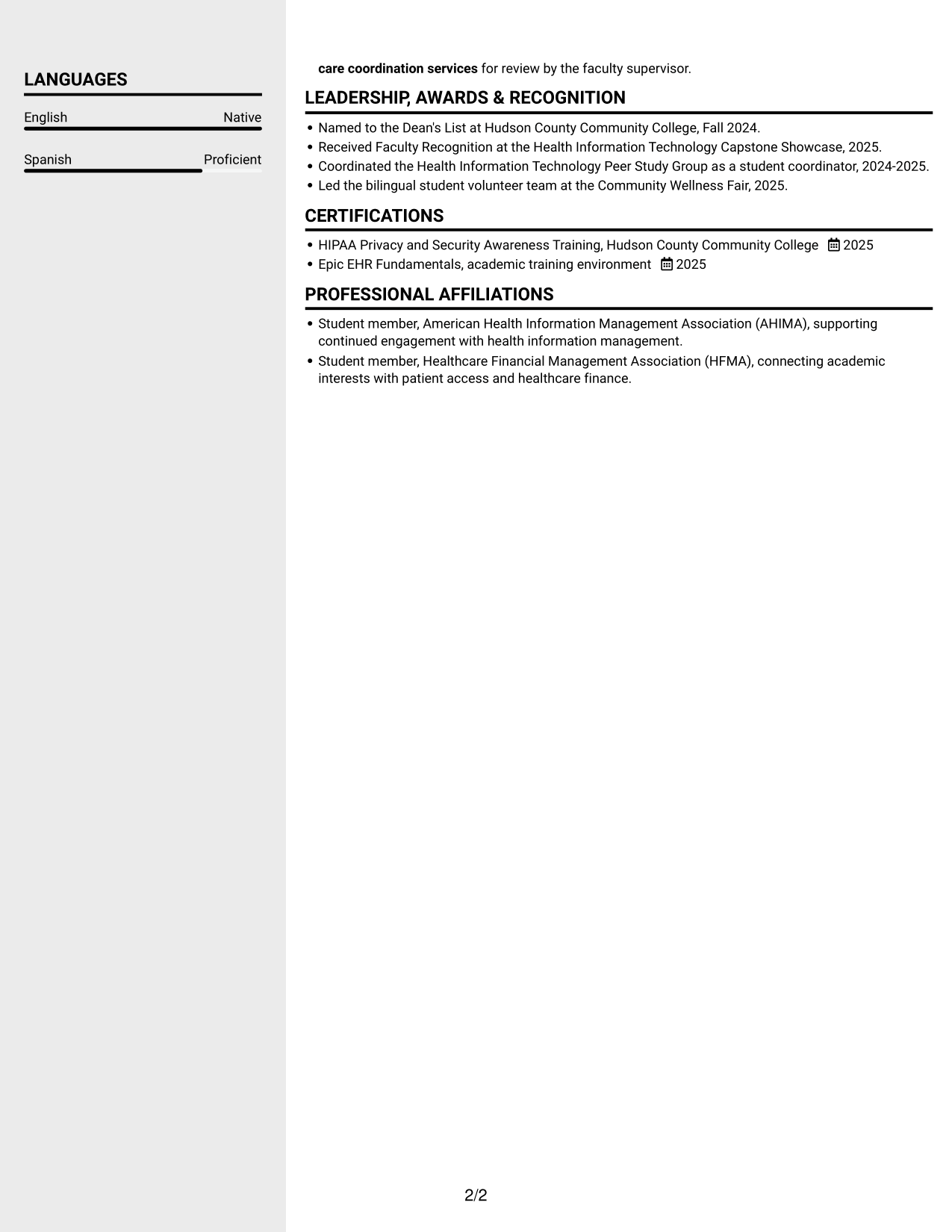
#5 Clean Two Column Sidebar Format Resume Example
The two-column body places resume content in parallel areas, useful when a reader wants a broad view of experience and supporting sections.
Why This Format Works
- Two body columns give reviewers separate areas for work history and supporting details.
- Experience entries can be followed without losing sight of other resume sections.
- Education and skills can be scanned as distinct content from career details.
Best For
- Parallel section scanning
- Distinct work and supporting areas
- Quick review of varied content
- Resume sections with differing detail levels
- Separate views of skills and career history
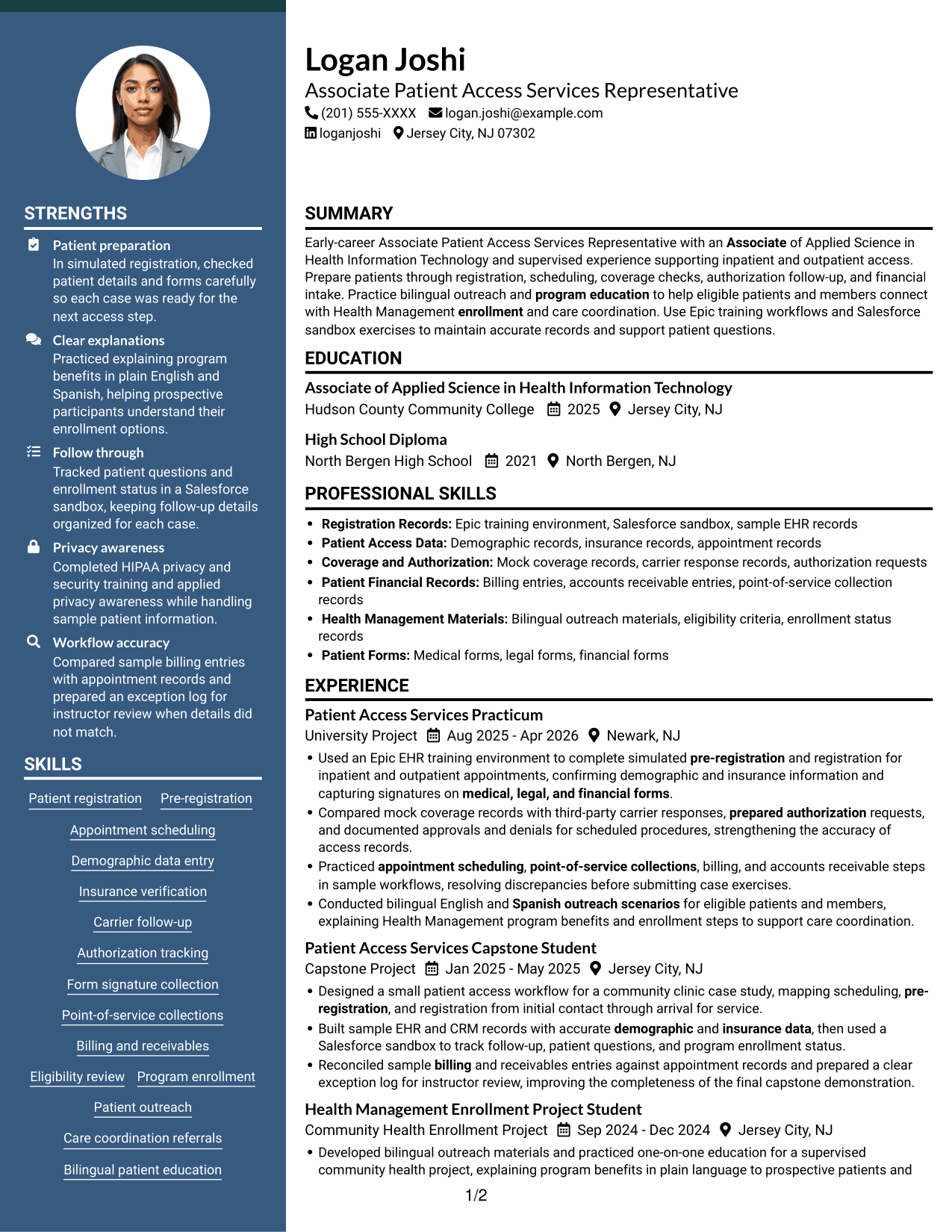
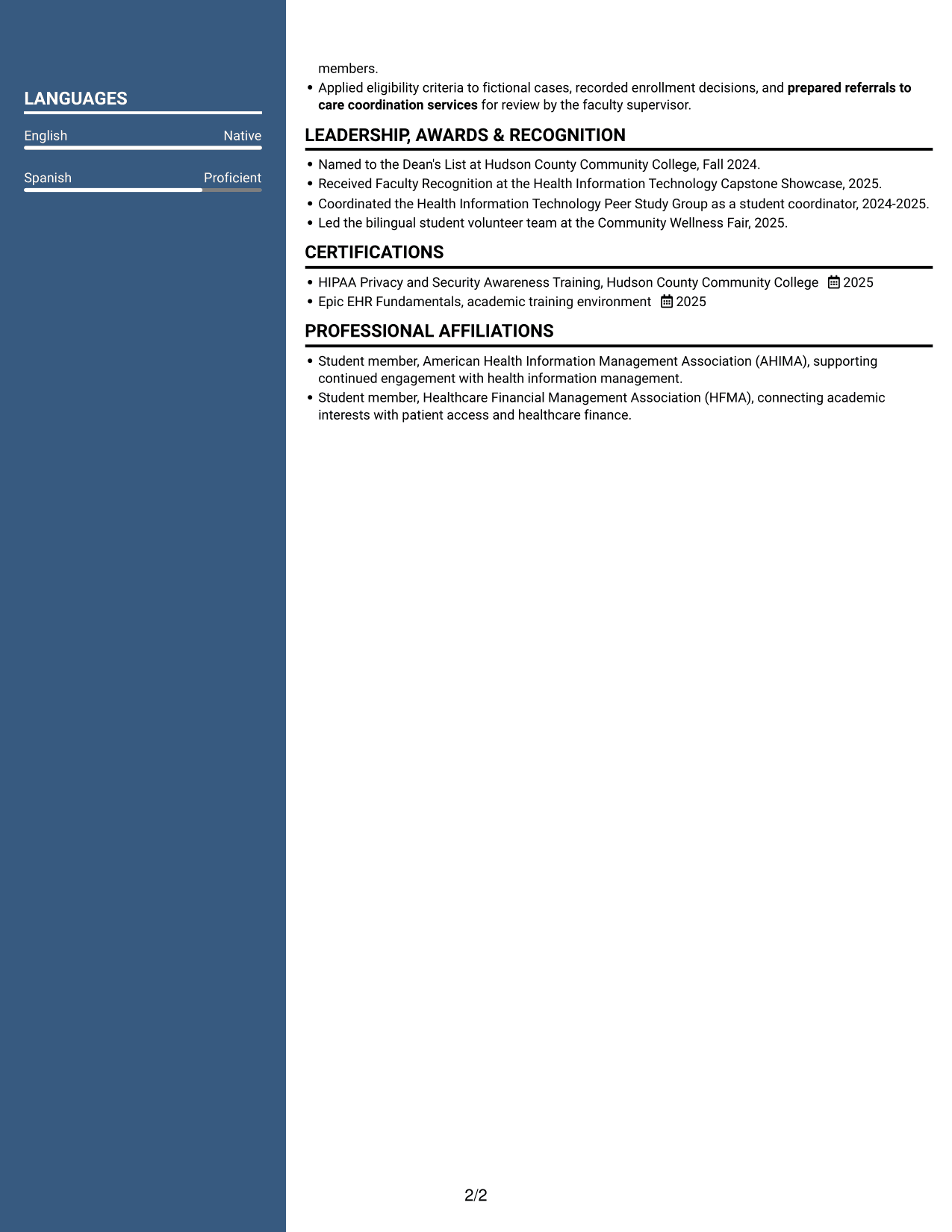
#6 Two Column Format Resume Example
Two columns let this format present resume content in parallel, helping reviewers move between career history and supporting details.
Why This Format Works
- Parallel body areas help reviewers compare experience with supporting qualifications at a glance.
- Skills and education are easier to locate when content is divided between columns.
- Career history can keep its sequence while related sections remain separately visible.
Best For
- Side-by-side content review
- Separate resume information areas
- Career history with supporting sections
- Readers who scan by category
- Movement between parallel content groups
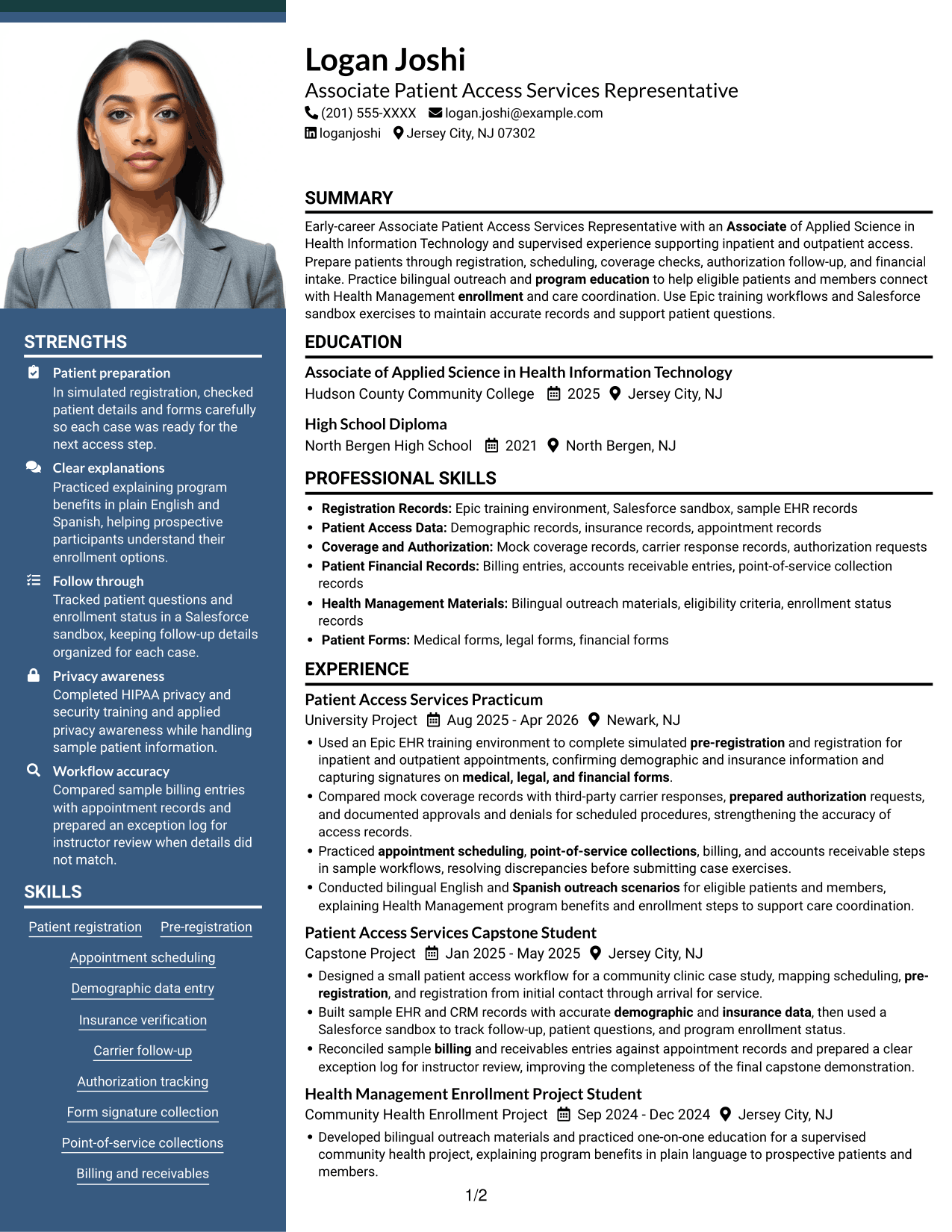
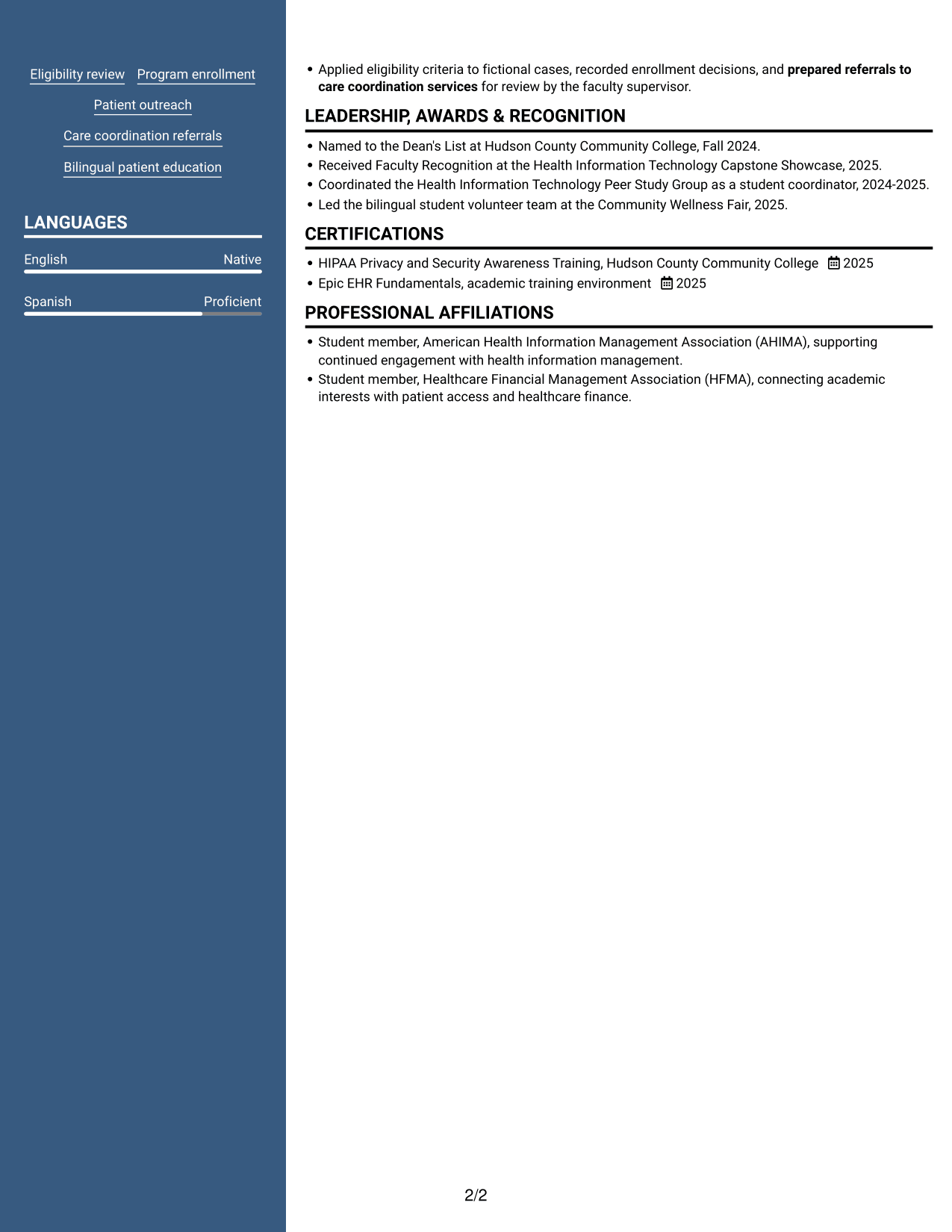
#7 Photo Header Two Column Format Resume Example
A photo in the header adds a visible portrait, while the two-column body keeps resume sections arranged in parallel for review.
Why This Format Works
- Two-column placement keeps career history and supporting sections visible as separate groups.
- Experience bullets are easier to follow when each content area has its own space.
- Education and credentials can be reviewed apart from detailed work history.
Best For
- Header portrait preference
- Parallel section review
- Resume with varied content categories
- Career history with separate credentials
- Readers scanning sections by category
Why Build Your Associate Patient Access Services Representative - Registration and Enrollment Resume with ResumeInMinutes
A clear resume can help readers see how your training, projects, and experience relate to patient access work. ResumeInMinutes lets you view an example in the editor and customize its content and organization.
- Clear resume layouts
- ATS-aware section structure
- Role-relevant keyword guidance
- Skills and experience organization
- Resume image previews
- Editor customization
Use the example as a starting point, then make sure your own resume reflects your actual training, skills, and work. Clear descriptions of registration, insurance records, enrollment support, and careful follow-up can help show your preparation for this role.
See Also
- 7 Patient Access Representative - Registration and Care Coordination Resume Templates with Example
- 7 Admitting Representative - Hospital Patient Access Resume Templates with Example
- 7 Patient Access Representative III - Emergency Department Resume Templates with Example
- 33 Part Time Patient Customer Service Representative Resume Templates with Example 2026 (ATS-Optimized)
- 33 Part Time Patient Service Representative Resume Templates with Example 2026 (ATS-Optimized)
- 7 Patient Representative - Patient and Family Relations Resume Templates with Example
- 33 Annual Reports Client Service Representative Resume Templates with Example 2026 (ATS-Optimized)
- 7 Automation Technical Service Representative - Packaging Equipment Resume Templates with Example
- 7 Associate Patient Access Services Representative - Registration and Enrollment Cover Letter Templates with Example
- 7 Patient Access Representative - Registration and Care Coordination Cover Letter Templates with Example
Frequently Asked Questions
How can I make my patient access resume easier for an ATS to read?
Use standard section headings, simple formatting, and clear text. Include relevant terms such as patient registration, pre-registration, insurance verification, authorization follow-up, billing, accounts receivable, and EHR or CRM when they match your background.
Does this page show one resume example or several different resumes?
It shows one resume example in different layouts. The PNG previews let you compare how the same information appears in each design.
What should an Associate Patient Access Services Representative - Registration and Enrollment resume include?
Consider a summary, skills, relevant experience or projects, education, and training or certifications. Add accurate examples of scheduling, patient registration, insurance records, forms, outreach, or enrollment support when they reflect your experience.
How should I describe simulated or supervised patient access work?
Label training and project work clearly as simulated, supervised, or academic. Explain the tasks you practiced, such as checking sample coverage records, preparing authorization requests, or tracking enrollment follow-up, without presenting them as independent work with real patients.
Which resume layout is a good choice for this role?
Choose a clean layout with familiar headings and enough room for concise experience bullets and relevant skills. A straightforward structure helps readers find registration, insurance, and enrollment details quickly.
Should I include EHR, CRM, or bilingual skills?
Include tools and language skills that you can support with real examples. For example, name Epic training workflows or Salesforce sandbox practice accurately, and state your English or Spanish ability at a level that reflects your actual skills.
Should I include a photo on my resume?
Include a photo only if it is customary or expected in your country, region, or industry. For U.S. applications, a no-photo resume is generally the safer choice.




