
7 Associate Patient Access Services Representative - Registration and Enrollment Cover Letter Templates with Example
This practical guide helps you write an Associate Patient Access Services Representative - Registration and Enrollment cover letter and compare seven layouts.
What Makes a Great Associate Patient Access Services Representative - Registration and Enrollment Cover Letter in 2026
A strong letter connects interest in patient access with clear examples of registration, insurance follow-up, and enrollment support. It should move from a focused opening to relevant evidence and a courteous close.
Choose examples that show careful communication and accurate follow-through, such as supervised registration practice or bilingual program outreach. Explain how those strengths match the employer’s patient access and Health Management goals.
The featured Associate Patient Access Services Representative - Registration and Enrollment example follows a focused progression from role interest to relevant evidence and a clear closing, which you can adapt while choosing a presentation that suits the employer and communication context.
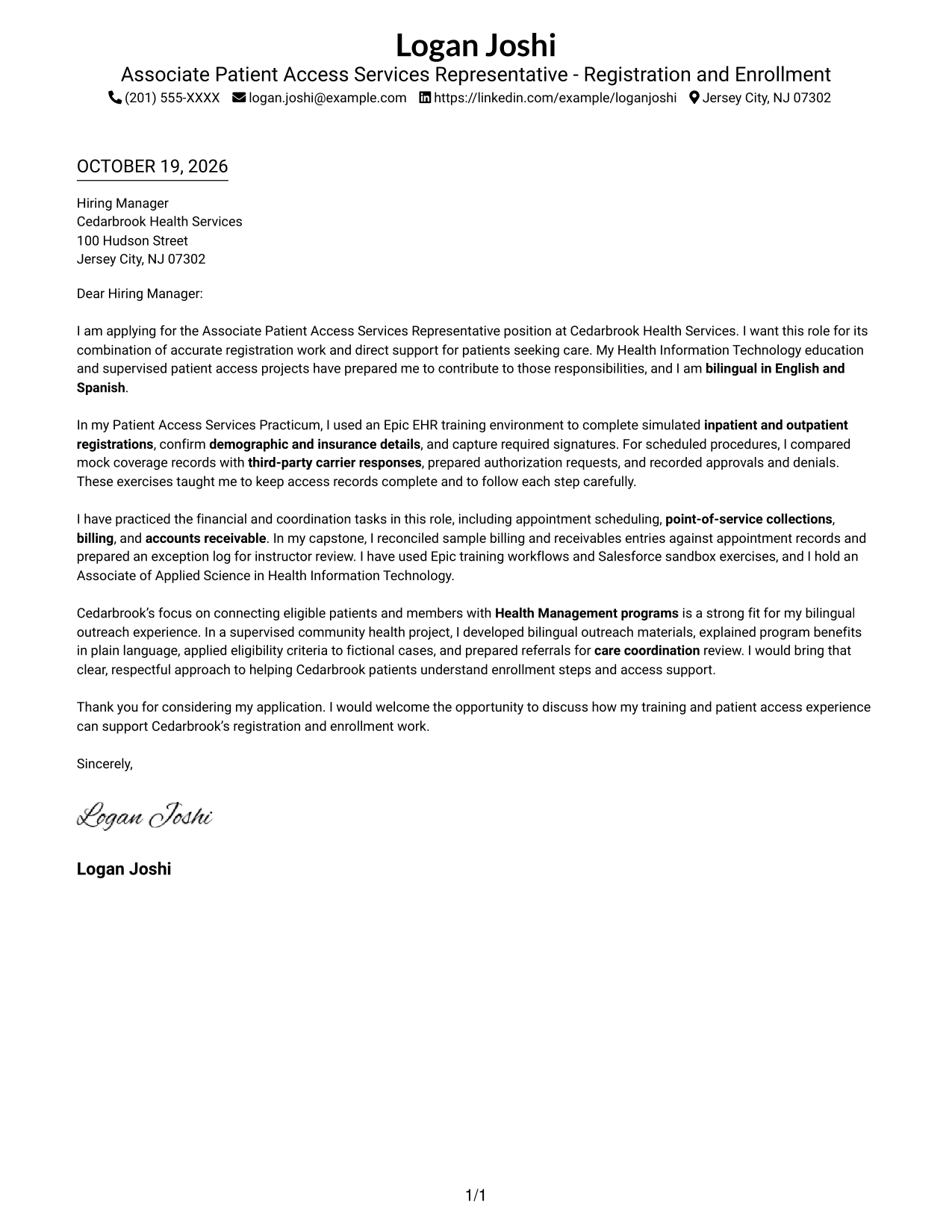
#1 Simple One Column Format Cover Letter Example
With sender details in the header and one continuous body column, this layout gives the letter a direct path from opening to closing.
Why This Format Works
- Sender details in the header give reviewers a clear place to find contact information.
- One body column keeps the letter’s paragraphs in a direct reading sequence.
- With no argument headings, the message can move naturally from interest to closing.
Best For
- Header-based contact details
- One-column letter text
- Photo-free correspondence
- Letters without argument headings
- Employer-specific application messages
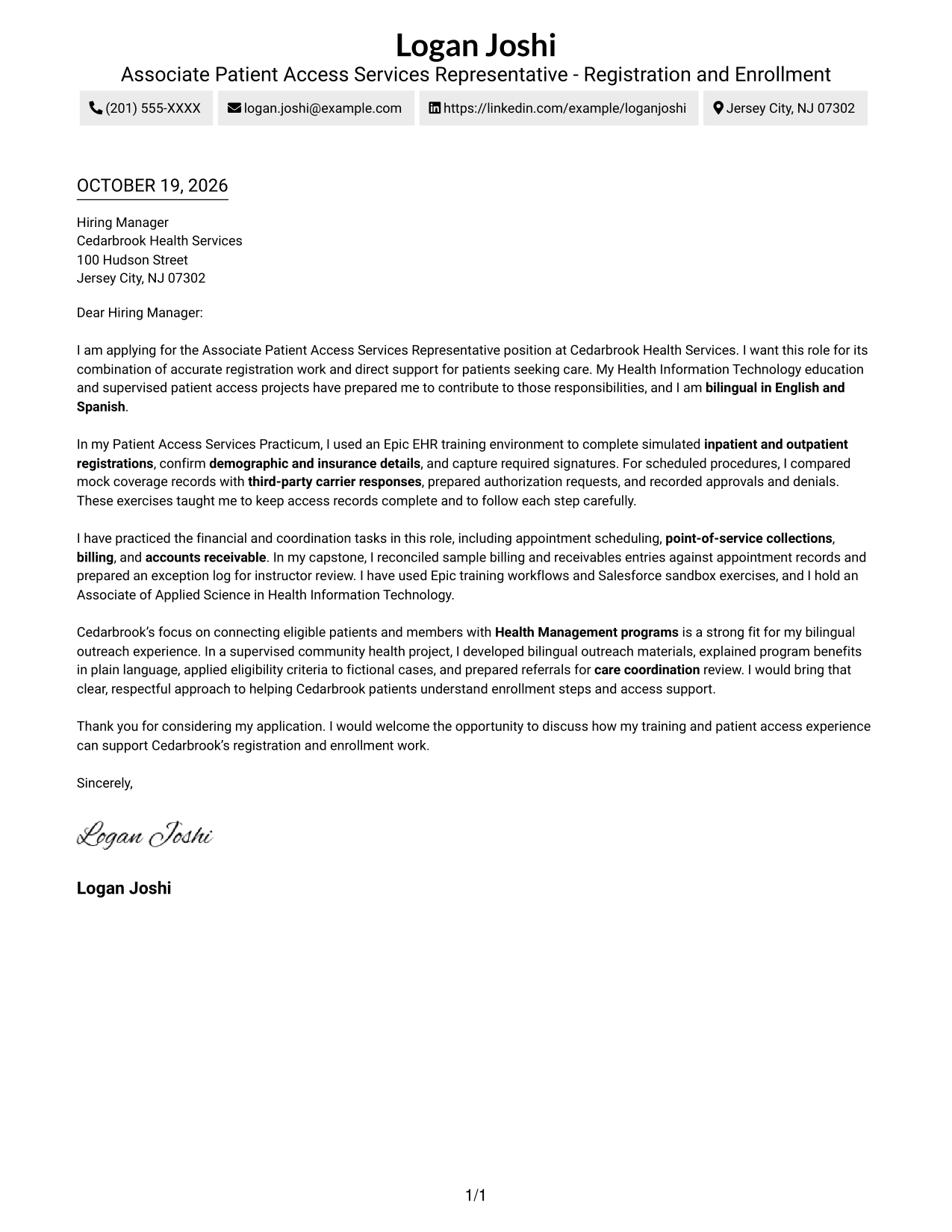
#2 Two Column Format Cover Letter Example
A contact sidebar sits beside the single-column letter body, keeping contact details distinct while the message reads in sequence.
Why This Format Works
- Contact details sit apart from the message, so reviewers can find them quickly.
- One continuous body column keeps the letter’s opening, evidence, and close together.
- The photo-free design suits readers who prefer a letter without a portrait.
Best For
- Contact sidebar layouts
- Single-column letter body
- Photo-free correspondence
- Letters without argument headings
- Employer-specific application messages
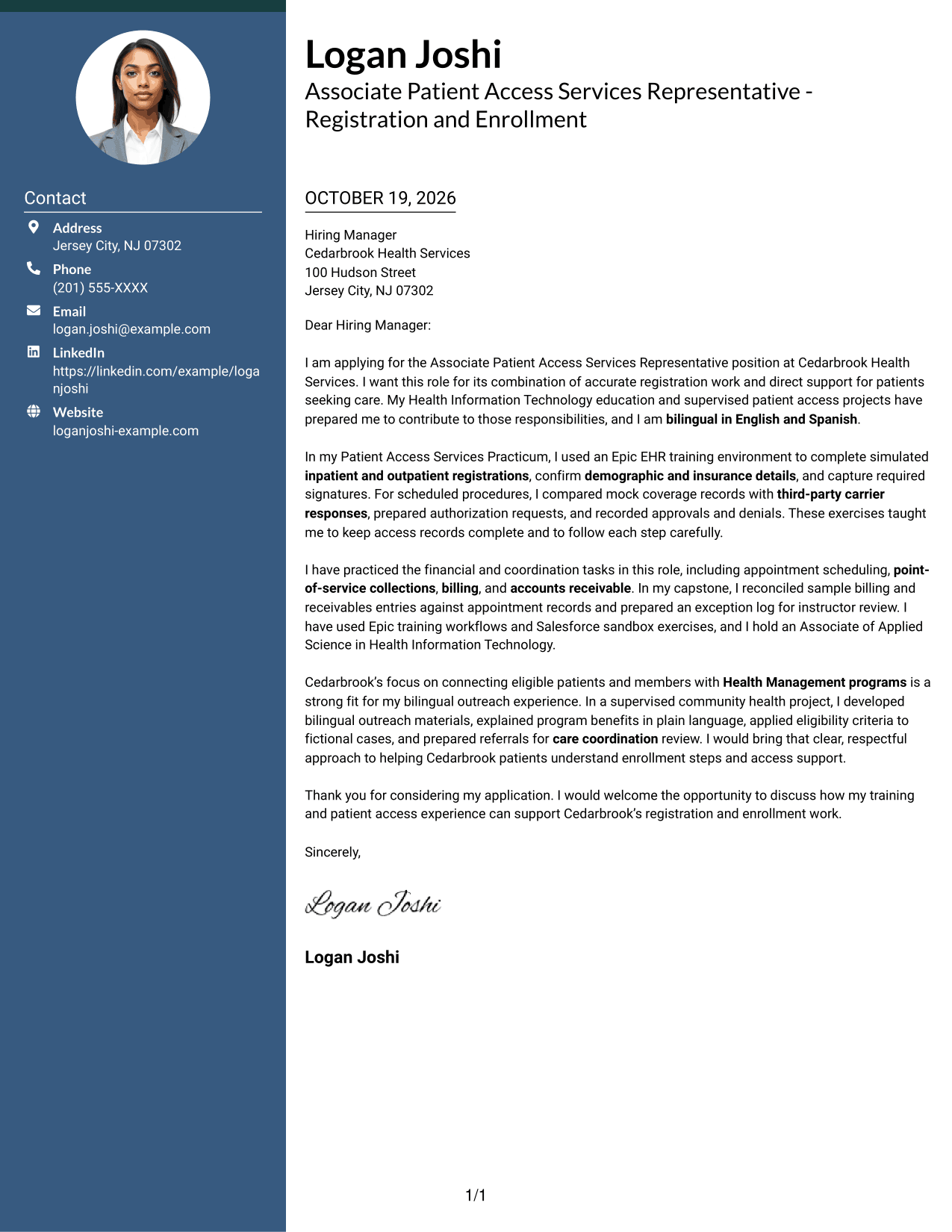
#3 Photo Header Two Column Format Cover Letter Example
A photo in the header pairs with a contact sidebar beside the continuous letter body, offering a portrait-inclusive look while keeping the message in one column.
Why This Format Works
- Contact details remain distinct from the letter, giving reviewers a clear place to find them.
- The body stays in one column, so the argument reads without a split.
- The header photo adds a visible personal detail without changing the letter’s paragraph order.
Best For
- Header portraits
- Sidebar contact details
- One-column letter arguments
- Letters without argument headings
- Employer-specific application messages
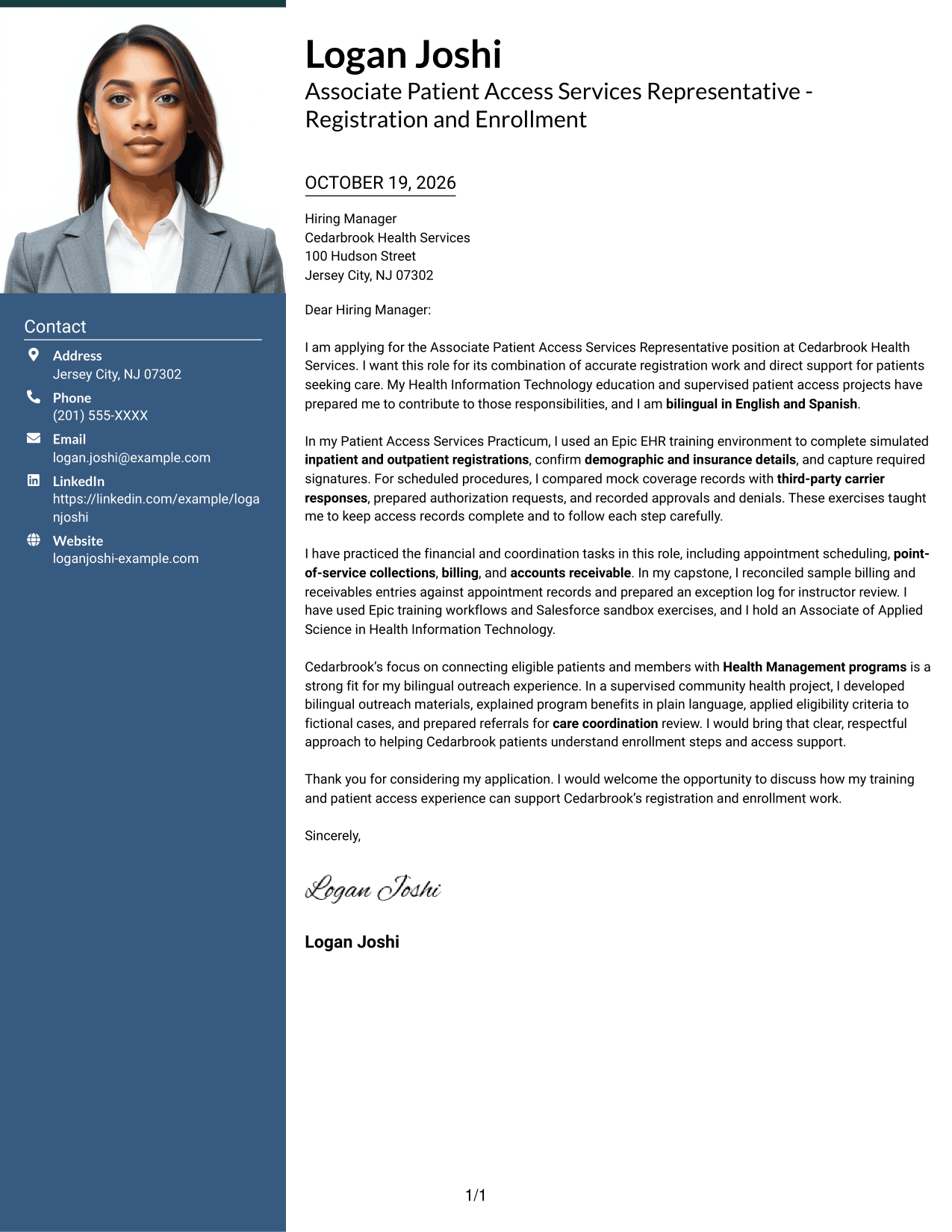
#4 One Column Format with Photo Cover Letter Example
The one-column page includes a photo while keeping sender details in the header and the letter body on a direct reading path.
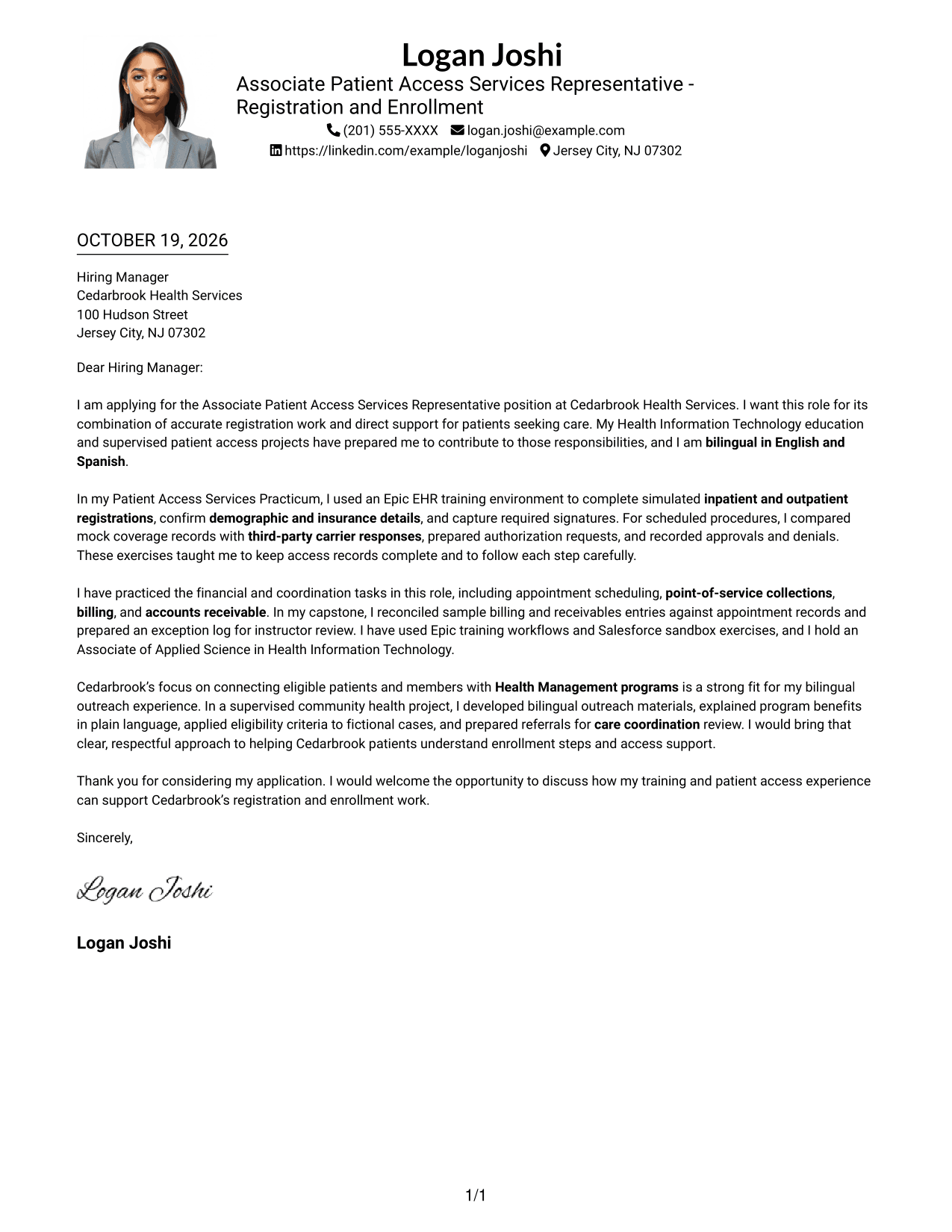
Why This Format Works
- One body column keeps each paragraph in the letter’s natural order.
- Sender details in the header stay easy to locate apart from the message.
- The photo adds a personal visual element while leaving the argument in prose.
Best For
- Photo-inclusive letters
- One-column letter bodies
- Header-based contact details
- Letters without argument headings
- Employer-specific application messages
#5 Simple Two Column Format Cover Letter Example
A contact sidebar beside the single-column letter body offers a simple way to separate sender details from the message.
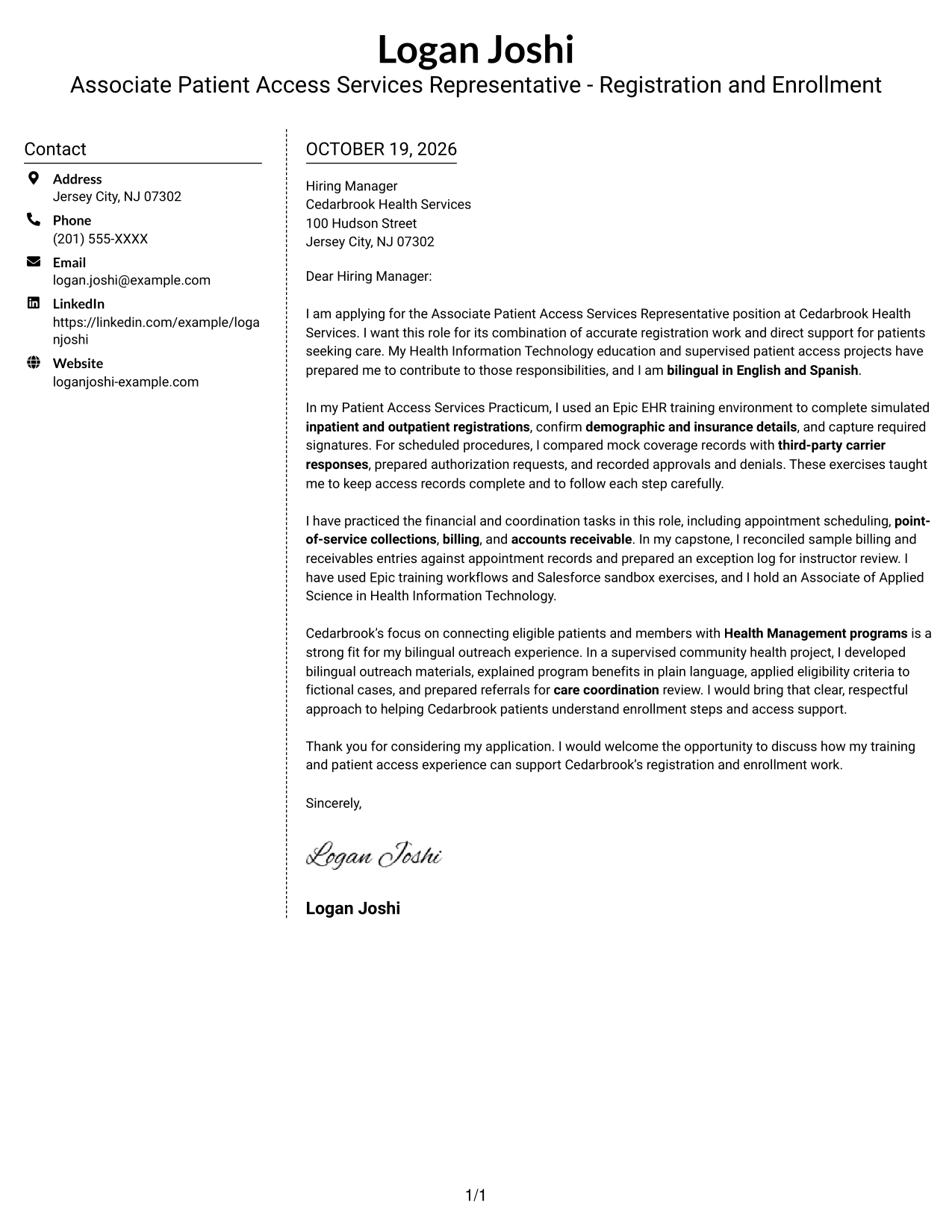
Why This Format Works
- Contact details occupy their own sidebar, apart from the letter’s message.
- One body column preserves the sequence from the opening through the closing.
- The photo-free design suits readers who prefer a text-led page.
Best For
- Contact access beside the message
- Photo-free application letters
- Unheaded letter prose
- Single-column argument bodies
- Letters with employer-specific motivation
#6 Modern Icon Format Cover Letter Example
Contact icons mark the sender details in a sidebar, while the letter stays in one continuous body column.
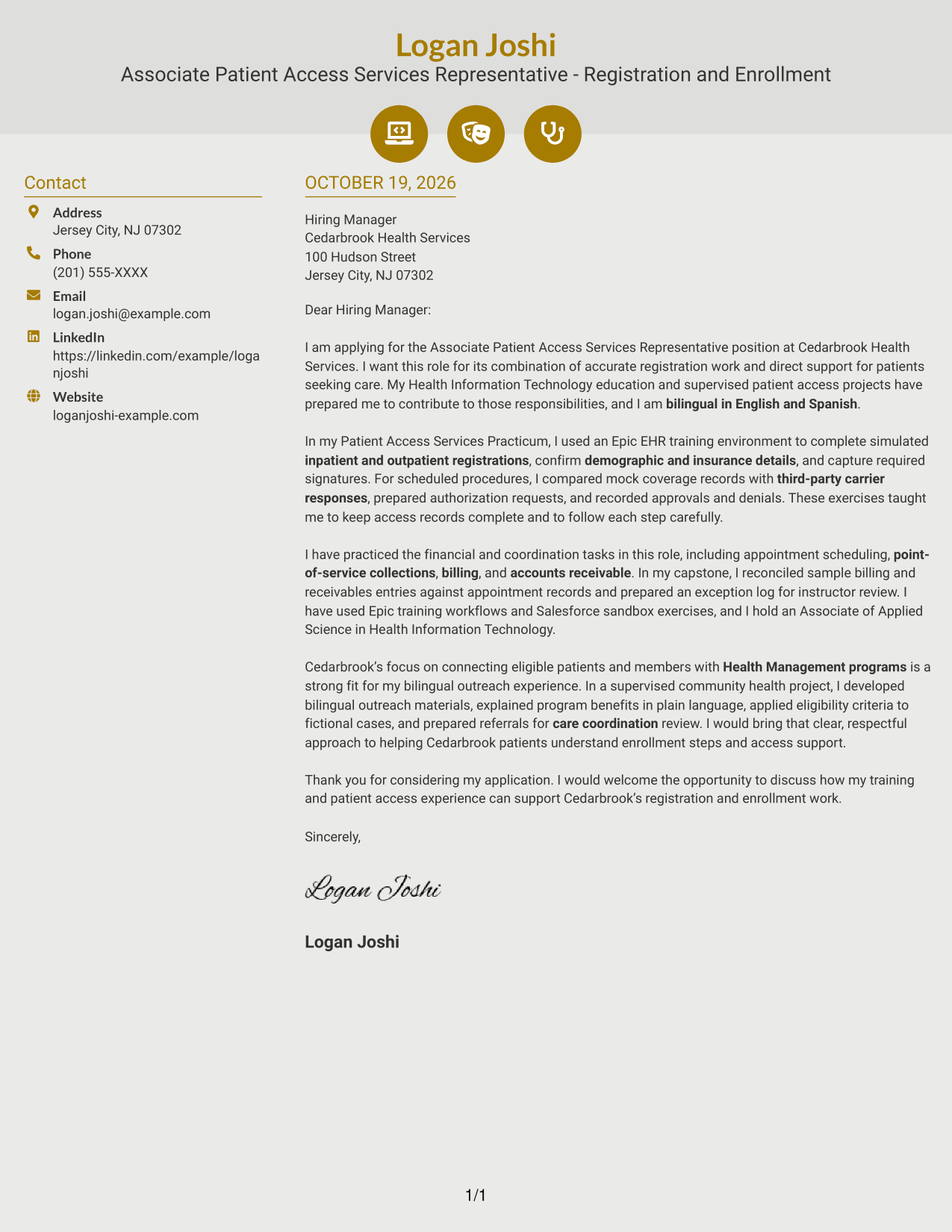
Why This Format Works
- Contact icons make sender details easy to distinguish from the letter itself.
- The single body column keeps the opening, supporting points, and closing in order.
- Icons serve as contact cues, not labels that break up the argument.
Best For
- Icon-cued contact details
- Photo-free letters
- One-column message bodies
- Unheaded application prose
- Letters with employer-specific motivation
#7 Creative Two Tone Format Cover Letter Example
A contact sidebar sits beside the continuous letter body, keeping contact details separate from the message’s opening-to-close flow.
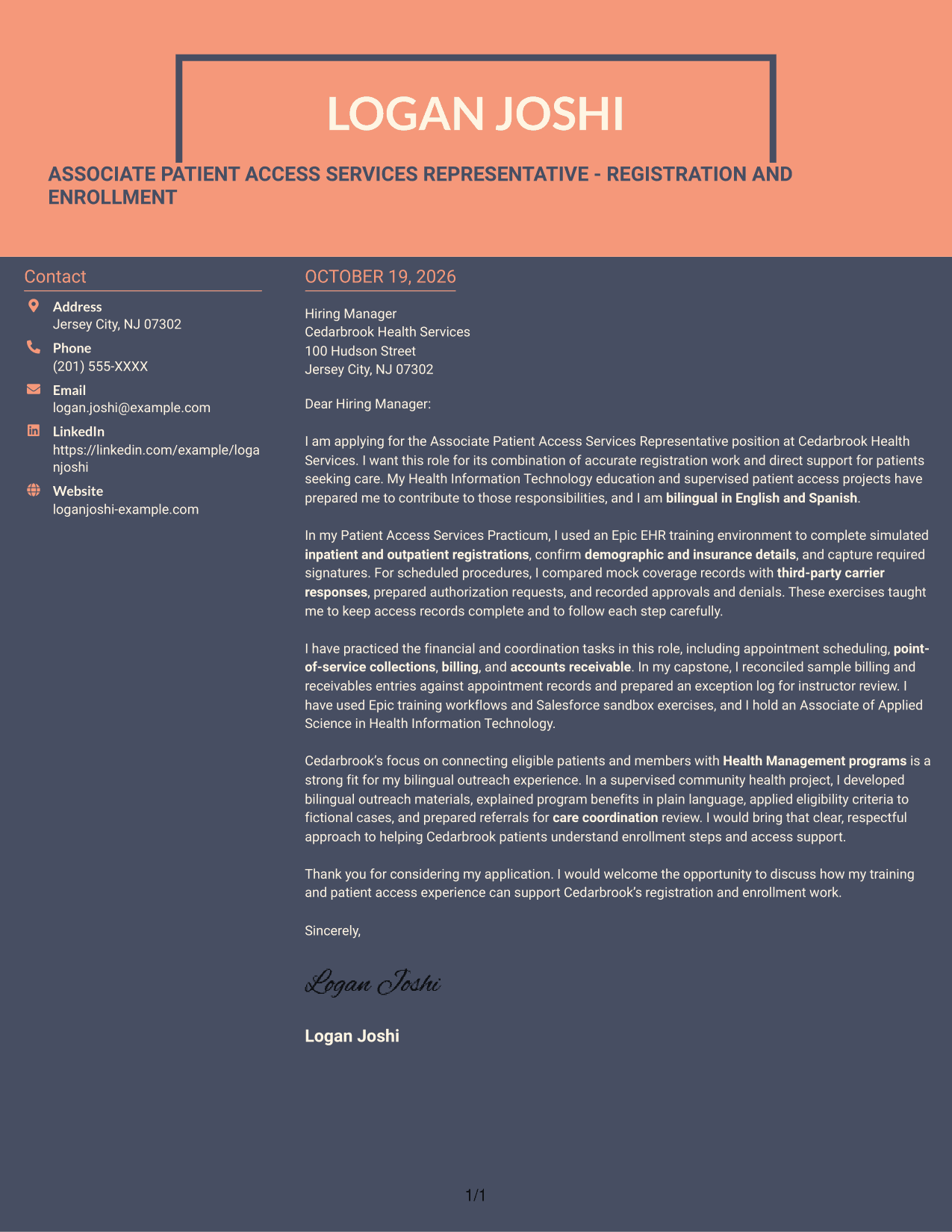
Why This Format Works
- Sender details remain apart from the letter, making the contact area easy to locate.
- Because the body stays in one column, its paragraphs follow one reading path.
- A photo-free design suits readers who want the focus on written content.
Best For
- Contact sidebar layouts
- Photo-free application letters
- Unheaded letter prose
- Sequential argument paragraphs
- Employer-specific application messages
Why Use ResumeInMinutes for an Associate Patient Access Services Representative - Registration and Enrollment Cover Letter
Use the preview images to compare letter presentations, then open an example in the editor to customize its content for your application.
- Cover letter writing styles
- Clear, readable layouts
- Role-focused examples
- Editor customization
- Preview images
- Focused letter structure
Build a clear case for your fit by linking registration practice, insurance tasks, and patient outreach to the needs of the role.
See Also
- 7 Associate Patient Access Services Representative - Registration and Enrollment Resume Templates with Example
- 7 Patient Access Representative - Registration and Care Coordination Resume Templates with Example
- 7 Admitting Representative - Hospital Patient Access Resume Templates with Example
- 7 Patient Access Representative III - Emergency Department Resume Templates with Example
- 33 Part Time Patient Customer Service Representative Resume Templates with Example 2026 (ATS-Optimized)
- 33 Part Time Patient Service Representative Resume Templates with Example 2026 (ATS-Optimized)
- 7 Patient Representative - Patient and Family Relations Resume Templates with Example
- 33 Annual Reports Client Service Representative Resume Templates with Example 2026 (ATS-Optimized)
- 7 Patient Access Representative - Registration and Care Coordination Cover Letter Templates with Example
- 7 Admitting Representative - Hospital Patient Access Cover Letter Templates with Example
Frequently Asked Questions
What should an Associate Patient Access Services Representative - Registration and Enrollment cover letter include?
Use a direct opening, then connect relevant examples to registration, insurance verification, authorization follow-up, and enrollment support. Close by thanking the reader and expressing interest in discussing your fit.
How can I show patient access experience if my practice was supervised or simulated?
State clearly that the work was supervised or simulated. Describe the steps you practiced, such as checking demographic and insurance details, recording authorization decisions, or reconciling sample billing entries.
How can I explain my fit for Health Management enrollment work?
Give an example of how you explained program benefits, communicated with eligible patients or members, or supported enrollment and care coordination. Keep the example accurate and specific.
Which cover letter style is suitable for this patient access role?
Choose a clean, easy-to-read presentation that supports a clear opening, focused body paragraphs, and a brief closing. Use the preview images to compare options and open an example in the editor to customize it.
Should I mention bilingual communication and EHR or CRM practice?
Yes, when those details reflect your background. You can explain how bilingual English and Spanish communication supports patient outreach, and name relevant EHR or CRM practice such as Epic training workflows or Salesforce sandbox exercises.




