
7 Associate Planner - Land Use and Zoning Cover Letter Templates with Example
This practical guide helps you create an Associate Planner - Land Use and Zoning cover letter and compare seven layouts as you shape a clear case for your fit.
What Makes a Great Associate Planner - Land Use and Zoning Cover Letter in 2026
A strong letter connects your interest in land-use planning with the role’s work in zoning, subdivision review, public service, and policy. Show how your approach can support clear and fair planning decisions.
Use specific evidence, such as site visits, application findings, public presentations, or planning research. Explain how your work helps people understand regulations and supports the employer’s planning needs.
The featured example moves from interest in the role to relevant planning work, research, public service, and a clear close. Adapt this focused progression to your own evidence, and choose a presentation that suits the employer and communication context.
#1 Simple One Column Format Cover Letter Example
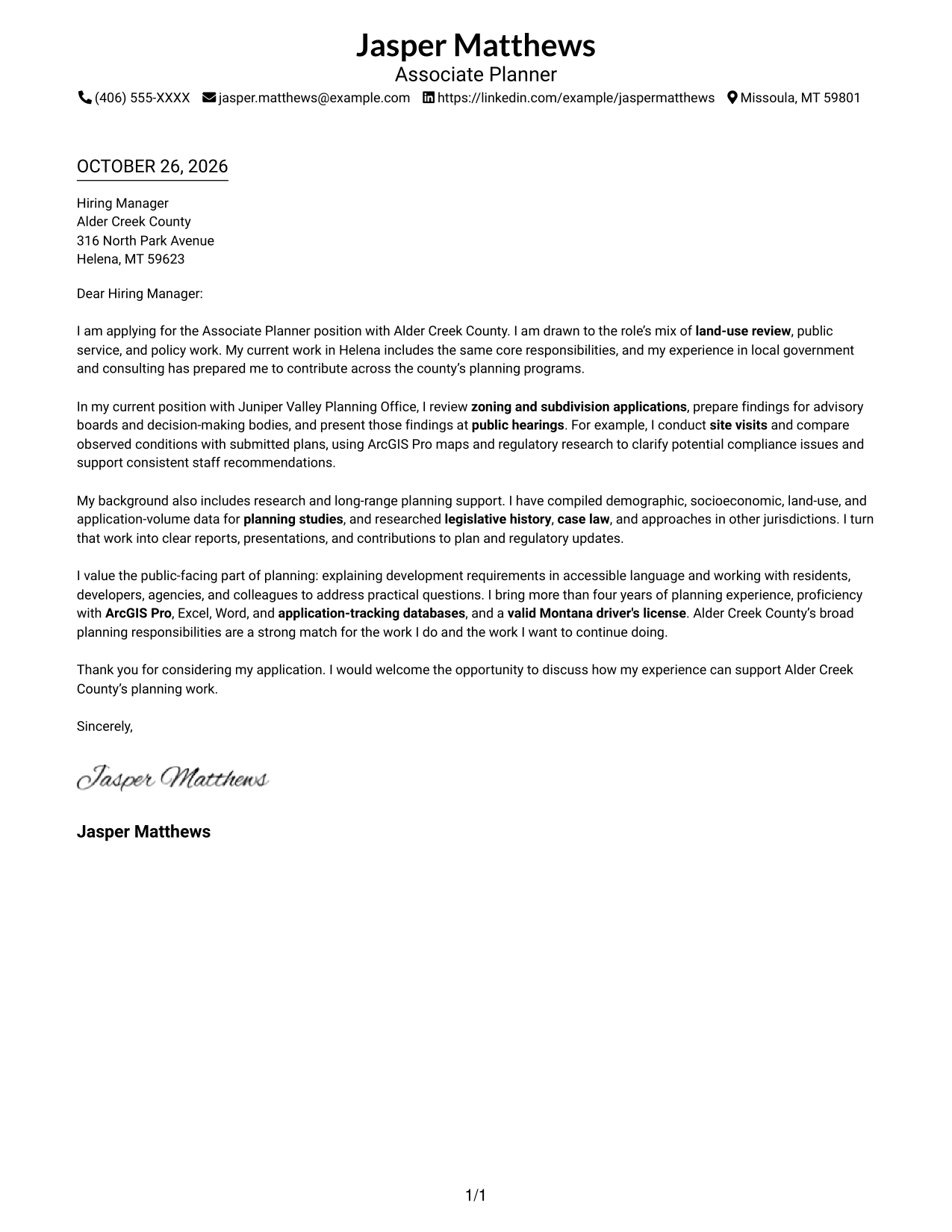
A single-column layout keeps sender details in the header and the letter in one direct reading path.
Why This Format Works
- Header contact details give reviewers a clear place to find sender information.
- One text column keeps the opening, supporting case, and closing in a natural sequence.
- Without a portrait, the page keeps its visual focus on written communication.
Best For
- Single-column letter reading
- Header-based contact details
- Text-first applications
- Continuous persuasive paragraphs
- Photo-free correspondence
#2 Two Column Format Cover Letter Example
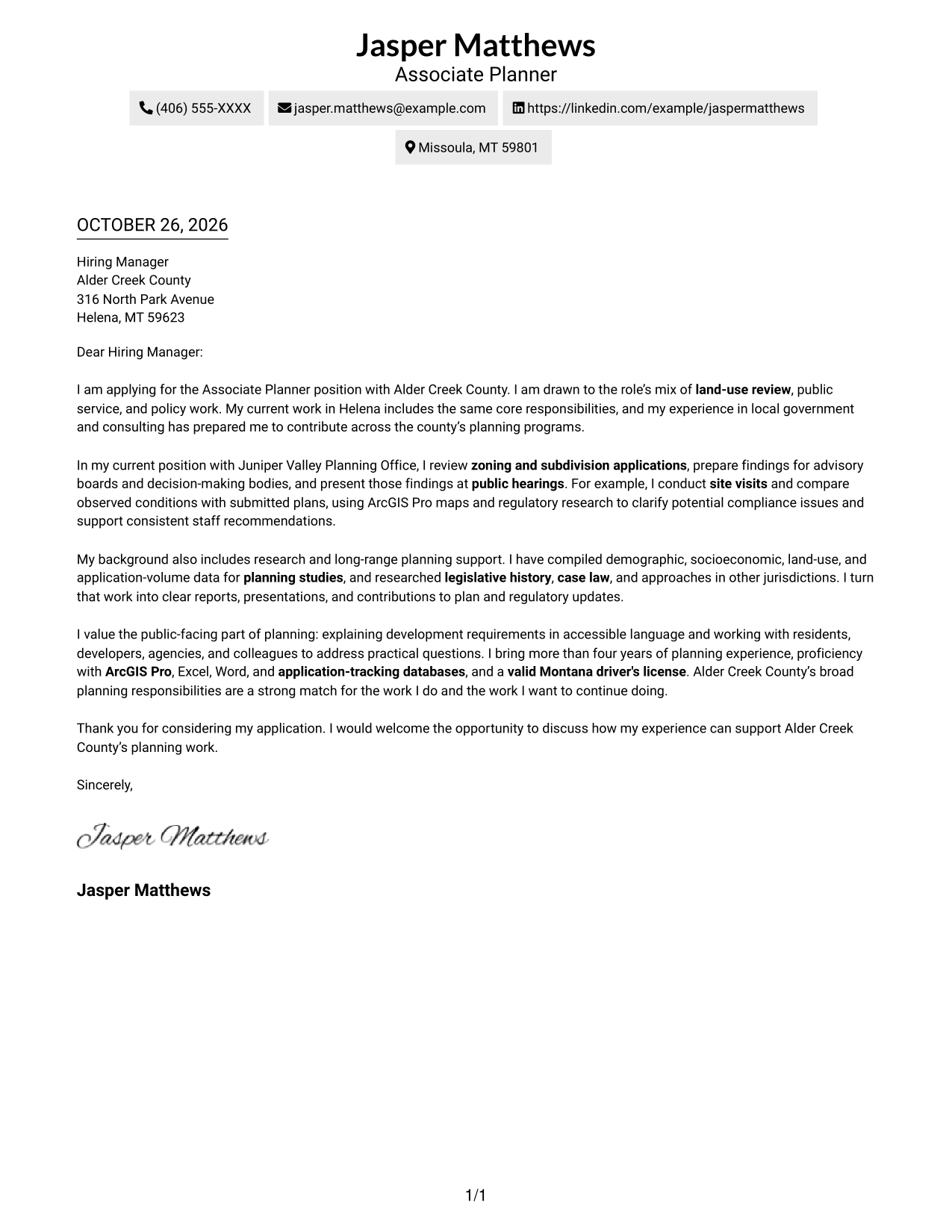
Two columns place contact details in a sidebar beside the letter body, giving sender information its own clear space.
Why This Format Works
- Sidebar contact details remain easy to locate beside the main letter.
- One continuous body lets readers follow the message from opening through closing.
- The argument stays in plain paragraphs, rather than being divided by section labels.
Best For
- Separate contact and message areas
- Continuous letter paragraphs
- Compact two-column correspondence
- Quick access to sender details
- Photo-free applications
#3 Photo Header Two Column Format Cover Letter Example
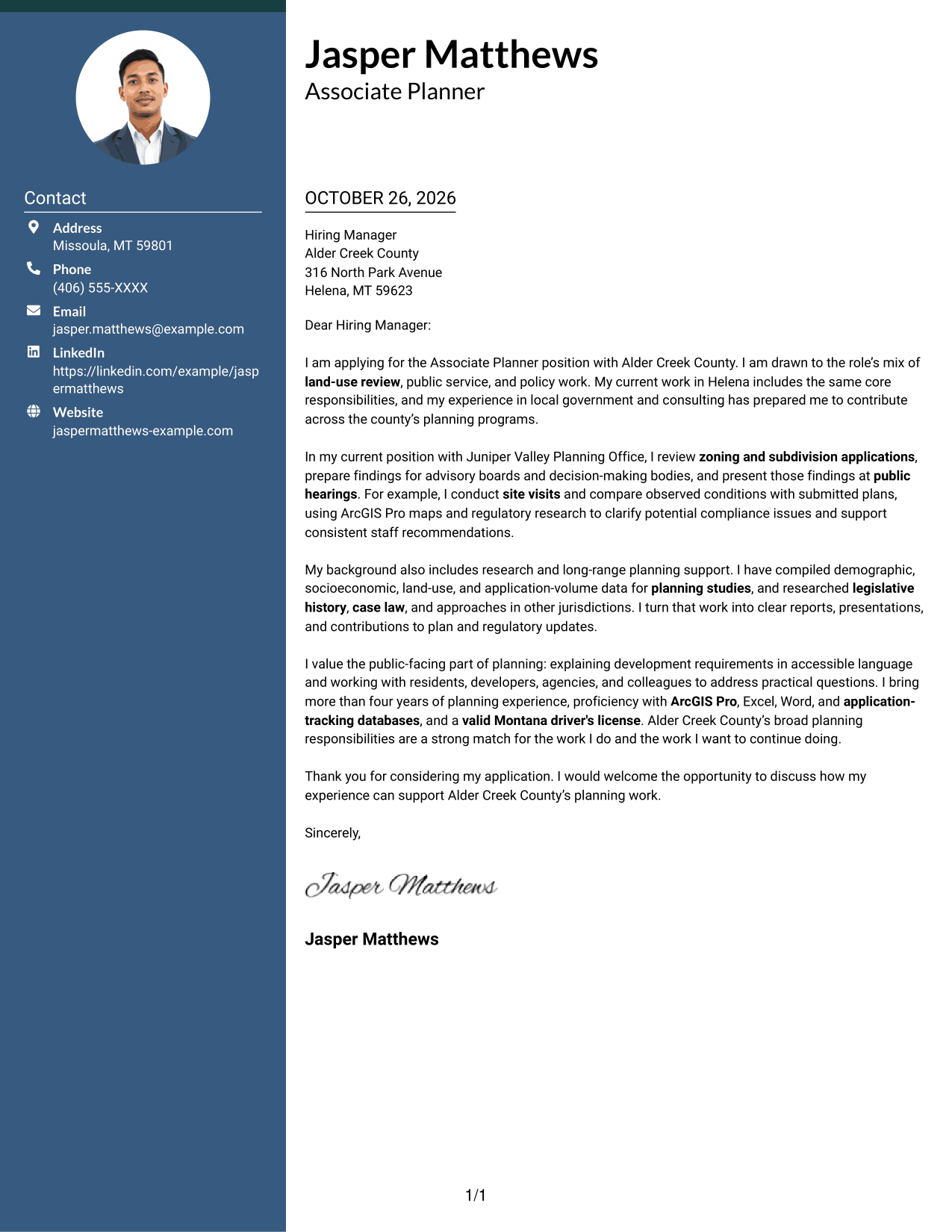
A photo appears in the header above a contact sidebar and continuous letter body, adding a personal visual detail to the two-column layout.
Why This Format Works
- Contact information stays apart from the message, so either area is easy to locate.
- The uninterrupted body lets readers follow the letter's argument in paragraph order.
- A portrait adds a personal visual detail without changing the letter's written structure.
Best For
- Portrait-inclusive correspondence
- Sidebar contact details
- Single-body persuasive letters
- Public-facing applications
- Two-column reading order
#4 One Column Format with Photo Cover Letter Example
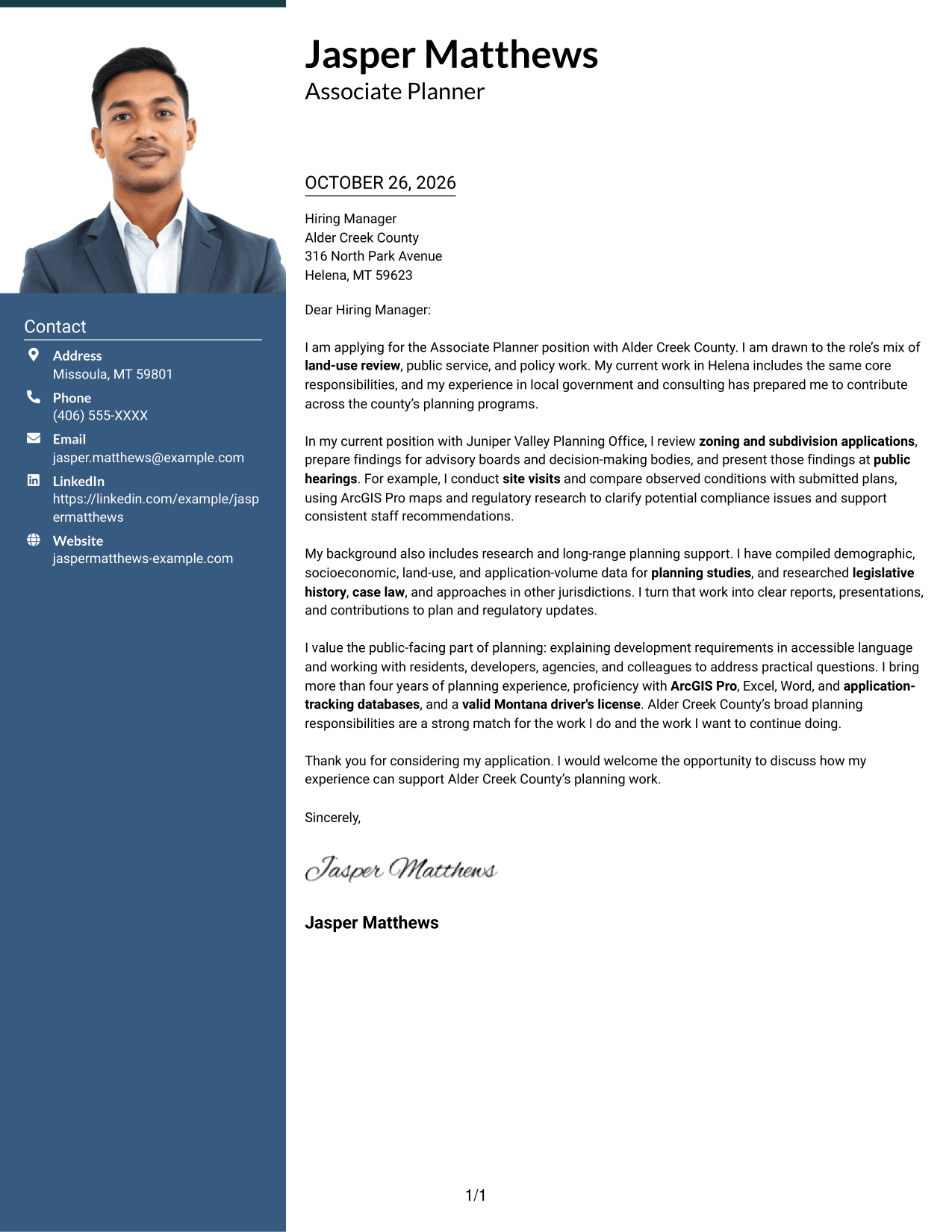
A photo appears with the sender details above the single-column letter, adding a personal visual element to a direct reading layout.
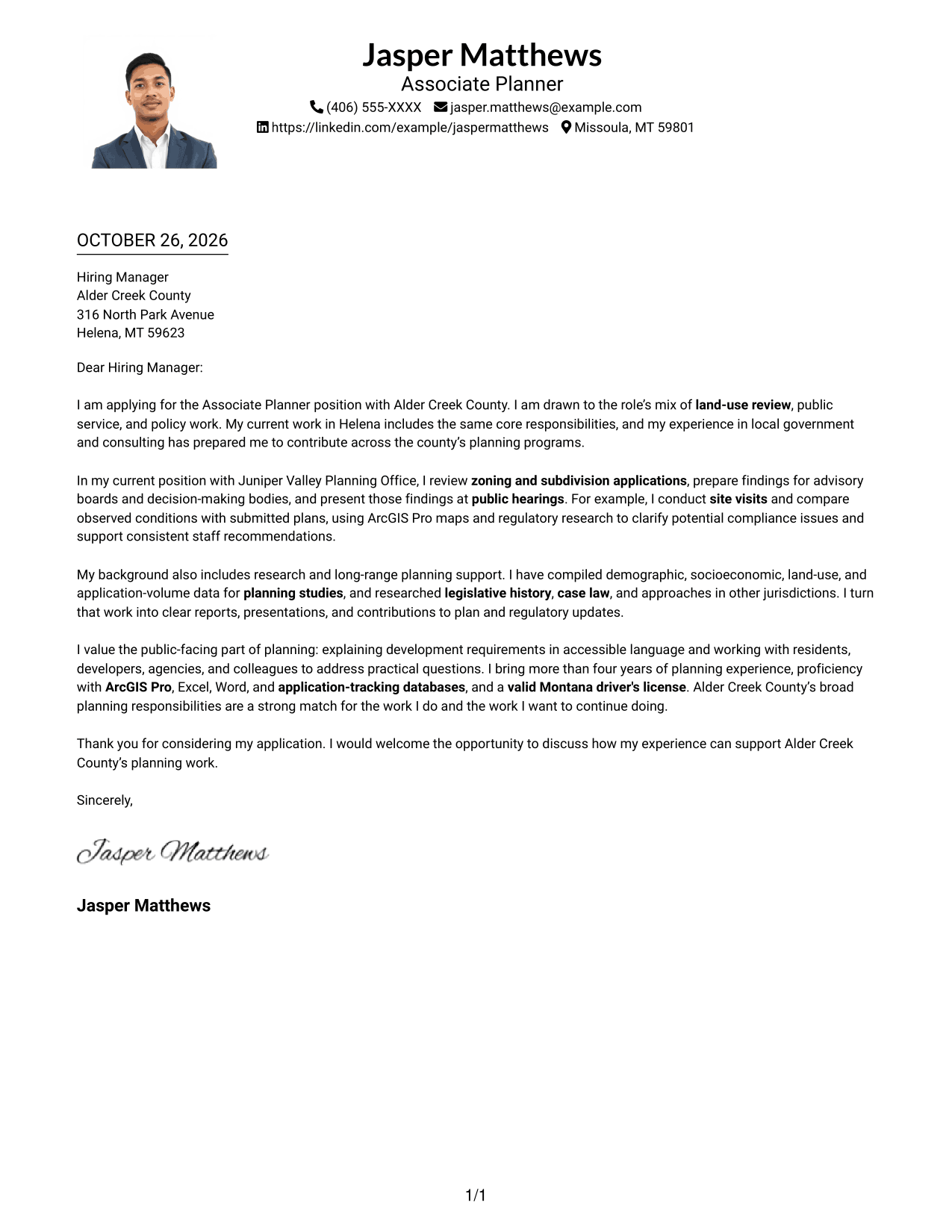
Why This Format Works
- Sender details and the message share one reading column for a direct page flow.
- Paragraphs keep the opening, supporting points, and close in their written order.
- The portrait adds a personal visual element alongside the letter's written content.
Best For
- One-column correspondence
- Portrait-inclusive letters
- Header-based contact details
- Public-service applications
- Direct letter reading
#5 Simple Two Column Format Cover Letter Example
A contact sidebar sits beside the complete letter body, keeping sender information distinct from the message in a two-column layout.
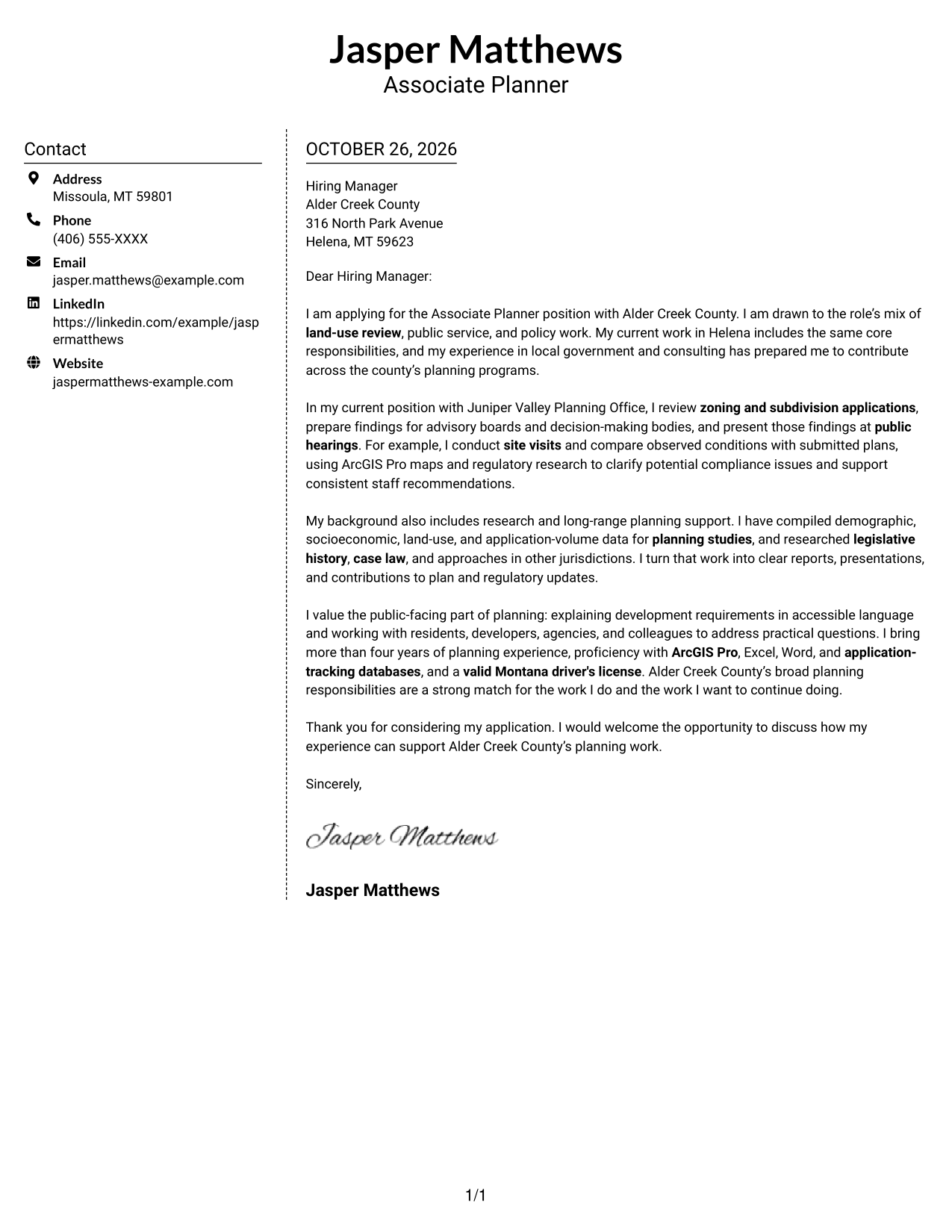
Why This Format Works
- Contact details stay in the sidebar, apart from the paragraphs carrying the message.
- The main letter body keeps its full sequence rather than splitting across columns.
- With no argument headings, the paragraphs read as a direct personal message.
Best For
- Sidebar contact details
- Uninterrupted letter body
- Compact correspondence
- Photo-free application materials
- Text-centered presentation
#6 Modern Icon Format Cover Letter Example
Two columns pair contact details with one continuous letter body, while icons provide contact cues or decorative accents in the header.
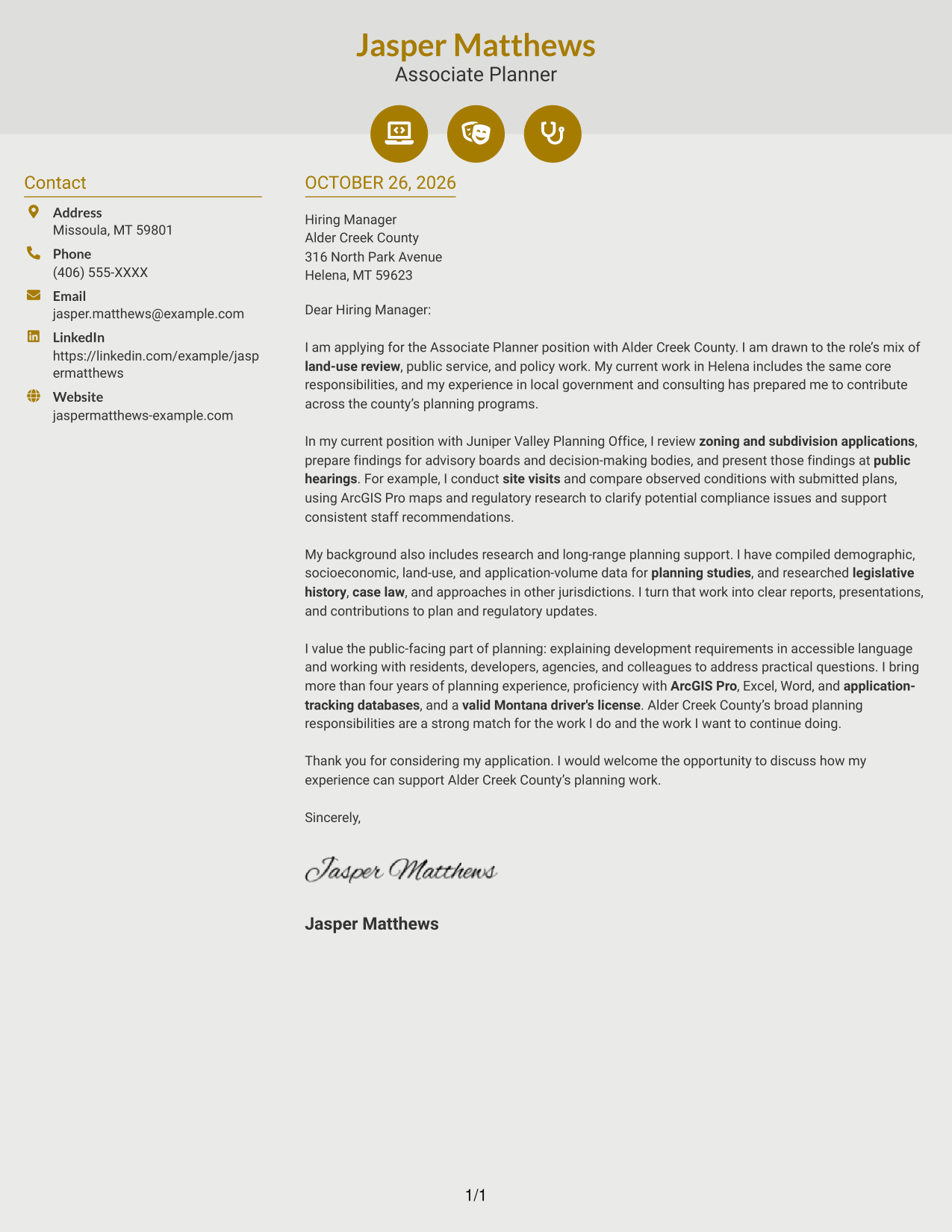
Why This Format Works
- Contact icons help distinguish sender details from the letter's main message.
- The continuous body keeps the application reasons together in paragraph order.
- Decorative header accents add visual character without changing the letter's structure.
Best For
- Icon-led contact details
- Continuous letter paragraphs
- Two-column correspondence
- Decorative header accents
- Text-first applications
#7 Creative Two Tone Format Cover Letter Example
The two-column arrangement keeps sender details in a contact sidebar and leaves the letter's paragraphs together in the main body.
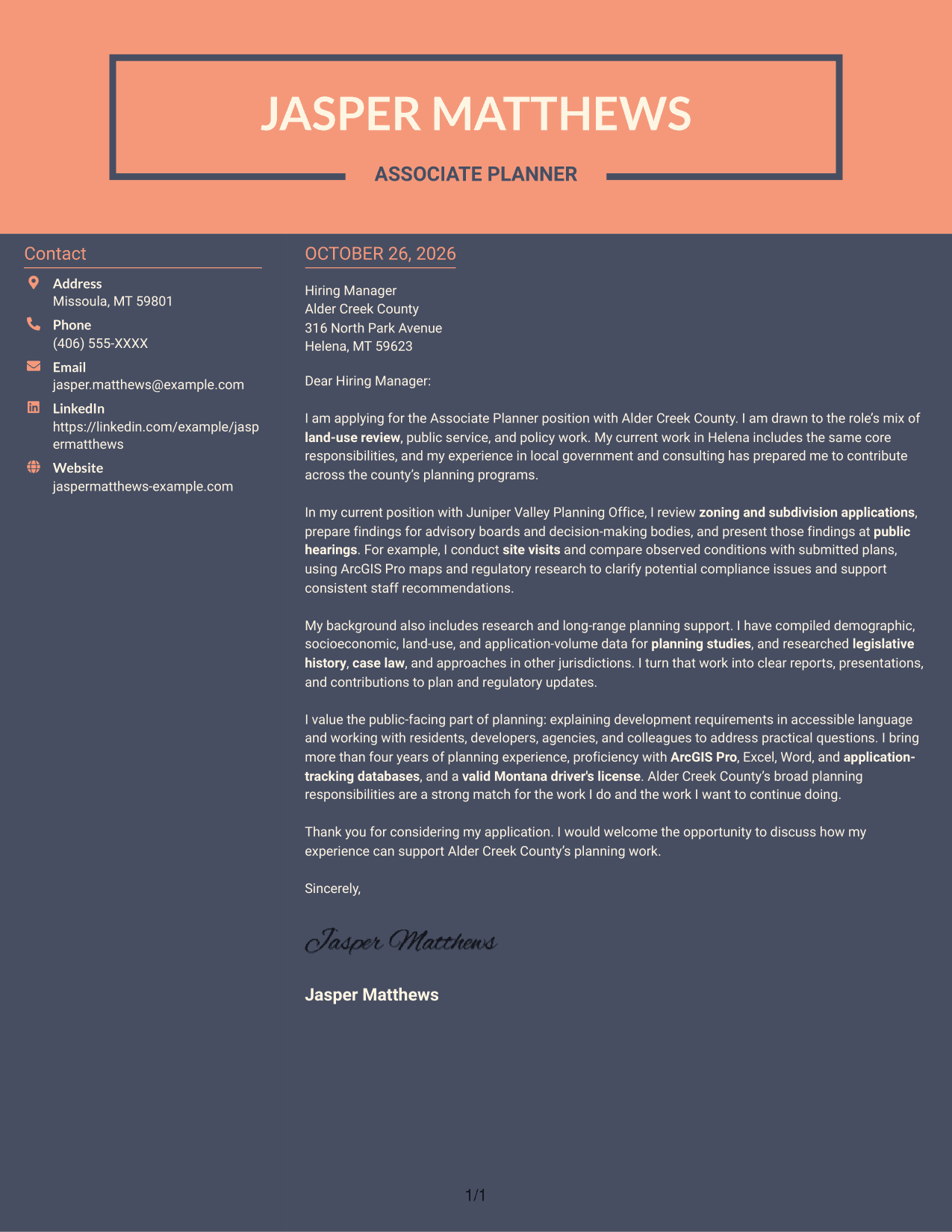
Why This Format Works
- A separate contact area helps reviewers find sender information without searching the letter.
- The main body keeps the message in a single sequence of paragraphs.
- Contact and letter content have distinct places, while the message remains complete.
Best For
- Contact sidebar layouts
- Single-body letter reading
- Compact two-column letters
- Photo-free correspondence
- Public-service applications
See Also
- 7 Associate Planner - Land Use and Zoning Resume Templates with Example
- 7 Senior Planner - Land Use and Zoning Resume Templates with Example
- 7 Assistant Planner - GIS Resume Templates with Example
- 33 Associate Planner Media - Life Sciences Media Resume Templates with Example 2026 (ATS-Optimized)
- 7 Associate Production Planner - Marine Resume Templates with Example
- 7 Financial Planner - Retirement Planning Resume Templates with Example
- 7 Financial Planner - Wealth Management Resume Templates with Example
- 7 Meetings, Events, and Trade Shows Planner III Resume Templates with Example
- 7 Senior Planner - Land Use and Zoning Cover Letter Templates with Example
- 7 Assistant Planner - GIS Cover Letter Templates with Example
Frequently Asked Questions
How can I show fit for an Associate Planner - Land Use and Zoning role?
Connect your letter to the work named in the posting, such as zoning and subdivision review, site visits, public hearings, regulatory research, and clear public communication. Support each point with a real example from your background.
Do the examples show different cover letters?
The page presents one cover letter example in several visual styles. Compare the image previews, then open a style in the editor to view or customize it.
What should the opening paragraph say?
Name the Associate Planner - Land Use and Zoning role and state why its mix of application review, public service, and planning work interests you. Keep the opening focused so the reader knows your purpose right away.
What evidence belongs in the body of this cover letter?
Choose examples that show how you review applications, assess site conditions, prepare findings, or explain regulations. If relevant to your own experience, mention tools such as ArcGIS Pro and describe how they helped you complete the work.
How should I close the letter?
Thank the reader for considering your application and restate how your experience can support the county’s planning work. End with a direct, professional invitation to discuss your fit for the role.




