
7 Associate Planner - Land Use and Zoning Resume Templates with Example
This guide shows you how to build an Associate Planner - Land Use and Zoning resume that is clear, focused, and easy to review. You will learn how to present relevant planning work and choose a layout that supports your experience.
A strong resume connects application review, site observations, and regulatory analysis to clear findings. It also makes reports, public hearing work, research, and coordination easy to find.
Compare one Associate Planner - Land Use and Zoning resume across 7 layouts. The examples show ways to organize experience, education, skills, and credentials, including relevant terms such as zoning and subdivision review, ArcGIS Pro, floodplain management, and public hearings.
What Makes a Great Associate Planner - Land Use and Zoning Resume in 2026
A strong resume puts relevant review work, field assessments, and clear written findings near the top. Use short sections and direct bullet points so readers can quickly see how you apply plans and regulations.
Include specific terms supported by your experience, such as zoning and subdivision review, site visits, ArcGIS Pro, public hearings, and planning reports. Add measurable results when you can verify them.
Note: Resume examples are for educational purposes only. Use only information that accurately reflects your experience and qualifications. References to real organizations do not imply affiliation or endorsement.
#1 Plain Two Column Format Resume Example
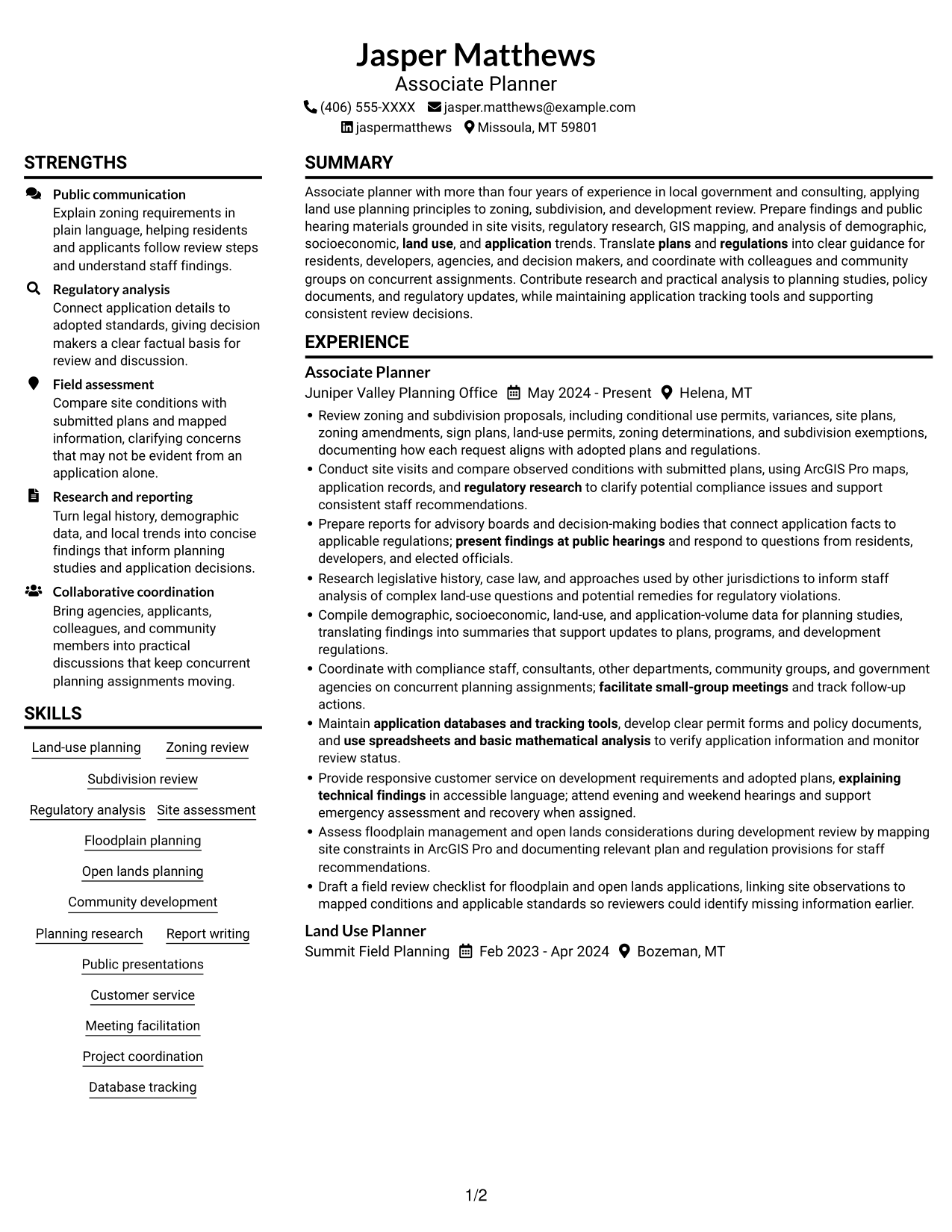
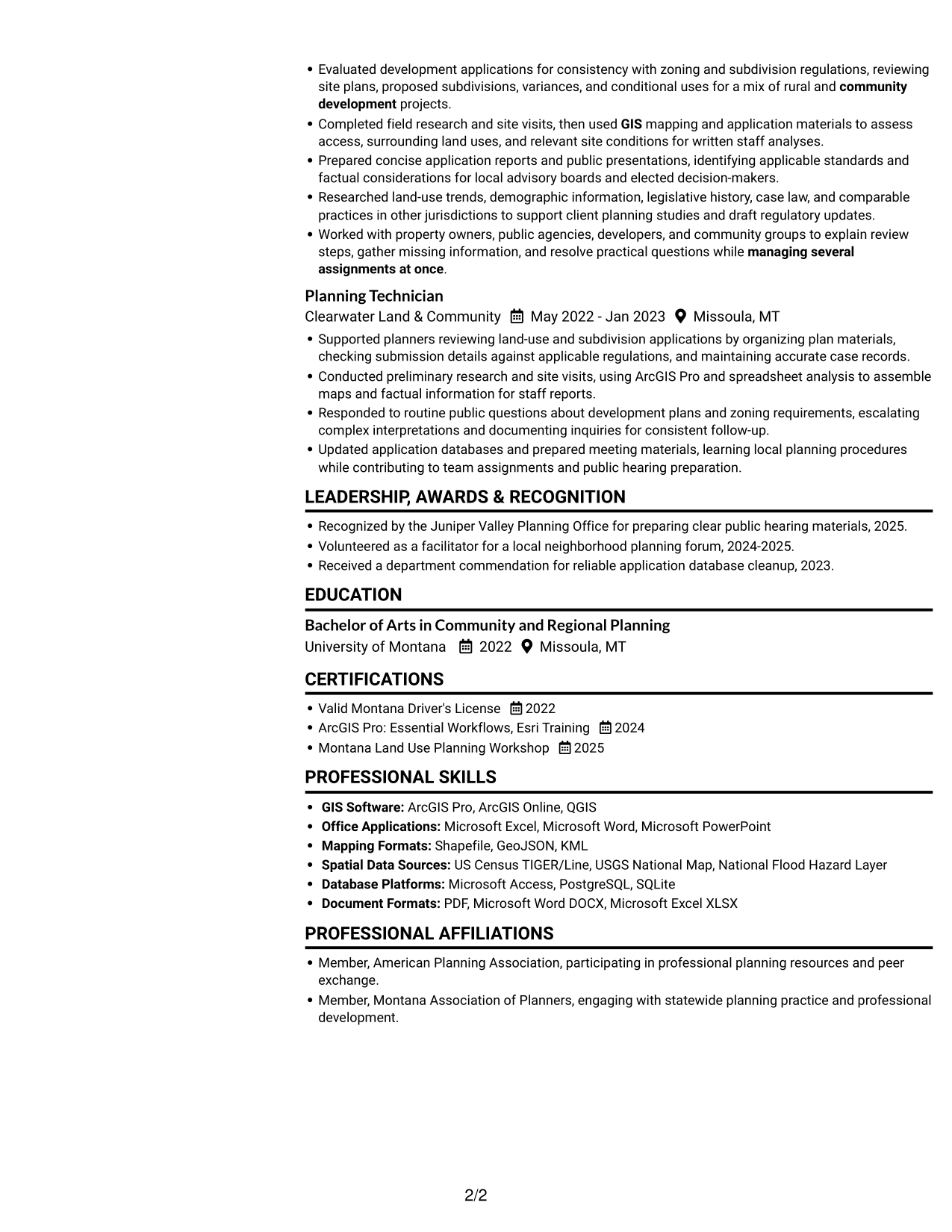
The Plain Two Column Format uses a two-column body, a practical choice when reviewers need to scan several resume sections together.
Resume Snapshot
- More than four years in planning
- Zoning and subdivision review
- Bachelor of Arts in Community and Regional Planning
- ArcGIS Pro and regulatory research
Why This Format Works
- Distinct column areas help reviewers compare planning experience with education and credentials.
- Skills remain easy to locate without interrupting the work-history reading path.
- Grouped sections let readers move between application review and broader planning work.
Best For
- Resumes with multiple content sections
- Two-column section scanning
- Detailed work histories
- Skills and education reviewed together
- Readers who prefer a compact body layout
Resume Keywords
- Review zoning and subdivision proposals
- using ArcGIS Pro maps, application records, and regulatory research to clarify potential compliance issues
- Translate plans and regulations into clear guidance for residents, developers, agencies, and decision makers
- Conduct site visits and compare observed conditions with submitted plans
- Prepare reports for advisory boards and decision-making bodies that connect application facts to applicable regulations
- present findings at public hearings
- Research legislative history, case law
- Compile demographic, socioeconomic, land-use, and application-volume data for planning studies
- analysis of demographic, socioeconomic, land use, and application trends
- Research legislative history, case law, and approaches used by other jurisdictions
- GIS
- Provide responsive customer service on development requirements and adopted plans, explaining technical findings in accessible language
- explaining technical findings in accessible language
- Coordinate with compliance staff, consultants, other departments, community groups, and government agencies
- facilitate small-group meetings
#2 Simple One Column Format Resume Example
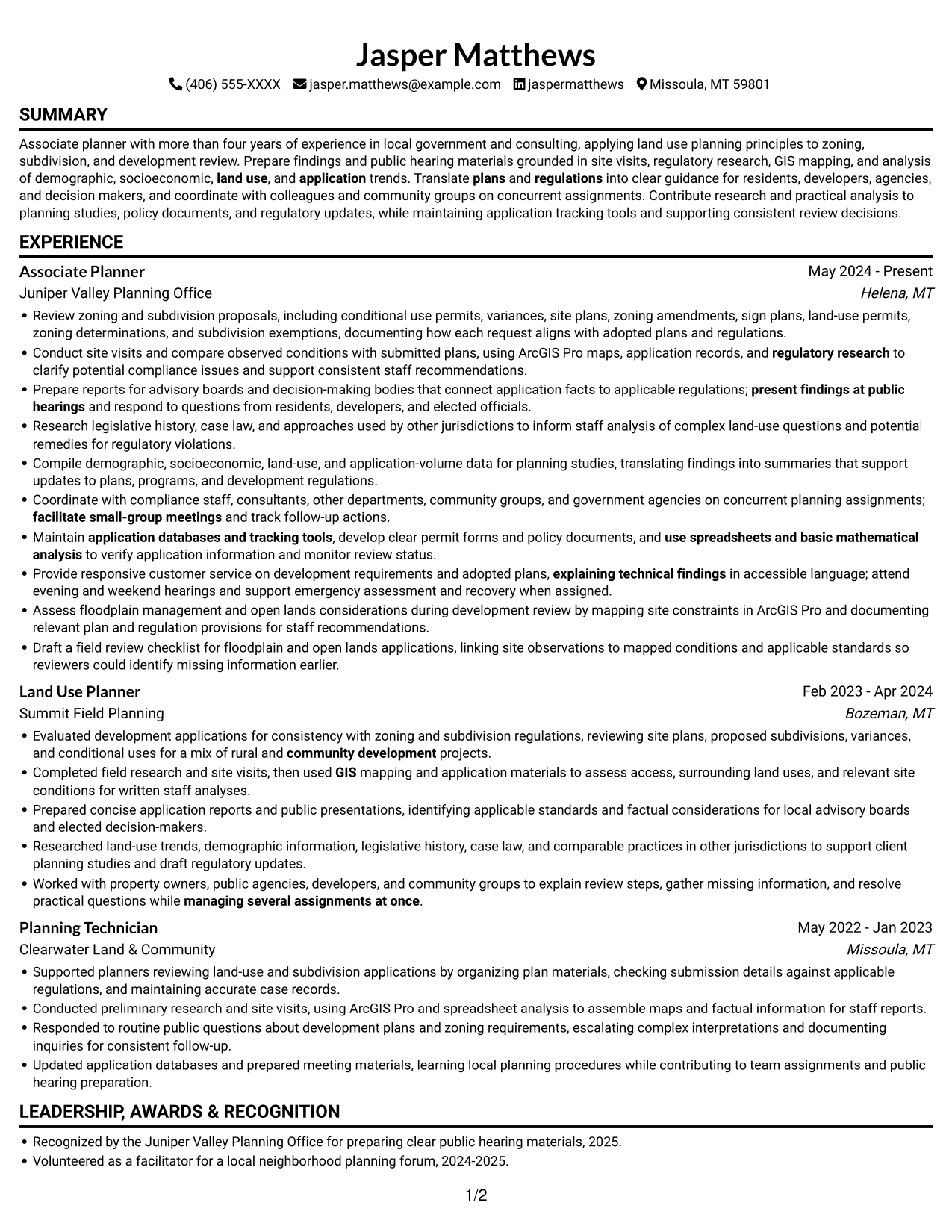
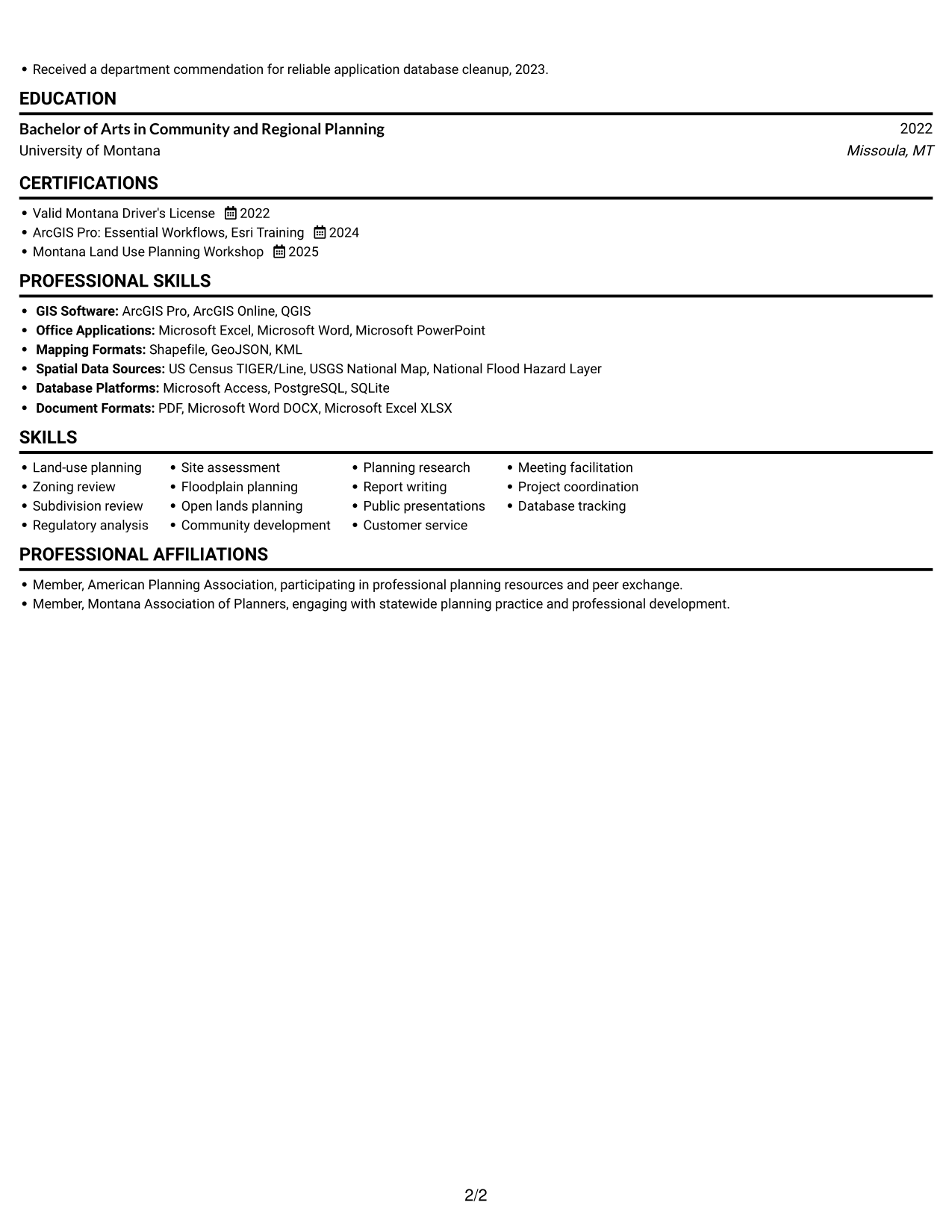
The Simple One Column Format keeps the resume body in one reading path, which suits readers who prefer a direct, top-to-bottom review.
Why This Format Works
- One continuous column lets reviewers follow roles in a clear chronological sequence.
- Skills, education, and credentials stay within the same straightforward reading path.
- Longer experience details can be read without switching between body columns.
Best For
- Chronological work histories
- One-direction resume reading
- Longer experience descriptions
- Straightforward section sequencing
- Readers who prefer text-led resumes
#3 Clean Two Column Sidebar Format Resume Example
The Clean Two Column Sidebar Format uses two body columns, a useful choice when readers want resume sections grouped in a compact layout.
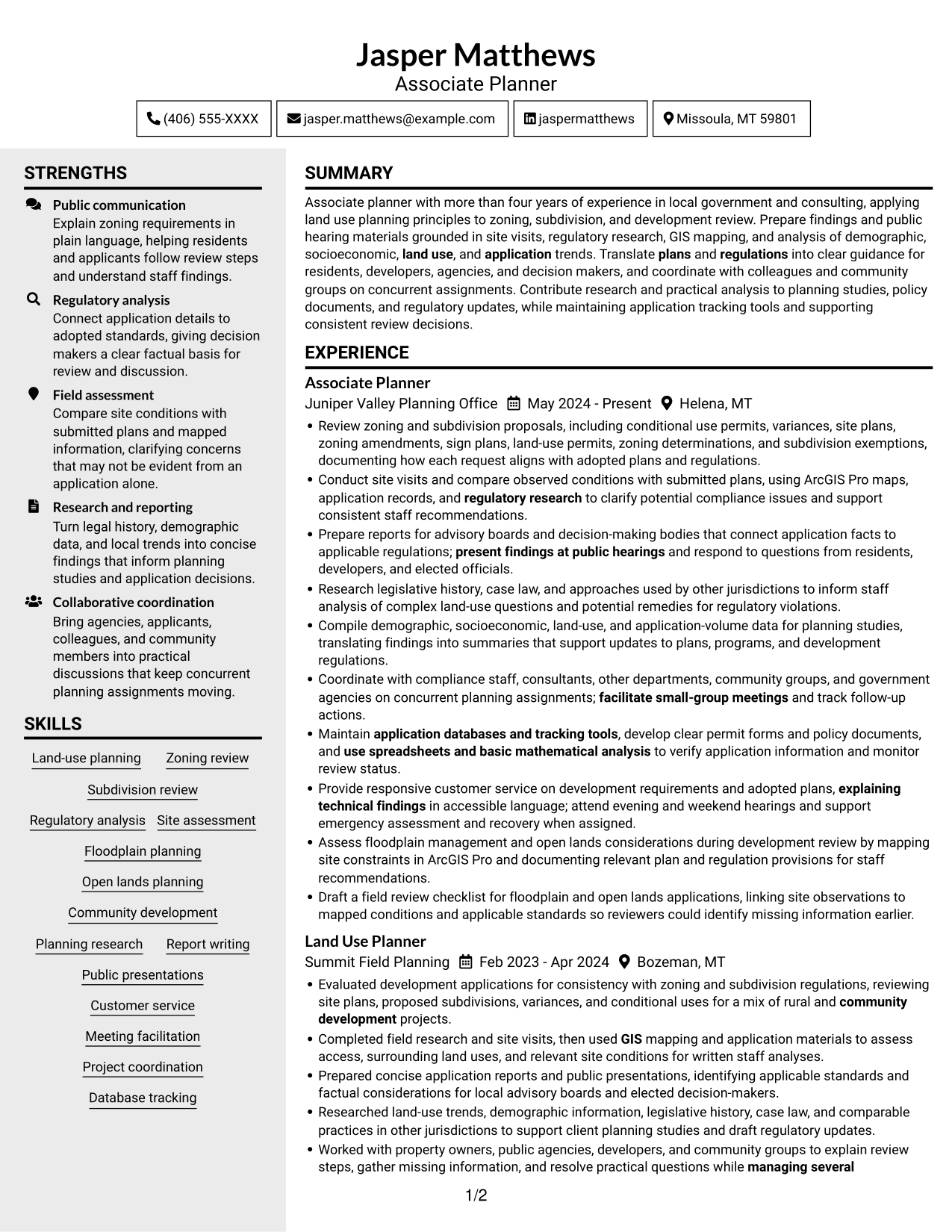
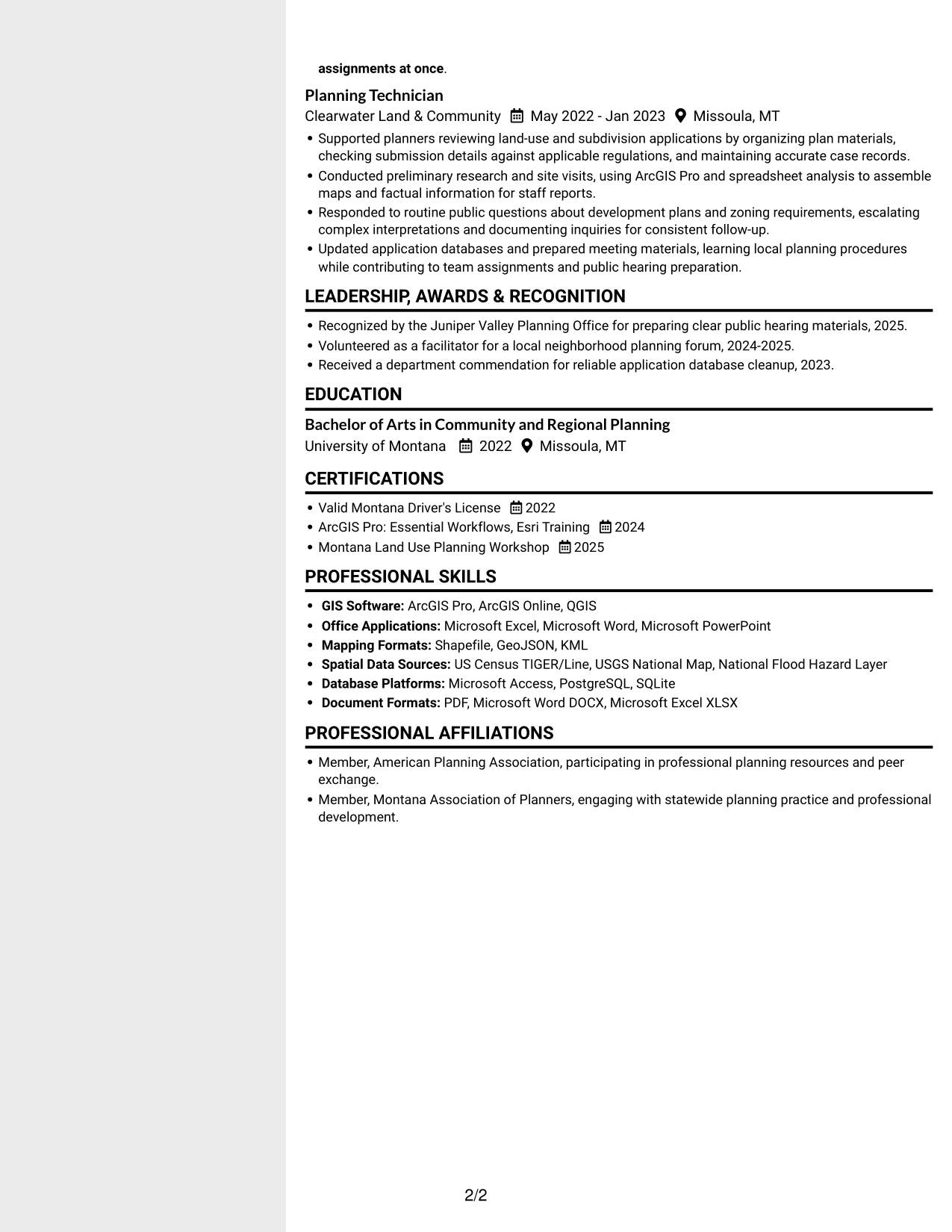
Why This Format Works
- Two body columns give experience and supporting sections distinct reading areas.
- Reviewers can move between planning work and credentials without losing their place.
- Grouped content helps skills and education remain easy to find during a scan.
Best For
- Grouped resume sections
- Quick movement between content areas
- Resume reviews involving several section types
- Skills, education, and credentials in one resume
- Readers who prefer a sidebar-style body
#4 Two Column Format Resume Example
The Two Column Format arranges resume content across two body columns, helping reviewers scan separate sections within one document structure.
Why This Format Works
- Column-based reading helps reviewers move between career history and supporting qualifications.
- Section grouping keeps education and credentials identifiable among broader experience details.
- Work history can be scanned while skills and education remain easy to locate.
Best For
- Resume content with distinct section groups
- Quick scans across experience and qualifications
- Work histories with supporting credentials
- Readers comparing education and employment details
- Two-column reading preference
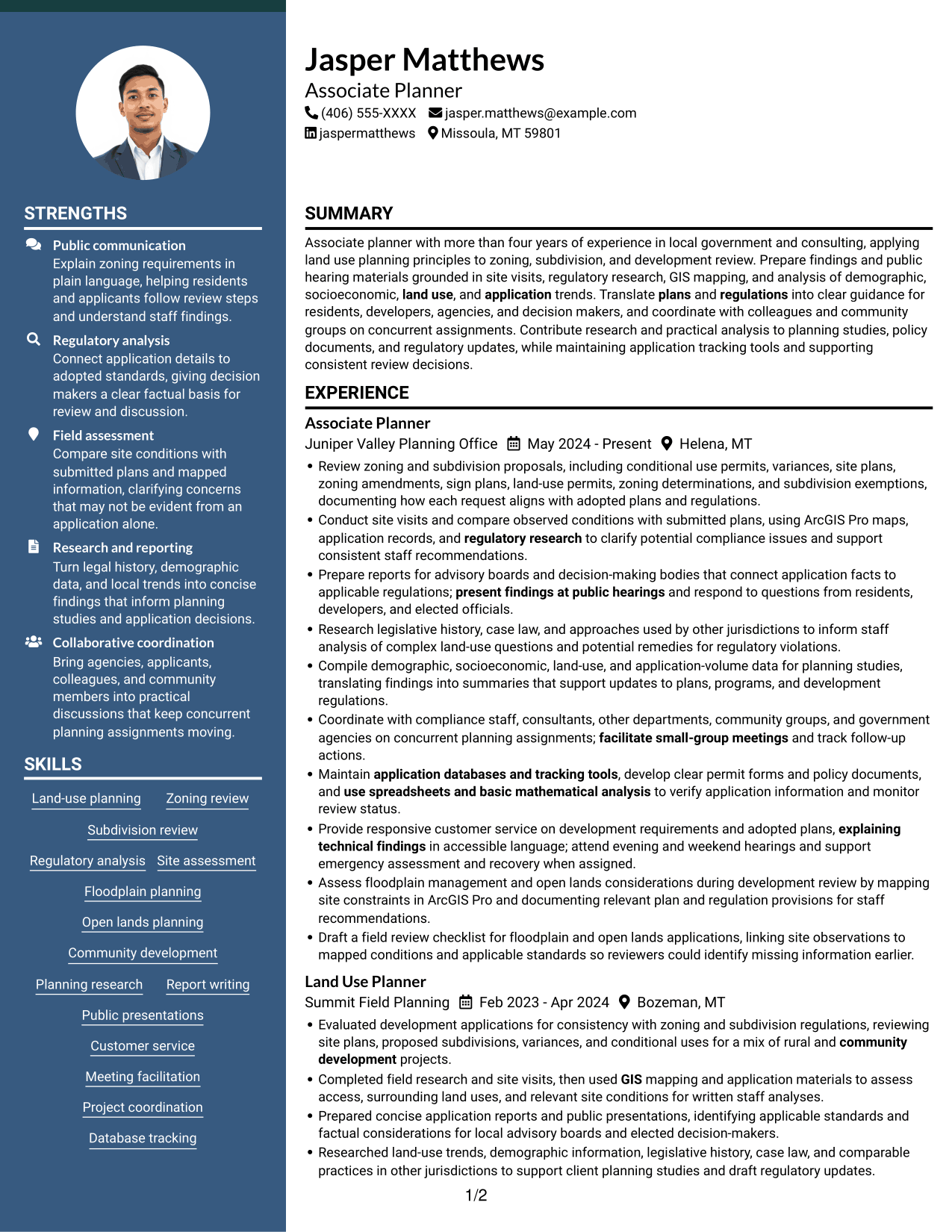
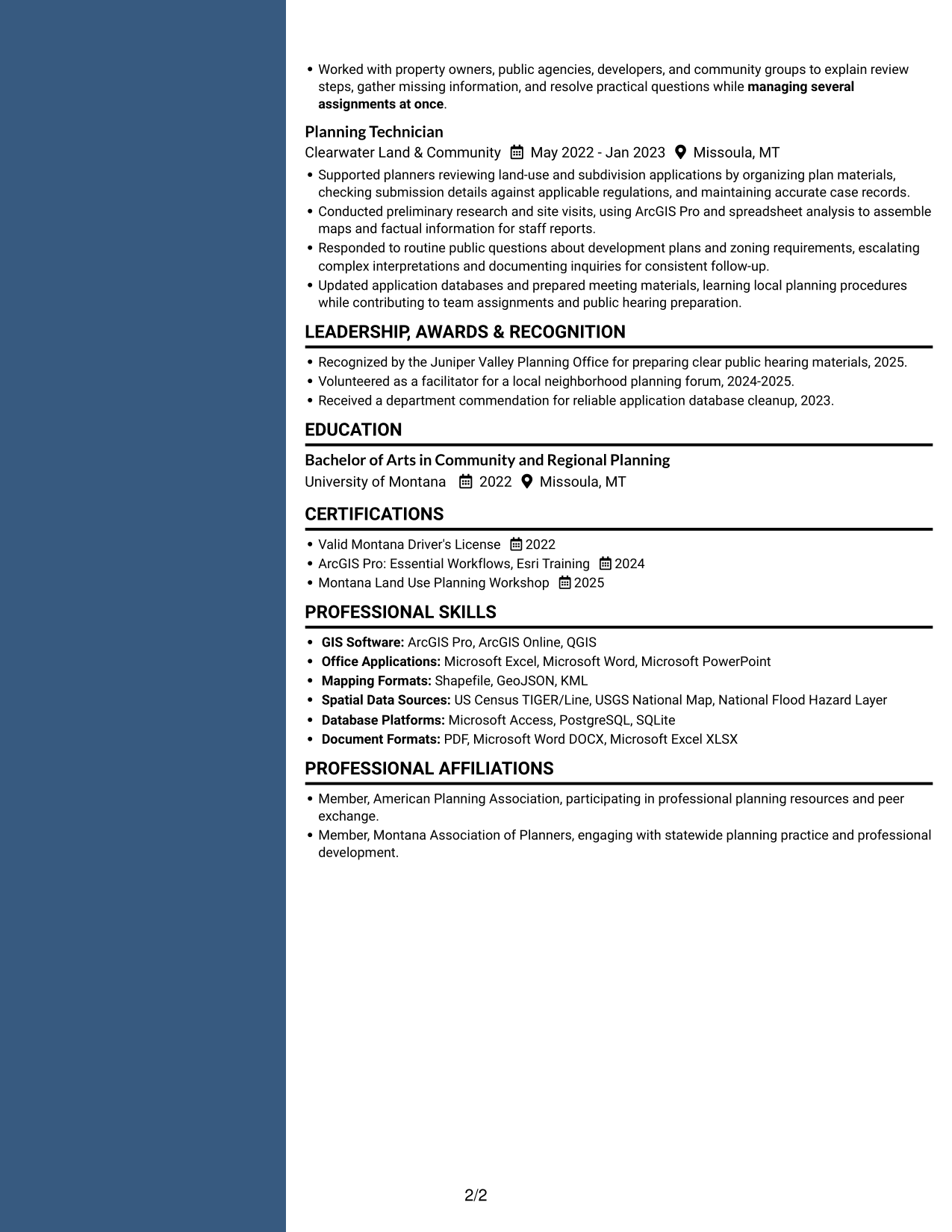
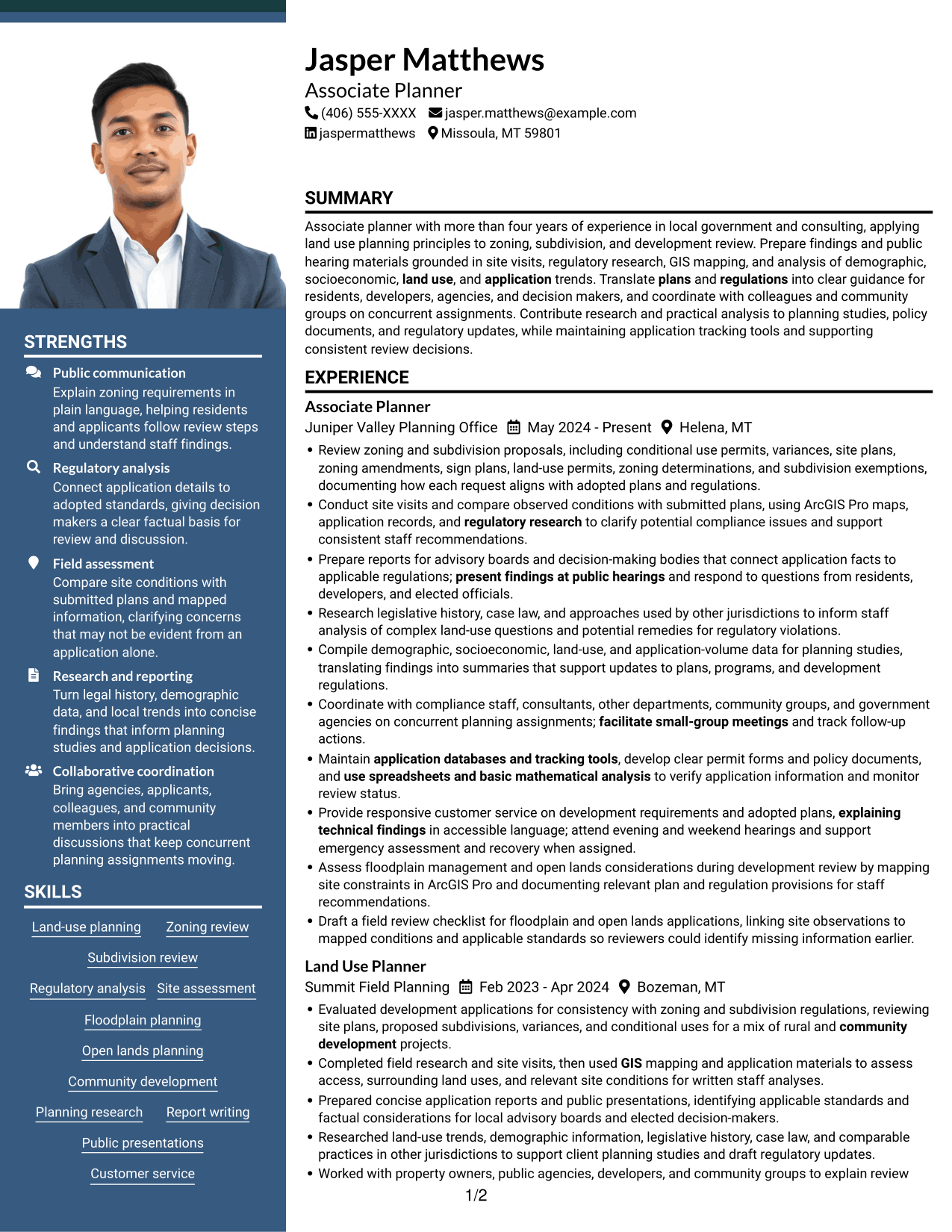
#5 Photo Header Two Column Format Resume Example
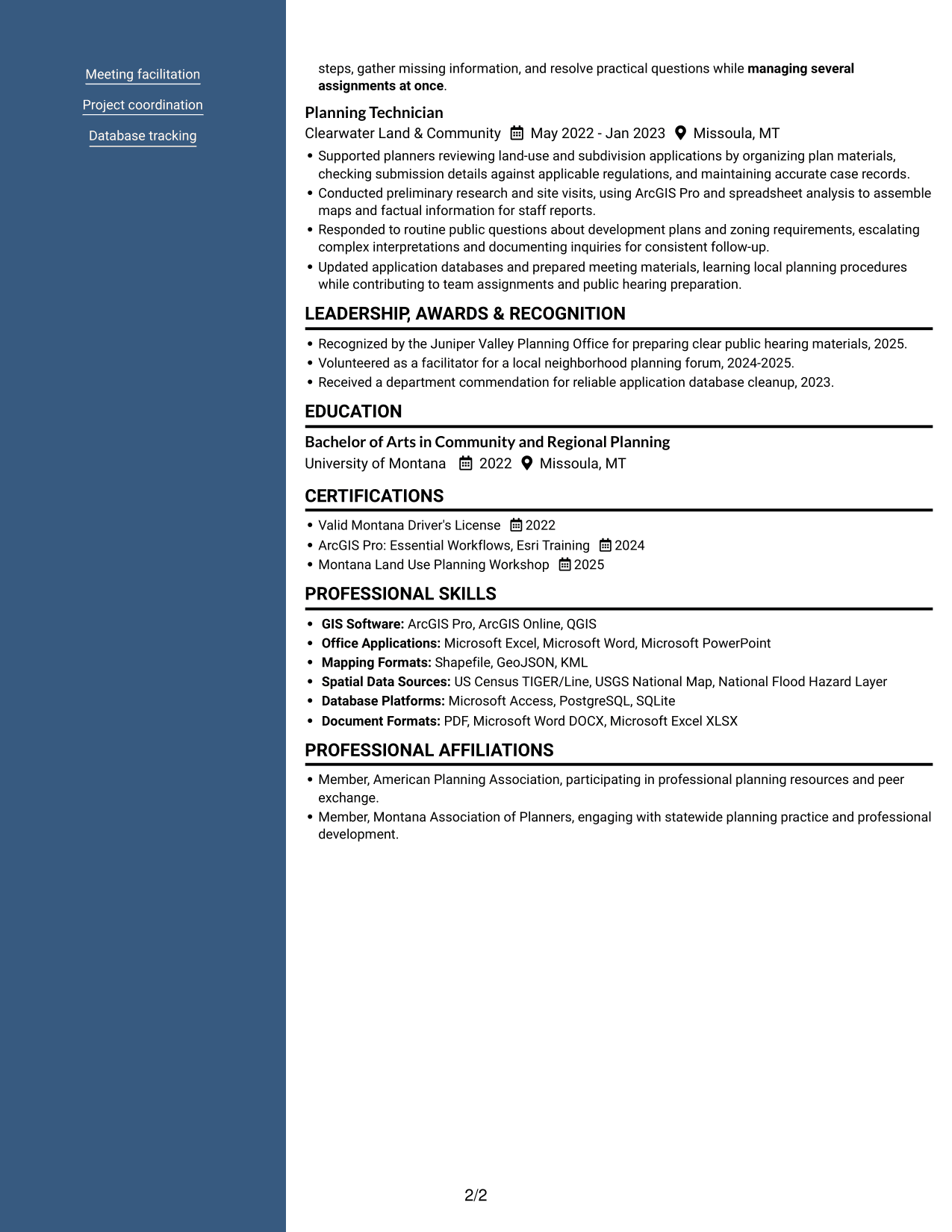
The Photo Header Two Column Format pairs a header photo with a two-column body, a suitable choice when a resume should include a personal image.
Why This Format Works
- The header photo stays outside the two-column body used for experience and credentials.
- Body columns keep resume sections distinct from the personal image.
- Skills and education remain part of the resume content, not the photo area.
Best For
- Resumes where a header photo is wanted
- Two-column content review
- Clear separation of header and body
- Several resume sections to scan
- Work histories with education and credentials
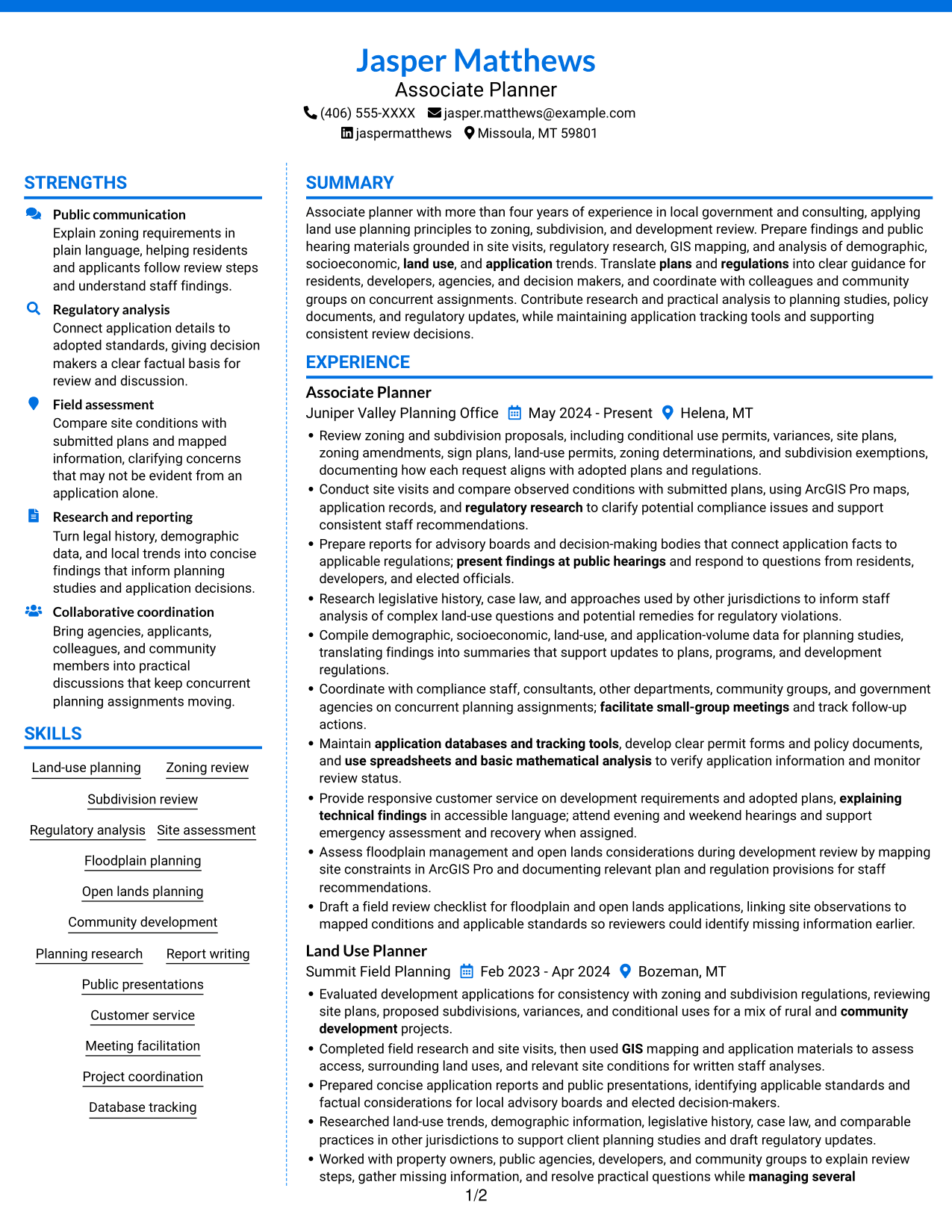
#6 Colored Two Column Format Resume Example
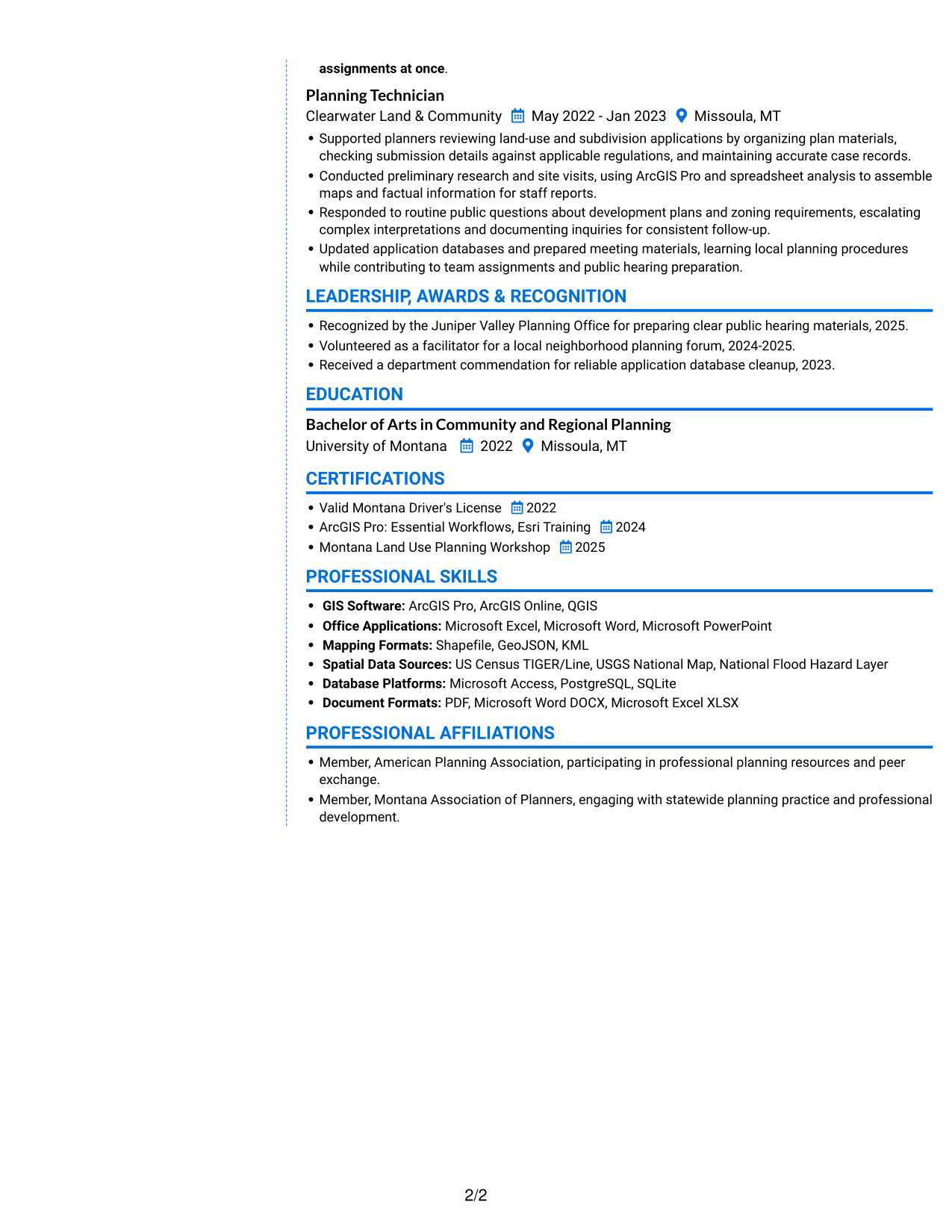
The Colored Two Column Format organizes the resume body in two columns, giving reviewers a clear way to scan its separate sections.
Why This Format Works
- Two-column organization separates career history from other resume sections.
- Reviewers can find education and credentials without following one long text block.
- Distinct content areas help keep skills visible alongside detailed experience.
Best For
- Two-column resume reading
- Resume sections needing distinct areas
- Quick access to skills and education
- Work history with supporting sections
- Readers comfortable with grouped content
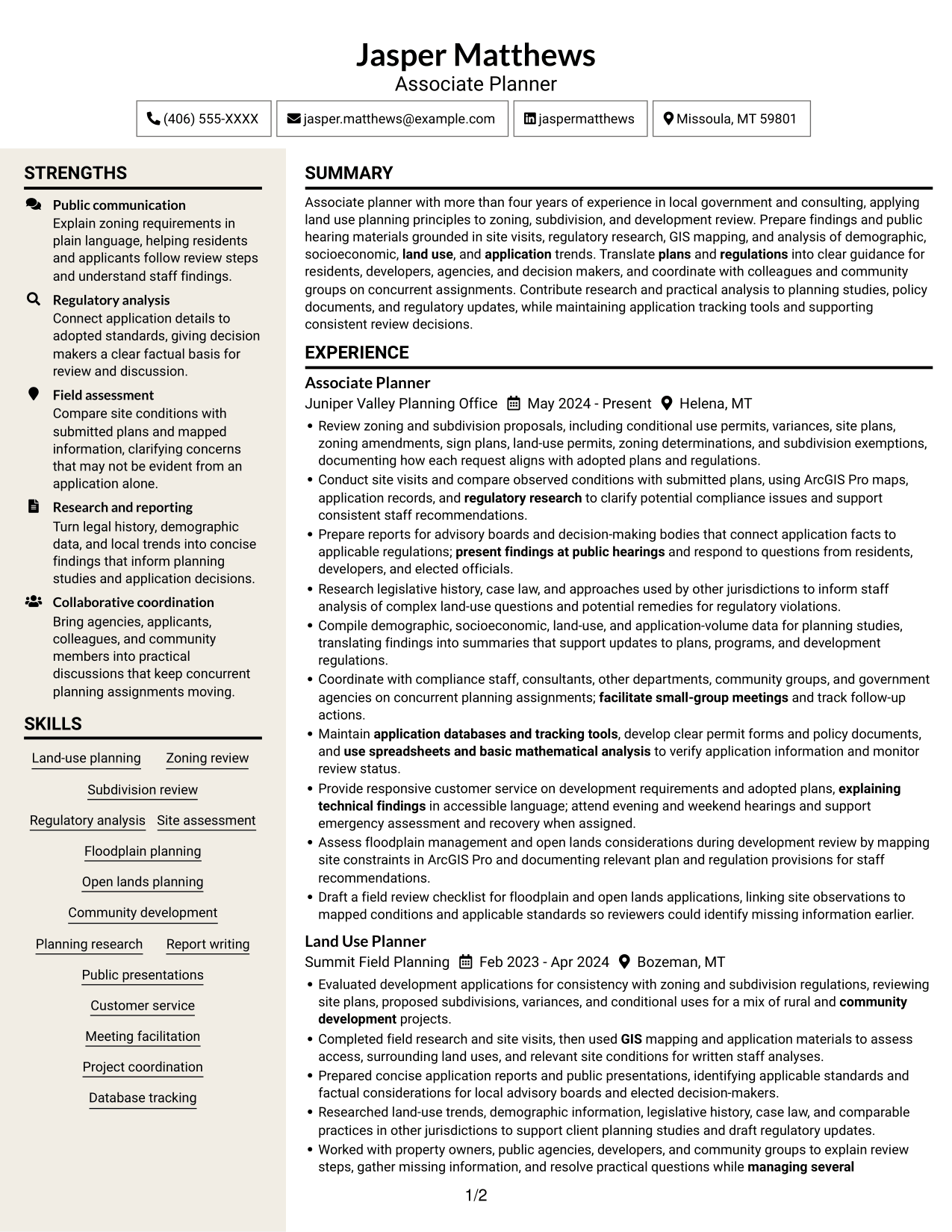
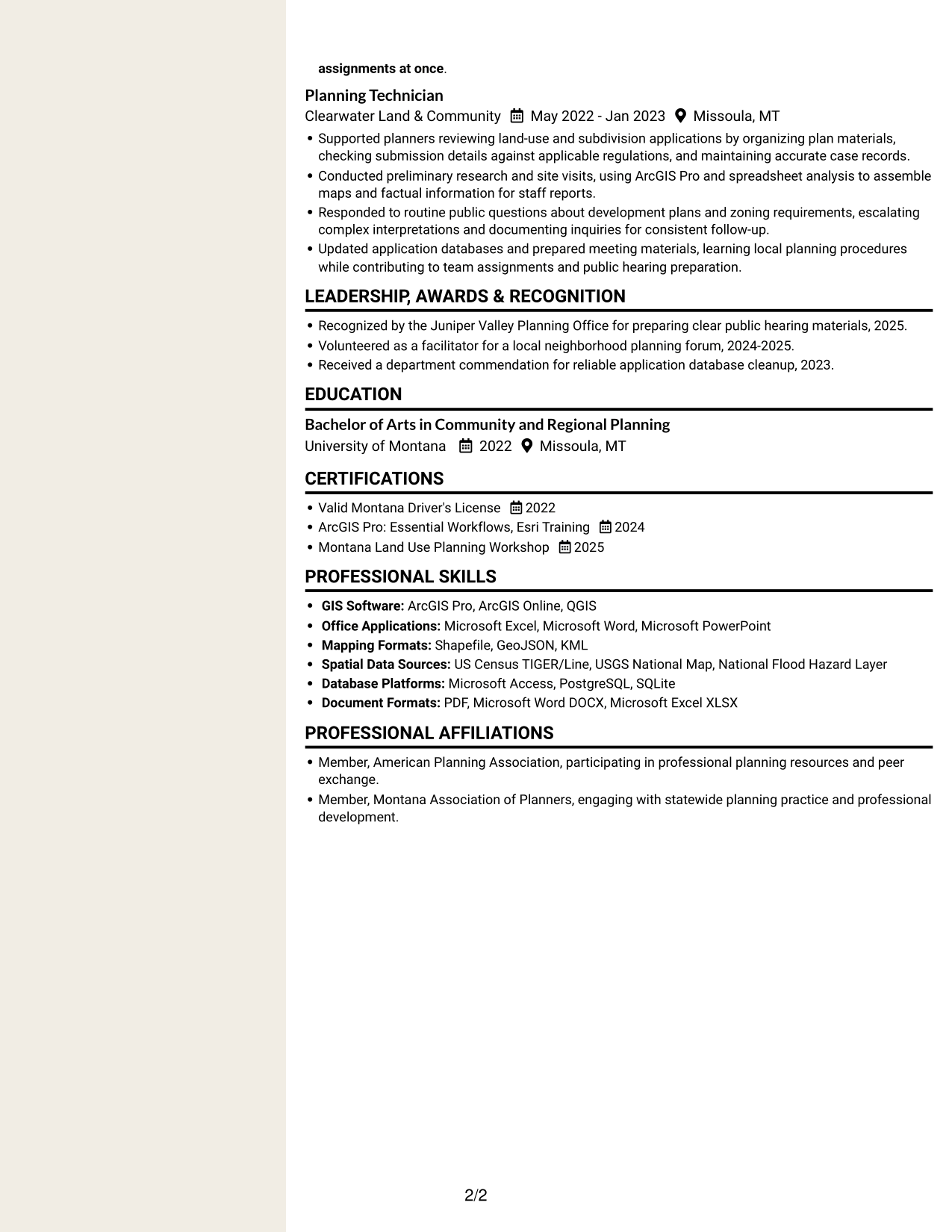
#7 Stylish Two Column Designer Format Resume Example
The Stylish Two Column Designer Format uses two body columns, a practical option for readers who want resume sections grouped for scanning.
Why This Format Works
- Separate columns let reviewers move between experience and supporting resume content.
- Skills and education remain easier to locate than in one continuous column.
- The shared body structure keeps career history connected to other qualifications.
Best For
- Two-column content organization
- Text-focused resume review
- Several distinct resume sections
- Work histories with related qualifications
- Readers who prefer grouped resume content
Why Build Your Associate Planner - Land Use and Zoning Resume with ResumeInMinutes
ResumeInMinutes helps you organize planning experience, skills, and education in a resume that is easy to scan. You can compare the image previews, then open an example in the editor to customize it.
- Professional resume layouts
- Clear section structure
- Space for role-specific keywords
- Organized experience and skills
- Image previews for comparison
- Resume customization in the editor
Keep your details accurate and focus each bullet on the work you performed. Make zoning review, site assessment, reporting, research, and public communication easy to find.
See Also
- 7 Senior Planner - Land Use and Zoning Resume Templates with Example
- 7 Assistant Planner - GIS Resume Templates with Example
- 33 Associate Planner Media - Life Sciences Media Resume Templates with Example 2026 (ATS-Optimized)
- 7 Associate Production Planner - Marine Resume Templates with Example
- 7 Financial Planner - Retirement Planning Resume Templates with Example
- 7 Financial Planner - Wealth Management Resume Templates with Example
- 7 Meetings, Events, and Trade Shows Planner III Resume Templates with Example
- 7 Operations Planner - Production and Inventory Planning Resume Templates with Example
- 7 Associate Planner - Land Use and Zoning Cover Letter Templates with Example
- 7 Senior Planner - Land Use and Zoning Cover Letter Templates with Example
Frequently Asked Questions
Are these Associate Planner - Land Use and Zoning resume templates ATS-friendly?
Clear headings, familiar section names, and relevant terms can help applicant tracking systems read your resume. Use keywords that match your actual planning experience, such as zoning review, subdivision review, GIS, and regulatory analysis.
Are these different resumes or one example?
This page shows one Associate Planner - Land Use and Zoning resume example in several visual styles. Compare the image previews and open an example in the editor to customize it.
What should an Associate Planner - Land Use and Zoning resume include?
Include a focused summary, relevant experience, education, skills, and applicable certifications or licenses. Describe application review, site visits, regulatory research, reports, public hearings, and planning tools when they reflect your background.
Which resume style works well for this role?
Choose a layout with clear headings and an easy-to-follow experience section. A straightforward design helps readers find your zoning review, site assessment, reporting, and GIS skills. Check that the text remains clear in the image preview.
How should I show planning experience across different projects?
Group related duties into concise bullets. State the type of application or planning work, the research or analysis you completed, and the report, recommendation, or public presentation you supported. Include results only when you can support them with accurate details.
Should I include a photo on my resume?
For U.S. applications, a resume without a photo is usually the safer choice. Use the space for relevant planning experience, skills, education, and credentials.




