7 Bartender Resume Templates with Example
This guide shows you how to build a Bartender resume that is clear, focused, and easy to review. You will learn how to organize your strongest service evidence and compare practical resume formats.
Strong bartender resumes make beverage preparation, guest service, responsible alcohol service, cash handling, sanitation, and point-of-sale experience easy to find. Use concise bullets, clear section headings, and job-relevant keywords while keeping every claim accurate.
Below, one complete Bartender resume example is presented in 7 layouts. The examples show how different structures affect scanning, section balance, and the visibility of experience, skills, education, certifications, and other supporting details.
What Makes a Great Bartender Resume in 2026
A strong bartender resume is easy to scan and gives clear evidence of beverage service, guest care, accurate transactions, and safe work habits.
Match the job posting with truthful keywords such as beverage preparation, age verification, bar stocking, cash handling, food safety, sanitation, point-of-sale systems, and menu knowledge.
The examples shown below are intentionally detailed to demonstrate a range of experiences, skills, accomplishments and relevant keywords. We prefer detailed resumes as they provide more context to the hiring managers and also help the ATS systems identify relevant qualifications and score your resume better for a match. But the length of a resume is an individual choice. If you want a one page resume, just keep the most relevant experience and information for the job. Note: Resume examples are for educational purposes only. Use only information that accurately reflects your experience and qualifications. References to real organizations do not imply affiliation or endorsement.
#1 Plain Two Column Format Resume Example
A plain two-column structure separates major sections cleanly, helping recruiters scan the resume without losing the main reading order.
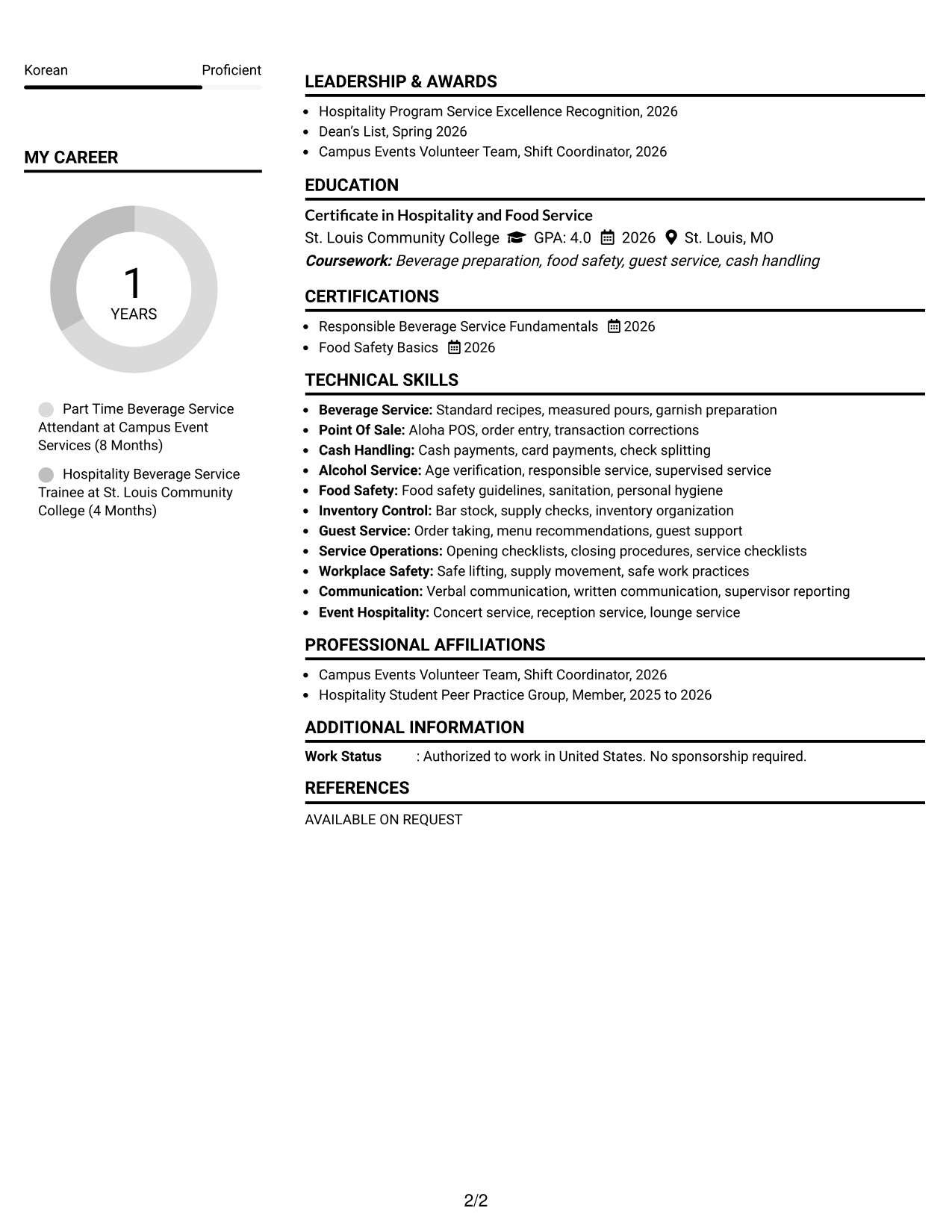
Resume Snapshot
- More than one year of part-time hospitality experience
- Certificate in Hospitality and Food Service, 2026
- Responsible Beverage Service Fundamentals, 2026
- Food Safety Basics, 2026
Why This Format Works
- Two columns separate skills and credentials from the main experience narrative.
- Clear section boundaries help reviewers compare experience, education, and supporting qualifications.
- Balanced space keeps detailed service evidence visible without one section dominating.
Best For
- Resumes with several supporting sections
- Quick comparison of experience and skills
- Early-career hospitality backgrounds
- Readers who prefer compact organization
- Applications needing visible certifications
Resume Keywords
- Bartender
- beverage service
- guest service
- responsible alcohol service
- age verification
- bar stocking
- cash handling
- transaction accuracy
- point of sale systems
- Aloha POS
- food safety
- sanitation
- menu knowledge
#2 Simple One Column Format Resume Example
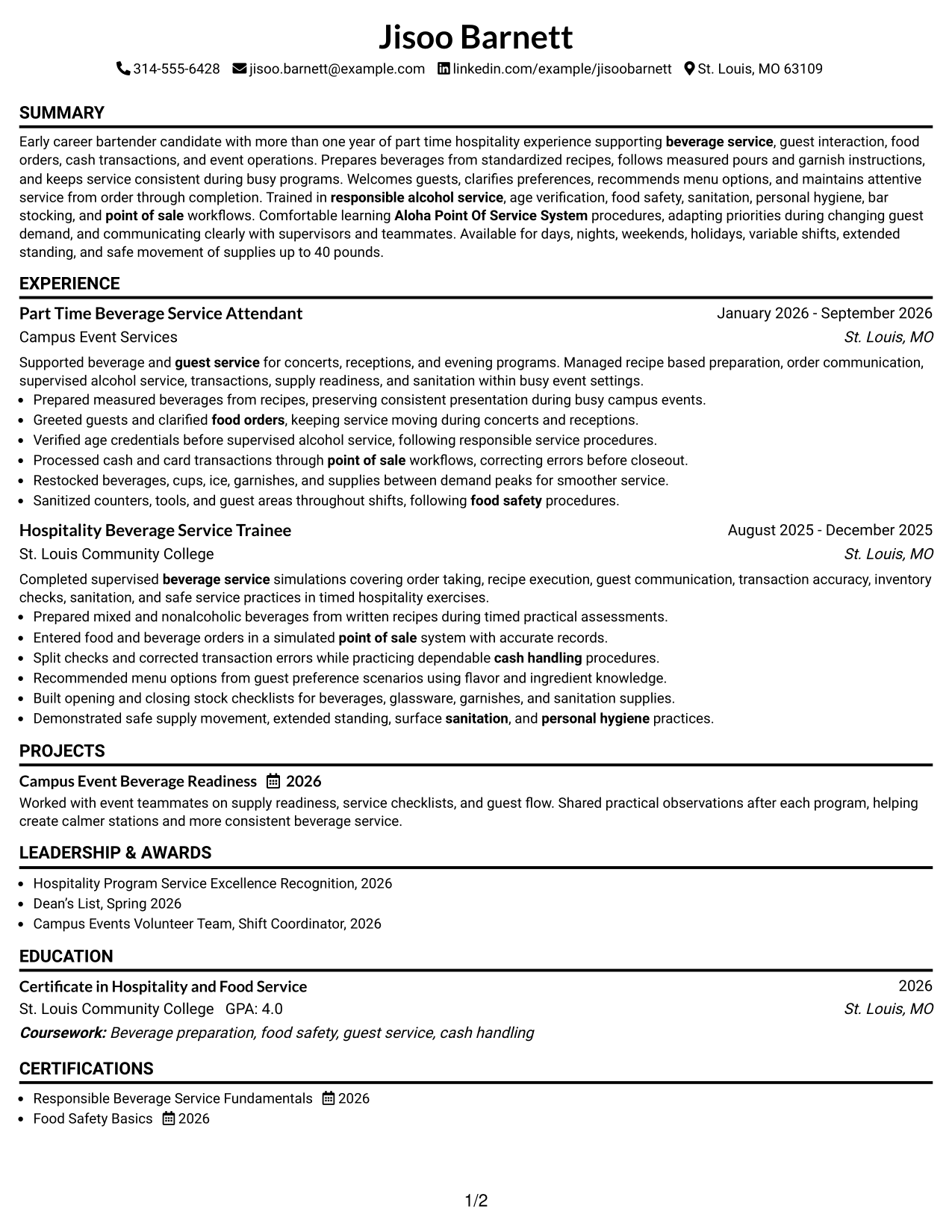
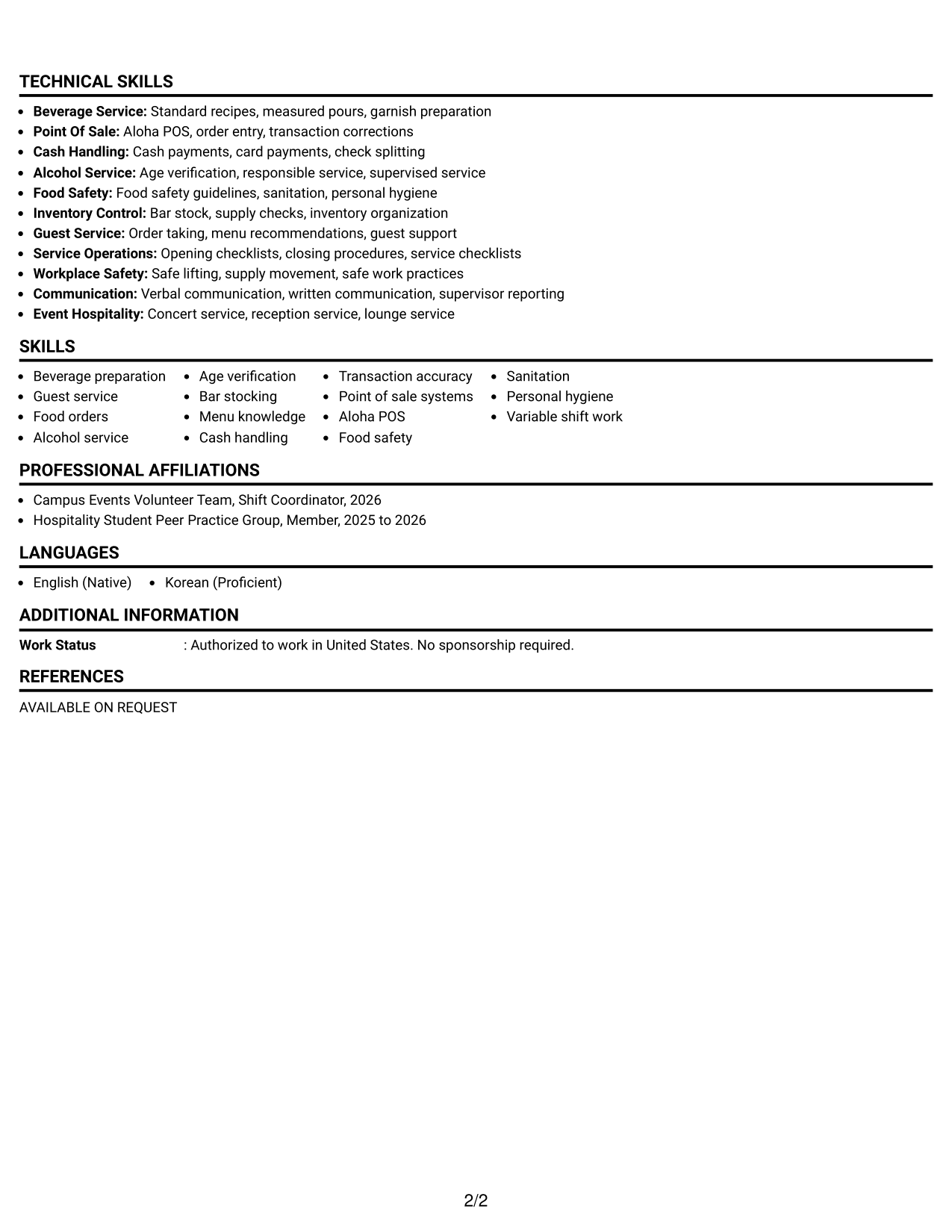
A simple one-column flow gives recruiters a direct top-to-bottom path through each resume section.
Why This Format Works
- Linear reading order keeps experience and education easy to follow.
- Full-width sections give detailed achievement bullets room to remain readable.
- Simple section changes make skills and credentials easy to locate.
Best For
- Straightforward top-to-bottom reading
- Resumes with detailed experience bullets
- Conservative application settings
- Applicants prioritizing simple navigation
- Content that needs full-width space
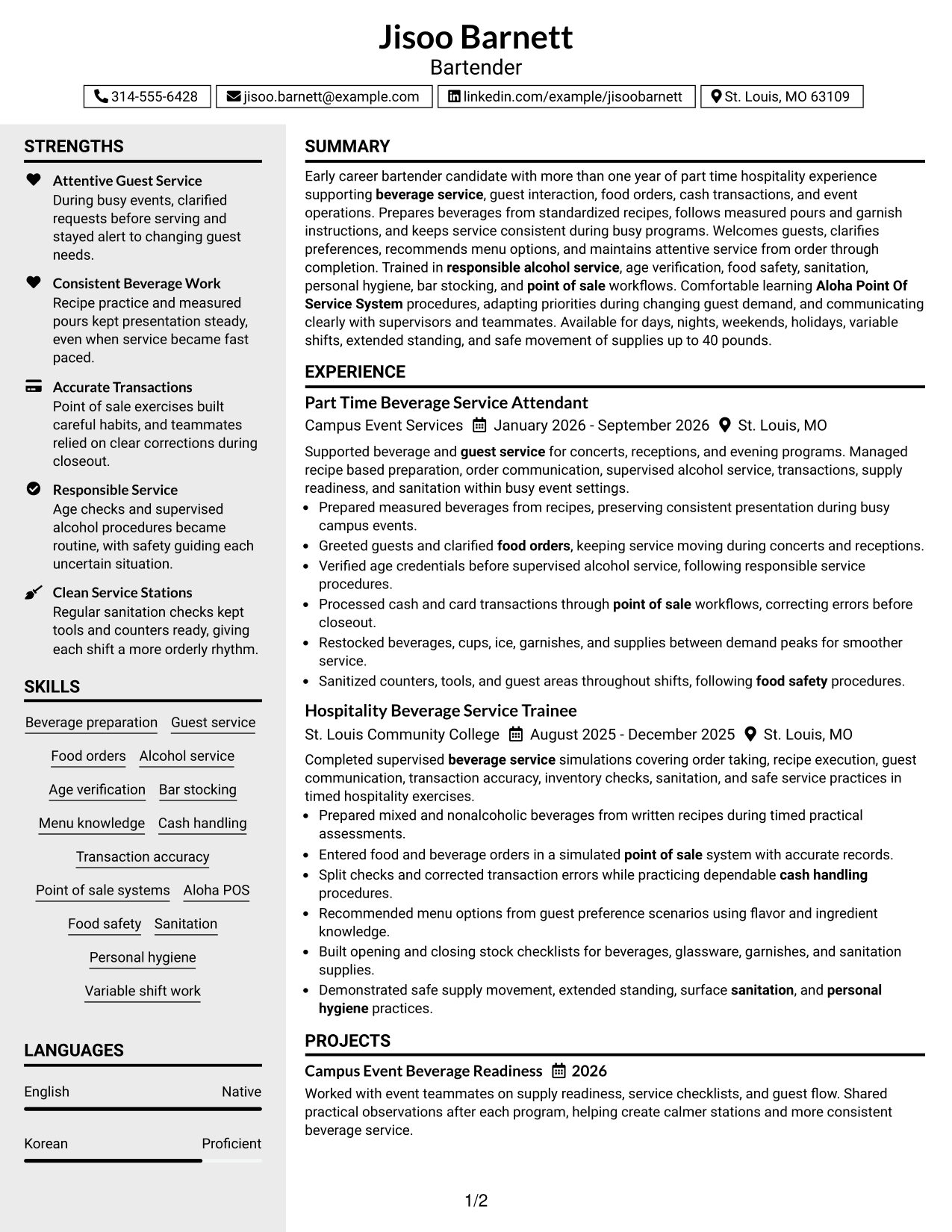
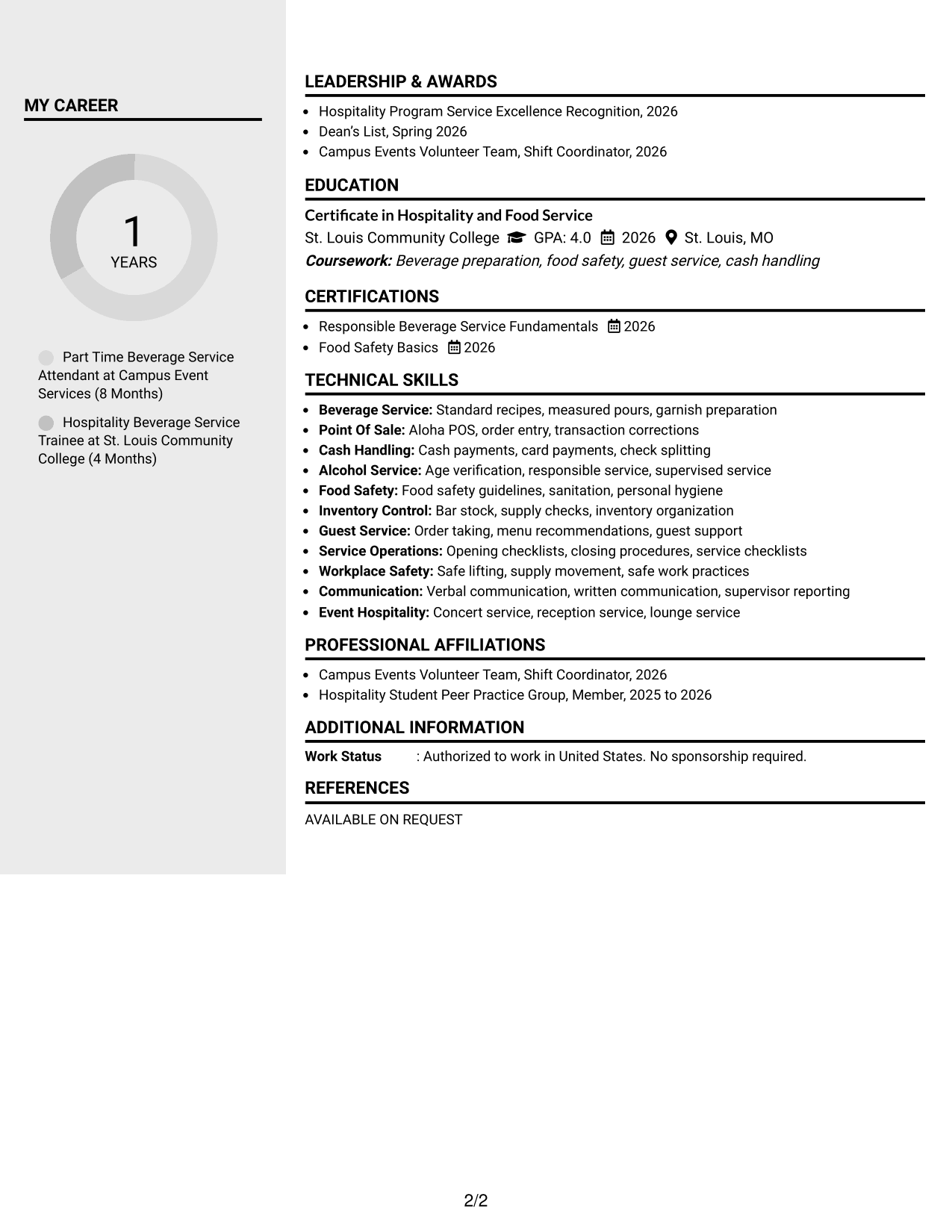
#3 Clean Two Column Sidebar Format Resume Example
A clean two-column sidebar keeps supporting details separate while recruiters follow the primary experience content.
Why This Format Works
- Sidebar separation keeps supporting skills apart from longer experience details.
- Main-column space supports readable career evidence and education history.
- Parallel sections let reviewers find credentials without interrupting experience review.
Best For
- Resumes with compact supporting details
- Visible skills beside work history
- Credential-heavy hospitality applications
- Readers comparing qualifications quickly
- Content needing clear side separation
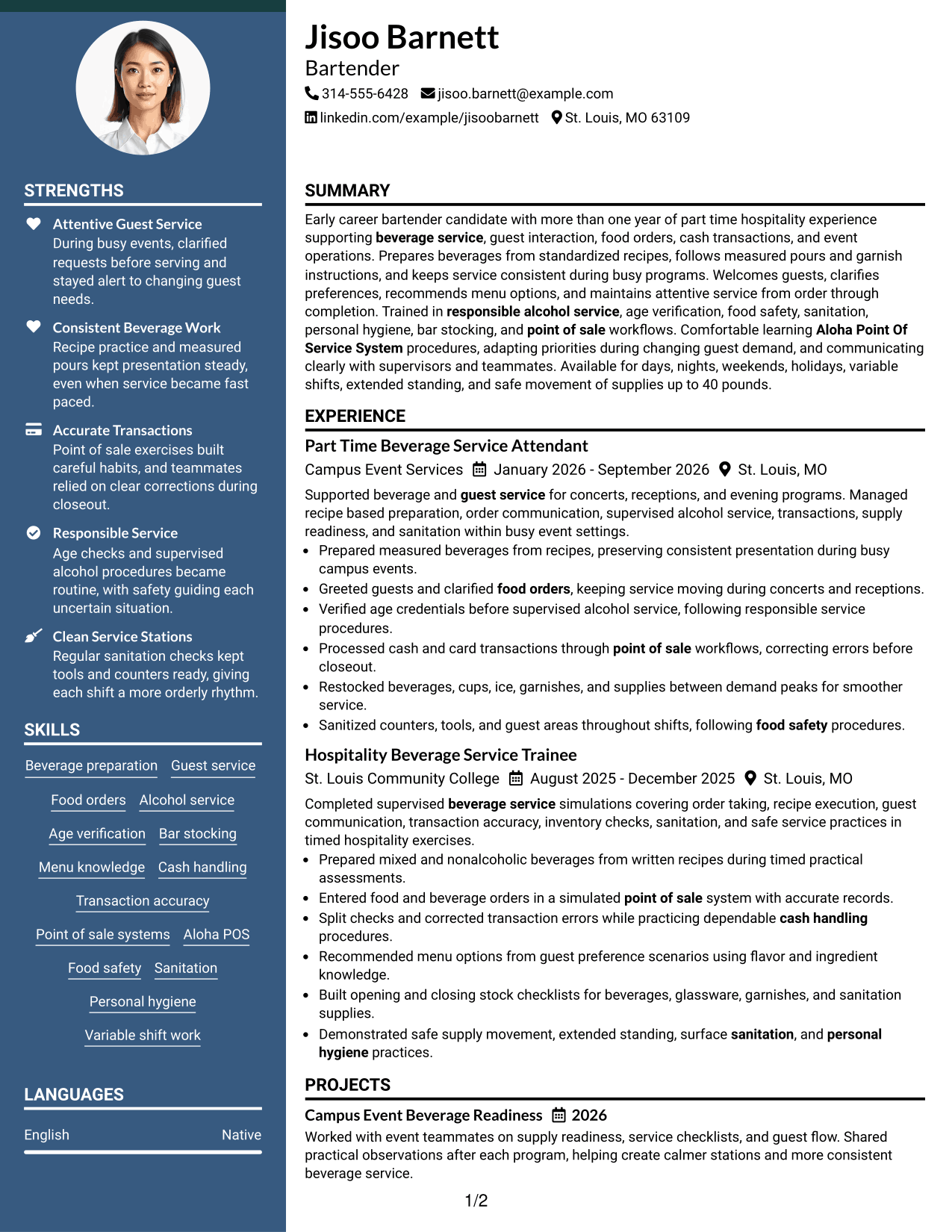
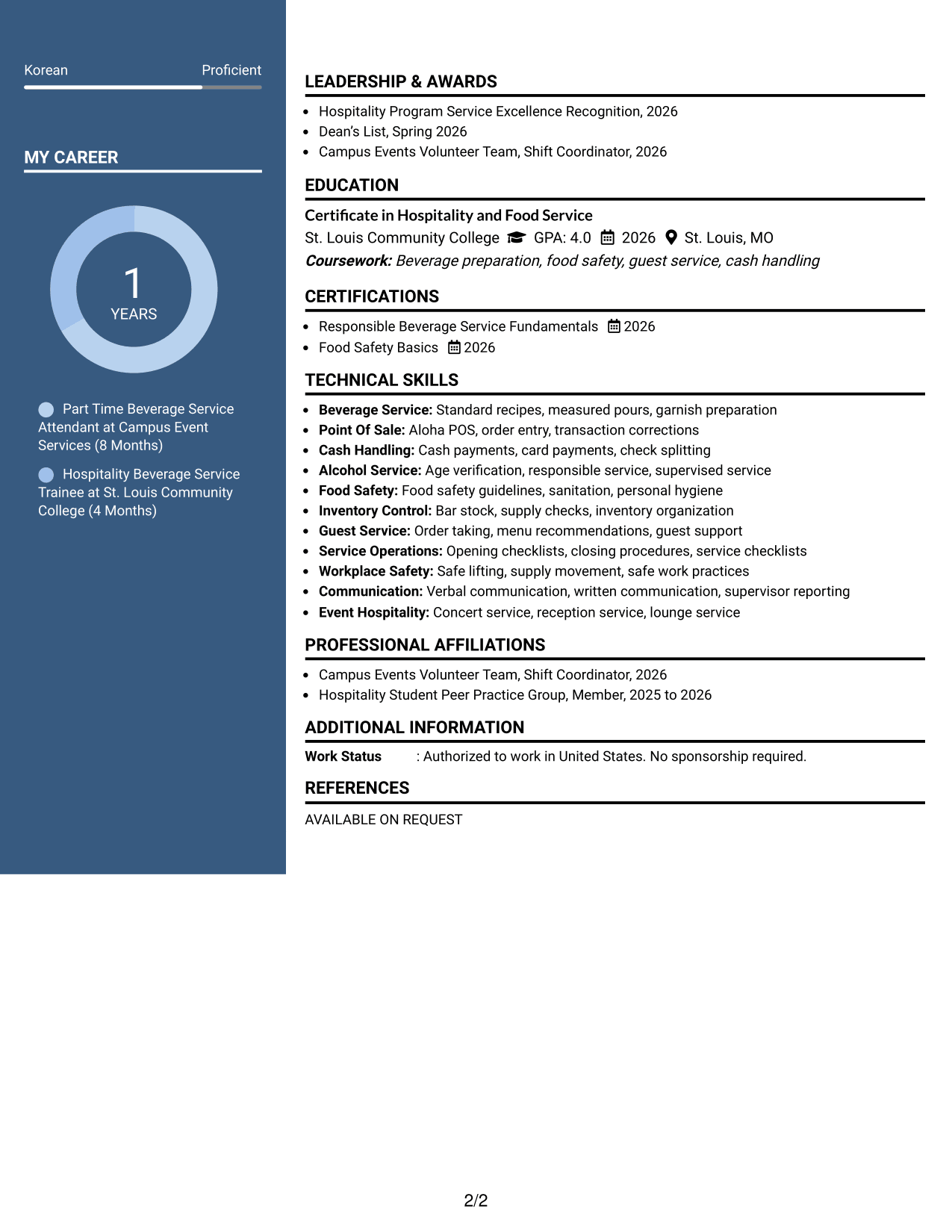
#4 Two Column Format Resume Example
A balanced two-column format divides resume content into clear groups so recruiters can scan related sections efficiently.
Why This Format Works
- Paired columns give experience and supporting qualifications distinct visual areas.
- Section grouping helps reviewers move between achievements, skills, and education.
- Balanced body space prevents supporting credentials from crowding the experience section.
Best For
- Balanced experience and qualification sections
- Resumes with moderate content volume
- Side-by-side section comparison
- Applications needing compact structure
- Readers scanning several content types
#5 Photo Header Two Column Format Resume Example
A photo header with two body columns creates a clear identity area while recruiters scan organized resume sections below.
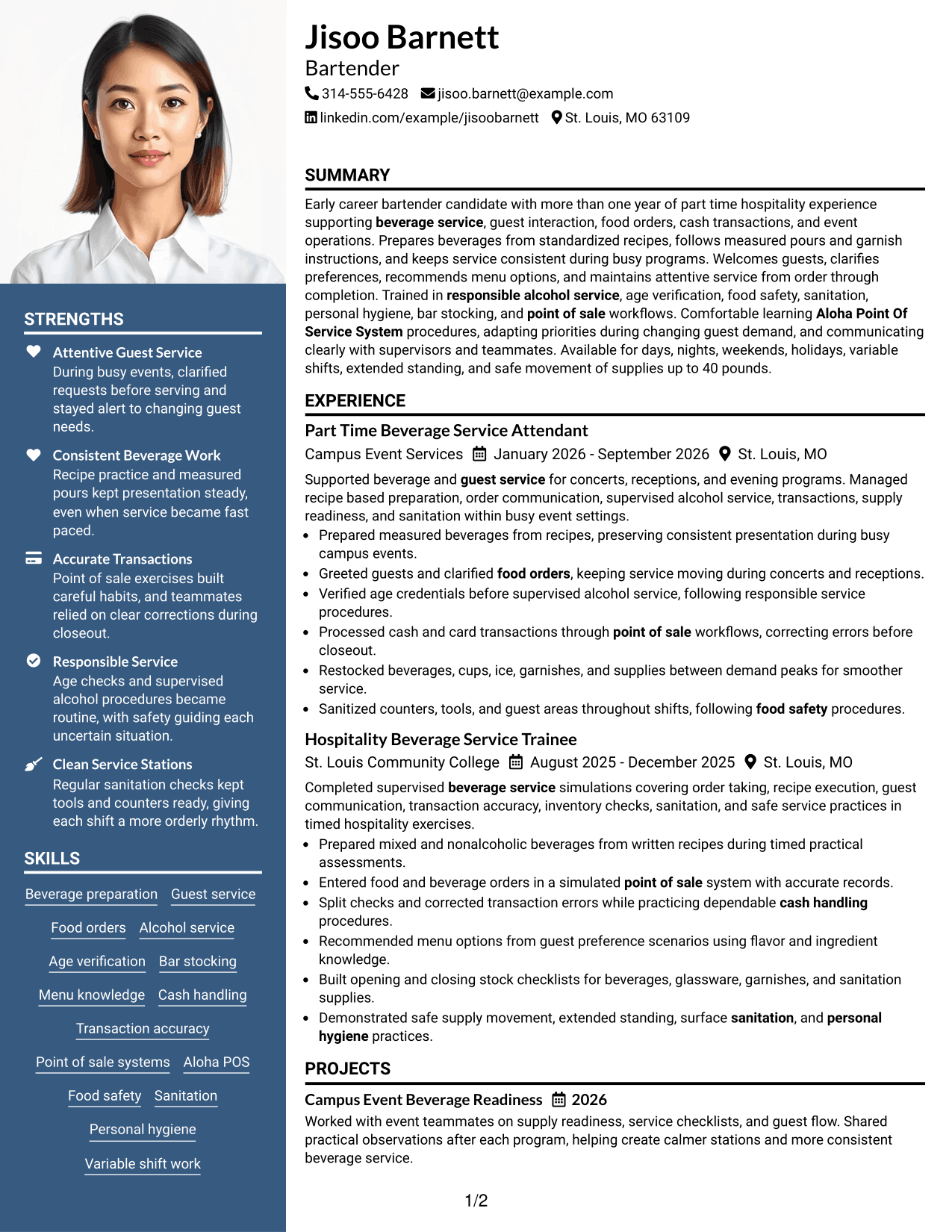
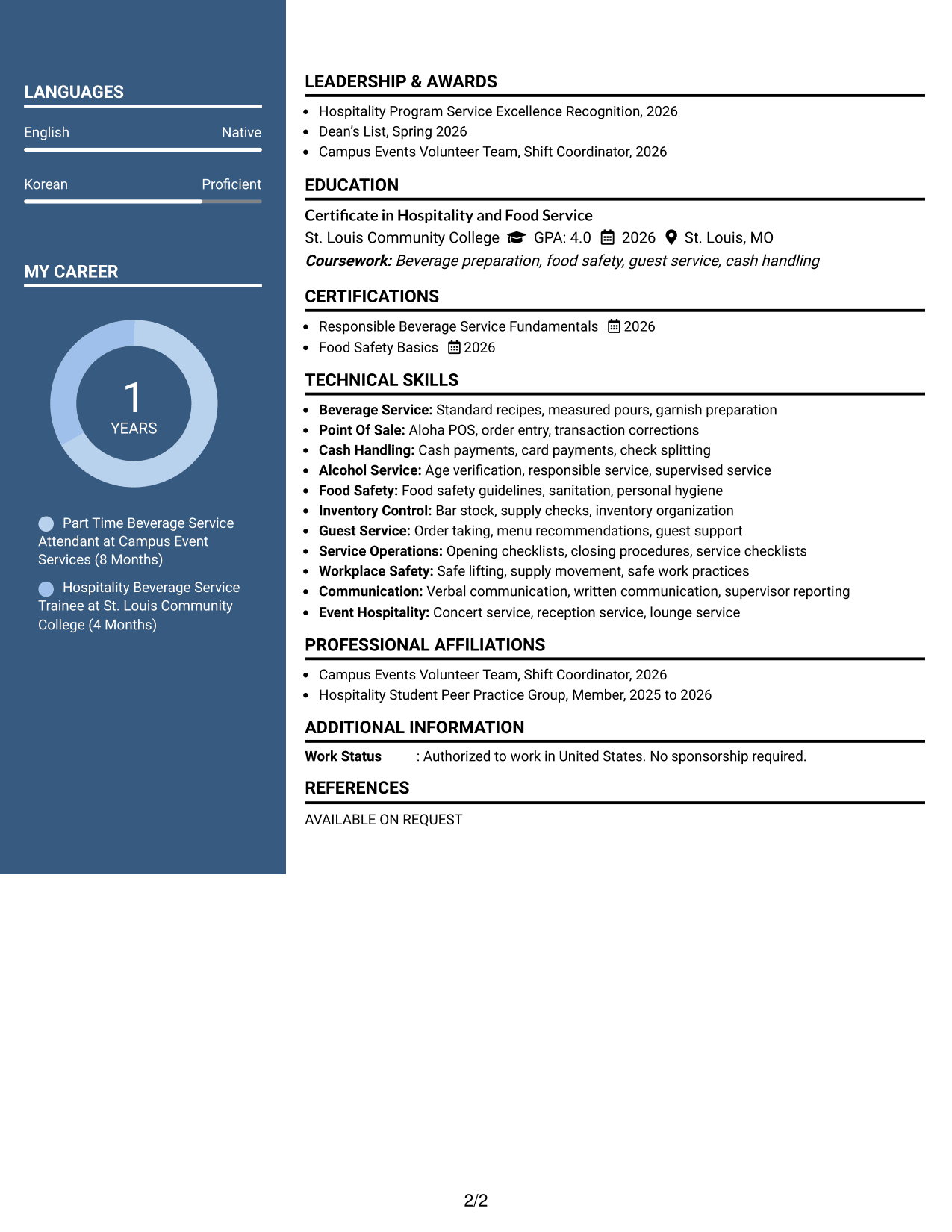
Why This Format Works
- Two body columns organize experience and supporting qualifications into separate areas.
- Header photo identifies the person without changing the resume reading structure.
- Section separation helps reviewers locate education, skills, and credentials efficiently.
Best For
- Markets where resume photos are customary
- Applications allowing personal photos
- Two-column content with clear identity
- Resumes balancing experience and credentials
- Readers who value strong header separation
#6 Colored Two Column Format Resume Example
A colored two-column structure uses visual contrast to separate sections and help recruiters move between content groups.
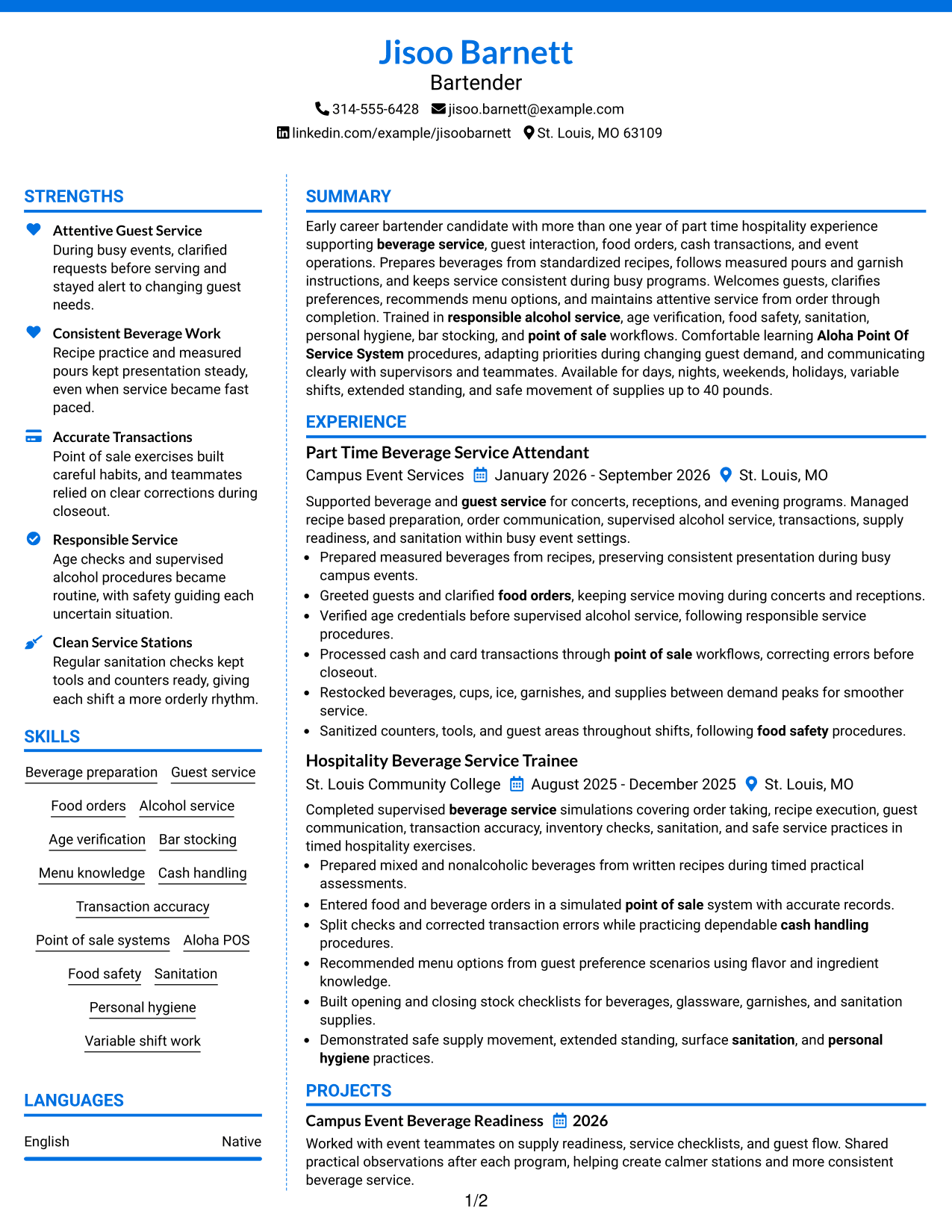
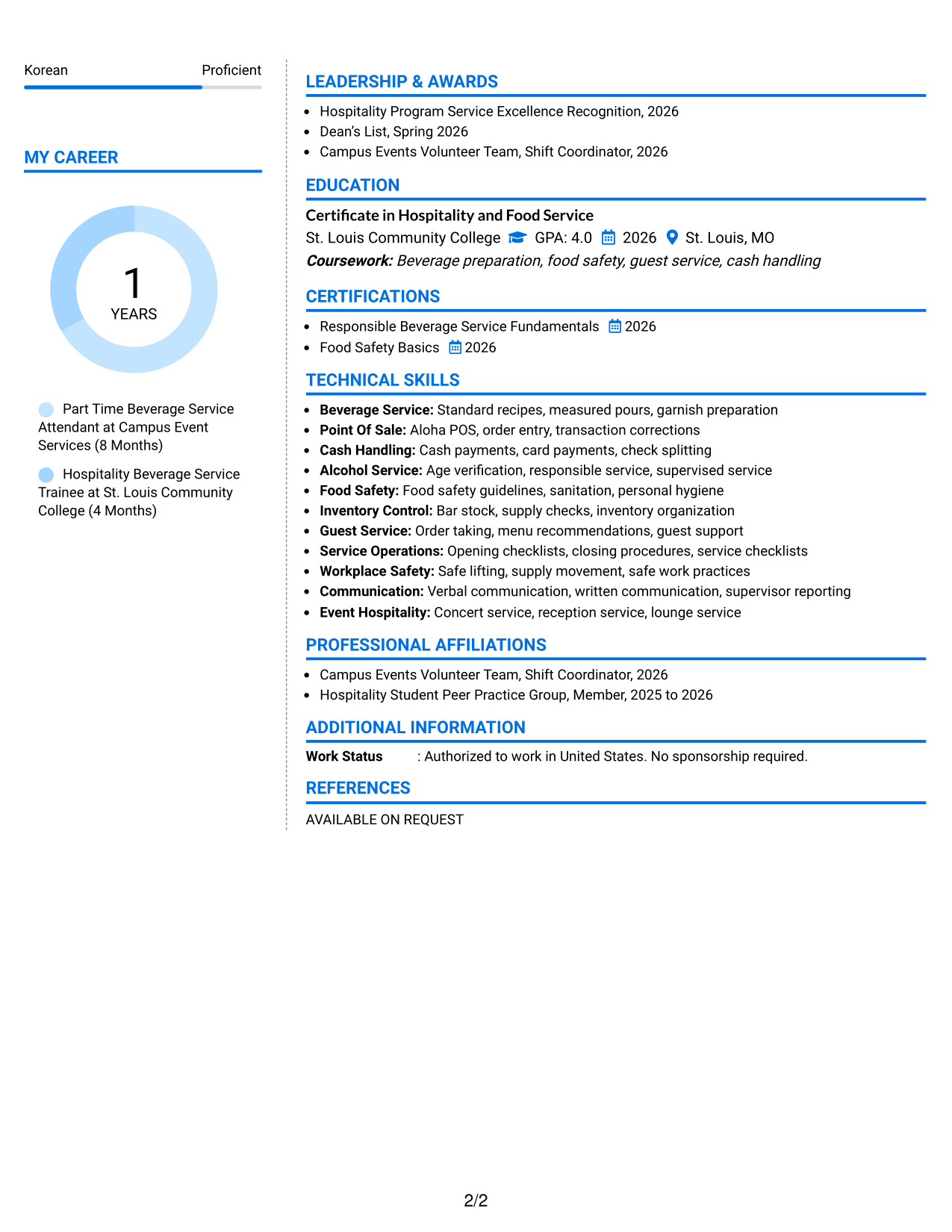
Why This Format Works
- Color contrast marks section boundaries while preserving a clear two-column structure.
- Separate content areas help reviewers distinguish experience from supporting qualifications.
- Structured grouping keeps skills, education, and credentials easy to revisit.
Best For
- Applications allowing restrained color
- Readers needing stronger section boundaries
- Resumes with varied supporting content
- Modern hospitality presentation
- Quick movement between content groups
#7 Stylish Two Column Designer Format Resume Example
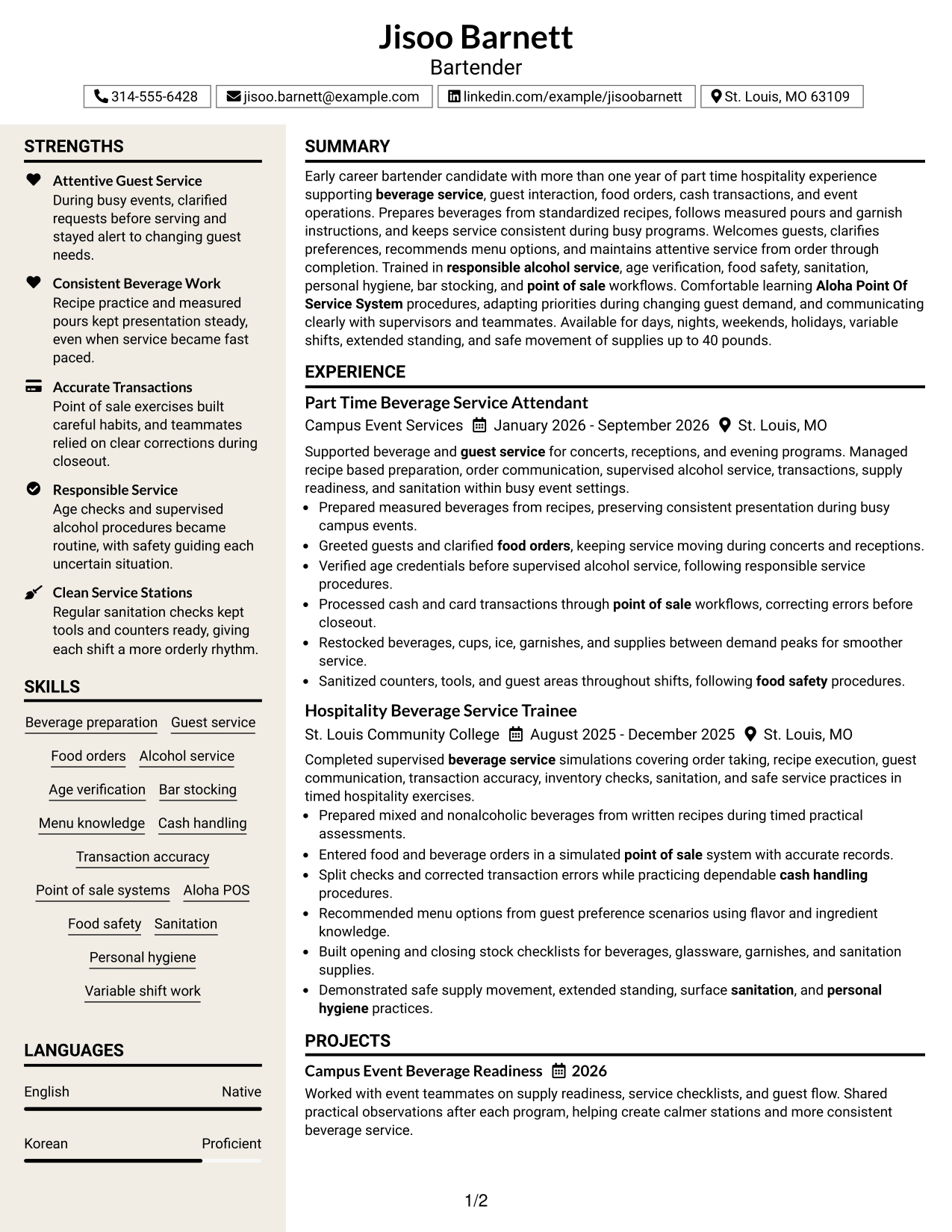
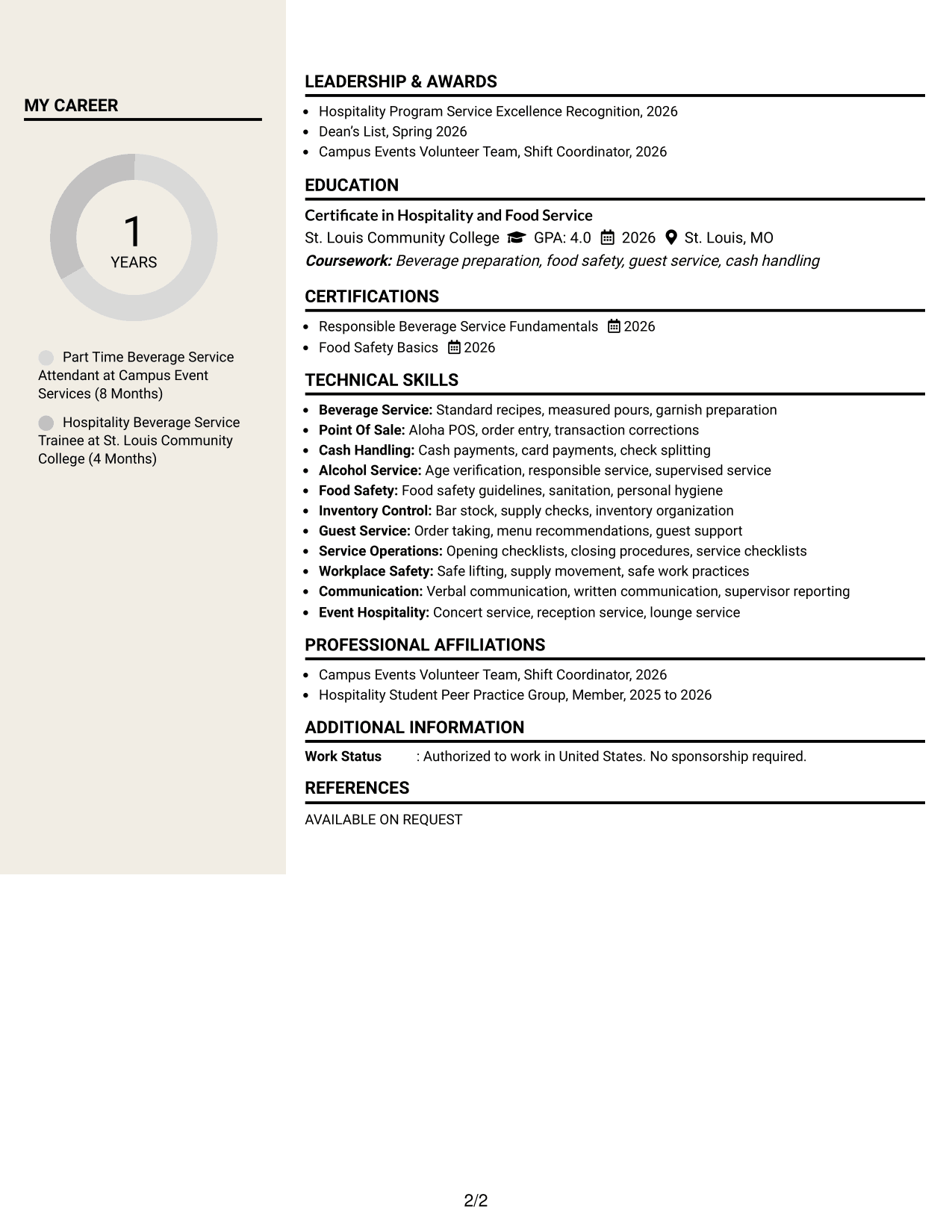
A stylish two-column designer layout adds stronger visual structure while keeping resume sections easy for recruiters to scan.
Why This Format Works
- Distinct section styling helps reviewers recognize experience and supporting content quickly.
- Two-column organization gives skills and credentials their own readable space.
- Defined content blocks keep education and achievements visually separated during review.
Best For
- Applications welcoming polished visual design
- Resumes needing distinct content blocks
- Readers who scan by section
- Hospitality roles with presentation flexibility
- Qualifications that benefit from separation
Why Build Your Bartender Resume with ResumeInMinutes
ResumeInMinutes helps you organize bartender experience, service skills, education, certifications, and job keywords into a resume that is easy to review and tailor.
- Multiple resume format choices
- ATS-friendly section structure
- Job-relevant keyword guidance
- Clear experience and skills sections
- Free PDF resume previews
- Simple resume customization
You can adjust the wording and layout while keeping important bartender evidence easy to find, including guest service, beverage preparation, transaction accuracy, responsible alcohol service, and sanitation.
See Also
- 7 Manufacturing Process Engineer - Additive Manufacturing Resume Templates with Example
- 7 Supply Chain Engineering Co-Op Resume Templates with Example
- 7 Design and Analysis Engineer - Avionics Test Resume Templates with Example
- 7 Outbound Loader - Warehouse Distribution Resume Templates with Example
- 7 Student Life Specialist - Living Learning Community Resume Templates with Example
- 7 Supervisor, Compliance - Technology Compliance Resume Templates with Example
- 7 Adjunct Professor for English Resume Templates with Example
- 7 Finance Specialist - Treasury Operations Resume Templates with Example
- 7 Production Technician II Resume Templates with Example
- 7 Student Employee - Registrar's Office Resume Templates with Example
Frequently Asked Questions
Are these Bartender resume templates ATS-friendly?
They use clear headings and standard resume sections that support ATS scanning. Keep your wording simple and include relevant terms from the job posting only when they match your real experience.
Are these different Bartender resumes?
No. This guide shows the same Bartender resume in different visual formats so you can compare how each layout presents the same information.
What should a Bartender resume include?
Include a focused summary, relevant experience, beverage and guest-service skills, cash-handling or point-of-sale experience, education, and applicable service or food-safety certifications.
Can I download the resume templates as PDFs?
Yes. Each design includes a free PDF preview so you can review the format before choosing a layout for your resume.
Which resume layout works well for a Bartender application?
A clear one-column or well-organized two-column format can work well. Choose the layout that keeps experience, service skills, and certifications easy to scan without crowding the page.
Can an early-career bartender candidate build a strong resume?
Yes. Use relevant hospitality work, supervised beverage service, training, course projects, guest interaction, transaction accuracy, sanitation, and certifications as evidence of job readiness.
Should I include a photo on my Bartender resume?
Include a photo only when it is customary or expected in your location or application market. For many U.S. applications, a no-photo resume is a common choice.
Can I customize these Bartender resume templates?
Yes. You can change the resume text and format to match your own background while keeping every skill, credential, and experience claim accurate.