
7 Business Intelligence Analyst - Sales, Purchasing, and Inventory Cover Letter Templates with Example
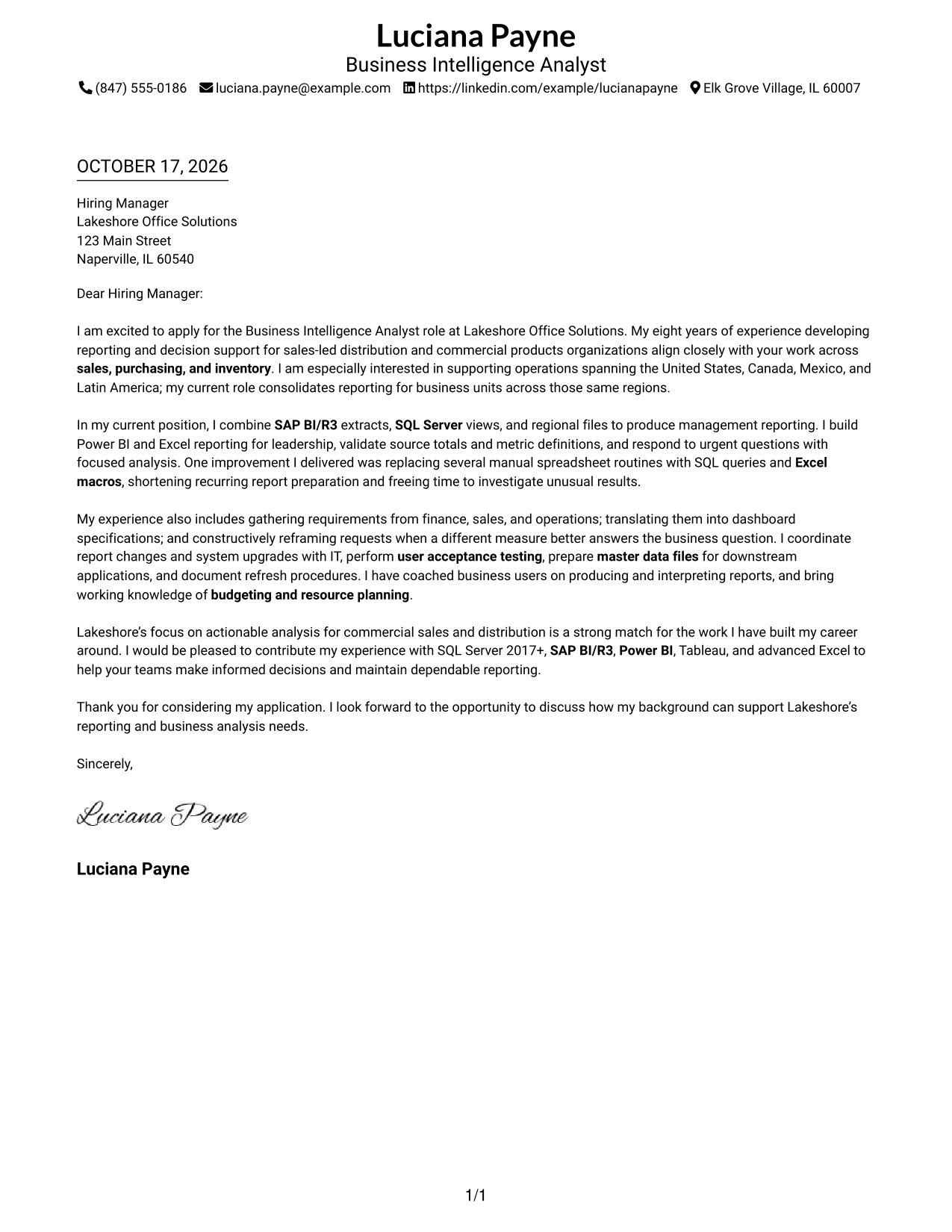
This practical guide to a Business Intelligence Analyst - Sales, Purchasing, and Inventory cover letter presents seven layouts to help you show clear role fit.
What Makes a Great Business Intelligence Analyst - Sales, Purchasing, and Inventory Cover Letter in 2026
A strong letter connects your reporting experience to sales, purchasing, and inventory decisions. Open with a clear reason for your interest, then show how your analysis supports useful business action.
Use specific evidence, such as validating data, improving reporting workflows, or explaining findings to business teams. Link that evidence to the employer’s needs and explain how you would support dependable reporting and sound decisions.
The featured example moves from role fit to a specific reporting improvement, then to cross-team work and a focused close. Use that progression as a guide, while choosing a presentation that suits the employer and the way you need to communicate.
#1 Simple One Column Format Cover Letter Example
The Simple One Column Format keeps sender details in the header and the letter in one column, making the full message easy to follow.
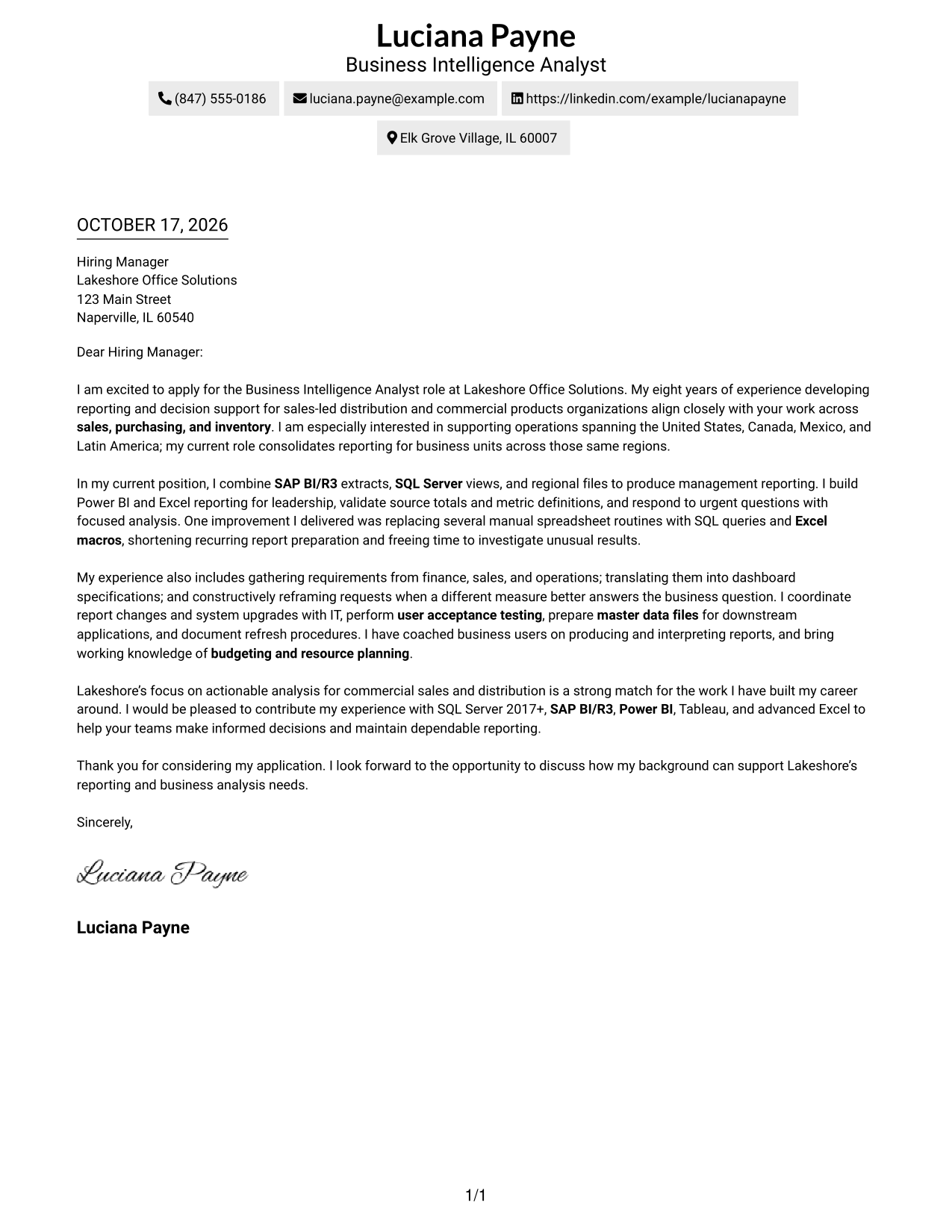
Why This Format Works
- Header contact details let reviewers identify the sender before reading the letter.
- One-column reading keeps the opening, evidence, and close in natural order.
- Paragraphs carry the case without labels that divide the letter into stages.
Best For
- Single-column page preference
- Header-based contact details
- Continuous persuasive prose
- Letters with several supporting points
- Sales, purchasing, and inventory analysis
#2 Two Column Format Cover Letter Example
The Two Column Format places a contact sidebar beside one continuous letter body, separating contact information from the persuasive message.
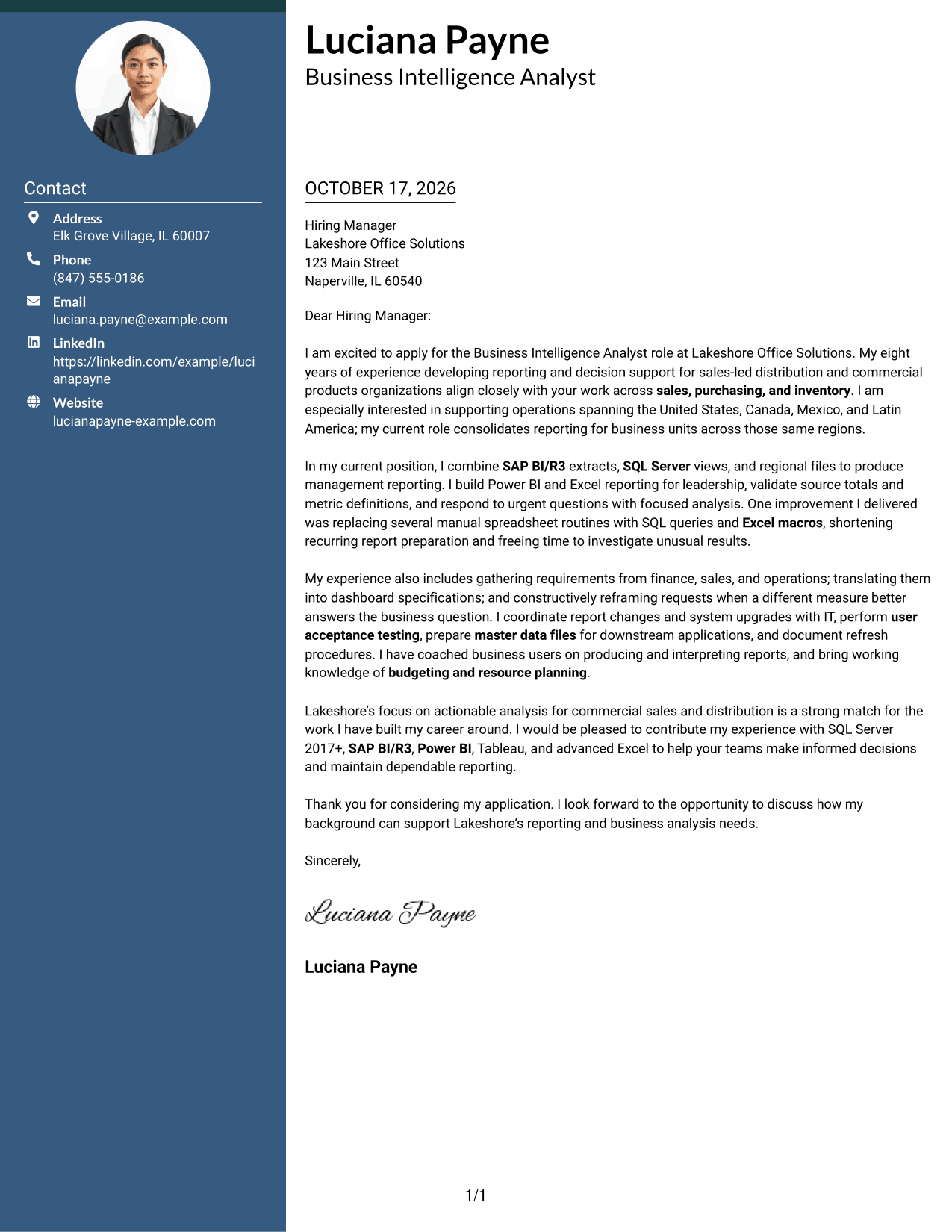
Why This Format Works
- The sidebar keeps sender contact information easy to locate beside the letter.
- A single body lets reviewers follow motivation and evidence in sequence.
- The letter remains prose, with no headings dividing its argument into stages.
Best For
- Contact details beside the message
- Two-column page preference
- One-body letter structure
- Role-fit explanation in prose
- Sales and distribution applications
#3 Photo Header Two Column Format Cover Letter Example
The Photo Header Two Column Format pairs a contact sidebar and continuous letter body with a photo, adding a portrait without splitting the letter.
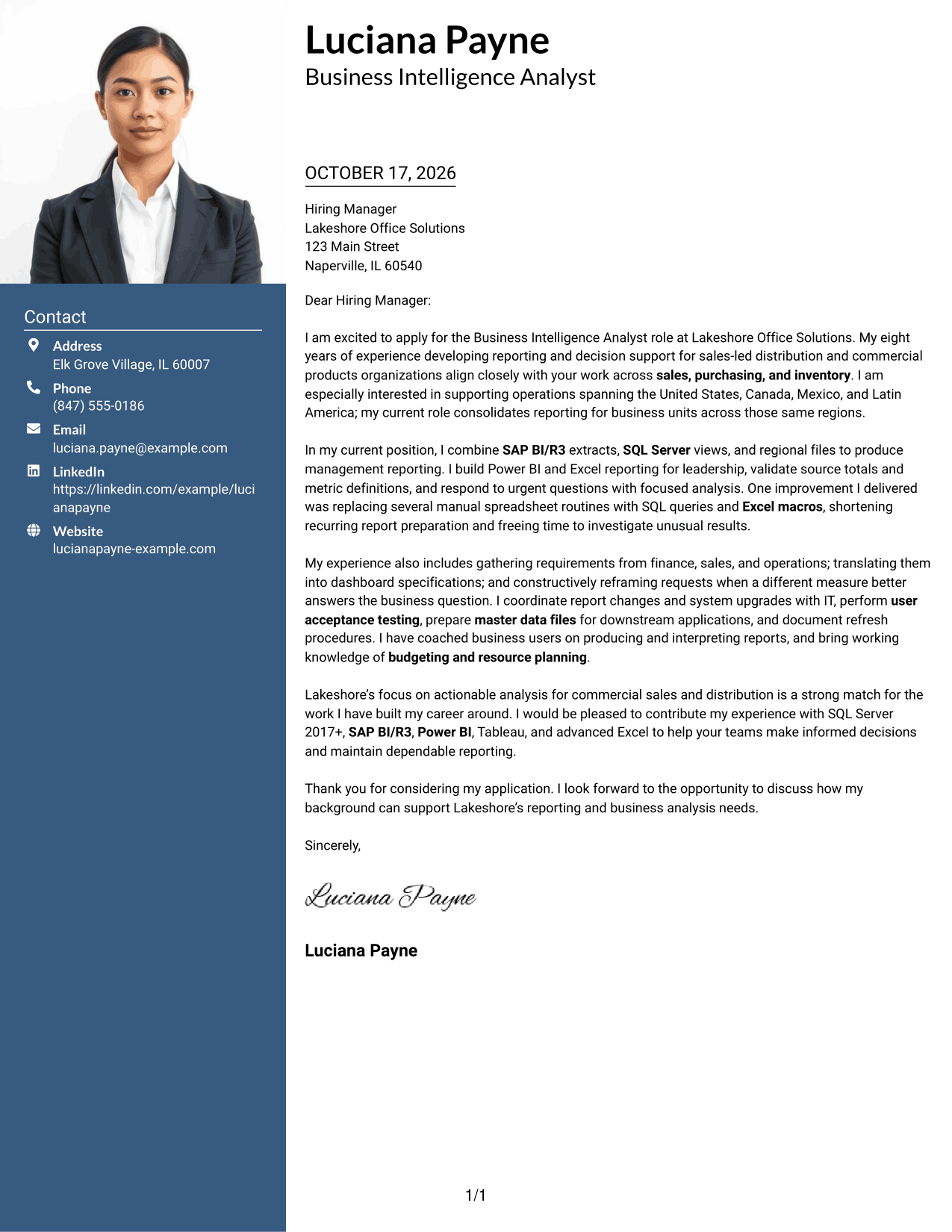
Why This Format Works
- A portrait adds a visual element while the letter stays in one body column.
- The contact sidebar keeps sender details distinct from the message text.
- The opening, supporting points, and close remain together in paragraph order.
Best For
- Photo alongside contact details
- Two-column page preference
- Continuous letter body
- Paragraph-led role alignment
- Sales and inventory analysis
#4 One Column Format with Photo Cover Letter Example
The One Column Format with Photo combines a portrait with sender details in the header and a single continuous letter body.
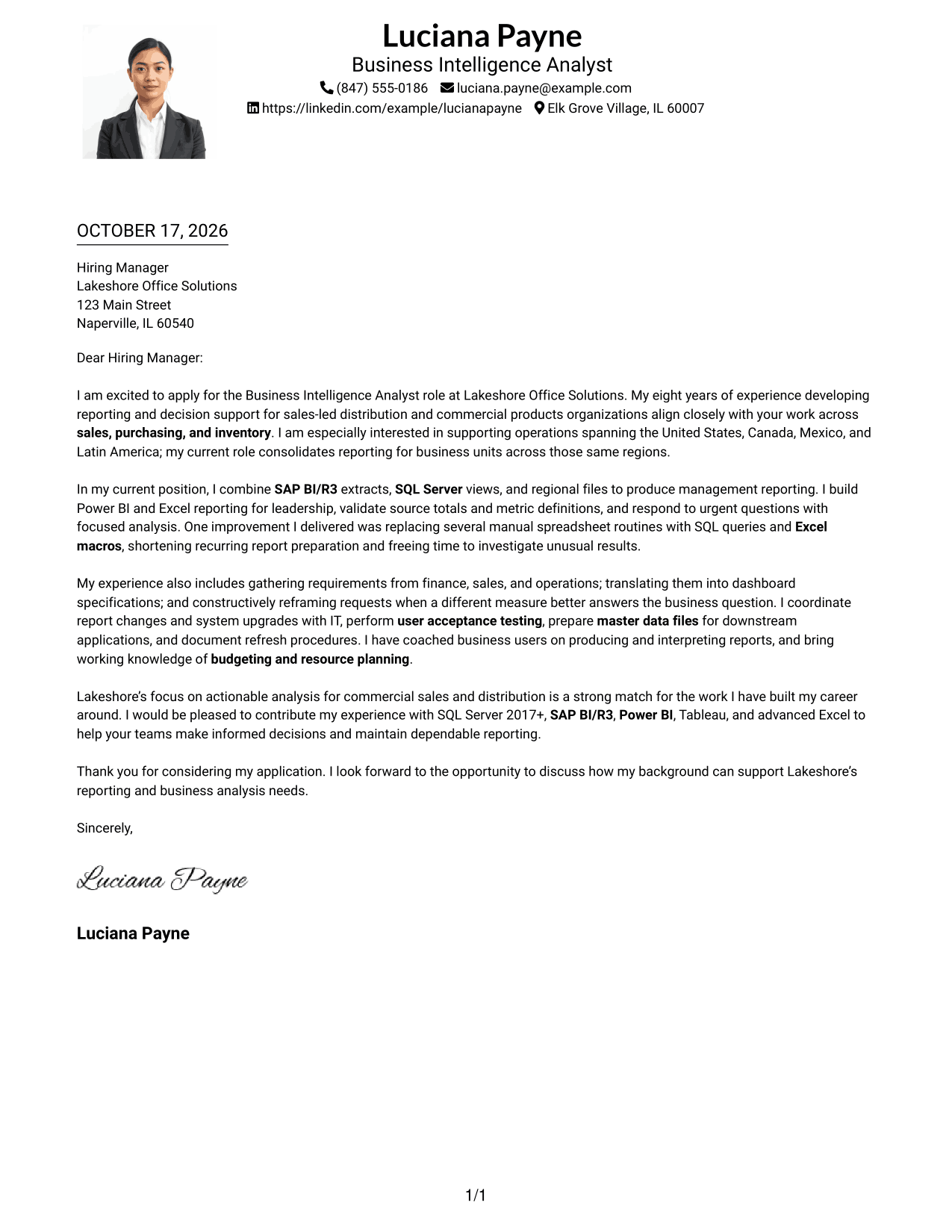
Why This Format Works
- The photo adds a portrait while the letter keeps a direct reading path.
- Header contact details remain separate from the message paragraphs.
- The single body carries motivation, evidence, and the closing in sequence.
Best For
- Portrait with a one-column letter
- Header-based contact details
- Direct reading order
- Several supporting paragraphs
- Business intelligence applications
#5 Simple Two Column Format Cover Letter Example
The Simple Two Column Format keeps contact details in a sidebar while the letter remains one continuous body, so the two purposes stay distinct.
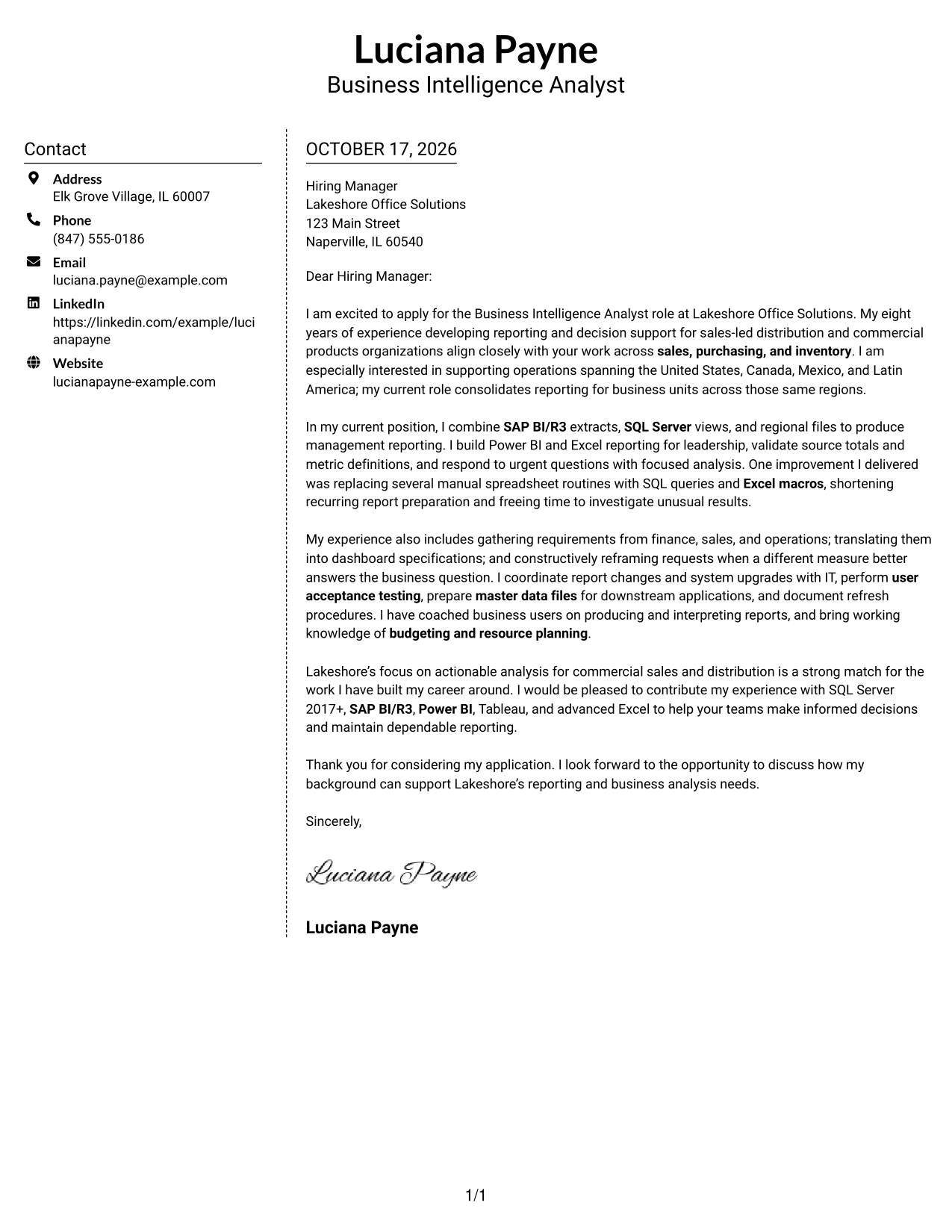
Why This Format Works
- The sidebar places sender details apart from the message for easy reference.
- The letter body stays together instead of dividing across parallel columns.
- Reviewers can follow the written case from its opening through its close.
Best For
- Separate contact and letter areas
- Two-column page preference
- Single-body persuasive writing
- Letters with several evidence points
- Sales and distribution roles
#6 Modern Icon Format Cover Letter Example
The Modern Icon Format uses two columns for contact details and the continuous letter body, with icons serving as contact cues or header accents.
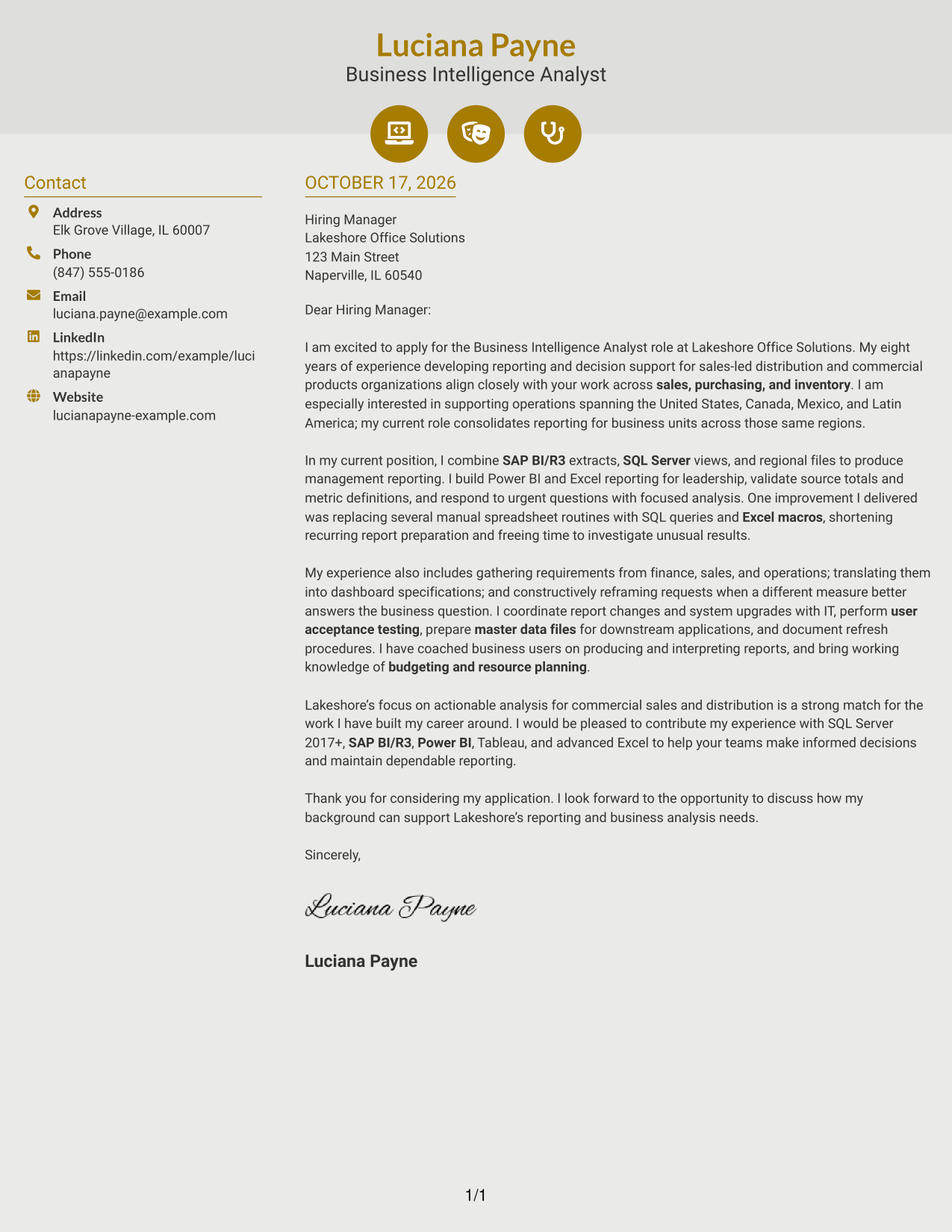
Why This Format Works
- Contact icons can make sender details easier to recognize at a glance.
- The letter remains a single body, so its paragraphs stay in order.
- Icons support contact or header presentation, not labels for letter arguments.
Best For
- Icon cues for contact details
- Two-column page preference
- Continuous persuasive paragraphs
- A clear contact reference area
- Business-facing application letters
#7 Creative Two Tone Format Cover Letter Example
The Creative Two Tone Format sets a contact sidebar beside one continuous letter body, keeping sender details distinct from the message.
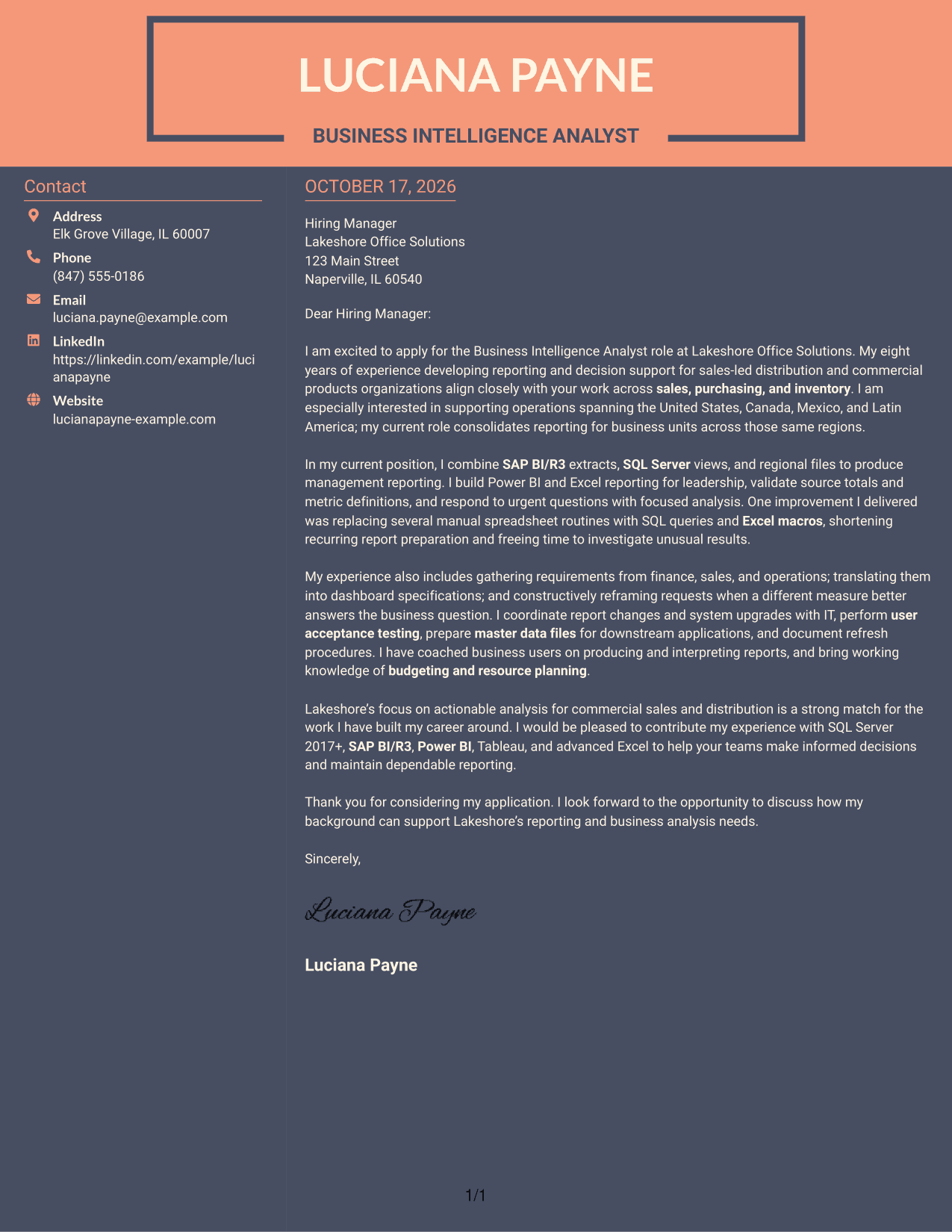
Why This Format Works
- Sender information has its own sidebar rather than sharing the letter body.
- The continuous text keeps the letter's points together in a natural order.
- The reviewer can read the full message without moving between body columns.
Best For
- Sidebar contact presentation
- Two-column page preference
- One continuous letter body
- Role motivation in paragraph form
- Sales, purchasing, and inventory analysis
See Also
- 7 Business Intelligence Analyst - Sales, Purchasing, and Inventory Resume Templates with Example
- 33 Business Intelligence and Data Analyst Resume Templates with Example 2026 (ATS-Optimized)
- 33 Business Intelligence (BI) Developer / Business Systems Analyst Resume Templates with Example 2026 (ATS-Optimized)
- 33 Business Intelligence Data Analyst Resume Templates with Example 2026 (ATS-Optimized)
- 33 All Source Intelligence Analyst - Intelligence Analysis Resume Templates with Example
- 33 Business Analyst, Intern Resume Templates with Example 2026 (ATS-Optimized)
- 33 Business Analyst - Lending & PM Tools Resume Templates with Example 2026 (ATS-Optimized)
- 33 Business Data Analyst I Resume Templates with Example 2026 (ATS-Optimized)
- 30+ Business Intelligence and Data Analyst Cover Letter Templates with Example 2026
- 30+ Business Intelligence Data Analyst Cover Letter Templates with Example 2026
Frequently Asked Questions
What should a Business Intelligence Analyst - Sales, Purchasing, and Inventory cover letter emphasize?
Show how your reporting and analysis can help leaders understand sales, purchasing, and inventory. Give a clear example of improving a report, checking data, or helping a team make a decision.
How can I show my technical fit in the letter?
Name tools such as SQL Server, SAP BI/R3, Power BI, Tableau, or Excel only when they match your own experience and the role. Explain what you used them to do, such as combining data or improving a recurring report.
What should the opening paragraph say?
State the exact role you are applying for and give a concise reason your background fits its reporting needs. A clear opening helps the reader understand your purpose at once.
How can I make a reporting achievement persuasive?
Describe the task, the action you took, and the result. For example, explain how replacing manual spreadsheet steps with SQL queries or Excel macros shortened recurring report preparation, if that reflects your experience.
How should I close the cover letter?
Restate your interest and connect your experience to the employer’s reporting needs. Thank the reader and express interest in discussing how you could contribute.




