
7 Business Intelligence Analyst - Sales, Purchasing, and Inventory Resume Templates with Example
This guide shows you how to build a clear, focused Business Intelligence Analyst - Sales, Purchasing, and Inventory resume. You will learn how to organize your evidence and compare professional formats so reviewers can find your relevant skills and results quickly.
Strong resumes connect reporting work to business decisions. Show how you combine sales, purchasing, and inventory data, define useful measures, validate results, and explain trends. The examples also show how to present SQL Server, SAP BI/R3, Excel, Power BI, and Tableau skills with relevant experience.
Compare the resume example in 7 layouts to see how each format presents experience, skills, education, and certifications. Use the image previews to review the designs, then open an example in the editor to view or customize it.
What Makes a Great Business Intelligence Analyst - Sales, Purchasing, and Inventory Resume in 2026
A strong resume is easy to scan and ties reporting work to clear business needs. Use focused sections and achievement bullets to show how your analysis supports sales, purchasing, and inventory decisions.
Use accurate keywords such as SQL Server 2017+, SAP BI/R3, Power BI, Tableau, Excel macros, KPI definition, data validation, and user acceptance testing. Support them with specific examples of reporting, automation, or data quality work.
Note: Resume examples are for educational purposes only. Use only information that accurately reflects your experience and qualifications. References to real organizations do not imply affiliation or endorsement.
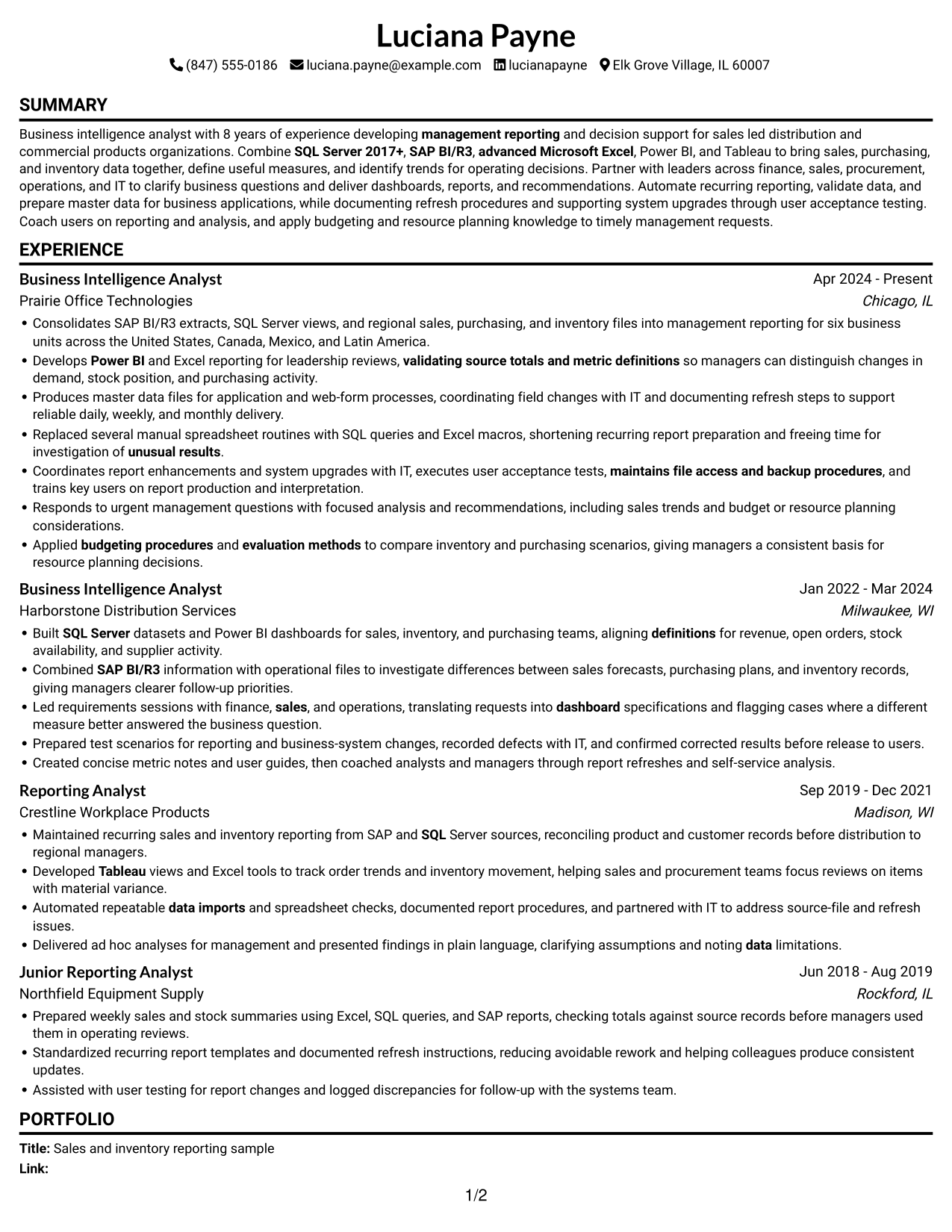
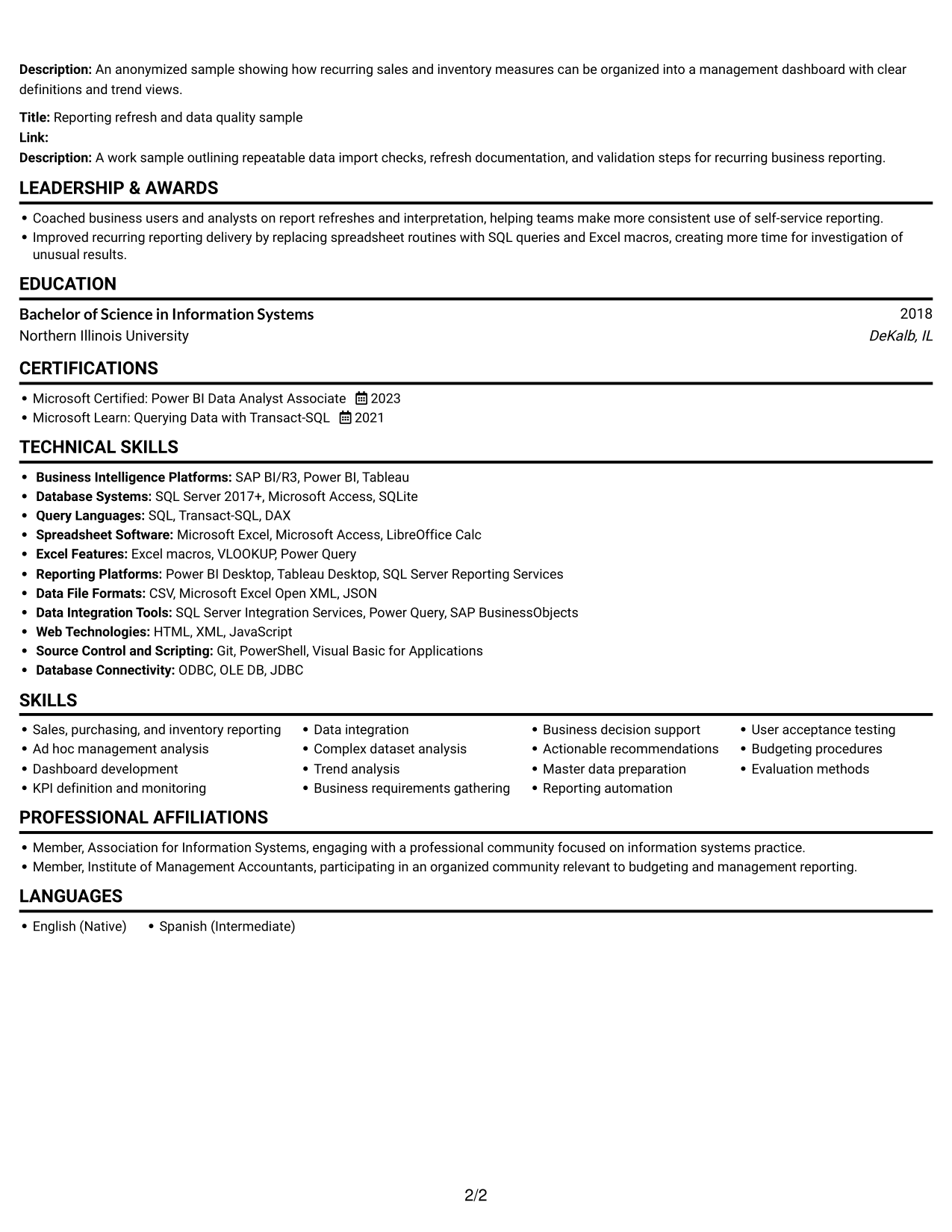
#1 Simple One Column Format Resume Example
The Simple One Column Format keeps all resume content in one vertical column, a practical choice for a familiar, direct page structure.
Why This Format Works
- Experience, education, and credentials follow one clear section sequence.
- Skills remain easy to locate alongside the related career details.
- Achievement bullets have room to state context and results clearly.
Best For
- Traditional section-by-section resume reviews
- Detailed work-history bullets
- Full-width achievement statements
- Simple top-to-bottom reading
- Sales and inventory reporting
Resume Keywords
- SAP BI/R3
- SQL Server 2017+
- SQL
- advanced Microsoft Excel
- Replaced several manual spreadsheet routines with SQL queries and Excel macros, shortening recurring report preparation and freeing time for investigation of unusual results.
- data imports
- Power BI
- Tableau
- Built SQL Server datasets and Power BI dashboards for sales, inventory, and purchasing teams, aligning definitions for revenue, open orders, stock availability, and supplier activity.
- management reporting
- Sales, purchasing, and inventory reporting
- Ad hoc management analysis
- Dashboard development
- KPI definition and monitoring
- Data Integration
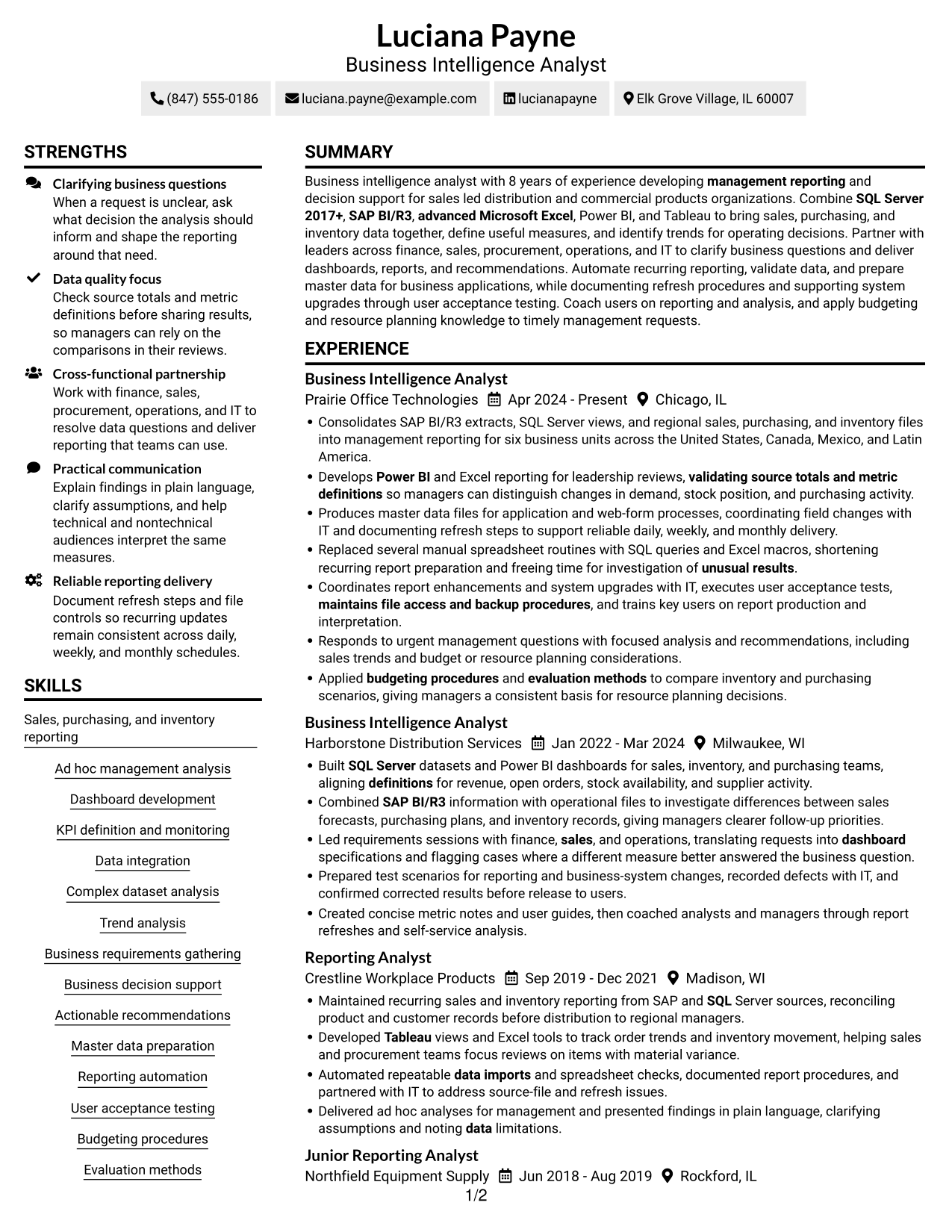
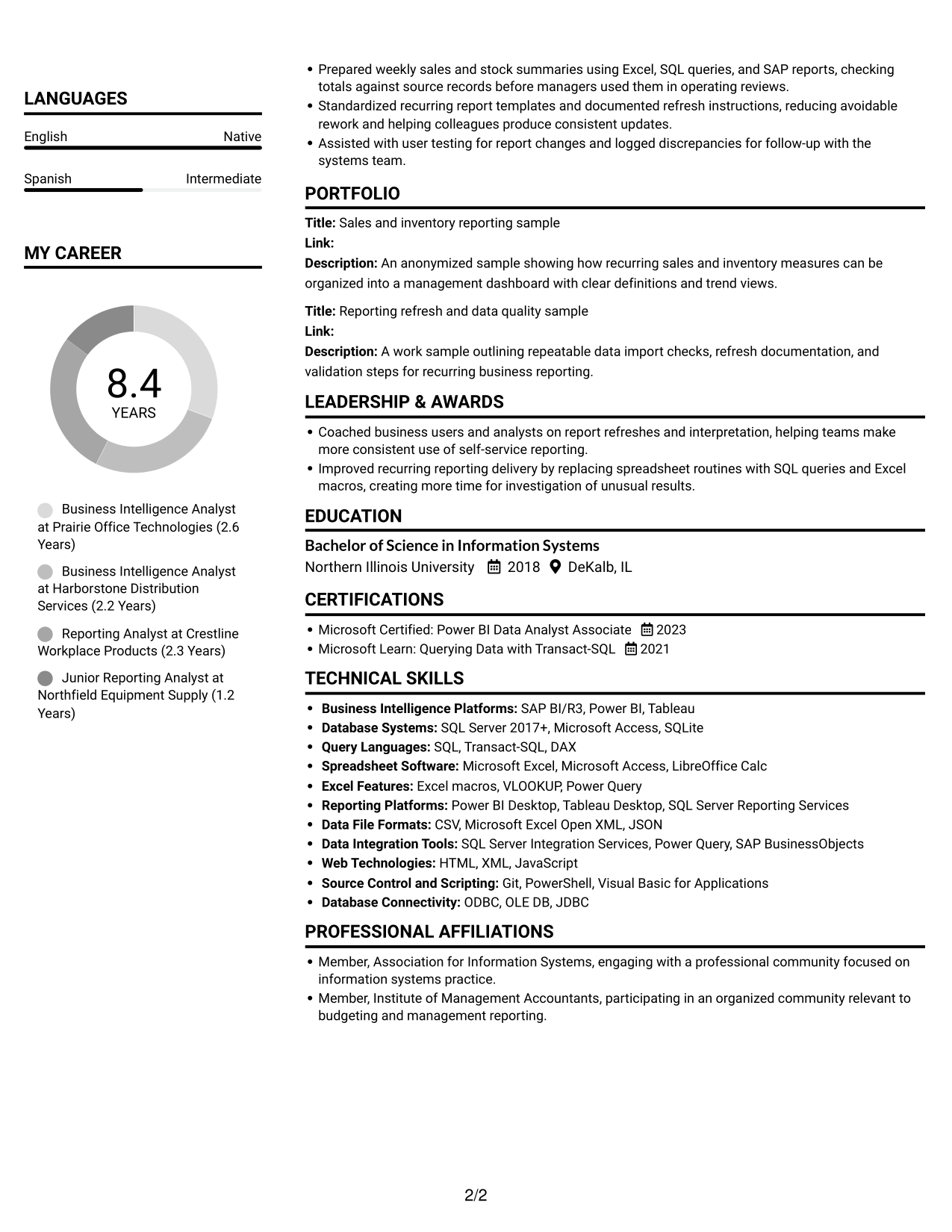
#2 Simple Two Column Format Resume Example
The Simple Two Column Format presents resume content in two columns, a practical option when readers need a compact view of related sections.
Why This Format Works
- Career details can sit beside concise sections such as skills and education.
- Short skill entries are easy to scan within the divided layout.
- Education and certifications remain visible as reviewers move through experience.
Best For
- Compact section grouping
- Side-by-side content review
- Concise skills and credentials
- Resume sections with clear reading order
- Management reporting experience
#3 Plain One Column with Shaded Labels Resume Example
The Plain One Column with Shaded Labels format keeps resume content in one column, a useful choice for a direct top-to-bottom review.
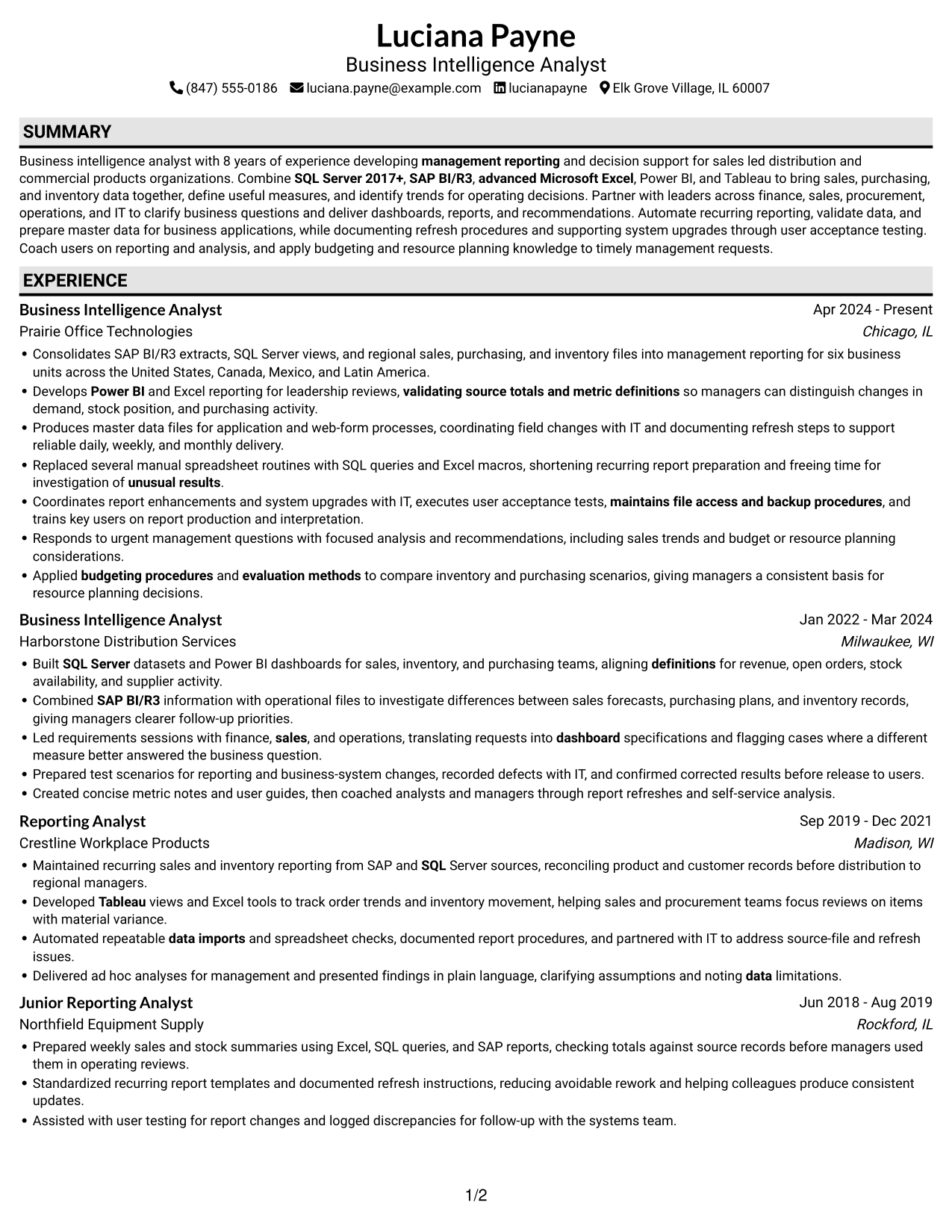
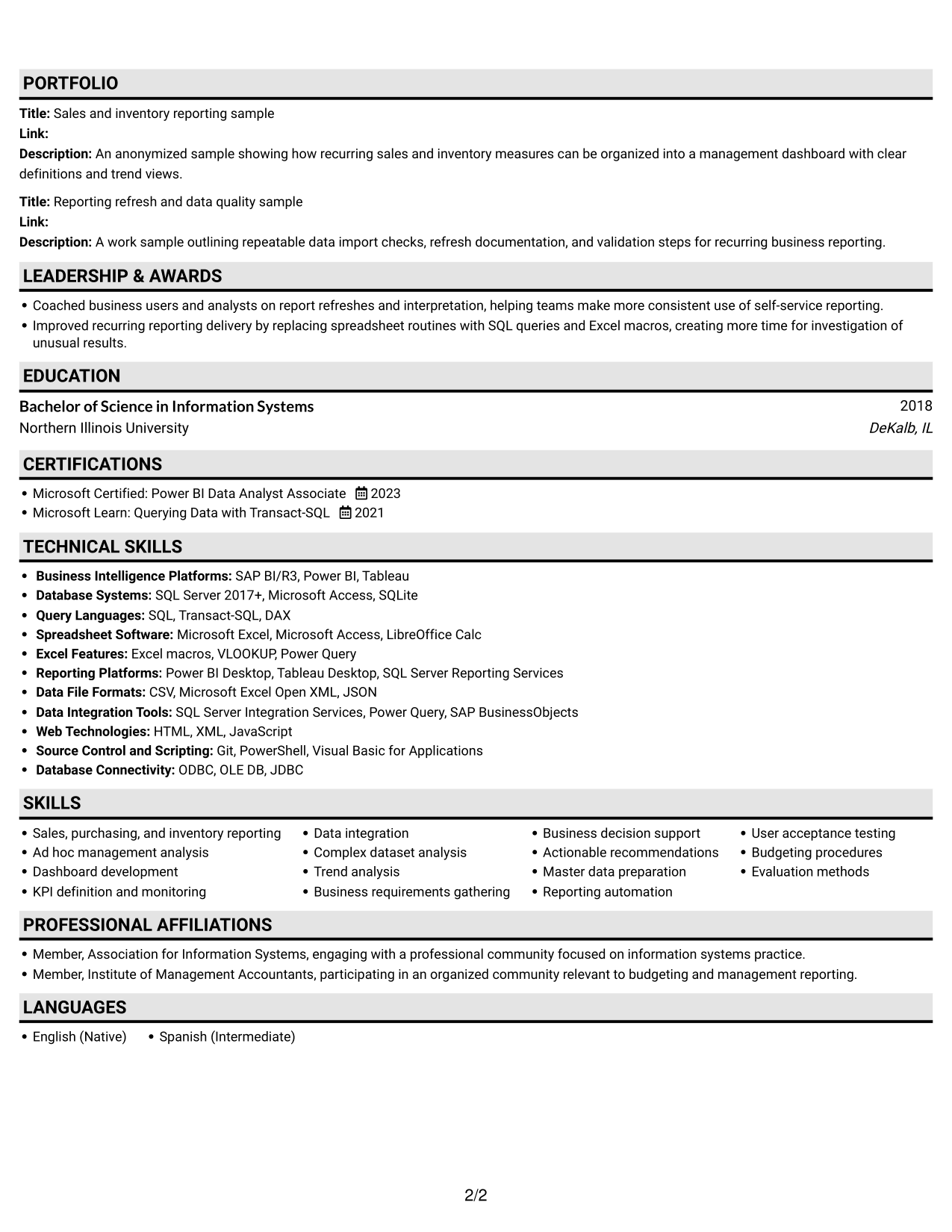
Why This Format Works
- A single column keeps career history in a straightforward reading order.
- Skills and education fit into the same continuous section flow.
- Experience bullets can use the available width for clear detail.
Best For
- Direct resume reading
- Longer career histories
- Detailed experience bullets
- One-column section flow
- Sales, purchasing, and inventory analysis
#4 One Column Format with Photo Right Resume Example
The One Column Format with Photo Right places a photo beside a single content column, a practical choice when a resume should include a portrait.
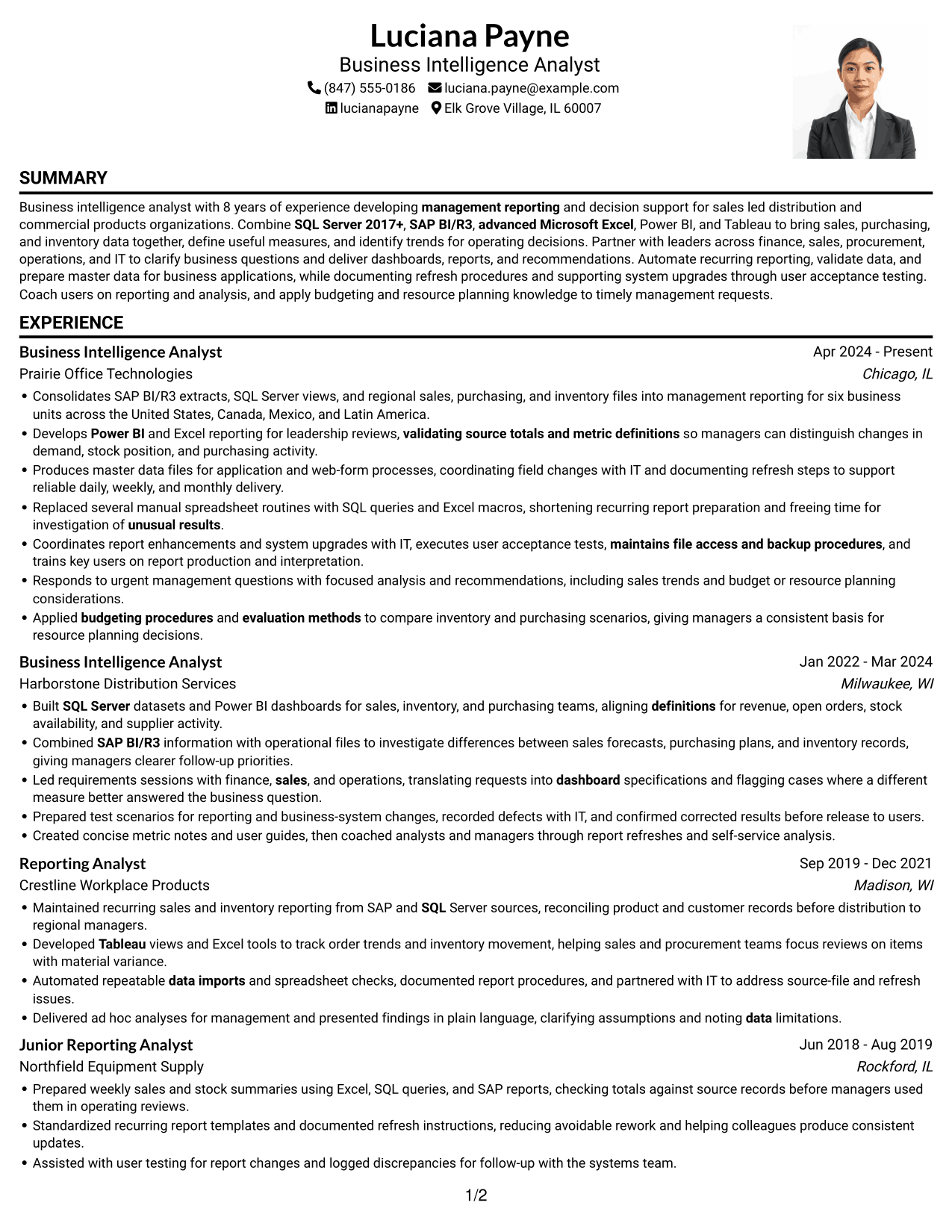
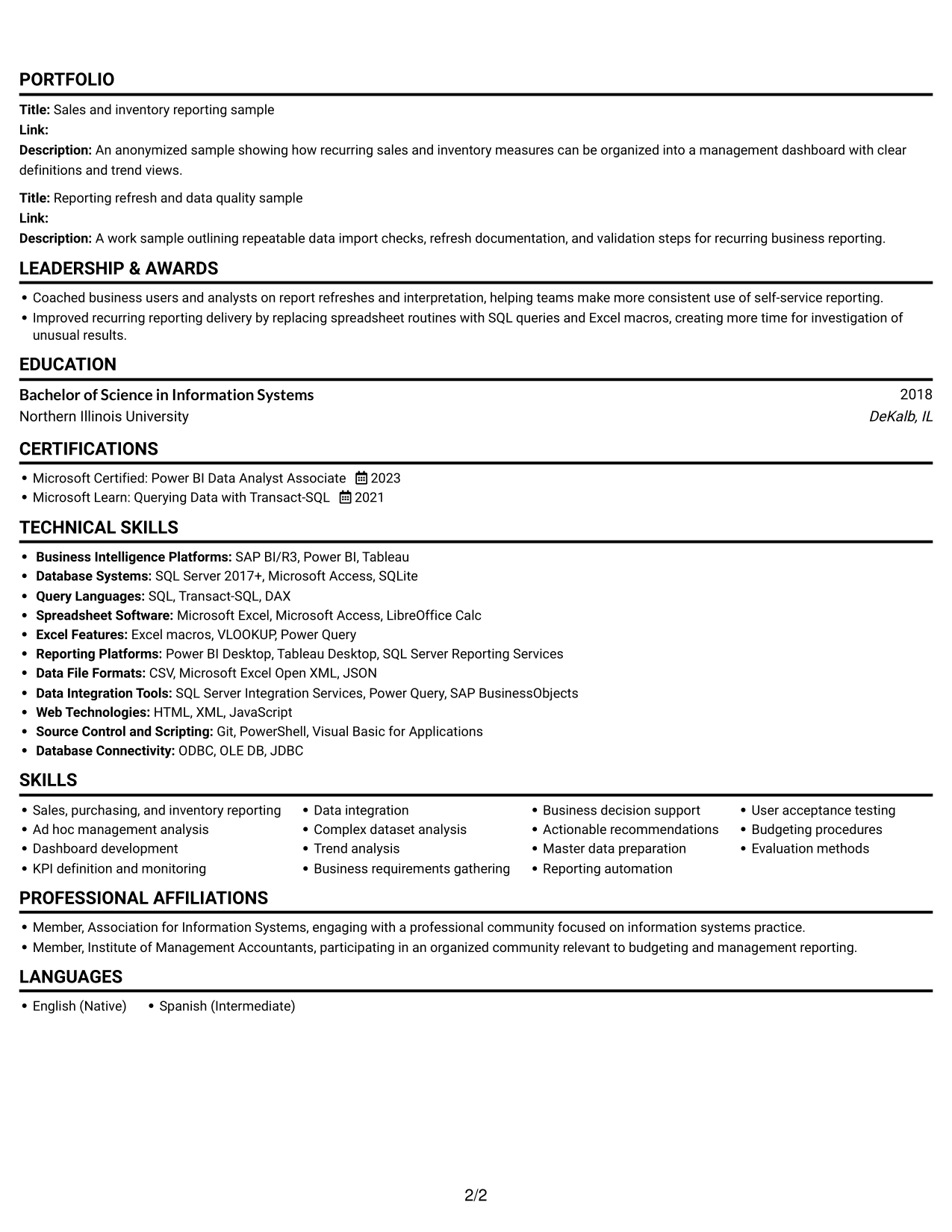
Why This Format Works
- One vertical content sequence keeps experience and education connected.
- Skills and credentials remain part of the same resume flow.
- The wide text area gives achievement bullets room for context and results.
Best For
- Portrait-inclusive resumes
- Single-column career histories
- Experience bullets with useful detail
- Direct section-by-section reviews
- Dashboard development experience
#5 Clean Two Column Sidebar Format Resume Example
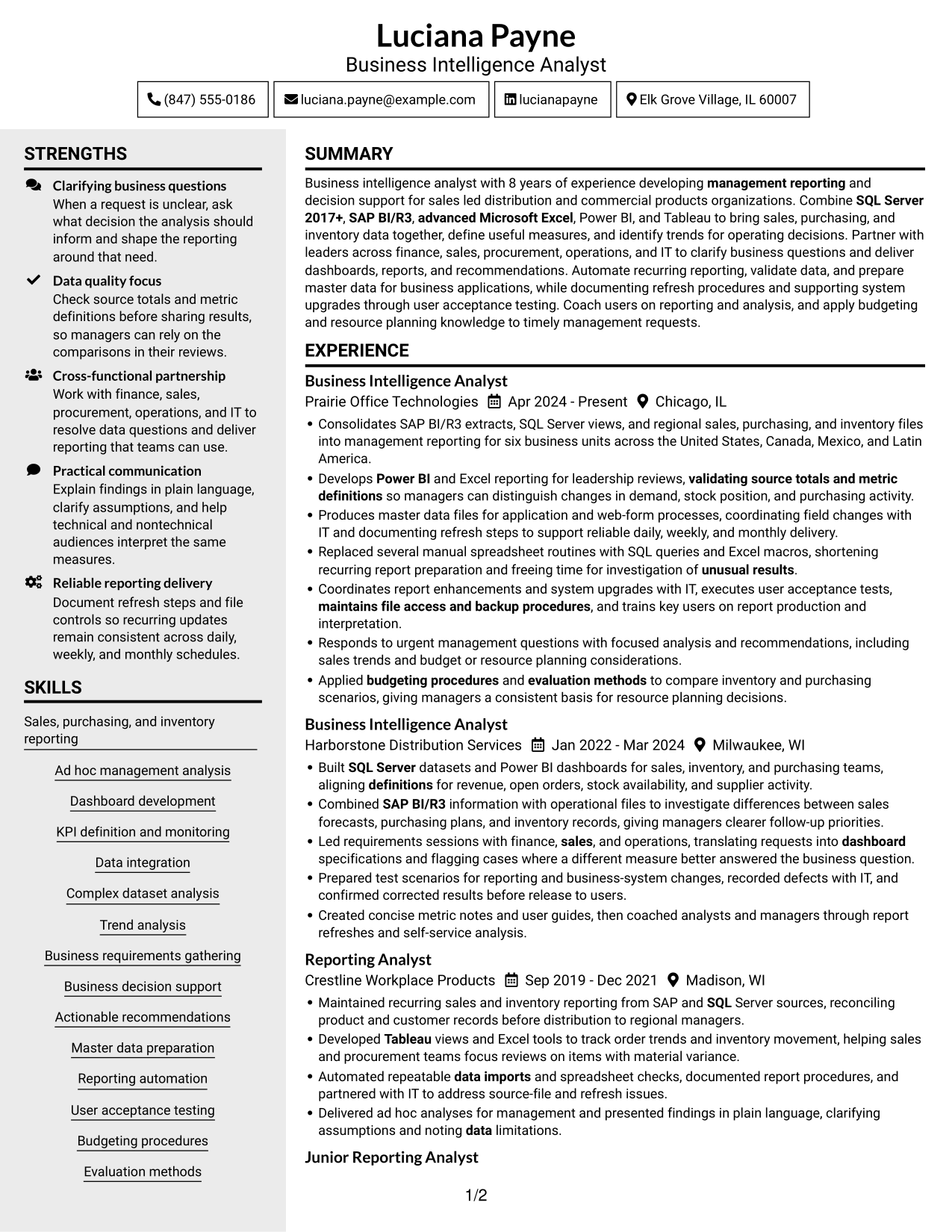
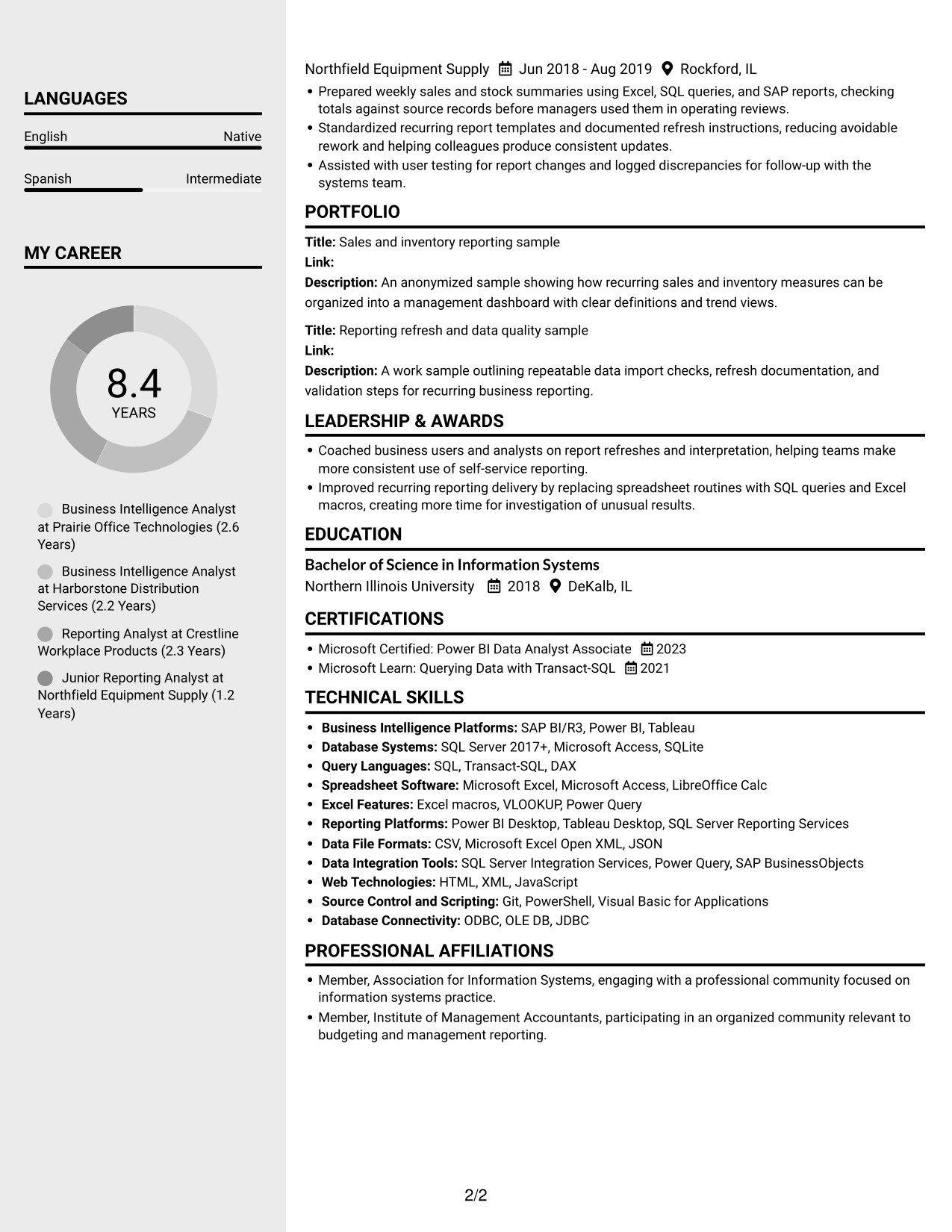
The Clean Two Column Sidebar Format uses two content columns without a photo, a practical choice for a grouped, photo-free resume.
Why This Format Works
- Separate columns help reviewers distinguish career history from supporting sections.
- Skills and certifications can be found without reading every experience bullet.
- The layout keeps education visible alongside a detailed work history.
Best For
- Photo-free resume presentation
- Grouped resume sections
- Detailed career histories
- Quick review of skills and credentials
- Reporting automation experience
#6 Two Column Format Resume Example
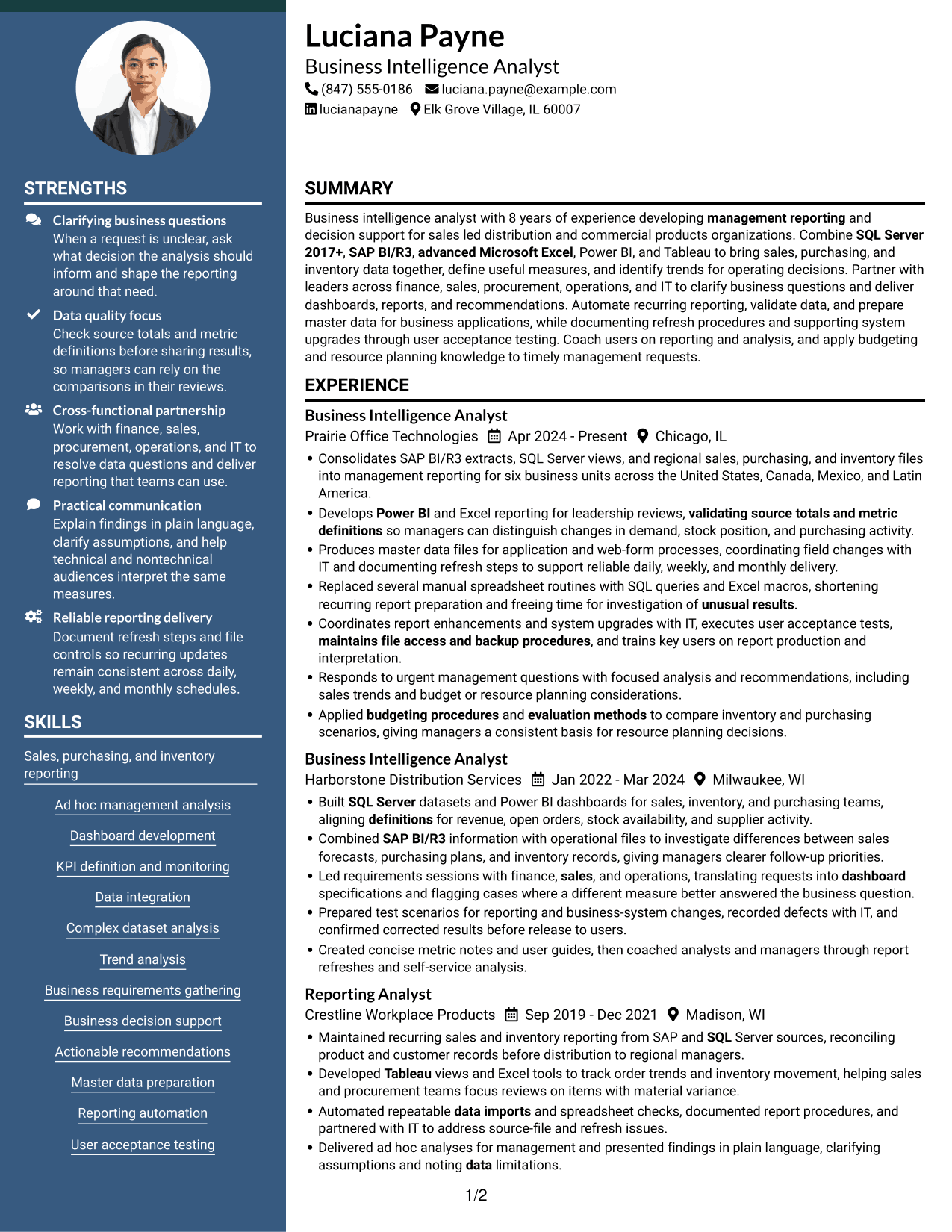
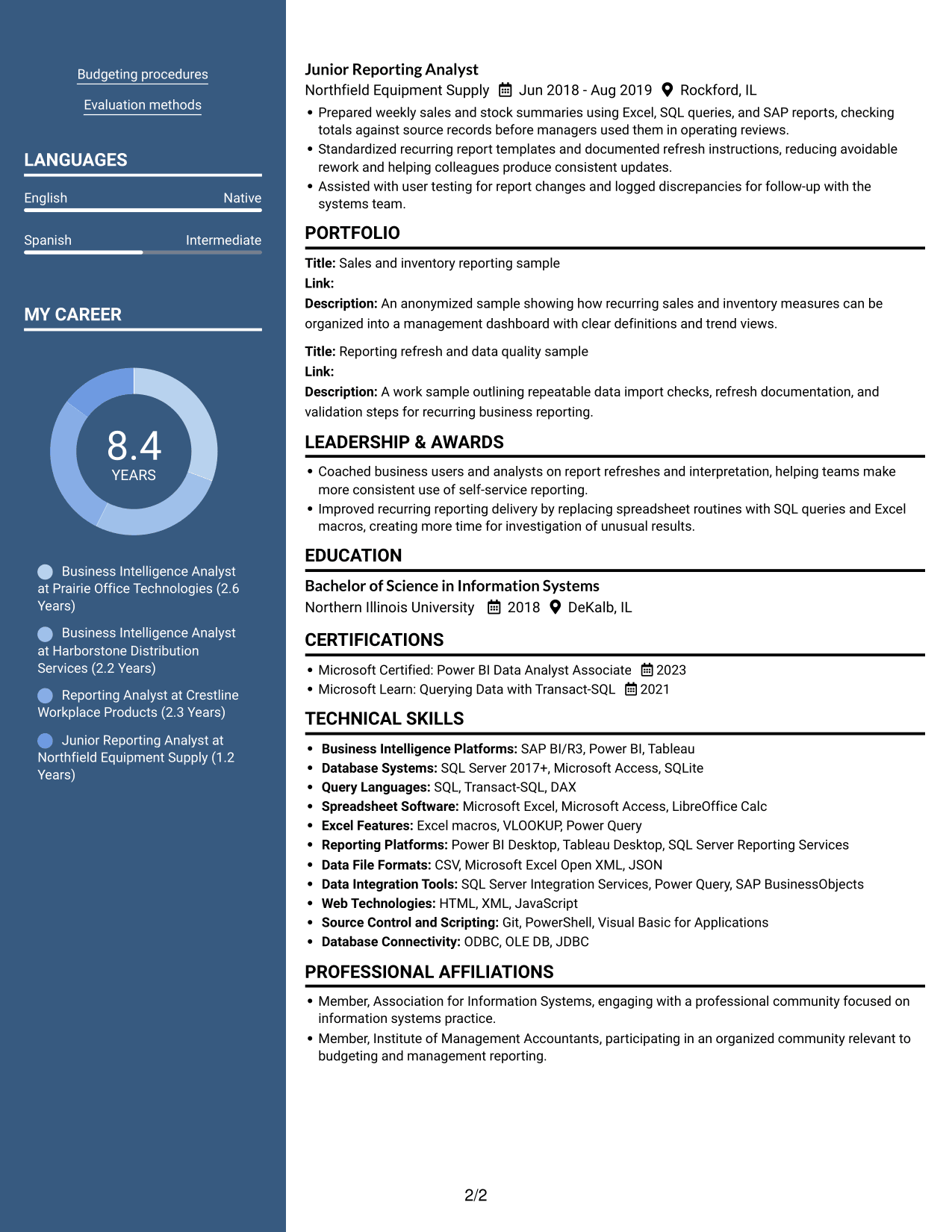
The Two Column Format arranges resume content in two parallel columns, useful when related sections should remain visible together.
Why This Format Works
- A two-column reading path makes separate resume sections easy to locate.
- Experience details and supporting information can share the page without one long block.
- Skills, education, and certifications stay accessible during a review of career history.
Best For
- Parallel section review
- Resumes with varied content
- Career history with supporting details
- Easy access to skills and education
- Data validation experience
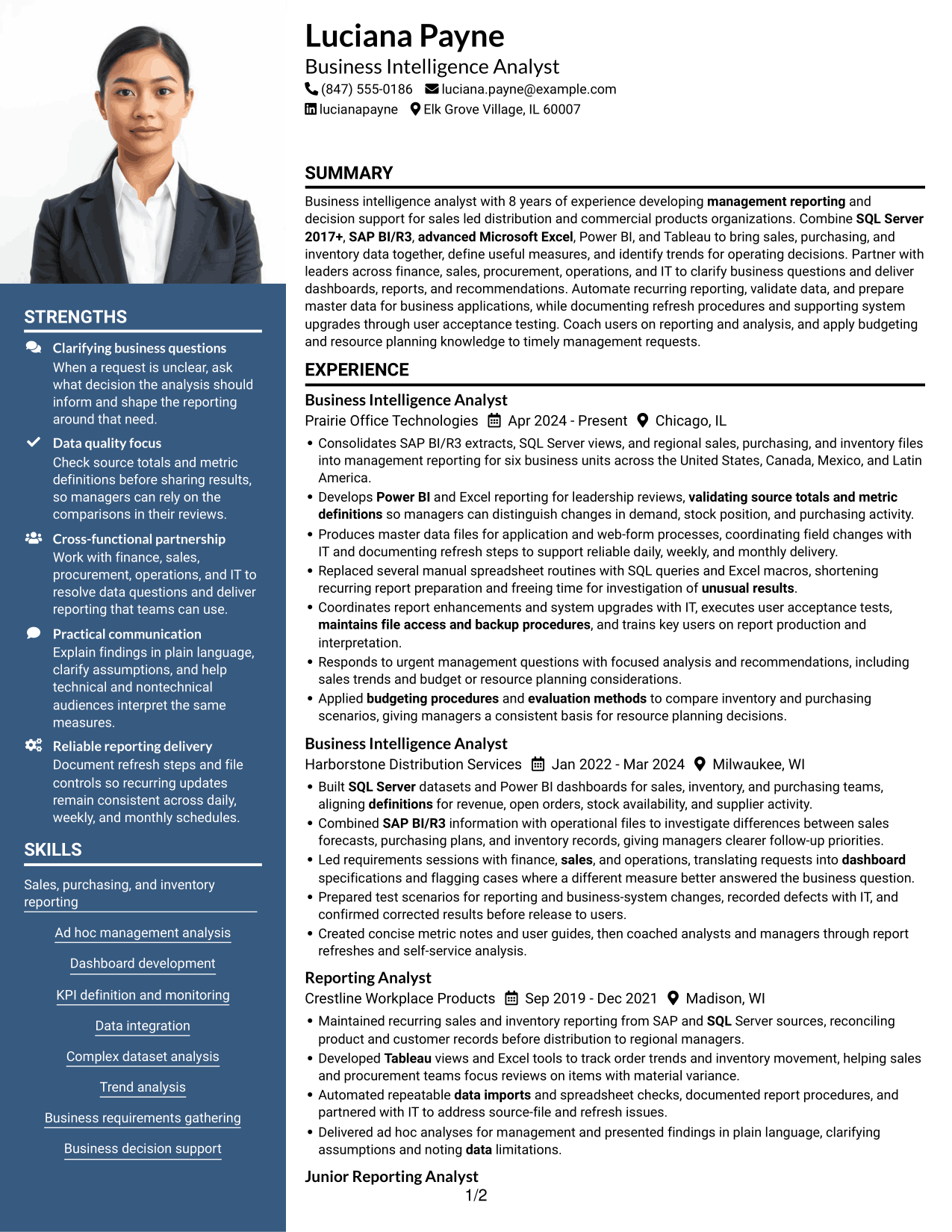
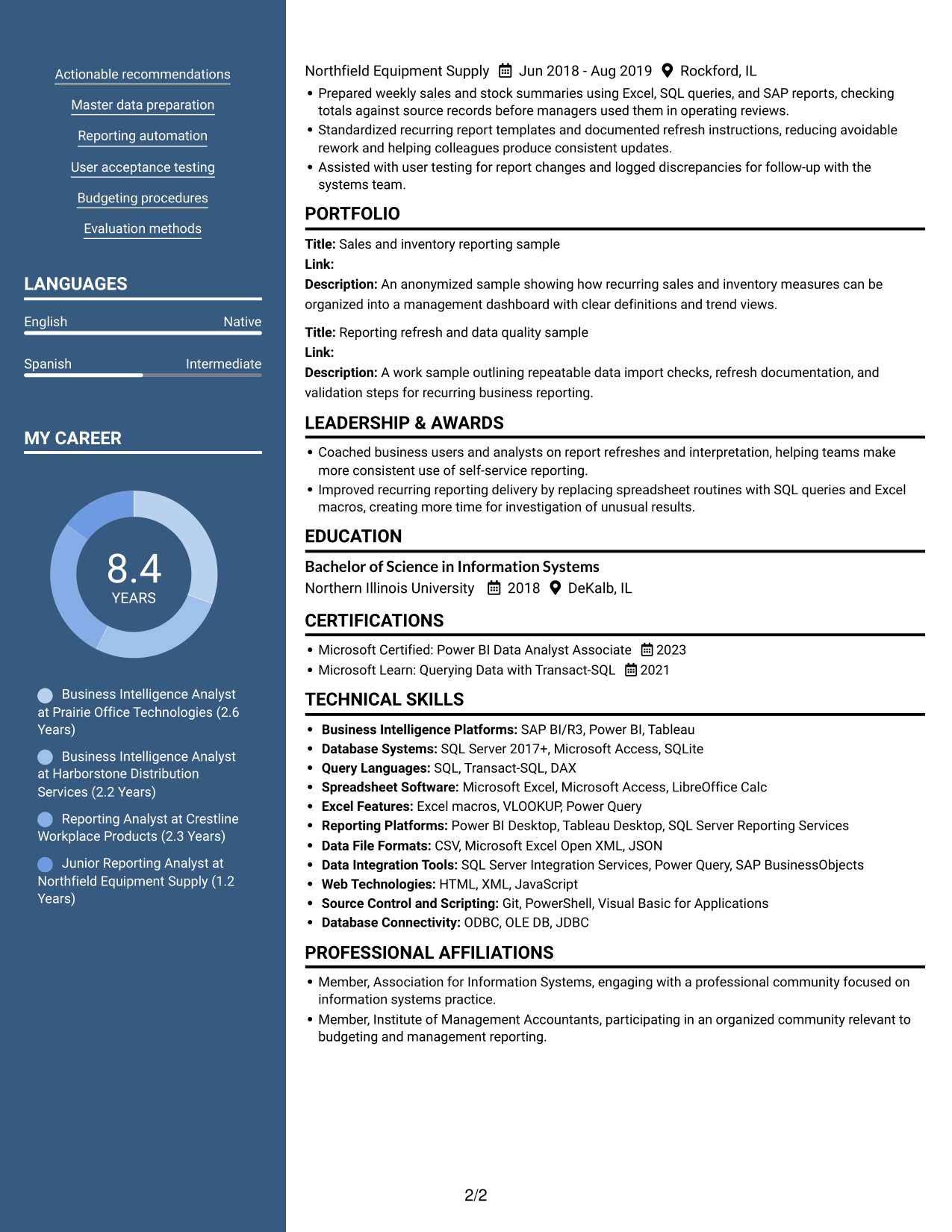
#7 Photo Header Two Column Format Resume Example
The Photo Header Two Column Format combines a portrait with a two-column body, a practical choice when the resume needs both personal identification and grouped content.
Why This Format Works
- Two columns let reviewers move between career history and supporting sections.
- The portrait gives the header a clear visual point of identification.
- Skills and education remain easy to find beside experience details.
Best For
- Portrait with grouped resume content
- Two-column section organization
- Career details with concise supporting sections
- Resumes needing clear visual identification
- Sales and inventory reporting
Why Build Your Business Intelligence Analyst - Sales, Purchasing, and Inventory Resume with ResumeInMinutes
ResumeInMinutes lets you review resume image previews and open an example in the editor. Use the structure as a starting point, then adjust the sections and wording to match your own reporting work and skills.
- ATS-friendly section structure
- Clear experience and skills sections
- Role-focused keyword guidance
- Space for tools and certifications
- Resume image previews
- Editor customization
Keep the focus on work that shows reliable reporting and sound analysis. Include results you can explain, name the tools you used, and make each bullet clear about the business need or outcome.
See Also
- 33 Business Intelligence and Data Analyst Resume Templates with Example 2026 (ATS-Optimized)
- 33 Business Intelligence (BI) Developer / Business Systems Analyst Resume Templates with Example 2026 (ATS-Optimized)
- 33 Business Intelligence Data Analyst Resume Templates with Example 2026 (ATS-Optimized)
- 33 All Source Intelligence Analyst - Intelligence Analysis Resume Templates with Example
- 33 Business Analyst, Intern Resume Templates with Example 2026 (ATS-Optimized)
- 33 Business Analyst - Lending & PM Tools Resume Templates with Example 2026 (ATS-Optimized)
- 33 Business Data Analyst I Resume Templates with Example 2026 (ATS-Optimized)
- 7 Business Systems Analyst - Curriculum Systems Specialist Resume Templates with Example
- 7 Business Intelligence Analyst - Sales, Purchasing, and Inventory Cover Letter Templates with Example
- 30+ Business Intelligence and Data Analyst Cover Letter Templates with Example 2026
Frequently Asked Questions
Are these Business Intelligence Analyst - Sales, Purchasing, and Inventory resume templates ATS-friendly?
They use clear section headings and standard resume content areas that help applicant tracking systems and recruiters find key details. Include relevant terms such as SQL Server 2017+, SAP BI/R3, Power BI, Tableau, data validation, and KPI reporting only when they match your skills.
Are these different resumes?
No. The page shows one resume example in several visual layouts. Compare the image previews, then open a layout in the editor to view or customize it.
What should a Business Intelligence Analyst - Sales, Purchasing, and Inventory resume include?
Include a focused summary, relevant experience, technical skills, education, and certifications. Use achievement bullets to explain reporting, data validation, dashboard development, automation, and analysis of sales, purchasing, or inventory data.
Which resume style works well for this role?
Choose a layout with clear headings and an easy-to-follow work history. A simple, single-column design can make sections and bullet points easier to scan. Keep key skills and results in text rather than relying on visual elements alone.
How can I show the value of reporting work on my resume?
Explain what data or process you handled, what you changed or delivered, and how it helped users make decisions. Add a number or time saved when you can support it with accurate evidence.
Should I include a photo on my resume?
For U.S. applications, a resume without a photo is generally the safer choice. Use a photo only when it is expected in your country or field.




