
7 CAD Drafter/Designer - Fiber Network Design Cover Letter Templates with Example
This practical guide to a CAD Drafter/Designer - Fiber Network Design cover letter shows how to present role fit in seven layouts.
What Makes a Great CAD Drafter/Designer - Fiber Network Design Cover Letter in 2026
A strong letter connects your interest in fiber network design with the role’s focus on accurate drawings, permitting, and field-ready documents. A clear opening, focused body, and direct closing help the reader follow your case.
Use relevant evidence, such as AutoCAD and ArcGIS work, permit drawings, or complete job books. Then connect that experience to the employer’s needs for accurate, well-organized project documents.
The featured example moves from interest in the role to specific work evidence and a concise close, giving you a focused progression to adapt while choosing a presentation that suits the employer and communication context.
#1 Simple One Column Format Cover Letter Example
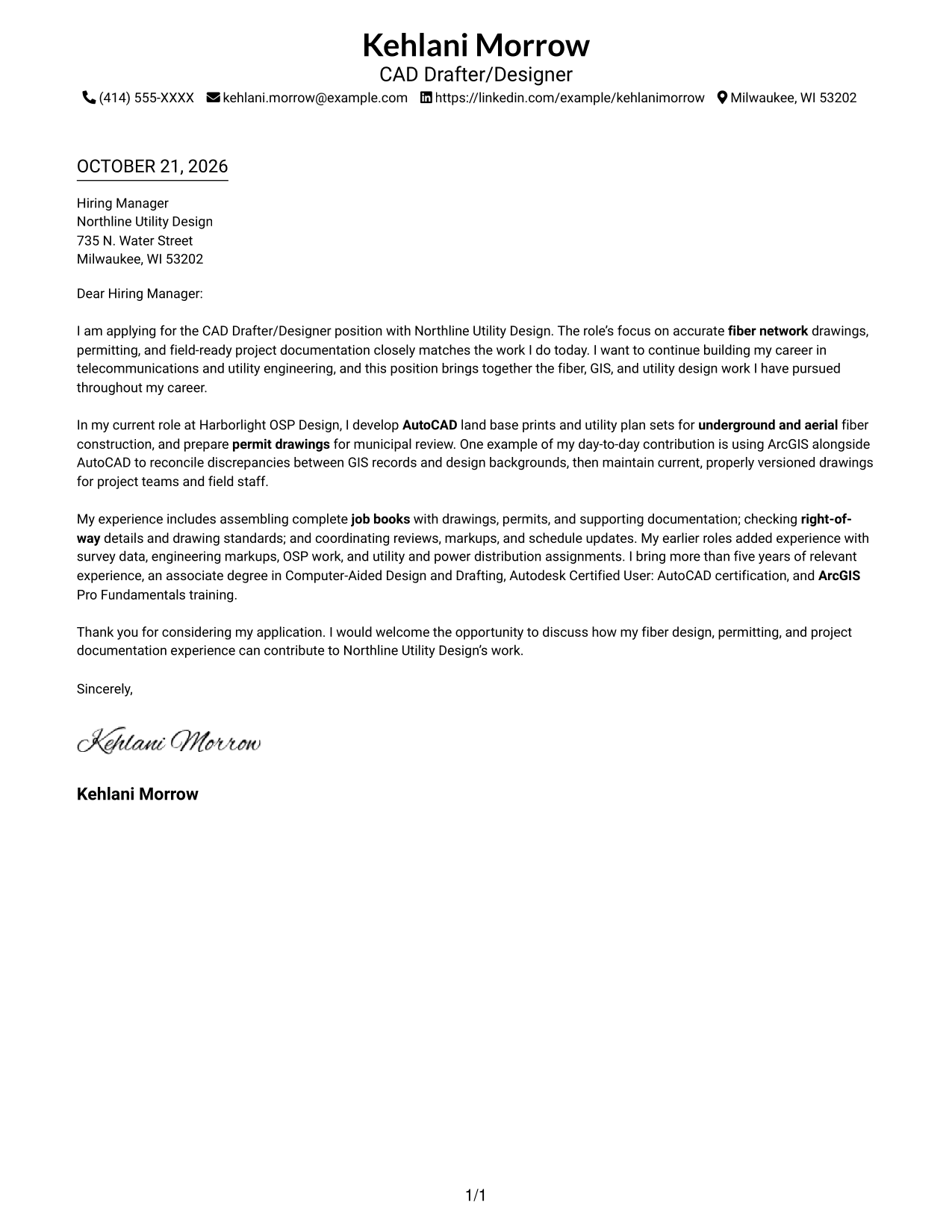
The Simple One Column Format keeps sender details in the header and the letter in one text column, giving the correspondence a direct reading path.
Why This Format Works
- One column gives each paragraph a direct top-to-bottom reading order.
- Continuous prose lets the opening, supporting case, and closing read as one letter.
- Header contact details stay accessible without competing with a separate sidebar.
Best For
- One-column correspondence
- Header-based contact details
- Familiar paragraph reading
- Direct opening-to-close flow
- Technical design applications
#2 Two Column Format Cover Letter Example
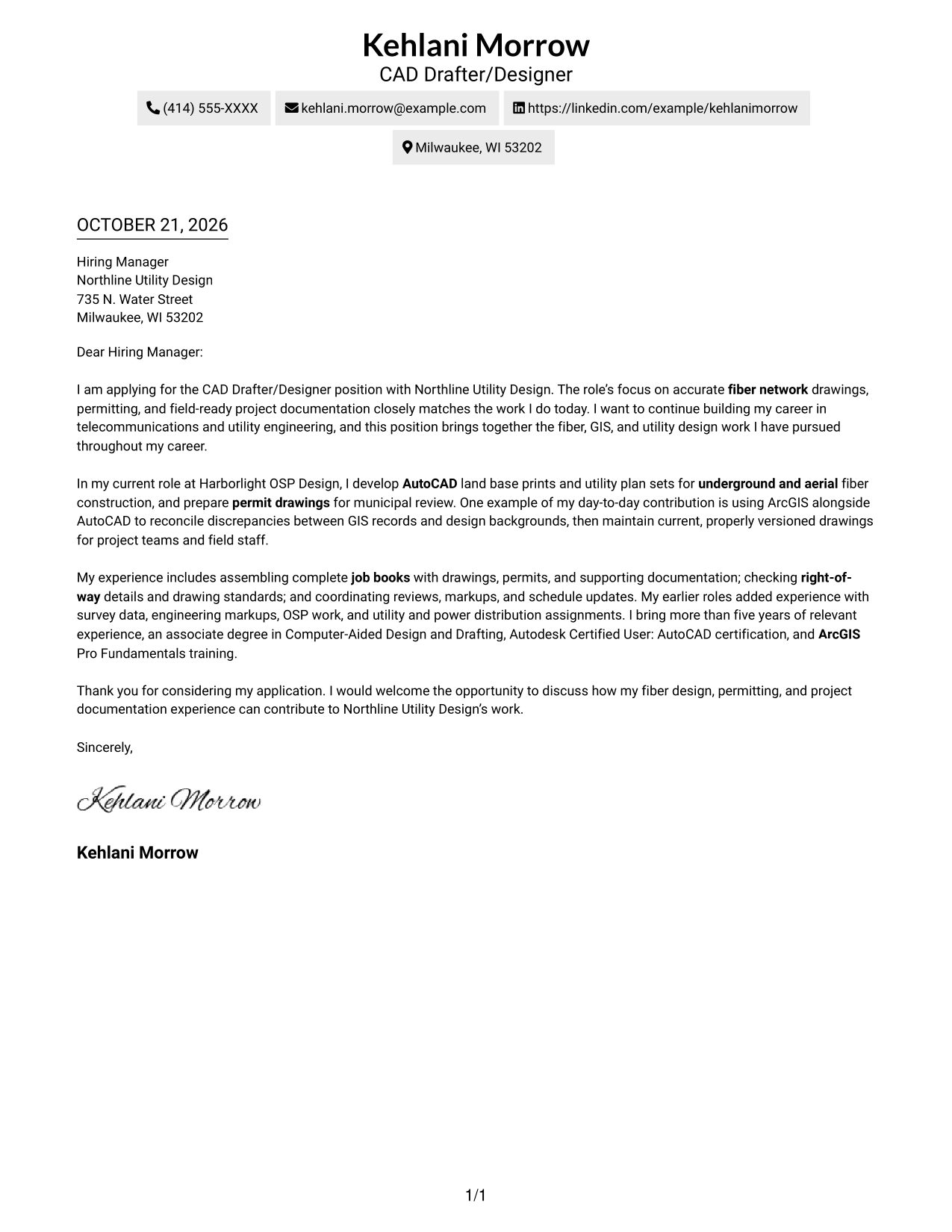
The Two Column Format places contact details beside one continuous letter body, so readers can check sender information without splitting the argument.
Why This Format Works
- The contact sidebar makes sender information easy to locate beside the letter.
- One body column keeps the opening, evidence, and closing in sequence.
- The separate contact area leaves the letter's paragraphs together as one argument.
Best For
- Contact sidebar beside correspondence
- Continuous letter-body paragraphs
- Side-by-side information access
- Technical application correspondence
- Letters with a clear company connection
#3 Photo Header Two Column Format Cover Letter Example
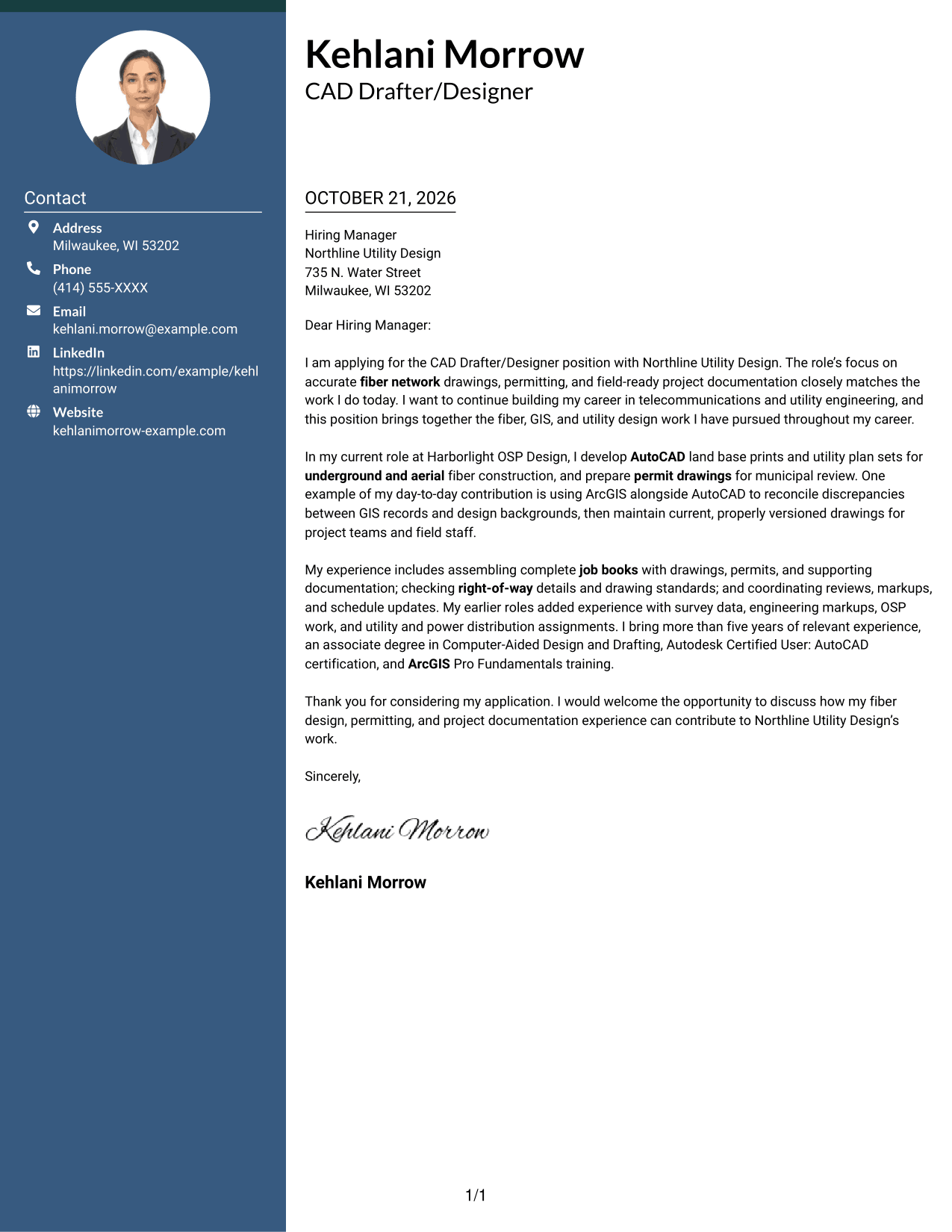
The Photo Header Two Column Format includes a portrait and contact sidebar beside one continuous letter body, combining a personal visual element with a clear place for contact details.
Why This Format Works
- The contact sidebar keeps sender information distinct from the letter's main text.
- One body column preserves the letter's progression from introduction to closing.
- The portrait adds a personal visual detail without changing the argument's structure.
Best For
- Two-column letter layouts
- Portrait-inclusive correspondence
- Separate sender and letter details
- Continuous paragraph arguments
- Fiber network design applications
#4 One Column Format with Photo Cover Letter Example
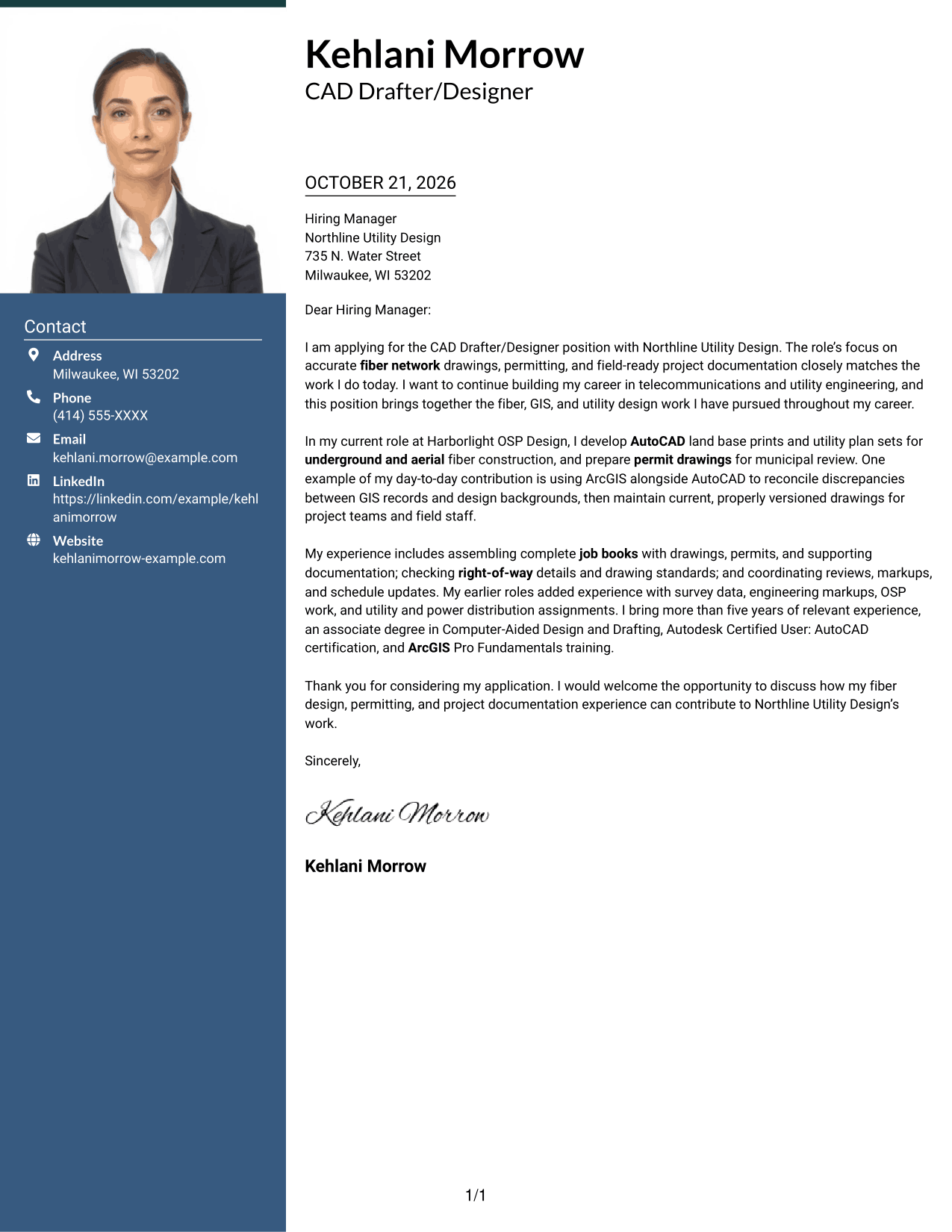
The One Column Format with Photo pairs a portrait with a single letter column, offering a personal visual element without a sidebar.
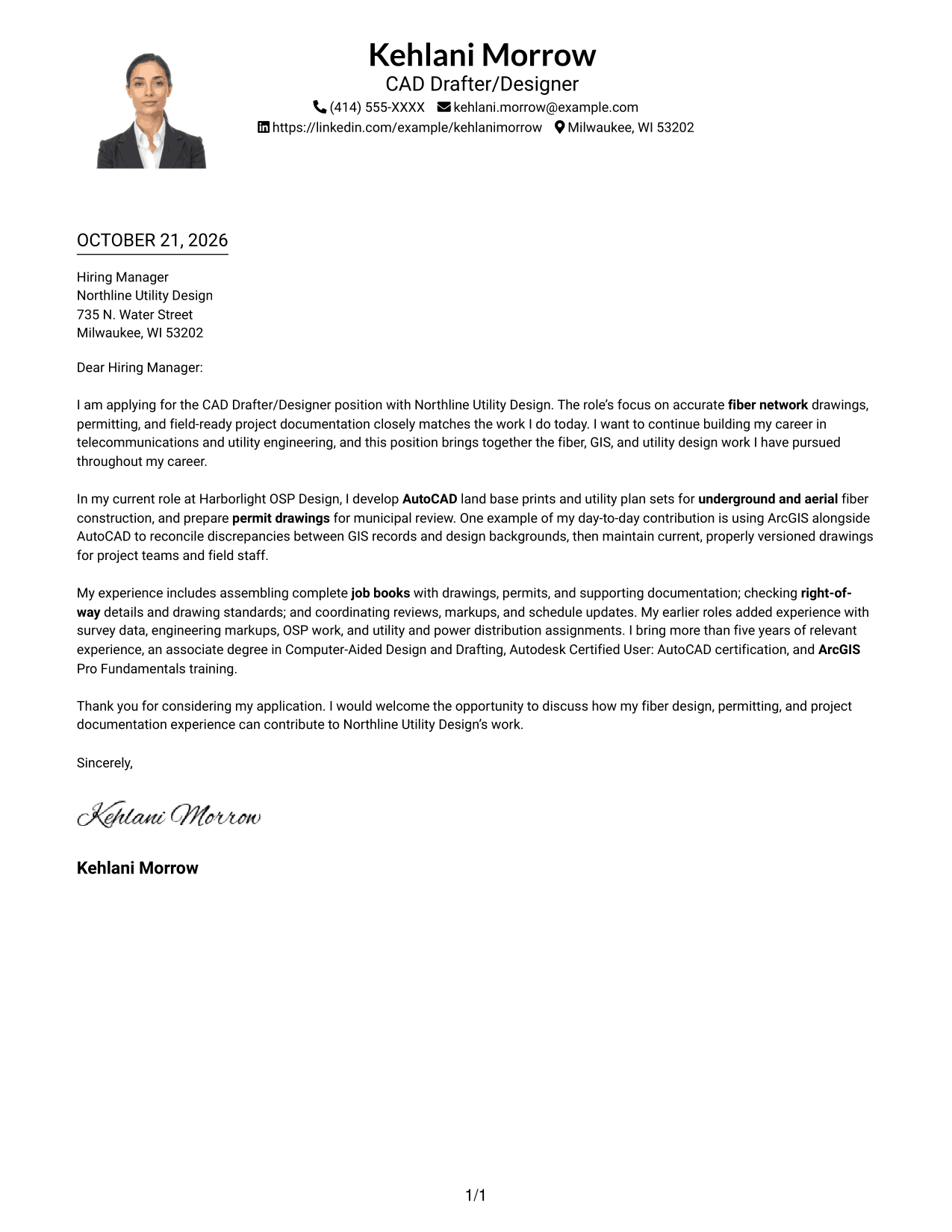
Why This Format Works
- A single column gives the paragraphs a clear top-to-bottom reading order.
- The portrait provides a personal visual element alongside the correspondence.
- Header contact details remain separate from the uninterrupted letter text.
Best For
- Single-column correspondence
- Portrait-inclusive templates
- Header contact details
- Direct paragraph reading
- Technical application letters
#5 Simple Two Column Format Cover Letter Example
The Simple Two Column Format places contact details alongside a single uninterrupted letter body, suiting readers who prefer contact information and correspondence in separate areas.
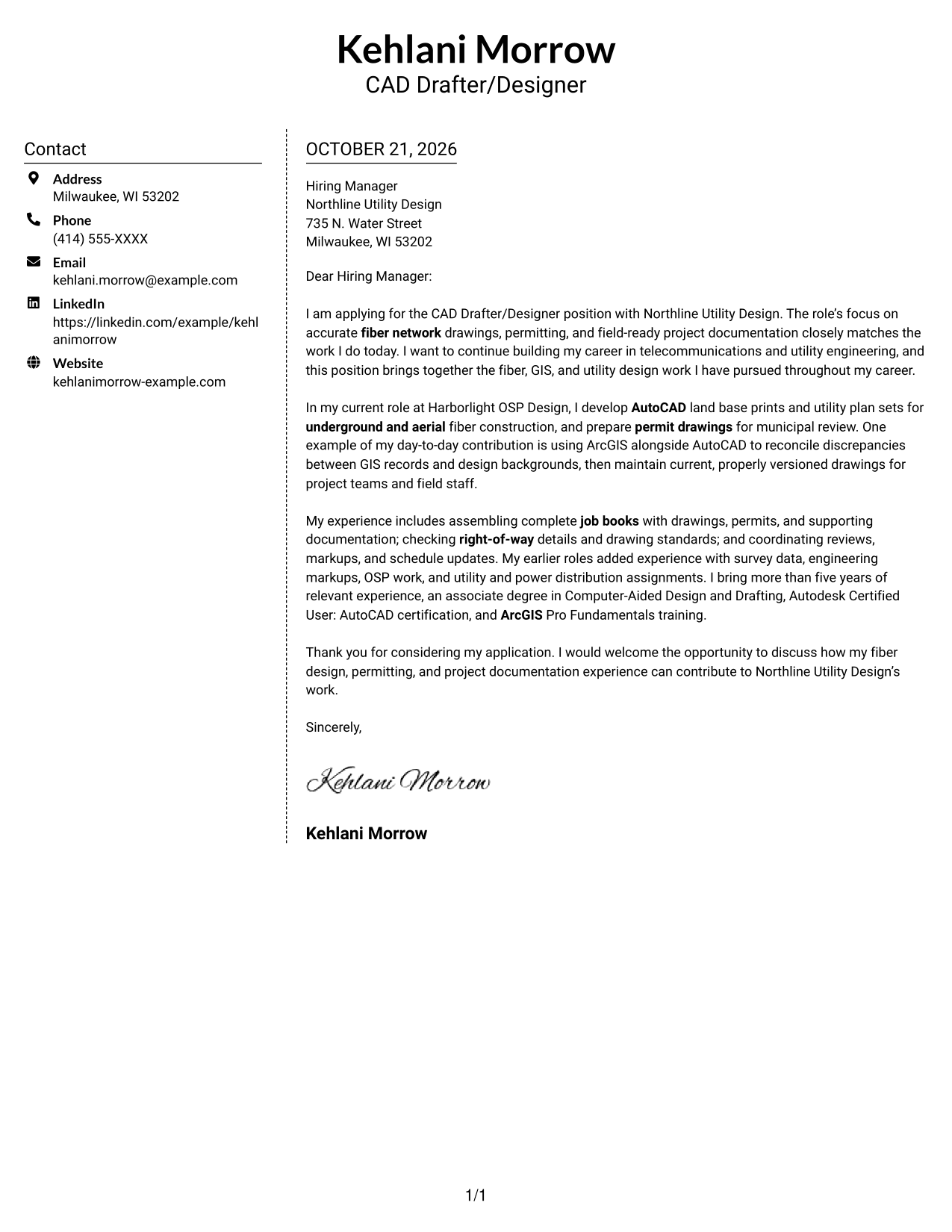
Why This Format Works
- A dedicated contact area lets readers find sender details without searching the letter.
- The letter's opening, supporting points, and close stay in one body column.
- The side-by-side arrangement keeps contact information separate from the argument.
Best For
- Letters with clear contact separation
- Continuous argument paragraphs
- Two-column document organization
- Familiar business correspondence
- Applications with concise supporting evidence
#6 Modern Icon Format Cover Letter Example
The Modern Icon Format uses two columns for contact details and the continuous letter body, with icons serving as contact cues rather than labels for the letter's points.
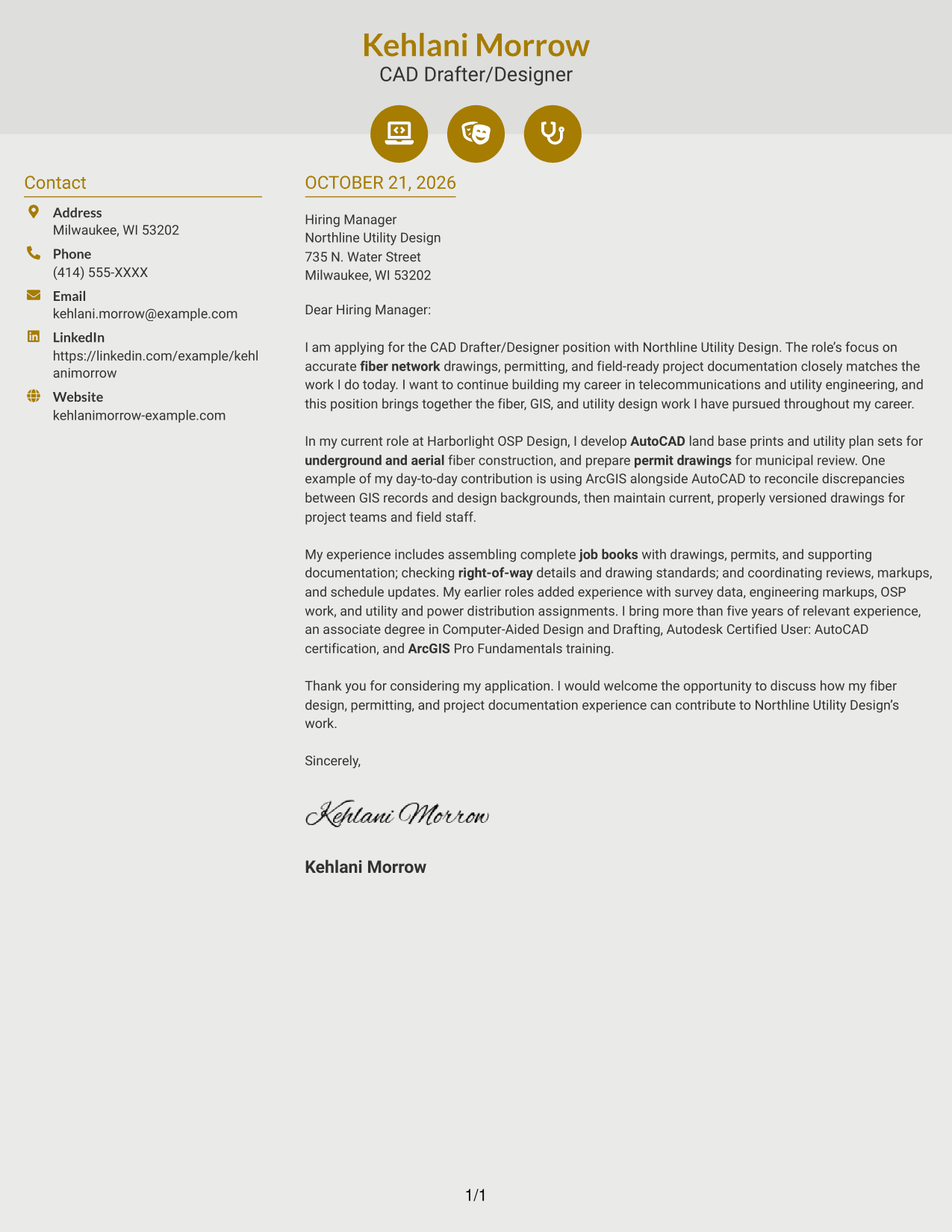
Why This Format Works
- Contact icons help identify sender details while the argument remains in prose.
- Separate columns keep contact information beside, not inside, the letter body.
- The letter's opening and closing remain part of the same paragraph sequence.
Best For
- Icon-cued contact information
- Two-column correspondence
- Continuous letter paragraphs
- Applications with a named recipient
- Readers who value visual contact cues
#7 Creative Two Tone Format Cover Letter Example
The Creative Two Tone Format uses two columns to keep contact details apart from one continuous letter body, giving sender information and correspondence distinct areas.
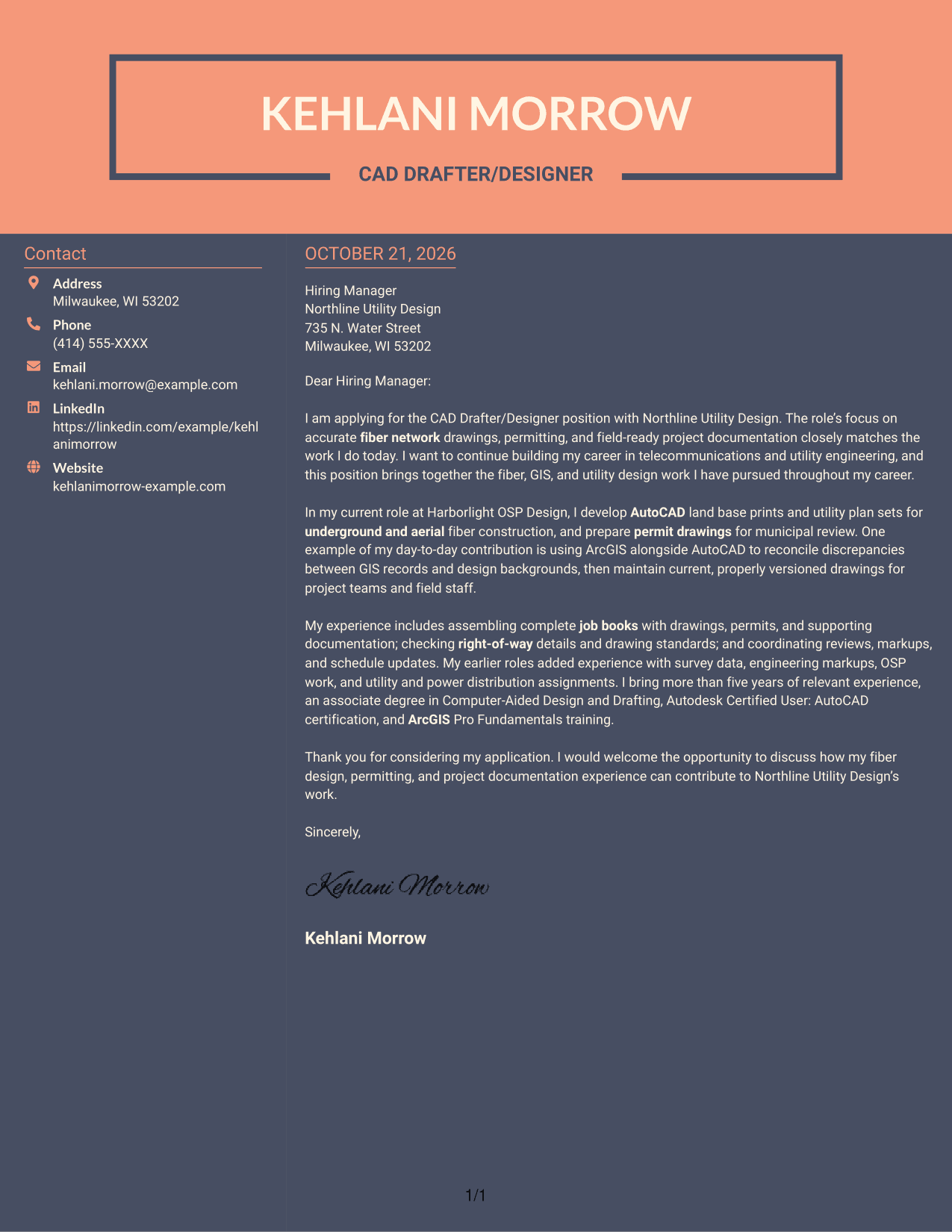
Why This Format Works
- The separate contact area gives sender details a clear place beside the letter.
- The letter body remains together, so readers can follow its full argument in order.
- Two columns distinguish contact information from the correspondence without dividing its paragraphs.
Best For
- Separated contact and letter details
- One-column letter-body reading
- Clear paragraph progression
- Technical role correspondence
- Applications with focused supporting points
See Also
- 7 CAD Drafter/Designer - Fiber Network Design Resume Templates with Example
- 33 Automotive CAD Designer – Exterior Mirrors & Vision Systems Resume Templates with Example 2026 (ATS-Optimized)
- 7 Civil CAD Designer Resume Templates with Example
- 7 Architectural Designer - Construction Documentation Resume Templates with Example
- 7 Architectural Designer / Project Architect - Commercial and Institutional Resume Templates with Example
- 33 Associate Director, Senior Service Designer (GenAI Experience) Resume Templates with Example 2026 (ATS-Optimized)
- 7 BIM Architectural Designer Resume Templates with Example
- 33 Civil Engineering Designer Resume Templates with Example 2026 (ATS-Optimized)
- 30+ Automotive CAD Designer – Exterior Mirrors & Vision Systems Cover Letter Templates with Example 2026
- 7 Architectural Designer - Construction Documentation Cover Letter Templates with Example
Frequently Asked Questions
What should the opening paragraph say for this role?
State your interest in the CAD Drafter/Designer - Fiber Network Design position, then connect it to the work the employer needs, such as accurate fiber drawings, permitting, and field-ready documentation.
Does this guide show different cover letters?
It presents one cover letter example in different layouts, so you can compare how the same application content appears in each format.
What experience should I highlight in the body?
Choose relevant details you can support, such as preparing AutoCAD land base prints, using ArcGIS with design files, creating permit drawings, or organizing job books. Explain how your example relates to the role.
Which cover letter style is best for a fiber network design role?
Choose a clear, readable style that makes your opening, work evidence, and closing easy to follow. Consider the employer and the communication context when selecting a layout.




