US English


7 CAD Drafter/Designer - Fiber Network Design Resume Templates with Example
By Ria · Last Updated On October 21, 2026
Resume example — page 1

This guide shows you how to build a CAD Drafter/Designer - Fiber Network Design resume that is clear, focused, and easy to review. Learn how to organize your work and present role-specific evidence in a strong resume.

For this role, connect your drafting work to field use and project needs. Highlight relevant experience with AutoCAD, ArcGIS, underground and aerial fiber layouts, utility plan sets, permit drawings, file organization, and drawing checks when these match your background.

Compare the resume presented in 7 layouts through the image previews, then open an example in the editor to view or customize it.

What Makes a Great CAD Drafter/Designer - Fiber Network Design Resume in 2026

A strong resume is easy to scan and shows how your drawings support project review and field work. Use clear section headings and concise bullet points to explain your tasks and results.

Include relevant keywords such as AutoCAD, ArcGIS, fiber network design, outside plant (OSP), land base prints, utility plan sets, permit drawings, right-of-way, and version control when they reflect your experience.

Note: Resume examples are for educational purposes only. Use only information that accurately reflects your experience and qualifications. References to real organizations do not imply affiliation or endorsement.

#1 Simple One Column Format Resume Example

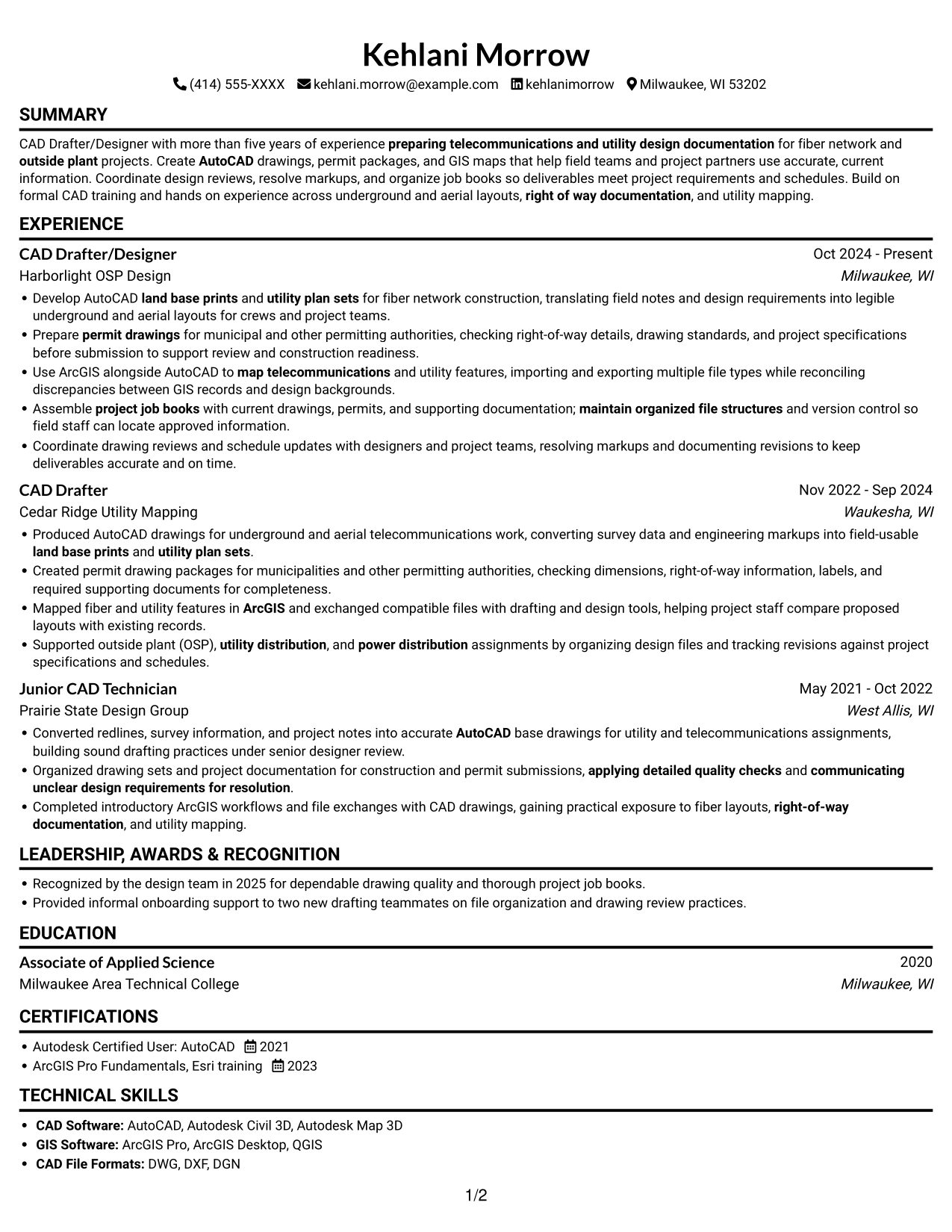
A single-column layout keeps resume content in one reading path, making section order easy to follow.
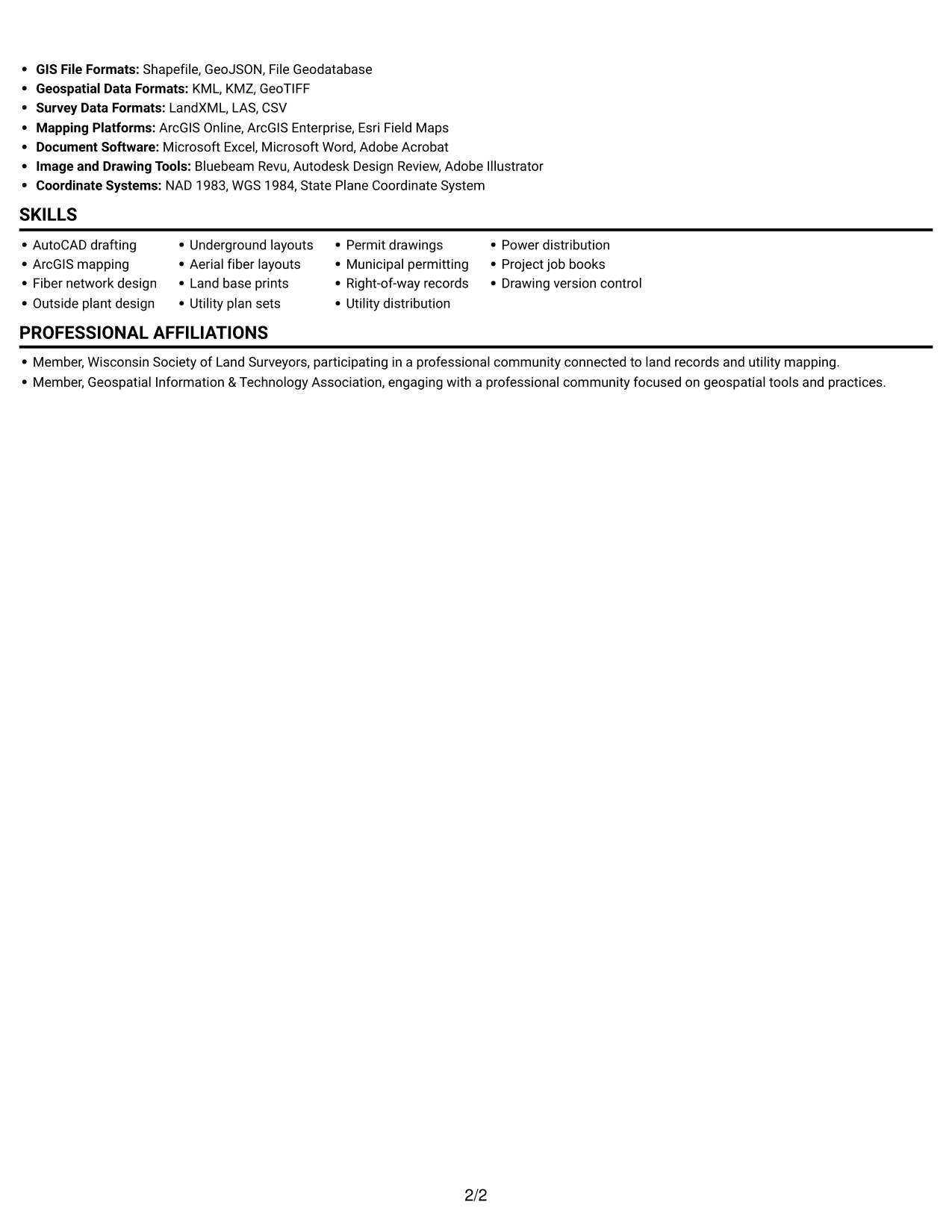
 
Resume example — page 1   Resume example — page 2

Why This Format Works

  • Career dates and role entries stay in one sequence, making progression straightforward to review.
  • Skills, education, and credentials follow the same predictable path for quick section lookup.
  • Project records and recognition details fit within the complete resume reading flow.

Best For

  • Sequential work history review
  • ATS-focused single-column resumes
  • Detailed role histories
  • Text-led technical resumes
  • Straightforward section navigation

Resume Keywords

  • AutoCAD
  • preparing telecommunications and utility design documentation
  • Prepare permit drawings for municipal and other permitting authorities, checking right-of-way details, drawing standards, and project specifications before submission to support review and construction readiness.
  • land base prints
  • utility plan sets
  • permit drawings
  • fiber network construction, translating field notes and design requirements into legible underground and aerial layouts
  • ArcGIS
  • Use ArcGIS alongside AutoCAD to map telecommunications and utility features
  • Fiber network design
  • outside plant
  • map telecommunications and utility features
  • Use ArcGIS alongside AutoCAD to map telecommunications and utility features, importing and exporting multiple file types
  • Prepare permit drawings for municipal and other permitting authorities, checking right-of-way details, drawing standards, and project specifications before submission
  • right of way documentation
See all keywords
 

#2 Simple Two Column Format Resume Example

Two columns create parallel areas for resume content, making section-to-section comparison straightforward for reviewers.
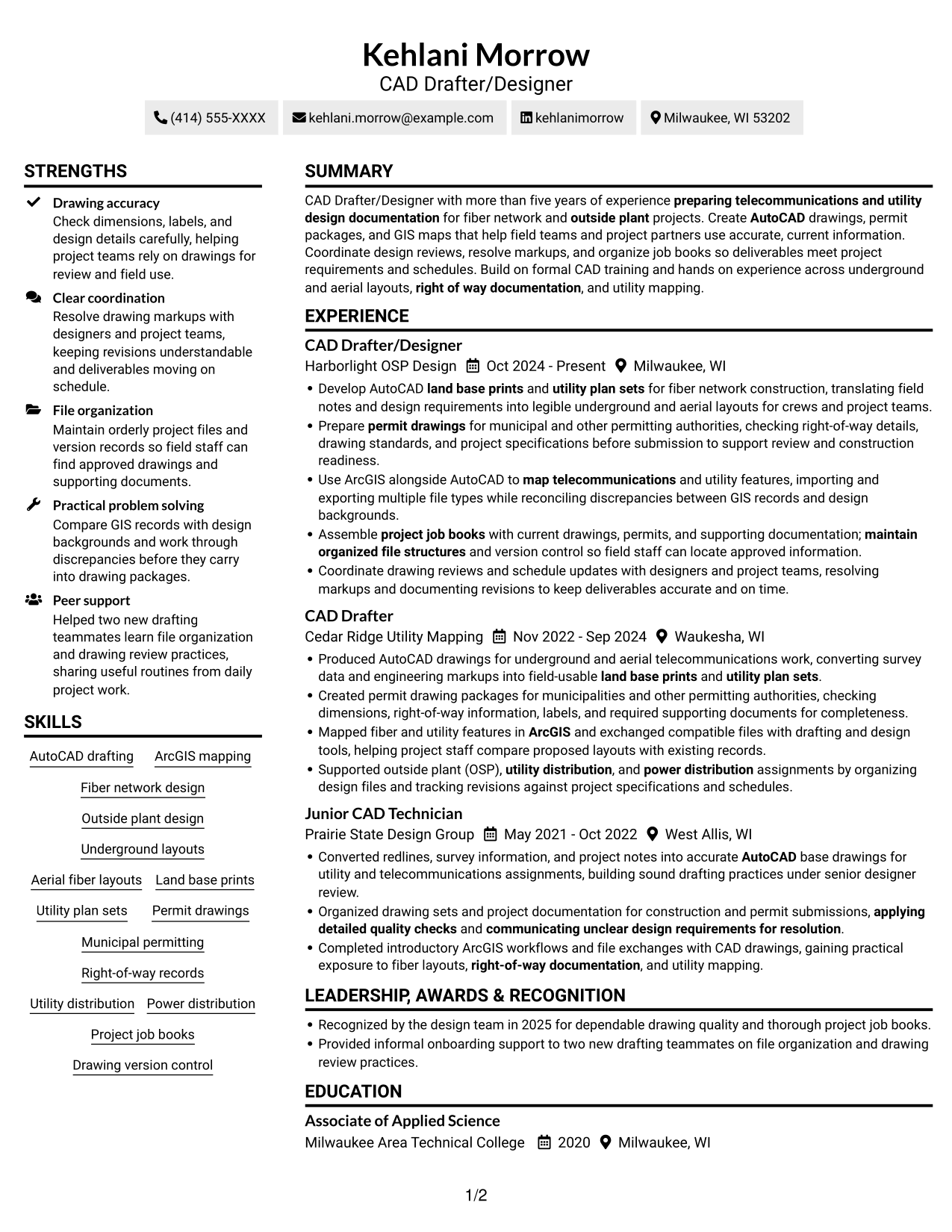
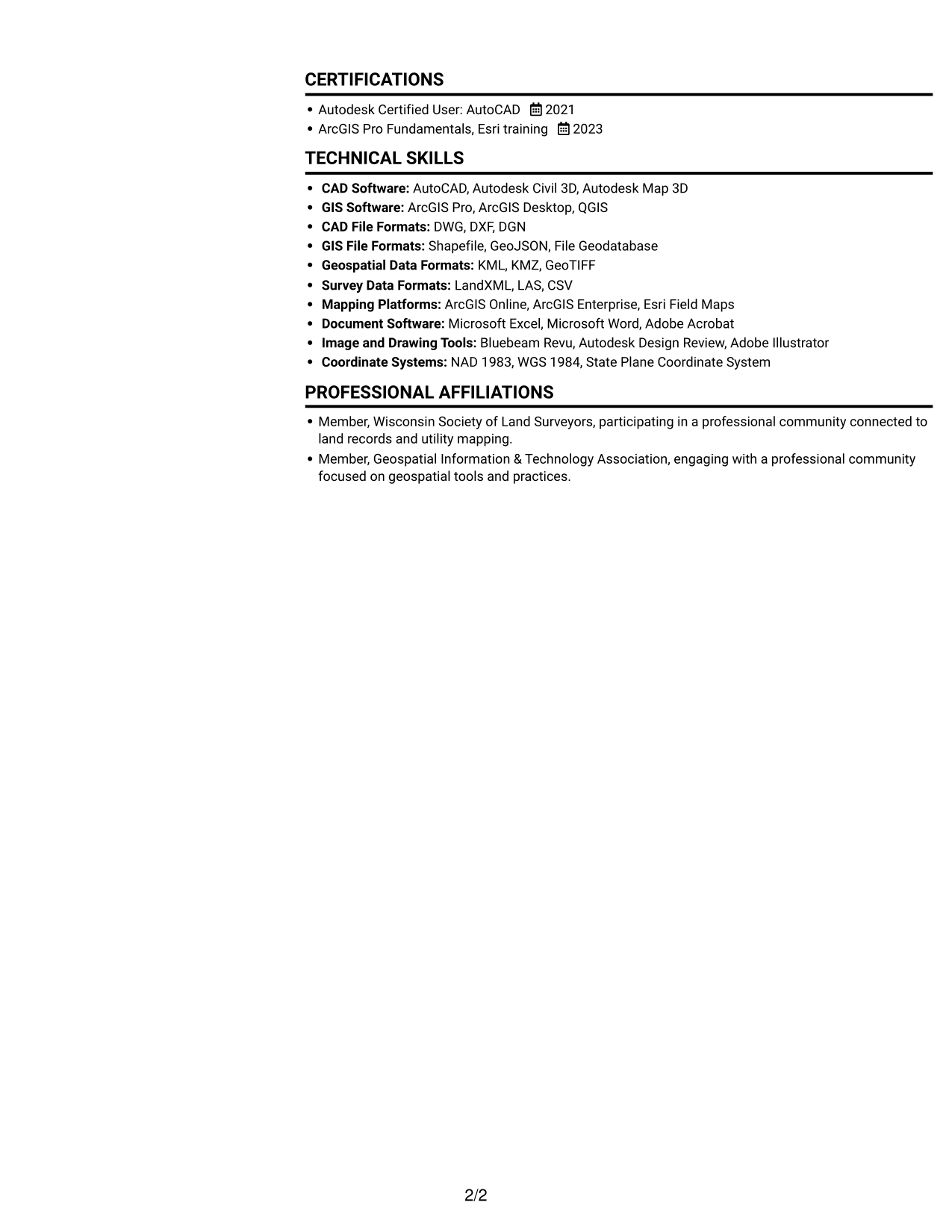
 
Resume example — page 1   Resume example — page 2

Why This Format Works

  • Two content columns separate work history from supporting resume details for clearer review.
  • Skills and education can sit in distinct content areas beside career experience.
  • Parallel sections let reviewers revisit qualifications without losing the resume's overall organization.

Best For

  • Parallel content organization
  • Quick cross-section review
  • Resumes with several supporting sections
  • Balanced text-heavy content
  • Side-by-side information scanning

#3 Plain One Column with Shaded Labels Resume Example

A one-column reading path keeps the resume straightforward, so reviewers can follow its sections in order.
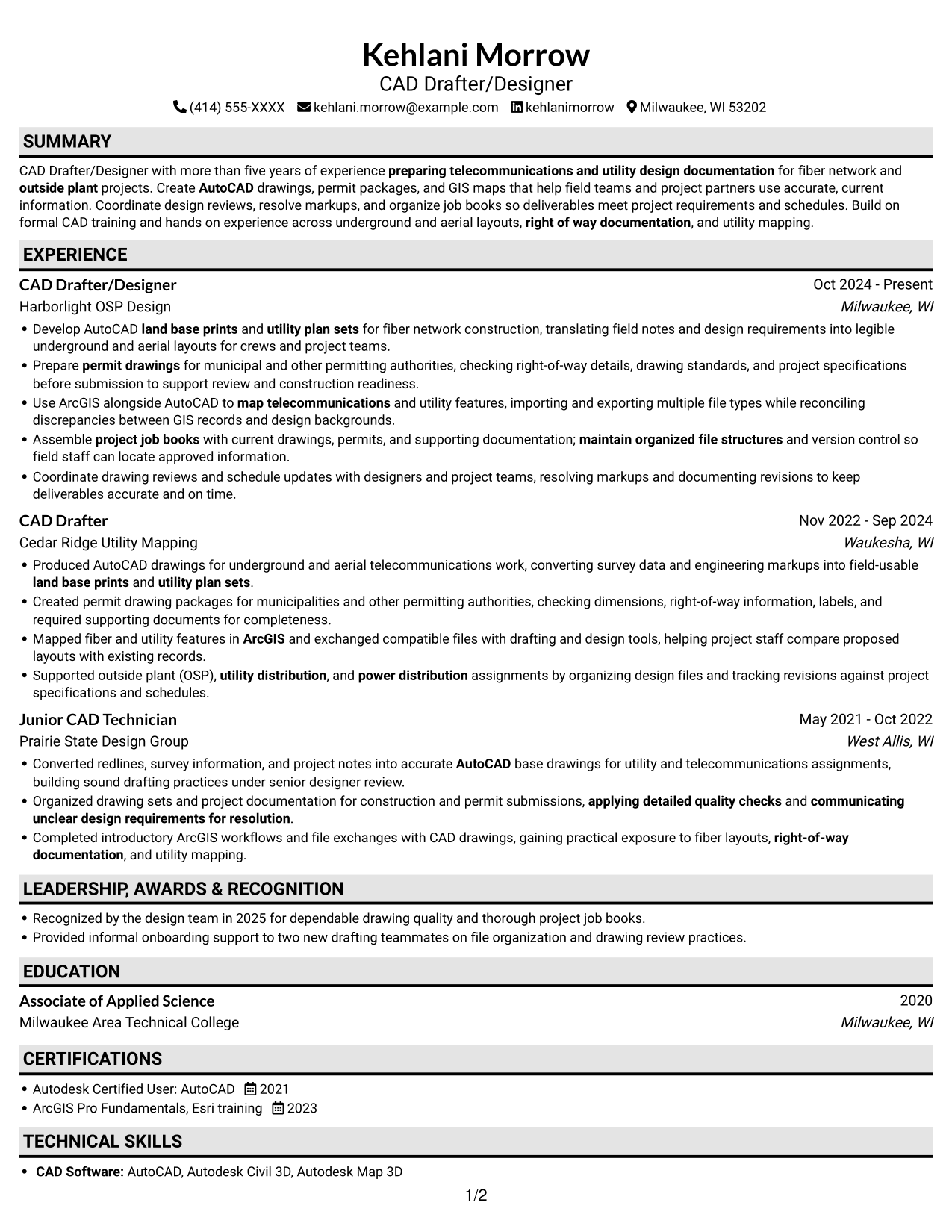
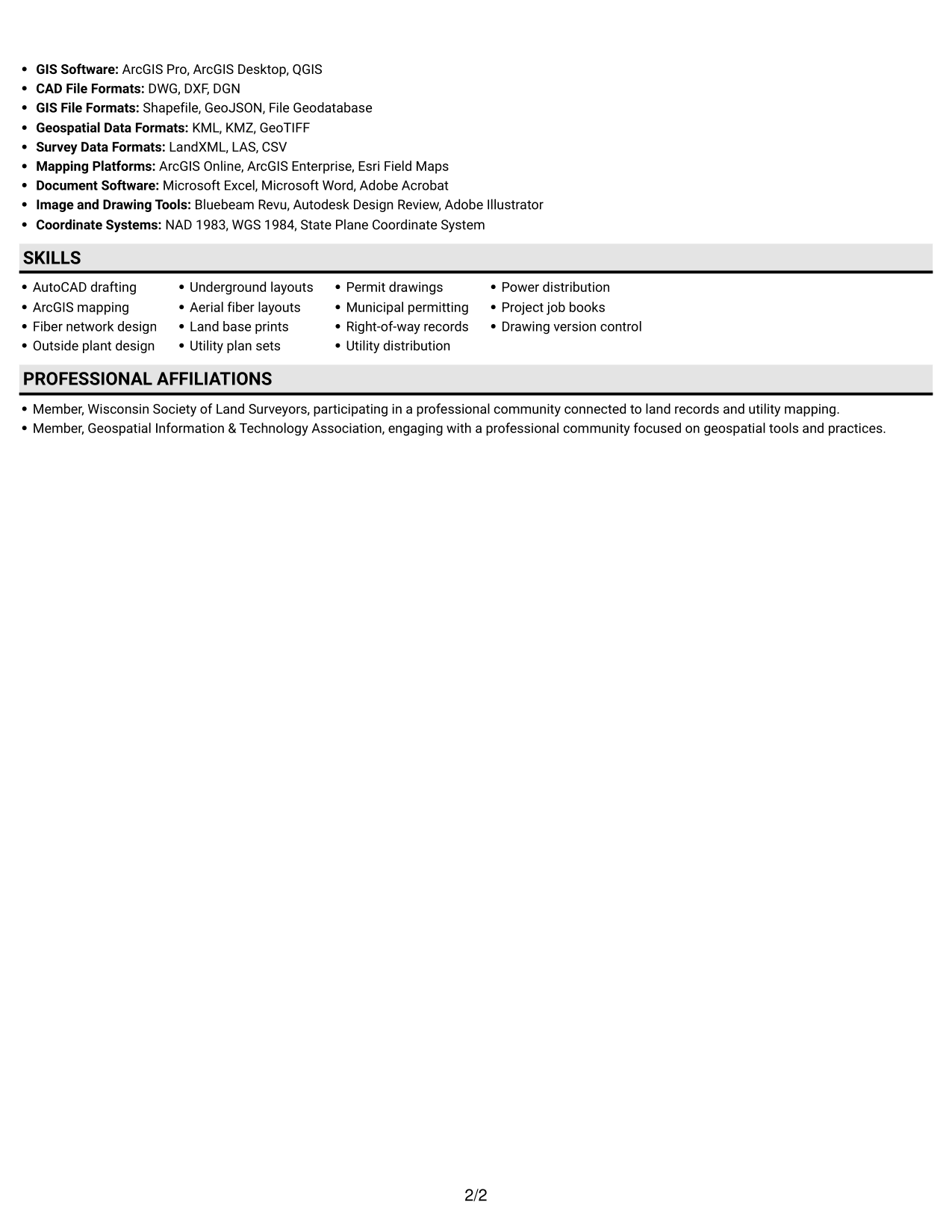
 
Resume example — page 1   Resume example — page 2

Why This Format Works

  • One continuous column carries role dates, achievement bullets, and education in sequence.
  • Reviewers can trace career progression without moving between parallel content areas.
  • Skills and technical tools remain connected to the broader resume section order.

Best For

  • Sequential experience review
  • Single-path resume reading
  • Detailed career timelines
  • Text-focused technical content
  • Consistent section order
 

#4 One Column Format with Photo Right Resume Example

A single-column resume pairs a top-to-bottom text path with a photo on the right for a clear visual identity cue.
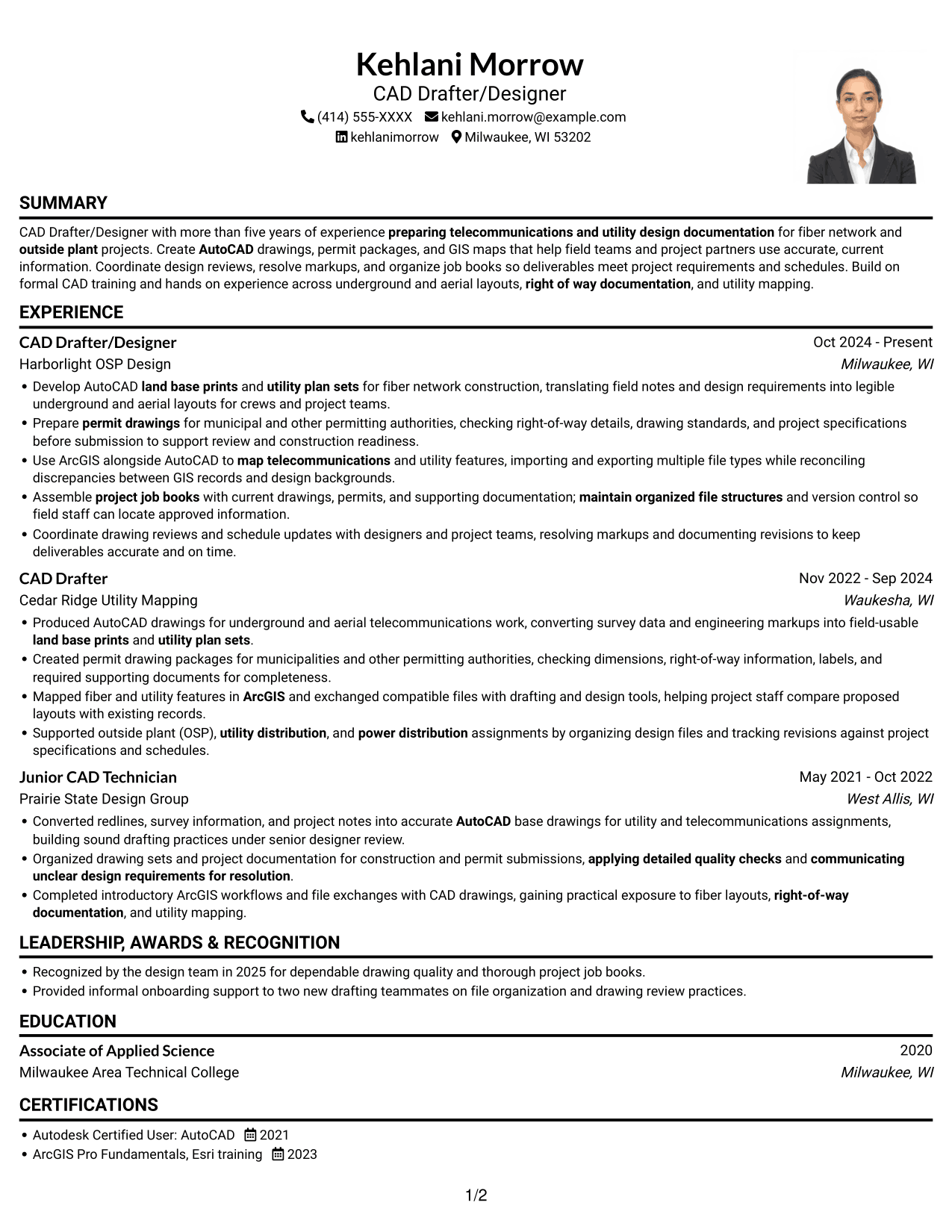
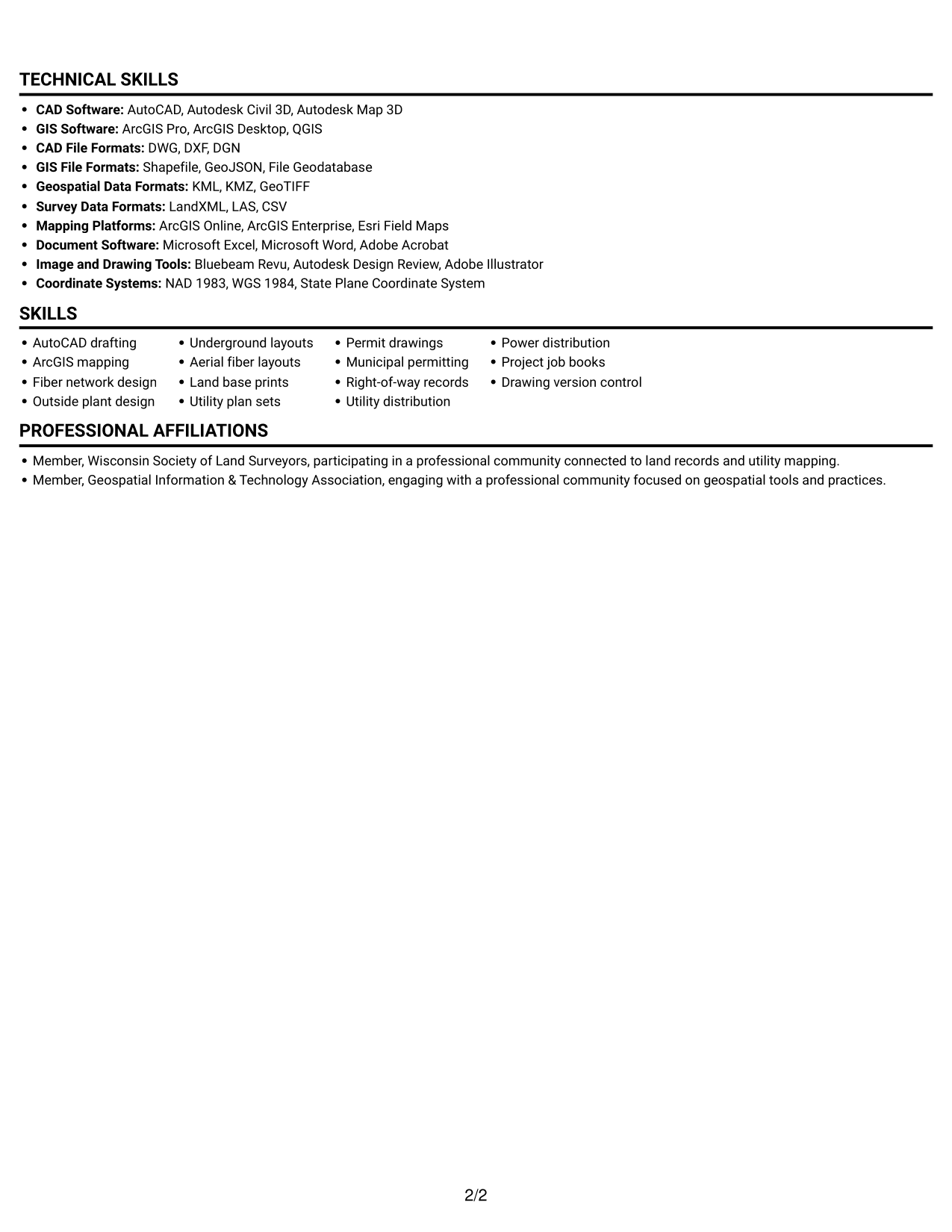
 
Resume example — page 1   Resume example — page 2

Why This Format Works

  • Work history, skills, and education follow one top-to-bottom path for steady review.
  • Role entries and supporting credentials stay together within a single reading sequence.
  • A portrait adds identity context while resume evidence remains in its text sequence.

Best For

  • Single-column content review
  • Resumes with a portrait
  • Linear reading preference
  • Visual identity alongside text
  • Work history with supporting credentials
 

#5 Clean Two Column Sidebar Format Resume Example

Two columns organize resume content in separate areas, giving reviewers a clear way to move between sections.
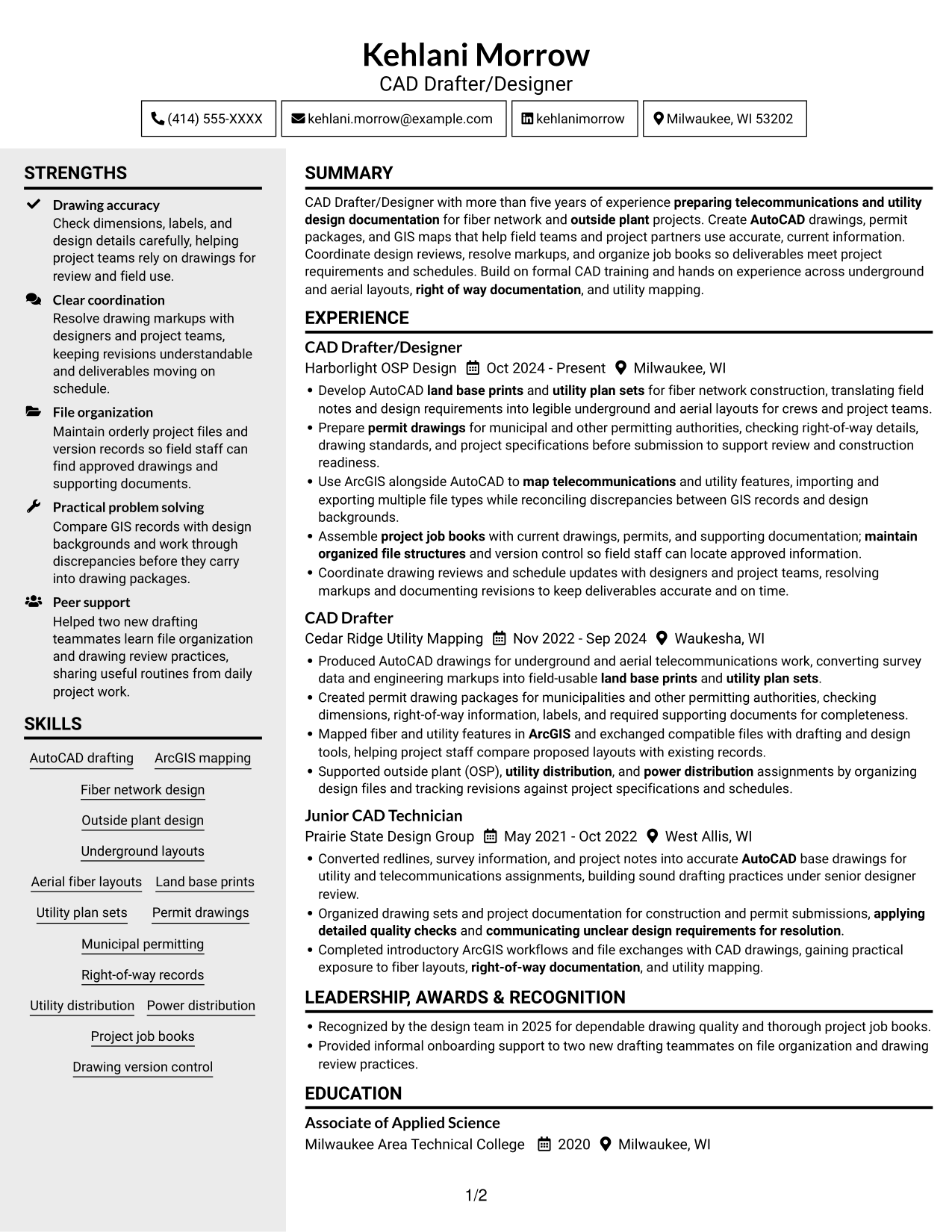
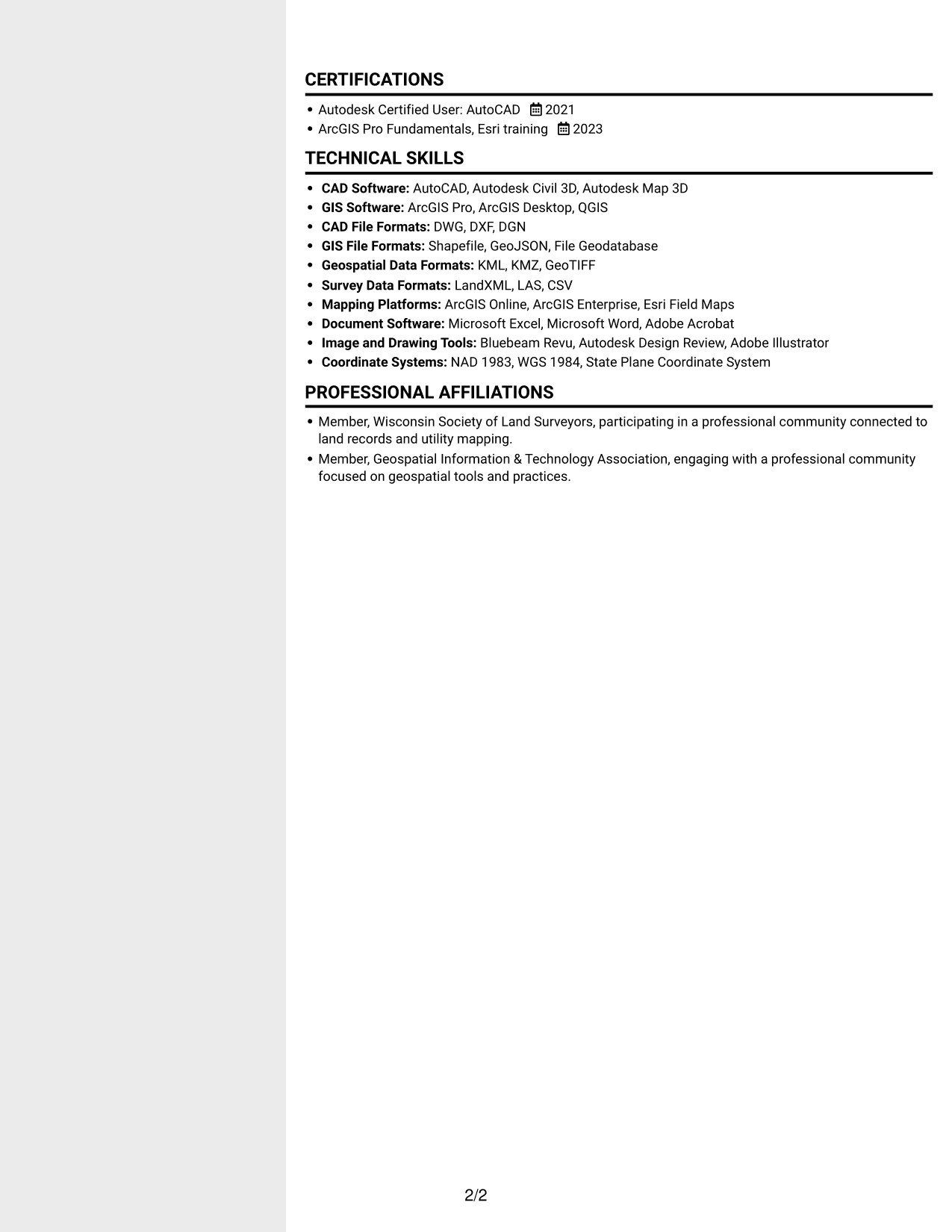
 
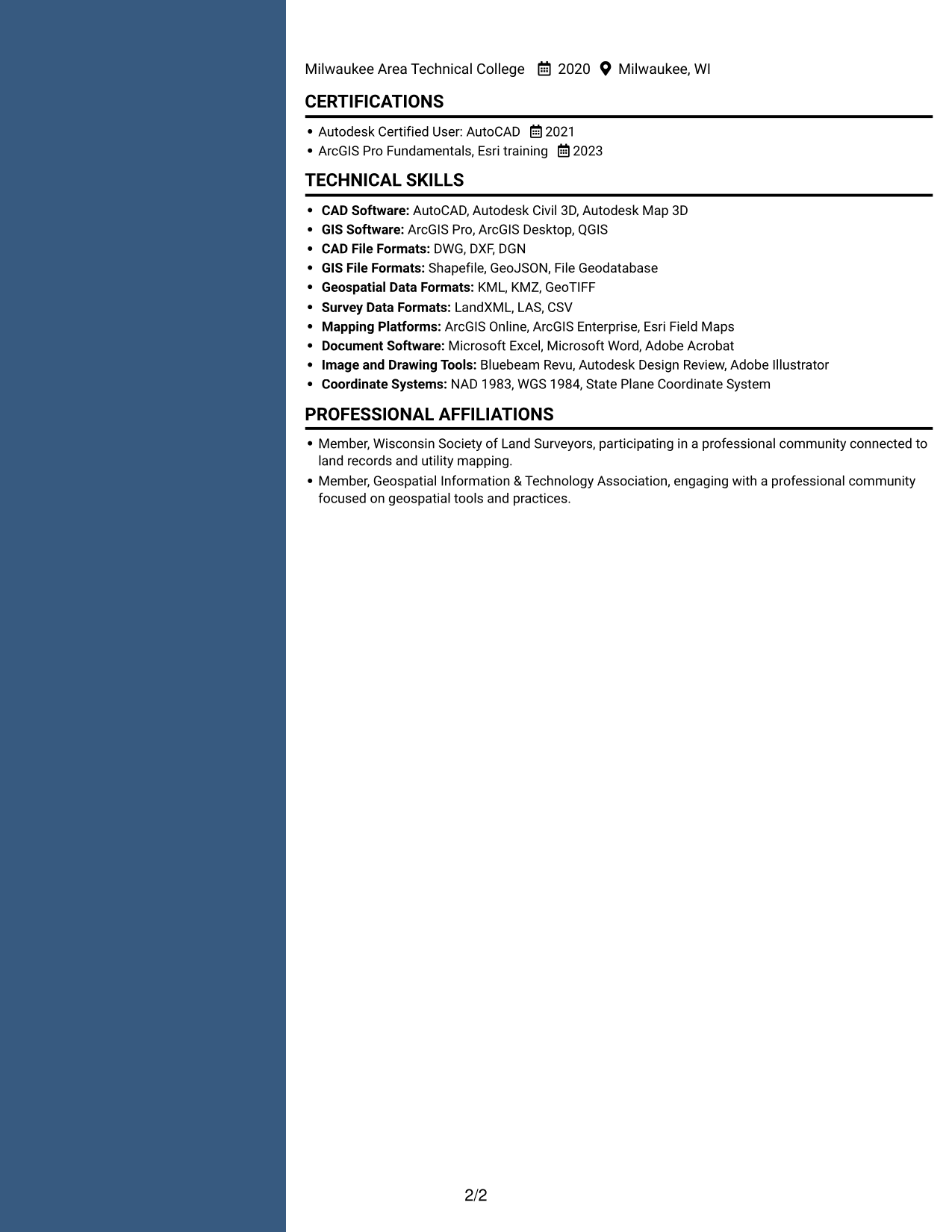
Resume example — page 1   Resume example — page 2

Why This Format Works

  • Two content columns separate work history from supporting resume details for clearer review.
  • Skills and education can sit in distinct content areas beside career experience.
  • Parallel sections let reviewers revisit qualifications without losing the resume's overall organization.

Best For

  • Separate content areas
  • Resume sections read in parallel
  • Quick access to supporting details
  • Multiple qualification sections
  • Organized technical resumes


#6 Two Column Format Resume Example

In a two-column body, paired content areas offer another way to scan distinct resume sections.
 
Resume example — page 1   Resume example — page 2

Why This Format Works

  • Two-column body areas allow reviewers to scan separate sections while keeping resume context visible.
  • Career entries and qualifications can be compared across distinct content zones.
  • Skills, education, and credentials remain accessible within the paired reading areas.

Best For

  • Paired resume content areas
  • Fast section-to-section review
  • Career history with qualifications
  • Resumes with varied section content
  • Parallel information scanning
 

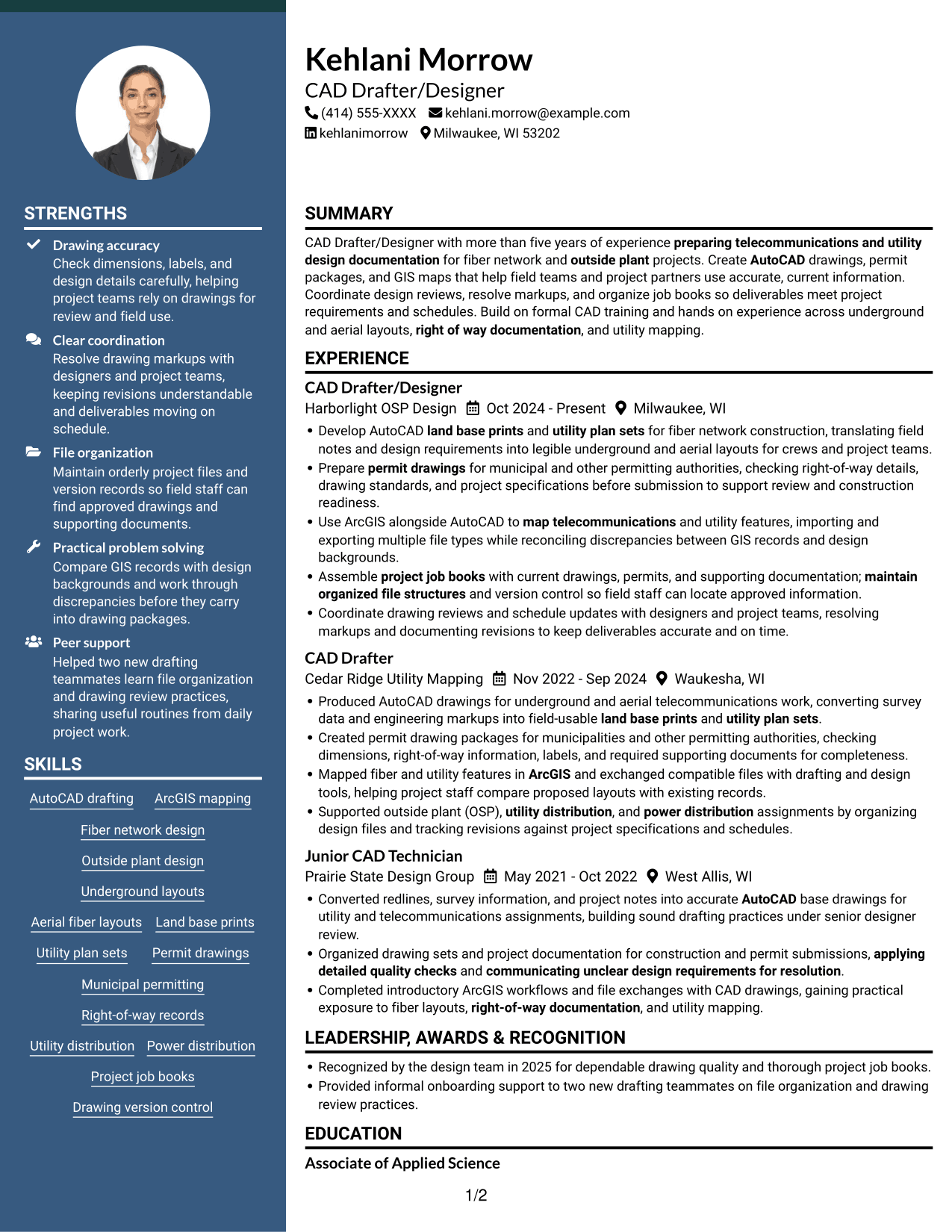
#7 Photo Header Two Column Format Resume Example

A photo in the header adds a visual identity cue above the two-column resume body, where content sits in parallel areas.
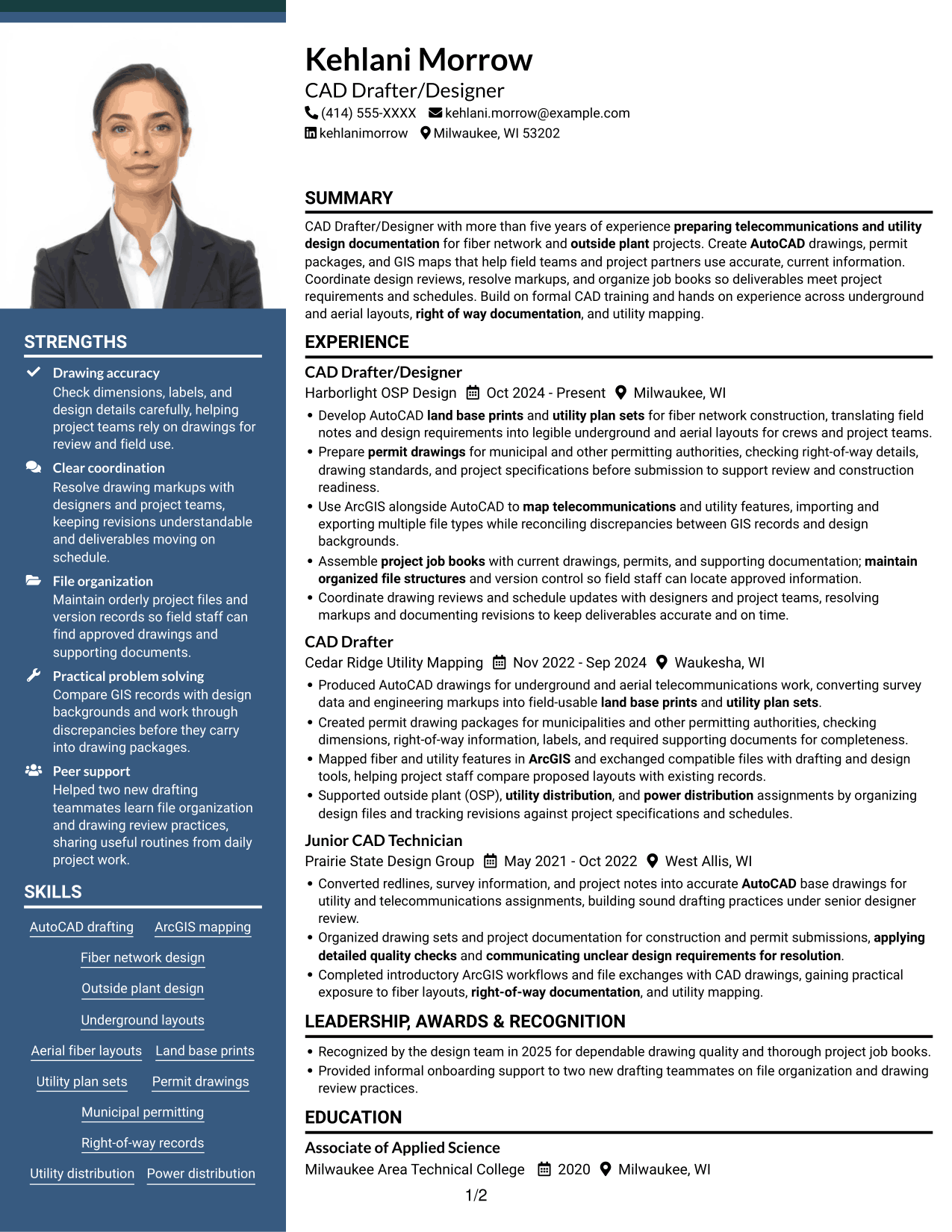
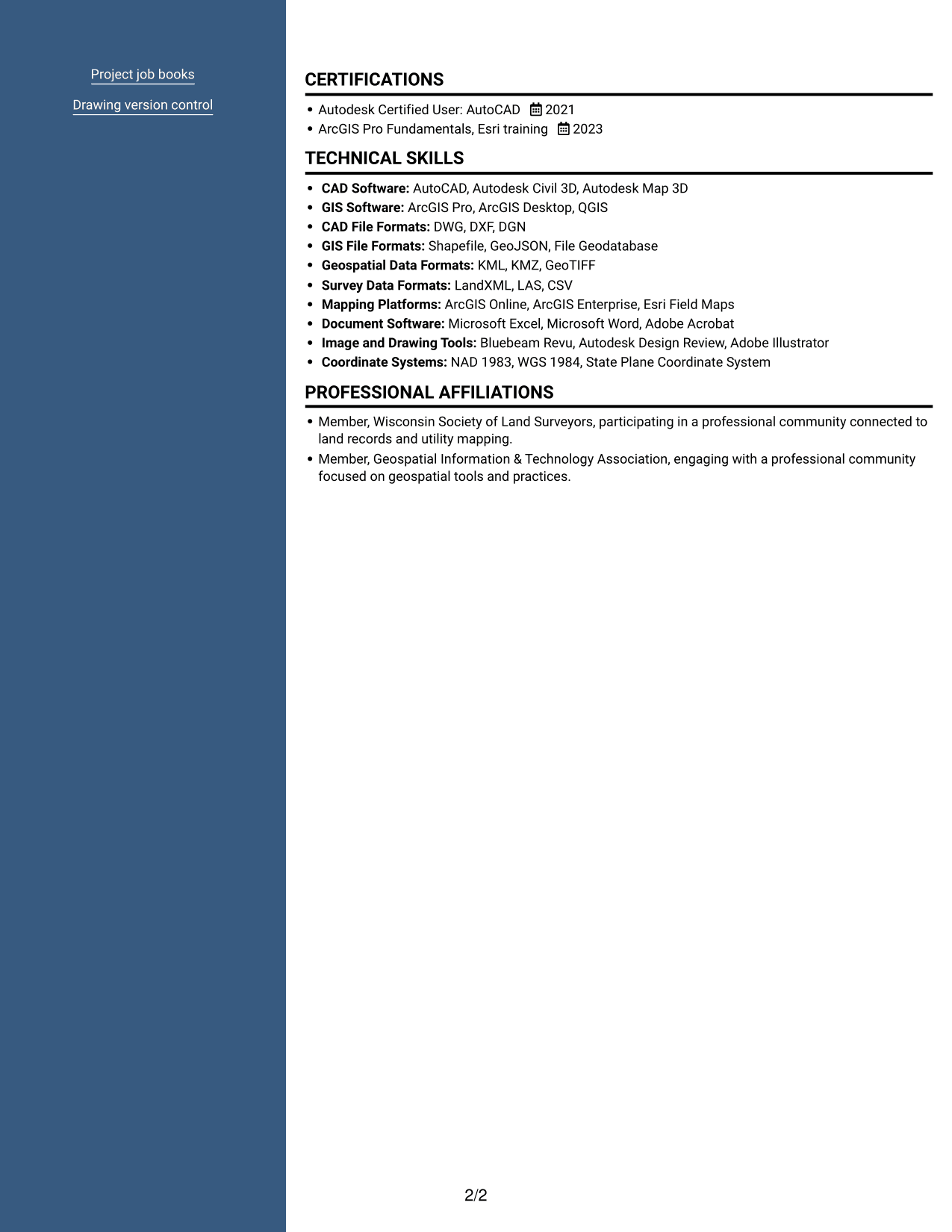
 
Resume example — page 1   Resume example — page 2

Why This Format Works

  • Two-column body areas keep resume sections distinct, with a header photo as a visual identifier.
  • Parallel content regions help reviewers move between career history and supporting qualifications.
  • Separate reading areas make skills, education, and credentials easier to locate.

Best For

  • Two-column resume organization
  • A photo in the header
  • Parallel section review
  • Career history with supporting details
  • Portrait and text together


Why Build Your CAD Drafter/Designer - Fiber Network Design Resume with ResumeInMinutes

ResumeInMinutes lets you compare resume image previews and open an example in the editor. Use the format as a starting point, then organize your own drafting experience, technical skills, education, and certifications for this role.

  • Clear resume section structure
  • ATS-friendly headings
  • Role-specific keyword guidance
  • Skills and experience organization
  • PNG image previews
  • Resume customization in the editor

Keep your resume focused on accurate drawings, project records, file control, and coordination. Use specific examples to show how your work supports fiber network design and utility projects.


See Also


Frequently Asked Questions

Are these CAD Drafter/Designer - Fiber Network Design resume templates ATS-friendly?

The layouts use clear sections and readable headings. For better keyword alignment, include relevant terms such as AutoCAD, ArcGIS, fiber network design, permit drawings, and utility plan sets when they match your skills and experience.

Are these separate resume examples?

The page shows one resume example in different layouts. Compare the image previews, then open an example in the editor to view or customize it.

What should a fiber network design CAD resume include?

Include a focused summary, relevant work experience, technical skills, education, and certifications. Describe drafting deliverables such as land base prints, utility plan sets, permit drawings, GIS maps, and organized project records when they reflect your work.

Which resume layout works well for this role?

A simple layout with clear headings and easy-to-read work history helps recruiters scan your qualifications. Keep important skills and drafting experience in standard sections so both people and applicant tracking systems can find them.

Which technical skills are useful to highlight?

List tools and skills that you can support with experience, such as AutoCAD, ArcGIS, GIS mapping, underground and aerial layouts, file exchange, right-of-way documentation, and drawing quality checks.

Should I include a photo on my resume?

For U.S. applications, a resume without a photo is generally the safer choice unless the employer or local standards specifically ask for one.


ATS Score 98%

How we calculate this score

  • Keywords: 60% of the total. AI extracts keywords from your job description. If you do not provide one, a standard job description for the title matching your resume is used. This is not a match to a specific vacancy.
  • Text-based resume: 20%. The text resume assessed here receives 100 for this part.
  • Resume quality: 20%. We start at 100 and subtract points for issues found by our resume checks, down to a minimum of zero.
  • Keyword coverage = round(100 × confirmed matches ÷ total keywords). Exact matches and supported equivalents verified by AI receive full credit; unsupported keywords receive none. Live text checks use the saved equivalents and do not request a new AI review. Without keywords, no overall ATS score is available.
  • Final score = 60% of keyword coverage + 20% of the text score + 20% of the quality score, rounded to a whole number. Without keywords, no overall ATS score is available.

What this score means

Our scores are estimates, not employer ratings. They may contain errors and do not guarantee accurate parsing, a ranking, an interview, or a job. Check your document against the employer’s requirements. You are responsible for relying on this score.

Terms and Conditions

Score weights: Keywords 60% · Text based resume 20% · Resume quality 20%

Keyword coverage: 27 of 28 (96%) · Resume quality: 100%

Resume quality 100% · Weight 20% · Issues (0)

Details
  • ✓Name present: Kehlani Morrow
  • ✓Email format: kehlani.morrow@example.com
  • ✓Phone format: (414) 555-XXXX
  • ✓Experience 1: Job title: CAD Drafter/Designer
  • ✓Experience 1: Company name: Harborlight OSP Design
  • ✓Experience 1: Work location: Milwaukee, WI
  • ✓Experience 1: Employment dates: Oct 2024 - Present
  • ✓Experience 1: Description or achievements: Present
  • ✓Experience 2: Job title: CAD Drafter
  • ✓Experience 2: Company name: Cedar Ridge Utility Mapping
  • ✓Experience 2: Work location: Waukesha, WI
  • ✓Experience 2: Employment dates: Nov 2022 - Sep 2024
  • ✓Experience 2: Description or achievements: Present
  • ✓Experience 3: Job title: Junior CAD Technician
  • ✓Experience 3: Company name: Prairie State Design Group
  • ✓Experience 3: Work location: West Allis, WI
  • ✓Experience 3: Employment dates: May 2021 - Oct 2022
  • ✓Experience 3: Description or achievements: Present
  • ✓No placeholder fields
  • ✓No repeated achievement bullets
  • ✓No empty bullets

No issues found by the current checks.

Text Based Resume 100% · Weight 20%

Parsed text
Kehlani Morrow
(414) 555-XXXX
kehlani.morrow@example.com
kehlanimorrow
Milwaukee, WI 53202
SUMMARY
CAD Drafter/Designer with more than five years of experience preparing telecommunications and utility design documentation for fiber network and outside plant projects. Create AutoCAD drawings, permit packages, and GIS maps that help field teams and project partners use accurate, current information. Coordinate design reviews, resolve markups, and organize job books so deliverables meet project requirements and schedules. Build on formal CAD training and hands on experience across underground and aerial layouts, right of way documentation, and utility mapping.
EXPERIENCE
CAD Drafter/Designer
Oct 2024 - Present
Harborlight OSP Design
Milwaukee, WI
Develop AutoCAD land base prints and utility plan sets for fiber network construction, translating field notes and design requirements into legible underground and aerial layouts for crews and project teams.
Prepare permit drawings for municipal and other permitting authorities, checking right-of-way details, drawing standards, and project specifications before submission to support review and construction readiness.
Use ArcGIS alongside AutoCAD to map telecommunications and utility features, importing and exporting multiple file types while reconciling discrepancies between GIS records and design backgrounds.
Assemble project job books with current drawings, permits, and supporting documentation; maintain organized file structures and version control so field staff can locate approved information.
Coordinate drawing reviews and schedule updates with designers and project teams, resolving markups and documenting revisions to keep deliverables accurate and on time.
CAD Drafter
Nov 2022 - Sep 2024
Cedar Ridge Utility Mapping
Waukesha, WI
Produced AutoCAD drawings for underground and aerial telecommunications work, converting survey data and engineering markups into field-usable land base prints and utility plan sets.
Created permit drawing packages for municipalities and other permitting authorities, checking dimensions, right-of-way information, labels, and required supporting documents for completeness.
Mapped fiber and utility features in ArcGIS and exchanged compatible files with drafting and design tools, helping project staff compare proposed layouts with existing records.
Supported outside plant (OSP), utility distribution, and power distribution assignments by organizing design files and tracking revisions against project specifications and schedules.
Junior CAD Technician
May 2021 - Oct 2022
Prairie State Design Group
West Allis, WI
Converted redlines, survey information, and project notes into accurate AutoCAD base drawings for utility and telecommunications assignments, building sound drafting practices under senior designer review.
Organized drawing sets and project documentation for construction and permit submissions, applying detailed quality checks and communicating unclear design requirements for resolution.
Completed introductory ArcGIS workflows and file exchanges with CAD drawings, gaining practical exposure to fiber layouts, right-of-way documentation, and utility mapping.
LEADERSHIP, AWARDS & RECOGNITION
Recognized by the design team in 2025 for dependable drawing quality and thorough project job books.
Provided informal onboarding support to two new drafting teammates on file organization and drawing review practices.
EDUCATION
Associate of Applied Science
2020
Milwaukee Area Technical College
Milwaukee, WI
CERTIFICATIONS
Autodesk Certified User: AutoCAD
2021
ArcGIS Pro Fundamentals, Esri training
2023
TECHNICAL SKILLS
CAD Software: AutoCAD, Autodesk Civil 3D, Autodesk Map 3D
GIS Software: ArcGIS Pro, ArcGIS Desktop, QGIS
CAD File Formats: DWG, DXF, DGN
GIS File Formats: Shapefile, GeoJSON, File Geodatabase
Geospatial Data Formats: KML, KMZ, GeoTIFF
Survey Data Formats: LandXML, LAS, CSV
Mapping Platforms: ArcGIS Online, ArcGIS Enterprise, Esri Field Maps
Document Software: Microsoft Excel, Microsoft Word, Adobe Acrobat
Image and Drawing Tools: Bluebeam Revu, Autodesk Design Review, Adobe Illustrator
Coordinate Systems: NAD 1983, WGS 1984, State Plane Coordinate System
SKILLS
AutoCAD drafting
ArcGIS mapping
Fiber network design
Outside plant design
Underground layouts
Aerial fiber layouts
Land base prints
Utility plan sets
Permit drawings
Municipal permitting
Right-of-way records
Utility distribution
Power distribution
Project job books
Drawing version control
PROFESSIONAL AFFILIATIONS
Member, Wisconsin Society of Land Surveyors, participating in a professional community connected to land records and utility mapping.
Member, Geospatial Information & Technology Association, engaging with a professional community focused on geospatial tools and practices.

Matched keywords (27)

  • AutoCAD
  • preparing telecommunications and utility design documentationOriginal keyword in JD: Telecommunications and utility drafting
  • Prepare permit drawings for municipal and other permitting authorities, checking right-of-way details, drawing standards, and project specifications before submission to support review and construction readiness.Original keyword in JD: Construction-ready drawings
  • land base prints
  • utility plan sets
  • permit drawings
  • fiber network construction, translating field notes and design requirements into legible underground and aerial layoutsOriginal keyword in JD: Underground and aerial fiber layouts
  • ArcGISOriginal keyword in JD: ArcGIS OR comparable GIS tools
  • Use ArcGIS alongside AutoCAD to map telecommunications and utility featuresOriginal keyword in JD: GIS mapping
  • Fiber network design
  • outside plantOriginal keyword in JD: Outside plant (OSP)
  • map telecommunications and utility featuresOriginal keyword in JD: Telecommunications and utility facility mapping
  • Use ArcGIS alongside AutoCAD to map telecommunications and utility features, importing and exporting multiple file typesOriginal keyword in JD: Multiple file type exchange between design and GIS applications
  • Prepare permit drawings for municipal and other permitting authorities, checking right-of-way details, drawing standards, and project specifications before submissionOriginal keyword in JD: Municipal permitting requirements
  • right of way documentationOriginal keyword in JD: Right-of-way projects
  • utility distribution
  • power distribution
  • project job books
  • Assemble project job books with current drawings, permits, and supporting documentation; maintain organized file structures and version controlOriginal keyword in JD: Project documentation and records management
  • maintain organized file structures and version controlOriginal keyword in JD: Drawing organization and version control
  • translating field notes and design requirements into legible underground and aerial layoutsOriginal keyword in JD: Design requirements interpretation
  • applying detailed quality checksOriginal keyword in JD: Drawing quality checks
  • Coordinate drawing reviews and schedule updates with designers and project teamsOriginal keyword in JD: Project team coordination
  • checking right-of-way details, drawing standards, and project specificationsOriginal keyword in JD: Applicable standards and specifications
  • Coordinate drawing reviews and schedule updates with designers and project teamsOriginal keyword in JD: Project schedule coordination
  • communicating unclear design requirements for resolutionOriginal keyword in JD: Communication
  • maintain organized file structuresOriginal keyword in JD: Organizational skills

Missing keywords (1)

  • Attention to detail
Disclaimer: All names, images, contact information, employment histories, achievements, security clearances, military credentials, and other qualifications shown in this content are fictional and used for illustrative purposes only. Any resemblance to actual persons, living or deceased, is purely coincidental.

Resume and cover-letter examples and recommendations in this article reflect general best practices and professional experience and are provided for guidance only. Results may vary based on role, industry, region, and hiring organization.

Content Accuracy and Verification: To the fullest extent permitted by applicable law, we do not represent or warrant that resume or cover-letter guidance, examples, recommendations, or related information are accurate, complete, current, error-free, or suitable for any particular purpose. You are responsible for independently reviewing and verifying the information before relying on it.

ATS and Cover-Letter Scores: ATS scores are estimates calculated using our own formula, informed by publicly available guidance on resume formatting and keyword matching. They are not scores issued or endorsed by an ATS provider or employer. Cover-letter scores are also our own assessments. Parsing, weighting, screening criteria, and results vary between systems, employers, job descriptions, and document formats. No score guarantees successful parsing, a particular ranking, an interview, or employment. Use scores as general guidance and independently check your documents against the employer’s requirements. To the fullest extent permitted by applicable law, we accept no liability for errors in scores or parsing, or losses arising from reliance on these assessments. Nothing in this notice excludes liability or limits consumer rights that cannot lawfully be excluded or limited.

Terms and Conditions
 
> JP 1 1
PDF Footer and Margins Setup
The margins are applied to the document, and the footer shows up in the preview and the PDF

Footer Font Settings

Are you applying for a specific job
so we can tailor your resume to it?
Are you applying for a specific job
so we can tailor your cover letter to it?

Your data stays private and is never used for training.Privacy Policy

Type your details as text to generate a personalized resume Type your details as text to generate a personalized cover letter
Website link found! Ready to create resume from:

Your data stays private and is never used for training.Privacy Policy

Drag the into the box to verify you're human.
Drop here

My Resumes

Displaying {number_of_files} files (out of {total_of_all_files} total)
Name File Type Last Modified: Description:

Rename File

Filename already exists!

Delete Files

Warning: This action is irreversible. Once you click submit, the files will be permanently deleted.

Heading text
Upload From Computer Upload
Select From Existing
LinkedIn
Drag & Drop files anywhere in this tab, or

Uploaded Files

Delete Name Last Updated Use This File
Select this to use the file for generating your resume and cover letter. Only one source—uploaded file, selected file, or LinkedIn text—can be used.

My Files

Resumes or cover letters you create will appear here. No files available yet.
Delete Name Last Updated Use This File
Select this to use the file for generating your resume and cover letter. Only one source—uploaded file, selected file, or LinkedIn text—can be used.

Add LinkedIn Profile PDF

You can download your LinkedIn profile as a PDF by opening linkedin.com in a web browser, clicking your profile photo, selecting the “More” or “Resources” button, and choosing “Save to PDF.” You can then attach the PDF using the Upload From Computer tab.

Paste Your LinkedIn Profile Text

If you have copied the LinkedIn profile text, paste it below. See how to copy your profile from LinkedIn

Select this to use the LinkedIn profile text for generating your resume and cover letter. Only one source—uploaded file, selected file, or LinkedIn text—can be used.

Try these controls

<
>