
7 Claims Adjuster I - Auto and Liability Claims Cover Letter Templates with Example
This practical guide helps you write a Claims Adjuster I - Auto and Liability Claims cover letter and compare seven layouts.
What Makes a Great Claims Adjuster I - Auto and Liability Claims Cover Letter in 2026
A strong letter connects your interest in public-risk claims to clear evidence of sound liability judgment, careful claim handling, and responsive service.
Show how you gather facts, explain claim decisions, and coordinate next steps. Link relevant experience with auto, bodily injury, property damage, subrogation, or Texas Tort Claims Act matters to the employer’s needs.
The featured application moves from role interest to claim evidence, communication, and employer alignment, giving you a focused progression to adapt while choosing a presentation that fits the employer and communication context.
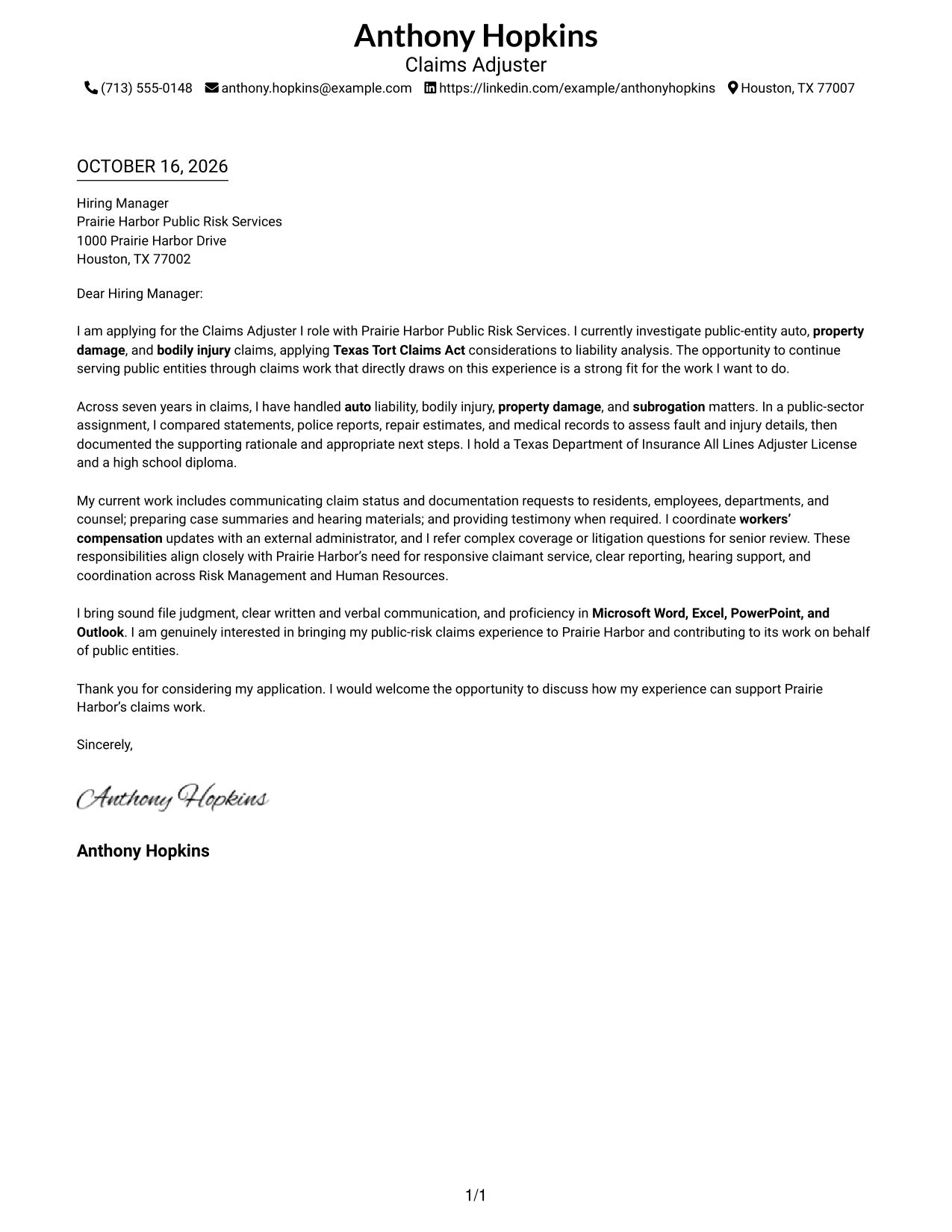
#1 Simple One Column Format Cover Letter Example
The Simple One Column Format keeps the letter body in one column, a familiar choice for standard business correspondence.
Why This Format Works
- Sender details remain in the header, apart from the letter's persuasive message.
- Continuous paragraphs let reviewers follow the opening, supporting case, and closing in order.
- The familiar letter shape suits readers who expect direct business correspondence.
Best For
- Single-column correspondence
- Sender details in the header
- Letters with several supporting paragraphs
- Employer-specific applications
- Traditional business-letter reading
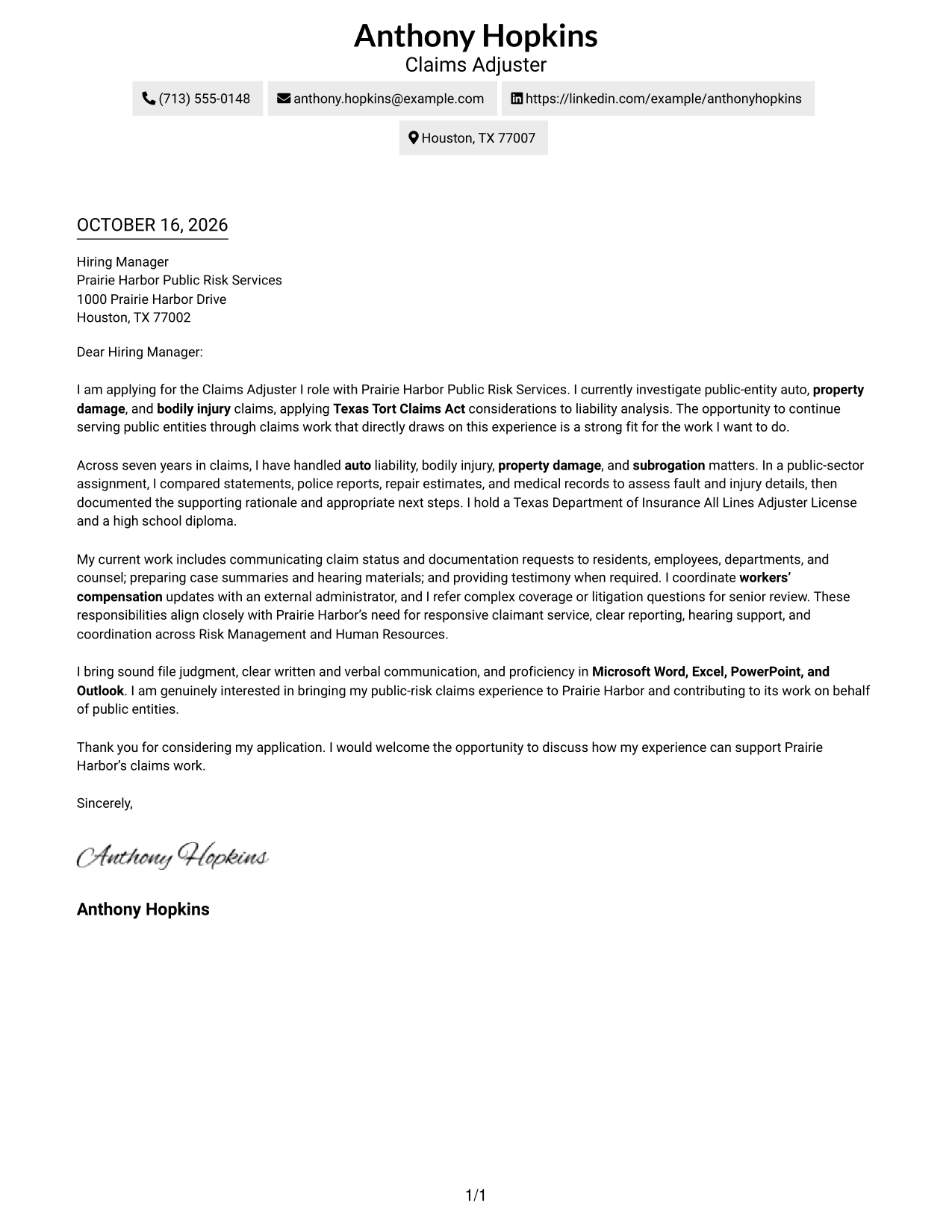
#2 Two Column Format Cover Letter Example
A contact sidebar sits beside the Two Column Format's continuous letter body, keeping sender details apart from the message.
Why This Format Works
- The sidebar gives reviewers a separate place to find contact information.
- One continuous body preserves the opening-to-closing argument in its natural reading order.
- The side-by-side presentation suits readers who prefer clearly divided page areas.
Best For
- Contact details beside the letter
- A continuous body argument
- Employer-specific opening paragraphs
- Letters with several supporting points
- Side-by-side page organization
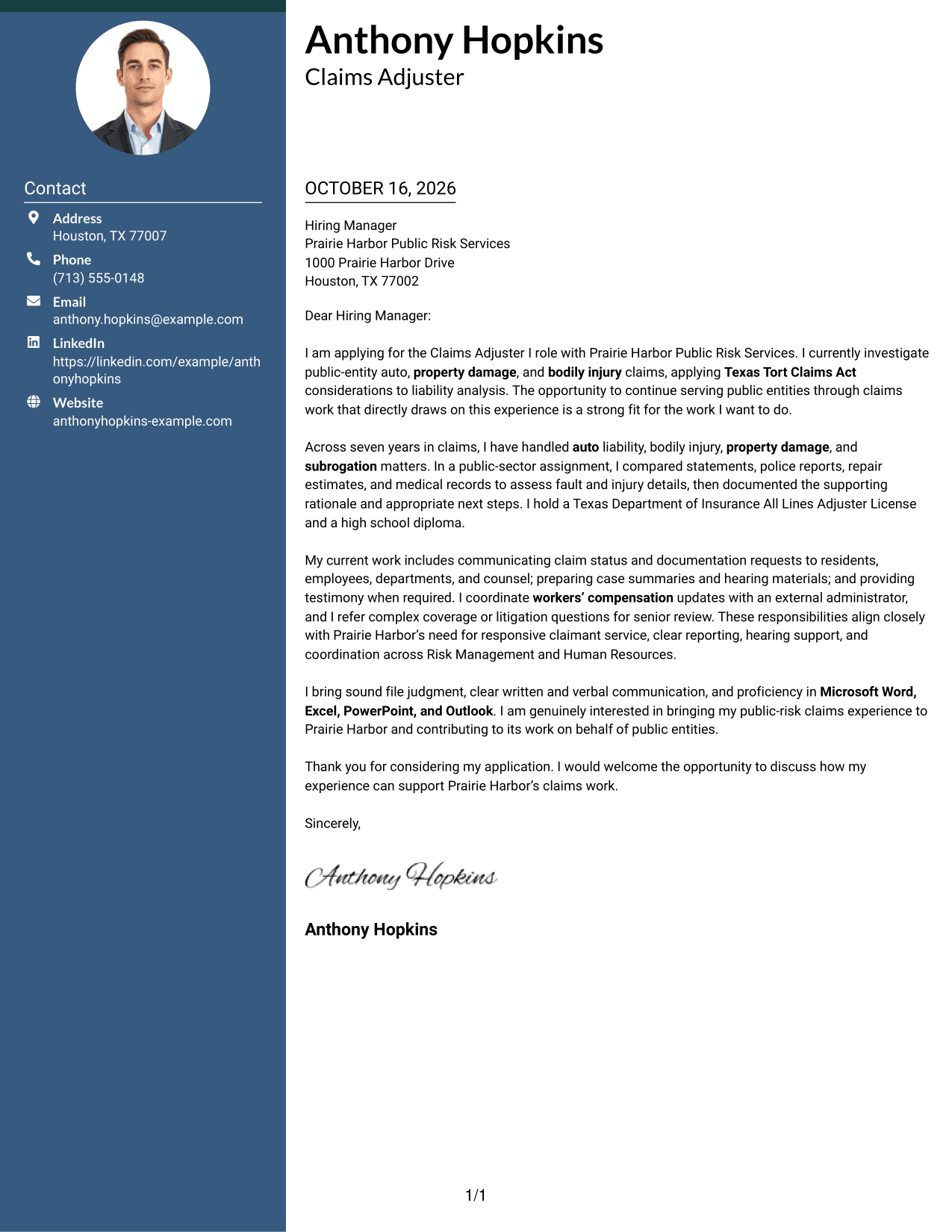
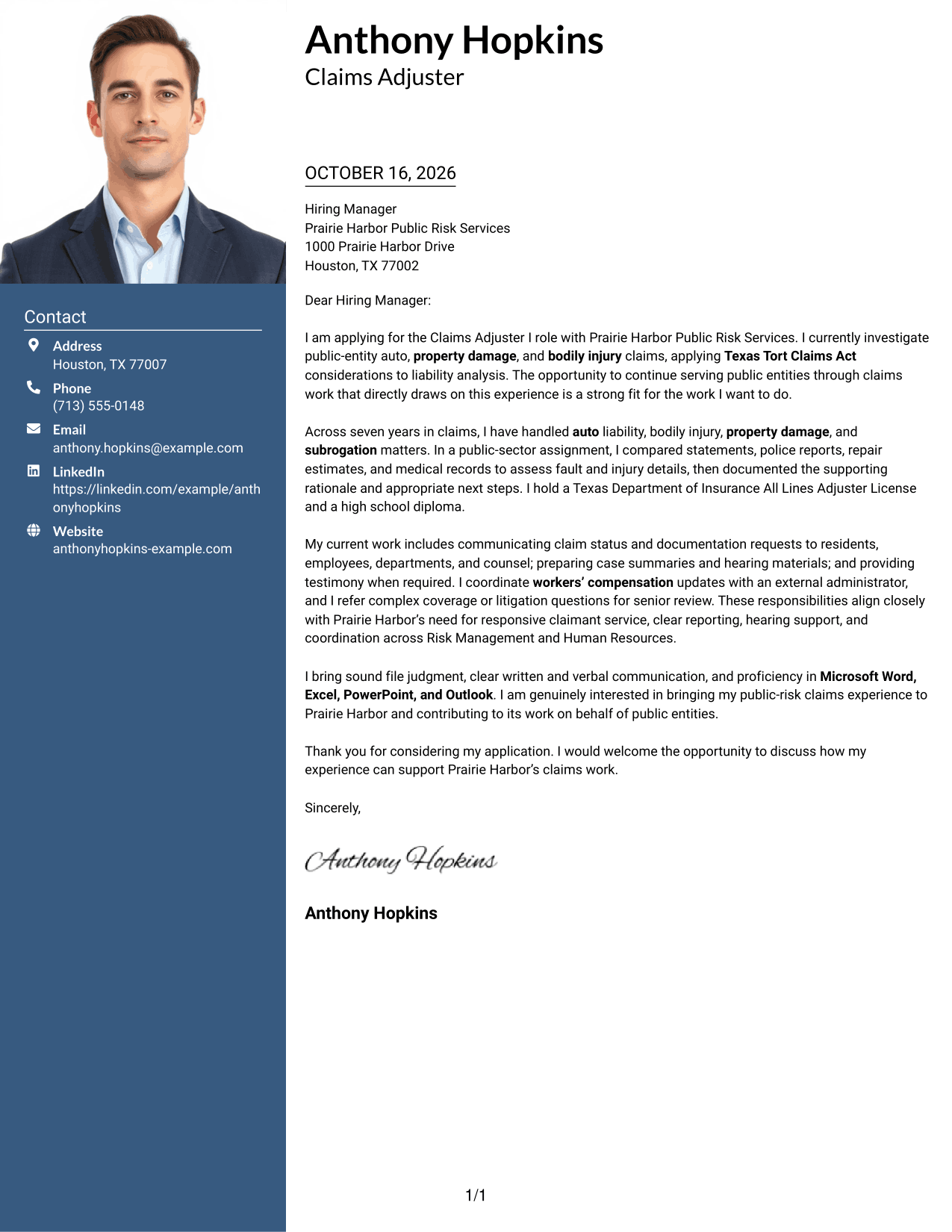
#3 Photo Header Two Column Format Cover Letter Example
The Photo Header Two Column Format pairs a portrait and contact sidebar with one continuous letter body for readers who want a visible personal image.
Why This Format Works
- The contact area keeps sender information available without interrupting the letter paragraphs.
- A continuous body lets reviewers follow the case for fit from opening to close.
- The portrait offers a personal visual element for readers who prefer one.
Best For
- Letters with a portrait
- Contact details beside the message
- A continuous case for fit
- Paragraph-based employer interest
- Applications where a personal image is preferred
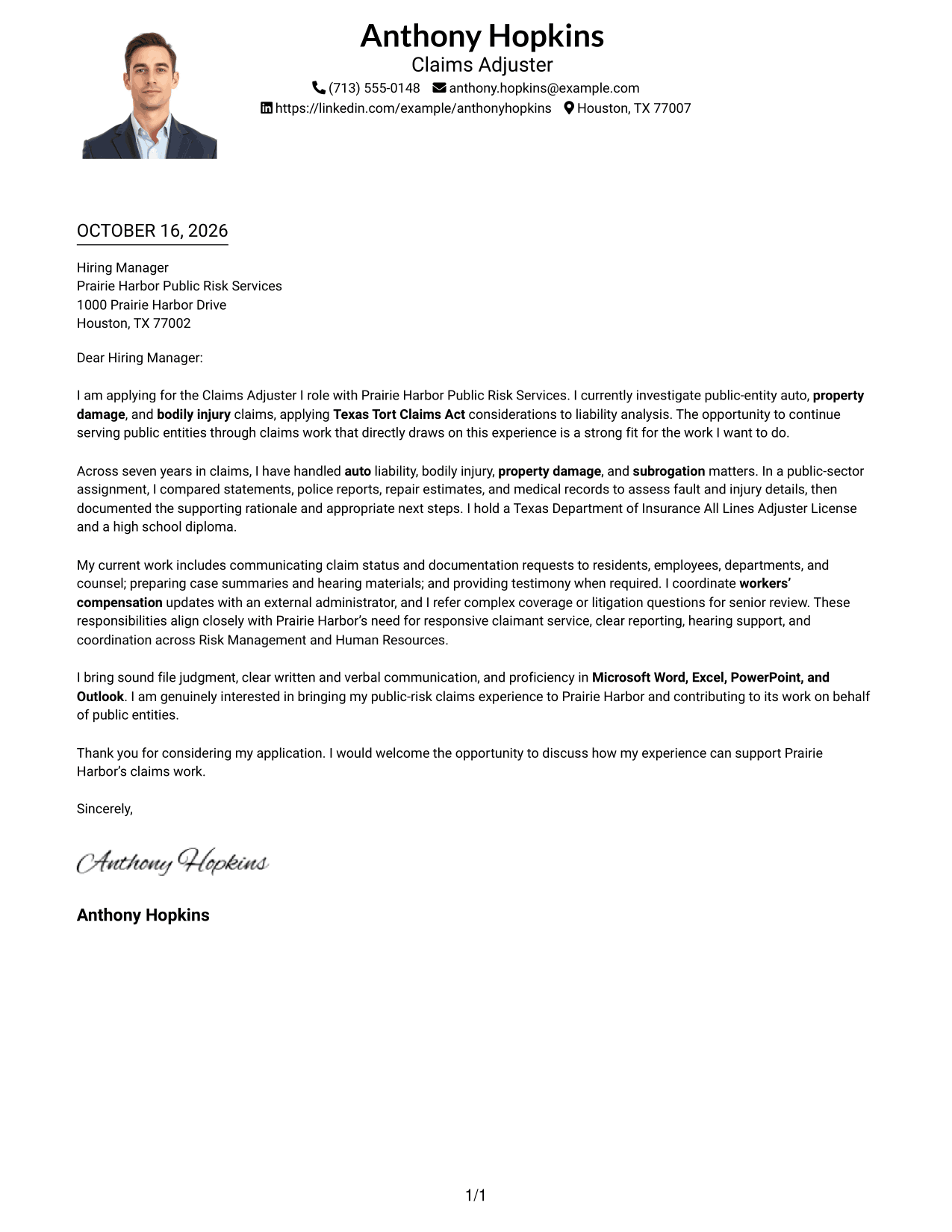
#4 One Column Format with Photo Cover Letter Example
The One Column Format with Photo places a portrait alongside a single letter-body column, combining a personal image with a direct reading path.
Why This Format Works
- Sender details stay in the header, separate from the letter's main message.
- The body keeps every paragraph in one sequence for a clear opening-to-close read.
- A portrait adds a personal visual choice without changing the letter's argument.
Best For
- One-column letter reading
- A portrait in the header
- Sender details above the message
- Letters with a clear sequence of points
- Applications favoring a personal image
#5 Simple Two Column Format Cover Letter Example
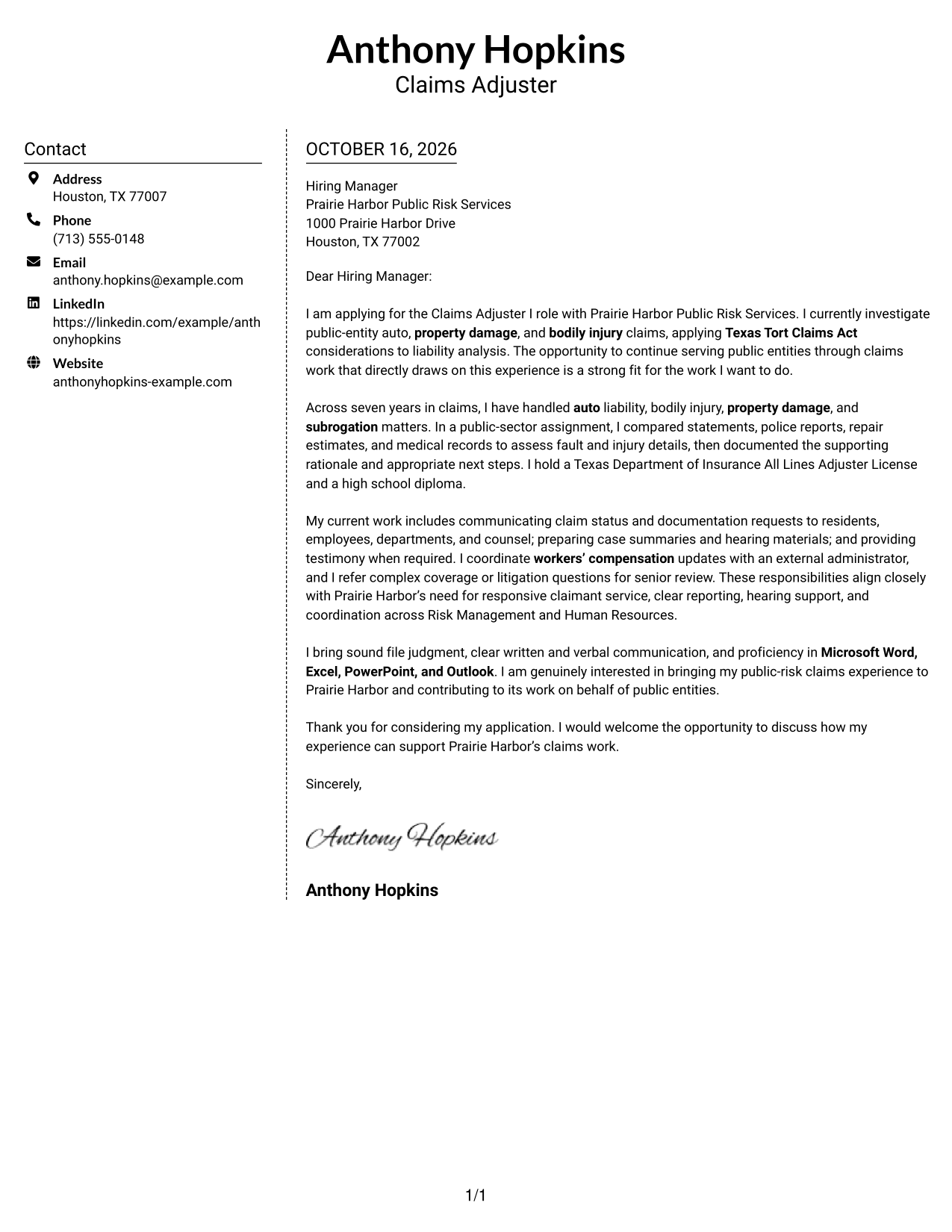
The Simple Two Column Format places contact details in a sidebar and keeps all letter paragraphs together in one adjacent body.
Why This Format Works
- The sidebar puts contact information in a distinct area beside the correspondence.
- Keeping the paragraphs together helps reviewers follow the full written case.
- Its two-area layout suits readers who want contact details and message visible together.
Best For
- Contact information beside correspondence
- A single continuous argument
- Employer-specific letters with supporting detail
- Side-by-side contact and message areas
- Paragraph-led explanations of fit
#6 Modern Icon Format Cover Letter Example
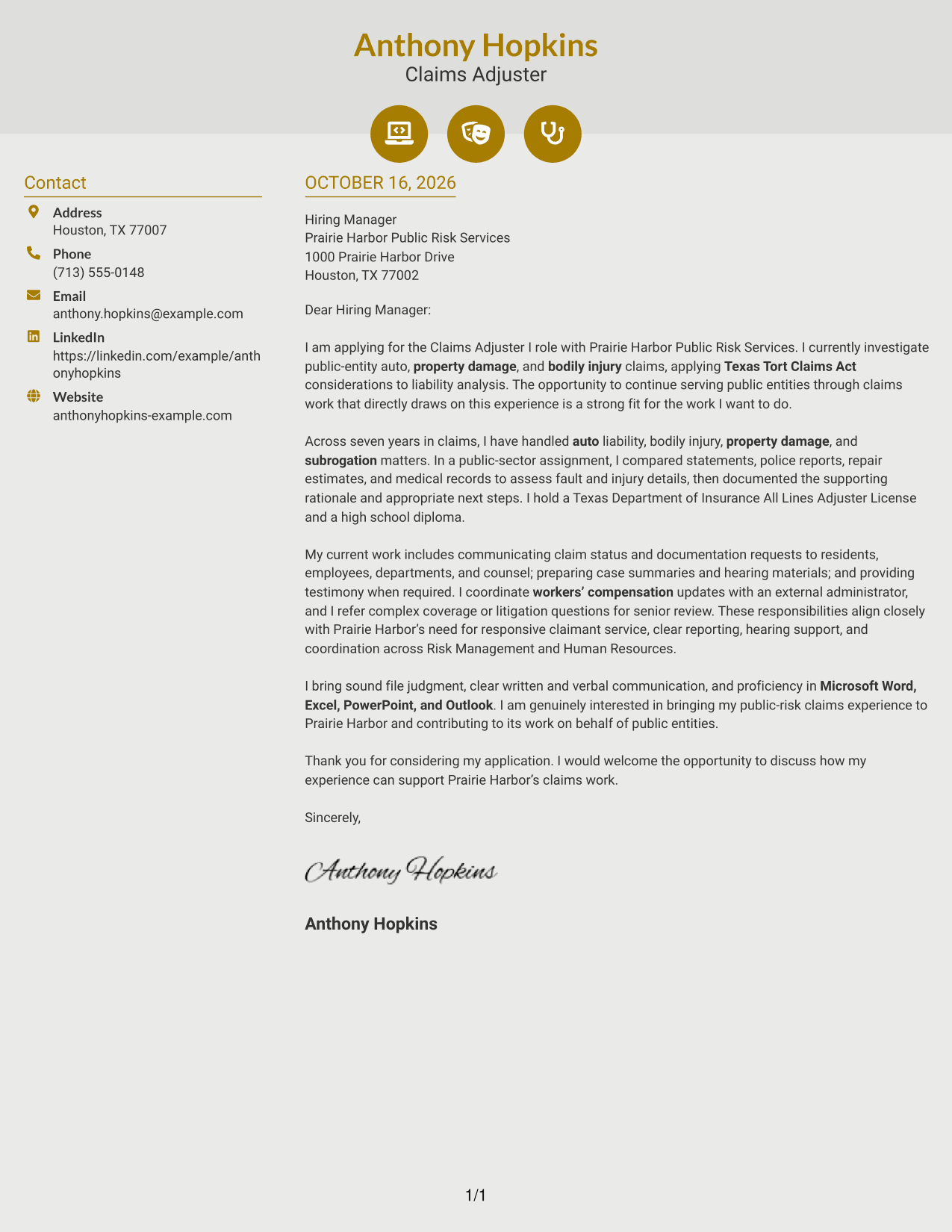
In Modern Icon Format, icons cue contact details in a sidebar beside the single, continuous letter body.
Why This Format Works
- Contact icons help reviewers identify sender details without labeling the letter's argument.
- The sidebar keeps contact information distinct from the message itself.
- One continuous body carries the full letter without splitting its points into parallel columns.
Best For
- Icon-cued contact details
- A continuous letter argument
- Contact information beside the message
- Paragraph-based employer interest
- Readers who prefer visual contact cues
#7 Creative Two Tone Format Cover Letter Example
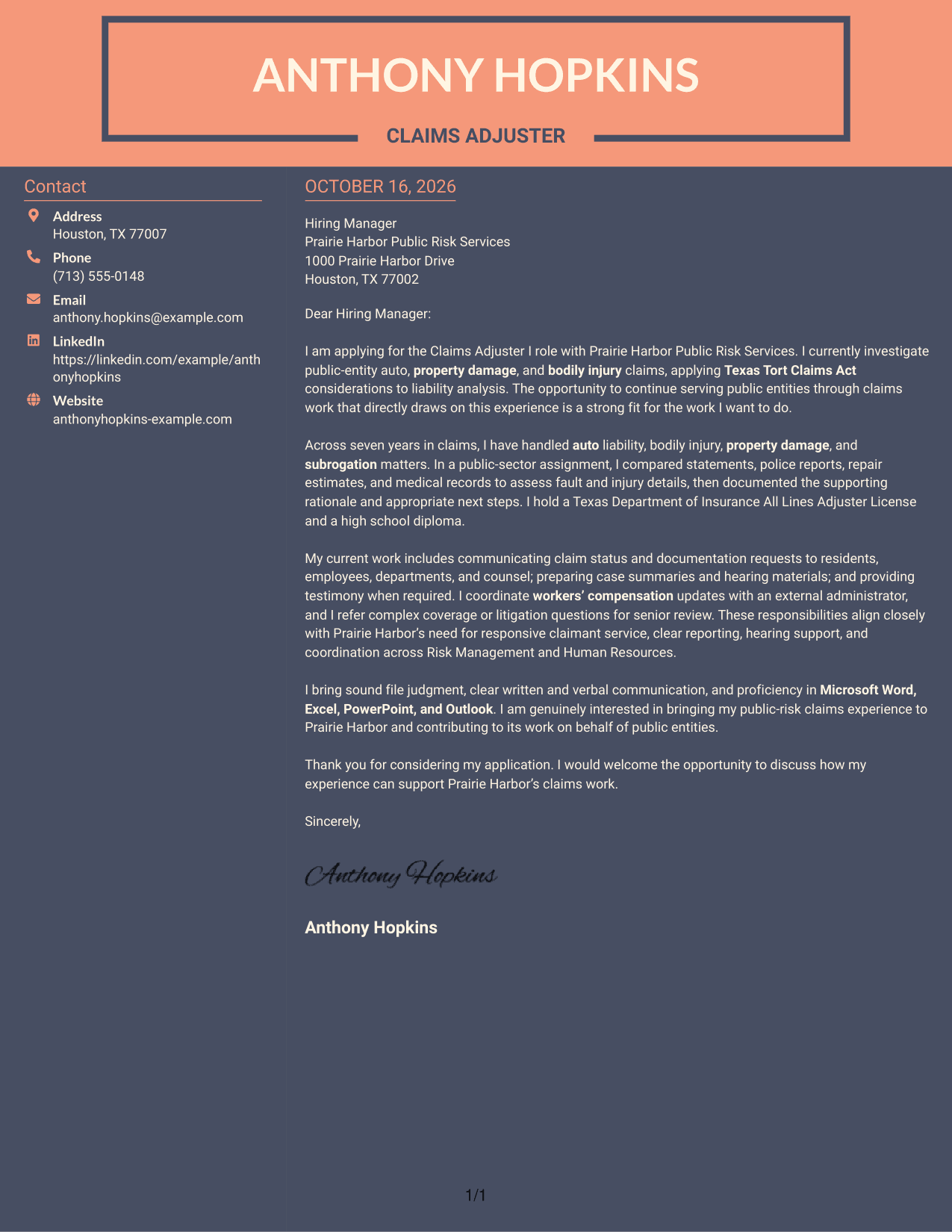
Creative Two Tone Format places a contact sidebar beside the continuous letter body, keeping contact information distinct from the written case.
Why This Format Works
- The separate contact area lets reviewers locate sender information apart from the letter text.
- A single body keeps the opening, supporting points, and closing in one reading sequence.
- The two-column arrangement suits readers who want contact details alongside the correspondence.
Best For
- A contact sidebar with letter text
- One connected case for fit
- Letters with a clear opening and close
- Visible sender information near the message
- Two-column correspondence
Why Use ResumeInMinutes for a Claims Adjuster I - Auto and Liability Claims Cover Letter
Compare the PNG image previews to see how a letter’s presentation may suit your message, then use an editor link to view or customize an example.
- PNG previews to compare
- Examples you can open in the editor
- Focused opening paragraphs
- Clear evidence in the body
- Direct, professional closing paragraphs
- Role-specific claim communication
For this role, connect claim investigation and liability analysis with clear updates, useful reports, and a strong reason for working in public risk services.
See Also
- 7 Claims Adjuster I - Auto and Liability Claims Resume Templates with Example
- 7 Field Claims Adjuster - Auto Damage Resume Templates with Example
- 33 Injury Adjuster Apprentice - Auto Claims Resume Templates with Example
- 7 Claims Adjuster - Attorney Represented Injury Resume Templates with Example
- 7 Claims Adjuster Trainee Resume Templates with Example
- 7 Senior Claims Adjuster - Property & Casualty Resume Templates with Example
- 7 Claims Administrative Support Specialist Resume Templates with Example
- 7 Claims Resolution Specialist I - Hospital Billing Office Resume Templates with Example
- 7 Claims Specialist - Unemployment Insurance Resume Templates with Example
- 7 Homeowner Claims Quality Assurance Senior Analyst Resume Templates with Example
Frequently Asked Questions
What should a Claims Adjuster I - Auto and Liability Claims cover letter emphasize?
Focus on relevant auto, bodily injury, and property damage claim work. Explain how you assess liability, support subrogation, communicate with claimants, and document your reasoning.
How can I show that my experience fits a public-risk claims role?
Use a specific example of handling a public-entity claim or applying Texas Tort Claims Act considerations. Describe the facts you reviewed, your assessment, and how you communicated the next steps.
How should I discuss complex claims in my letter?
Show sound judgment by explaining how you handle routine decisions and when you refer complex coverage or litigation issues for senior review. Keep the example clear and focused on your actions.
What details can help show strong communication skills?
Mention clear claimant updates, concise reports, or preparation for hearings and mediations when these match your experience. You can also describe coordination with employees, counsel, or an external claims administrator.
How can I choose a cover letter presentation?
Compare the PNG image previews, then open an example in the editor to view or customize it. Choose a clear presentation that suits the employer and the way you need to communicate your fit.




