
7 Client Service Representative I - Device Maintenance Cover Letter Templates with Example
This guide helps you write a focused Client Service Representative I - Device Maintenance cover letter and compare its seven layouts through image previews.
What Makes a Great Client Service Representative I - Device Maintenance Cover Letter in 2026
A strong letter for this role links routine device care with clear, prompt service to clients. It shows how your approach can help keep equipment and office services available.
Use real examples of equipment upkeep, user guidance, service records, or supply monitoring. Connect that evidence to the employer's need for reliable on-site support and communication.
The featured example moves from interest in the role to practical evidence and a clear closing request, a focused progression you can adapt while choosing a presentation that suits the employer and communication context.
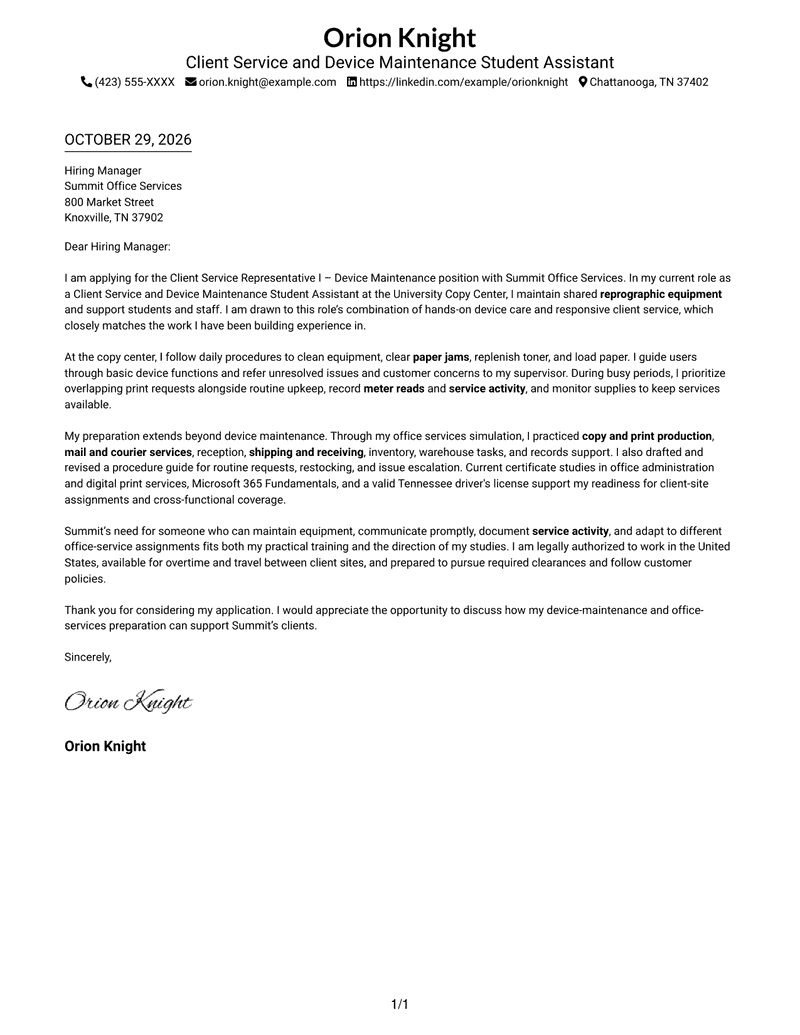
#1 Simple One Column Format Cover Letter Example
The Simple One Column Format keeps the letter in one continuous column, so readers can follow role motivation, supporting evidence, and the closing request in order.

Why This Format Works
- A single reading path carries the message from role interest to the closing request.
- Continuous paragraphs let motivation and supporting details connect without section breaks.
- Sender details in the header stay distinct from the letter’s persuasive message.
Best For
- Top-to-bottom letter reading
- Connected motivation and evidence
- Contact details kept in the header
- Applications with several body paragraphs
- Photo-free presentation preference
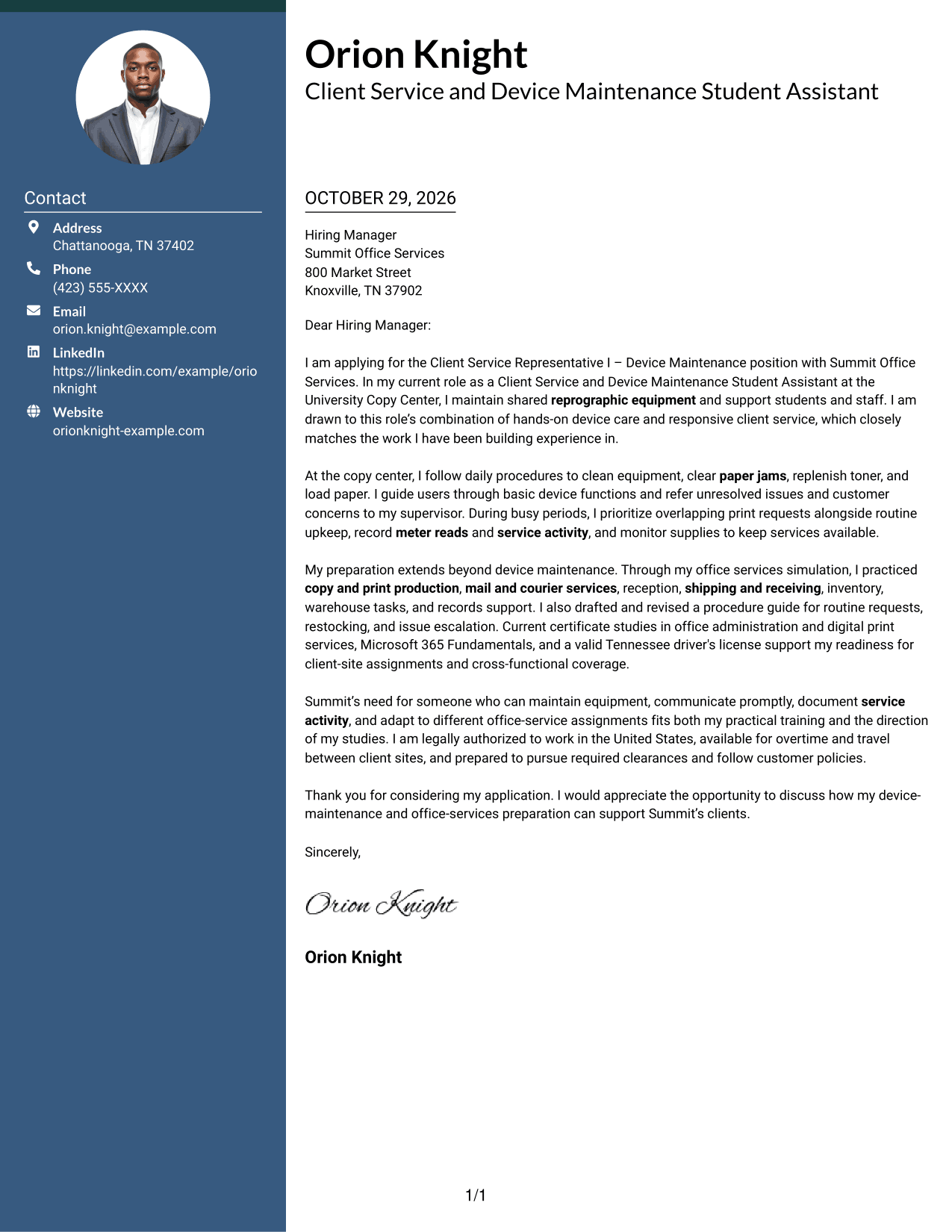
#2 Two Column Format Cover Letter Example
The Two Column Format places a contact sidebar beside one continuous letter body, keeping sender details separate while role motivation, supporting evidence, and the closing request read in sequence.
Why This Format Works
- Contact details remain beside the message without entering its paragraph flow.
- One letter body carries the application from opening through closing.
- A photo-free presentation suits readers who want the written case to lead.
Best For
- Contact information beside correspondence
- Multi-paragraph letter bodies
- Applications with several contact channels
- A clear opening and close
- Photo-free format preference
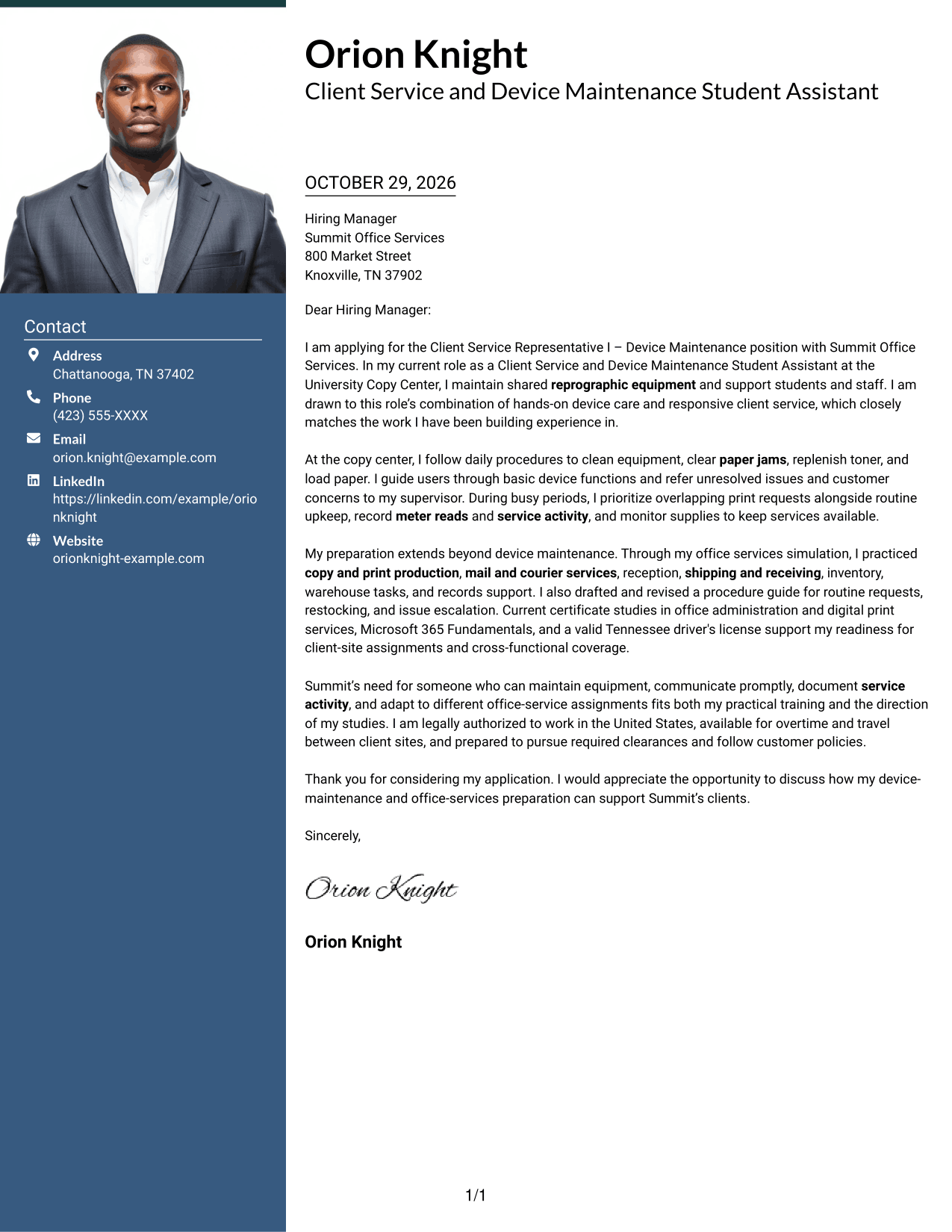
#3 Photo Header Two Column Format Cover Letter Example
The Photo Header Two Column Format pairs a photo with a contact sidebar beside one continuous letter body, adding a personal visual element while keeping role motivation, supporting evidence, and the closing request together.
Why This Format Works
- The sidebar gives sender information a separate place alongside the correspondence.
- The letter body stays together, helping readers follow motivation through closing.
- A photo suits applications where a personal visual element is preferred.
Best For
- Photo-inclusive application layouts
- Contact details beside the message
- Multi-paragraph persuasive letters
- One continuous account of role fit
- A personal visual preference
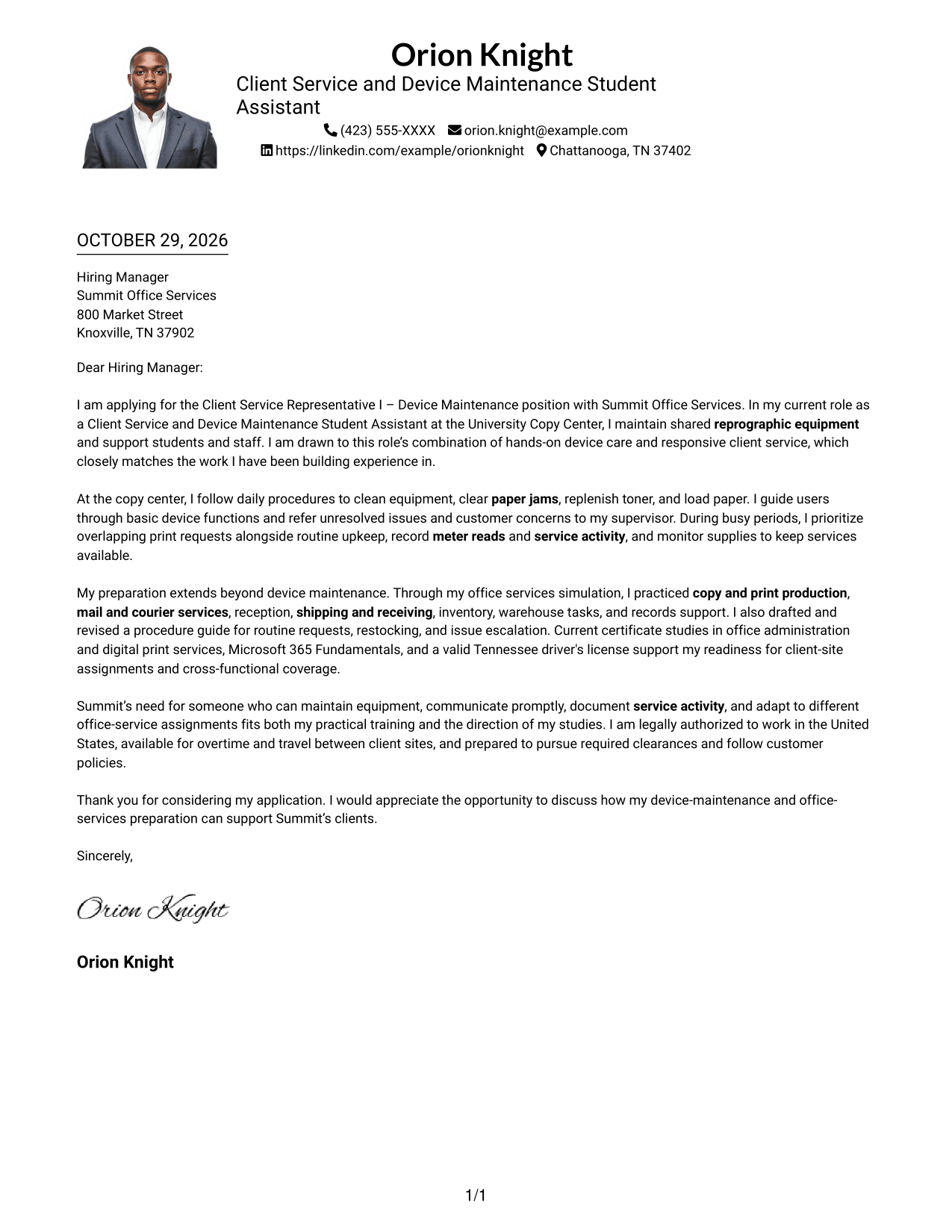
#4 One Column Format with Photo Cover Letter Example
The One Column Format with Photo combines a portrait with a single letter column, giving the page a personal visual element while keeping role motivation, supporting evidence, and the closing request in one reading path.
Why This Format Works
- The single column keeps every paragraph in a straightforward top-to-bottom order.
- Sender details in the header remain apart from the letter’s persuasive message.
- Readers can follow the application without moving between body columns.
Best For
- Single-column letter reading
- Portrait-inclusive documents
- Connected paragraphs about role fit
- Header-based sender information
- A direct opening-to-close sequence
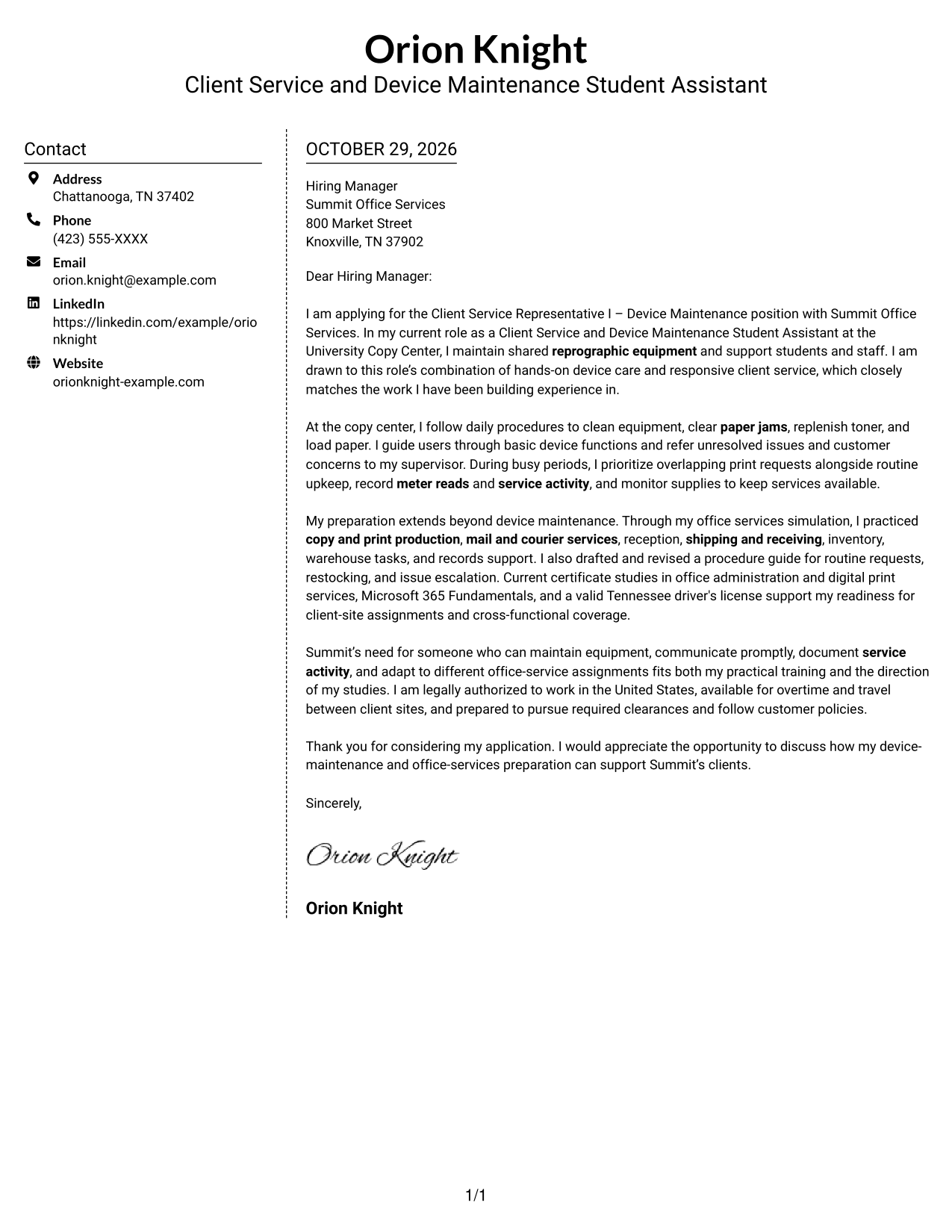
#5 Simple Two Column Format Cover Letter Example
The Simple Two Column Format sets contact details in a sidebar beside the continuous letter body, so readers can keep the sender information in view while following role motivation, supporting evidence, and the closing request.
Why This Format Works
- The sidebar separates contact information from the message without splitting its argument.
- A continuous body preserves the connection between motivation, evidence, and closing.
- The layout suits readers who prefer contact details outside the letter text.
Best For
- Sidebar contact information
- Letters with several connected points
- A continuous persuasive message
- Contact details outside the letter text
- Photo-free correspondence
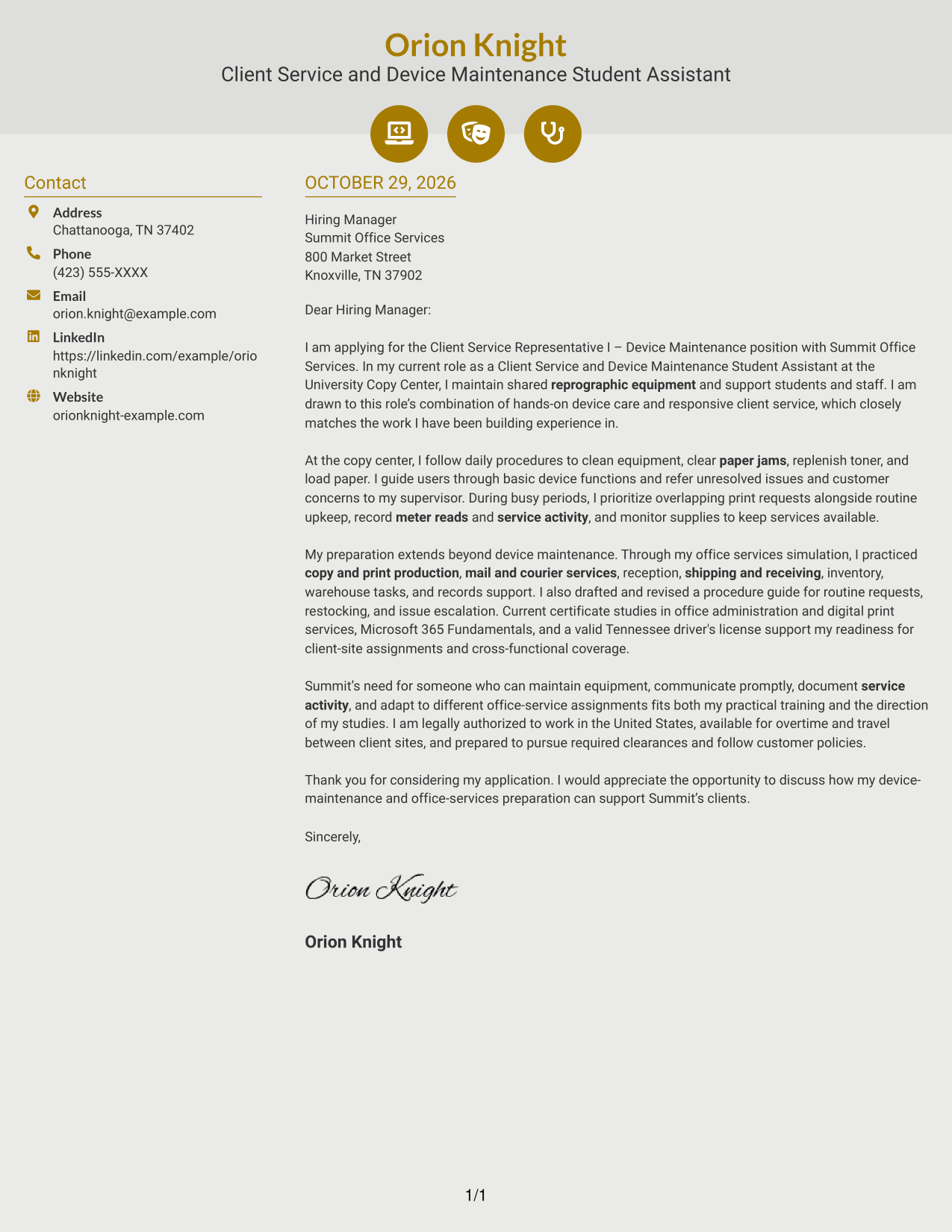
#6 Modern Icon Format Cover Letter Example
The Modern Icon Format uses icons as contact cues beside a continuous letter body, making sender details easy to distinguish while role motivation, supporting evidence, and the closing request remain together.
Why This Format Works
- Contact icons help readers distinguish sender details from the letter itself.
- One letter body keeps motivation, evidence, and closing in a single sequence.
- The icons mark contact information, not stages of the persuasive message.
Best For
- Icon-marked contact details
- One-body letter reading
- Clear distinction between sender and message
- Letters with a defined closing request
- Photo-free visual treatment
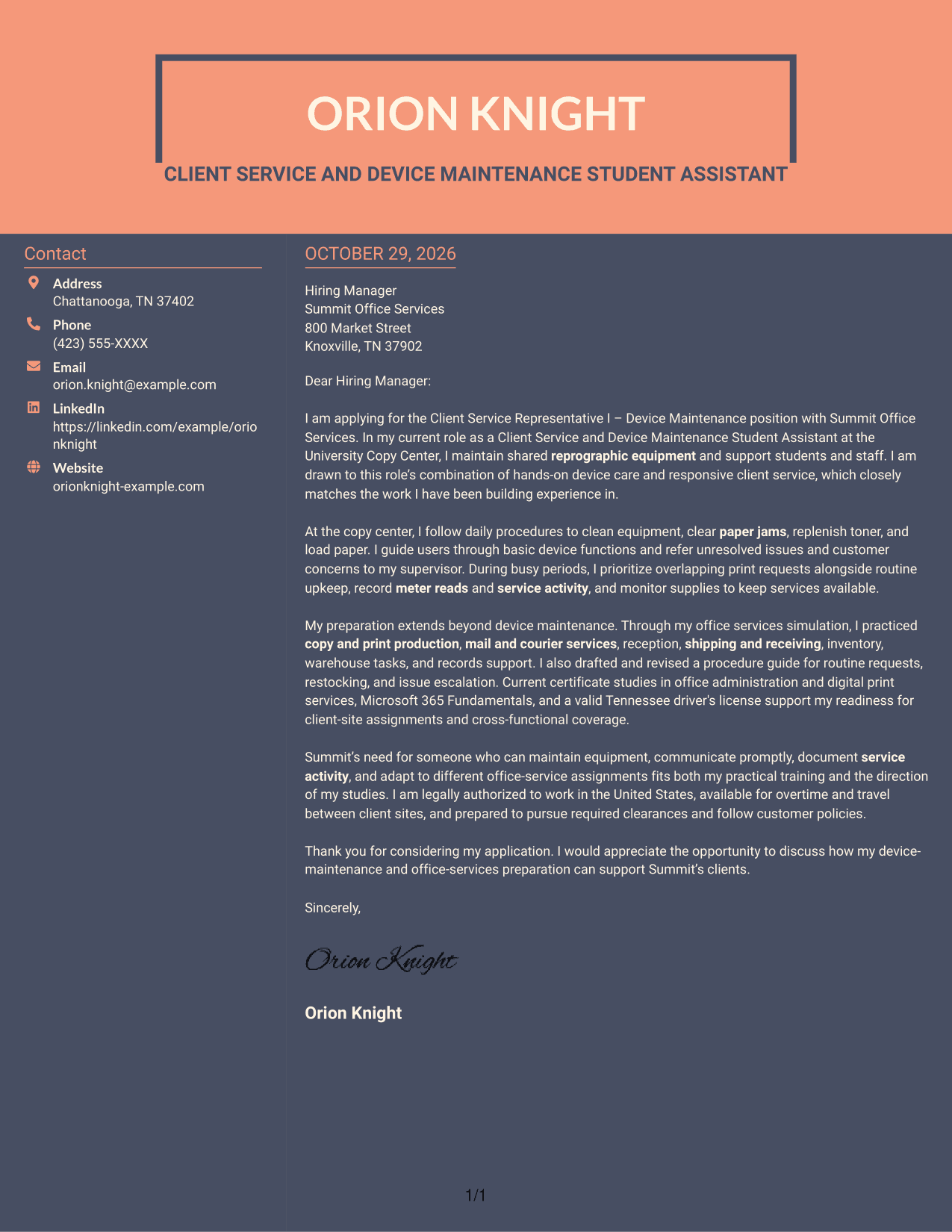
#7 Creative Two Tone Format Cover Letter Example
The Creative Two Tone Format places a contact sidebar beside one continuous letter body, keeping sender details at hand while role motivation, supporting evidence, and the closing request remain in a single sequence.
Why This Format Works
- Contact information has its own space beside the correspondence.
- The body remains together, preserving the progression from motivation to closing.
- A photo-free presentation keeps the focus on the written message.
Best For
- Contact sidebar layouts
- Continuous multi-paragraph letters
- Written applications with several points of fit
- Sender details separate from correspondence
- Photo-free document preference
See Also
- 7 Client Service Representative I - Device Maintenance Resume Templates with Example
- 33 Annual Reports Client Service Representative Resume Templates with Example 2026 (ATS-Optimized)
- 33 Client Service Representative II Resume Templates with Example 2026 (ATS-Optimized)
- 33 Client Service Representative Resume Templates with Example 2026 (ATS-Optimized)
- 33 Client Services Representative Resume Templates with Example 2026 (ATS-Optimized)
- 33 ER Client Service Representative Resume Templates with Example 2026 (ATS-Optimized)
- 33 Veterinary Client Service Representative Resume Templates with Example 2026 (ATS-Optimized)
- 7 WIC Customer Service Representative - Public Health Client Services Resume Templates with Example
- 30+ Annual Reports Client Service Representative Cover Letter Templates with Example 2026
- 30+ Client Service Representative Cover Letter Templates with Example 2026
Frequently Asked Questions
What should a Client Service Representative I - Device Maintenance cover letter include?
Explain your interest in the role, then give relevant examples of equipment care, customer communication, service documentation, and supply support. Close by showing how your experience connects to the work and inviting a conversation.
What evidence can I use to show fit for device maintenance work?
Use accurate examples of tasks such as cleaning equipment, clearing paper jams, replenishing toner, helping users, recording meter reads, or escalating faults. Include only tasks that reflect your own experience.
How can I show that I can support different office services?
Describe relevant experience with duties such as copy and print production, mail and courier services, reception, inventory, or records support. Explain how clear communication and careful procedure follow-through helped you handle those tasks.
How should I express interest in the employer?
Connect your motivation to the role's actual work, such as maintaining equipment and responding to client needs. Keep the reason specific and sincere, and do not claim knowledge of the employer that you have not verified.
Can I view and customize the cover letter examples?
Yes. Compare the image previews, then use the example links to view or customize a version in the editor.
Should I add a photo to my cover letter?
For U.S. applications, a no-photo presentation is usually a suitable choice. Follow any clear instructions from the employer about the application format.




