
7 Client Service Representative I - Device Maintenance Resume Templates with Example
This guide shows you how to create a clear, focused Client Service Representative I - Device Maintenance resume. It explains how to present relevant service experience and choose a format that helps readers find key details.
Highlight work such as maintaining reprographic equipment, assisting users with basic device functions, recording meter reads, and replenishing paper and toner. Show how you handle service requests, prioritize deadlines, document procedures, and escalate unresolved issues.
The resume example is presented in 7 layouts. Compare the PNG previews to see how each layout organizes skills, experience, education, and other relevant details, then open an example in the editor to customize it.
What Makes a Great Client Service Representative I - Device Maintenance Resume in 2026
A strong resume is easy to scan and clearly connects customer service with equipment upkeep. Use clear headings and concise bullet points to show how you support users, maintain devices, and keep service work on schedule.
Include accurate terms such as reprographic equipment maintenance, paper jam clearing, toner replenishment, meter reads, service activity reports, and issue escalation. Add specific results only when you can support them with evidence.
Note: Resume examples are for educational purposes only. Use only information that accurately reflects your experience and qualifications. References to real organizations do not imply affiliation or endorsement.
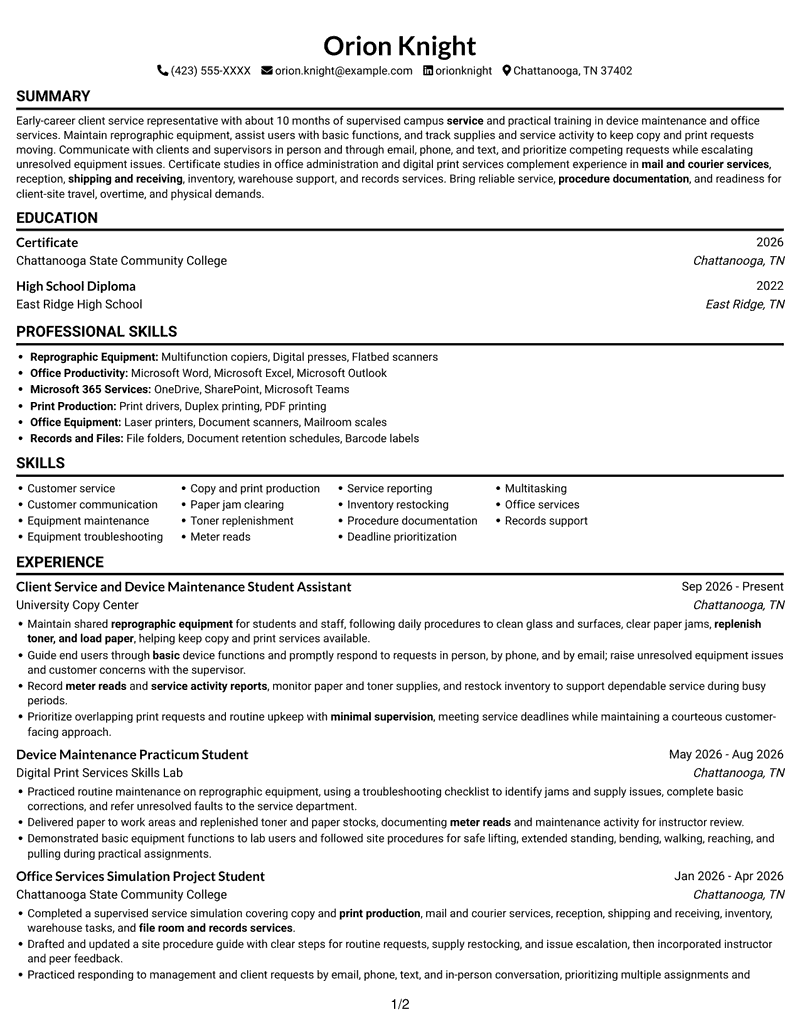
#1 Simple One Column Format Resume Example
A single-column page gives the resume a direct top-to-bottom reading path, useful when straightforward navigation matters.
Why This Format Works
- Experience and education follow one reading path, keeping career details easy to locate.
- Achievement bullets stay in sequence, helping reviewers compare responsibilities and results.
- Skills and credentials fit into the same clear section sequence.
Best For
- Straightforward top-to-bottom review
- Chronological experience emphasis
- Compact section sequence
- ATS-focused document structure
- Resumes with several supporting sections
Resume Keywords
- Maintain shared reprographic equipment for students and staff
- Customer service
- Customer communication
- Copy and print production
- Equipment troubleshooting
- Paper jam clearing
- replenish toner, and load paper
- Guide end users through basic device functions
- Meter reads
- service activity reports
- monitor paper and toner supplies, and restock inventory
- raise unresolved equipment issues and customer concerns with the supervisor
- procedure documentation
- Inventory restocking
- Multitasking
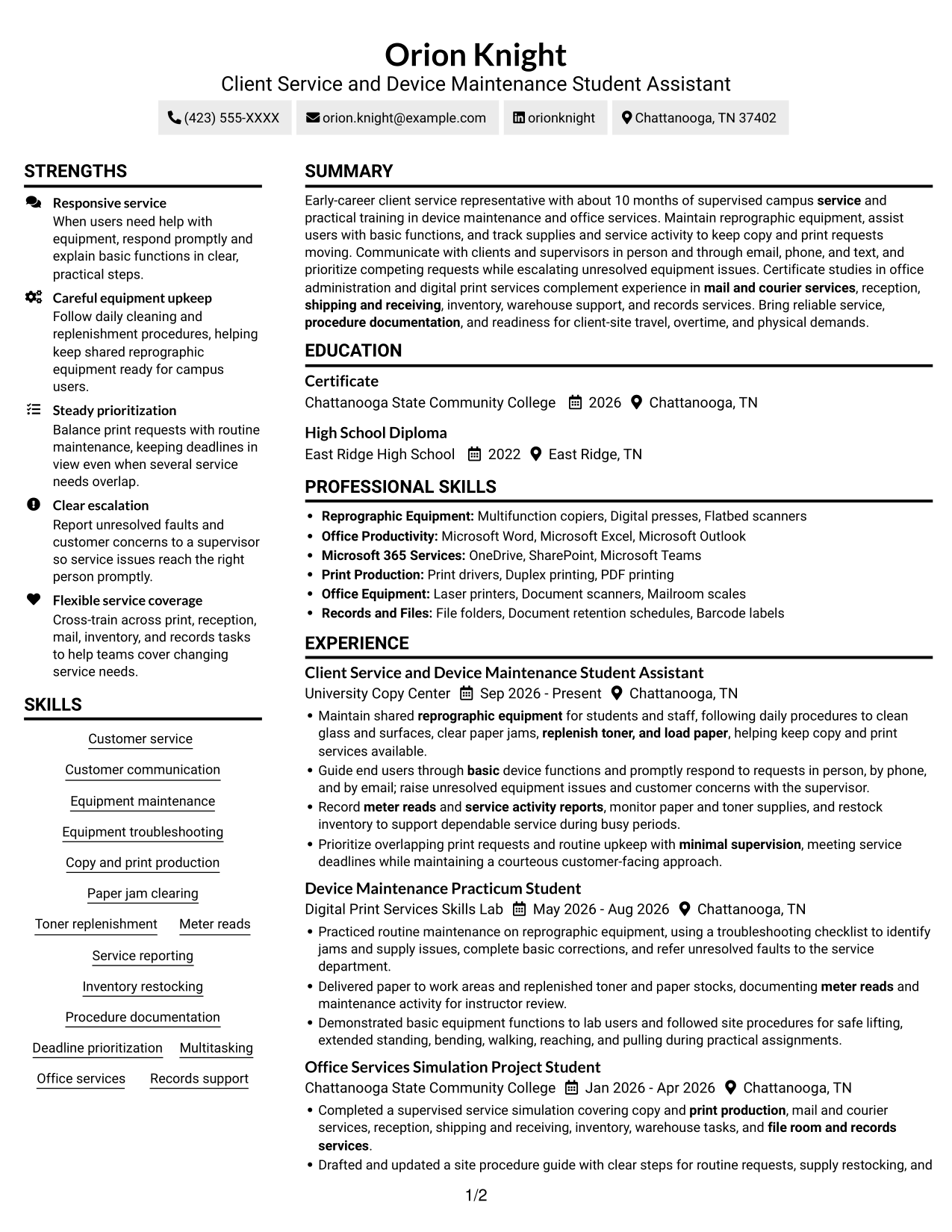
#2 Simple Two Column Format Resume Example
Two columns place related resume information in parallel areas, helping readers move between career details and supporting sections.
Why This Format Works
- Two columns separate resume content into distinct areas, supporting quick movement between sections.
- Experience bullets remain easy to scan without losing their chronological order.
- Education and credentials can be reviewed apart from the career history.
Best For
- Parallel content organization
- Quick comparison across sections
- Chronological work history
- Several types of supporting details
- Two-column reading preference
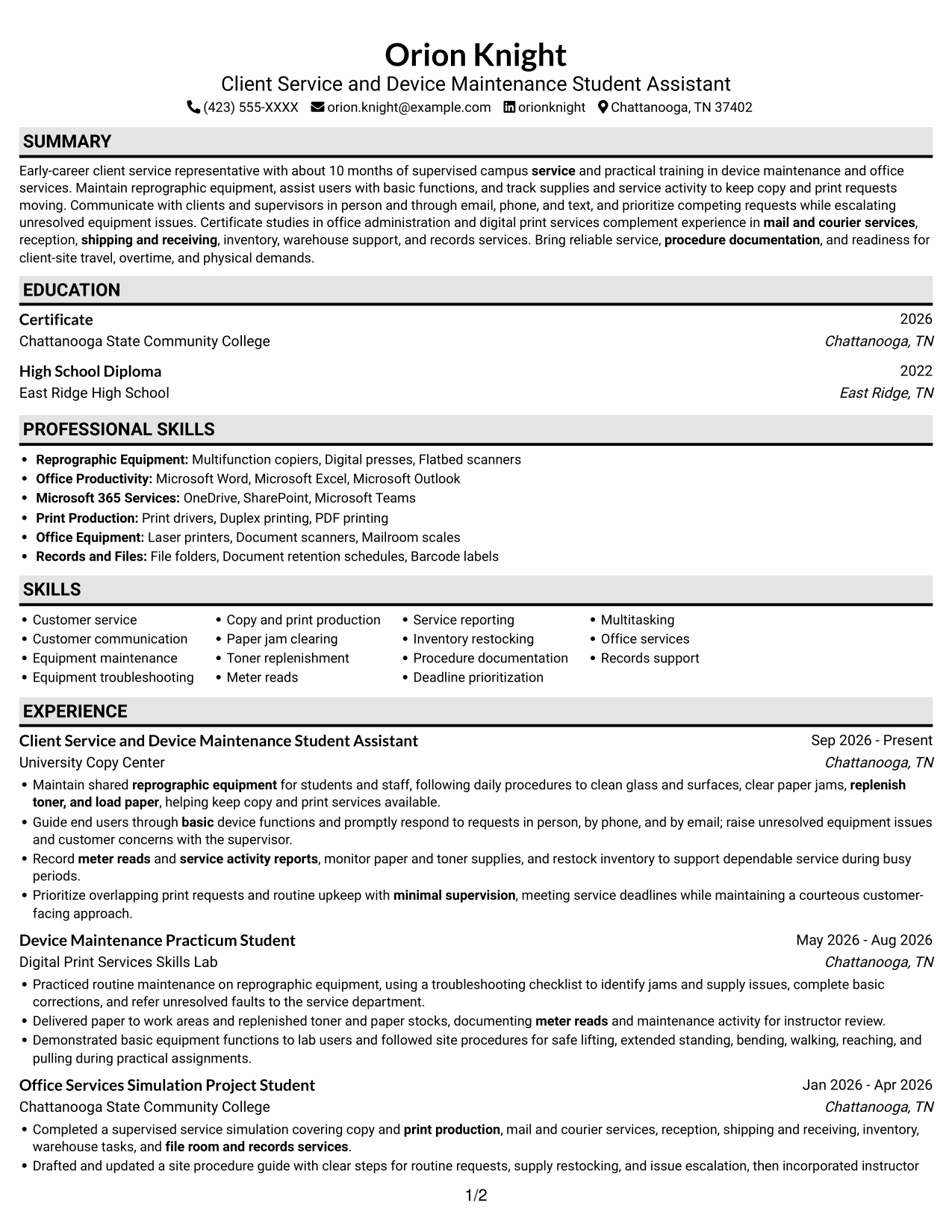
#3 Plain One Column with Shaded Labels Resume Example
Shaded section labels give this one-column resume clear visual markers, helping readers find each content area.
Why This Format Works
- Shaded labels mark section boundaries, helping reviewers locate experience, education, and skills.
- Chronological entries stay in one reading path, making career progression easy to follow.
- Distinct section labels help supporting credentials stand apart from work history.
Best For
- Clearly marked resume sections
- One-column reading order
- Chronological experience details
- Visible section changes
- Supporting credentials alongside work history
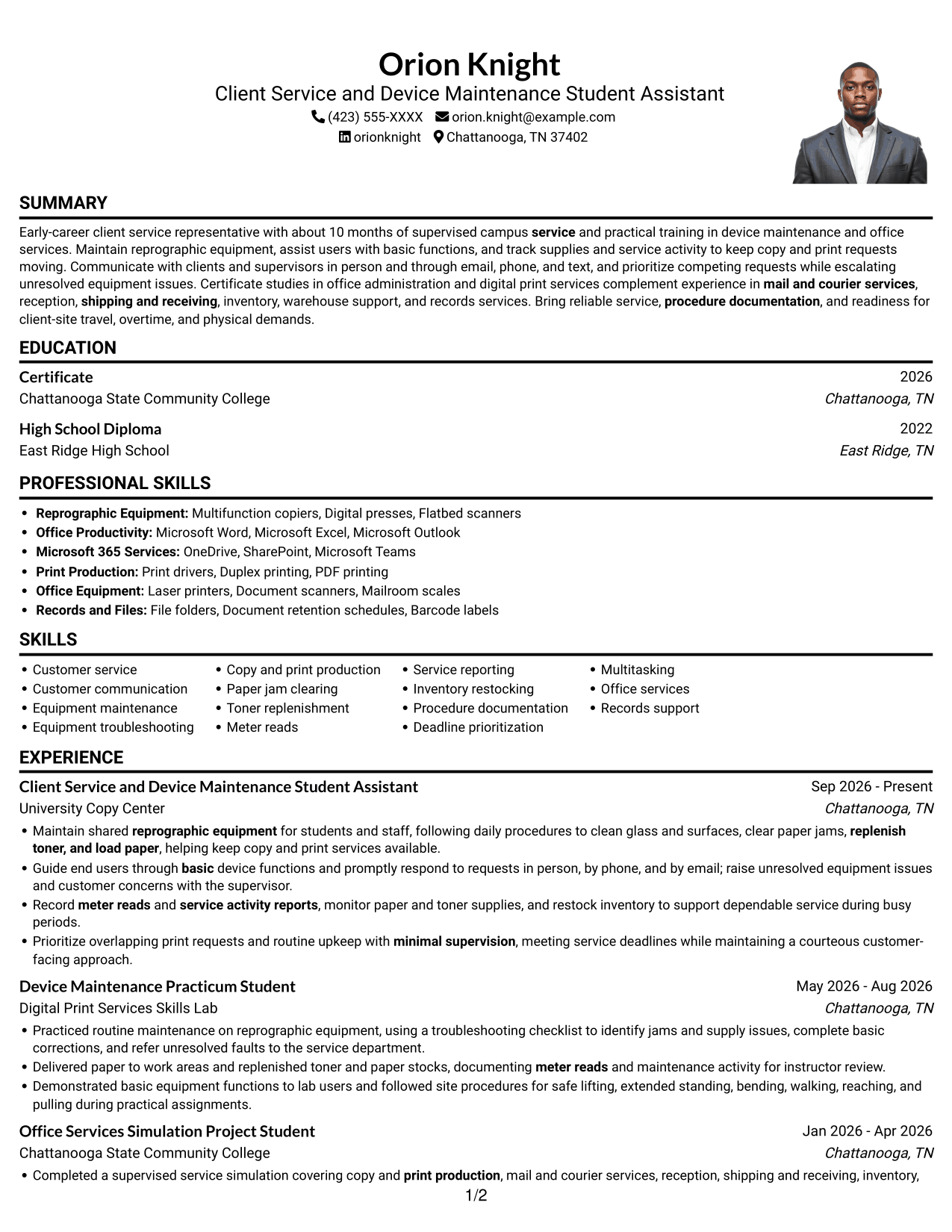
#4 One Column Format with Photo Right Resume Example
A portrait on the right adds a visible personal image, while the single-column body keeps written content in one reading path.
Why This Format Works
- Experience and education stay within one continuous reading path from section to section.
- Chronological bullets let reviewers follow responsibilities and results in their listed order.
- Skills and credentials remain accessible without splitting the written content into columns.
Best For
- Right-side portrait presentation
- Single-column content flow
- Chronological work history
- A personal image in the resume
- Written content kept together
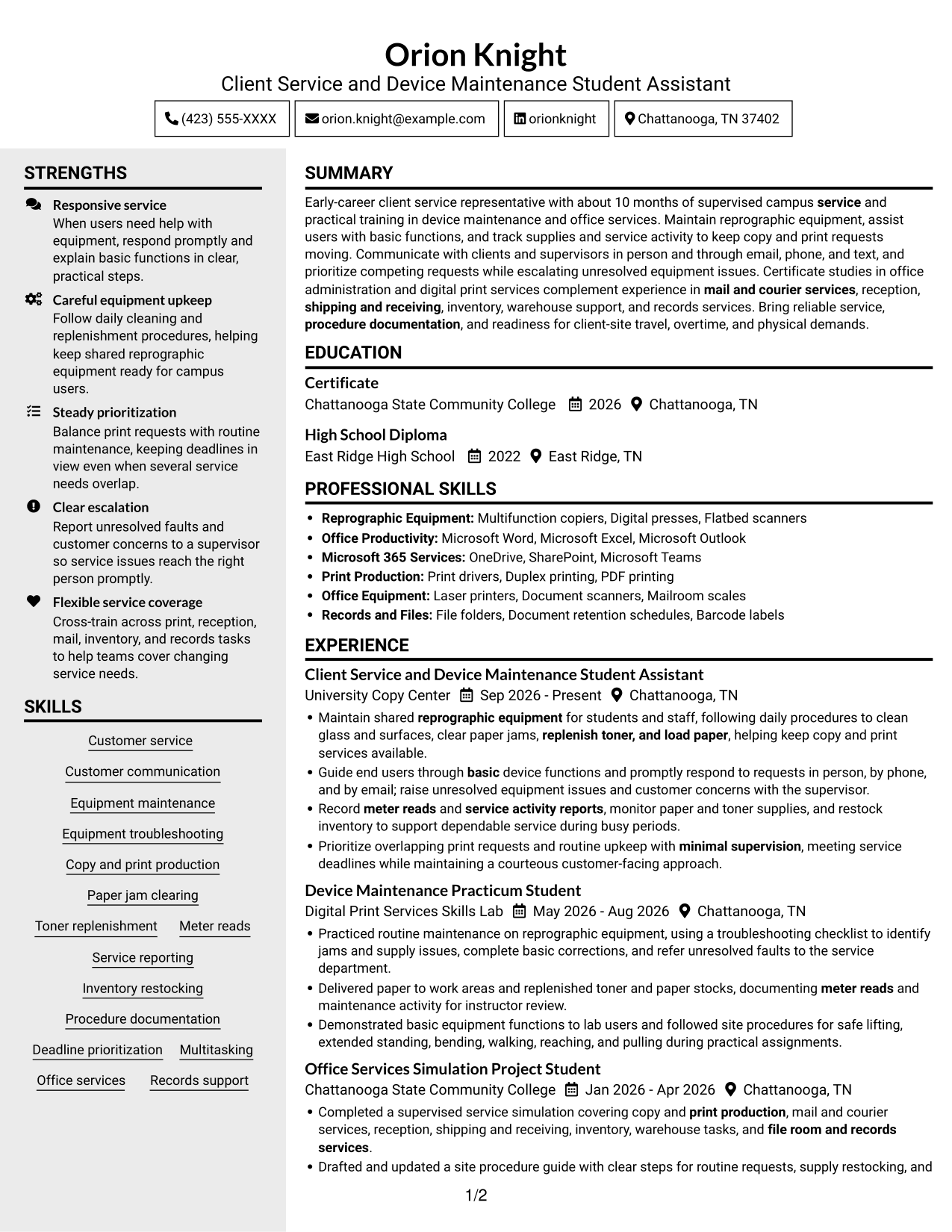
#5 Clean Two Column Sidebar Format Resume Example
A sidebar gives the two-column page a separate area for supporting resume details, while the main content remains easy to follow.
Why This Format Works
- Separate content areas help reviewers distinguish career history from supporting resume sections.
- Experience entries remain easy to follow while readers consult other details nearby.
- Section spacing supports quick checks of education, skills, and credentials.
Best For
- Sidebar-based content organization
- Career history with supporting details
- Quick checks of key sections
- Two-column resume layouts
- Separate areas for varied content
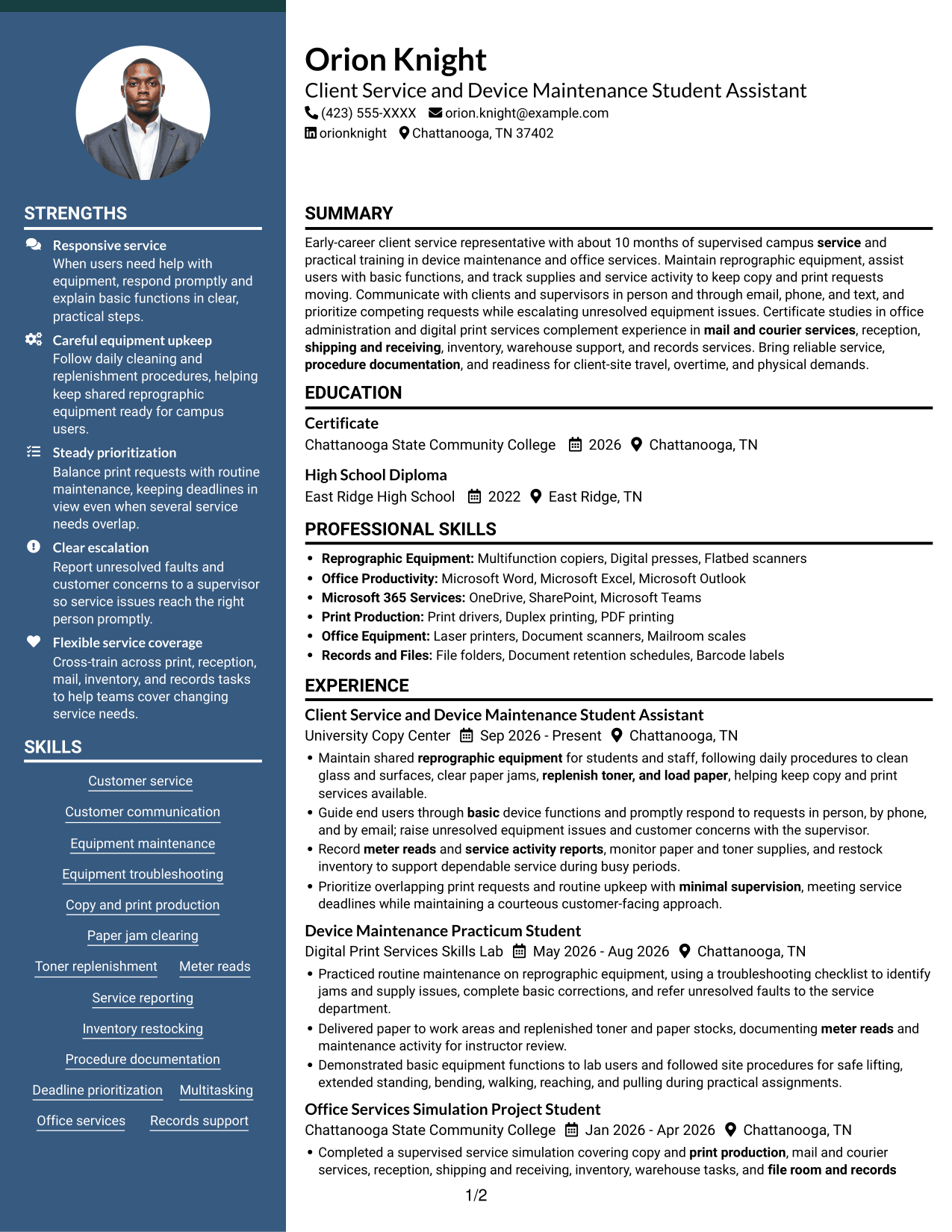
#6 Two Column Format Resume Example
The two-column body gives related resume sections parallel space, supporting an organized review of experience and qualifications.
Why This Format Works
- Career history and supporting sections can be scanned separately without losing their relationship.
- Compact columns help keep education and credentials accessible during a review.
- Experience bullets retain their own sequence, so progression remains clear.
Best For
- Parallel resume sections
- Compact information organization
- Experience with related qualifications
- Education and credentials in view
- Readers who prefer two columns
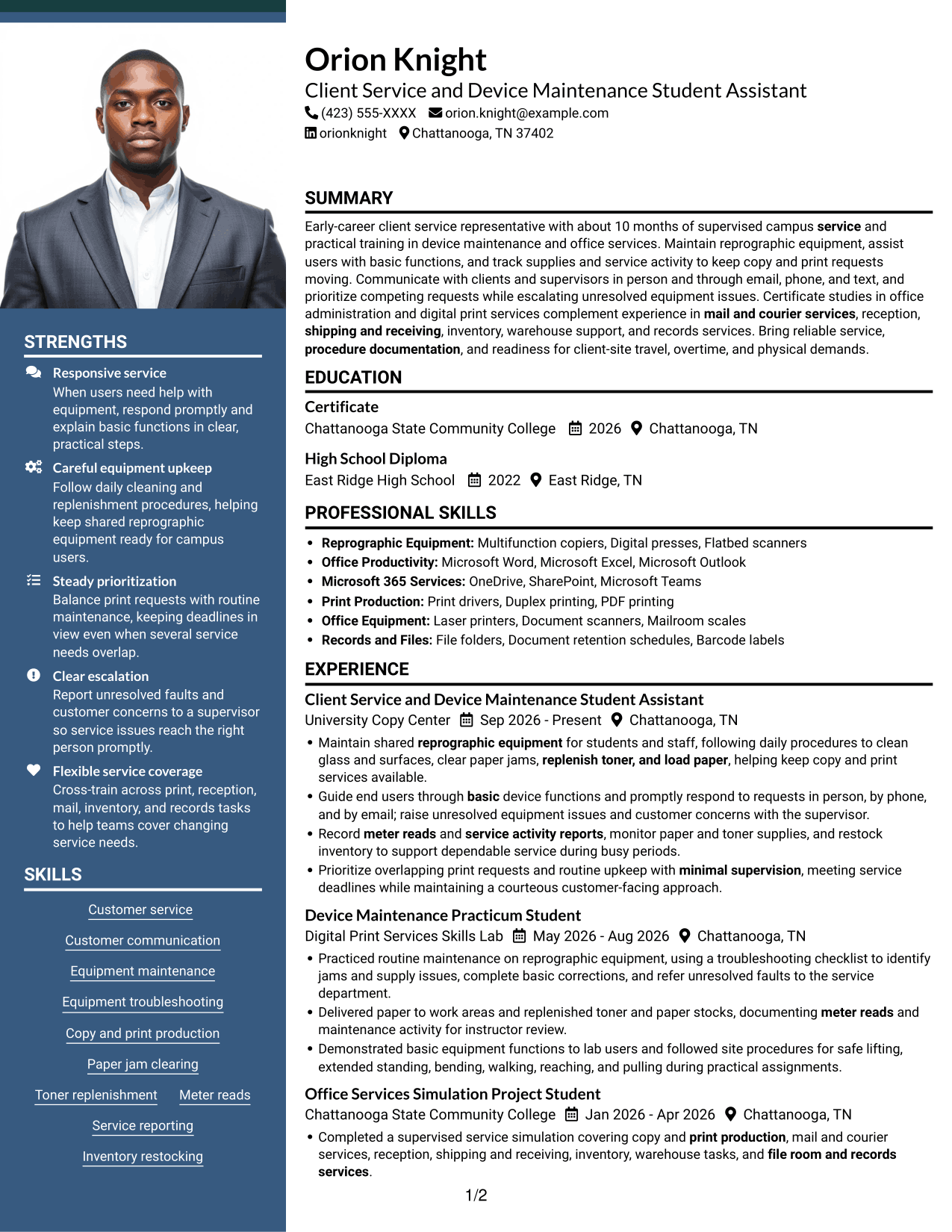
#7 Photo Header Two Column Format Resume Example
A portrait in the header pairs a visible personal image with a two-column body that organizes resume content for review.
Why This Format Works
- Two body columns give career history and supporting details distinct reading areas.
- Chronological experience entries remain easy to follow within their section.
- Education and credentials can be checked without interrupting the experience sequence.
Best For
- Portrait in the resume header
- Two-column content organization
- Chronological experience entries
- Supporting details beside career history
- Resumes that include a personal image
Why Build Your Client Service Representative I - Device Maintenance Resume with ResumeInMinutes
ResumeInMinutes lets you compare image previews and open an example in the editor. Use the resume structure to organize your service experience, equipment skills, education, and certifications in a clear order.
- Clear resume layouts
- Readable section structure
- Relevant service keywords
- Skills and experience organization
- PNG image previews
- Editor customization
Choose a layout that makes your equipment maintenance, customer support, and office services experience easy to review. Keep the details accurate and tailored to the Client Service Representative I - Device Maintenance role.
See Also
- 33 Annual Reports Client Service Representative Resume Templates with Example 2026 (ATS-Optimized)
- 33 Client Service Representative II Resume Templates with Example 2026 (ATS-Optimized)
- 33 Client Service Representative Resume Templates with Example 2026 (ATS-Optimized)
- 33 Client Services Representative Resume Templates with Example 2026 (ATS-Optimized)
- 33 ER Client Service Representative Resume Templates with Example 2026 (ATS-Optimized)
- 33 Veterinary Client Service Representative Resume Templates with Example 2026 (ATS-Optimized)
- 7 WIC Customer Service Representative - Public Health Client Services Resume Templates with Example
- 7 Associate Patient Access Services Representative - Registration and Enrollment Resume Templates with Example
- 7 Client Service Representative I - Device Maintenance Cover Letter Templates with Example
- 30+ Annual Reports Client Service Representative Cover Letter Templates with Example 2026
Frequently Asked Questions
Are these Client Service Representative I - Device Maintenance resume layouts ATS-friendly?
The layouts use clear sections and readable headings. Include relevant terms such as reprographic equipment maintenance, customer service, meter reads, supply replenishment, and service activity reports where they accurately describe your experience.
Are these 7 different resumes?
No. The guide shows one resume example in different visual layouts. The example content stays the same while the layout changes.
What should a Client Service Representative I - Device Maintenance resume include?
Include a focused summary, relevant experience, skills, education, and certifications. Use bullet points to describe equipment upkeep, user support, supply tracking, service documentation, and issue escalation.
Which resume style works well for this role?
Choose a clean layout with familiar headings and enough space for concise experience bullets. A simple structure helps readers find your equipment, customer service, and office support skills quickly.
How can I show relevant experience if I have less than one year in the field?
Use accurate examples from supervised work, practical training, or service projects. Describe the tasks you completed, the procedures you followed, and how you supported users or kept equipment and supplies ready.
Should I include a photo on my resume?
For U.S. applications, a photo is generally not needed. A no-photo resume keeps attention on your skills, experience, and qualifications.




