
7 Clinical Review RN - Oncology AI Review Cover Letter Templates with Example
This practical guide to a Clinical Review RN - Oncology AI Review cover letter shows how to present role-specific strengths across seven layouts.
What Makes a Great Clinical Review RN - Oncology AI Review Cover Letter in 2026
A strong letter connects clinical judgment in oncology review with the role’s focus on cancer-testing coverage and AI-supported workflows. A clear opening states that fit and interest, while the body explains how the applicant handles complex records and review decisions.
Use specific evidence, such as auditing AI-generated classifications, resolving record discrepancies, or testing workflow changes. Then link that experience to the employer’s need for accurate review, useful feedback, and clear communication across teams.
The featured example follows a focused progression from role interest to clinical evidence and a clear close. Adapt that flow while choosing a presentation that suits the employer and the communication context.
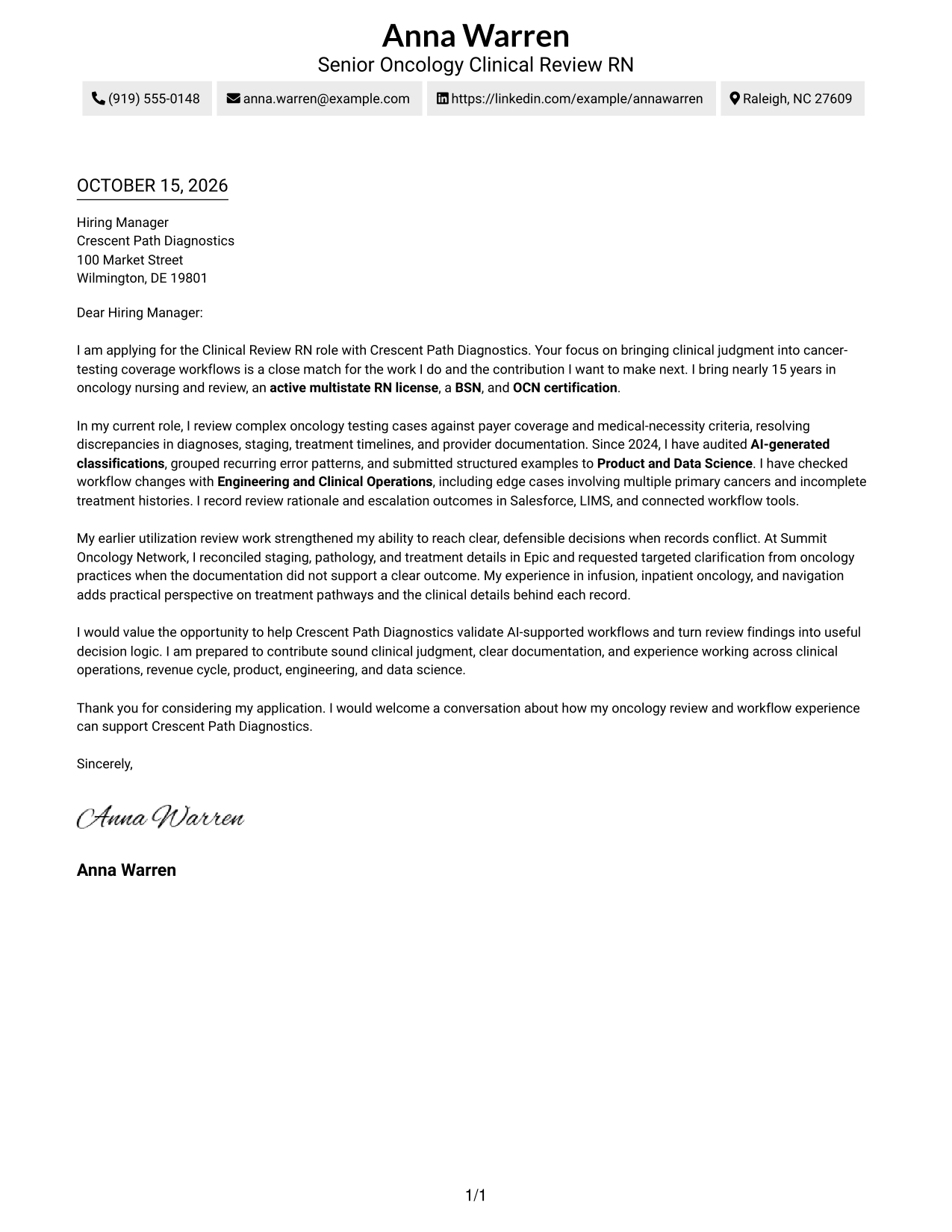
#1 Simple One Column Format Cover Letter Example
A single-column layout keeps sender details in the header and the letter in one direct reading path, a practical choice for readers who prefer a simple format.
Why This Format Works
- Sender details stay in the header, giving readers a clear place to find them.
- The opening, supporting case, and closing remain together in continuous paragraphs.
- One central reading path keeps attention on the message rather than separate areas.
Best For
- Single-column reading preference
- Letters built around continuous paragraphs
- Simple sender contact details
- Photo-free correspondence
- Direct employer-specific messages
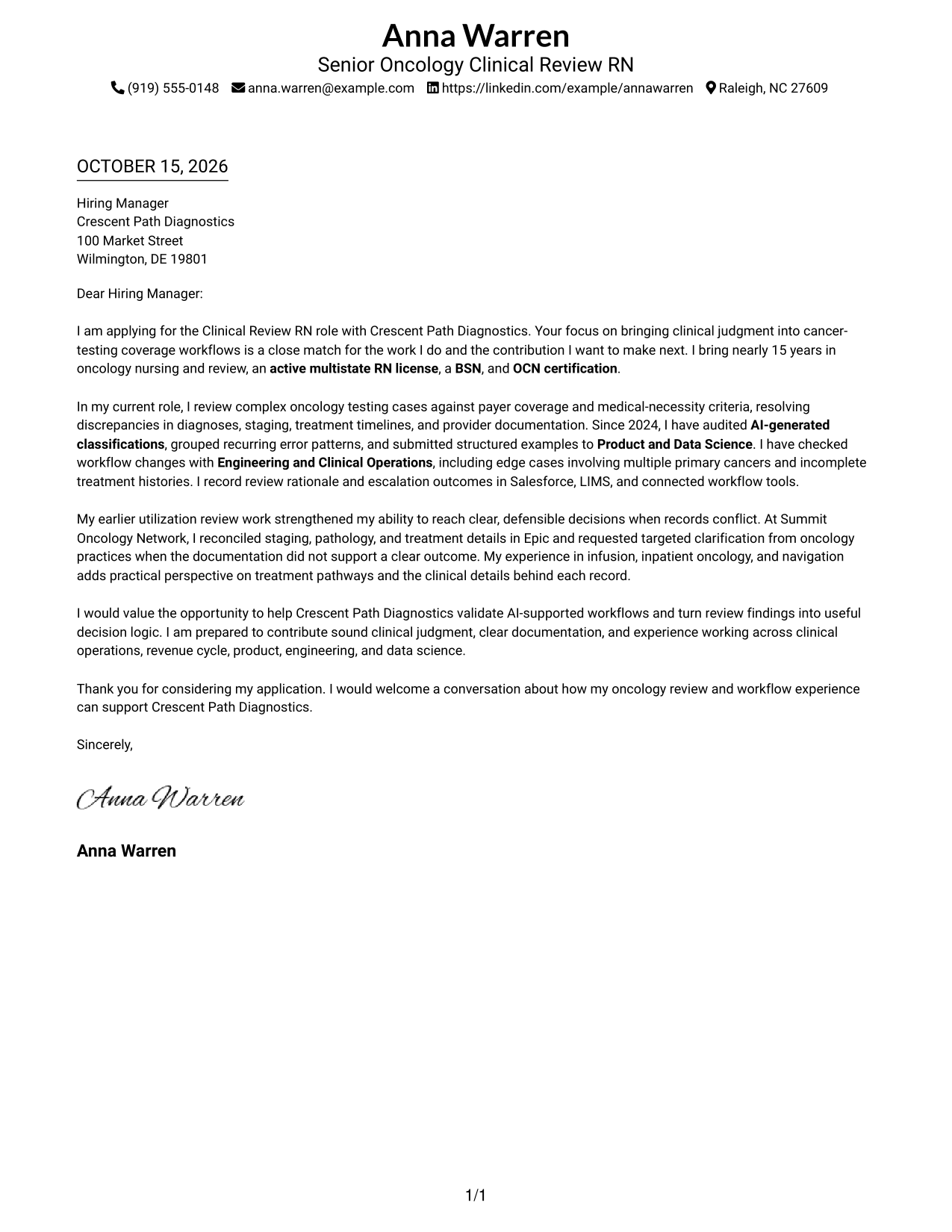
#2 Two Column Format Cover Letter Example
A contact sidebar sits beside one continuous letter body, keeping sender information separate while the message reads in sequence.
Why This Format Works
- The contact sidebar gives sender information a clear, separate place.
- Opening, supporting evidence, and closing stay together in one letter body.
- Readers can move from contact details to the message without switching between arguments.
Best For
- At-a-glance sender contact
- Sustained paragraph arguments
- Clear page divisions
- Photo-free application letters
- Employer-specific written applications
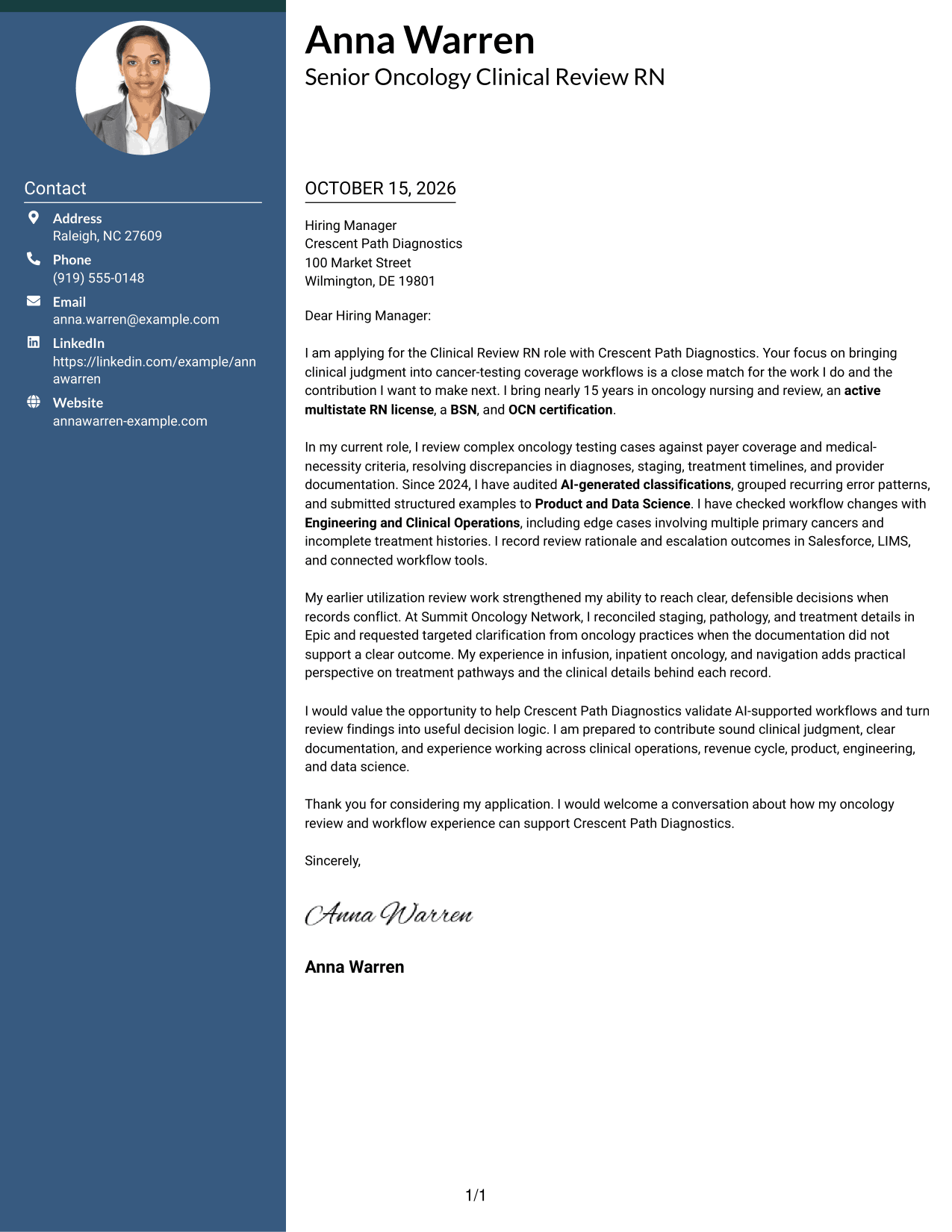
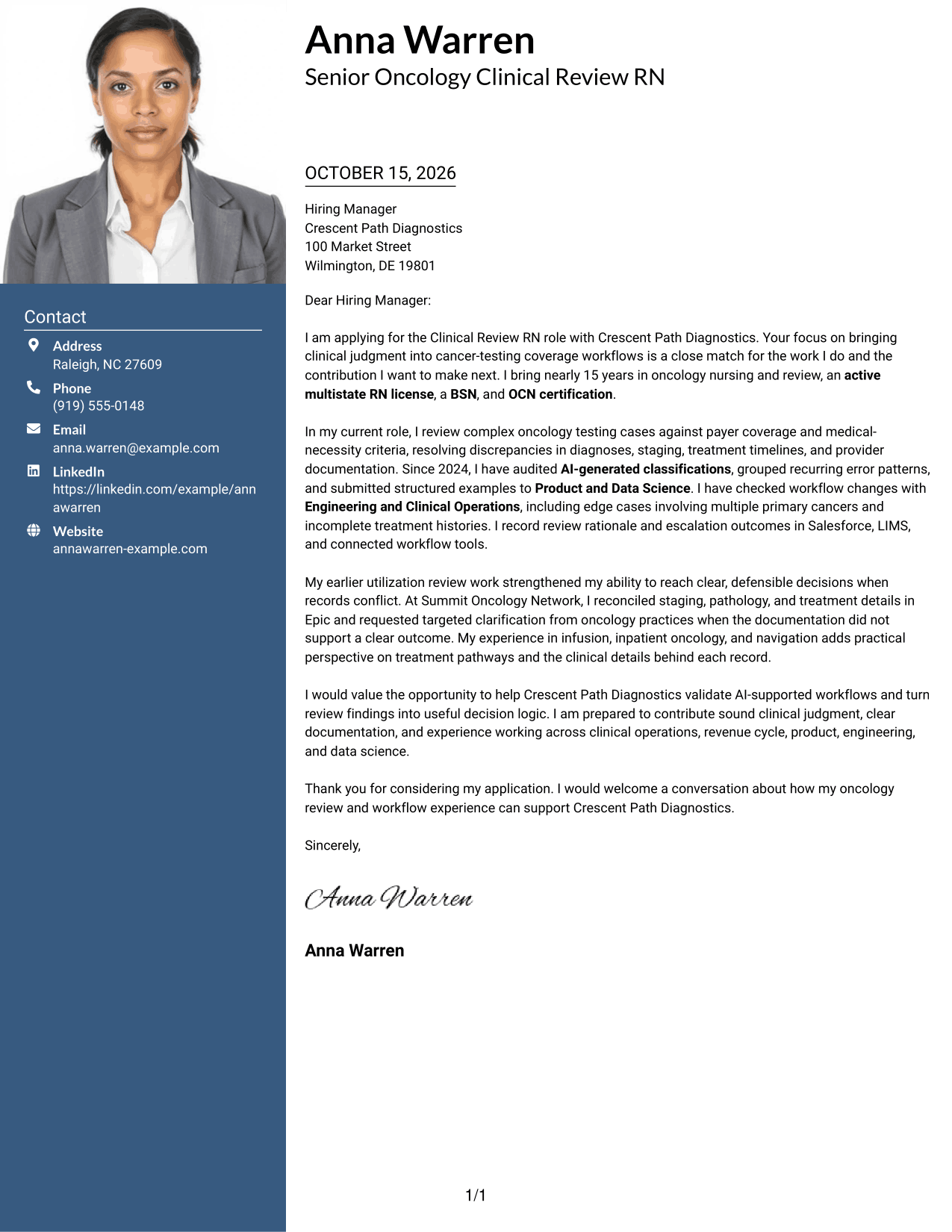
#3 Photo Header Two Column Format Cover Letter Example
The two-column layout pairs contact details with one continuous letter body and includes a photo for readers who prefer a visible sender image.
Why This Format Works
- The contact sidebar keeps sender information distinct from the letter's argument.
- A single body lets the opening, evidence, and closing unfold in order.
- The photo adds a visible personal element without dividing the message.
Best For
- Visible sender portrait
- Separate contact and message areas
- Continuous paragraph arguments
- Photo-inclusive correspondence
- Letters balancing visual identity and text
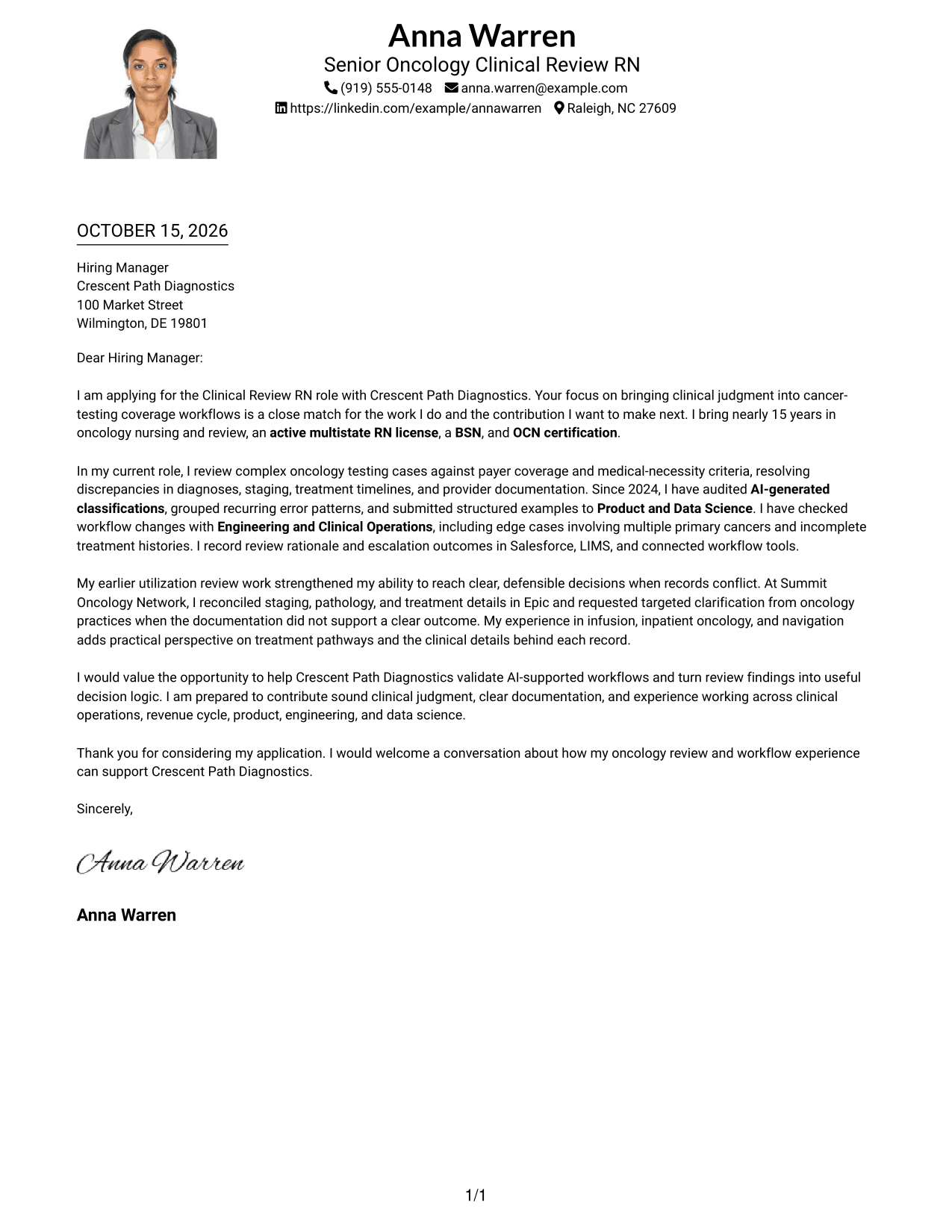
#4 One Column Format with Photo Cover Letter Example
A photo adds a visible personal element while the letter keeps a single continuous reading path, suiting readers who prefer a portrait with a direct layout.
Why This Format Works
- Sender details in the header remain easy to locate before the greeting.
- The single-column body keeps the message in one reading sequence.
- A photo gives the header a visible personal feature without dividing the letter.
Best For
- Single-column reading preference
- Letters with a sender portrait
- Direct paragraph-led applications
- Header-based sender details
- A personal visual introduction
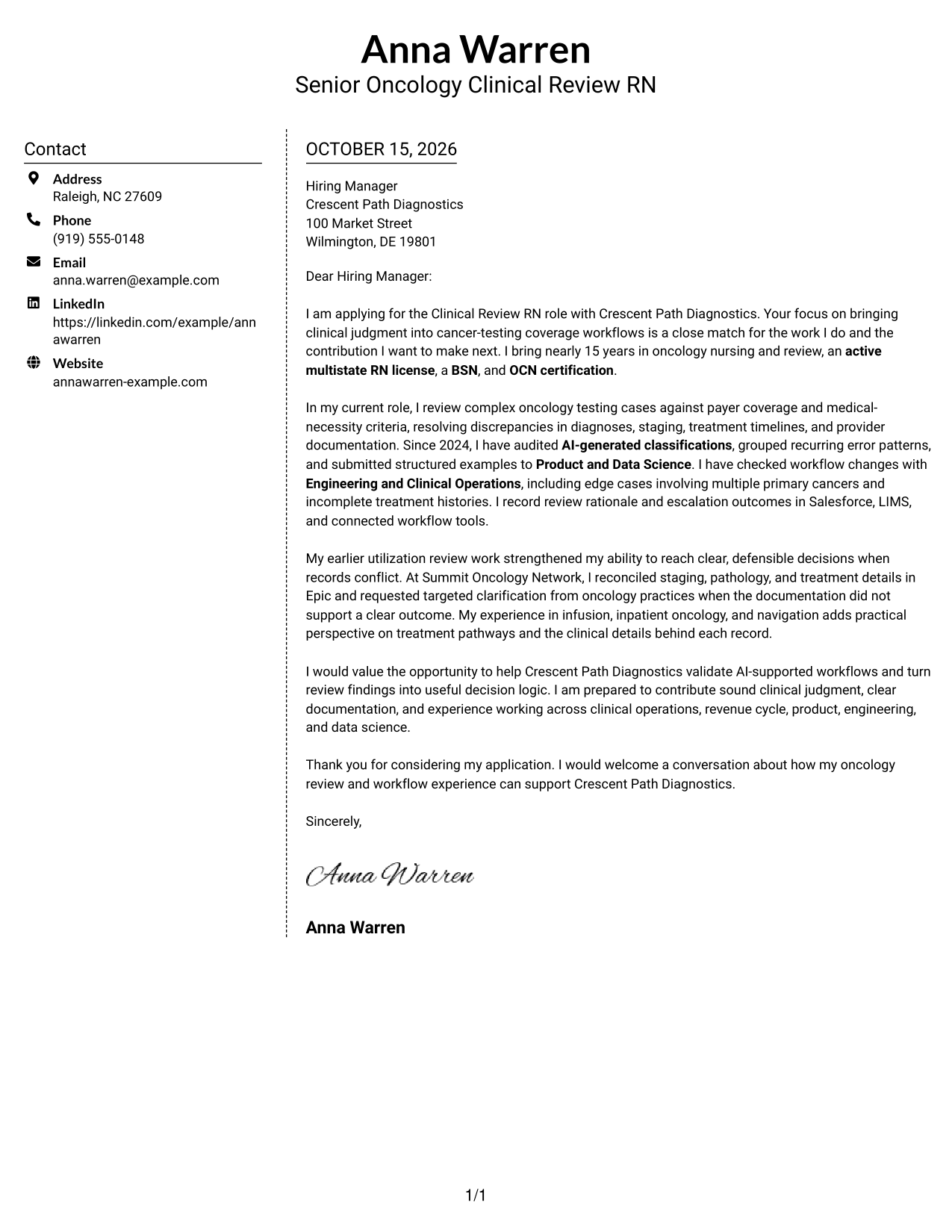
#5 Simple Two Column Format Cover Letter Example
A contact sidebar and a continuous letter body give this simple two-column layout a clear division between sender details and the message.
Why This Format Works
- The sidebar puts contact details apart from the letter's persuasive paragraphs.
- The body keeps the opening and closing within one continuous message.
- A clear division helps readers tell sender information from the application letter.
Best For
- Quick contact lookup
- One continuous letter argument
- Simple two-area organization
- Photo-free correspondence
- Text-first application letters
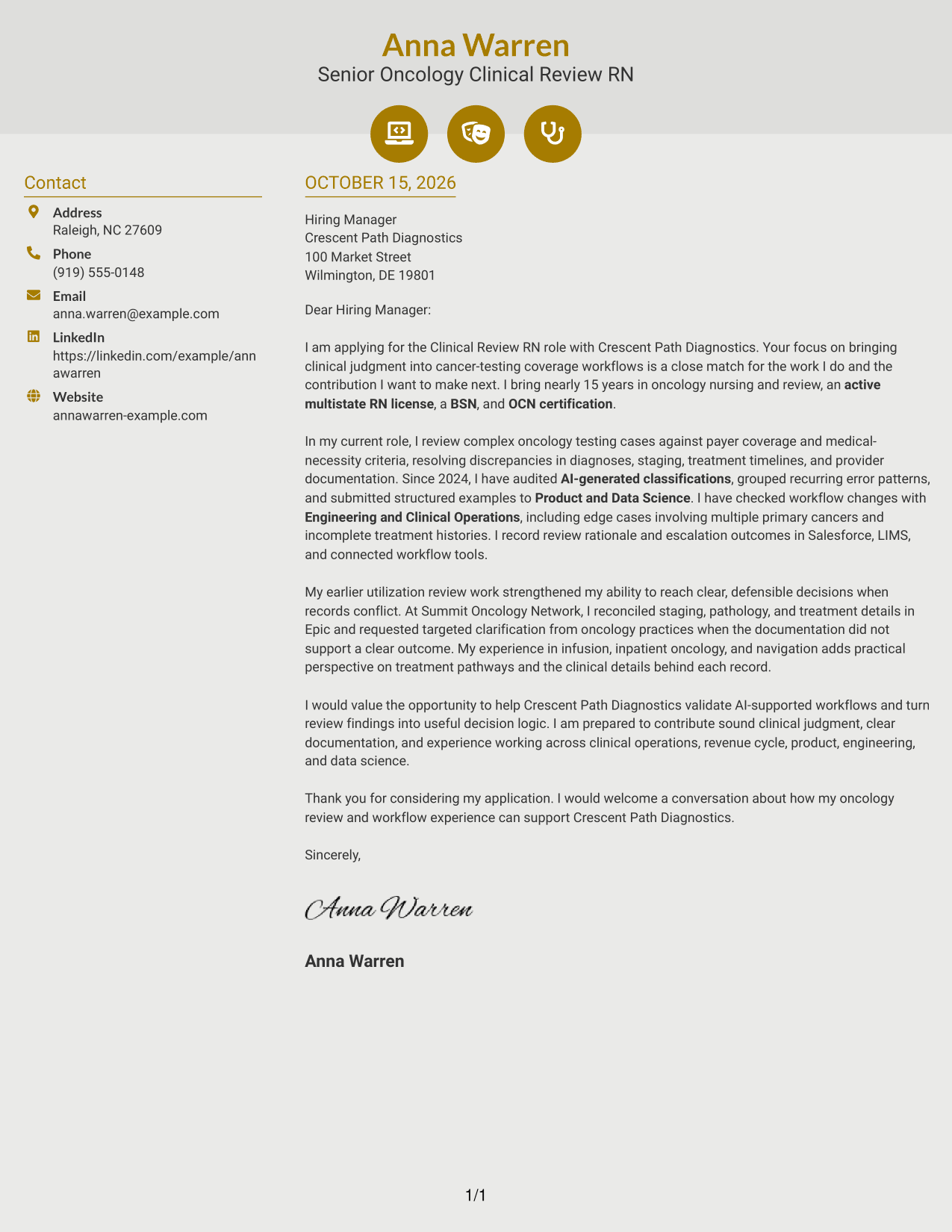
#6 Modern Icon Format Cover Letter Example
Contact cues and decorative header accents distinguish this two-column format, while the letter itself stays in one continuous body.
Why This Format Works
- Contact icons help readers identify sender details without labeling letter paragraphs.
- The sidebar separates contact information from the continuous message.
- The letter body keeps its opening, evidence, and close in reading order.
Best For
- Icon-cued contact information
- Continuous paragraph letters
- Distinct contact and message areas
- Photo-free correspondence
- Readers who value visual contact cues
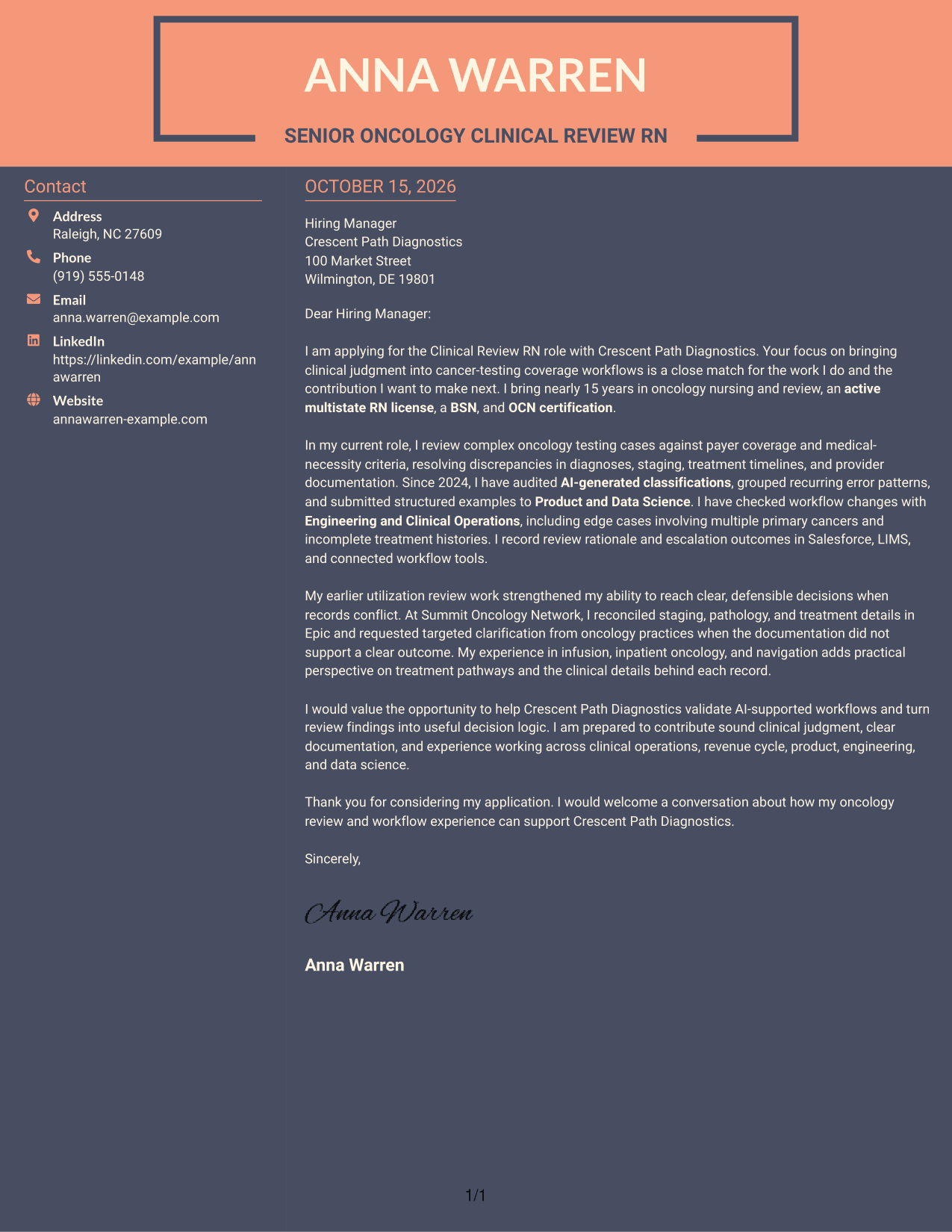
#7 Creative Two Tone Format Cover Letter Example
A contact sidebar beside one continuous letter body gives this two-column format a distinct separation between sender details and the written message.
Why This Format Works
- The sidebar keeps sender contact details separate from the letter's argument.
- The continuous body presents the opening, supporting case, and close as one message.
- Readers can locate contact information without interrupting the letter's paragraph sequence.
Best For
- Separate sender contact details
- Paragraph-led persuasive letters
- Two-area page organization
- Photo-free application documents
- Employer-focused written messages
See Also
- 7 Clinical Review RN - Oncology AI Review Resume Templates with Example
- 7 Clinical Review Nurse - Concurrent Review Resume Templates with Example
- 33 Clinical Hospice RN PRN Resume Templates with Example 2026 (ATS-Optimized)
- 7 Clinical Nurse RN - Surgery Resume Templates with Example
- 7 Clinical Nurse IV - Oncology Infusion Resume Templates with Example
- 7 Clinical Pharmacy Specialist - Oncology Pharmacy Resume Templates with Example
- 33 Hematology/Oncology Clinical Pharmacist Practitioner Resume Templates with Example 2026 (ATS-Optimized)
- 7 Assistant Building Official - Building Inspections and Plan Review Resume Templates with Example
- 7 Clinical Review Nurse - Concurrent Review Cover Letter Templates with Example
- 30+ Clinical Hospice RN PRN Cover Letter Templates with Example 2026
Frequently Asked Questions
What should a Clinical Review RN - Oncology AI Review cover letter emphasize?
Connect oncology record review and payer coverage decisions to the role’s need for careful AI workflow review. Use concrete examples of resolving documentation issues, identifying classification errors, and recording clear review findings.
How can I describe AI review experience in my cover letter?
Explain how you compare AI-generated classifications with clinical review standards, identify recurring errors, and share structured feedback. Include workflow testing or cross-team work when it reflects your actual experience.
Which cover letter style suits a clinical review role?
Choose a clear, readable style that makes your opening, role-specific evidence, and closing easy to follow. The best presentation is one that fits the employer and the communication context.
How should I show that my oncology experience fits this role?
Describe relevant work with medical necessity criteria, payer policies, clinical documentation, and treatment pathways. If it matches your background, explain how you handled complex cases or clarified conflicting records.
Should I use a photo on my cover letter?
Use a photo only where it is common or expected in your country or field. For U.S. applications, a cover letter without a photo is usually the safer choice.




