
7 Clinical Review RN - Oncology AI Review Resume Templates with Example
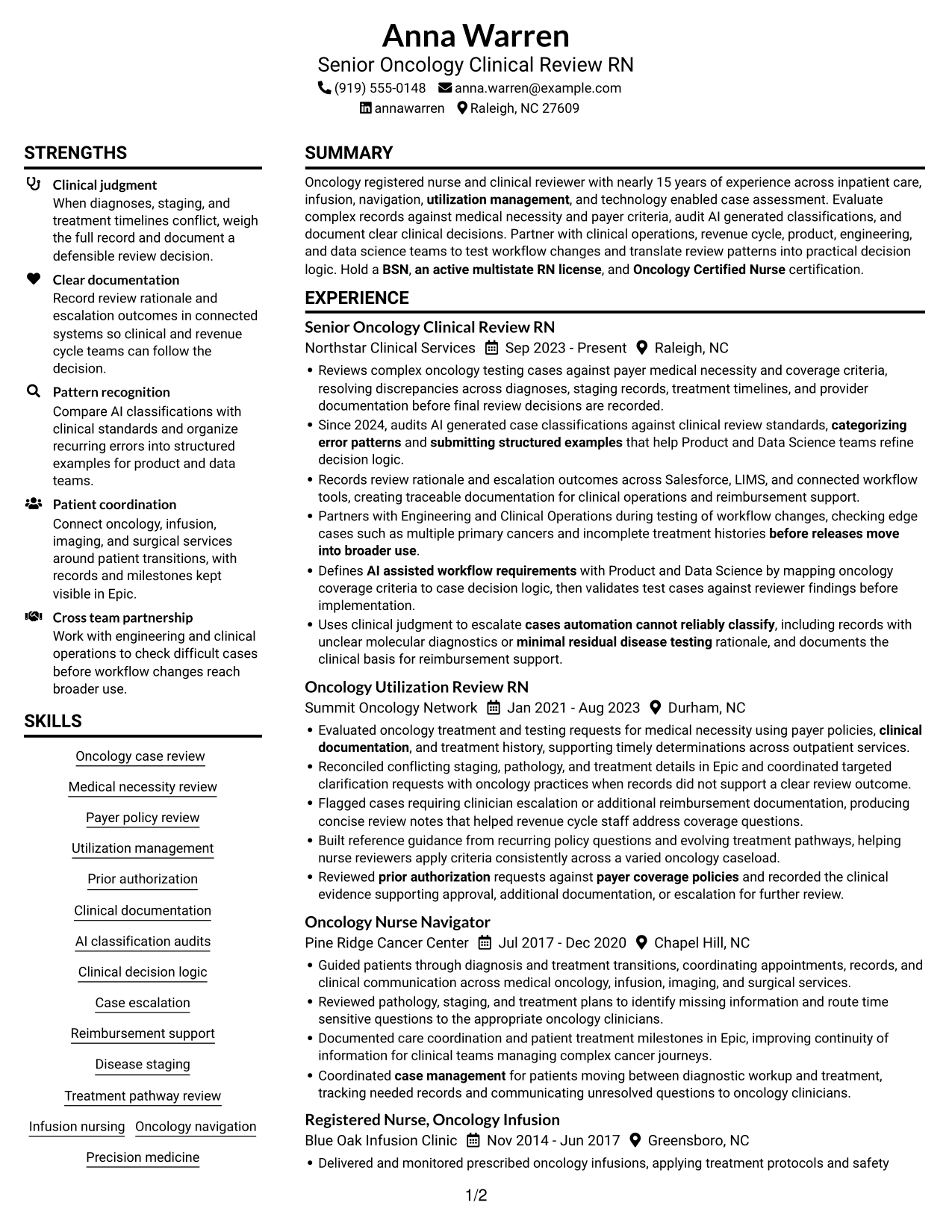
This guide shows you how to build a Clinical Review RN - Oncology AI Review resume that makes your clinical judgment and review work easy to assess. You will learn how to organize relevant evidence and compare professional resume layouts.
For this role, show how you assess oncology records against medical necessity and payer coverage criteria, review AI classifications, document escalations, and test workflow changes. Include relevant tools such as Epic, Salesforce, and LIMS, along with your oncology credentials and nursing license.
The example is presented in 7 layouts. Compare the PNG image previews, then open an example in the editor to review its structure and customize it.
What Makes a Great Clinical Review RN - Oncology AI Review Resume in 2026
A strong resume puts oncology case review, sound clinical judgment, and clear documentation near the top. Show how you assess complex records, make defensible decisions, and support accurate review workflows.
Use concise bullet points to show AI classification audits, case escalations, and testing of workflow changes. Include relevant terms such as medical necessity review, payer coverage policies, clinical decision logic, Salesforce, Epic, and LIMS.
The examples shown below are intentionally detailed to demonstrate a range of experiences, skills, accomplishments and relevant keywords. We prefer detailed resumes as they provide more context to the hiring managers and also help the ATS systems identify relevant qualifications and score your resume better for a match. But the length of a resume is an individual choice. If you want a one page resume, just keep the most relevant experience and information for the job. Note: Resume examples are for educational purposes only. Use only information that accurately reflects your experience and qualifications. References to real organizations do not imply affiliation or endorsement.
#1 Plain Two Column Format Resume Example
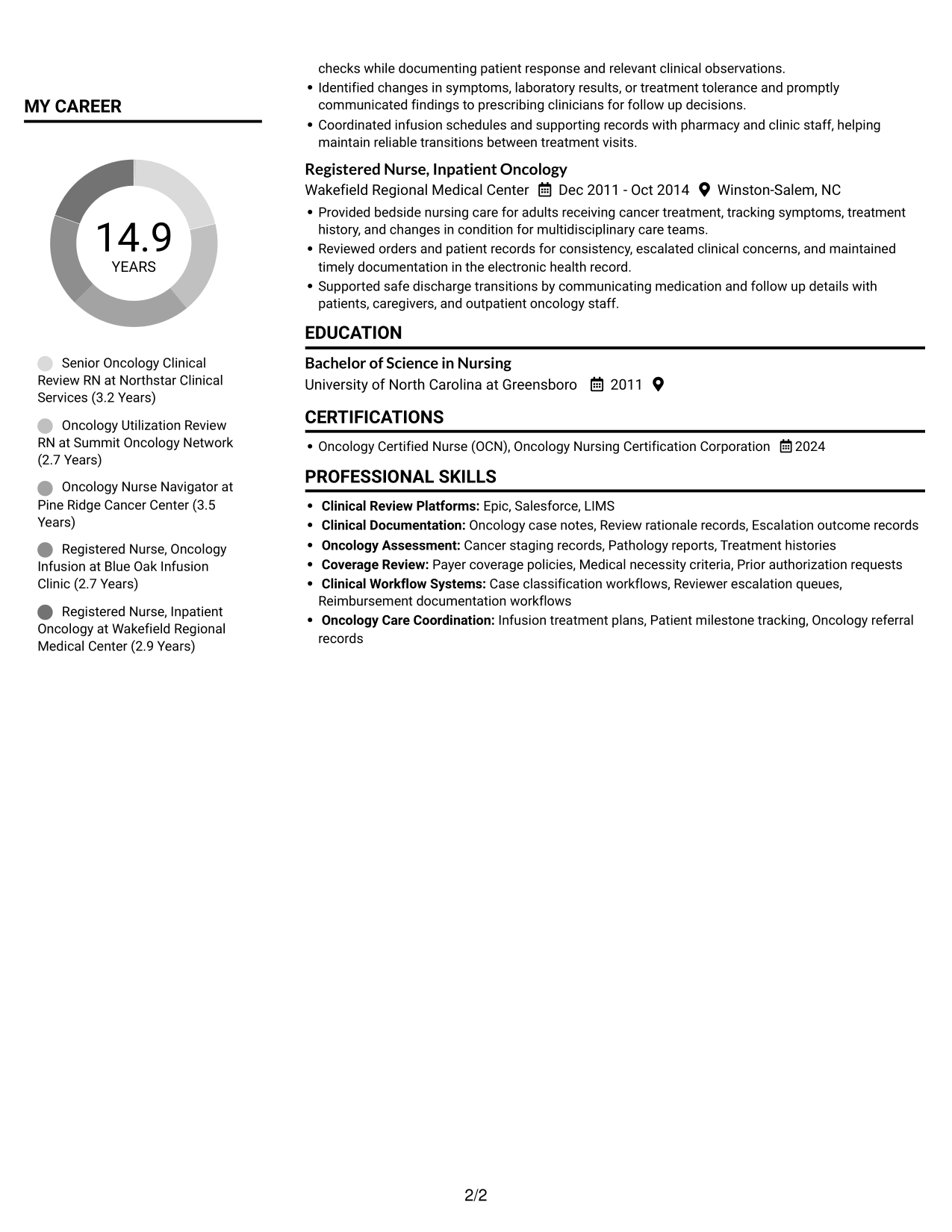
Plain Two Column Format places resume content in two columns, a practical choice when reviewers need experience and supporting details visible together.
Resume Snapshot
- Nearly 15 years of oncology experience
- AI-generated classification audits
- BSN and active multistate RN license
- OCN credential
Why This Format Works
- The two-column structure lets reviewers scan experience and supporting sections in separate areas.
- A clear reading order helps reviewers follow the sequence of roles and dates.
- Skills, education, and credentials have distinct space beside career history.
Best For
- Resumes with several supporting sections
- Career histories paired with credentials
- Side-by-side section review
- Readers comparing experience and skills
- Documents needing compact organization
Resume Keywords
- Oncology Nursing
- an active multistate RN license
- Oncology Clinical Review
- Disease staging
- Clinical documentation
- payer coverage policies
- Medical necessity review
- Clinical judgment
- audits AI generated case classifications against clinical review standards
- Clinical decision logic
- AI assisted workflow requirements
- validates test cases against reviewer findings before implementation
- before releases move into broader use
- categorizing error patterns
- submitting structured examples
#2 Simple One Column Format Resume Example
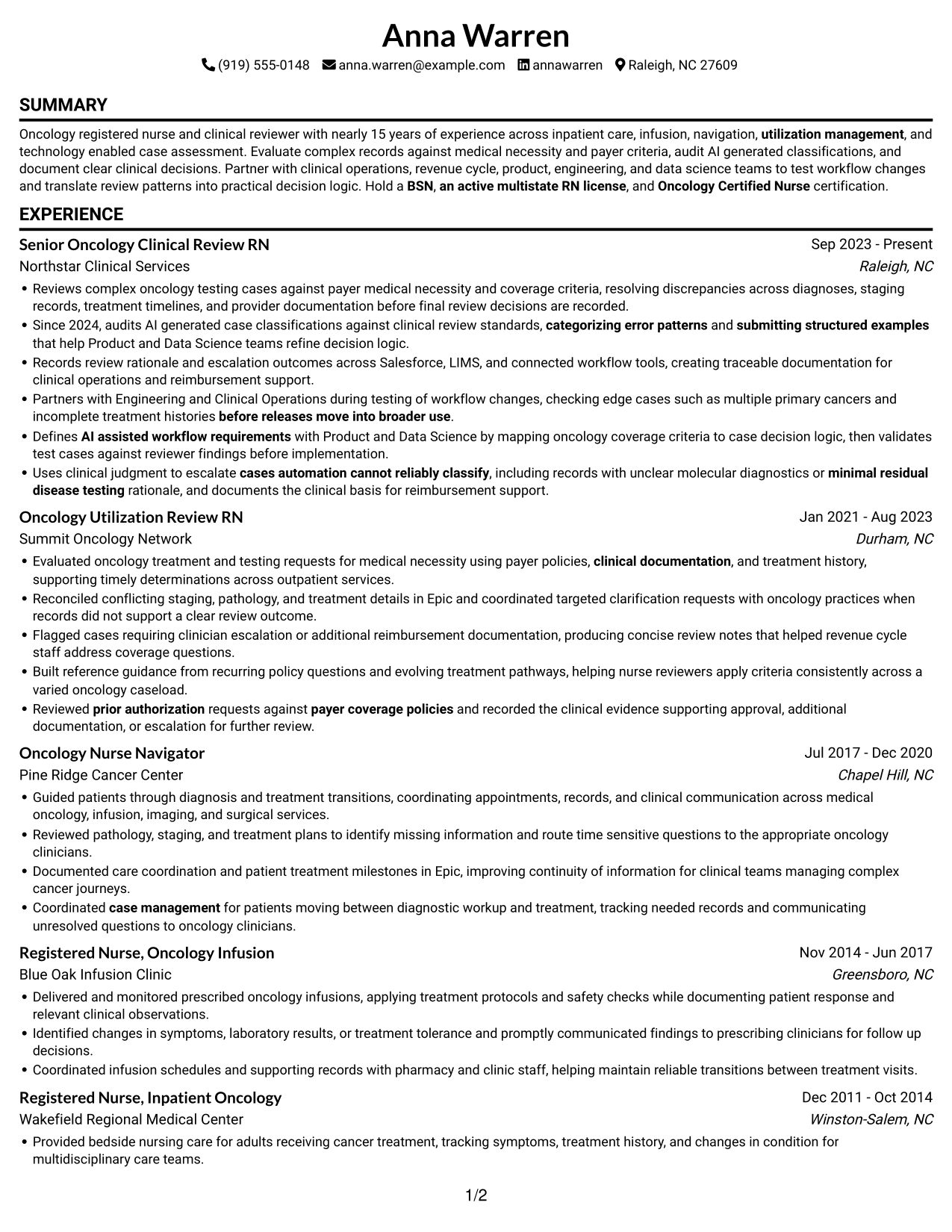
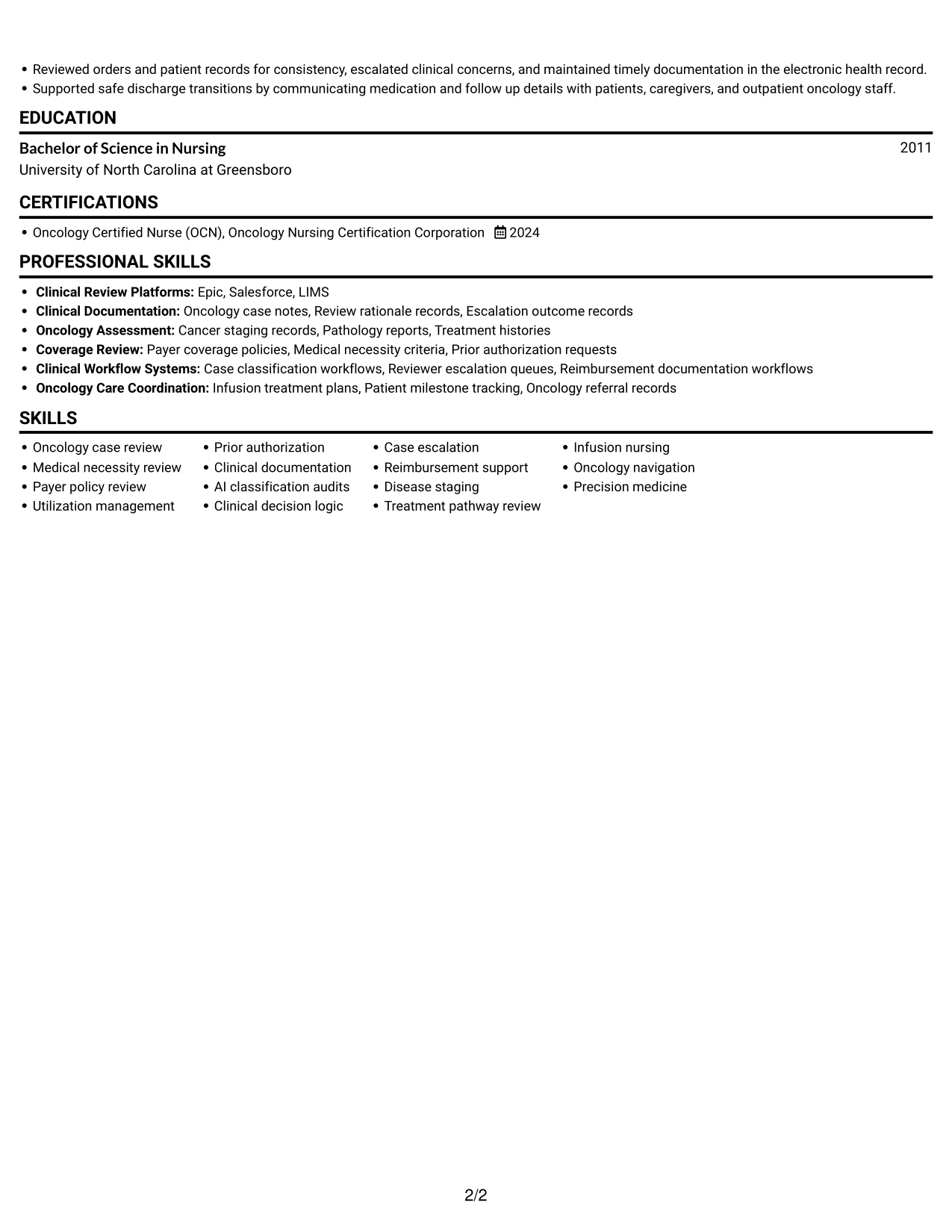
Simple One Column Format keeps resume sections in one vertical reading path, which suits reviewers who prefer a direct review from role history through credentials.
Why This Format Works
- One vertical reading path keeps experience, skills, and education in sequence.
- Reviewers can follow role dates without switching between content areas.
- Skills, tools, and credentials remain part of the same section flow.
Best For
- Straight top-to-bottom review
- Chronological career histories
- Resumes with detailed experience entries
- A clear section sequence
- Simple text-first organization
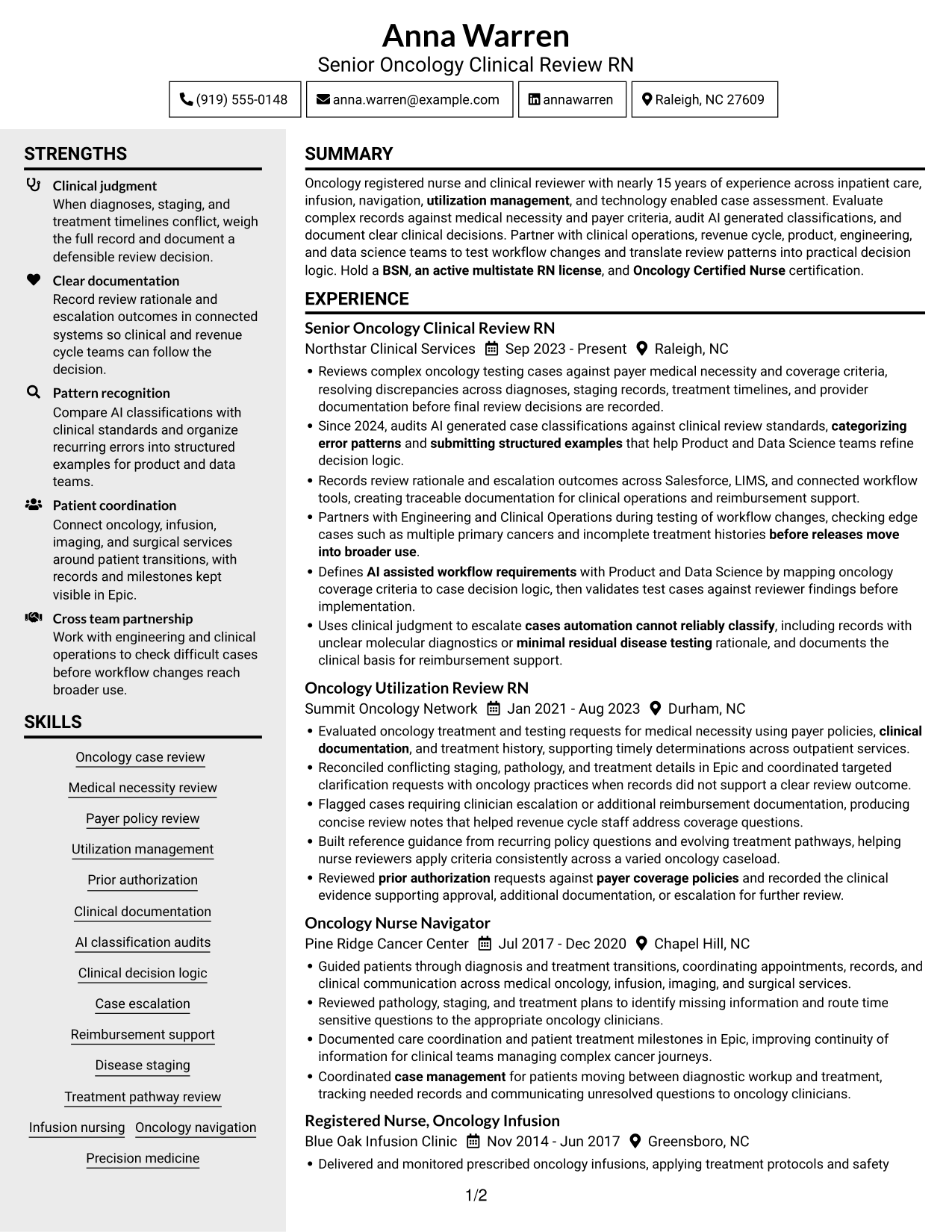
#3 Clean Two Column Sidebar Format Resume Example
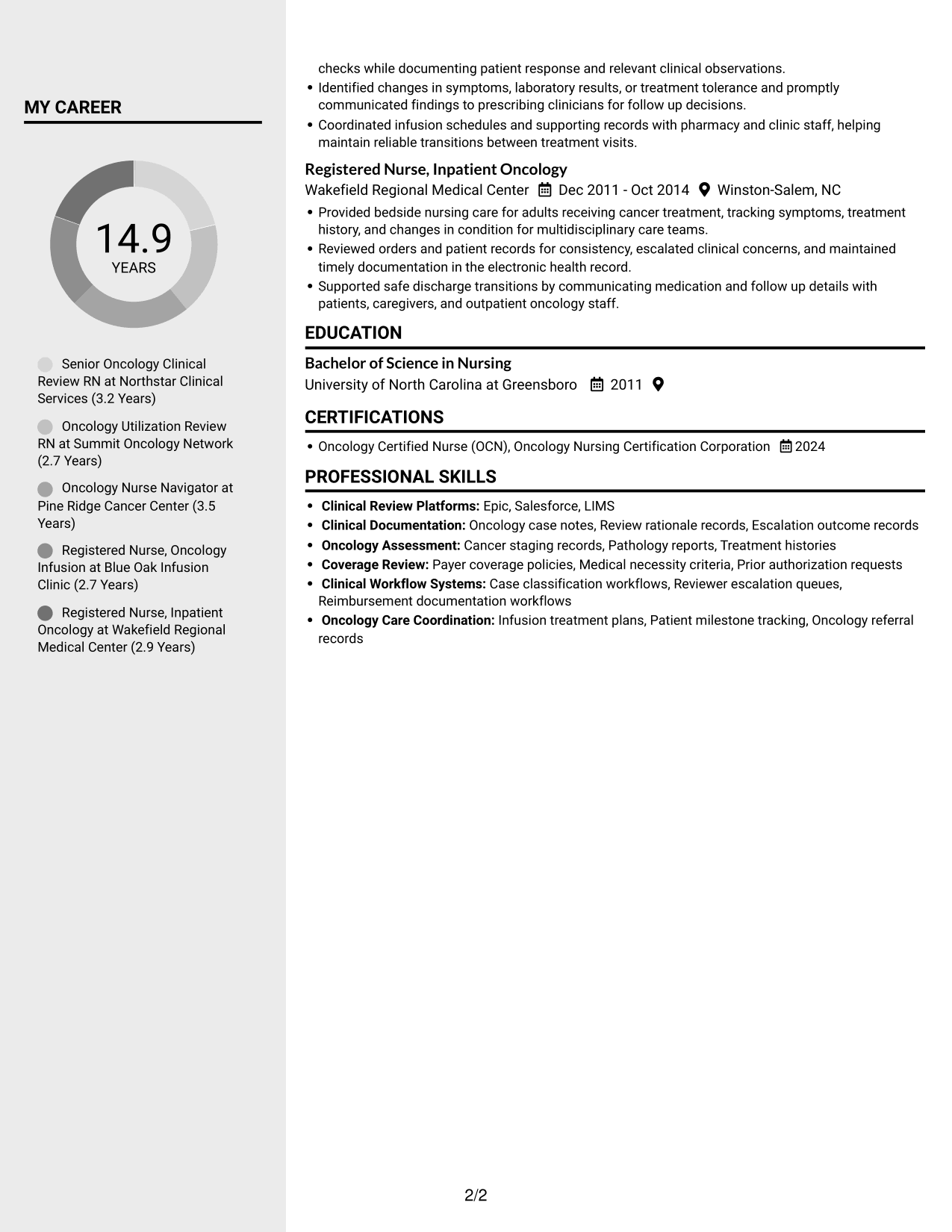
Clean Two Column Sidebar Format divides resume content between two columns, helping reviewers move between career history and supporting sections.
Why This Format Works
- Distinct columns help reviewers move from work history to supporting details.
- Skills and tools can be found apart from detailed role entries.
- Education and credentials stay easy to check within the resume structure.
Best For
- Work history with supporting details
- Skills lists beside role history
- Education and credentials in one resume
- Readers who scan by section
- Two-area content organization
#4 Two Column Format Resume Example
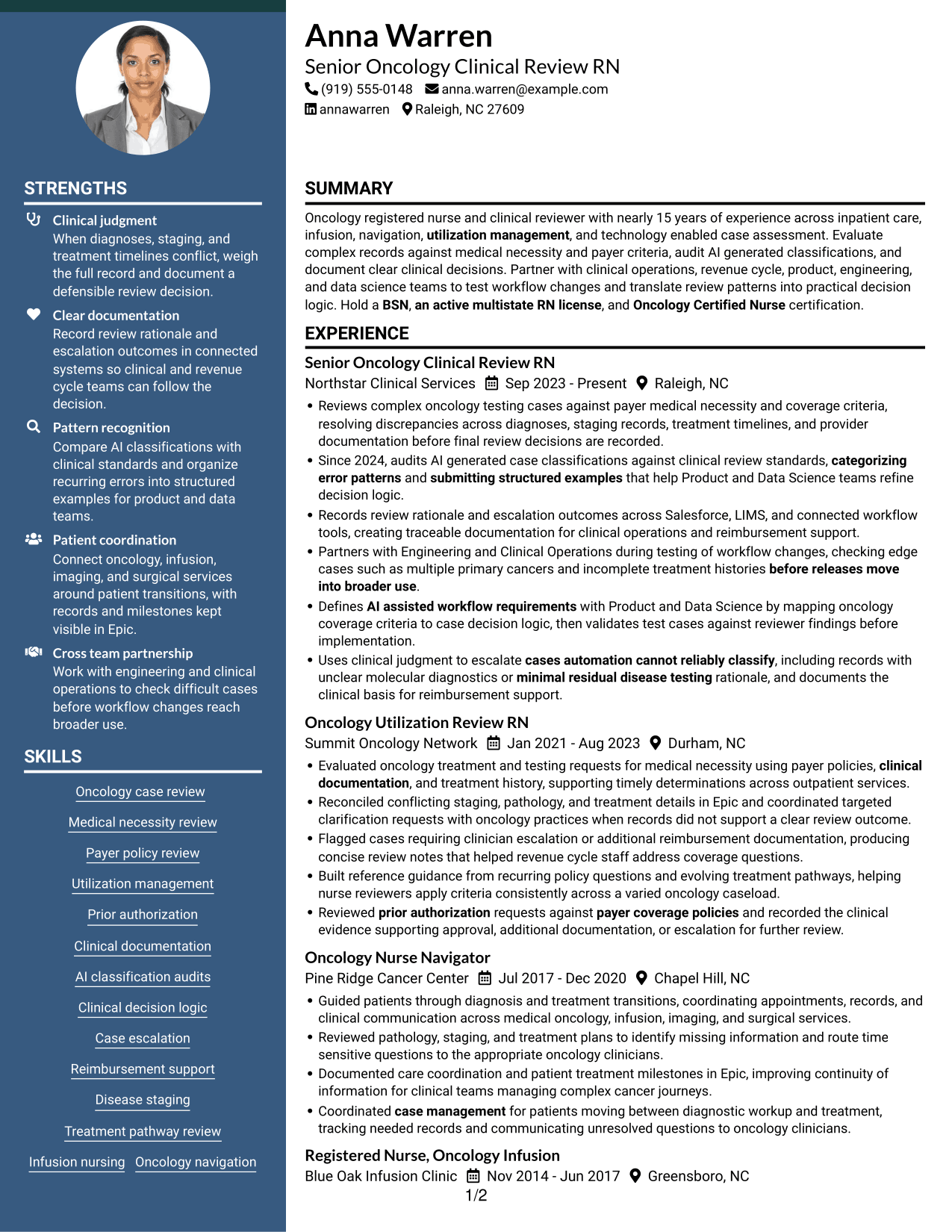
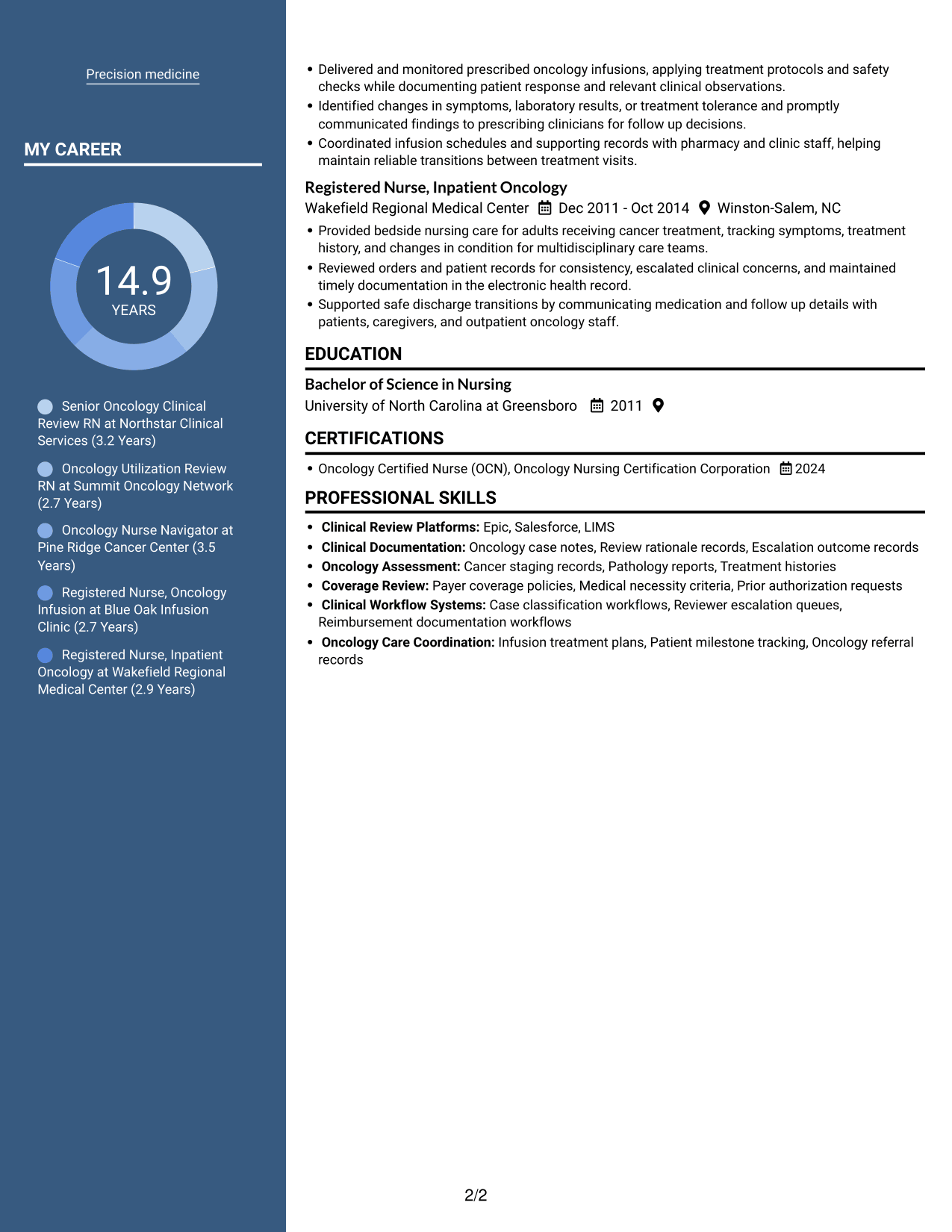
Two Column Format presents resume content in paired areas, a useful choice when reviewers want career history and supporting sections visible together.
Why This Format Works
- Paired columns let reviewers scan career history and supporting sections side by side.
- Role dates remain easy to follow within the experience sequence.
- Skills and education can be reviewed without interrupting the work-history scan.
Best For
- Career history with related sections
- Readers who compare details across areas
- Resumes with clear role dates
- Skills and education alongside experience
- Quick section-to-section review
#5 Photo Header Two Column Format Resume Example
Photo Header Two Column Format pairs a header portrait with a two-column resume body, suiting applications where a photo is requested and grouped sections are useful.
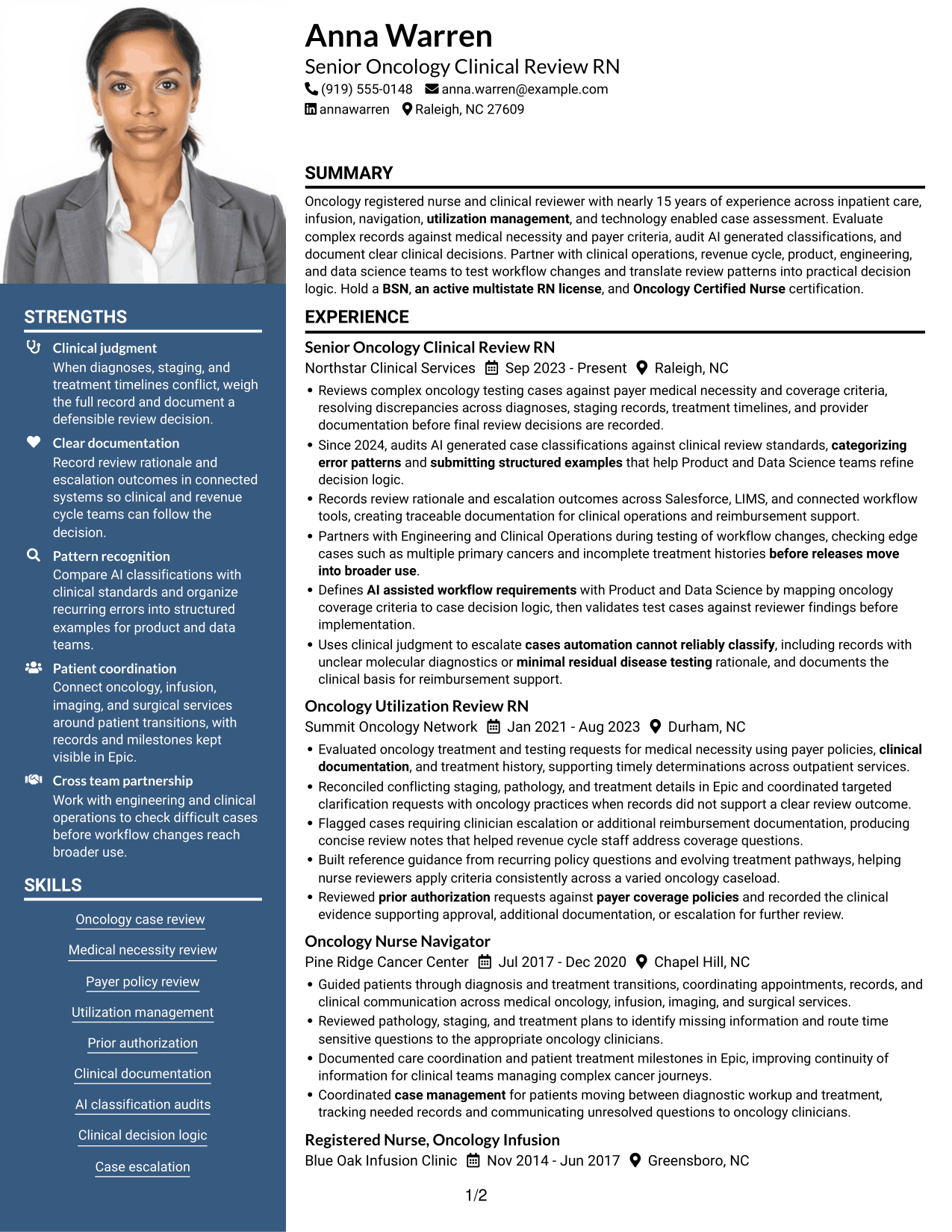
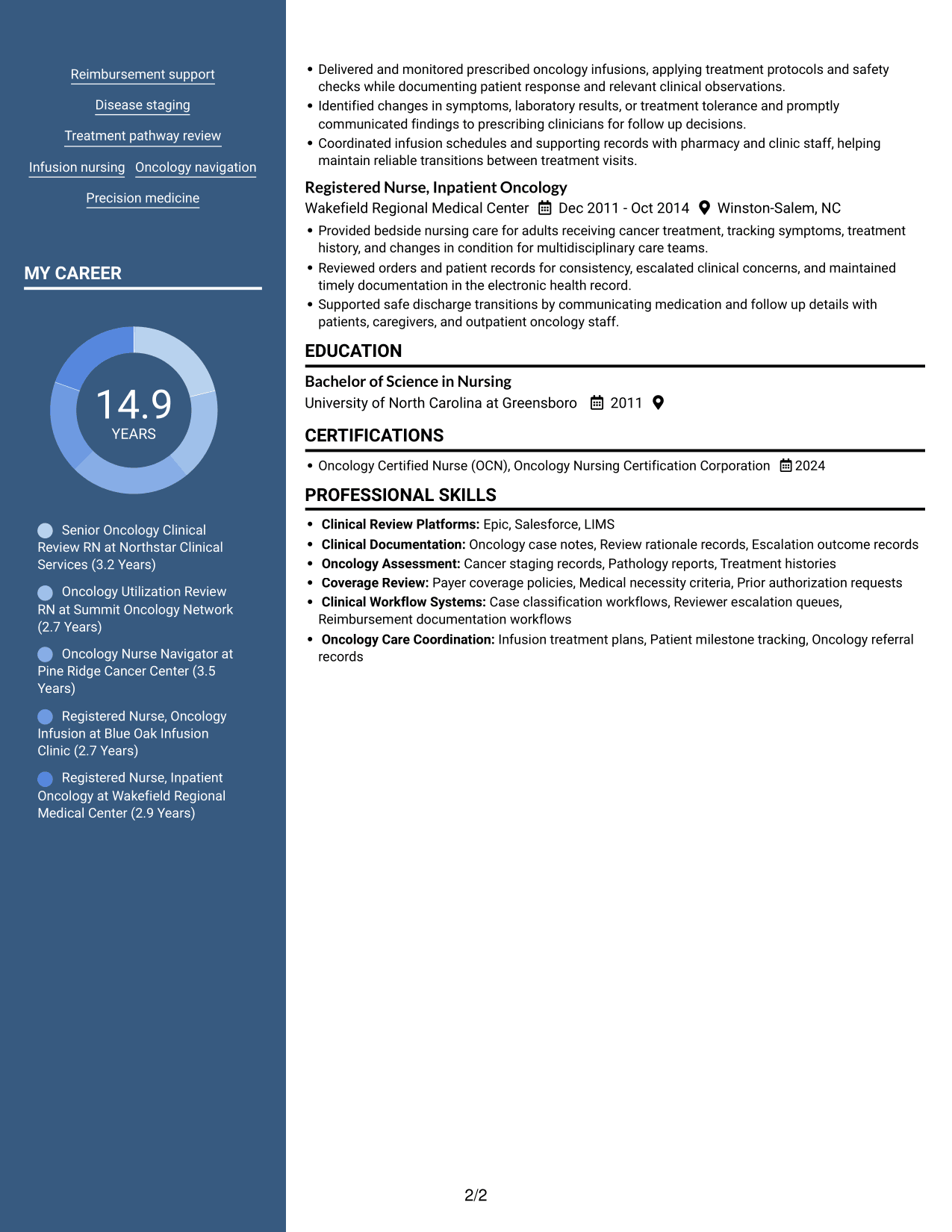
Why This Format Works
- Two-column reading areas keep experience distinct from supporting resume sections.
- Reviewers can follow role dates while checking skills and credentials separately.
- The portrait provides a clear visual element in the header.
Best For
- Applications requesting a resume photo
- Two-column section organization
- Career timelines with supporting details
- Readers who prefer grouped information
- Portrait-led document presentation
#6 Colored Two Column Format Resume Example
Colored Two Column Format arranges resume content in two columns, a practical choice for reviewers who want separate content areas visible together.
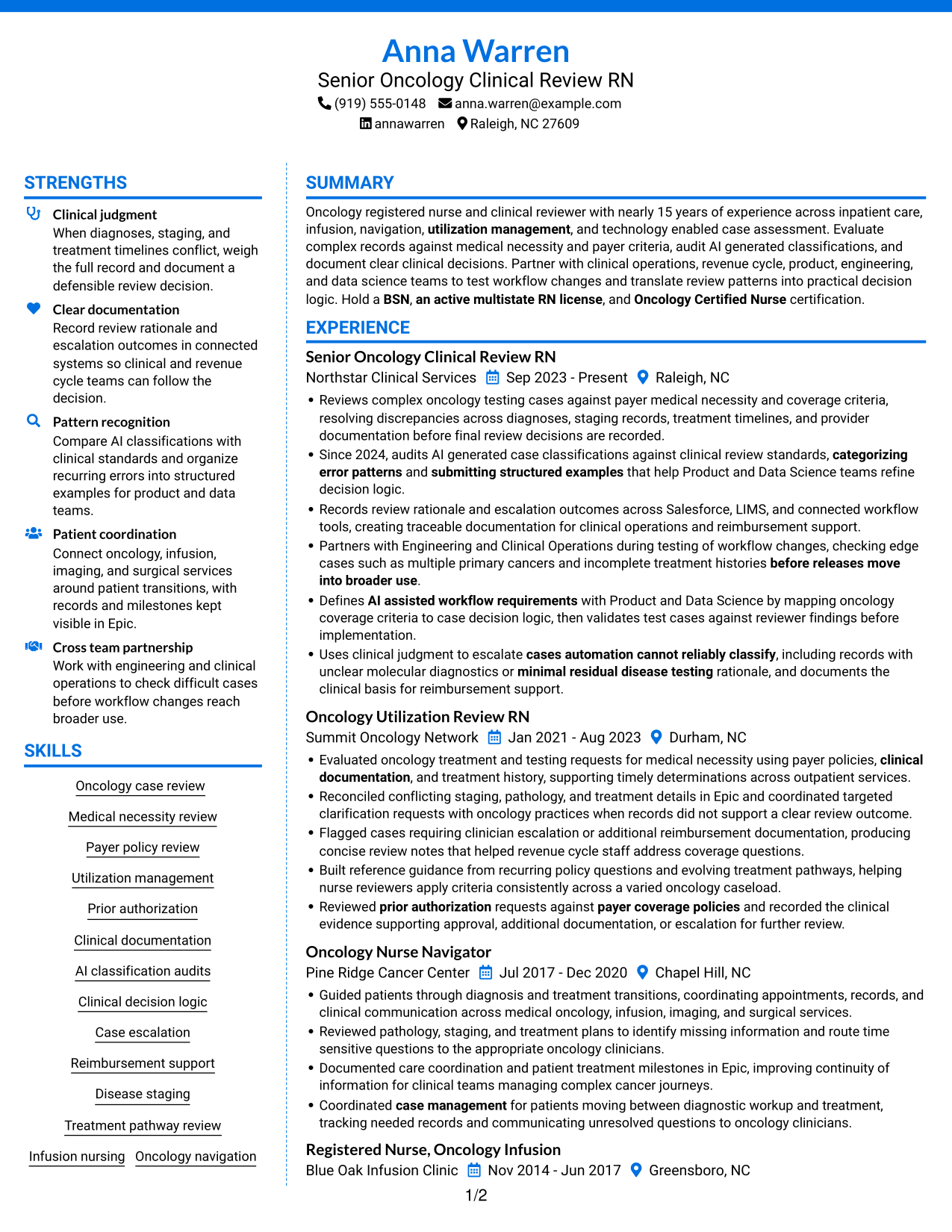
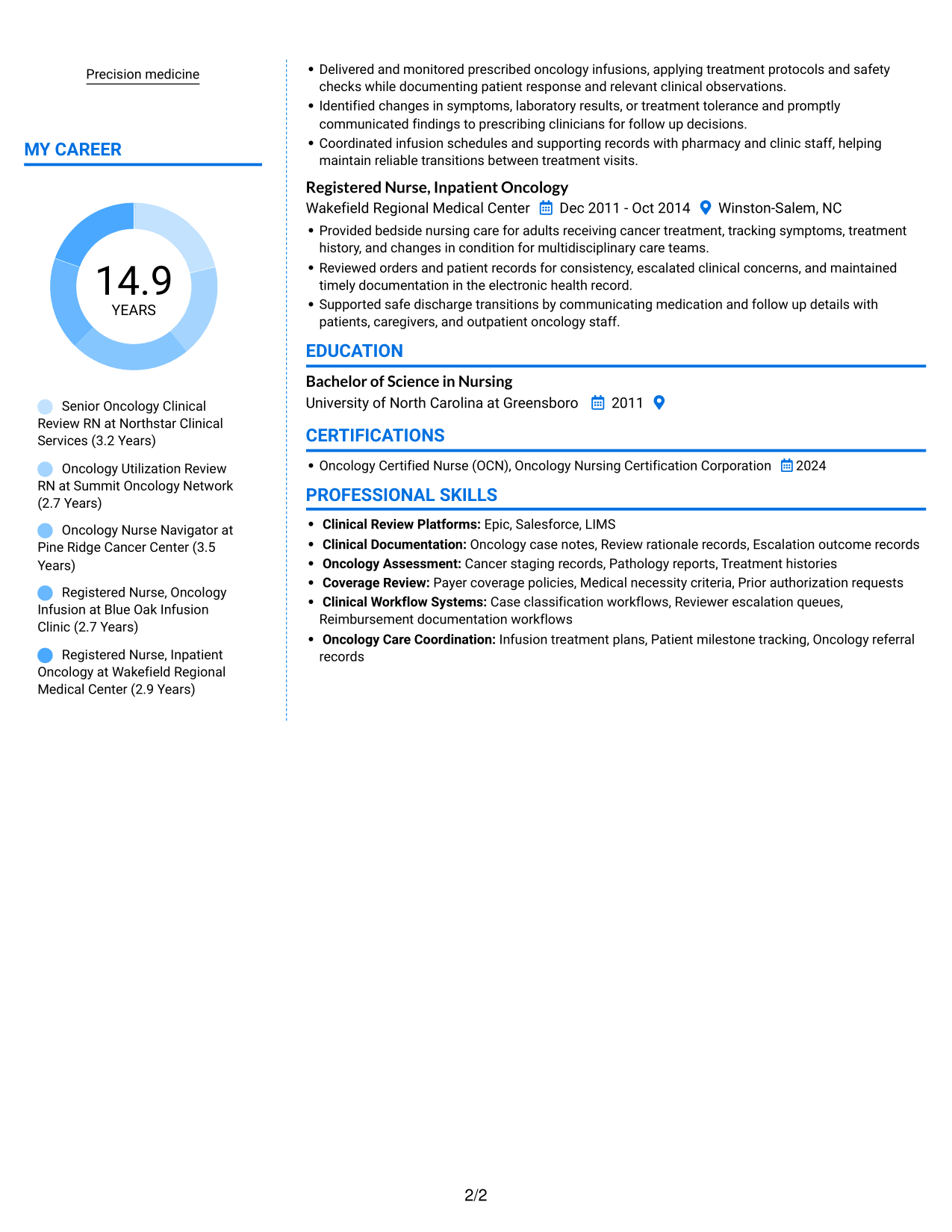
Why This Format Works
- Separate columns give experience and supporting sections distinct places in the reading order.
- Reviewers can locate credentials without losing the career timeline.
- Skills and education stay accessible alongside the experience sequence.
Best For
- Experience and supporting sections together
- Resumes with credentials to verify
- Readers following a career timeline
- Skills and education near work history
- Two-column content review
#7 Stylish Two Column Designer Format Resume Example
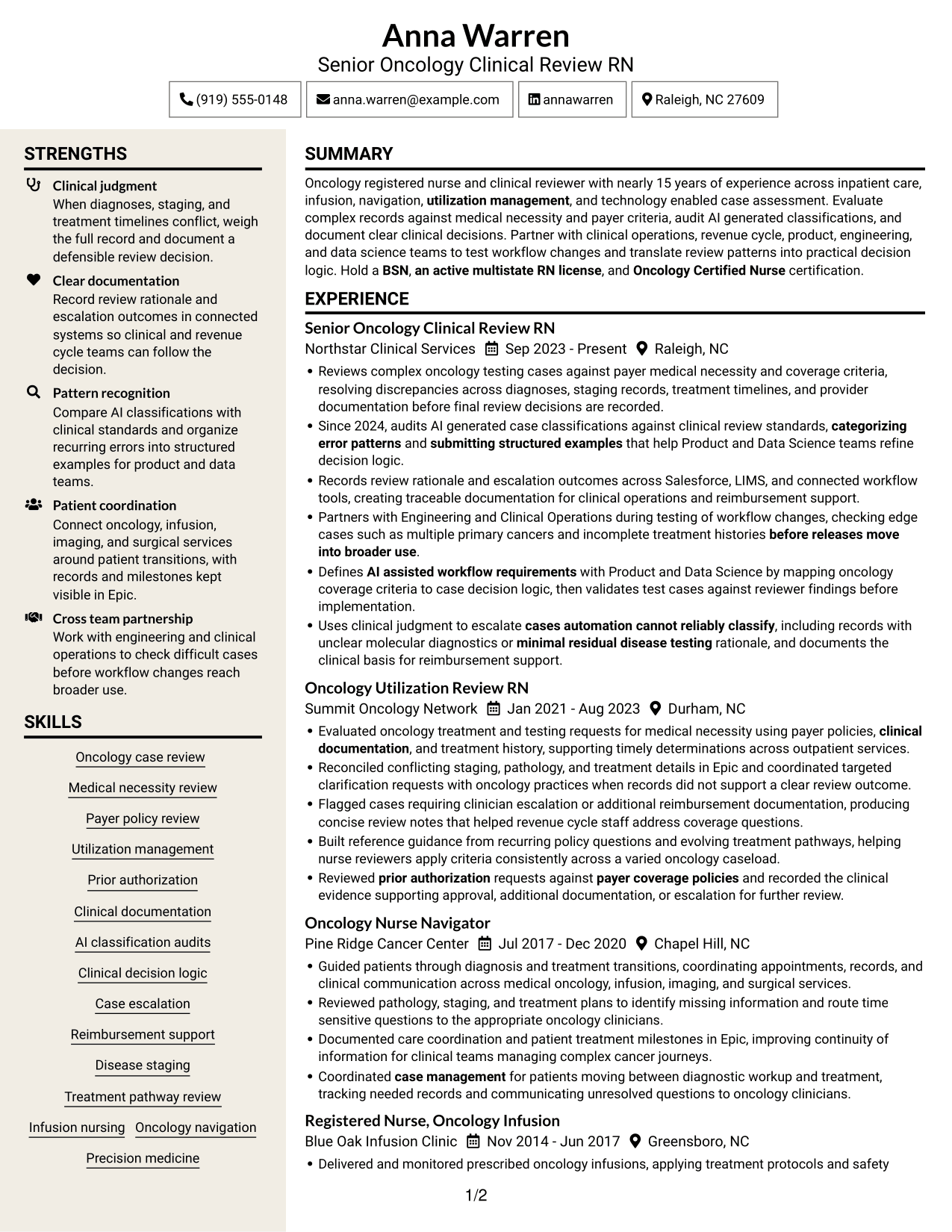
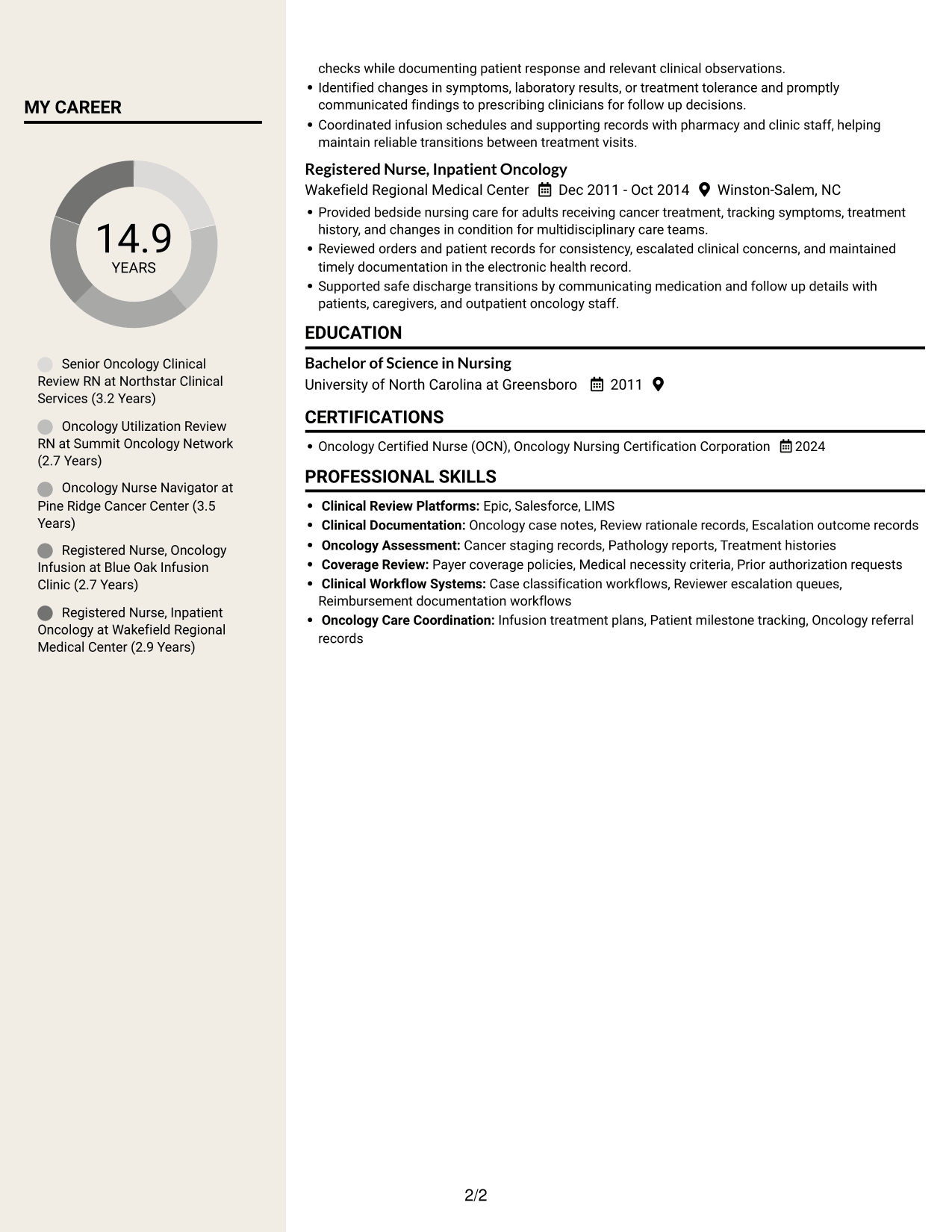
Stylish Two Column Designer Format presents resume sections in two columns, suited to readers who want grouped content instead of one vertical sequence.
Why This Format Works
- Two-column reading lets reviewers compare career history with supporting resume sections.
- Role dates form a clear timeline within the experience content.
- Skills and credentials remain available without interrupting the work-history sequence.
Best For
- Grouped resume sections
- Career history with supporting content
- Readers who prefer two-column reading
- Experience entries with clear dates
- Side-by-side section review
Why Build Your Clinical Review RN - Oncology AI Review Resume with ResumeInMinutes
ResumeInMinutes lets you compare resume layouts and open an example in the editor. Use the format that presents your clinical review evidence clearly, then adjust the sections and wording to fit your background.
- Multiple resume layouts
- Clear section structure
- Space for role-specific keywords
- Organized skills and experience
- PNG image previews
- Resume customization in the editor
Keep the focus on oncology review, coverage decisions, AI workflow audits, and the systems you use. Make each bullet clear about the work you did and the result it supported.
See Also
- 7 Clinical Review Nurse - Concurrent Review Resume Templates with Example
- 33 Clinical Hospice RN PRN Resume Templates with Example 2026 (ATS-Optimized)
- 7 Clinical Nurse RN - Surgery Resume Templates with Example
- 7 Clinical Nurse IV - Oncology Infusion Resume Templates with Example
- 7 Clinical Pharmacy Specialist - Oncology Pharmacy Resume Templates with Example
- 33 Hematology/Oncology Clinical Pharmacist Practitioner Resume Templates with Example 2026 (ATS-Optimized)
- 7 Assistant Building Official - Building Inspections and Plan Review Resume Templates with Example
- 7 New Source Review Program Engineer II Resume Templates with Example
- 7 Clinical Review RN - Oncology AI Review Cover Letter Templates with Example
- 7 Clinical Review Nurse - Concurrent Review Cover Letter Templates with Example
Frequently Asked Questions
Are these Clinical Review RN - Oncology AI Review resume templates ATS-friendly?
The layouts use clear sections and readable headings. Add relevant terms, such as oncology clinical review, medical necessity, payer policies, AI classification audits, and case escalation, where they accurately describe your experience.
Are these separate resume examples?
This guide shows one Clinical Review RN - Oncology AI Review resume example in different layouts. Compare the image previews and open a layout in the editor to review or customize it.
What should a Clinical Review RN - Oncology AI Review resume include?
Include a focused summary, oncology review skills, relevant experience, education, an active RN license, and certifications such as OCN when held. Use bullet points to explain case reviews, AI audits, documentation, escalations, and workflow testing.
Which resume style works well for this role?
Choose a layout with clear headings and an easy-to-follow experience section. Keep skills and tools easy to scan, and use concise bullet points so reviewers can find your oncology review and AI workflow experience quickly.
How can I show experience across different oncology settings?
List relevant roles in reverse chronological order. Use each role's bullet points to show specific work in clinical review, utilization management, navigation, infusion, or inpatient oncology care, along with the systems and criteria used.
Should I include a photo on my resume?
For U.S. applications, a resume without a photo is usually the safer choice. Use the space for relevant experience, skills, education, and certifications instead.




