
7 Copier Field Service Technician Cover Letter Templates with Example
This practical guide to a Copier Field Service Technician cover letter presents seven layouts and shows how to connect repair judgment with clear customer communication.
What Makes a Great Copier Field Service Technician Cover Letter in 2026
A strong letter for this role connects independent equipment troubleshooting with dependable service at customer sites. A clear opening states your interest and makes the role fit easy to see.
Use specific evidence, such as diagnosing equipment faults, setting up scanning, or keeping service calls organized. Connect that evidence to the employer’s service needs and explain how you communicate with customers.
The featured example moves from role interest to practical service evidence and a direct closing, giving you a focused progression to adapt while you choose a presentation that fits the employer and communication context.
#1 Simple One Column Format Cover Letter Example
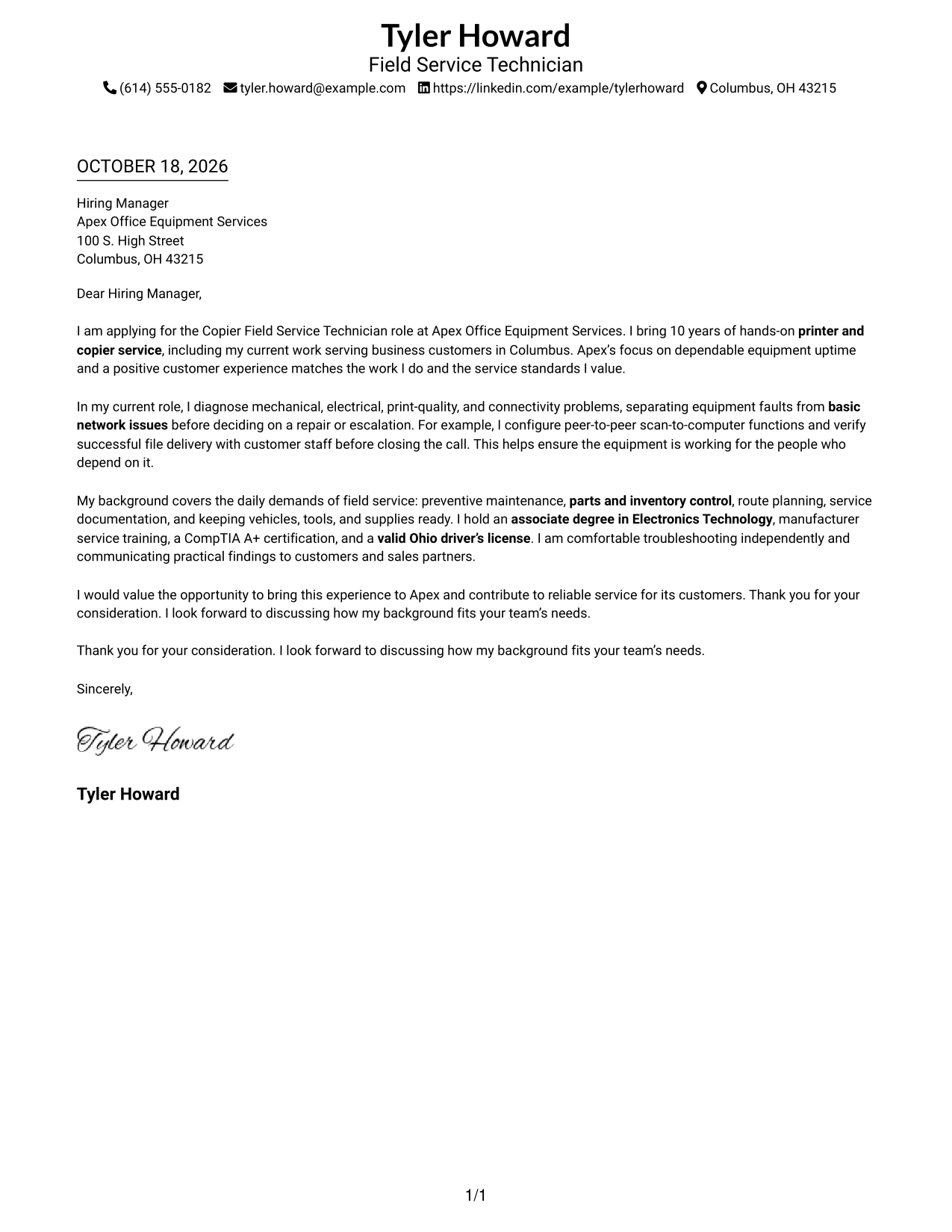
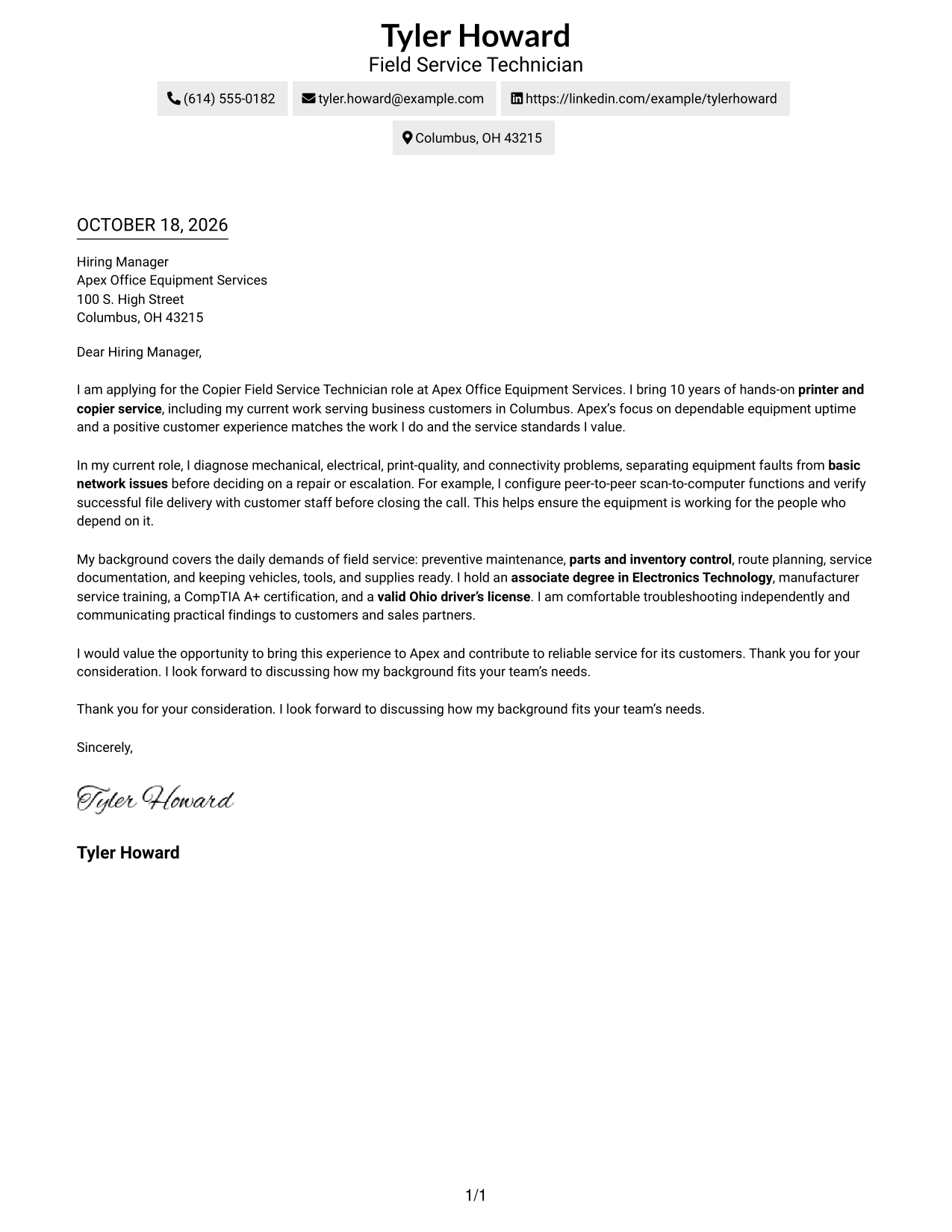
A single body column keeps sender details in the header and gives the letter a direct reading path.
Why This Format Works
- Sender details in the header give reviewers one clear place to find contact information.
- One body column keeps the opening, supporting points, and close in order.
- A photo-free page keeps attention on the written message and contact details.
Best For
- Header-led contact presentation
- Straight-through letter reading
- Photo-free correspondence
- Continuous argument paragraphs
- No-sidebar page layouts
#2 Two Column Format Cover Letter Example
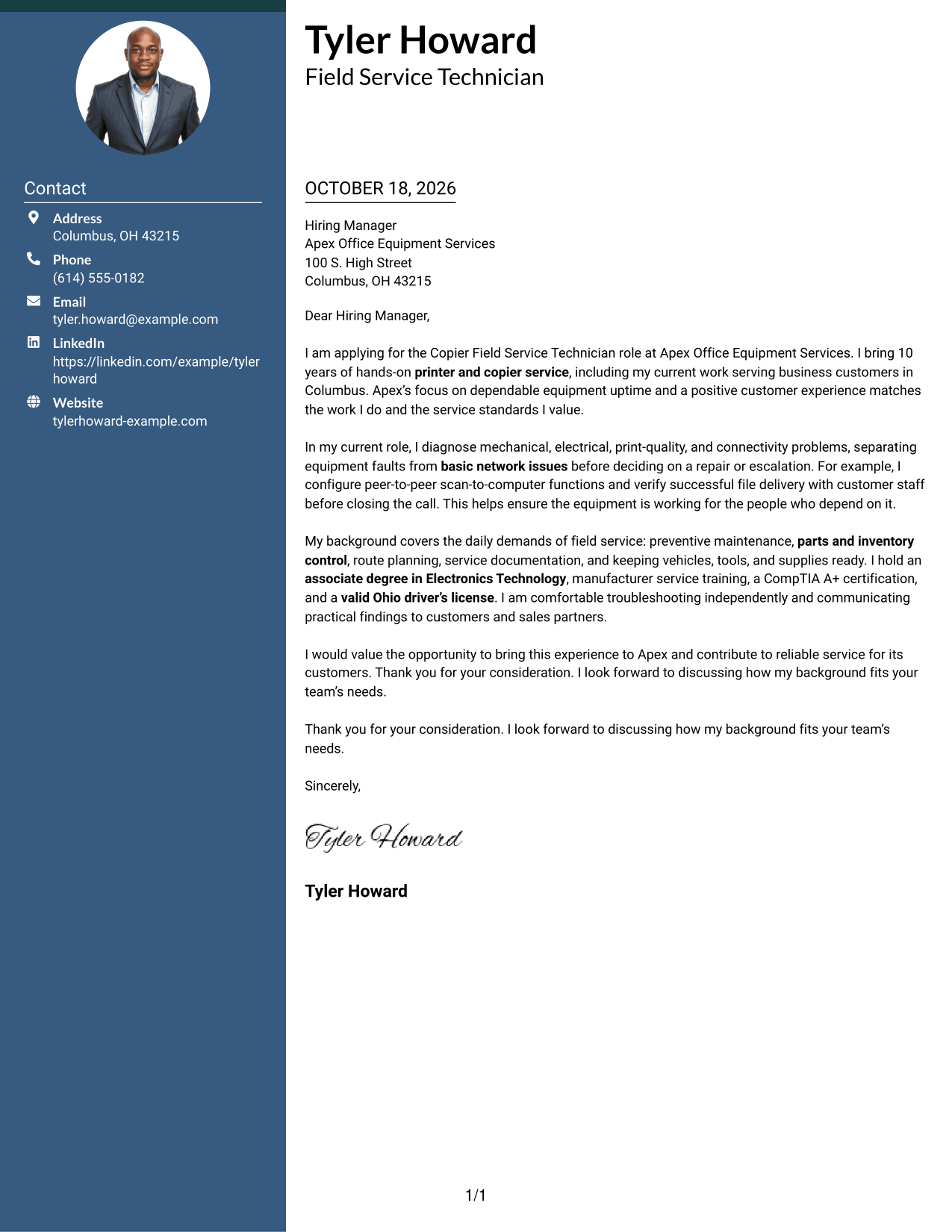
A contact sidebar sits beside one continuous letter body, keeping contact details apart from the message.
Why This Format Works
- A contact sidebar lets reviewers find sender details without searching the letter.
- One body column carries the opening, supporting points, and close in order.
- The side-by-side layout suits readers who prefer a more structured page.
Best For
- Separate contact and message areas
- One-column letter body
- Quick contact detail lookup
- Continuous letter paragraphs
- Structured page preference
#3 Photo Header Two Column Format Cover Letter Example
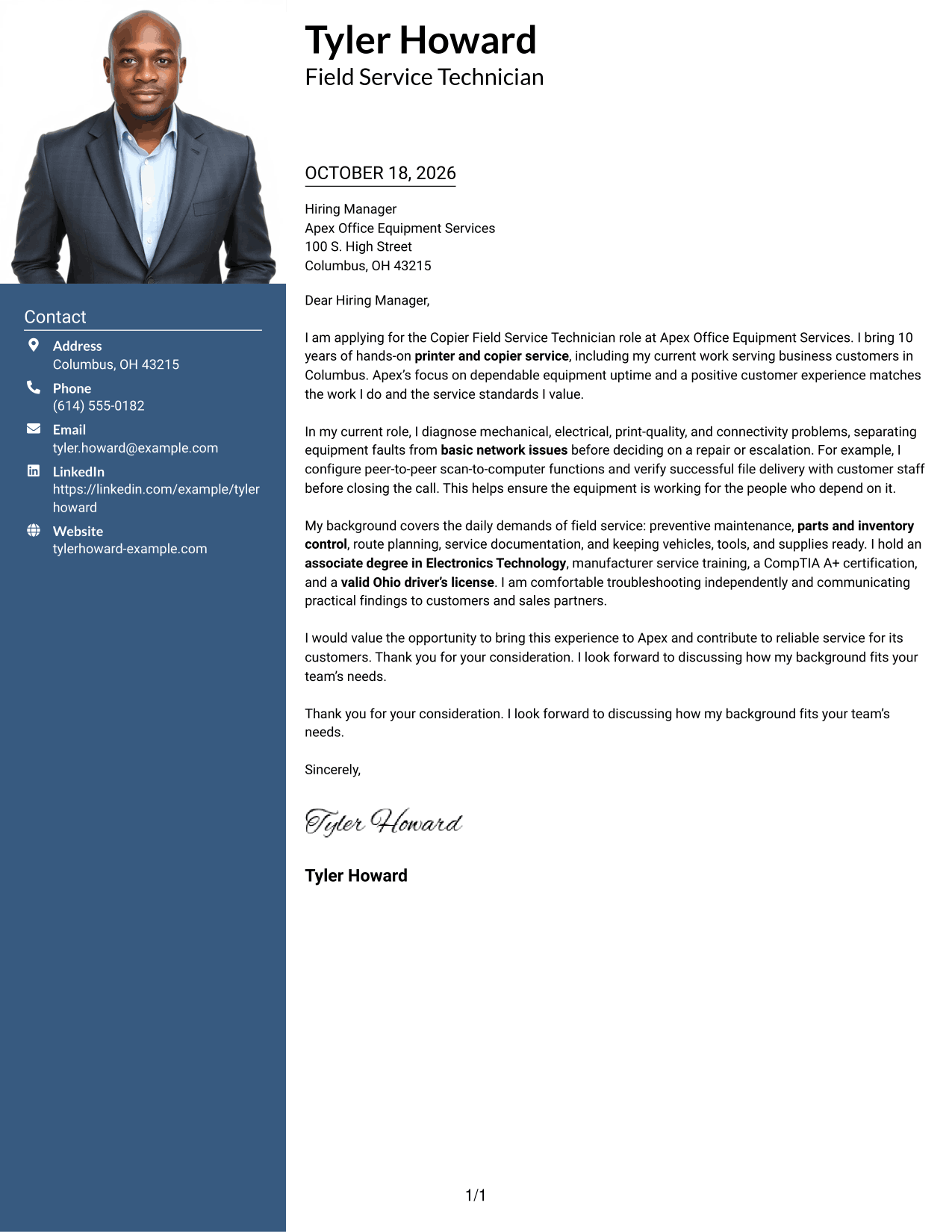
A portrait adds a personal visual element to the two-column page, while the contact sidebar keeps sender details beside the continuous letter body.
Why This Format Works
- The portrait gives the page a clear visual point of identification.
- Contact details sit apart from the message for easier reference.
- A single letter column keeps the opening and closing in reading order.
Best For
- Portrait-inclusive correspondence
- Separate contact information
- Continuous letter body
- Clear opening-to-close sequence
- Two-column page preference
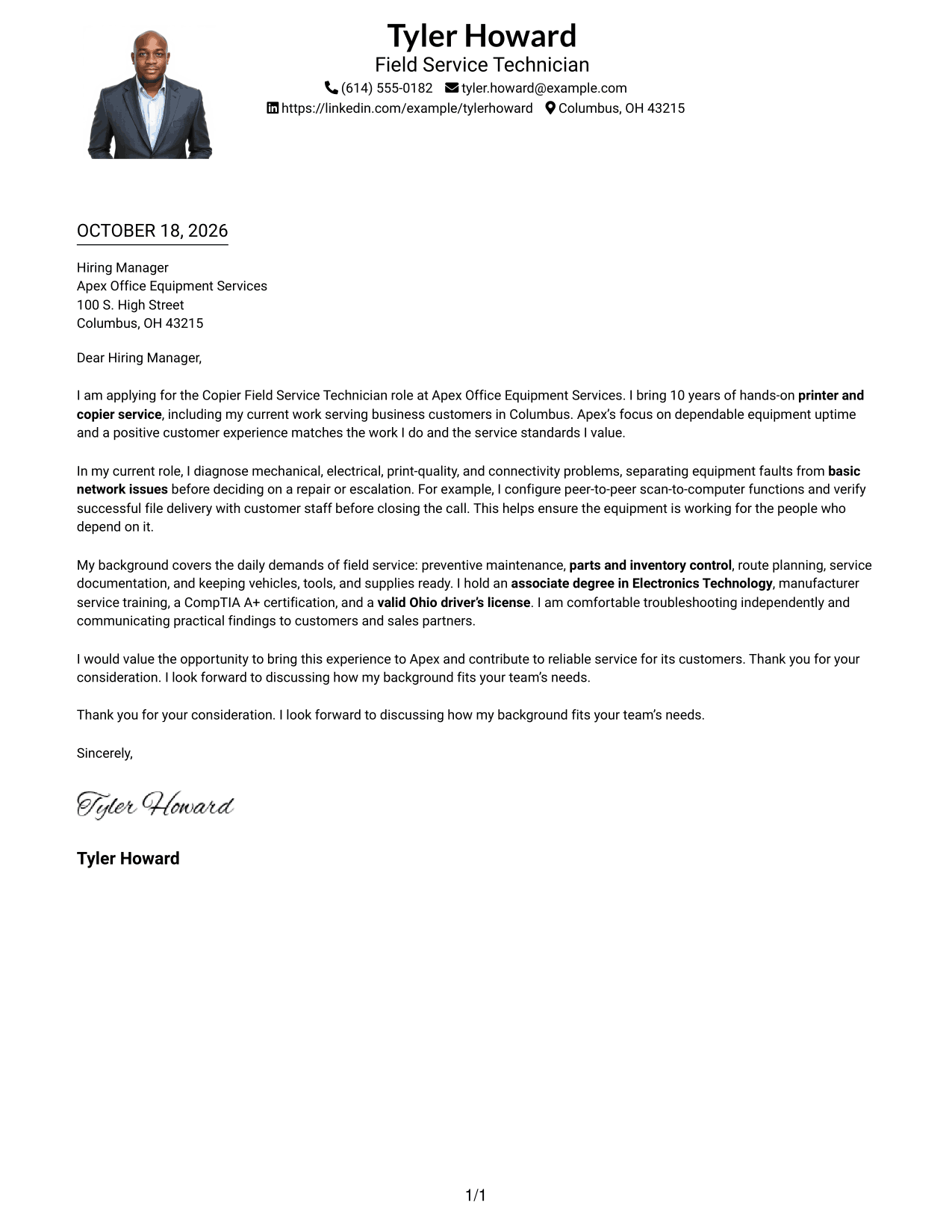
#4 One Column Format with Photo Cover Letter Example
A portrait adds a visual point of identification, while the single-column body keeps the letter on one direct reading path.
Why This Format Works
- The portrait adds a personal visual element without dividing the letter body.
- A single column keeps the message in a clear reading sequence.
- Sender details remain in the header, separate from the letter paragraphs.
Best For
- One-column correspondence
- Portrait-inclusive pages
- Direct letter reading
- Header-based contact details
- Continuous message paragraphs
#5 Simple Two Column Format Cover Letter Example
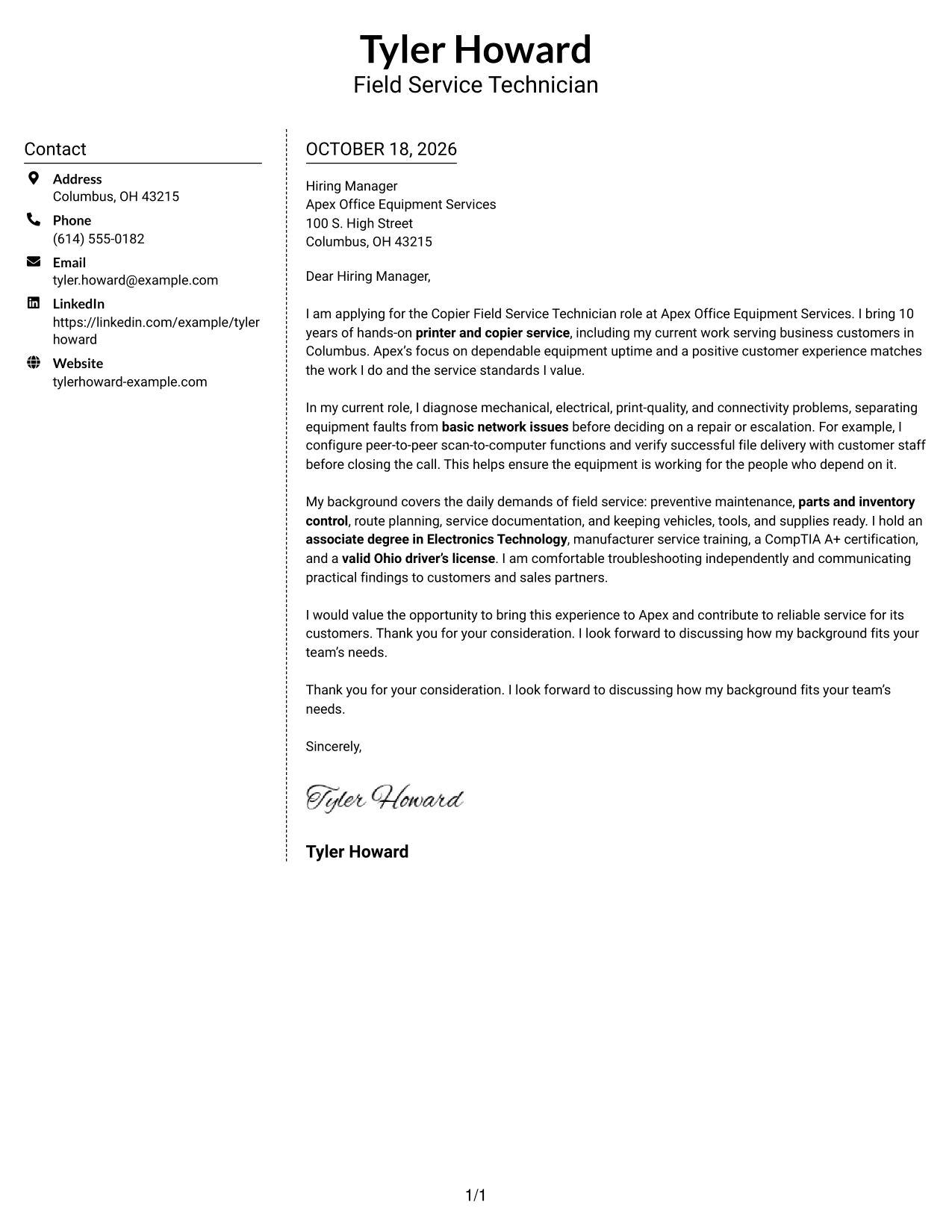
Contact details occupy a sidebar beside the continuous letter body, making the two parts easy to distinguish.
Why This Format Works
- The sidebar gives sender contact details a place apart from the letter.
- The continuous body lets reviewers follow the message from opening to close.
- Two distinct areas create a structured look for readers who prefer separation.
Best For
- Contact sidebar layouts
- Continuous letter messages
- Separated contact details
- Structured visual presentation
- Two-column correspondence
#6 Modern Icon Format Cover Letter Example
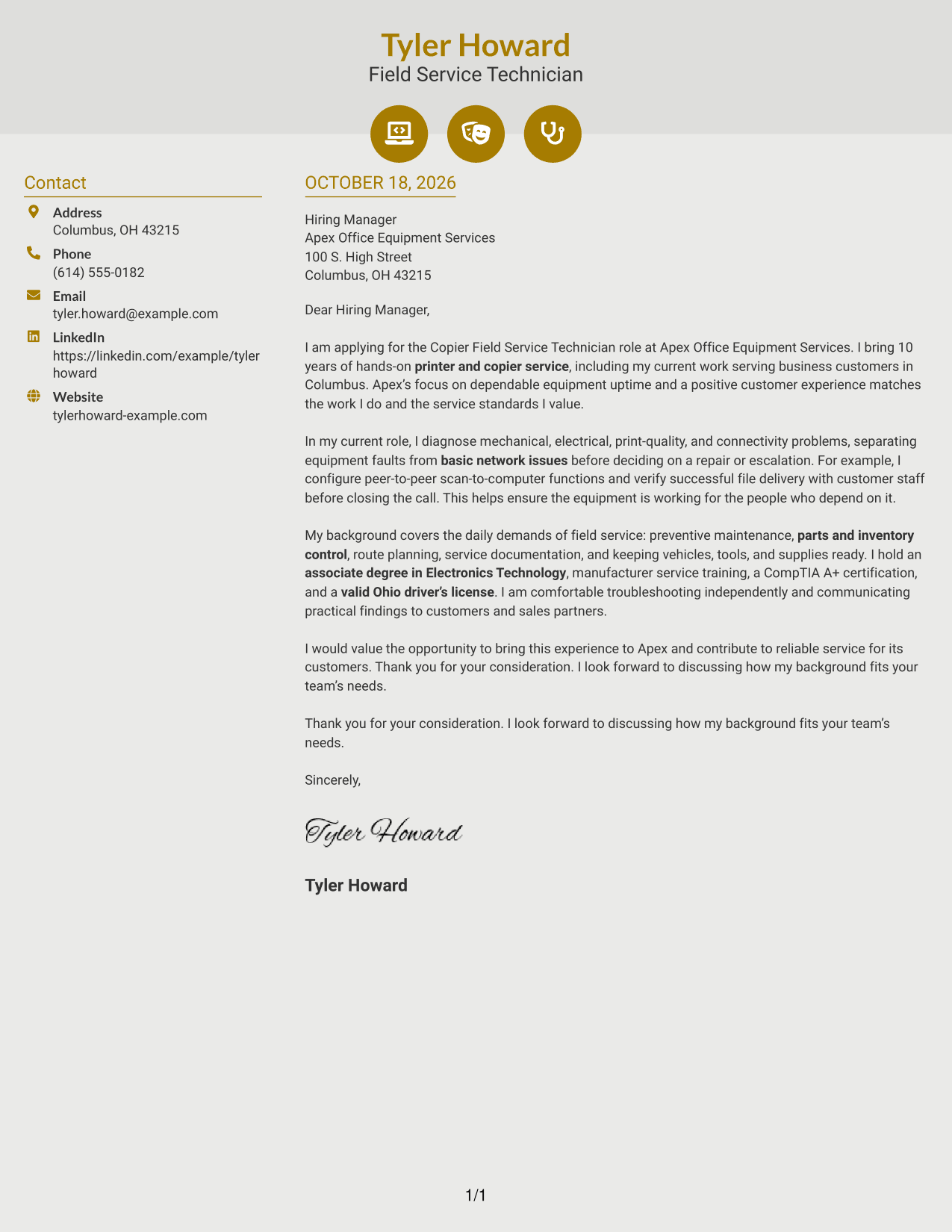
Contact icons cue the details in the sidebar, while the letter remains in one continuous body column.
Why This Format Works
- Contact icons help reviewers locate key details in the sidebar.
- The message stays in one body column, not parallel argument sections.
- The visual cues remain with contact information rather than interrupting the letter.
Best For
- Icon-cued contact details
- Sidebar contact presentation
- Single-column letter body
- Continuous written message
- Visual contact markers
#7 Creative Two Tone Format Cover Letter Example
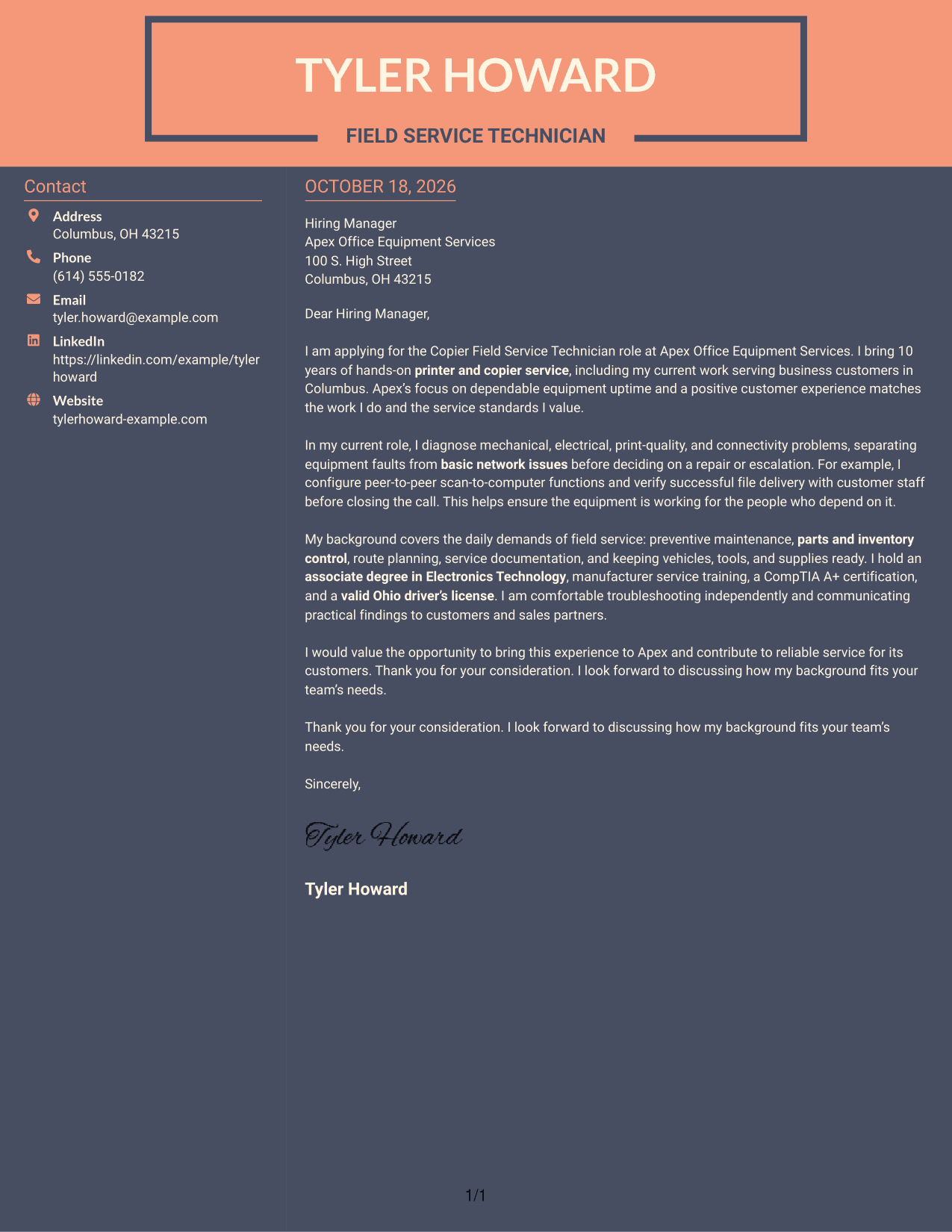
The two-column layout places contact details beside one continuous letter body, creating a clear division between the two.
Why This Format Works
- The separate contact area makes sender details easy to distinguish from the message.
- One continuous letter body keeps the argument in a direct sequence.
- The two-column arrangement offers a defined visual structure for the page.
Best For
- Distinct contact and message areas
- Direct letter sequence
- Continuous body paragraphs
- Structured page preference
- Two-column letter layouts
See Also
- 7 Copier Field Service Technician Resume Templates with Example
- 7 Field Service Technician Class B - Transformer Service Resume Templates with Example
- 7 Field Service Technician I - Medical Equipment Resume Templates with Example
- 7 Field Service Technician Resume Templates with Example
- 7 Field Service Technician - Streets/ Stormwater Resume Templates with Example
- 7 Field Services Technician - Offshore Wind Turbine Maintenance Resume Templates with Example
- 7 NETA Field Service Technician Resume Templates with Example
- 33 Biological Field Technician Resume Templates with Example 2026 (ATS-Optimized)
- 7 Field Services Technician - Offshore Wind Turbine Maintenance Cover Letter Templates with Example
- 30+ Biological Field Technician Cover Letter Templates with Example 2026
Frequently Asked Questions
What should a Copier Field Service Technician cover letter emphasize?
Show how you diagnose printer and copier problems, complete service work, and communicate clearly with customers. Choose details that match the position and are true to your experience.
How can I describe troubleshooting in my letter?
Briefly explain the problem you assessed, how you separated equipment faults from basic network issues, and what action you took. Include an outcome only when you can support it.
How do I connect my experience to an employer’s needs?
Refer to the employer’s service priorities, then connect them to relevant work such as preventive maintenance, scan setup, route planning, or parts readiness. Do not claim experience you do not have.
Which cover letter style suits a field service technician role?
Choose a clear style that makes your opening, service evidence, and closing easy to follow. The right presentation depends on the employer and the way you will communicate with them.
Should I mention customer communication in my cover letter?
Yes, when it is part of your experience. A short example of explaining a repair, checking that scanning works, or keeping a customer informed can show how you support reliable service.




