
7 Customer Care Advisor - Health Plan Member Support Cover Letter Templates with Example
This practical guide to a Customer Care Advisor - Health Plan Member Support cover letter presents seven layouts to help you shape a clear, persuasive application.
What Makes a Great Customer Care Advisor - Health Plan Member Support Cover Letter in 2026
A strong letter connects your interest in member support with clear communication, patient guidance, and sound judgment when handling questions or concerns. It should show how you can help members understand their health plan options.
Use specific examples of explaining benefits, documenting contacts, or routing complex concerns. Then connect that evidence to the employer’s needs, such as accurate service and helpful support across phone, email, and chat.
The featured Customer Care Advisor - Health Plan Member Support example moves from motivation to relevant service experience and a clear closing, giving you a focused progression to adapt. Choose a presentation that suits the employer and the communication context.
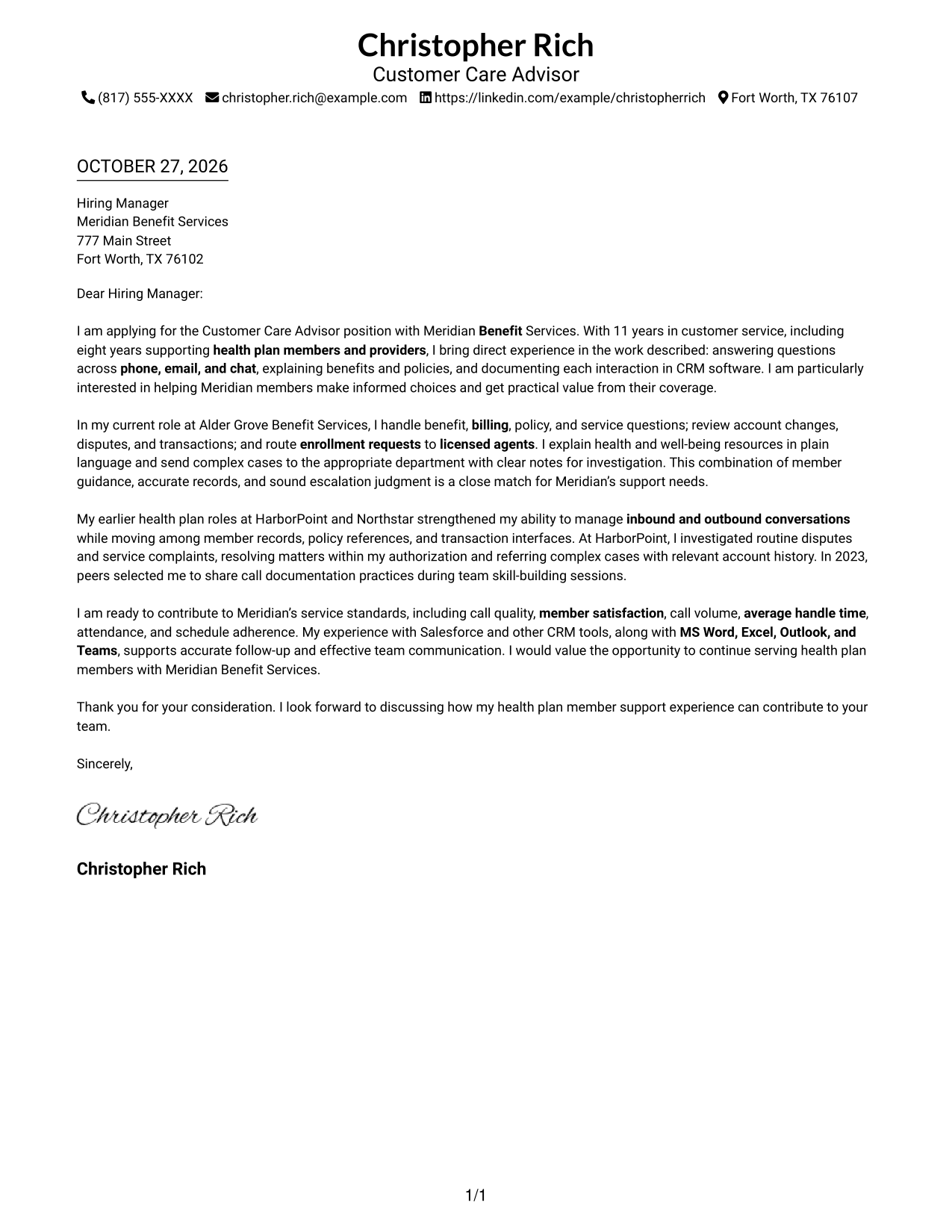
#1 Simple One Column Format Cover Letter Example
Contact details sit in the header, while the one-column body gives the letter a clear reading path.
Why This Format Works
- Contact details stay outside the letter’s central message.
- The single reading path keeps the opening, evidence, and closing in order.
- Continuous paragraphs let the argument develop without competing body columns.
Best For
- Single-column reading preference
- Header-based sender details
- Photo-free document preference
- Paragraph-led letter writing
- Direct application correspondence
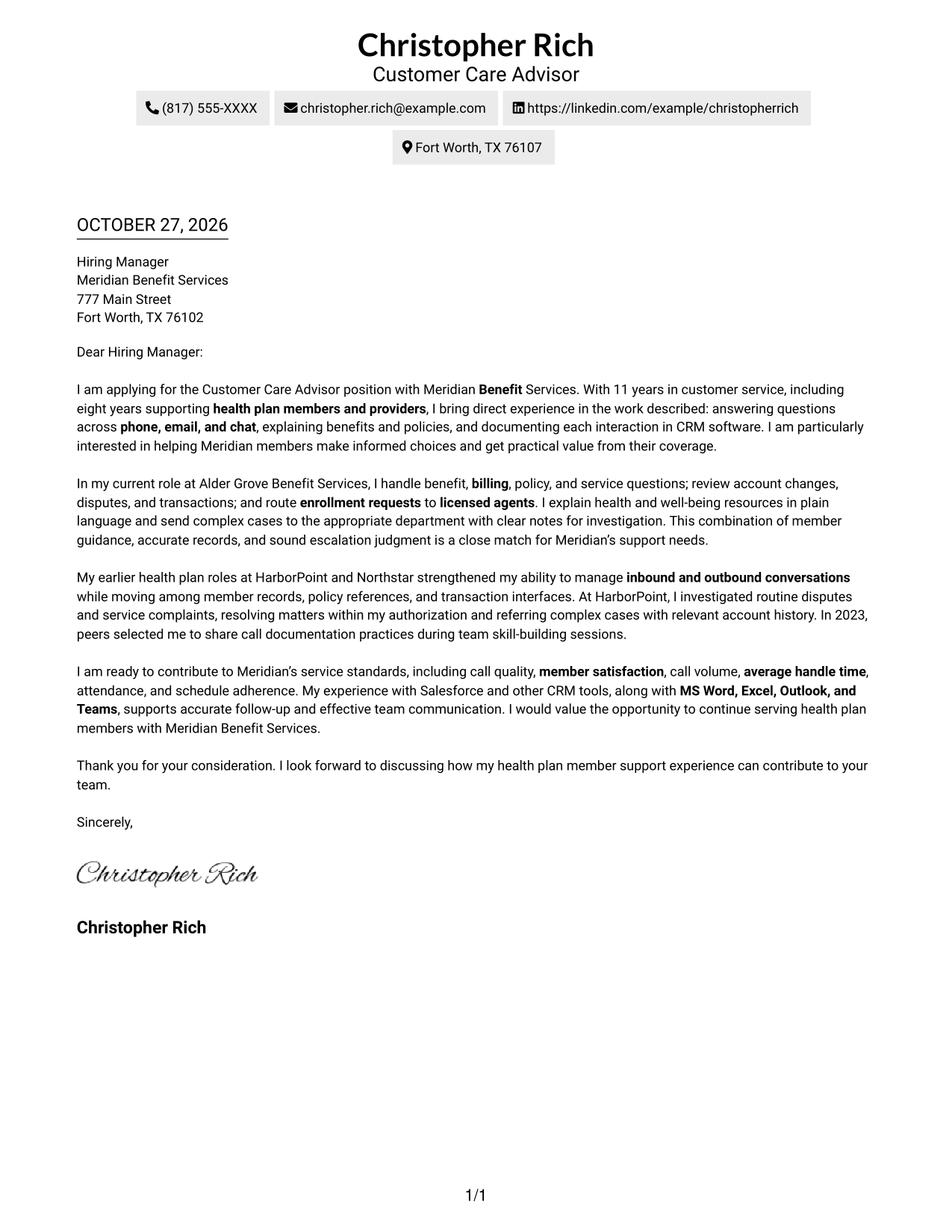
#2 Two Column Format Cover Letter Example
A contact sidebar sits beside one continuous letter body, giving sender details their own place without splitting the message.
Why This Format Works
- The contact sidebar gives reviewers a dedicated place to find sender details.
- The letter body stays whole, keeping its points in their intended sequence.
- Side-by-side areas distinguish contact information from the employer-facing message.
Best For
- Contact sidebar preference
- One-column letter narrative
- Fast sender-detail lookup
- Photo-free layout
- Multi-paragraph correspondence
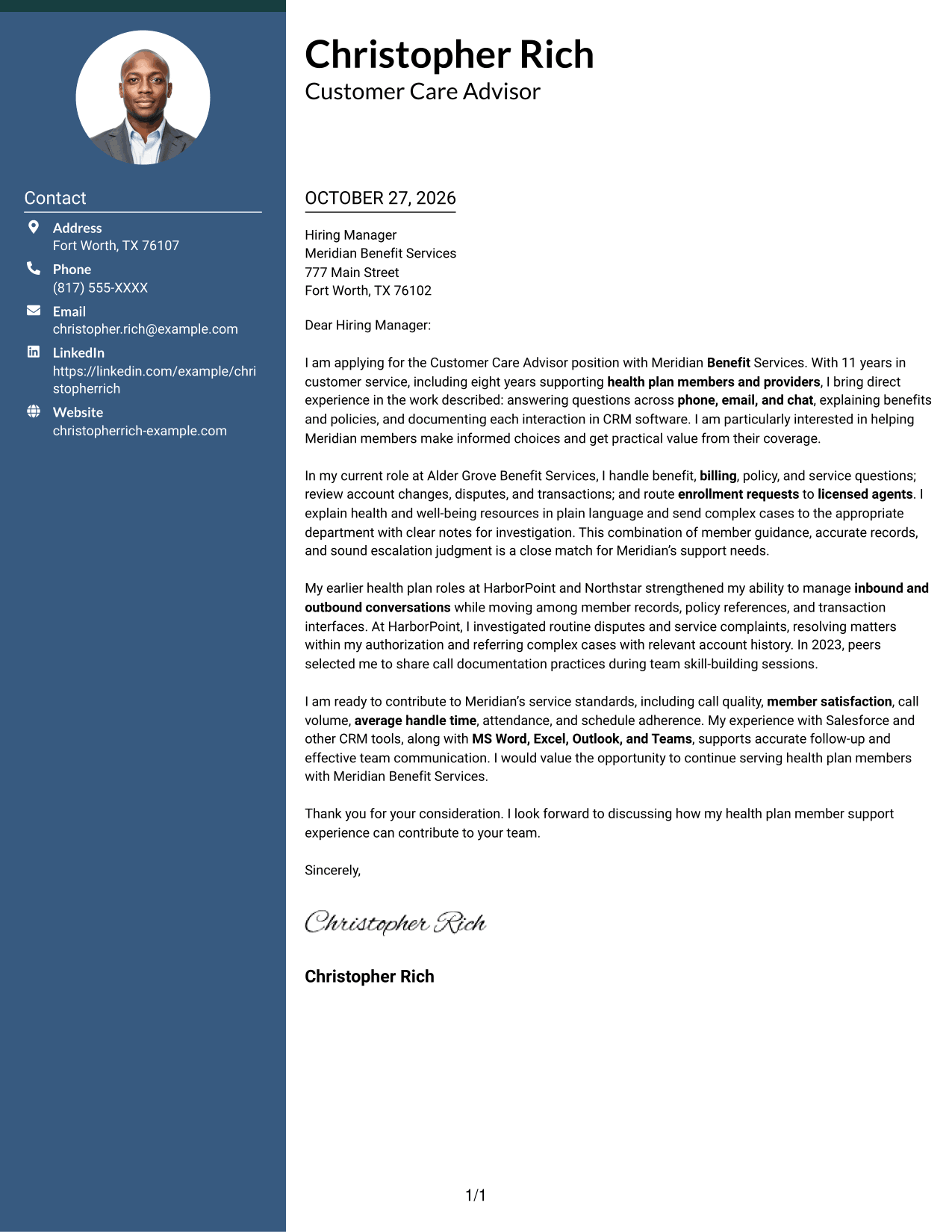
#3 Photo Header Two Column Format Cover Letter Example
A photo in the header adds a personal visual element, while the contact sidebar and continuous letter body keep their separate roles.
Why This Format Works
- The portrait adds a visible personal element without dividing the letter’s message.
- A separate contact area makes sender information easy to locate.
- The continuous body lets motivation, evidence, and closing read in sequence.
Best For
- Portrait-inclusive correspondence
- Contact lookup beside the letter
- Continuous body paragraphs
- Two-column reading preference
- Personal visual introduction
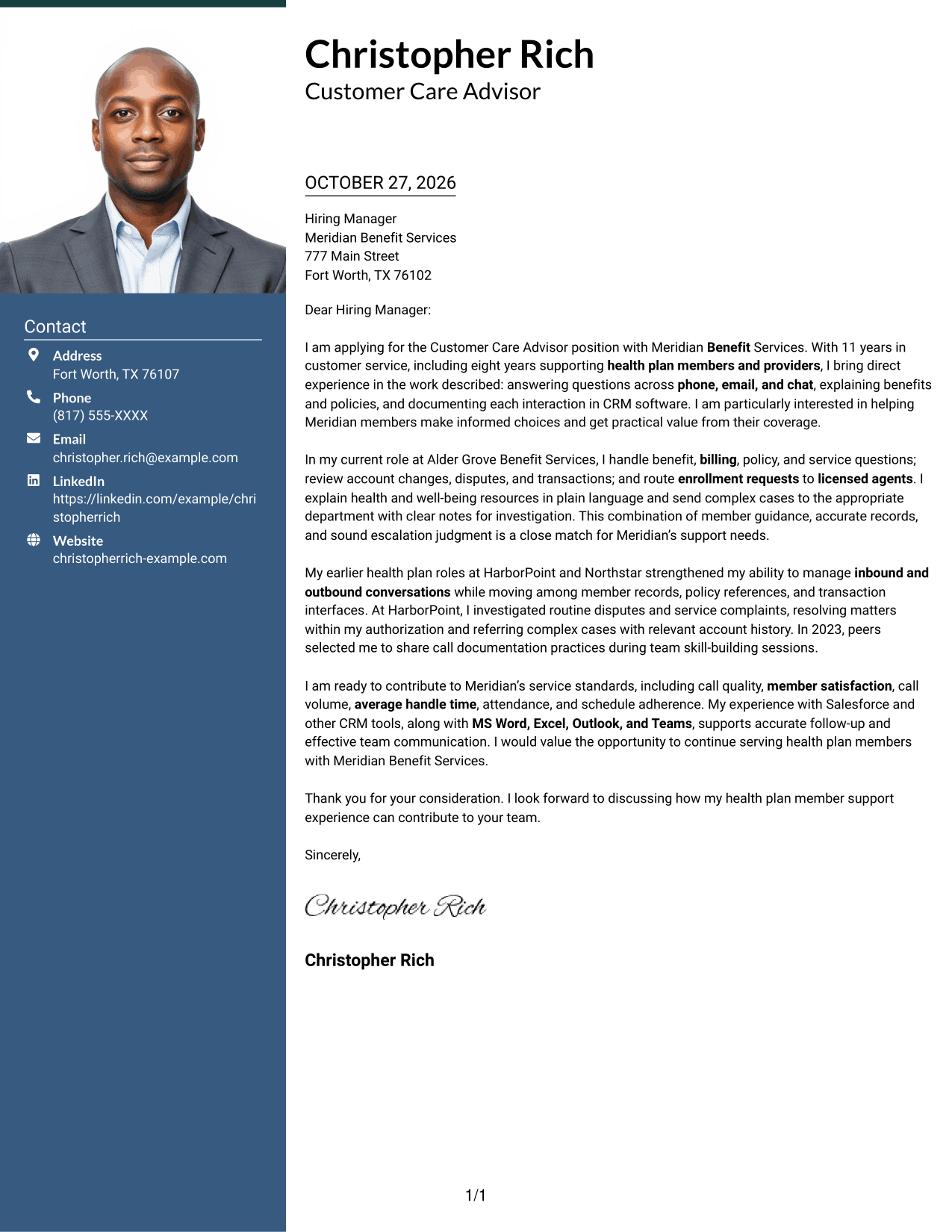
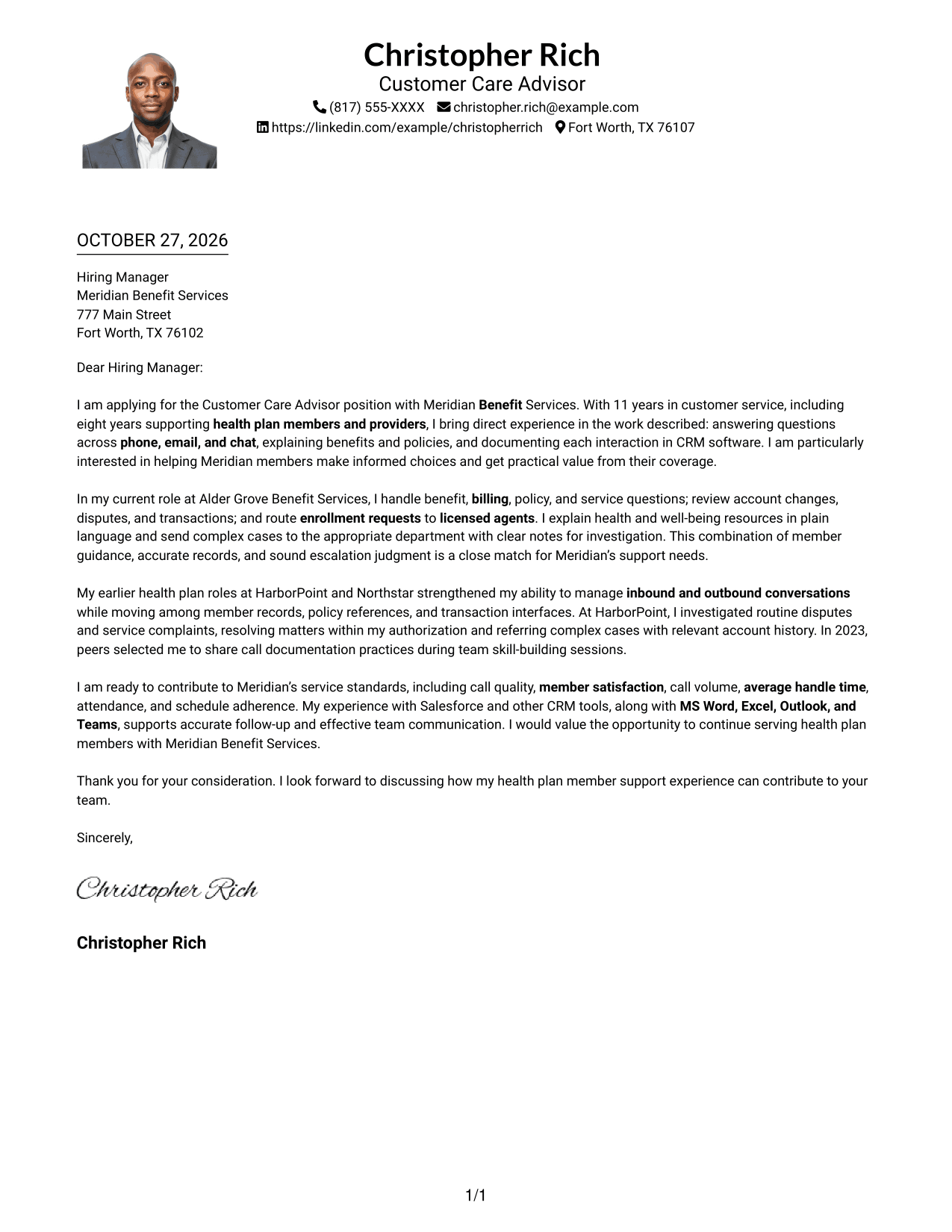
#4 One Column Format with Photo Cover Letter Example
The photo adds a personal visual touch to a one-column page, while the letter body keeps a straightforward reading path.
Why This Format Works
- The portrait provides a visual point of introduction apart from the letter’s argument.
- Header contact details remain distinct from the continuous body.
- A single body column keeps the letter’s paragraphs in reading order.
Best For
- Single-column correspondence
- Portrait-inclusive document
- Header contact information
- Continuous letter paragraphs
- Direct letter reading
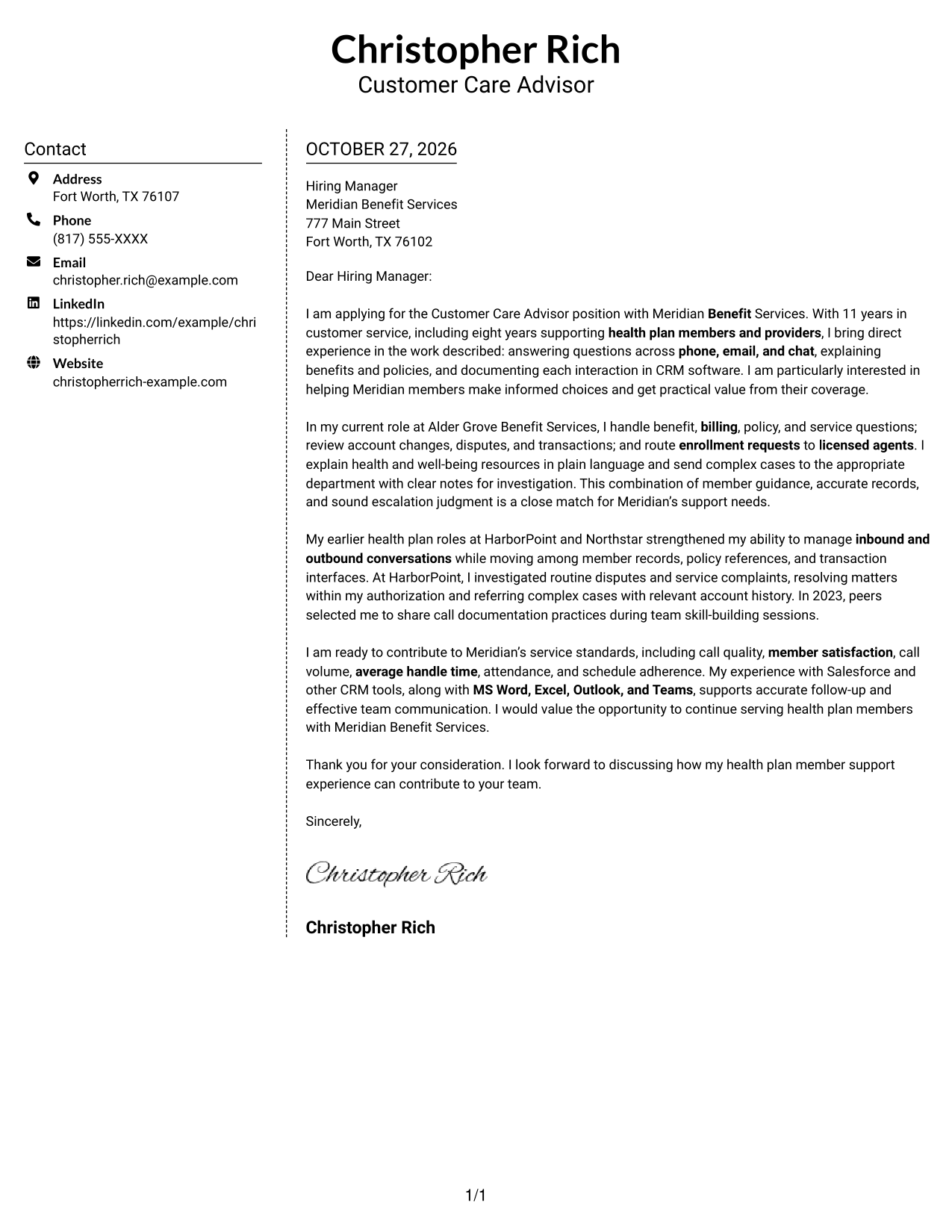
#5 Simple Two Column Format Cover Letter Example
The contact sidebar gives sender details a separate place beside the continuous letter, keeping the message together in one body column.
Why This Format Works
- The sidebar separates contact details from the message without dividing its paragraphs.
- The one-column letter body keeps the persuasive points together.
- A clear boundary helps readers tell sender information from the letter itself.
Best For
- Sidebar contact presentation
- Single-body letter format
- Photo-free correspondence
- Distinct sender information
- Continuous paragraph message
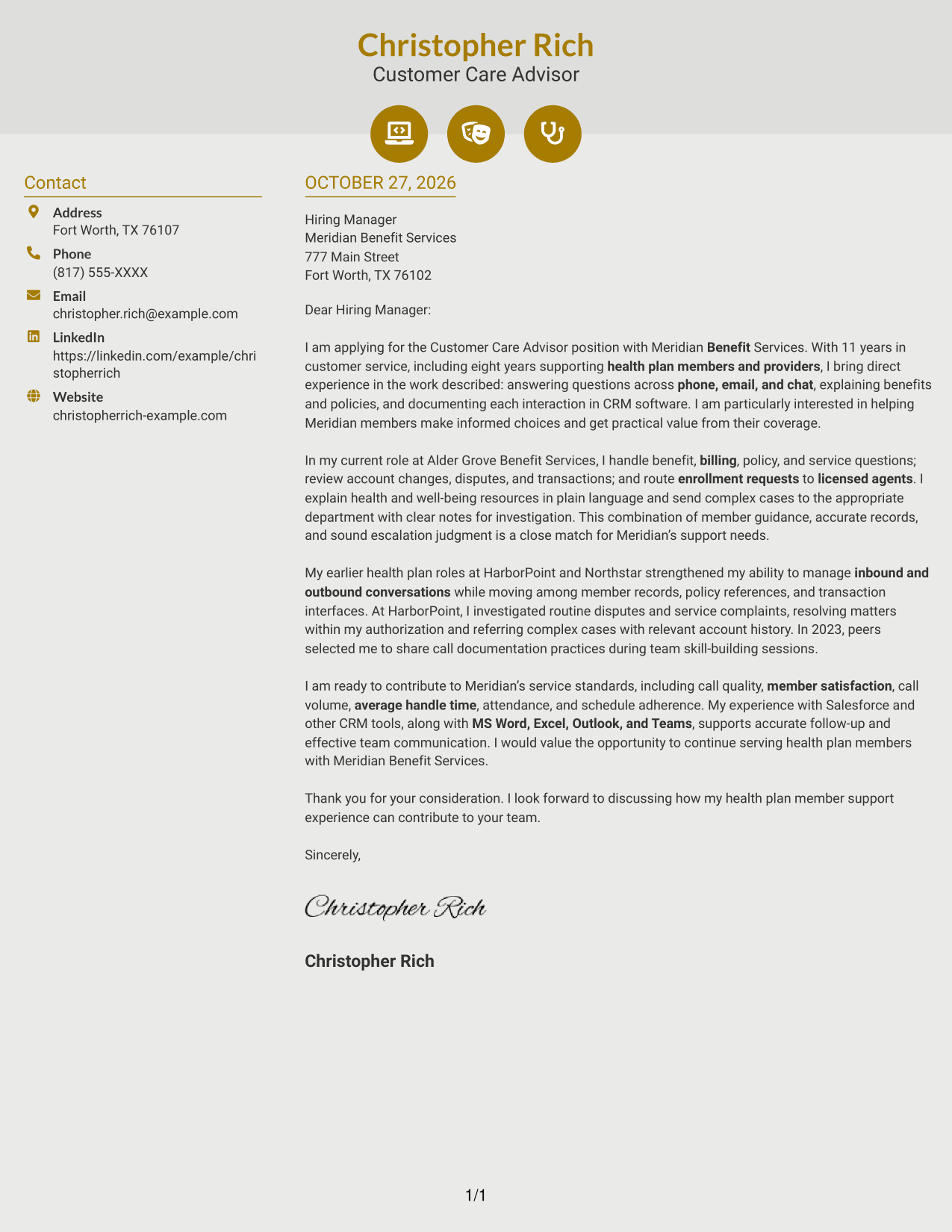
#6 Modern Icon Format Cover Letter Example
Contact icons and decorative header accents add visual cues, while the sidebar and one continuous body keep contact details apart from the letter.
Why This Format Works
- Contact icons act as cues for sender details, not as labels for letter arguments.
- The sidebar keeps contact information apart from the continuous message.
- A single body column preserves the letter’s natural paragraph order.
Best For
- Icon-led contact details
- Sidebar contact preference
- Continuous letter narrative
- Two-column page organization
- Photo-free visual style
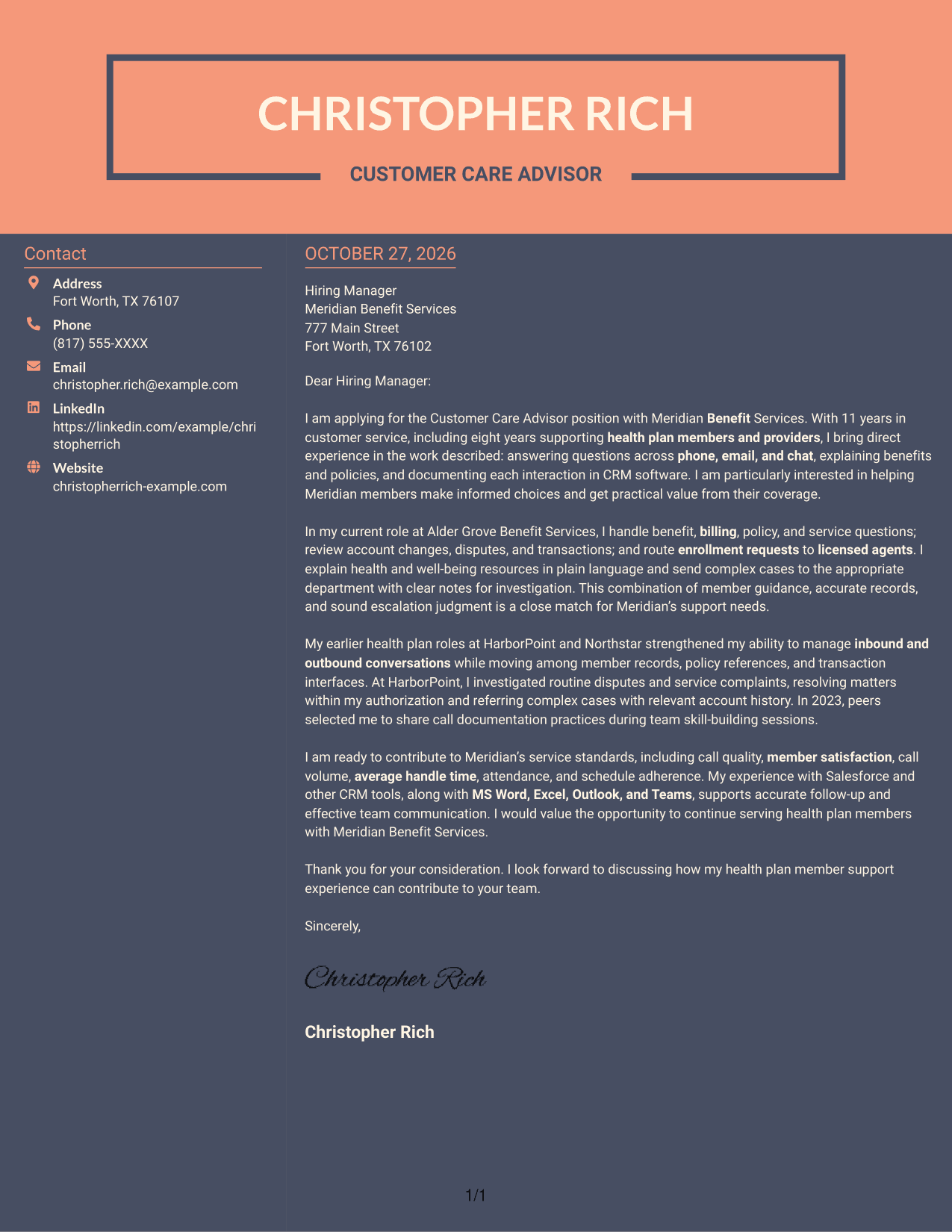
#7 Creative Two Tone Format Cover Letter Example
The two-column arrangement places contact details beside one continuous letter body, keeping the sender information distinct from the message.
Why This Format Works
- A separate contact area lets readers locate sender details without searching the letter.
- The complete body keeps the opening, evidence, and closing together.
- The two-column arrangement clearly separates contact information from the letter’s message.
Best For
- Two-column reading preference
- Separate contact information
- One continuous letter body
- Photo-free page preference
- Multi-paragraph application letters
Why Use ResumeInMinutes for a Customer Care Advisor - Health Plan Member Support Cover Letter
ResumeInMinutes gives you an example to review and customize for the role. Compare the image previews, then open an example in the editor to shape your cover letter.
- Clear, professional layouts
- Readable letter presentation
- Role-focused cover letter examples
- Options for different communication styles
- Image previews for comparison
- Examples you can customize in the editor
Keep your message focused on member questions, benefit guidance, accurate follow-up, and the service standards that matter in this role.
See Also
- 7 Customer Care Advisor - Health Plan Member Support Resume Templates with Example
- 7 Lead Customer Service Specialist - Condition Monitoring Advisor Resume Templates with Example
- 7 Customer Experience Agent - Medicare Advantage Member Support Resume Templates with Example
- 7 Environmental Health & Safety Advisor - Distribution Center Safety Resume Templates with Example
- 33 Clinical Customer Care Staff Pharmacist Resume Templates with Example 2026 (ATS-Optimized)
- 7 Finance Customer Care Representative Intermediate Resume Templates with Example
- 33 Technical Customer Care Representative I Resume Templates with Example 2026 (ATS-Optimized)
- 7 WIC Customer Service Representative - Public Health Client Services Resume Templates with Example
- 7 Customer Experience Agent - Medicare Advantage Member Support Cover Letter Templates with Example
- 7 Environmental Health & Safety Advisor - Distribution Center Safety Cover Letter Templates with Example
Frequently Asked Questions
What should a Customer Care Advisor - Health Plan Member Support cover letter include?
Explain why member support interests you, then show how your communication and service experience fits the role. Relevant examples may include answering benefit questions, documenting contacts, and directing enrollment or complex service matters to the right team.
Do the previews show different cover letter presentations?
The guide presents a role-focused cover letter in different visual layouts. Compare the image previews and open an example in the editor to customize its presentation.
How can I show a good fit for health plan member support?
Describe a specific time you explained a policy or benefit, addressed a billing concern, or helped resolve a service issue. Keep the example accurate and connect it to clear communication, careful documentation, or appropriate escalation.
How should I explain my interest in the employer?
Name a genuine reason for wanting to support its members, such as helping people understand coverage and make informed choices. Link that reason to the way you approach member service.
Should I use a photo on my cover letter?
Use a photo only if it is common or expected in your country, region, or industry. For U.S. applications, a cover letter without a photo is usually the safer choice.




