
7 Customer Success Manager - Managed IT Services Cover Letter Templates with Example
This practical guide helps you shape a persuasive Customer Success Manager - Managed IT Services cover letter and compare seven layouts through image previews.
What Makes a Great Customer Success Manager - Managed IT Services Cover Letter in 2026
A strong letter connects customer goals with managed IT services and shows how you build trusted relationships with executives and IT leaders. It should make your interest in the role clear from the opening.
Use evidence such as leading Strategic Business Reviews, creating customer success plans, or coordinating early action on risks. Link that experience to the employer’s focus on customer outcomes and lasting partnerships.
The featured example moves from role interest to relevant customer success evidence, technical context, and a clear close; adapt this progression while choosing a presentation that suits the employer and communication context.
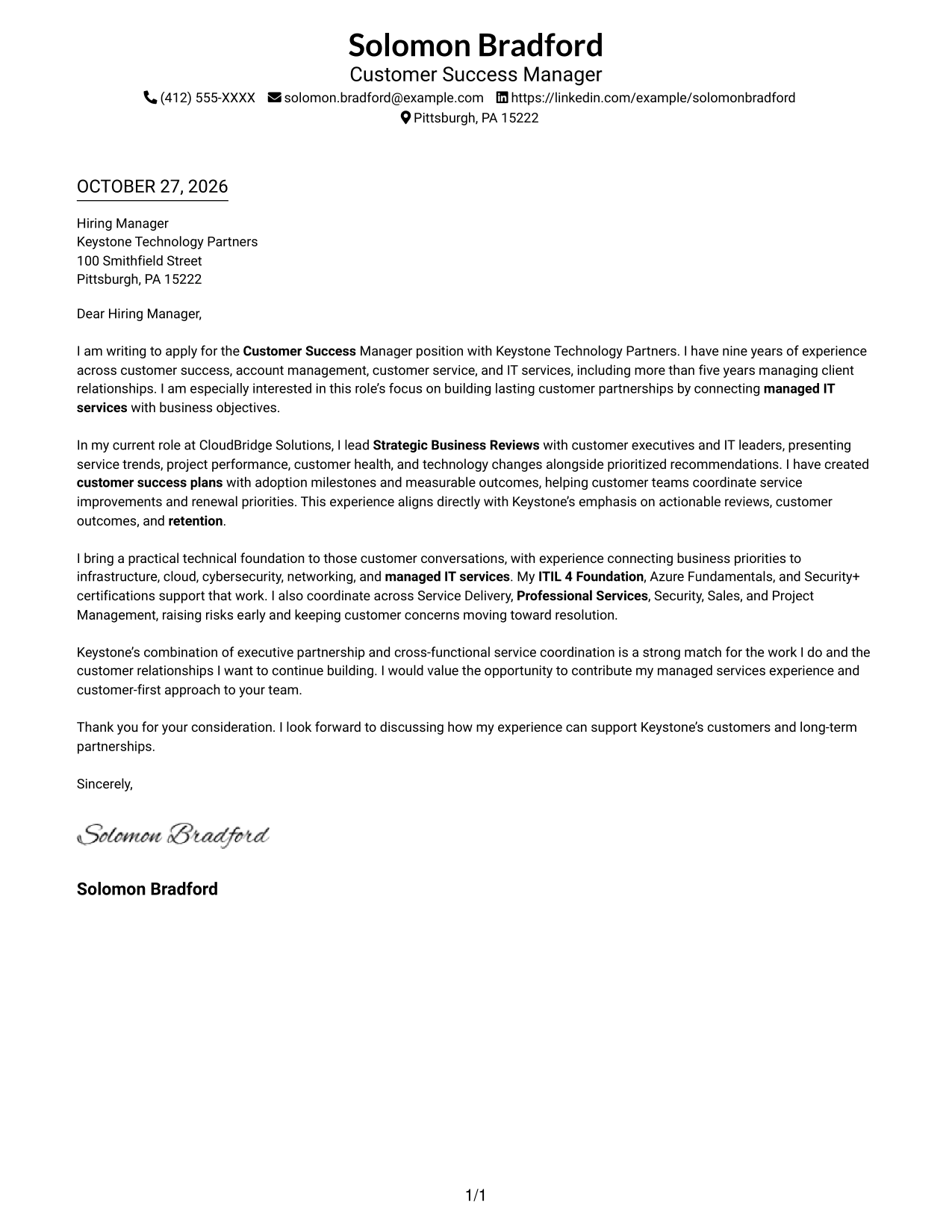
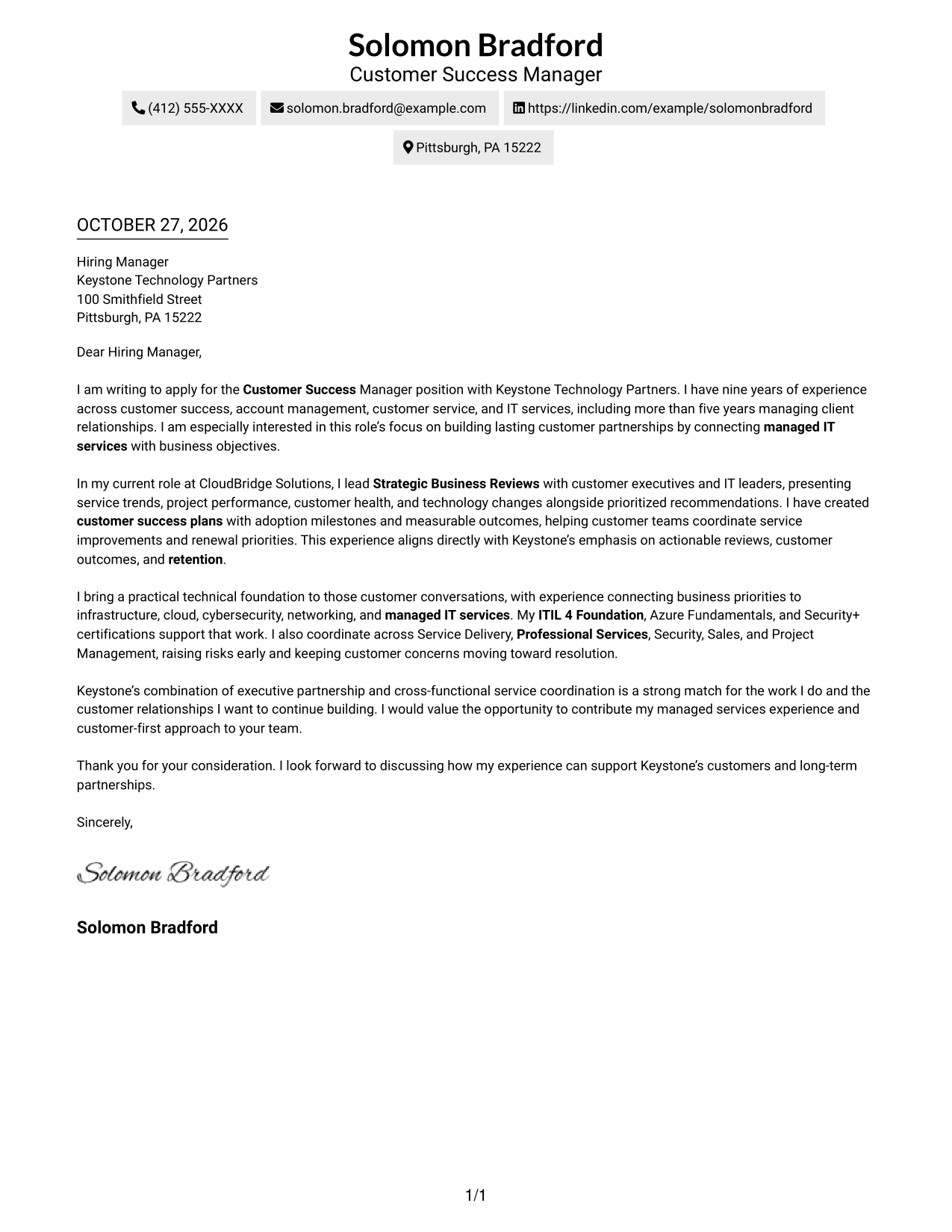
#1 Simple One Column Format Cover Letter Example
Simple One Column Format keeps sender details in the header and the letter in one continuous column, creating a direct path through the message.
Why This Format Works
- Sender details remain in the header, separate from the recipient-focused letter body.
- Motivation, supporting evidence, and the closing stay together in one reading sequence.
- A single column gives the reviewer a direct path from greeting through final paragraph.
Best For
- Direct top-to-bottom reading
- Multi-paragraph cover letters
- Header-based contact details
- Business-focused applications
- Photo-free correspondence
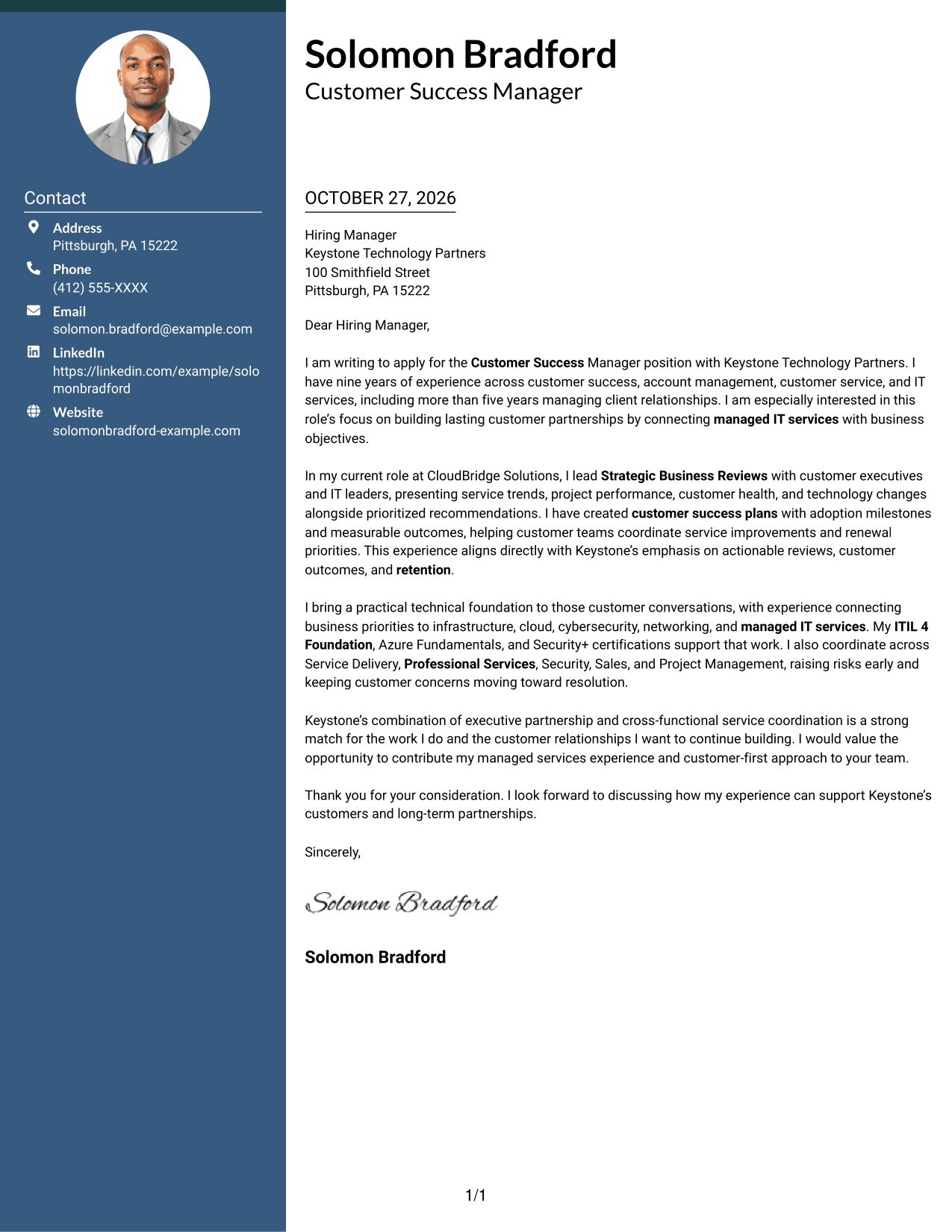
#2 Two Column Format Cover Letter Example
Two Column Format places contact details in a sidebar beside one continuous letter body, keeping correspondence information distinct from the message.
Why This Format Works
- The contact sidebar gives sender information a separate, easy-to-find location.
- One continuous body keeps motivation, evidence, and closing paragraphs in sequence.
- The reviewer can move from contact details to the letter without splitting the argument.
Best For
- Side-by-side contact access
- Multi-paragraph application letters
- Executive-facing opportunities
- Customer partnership roles
- Managed IT services applications
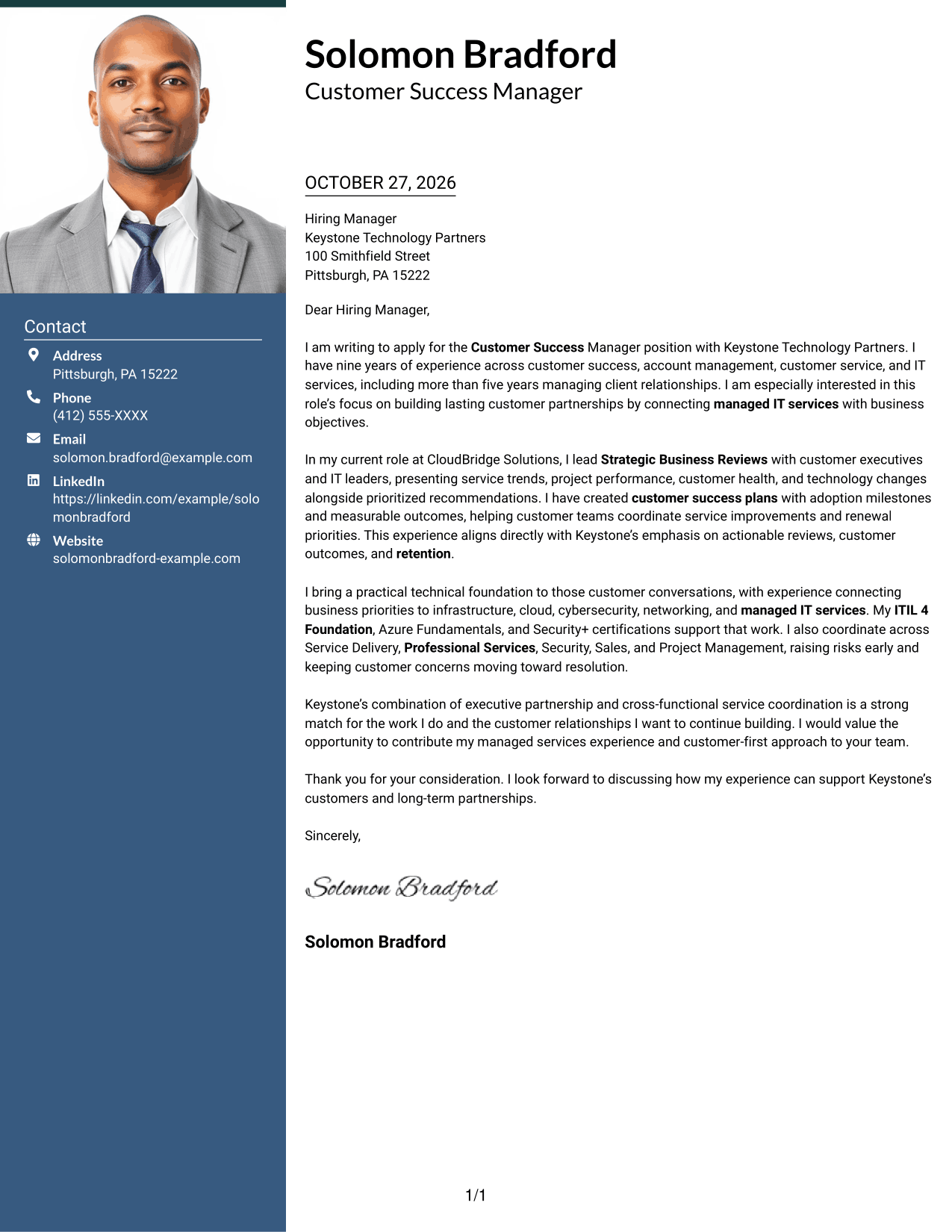
#3 Photo Header Two Column Format Cover Letter Example
Photo Header Two Column Format combines a photo and contact sidebar with one continuous letter body, keeping personal details beside the message.
Why This Format Works
- The sidebar keeps contact information apart from the letter's persuasive paragraphs.
- The single letter body carries the opening, evidence, and closing in order.
- A photo adds a visual point of recognition without changing the message flow.
Best For
- Photo-inclusive correspondence
- Contact details beside the message
- Letters with several supporting paragraphs
- Executive relationship roles
- Customer success applications
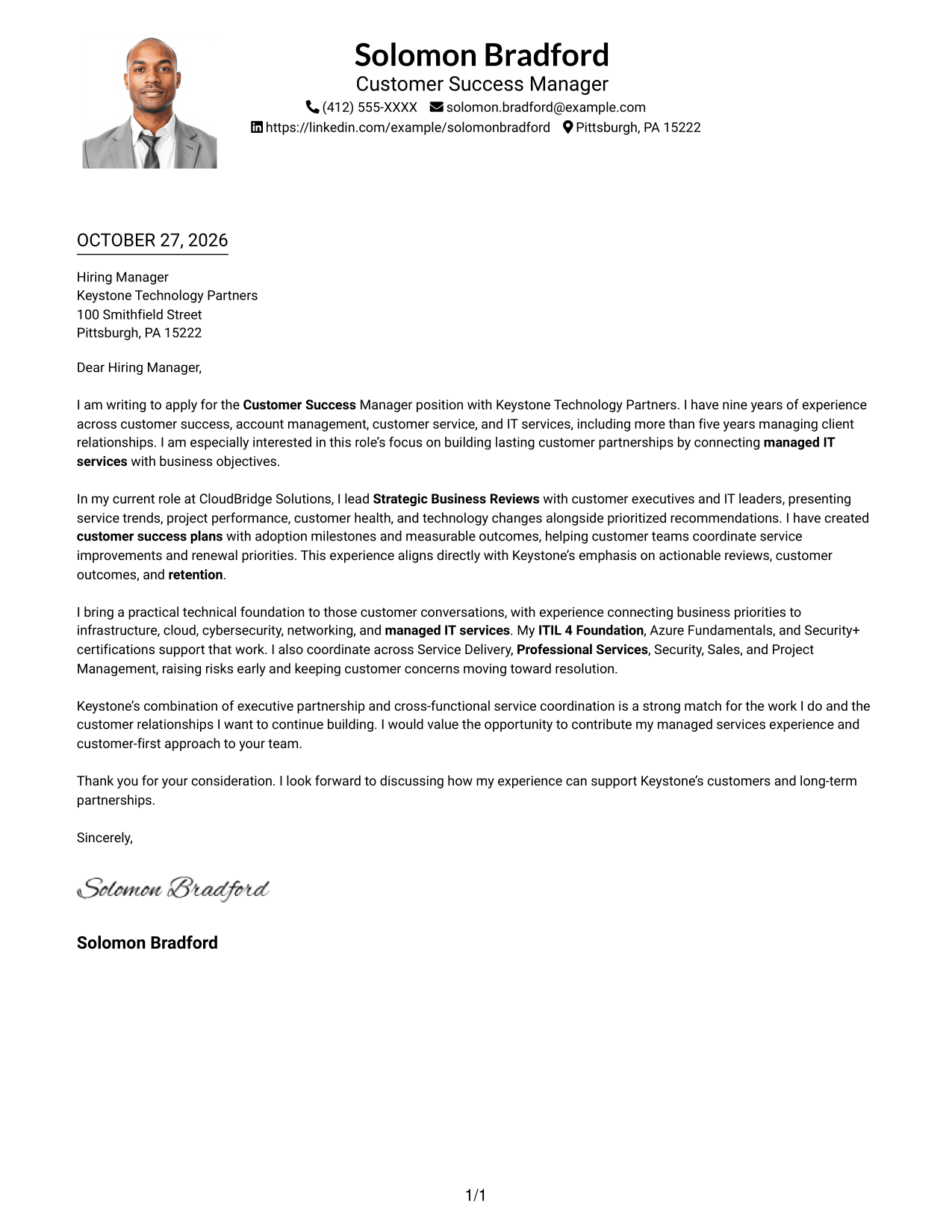
#4 One Column Format with Photo Cover Letter Example
One Column Format with Photo presents the letter in one continuous column and includes a photo, pairing a direct reading path with a visual personal detail.
Why This Format Works
- The one-column body keeps the greeting, message, and closing in a clear sequence.
- Sender details in the header stay distinct from the letter's main paragraphs.
- The photo offers a visual point of recognition while leaving the text in one column.
Best For
- Single-column letter reading
- Photo-inclusive applications
- Clear separation of sender details
- Business-focused correspondence
- Customer-facing opportunities
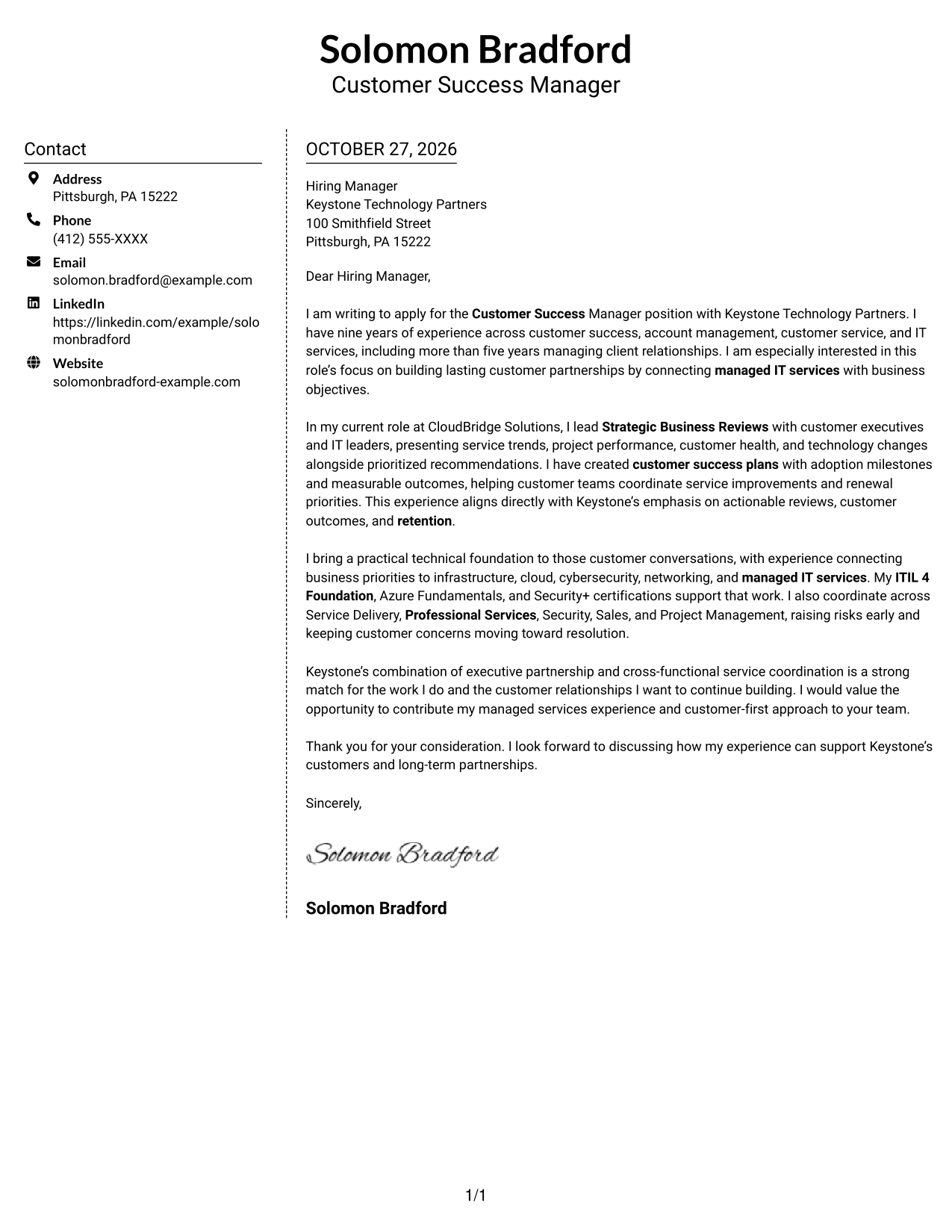
#5 Simple Two Column Format Cover Letter Example
Simple Two Column Format sets contact details in a sidebar beside one continuous letter body, giving each a distinct place on the page.
Why This Format Works
- The sidebar makes contact information easy to locate apart from the message.
- The letter's paragraphs remain together rather than dividing the argument between columns.
- A clear contact area helps the reviewer distinguish correspondence details from the letter text.
Best For
- Separate contact and message areas
- Continuous application letters
- Quick access to sender details
- Business-to-business opportunities
- Customer relationship positions
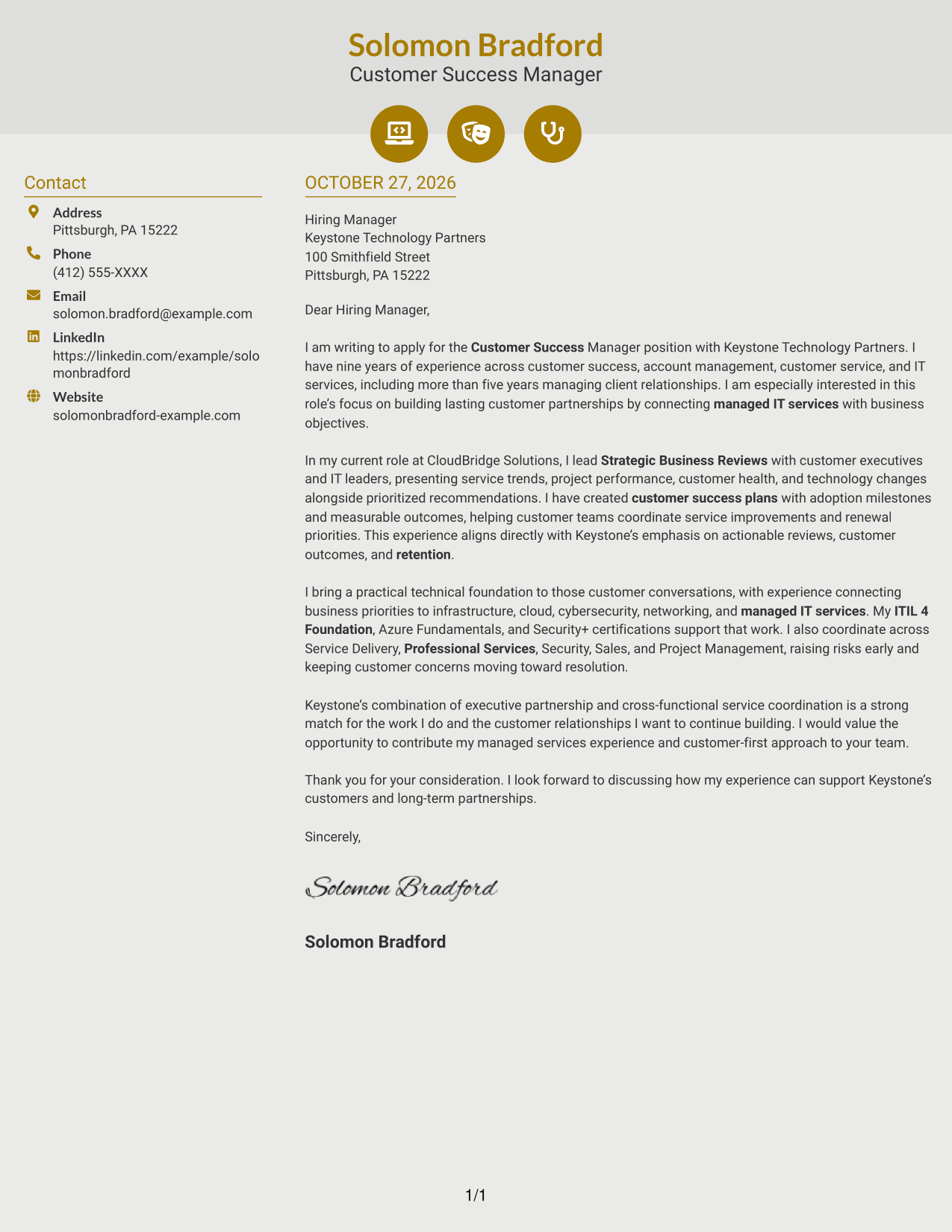
#6 Modern Icon Format Cover Letter Example
Modern Icon Format uses a contact sidebar beside one continuous letter body, with icons serving as cues for contact details rather than argument sections.
Why This Format Works
- Icons help identify contact details without labeling the letter's argument.
- The sidebar keeps correspondence information outside the continuous message body.
- Opening, supporting points, and closing remain in one reading sequence.
Best For
- Icon-marked contact details
- Continuous letter paragraphs
- Easy-to-locate sender information
- Executive-facing applications
- Managed services opportunities
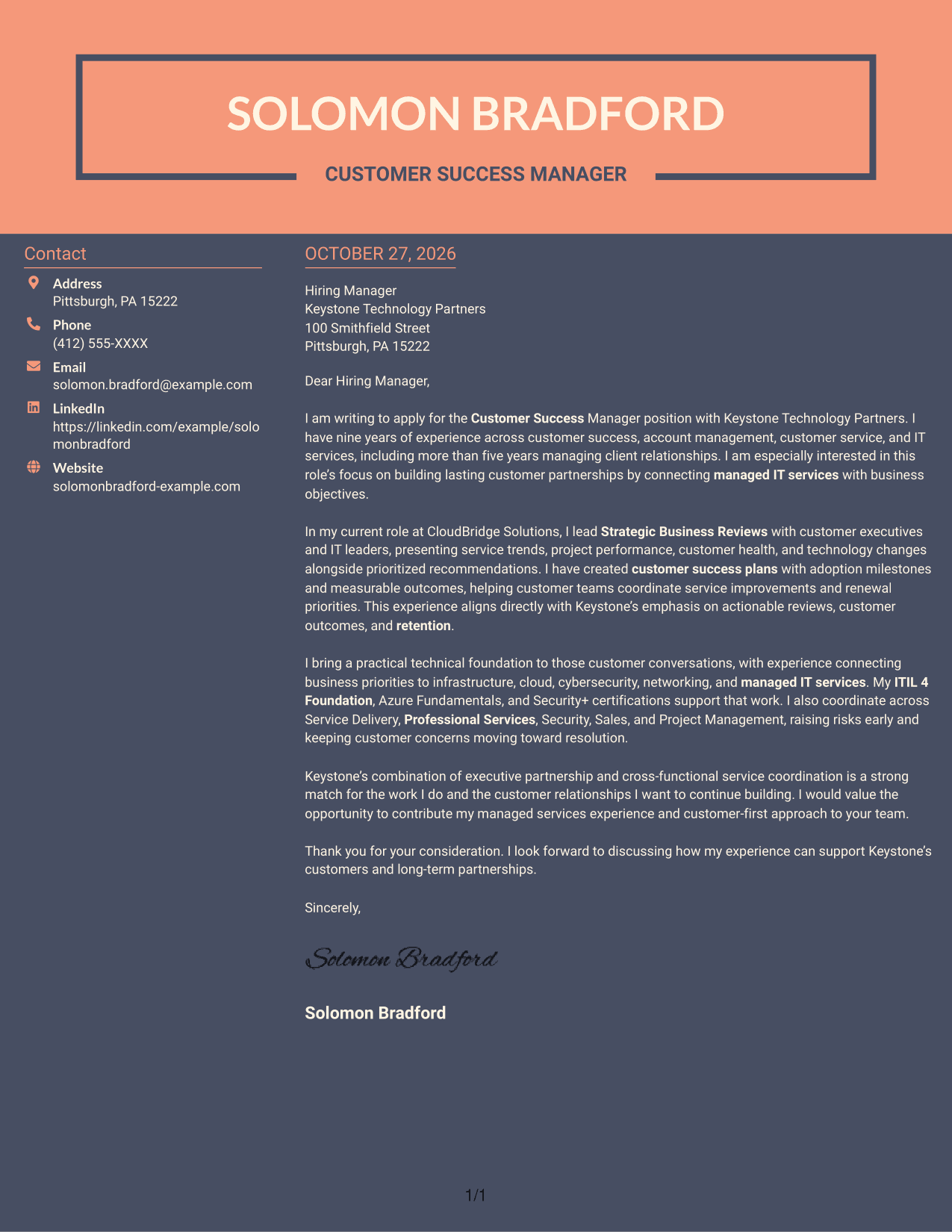
#7 Creative Two Tone Format Cover Letter Example
Creative Two Tone Format places contact details in a sidebar beside one continuous letter body, separating correspondence information from the persuasive message.
Why This Format Works
- The sidebar gives contact details their own place beside the letter.
- One uninterrupted body keeps the opening, supporting paragraphs, and closing together.
- The reviewer can follow the letter without moving between parallel argument columns.
Best For
- Contact details beside the message
- Uninterrupted persuasive paragraphs
- Letters with several supporting points
- Client partnership applications
- Technical service roles
See Also
- 7 Customer Success Manager - Managed IT Services Resume Templates with Example
- 7 Customer Success Director - Financial Services & Insurance Resume Templates with Example
- 33 Customer Success Manager - Cloud Business Transformation Resume Templates with Example 2026 (ATS-Optimized)
- 7 Manager, Customer Success Strategic Accounts Resume Templates with Example
- 7 Student Services Specialist - Veteran Student Success Resume Templates with Example
- 7 Administrative Support II - Career Success Resume Templates with Example
- 33 Biological Sciences Pre-Health Student Success and Program Coordinator Resume Templates with Example
- 7 Executive Director, Student Success and Retention Resume Templates with Example
- 7 Student Services Specialist - Veteran Student Success Cover Letter Templates with Example
- 30+ BDC Customer Service Representative Cover Letter Templates with Example 2026
Frequently Asked Questions
What should a Customer Success Manager - Managed IT Services cover letter emphasize?
Show how you connect customer goals to service outcomes, build executive relationships, and coordinate useful next steps. Examples from Strategic Business Reviews and customer success plans can make your fit clear.
How can I show that I can lead Strategic Business Reviews?
Describe how you use service trends, project updates, and customer health information to guide a discussion. Explain how you turn those details into clear recommendations tied to customer goals.
How should I connect my technical knowledge to customer success?
Explain how you discuss infrastructure, cloud, cybersecurity, or networking in relation to business needs. Keep the focus on how clear communication helps customers understand choices and service outcomes.
How can I show that I work well across service teams?
Give a brief example of raising a customer concern, coordinating with the right internal teams, and keeping follow-up on track. Name the teams only when they reflect your own experience.
Which cover letter layout should I choose?
Choose a clear layout that makes your opening, supporting evidence, and closing easy to follow. Compare the image previews, then open an example in the editor to customize the presentation.




