
7 Customer Success Manager - Managed IT Services Resume Templates with Example
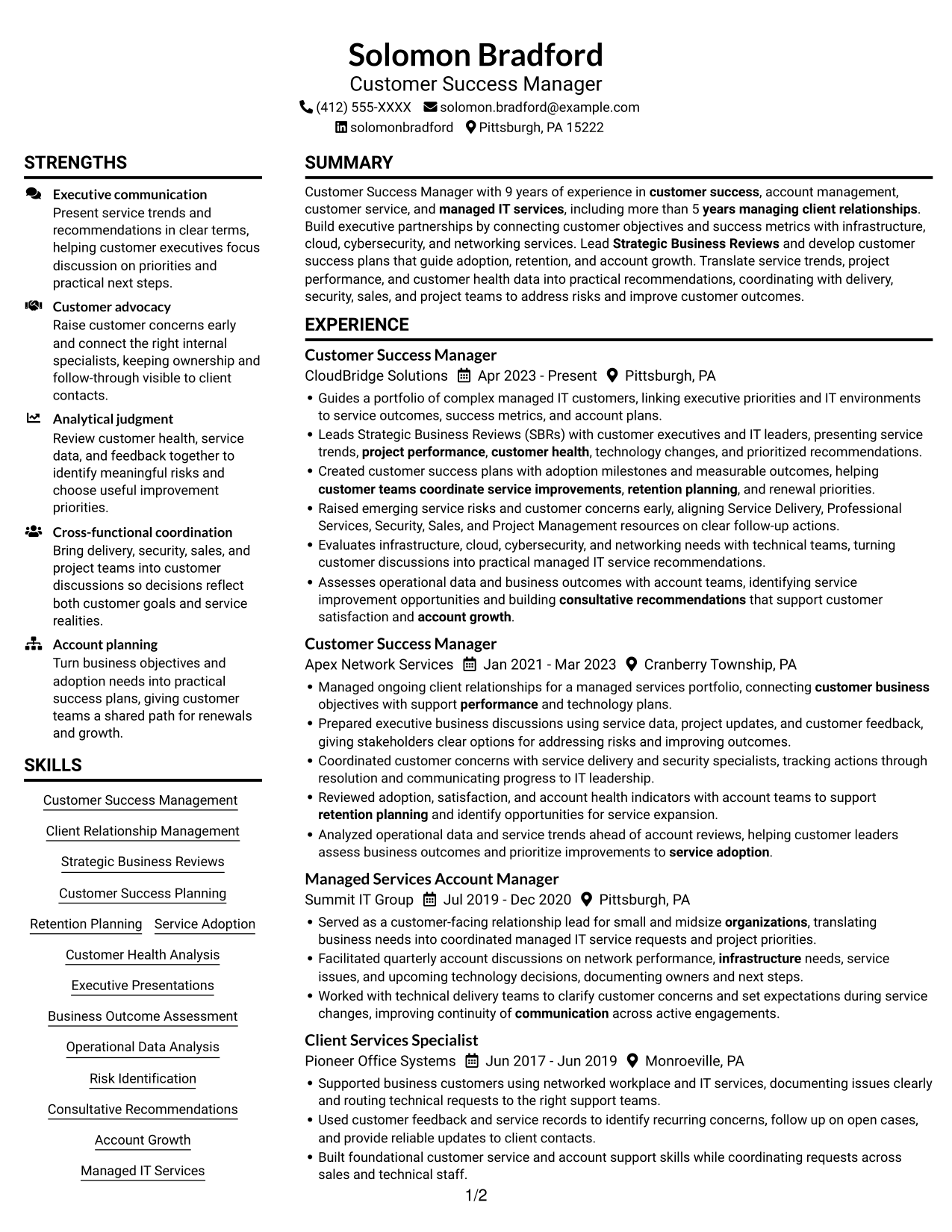
This guide shows you how to build a Customer Success Manager - Managed IT Services resume that connects customer goals with service outcomes. You will learn how to present your experience clearly and choose a format that supports a quick, focused review.
Strong resumes for this role show how you lead Strategic Business Reviews, build customer success plans, assess customer health, and coordinate teams to address risks. Use specific examples of executive presentations, retention planning, service adoption, and managed IT knowledge, then add verified results wherever you can.
The example is presented in 7 layouts, with PNG image previews so you can compare how the same resume content appears in each design. Open an example in the editor to view or customize its layout.
What Makes a Great Customer Success Manager - Managed IT Services Resume in 2026
A strong resume makes customer outcomes easy to find. Use clear sections, focused experience bullets, and a skills section that shows customer success, executive communication, account planning, and managed IT services.
Include relevant terms such as Strategic Business Reviews, customer health analysis, service adoption, retention planning, infrastructure, cloud, cybersecurity, and networking. Support claims with accurate examples and measurable results when available.
Note: Resume examples are for educational purposes only. Use only information that accurately reflects your experience and qualifications. References to real organizations do not imply affiliation or endorsement.
#1 Plain Two Column Format Resume Example
Plain Two Column Format places resume information in two columns, helping reviewers locate key sections during a quick scan.
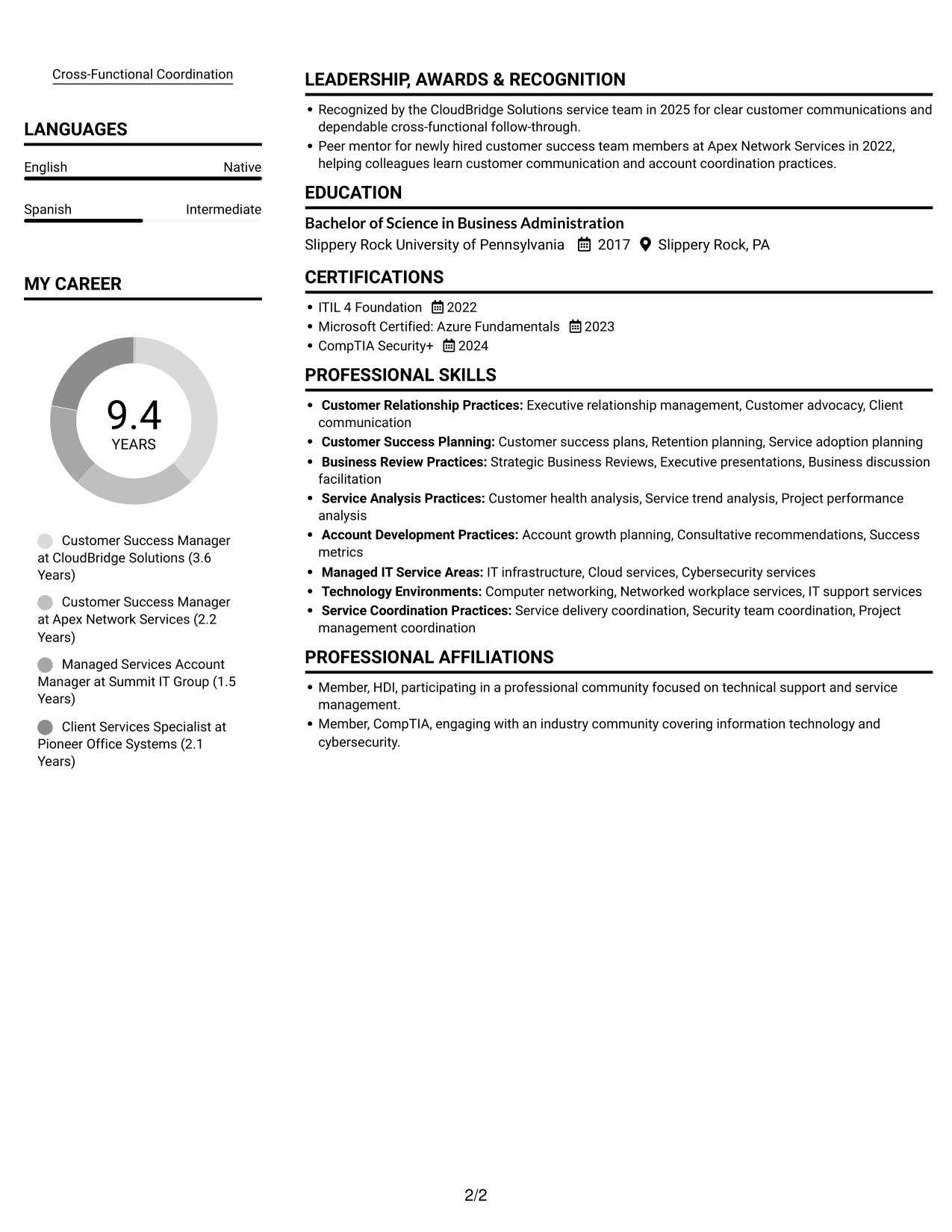
Resume Snapshot
- 9 years of experience across customer success, account management, customer service, and IT services
- More than 5 years managing client relationships
- Bachelor of Science in Business Administration, Slippery Rock University of Pennsylvania, 2017
- ITIL 4 Foundation (2022), Microsoft Certified: Azure Fundamentals (2023), CompTIA Security+ (2024)
Why This Format Works
- Career history and education stay easy to check during a focused review.
- Skills and credentials are easier to find among several resume sections.
- Parallel content areas help reviewers compare experience with supporting qualifications.
Best For
- Multi-section resume organization
- Side-by-side content review
- Career histories with supporting credentials
- Quick access to skills and education
- Photo-free resume preference
Resume Keywords
- Customer Success
- more than 5 years managing client relationships
- information technology
- Customer Success Planning
- Strategic Business Reviews
- presenting service trends, project performance, customer health, technology changes, and prioritized recommendations
- Executive relationship management
- Managed IT Services
- Retention Planning
- Service Adoption
- Account Growth
- Customer Health Analysis
- Operational Data Analysis
- Business Outcome Assessment
- Service trend analysis
#2 Simple One Column Format Resume Example
Simple One Column Format keeps the resume in a single reading path, so reviewers can follow career progression from role to role.
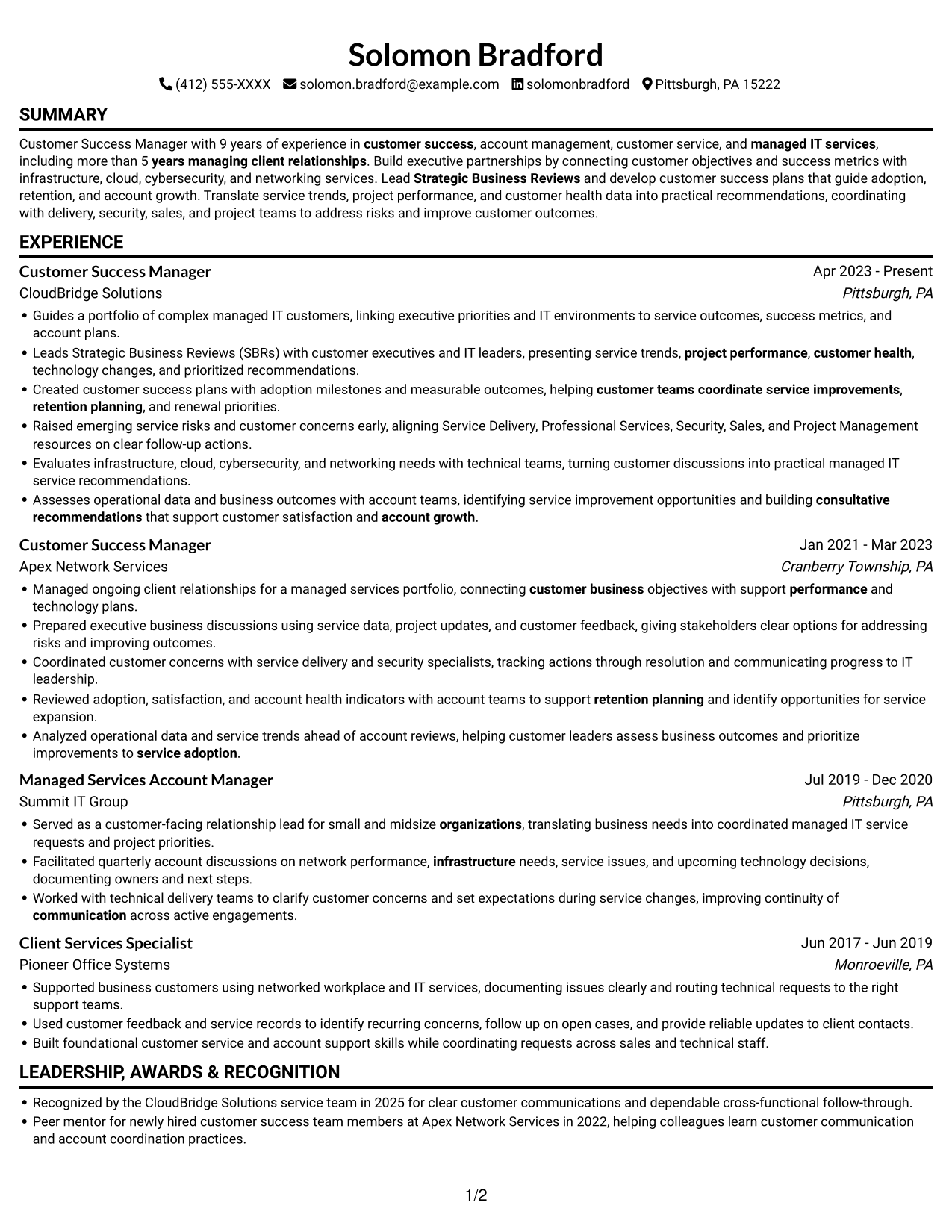
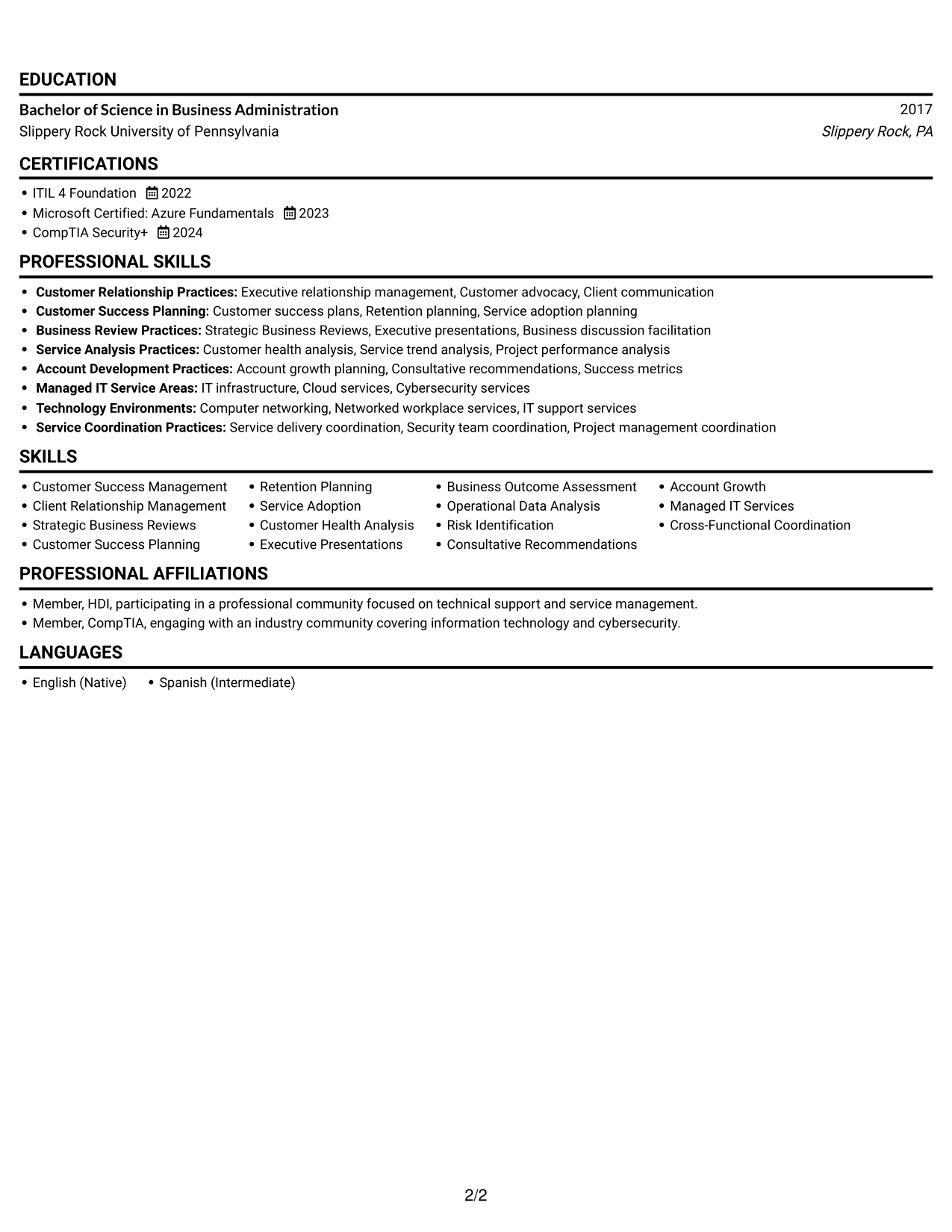
Why This Format Works
- One reading path helps reviewers follow experience entries in reverse chronological order.
- Skills, education, and credentials remain within the same continuous scan.
- The format keeps section changes clear without parallel content areas.
Best For
- Linear reading preference
- Chronological career histories
- Detailed experience descriptions
- Resume content with extended bullets
- Photo-free document preference
#3 Clean Two Column Sidebar Format Resume Example
Clean Two Column Sidebar Format gives the resume two content areas, making it easier to move between career history and supporting details.
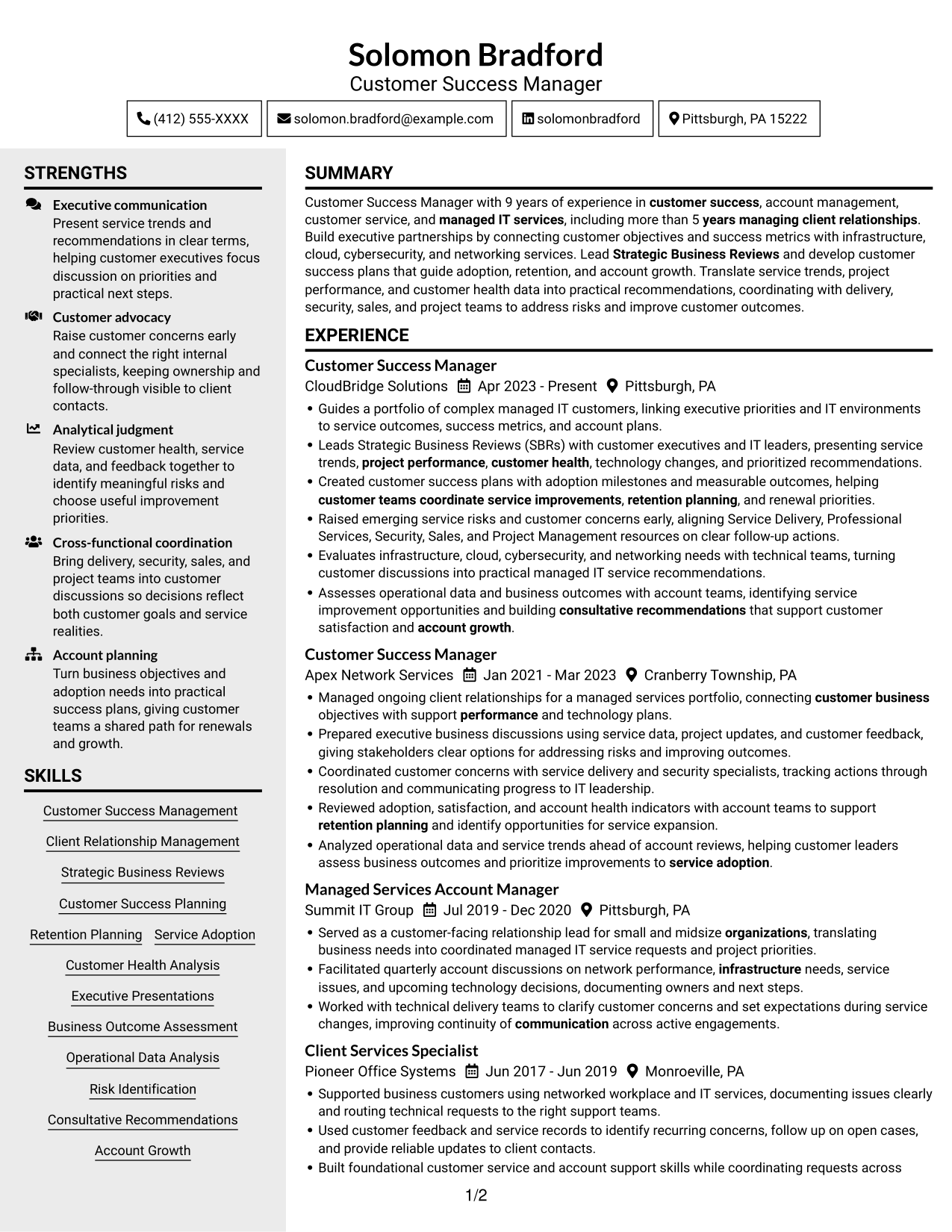
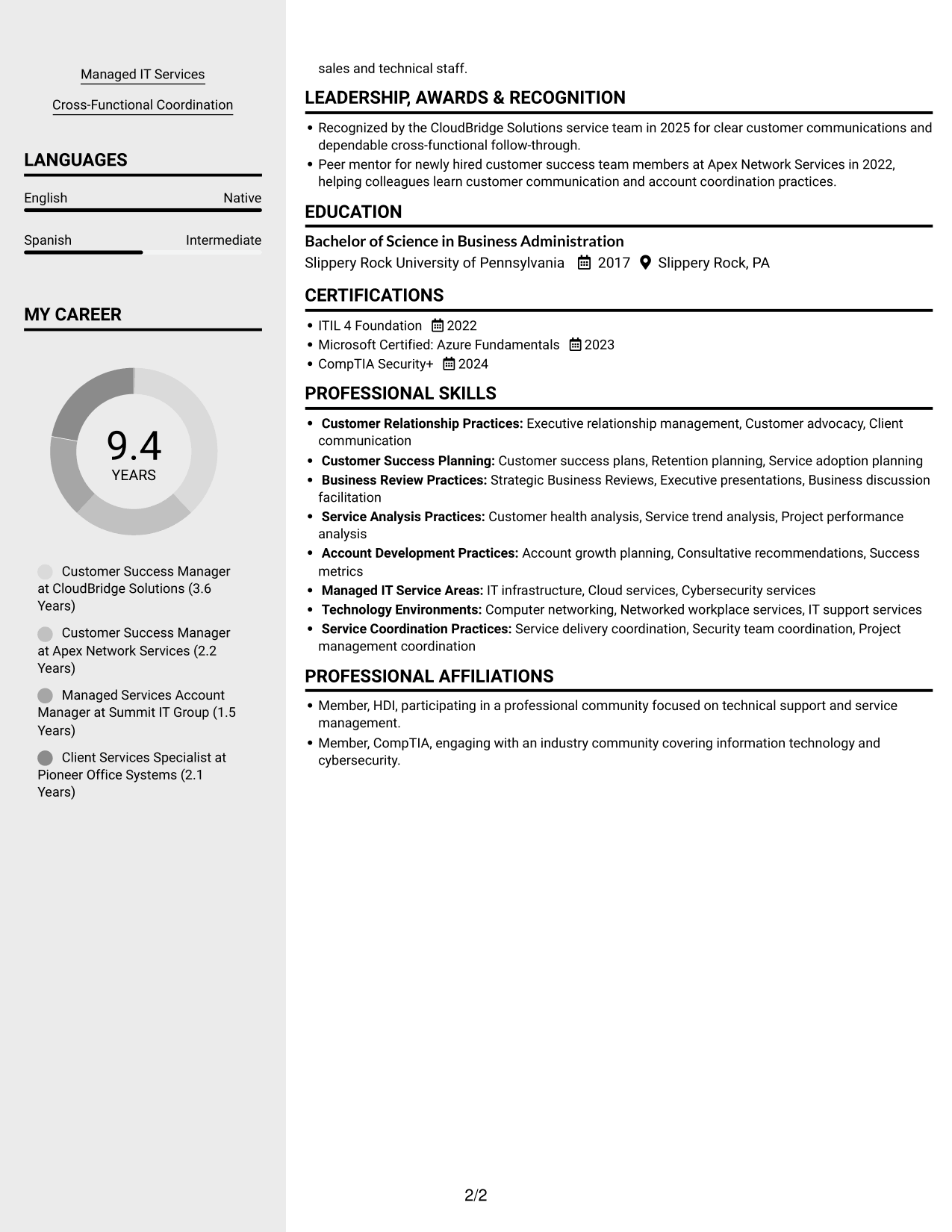
Why This Format Works
- The sidebar creates a distinct place for supporting resume information.
- Career history remains separate from other qualifications during review.
- Two reading areas help organize experience, skills, and education.
Best For
- Sidebar-based section navigation
- Career history with supporting details
- Compact multi-section resumes
- Reviewers comparing qualifications
- Clearly divided resume content
#4 Two Column Format Resume Example
Two Column Format presents resume content in two reading areas, giving reviewers a direct way to scan several sections.
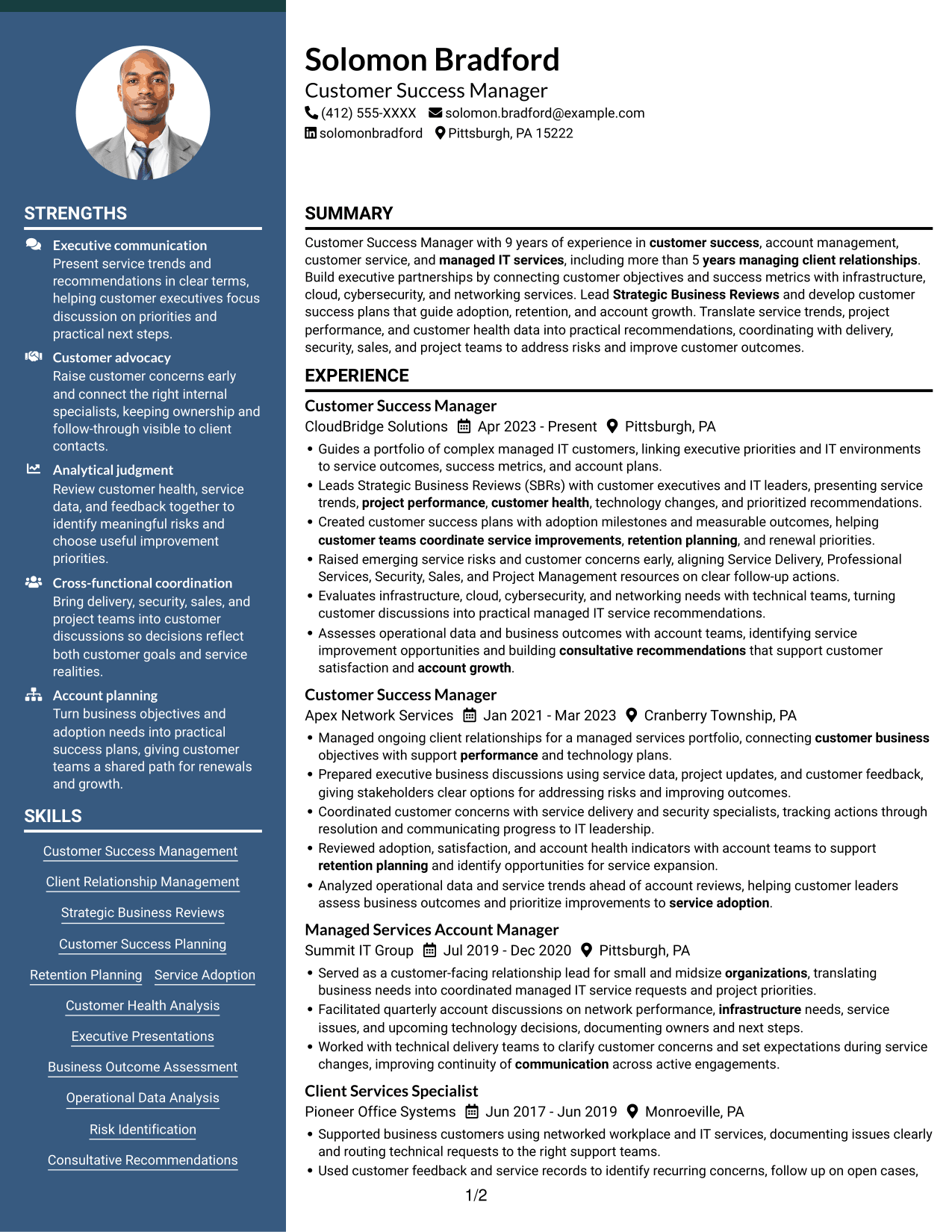
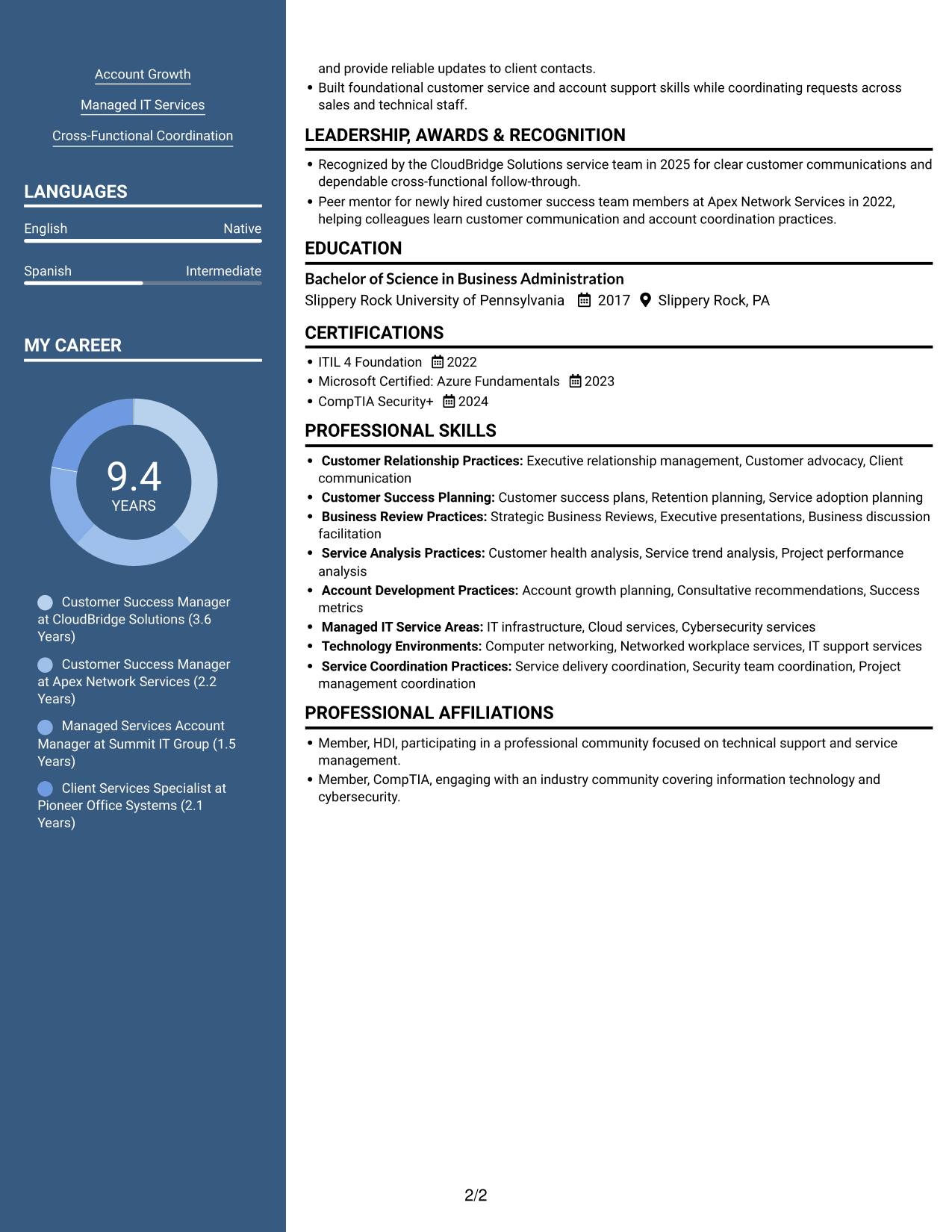
Why This Format Works
- The two-column structure gives experience and education clear space for review.
- Distinct content areas keep skills visible among other resume sections.
- Reviewers can scan qualifications without reading one long text stream.
Best For
- Parallel information organization
- Resumes with varied content sections
- Experience and credential review
- Quick section-based scanning
- Readers who prefer two columns
#5 Photo Header Two Column Format Resume Example
Photo Header Two Column Format places a portrait in the header above a two-column body, giving the document a clear visual identity while keeping its sections organized.
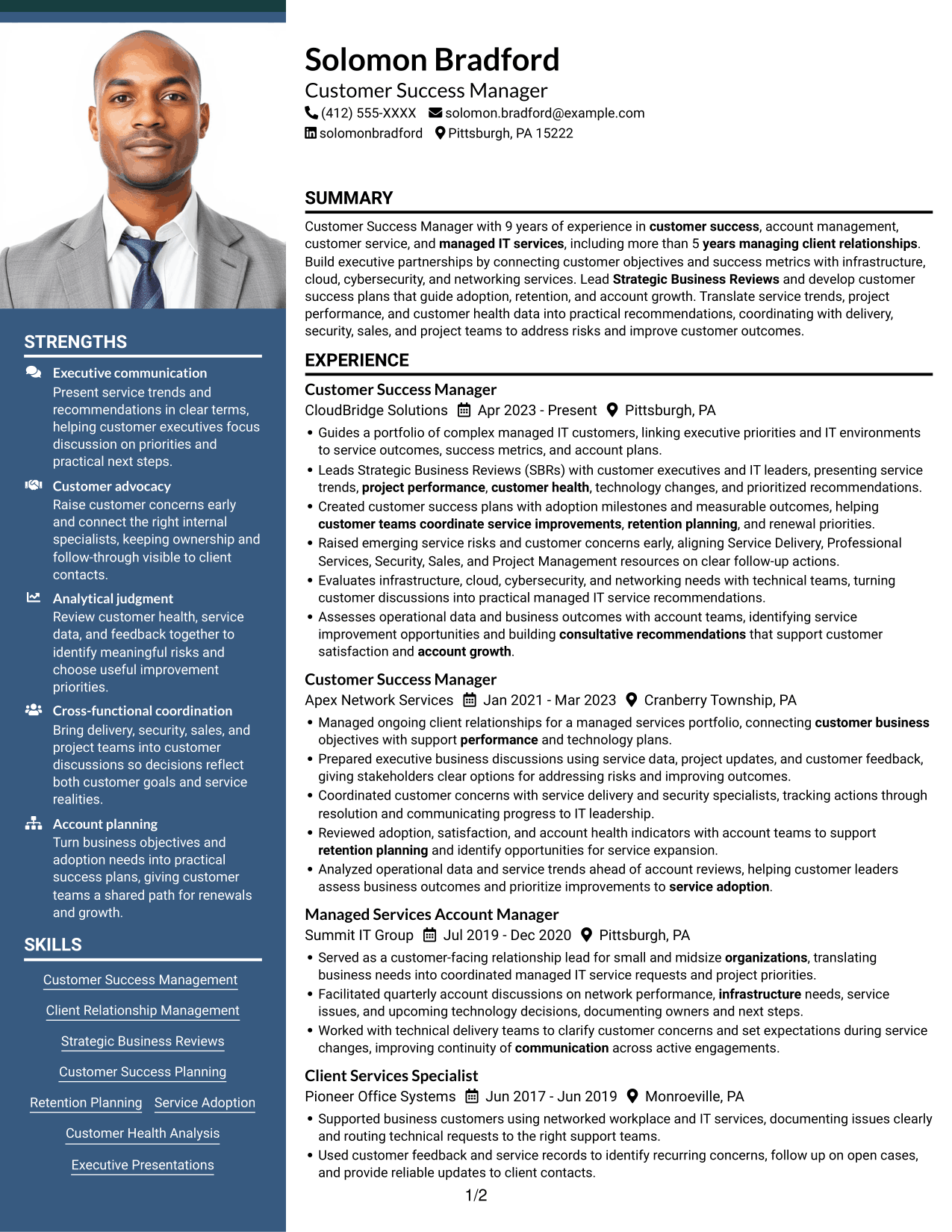
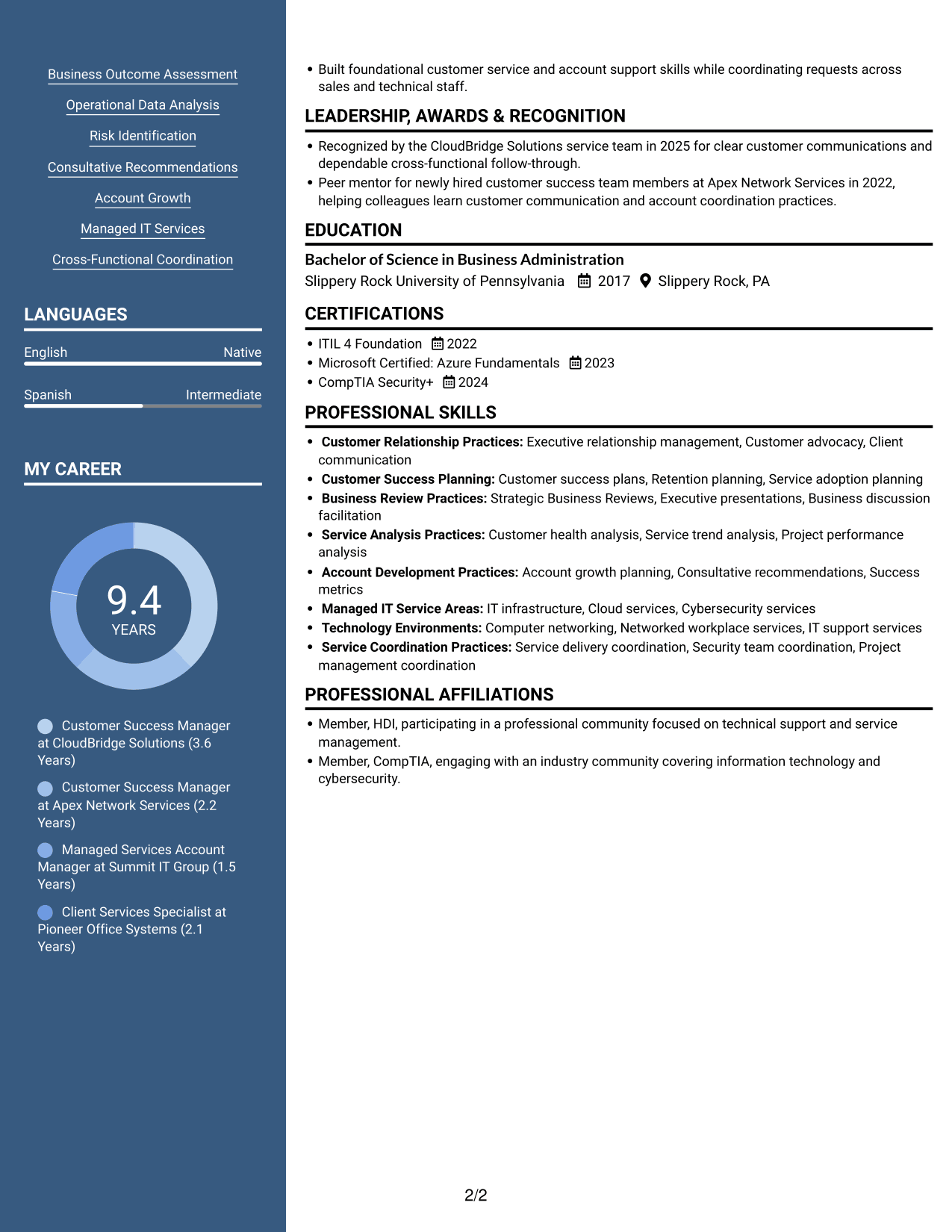
Why This Format Works
- The header portrait gives the resume a visible personal identifier.
- Two content columns provide separate areas for experience and qualifications.
- A defined reading structure helps reviewers move across multiple resume sections.
Best For
- Resume with a header portrait
- Portrait-led header presentation
- Two-column section organization
- Resume with substantial career history
- Visual identity alongside work history
#6 Colored Two Column Format Resume Example
Colored Two Column Format uses two content columns, allowing reviewers to scan resume sections without following one long text stream.
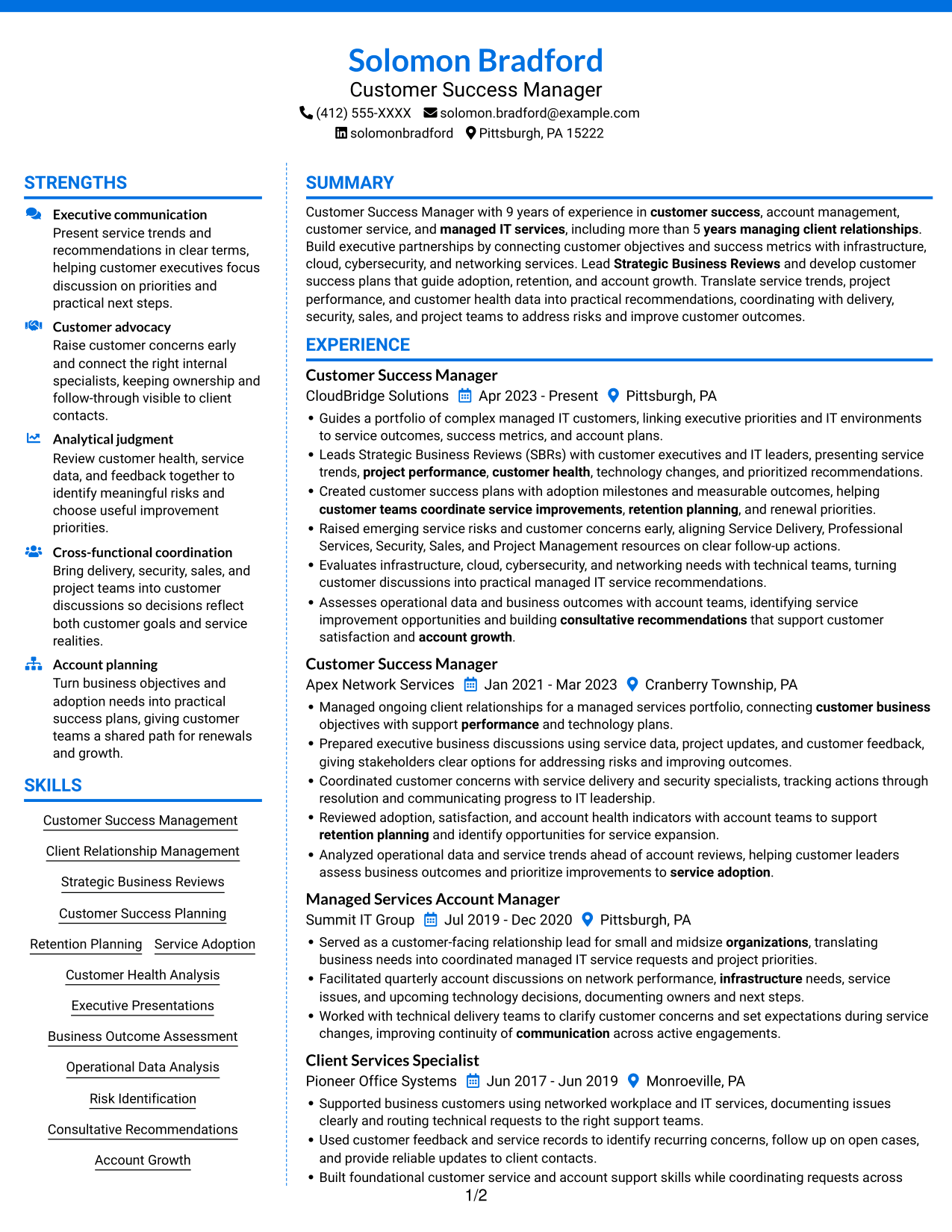
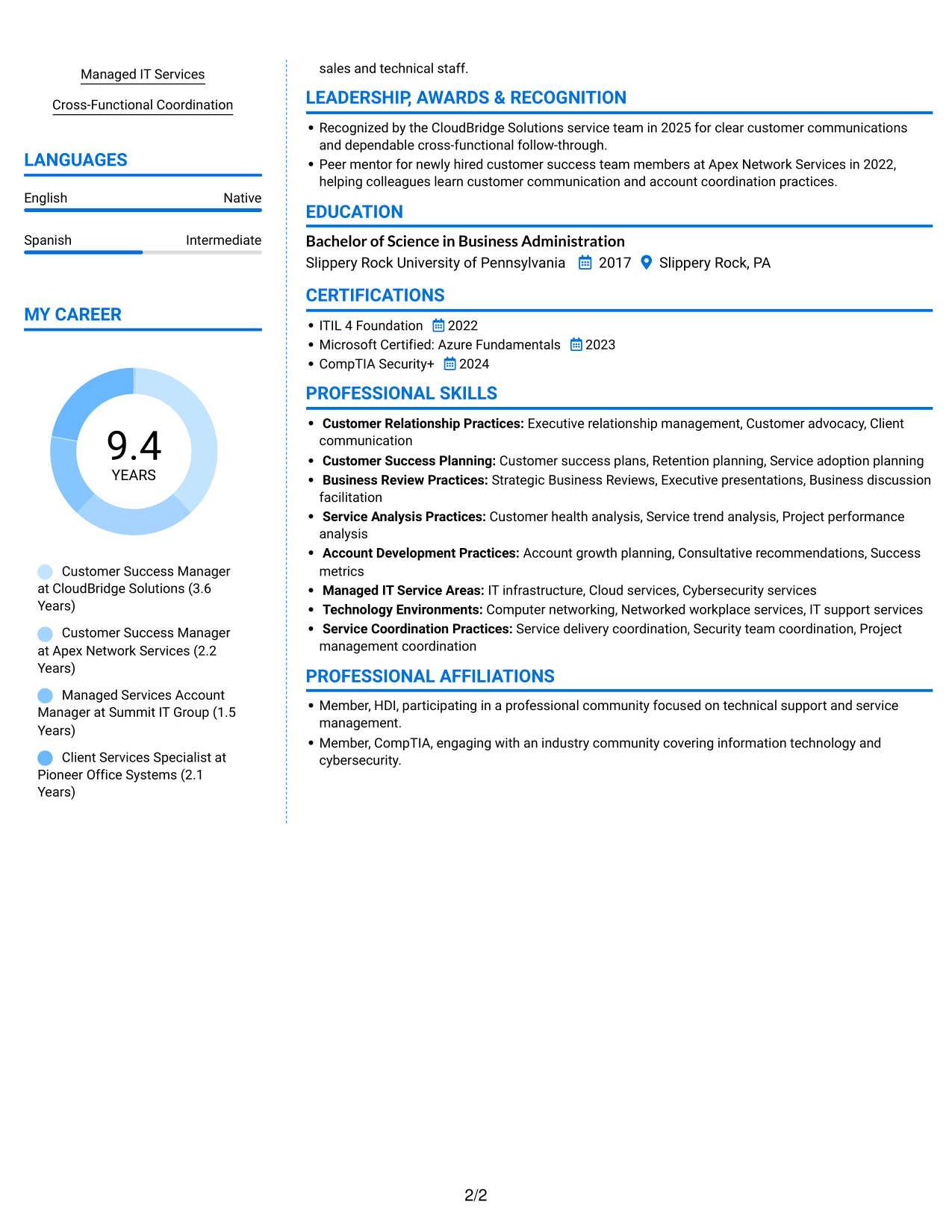
Why This Format Works
- Separate columns make experience and supporting details easier to review together.
- Skills and education can be found without scanning every experience entry.
- The layout keeps several resume sections within a clear reading structure.
Best For
- Side-by-side reading preference
- Resumes with several content sections
- Experience paired with credentials
- Readers who scan by section
- Multiple qualification categories
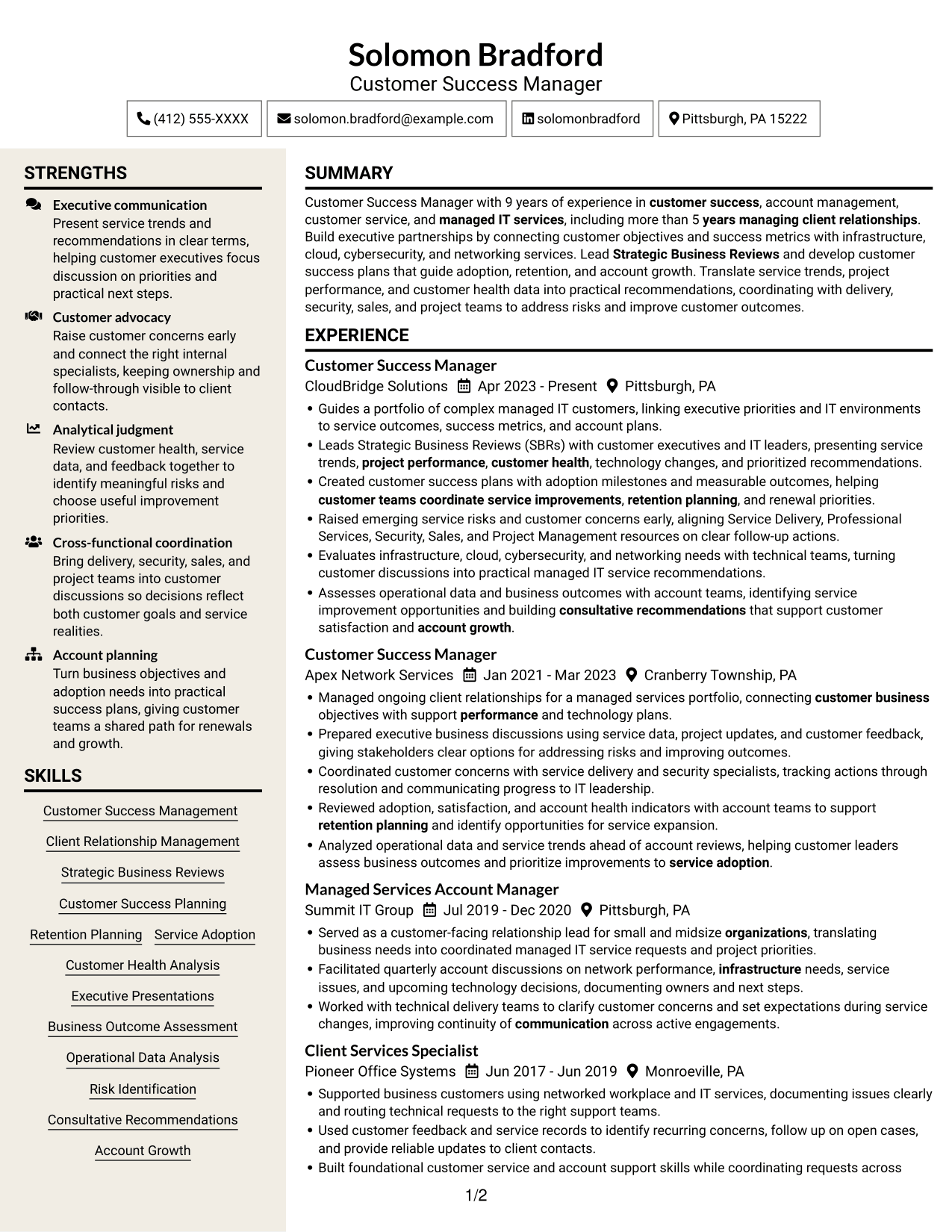
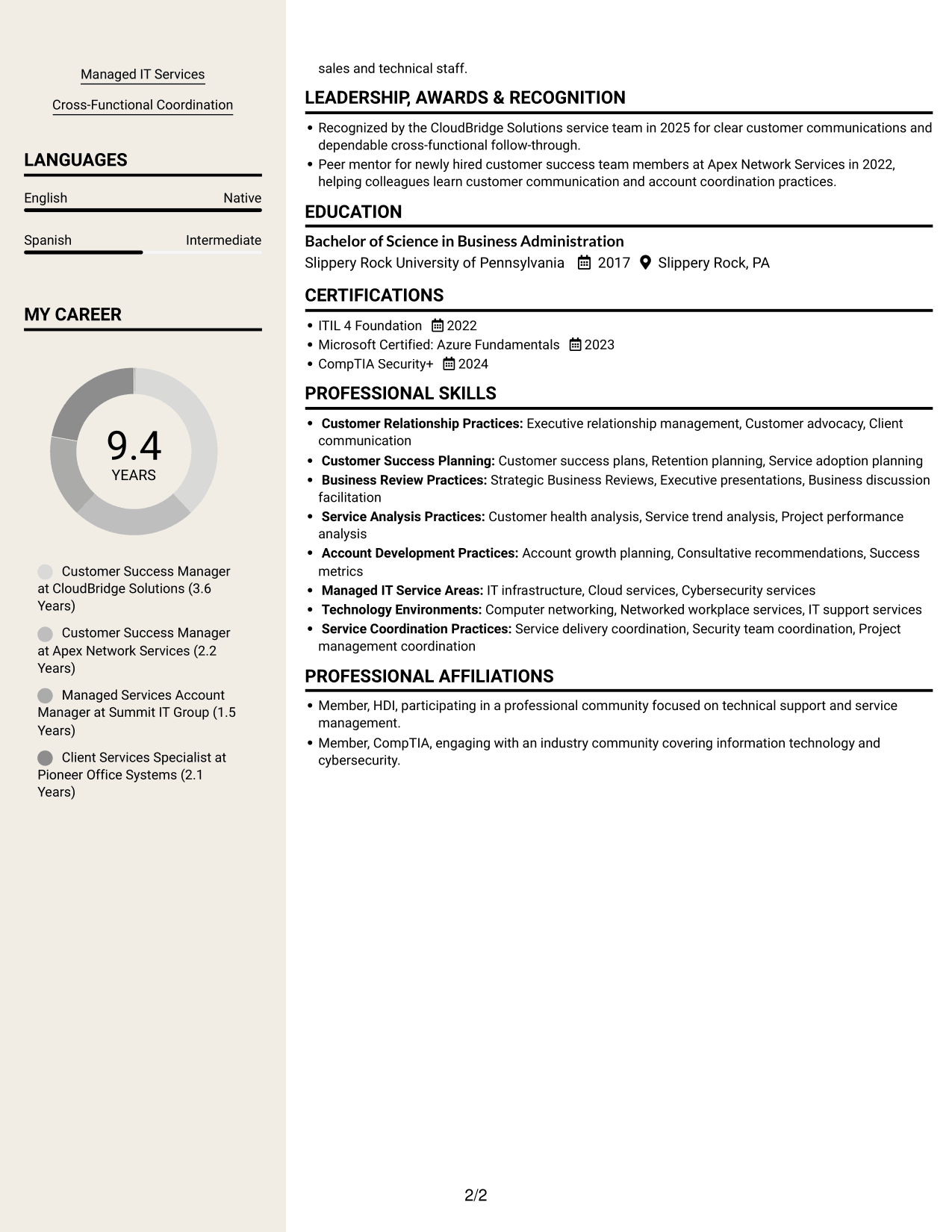
#7 Stylish Two Column Designer Format Resume Example
Stylish Two Column Designer Format arranges resume content in two columns, helping reviewers move between experience and other qualifications.
Why This Format Works
- The two-column reading order supports quick review of career progression.
- Separate content areas keep education and credentials distinct from experience.
- Reviewers can locate skills without losing the wider resume context.
Best For
- Two-column document preference
- Career progression review
- Experience with education details
- Skills across multiple sections
- Readers scanning a broad resume
Why Build Your Customer Success Manager - Managed IT Services Resume with ResumeInMinutes
ResumeInMinutes helps you organize your customer success experience, technical knowledge, and results in a clear resume. Use the editor to adjust the content and review how it appears in the selected format.
- Professional resume formats
- Clear section structure for ATS review
- Relevant customer success keywords
- Organized skills and experience sections
- PNG image previews for comparing designs
- Resume customization in the editor
Focus each bullet on the customer need, your action, and the result. When exact figures are not available, describe the service improvement, risk addressed, or team coordination you can verify.
See Also
- 7 Customer Success Director - Financial Services & Insurance Resume Templates with Example
- 33 Customer Success Manager - Cloud Business Transformation Resume Templates with Example 2026 (ATS-Optimized)
- 7 Manager, Customer Success Strategic Accounts Resume Templates with Example
- 7 Student Services Specialist - Veteran Student Success Resume Templates with Example
- 7 Administrative Support II - Career Success Resume Templates with Example
- 33 Biological Sciences Pre-Health Student Success and Program Coordinator Resume Templates with Example
- 7 Executive Director, Student Success and Retention Resume Templates with Example
- 7 People Success Partner Resume Templates with Example
- 7 Customer Success Manager - Managed IT Services Cover Letter Templates with Example
- 7 Student Services Specialist - Veteran Student Success Cover Letter Templates with Example
Frequently Asked Questions
Are these Customer Success Manager - Managed IT Services resume templates ATS-friendly?
The layouts use readable headings and organized sections to make resume details easier to scan. Include role-related terms that match your actual experience, such as Strategic Business Reviews, customer success plans, customer health, retention planning, and managed IT services.
Do the examples show different resume content?
The examples show the same resume content in different layouts. Compare the PNG previews, then open a design in the editor to view or customize it.
What should a Customer Success Manager - Managed IT Services resume include?
Include a focused summary, relevant experience, education, certifications, and skills. Highlight executive presentations, customer success plans, service trends, customer health, risk follow-up, and coordination with service, security, sales, and project teams.
How can I show results if I do not have exact metrics?
Describe the action you took and its verified effect, such as clarifying next steps, resolving a customer concern, improving service coordination, or supporting adoption and retention planning. Do not add numbers you cannot support.
Which resume style works well for this role?
Choose a clean layout with clear section headings and readable experience bullets. A simple structure helps readers find customer outcomes, technical knowledge, and account planning work quickly.
Should I include a photo on my resume?
For U.S. applications, a resume without a photo is usually the safer choice. Use a photo only when it is expected in your location or field.




