
7 Cyber Systems Engineer Intern - Offensive Cybersecurity and Automation Cover Letter Templates with Example
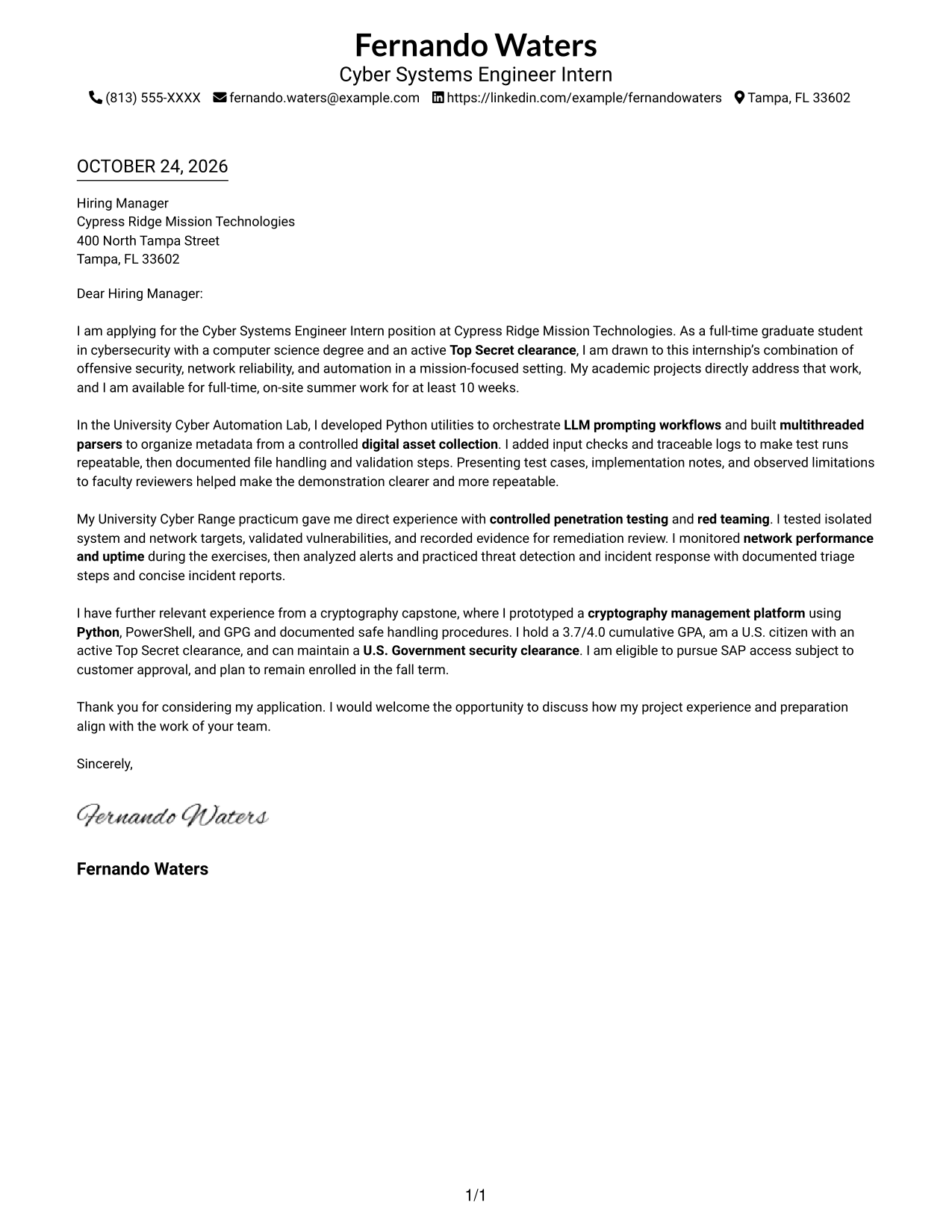
This practical guide helps you write a Cyber Systems Engineer Intern - Offensive Cybersecurity and Automation cover letter, with seven layouts to compare in image previews and open in the editor.
What Makes a Great Cyber Systems Engineer Intern - Offensive Cybersecurity and Automation Cover Letter in 2026
A strong letter connects your interest in offensive cybersecurity and automation to the role’s work in cyber systems and network reliability. A clear opening, focused body, and direct closing help make your fit easy to understand.
Support your claims with relevant evidence, such as Python workflow automation, controlled security testing, or documented incident response practice. Show how that experience relates to the employer’s needs, and explain your genuine interest in the work.
The featured application follows a focused progression from interest and role fit to specific project evidence and a courteous close. Adapt that approach while choosing a presentation that suits the employer and the communication context.
#1 Simple One Column Format Cover Letter Example
The Simple One Column Format places sender details in the header above a continuous letter body, giving the page a direct reading path.
Why This Format Works
- Sender details in the header stay distinct from the letter's main message.
- Continuous paragraphs preserve the sequence from motivation through evidence to closing.
- Without section headings, the page keeps the tone of a direct letter.
Best For
- Single-column reading
- Header-based contact information
- Continuous letter paragraphs
- Project-focused application letters
- Direct, unheaded communication
#2 Two Column Format Cover Letter Example
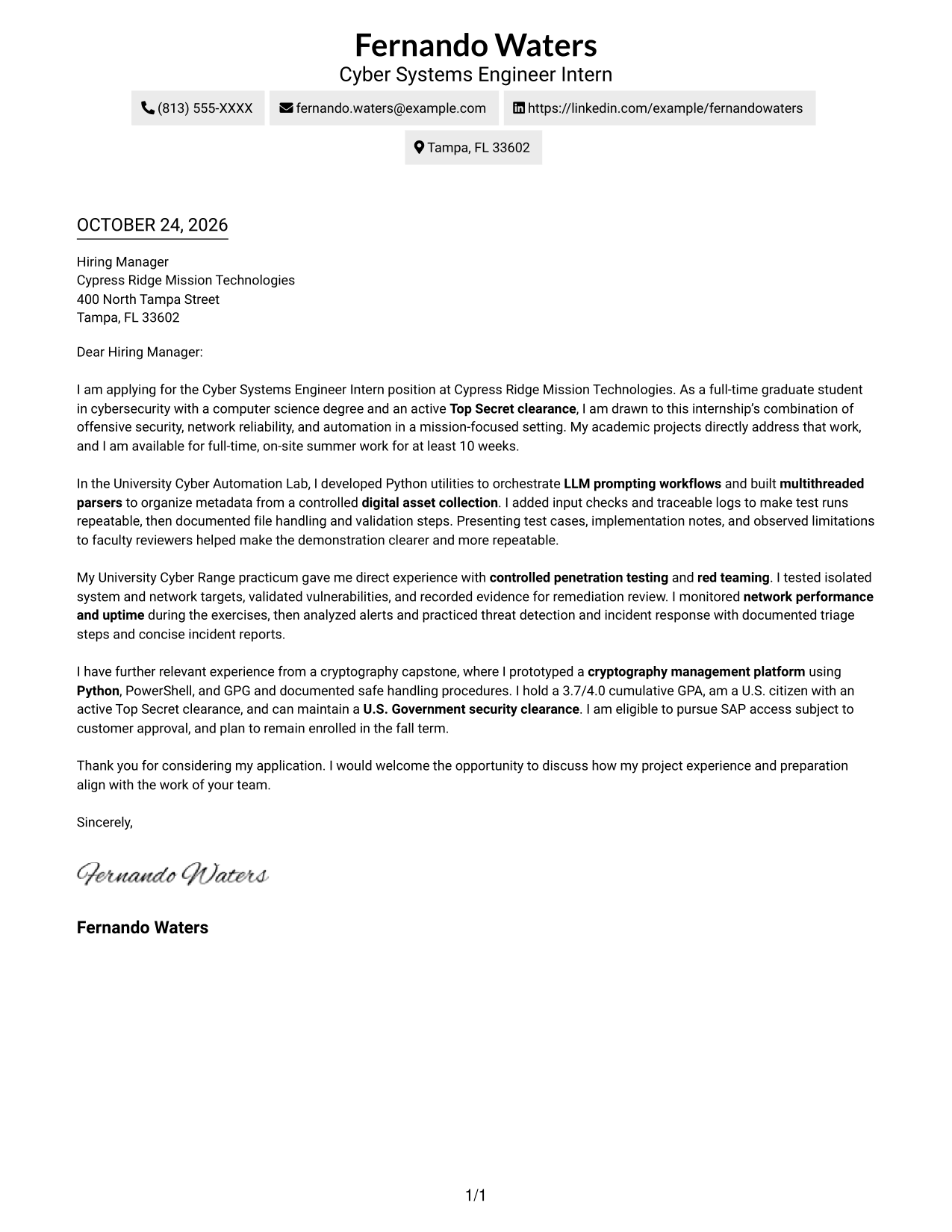
The Two Column Format places a contact sidebar beside one continuous letter body, separating sender details from the message.
Why This Format Works
- Contact details occupy a separate sidebar, apart from the persuasive paragraphs.
- One continuous body lets reviewers follow the case in its original sequence.
- An unheaded letter body maintains a personal, direct tone.
Best For
- Contact details beside the letter
- Continuous persuasive paragraphs
- Project evidence in sequence
- Technical internship applications
- Letters with unheaded prose
#3 Photo Header Two Column Format Cover Letter Example
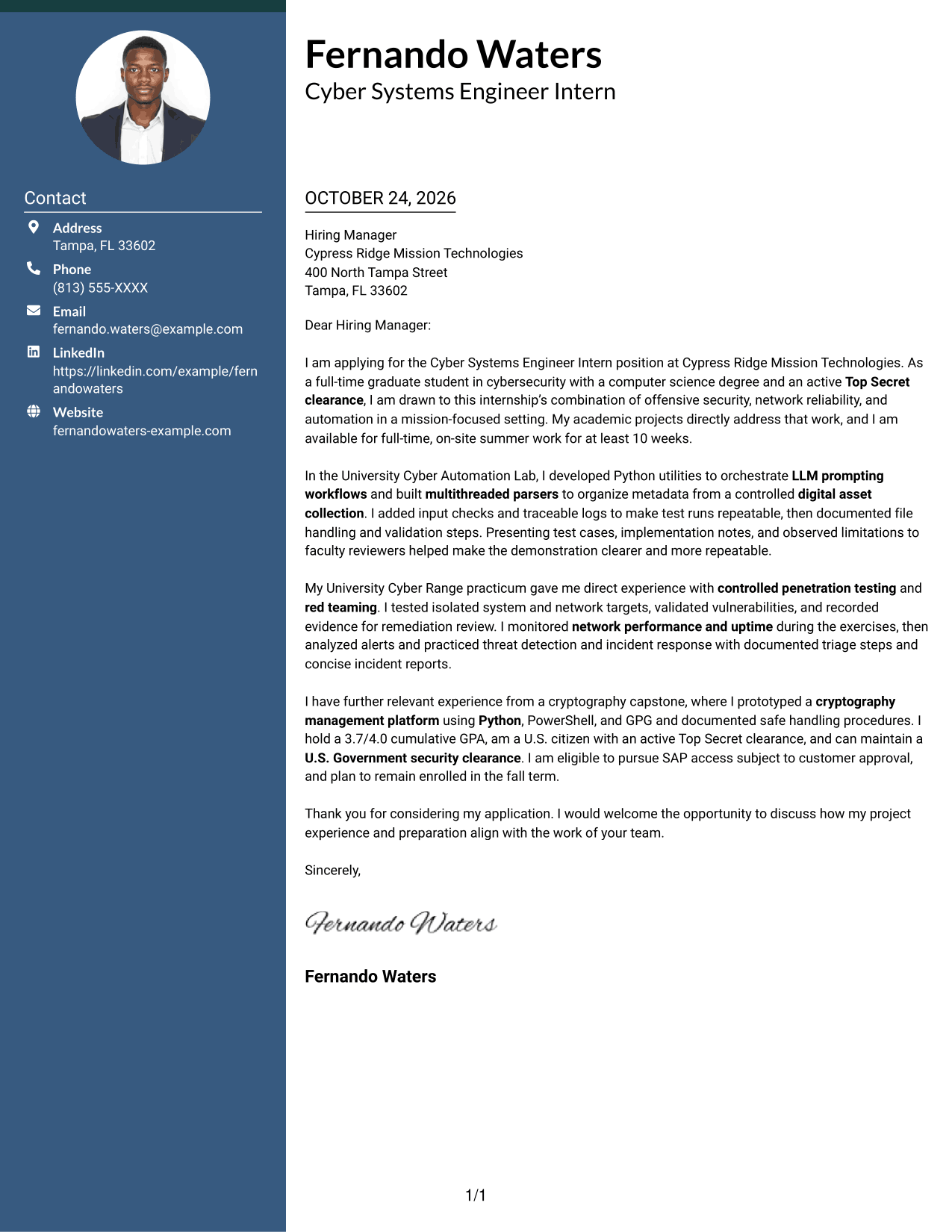
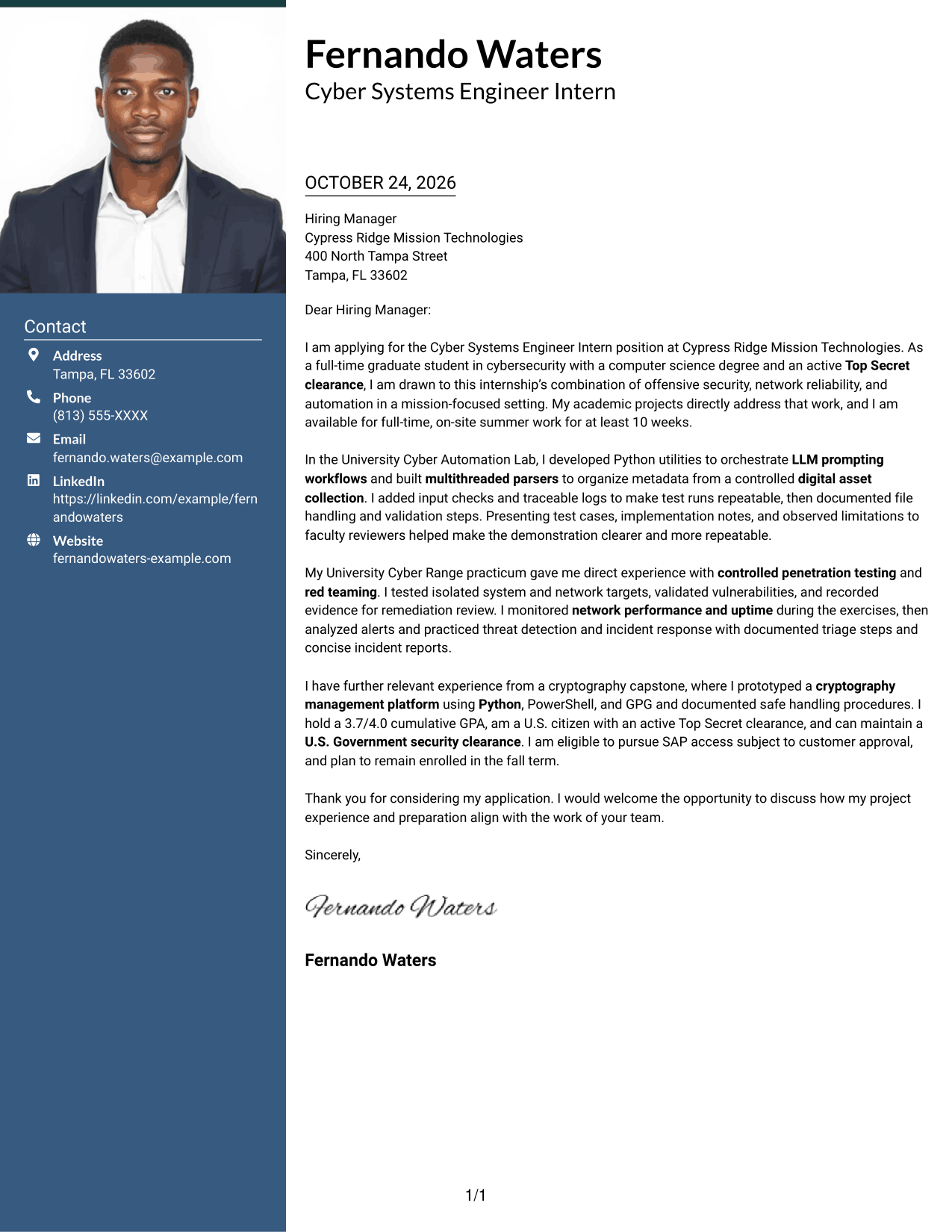
The Photo Header Two Column Format pairs a portrait in the header with a contact sidebar and one continuous letter body.
Why This Format Works
- The portrait gives the header a personal visual presence without changing the letter's structure.
- A sidebar keeps contact details distinct from the persuasive body.
- A continuous body lets reviewers follow each paragraph in sequence.
Best For
- Photo-led letter headers
- Contact sidebar layouts
- One continuous body column
- Project-centered application letters
- Technical internship applications
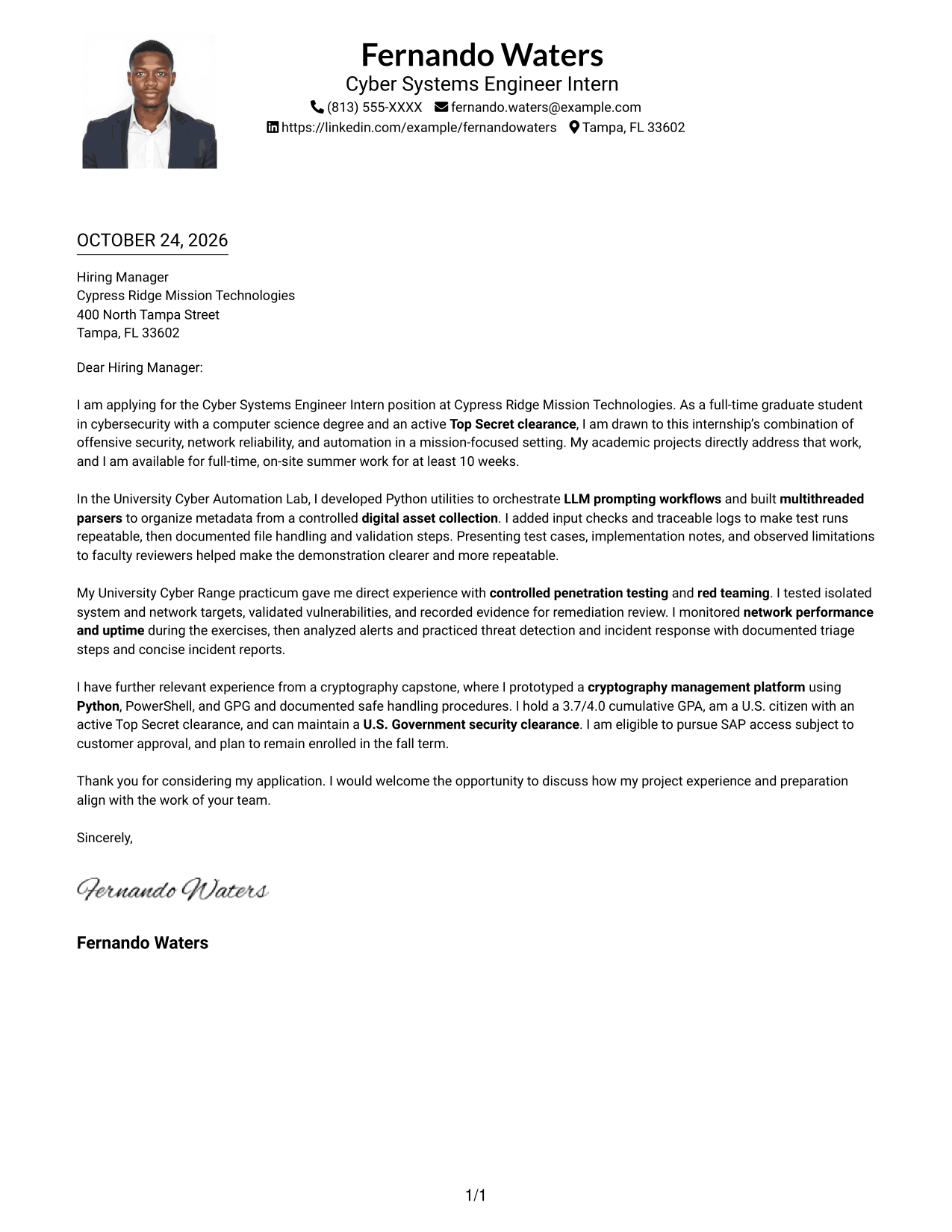
#4 One Column Format with Photo Cover Letter Example
The One Column Format with Photo combines a portrait with a single-column letter body, adding a personal visual element while keeping one reading path.
Why This Format Works
- The photo adds a personal visual element while the letter stays in one column.
- Sender details remain in the header, separate from the main letter text.
- Without section headings, motivation and evidence retain a natural letter form.
Best For
- Portrait-inclusive letter pages
- Single-column body reading
- Header-based contact information
- Unheaded persuasive messages
- Technical project applications
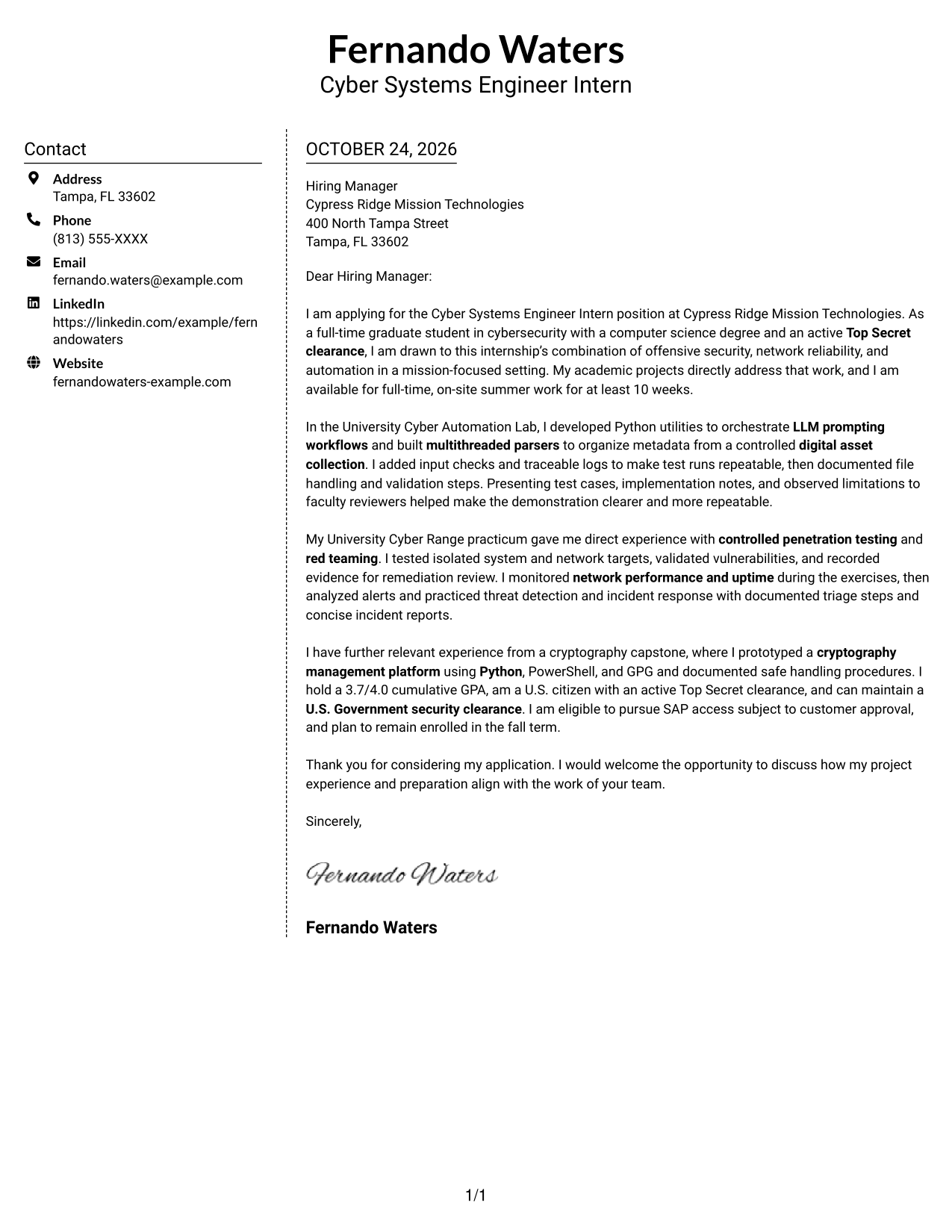
#5 Simple Two Column Format Cover Letter Example
The Simple Two Column Format sets a contact sidebar beside a single continuous letter body, giving contact information its own area.
Why This Format Works
- The sidebar gives sender details a separate place beside the letter body.
- Keeping the body continuous preserves the natural order of its paragraphs.
- An unheaded message retains the familiar shape of a direct letter.
Best For
- Sidebar-based contact details
- Letters with several evidence paragraphs
- Direct motivation statements
- Technical internship applications
- Traditional letter communication
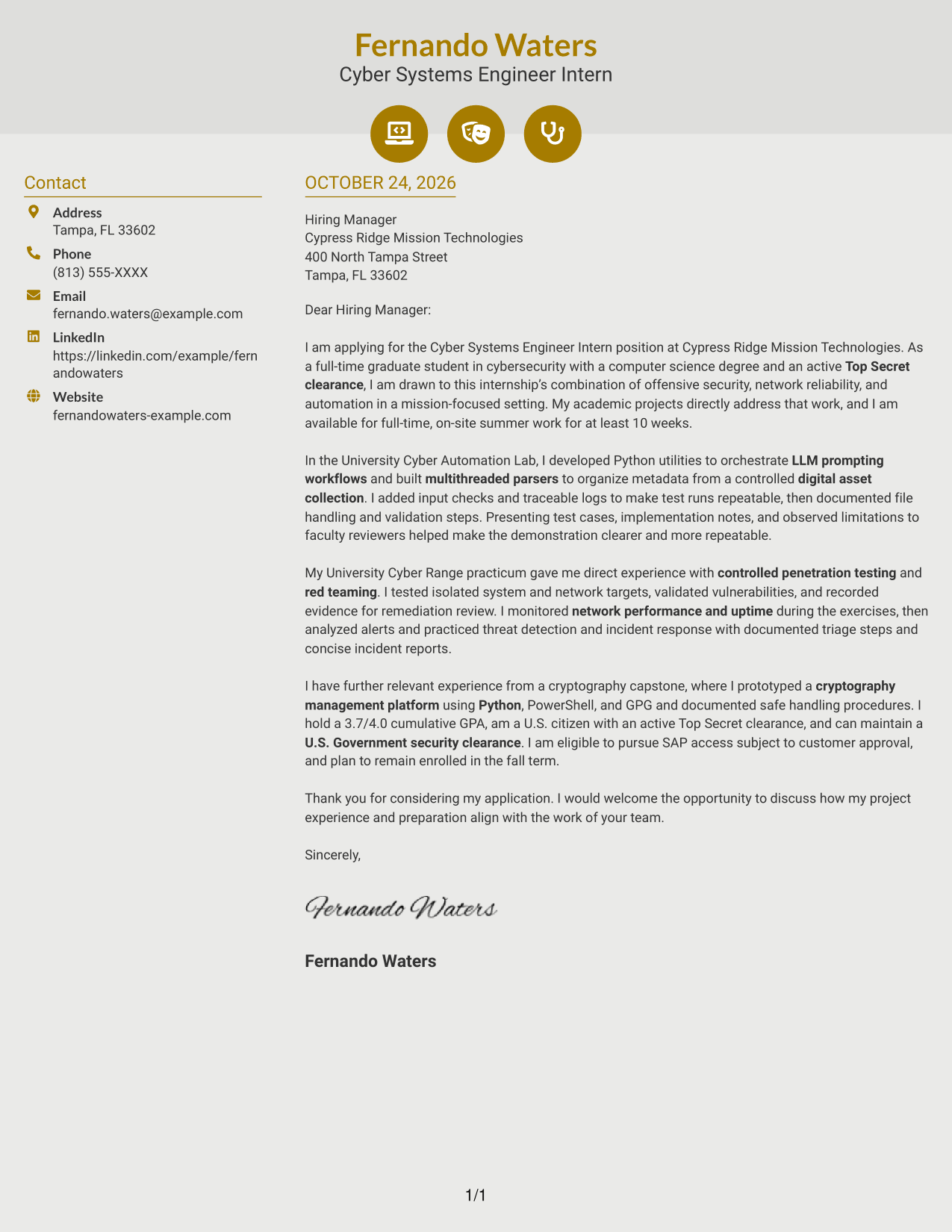
#6 Modern Icon Format Cover Letter Example
The Modern Icon Format pairs a contact sidebar with one continuous letter body, using icons as cues for contact details.
Why This Format Works
- Contact icons help readers identify sender details in the sidebar.
- Sidebar contact details remain visually apart from the letter's argument.
- Unheaded paragraphs let the message read as a direct personal letter.
Best For
- Icon-marked sender details
- Single-column letter arguments
- Sequential project evidence
- Unheaded applicant messages
- Technical application letters
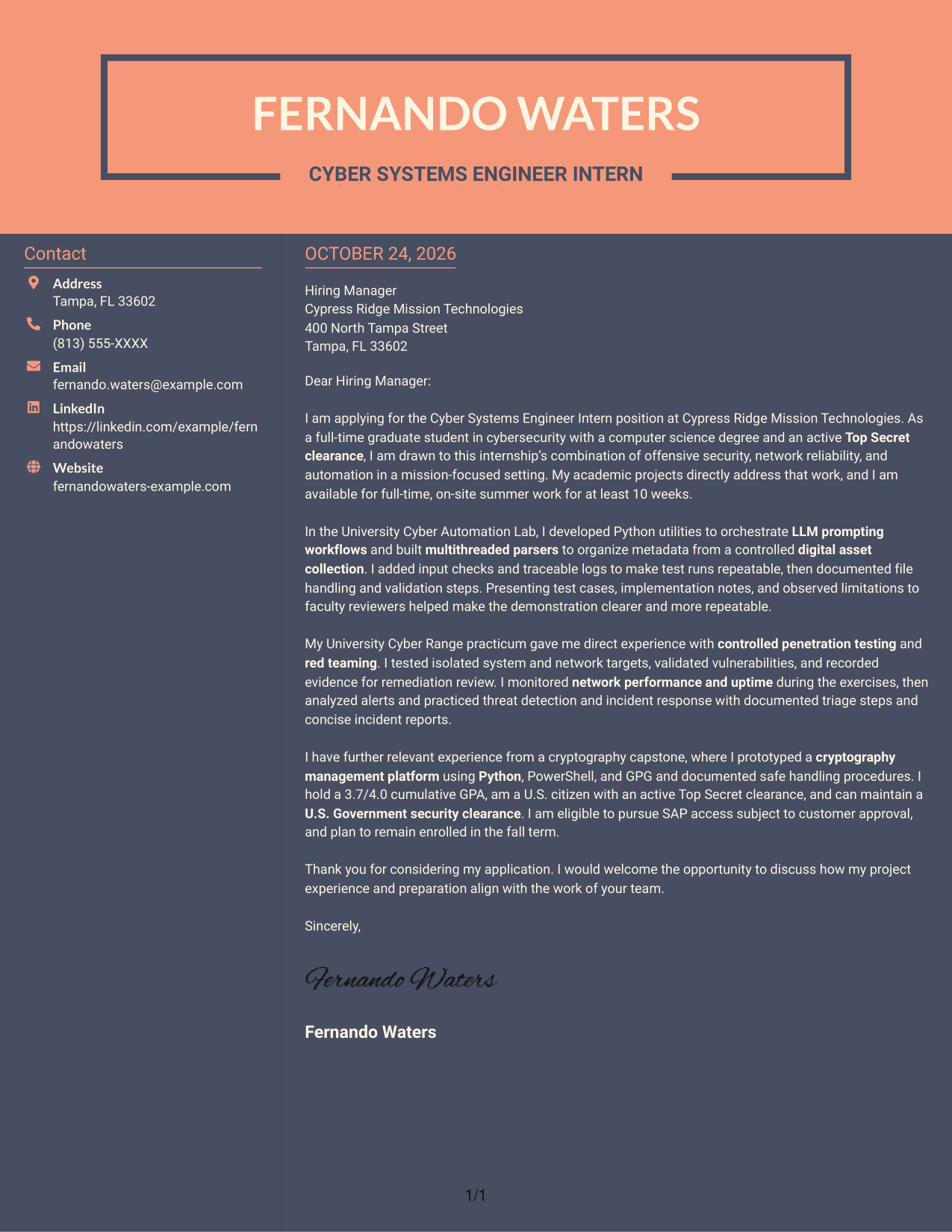
#7 Creative Two Tone Format Cover Letter Example
The Creative Two Tone Format places a contact sidebar beside one uninterrupted letter body, keeping the sender details apart from the message.
Why This Format Works
- The sidebar provides a defined place for contact information beside the message.
- A continuous body lets reviewers follow motivation, evidence, and closing in order.
- Unheaded paragraphs keep the letter's persuasion in prose, not labeled sections.
Best For
- Contact sidebar layouts
- Uninterrupted letter bodies
- Several project-evidence paragraphs
- Persuasive openings and closings
- Formal employer correspondence
Why Use ResumeInMinutes for a Cyber Systems Engineer Intern Cover Letter
ResumeInMinutes gives you examples to review and an editor where you can customize a cover letter for the role. Use the guidance to connect your technical evidence with your reasons for applying.
- Cover letter layouts to compare
- Readable letter formatting
- Role-focused writing guidance
- Examples for inspiration
- Editor customization
- Professional presentation
Build a focused letter that explains your interest in offensive cybersecurity and automation, then use specific examples to make your case clear.
See Also
- 7 Cyber Systems Engineer Intern - Offensive Cybersecurity and Automation Resume Templates with Example
- 33 Lead Cybersecurity Engineer (Cyber Network Analysis Tech 3) Resume Templates with Example 2026 (ATS-Optimized)
- 33 Electrical Power Systems / Industrial Automation Engineer Resume Templates with Example 2026 (ATS-Optimized)
- 33 System Automation Engineer Intern Resume Templates with Example 2026 (ATS-Optimized)
- 33 Cyber Security Engineer, Junior Resume Templates with Example 2026 (ATS-Optimized)
- 33 Cyber Security Engineer, VP Resume Templates with Example 2026 (ATS-Optimized)
- 7 Principal Cyber Security Engineer US Federal Resume Templates with Example
- 33 Senior Cyber Security Engineer (Microsoft) ZT Resume Templates with Example
- 30+ Lead Cybersecurity Engineer (Cyber Network Analysis Tech 3) Cover Letter Templates with Example 2026
- 30+ Electrical Power Systems / Industrial Automation Engineer Cover Letter Templates with Example 2026
Frequently Asked Questions
What should a Cyber Systems Engineer Intern cover letter emphasize?
Connect your interest in the role to relevant evidence. Examples may include Python automation, multithreaded data parsing, controlled penetration testing, network monitoring, or incident response practice when these reflect your experience.
Are these separate cover letters or one example in different layouts?
The guide presents one featured cover letter in different visual layouts. Compare the image previews, then open an example in the editor to customize it.
How can I show offensive cybersecurity experience in my letter?
Describe the authorized testing you performed, the systems or networks involved at a suitable level of detail, and how you validated and documented findings. Keep the focus on safe, controlled work.
How can I explain my fit for the automation work?
Use a concise example of a workflow or parsing task you completed. Explain your contribution, such as adding input checks, traceable logs, or validation steps, and why those steps mattered.
Should I include clearance and availability details?
Include them when they are relevant to the position and accurate for you. State your clearance status and schedule clearly, and avoid implying that customer approval for additional access is guaranteed.




