
7 Cyber Systems Engineer Intern - Offensive Cybersecurity and Automation Resume Templates with Example
This guide shows you how to create a resume for a Cyber Systems Engineer Intern - Offensive Cybersecurity and Automation role. It offers practical ways to present relevant evidence and help reviewers assess your fit for the work.
Learn how to organize project experience, education, skills, and certifications, then describe controlled security testing and automation in clear, specific bullets. Relevant terms may include Python, LLM workflow automation, multithreaded parsing, penetration testing, red teaming, network monitoring, PowerShell, and GPG.
The resume example is presented in 7 layouts, so you can compare how different formats arrange the same professional information and choose one that is easy to scan.
What Makes a Great Cyber Systems Engineer Intern Resume in 2026
A strong resume makes technical work easy to review. Use clear section headings and focused bullets that explain the task, the method, and the result or evidence.
Include role-relevant terms supported by your experience, such as controlled penetration testing, vulnerability validation, Python automation, threat detection, and incident response. Name tools like PowerShell and GPG when you have used them.
Note: Resume examples are for educational purposes only. Use only information that accurately reflects your experience and qualifications. References to real organizations do not imply affiliation or endorsement.
#1 Simple One Column Format Resume Example
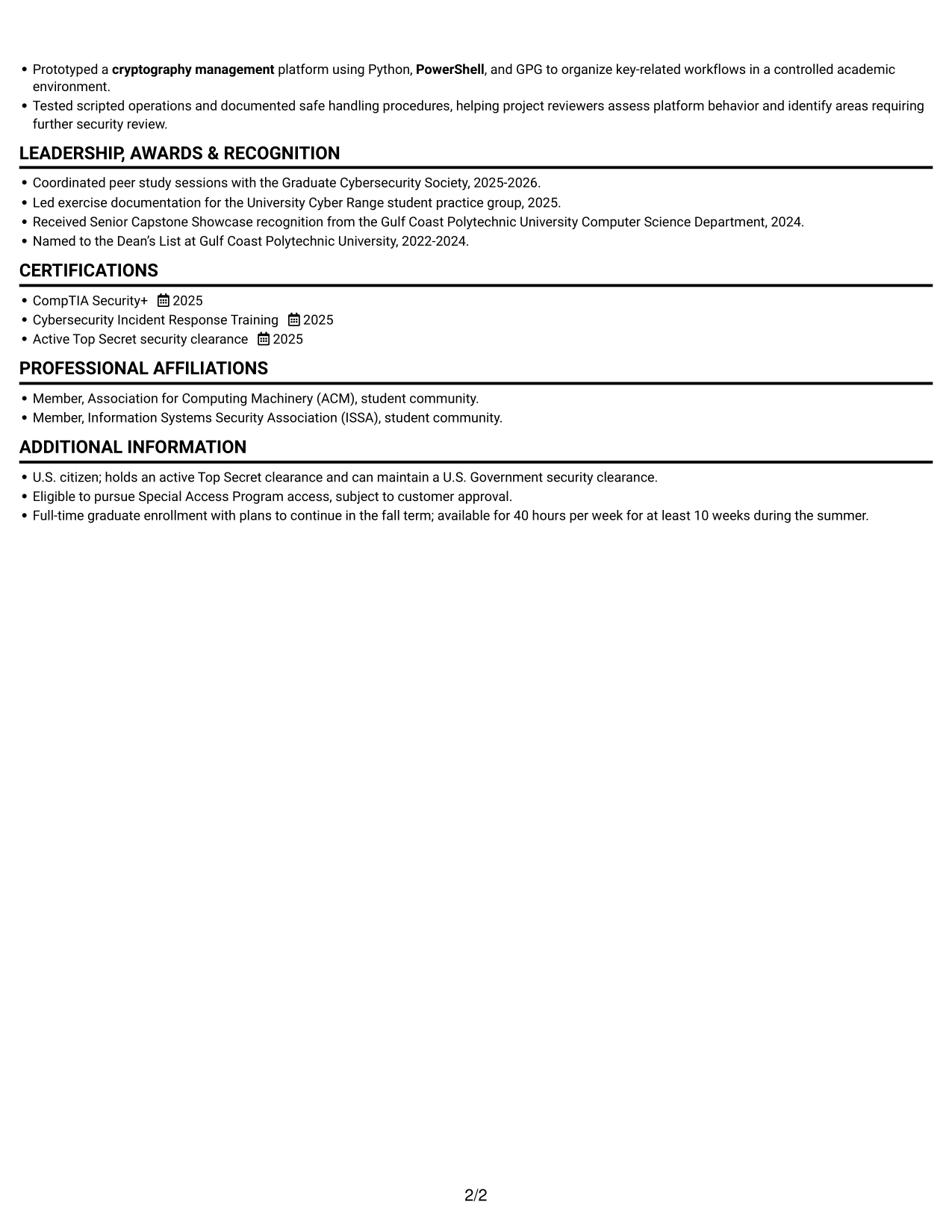
This one-column format keeps the resume on a single reading path, a practical choice for reviewers who prefer a familiar top-to-bottom scan.
Why This Format Works
- One reading path keeps experience, education, and credentials in a familiar sequence.
- Skills and tools remain easy to find during a top-to-bottom review.
- Longer project entries have room to follow their full text sequence.
Best For
- Top-to-bottom resume scanning
- Text-focused presentation
- Detailed project descriptions
- Education alongside project history
- Photo-free document preference
Resume Keywords
- Python
- controlled penetration testing
- red teaming
- threat detection
- Threat analysis
- incident response
- cryptography management
- PowerShell
- GPG
- Developed Python utilities that orchestrated LLM prompting workflows for a supervised lab evaluation
- multithreaded data parsing
- digital asset management
- Vulnerability validation
- Monitored network performance
- Technical documentation
#2 Simple Two Column Format Resume Example
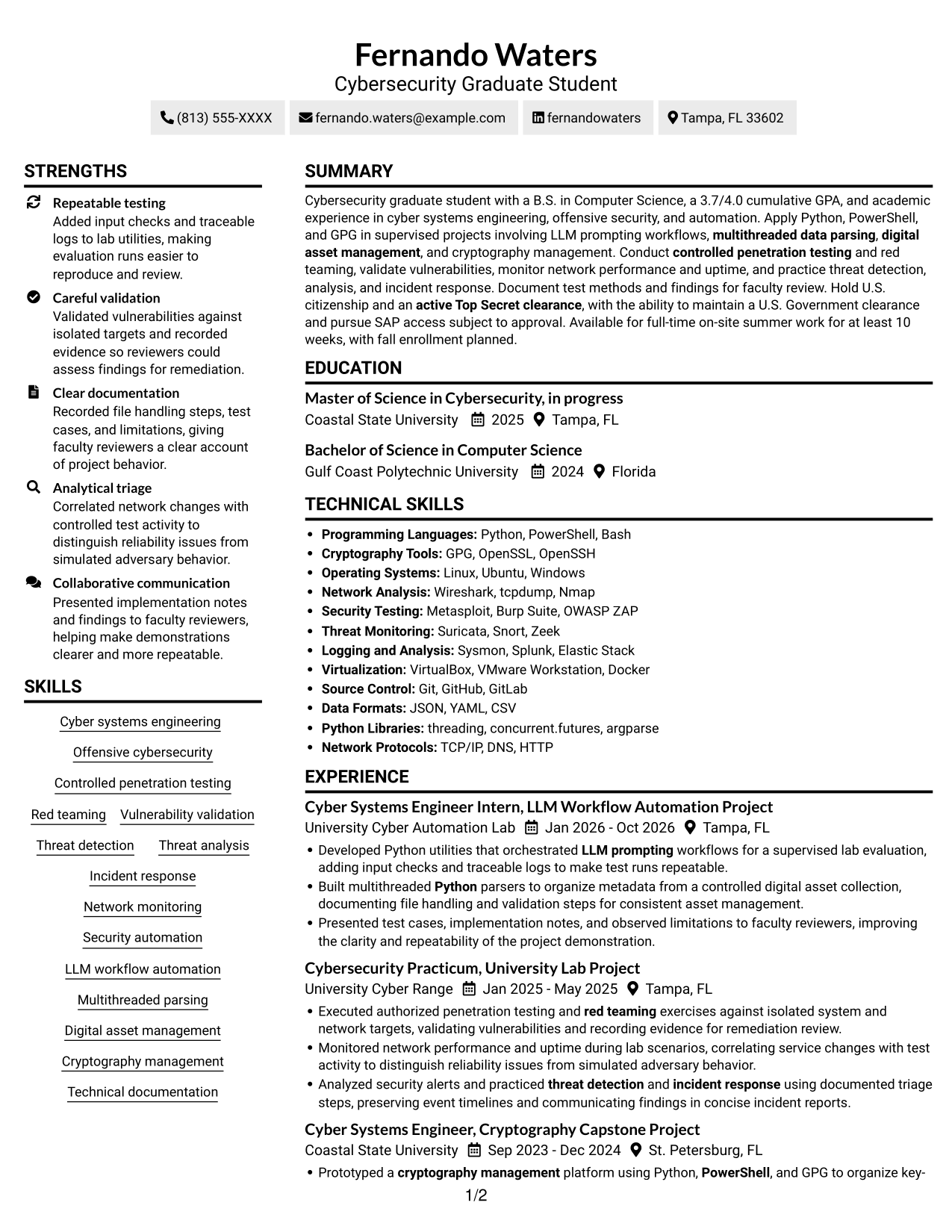
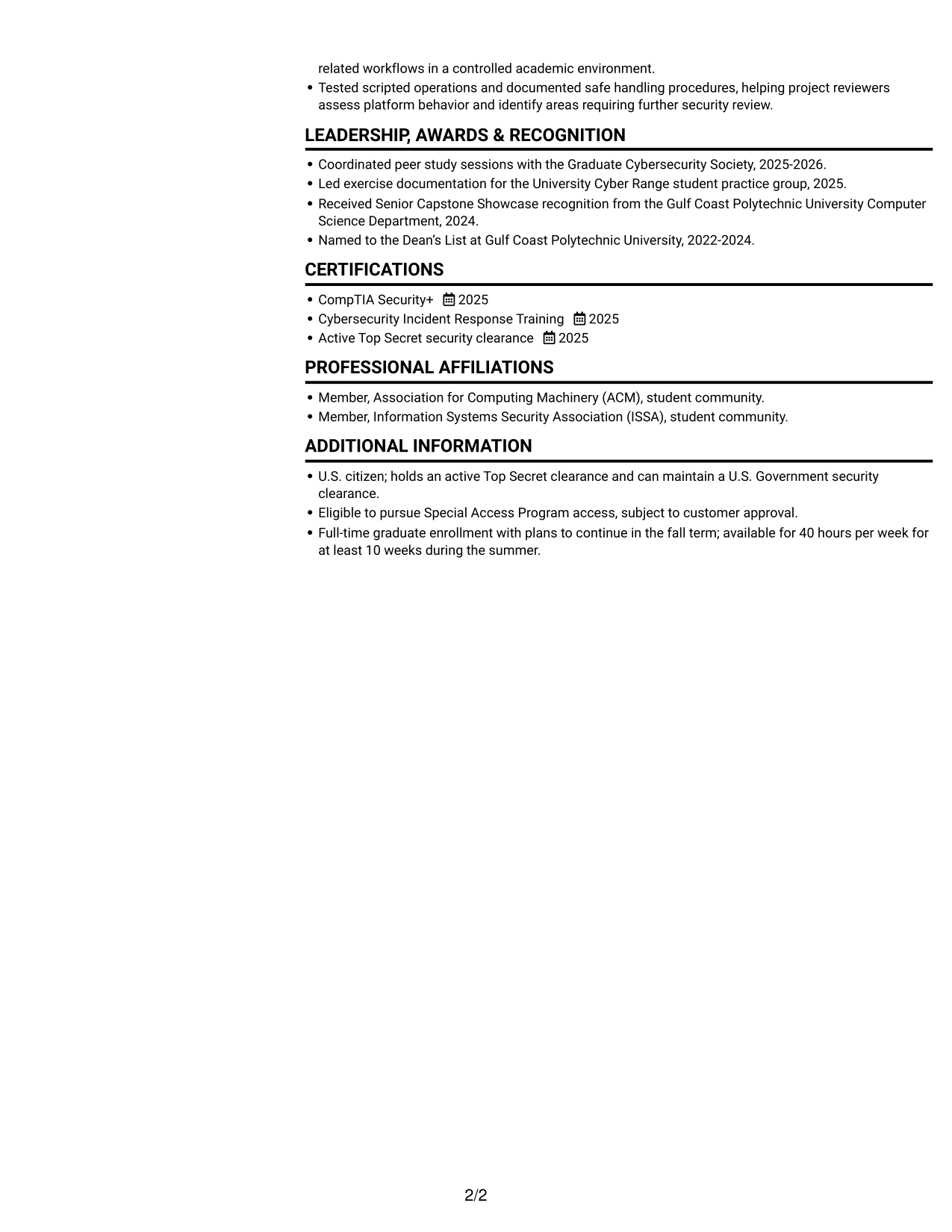
This two-column format gives resume content separate reading areas, a practical option for reviewers who want related sections visible together.
Why This Format Works
- The two-column body gives experience and supporting sections distinct reading areas.
- Reviewers can locate skills and education without scanning one long vertical list.
- Project evidence stays part of the resume while related details have separate space.
Best For
- Side-by-side section review
- Skills and experience comparison
- Separate credentials and education
- Project-rich resume content
- Photo-free application preference
#3 Plain One Column with Shaded Labels Resume Example
This one-column format keeps sections in a vertical sequence, suiting readers who prefer a direct path through resume content.
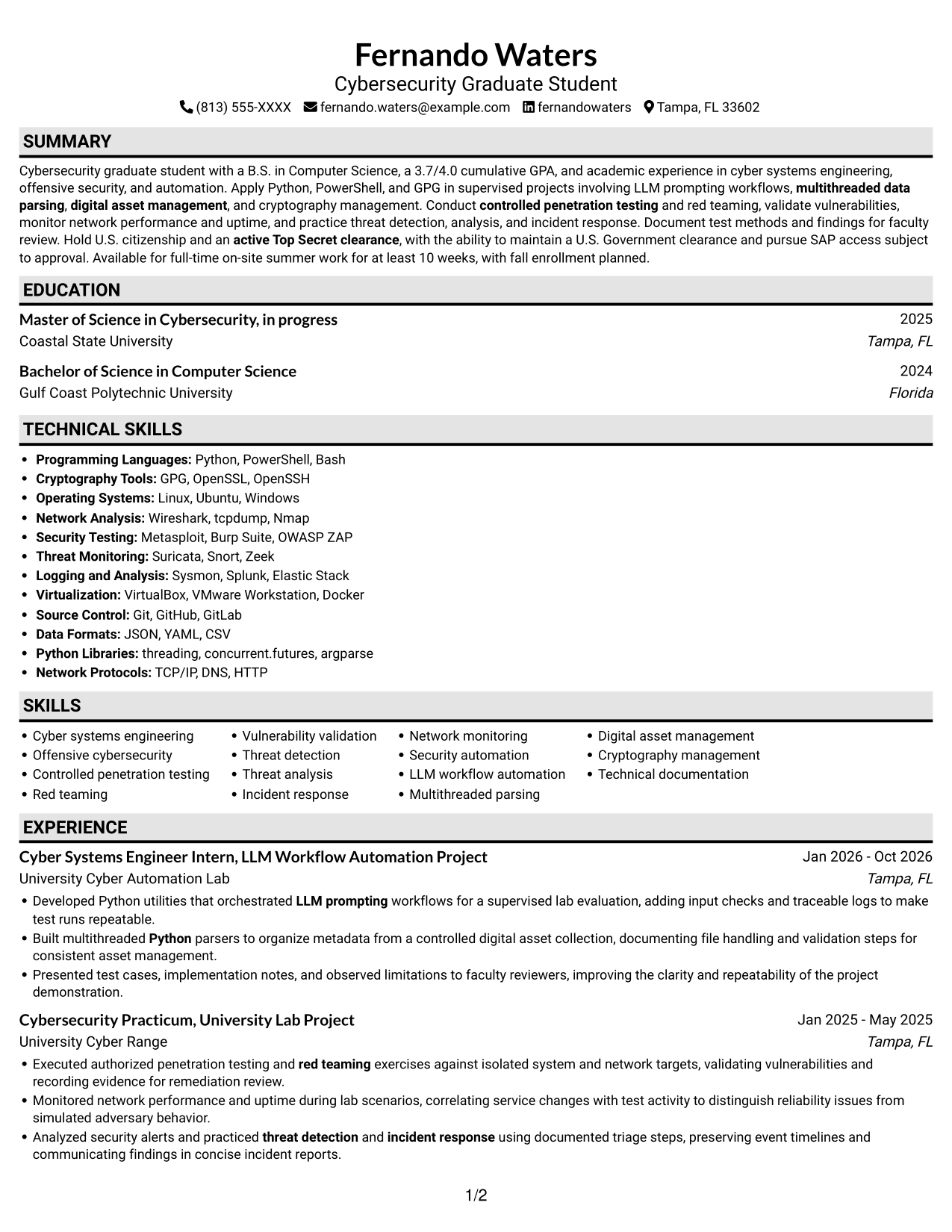
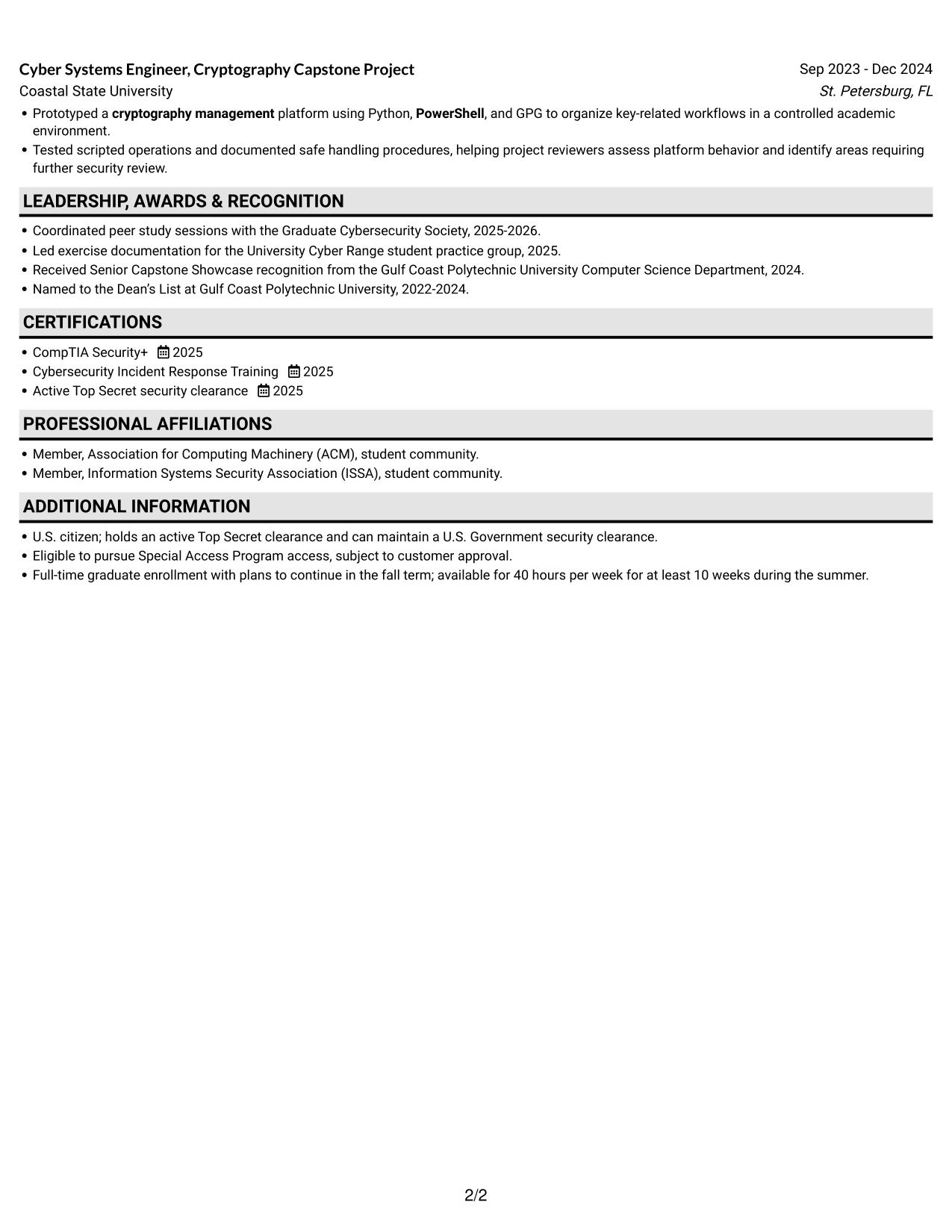
Why This Format Works
- Section headings help reviewers move through education, credentials, and experience in sequence.
- One vertical flow keeps project descriptions connected to the rest of the resume.
- Reviewers can trace academic experience without shifting between body columns.
Best For
- Direct section navigation
- Connected academic history
- Continuous project descriptions
- Traditional resume reading order
- Photo-free document preference
#4 One Column Format with Photo Right Resume Example
A one-column body with a photo offers a familiar section flow and a visible portrait for readers who prefer a resume with a personal visual element.
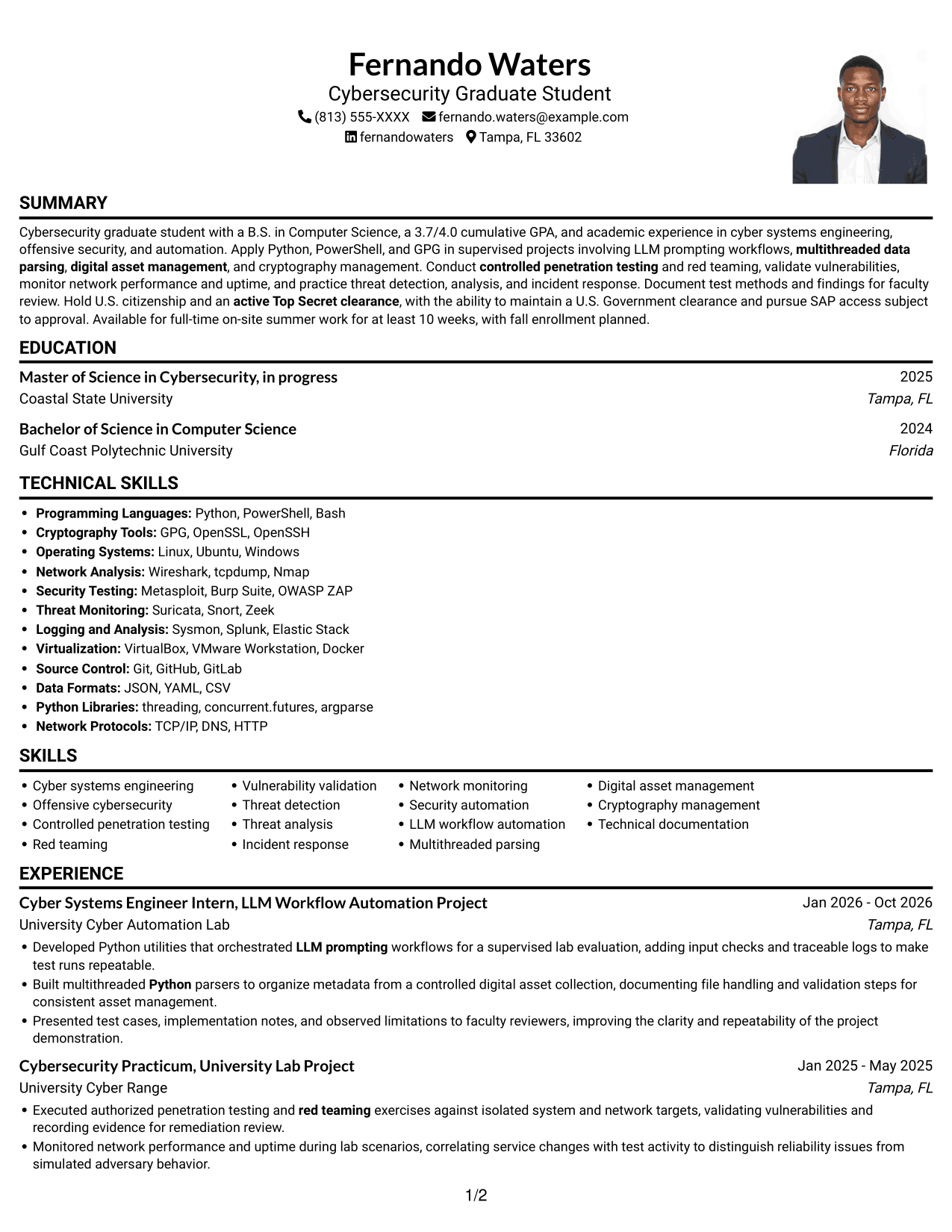
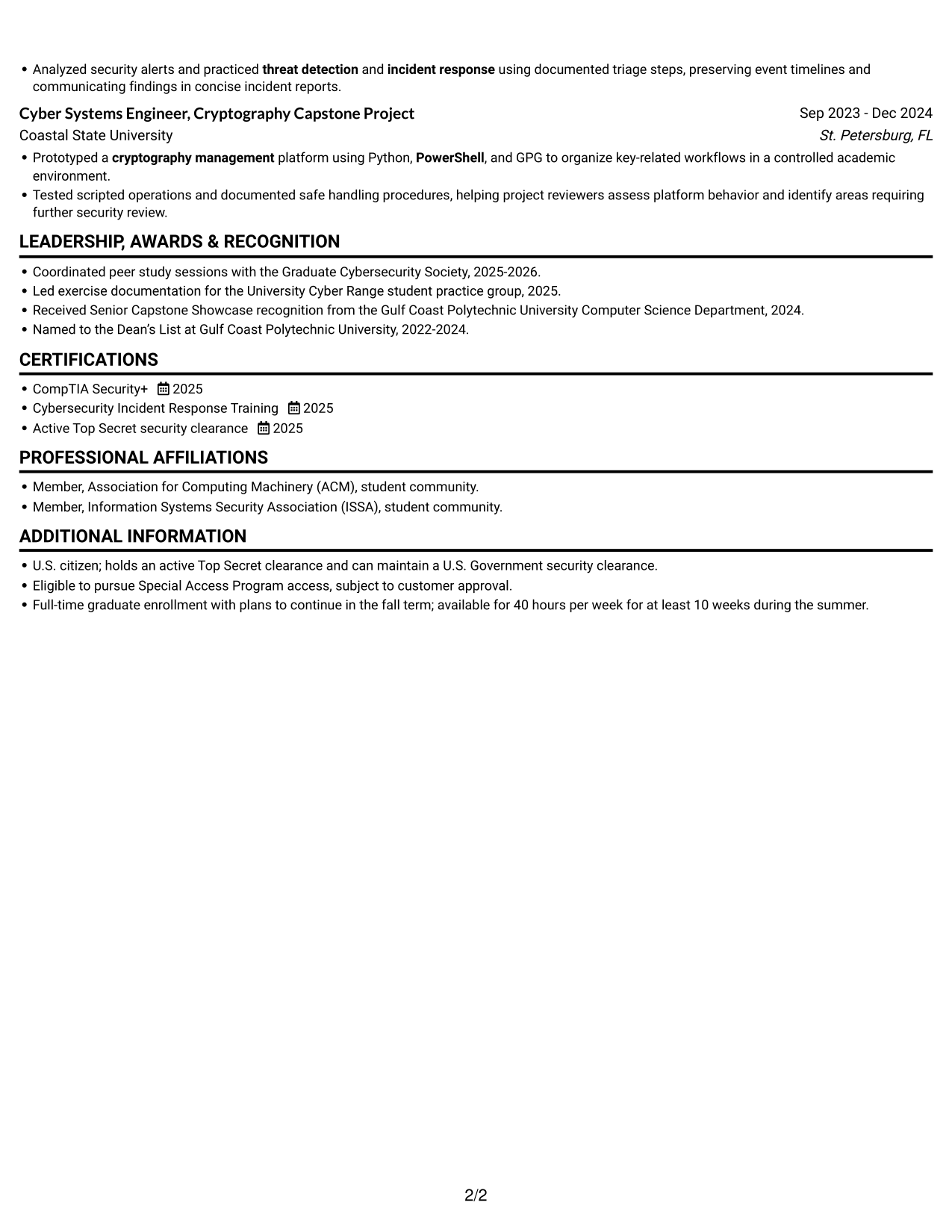
Why This Format Works
- One vertical reading order keeps experience and education together for review.
- Project descriptions remain in one text flow, without parallel body columns.
- The portrait adds a visual point of reference without replacing resume evidence.
Best For
- Resume with a portrait
- Single-path section review
- Project descriptions with full detail
- Experience and education in sequence
- Text-and-image presentation
#5 Clean Two Column Sidebar Format Resume Example
This two-column format presents resume content in separate areas, a useful choice for readers who want experience and supporting details visible at once.
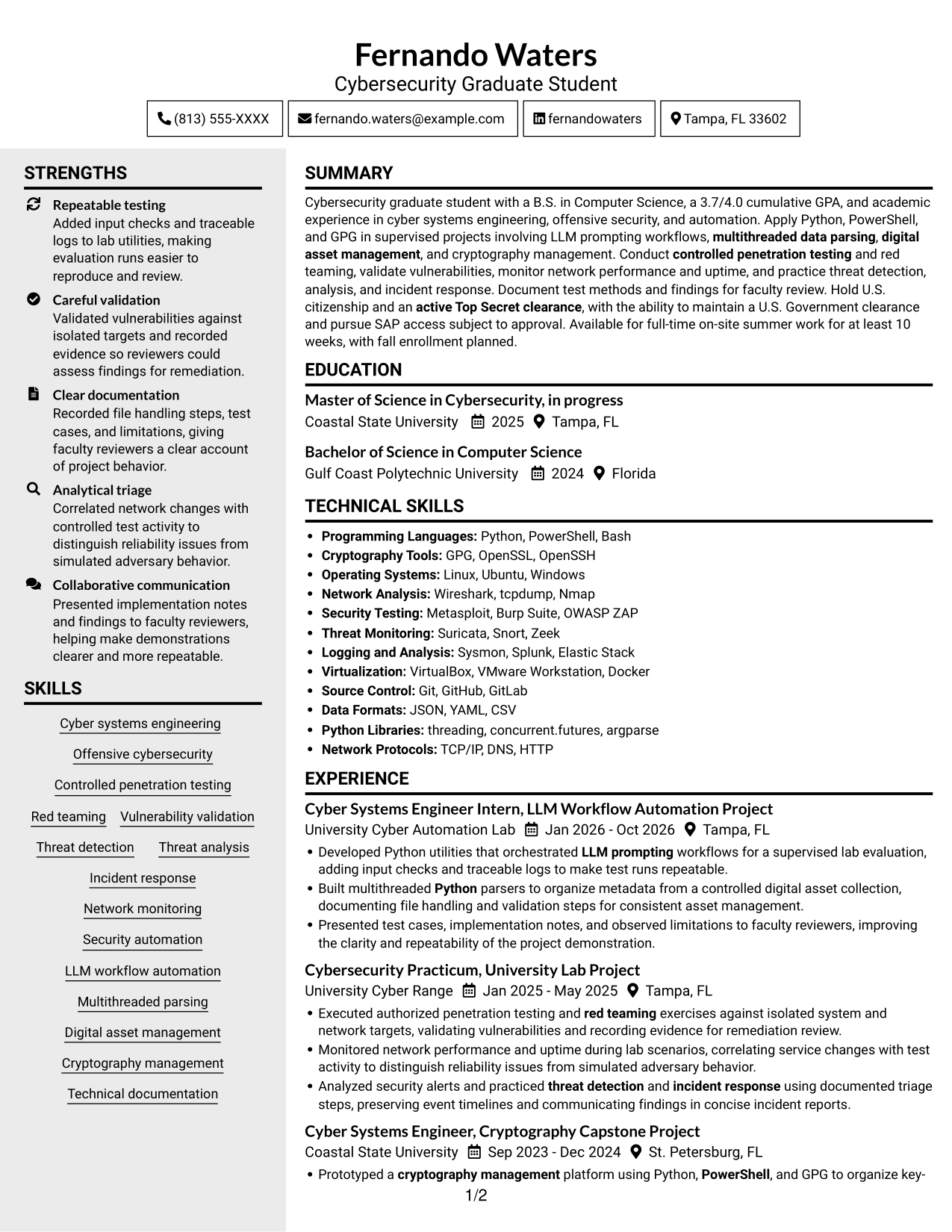
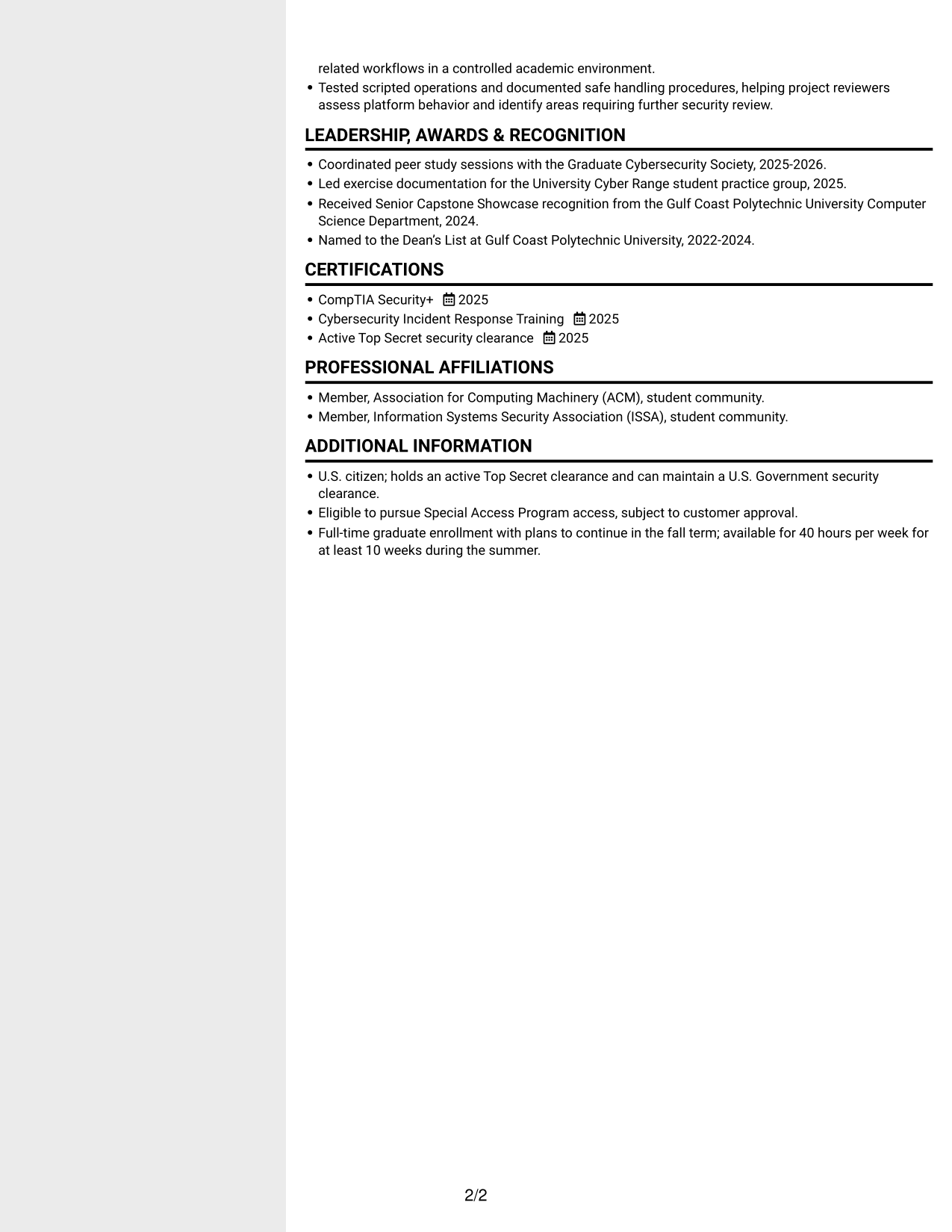
Why This Format Works
- Separate body areas let reviewers scan experience and supporting details in parallel.
- Skills and credentials can be checked without interrupting the experience review.
- Education and project history remain easy to compare across distinct columns.
Best For
- Parallel review of resume sections
- Skills beside experience details
- Education and project history
- Distinct credentials and skills
- Photo-free document preference
#6 Two Column Format Resume Example
This two-column format keeps experience and supporting details in separate areas, suiting reviewers who prefer to scan related sections side by side.
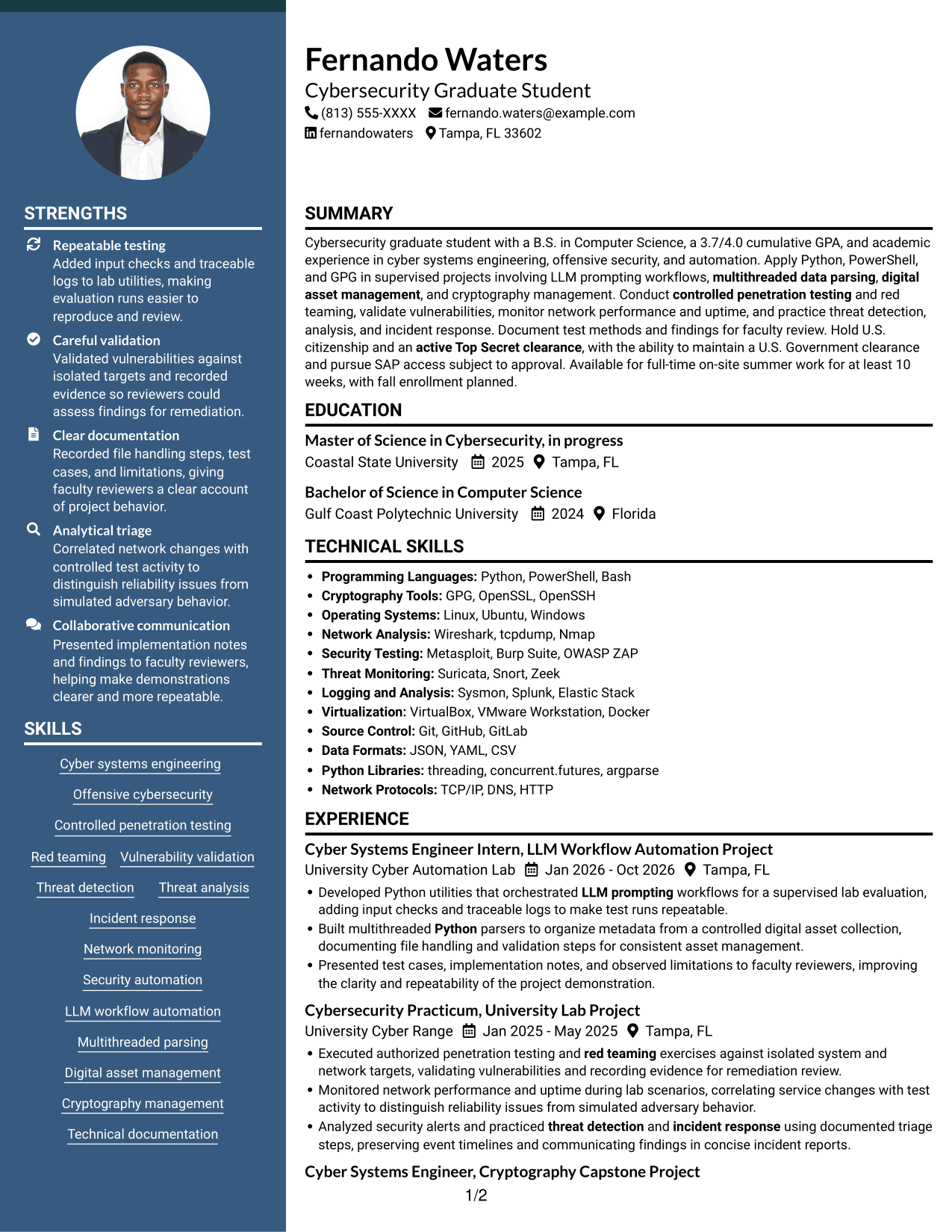
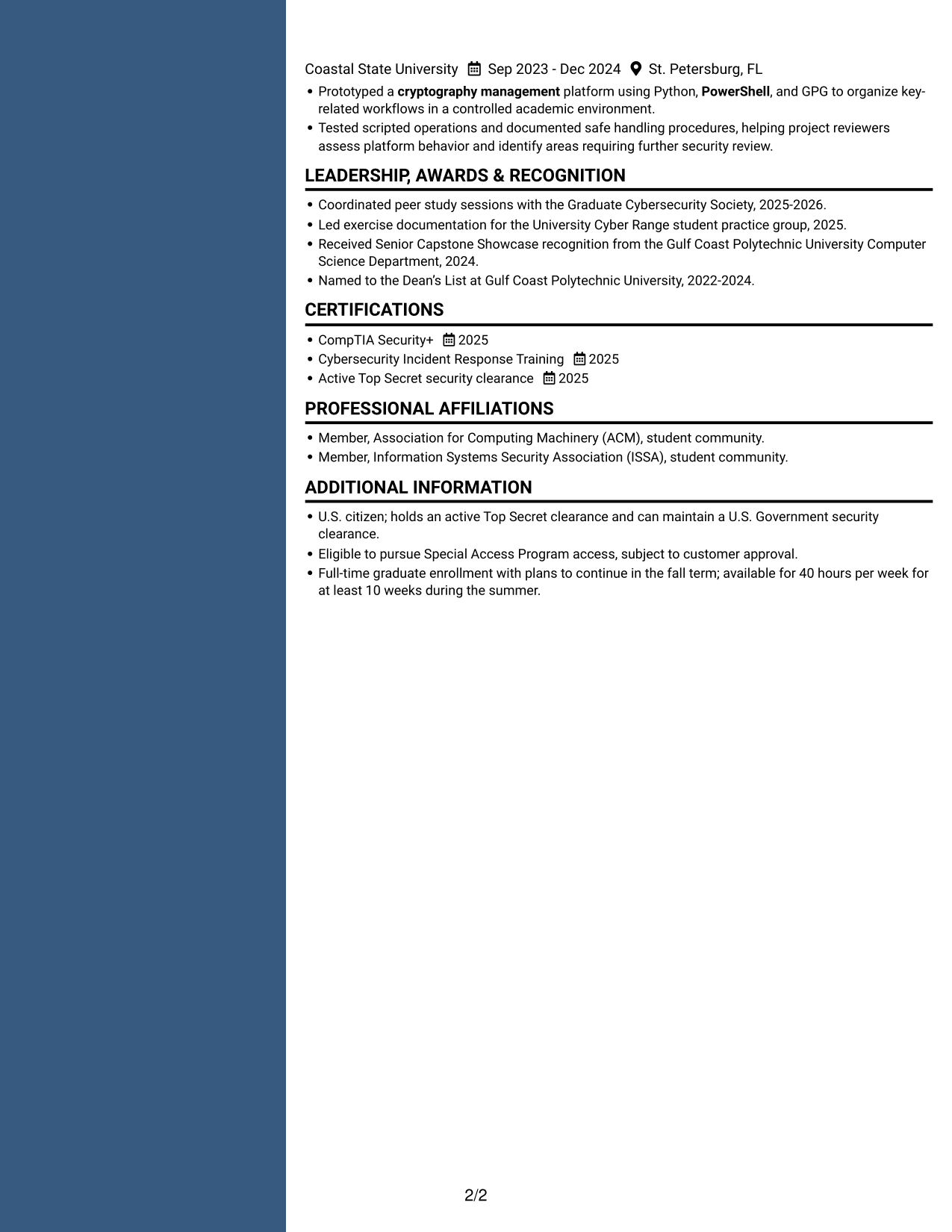
Why This Format Works
- Parallel reading areas help reviewers move between experience and education efficiently.
- Skills remain distinct from project evidence, keeping each content group easy to locate.
- Credentials and academic history can be reviewed without one long text run.
Best For
- Side-by-side section scanning
- Separate skills and project details
- Academic history with credentials
- Multiple project entries
- Photo-free resume preference
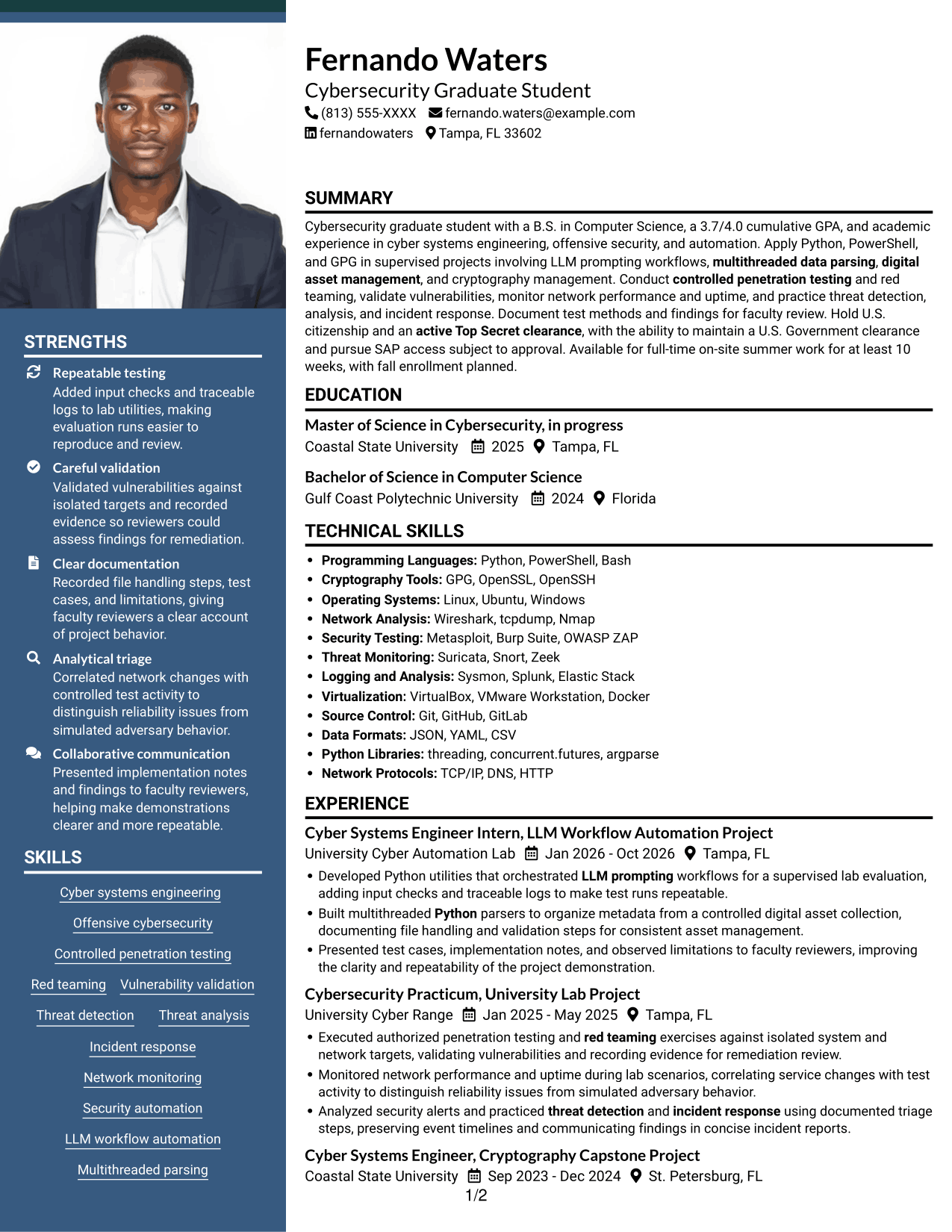
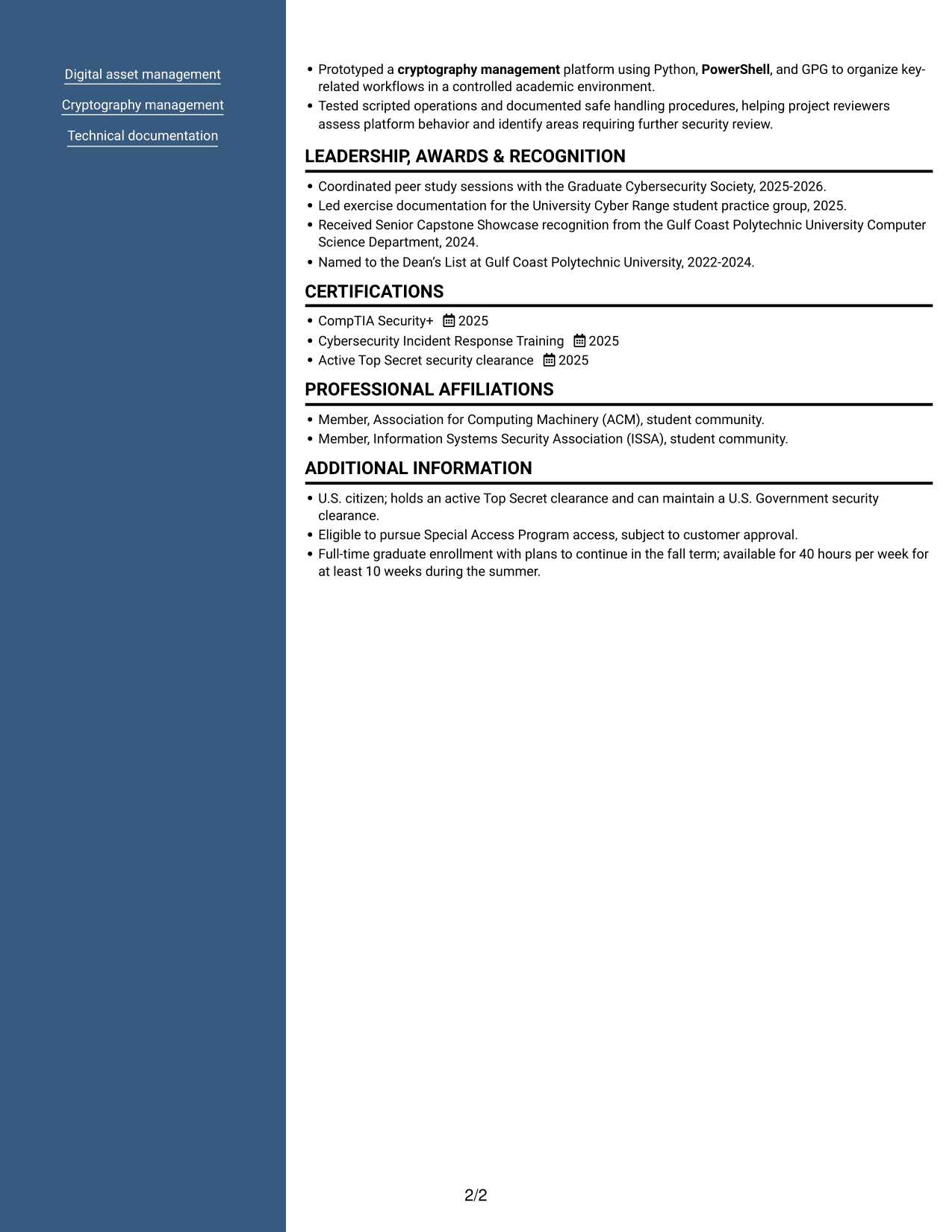
#7 Photo Header Two Column Format Resume Example
A two-column format with a photo suits readers who want supporting resume details and a portrait in the same design.
Why This Format Works
- Two reading areas let reviewers scan project experience alongside supporting resume sections.
- Skills and credentials stay distinct from detailed project descriptions.
- The photo adds a visual feature while written evidence remains central.
Best For
- Resume with a portrait
- Two-column section review
- Distinct skills and experience
- Detailed project descriptions
- Photo-inclusive document preference
Why Build Your Cyber Systems Engineer Intern Resume with ResumeInMinutes
ResumeInMinutes helps you organize project work, education, technical skills, and certifications in a resume format that reviewers can scan. You can compare the image previews and open an example in the editor to customize its content.
- ATS-friendly section structure
- Clear project and skills sections
- Role-focused keyword guidance
- Readable experience bullets
- Image previews for comparison
- Resume customization in the editor
Present technical details with care. Explain the scope of a controlled test, document how findings were validated, and show how automation or monitoring supported a defined project task.
See Also
- 33 Lead Cybersecurity Engineer (Cyber Network Analysis Tech 3) Resume Templates with Example 2026 (ATS-Optimized)
- 33 Electrical Power Systems / Industrial Automation Engineer Resume Templates with Example 2026 (ATS-Optimized)
- 33 System Automation Engineer Intern Resume Templates with Example 2026 (ATS-Optimized)
- 33 Cyber Security Engineer, Junior Resume Templates with Example 2026 (ATS-Optimized)
- 33 Cyber Security Engineer, VP Resume Templates with Example 2026 (ATS-Optimized)
- 7 Principal Cyber Security Engineer US Federal Resume Templates with Example
- 33 Senior Cyber Security Engineer (Microsoft) ZT Resume Templates with Example
- 33 AI/ML Engineer - Machine Learning Systems Resume Templates with Example 2026 (ATS-Optimized)
- 7 Cyber Systems Engineer Intern - Offensive Cybersecurity and Automation Cover Letter Templates with Example
- 30+ Lead Cybersecurity Engineer (Cyber Network Analysis Tech 3) Cover Letter Templates with Example 2026
Frequently Asked Questions
Are these Cyber Systems Engineer Intern resume templates ATS-friendly?
The layouts use clear sections and readable headings to support scanning. Include relevant terms, such as Python automation, controlled penetration testing, red teaming, network monitoring, and incident response, when they match your experience.
Are these different resume examples?
The page presents one resume example in several layouts. Compare the image previews to see how each format organizes the same information, then open an example in the editor to customize it.
What should this cyber systems engineering resume include?
Include a concise summary, education, relevant project or work experience, technical skills, and certifications. Use specific bullets to describe security testing, automation, network monitoring, or threat analysis work.
How can I describe offensive cybersecurity projects responsibly?
State that testing was authorized and controlled, describe the isolated scope, and explain how you validated and documented findings. Avoid sharing sensitive details that are not appropriate for a resume.
Which technical keywords can be useful for this role?
Use accurate terms from your background, such as Python, LLM prompting workflow automation, multithreaded data parsing, digital asset management, PowerShell, GPG, vulnerability validation, and incident response.
Should I include clearance and availability details?
If relevant to the role, state your citizenship and current clearance accurately. You can also note the ability to maintain a U.S. Government clearance, SAP access eligibility subject to approval, and summer schedule availability when these details apply to you.




