
7 Cybersecurity Intern - Managed Care Security Resume Templates with Example
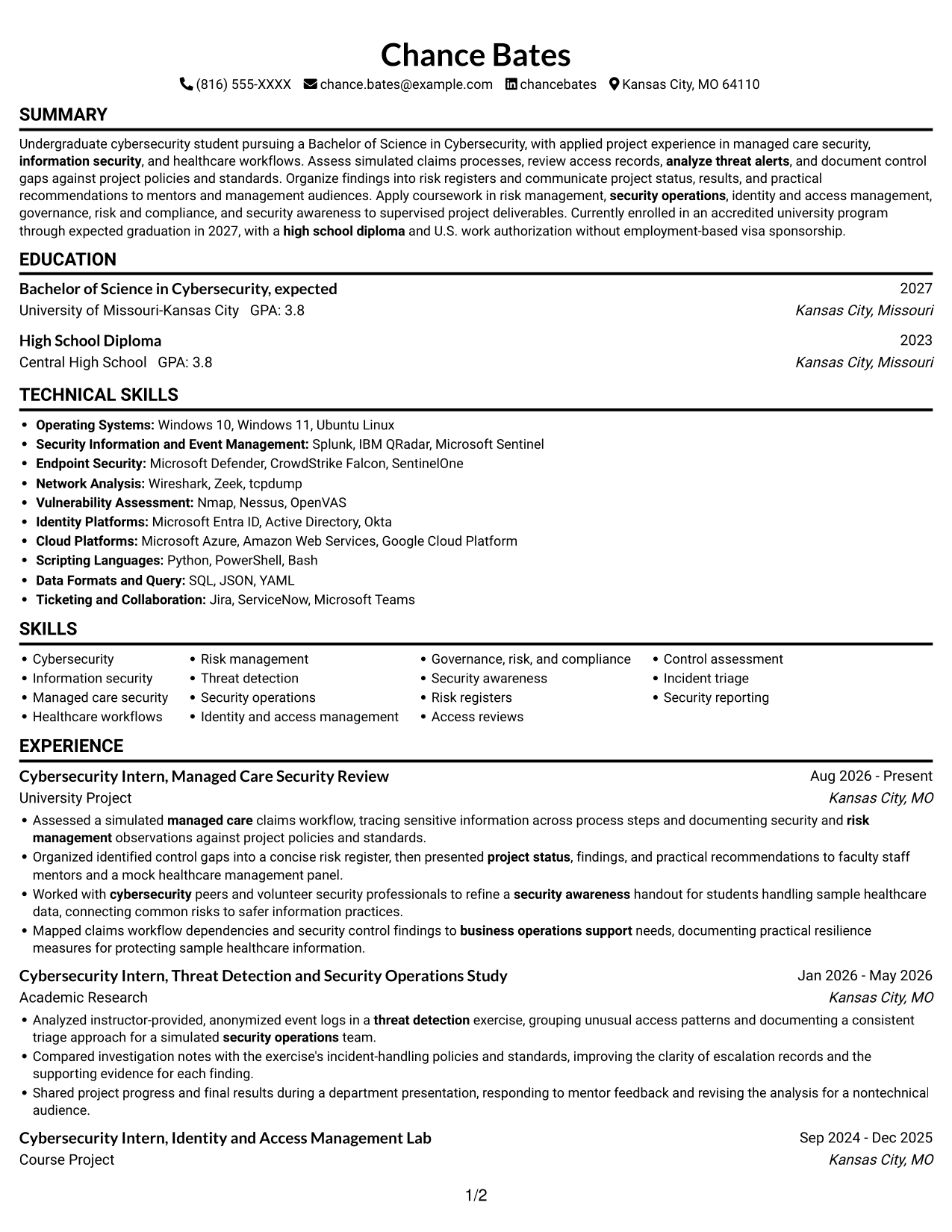
This guide shows you how to create a clear, focused Cybersecurity Intern - Managed Care Security resume. Learn how to organize relevant evidence, make project work easy to review, and choose a professional layout for this exact role.
Strong resumes connect security work to managed care workflows. Use concise bullets to explain how you reviewed simulated claims processes, analyzed event logs, assessed access, documented control gaps, and shared findings. Include relevant terms such as risk management, threat detection, security operations, identity and access management, governance, risk and compliance (GRC), and security awareness where your experience supports them.
Compare one resume example presented in 7 layouts through PNG previews, then open an example in the editor to review or customize its structure.
What Makes a Great Cybersecurity Intern - Managed Care Security Resume in 2026
A strong resume uses clear section headings, focused skills, and short bullets that show how project work supports healthcare security. Put education, relevant experience, projects, and certifications where readers can find them quickly.
Use role-related keywords naturally, including managed care security, risk registers, access reviews, incident triage, policy and standards review, and security reporting. Support each term with a specific task, finding, or result from your work.
Note: Resume examples are for educational purposes only. Use only information that accurately reflects your experience and qualifications. References to real organizations do not imply affiliation or endorsement.
#1 Simple One Column Format Resume Example
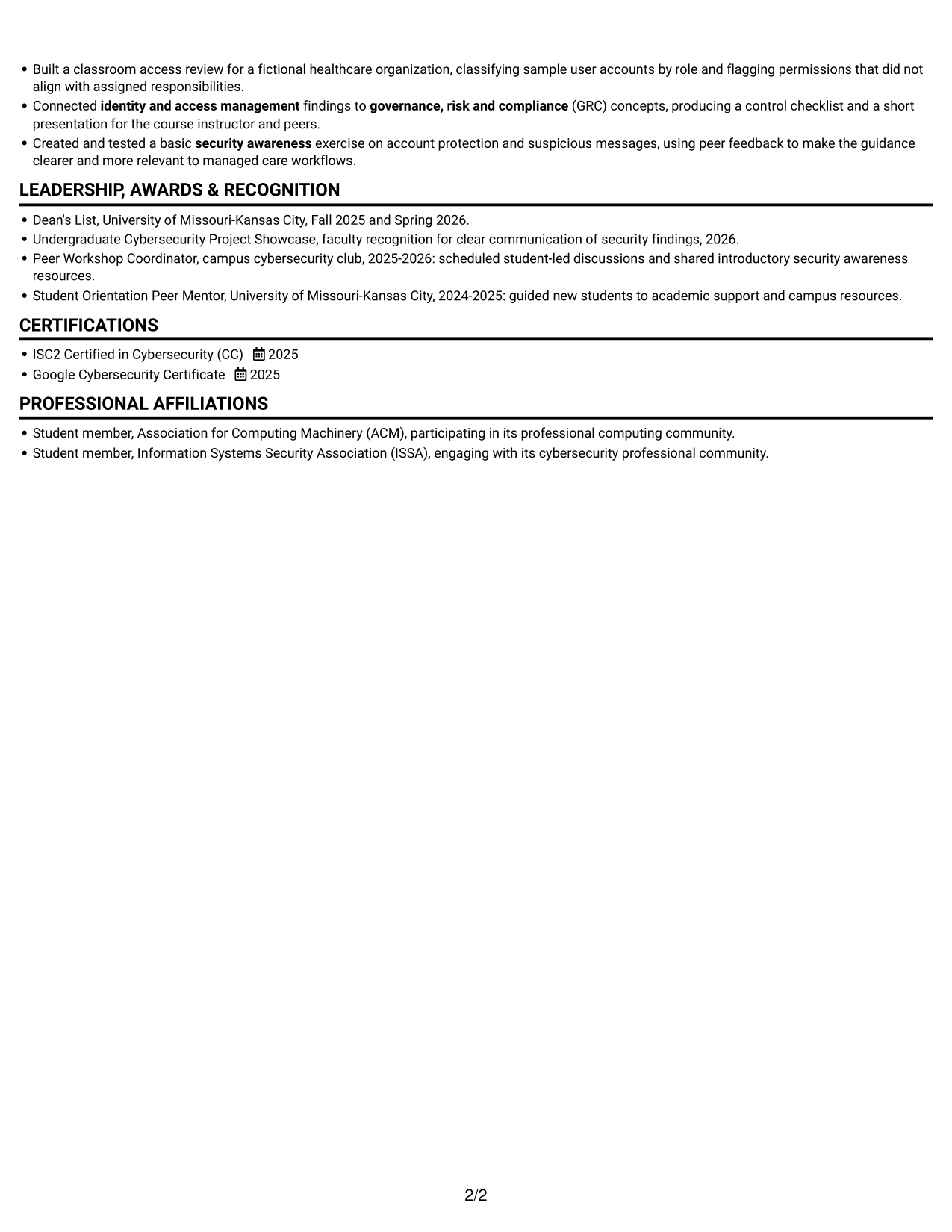
The Simple One Column Format presents resume sections in one vertical reading path for a direct review.
Why This Format Works
- One reading path lets reviewers follow experience, education, and credentials in sequence.
- Consistent section flow keeps skills and tools within a straightforward review.
- Project entries can sit in a clear progression without parallel columns.
Best For
- Top-to-bottom resume review
- Resumes with distinct sections
- Experience and education in sequence
- Text-first resume presentation
- Project details in one flow
Resume Keywords
- cybersecurity
- risk management
- Threat detection
- security operations
- identity and access management
- governance, risk and compliance
- security awareness
- applied project experience in managed care security, information security, and healthcare workflows
- Assessed a simulated managed care claims workflow
- information security
- analyze threat alerts
- Apply coursework in risk management, security operations, identity and access management, governance, risk and compliance, and security awareness
- presented project status, findings, and practical recommendations to faculty staff mentors and a mock healthcare management panel
- documenting security and risk management observations against project policies and standards
- business operations support
#2 Simple Two Column Format Resume Example
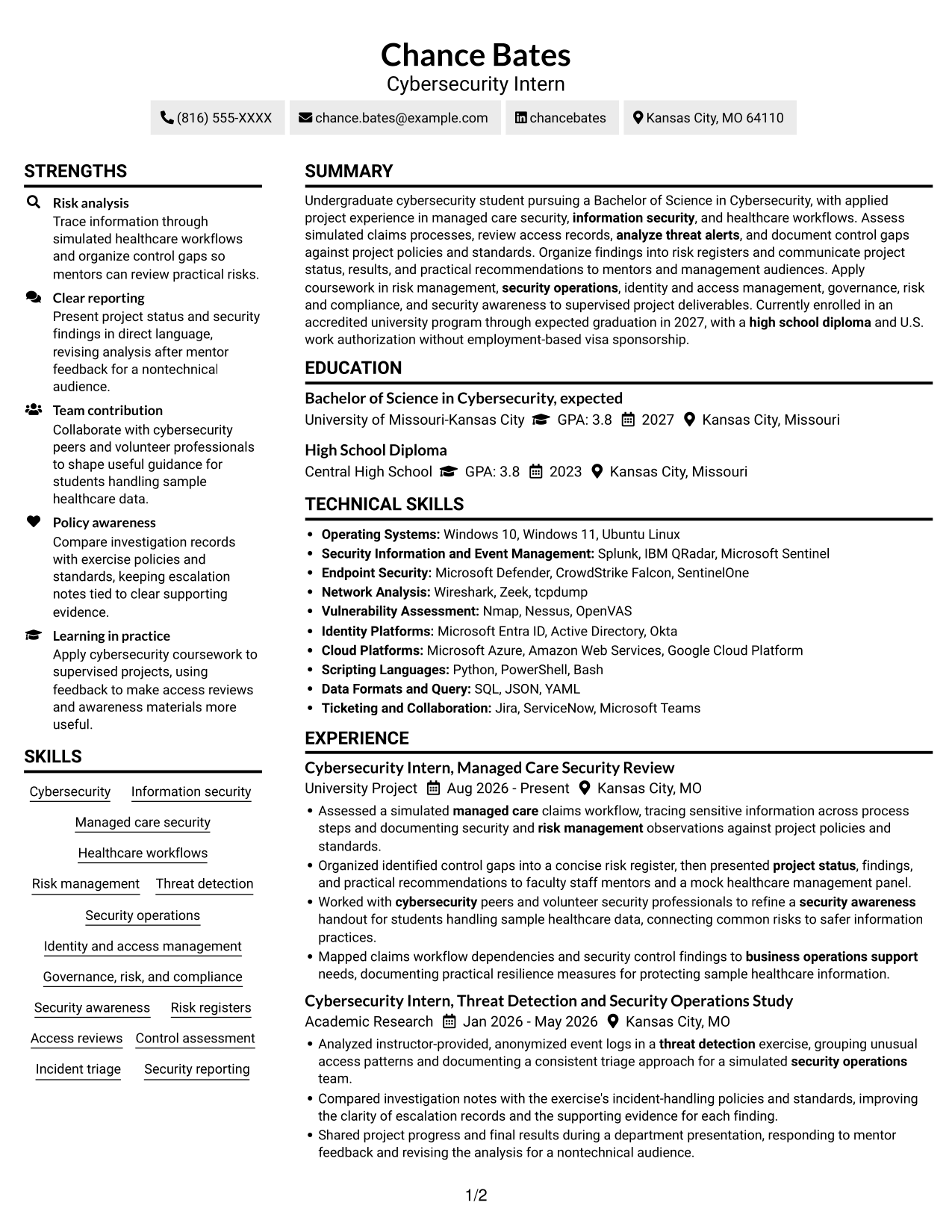
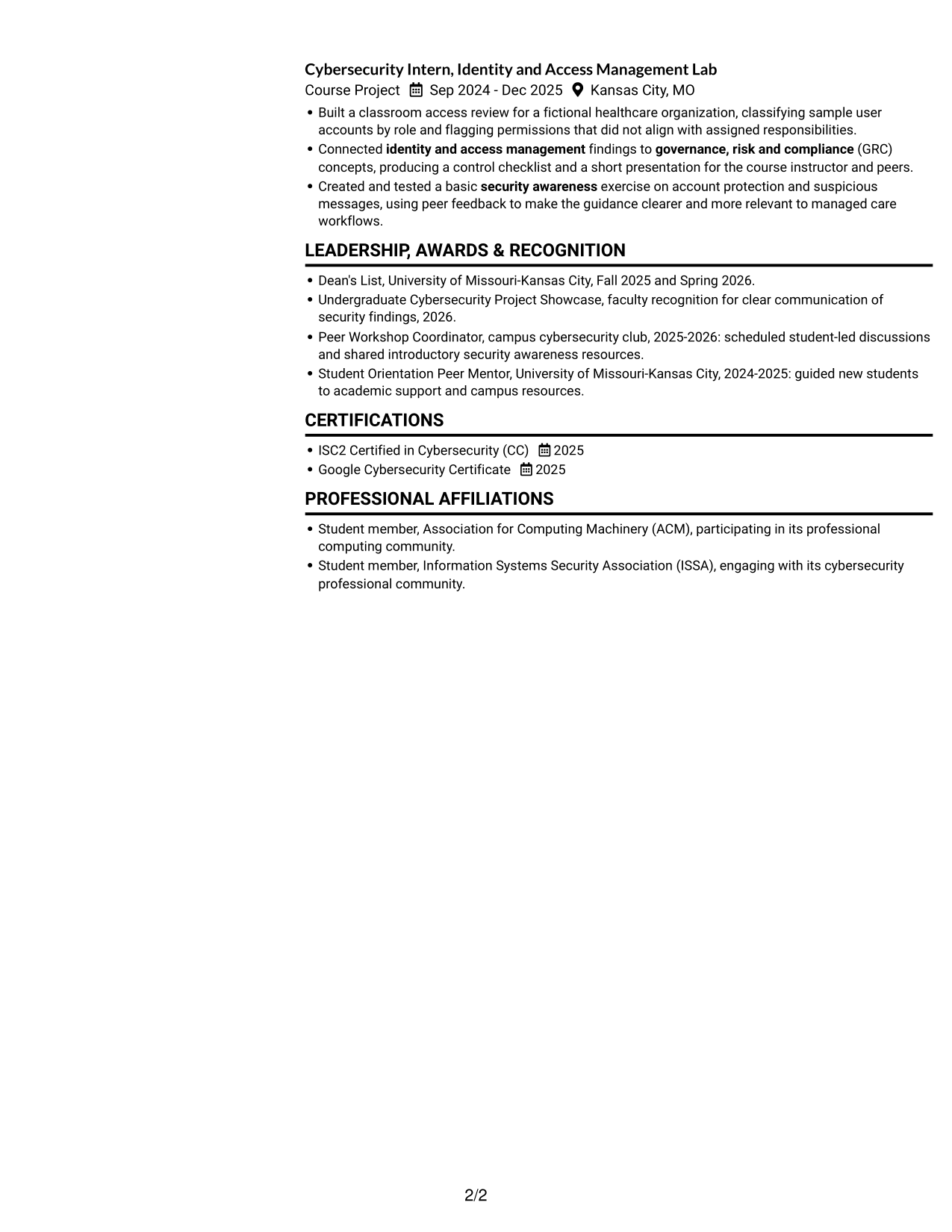
The Simple Two Column Format arranges the resume in two columns, giving sections separate visual areas.
Why This Format Works
- Separate column areas help reviewers locate skills without interrupting experience review.
- Distinct section zones make education and credentials easier to find during scanning.
- Project and experience details can remain grouped in a compact visual structure.
Best For
- Two-column section organization
- Quick access to skills
- Education beside other sections
- Compact project details
- Resumes with varied content
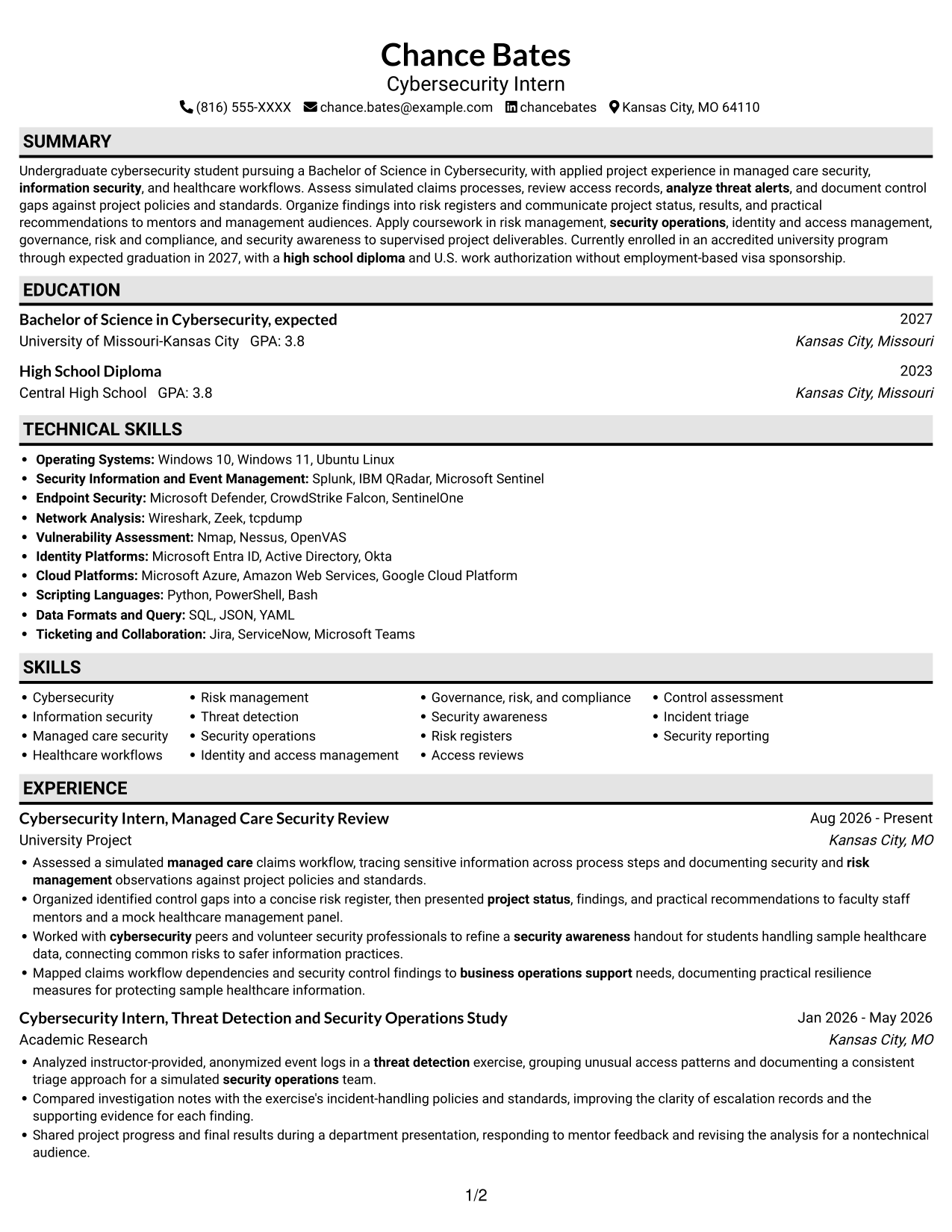
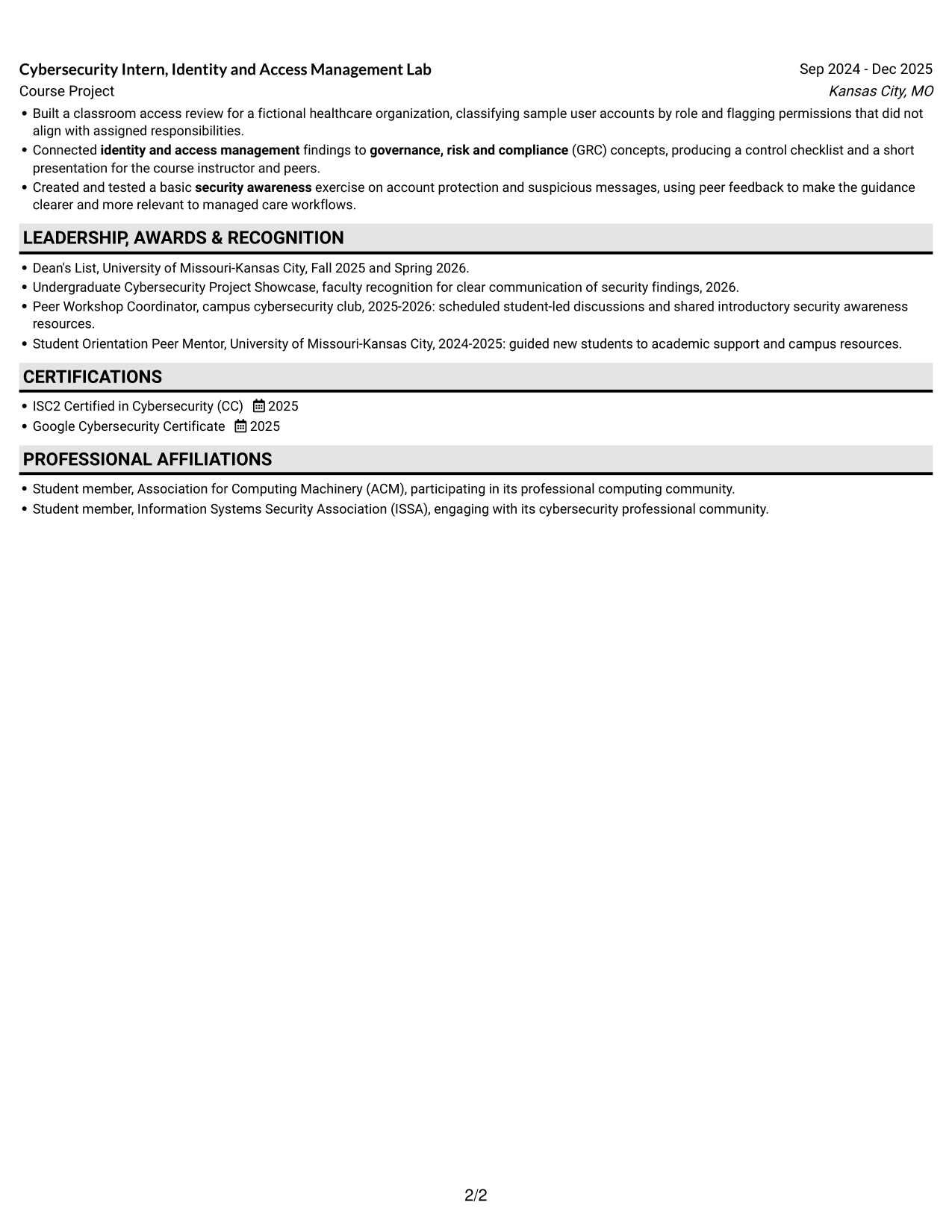
#3 Plain One Column with Shaded Labels Resume Example
The Plain One Column with Shaded Labels uses shaded section labels within a single-column resume.
Why This Format Works
- Shaded labels help reviewers spot section names while following experience in order.
- Single-column reading keeps education and credentials in a familiar sequence.
- Clear label breaks distinguish skills from project and experience details.
Best For
- Section labels that stand out
- Single-column resume reading
- Clear separation between sections
- Easy review of education
- Skills alongside project details
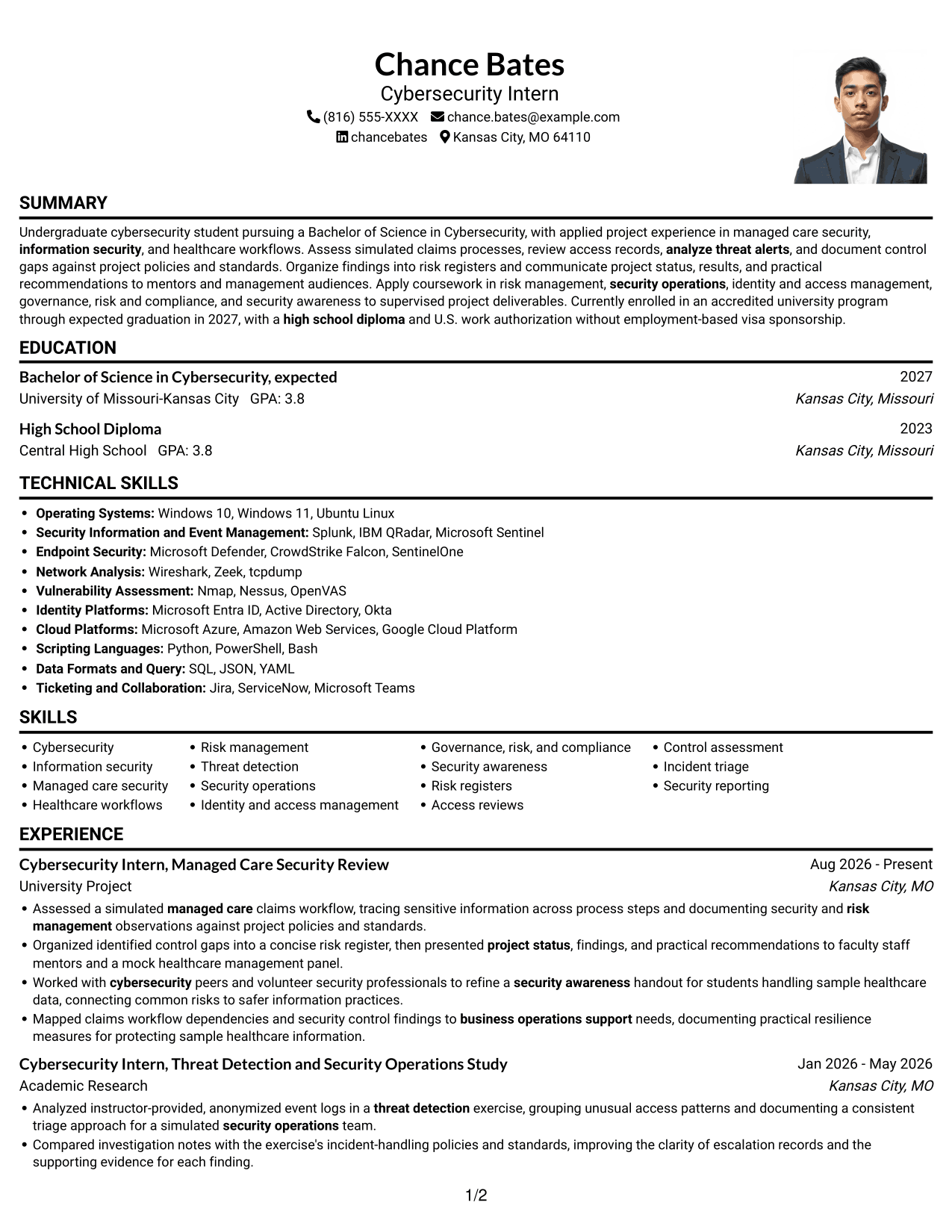
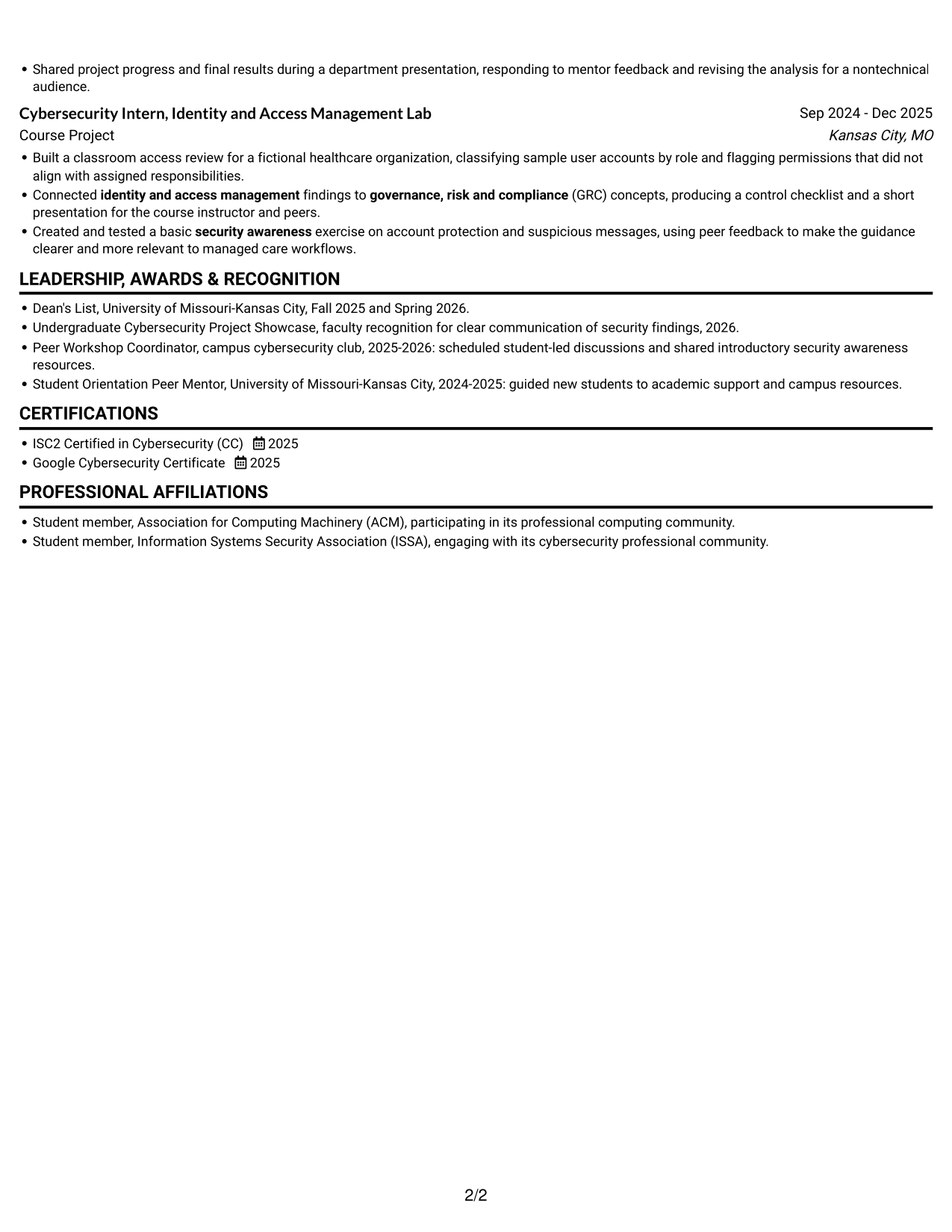
#4 One Column Format with Photo Right Resume Example
The One Column Format with Photo Right places a photo on the right beside a single-column resume layout.
Why This Format Works
- A single-column body gives experience and education a direct reading sequence.
- Section breaks help reviewers distinguish credentials, skills, and project details.
- One text path keeps role history readable without parallel content areas.
Best For
- Single-column section flow
- Right-side photo presentation
- Direct review of experience
- Clearly separated credentials
- Text-focused resume content
#5 Clean Two Column Sidebar Format Resume Example
The Clean Two Column Sidebar Format sets a sidebar beside the main resume column.
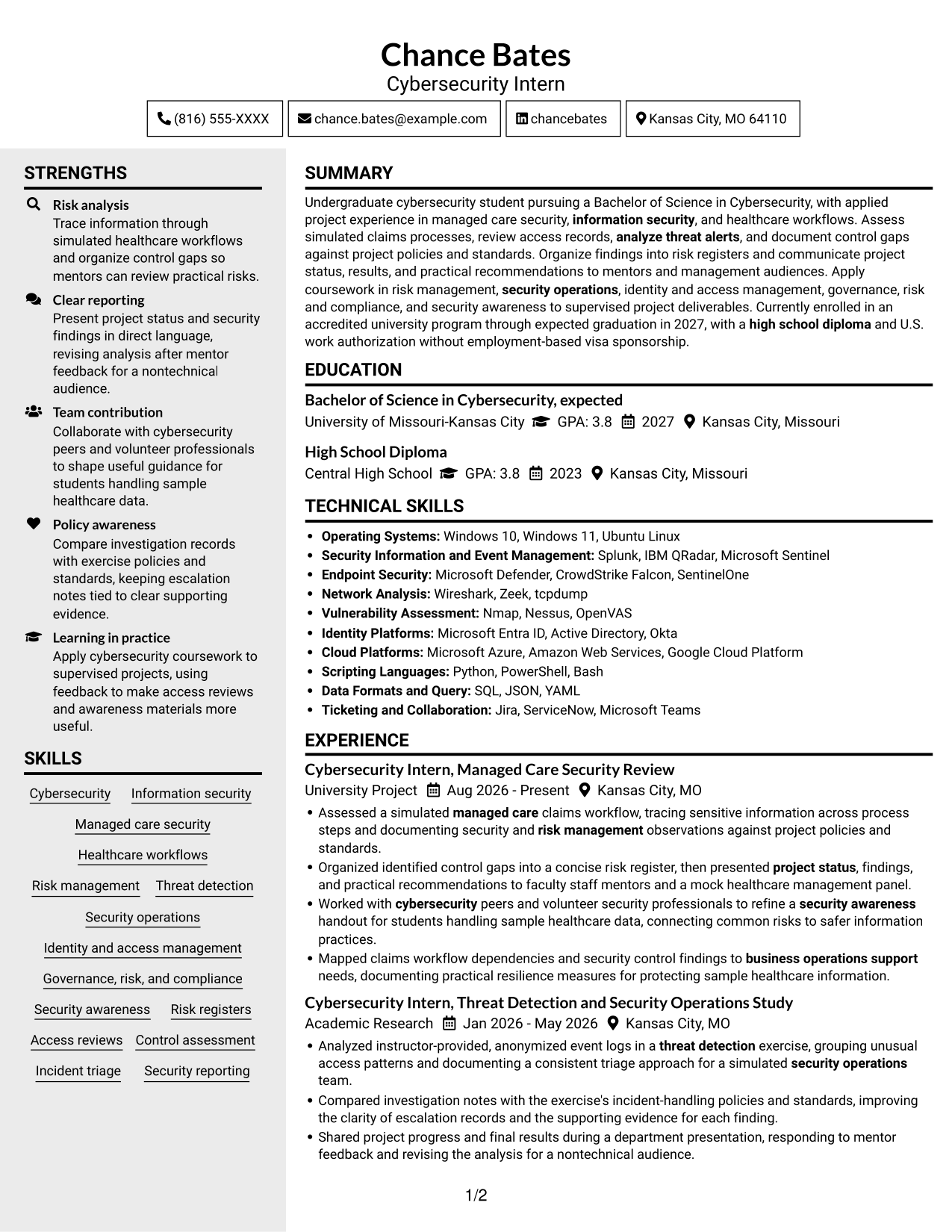
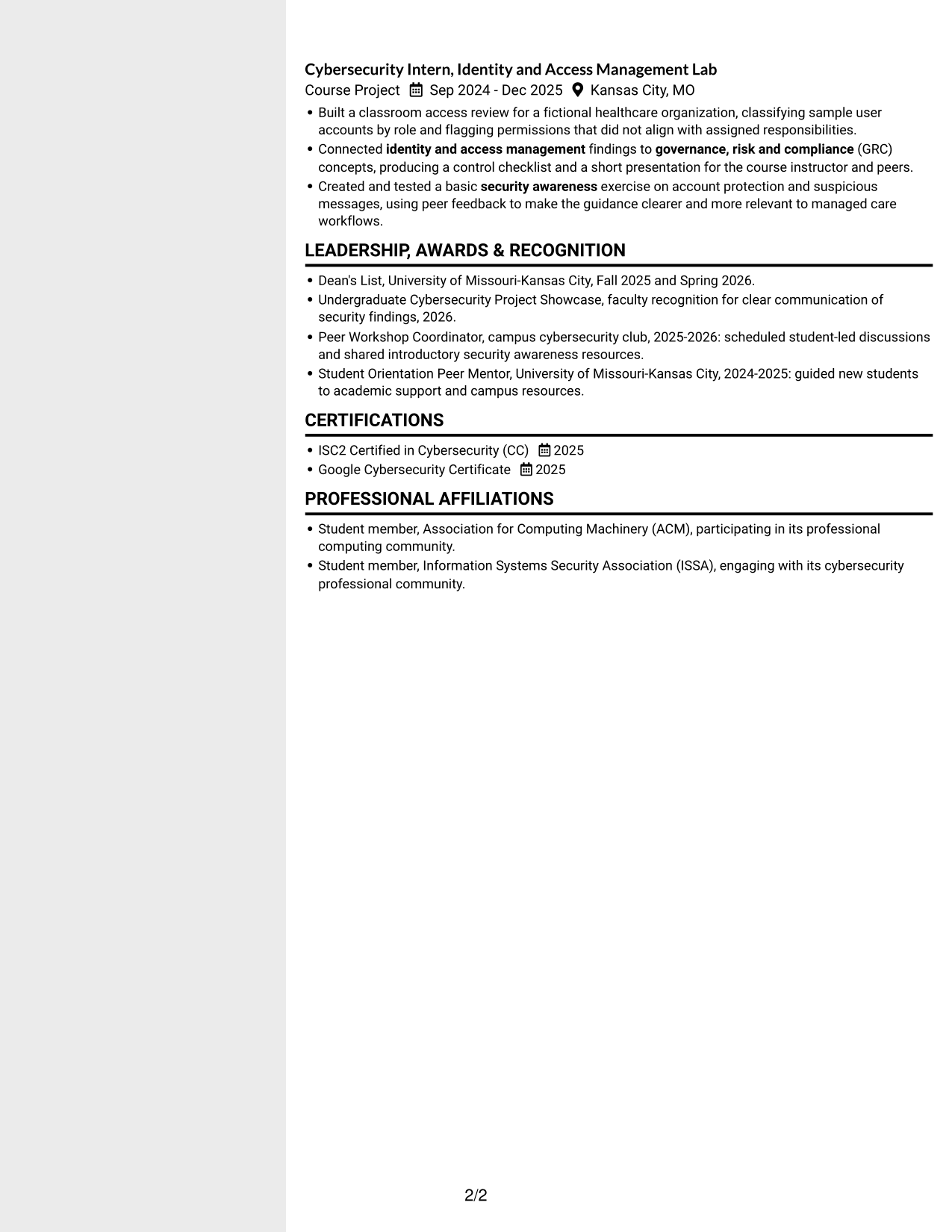
Why This Format Works
- The sidebar gives supporting sections a separate place beside experience details.
- Skills and credentials can be located apart from the main experience flow.
- Two-column reading lets reviewers move between education and project history efficiently.
Best For
- Sidebar-based section organization
- Supporting details beside experience
- Quick access to credentials
- Education and project history
- Resumes with varied sections
#6 Two Column Format Resume Example
The Two Column Format divides the resume body into two columns for a balanced section layout.
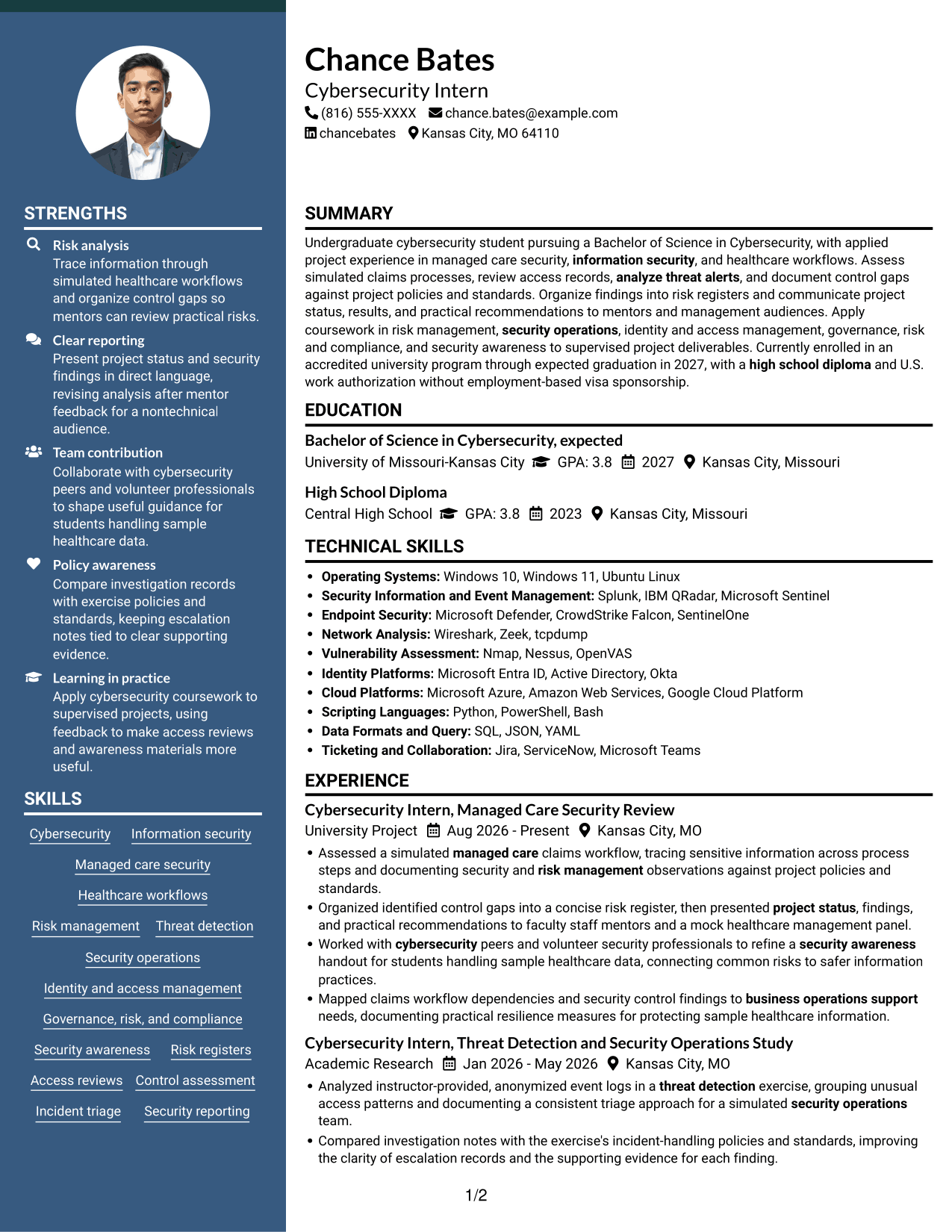
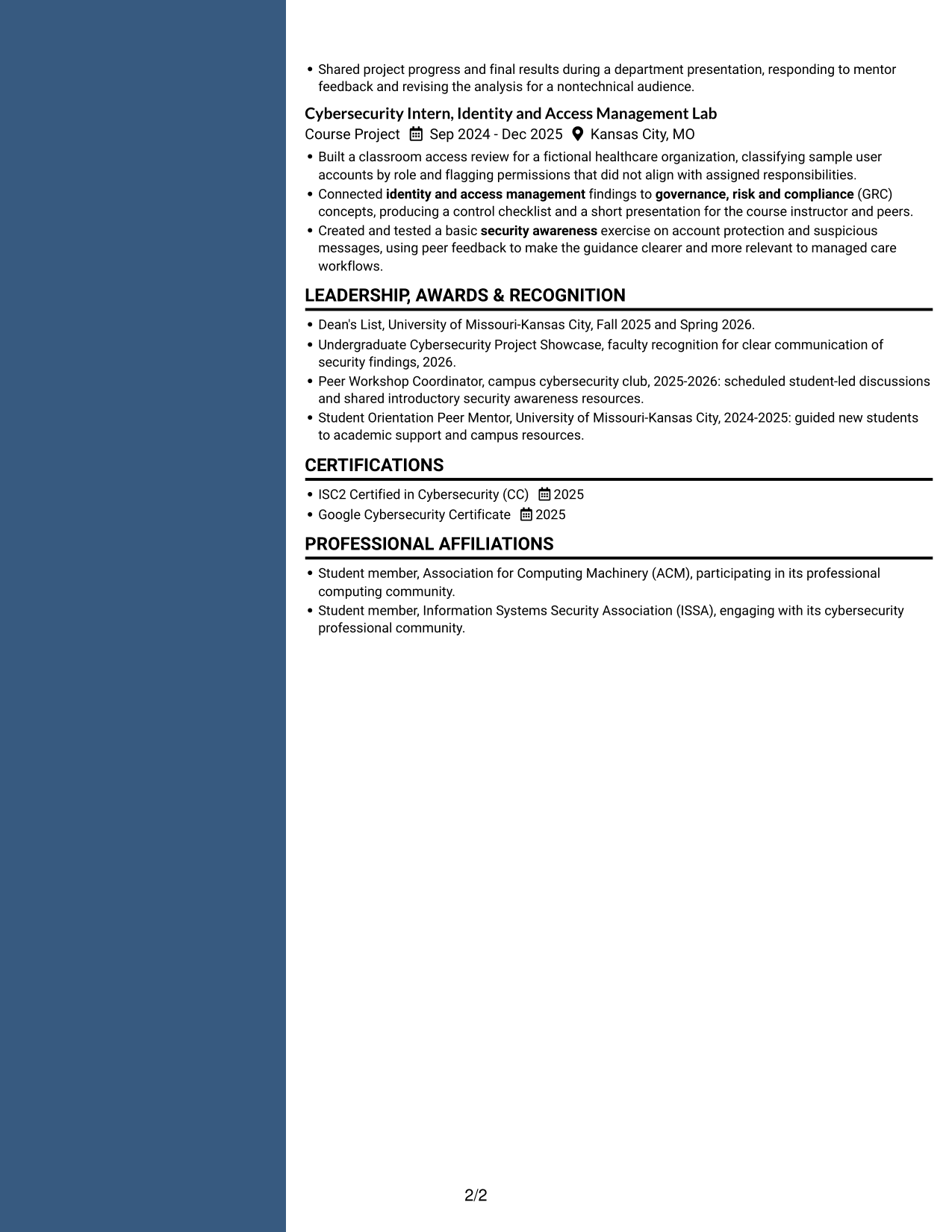
Why This Format Works
- Two columns give experience and supporting sections separate visual areas for review.
- Skills and education are easier to revisit when sections have distinct areas.
- Project details can be grouped clearly without extending one long vertical sequence.
Best For
- Two-column resume organization
- Distinct areas for key sections
- Quick review of skills
- Project details grouped together
- Experience with supporting credentials
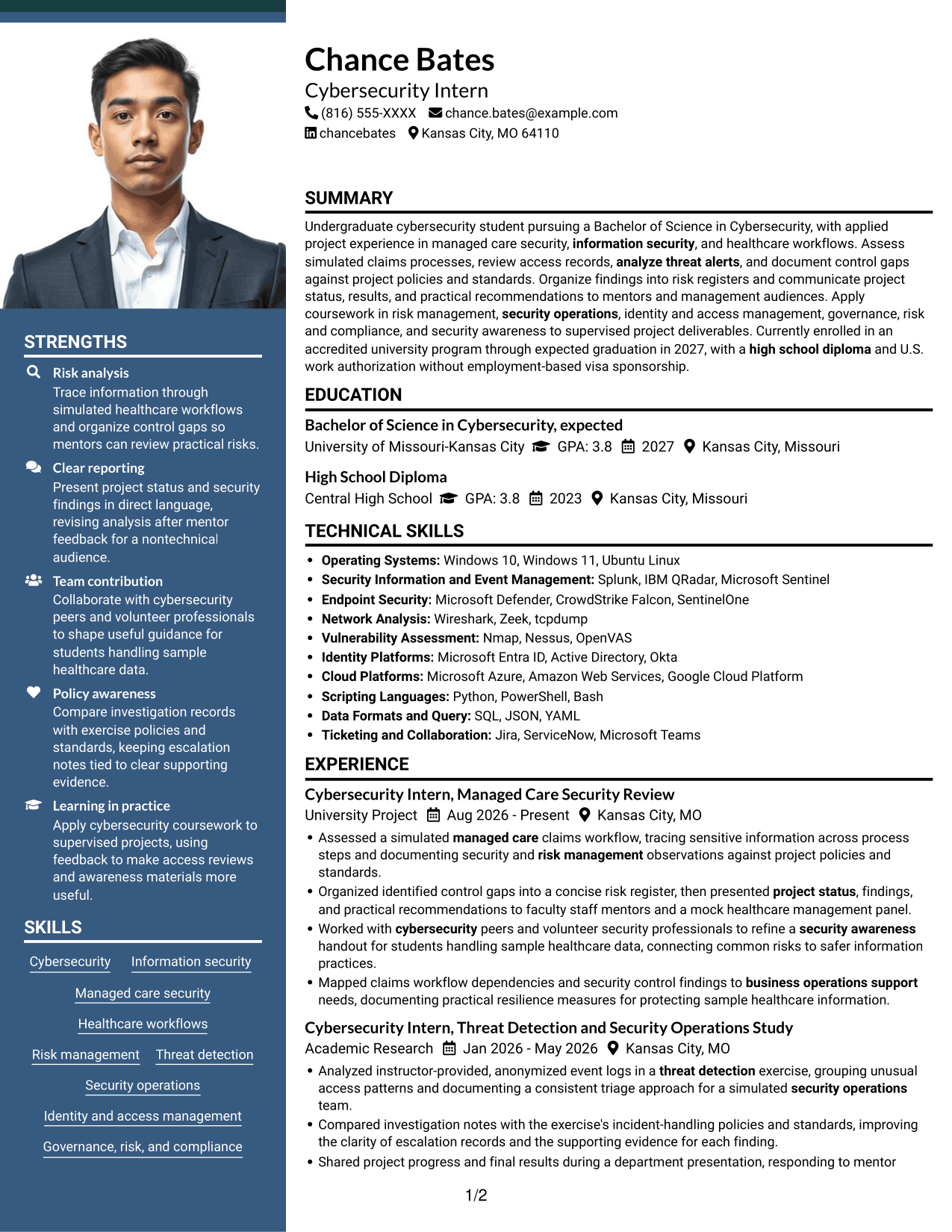
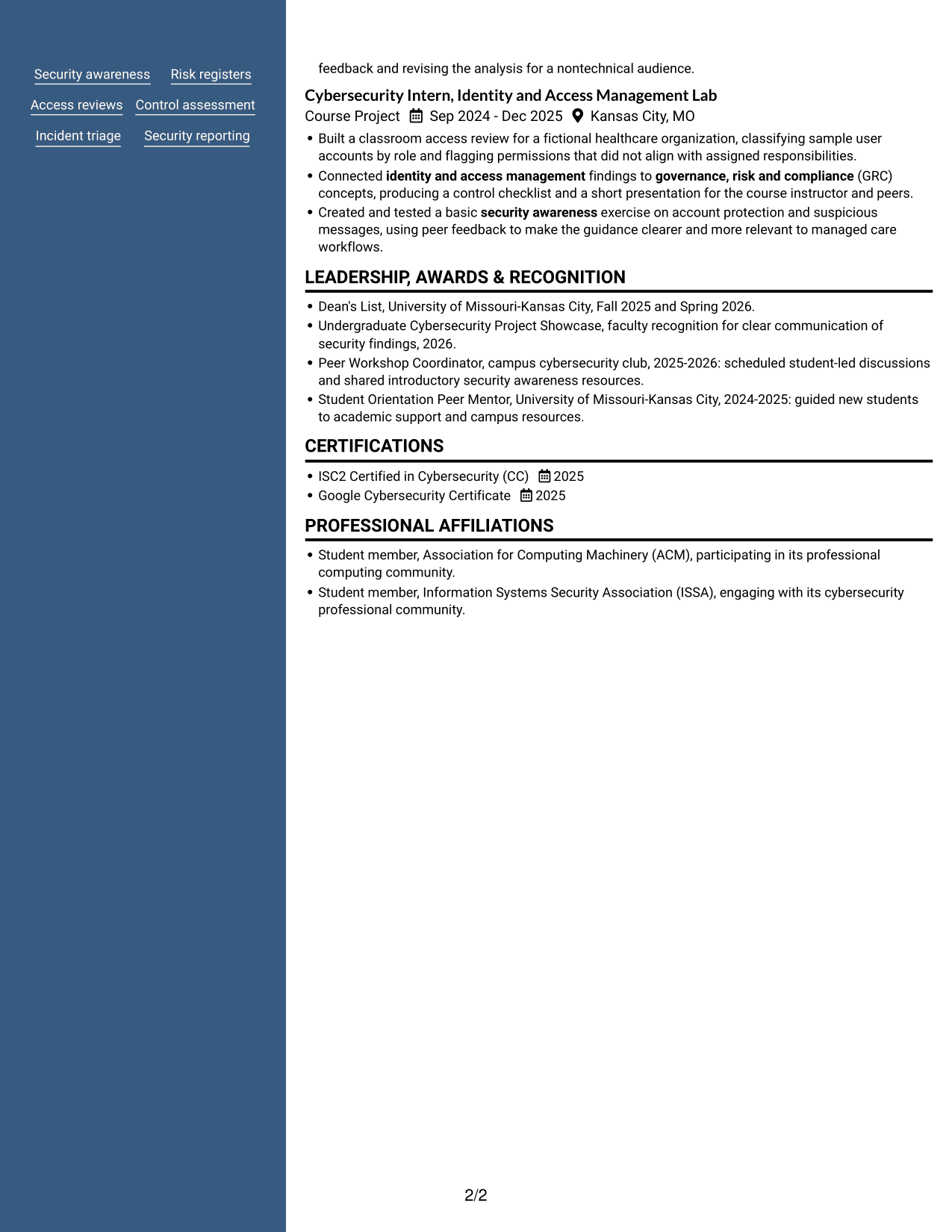
#7 Photo Header Two Column Format Resume Example
The Photo Header Two Column Format pairs a photo in the header with a two-column resume body.
Why This Format Works
- Two body columns distinguish experience from supporting sections during recruiter review.
- Separate visual areas help reviewers locate education and credentials without searching one long sequence.
- Section organization gives project experience and skills distinct space.
Best For
- Photo-led header presentation
- Two-column section organization
- Experience beside supporting details
- Easy access to education
- Projects and skills in separate areas
Why Build Your Cybersecurity Intern - Managed Care Security Resume with ResumeInMinutes
ResumeInMinutes helps you organize coursework, supervised projects, skills, and certifications into a resume that is easy to scan and customize.
- Professional resume layouts
- Clear, readable section structure
- Role-focused keyword guidance
- Project and skills organization
- PNG image previews
- Resume customization in the editor
Use the examples to present security project work with clear actions and evidence. Keep your resume focused on managed care security, and make each skill or keyword easy to verify.
See Also
- 33 Cybersecurity Analyst Intern - Hands-on Security Resume Templates with Example 2026 (ATS-Optimized)
- 7 Cybersecurity Engineer Intern - Product Security Resume Templates with Example
- 7 Entry-Level Cybersecurity Engineer - AI-Enabled Security Monitoring Resume Templates with Example
- 33 AI-Powered Cybersecurity Product Engineer Resume Templates with Example 2026 (ATS-Optimized)
- 33 Analyst - Cybersecurity Operations Resume Templates with Example 2026 (ATS-Optimized)
- 33 Associate Cybersecurity Engineer Resume Templates with Example 2026 (ATS-Optimized)
- 33 Chief Technology Officer - Cybersecurity Resume Templates with Example 2026 (ATS-Optimized)
- 7 Cyber Systems Engineer Intern - Offensive Cybersecurity and Automation Resume Templates with Example
- 7 Cybersecurity Intern - Managed Care Security Cover Letter Templates with Example
- 7 Cybersecurity Engineer Intern - Product Security Cover Letter Templates with Example
Frequently Asked Questions
Are these Cybersecurity Intern - Managed Care Security resume templates ATS-friendly?
The layouts use clear headings and readable sections. For stronger ATS alignment, include relevant terms such as managed care security, risk management, threat detection, identity and access management, GRC, and security awareness when they match your actual experience.
What is shown in the resume examples?
The page presents one resume example in different layouts. Review the PNG previews and open an example in the editor to view or customize its structure.
What should a Cybersecurity Intern - Managed Care Security resume include?
Include a focused summary, education, relevant projects or experience, security skills, certifications, and recognition when applicable. Use concise bullets to show your actions, findings, and how you reported results.
How can I describe managed care security project work?
Explain the workflow or records you reviewed, the risks or control gaps you identified, and how you documented or presented your findings. Make clear when work involved simulated or sample data.
Can coursework and supervised projects support this resume?
Yes. Describe relevant coursework and project tasks, such as access reviews, event log analysis, risk registers, policy reviews, and security awareness work. Be clear about the setting and your own contribution.
Should I include a photo on my resume?
For U.S. applications, a resume without a photo is generally the safer choice. Use a no-photo layout unless the employer or local application norms specifically call for one.




