
7 Cybersecurity Intern - Managed Care Security Cover Letter Templates with Example
This practical guide to a Cybersecurity Intern - Managed Care Security cover letter presents seven layouts to help you build a clear, role-focused application.
What Makes a Great Cybersecurity Intern - Managed Care Security Cover Letter in 2026
A strong letter links your interest in managed care security to the work of supporting healthcare security and resilience. Its opening should name the role and make your reason for applying clear.
Use specific, accurate evidence, such as reviewing a simulated claims workflow, documenting control gaps, or analyzing anonymized event logs. Connect that evidence to the employer’s needs, including clear project updates and careful use of policies and standards.
The featured Cybersecurity Intern - Managed Care Security example moves from interest in the role to relevant project evidence and a clear closing. Adapt that focused progression to your own experience, and choose a presentation that suits the employer and communication context.
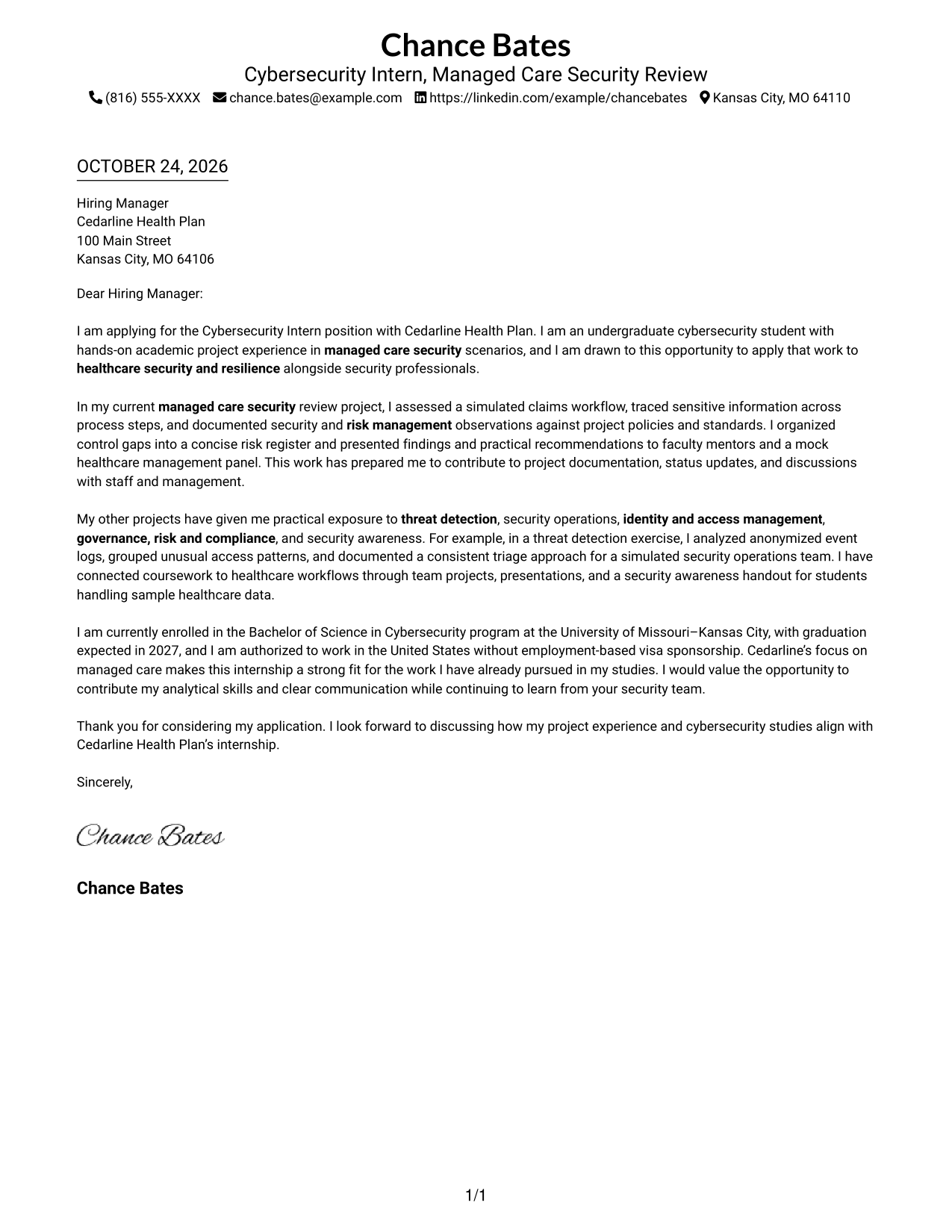
#1 Simple One Column Format Cover Letter Example
A single-column page keeps sender details in the header and the full letter in one continuous body, making the message easy to follow from opening to close.
Why This Format Works
- Header contact details remain distinct from the application message.
- The page's single column leaves the wording as the main visual focus.
- Paragraph order lets motivation, supporting examples, and the closing build naturally.
Best For
- Single-path letter reading
- Header-based contact details
- Paragraph-led persuasion
- Unheaded opening-to-close argument
- Text-first visual preference
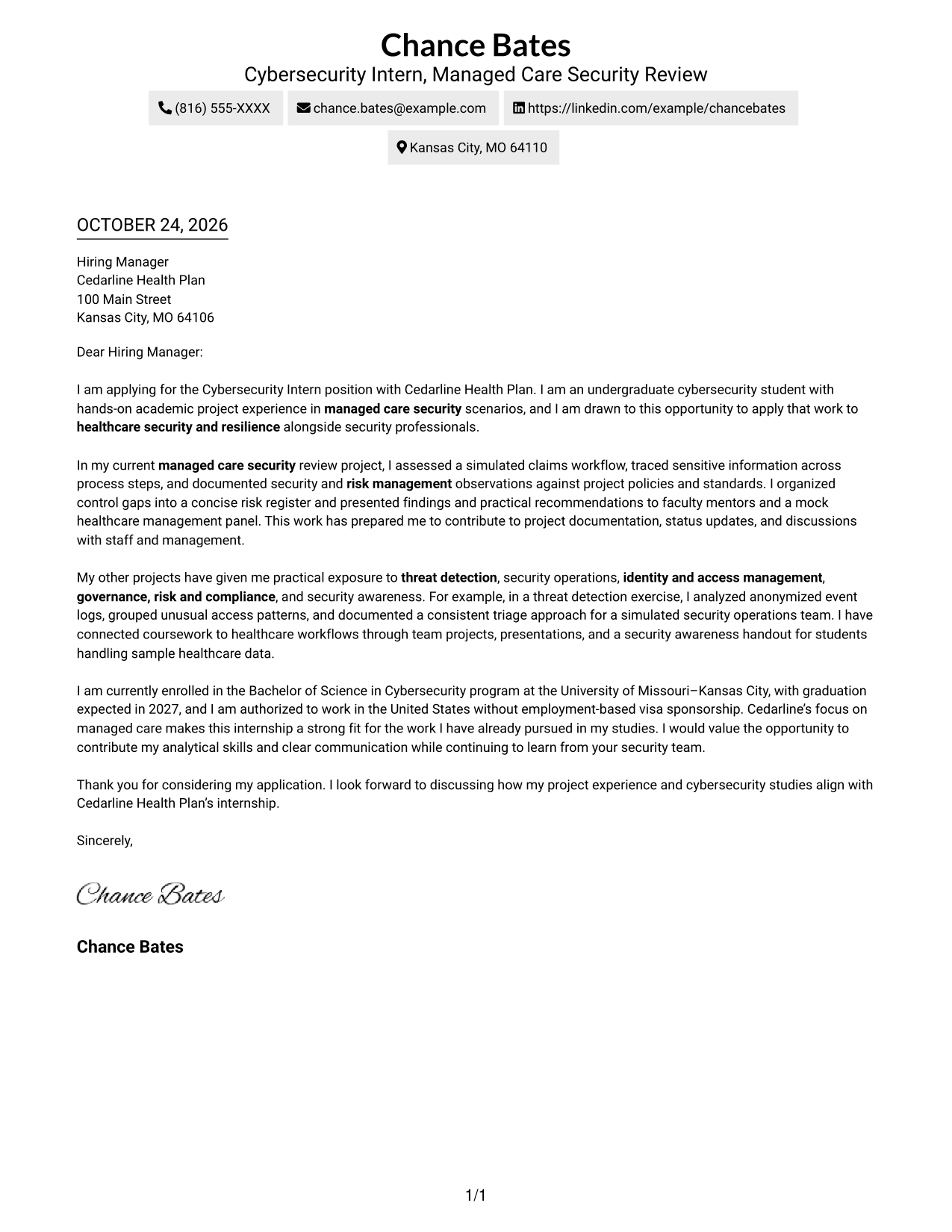
#2 Two Column Format Cover Letter Example
A contact sidebar sits beside one continuous letter body, keeping the contact details distinct while the application message stays in paragraph order.
Why This Format Works
- Contact details stay easy to locate without entering the letter's main text.
- Opening, evidence, and closing paragraphs remain in a single reading sequence.
- Paragraph transitions connect the case without labels dividing the message.
Best For
- Contact details beside the message
- A continuous persuasive argument
- Quick contact information reference
- Paragraph-based application letters
- Clear separation of sender and recipient information
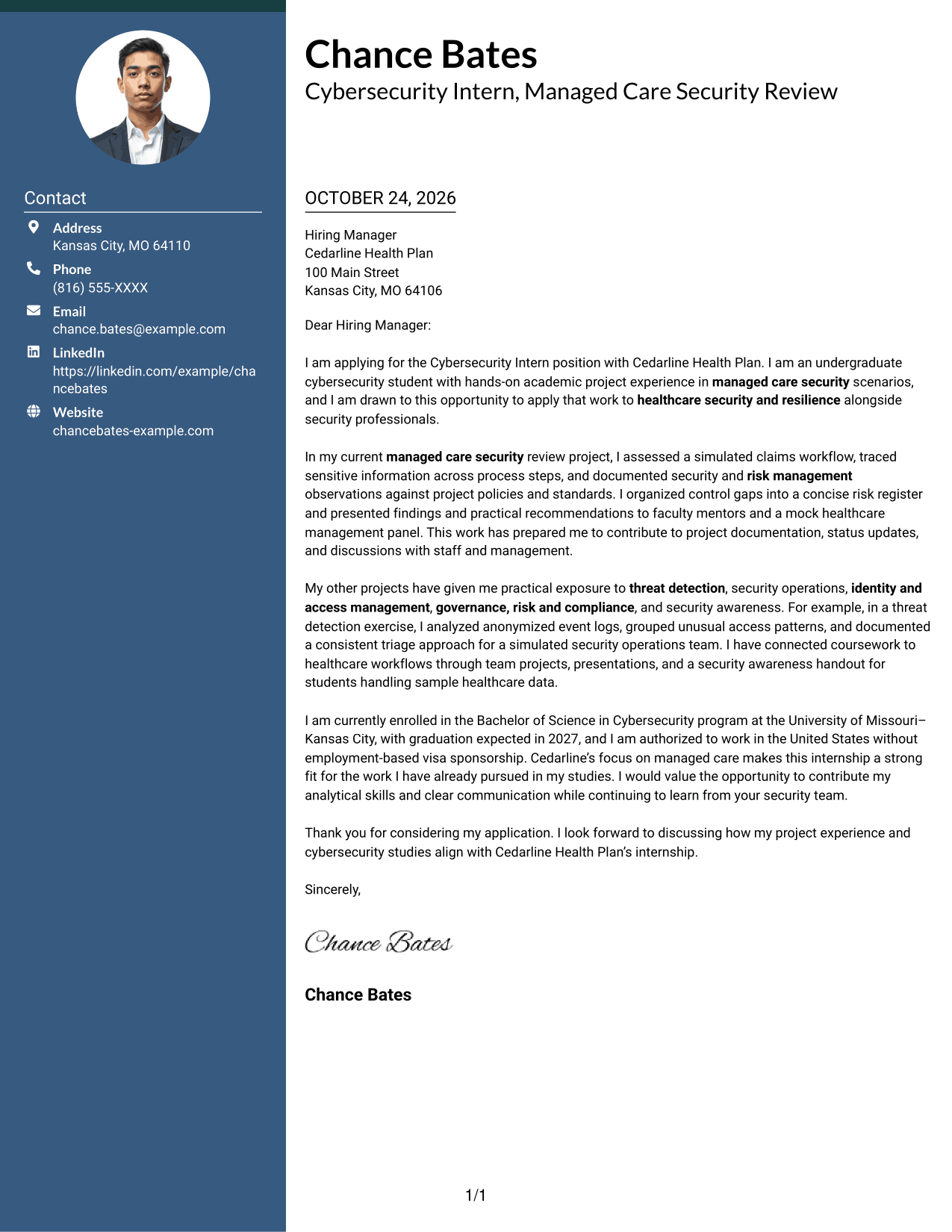
#3 Photo Header Two Column Format Cover Letter Example
A photo header pairs a portrait with a contact sidebar beside one continuous letter body, adding a visual element while keeping the message intact.
Why This Format Works
- The portrait is a visual choice, separate from the letter's claims.
- Sidebar contact details stay apart from the message paragraphs.
- One letter-body column keeps the opening, supporting points, and close in sequence.
Best For
- Photo-led header preference
- Contact information beside the message
- One-stream letter reading
- Paragraph-based persuasion
- Applications that call for a portrait
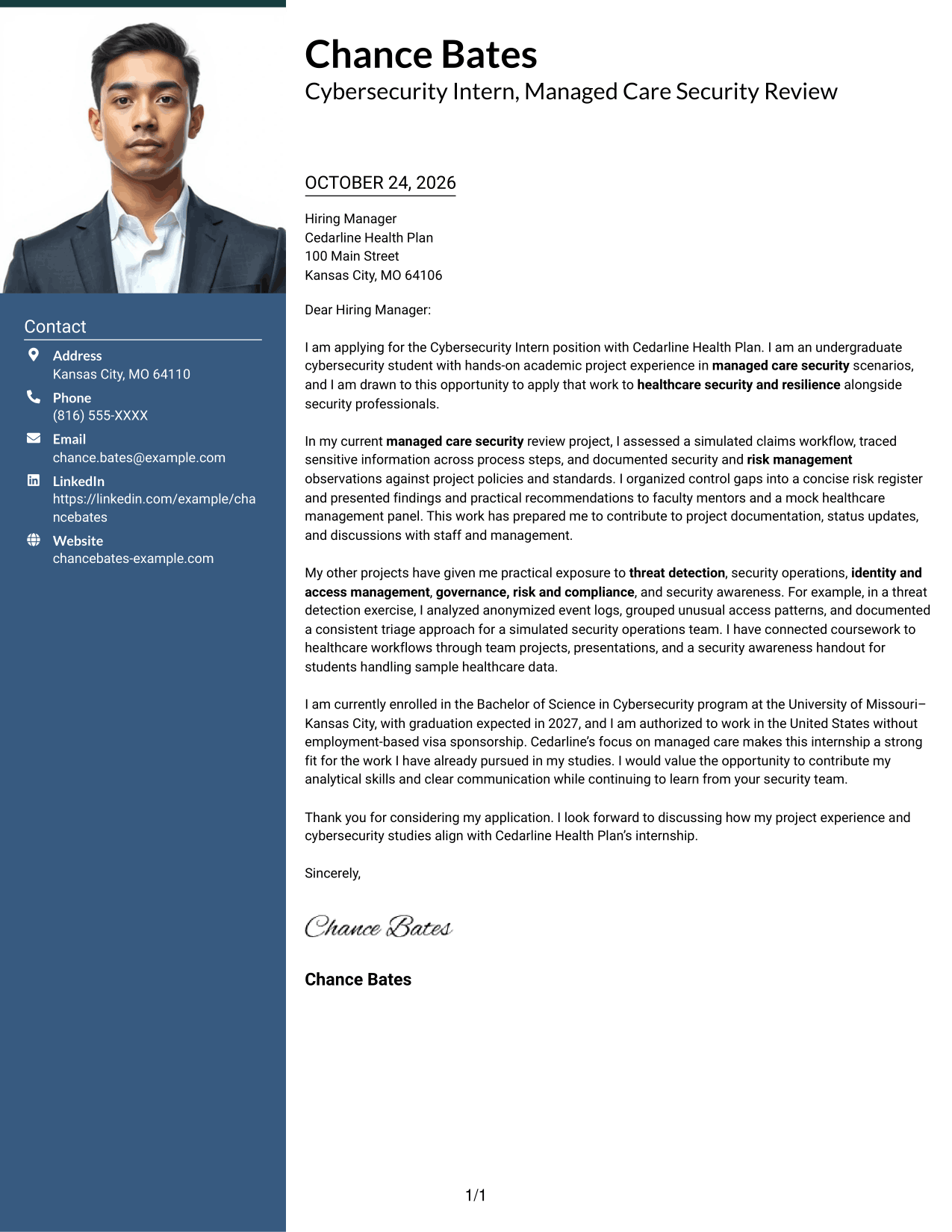
#4 One Column Format with Photo Cover Letter Example
A portrait accompanies the one-column letter, adding a visual element while the paragraphs keep a direct reading path.
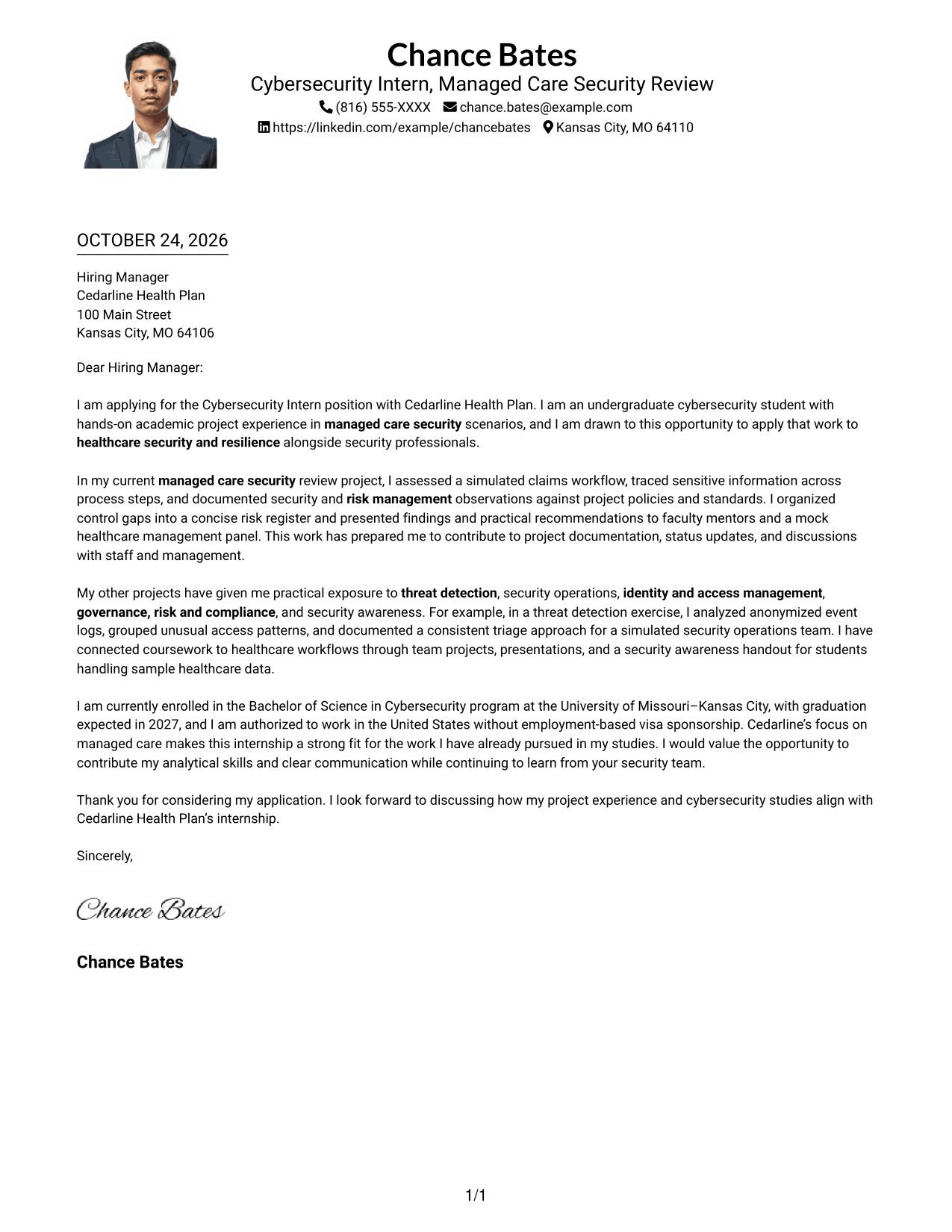
Why This Format Works
- The portrait offers a visual option without changing the letter's message.
- A single body column keeps each paragraph in one consistent line of thought.
- Paragraph order lets motivation and supporting detail lead into the close.
Best For
- One-column letter reading
- Portrait-inclusive document preference
- Direct paragraph progression
- Header and message on one page
- A visual touch with a continuous argument
#5 Simple Two Column Format Cover Letter Example
The contact sidebar and letter body occupy separate columns, so the reader can refer to sender details while following one connected message.
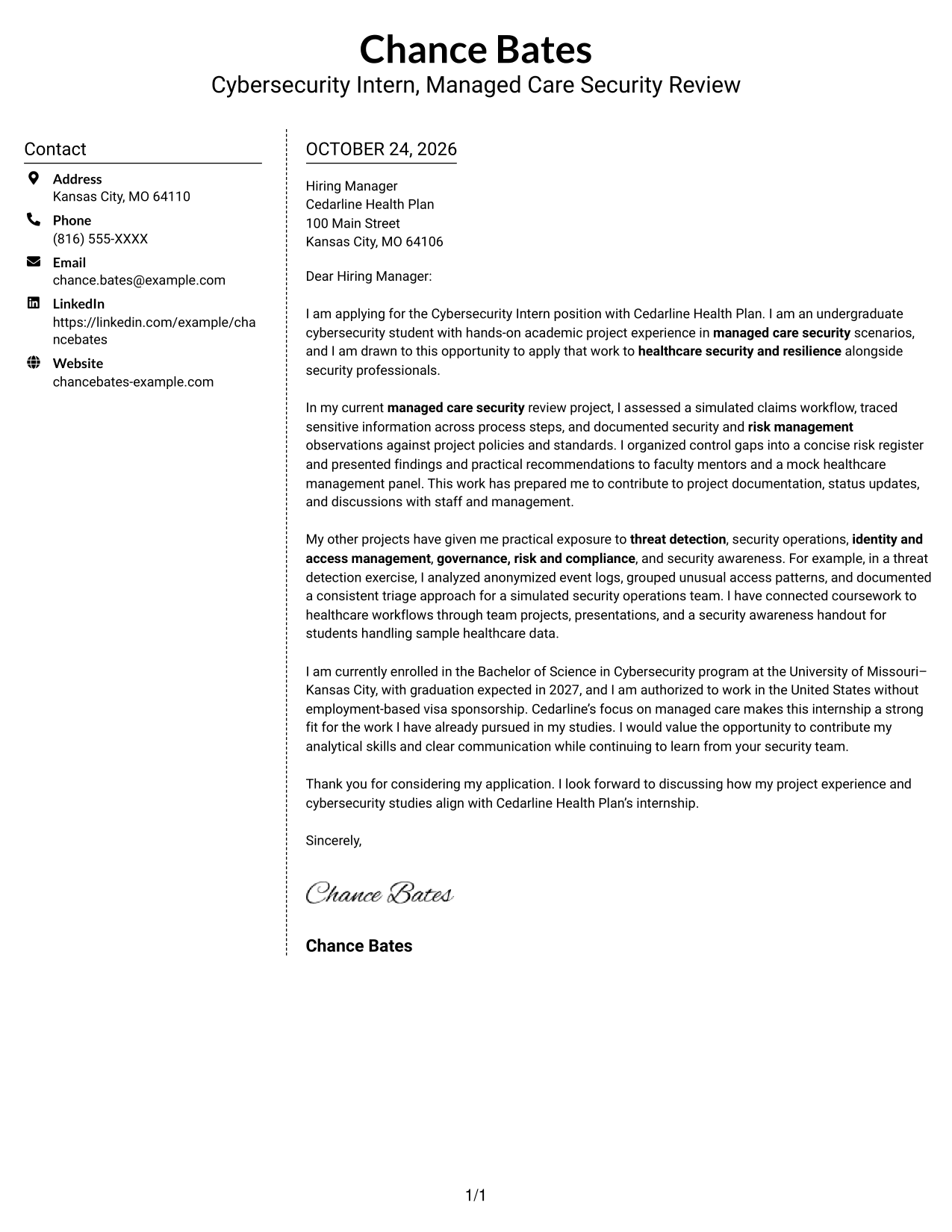
Why This Format Works
- A dedicated sidebar keeps sender details outside the persuasive text.
- The letter body remains a single sequence from opening through closing.
- The page gives contact information and the message distinct reading areas.
Best For
- Sidebar-based contact details
- A connected letter argument
- Fast access to sender information
- Paragraph-first communication
- Separate contact and message areas
#6 Modern Icon Format Cover Letter Example
Contact icons appear with a sidebar beside the continuous letter body, giving contact details visual cues without dividing the message into sections.
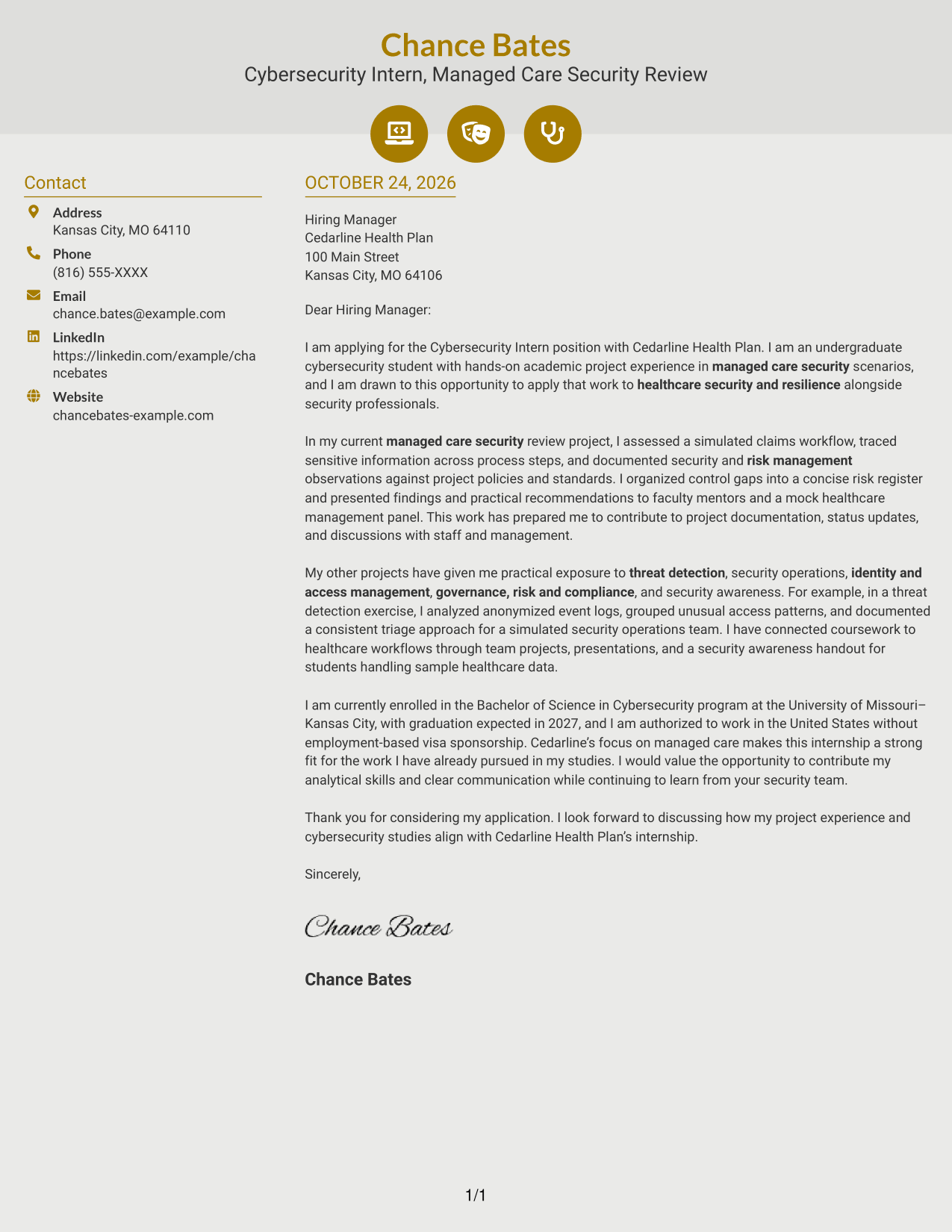
Why This Format Works
- Contact icons point to sender details, not stages of the argument.
- Sidebar placement separates contact information from the letter's paragraphs.
- One body column lets the reader follow the message from start to close.
Best For
- Icon-marked contact details
- Sidebar and letter-body separation
- A continuous message without argument headings
- Quick reference to sender information
- A contact-focused visual style
#7 Creative Two Tone Format Cover Letter Example
A contact sidebar sits beside a single continuous letter body, keeping sender details separate while the message follows a clear paragraph sequence.
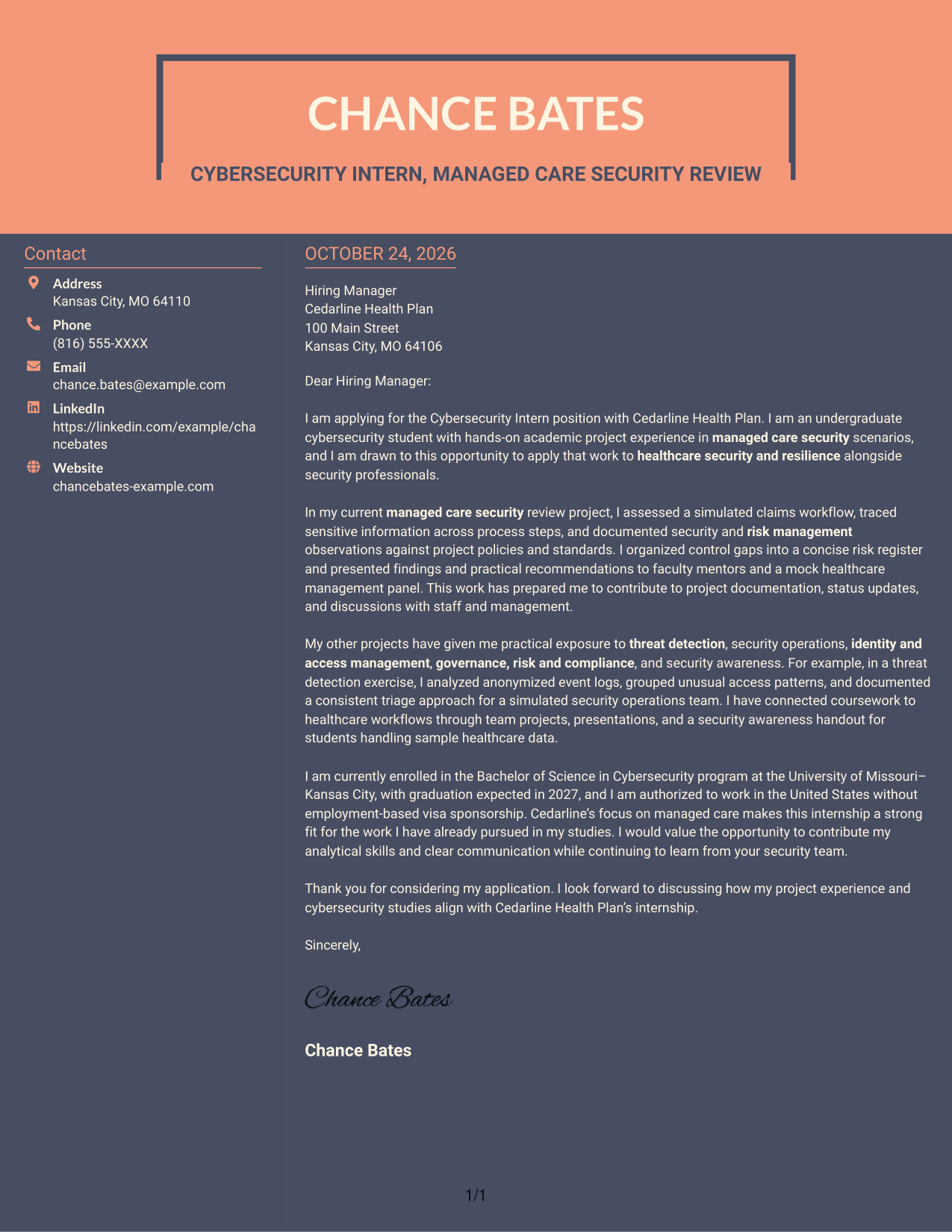
Why This Format Works
- The sidebar gives contact information a place apart from the letter text.
- A single body column keeps the reader within one connected message.
- Paragraph order supports a natural move from motivation to supporting evidence and closing.
Best For
- Contact details outside the letter text
- One connected argument
- Paragraph-led application messages
- Separate reference and reading areas
- A clear opening-to-close sequence
See Also
- 7 Cybersecurity Intern - Managed Care Security Resume Templates with Example
- 33 Cybersecurity Analyst Intern - Hands-on Security Resume Templates with Example 2026 (ATS-Optimized)
- 7 Cybersecurity Engineer Intern - Product Security Resume Templates with Example
- 7 Entry-Level Cybersecurity Engineer - AI-Enabled Security Monitoring Resume Templates with Example
- 33 AI-Powered Cybersecurity Product Engineer Resume Templates with Example 2026 (ATS-Optimized)
- 33 Analyst - Cybersecurity Operations Resume Templates with Example 2026 (ATS-Optimized)
- 33 Associate Cybersecurity Engineer Resume Templates with Example 2026 (ATS-Optimized)
- 33 Chief Technology Officer - Cybersecurity Resume Templates with Example 2026 (ATS-Optimized)
- 7 Cybersecurity Engineer Intern - Product Security Cover Letter Templates with Example
- 7 Entry-Level Cybersecurity Engineer - AI-Enabled Security Monitoring Cover Letter Templates with Example
Frequently Asked Questions
What should the opening paragraph say for this role?
Name the Cybersecurity Intern - Managed Care Security position and give a direct reason for your interest. You can connect that interest to managed care processes and the goal of supporting healthcare security and resilience.
What experience can I describe in the body of the letter?
Choose accurate examples that show relevant work, such as assessing a simulated claims workflow, organizing control gaps, or documenting a threat detection exercise. Explain what you did and how it relates to the internship’s project work.
How can I show that the role is a good fit?
Link your studies or project work to the role’s focus on managed care security. If accurate for you, mention experience communicating findings, following policies and standards, or working with others on security awareness.
What should I include about enrollment and work authorization?
The position requires enrollment in an undergraduate program throughout the internship and work authorization in the United States without employment-based visa sponsorship. State these details briefly only if they accurately describe your situation.




