
7 Data & AI Engineering Intern Cover Letter Templates with Example
This practical guide to a Data & AI Engineering Intern cover letter presents seven layouts and shows how to make your motivation and role fit clear.
What Makes a Great Data & AI Engineering Intern Cover Letter in 2026
A strong letter links your interest in practical data and AI work to the role's cloud and client-focused goals. Make your opening direct and your closing confident.
Use evidence such as an Azure lakehouse, Python and SQL pipelines, or a LangGraph workflow to show how you work. Explain how that experience connects to the employer's needs, and keep technical details clear to the reader.
The featured example moves from role motivation to specific data and AI evidence, then closes with communication strengths and interest in continued learning; adapt this focused progression while choosing a presentation that fits the employer and communication context.
#1 Simple One Column Format Cover Letter Example
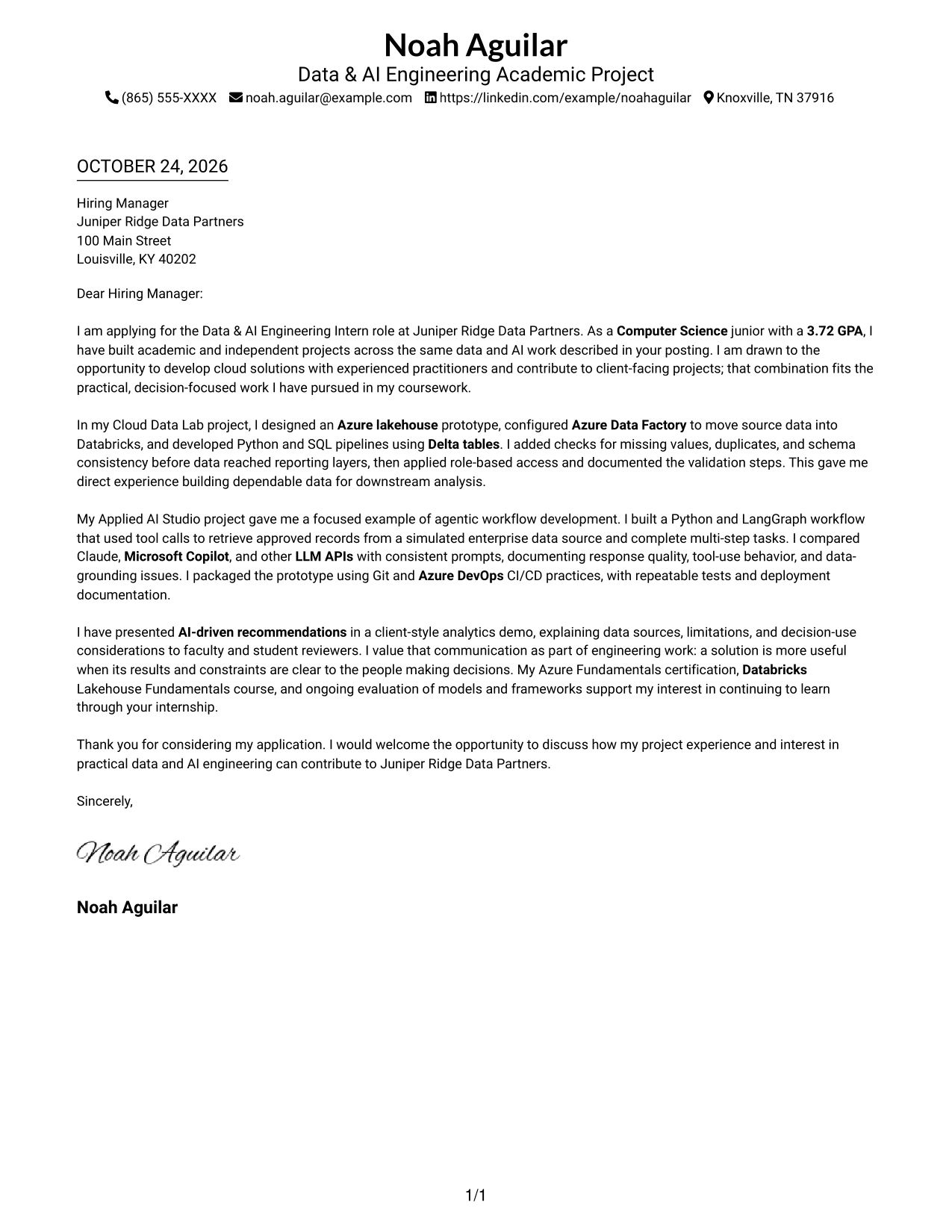
One column and sender details in the header give this letter a direct, familiar reading path.
Why This Format Works
- Sender details in the header stay apart from the letter's main message.
- One body column lets reviewers follow motivation, evidence, and closing in order.
- Without body headings, the paragraphs keep a natural letter tone.
Best For
- Single-column reading order
- Header-based sender details
- Paragraph-led persuasion
- Text-first application materials
- No-photo letter layouts
#2 Two Column Format Cover Letter Example
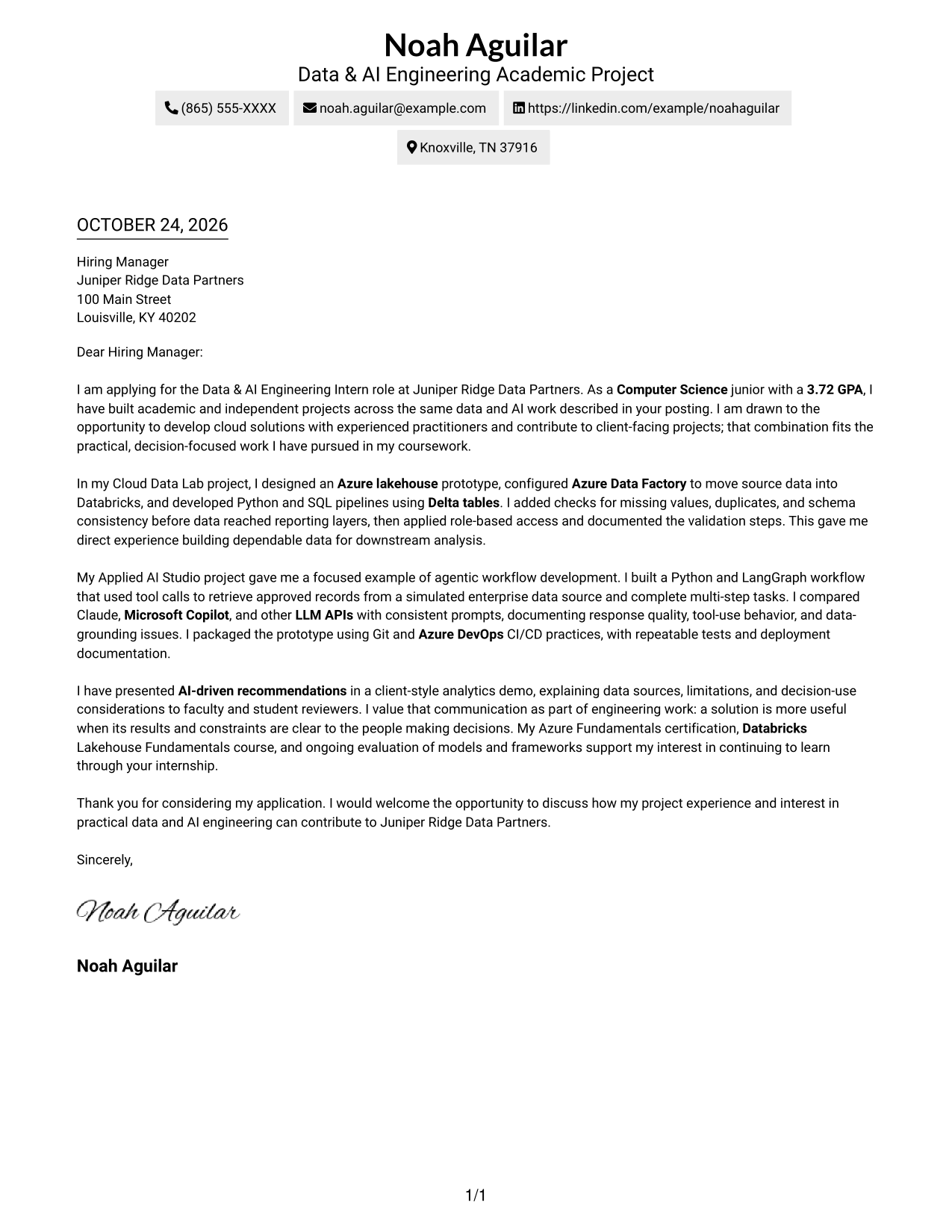
A contact sidebar sits beside the continuous letter body, making contact information distinct from the message.
Why This Format Works
- The sidebar makes sender details easy to locate without searching the letter.
- A single body column keeps the opening, evidence, and close in sequence.
- With no body headings, the argument reads as a letter, not a report.
Best For
- Contact details outside the main text
- One-column letter reading
- Continuous persuasive prose
- Two-part page organization
- Applications with several evidence paragraphs
#3 Photo Header Two Column Format Cover Letter Example
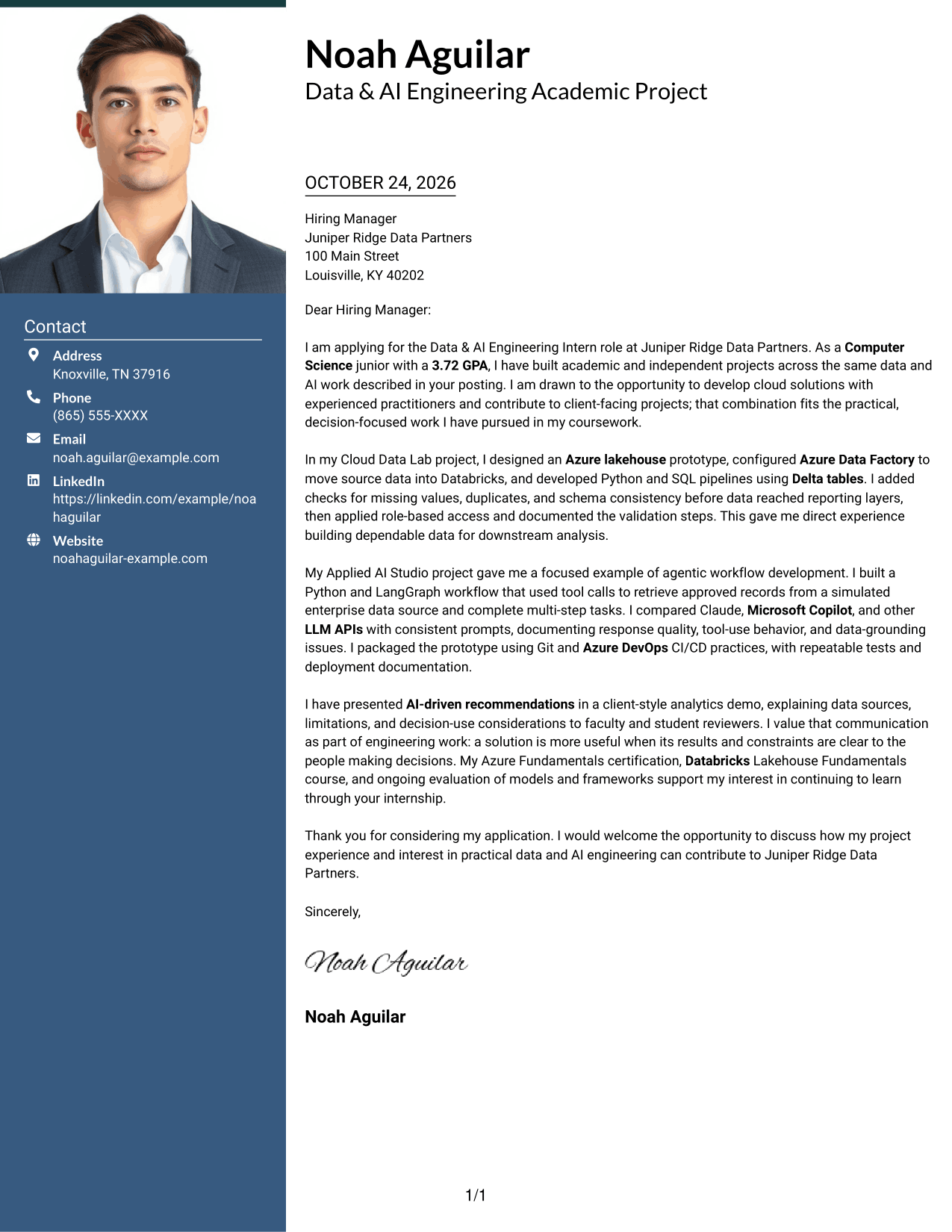
The photo header adds a visible portrait, while the contact sidebar and letter body remain separate.
Why This Format Works
- Contact details sit outside the body, so reviewers can find them separately.
- The one-column letter body keeps the message moving from opening to closing.
- A photo header suits readers who prefer a visible portrait on the page.
Best For
- Portrait-led contact presentation
- Separate contact information
- Single-column letter-body reading
- Paragraph-based role alignment
- Applications where a portrait is preferred
#4 One Column Format with Photo Cover Letter Example
A one-column body keeps the letter's message together, with a photo adding a visible personal element.
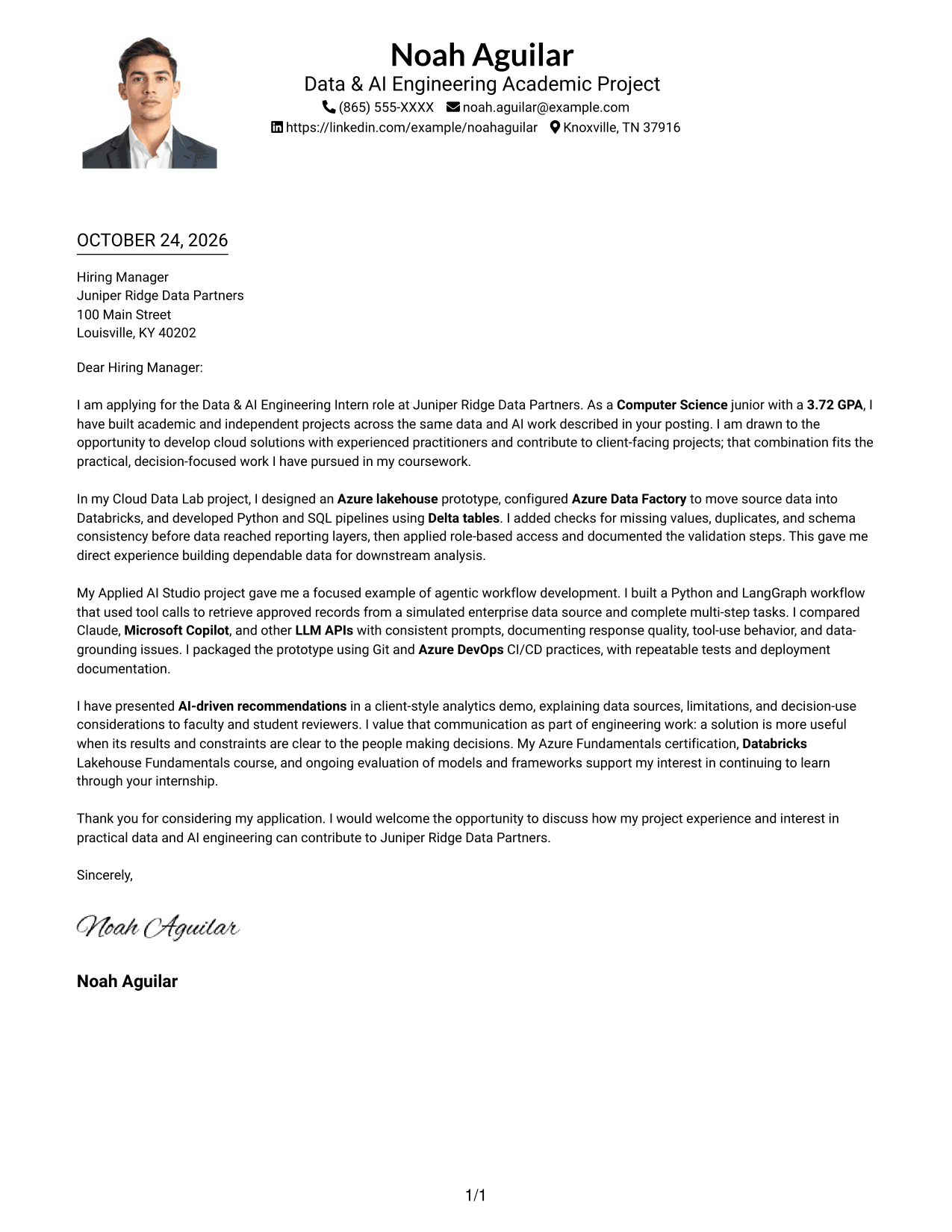
Why This Format Works
- The single-column body gives the opening, supporting points, and close a clear order.
- A photo offers a visual choice without splitting the letter into columns.
- Body paragraphs without headings preserve a natural, direct letter tone.
Best For
- One-column letter preference
- Photo included with the letter
- Direct opening-to-close reading
- Paragraph-focused role alignment
- Text-led communication with a portrait
#5 Simple Two Column Format Cover Letter Example
The contact sidebar separates sender information from the one-column letter, keeping the message in a continuous flow.
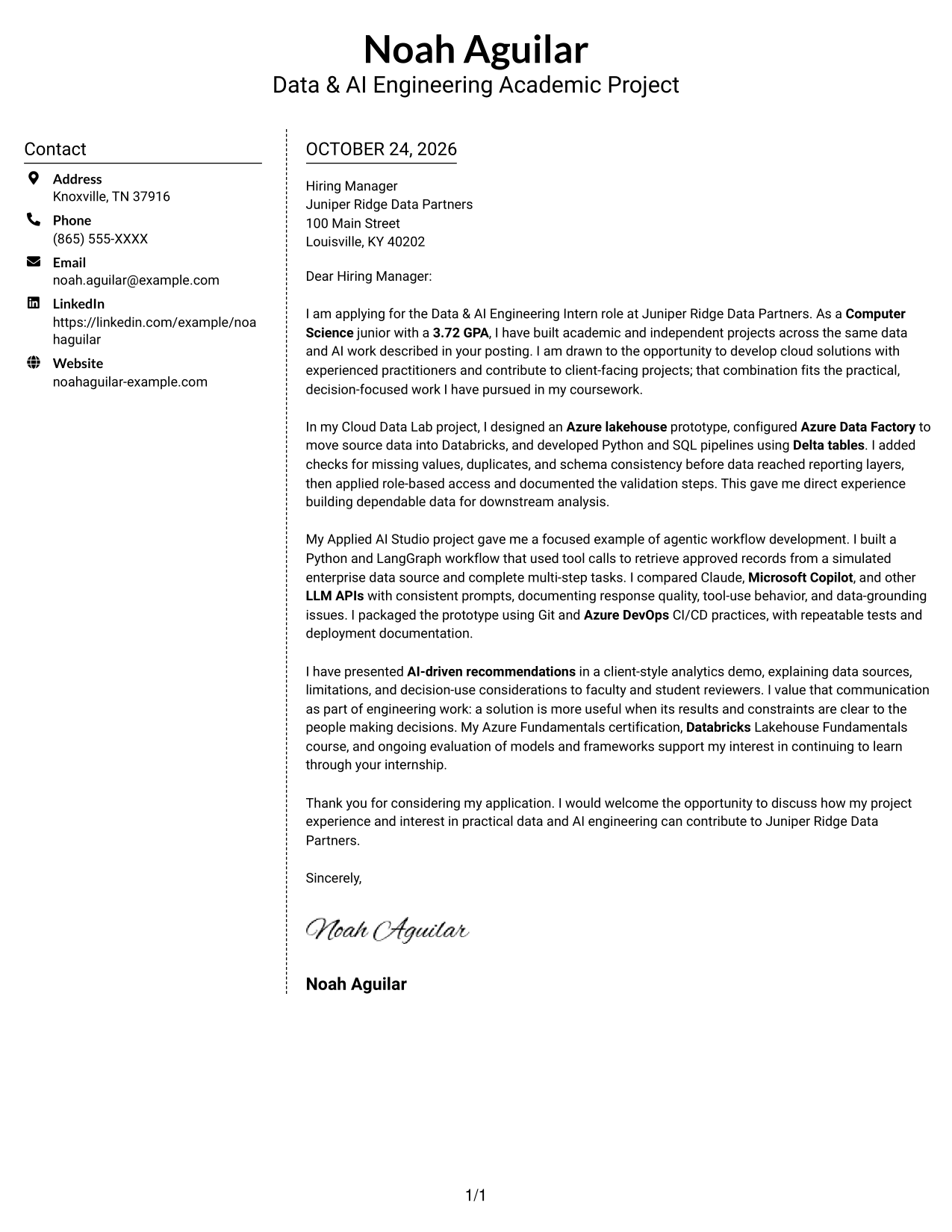
Why This Format Works
- The contact area gives sender details a separate place beside the letter.
- One body column lets reviewers read each paragraph in its intended order.
- No internal headings keep the written case in familiar letter form.
Best For
- Sidebar-based contact details
- Continuous letter-body reading
- A clear reading sequence
- Several supporting paragraphs
- No-photo two-column layouts
#6 Modern Icon Format Cover Letter Example
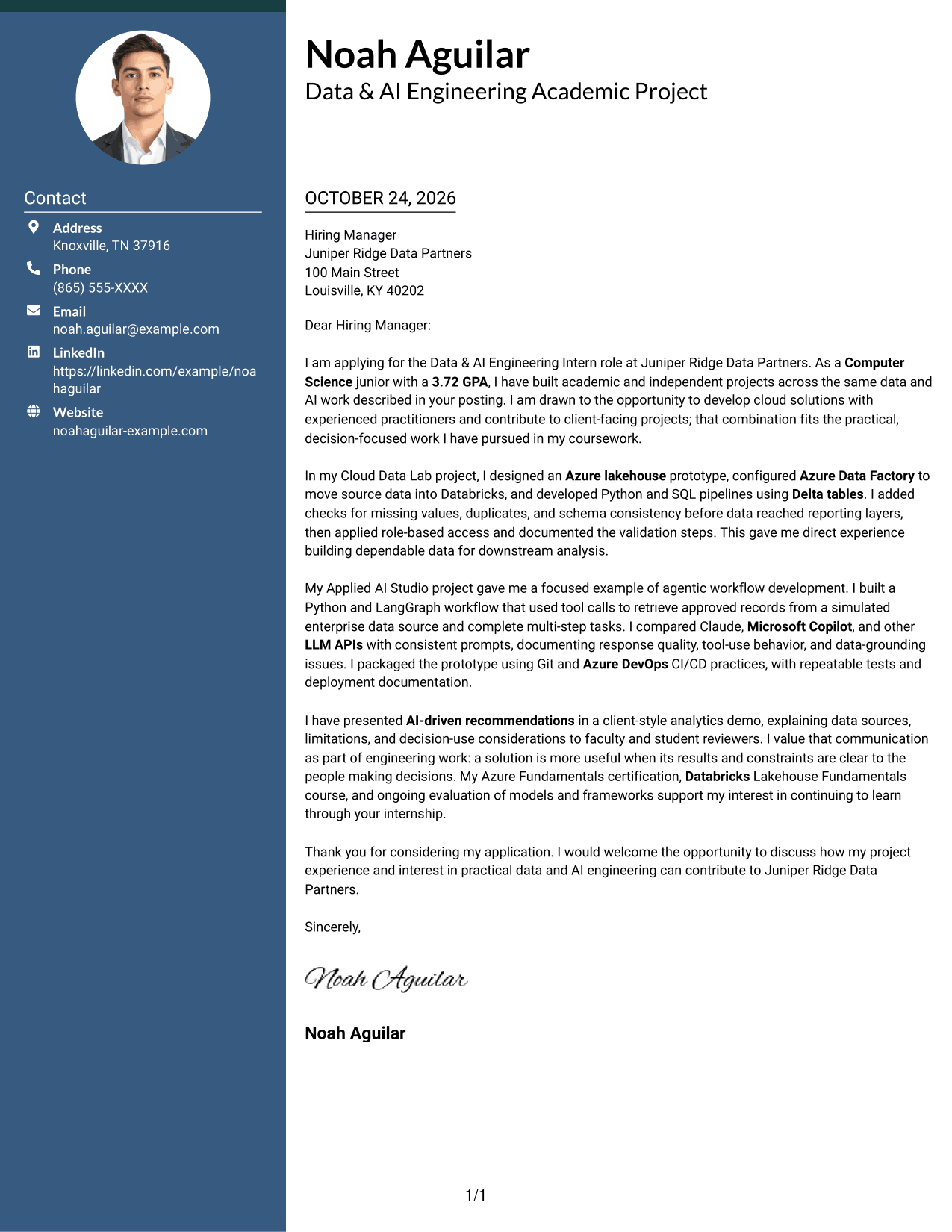
Contact icons provide visual cues beside the letter, while the two-column layout keeps its body continuous.
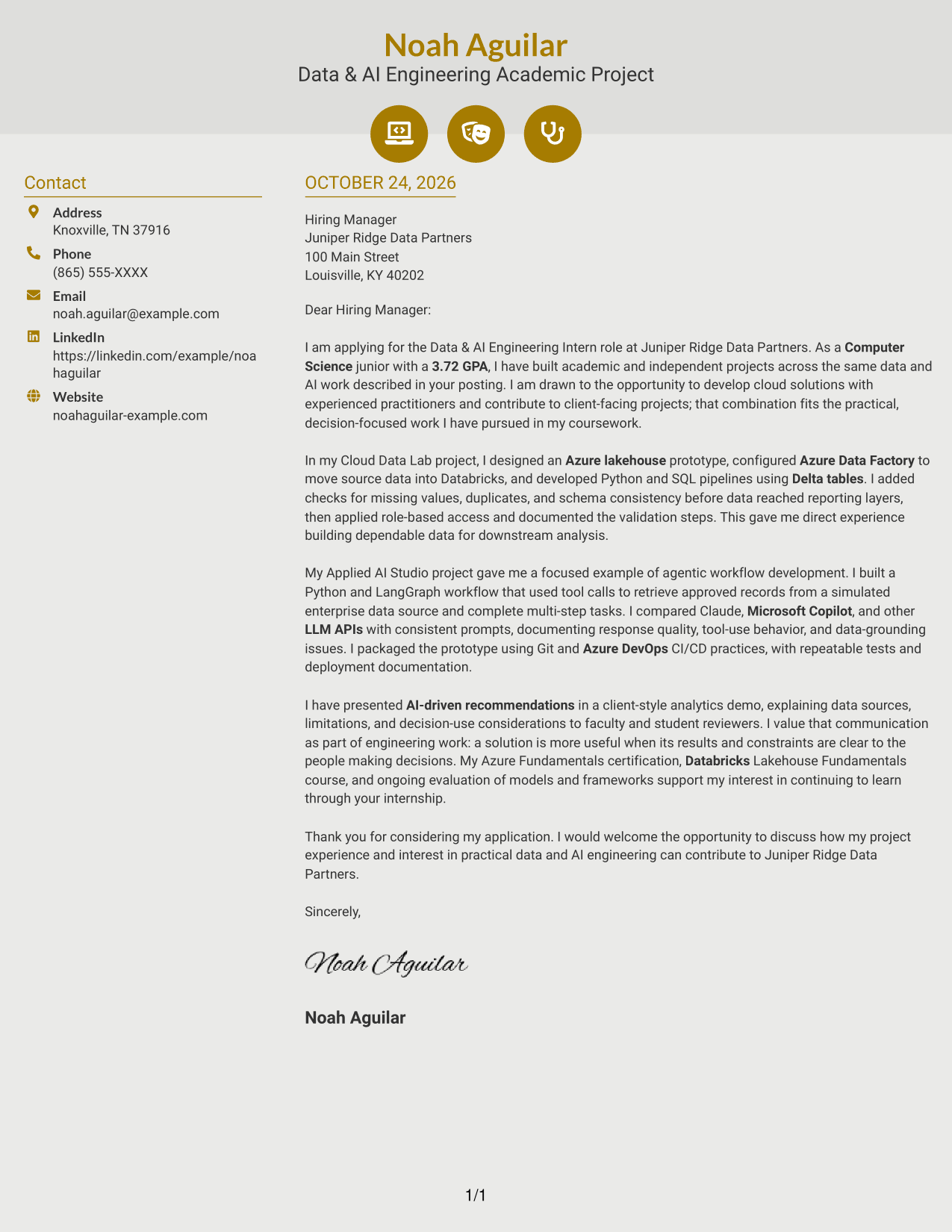
Why This Format Works
- Contact cues help reviewers distinguish sender details from the written message.
- The letter stays in one body column, preserving its natural reading order.
- Without argument headings, the paragraphs retain a personal letter style.
Best For
- Icon-based contact cues
- Contact details beside the message
- One-column letter-body reading
- Paragraph-led persuasion
- No-photo layouts with visual cues
#7 Creative Two Tone Format Cover Letter Example
A contact sidebar beside a single letter body keeps sender information distinct from the continuous message.
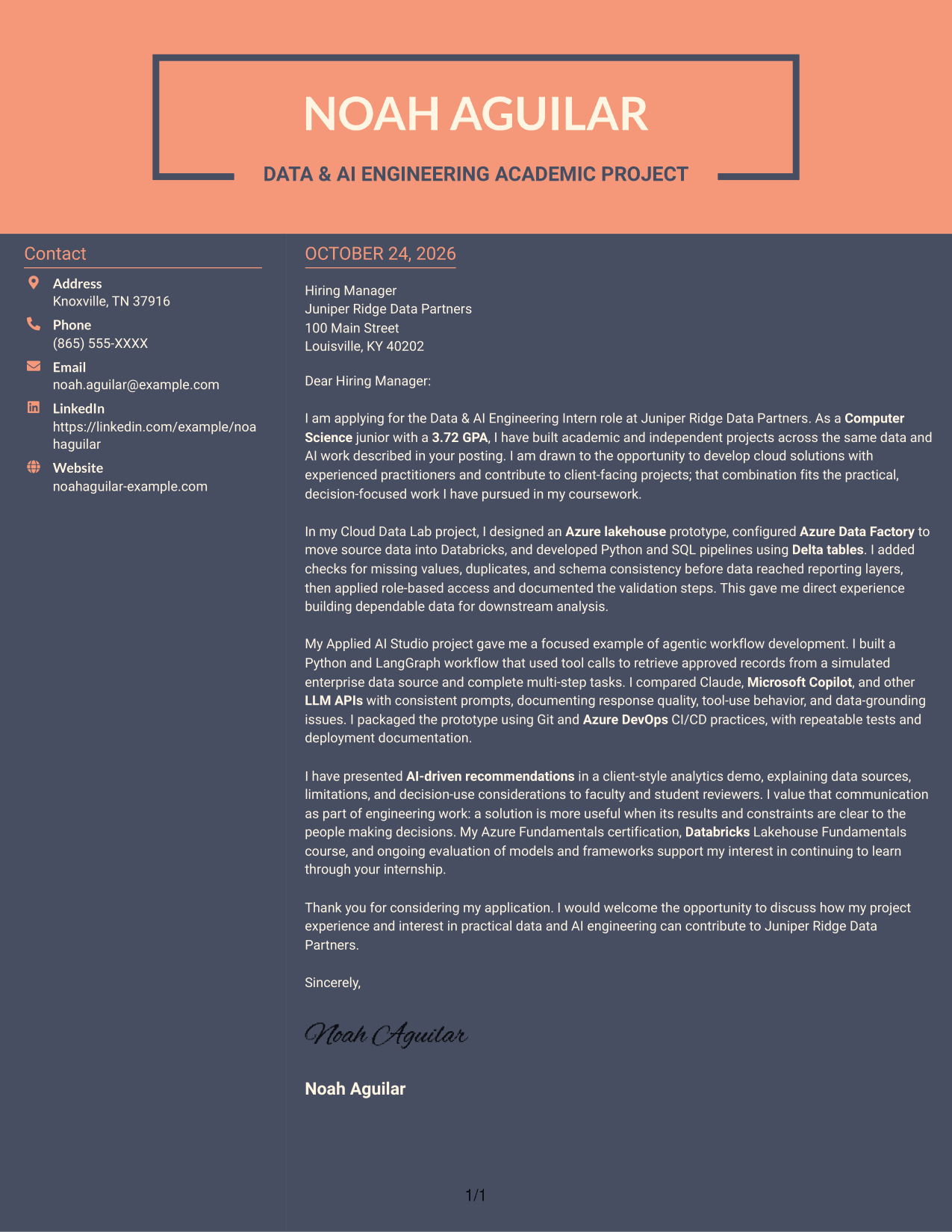
Why This Format Works
- The sidebar keeps contact information separate from the letter's persuasive content.
- A single body column gives the message a steady opening-to-close sequence.
- Paragraphs without section headings maintain the direct tone of a letter.
Best For
- Contact information outside the body
- Continuous persuasive message
- Single-column letter reading
- Direct paragraph-based communication
- No-photo sidebar layouts
Why Use ResumeInMinutes for a Data & AI Engineering Intern Cover Letter
ResumeInMinutes lets you compare a cover letter preview and open an example in the editor to shape your message for the role.
- Clear cover letter layouts
- Preview before editing
- Role-focused messaging
- Opening, body, and closing guidance
- Professional presentation choices
- Editor access to customize an example
Connect your interest in the Data & AI Engineering Intern role to relevant evidence, such as cloud data work, dependable pipelines, agentic workflows, and clear communication about results and limits.
See Also
- 7 Data & AI Engineering Intern Resume Templates with Example
- 7 Full Stack Data Scientist - AI/ML Platform Engineering Resume Templates with Example
- 33 VP of Software Engineering Cloud-Native AI & Data Resume Templates with Example 2026 (ATS-Optimized)
- 33 AI and Software Development Engineering Intern Resume Templates with Example 2026 (ATS-Optimized)
- 33 AI Automation Engineering Intern Resume Templates with Example 2026 (ATS-Optimized)
- 7 AI Engineering Intern - Agentic AI and RAG Resume Templates with Example
- 7 AI Engineering Intern - Generative AI and RAG Resume Templates with Example
- 33 AI Engineering Intern Resume Templates with Example 2026 (ATS-Optimized)
- 7 Full Stack Data Scientist - AI/ML Platform Engineering Cover Letter Templates with Example
- 30+ VP of Software Engineering Cloud-Native AI & Data Cover Letter Templates with Example 2026
Frequently Asked Questions
What should a Data & AI Engineering Intern cover letter emphasize?
Show why the role interests you, then connect relevant evidence to its work. For example, explain how experience with Azure, Databricks, Python, SQL, or LangGraph supports dependable data and practical AI solutions.
How can I describe an AI workflow in my cover letter?
State what the workflow did, how it used tools or data, and what you learned from testing it. A clear example can show your approach to useful, well-grounded AI work without relying on broad claims.
How can I connect data engineering experience to client-focused work?
Explain how data checks, clear reporting, or careful notes about limits helped people understand the results. The featured example describes a client-style analytics demonstration and makes the decision context part of the story.
Which cover letter presentation should I choose?
Choose a clear layout that suits the employer and how the letter will be read. Use the image previews to compare styles, then open an example in the editor to shape your letter.
Can academic projects provide useful evidence for this internship?
Yes. Describe a relevant course or independent project by naming the problem, your contribution, and the result. Keep the details accurate and show how the work connects to data pipelines, AI workflows, or decision support.




