
7 Data Analyst - Financial and Operational Analytics Cover Letter Templates with Example
This practical guide to the Data Analyst - Financial and Operational Analytics cover letter presents the example in seven layouts to help you choose a clear way to communicate your fit.
What Makes a Great Data Analyst - Financial and Operational Analytics Cover Letter in 2026
A strong letter connects financial and operational analysis to accurate reporting and better business decisions. Its opening should show why the role is a good fit.
Use relevant evidence, such as combining ERP and finance data, validating KPIs, or explaining findings across teams. Link that evidence to the employer’s need for dependable analysis and clear communication.
The featured example moves from interest in the role to relevant results, supporting evidence, and a clear close; adapt that focused progression while choosing a presentation that fits the employer and communication context.
#1 Simple One Column Format Cover Letter Example
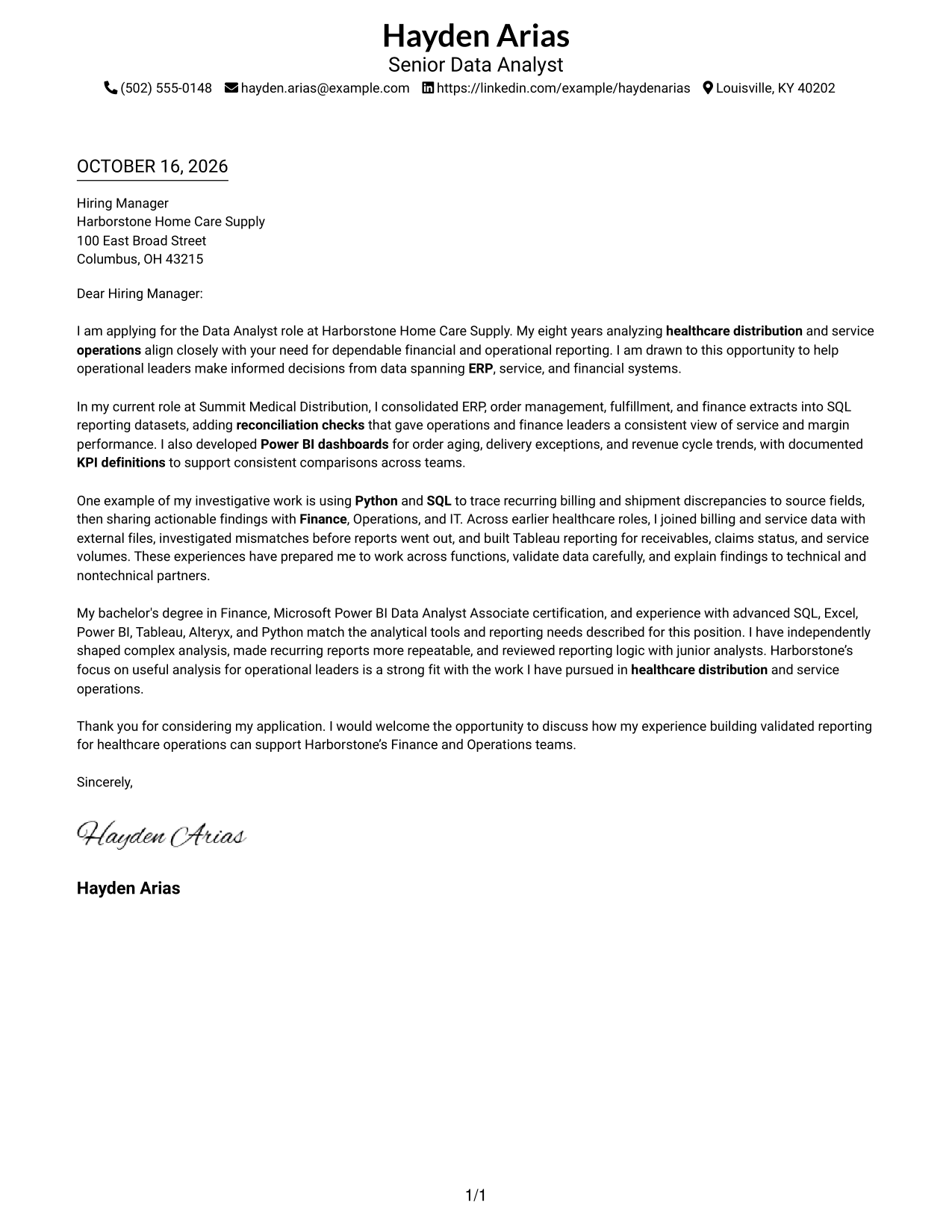
A single-column layout keeps sender details in the header and the full letter in one direct reading path.
Why This Format Works
- Header contact details are easy to find without a separate sidebar.
- One reading column keeps the opening, evidence, and closing in sequence.
- Continuous paragraphs let the case develop without labels dividing the letter.
Best For
- Single-column letter reading
- Header-based contact details
- Continuous paragraph arguments
- Text-led communication
- Letters without a contact sidebar
#2 Two Column Format Cover Letter Example
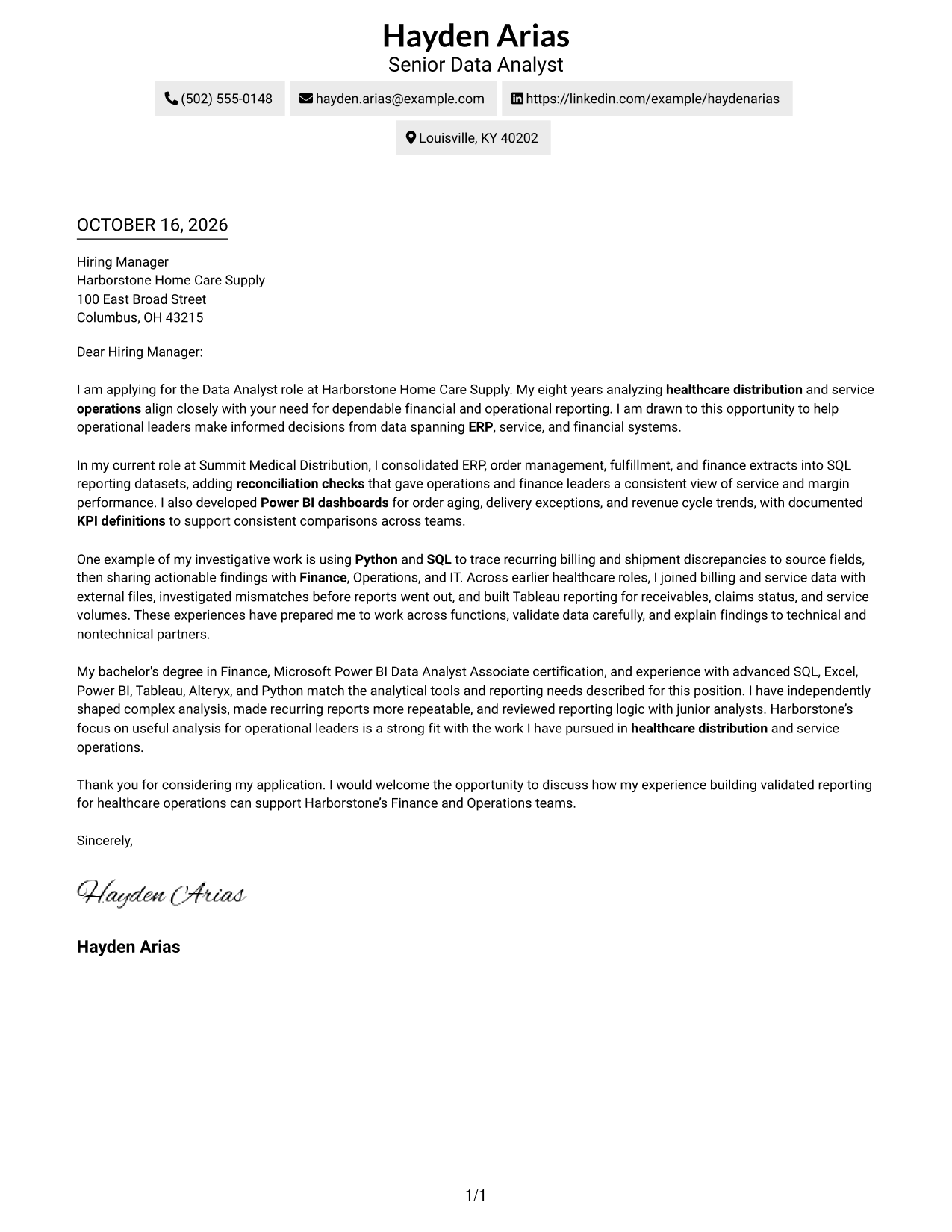
A contact sidebar sits beside one continuous letter body, giving sender details a distinct place without dividing the message.
Why This Format Works
- The contact sidebar separates sender information from the letter's continuous paragraphs.
- One body column lets the opening, evidence, and closing read in order.
- Readers can locate contact details without searching through the letter text.
Best For
- Sidebar contact lookup
- One-column letter body
- Sender details apart from the message
- Continuous letter paragraphs
- A clear contact-to-message reading path
#3 Photo Header Two Column Format Cover Letter Example
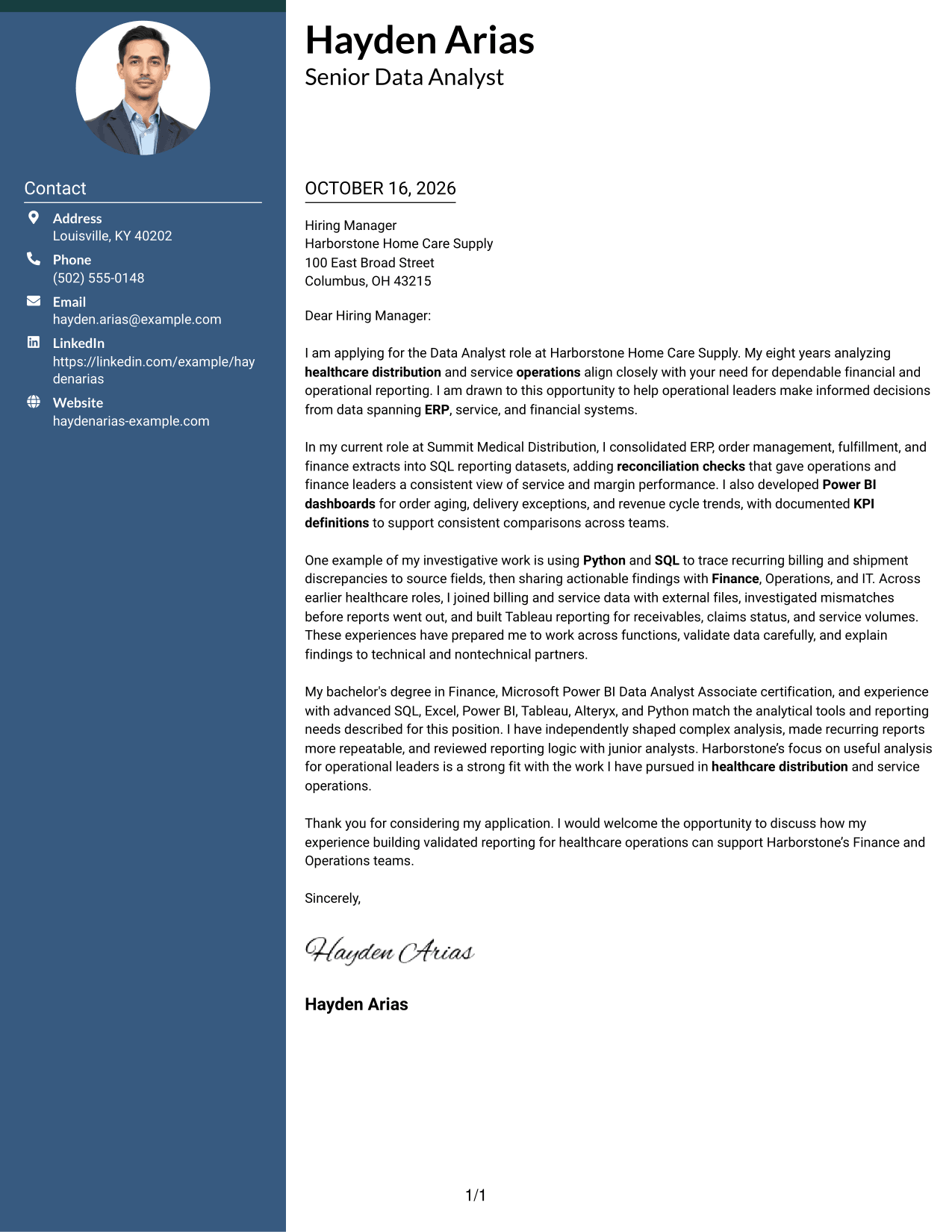
A photo header adds a visible portrait to the two-column layout, while contact details remain beside one continuous letter body.
Why This Format Works
- The contact sidebar keeps sender details separate from the letter's argument.
- A continuous body carries motivation, evidence, and closing in paragraph order.
- The portrait adds a visual feature without changing the letter's structure.
Best For
- Photo-led letter presentation
- Sidebar contact lookup
- One-column body reading
- Continuous argument paragraphs
- Letters with several evidence points
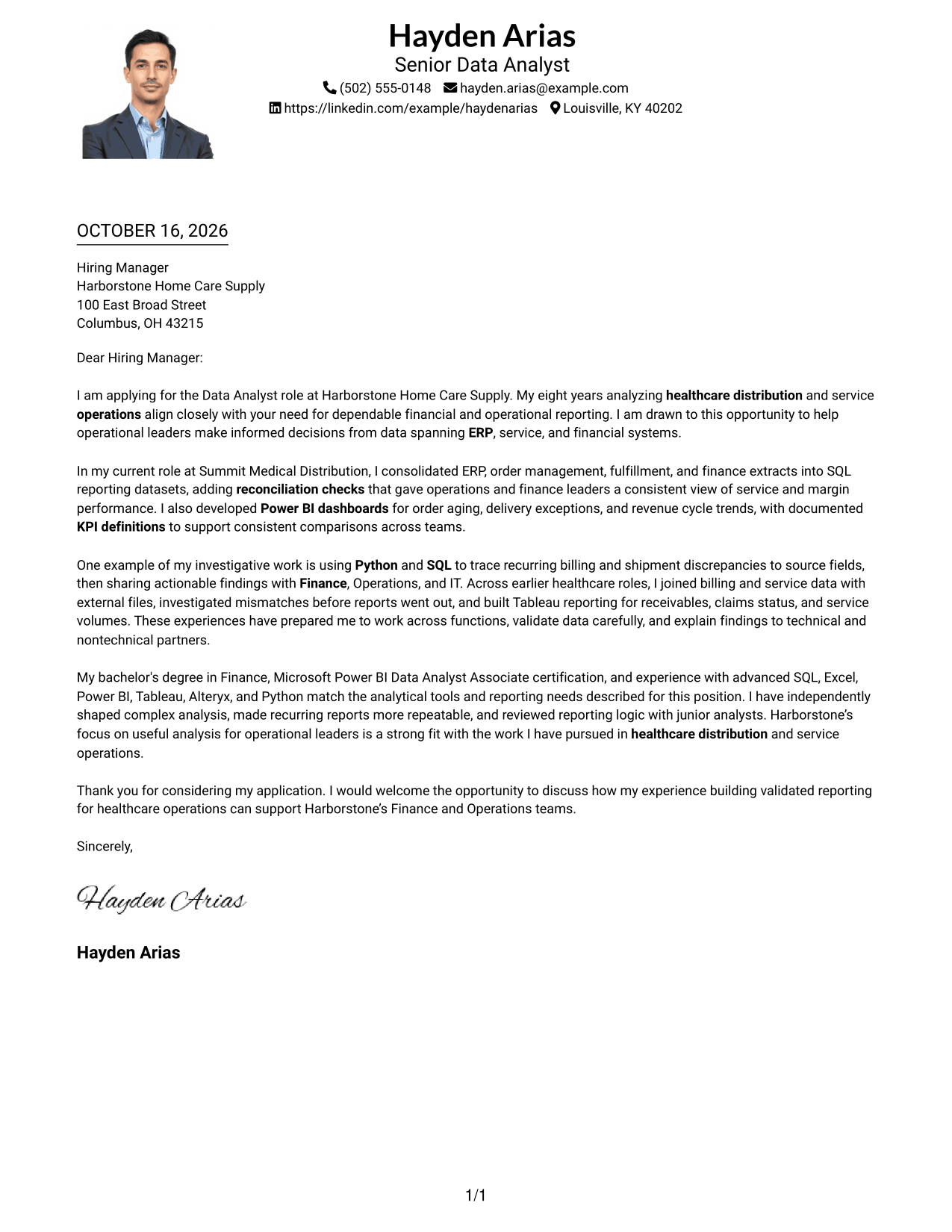
#4 One Column Format with Photo Cover Letter Example
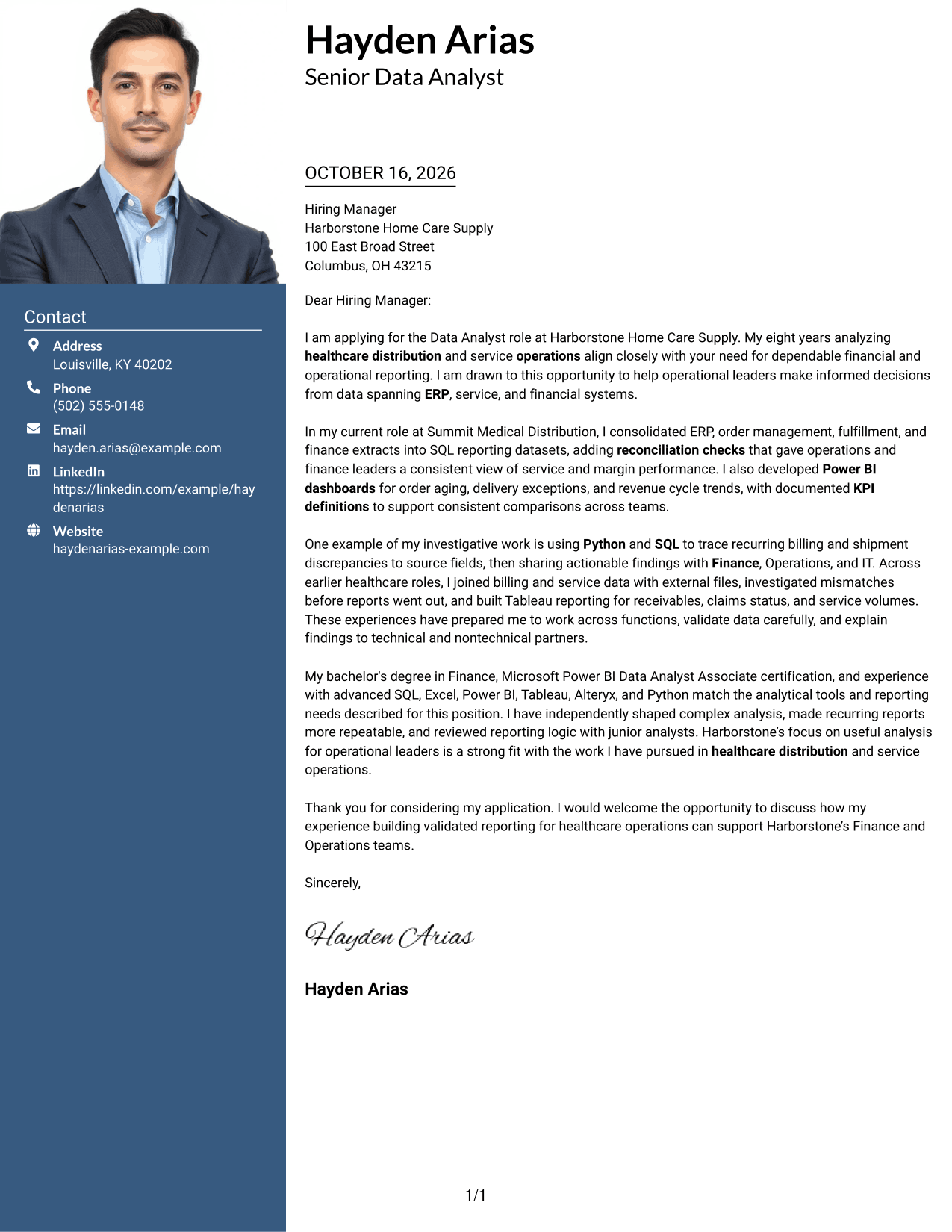
A photo accompanies the one-column presentation, adding a visible personal element while the letter stays in one continuous sequence.
Why This Format Works
- Contact details remain in the header, apart from the letter paragraphs.
- One column keeps the message's opening, evidence, and closing in reading order.
- The photo adds a visible personal element without changing the letter's structure.
Best For
- One-column letter reading
- Photo in sender presentation
- Header-based contact details
- Continuous paragraph arguments
- Letters with several evidence points
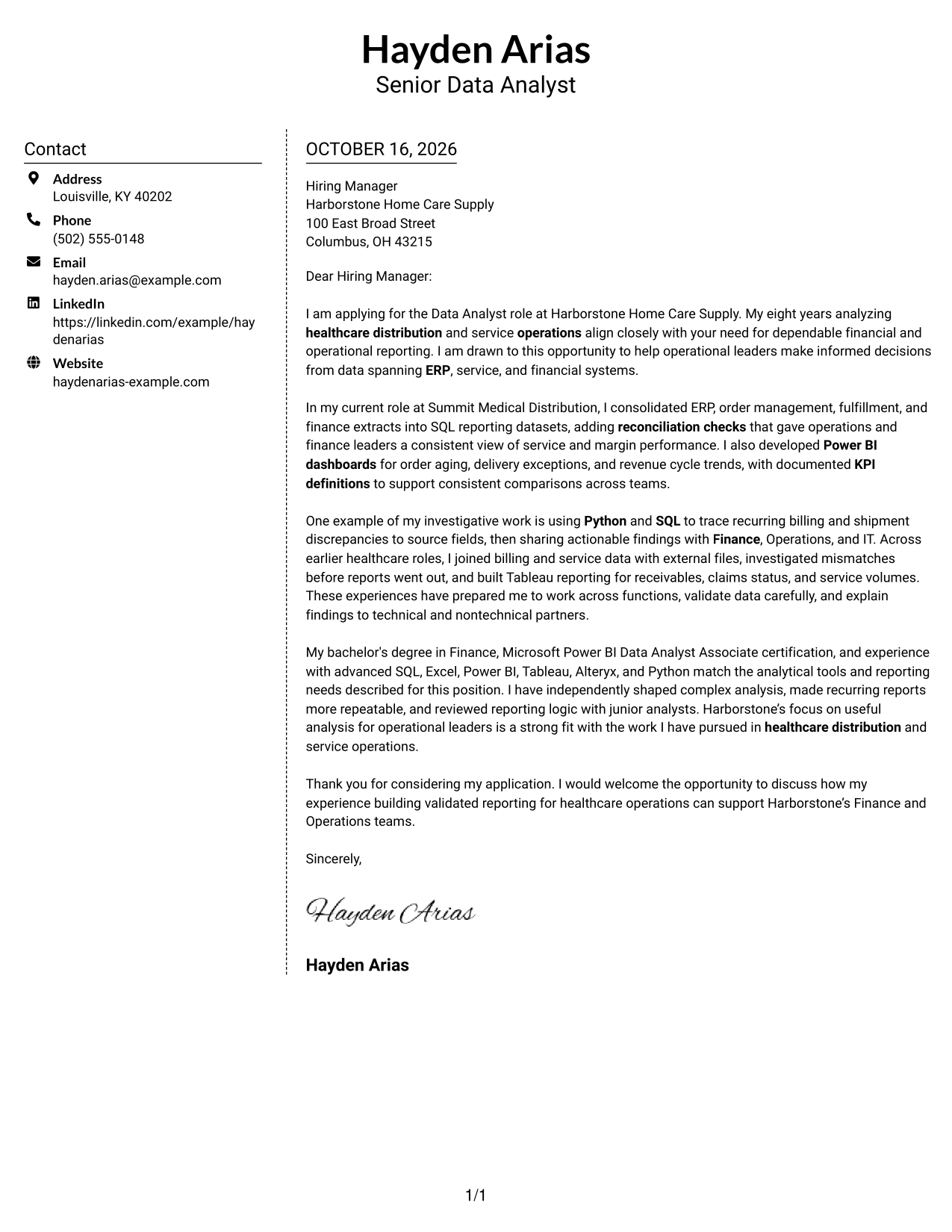
#5 Simple Two Column Format Cover Letter Example
The contact sidebar and single letter column give sender details and the continuous message separate areas.
Why This Format Works
- A separate sidebar makes sender information distinct from the letter body.
- The letter stays in one column, keeping its paragraphs in a clear sequence.
- Readers can move between contact details and the message without parallel arguments.
Best For
- Sidebar-based contact details
- Single-column message reading
- Separate sender and message areas
- Letters with continuous paragraphs
- Readers who prefer clear reading order
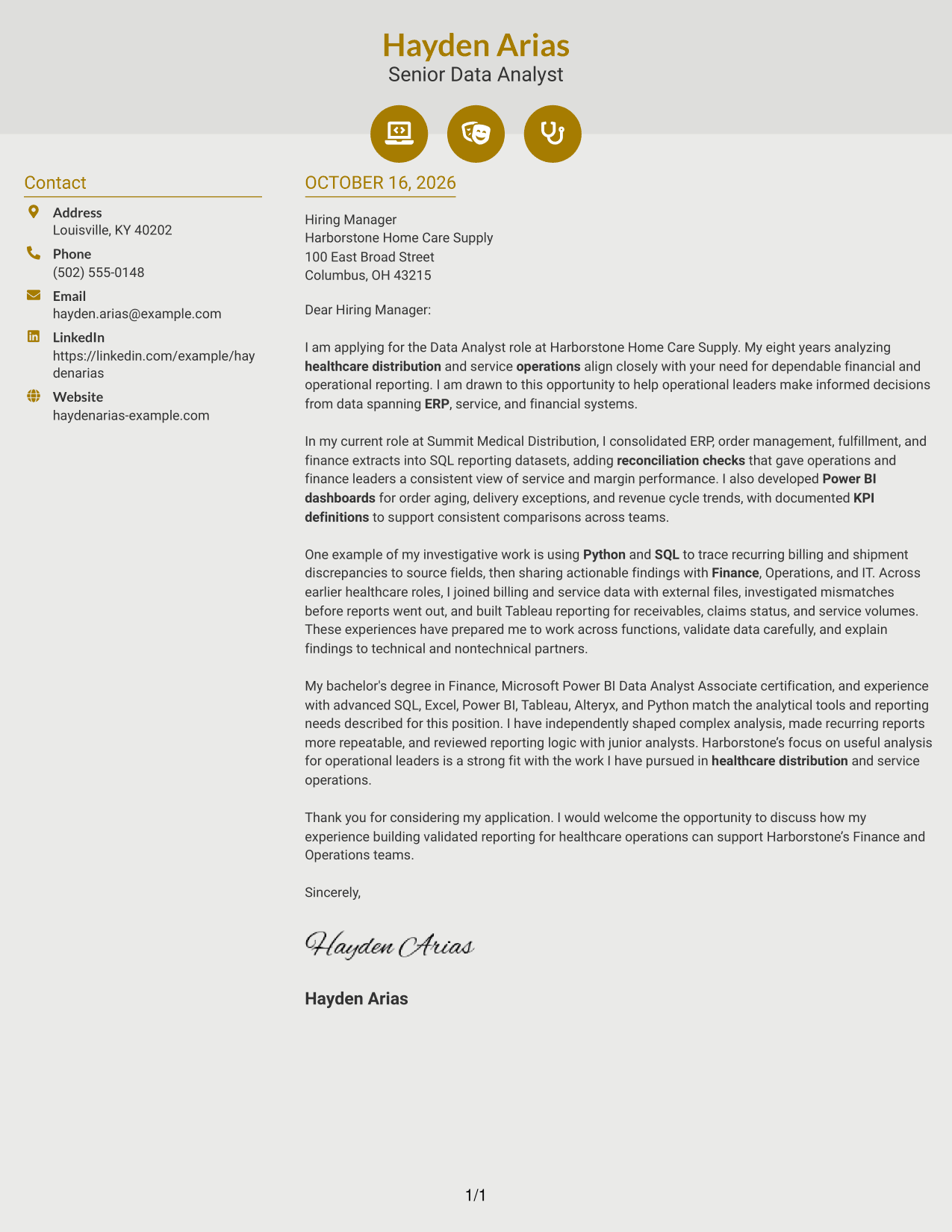
#6 Modern Icon Format Cover Letter Example
Icons cue contact details in the sidebar, while the two-column layout keeps the letter itself in one continuous body.
Why This Format Works
- Contact icons help distinguish details in the sidebar at a glance.
- The continuous letter column keeps motivation, evidence, and closing together.
- Icons identify contact information rather than dividing the letter into argument stages.
Best For
- Contact details marked with icons
- Sidebar contact information
- Continuous letter paragraphs
- One-column message reading
- Visual cues for contact lookup
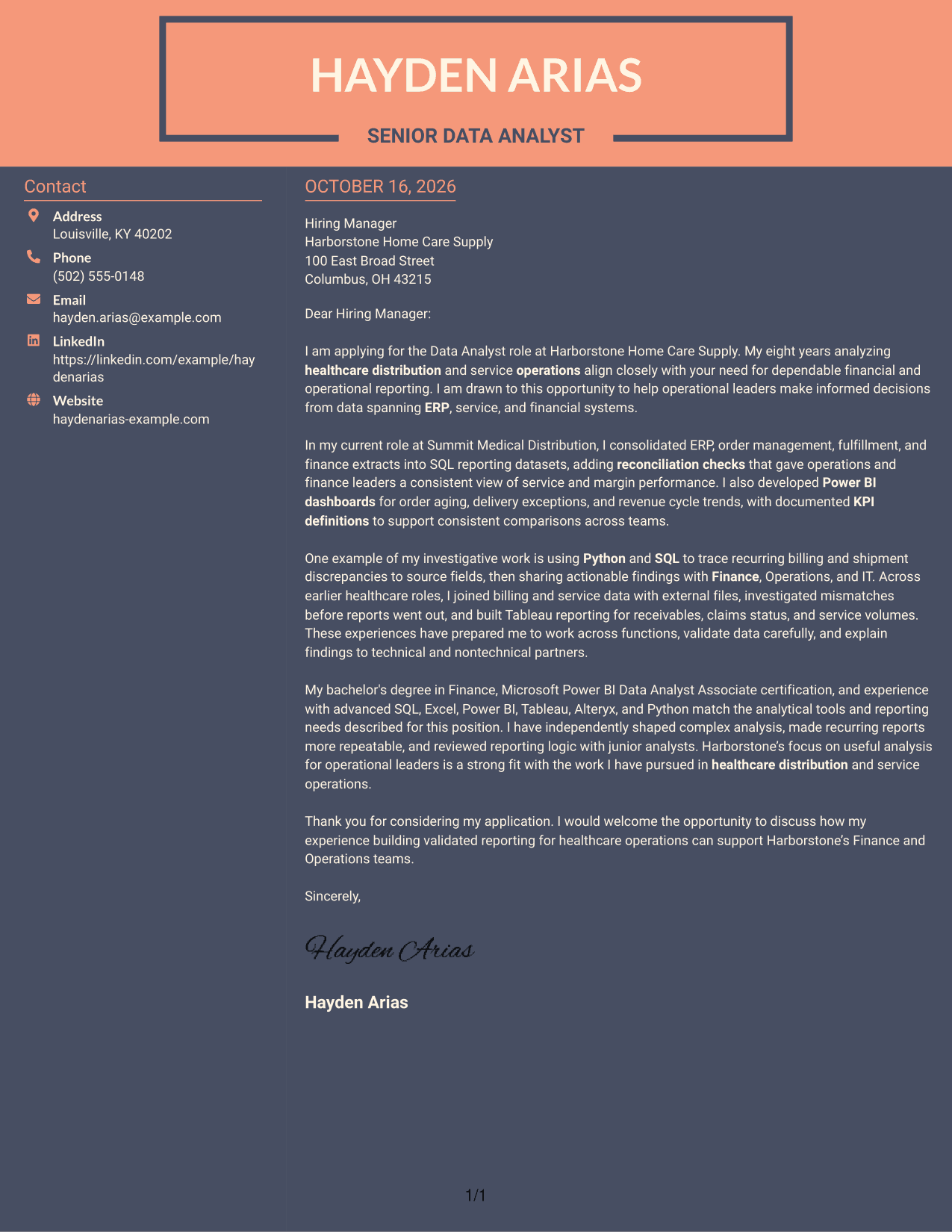
#7 Creative Two Tone Format Cover Letter Example
The two-column layout places a contact sidebar beside one continuous letter body, keeping sender information apart from the message.
Why This Format Works
- The sidebar gives contact information a distinct place beside the letter.
- A continuous body keeps the opening, supporting points, and close in order.
- Separate columns make it clear where contact details end and the message begins.
Best For
- Contact information beside the letter
- Continuous body paragraphs
- Clear separation of sender details
- One-column argument flow
- Readers who prefer distinct content areas
Why Use ResumeInMinutes for a Data Analyst - Financial and Operational Analytics Cover Letter
Compare the PNG previews to see how the same cover letter can be presented in different layouts, then open an example in the editor to view or customize it.
- Clear cover letter layouts
- Role-focused example
- PNG image previews
- Editor links for examples
- Space for specific evidence
- Guidance on employer alignment
Use the example to explain how your financial and operational analysis can support accurate reporting, useful dashboards, and informed decisions.
See Also
- 7 Data Analyst - Financial and Operational Analytics Resume Templates with Example
- 33 Analyst, Data Analytics Resume Templates with Example 2026 (ATS-Optimized)
- 33 Data Analyst - Healthcare Analytics Resume Templates with Example
- 33 Data Analyst - Human Resources Analytics Resume Templates with Example 2026 (ATS-Optimized)
- 33 Data Analyst with Tableau or Salesforce, Adobe Analytics Resume Templates with Example 2026 (ATS-Optimized)
- 7 Data Solutions & Analytics Senior Analyst Resume Templates with Example
- 7 Analyst/Associate: Equity Research - Telecommunication, Data Center and Tower Resume Templates with Example
- 33 Associate Actuarial Data Analyst, Reserving Resume Templates with Example 2026 (ATS-Optimized)
- 30+ Analyst, Data Analytics Cover Letter Templates with Example 2026
- 30+ Data Analyst with Tableau or Salesforce, Adobe Analytics Cover Letter Templates with Example 2026
Frequently Asked Questions
What should the opening of this cover letter explain?
State your interest in the Data Analyst - Financial and Operational Analytics role and connect your background to its focus on financial and operational reporting.
What evidence should I include in the body?
Choose a clear example that shows how you combined or checked data, created useful reporting, or shared findings with business partners. Explain the value of your work in plain terms.
How can I show fit with the employer?
Connect your experience to the role’s stated needs, such as ERP data, KPI reporting, data quality, and communication with Finance, Operations, Revenue Cycle Management, and IT. Do not claim qualifications you cannot support.
How should I mention tools in the letter?
Name tools such as SQL, Excel, Power BI, Tableau, Alteryx, or Python when they support a specific example. Keep the focus on the analysis and the decision or reporting need it served.
What is a strong way to close the letter?
Thank the reader and state that you welcome a discussion about how your financial and operational analytics experience could support the team.




