
7 Data Analyst - Financial and Operational Analytics Resume Templates with Example
This guide shows you how to build a clear, focused Data Analyst - Financial and Operational Analytics resume. You will learn how to organize relevant evidence and compare seven resume layouts for this role.
A strong resume makes financial and operational analysis easy to review. Use clear sections to show how you combine and validate data, maintain useful KPI reporting, and explain findings to business partners.
The example highlights role-relevant details such as SQL, Excel, Power BI, Tableau, Alteryx, Python, ERP data, and reporting for finance, operations, and revenue cycle teams. The image previews let you compare the formats before opening an example in the editor.
What Makes a Great Data Analyst - Financial and Operational Analytics Resume in 2026
A strong resume puts relevant experience, skills, and education in clear sections. Focus each bullet on the analysis, reporting, or data quality work you completed and the result it supported.
Use terms that match your actual background, such as advanced SQL, ERP data, KPI validation, Power BI, Tableau, Alteryx, and Python. Add specific results when you can support them with accurate figures.
Note: Resume examples are for educational purposes only. Use only information that accurately reflects your experience and qualifications. References to real organizations do not imply affiliation or endorsement.
#1 Simple One Column Format Resume Example
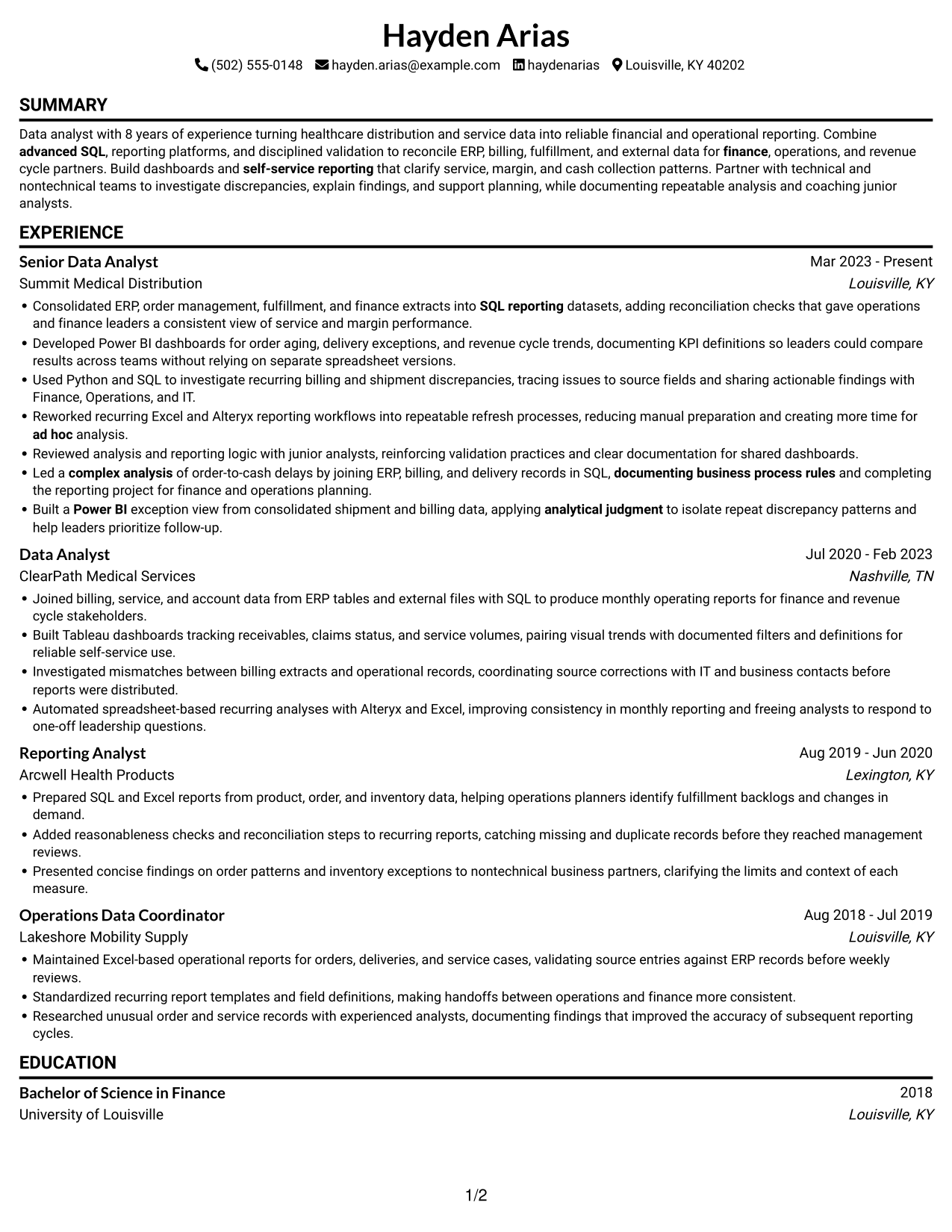
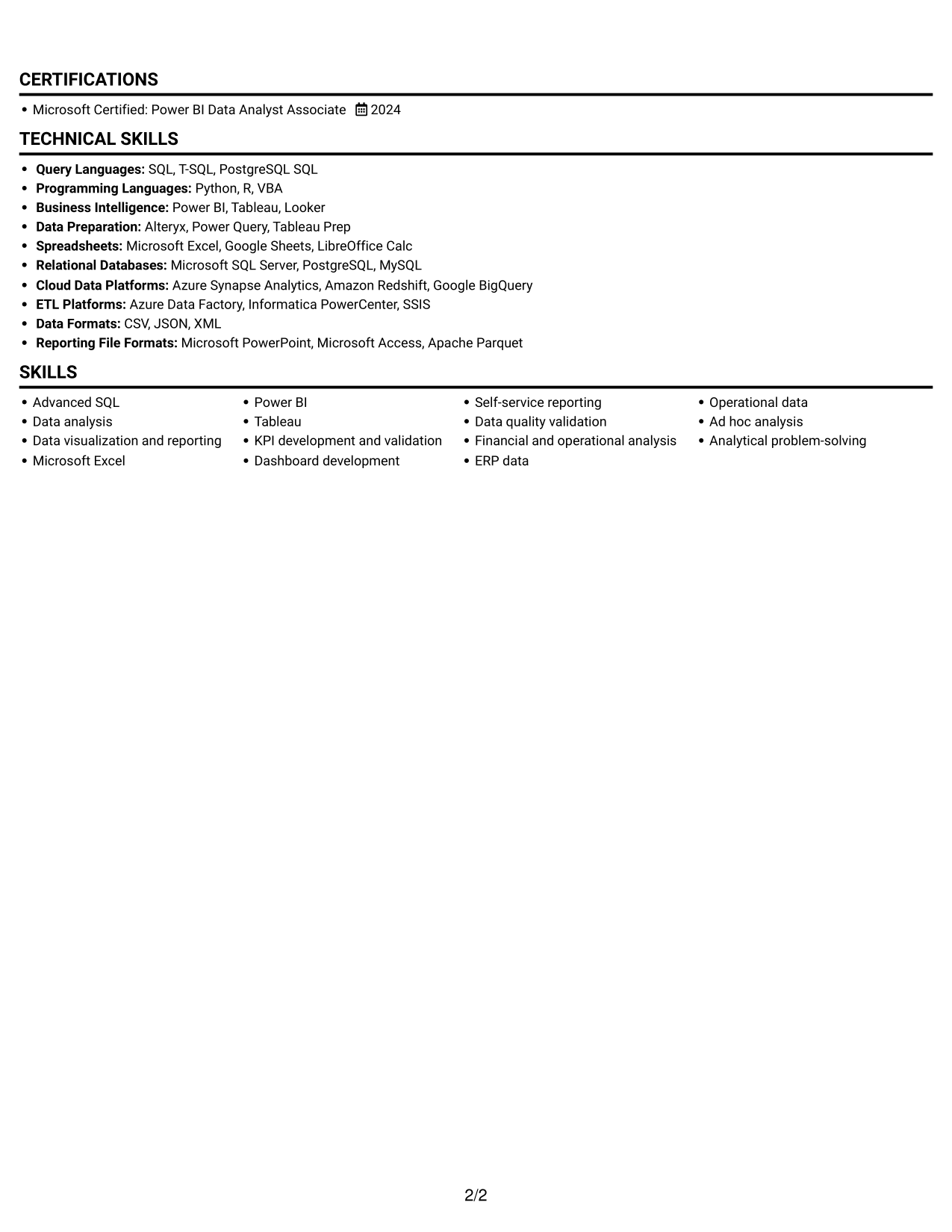
Simple One Column Format keeps the resume in one reading path, so reviewers can follow its sections in sequence.
Why This Format Works
- Experience entries stay in one sequence, helping reviewers track career progression without switching columns.
- A single text path can make section order easier for ATS software to parse.
- Achievement bullets can retain context as reviewers move through each role.
Best For
- Straightforward section order
- Chronological career histories
- Detailed experience bullets
- ATS-focused resume reviews
- Education and credential details
Resume Keywords
- advanced SQL
- Data analysis
- Data visualization and reporting
- Microsoft Excel
- Power BI
- KPI development and validation
- Dashboard development
- self-service reporting
- Data quality validation
- Financial and operational analysis
- Consolidated ERP, order management, fulfillment, and finance extracts into SQL reporting datasets
- ERP data
- Operational data
- ad hoc analysis
- Analytical problem-solving
#2 Simple Two Column Format Resume Example
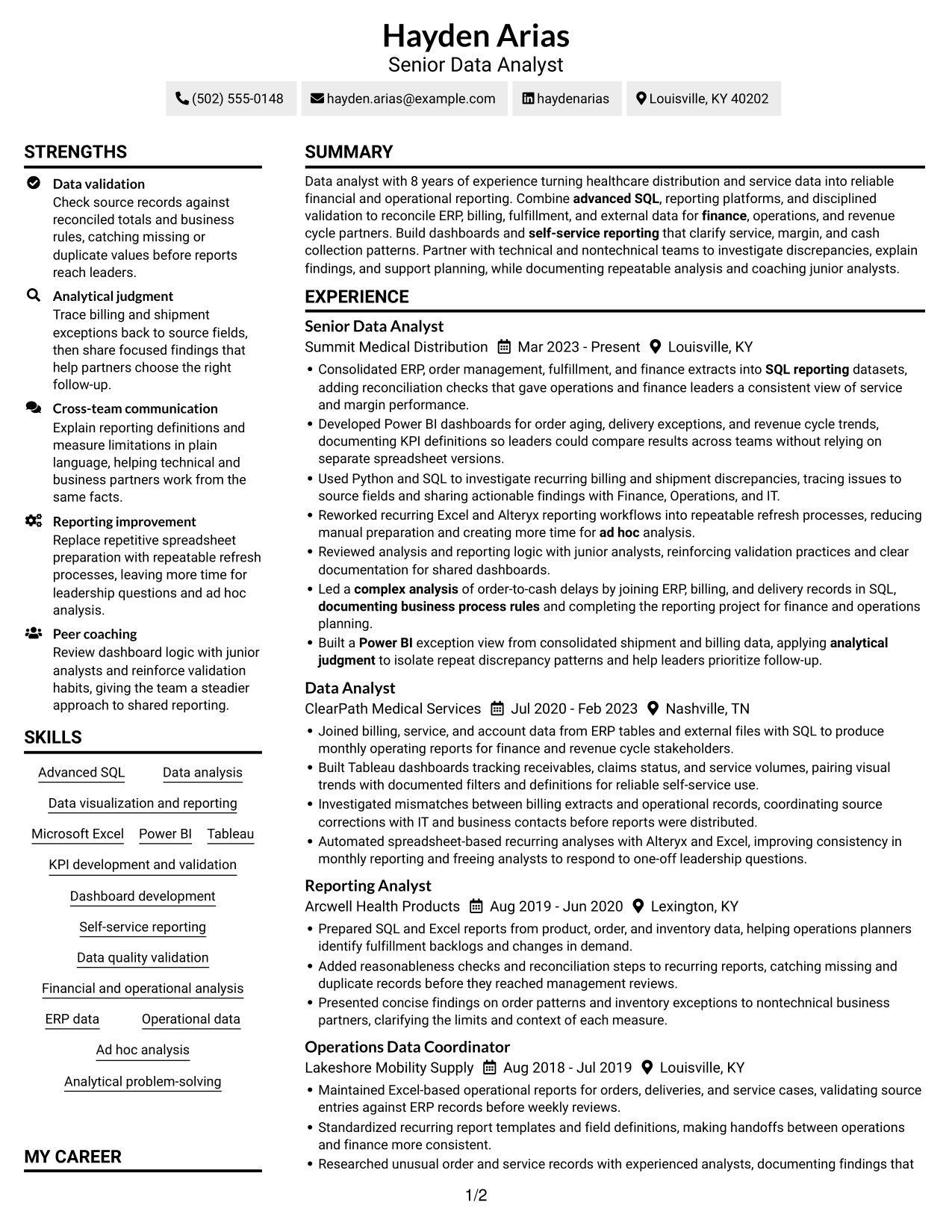
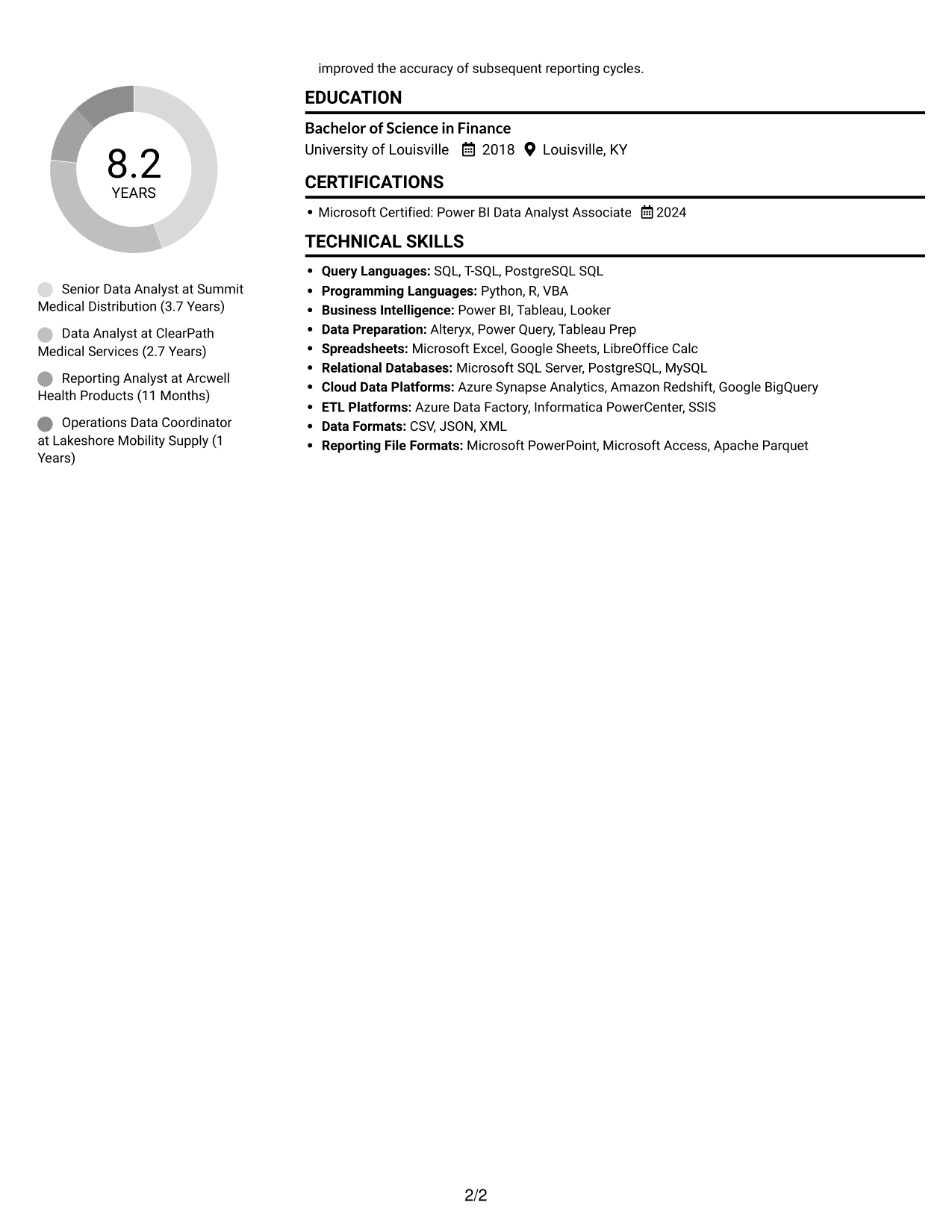
Simple Two Column Format places the resume in two content columns, helping reviewers distinguish career history from supporting details.
Why This Format Works
- Two reading areas let reviewers move between experience and other resume sections with less backtracking.
- The separate columns give skills and education distinct places in the overall structure.
- Career history remains easier to scan when supporting details do not share one long text stream.
Best For
- Experience with supporting sections
- Skills and education alongside work history
- Resumes with varied section types
- Side-by-side content navigation
- Compact presentation of career details
#3 Plain One Column with Shaded Labels Resume Example
Plain One Column with Shaded Labels uses a single content column, keeping the resume's sections in a clear top-to-bottom order.
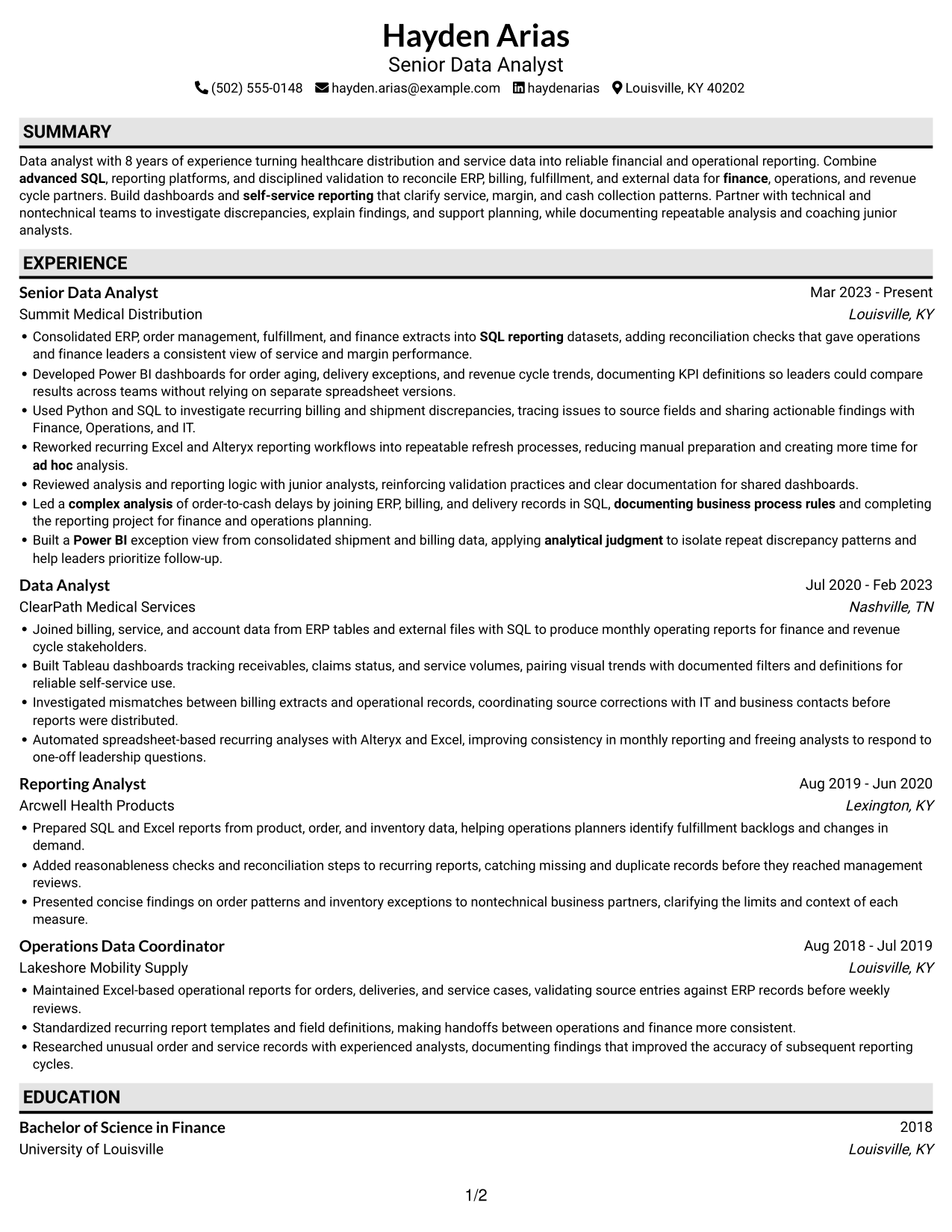
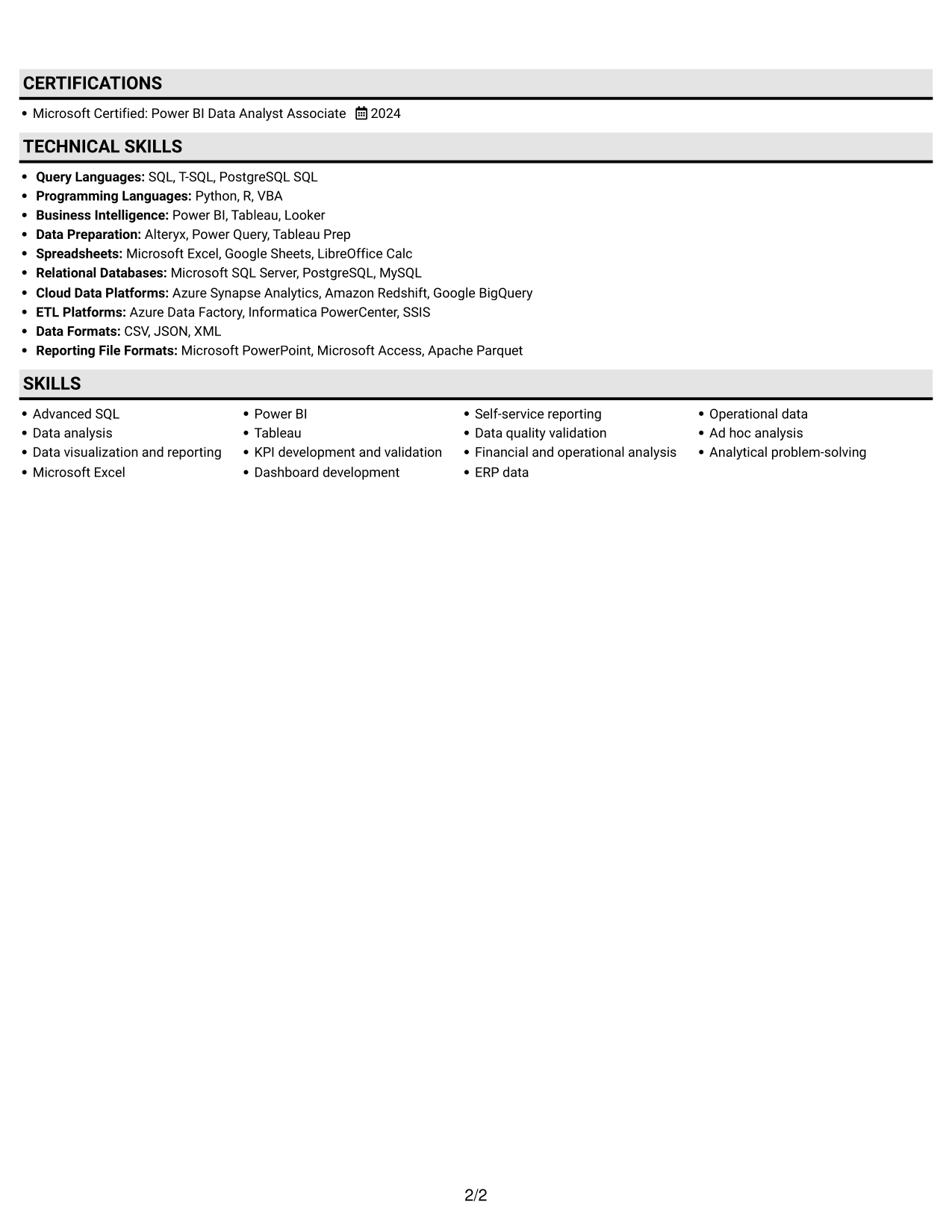
Why This Format Works
- Reviewers can follow experience entries in sequence without shifting between separate content columns.
- The continuous text area gives achievement bullets room to include useful context.
- Education and certification details stay within the same reading path as career history.
Best For
- Top-to-bottom resume reviews
- Career histories with detailed bullets
- A single sequence of sections
- Education and certification details
- One-column document preferences
#4 One Column Format with Photo Right Resume Example
One Column Format with Photo Right combines a single content column with a photo for readers who prefer a portrait in the resume design.
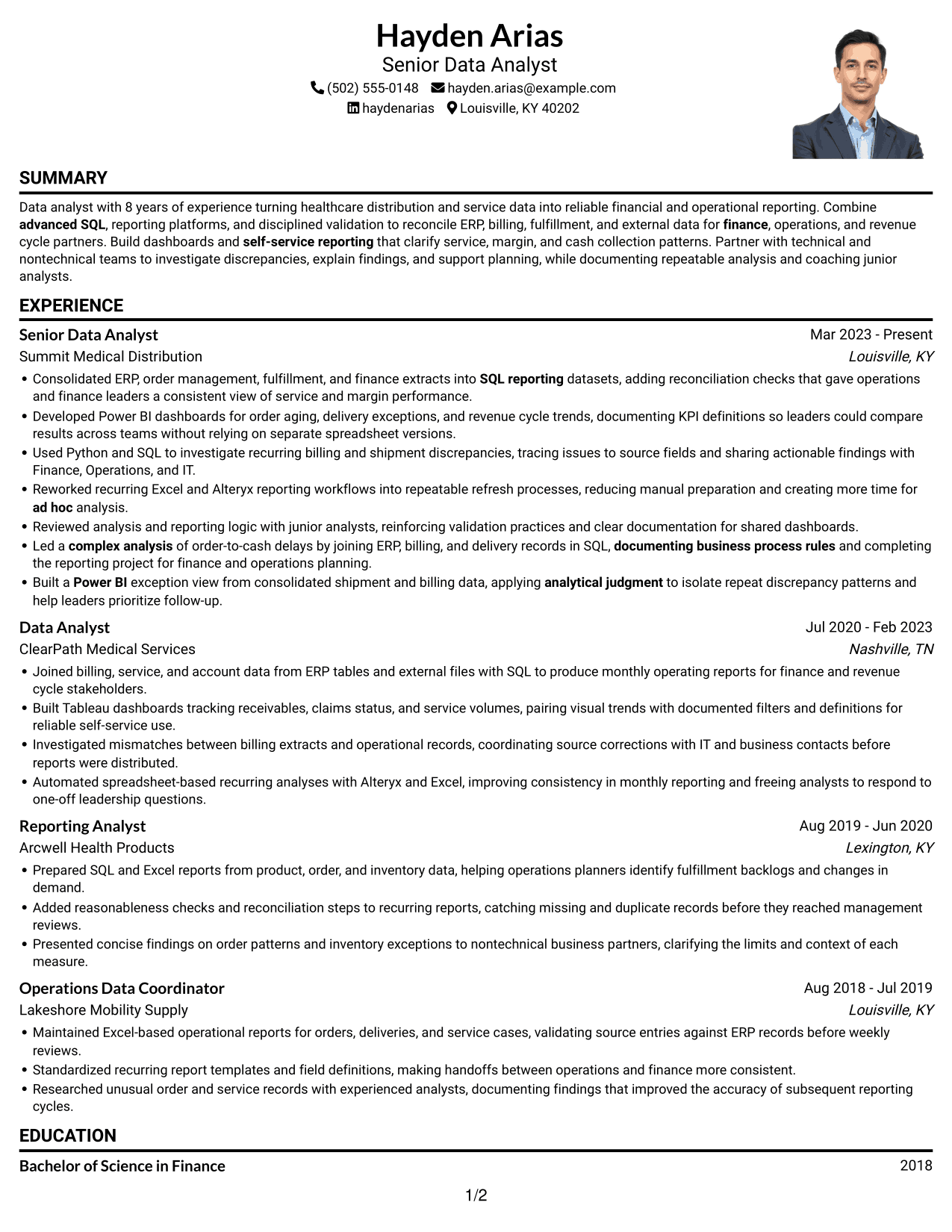
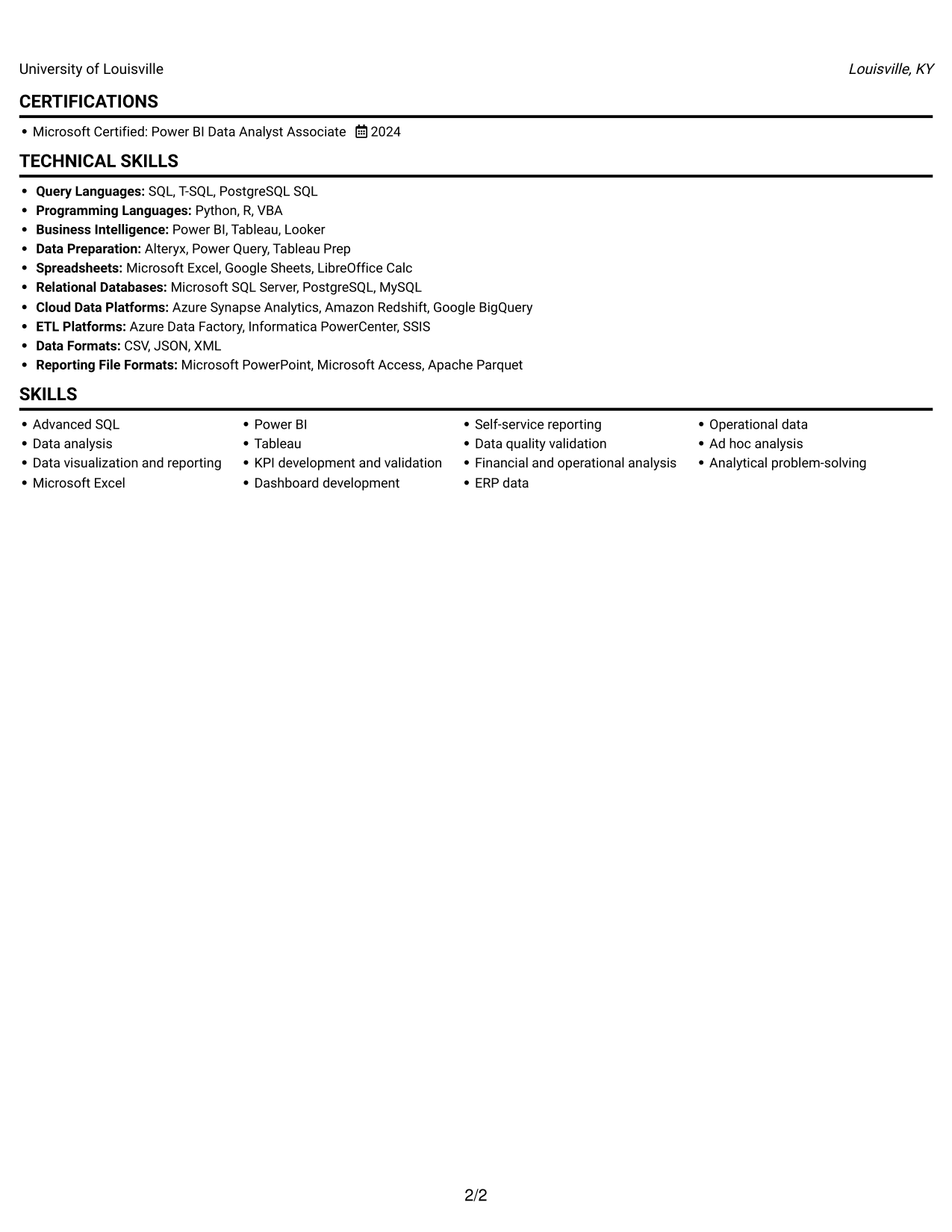
Why This Format Works
- The single-column body keeps experience details in one clear reading sequence.
- Reviewers can follow achievement bullets without moving between separate content areas.
- A photo offers a visual option while the resume content stays in one column.
Best For
- Single-column resume reading
- Portrait-inclusive document preferences
- Detailed career history
- Sequential experience review
- Resume sections in one stream
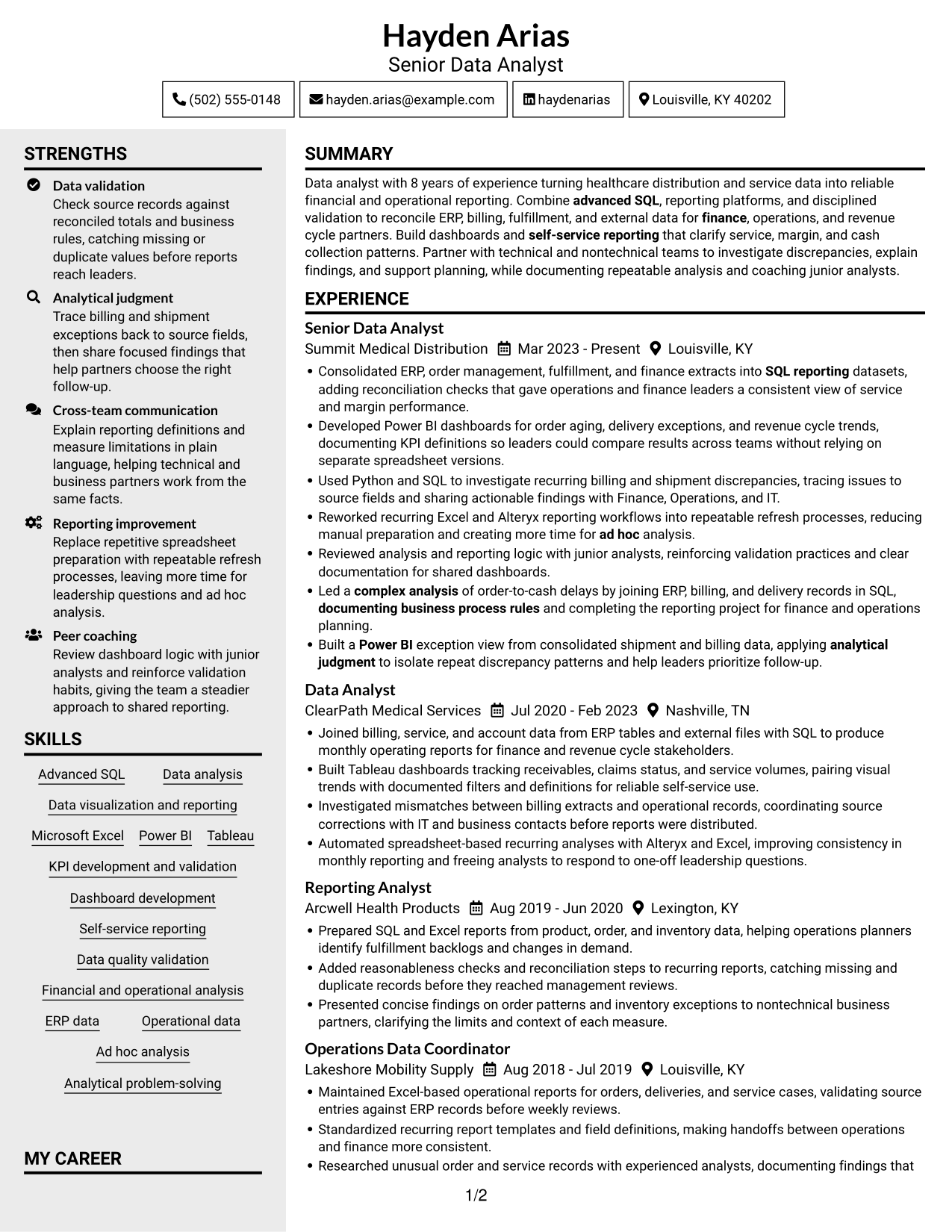
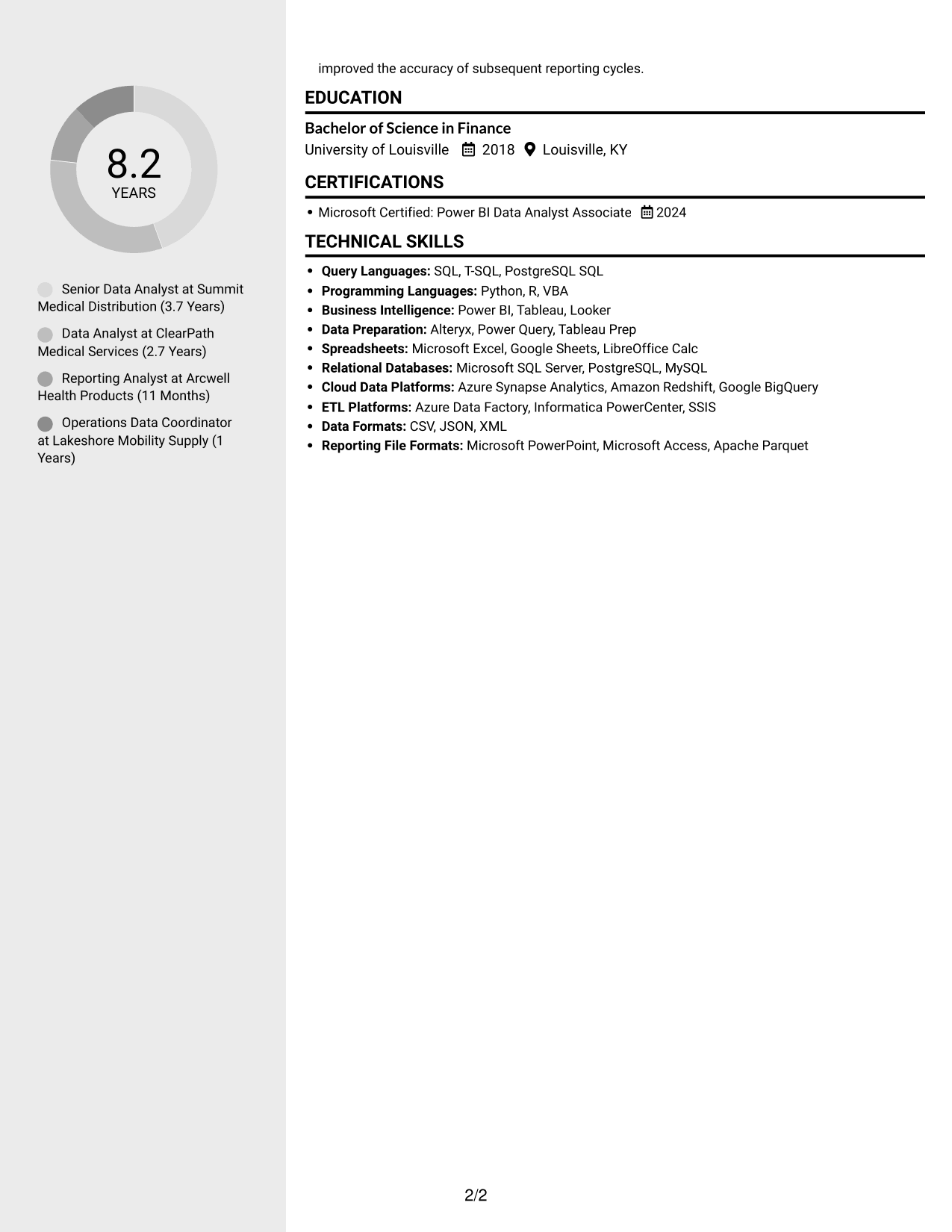
#5 Clean Two Column Sidebar Format Resume Example
Clean Two Column Sidebar Format separates resume content across two columns, giving reviewers another way to scan career history and supporting sections.
Why This Format Works
- The two-column structure distinguishes experience from supporting information for a more organized review.
- Separate content areas let reviewers locate skills and education without scanning one long column.
- Career details and other resume sections can be reviewed as distinct parts of the document.
Best For
- Distinct resume content areas
- Quick access to supporting sections
- Career history with additional details
- Two-column reading preferences
- Skills and education beside experience
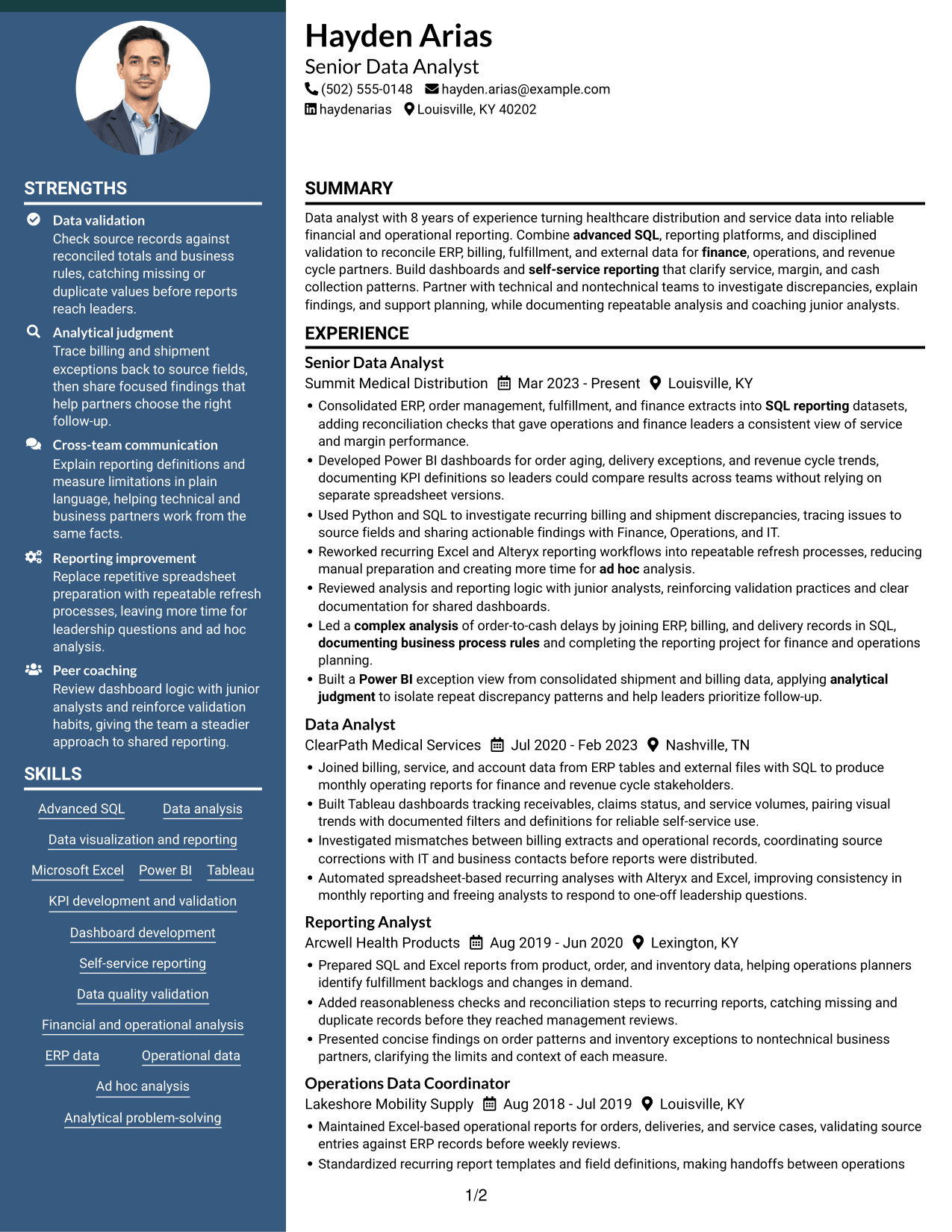
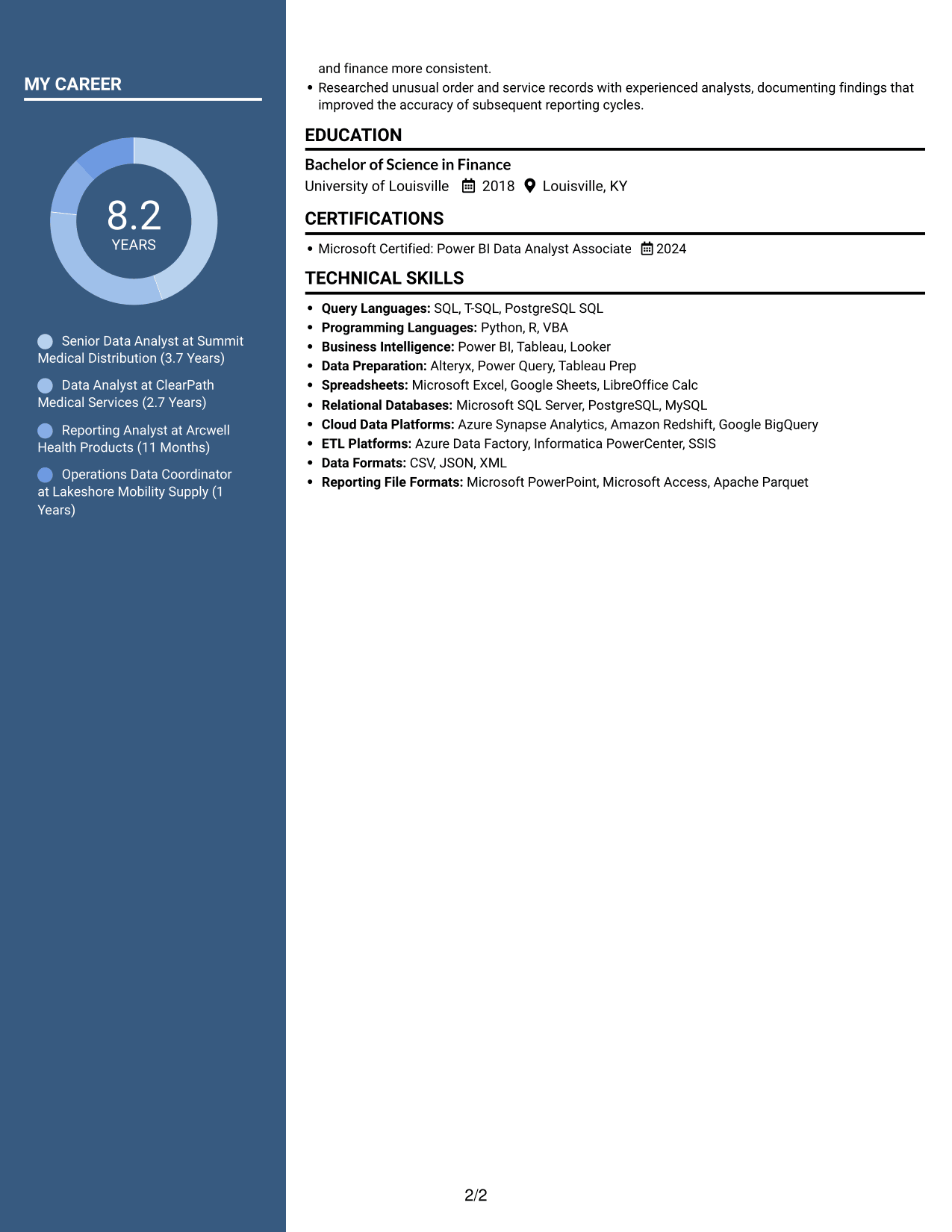
#6 Two Column Format Resume Example
Two Column Format organizes the resume in parallel content areas, making it easier to review career details alongside other sections.
Why This Format Works
- Two content areas offer a clear distinction between experience and supporting resume sections.
- Reviewers can scan career history without losing sight of the document's other details.
- Separate columns provide an alternative to following every section in one long sequence.
Best For
- Parallel resume content areas
- Career details with supporting sections
- Alternatives to one-column reading
- Multiple resume section types
- Separate career and qualification details
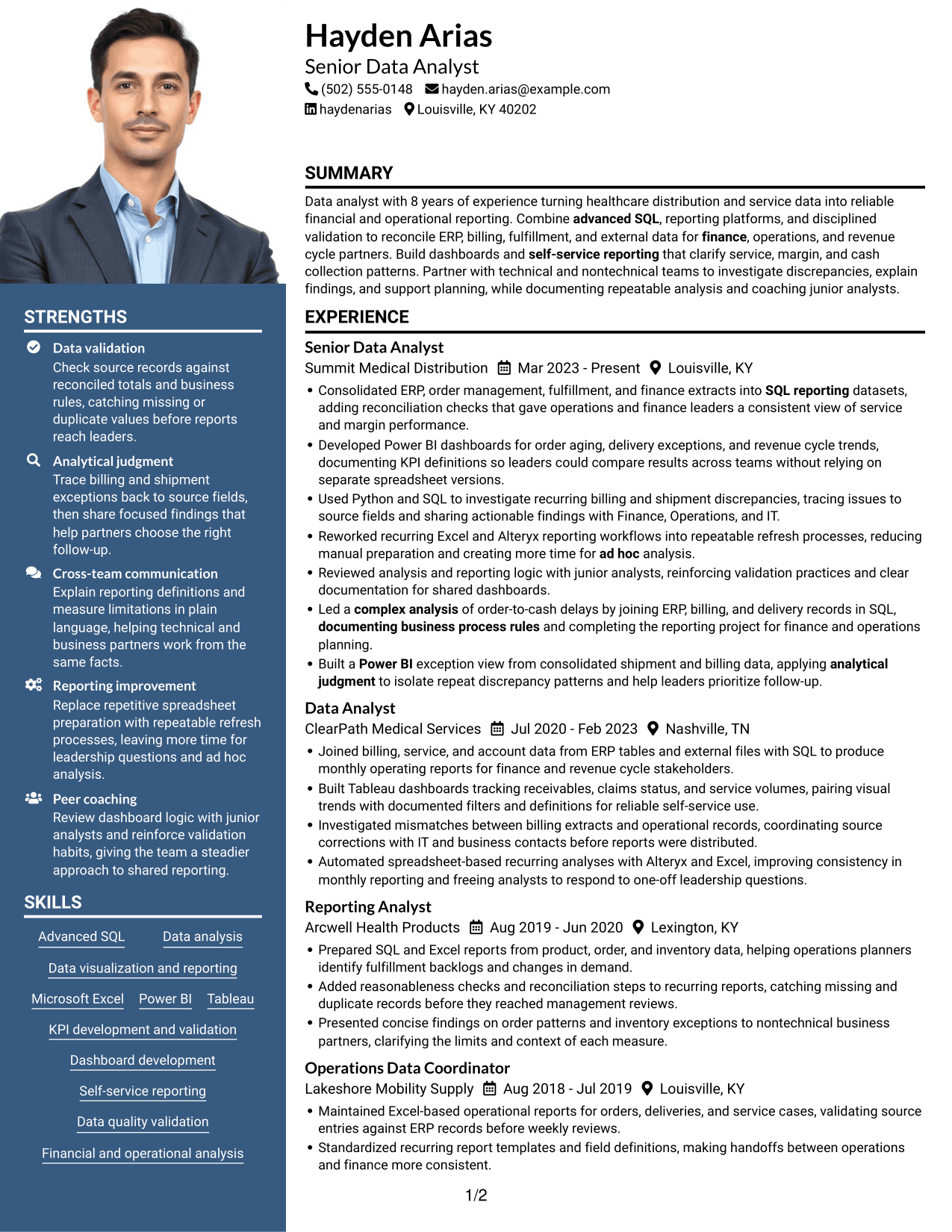
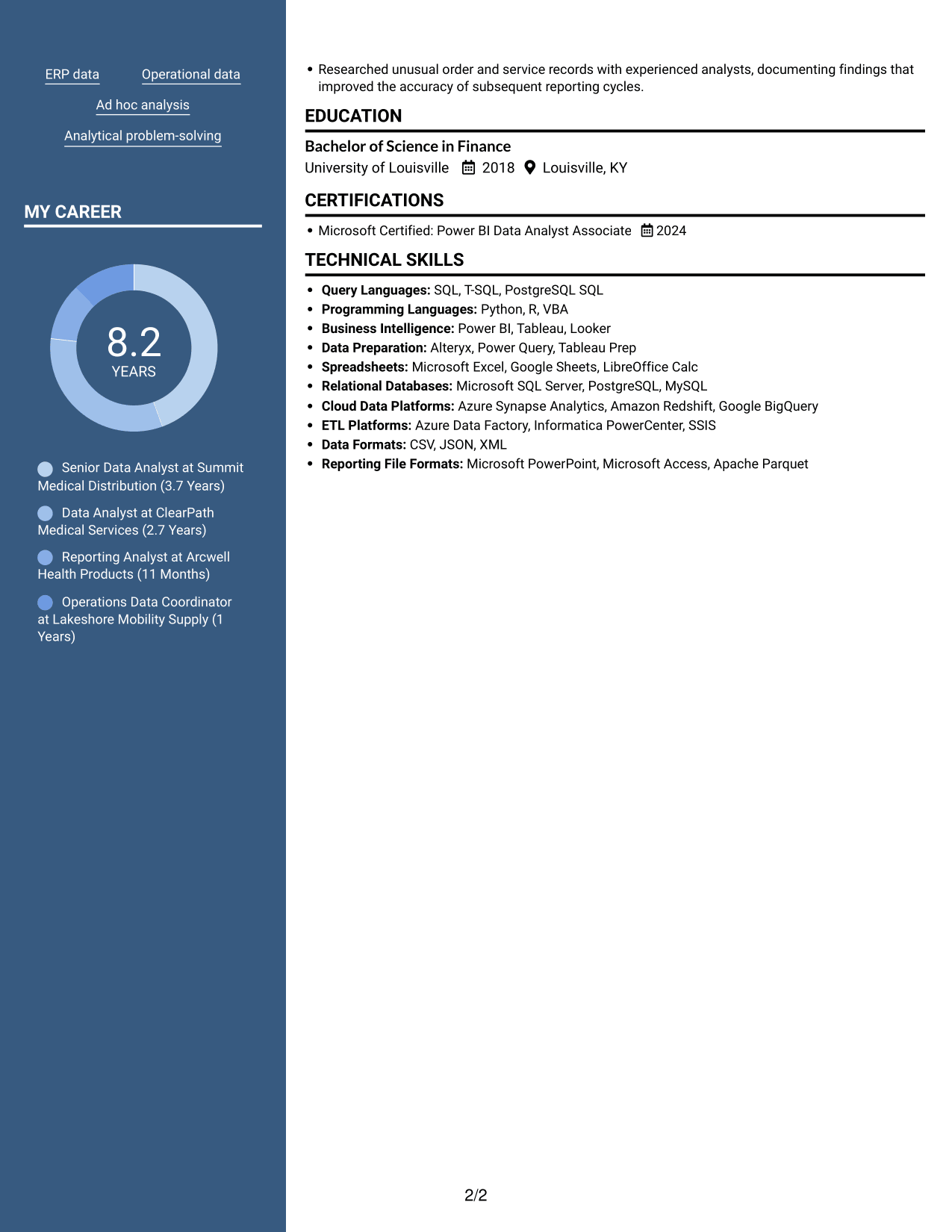
#7 Photo Header Two Column Format Resume Example
Photo Header Two Column Format combines a photo with a two-column resume layout, for readers who prefer both a portrait and divided content areas.
Why This Format Works
- The two-column body separates experience from supporting sections for a more direct review.
- Reviewers can scan career history and other resume details in distinct content areas.
- A photo adds a visual element without changing the two-column organization.
Best For
- Photo-inclusive resume preferences
- Two-column content organization
- Career history with related sections
- Separate experience and qualification details
- Readers who favor divided content areas
Why Build Your Data Analyst - Financial and Operational Analytics Resume with ResumeInMinutes
Review the image previews to compare resume formats, then open an example in the editor to explore its structure. Keep your resume focused on the data, analysis, and reporting evidence that supports your target role.
- Clear resume section structure
- ATS-aware headings and content
- Role-focused keyword guidance
- Skills and experience organization
- Image previews for format comparison
- Resume customization support
Build a resume that helps reviewers find your data validation, dashboard, KPI, and stakeholder reporting experience without searching through dense paragraphs.
See Also
- 33 Analyst, Data Analytics Resume Templates with Example 2026 (ATS-Optimized)
- 33 Data Analyst - Healthcare Analytics Resume Templates with Example
- 33 Data Analyst - Human Resources Analytics Resume Templates with Example 2026 (ATS-Optimized)
- 33 Data Analyst with Tableau or Salesforce, Adobe Analytics Resume Templates with Example 2026 (ATS-Optimized)
- 7 Data Solutions & Analytics Senior Analyst Resume Templates with Example
- 7 Analyst/Associate: Equity Research - Telecommunication, Data Center and Tower Resume Templates with Example
- 33 Associate Actuarial Data Analyst, Reserving Resume Templates with Example 2026 (ATS-Optimized)
- 33 Associate Data Analyst Resume Templates with Example 2026 (ATS-Optimized)
- 7 Data Analyst - Financial and Operational Analytics Cover Letter Templates with Example
- 30+ Analyst, Data Analytics Cover Letter Templates with Example 2026
Frequently Asked Questions
Are these Data Analyst - Financial and Operational Analytics resume templates ATS-friendly?
The examples use clear sections and readable headings to support quick review. Include relevant terms such as SQL, KPI development and validation, ERP data, data quality, financial and operational analysis, and dashboard reporting when they match your background.
Do the examples show different resumes?
The guide presents one Data Analyst - Financial and Operational Analytics resume example in different visual layouts. Compare the image previews, then open an example in the editor to review its structure.
What should a Data Analyst - Financial and Operational Analytics resume include?
Include a focused summary, relevant work experience, skills, education, and certifications. Use concise bullets to describe data sources, analysis, validation checks, dashboards, KPIs, and the results of your work when those results are known.
Which resume format works well for this role?
Choose a format with clear headings and an easy-to-follow order. Make sure reviewers can find your experience, technical skills, and education quickly, and keep each section readable.
How can I show the value of my reporting work?
Describe the data or process you handled, the action you took, and the result. For example, explain how you added reconciliation checks, improved a recurring reporting process, or made a KPI easier for teams to use. Do not add figures you cannot verify.
Should I include a photo on my resume?
For U.S. applications, a resume without a photo is generally the safer choice. Use a photo only when it is expected in your location or field.




