
7 Data Analyst Intern - Business Process and Reporting Cover Letter Templates with Example
This practical guide helps you write a Data Analyst Intern - Business Process and Reporting cover letter, with seven layouts to help you present relevant evidence clearly.
What Makes a Great Data Analyst Intern - Business Process and Reporting Cover Letter in 2026
A strong letter connects your interest in operational reporting and better business processes to the needs of the role. Use a clear opening, focused body paragraphs, and a direct closing.
Support your fit with specific evidence, such as validating data, building reports, or documenting a workflow. Explain how that work relates to the employer’s needs, and describe only experience and skills you can support.
The featured example moves from role motivation to relevant evidence, employer alignment, and a concise closing; adapt that focused progression while choosing a presentation that suits the employer and communication context.
#1 Simple One Column Format Cover Letter Example
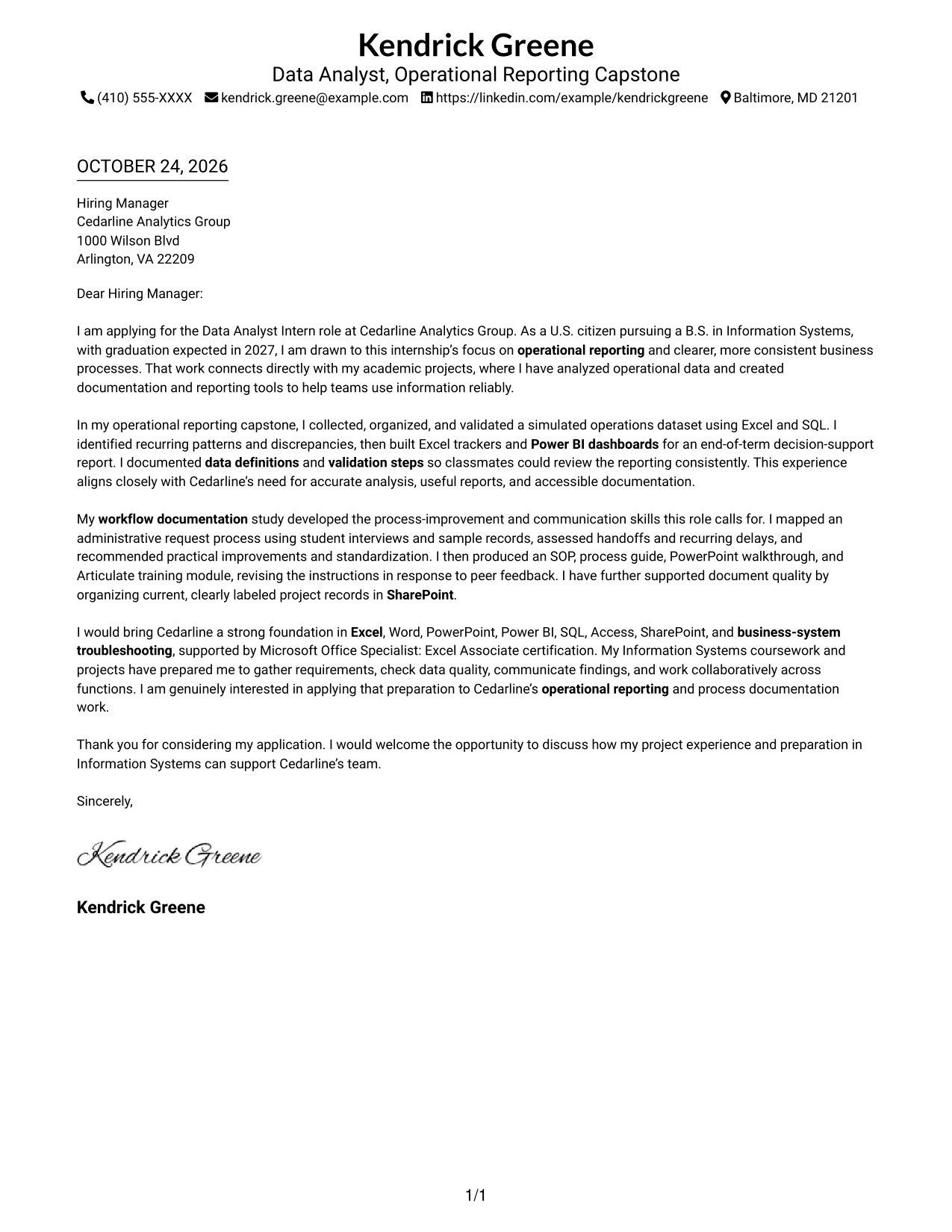
The Simple One Column Format places sender details in the header above one continuous letter body, giving the message a straightforward top-to-bottom reading path.
Why This Format Works
- The header keeps sender details visible without placing them beside the argument.
- The continuous body lets motivation, examples, and closing build in sequence.
- Unlabeled paragraphs preserve the familiar tone of direct letter writing.
Best For
- Header-based contact details
- Single-column letter reading
- Paragraph-led applications
- Direct written communication
- Motivation followed by evidence
#2 Two Column Format Cover Letter Example
The Two Column Format pairs a contact sidebar with one continuous letter body, keeping reference details beside the message without splitting its argument.
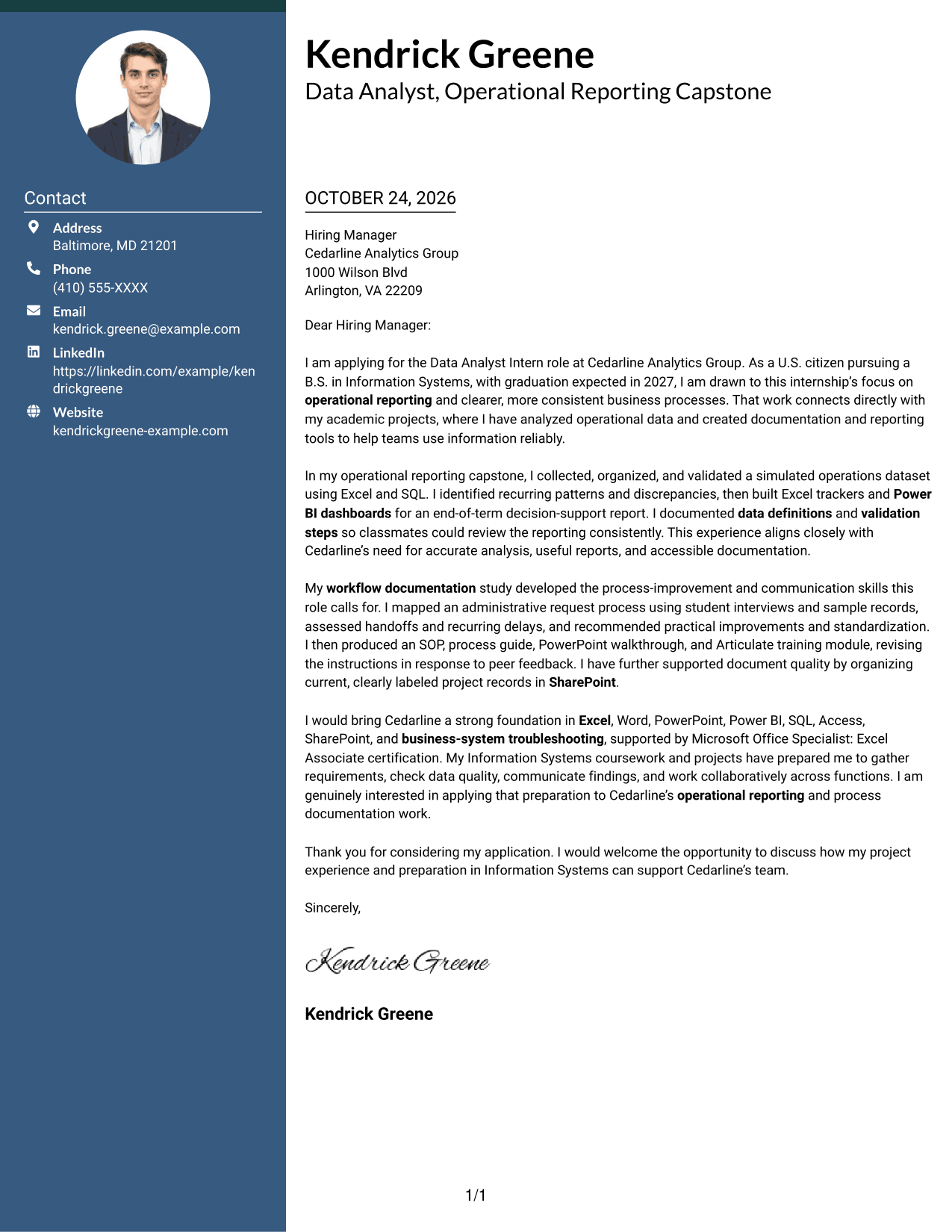
Why This Format Works
- The contact sidebar keeps reference details distinct from the central letter message.
- One continuous body lets the opening, evidence, and closing read as connected prose.
- Without argument headings, the paragraphs retain the natural tone of a letter.
Best For
- Contact information beside the message
- Multi-paragraph applications
- Letters with several evidence points
- Continuous written arguments
- Data analyst internship applications
#3 Photo Header Two Column Format Cover Letter Example
The Photo Header Two Column Format includes a portrait with a contact sidebar beside one continuous letter body, adding a personal visual element while keeping the message together.
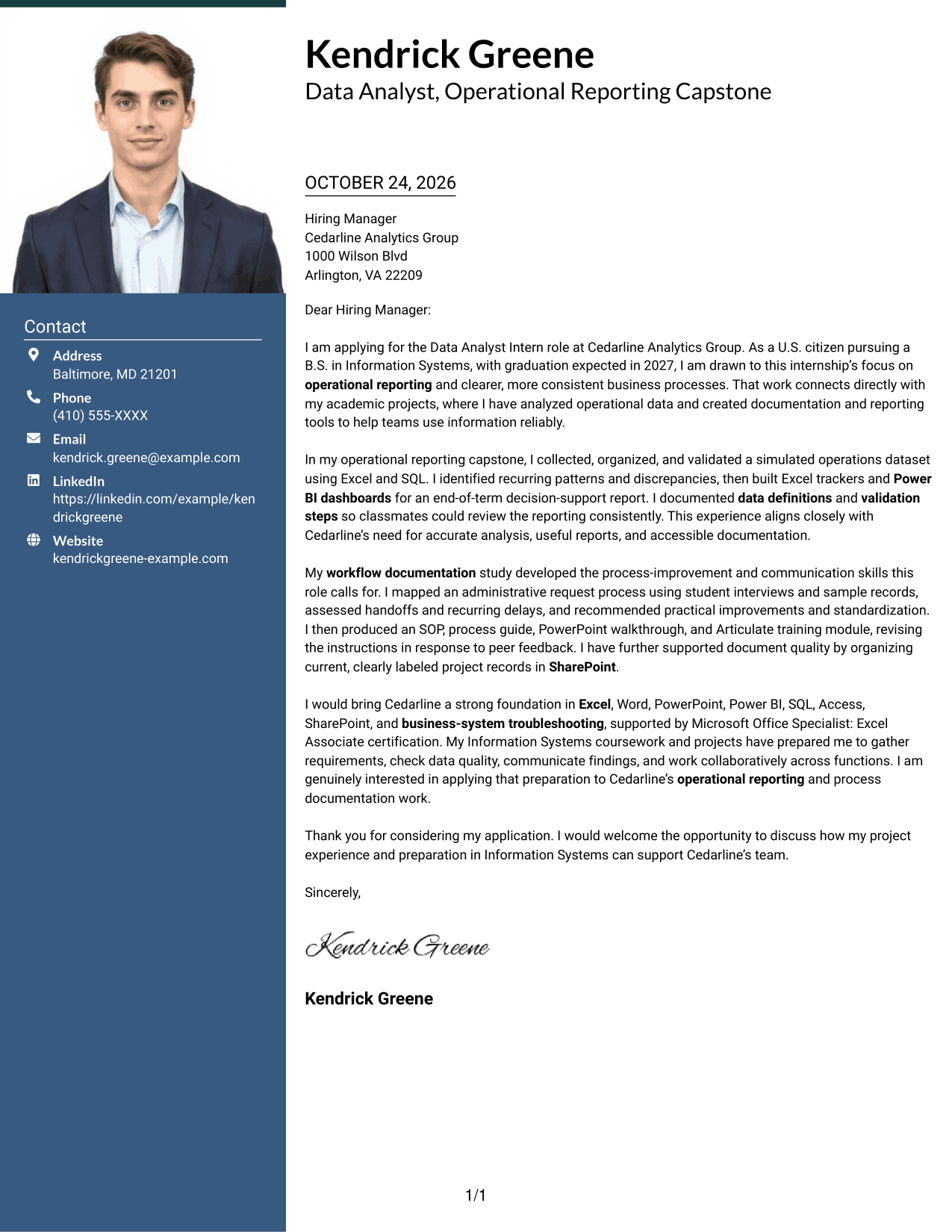
Why This Format Works
- Contact details remain apart from the body, giving readers a clear reference point.
- The single body keeps motivation and supporting evidence together in reading order.
- The included portrait adds a personal visual element to the page.
Best For
- Portrait-inclusive applications
- Separate contact reference
- Continuous letter narratives
- Multi-paragraph application letters
- Photo-based personal identification
#4 One Column Format with Photo Cover Letter Example
The One Column Format with Photo pairs a portrait with a single letter column, offering a visual element without dividing the written message.
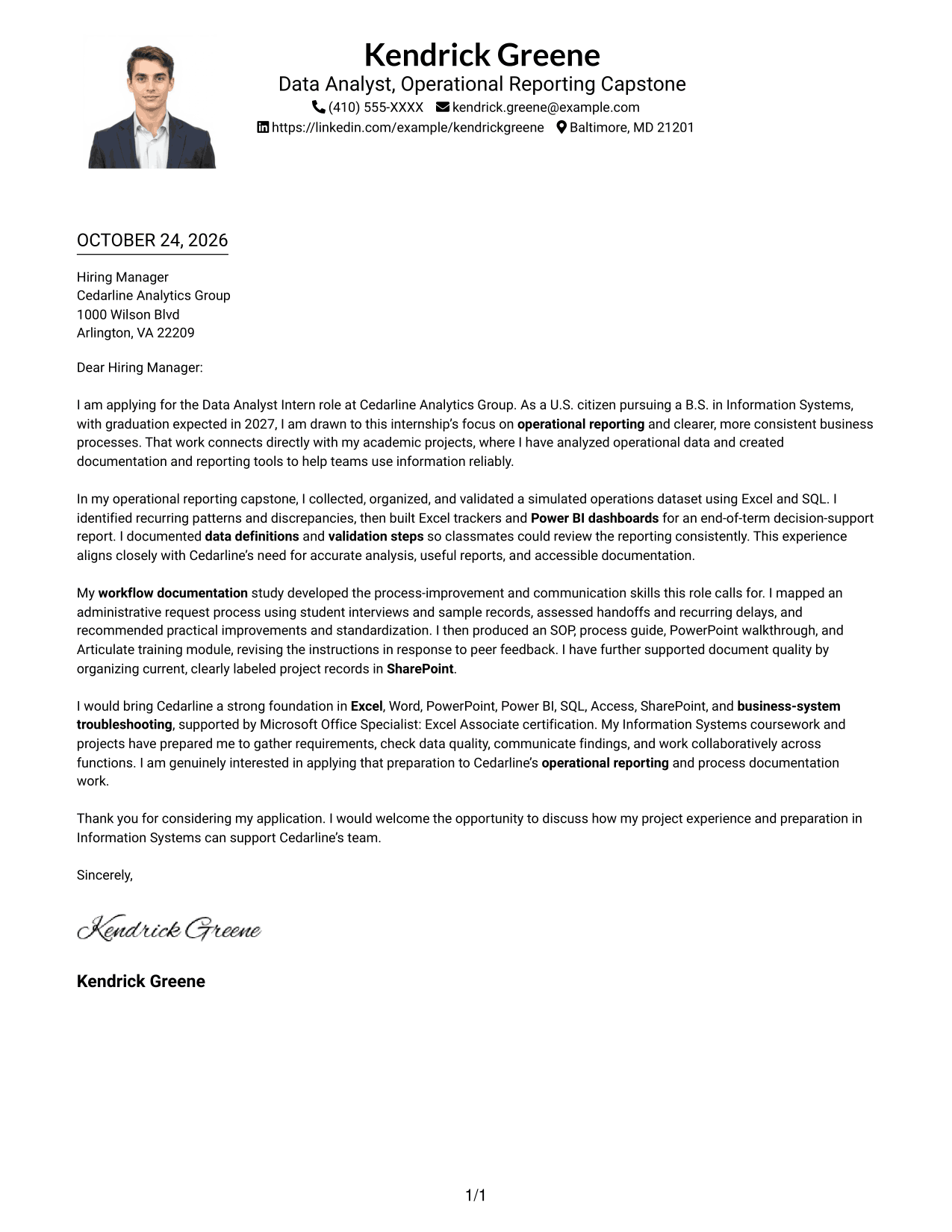
Why This Format Works
- The portrait adds a visual element while the letter stays in one column.
- Sender details in the header stay separate from the connected letter paragraphs.
- Paragraphs carry the message from role interest through evidence to the closing.
Best For
- Single-column reading
- Portrait-inclusive applications
- Header contact details
- Direct letter messaging
- Project-evidence paragraphs
#5 Simple Two Column Format Cover Letter Example
The Simple Two Column Format sets contact details beside a single continuous letter body, making sender information easy to reference while the message stays whole.
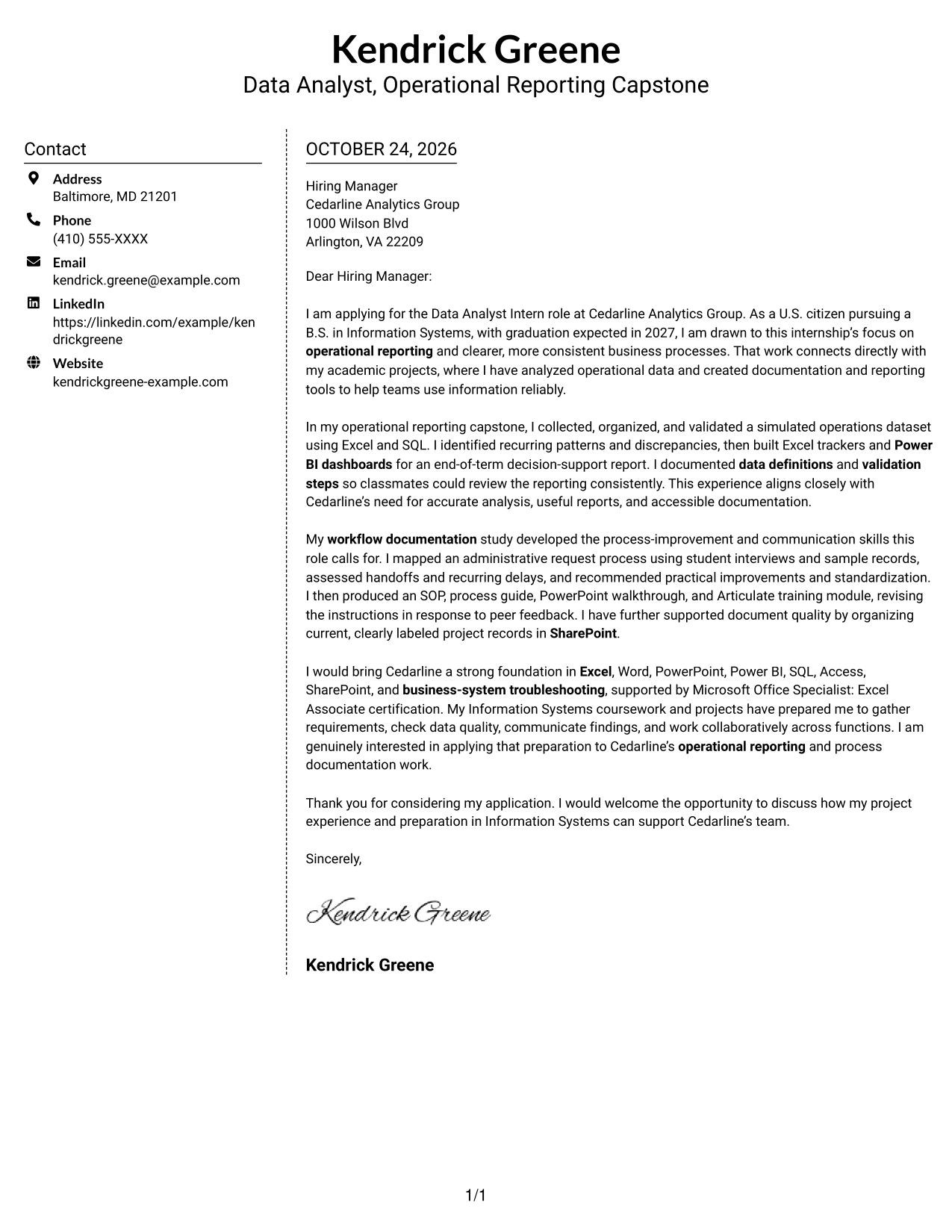
Why This Format Works
- Contact details sit in a sidebar, apart from the letter's persuasive message.
- One body column lets each paragraph add to the letter's case in order.
- Unheaded prose keeps motivation and evidence within a familiar letter structure.
Best For
- Side-by-side contact reference
- Single-body letter text
- Letters with a clear request
- Several supporting paragraphs
- Data analyst internship applications
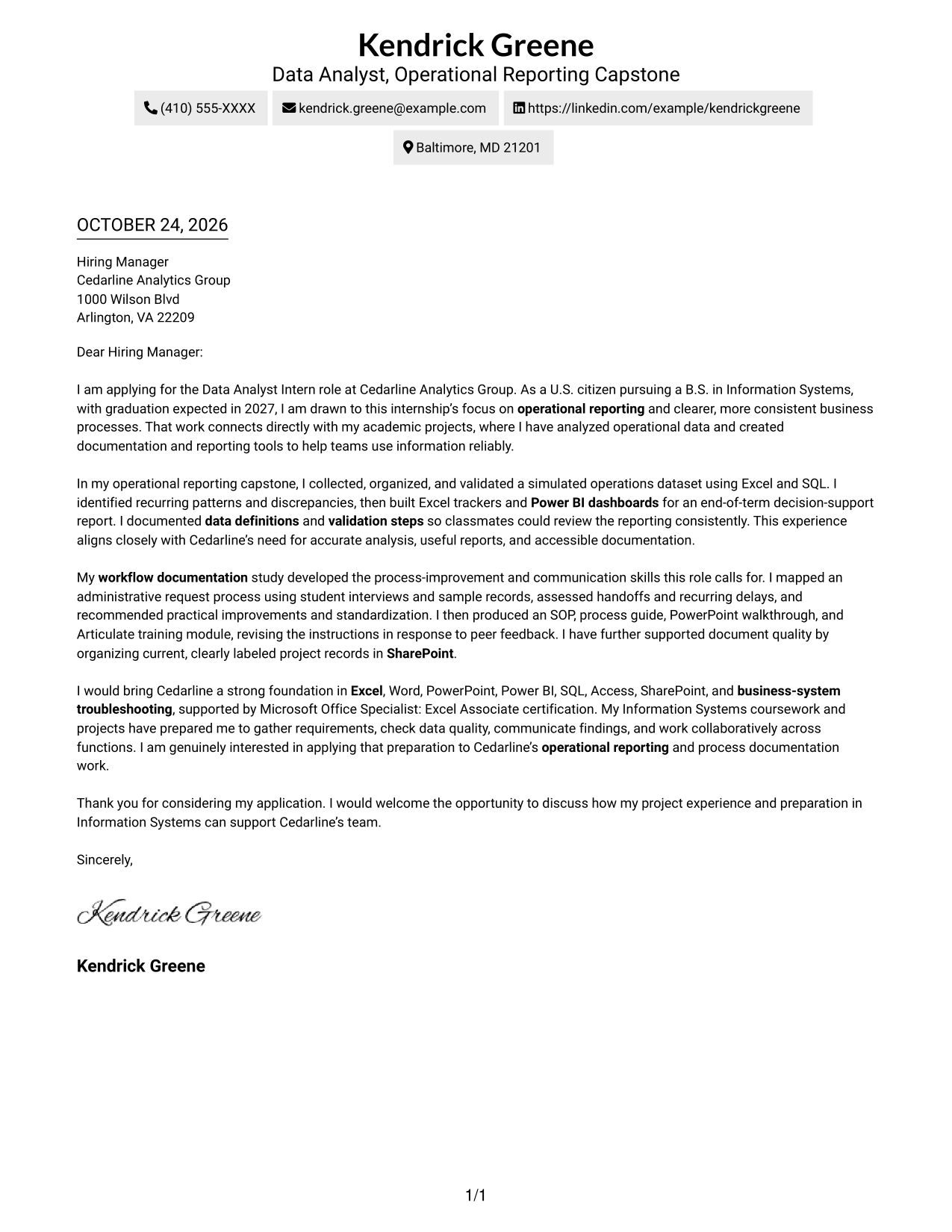
#6 Modern Icon Format Cover Letter Example
The Modern Icon Format uses visual cues around contact details in a two-column layout, helping readers identify sender information while keeping the letter body continuous.
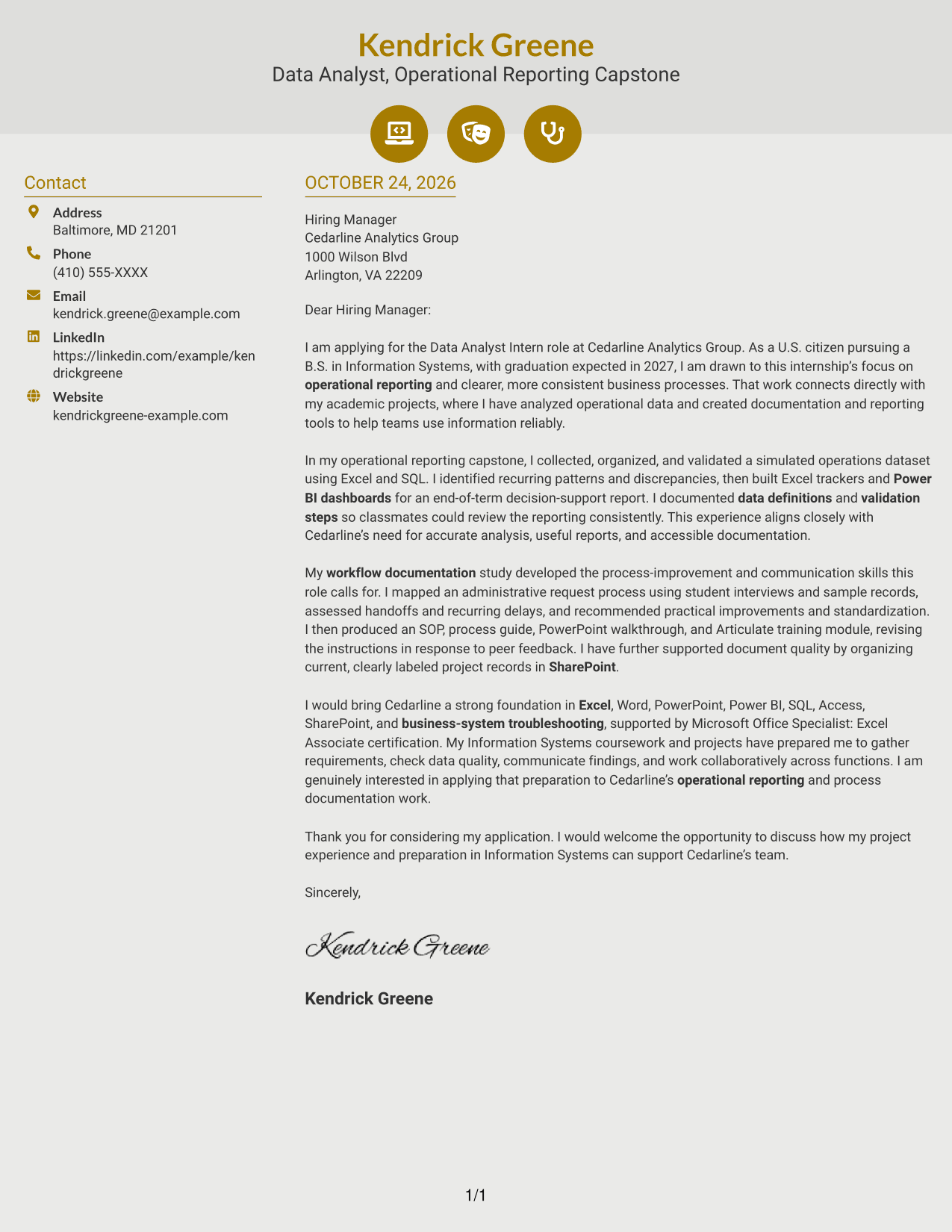
Why This Format Works
- Contact icons give readers visual cues for locating sender information.
- A continuous body keeps the application message in a clear paragraph sequence.
- Decorative header accents add visual interest without labeling the letter's argument.
Best For
- Icon-cued contact details
- Two-column letter layouts
- Unheaded paragraph arguments
- Multi-paragraph applications
- Decorative header accents
#7 Creative Two Tone Format Cover Letter Example
The Creative Two Tone Format places a contact sidebar beside one continuous letter body, giving sender details a separate place while the argument remains together.
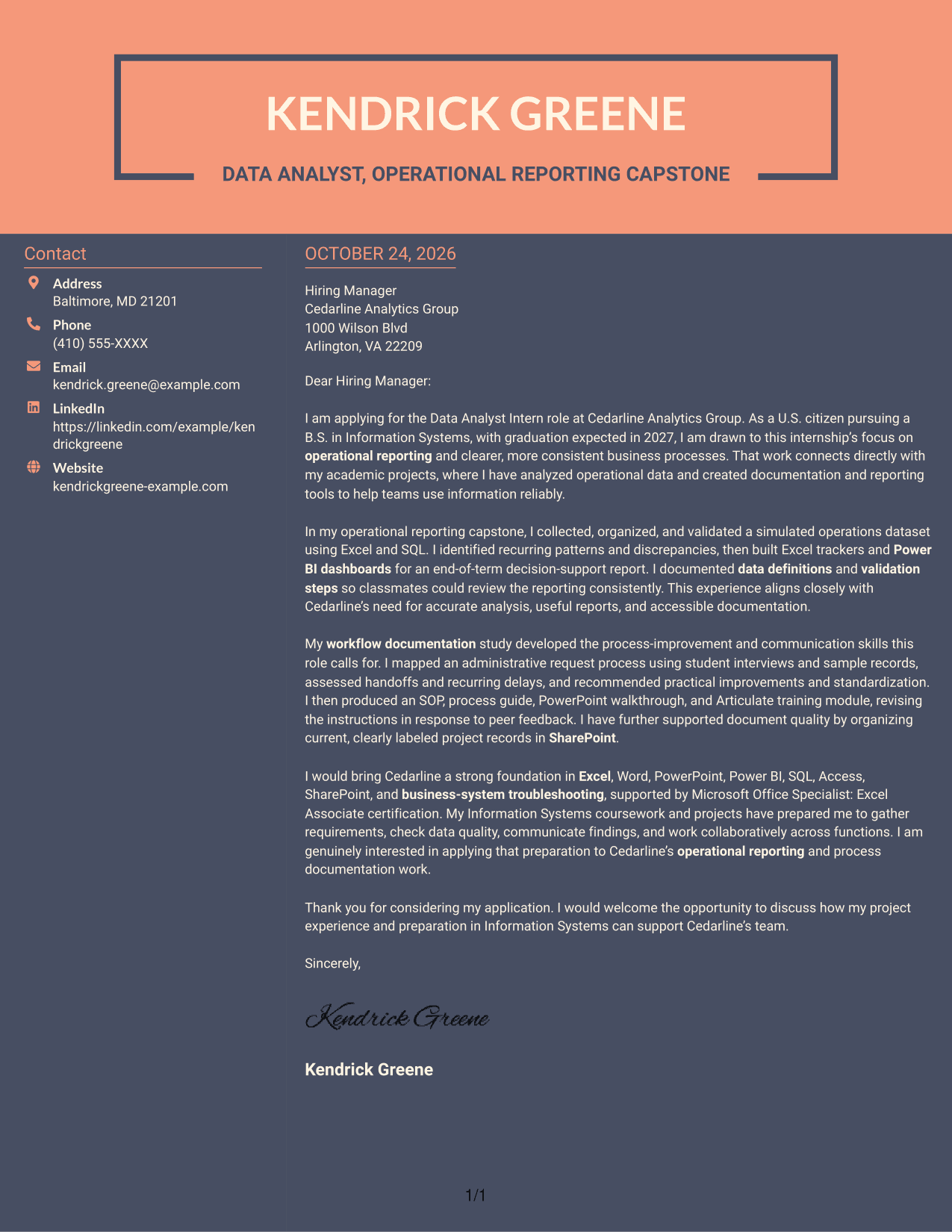
Why This Format Works
- The sidebar keeps sender details separate from the connected letter paragraphs.
- A single body column lets the reader follow each point in order.
- Unlabeled prose supports a direct, familiar style of written persuasion.
Best For
- Contact details apart from prose
- Two-column page organization
- Unheaded application letters
- Several supporting paragraphs
- Direct company motivation
See Also
- 7 Data Analyst Intern - Business Process and Reporting Resume Templates with Example
- 7 Data Analyst - Credit and Financial Reporting Resume Templates with Example
- 7 Data Analyst Intern - Human Services Reporting Resume Templates with Example
- 7 Junior Data Analyst - Reporting and Data Visualization Resume Templates with Example
- 33 Business Data Analyst I Resume Templates with Example 2026 (ATS-Optimized)
- 33 Business Intelligence and Data Analyst Resume Templates with Example 2026 (ATS-Optimized)
- 33 Business Intelligence Data Analyst Resume Templates with Example 2026 (ATS-Optimized)
- 33 Business Systems / Data Analyst Resume Templates with Example 2026 (ATS-Optimized)
- 7 Data Analyst - Credit and Financial Reporting Cover Letter Templates with Example
- 7 Data Analyst Intern - Human Services Reporting Cover Letter Templates with Example
Frequently Asked Questions
What should the opening of this cover letter say?
State your interest in the Data Analyst Intern - Business Process and Reporting role and explain why its focus on reporting and process improvement appeals to you. Keep the opening direct and specific to the position.
How can I show fit for this role?
Use a clear example of relevant work, such as checking data quality, preparing Excel trackers or Power BI dashboards, or documenting a workflow. Explain what you did and how the result supports accurate reporting or clearer processes.
Can academic projects provide useful evidence?
Yes. Describe the project accurately as academic or simulated work, then explain your contribution and its outcomes. For example, you can discuss data validation, workflow review, or creating an SOP and training materials.
How can I align my letter with Cedarline Analytics Group?
Connect your genuine interest to the role’s focus on operational reporting, workflow improvements, and clear documentation. Use examples that show how your preparation relates to those needs without claiming experience you do not have.
How do I choose a cover letter layout?
Choose a clear, easy-to-read presentation that suits the employer and the way you want to communicate. Compare the PNG image previews, then open an example in the editor to view or customize it.




