
7 Data Analyst Intern - Business Process and Reporting Resume Templates with Example
This guide shows you how to build a Data Analyst Intern - Business Process and Reporting resume that is clear, focused, and easy to review. You will learn how to present relevant evidence so your skills and project work are easy to find.
For this role, connect data analysis and operational reporting with clear examples of data validation, workflow review, and process documentation. Excel, Power BI, SQL, SharePoint, SOPs, and user guides can help show how you support accurate reporting and consistent business processes.
The resume example is presented in 7 layouts so you can compare the image previews and choose a format that fits your content. Open an example in the editor to view or customize it.
What Makes a Great Data Analyst Intern - Business Process and Reporting Resume in 2026
A strong resume is easy to scan and connects data work to business processes. Clear sections, focused bullet points, and relevant skills help readers understand your contribution.
Use specific evidence, such as validating records, building Excel trackers or Power BI dashboards, and documenting workflow findings. Include accurate keywords like operational reporting, SQL, SharePoint, requirements gathering, and SOP documentation where they match your experience.
Note: Resume examples are for educational purposes only. Use only information that accurately reflects your experience and qualifications. References to real organizations do not imply affiliation or endorsement.
#1 Simple One Column Format Resume Example
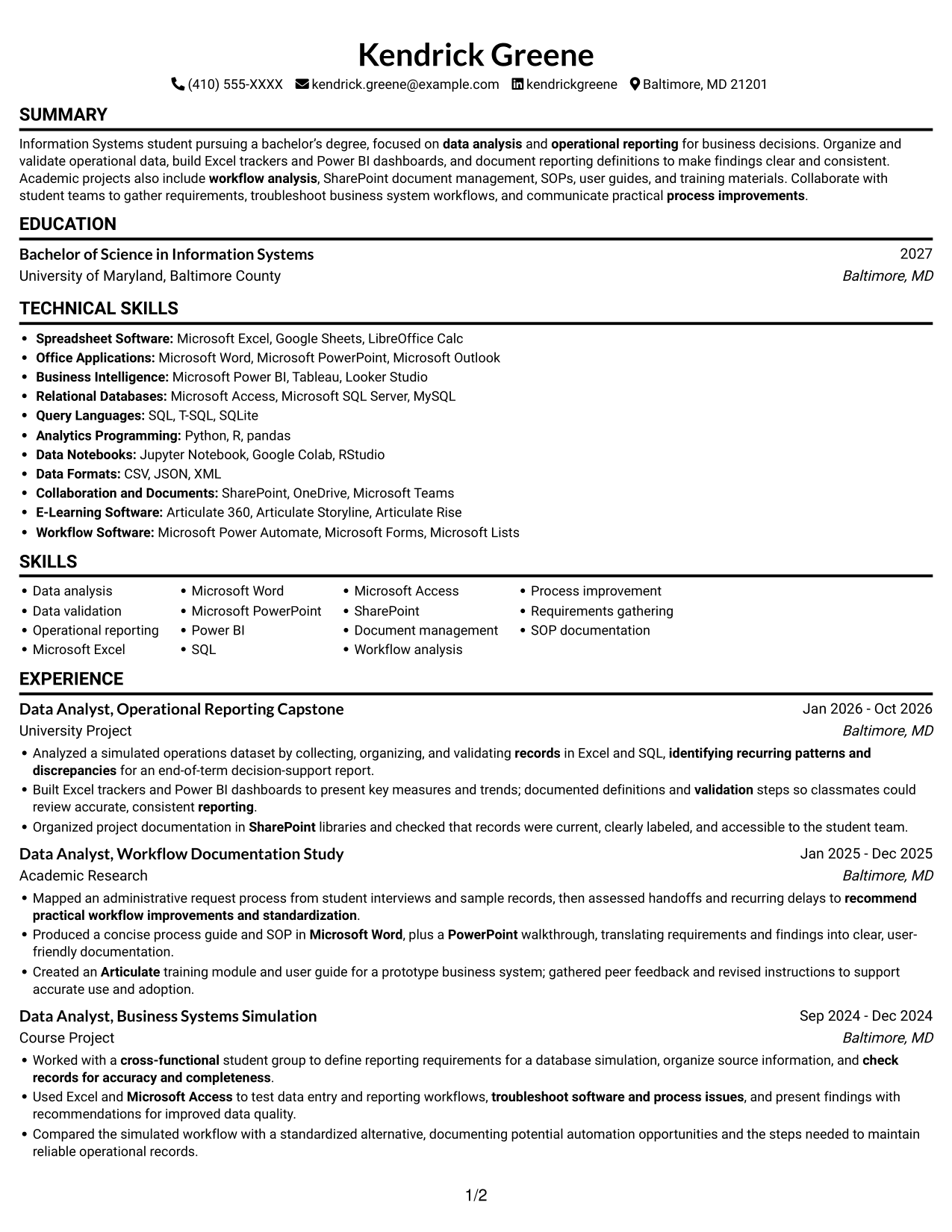
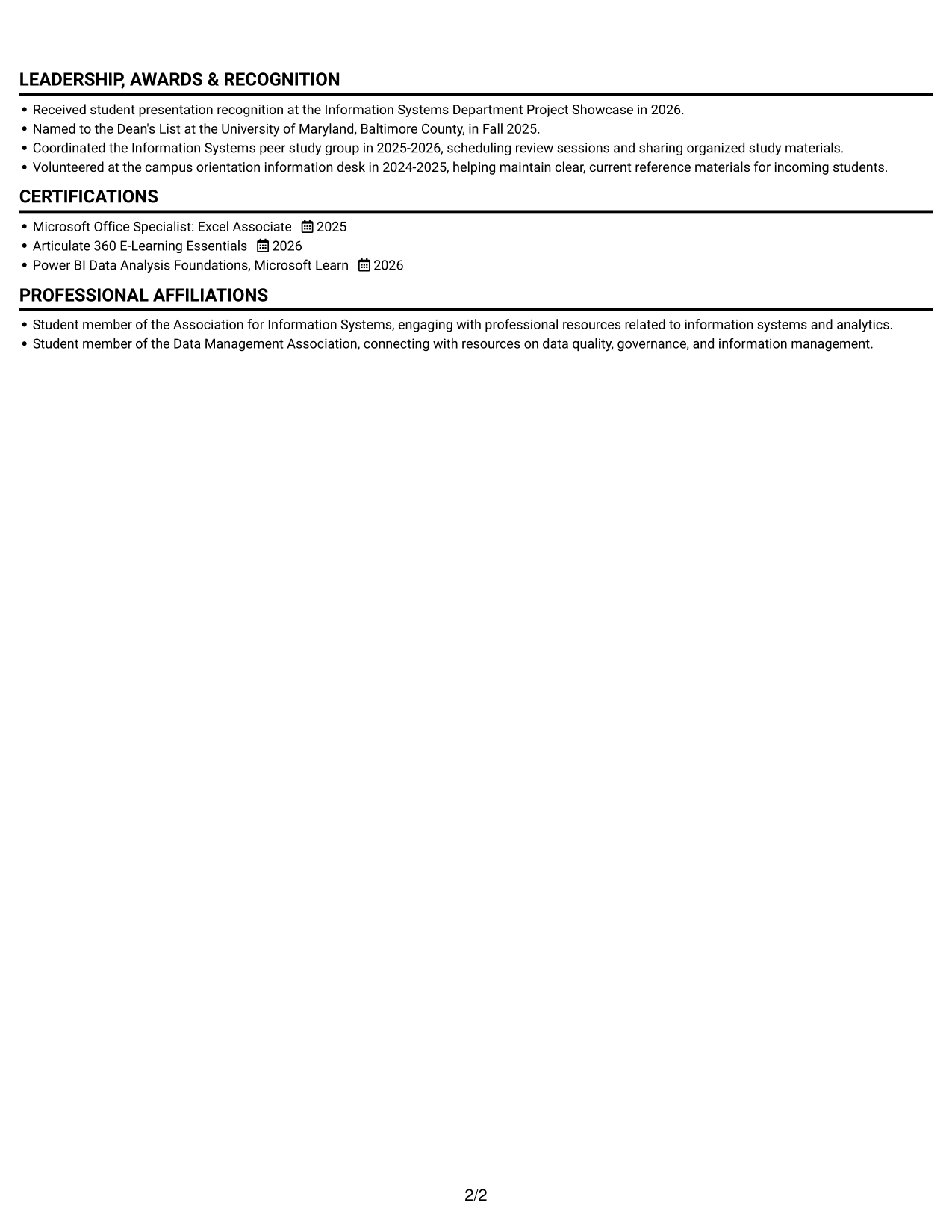
A single-column body keeps every section in one reading path, making the resume's sequence easy to follow.
Why This Format Works
- A single reading path keeps experience, education, and credentials in a clear sequence.
- Section-by-section scanning helps reviewers follow career progression without shifting between columns.
- Skills and certifications remain part of the same linear review path.
Best For
- Straightforward section-by-section review
- Linear career history reading
- Education and experience in sequence
- Compact skills and credentials lists
- ATS-friendly text flow
Resume Keywords
- Information Systems
- data analysis
- operational reporting
- Microsoft Excel
- Microsoft Word
- Microsoft PowerPoint
- documented definitions and validation steps so classmates could review accurate, consistent reporting
- workflow analysis
- process improvements
- recommend practical workflow improvements and standardization
- SharePoint
- document management
- SOPs
- Produced a concise process guide and SOP in Microsoft Word, plus a PowerPoint walkthrough, translating requirements and findings into clear, user-friendly documentation.
- training materials
#2 Simple Two Column Format Resume Example
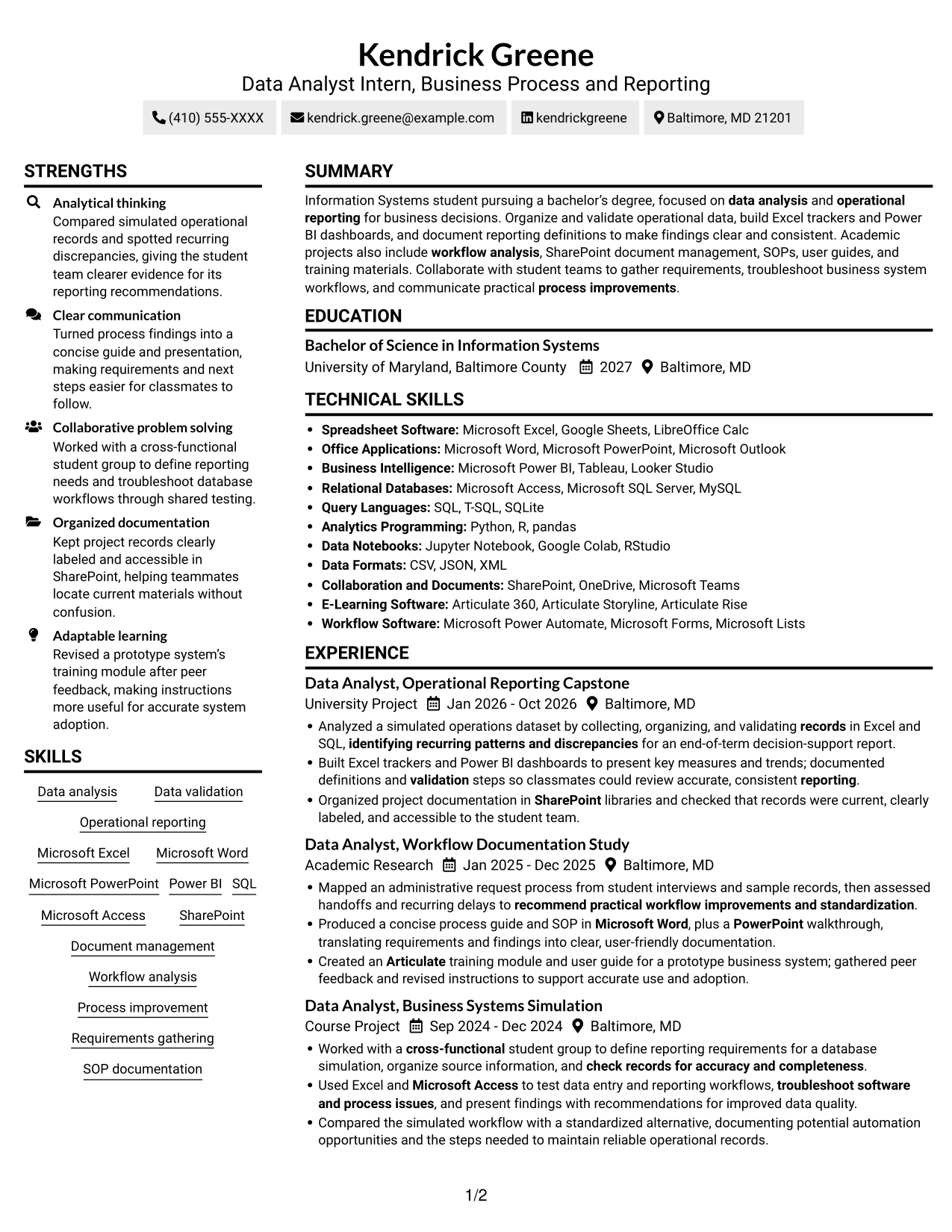
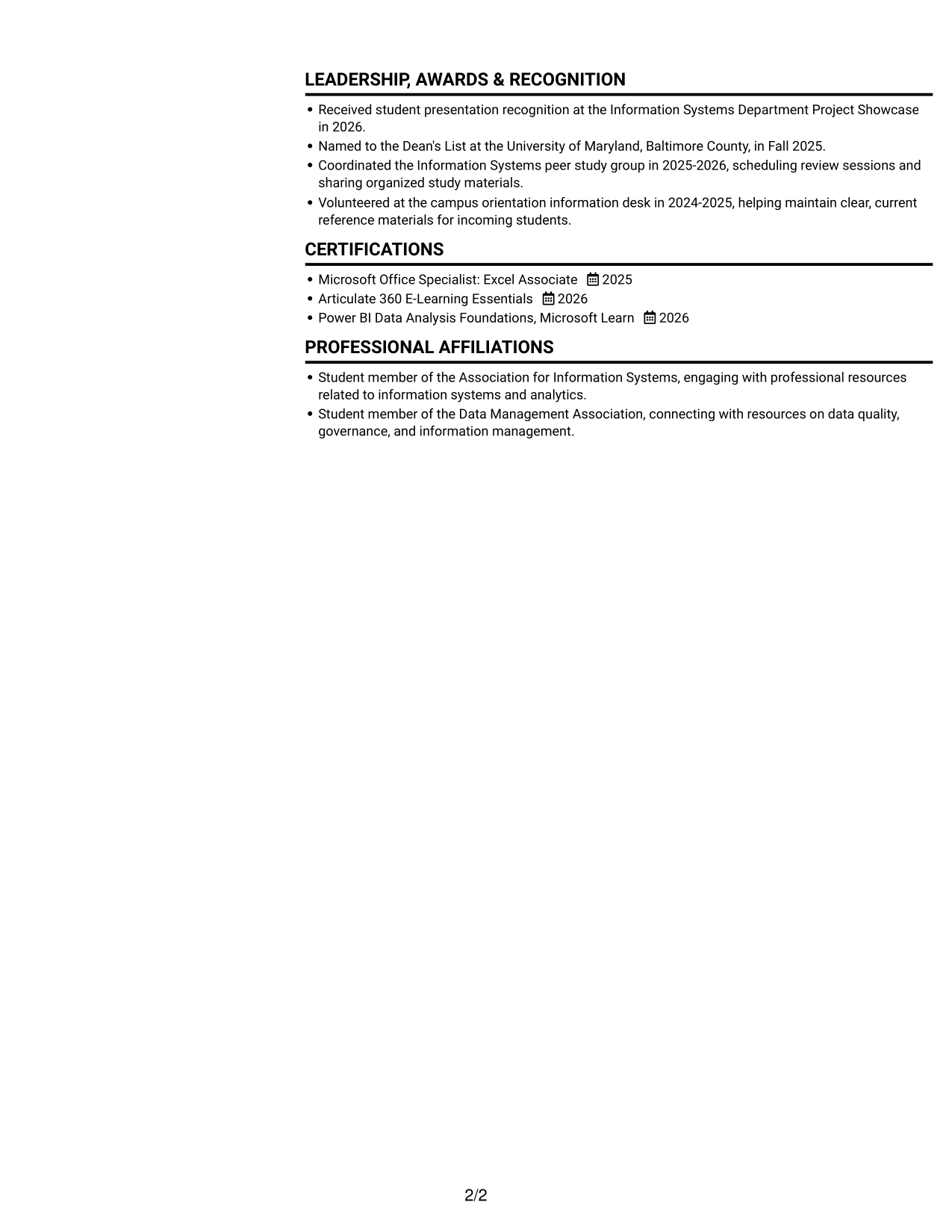
The two-column body gives the resume a compact structure, helping reviewers move between distinct content areas.
Why This Format Works
- Separate column areas help reviewers locate skills while following experience and education sections.
- The two-column structure keeps supporting details visually distinct from the career record.
- Compact content areas suit resumes with varied projects, credentials, and academic details.
Best For
- Parallel content review
- Compact section organization
- Skills beside career details
- Mixed academic and project content
- Readers comparing resume sections
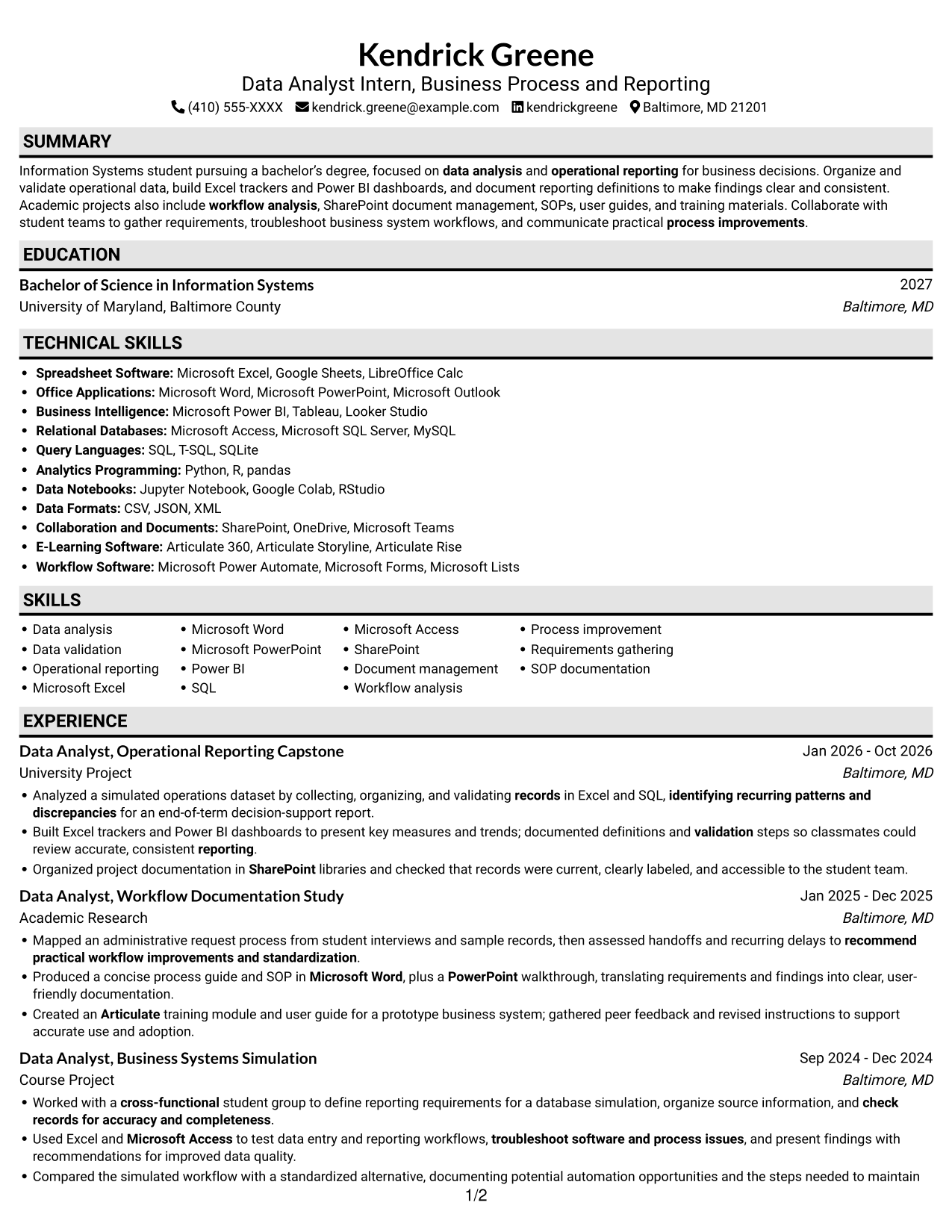
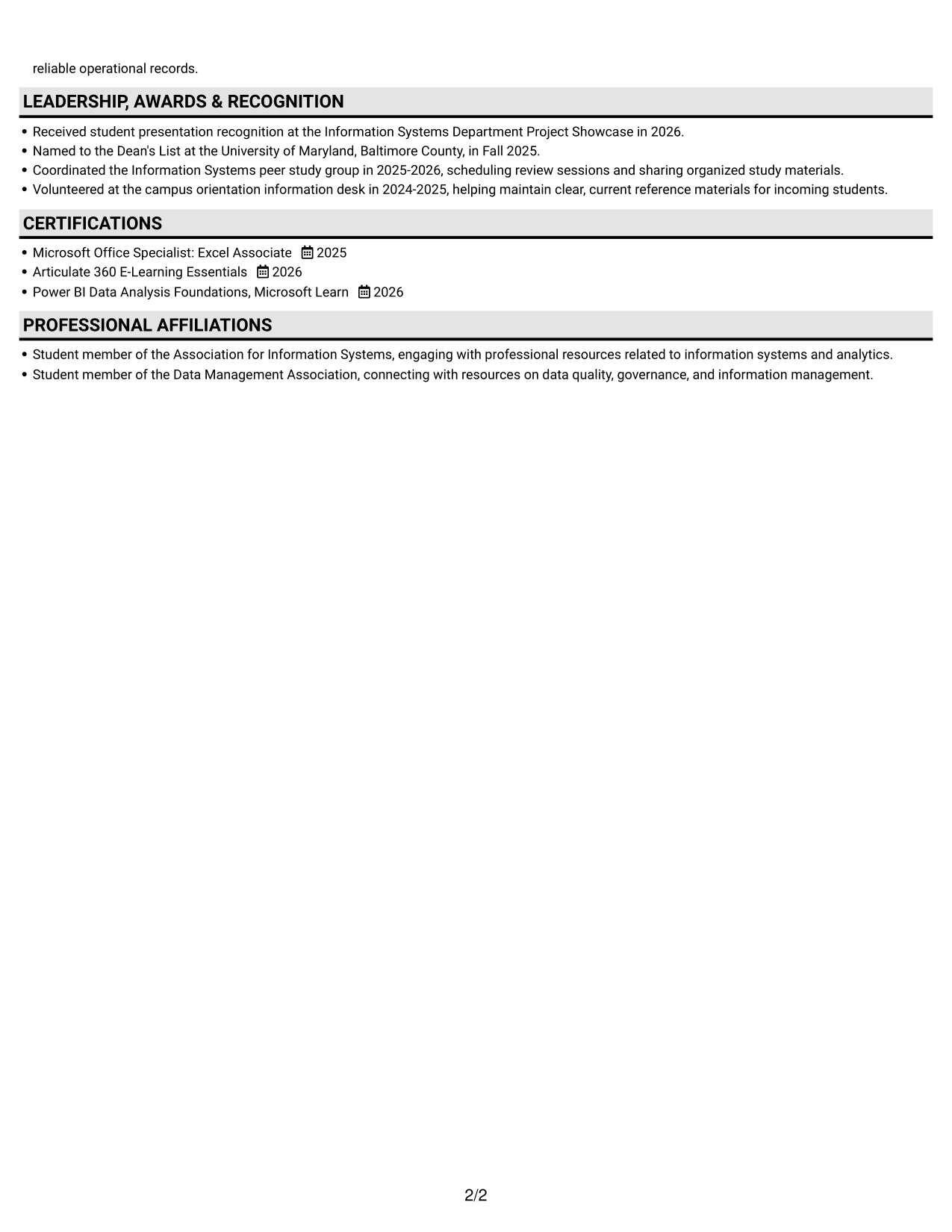
#3 Plain One Column with Shaded Labels Resume Example
One column keeps the resume's sections in a shared reading sequence, supporting a steady review from top to bottom.
Why This Format Works
- A continuous reading path lets reviewers follow experience from earlier roles to later work.
- Education, skills, and credentials stay within the same section sequence.
- Reviewers can scan the resume without moving between separate content columns.
Best For
- Continuous section-by-section reading
- Career history in sequence
- Education and credentials alongside experience
- Simple text-based review
- ATS-friendly document flow
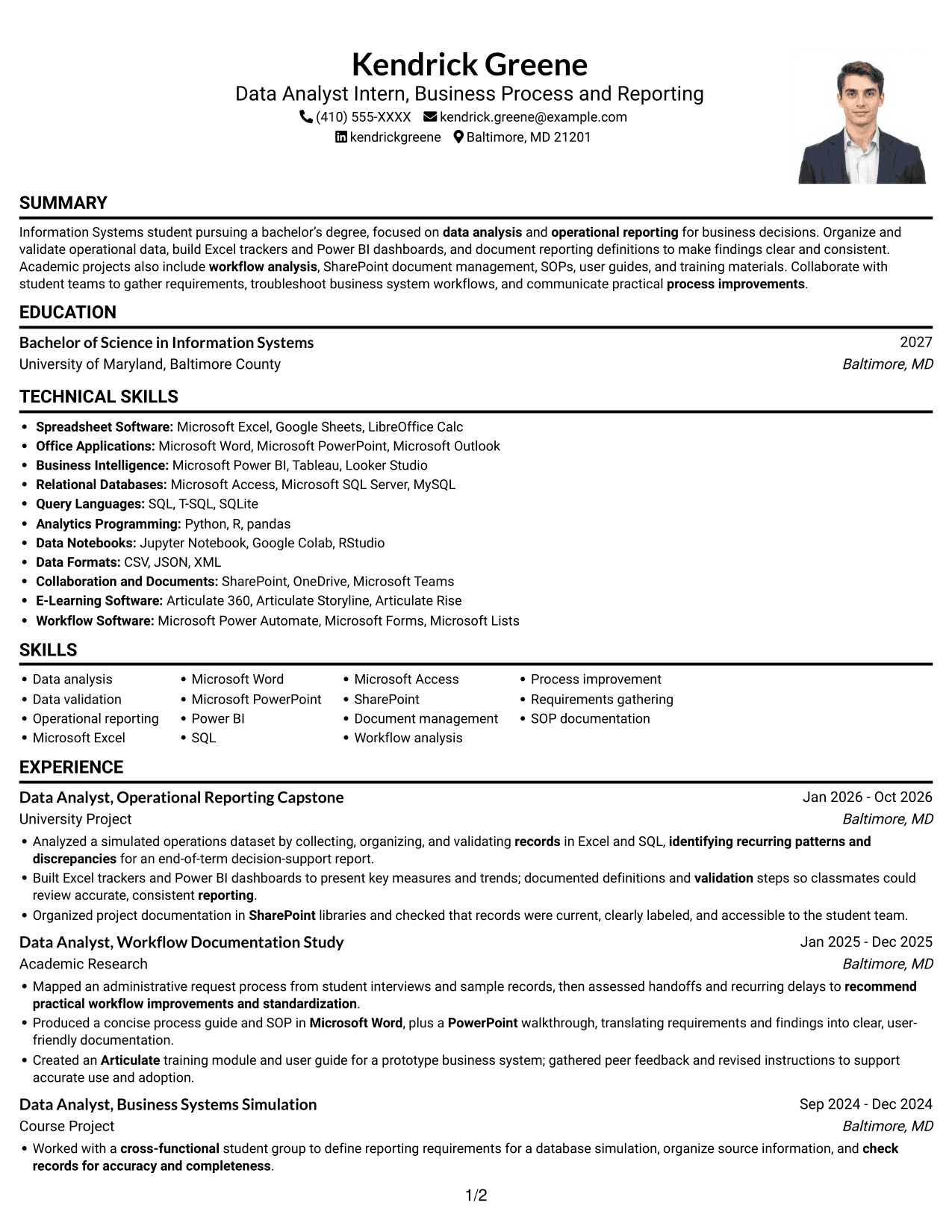
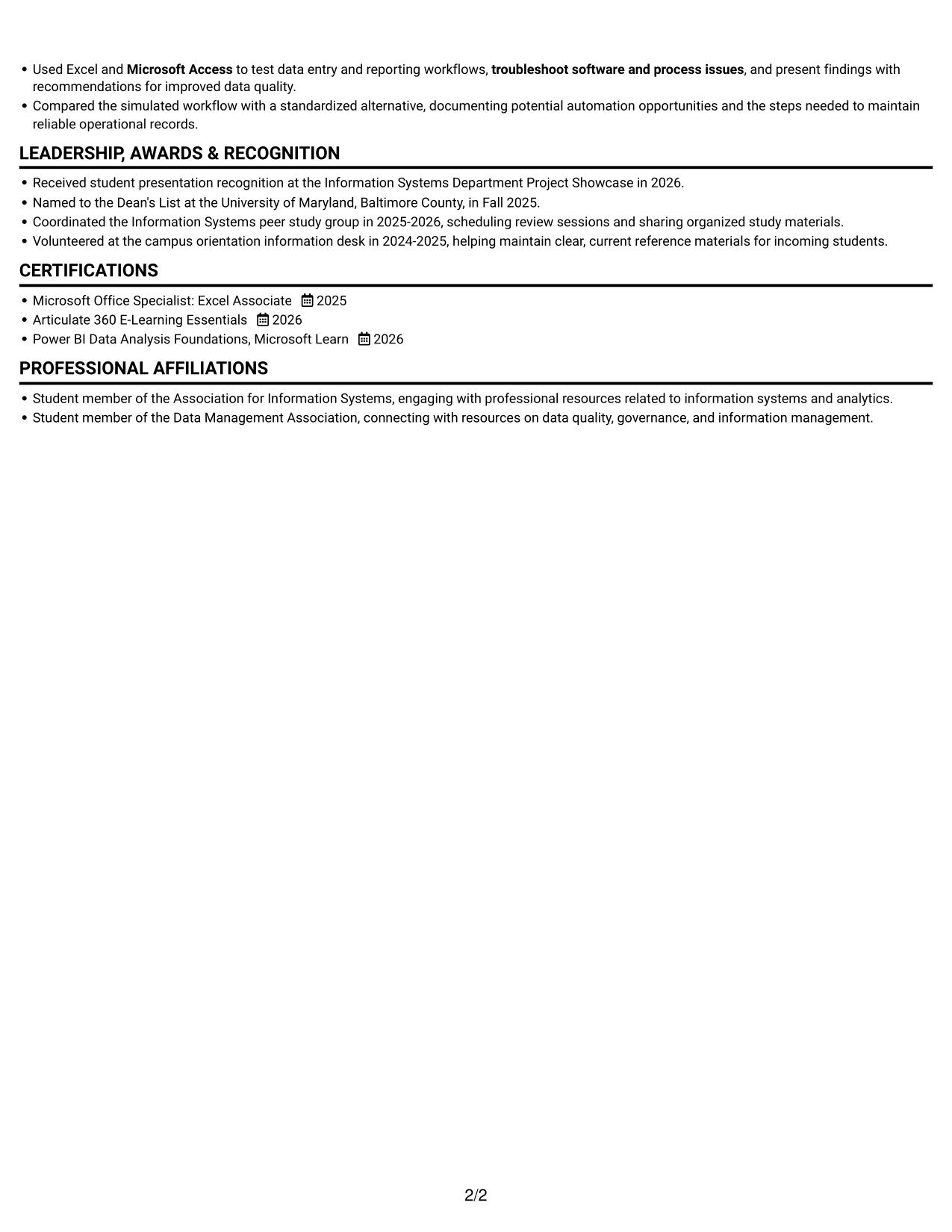
#4 One Column Format with Photo Right Resume Example
A photo paired with a one-column body adds a personal image while keeping resume content in one reading path.
Why This Format Works
- The single-column sequence helps reviewers follow experience and education without changing reading direction.
- Skills and credentials remain within the same linear section flow.
- A one-column body keeps project details connected to the rest of the career record.
Best For
- Resume with a personal photo
- Linear reading preference
- Career history in sequence
- Projects alongside experience
- Simple section navigation
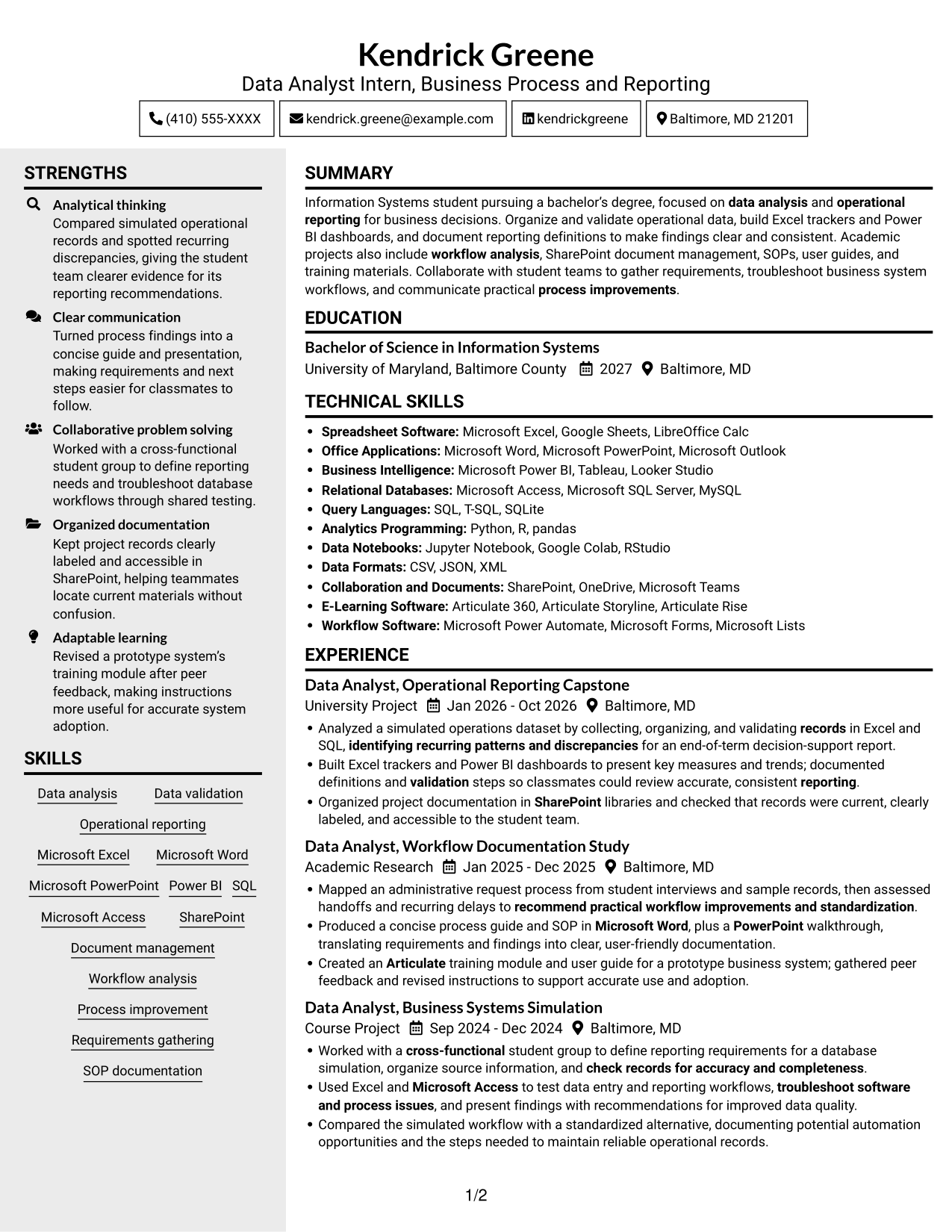
#5 Clean Two Column Sidebar Format Resume Example
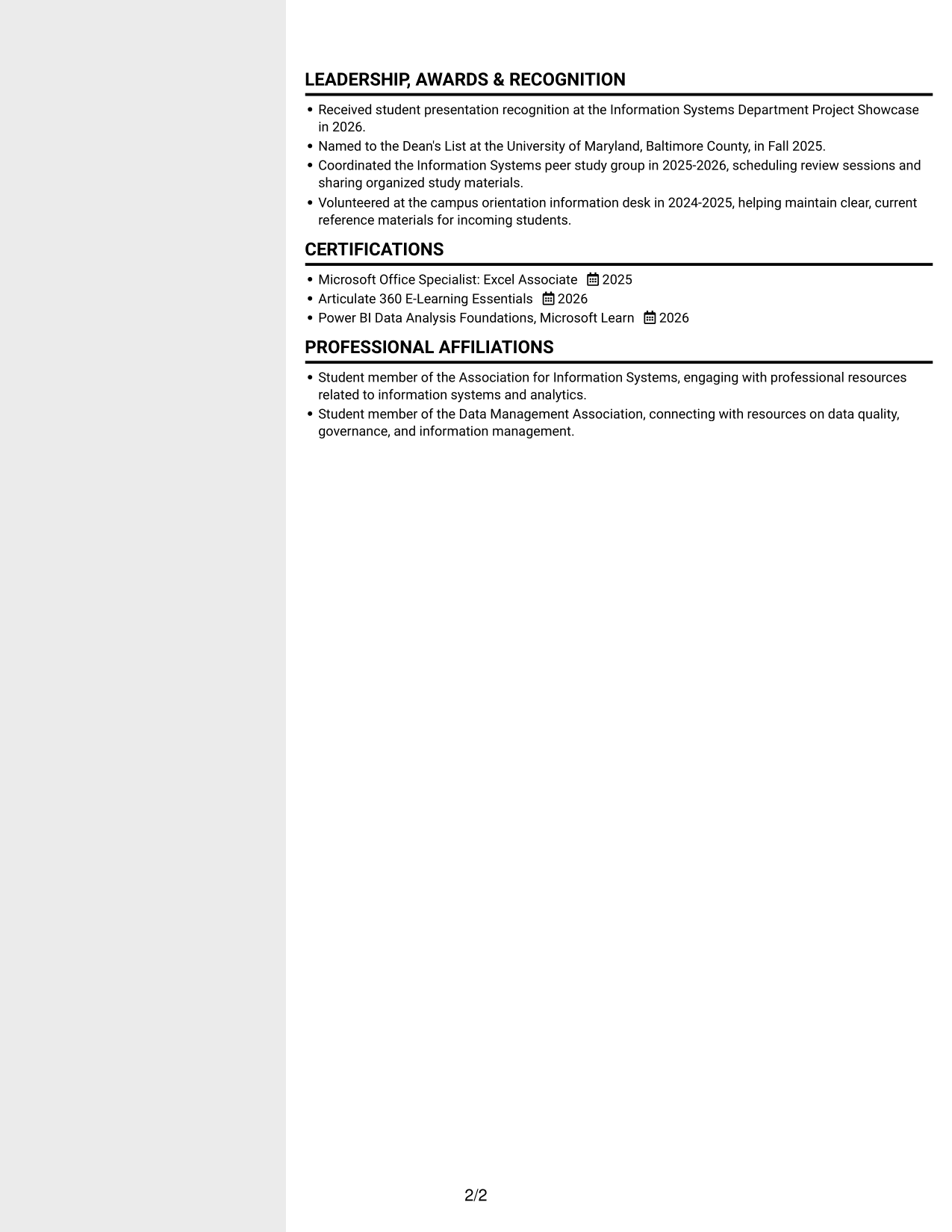
Two columns create distinct areas for resume content, giving reviewers a compact way to locate different sections.
Why This Format Works
- Distinct column areas make skills easier to locate alongside experience and education.
- The compact body gives projects and credentials room within the resume's overall structure.
- Reviewers can move between content areas without reading every section as one long block.
Best For
- Compact section navigation
- Parallel content review
- Skills and experience in separate areas
- Several supporting resume sections
- Quick comparison across content areas
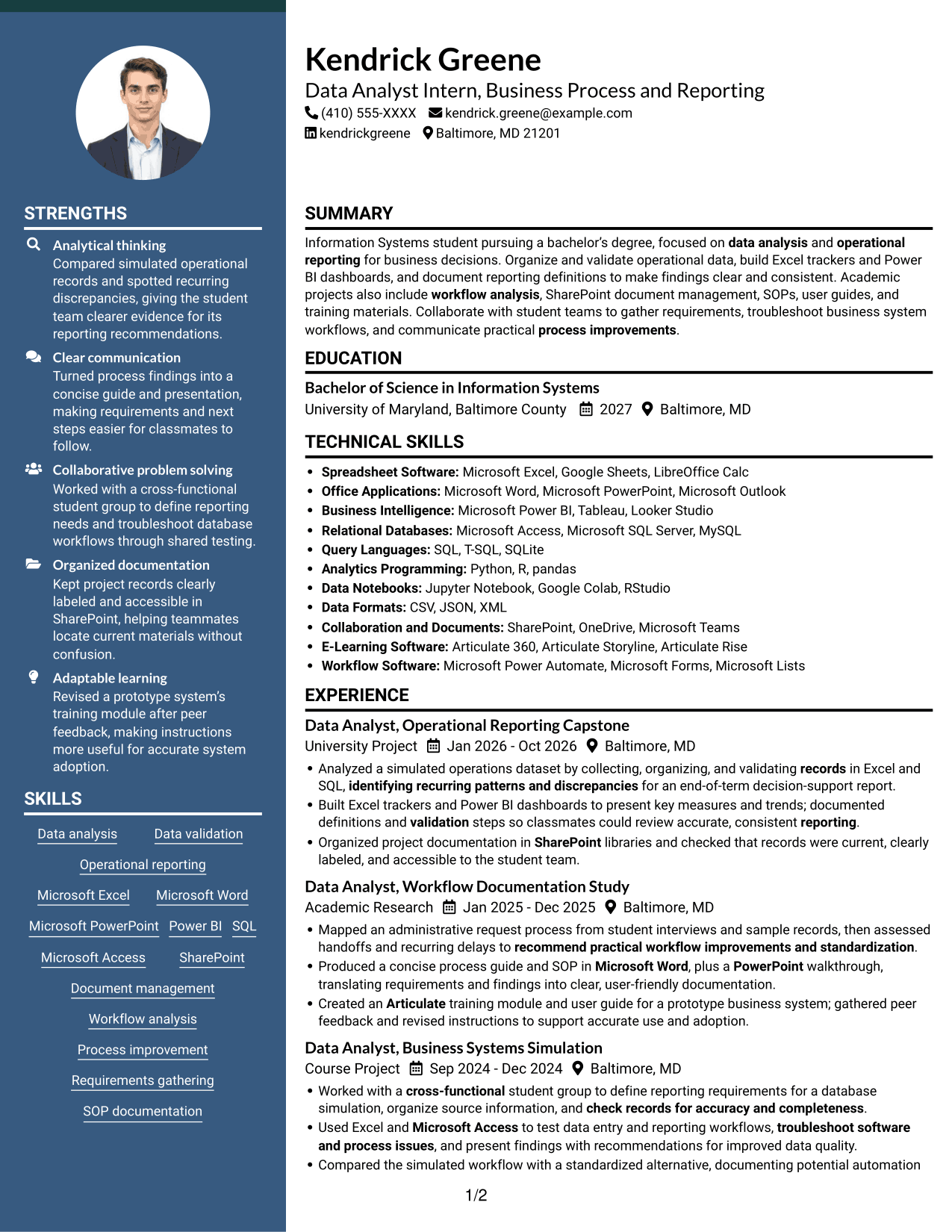
#6 Two Column Format Resume Example
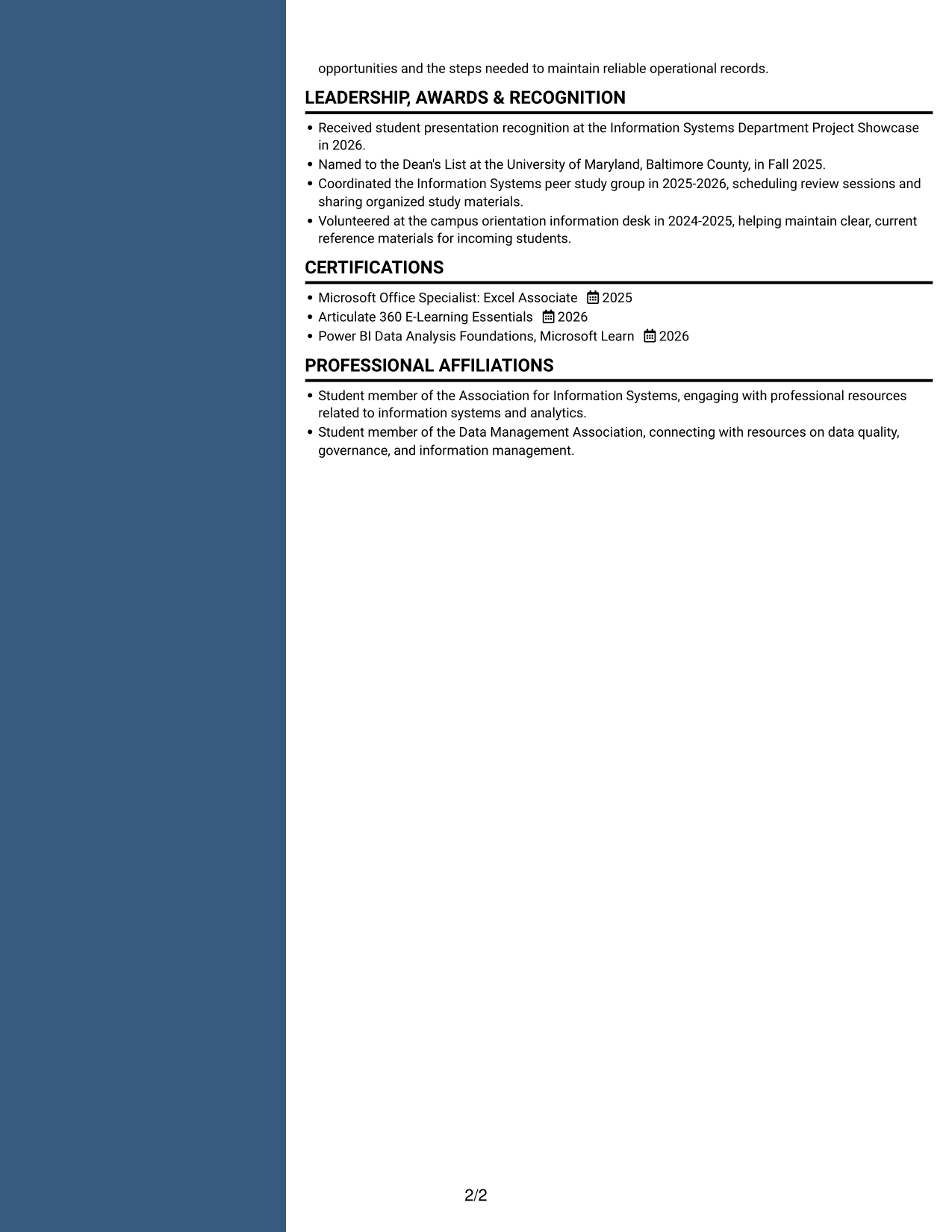
The two-column layout separates resume content into distinct areas, helping reviewers find key sections within a compact structure.
Why This Format Works
- Separate content areas let reviewers move between experience and skills with less page scanning.
- The two-column reading order keeps education and credentials easy to locate.
- Projects can be reviewed as a distinct part of the broader resume structure.
Best For
- Compact resume organization
- Distinct section areas
- Projects and experience together
- Fast section lookup
- Readers reviewing varied content
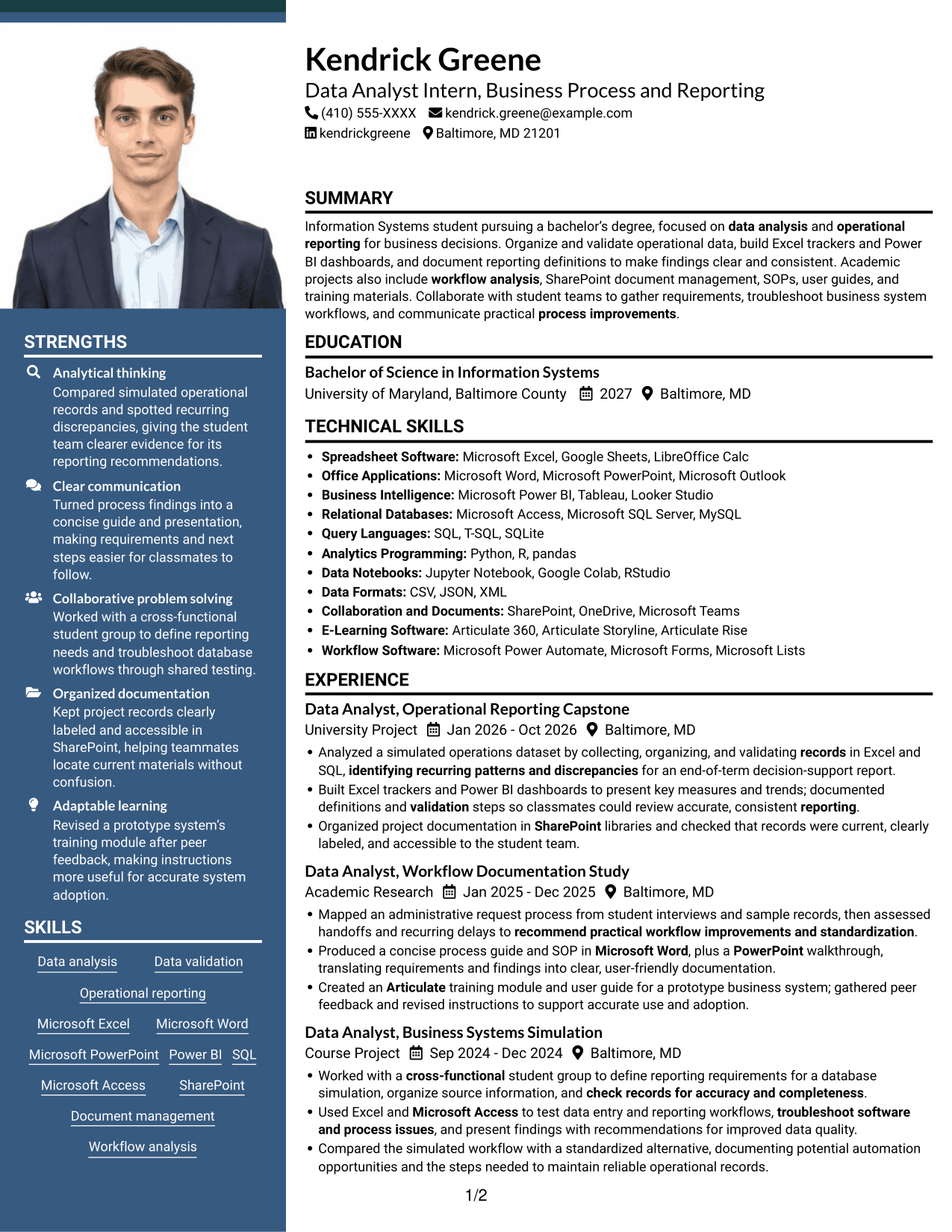
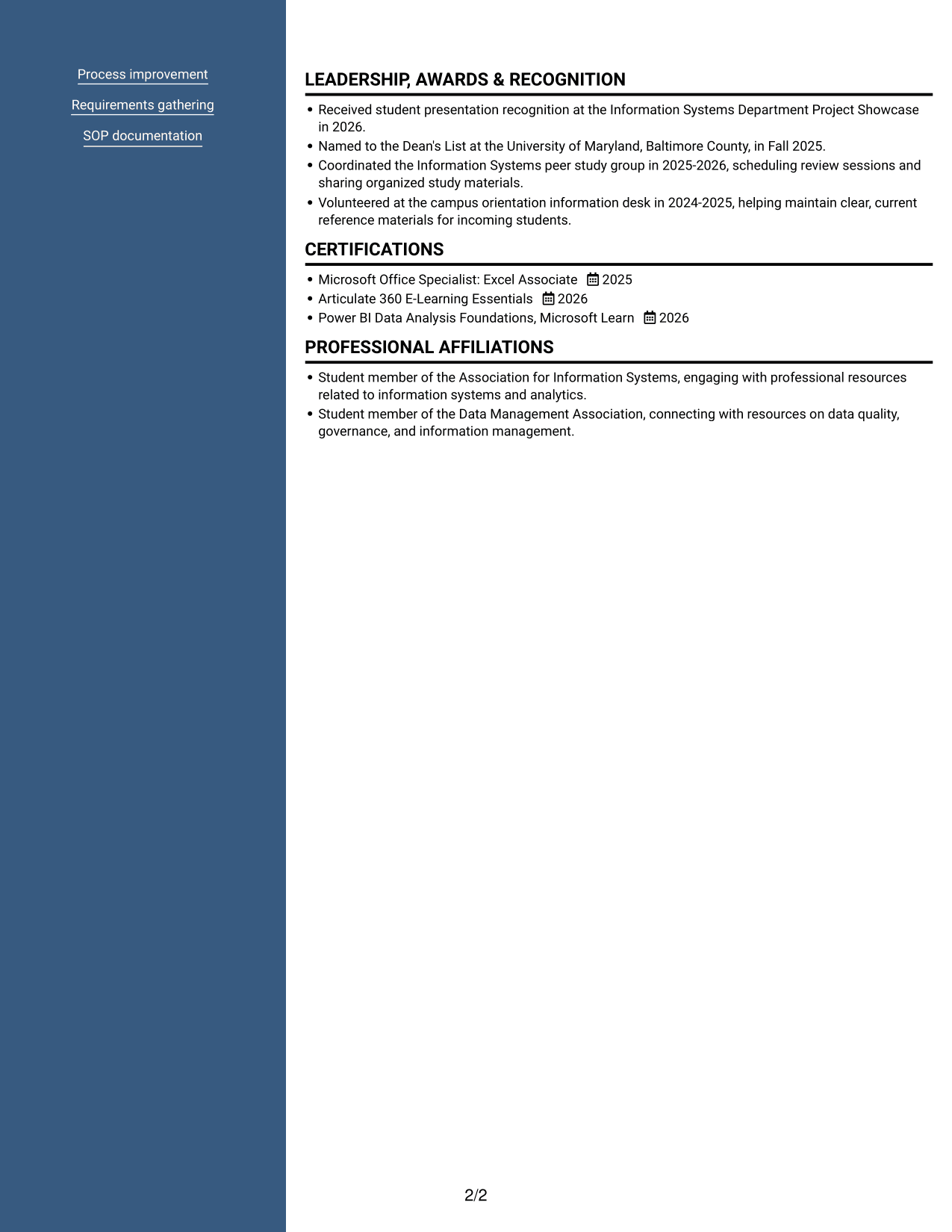
#7 Photo Header Two Column Format Resume Example
A photo header and two-column body combine a personal image with compact organization for the resume's sections.
Why This Format Works
- The two-column body gives reviewers separate areas for experience, skills, and education.
- A compact section structure supports scanning across projects and credentials.
- The photo appears in the header while resume content remains organized in two columns.
Best For
- Photo header preference
- Compact two-column reading
- Separate resume content areas
- Projects alongside credentials
- Visual identification with organized sections
See Also
- 7 Data Analyst - Credit and Financial Reporting Resume Templates with Example
- 7 Data Analyst Intern - Human Services Reporting Resume Templates with Example
- 7 Junior Data Analyst - Reporting and Data Visualization Resume Templates with Example
- 33 Business Data Analyst I Resume Templates with Example 2026 (ATS-Optimized)
- 33 Business Intelligence and Data Analyst Resume Templates with Example 2026 (ATS-Optimized)
- 33 Business Intelligence Data Analyst Resume Templates with Example 2026 (ATS-Optimized)
- 33 Business Systems / Data Analyst Resume Templates with Example 2026 (ATS-Optimized)
- 7 Data Analyst Intern - Business Analytics Resume Templates with Example
- 7 Data Analyst Intern - Business Process and Reporting Cover Letter Templates with Example
- 7 Data Analyst - Credit and Financial Reporting Cover Letter Templates with Example
Frequently Asked Questions
Are these Data Analyst Intern - Business Process and Reporting resume templates ATS-friendly?
They use clear section headings and organized resume content. To support ATS review, use standard section names and include relevant terms such as data validation, operational reporting, Excel, Power BI, SQL, workflow analysis, and SharePoint when they accurately describe your experience.
Are these different resumes or different layouts of one example?
The page presents one Data Analyst Intern - Business Process and Reporting resume example in several layouts. The content stays focused on the target role while the visual arrangement changes.
What should a Data Analyst Intern - Business Process and Reporting resume include?
Include a focused summary, education, relevant projects or experience, technical skills, and certifications. Use concise bullet points to show data validation, reporting, workflow analysis, documentation, and practical recommendations.
Which resume format works well for this role?
Choose a format with familiar headings and a clear order for skills, education, and relevant experience. A simple layout can help readers find your reporting and process work quickly.
How can academic projects support this resume?
Describe the data or process you worked with, the tools you used, and what you produced. Examples may include an Excel tracker, a Power BI dashboard, a documented workflow review, or an SOP, when these reflect your actual work.
Should I include a photo on my resume?
For U.S. applications, a resume without a photo is generally the safer choice. Use a photo only when it is customary or specifically requested for your location or field.




