
7 Data Analyst Intern - Data Visualization Cover Letter Templates with Example
This practical guide to a Data Analyst Intern - Data Visualization cover letter compares seven layouts and shows how to present your fit with clear, persuasive evidence.
What Makes a Great Data Analyst Intern - Data Visualization Cover Letter in 2026
A strong letter opens with a clear reason for pursuing data visualization work and connects that interest to the role. It shows how careful analysis can become useful visual findings for stakeholders.
Use concise evidence such as checking data quality, building a Tableau dashboard, or explaining findings to reviewers. Connect that work to the employer’s focus on reliable analysis, clear reporting, and stakeholder decisions.
The featured Data Analyst Intern - Data Visualization letter moves from role motivation to data-quality and dashboard evidence, then to stakeholder communication and a focused close. Use that progression as a guide while choosing a presentation that fits the employer and the communication context.
#1 Simple One Column Format Cover Letter Example
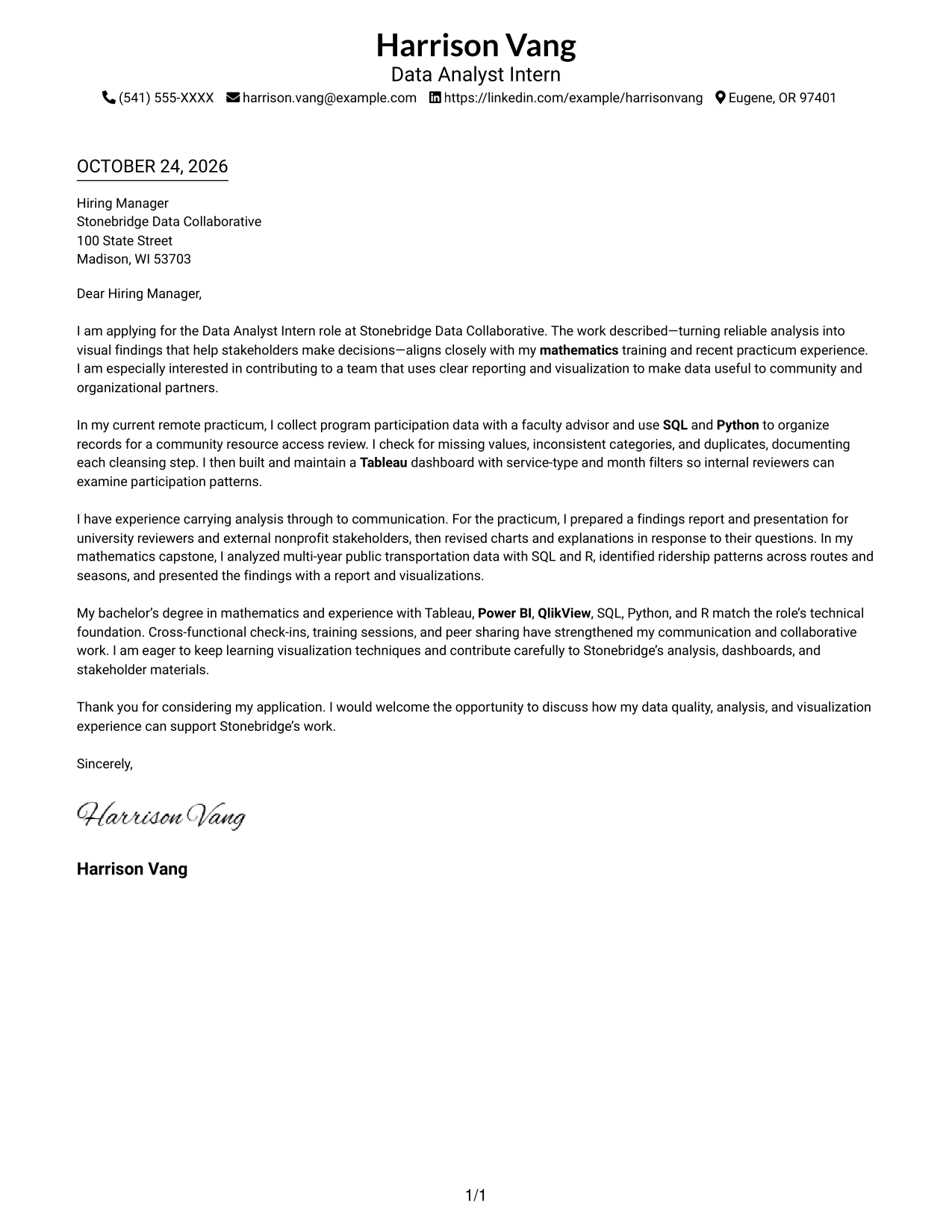
The Simple One Column Format places sender details in the header above one letter column, keeping the page structure direct and easy to follow.
Why This Format Works
- Header contact details stay easy to locate without interrupting the body.
- Opening, supporting paragraphs, and closing remain in one continuous sequence.
- Reviewers can follow the message without switching between body columns.
Best For
- One-column letter layouts
- Header-based contact details
- Multi-paragraph messages
- Top-to-bottom reading
- Text-first presentation
#2 Two Column Format Cover Letter Example
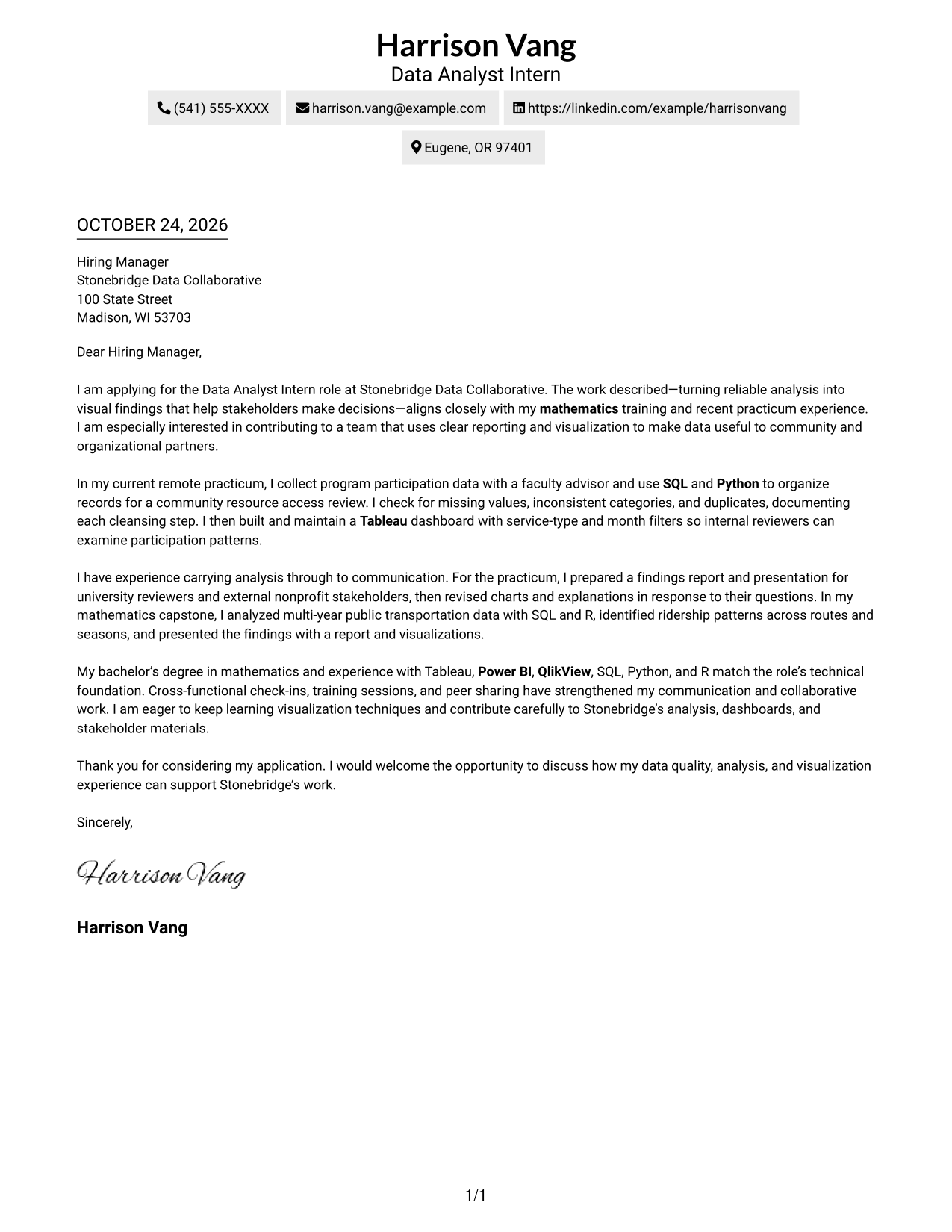
The Two Column Format places a contact sidebar beside one continuous letter body, keeping correspondence details visually apart from the message.
Why This Format Works
- The sidebar separates correspondence details from the paragraphs that make the case.
- Opening, supporting paragraphs, and closing stay together in one body column.
- Readers can refer to contact information while the letter remains a continuous message.
Best For
- Contact sidebar reference
- Full correspondence details
- Multi-paragraph application letters
- Side-by-side page organization
- Continuous persuasive messages
#3 Photo Header Two Column Format Cover Letter Example
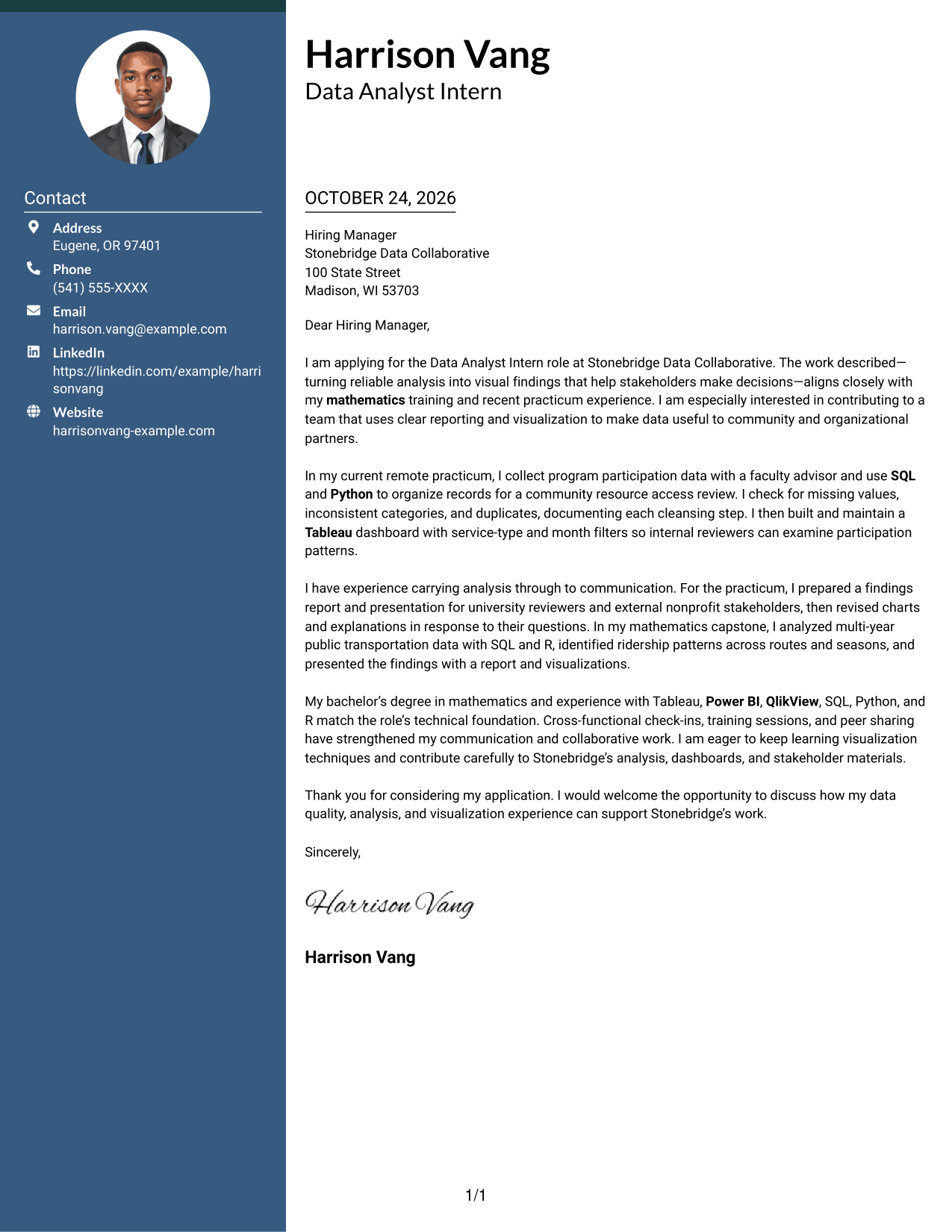
The Photo Header Two Column Format combines a contact sidebar and continuous letter body with a photo for readers who prefer a portrait-inclusive page.
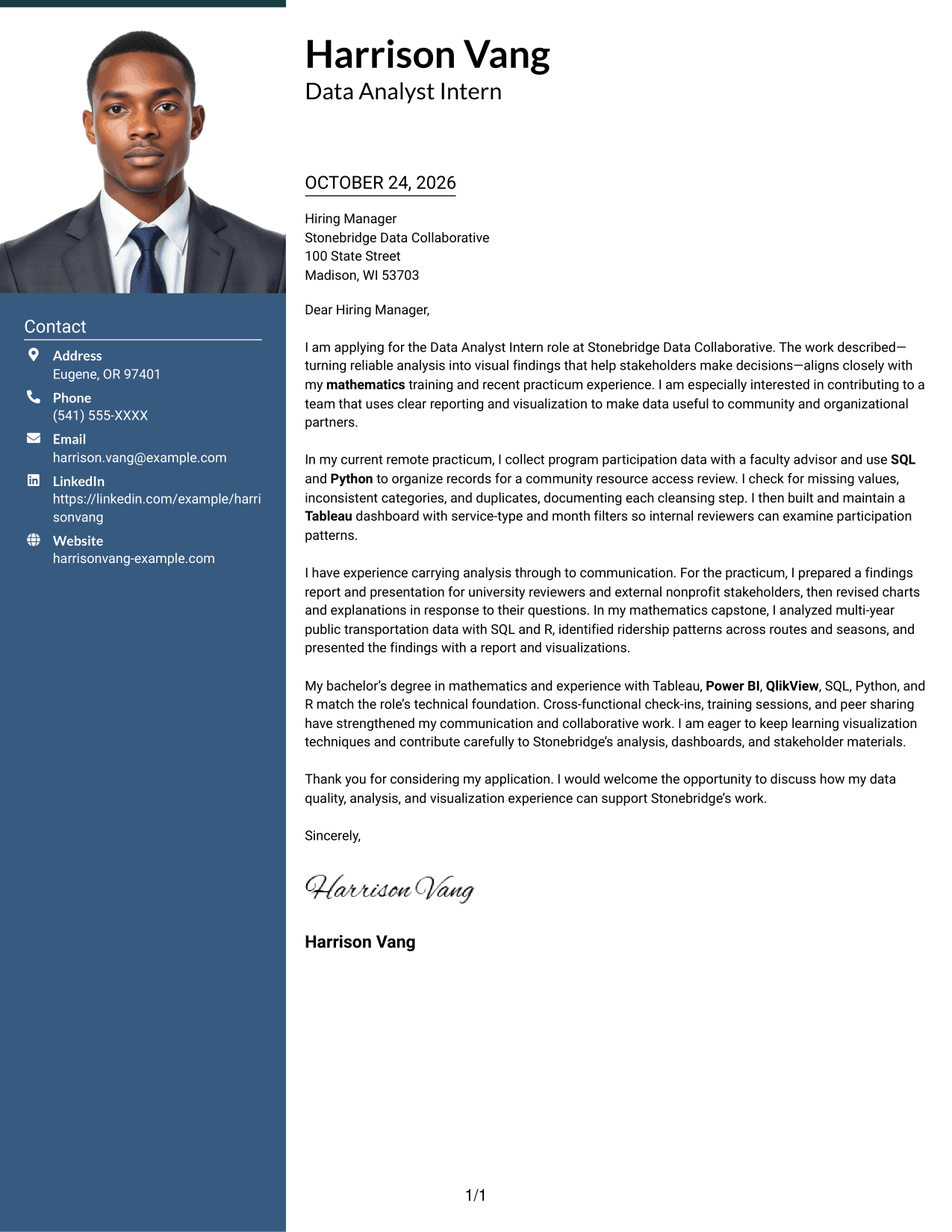
Why This Format Works
- Contact information has a separate place beside the letter's persuasive paragraphs.
- One body column keeps the opening, evidence, and closing in sequence.
- The photo adds a visual element without dividing the letter text.
Best For
- Photo-inclusive correspondence
- Contact details beside the message
- Continuous paragraph arguments
- Two-column page preference
- Portrait-forward visual presentation
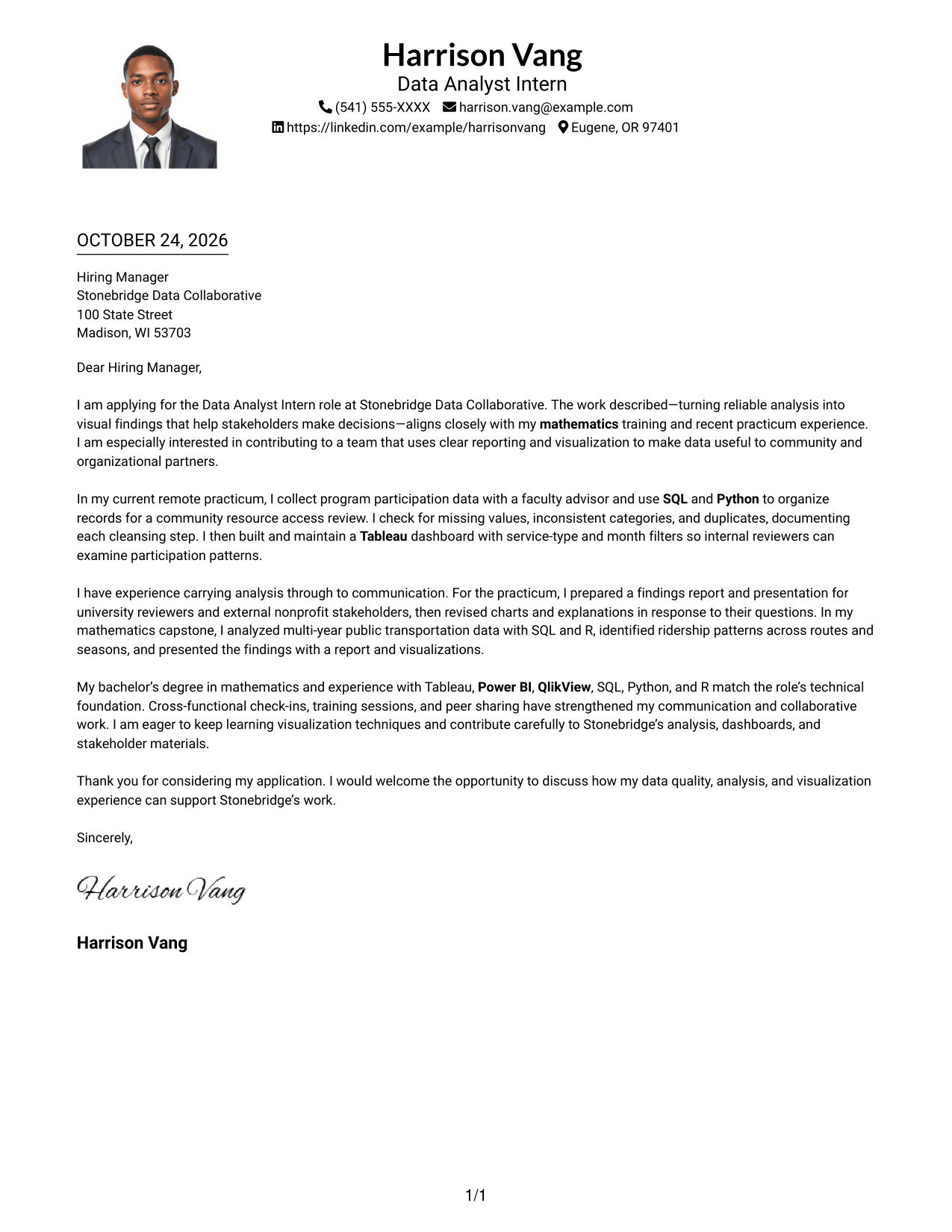
#4 One Column Format with Photo Cover Letter Example
The One Column Format with Photo keeps the letter in one body column and includes a photo, bringing a personal visual element to a direct page layout.
Why This Format Works
- Sender details in the header remain distinct from the letter paragraphs.
- A single body column preserves the order from opening through closing.
- The photo offers a visual choice without changing the message's structure.
Best For
- One-column reading preference
- Photo-inclusive letters
- Header-based contact details
- Multi-paragraph messages
- Text-led letter structure
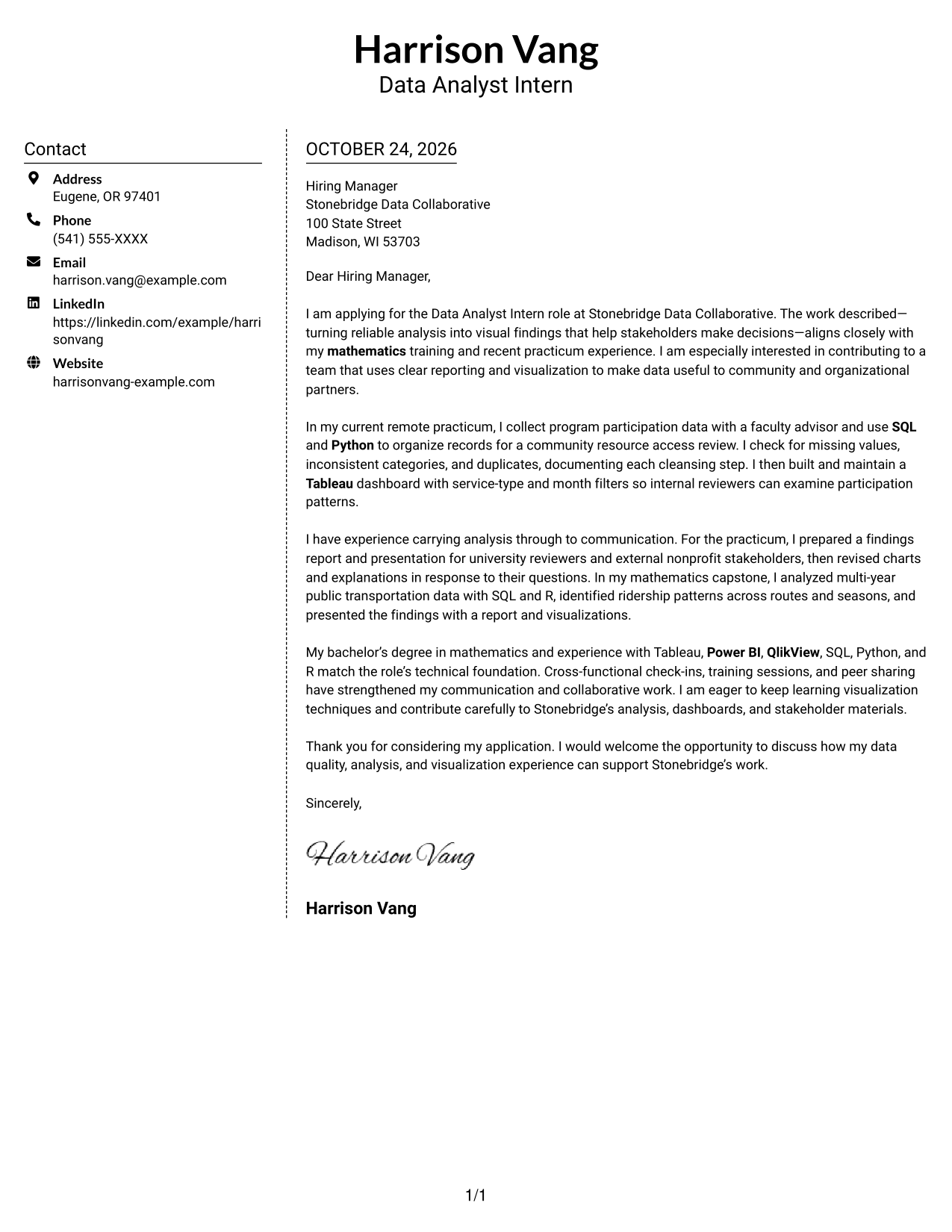
#5 Simple Two Column Format Cover Letter Example
The Simple Two Column Format sets contact details beside one continuous letter body, giving readers separate places for correspondence information and the message.
Why This Format Works
- The sidebar keeps contact details apart from the cover letter's paragraph argument.
- The letter body remains a single sequence from greeting to closing.
- Separate columns let readers distinguish correspondence information from the main message.
Best For
- A distinct contact sidebar
- Letters with a formal greeting
- Several supporting paragraphs
- Separate message and contact areas
- Two-column reading preference
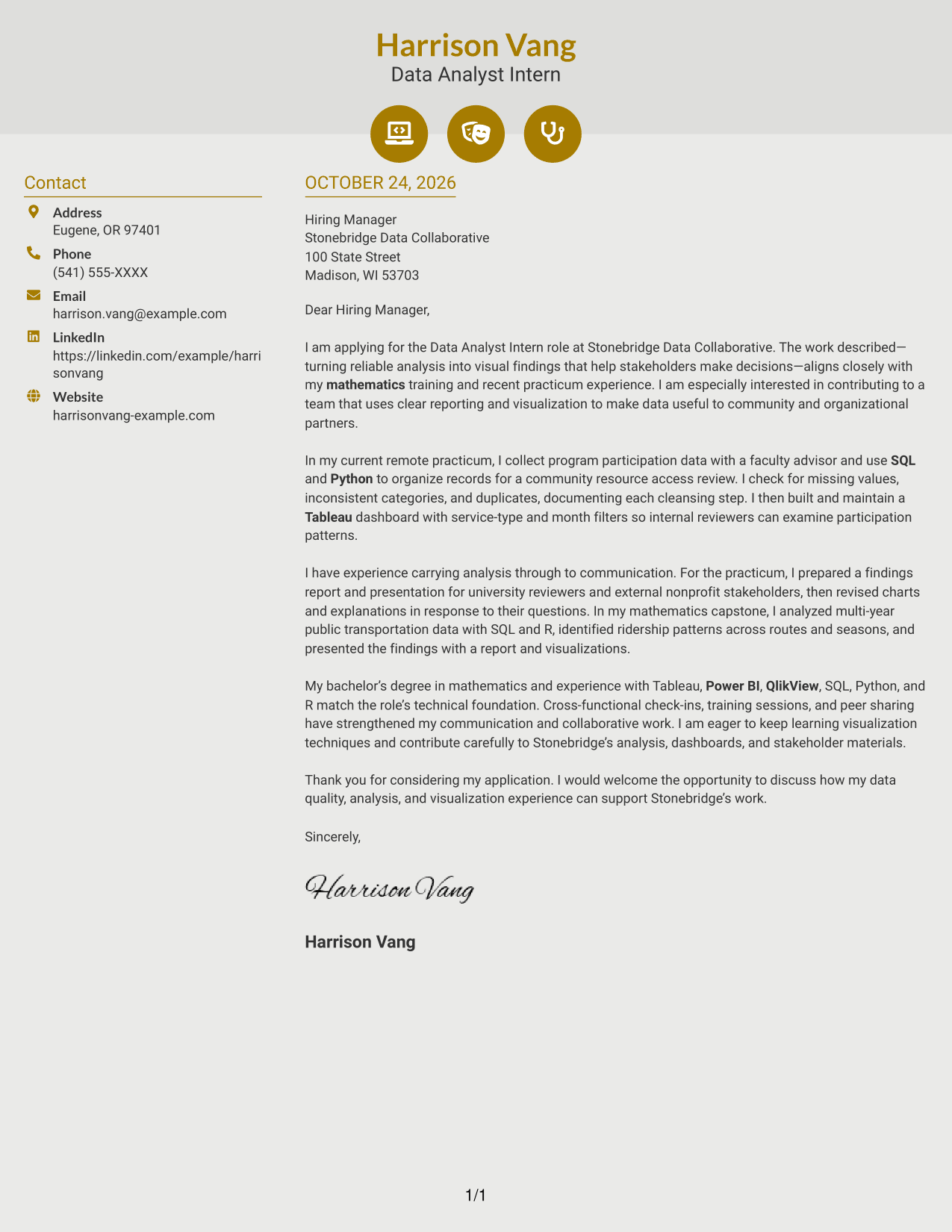
#6 Modern Icon Format Cover Letter Example
The Modern Icon Format places a contact sidebar beside one continuous letter body, using icons as cues for contact details rather than letter content.
Why This Format Works
- Contact icons help readers pick out correspondence details in the sidebar.
- The letter's opening, evidence, and closing remain in one body column.
- Decorative header cues add visual interest without labeling argument stages.
Best For
- Icon-cued contact details
- Side-by-side contact reference
- Uninterrupted letter arguments
- Multi-paragraph applications
- Decorative header accents
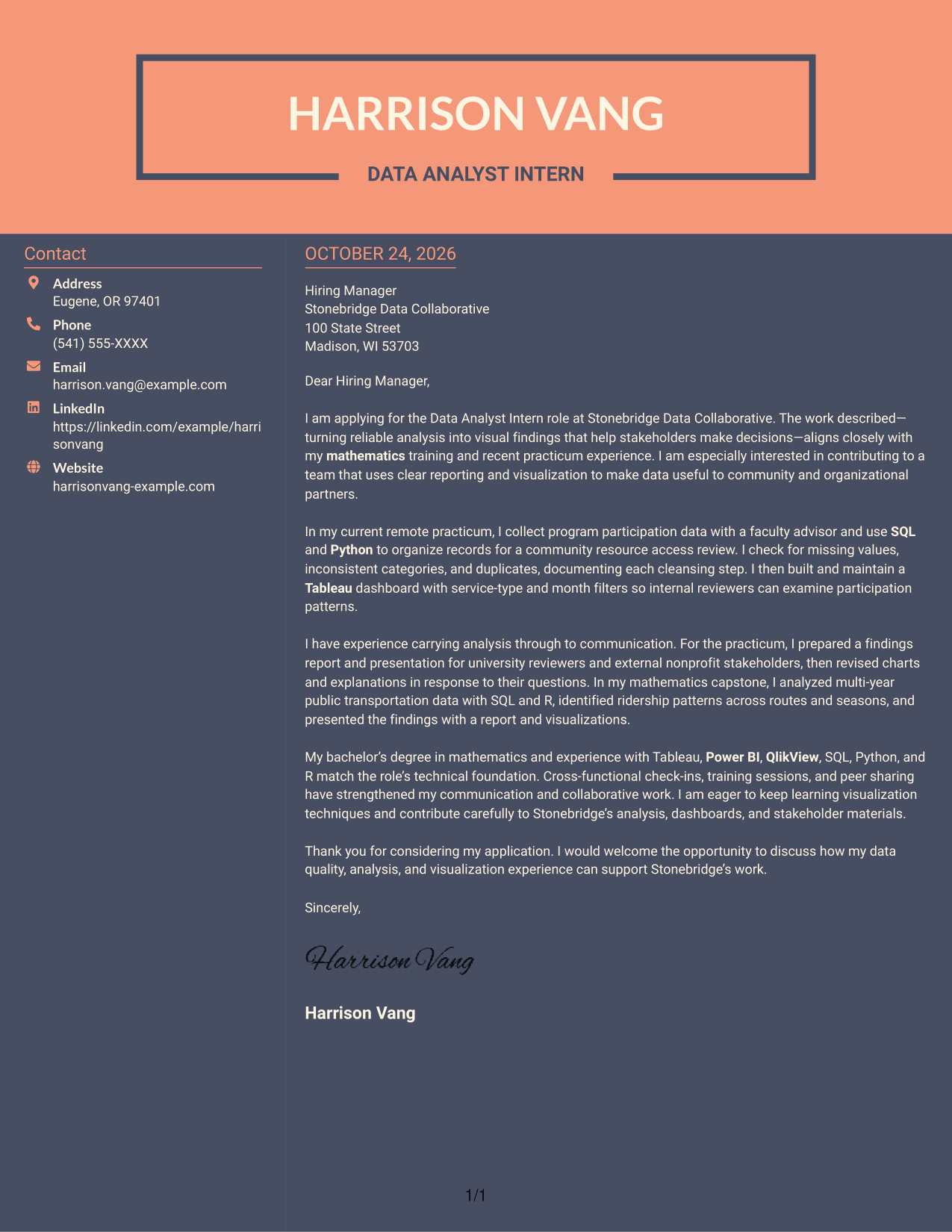
#7 Creative Two Tone Format Cover Letter Example
The Creative Two Tone Format places a contact sidebar beside one continuous letter body, giving correspondence details their own space next to the message.
Why This Format Works
- The contact sidebar gives correspondence details a separate location from the letter.
- The body keeps the opening, supporting case, and close in reading order.
- One continuous text column lets readers follow the message without parallel arguments.
Best For
- Contact details beside the letter
- Single-body-column correspondence
- Letters with a clear closing
- Multi-paragraph messages
- Distinct contact and message areas
See Also
- 7 Data Analyst Intern - Data Visualization Resume Templates with Example
- 7 Junior Data Analyst - Reporting and Data Visualization Resume Templates with Example
- 7 Analyst/Associate: Equity Research - Telecommunication, Data Center and Tower Resume Templates with Example
- 33 Analyst, Data Analytics Resume Templates with Example 2026 (ATS-Optimized)
- 33 Associate Actuarial Data Analyst, Reserving Resume Templates with Example 2026 (ATS-Optimized)
- 33 Associate Data Analyst Resume Templates with Example 2026 (ATS-Optimized)
- 33 Associate eCommerce Data Analyst Resume Templates with Example 2026 (ATS-Optimized)
- 33 Associate Master Data Analyst - Data Governance Resume Templates with Example
- 7 Junior Data Analyst - Reporting and Data Visualization Cover Letter Templates with Example
- 30+ Analyst, Data Analytics Cover Letter Templates with Example 2026
Frequently Asked Questions
How can I show fit for a Data Analyst Intern - Data Visualization role?
Connect your interest in the role to clear evidence of analysis and communication. For example, describe checking data quality, building a Tableau dashboard, or sharing findings with reviewers when those details match your experience.
Which experience should I highlight in this cover letter?
Choose examples that show how you gathered or checked data, turned it into useful visuals, and explained the results. A focused example from a practicum or academic analysis can show your approach and contribution.
How can I explain my interest in the employer?
Link your motivation to the organization’s stated work and the role’s focus. For this opportunity, you can explain your interest in using clear reporting and visualization to help community and organizational partners make decisions.
How do I make technical work clear to nontechnical readers?
Use plain language to explain the question, your analysis, and what the visual showed. Mention how you checked the data and changed charts or explanations after receiving feedback.
Should I adjust the cover letter format for each application?
Yes. Keep the letter easy to read, then choose a presentation that fits the employer and the communication context. Tailor the opening, evidence, and closing to the specific role.




