
7 Data Analyst Intern - Data Visualization Resume Templates with Example
This guide shows you how to create a clear, focused Data Analyst Intern - Data Visualization resume. You will learn how to present relevant evidence and compare professional resume formats.
Strong resumes connect data work to useful outcomes. Highlight data collection, quality checks, analysis, and visual reporting, then support those skills with examples such as a maintained Tableau dashboard, a ridership analysis using SQL and R, or a presentation that explains findings and limits.
The example is presented in 7 layouts so you can compare how section order, skills, education, and experience appear on the page. The guide also covers relevant keywords, ATS-readable structure, and ways to describe your work with clear, specific evidence.
What Makes a Great Data Analyst Intern - Data Visualization Resume in 2026
A strong resume makes data skills easy to find and backs them with clear examples. Use concise sections and bullets to show how your analysis, dashboards, and reports helped people understand patterns.
Include relevant terms such as SQL, Python, R, Tableau, Power BI, QlikView, data quality checks, dashboard development, and data visualization best practices. Describe the dataset, your contribution, and the result when you can support it with evidence.
Note: Resume examples are for educational purposes only. Use only information that accurately reflects your experience and qualifications. References to real organizations do not imply affiliation or endorsement.
#1 Simple One Column Format Resume Example
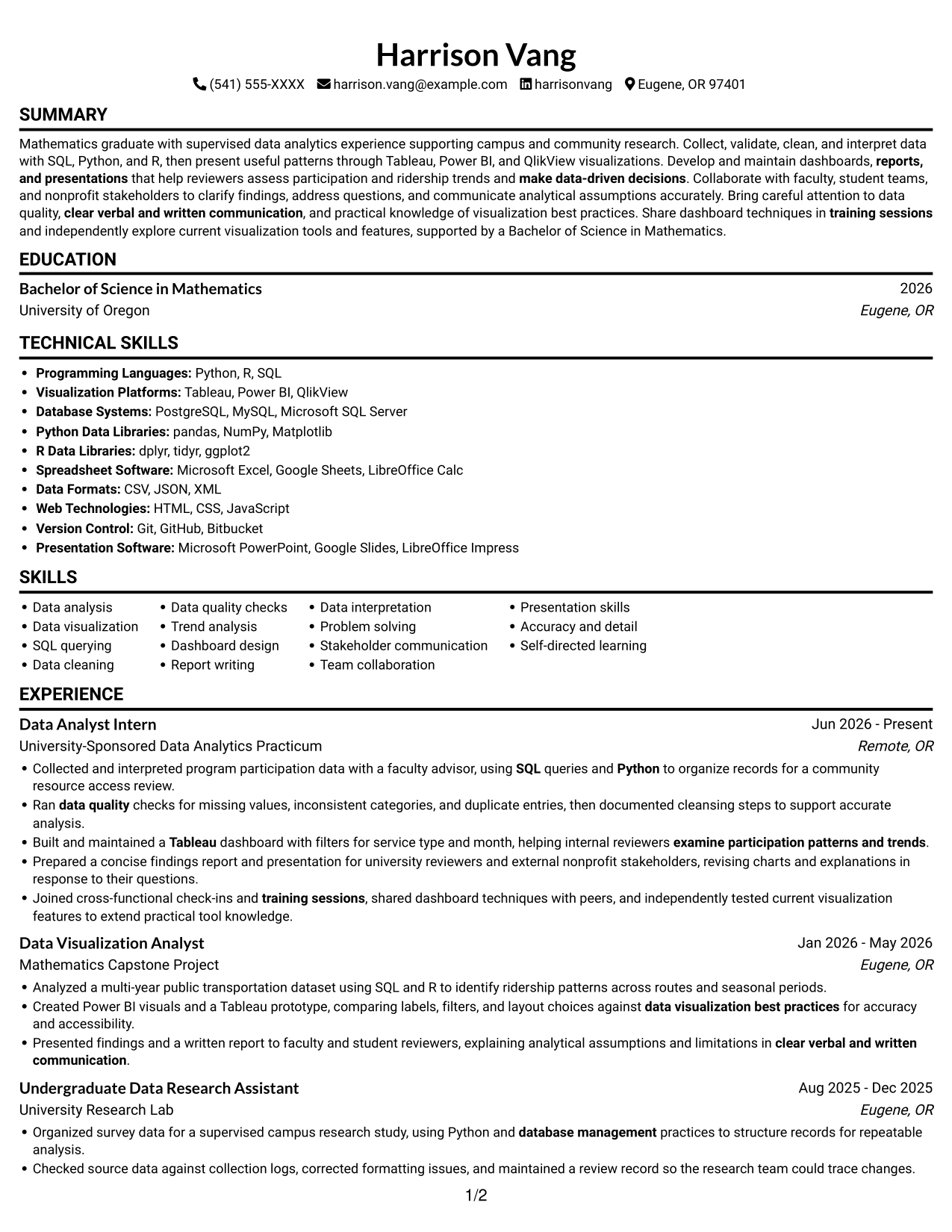
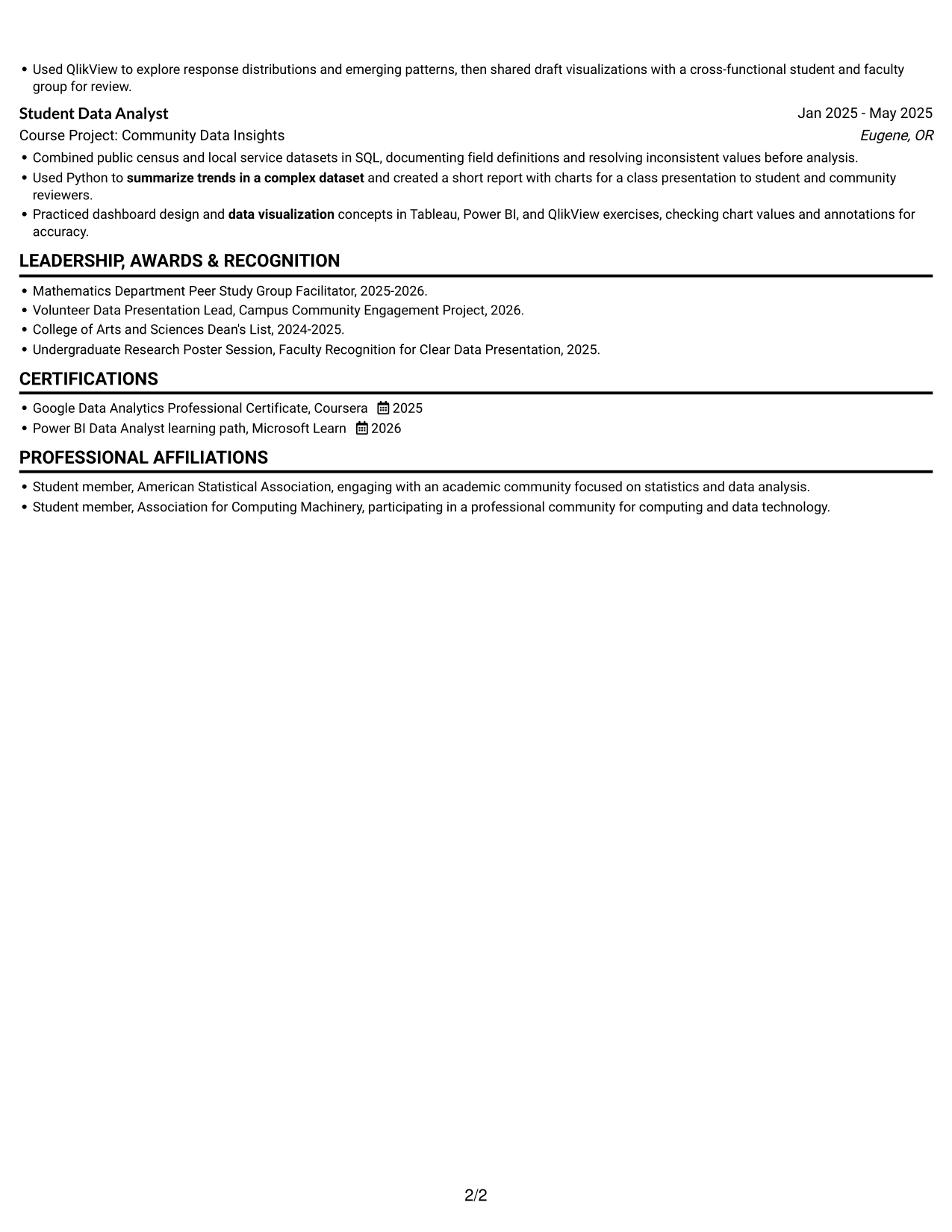
The Simple One Column Format keeps resume content in one vertical sequence, giving recruiters a direct path through experience, skills, and education.
Why This Format Works
- One continuous reading path lets reviewers follow experience from role to role.
- Consistent section order makes education and credentials easy to locate.
- Full-width bullets keep each achievement and its supporting context together.
Best For
- Single-path resume review
- Chronological work histories
- Long-form experience bullets
- Detailed project context
- Photo-free resume submissions
Resume Keywords
- statistics
- SQL
- database management
- Data analysis
- Data visualization
- Tableau
- Python
- Ran data quality checks for missing values, inconsistent categories, and duplicate entries
- Data cleaning
- Collected and interpreted program participation data
- examine participation patterns and trends
- summarize trends in a complex dataset
- Built and maintained a Tableau dashboard
- reports, and presentations
- make data-driven decisions
#2 Simple Two Column Format Resume Example
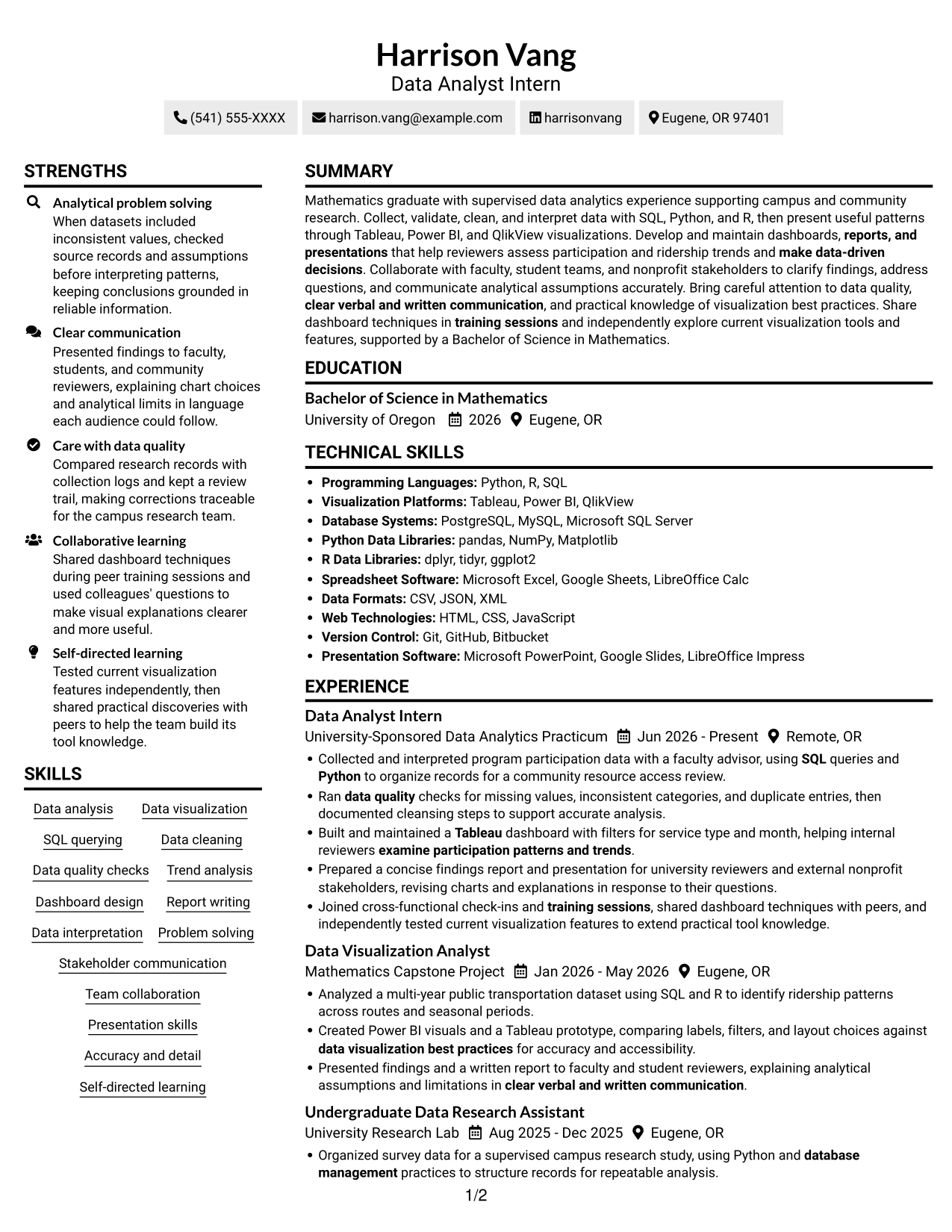
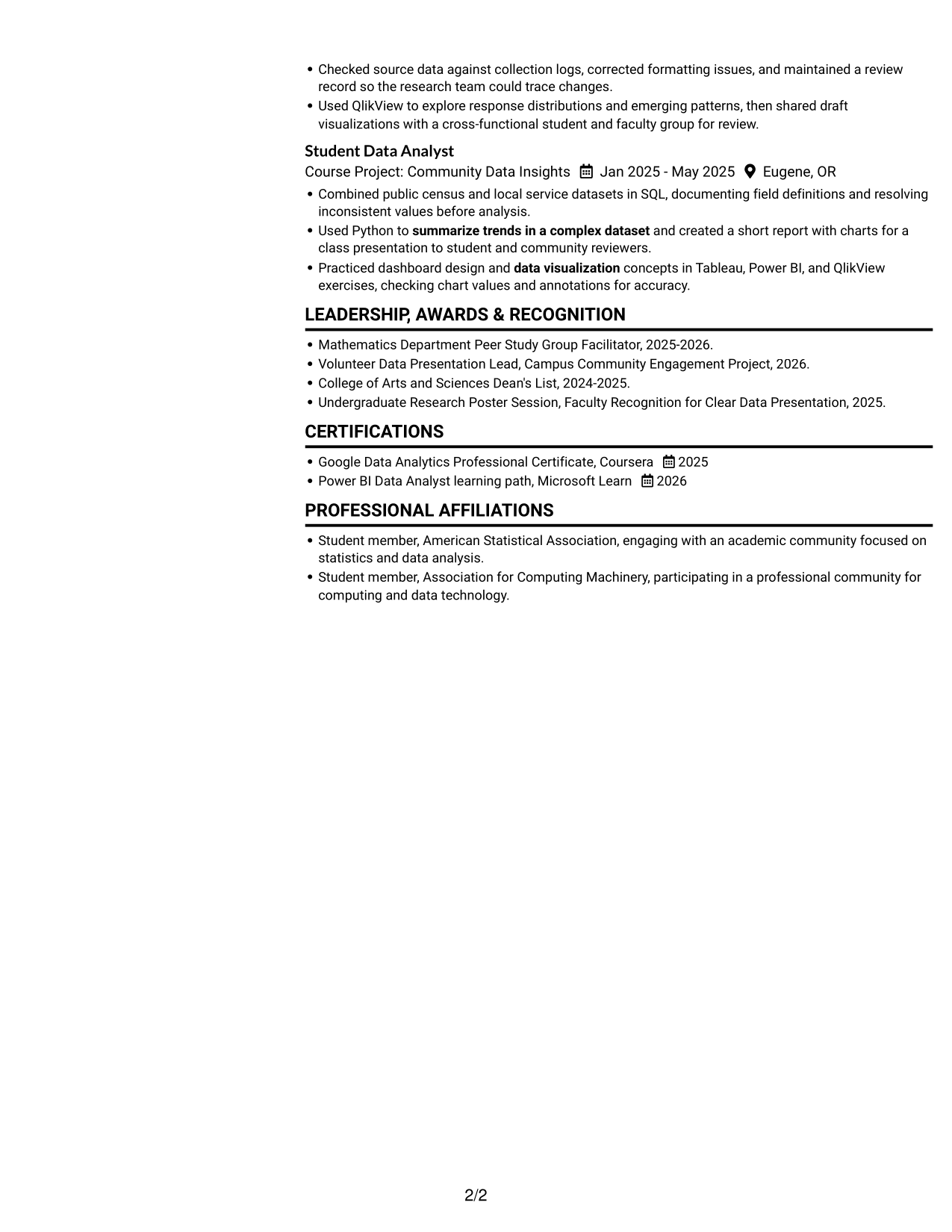
The Simple Two Column Format organizes resume content across two areas, helping reviewers move between experience and supporting sections.
Why This Format Works
- Two-column organization keeps supporting sections beside the main experience sequence.
- Chronological role entries remain easy to follow within the experience area.
- Shorter section blocks help reviewers locate education and credentials quickly.
Best For
- Parallel section organization
- Experience-led resume review
- Skills beside work history
- Compact supporting sections
- Resumes with several content groups
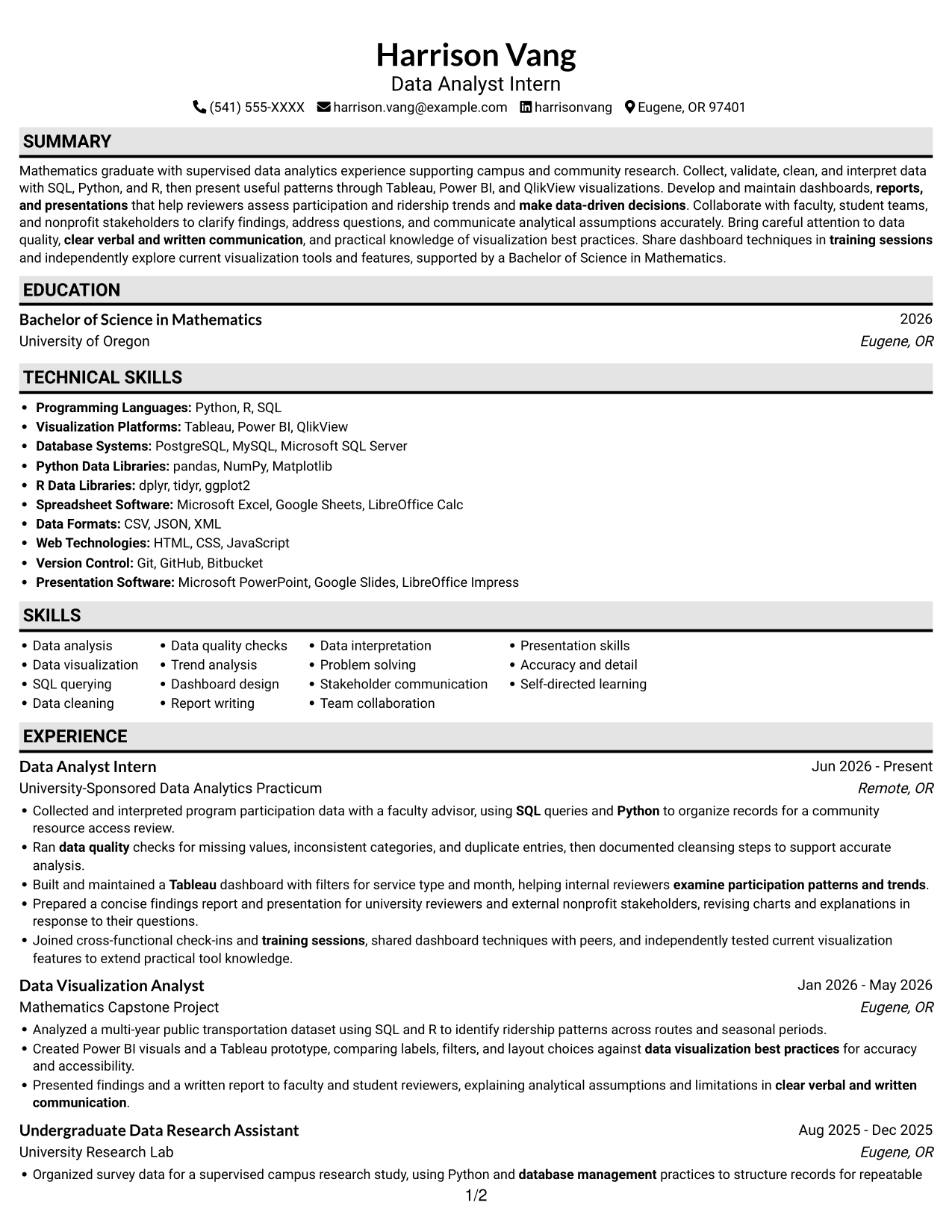
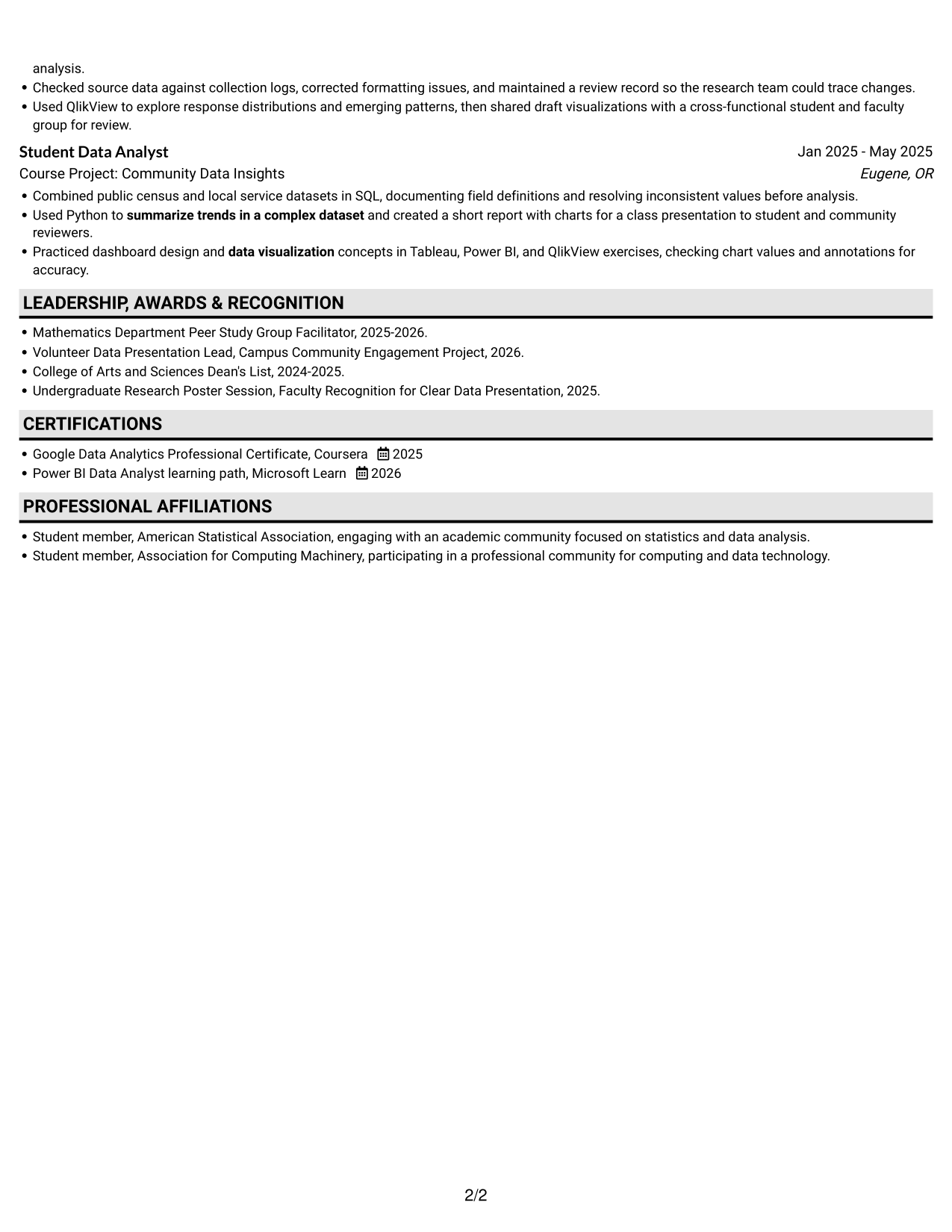
#3 Plain One Column with Shaded Labels Resume Example
The Plain One Column with Shaded Labels format keeps the resume in a single vertical reading path, so reviewers can move through its sections in order.
Why This Format Works
- Experience entries stay in a direct chronological sequence for review.
- Full-width lines preserve context in detailed project and result bullets.
- Section changes mark the move from experience to education and credentials.
Best For
- Sequential section reading
- Detailed experience descriptions
- Full-width project bullets
- Simple recruiter navigation
- Photo-free resume submissions
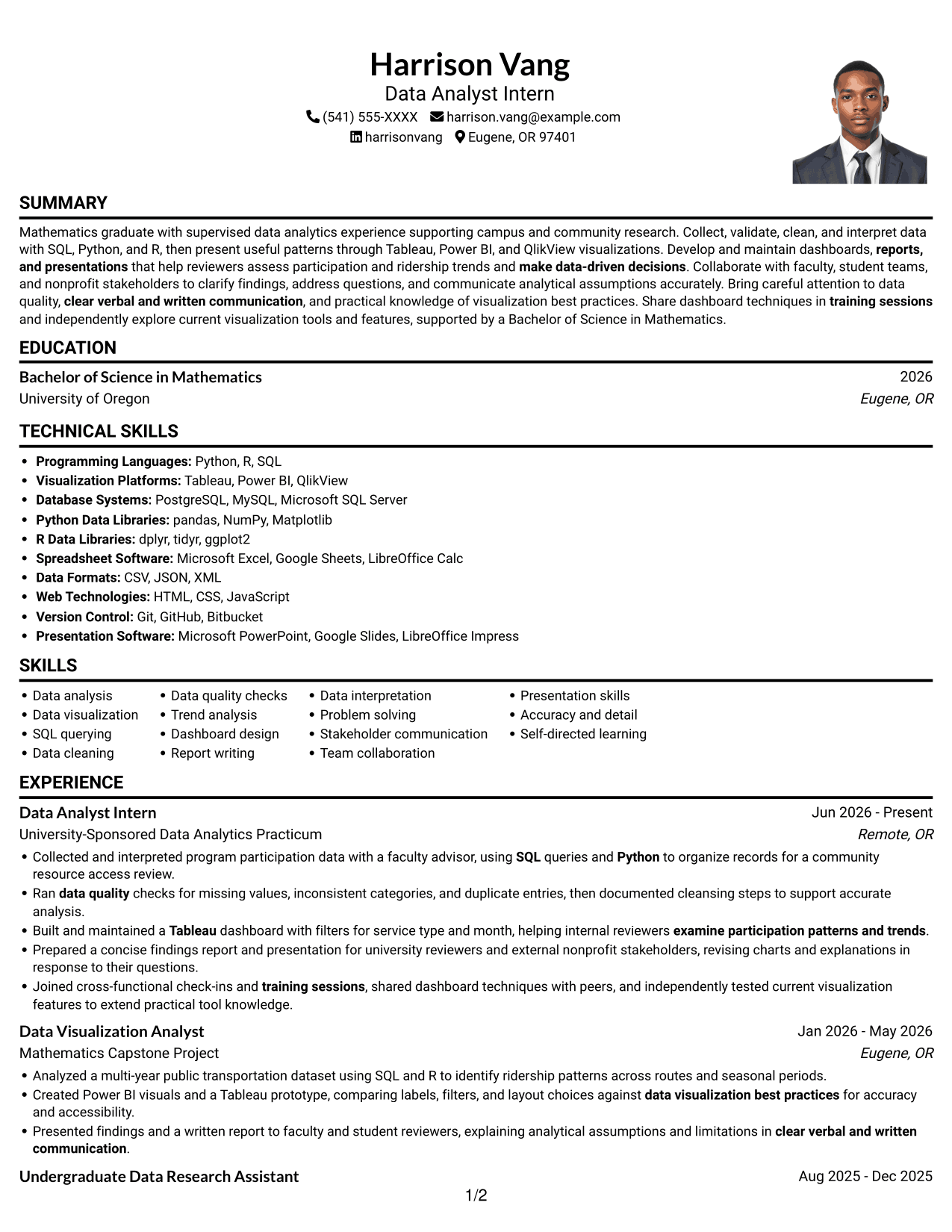
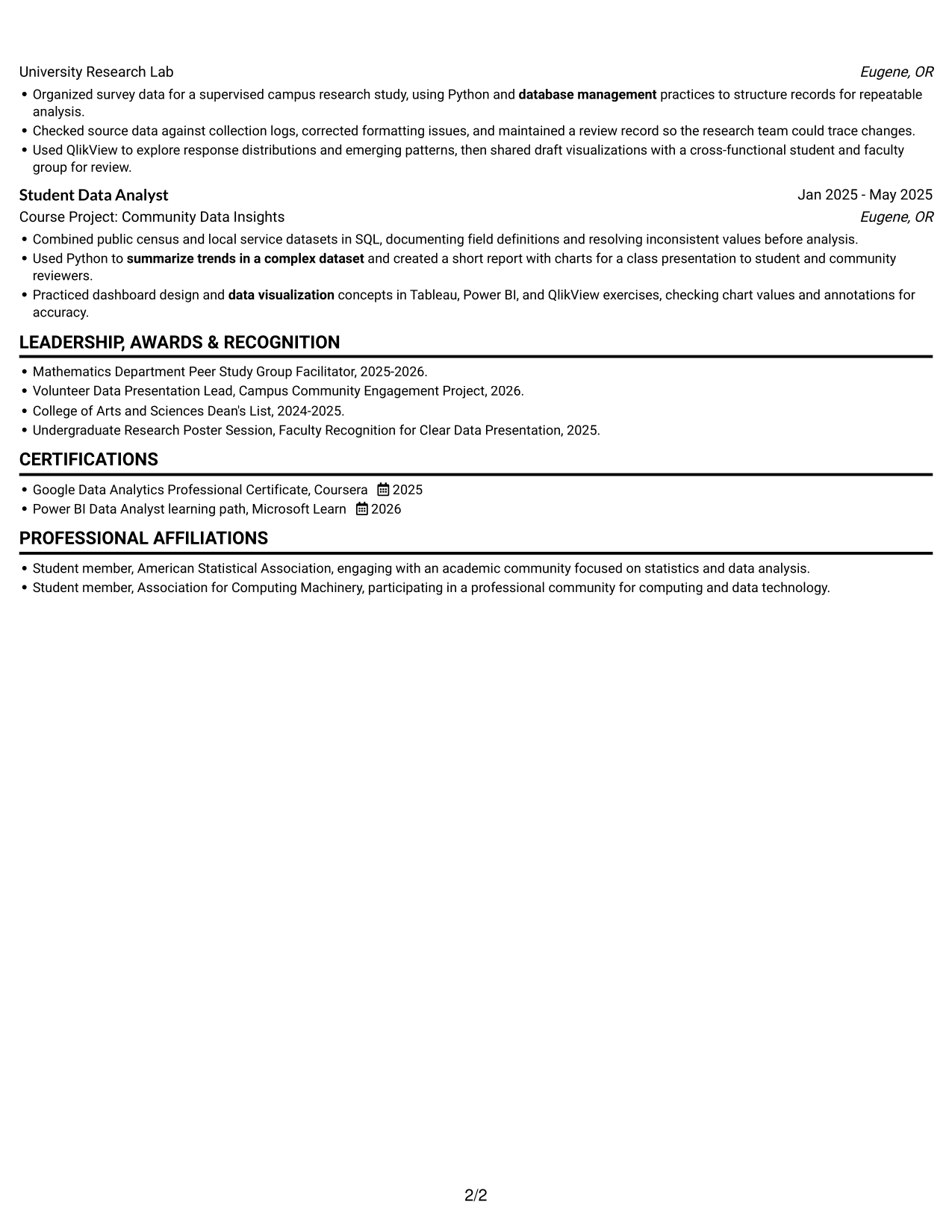
#4 One Column Format with Photo Right Resume Example
The One Column Format with Photo Right pairs a single-column resume body with a portrait on the right, keeping the text in a direct reading path.
Why This Format Works
- The single-column body keeps work history readable in a steady sequence.
- Full-width bullets preserve context around project methods and outcomes.
- Education and certifications remain easy to find after experience sections.
Best For
- Right-side portrait placement
- Single-column experience review
- Full-width project descriptions
- Chronological work histories
- Photo-inclusive resume submissions
#5 Clean Two Column Sidebar Format Resume Example
The Clean Two Column Sidebar Format presents resume content in two areas, giving reviewers a compact way to move between experience and supporting sections.
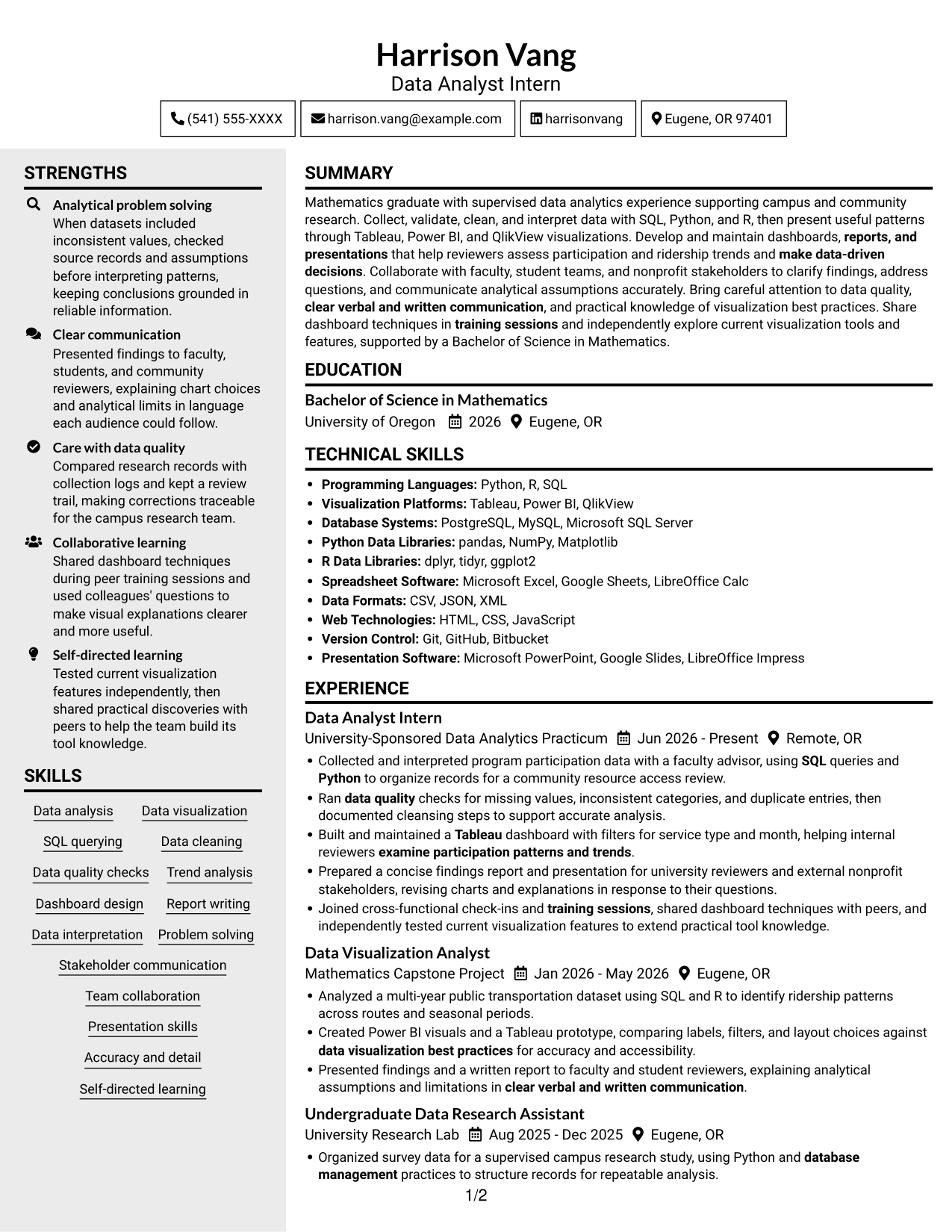
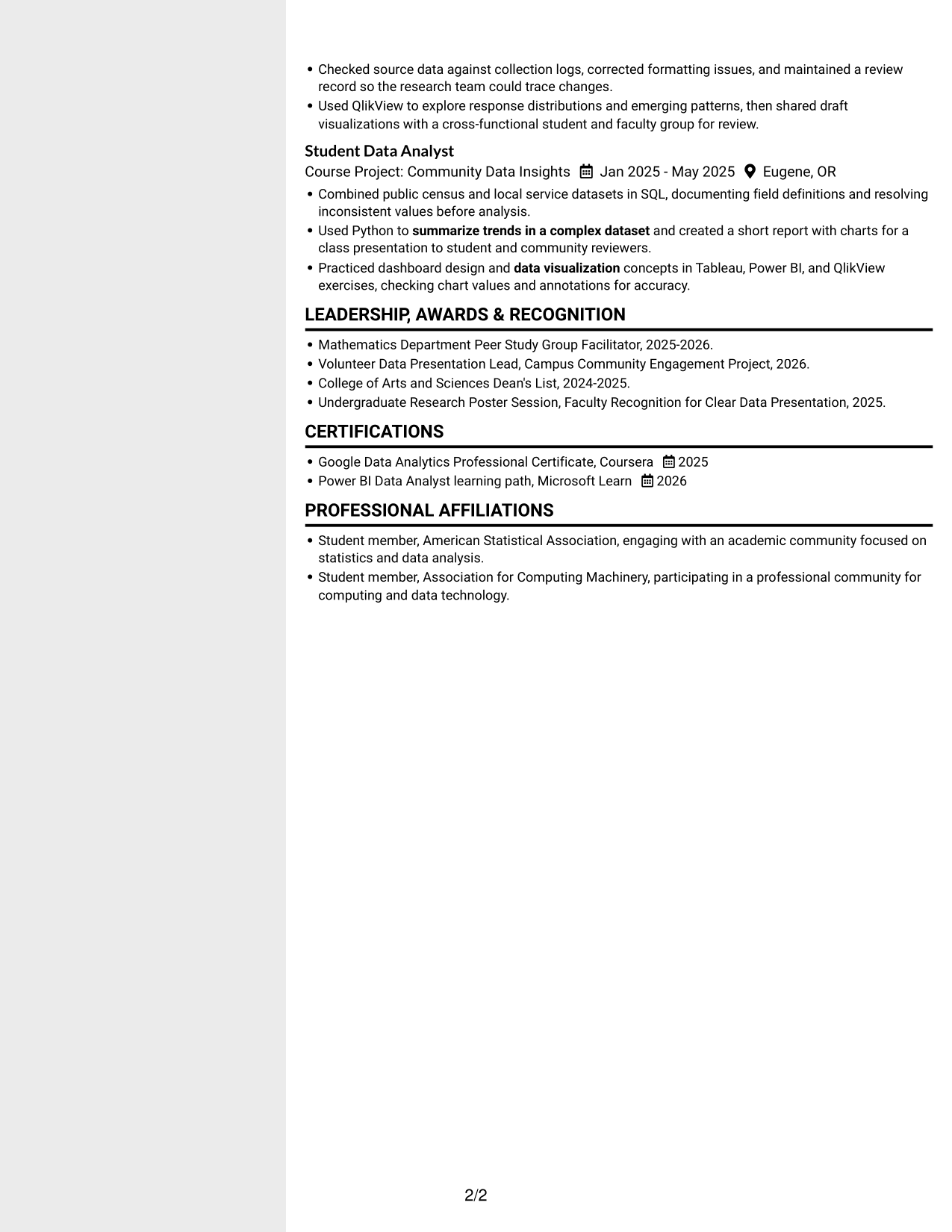
Why This Format Works
- Two-column reading gives experience and supporting sections distinct places in the resume.
- Skills and education can be located apart from longer work history entries.
- Shorter content groups make a varied resume easier to scan by section.
Best For
- Two-column content organization
- Resumes with varied sections
- Longer work-history entries
- Separate skills and education review
- Compact resume layouts
#6 Two Column Format Resume Example
The Two Column Format places resume content in two parallel areas, giving reviewers another way to compare experience with related sections.
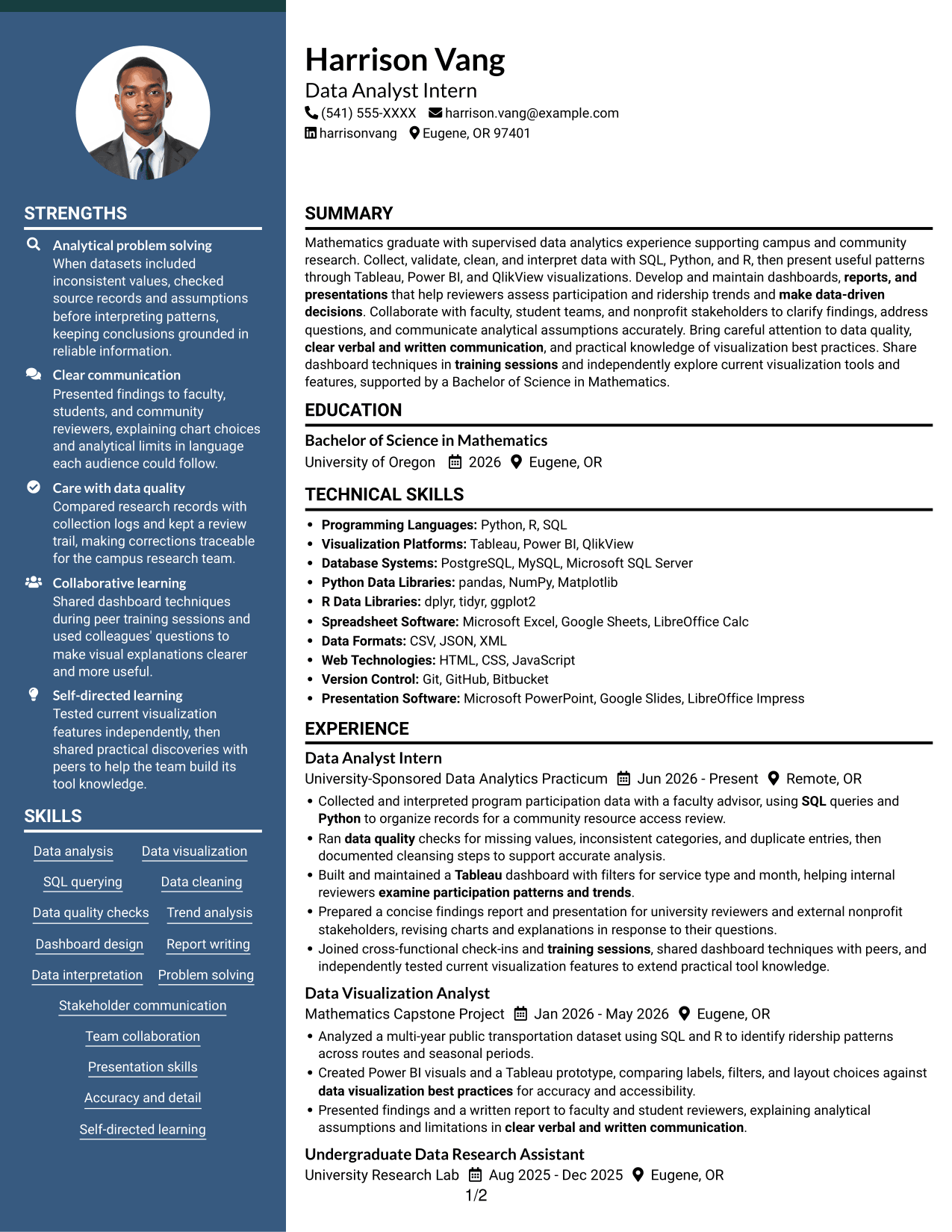
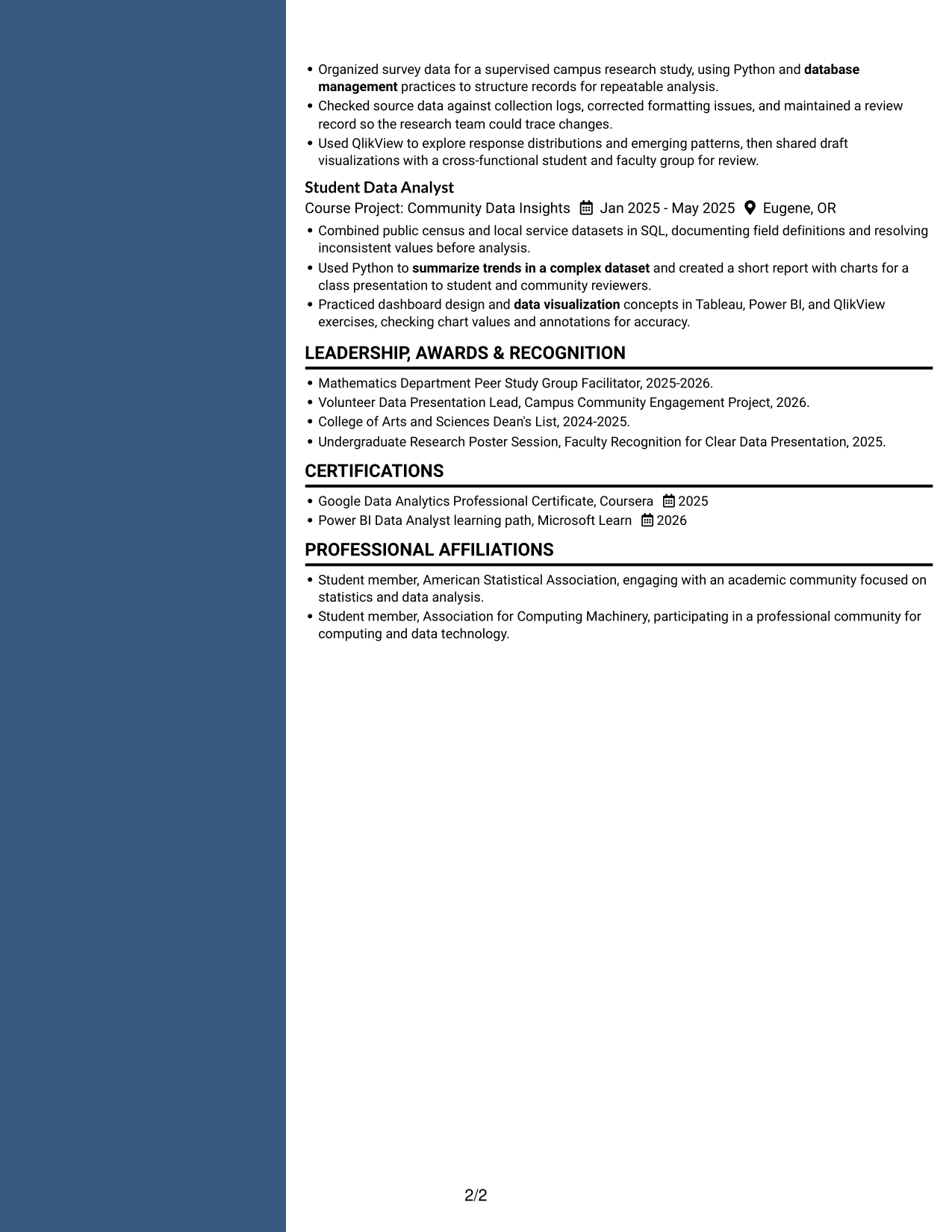
Why This Format Works
- Two columns help reviewers switch between career history and related qualifications.
- Separate content areas keep skills visible alongside detailed experience entries.
- Education and credentials can be found without reading every work-history bullet.
Best For
- Parallel resume sections
- Career history with supporting details
- Visible skills and experience
- Quick education review
- Resumes with detailed work entries
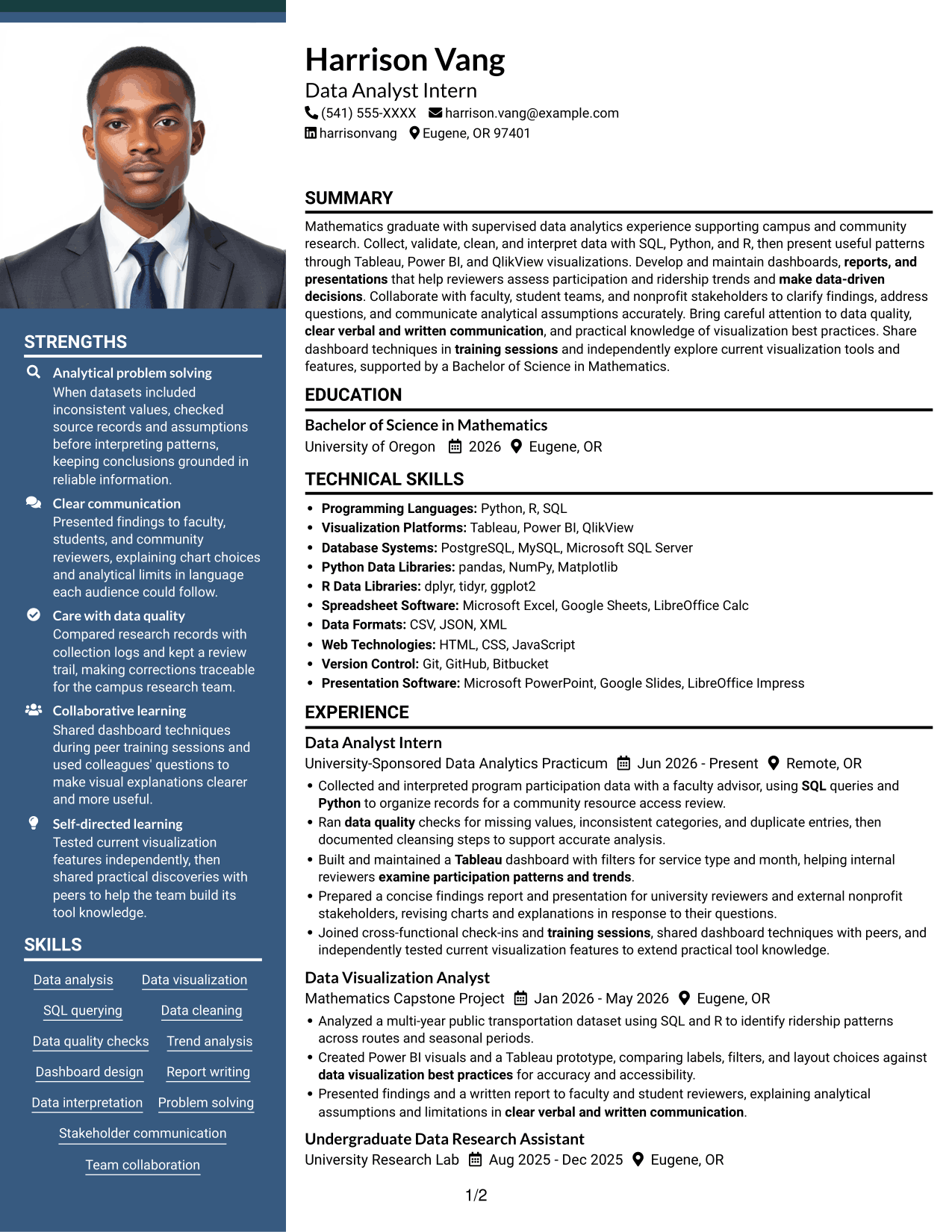
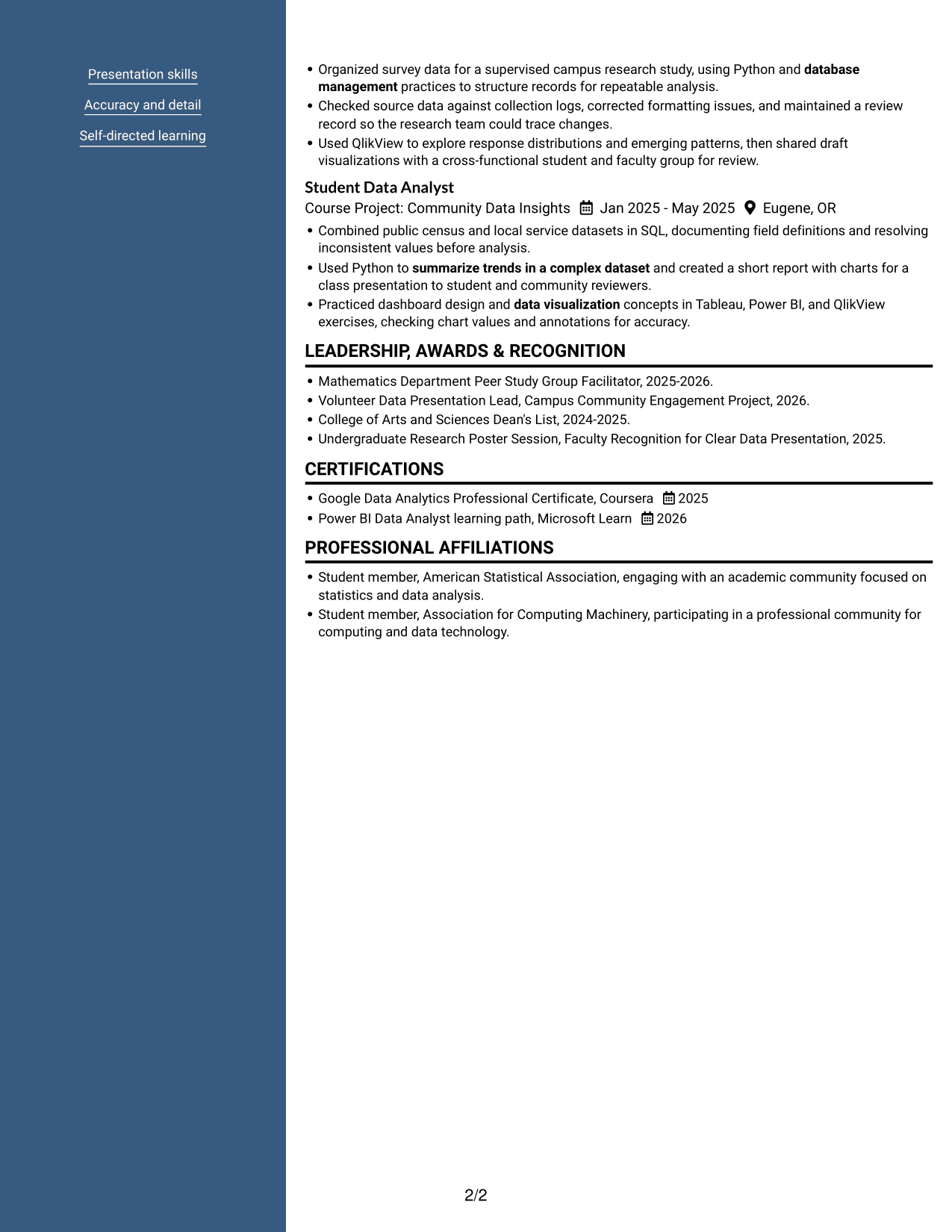
#7 Photo Header Two Column Format Resume Example
The Photo Header Two Column Format combines a portrait in the header with two-column resume content for readers who prefer both features.
Why This Format Works
- Two columns keep experience and supporting sections in distinct reading areas.
- The header portrait stays apart from the body sections and their detail.
- Section organization helps reviewers trace project work alongside education and credentials.
Best For
- Photo in the resume header
- Two-column section organization
- Project work with supporting details
- Quick comparison of resume sections
- Photo-inclusive applications
Why Build Your Data Analyst Intern - Data Visualization Resume with ResumeInMinutes
ResumeInMinutes helps you organize skills, education, projects, and experience into a resume that is easy to review and customize. Clear sections make it easier for readers and applicant tracking systems to find relevant details.
- Professional resume layouts
- Clear, ATS-readable section structure
- Role-relevant keyword guidance
- Skills and experience organization
- Image previews for comparison
- Resume customization in the editor
Compare the image previews to see how each layout presents analytics skills and work examples. Open an example in the editor to customize the resume structure and content for the Data Analyst Intern - Data Visualization role.
See Also
- 7 Junior Data Analyst - Reporting and Data Visualization Resume Templates with Example
- 7 Analyst/Associate: Equity Research - Telecommunication, Data Center and Tower Resume Templates with Example
- 33 Analyst, Data Analytics Resume Templates with Example 2026 (ATS-Optimized)
- 33 Associate Actuarial Data Analyst, Reserving Resume Templates with Example 2026 (ATS-Optimized)
- 33 Associate Data Analyst Resume Templates with Example 2026 (ATS-Optimized)
- 33 Associate eCommerce Data Analyst Resume Templates with Example 2026 (ATS-Optimized)
- 33 Associate Master Data Analyst - Data Governance Resume Templates with Example
- 33 Aviation Data Analyst Resume Templates with Example 2026 (ATS-Optimized)
- 7 Data Analyst Intern - Data Visualization Cover Letter Templates with Example
- 7 Junior Data Analyst - Reporting and Data Visualization Cover Letter Templates with Example
Frequently Asked Questions
Are these Data Analyst Intern - Data Visualization resume templates ATS-friendly?
The layouts use clear sections and readable headings to help applicant tracking systems and people scan key details. Include relevant terms such as SQL, database management, Tableau, Power BI, data cleaning, and dashboard development where they accurately describe your experience.
Are these different resumes or layouts of one example?
This guide presents one Data Analyst Intern - Data Visualization resume example in different layouts. Compare the image previews to see how each design arranges the resume sections.
What should a Data Analyst Intern - Data Visualization resume include?
Include a focused summary, education, relevant experience or projects, technical skills, and certifications. Use concise bullets to show work with data quality, analysis, dashboards, reports, and presentations.
Which resume layout works well for a data visualization role?
A simple one-column layout makes section order and experience bullets easy to scan. Choose a design that keeps headings clear and gives enough space to explain your data work without crowding the page.
How can I show data analysis skills when my experience is limited?
Use relevant academic, practicum, research, or community projects. Explain the dataset, the tools you used, the checks or analysis you completed, and how you shared the findings.
Should I include a photo on my resume?
Include a photo only if it is customary or expected in your country, region, or industry. For U.S. applications, a resume without a photo is generally the safer choice.




